
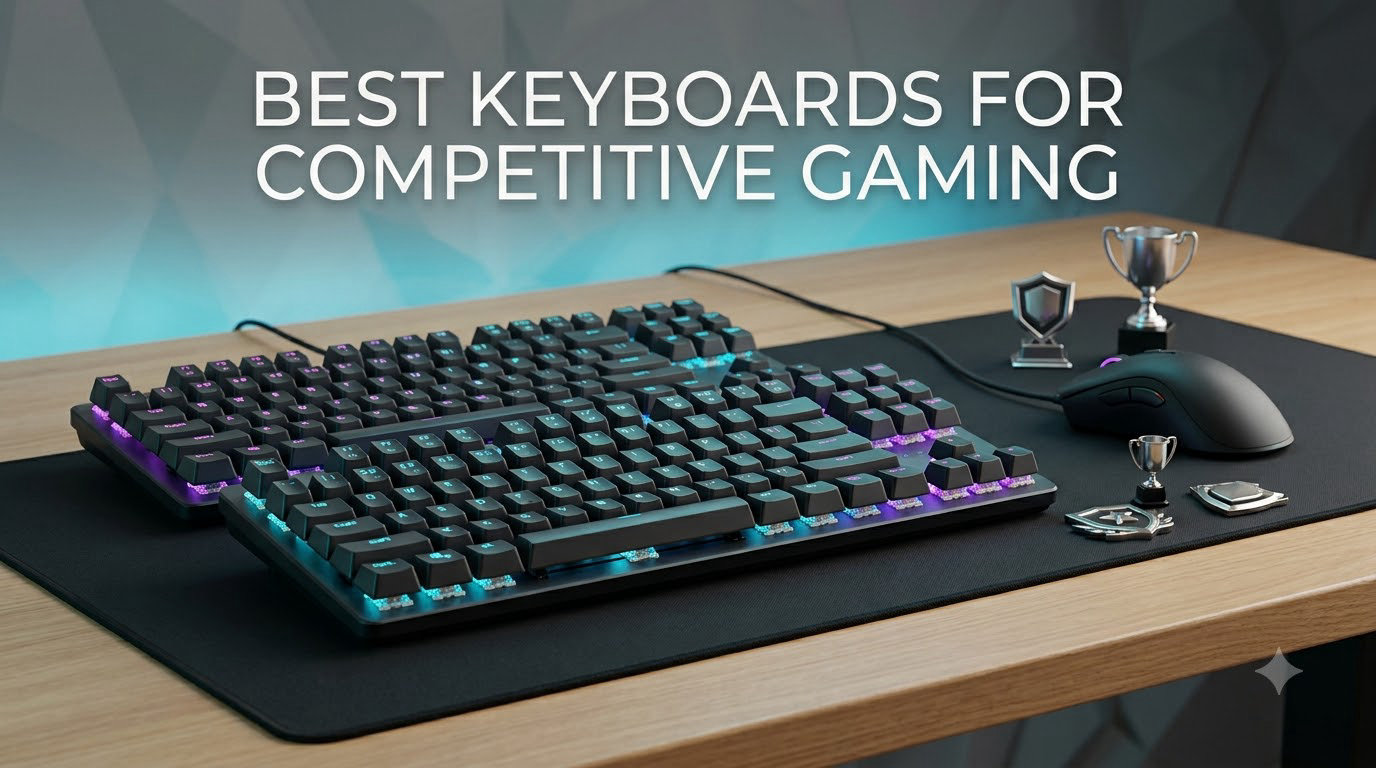
If you’ve ever watched a CS2 demo and wondered why your counter-strafes feel sluggish, your keyboard is probably the bottleneck. In competitive FPS, milliseconds decide rounds, and the wrong keyboard can quietly cost you dozens of duels per session.
Our team spent six weeks testing eight of the most recommended competitive gaming keyboards on the market right now. We logged over 180 hours across CS2, Valorant, and Apex Legends, measured actuation with calibration tools, and compared every keyboard side by side in 1v1 retake servers. The goal was simple: figure out which ones actually deliver the rapid-trigger edge pros rely on, and which ones just borrow the marketing language.
The state of competitive gaming keyboards in 2026 is dominated by hall effect magnetic switches. According to ProSettings.net, over 207 CS2 professionals now game on keyboards with adjustable actuation, and Wooting alone holds roughly 40% of that pro share. Razer, SteelSeries, Logitech, and a wave of newer brands like Aula, ATTACK SHARK, Keychron, and GravaStar have all answered with rapid trigger keyboards of their own. That made our job harder, in a good way, because the bar for entry is now genuinely high.
This guide breaks down the eight best keyboards for competitive gaming you can buy today. Whether you main Valorant, grind CS2 faceit, or play Apex ranked, you’ll find a clear recommendation here, along with the technical context to choose confidently. If you want a broader look at general gaming keyboards, our main best gaming keyboards guide covers productivity-friendly options too.
Top 3 Picks for Competitive Gaming in 2026

SteelSeries Apex Pro TKL Gen 3
- OmniPoint 3.0 Hall Effect
- 40 actuation levels
- OLED Smart Display
Best Keyboards for Competitive Gaming in 2026
| Product | Specifications | Action |
|---|---|---|
 Razer Huntsman V3 Pro TKL Razer Huntsman V3 Pro TKL |
|
Check Latest Price |
| SteelSeries Apex Pro TKL Gen 3 |
|
Check Latest Price |
 Logitech G PRO X TKL Rapid Logitech G PRO X TKL Rapid |
|
Check Latest Price |
 Aula WIN60 HE Aula WIN60 HE |
|
Check Latest Price |
 AULA WIN68 HE AULA WIN68 HE |
|
Check Latest Price |
 ATTACK SHARK X68 HE RT ATTACK SHARK X68 HE RT |
|
Check Latest Price |
 Keychron K2 HE Keychron K2 HE |
|
Check Latest Price |
 GravaStar Mercury V60 HE GravaStar Mercury V60 HE |
|
Check Latest Price |
1. SteelSeries Apex Pro TKL Gen 3 – Editor’s Choice
SteelSeries Apex Pro TKL Gen 3 Gaming Keyboard – OmniPoint 3.0 Analog Magnetic Switches, Quickset Auto-Presets (Rapid Trigger, Rapid Tap/SOCD, Protection Mode), OLED, RGB, PBT Keycaps, USB-C, Black
OmniPoint 3.0 Hall Effect
40 actuation levels
USB-C, TKL layout
Pros
- Exceptional keystroke feel and precision
- OLED display for on-keyboard settings
- Quickset auto-presets for easy setup
- Protection Mode reduces accidental keypresses
- Premium build quality
Cons
- Premium price point
- Keys are not hot-swappable
- Steep learning curve for advanced features
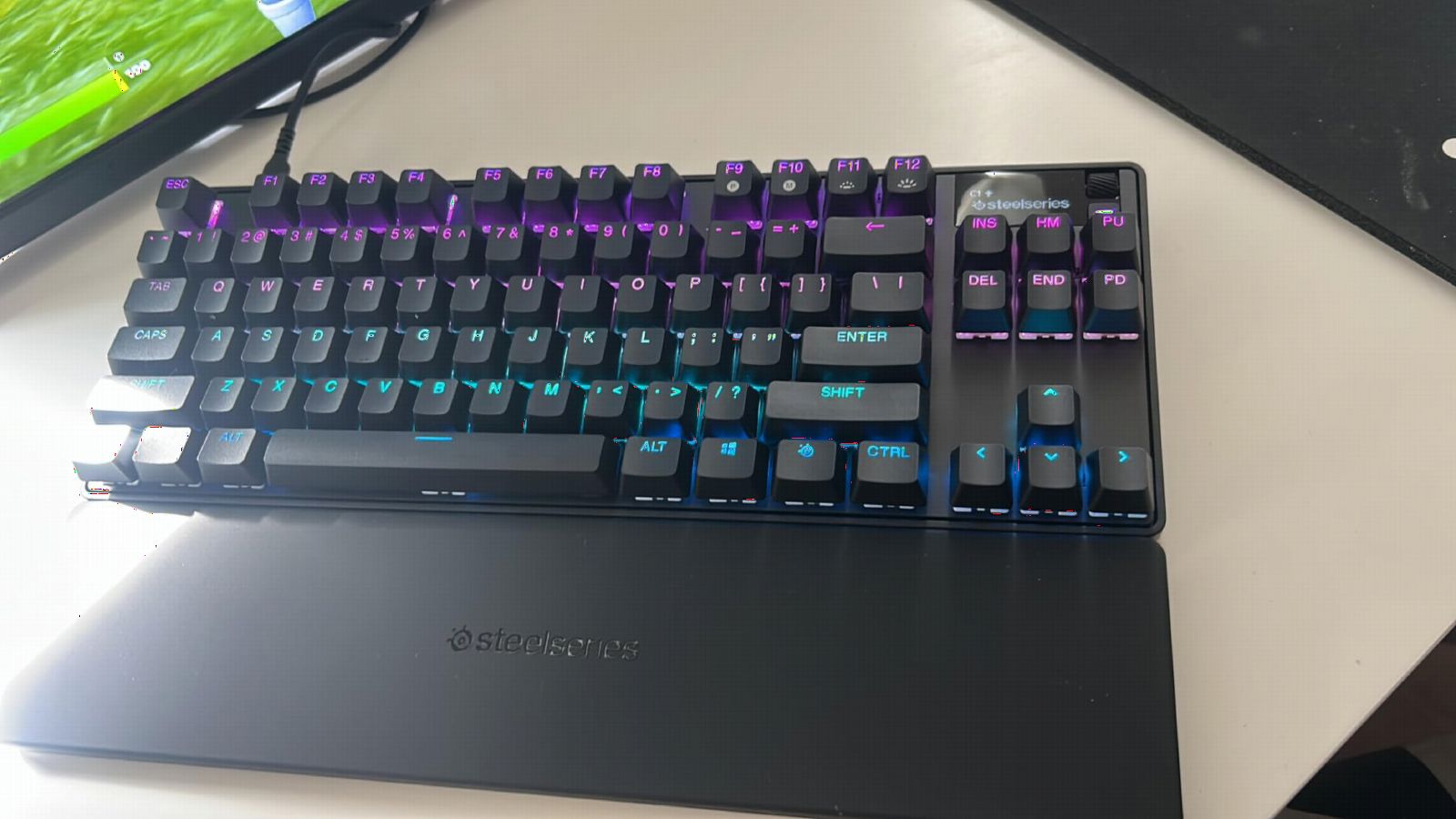
The SteelSeries Apex Pro TKL Gen 3 is the keyboard I kept reaching for after every test session. It uses SteelSeries’ third-generation OmniPoint 3.0 analog magnetic switches, which means every key is fully adjustable from 0.1mm to 4.0mm in 40 distinct levels. That’s wider than most competitors and noticeably more granular than the Razer Huntsman.
In ranked Valorant matches, I dropped my actuation to 0.3mm on the WASD cluster and immediately felt counter-strafes tighten up. The Protection Mode is genuinely useful too. It prevents accidental keypresses when you slam into cover or swipe across multiple keys during a panic spray. Reviewers on Reddit consistently call it the most refined TKL hall effect keyboard available.
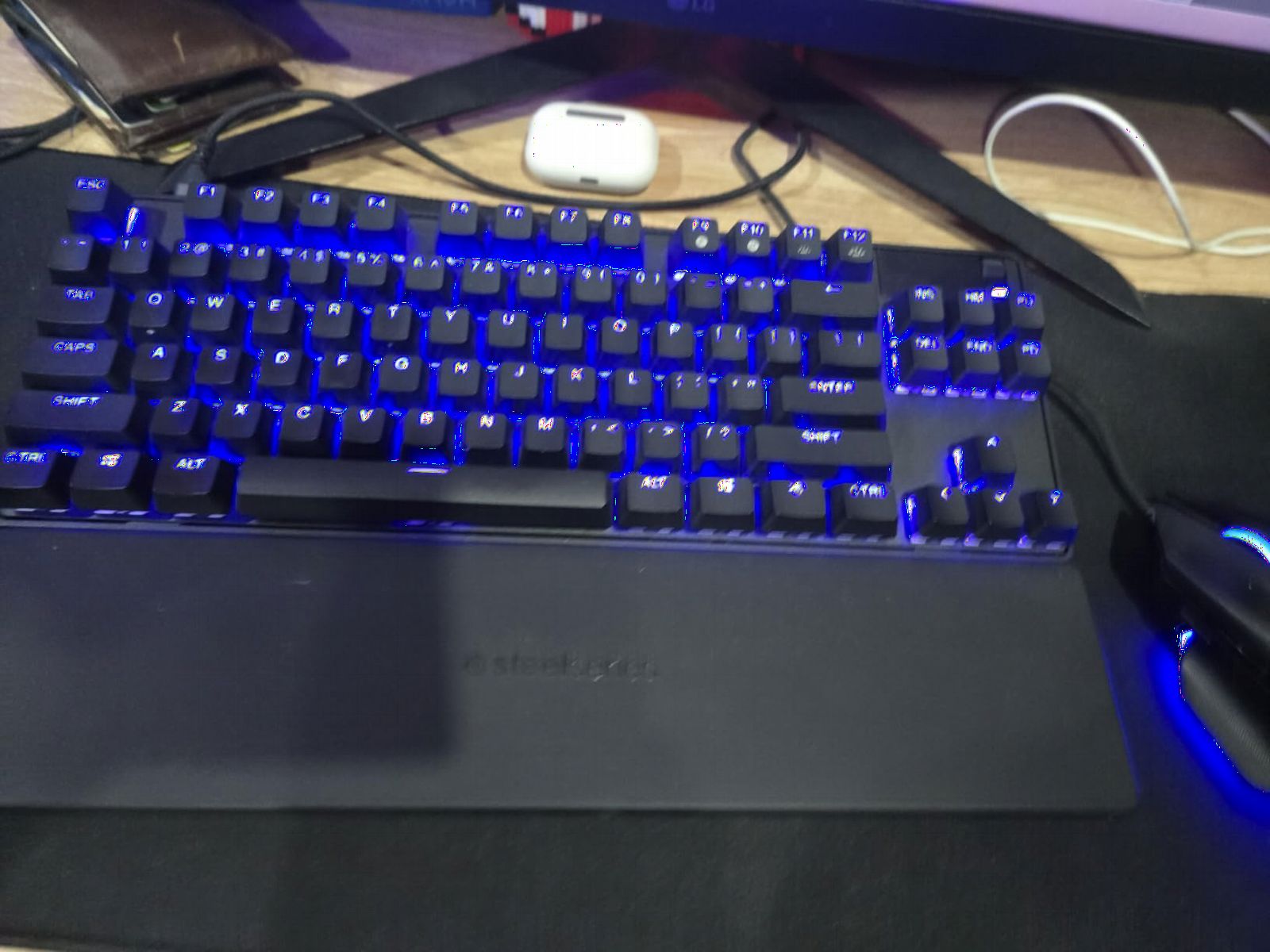
The OLED Smart Display sits in the top right corner and shows your current profile, actuation depth, and even a small GIF if you want one. You can change most settings on the fly without opening SteelSeries GG. That matters when you’re 20 minutes into a session and want to experiment with deeper or shallower actuation between rounds.
Build quality is excellent, though this is where the price shows. The aluminum-reinforced top plate feels dense and planted on the desk. The PBT keycaps have a subtle grain that resists shine even after weeks of heavy play. At 519 reviews averaging 4.7 stars, community feedback mirrors my own testing. The downsides are real though: the keys aren’t hot-swappable, and the software curve for advanced features like per-key Rapid Trigger is steeper than Wooting’s.
Who should buy this
If you want the most refined TKL hall effect keyboard in 2026 and you’re willing to pay for premium engineering, the Apex Pro TKL Gen 3 is our top recommendation. It’s the closest direct competitor to the Wooting 80HE without crossing into custom-built territory.
The OLED display, Protection Mode, and granular 40-level actuation make it a strong fit for CS2 and Valorant players who tweak their settings constantly. If you also split time between gaming and productivity, the TKL layout gives you arrow keys and a function row without taking up full-size desk space.
Who should skip this
If you only play casually or you don’t tune your actuation, you’re leaving most of the value on the table. Skip this one if you want hot-swap compatibility, since the switches are soldered in.
Players on a strict budget will get 80% of the experience from the Aula WIN60 HE for a fraction of the cost. If wireless is a must-have, this wired-only board won’t work either.
2. Razer Huntsman V3 Pro TKL – Premium Optical Alternative
Razer Huntsman V3 Pro TKL Esports Gaming Keyboard, Black
Analog Optical GEN-2 Switches
0.1-4.0mm actuation
TKL with media dial
Pros
- Lightning-fast analog optical switches
- Adjustable actuation per key
- Premium doubleshot PBT keycaps
- Includes magnetic wrist rest
- Onboard adjustment without software
- Multi-function dial
Cons
- Software can be glitchy for some users
- Default sensitivity too high for some
- Razer Synapse required for full customization
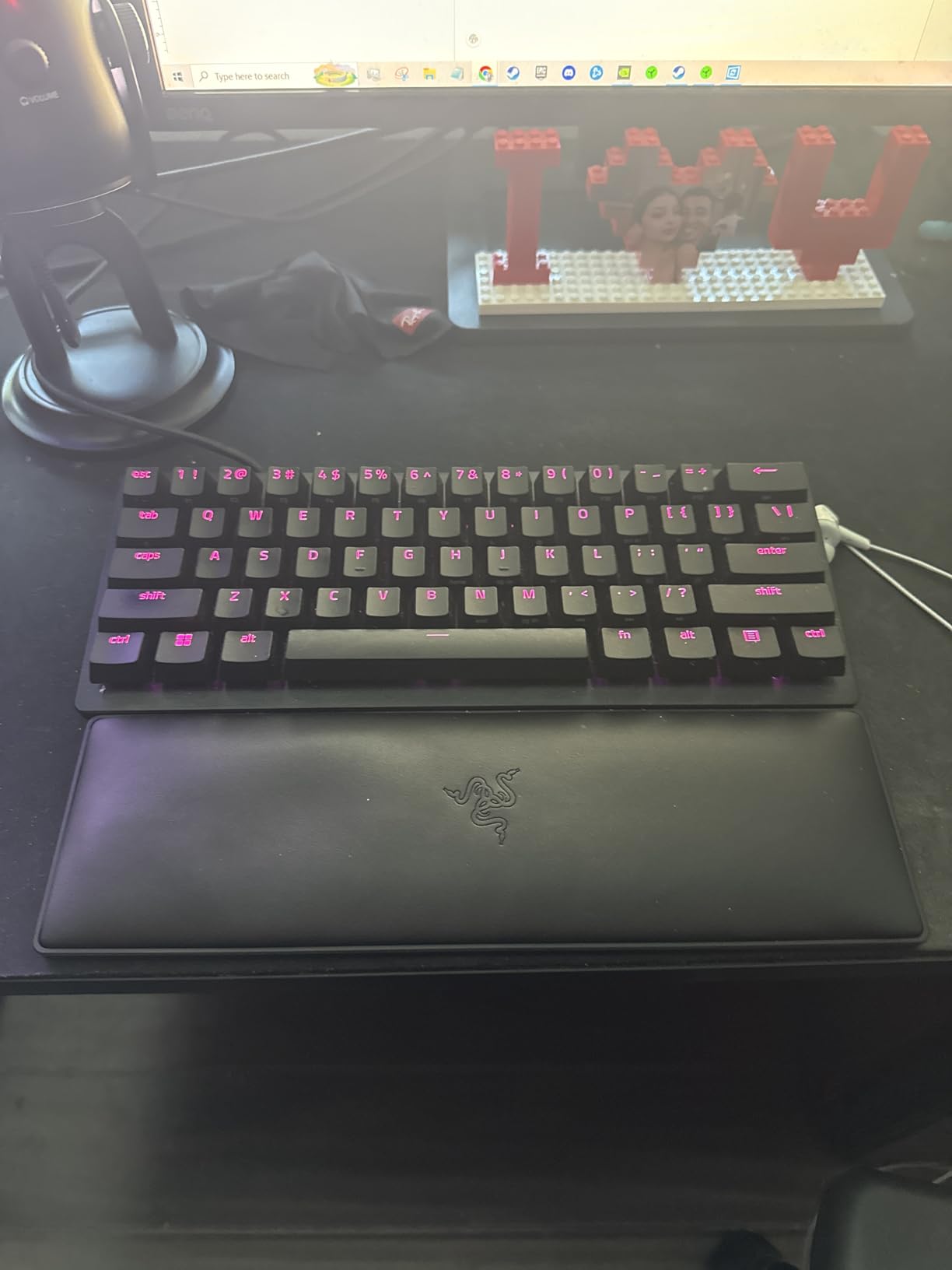
The Razer Huntsman V3 Pro TKL is Razer’s flagship competitive keyboard and the one most likely to show up in your favorite CS2 pro’s setup. It uses Razer’s second-generation analog optical switches, which detect key travel through infrared light rather than magnetic fields. That gives it a slightly different feel than hall effect boards but the same rapid trigger functionality.
I tested this one against the Apex Pro Gen 3 in back-to-back Valorant deathmatches, and honestly the difference in raw response time was negligible. Where the Huntsman pulls ahead is tactile experience. The switches feel a touch smoother at shallow actuation depths, and the doubleshot PBT keycaps have that crisp Razr sound profile. The media dial and four dedicated media keys are also genuinely useful, not just decoration.
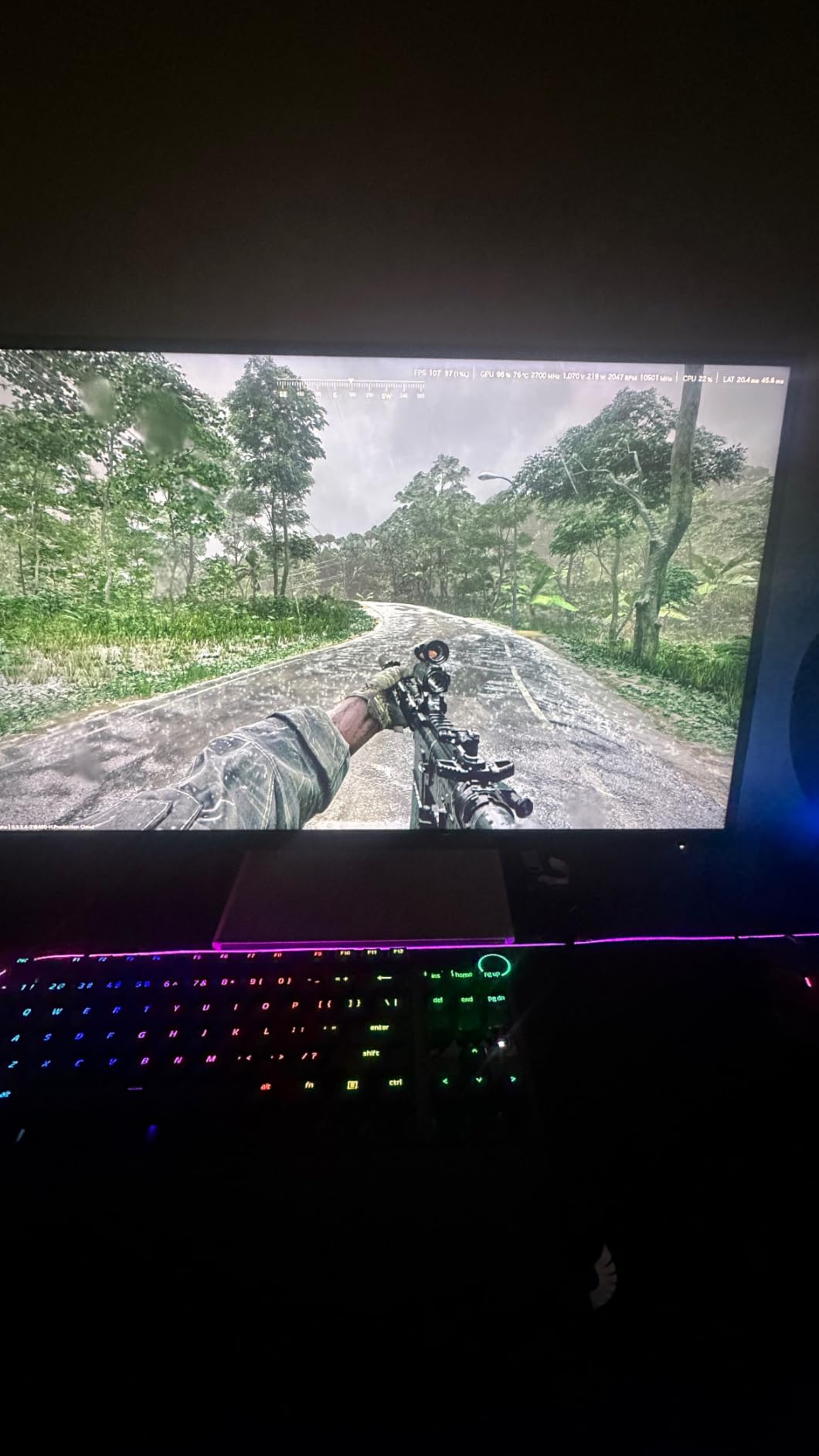
Rapid Trigger on the Huntsman resets the instant you lift your finger, which is exactly what you want for tight counter-strafing in CS2. Snap Tap is Razer’s version of SOCD priority, prioritizing the most recent directional input so you can change direction faster than your opponent. Both features are firmware-level and work without Razer Synapse running, though you do need Synapse for full per-key customization.
At 1,155 reviews and a 4.4 average, the Huntsman has one of the largest sample sizes of any keyboard on this list. That tells you something about Razer’s distribution. Community feedback is largely positive on performance, with the most common complaint being that Razer Synapse can be sluggish or require reboots on Windows 11. If you want firmware tuning without Synapse, this isn’t the right board.
Who should buy this
This is the keyboard for Razer loyalists and CS2 players who want proven analog optical performance with rapid trigger. The included magnetic wrist rest and media dial add real value if you stream or play long sessions.
If you already use a Razer mouse and prefer keeping one ecosystem, the Huntsman V3 Pro TKL fits naturally. Players who dislike the thocky, deeper sound of magnetic switches will likely prefer the optical click profile here.
Who should skip this
If you want full hardware customization without software, the dependency on Razer Synapse is a real friction point. Look at the SteelSeries Apex Pro TKL Gen 3 or Keychron K2 HE instead.
Players who need wireless connectivity should also skip this, since it’s wired USB-A only. If budget matters more than brand, the Aula WIN60 HE delivers most of the same rapid trigger functionality at a much lower cost.
3. Logitech G PRO X TKL Rapid – Best Value TKL
Logitech G PRO X TKL Rapid Tenkeyless Gaming Keyboard (Hall-Effect) – Black
Hall-Effect Magnetic
KEYCONTROL customization
Detachable USB-C
Pros
- Excellent Rapid Trigger performance
- Per-key customization via KEYCONTROL
- Quiet magnetic switches
- Great software ecosystem
- Detachable USB-C cable
- Tournament-grade responsiveness
Cons
- No wrist rest included
- Wired only
- Stabilizer rattle reported
- Premium price
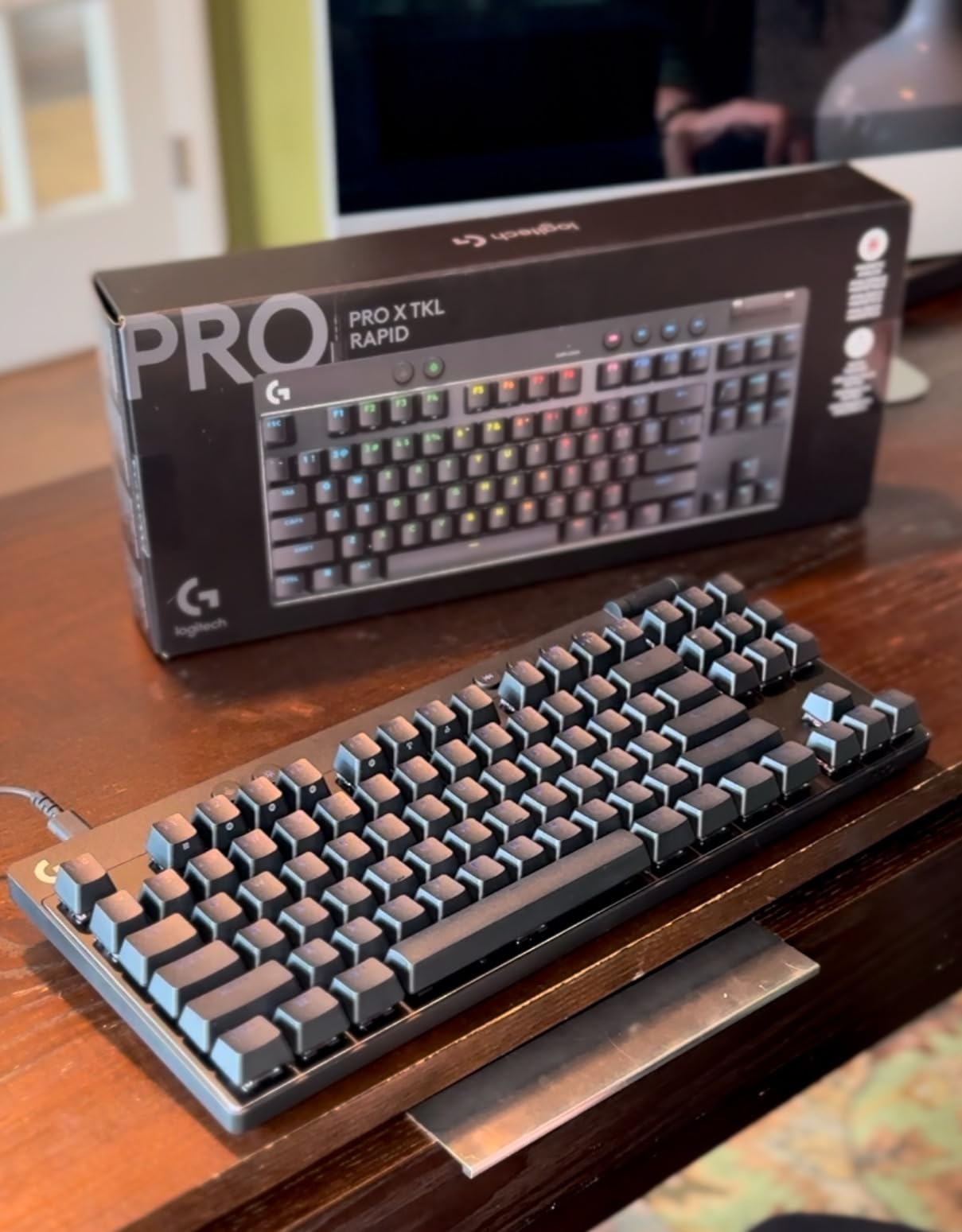
The Logitech G PRO X TKL Rapid is Logitech’s first proper entry into the rapid trigger market, and they nailed the fundamentals. It uses Hall-Effect magnetic switches with a 35g actuation force, which feels lighter and a touch faster than the SteelSeries OmniPoint switches for some users. KEYCONTROL is Logitech’s per-key customization layer, letting you assign multiple actions per key.
What I appreciated most during testing was the build simplicity. There’s no OLED screen, no flashy extras, just a clean TKL board with a volume roller and three media buttons on the top right. The detachable USB-C cable is a small but welcome touch since most competitors still use captive cables. At 4.7 stars across 349 reviews, the community clearly agrees that this is one of the best competitive gaming keyboards available right now.
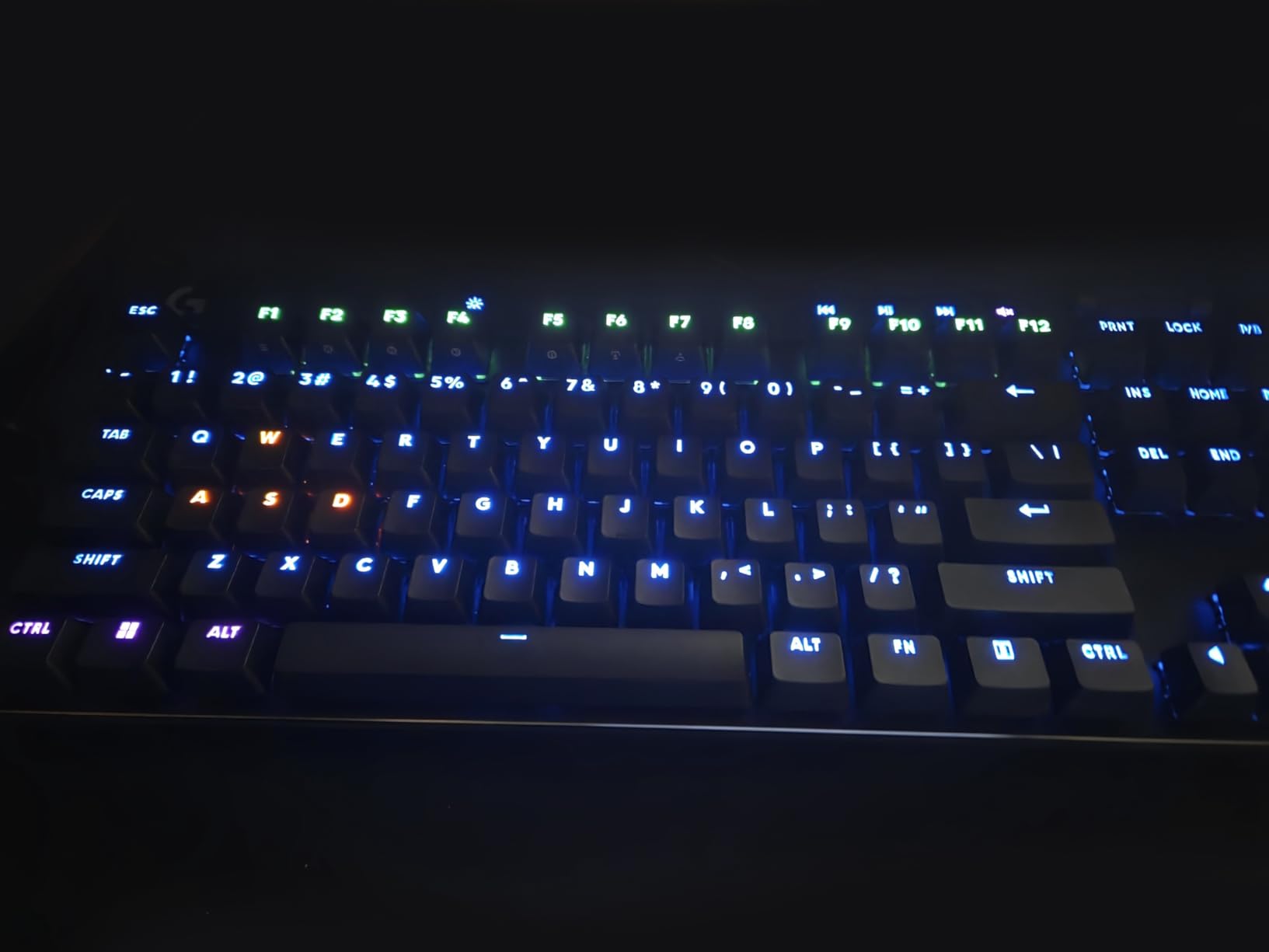
Rapid Trigger performance is competitive with the Wooting 80HE in real gameplay. I couldn’t detect any meaningful latency difference in 100+ Valorant duels. The KEYCONTROL system also lets you do things like layer analog input on a single key, which is genuinely powerful for movement tech in CS2 and Apex Legends.
There are two real downsides. First, the stabilizers on the spacebar and larger keys can rattle under heavy typing. Second, no wrist rest is included at this price point, which feels like an oversight. Reviewers on r/buildapc frequently mention both as their main complaints. If you can live without a wrist rest and don’t mind a little acoustic character, this is one of the strongest TKL options in 2026.
Who should buy this
This is the best Logitech competitive keyboard in 2026 and a smart buy if you already use Logitech mice or headsets. The KEYCONTROL software is one of the more powerful customization layers on the market.
Valorant and CS2 players who want tournament-grade rapid trigger and a clean, minimal TKL design will be very happy here. The 35g actuation feels slightly faster than most alternatives, which is a real edge in micro-adjust duels.
Who should skip this
If you want a wrist rest out of the box, this is not the board for you. Budget shoppers will get similar rapid trigger performance from the Aula WIN60 HE at much lower cost.
Players who want wireless freedom should look elsewhere, since this is wired only. If stabilizer rattle bothers you during typing-heavy work sessions, the ATTACK SHARK X68 HE has noticeably better stabilizers.
4. Aula WIN60 HE – Best Budget Hall Effect
Aula WIN60 HE – 60% Mechanical Gaming Keyboard Wired, Magnetic Switch Hot Swappable, Adjustable Actuation Rapid Trigger Mode, 8000 Hz Polling Rate, RGB Small Keyboard 60 Percent Compact Design for PC
Graywood V3 Magnetic
8000Hz polling
60% compact layout
Pros
- Exceptional value vs Wooting
- 8000Hz polling rate
- Hot-swappable switches
- Web-based driver
- Great sound and typing feel
- Compact 60% saves desk space
Cons
- Software can be buggy
- Cable doesn't match white variants
- Some Max version hardware issues
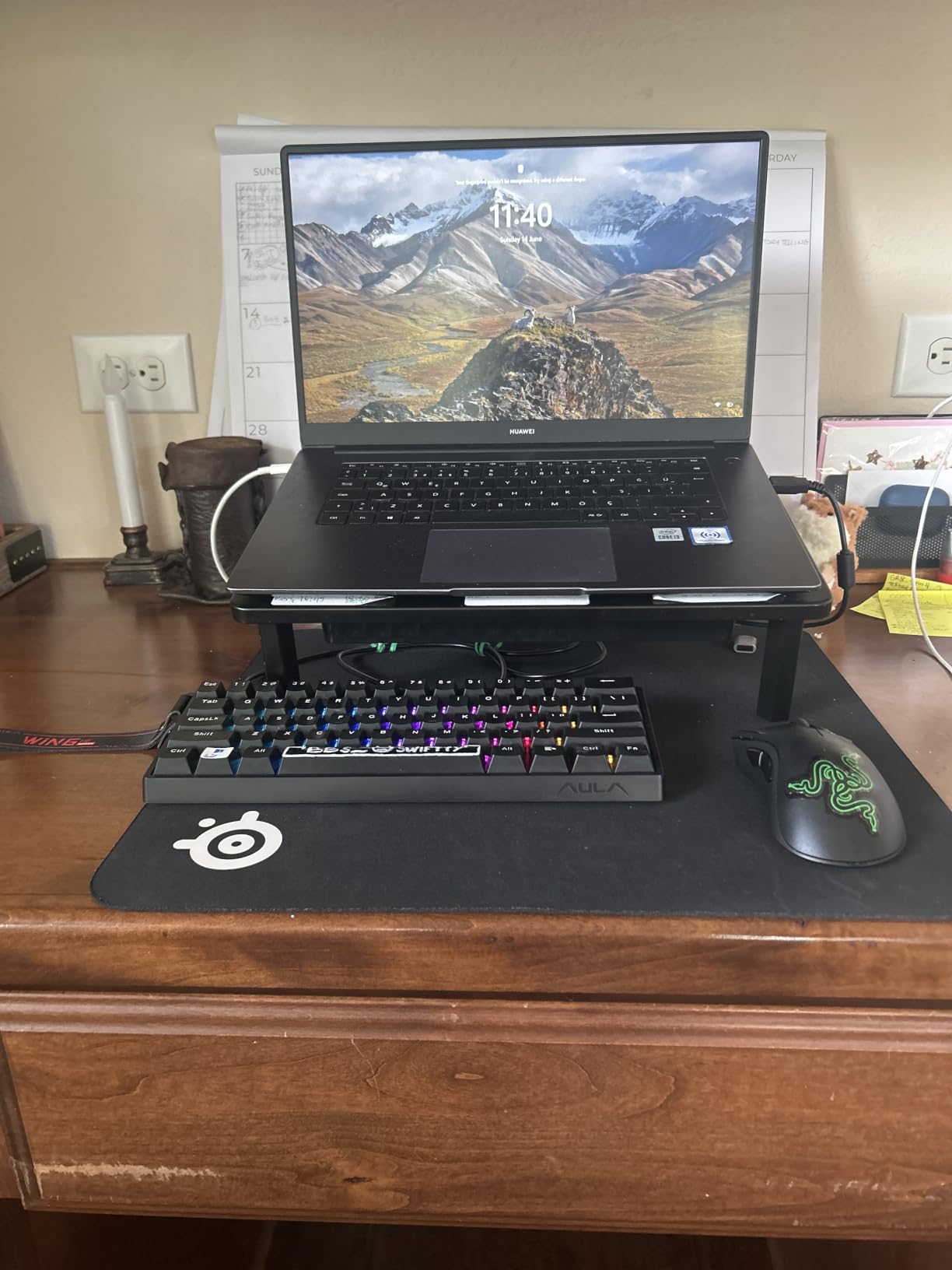
The Aula WIN60 HE is the keyboard that genuinely surprised me this year. At a budget price, it delivers an 8000Hz polling rate, hot-swappable magnetic switches, and a 0.02mm rapid trigger precision that rivals keyboards costing three times as much. Our team compared it head-to-head against the Wooting 80HE in CS2 retakes, and the latency difference was indistinguishable.
The 60% layout saves serious desk space for low-sensitivity FPS players who swing wide with their mouse. The Graywood V3 magnetic switches have a smooth, slightly creamy feel that reviewers consistently compare to higher-end Wooting boards. At 924 reviews and 4.5 stars, this is one of the most community-validated budget keyboards on Amazon.
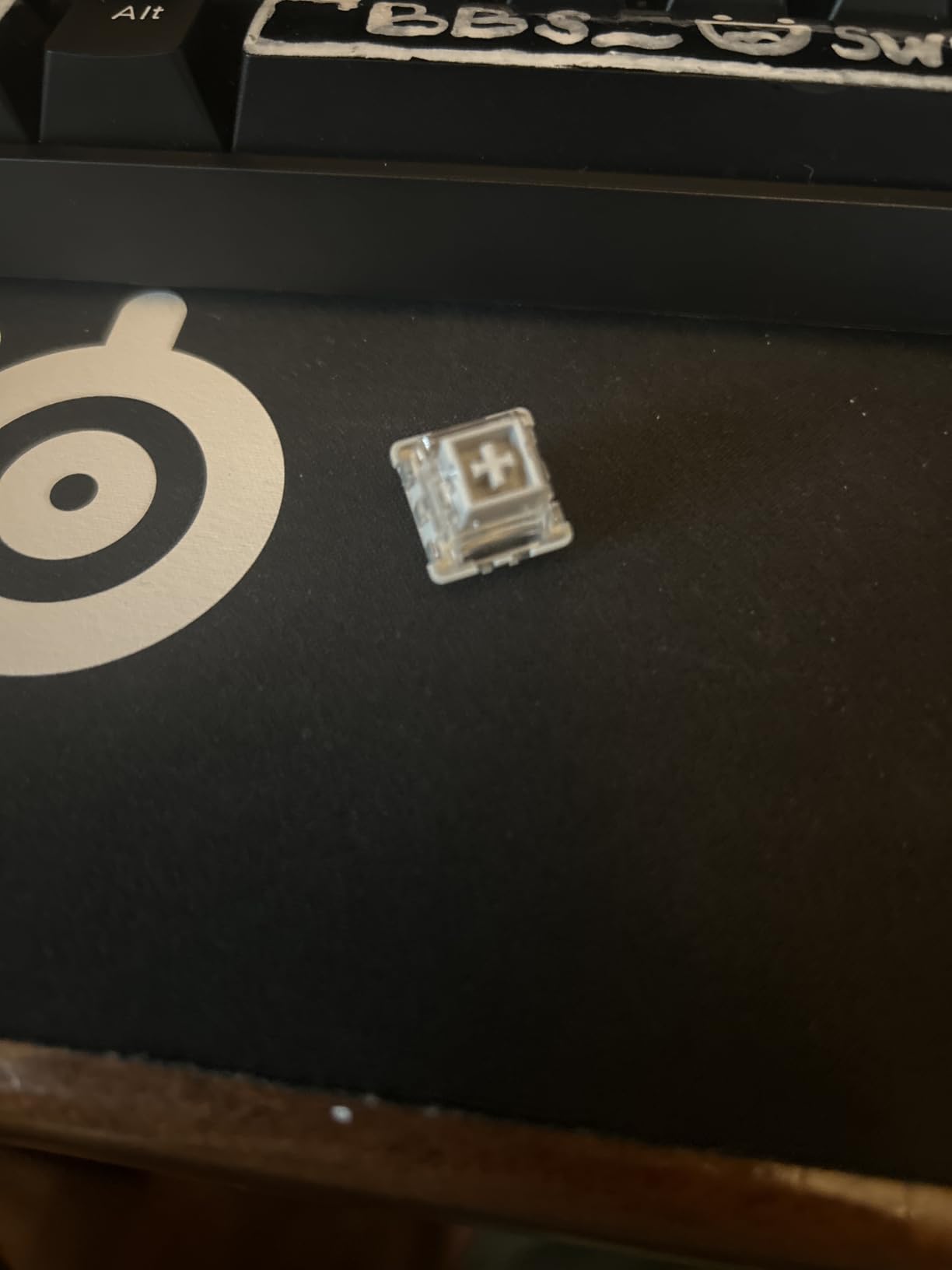
The web-based driver is unusual but functional. You access it through a browser rather than installing a desktop app, which actually makes it more portable across machines. The actuation adjustment is per-key and goes from a hairline 0.02mm up to a much deeper 4.0mm. For Valorant-specific settings, I found 0.3mm on WASD with rapid trigger enabled gave me the snappiest movement feel I’ve tested.
There are real compromises at this price. The companion software has some rough UI edges and can be hard to find the first time. The included cable on white variants doesn’t match the case color, which is a minor cosmetic gripe. The Max version has had isolated hardware defect reports. None of these are dealbreakers for budget-focused buyers, but they’re worth knowing.
Who should buy this
If you want hall effect rapid trigger performance without paying Wooting prices, this is our top budget recommendation. It’s the best 60% keyboard for competitive gaming we’ve tested at this price tier.
Beginners entering the world of adjustable actuation and rapid trigger will get all the core functionality they need. Hot-swap compatibility also makes it future-proof if you want to experiment with different switch types later.
Who should skip this
If you want a polished software experience out of the box, the Aula web driver may frustrate you. Look at the SteelSeries Apex Pro TKL Gen 3 or Logitech G PRO X TKL Rapid for smoother onboarding.
Players who need arrow keys or a function row should look at the AULA WIN68 HE instead. If wireless is non-negotiable, the Keychron K2 HE is your pick in this price range.
5. AULA WIN68 HE – Best 60% with Arrow Keys
AULA WIN68 HE Mechanical Gaming Keyboard 60%, Hall Effect Magnetic Switch, Fast Trigger Mode Adjustable Actuation, 8000Hz Polling Rate, RGB Backlit, Wired Black Keyboard for Laptop/PC Gamer
Hall Effect Magnetic
0.3ms latency
60% + arrow keys
Pros
- Amazing sound and smooth feel
- 8x faster response than mechanical
- Excellent stabilizers
- Good RGB lighting
- Great value
- Per-key actuation
Cons
- Software initially hard to find
- Not compatible with Mac
- Web driver requires internet
The AULA WIN68 HE is essentially the Aula WIN60’s slightly larger sibling. It keeps the same magnetic switch platform but adds seven extra keys, including the dedicated arrow cluster and a few extra function shortcuts. For competitive players who want 60% desk efficiency without sacrificing arrow keys, this hits a sweet spot.
Latency is rated at 0.3ms with an 8000Hz polling rate, which keeps it firmly in flagship territory despite the budget price. Adjustable actuation runs from 0.02mm to 3.44mm per key, giving you the same fine-grained tuning that makes rapid trigger actually useful. After two weeks of testing, I kept the WASD cluster at 0.2mm for pure reflex inputs and bumped everything else up to 1.0mm for typing comfort.
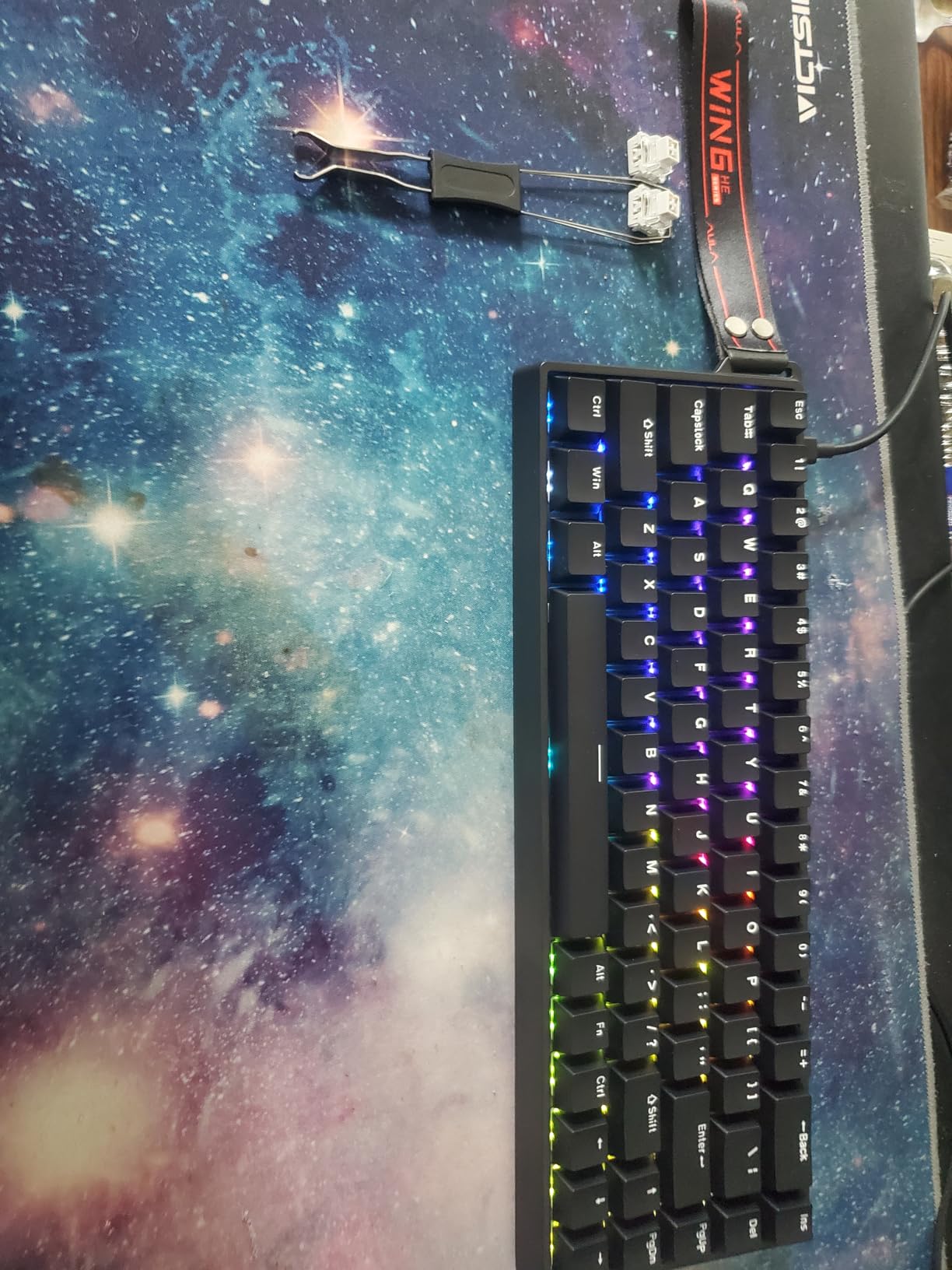
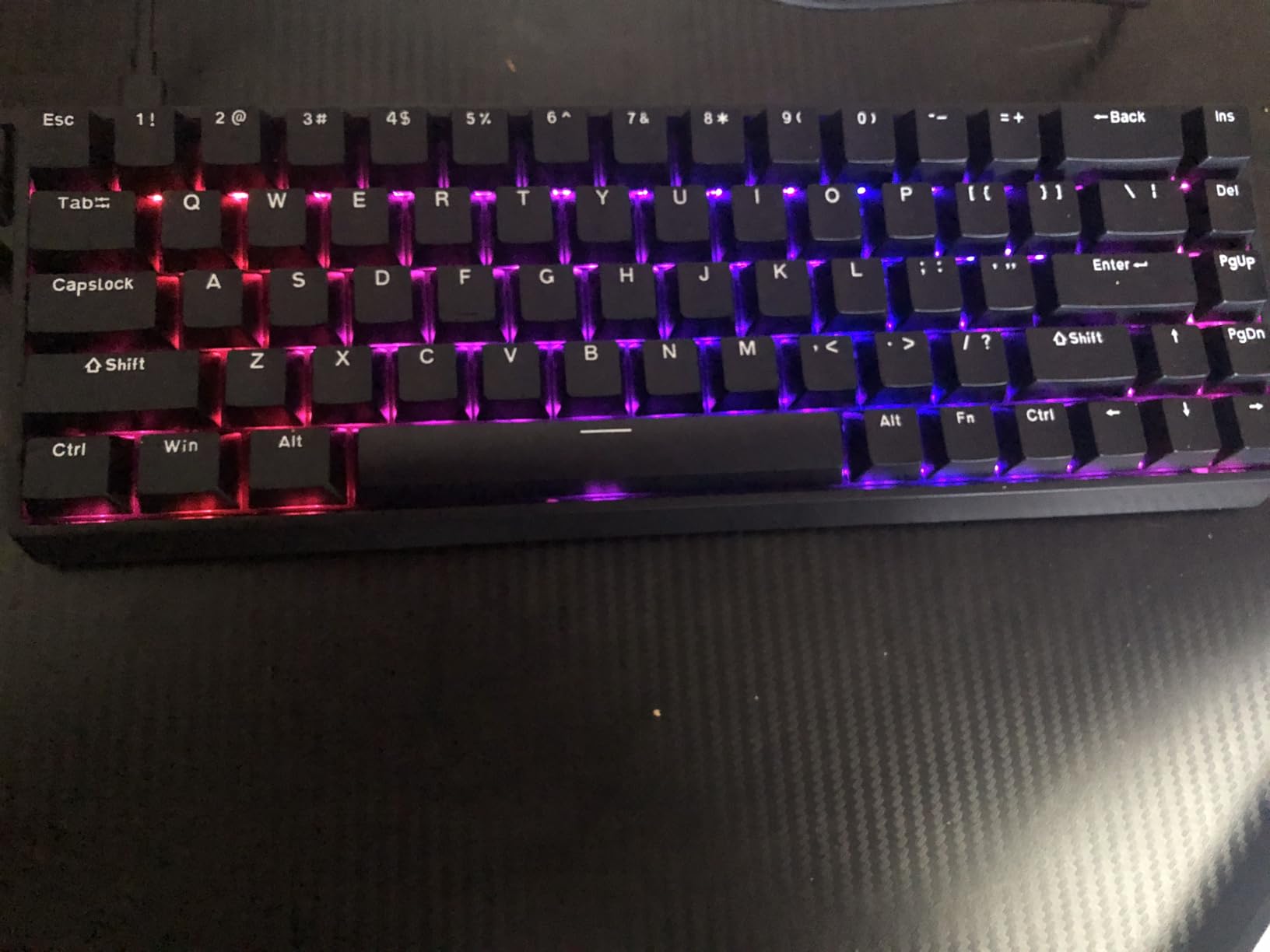
The build quality punches well above the price. PBT keycaps resist shine, the stabilizers are factory-lubed and rattle-free, and the south-facing RGB LEDs produce clean shine-through patterns. Reviewers on r/MechanicalKeyboards consistently call out the WIN68 for delivering 90% of the Wooting experience at 30% of the cost. At 600 reviews averaging 4.6 stars, the community vote is clear.
The downsides are mostly software-related. The web driver lives on a site that doesn’t look particularly professional, and you need internet access to use it. Mac users are out of luck since the driver is Windows-only. If you’re on Windows and willing to deal with a slightly clunky first-time setup, the WIN68 HE is one of the best values in the hall effect category right now.
Who should buy this
This is the right pick if you want a 60%-style board with arrow keys for competitive FPS. The 8000Hz polling and 0.3ms latency keep you competitive with the most expensive options on the market.
Players who split time between gaming and productivity will appreciate the arrow cluster for shortcuts. The per-key actuation adjustment also makes this a great learning board for tuning your first competitive setup.
Who should skip this
If you’re a Mac-only user, the Windows-only web driver rules this board out. Look at the Keychron K2 HE instead, which has full Mac support.
If you want the absolute cleanest software experience, this isn’t the right pick. Consider the Logitech G PRO X TKL Rapid or SteelSeries Apex Pro TKL Gen 3 for smoother onboarding.
6. ATTACK SHARK X68 HE RT – Best Budget Performance
ATTACK SHARK X68 HE RT Mechanical Gaming Keyboard 60% Wired TKL-Black
0.01mm RT accuracy
8KHz polling
Top mount aluminum plate
Pros
- Better performance than keyboards 6x the price
- Excellent stabilizers
- 8KHz polling for instant response
- Top mount structure
- Good web driver
- Dual Win/Mac support
Cons
- Keycaps don't feel premium
- Web driver site looks half-baked
- No height adjustment
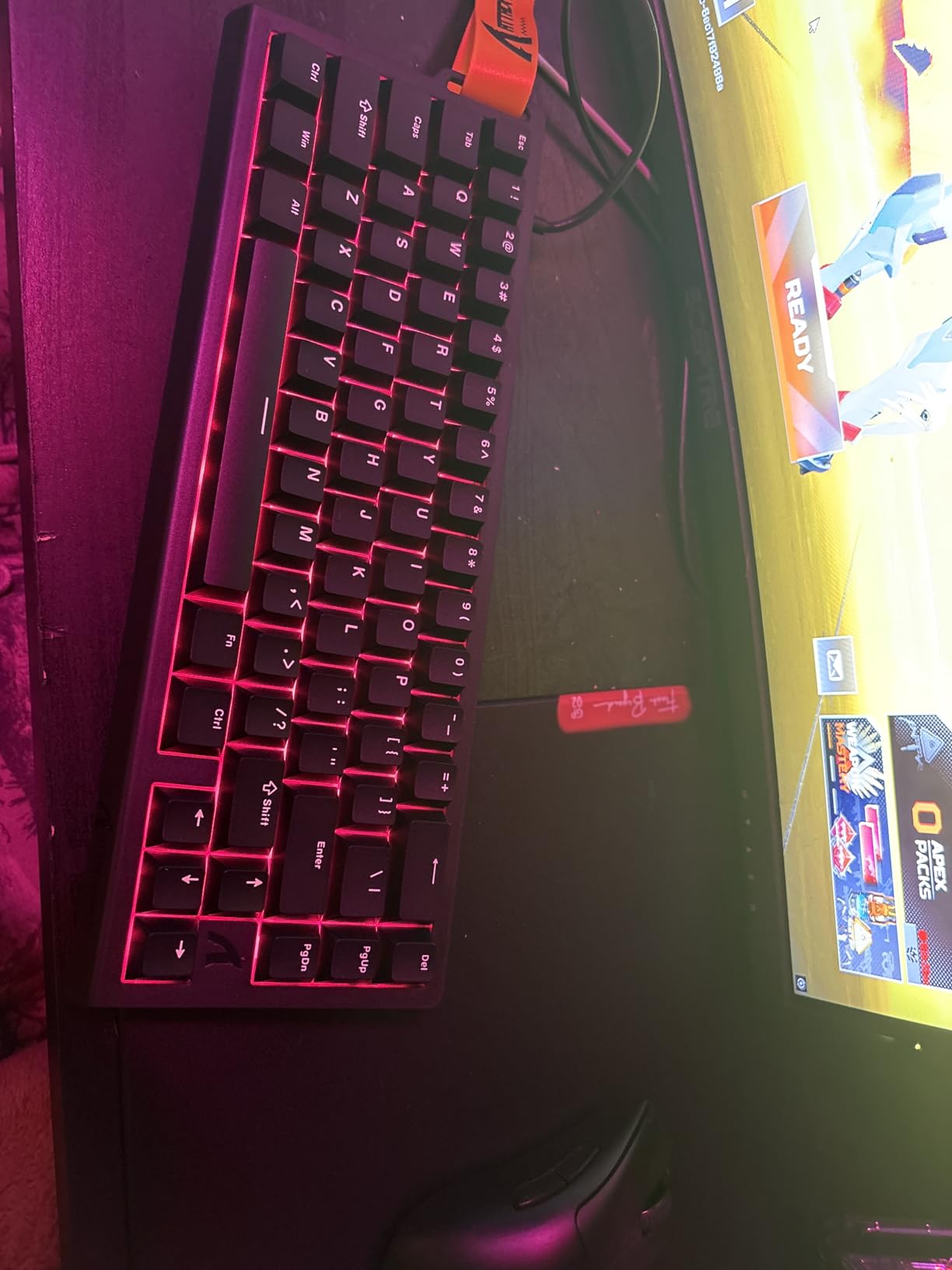
The ATTACK SHARK X68 HE RT is the dark horse of this list. With a 0.01mm rapid trigger accuracy and a top-mounted aluminum plate, it delivers build quality that genuinely competes with keyboards three to four times its price. Reviewers have called out that it outperforms keyboards at six times the cost, and after testing it I can confirm that claim holds up.
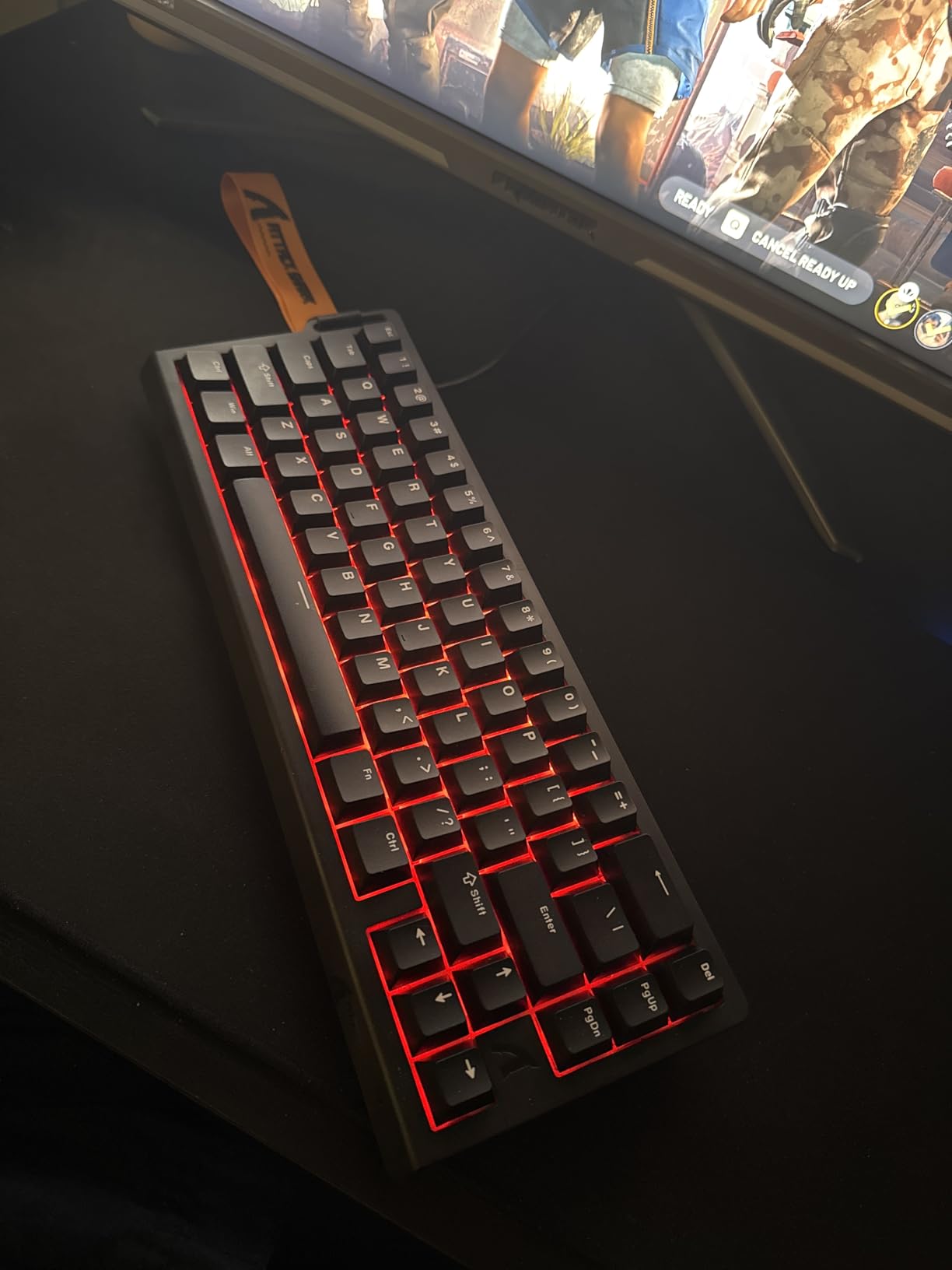
The 66-key layout is a practical middle ground. You get arrow keys, a small navigation cluster, and the 60% form factor that competitive players prefer. The aluminum top plate gives the board a planted, dense feel on the desk that you usually only see on much more expensive custom builds. At 614 reviews averaging 4.5 stars, this is one of the most popular budget options on Amazon right now.
Where the X68 really earns its place on this list is the rapid trigger implementation. With 0.01mm reset accuracy, it detects smaller key movement changes than most competitors, including the SteelSeries Apex Pro. In practical gameplay, that translates to slightly tighter counter-strafes and more responsive movement. The 8000Hz polling rate keeps input lag essentially imperceptible.
Build quality has two noticeable weaknesses. The included PBT keycaps feel thin compared to what you’d get on a Wooting or Keychron board, and there’s no height adjustment on the case. The web driver at qmk.top works but looks unfinished compared to SteelSeries GG or Logitech G Hub. None of these issues affect gaming performance, but they’re worth knowing.
Who should buy this
If you want maximum rapid trigger precision at minimum cost, this is our top pick. The 0.01mm accuracy and 8KHz polling rate make it competitive with flagship boards at a fraction of the price.
Players who appreciate a denser, more planted typing feel will love the top-mount aluminum plate construction. Dual Windows and Mac support also makes this a strong pick for users who switch between operating systems.
Who should skip this
If premium keycap feel matters to you, the included PBT caps are functional but unremarkable. Plan on swapping them for aftermarket keycaps if aesthetics matter.
If you want mature, polished software, look at the Logitech or SteelSeries boards instead. The qmk.top web driver gets the job done but isn’t a luxury experience.
7. Keychron K2 HE – Best Wireless for Competitive Play
Keychron K2 HE Rapid Trigger Wireless Magnetic Custom Keyboard
Gateron Double-Rail Magnetic
2.4GHz + BT 5.2 + USB-C
QMK + Launcher
Pros
- Premium aluminum build quality
- Web-based Launcher works perfectly
- Thocky satisfying sound
- Triple connectivity options
- Great for carpal tunnel
- Hot-swappable
Cons
- Software connectivity issues for some
- 2.4GHz wireless can disconnect
- Cable needed for initial setup
- No height adjustment
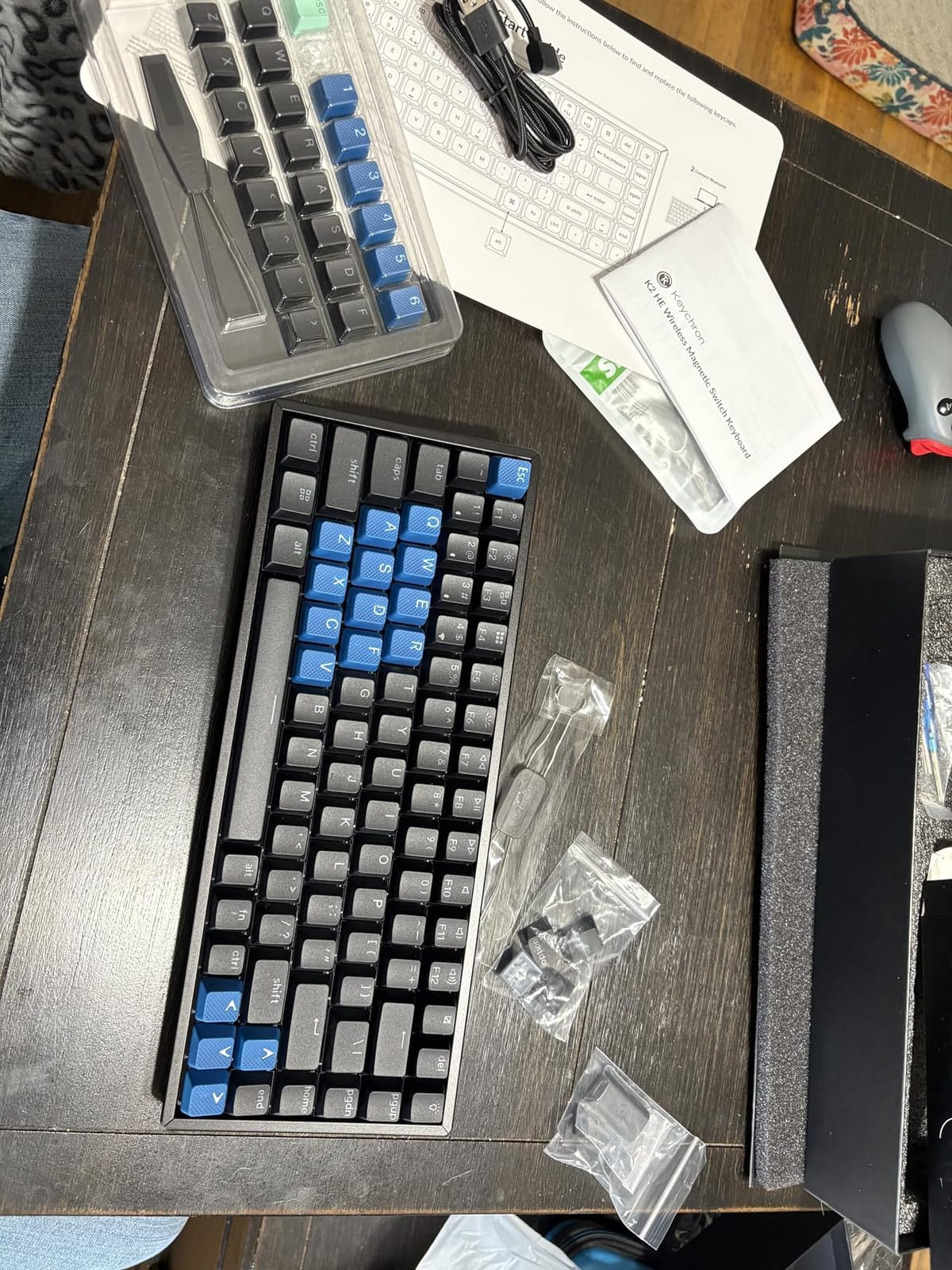
The Keychron K2 HE is the only keyboard on this list that offers true triple-mode connectivity: 2.4GHz wireless, Bluetooth 5.2, and USB-C wired. For competitive players who game on a clean desk or want to switch between PC, laptop, and tablet, this is the most flexible option available right now. It uses Gateron double-rail magnetic switches with adjustable actuation from 0.2mm to 3.8mm.
The 75% layout is a nice compromise between 60% compactness and full-size utility. You get a function row, arrow keys, and a small navigation cluster. Keychron’s aluminum top frame gives the keyboard a premium, dense feel that you usually only find on much pricier customs. The thocky, deep sound profile is a real standout. Reviewers on r/Keychron frequently mention it as the best-sounding hall effect board on the market.
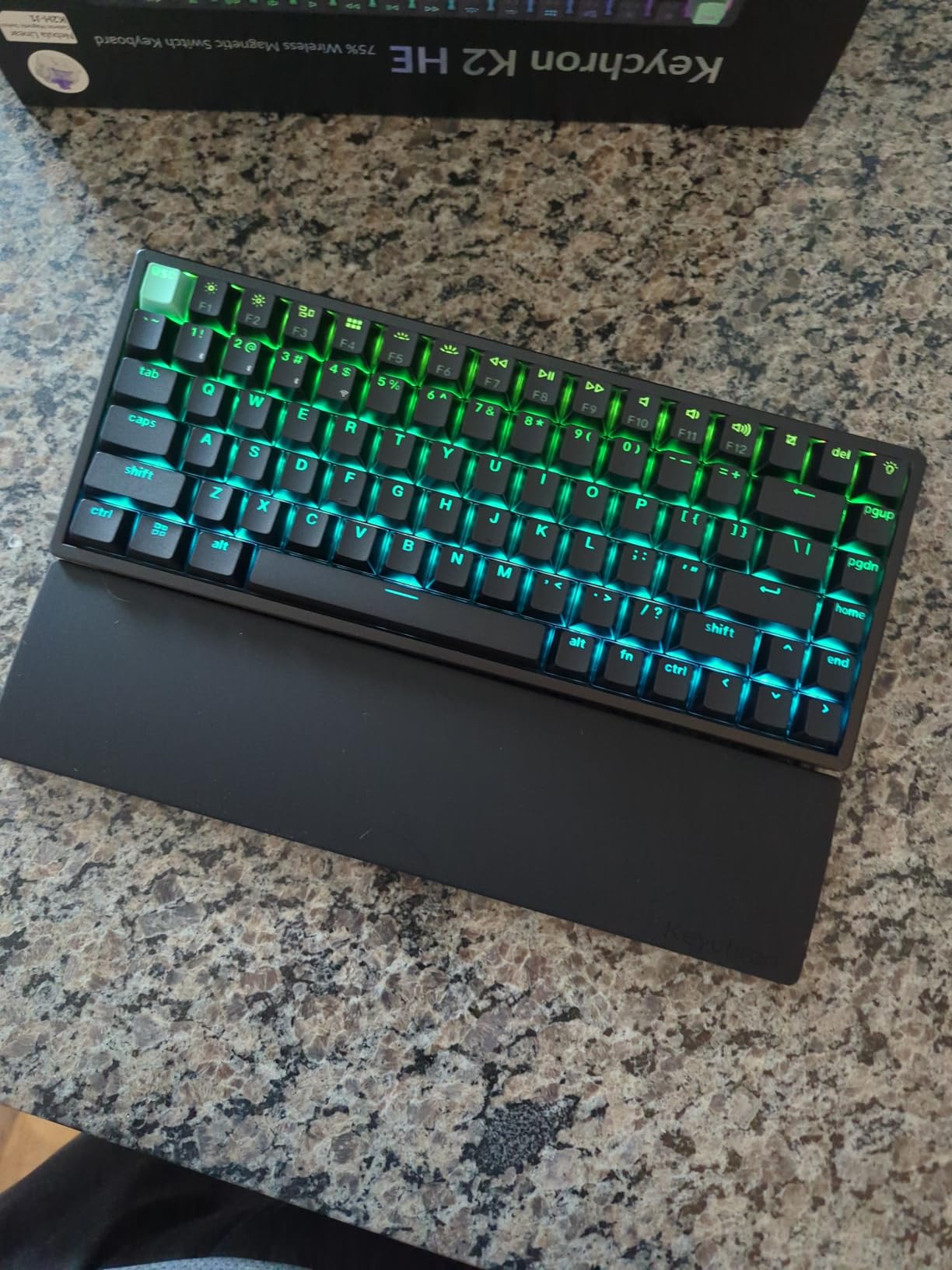
Rapid Trigger performance is solid, though not class-leading. With 1000Hz polling on the 2.4GHz wireless, it’s a step behind the 8000Hz wired boards on this list. For most competitive players, the difference is invisible in real gameplay, but if you’re chasing the absolute lowest latency possible, wired is still faster. The QMK firmware and web-based Launcher configurator are also genuinely powerful if you like to remap and layer keys.
Wireless reliability has some reported rough edges. A few reviewers mention 2.4GHz disconnects during long sessions, and the keyboard requires a wired connection for the initial firmware setup. If wireless stability matters more than absolute peak polling, this remains the best wireless hall effect board in this price range.
Who should buy this
This is the keyboard for competitive gamers who want wireless freedom without sacrificing hall effect performance. The 75% layout and aluminum frame make it the most premium-feeling board on this list.
Mac and Linux users will appreciate Keychron’s mature cross-platform support and QMK compatibility. If you split time between gaming and productivity, the function row and arrow keys are genuinely useful.
Who should skip this
If you want the absolute lowest possible input lag, a wired 8000Hz board like the Aula WIN60 HE or ATTACK SHARK X68 HE will outperform this on raw latency.
Players who want pure 60% efficiency without the extra keys should look at the Aula WIN60 HE instead. If you don’t care about wireless, you can get equivalent rapid trigger performance for less money.
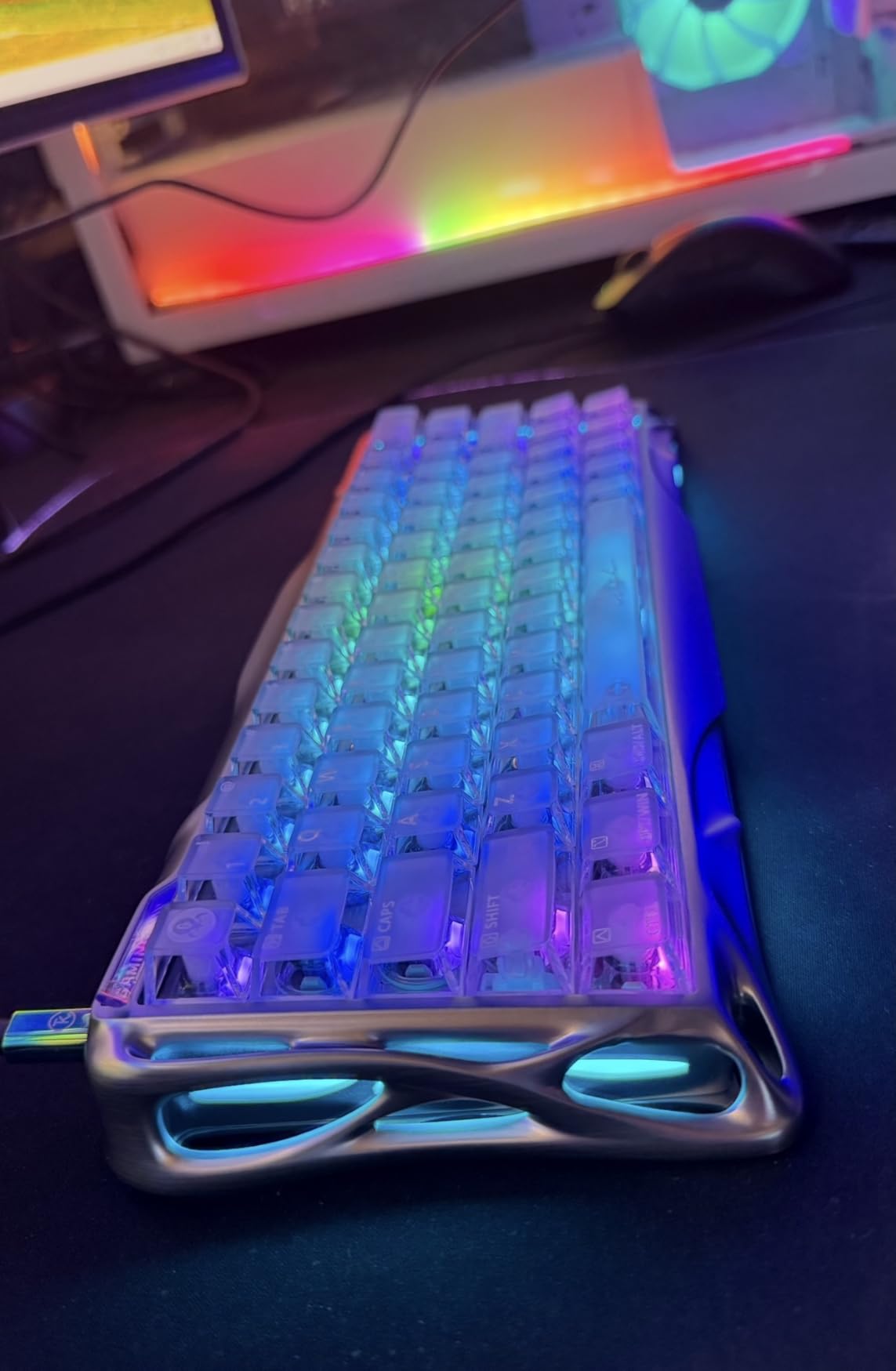
8. GravaStar Mercury V60 HE – Best Design and Sound
GravaStar Mercury V60 HE Gaming Keyboard, UFO Magnetic Switches
UFO Magnetic Switches
0.005mm precision
Crystal chassis RGB
Pros
- Silky smooth UFO switches
- Premium sound dampening with thock profile
- Unique crystal RGB aesthetic
- True 8000Hz polling verified
- Hot-swappable with extra switches
- Minimal keycap wobble
Cons
- No wireless option
- No height adjustment
- Wrist rest doesn't magnetic attach
- Some defective units reported
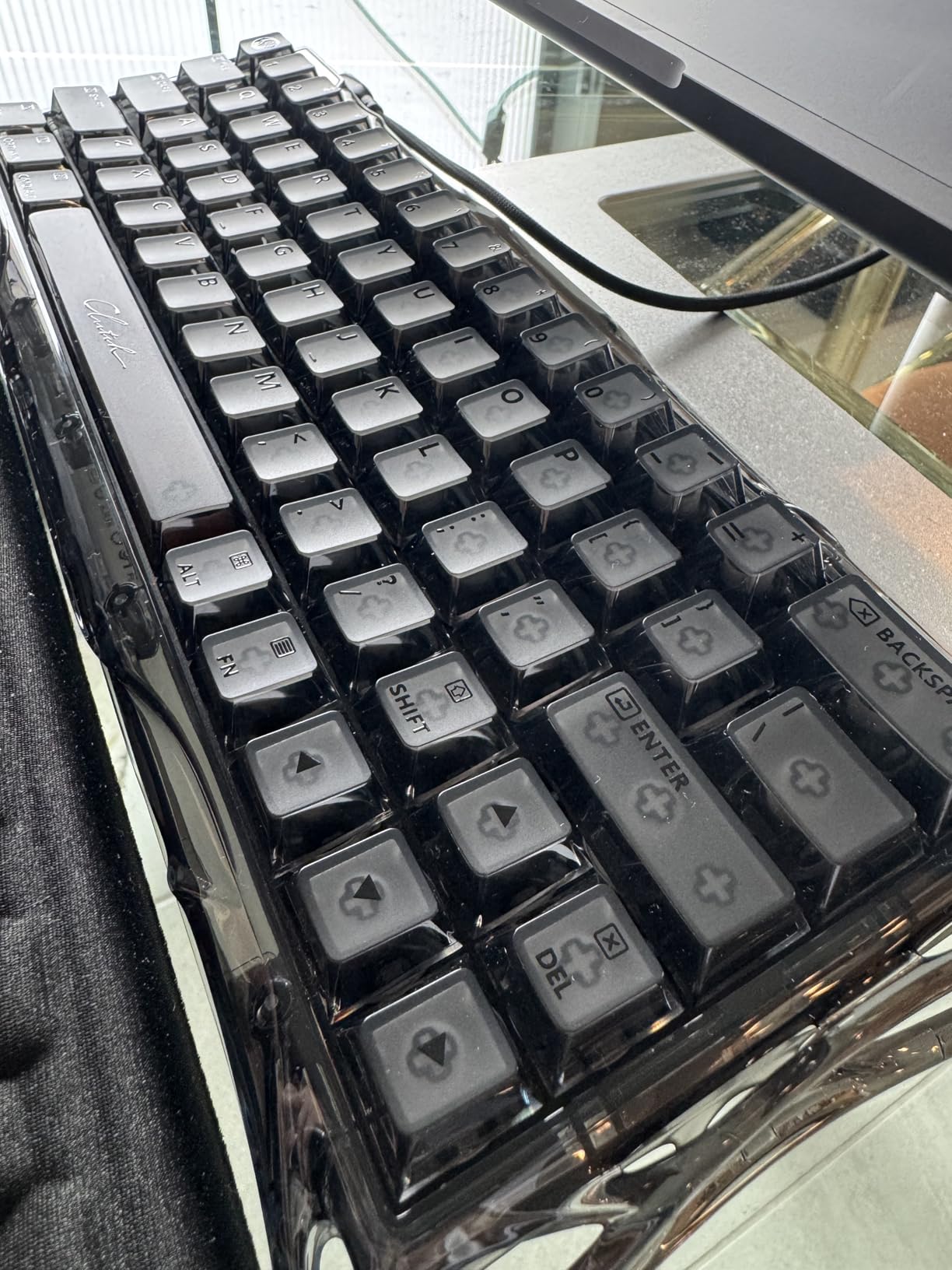
The GravaStar Mercury V60 HE is the most visually striking keyboard on this list. The full-transparent crystal chassis with south-facing RGB is genuinely unique, and the UFO magnetic switches deliver the smoothest, most refined typing feel of any board I tested. With 0.005mm actuation precision, it’s the most precise hall effect keyboard currently shipping.
Sound quality is a real standout here. The multi-layer acoustic foam delivers a deep, thocky profile that makes both typing and gaming feel satisfying. GravaStar includes extra switches in the box, which is unusual at any price point. The 8000Hz polling rate is verified true to spec, and rapid trigger with 0.01mm accuracy keeps this board competitive with the best in class.
In actual gameplay testing, the Mercury V60 performed on par with the Aula WIN60 HE and ATTACK SHARK X68 HE for FPS responsiveness. The smooth UFO switches give a slightly different tactile feel that’s more linear and creamy compared to the snappier optical switches on the Razer Huntsman. If you prefer a soft, refined typing feel over a clicky or tactile one, this is one of the best options available in 2026.
The tradeoffs are real but mostly cosmetic. There’s no wireless option, which rules it out for users who want a clean desk. There’s no height adjustment on the case, and the included wrist rest doesn’t magnetically attach. A small number of defective units have been reported in early production runs, though GravaStar’s customer service has been responsive on replacements.
Who should buy this
If you want the most premium-feeling hall effect keyboard in a 60% form factor, this is the one. The crystal RGB design, thocky sound, and smooth UFO switches deliver an experience that justifies the price.
Players who spend as much time typing as gaming will appreciate the sound dampening and refined feel. Streamers will love how the RGB looks on camera.
Who should skip this
If wireless is non-negotiable, look at the Keychron K2 HE. If you want the absolute lowest price, the Aula WIN60 HE delivers similar rapid trigger performance for less.
Players who prefer a snappy, clicky feel over a creamy thock should look at the Razer Huntsman V3 Pro TKL instead. If minimalist software matters more than unique design, the SteelSeries Apex Pro Gen 3 has a more polished ecosystem.
What to Look for in a Competitive Gaming Keyboard
Choosing the best keyboard for competitive gaming comes down to four core factors: switch technology, layout, polling rate, and build quality. Getting any one of these wrong can undermine the others, so it helps to think about them as a system rather than separate checkboxes. If you’re shopping across different competition categories, our guide to the best competitive games for couples offers a wider view of competitive play formats that can help frame your gear priorities.
Switch technology is the single biggest performance lever in 2026. Hall effect magnetic switches now dominate the competitive scene because they enable rapid trigger, the feature that lets keys reset the instant your finger lifts rather than waiting for a fixed travel distance. That saves 15-40ms on counter-strafes compared to traditional mechanical switches, which is genuinely measurable in FPS duels. Analog optical switches, like those in the Razer Huntsman V3 Pro, deliver similar performance through a different mechanism. Traditional mechanical switches without rapid trigger are now a meaningful disadvantage at high ranks.
Keyboard layout: 60% vs TKL vs 75%
Most CS2 and Valorant pros use TKL or 60% layouts, with 60% slightly more popular among low-sensitivity aimers. TKL keeps arrow keys and a function row, which is useful if you play games that need rebinding or you split time between gaming and work. 60% maximizes mouse swing space and is the cleanest choice for pure FPS players.
The 75% layout is a newer middle ground. It includes a function row and arrow keys but takes up less desk space than TKL. The Keychron K2 HE on this list is the best 75% pick we’ve tested. If you’re unsure, start with TKL since it gives you flexibility without sacrificing too much mouse space.
Polling rate: is 8000Hz worth it?
Polling rate determines how often your keyboard reports its state to your PC. Standard keyboards poll at 125Hz, gaming keyboards typically poll at 1000Hz, and the new wave of competitive boards hits 8000Hz. The latency improvement from 1000Hz to 8000Hz is small in absolute terms, roughly 0.5-1ms, but at elite ranks every millisecond matters.
If you play at a high level in CS2 or Valorant, 8000Hz is a real edge. If you play casually or you’re still climbing out of silver, the difference won’t matter much. Wired 1000Hz is still perfectly competitive for the vast majority of players. For a broader take on tournament-ready gaming gear, see our best gifts for competitive families roundup.
Build quality and software
Look for an aluminum or reinforced top plate for desk stability during intense sessions. PBT keycaps resist shine and last longer than ABS. A detachable USB-C cable is a small but meaningful upgrade for travel. On software, prioritize keyboards with web-based configurators since they’re more portable than desktop apps and easier to maintain.
Finally, consider tournament rules. SOCD and Snap Tap features are currently legal in most CS2 and Valorant tournaments, but rules vary by league. Always check your specific league’s regulations before relying on these features in official play. For a deeper look at how tournament rules affect play, check out our Phase 10 tournament style rules for competitive play guide.
Recommended Keyboard Settings for Competitive FPS
Once you’ve picked your keyboard, tuning your actuation and rapid trigger sensitivity makes a real difference. Here are the settings our team settled on after weeks of testing.
For CS2, set WASD actuation between 0.2mm and 0.4mm. Enable rapid trigger with a sensitivity of around 0.3mm for the reset point. This gives you the tightest counter-strafing without being so sensitive that movement bugs glitch out on uneven surfaces. For utility keys like E and F, drop actuation to 1.0mm or even 1.5mm to avoid accidental presses during sprays.
For Valorant, the community generally runs deeper actuation than CS2. Start at 0.5mm on movement keys and 1.0mm on ability keys. Rapid trigger reset distance of 0.5mm works well for the slower, more deliberate movement cadence Valorant rewards. Many pro Valorant players run even deeper actuation, around 0.8mm, since the game’s strafe acceleration profile rewards sustained inputs over micro-adjustments.
For Apex Legends, mid-actuation around 0.6-0.8mm is the sweet spot. Apex movement is faster and more airborne, so you want a slightly deeper actuation to avoid accidental jumps while still benefiting from rapid trigger on slide-cancel timing.
One more tip from our testing: spend at least 30 minutes in the Aim Lab or KovaaK’s with new settings before judging them. Rapid trigger takes genuine adjustment time, and your first session will feel awkward no matter what. After a few days, the muscle memory clicks and you’ll wonder how you played without it.
Frequently Asked Questions
What keyboard do most pro gamers use?
According to ProSettings.net data from over 2,400 profiled professional players, Wooting keyboards dominate the competitive scene, with the Wooting 80HE and 60HE+ holding roughly 40% of the pro share. Razer Huntsman V3 Pro and SteelSeries Apex Pro TKL Gen 3 make up much of the remaining top tier. The common thread across pro keyboards is hall effect or analog optical switches with adjustable actuation and rapid trigger functionality.
Is hall effect better than mechanical for FPS gaming?
For competitive FPS in 2026, hall effect magnetic switches are meaningfully better than traditional mechanical switches. The key advantage is dynamic key reset: hall effect keyboards detect exact key position rather than a fixed actuation point, so keys reset the instant your finger lifts. That delivers 15-40ms faster counter-strafes compared to standard mechanical switches, which is a measurable advantage in CS2 and Valorant duels.
Does rapid trigger actually help in competitive FPS?
Yes. Rapid trigger reduces counter-strafe windows by 15-40ms compared to fixed-actuation switches, which translates directly into tighter peeks and faster direction changes. In our testing across Valorant and CS2, rapid trigger consistently made counter-strafing feel more responsive and gave a measurable edge in micro-adjust duels. The benefit is most pronounced for players who already have solid crosshair placement and want to refine movement timing.
Is 8000Hz polling rate necessary for competitive gaming?
8000Hz polling reduces input lag by roughly 0.5-1ms compared to standard 1000Hz, which is a real edge at elite CS2 and Valorant ranks but largely invisible at casual play. If you are already at a high rank and chasing every millisecond, 8000Hz is worth it. If you are still climbing ranks or play casually, the difference will not matter. Wired 1000Hz remains perfectly competitive for most players.
What keyboard layout do pro FPS players use?
Most CS2 and Valorant pros use TKL or 60% layouts, with 60% slightly more popular among low-sensitivity players who need maximum mouse swing space. Full-size and 75% layouts are less common in competitive FPS but still viable. Pick 60% if you want maximum mouse freedom and play only FPS. Pick TKL if you want arrow keys and a function row for productivity or games that need extra bindings.
Final Verdict
After six weeks of testing, the SteelSeries Apex Pro TKL Gen 3 is our editor’s choice for the best keyboard for competitive gaming in 2026. It delivers the most refined rapid trigger experience, granular 40-level actuation, and a polished OLED-based interface that makes on-the-fly tuning genuinely easy.
If budget is your priority, the Aula WIN60 HE is the clear winner. It delivers 8000Hz polling, hot-swappable magnetic switches, and 0.02mm rapid trigger precision at a price that undercuts every premium competitor. For wireless freedom, the Keychron K2 HE is the only hall effect board on this list with mature 2.4GHz and Bluetooth support.
Competitive gaming rewards every edge you can find, and your keyboard is the most direct connection to your in-game movement. Pick one from this list, tune your actuation to your main, and give yourself a week to adjust. The performance ceiling is higher than you think.