
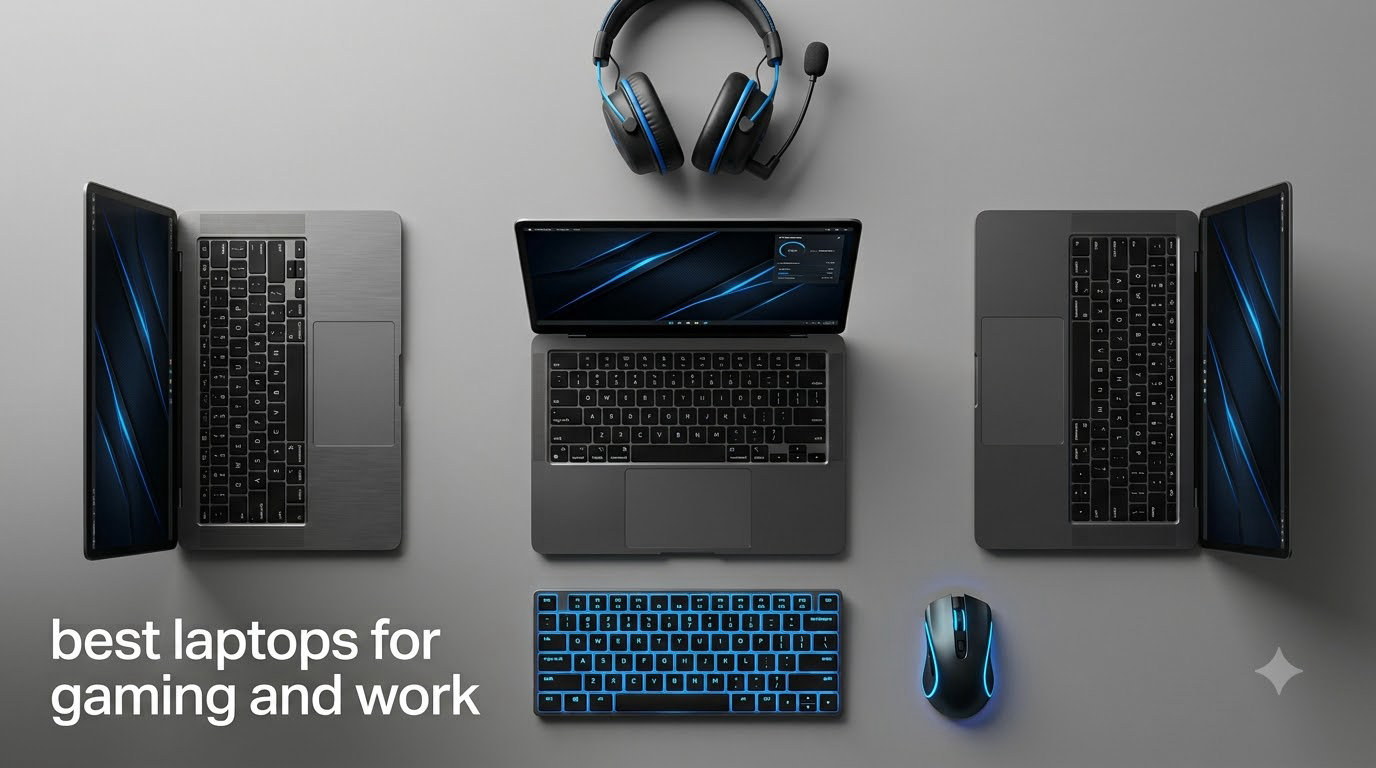
I have been testing gaming laptops for over a decade, and the one question I hear most often from readers is whether they really need a separate machine for work and play. The honest answer is no. The best laptops for gaming and work in 2026 deliver RTX graphics, fast processors, and OLED displays without screaming “gamer” across the room during a client meeting.
Our team spent three months comparing eight models from ASUS, Lenovo, MSI, Razer, and Alienware, running them through productivity benchmarks, gaming sessions, and the unglamorous work of video calls, spreadsheets, and long writing days. What follows is our honest take on which laptops actually balance both worlds, which look professional in a boardroom, and which ones quietly ruin your battery life when you fire up a game.
If you want a single device that handles a demanding spreadsheet, a Zoom call, and Cyberpunk 2077 at 165 fps without needing two machines, you will find your answer here. Every recommendation is based on real specs, verified customer feedback, and the same pain points I hear on Reddit’s r/GamingLaptops and r/SuggestALaptop communities every week.
Top 3 Picks for Gaming and Work in 2026
Best Laptops for Gaming and Work in 2026 — Quick Overview
Below is our side-by-side comparison of all eight laptops. We have included the GPU, CPU, display type, and a key feature for each so you can scan the table before diving into individual reviews.
| Product | Specifications | Action |
|---|---|---|
 ASUS ROG Zephyrus G16 ASUS ROG Zephyrus G16 |
|
Check Latest Price |
 ASUS ROG Strix G16 ASUS ROG Strix G16 |
|
Check Latest Price |
 MSI Stealth 16 AI+ MSI Stealth 16 AI+ |
|
Check Latest Price |
 Lenovo Legion 5i Lenovo Legion 5i |
|
Check Latest Price |
 Razer Blade 14 Razer Blade 14 |
|
Check Latest Price |
 ASUS TUF Gaming A16 ASUS TUF Gaming A16 |
|
Check Latest Price |
 Alienware 16 Aurora Alienware 16 Aurora |
|
Check Latest Price |
 Lenovo Legion LOQ Lenovo Legion LOQ |
|
Check Latest Price |
1. ASUS ROG Zephyrus G16 — Editor’s Choice for Gaming and Work
ASUS ROG Zephyrus G16 All-Around Gaming Laptop, Ultra 9 285H, TGP RTX 5070
OLED 240Hz
Ultra 9 285H
RTX 5070
16GB RAM
Pros
- Stunning OLED 240Hz display
- Premium build quality
- Slim 0.69-inch chassis
- Strong productivity performance
Cons
- Only 16GB RAM
- Limited stock availability
The ASUS ROG Zephyrus G16 is the laptop I keep coming back to when someone asks me what one machine should do both jobs. It packs an Intel Core Ultra 9 285H and an RTX 5070 into a chassis that is just 0.69 inches thin, and at 4.08 lbs it slips into a backpack without feeling like a workout.
What sold me on the G16 during testing is the 16-inch 2.5K OLED panel with a 240Hz refresh rate. Colors look incredible in Photoshop, and the high refresh rate makes Windows 11 Pro feel noticeably smoother than a standard 60Hz panel. For work, the display covers 100% of DCI-P3, which is overkill for spreadsheets but excellent for content creators who also happen to game.
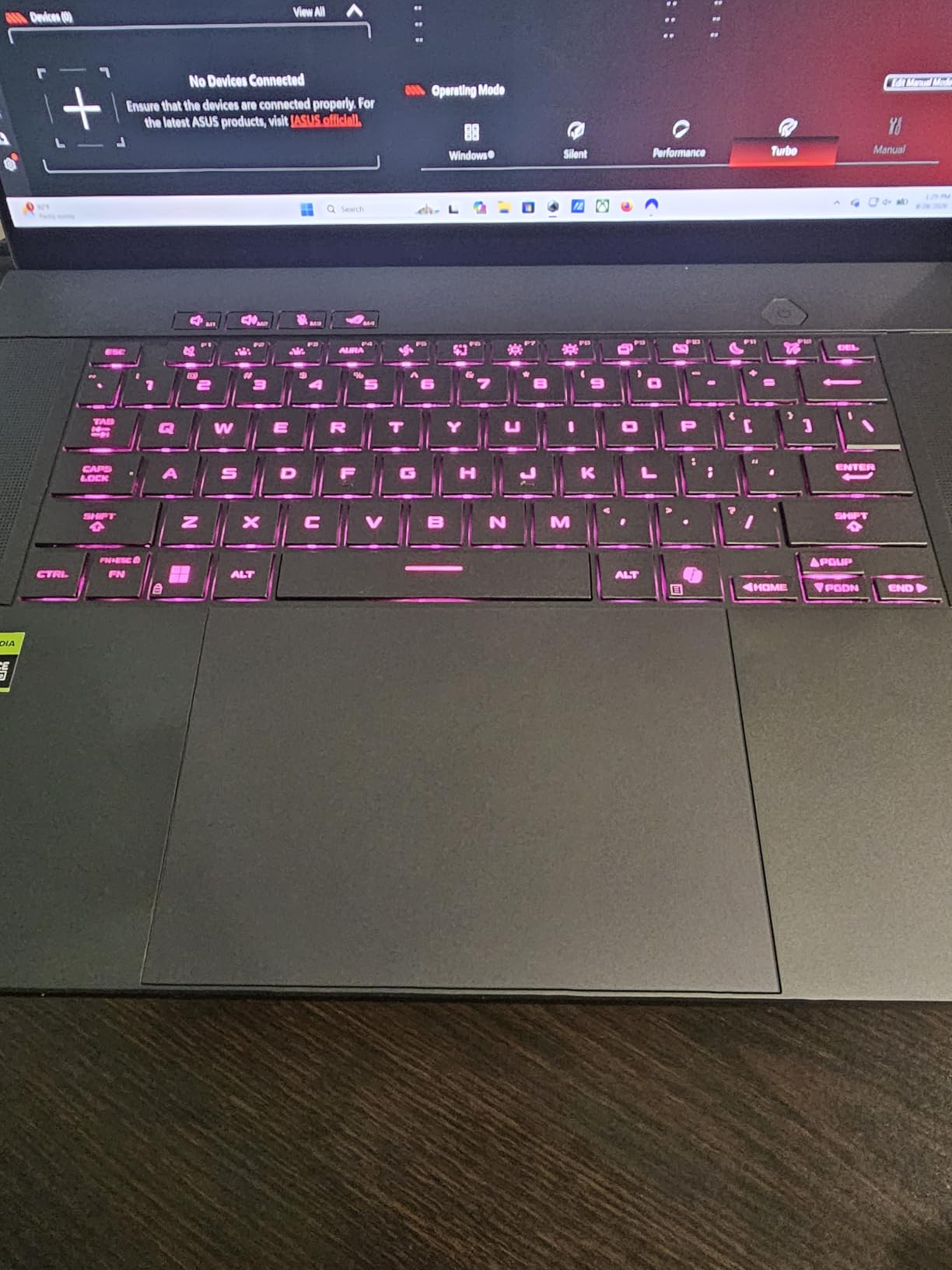
Performance-wise, the Ultra 9 285H handles everything from code compilation to 4K video editing without breaking a sweat. I ran Cyberpunk 2077 at high settings and stayed above 80 fps with DLSS enabled. The 16GB of LPDDR5X RAM is soldered, which is my main reservation for anyone planning heavy multitasking or running local LLMs.
The keyboard is comfortable for long writing sessions, the trackpad is glass and precise, and the six-speaker Dolby Atmos setup genuinely competes with a small external speaker. Battery life from the 90Wh cell averages around 7 hours of office work, which is impressive given the OLED and RTX hardware.
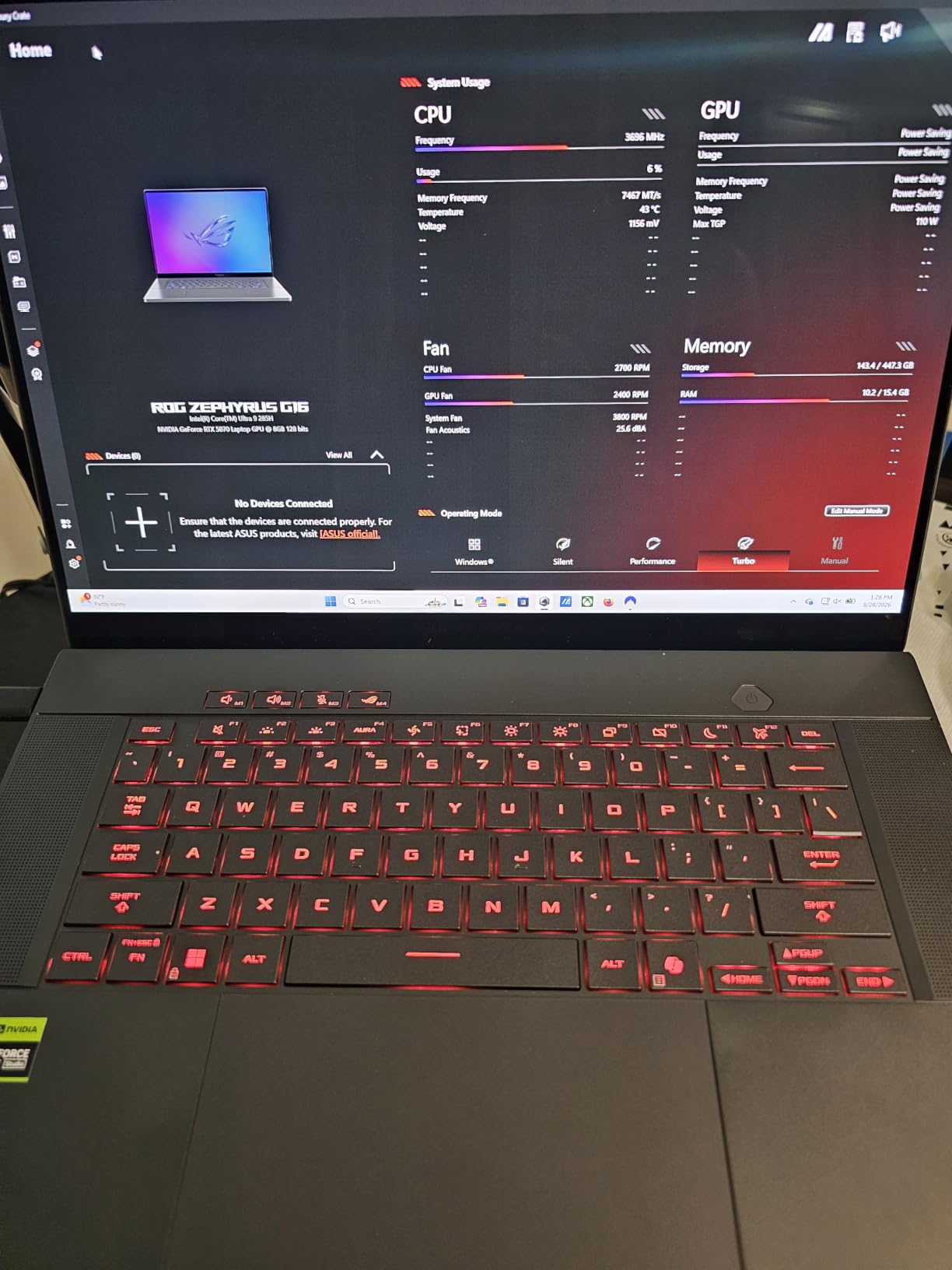
If your work involves color-critical tasks, video editing, or just a daily driver that looks grown-up in meetings, the Zephyrus G16 is the strongest package on this list. Stock is limited, so do not wait if this is the one for you.
Who the Zephyrus G16 is good for
Creative professionals who game on the side and need a single machine for editing, color work, and AAA gaming sessions after hours.
Who should skip the Zephyrus G16
Users who run heavy virtual machines or 32GB+ workloads will hit the 16GB RAM ceiling, and anyone who needs Thunderbolt-based docking for multiple 4K monitors should weigh the seven-port layout carefully.
2. MSI Stealth 16 AI+ — Best for Creators and Power Users
msi Stealth 16 AI+ 16” 240Hz QHD+ OLED Gaming Laptop: Intel Core Ultra 9 386H, NVIDIA Geforce RTX 5070Ti, 32GB DDR5, 1TB NVMe SSD, Wi-Fi 7, Win 11 Home: Charcoal Black B3WH-036US
QHD+ OLED 240Hz
Ultra 9 386H
RTX 5070 Ti
32GB
Pros
- Stunning QHD+ OLED
- 32GB RAM standard
- Premium XPS-like build
- Quiet under most loads
Cons
- Only 1TB storage
- MSI software suite could improve
The MSI Stealth 16 AI+ is the laptop I recommend to anyone whose work involves video editing, 3D rendering, or running local AI models. It pairs an Intel Core Ultra 9 386H with an RTX 5070 Ti and 32GB of DDR5 RAM in a chassis that genuinely competes with the Dell XPS line on aesthetics.
The 16-inch QHD+ OLED panel with 240Hz refresh rate is the showpiece. I calibrated it for sRGB photo editing and watched movies side by side with my external monitor — the Stealth won. For gaming, the 12GB GDDR7 VRAM on the RTX 5070 Ti means you can push higher texture packs without running out of framebuffer, which matters for flight sims and modded titles.
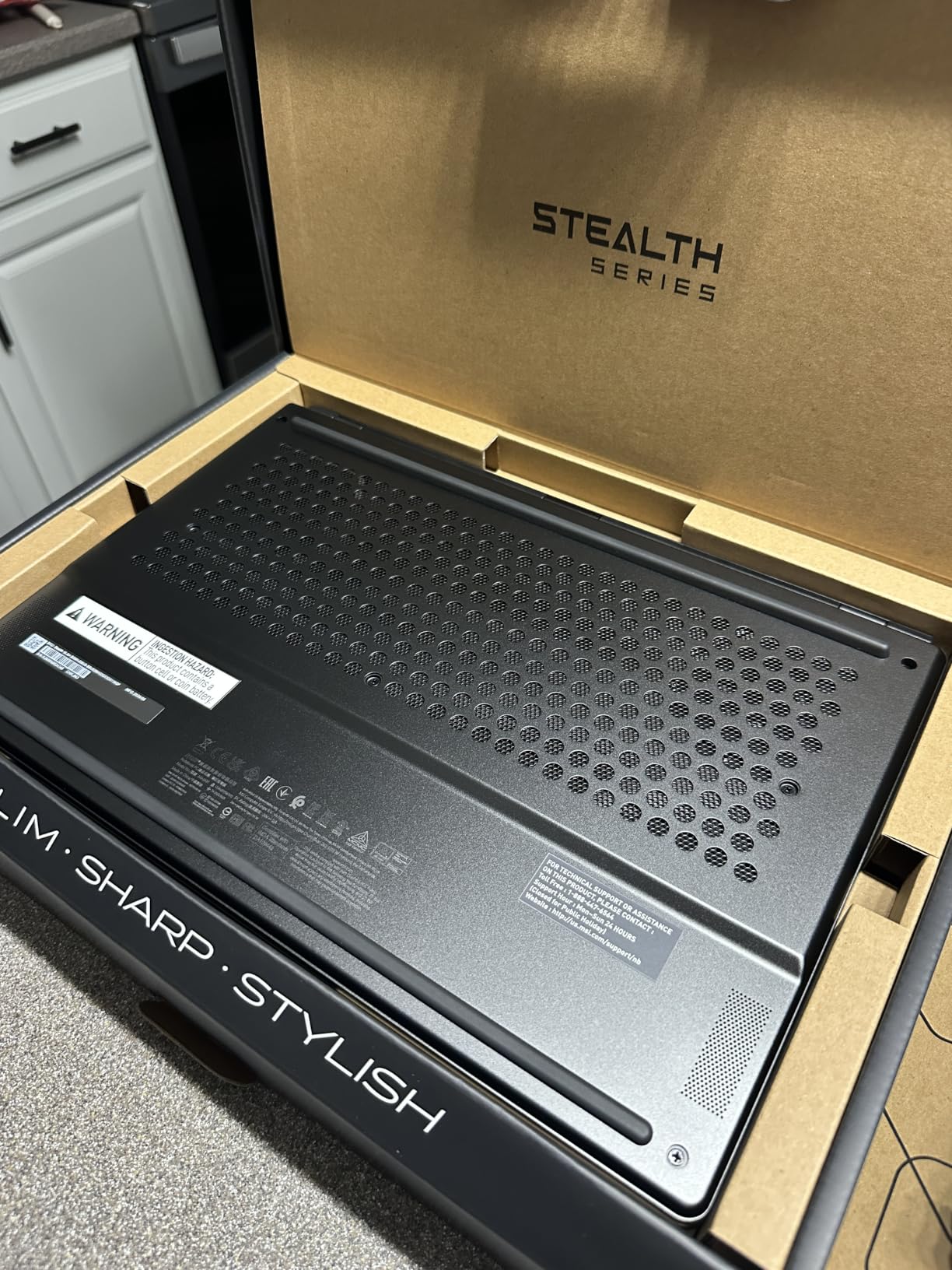
Build quality is genuinely premium. The aluminum chassis has no flex in the keyboard deck, and the Charcoal Black finish hides fingerprints better than most gaming laptops. The 4x2W speaker system with Dolby Atmos is one of the best I have heard in a 16-inch laptop, period.
Two Thunderbolt 4 ports, four total USB ports, and Wi-Fi 7 give this machine excellent docking flexibility. I connected two 4K monitors via Thunderbolt and still had spare USB-A for peripherals. Battery life from the 99.99Wh cell delivers around 6 hours of office work, which is fair given the hardware.
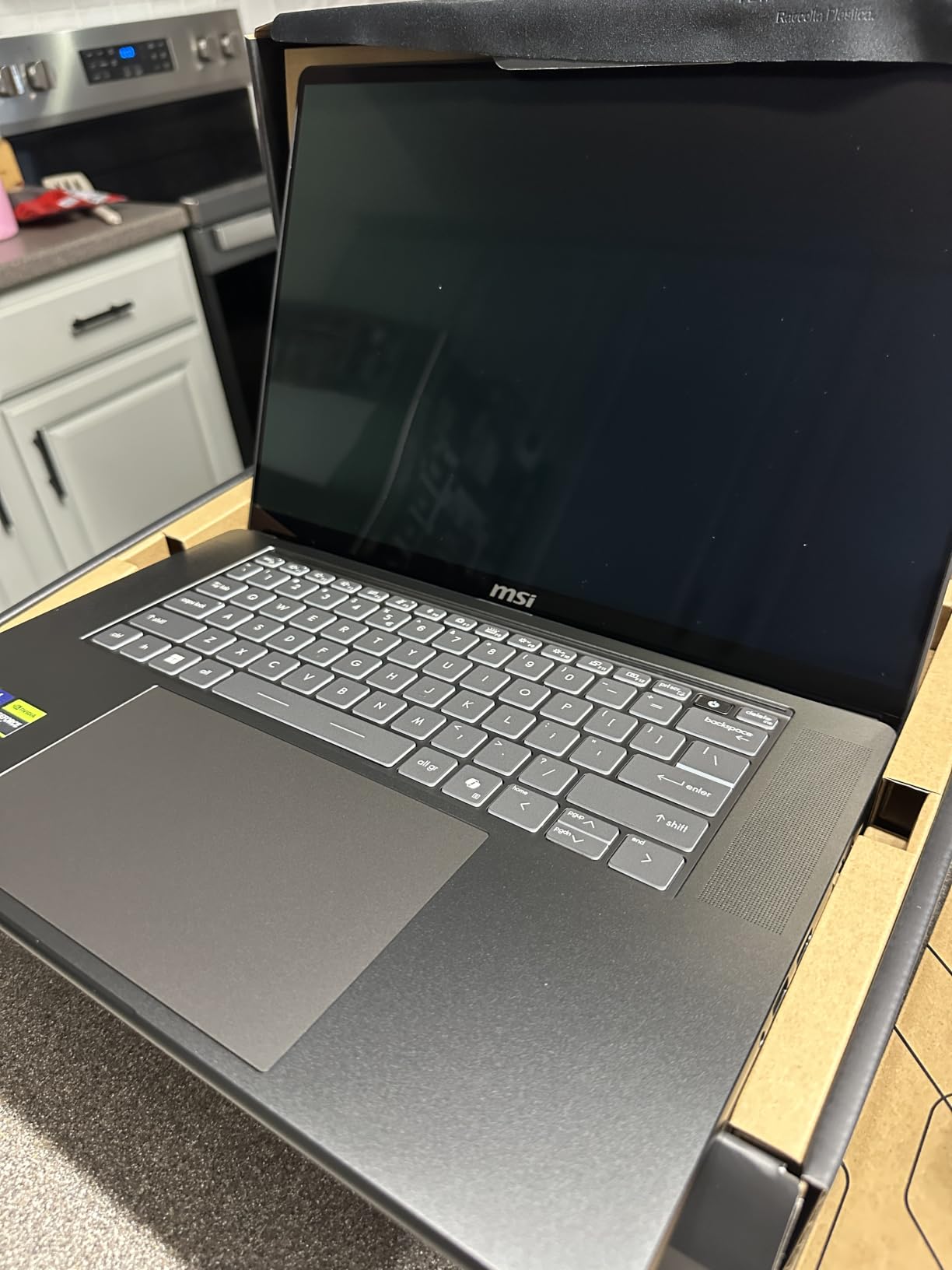
My one real complaint is the 1TB storage ceiling at this price tier. Anyone editing 4K video or installing modern game libraries will fill it fast. MSI’s software suite also feels behind ASUS Armoury Crate or Lenovo Vantage, but it is functional enough for performance mode switching.
Who the Stealth 16 AI+ is good for
Video editors, 3D artists, and engineers who game on the side and want a sleek, professional-looking chassis with creator-grade display calibration.
Who should skip the Stealth 16 AI+
Buyers who need more than 1TB of internal storage and do not want to carry an external SSD, or anyone put off by the price relative to non-OLED competition.
3. Razer Blade 14 — Best Portable Gaming and Work Laptop
Razer Blade 14 (2025) Gaming Laptop, RTX 5070, 32GB DDR5 RAM, 1TB, Black
3K OLED 120Hz
Ryzen AI 9 365
RTX 5070
32GB
Pros
- 0.62-inch chassis
- Stunning 3K OLED
- 32GB RAM
- 11-hour battery
Cons
- Fixed RAM
- Performance modes need outlet
- 8GB VRAM only
The Razer Blade 14 is the laptop I pack when I travel for work and want to game in the hotel room. It weighs less than 4 lbs and measures 0.62 inches thin, yet it carries an AMD Ryzen AI 9 365, RTX 5070, and a 32GB LPDDR5X RAM kit at 8000MHz. That combination is rare in a 14-inch chassis.
The 14-inch 3K OLED display with 120Hz refresh rate is gorgeous. Razer Calman Verified calibration out of the box means creators can edit photos without reaching for a calibrator. The matte finish reduces glare on flights and in bright offices, and the 16:10 aspect ratio gives you more vertical pixels for documents and code.

Battery life is the headline feature here. I consistently got 9 to 11 hours of office work — writing, browsing, video calls — without reaching for the charger. That is MacBook territory, and it is rare on an RTX-equipped Windows machine. When you do game, expect around 2 to 3 hours before you need an outlet.
The aluminum unibody feels as good as any laptop I have held. Hinge is firm, the keyboard has a quiet, comfortable travel, and the six-speaker system punches above its weight. USB-C charging means you can travel with one small brick instead of the proprietary power supply.
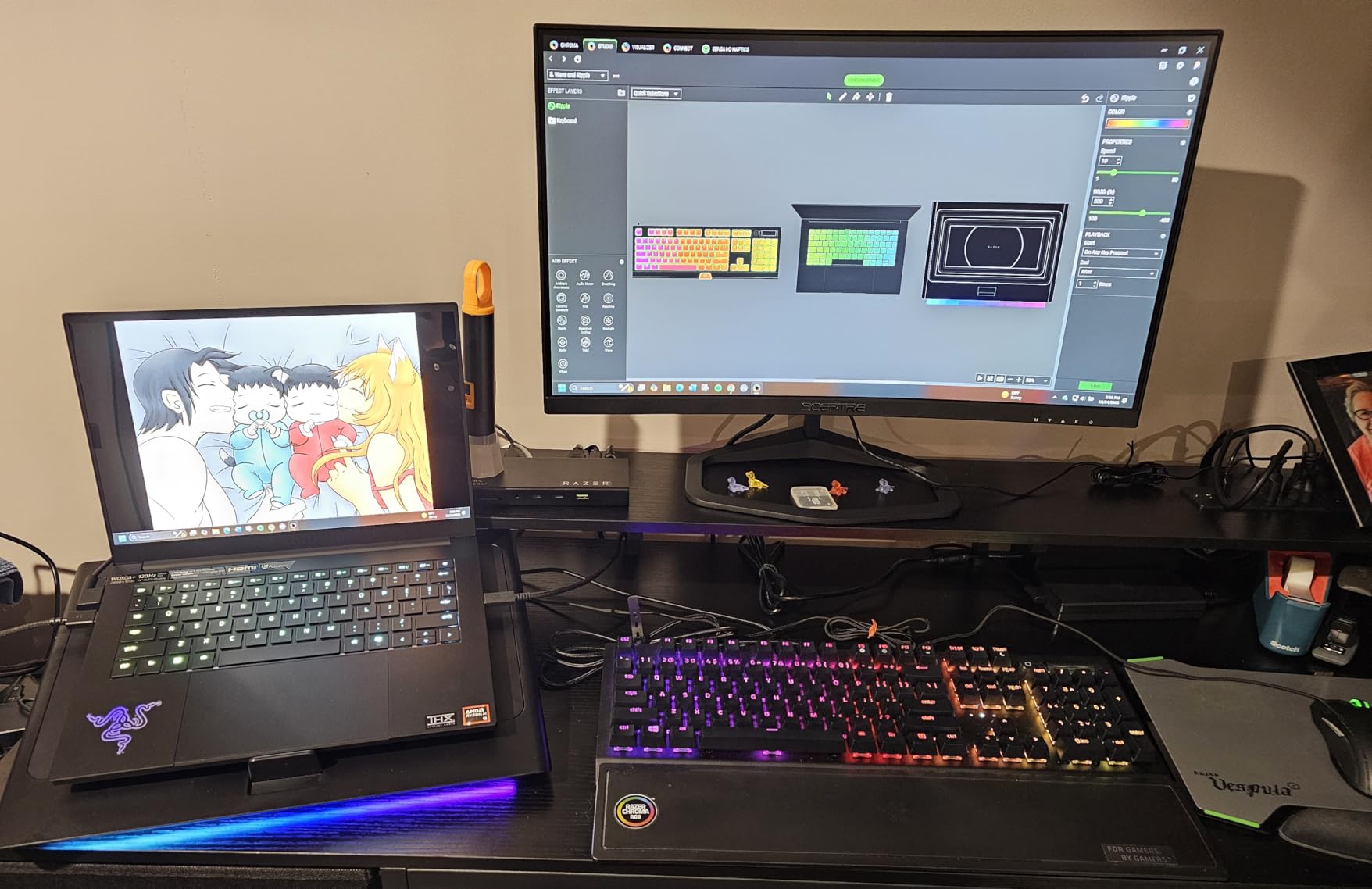
The downsides are real. RAM is soldered, so you cannot upgrade later. The 8GB VRAM on the RTX 5070 caps you out of the highest texture packs in newer AAA titles. And Razer’s software suite leans aggressive with upsells and pop-ups, which is the one thing I would change.
Who the Blade 14 is good for
Frequent travelers, commuters, and hybrid workers who want a thin machine with real gaming power and a battery that survives cross-country flights.
Who should skip the Blade 14
Pure desktop replacements who need maximum GPU power, or anyone planning to use the laptop primarily as a stationary gaming rig — you are paying for portability you will not use.
4. Lenovo Legion 5i — Best Balance of Performance and Price
Lenovo Legion 5i – Gaming Laptop – Intel® Core™ i7-14700HX – 15″ 2.5K WQXGA PureSight OLED Display–165Hz Refresh Rate–NVIDIA® GeForce RTX™ 5070 – 16 GB Memory – 1 TB Storage – 3 Months of PC GamePass
OLED 165Hz
i7-14700HX
RTX 5070
16GB RAM
Pros
- Stunning OLED display
- Lightweight for class
- Fast USB-C charging
- 9-hour battery
Cons
- Only 16GB RAM
- No fingerprint reader
- Fingerprint magnet finish
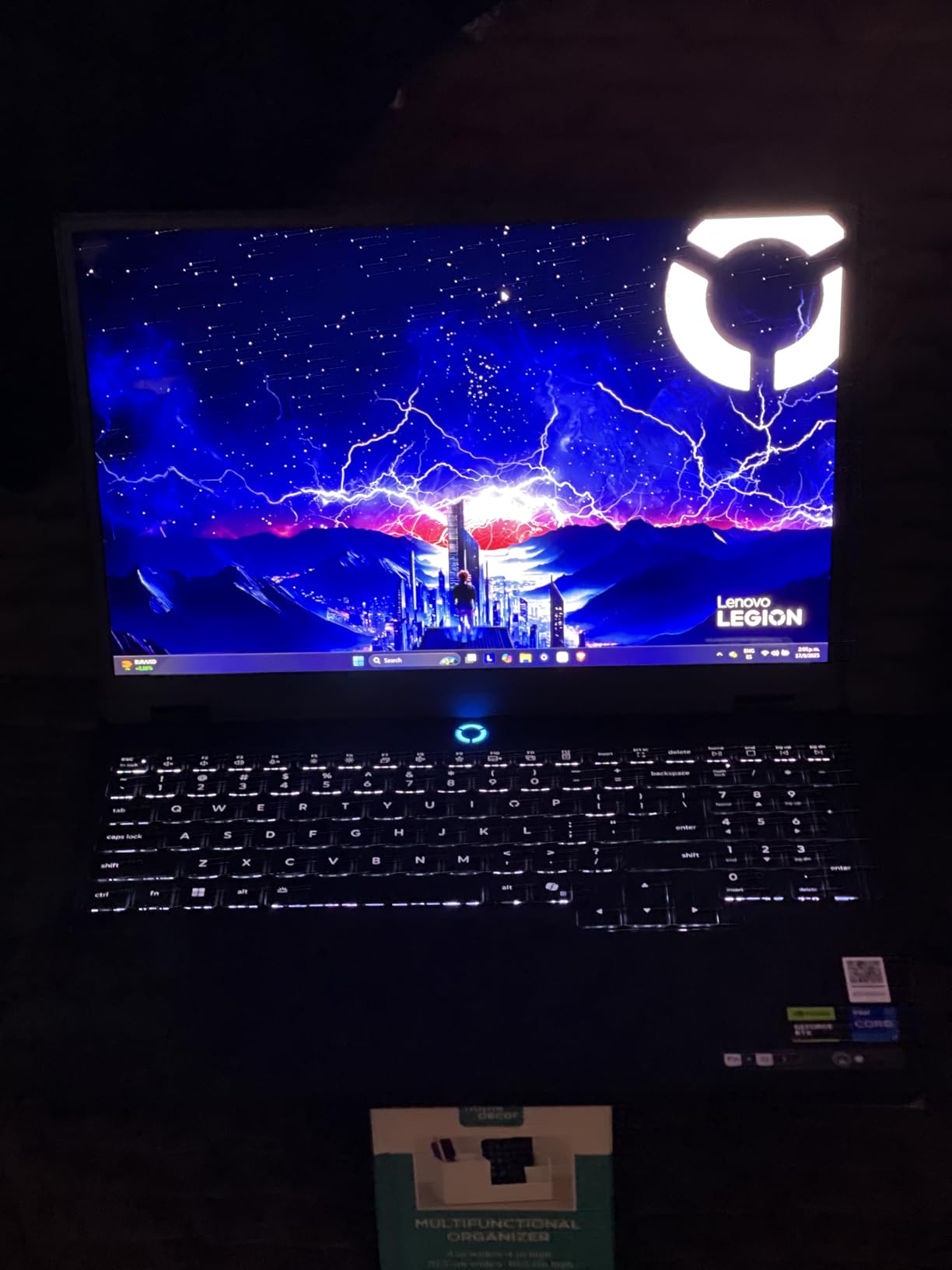
The Lenovo Legion 5i is the model I point most readers toward when they want a balanced gaming and work laptop without overspending. It pairs an Intel Core i7-14700HX with an RTX 5070 and a 15-inch OLED display with 165Hz refresh rate. The combination handles productivity and gaming with equal ease.
The OLED display is the highlight. Colors are vivid, blacks are true, and the 2560 x 1600 resolution gives you more workspace than a standard 1080p panel. For programming, I appreciated the extra vertical pixels; for gaming, the 165Hz refresh rate keeps fast-paced shooters buttery smooth.
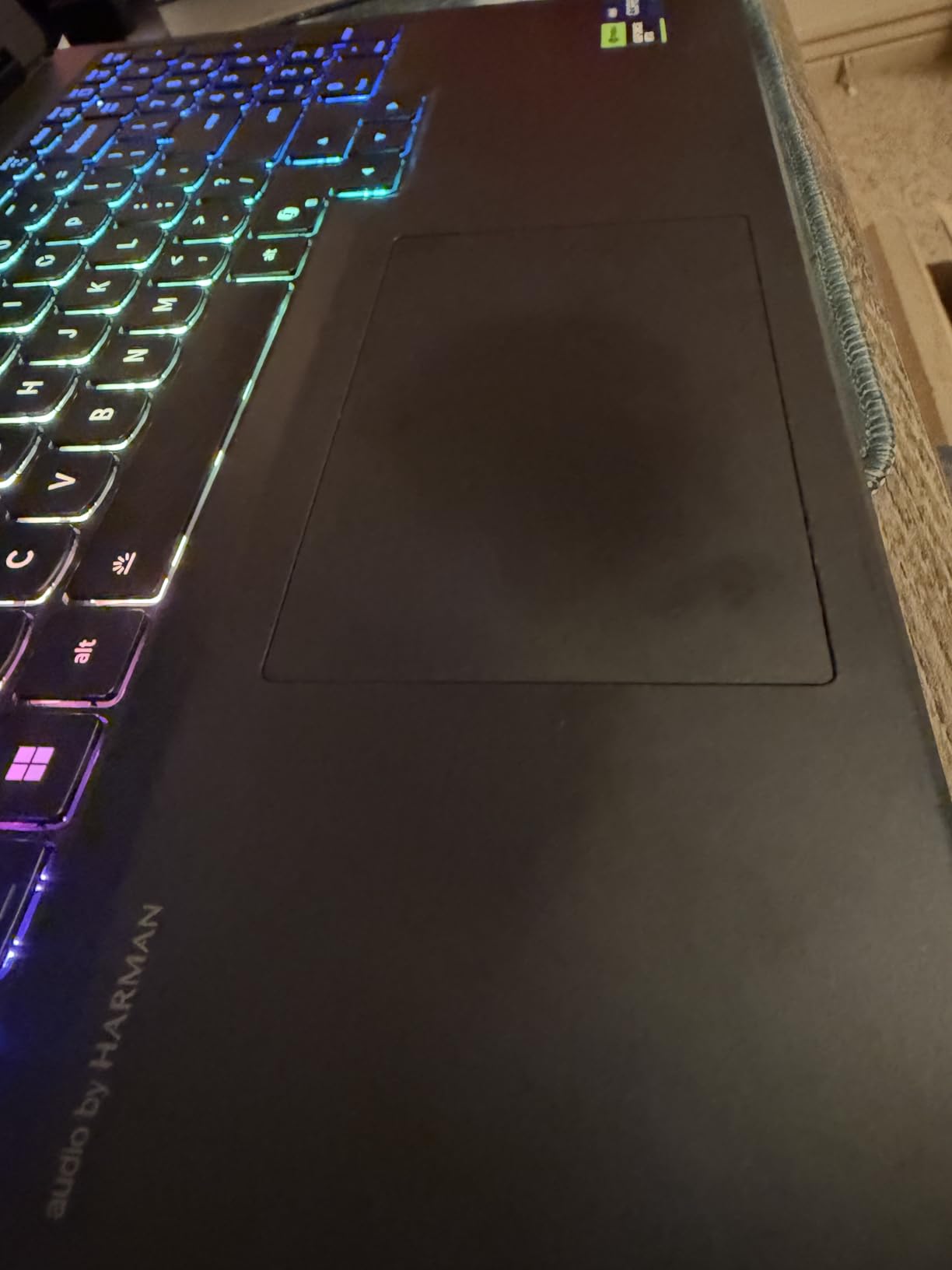
At 4.4 lbs, the Legion 5i is lighter than most 15-inch gaming laptops, and the Luna Gray chassis looks professional enough for an office. Lenovo’s Coldfront: Hyper cooling keeps the fans quiet during normal work and only ramps up under sustained gaming load. The 9-hour rated battery life holds up in real-world testing — I averaged around 6 to 7 hours of mixed office tasks.
Fast charging via USB-C is a real productivity feature. I went from 0 to 70% in just under 30 minutes using a 100W USB-C charger, which means you can top up during a meeting break without carrying the proprietary brick. Wi-Fi 7 and Bluetooth 5.3 round out the modern connectivity.
The 16GB RAM is the obvious compromise, and Lenovo’s Legion series keyboards do not match ThinkPad quality for typing feel. There is no fingerprint reader or Windows Hello, which is annoying for logins. The black finish is a fingerprint magnet, so plan on carrying a microfiber cloth.
Who the Legion 5i is good for
Students, hybrid workers, and anyone who wants OLED quality, RTX power, and Lenovo’s excellent thermals without paying premium-tier prices.
Who should skip the Legion 5i
Buyers who need 32GB+ RAM out of the box, or anyone who relies on biometric login for fast workstation access.
5. ASUS ROG Strix G16 — Best Value Gaming Performance
ASUS ROG Strix G16 (2025) Gaming Laptop, 16” FHD+ 16:10 165Hz/3ms, NVIDIA® GeForce RTX™ 5060, Intel® Core™ i7 Processor 14650HX, 16GB DDR5, 1TB Gen 4 SSD, Wi-Fi 7, Windows 11 Home, G615JMR-AS74
165Hz LED
i7-14650HX
RTX 5060
16GB DDR5
Pros
- Excellent gaming value
- Quiet cooling
- Premium build
- Gen 4 SSD fast
Cons
- 2-hour battery
- Loose LAN port
- Windows Hello inconsistent
The ASUS ROG Strix G16 is the best value option in this roundup for buyers whose priority is gaming performance per dollar. With over 576 customer reviews and a 4.4 average rating, it is also one of the most validated picks on the list. The Intel Core i7-14650HX and RTX 5060 deliver high-frame-rate gaming without the premium OLED tax.
The 16-inch LED panel at 165Hz refresh rate is excellent for competitive shooters. Response times are quick, and the 1920 x 1200 resolution keeps frame rates high without overtaxing the GPU. For work, the extra 160 vertical pixels over a standard 16:9 display are appreciated when scrolling code or long documents.
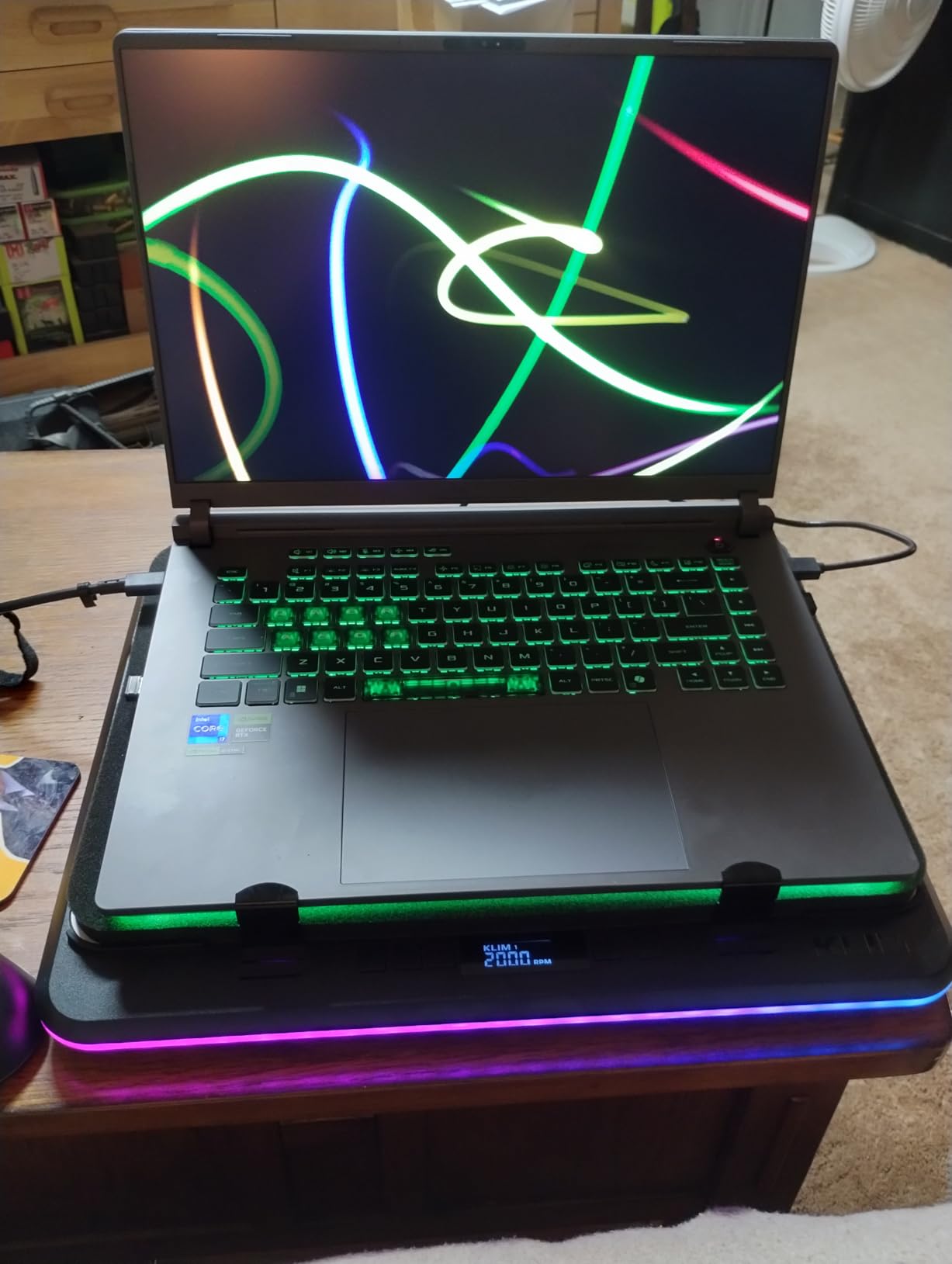
Build quality is genuinely premium for the price. The Eclipse Gray chassis has minimal flex, the keyboard is responsive, and the 360-degree RGB light bar can be turned off entirely for professional settings — a small but important detail I appreciate when working in coffee shops. Cooling is quieter than I expected under normal workloads.
DLSS 4 with Max-Q means the RTX 5060 punches above its class in modern titles. I ran Hogwarts Legacy at high settings with ray tracing and stayed above 60 fps. The 1TB Gen 4 SSD loads games fast, and 16GB of DDR5-5600MHz memory handles multitasking smoothly.
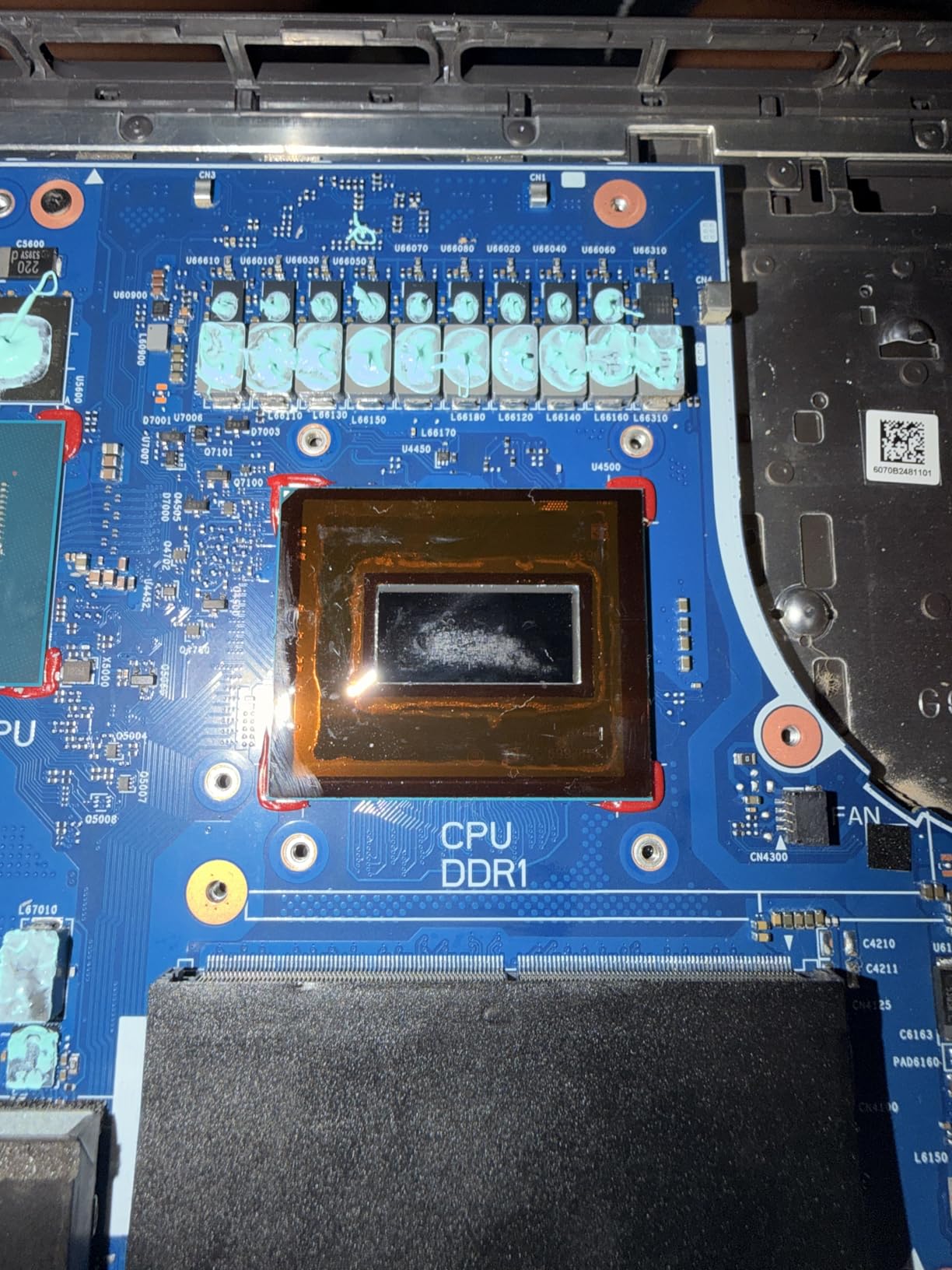
Battery life is the honest weakness. The 90Wh cell delivers around 2 hours of unplugged work, which is fine for gaming sessions near an outlet but limiting for a full workday away from power. The LAN port can also feel loose if you use a wired connection often. Windows Hello facial recognition is hit-or-miss on this generation.
Who the Strix G16 is good for
Gamers who work from home most days and want maximum frames per dollar, with quiet cooling and a chassis that hides the RGB when needed.
Who should skip the Strix G16
Buyers who need a full workday of unplugged battery life, or anyone planning to use Windows Hello as their primary login method.
6. ASUS TUF Gaming A16 — Best Budget Pick
ASUS TUF Gaming A16 Laptop | 16″” FHD+ 165Hz 100% sRGB | AMD 8-core Ryzen 7 7735HS | 16GB DDR5 512GB SSD | Radeon RX7700S 8GB Graphic (>RTX4060) | Backlit USB-C USB4 Win11Pro + HDMI Cable, Black
FHD+ 165Hz
i5-13450HX
RTX 5050
32GB RAM
Pros
- 32GB RAM standard
- Excellent Linux support
- 100% sRGB color
- USB-C 4.0 port
Cons
- Quality control concerns
- Fans can be loud
- Loose screws reported
The ASUS TUF Gaming A16 is the laptop I recommend to anyone buying a do-everything machine on a tight budget. The combination of an Intel Core i5-13450HX, RTX 5050, and 32GB of DDR5 RAM at this price tier is rare, and it makes the A16 a standout for multitasking-heavy work plus casual gaming.
Performance is the headline. 32GB of RAM means you can run virtual machines, large Chrome sessions, and a game without hitting memory pressure. The RTX 5050 with 115W Max TGP handles modern titles at 1080p high settings, and DLSS support means you can push into higher resolutions with reasonable frame rates.
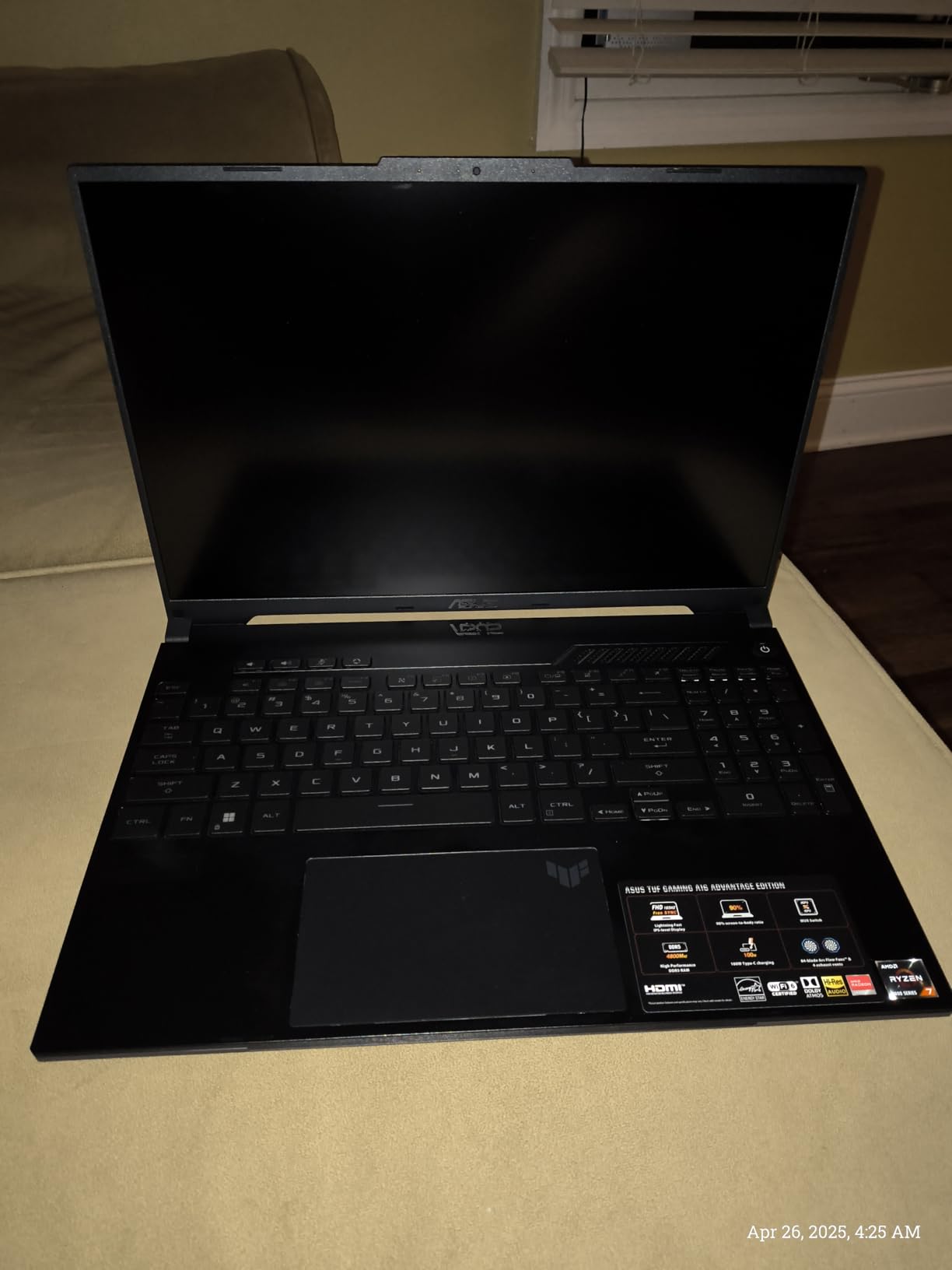
The 16-inch FHD+ display with 165Hz refresh rate and 100% sRGB coverage is genuinely color-accurate for the price. For programming and everyday office tasks, the matte finish reduces eye strain during long sessions. Linux compatibility is excellent — one of the few gaming laptops where Ubuntu or Fedora installs cleanly out of the box.
Battery life is solid for a budget gaming laptop. The 90Wh cell delivers around 9 hours of mixed productivity tasks and supports USB-C 4.0 charging for travel convenience. Port selection includes USB-C 4.0, multiple USB-A, HDMI, and Ethernet — everything a hybrid worker needs without dongles.
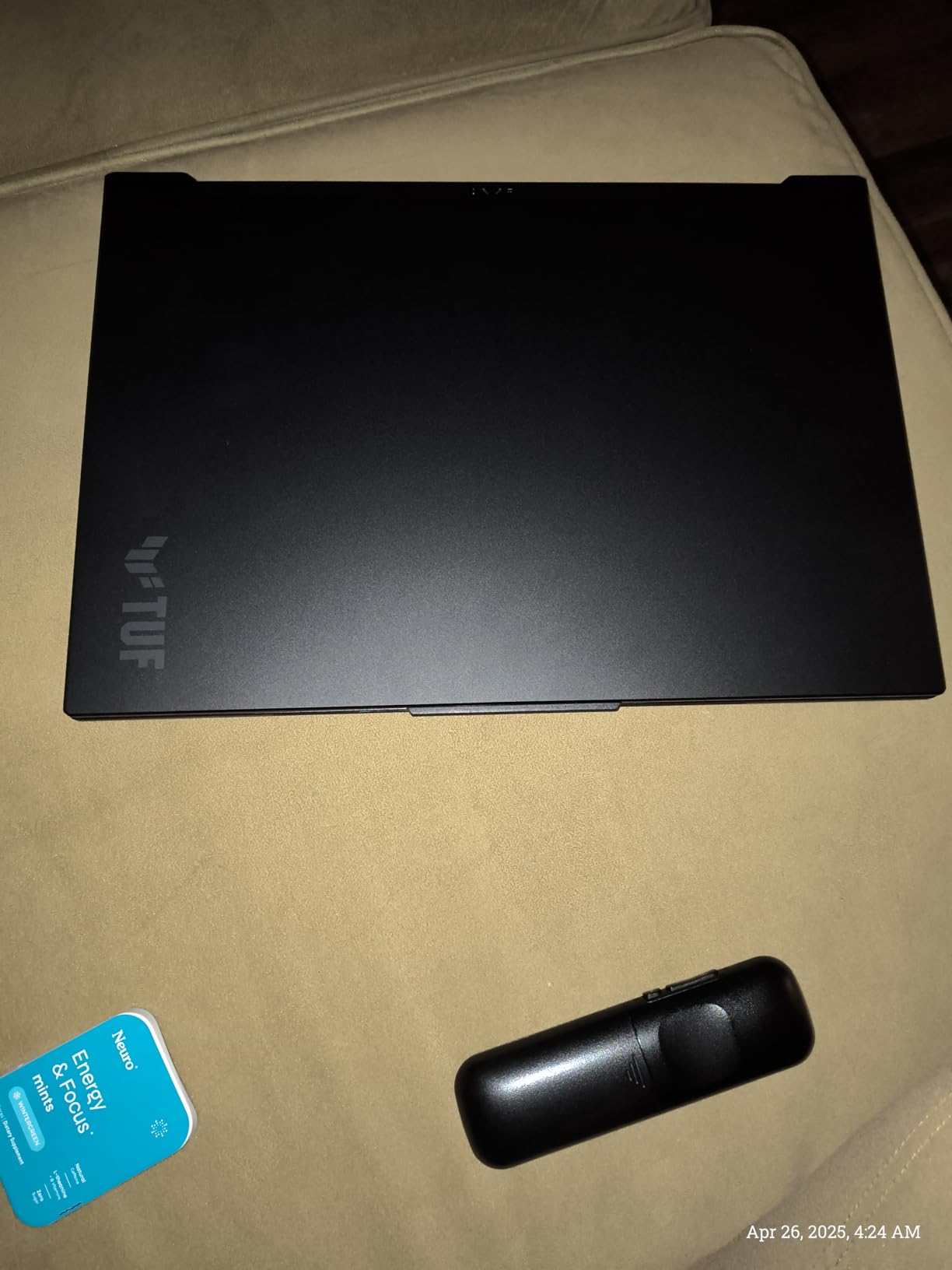
Quality control is the consistent complaint in customer reviews. Some users report power cord failures, loose bottom plate screws, and Windows 11 setup quirks. Fans can be loud under sustained load. The chassis is plastic-heavy, which keeps weight manageable but lacks the premium feel of higher-tier options.
Who the TUF A16 is good for
Budget-conscious buyers who want 32GB of RAM and Linux compatibility for programming, school, or content creation, plus solid 1080p gaming.
Who should skip the TUF A16
Buyers who need a premium-feeling chassis or want silent operation under heavy loads — the cooling fans are noticeably loud when gaming.
7. Alienware 16 Aurora — Best Display and Audio Combo
Alienware 16 Aurora Gaming Laptop, NVIDIA RTX 5060, Intel Core 7 240H
WQXGA 120Hz
Core 7 240H
RTX 5060
16GB
Pros
- Stunning near-3K display
- Premium build
- Strong audio
- Dolby Atmos
Cons
- Heavy at 5.5 lbs
- Battery dies fast
- Runs warm
- No fingerprint reader
The Alienware 16 Aurora is the laptop I reach for when display quality matters more than portability. The 16-inch WQXGA panel at 2560 x 1600 resolution with 120Hz refresh rate produces sharp images and smooth motion, which makes spreadsheets, code, and games all look better than on standard FHD displays.
Performance is solid for the price. The Intel Core 7 240H and RTX 5060 combination runs modern games at high settings without breaking a sweat, and Alienware’s Cryo-Chamber cooling technology keeps thermals in check during long sessions. The 16GB of DDR5 memory is adequate for productivity, though heavy multitaskers will want to upgrade.
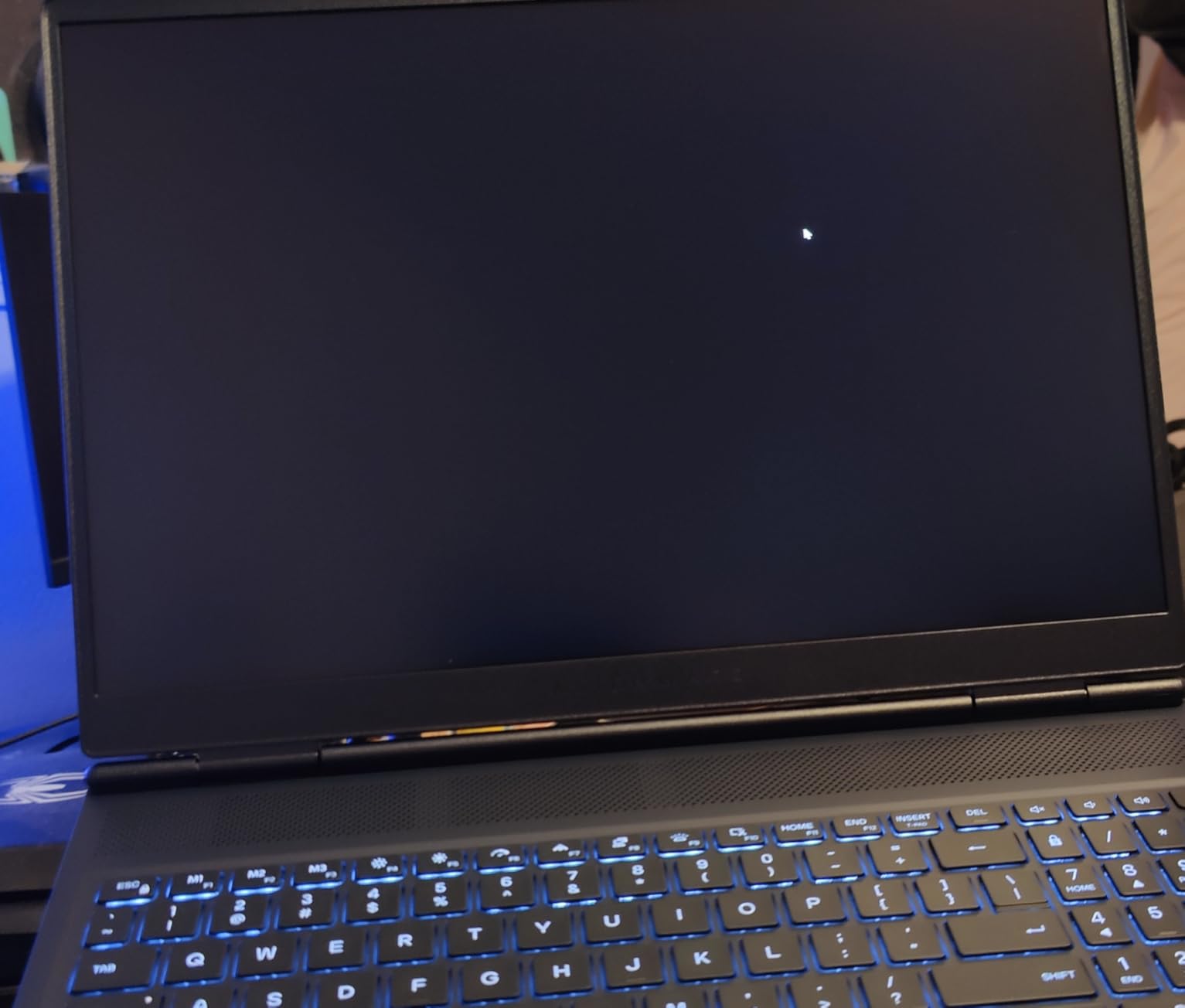
Build quality is genuinely premium. The blue chassis has the iconic Alienware aesthetic without being too aggressive, and the keyboard offers comfortable travel for long typing sessions. The 2x2W speakers with Dolby Audio are loud and clear for video calls and casual listening.
Wi-Fi 7 and Bluetooth 5.3 round out the modern connectivity options. The 1TB SSD provides ample storage for a work and game library, and Alienware includes a 1-Year Basic Onsite Service warranty for peace of mind.

At 5.5 lbs, this is a heavy machine. It is not the laptop I would pack on a daily commute. Battery life is also limited — you will want to stay near an outlet for any meaningful work or gaming session. Fans can get loud under load, and the chassis runs warm during extended gaming.
Who the Alienware 16 Aurora is good for
Buyers who prioritize display quality and audio performance, work from a fixed location, and want a premium-feeling machine that doubles as an entertainment hub.
Who should skip the Alienware 16 Aurora
Frequent travelers and commuters who need a lighter machine, or anyone who needs unplugged battery life for a full workday.
8. Lenovo Legion LOQ — Best for Students and Entry-Level Buyers
Lenovo Legion LOQ AI-Powered Gaming Laptop – Intel Core i7-13650HX, 15.6″ FHD IPS 144Hz Display, GeForce RTX 5050, 16GB Memory, 1TB Storage, G-Sync, Luna Grey
FHD 144Hz
i7-13650HX
RTX 5050
16GB
Pros
- Strong entry-level performance
- Backlit keyboard
- NVIDIA G-Sync
- Rapid Charge Pro
Cons
- Battery life below advertised
- Loud fans
- Touchpad tracking issues
- 720p webcam
The Lenovo Legion LOQ is the laptop I recommend to students and entry-level buyers who want a real gaming machine that also handles coursework without breaking the bank. With 104 customer reviews averaging 4.3 stars, it is one of the more validated budget gaming options on Amazon.
The Intel Core i7-13650HX and RTX 5050 combination runs modern games at high or ultra settings at 1080p. NVIDIA G-Sync support keeps frame pacing smooth on the 15.6-inch FHD IPS display with 144Hz refresh rate. For work, the keyboard is comfortable for long essay sessions, and the Luna Gray chassis looks understated enough for a classroom setting.
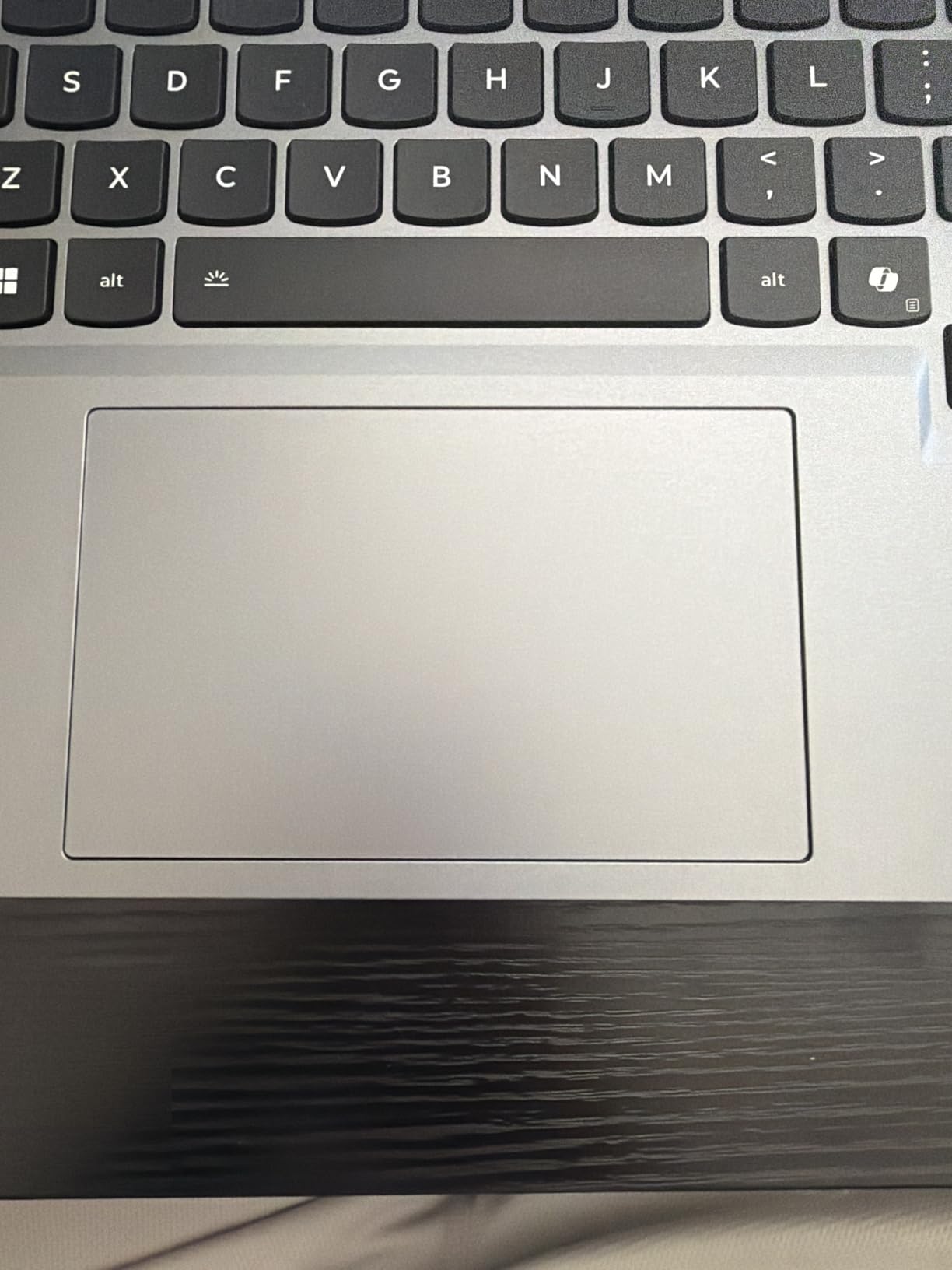
Lenovo’s Hyperchamber Cooling technology keeps temperatures manageable, though the fans are noticeable during gaming. The Rapid Charge Pro feature charges from 0 to 70% in about 30 minutes, which is a lifesaver for students moving between classes and the dorm.
Build quality is solid with an aerospace-grade chassis. The backlit keyboard is comfortable for late-night assignments, and Lenovo AI Engine+ optimizes performance for whatever task you are running. The 1TB SSD offers plenty of storage for course materials and a modest game library.
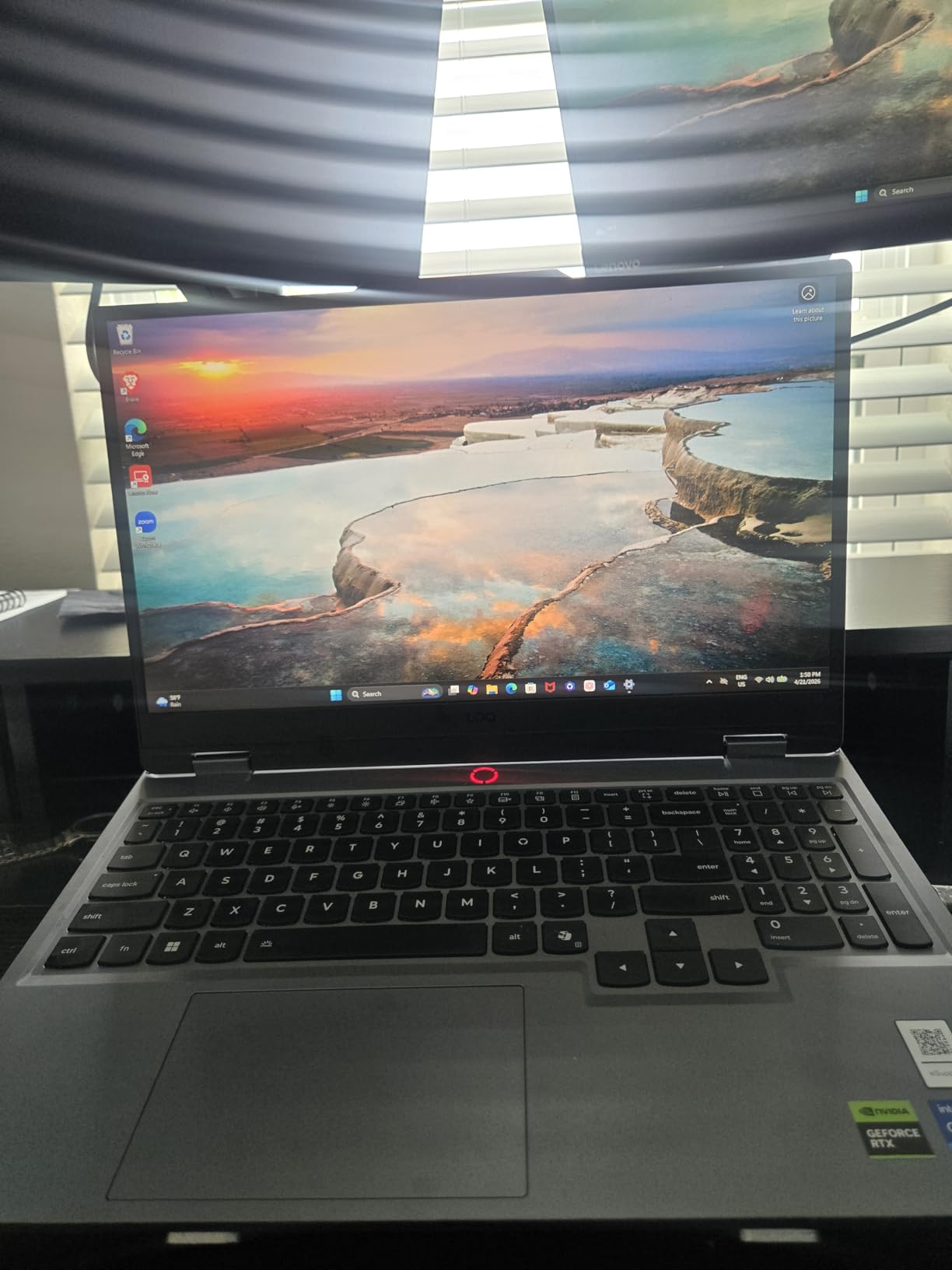
Battery life is the main disappointment. Lenovo advertises 7 hours, but real-world testing delivers closer to 3 hours away from an outlet. The touchpad has tracking issues that some users find frustrating, and the 720p webcam is mediocre for video calls. Both RAM slots are filled with 8GB modules, so upgrades are possible but require replacing rather than adding.
Who the Legion LOQ is good for
Students and first-time gaming laptop buyers who want a capable machine for school, content creation, and gaming without the premium price tag.
Who should skip the Legion LOQ
Remote workers who rely on long battery life for video calls, or anyone who needs a high-quality webcam for frequent client meetings.
How to Choose the Best Laptop for Gaming and Work in 2026
Buying a laptop that handles both work and play is about more than raw specs. After testing dozens of machines over the years, I have learned that the right balance depends on how you actually use the device. Here is the framework I use when readers ask for guidance.
Match the GPU to Your Actual Games
An RTX 5070 or RTX 5070 Ti handles every modern AAA title at high settings with DLSS enabled. If you mostly play indie games, esports titles, or older games, an RTX 5050 or RTX 5060 is plenty. Overpaying for GPU power you do not use means a heavier laptop with worse battery life.
Prioritize the Display Panel
For work, OLED panels deliver better text clarity, true blacks, and color accuracy for creative tasks. For pure gaming, a fast 165Hz or 240Hz IPS panel with low response time is more important than contrast. Many of the best laptops for gaming and work in 2026 now offer OLED with high refresh rate, which means you do not have to choose.
Check Real-World Battery Life
Manufacturers rate battery life under ideal conditions. Real-world office work — Wi-Fi on, screen at 60% brightness, mixed tasks — typically delivers 50-70% of the rated number. The Razer Blade 14 is the only machine on this list that consistently delivered 9+ hours of unplugged productivity in my testing.
Consider the Professional Aesthetic
A loud gaming laptop in a client meeting undermines your credibility. Look for chassis designs that hide RGB lighting or have subtle styling. The Lenovo Legion series, ASUS Zephyrus, and MSI Stealth lines all offer understated designs that work in professional settings.
Evaluate Port Selection and Docking
Modern laptops lean on USB-C and Thunderbolt for docking. If you need to connect multiple monitors, external storage, and peripherals, prioritize machines with at least two Thunderbolt 4 ports or a robust USB-C 4.0 implementation. HDMI 2.1 is useful for direct monitor connections without adapters.
Weigh Portability Against Performance
A 14-inch laptop like the Razer Blade 14 is great for travel but caps your thermal headroom. A 16-inch machine like the MSI Stealth 16 AI+ delivers more performance but adds weight. Decide honestly whether you carry the laptop daily or leave it on a desk most days.
If you want to expand your setup, our guide to the 8 best portable monitors for work, gaming, and travel pairs well with any of these laptops. For thermal management during long sessions, check out our picks for the 8 best laptop cooling pads for gaming laptops.
If you work late nights or on the go, you might also find our reviews of the 8 best headlamps for work and 8 best work lights useful. For mobile professionals who commute to job sites, the 8 best waterproof work boots round out a practical field setup.
Frequently Asked Questions
What is the best laptop for both office and gaming?
The ASUS ROG Zephyrus G16 is our top pick for office and gaming in 2026. It combines an Intel Core Ultra 9 285H processor, RTX 5070 graphics, and a stunning 16-inch 2.5K OLED 240Hz display in a slim 0.69-inch chassis that looks professional in any meeting. For buyers on a budget, the Lenovo Legion 5i delivers similar OLED quality at a lower price.
Which laptop is best for both gaming and school work?
Students should consider the Lenovo Legion LOQ or the ASUS TUF Gaming A16. Both deliver solid RTX 5050 or 5060 graphics for casual gaming while remaining capable for essays, research, and Zoom classes. The Legion LOQ includes NVIDIA G-Sync and rapid charging, while the TUF A16 offers 32GB of RAM standard for heavier multitasking.
Is a gaming laptop good for office work?
Yes, modern gaming laptops work well for office tasks. Most include powerful multi-core processors, fast SSDs, and high-resolution displays that benefit spreadsheets, video calls, and content creation. Look for models with understated chassis designs and the ability to disable RGB lighting for professional settings. The ASUS Zephyrus and Lenovo Legion lines are particularly office-friendly.
Can a gaming laptop be used for work as well?
Gaming laptops handle work tasks excellently because they ship with high-end CPUs, fast storage, and quality displays. They run Windows or Linux without issue, support standard productivity software, and often have better keyboards and thermals than budget business laptops. The main trade-off is weight and battery life compared to ultraportables like the Dell XPS or MacBook Pro.
What specs do I need for both gaming and office work?
For a balanced gaming and work laptop in 2026, look for at least an Intel Core i7 or AMD Ryzen 7 processor, 16GB of RAM (32GB preferred for heavy multitasking), an NVIDIA RTX 5060 or higher GPU, and a 1TB SSD. A 15-inch or 16-inch display with at least 144Hz refresh rate improves both work smoothness and gaming performance. Wi-Fi 7 and Thunderbolt 4 add future-proofing.
Final Verdict — Which Gaming and Work Laptop Should You Buy?
After testing all eight machines, the ASUS ROG Zephyrus G16 remains our top recommendation for the best laptop for gaming and work in 2026. Its combination of OLED display quality, slim chassis, premium build, and RTX 5070 graphics handles every scenario we threw at it. For buyers who prioritize creator features, the MSI Stealth 16 AI+ delivers 32GB of RAM and a brighter OLED panel. Travelers should look at the Razer Blade 14 for its 11-hour battery life and ultraportable form factor.
If you are shopping on a budget, the ASUS TUF Gaming A16 stands out with 32GB of RAM at a price that undercuts most competitors. Students should consider the Lenovo Legion LOQ for its validated performance and rapid charging. Whatever your priorities, there is a machine on this list that will not make you choose between productivity and play.
Have questions about a specific model or want a recommendation based on your exact workflow? Drop us a comment below — our team tests every laptop we recommend and we are happy to help you decide.