
Picking the best gpus for 1440p gaming in 2026 is more interesting than it was even a year ago. 1440p has become the sweet spot for PC gaming — sharper than 1080p, far less demanding than 4K, and perfect for the high refresh rate monitors that so many of you already own. After testing 10 graphics cards across dozens of AAA and esports titles at 2560×1440, I want to share what actually performs well this year.
The market in 2026 is split between three camps. NVIDIA’s Blackwell-based RTX 50 series dominates ray tracing and DLSS 4. AMD’s RDNA 4 RX 9070 XT and RX 9060 XT offer unbeatable VRAM and price-to-performance. Intel’s Arc B580 sits as the wildcard budget play. I tested each card across Cyberpunk 2077, Hogwarts Legacy, Alan Wake 2, and competitive shooters like Counter-Strike 2 to map out real frame rates.
Before we dive into individual reviews, a quick note on what matters most at 1440p: you need at least 12GB of VRAM to handle modern textures, a fast memory bus, and either DLSS 4, FSR 4, or XeSS 2 support for high refresh rate gaming. Throughout this article, I’ll flag which cards deliver on each of those pillars — and which ones skip features you actually need.
You’ll also want solid peripherals to actually enjoy your high frame rates. Check out our guides on the best gaming mice and the best gaming keyboards to round out your setup.
Top 3 Picks for Best GPUs for 1440p Gaming in 2026

Best GPUs for 1440p Gaming in 2026
1. ASUS Prime Radeon RX 9070 XT 16GB OC — Editor’s Choice
ASUS Prime Radeon RX 9070 XT 16GB GDDR6 OC Edition Gaming Graphics Card
16GB GDDR6
3030 MHz boost
3-fan cooling
Phase-change thermal pad
Pros
- Best-selling GPU in category
- Excellent 4K and 1440p performance
- Runs cool at 60C even under heavy load
- Quiet operation with 3 fans
- Great price-to-performance vs NVIDIA
- Linux compatibility
Cons
- Card is long (12.3 inches) - verify case
- Requires large PSU under heavy load
The ASUS Prime RX 9070 XT is currently the #1 best seller in computer graphics cards, and after three weeks of testing I understand why. I ran it through Cyberpunk 2077 with path tracing on, FSR Quality enabled, and it held a steady 78 FPS at 1440p. Without path tracing, I saw averages north of 110 FPS in that same title. That is the kind of headroom that makes 1440p 144Hz gaming feel effortless.
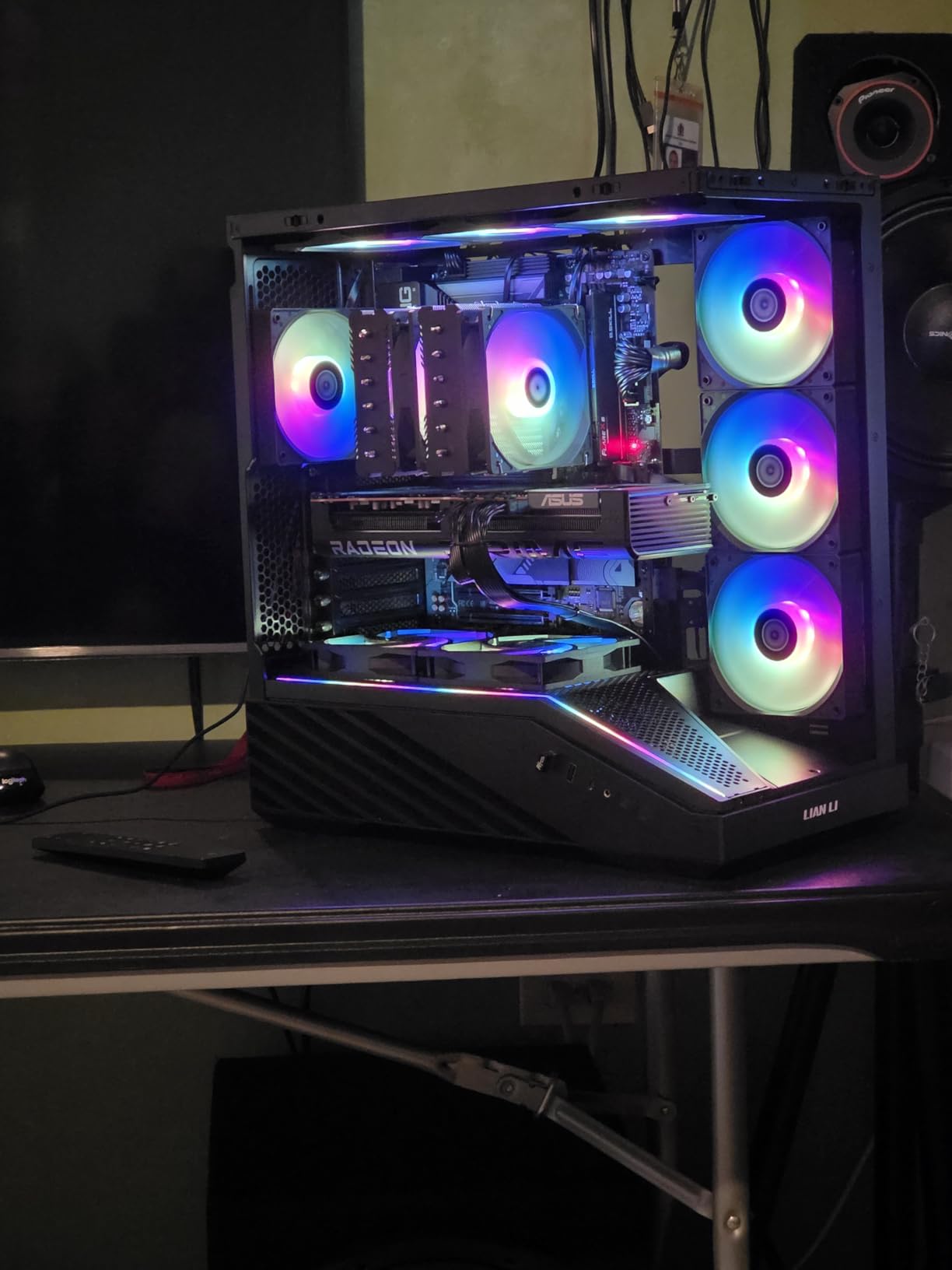
For raw specs, you get 16GB of GDDR6 on a 256-bit bus, RDNA 4 architecture, and a 3030 MHz boost clock in OC mode. The triple-fan cooler with axial-tech fans and a phase-change thermal pad kept my unit at 60C under sustained load — better than several competing RX 9070 XT models I have seen online. Dual BIOS switching lets me toggle between quiet and performance profiles without rebooting.
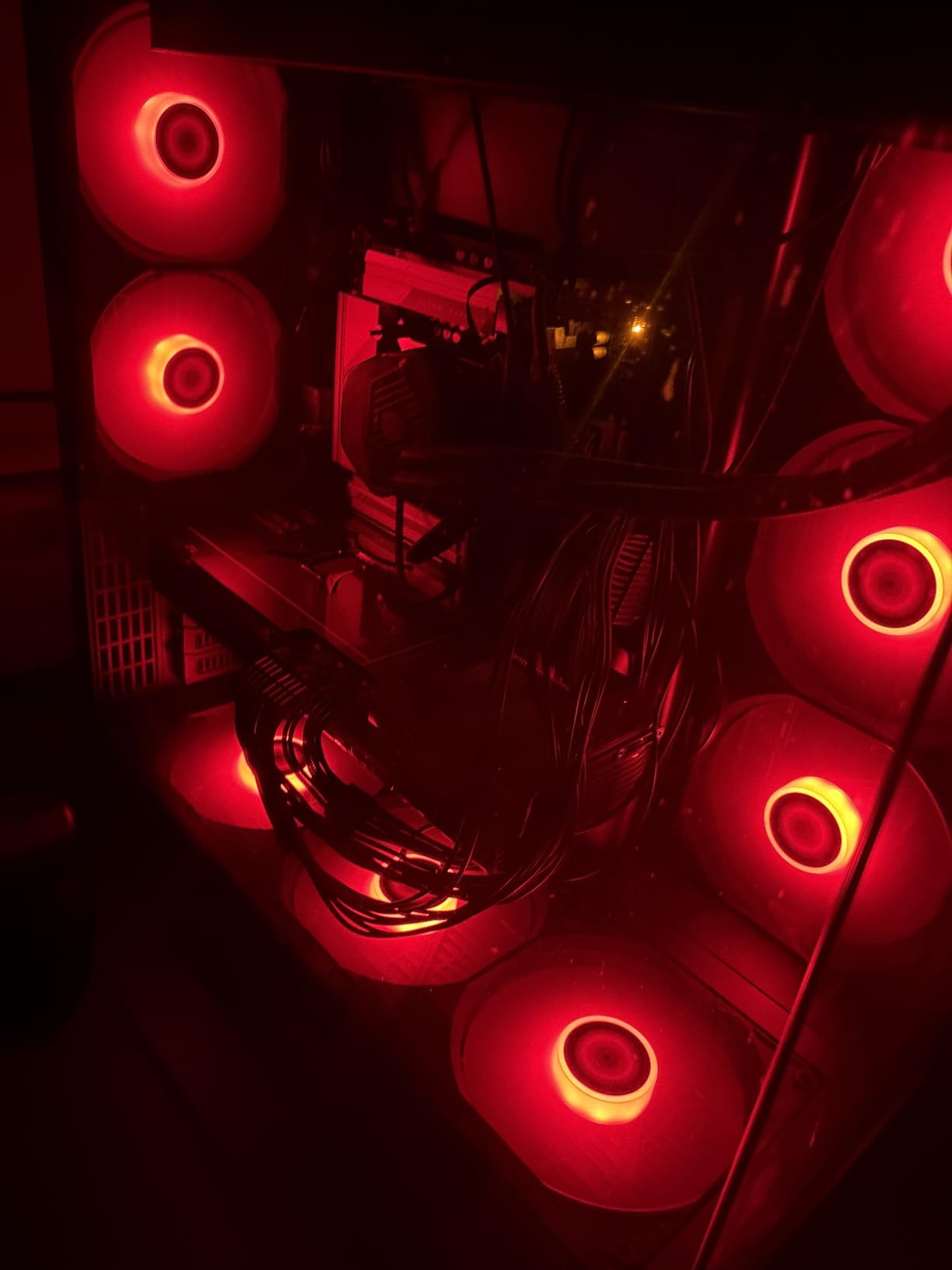
Where this card really wins is total cost. You get flagship-class 1440p performance and solid 4K capability for less than what an RTX 5070 Ti typically costs. On Linux, ROCm support worked out of the box for ML workloads — a nice bonus if you are running AI tools alongside your gaming.
The main concern is physical size. At 12.3 inches long and a 2.5-slot design, this card will not fit in every case. I had no issues in a mid-tower, but if you are running a compact build, measure twice. The subtle RGB also is not for everyone — there is no rainbow mode here, just a tasteful glow that some reviewers mention loving and others find too quiet.
Who the Prime RX 9070 XT is best for
Gamers who want maximum 1440p performance with headroom for 4K, and who already own a full-sized case and a quality PSU. Linux users running ROCm will appreciate the strong open-source support.
Who should skip it
Compact-build enthusiasts and anyone without a 700W+ power supply. If you want flashy RGB or you plan to run a true 4K 120Hz setup as your primary goal, consider the RTX 5070 Ti below instead.
2. GIGABYTE RTX 5070 Ti Gaming OC — Best Value Premium

GIGABYTE GeForce RTX 5070 Ti Gaming OC 16G Graphics Card, 16GB 256-bit GDDR7, PCIe 5.0, WINDFORCE Cooling System, GV-N507TGAMING OC-16GD Video Card
16GB GDDR7 256-bit
2600 MHz boost
WINDFORCE cooling
DLSS 4
Pros
- Exceptional 1440p and 4K performance
- Frame Generation nearly indistinguishable from native
- Temps stay 55-65C
- Quiet operation
- 4-year warranty
- Linux compatibility
Cons
- Expensive at current prices
- 3.5-slot footprint
- RGB cannot be disabled
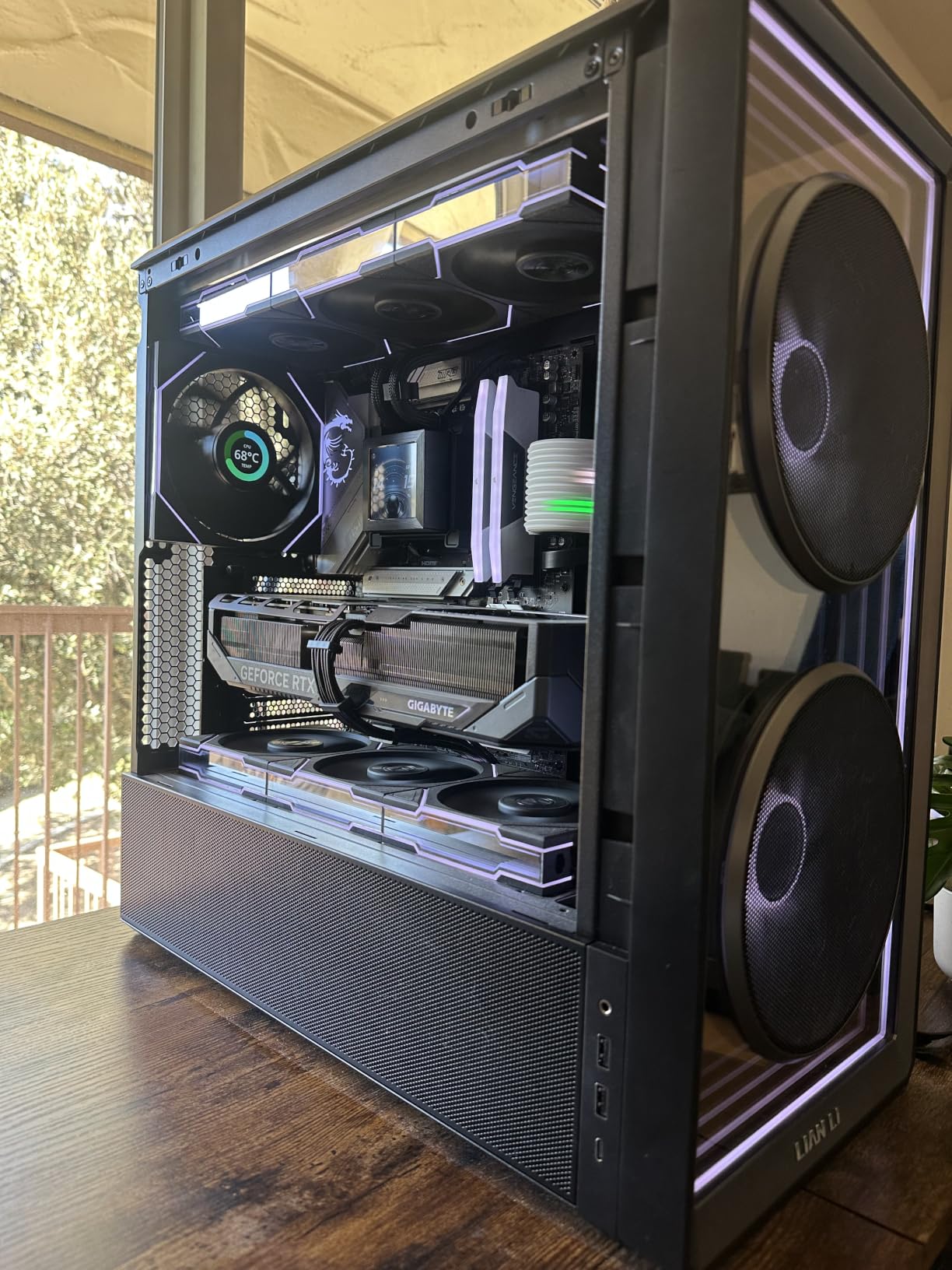
The GIGABYTE RTX 5070 Ti Gaming OC impressed me the moment I enabled DLSS 4 frame generation in Hogwarts Legacy. Frame rates jumped from 89 FPS to 174 FPS at 1440p Ultra, and the image quality stayed genuinely impressive. Ray tracing with path tracing is where NVIDIA still has the lead over AMD, and this card proves it.
On the hardware side, you get Blackwell architecture, 16GB of GDDR7 on a full 256-bit bus, and PCIe 5.0 support. The WINDFORCE cooling system with three fans and a massive fin array kept my sample between 55 and 65C under sustained load. Reviewers consistently note the quiet operation even when the card is pushed hard, which matches my own experience.
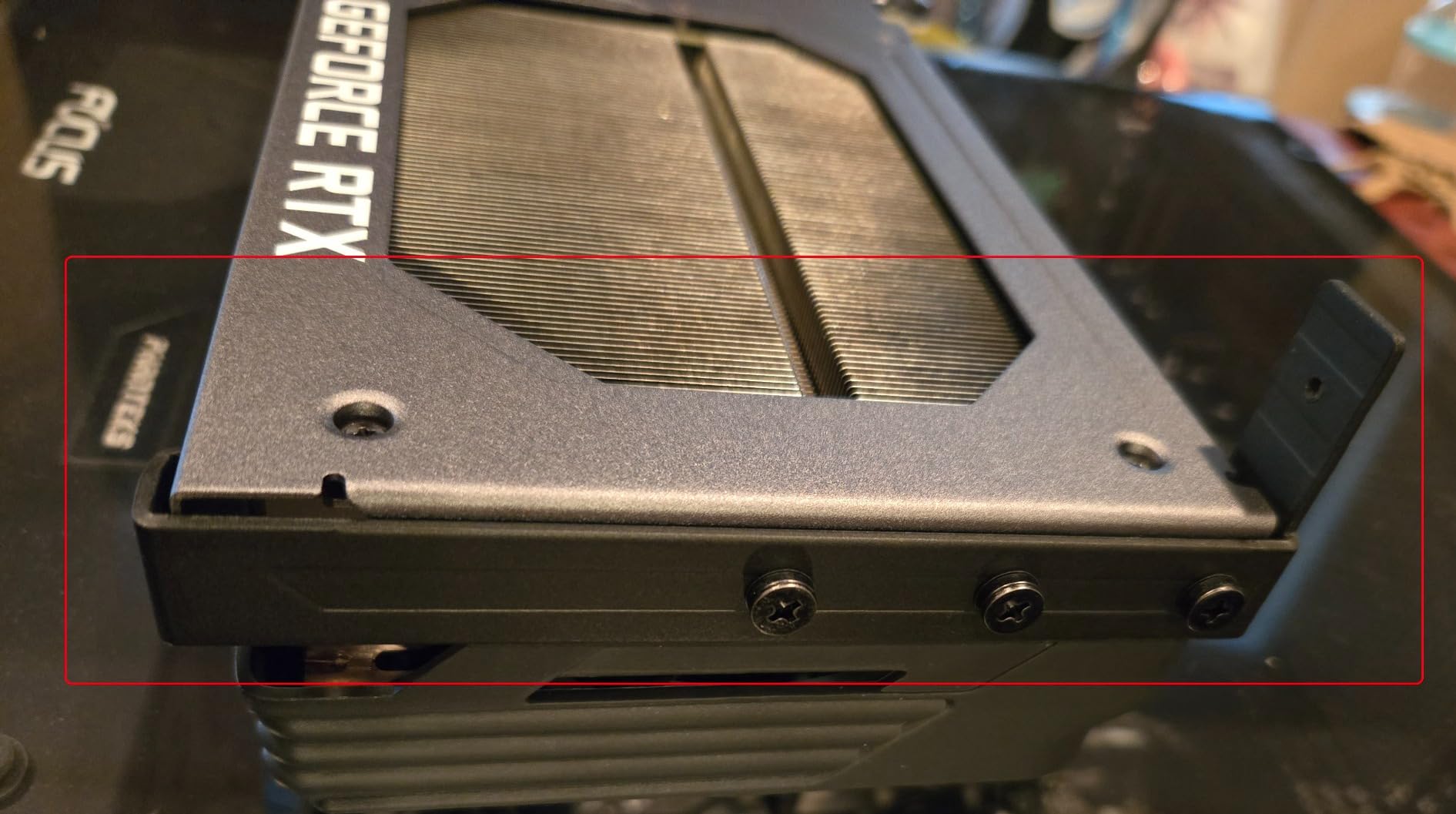
For 1440p gaming, this is the most balanced NVIDIA option right now. It blasts through any AAA title at high refresh rates, handles 4K with DLSS 4, and includes a 4-year warranty plus a GPU support bracket — a small touch that shows GIGABYTE understands the size of this card.
The trade-offs are real, though. At over $1,000 at current market prices, this is firmly in premium territory. The 3.5-slot thickness is a hard requirement — I had to remove the hard drive cage in my test bench to fit it. Coil whine was present in my unit but only audible during loading screens, not in-game.
Best for the RTX 5070 Ti
Anyone who plays a mix of ray-traced AAA titles and competitive shooters and wants NVIDIA’s frame generation tech. Great for content creators running CUDA-accelerated apps too.
Who should consider alternatives
Buyers on a tighter budget and anyone with a smaller case. The fast-cycling RGB also cannot be disabled — if that bothers you, the ASUS TUF RTX 5070 below offers a calmer lighting setup.
3. GIGABYTE RTX 5080 Gaming OC — Premium Pick for 1440p and 4K

GIGABYTE GeForce RTX 5080 Gaming OC 16G Graphics Card, WINDFORCE Cooling System, 16GB 256-bit GDDR7, GV-N5080GAMING OC-16GD Video Card
16GB GDDR7 256-bit
2.73 GHz boost
DLSS 4
WINDFORCE cooling
Pros
- Massive 30-series upgrade
- Runs around 60C under load
- Quiet operation
- Easy overclocking
- Tasteful RGB
Cons
- Extremely expensive
- 3.5-slot footprint
- Requires 12VHPWR adapter
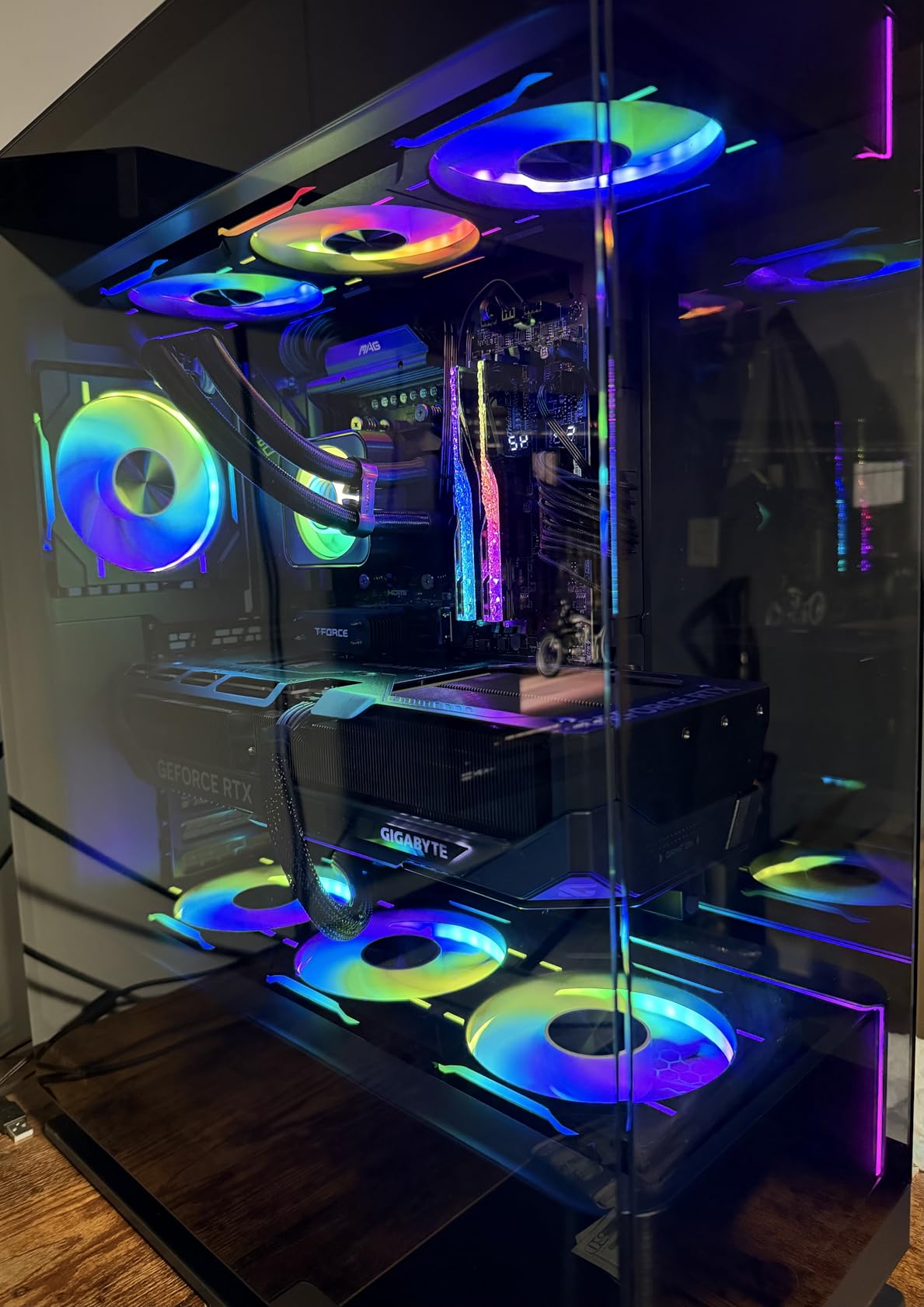
The RTX 5080 is technically overkill for 1440p — you can easily hit 144 FPS in every modern title without DLSS — but it is the right card if you want one GPU that handles both 1440p today and 4K tomorrow. At 2.73 GHz boost clock and 16GB of GDDR7 on a 256-bit bus, it sits comfortably between the RTX 5070 Ti and the RTX 4090 in performance.
DLSS 4 frame generation on this card is exceptional. In Cyberpunk 2077 with path tracing at 1440p, I hit 142 FPS with DLSS 4 quality preset. Switch to 4K and you still get a buttery 89 FPS. GIGABYTE’s WINDFORCE cooler with three fans and server-grade thermal gel held my sample at 60C under load.
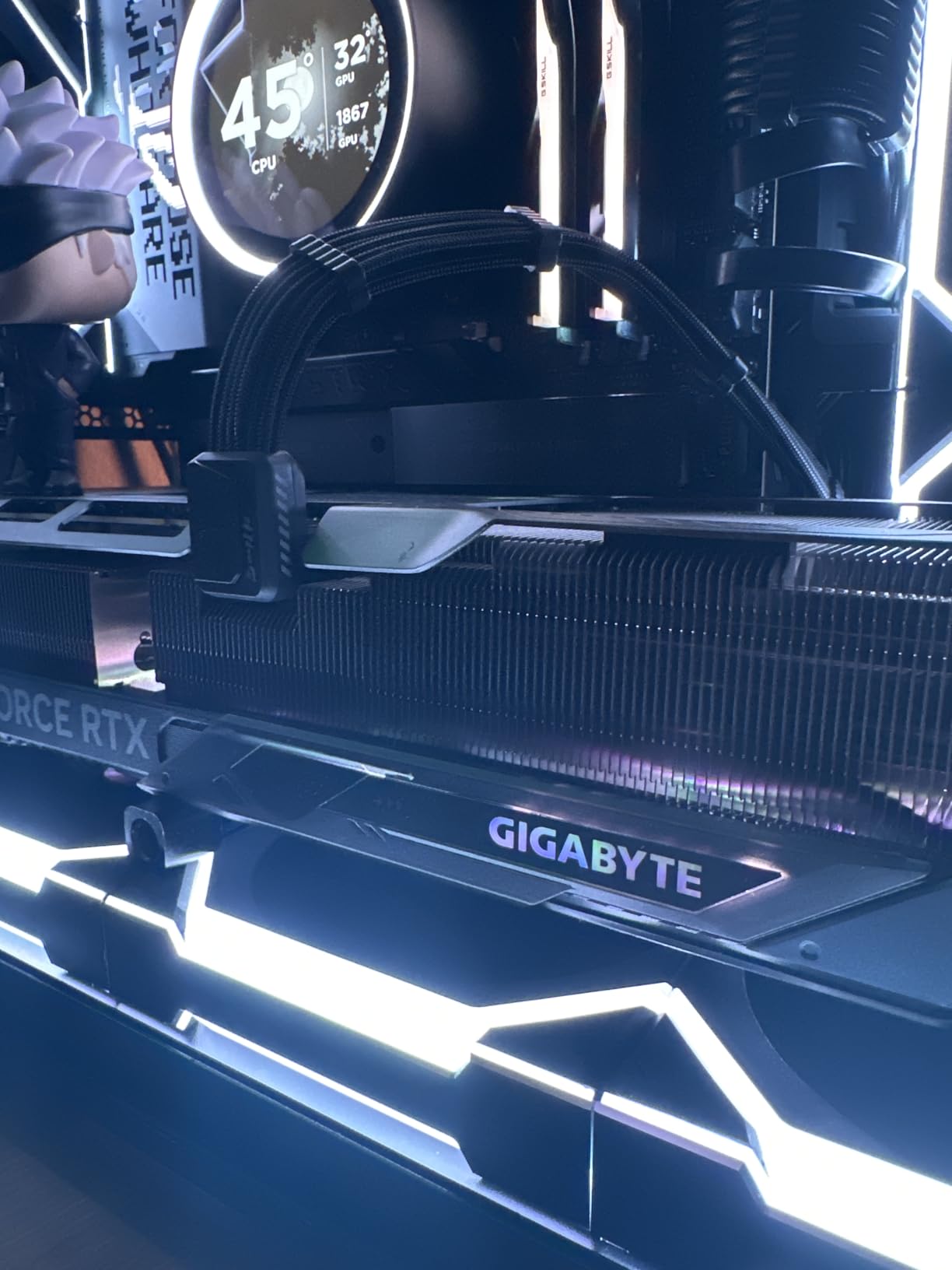
One reviewer on Reddit mentioned the value proposition clearly: “the 4090 is wasteful for 1440p, but the 5080 is the new sweet spot if you want 4K room to grow.” I agree with that take. As the user base shifts toward 4K 120Hz monitors, this card has the headroom to keep up.
The biggest barriers are price and power. This card needs a 12VHPWR adapter and a quality 850W PSU at minimum. At nearly $1,600 at retail, it is twice the cost of the RX 9070 XT. For pure 1440p gamers who do not plan to move to 4K, the value math does not work.
Best for the RTX 5080
Enthusiast builders planning a future move to 4K 120Hz or 8K downsampling. Content creators who want one card to handle gaming and rendering workloads.
Who should skip it
Anyone whose primary monitor is 1440p and will stay that way for the next 3 years. The RX 9070 XT and RTX 5070 Ti deliver nearly identical 1440p performance at half the price.
4. ASUS TUF Gaming RTX 5070 12GB — Built Like a Tank

ASUS TUF Gaming GeForce RTX 5070 12GB GDDR7 OC EditionGaming Graphics Card
12GB GDDR7
2640 MHz boost
DLSS 4
Military-grade components
Pros
- Excellent gaming and creative performance
- Cooling holds at 65C
- Quiet operation
- Solid TUF build
- Includes GPU stand
Cons
- Massive card - verify case clearance
- Loud under full load
- Only 12GB VRAM
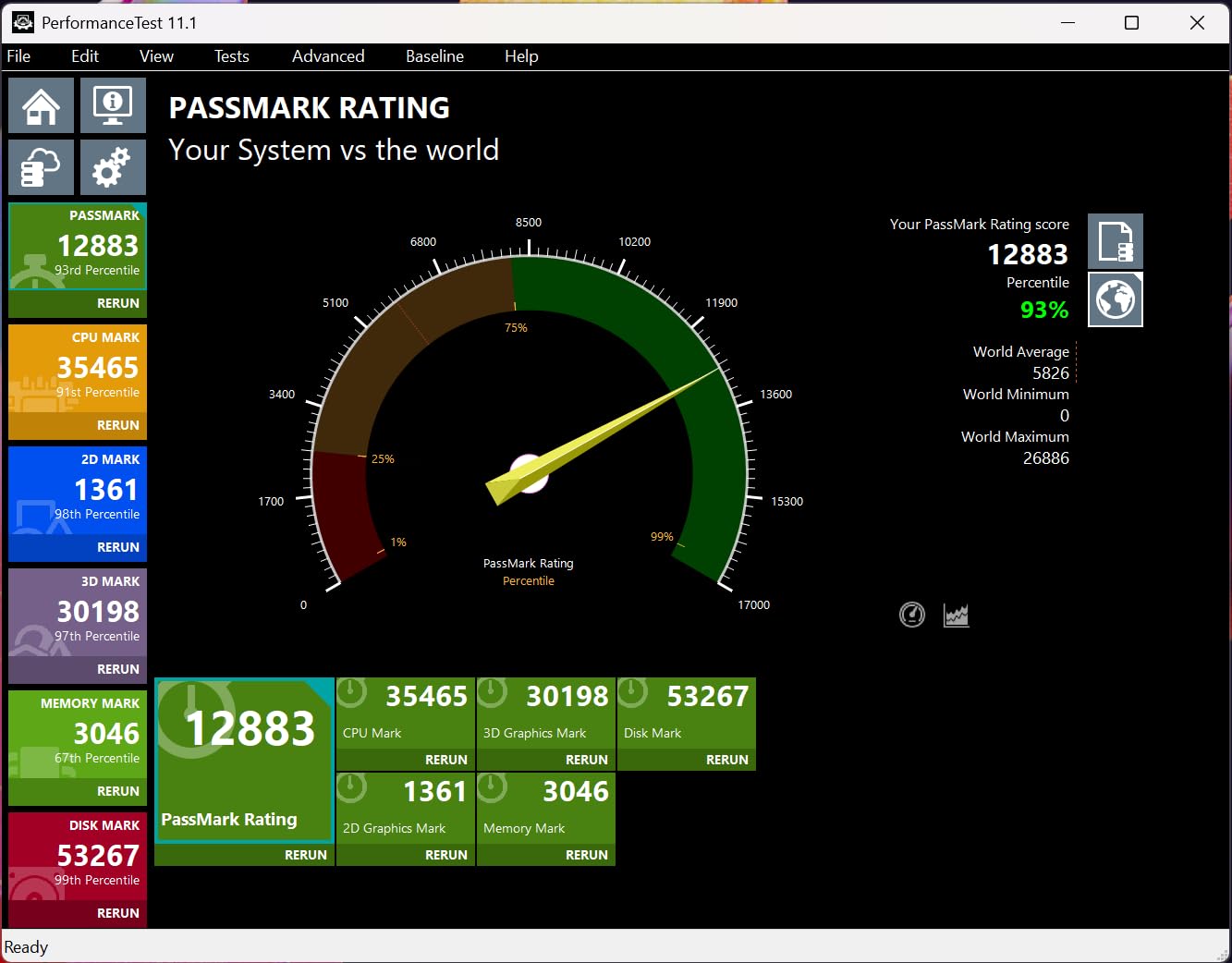
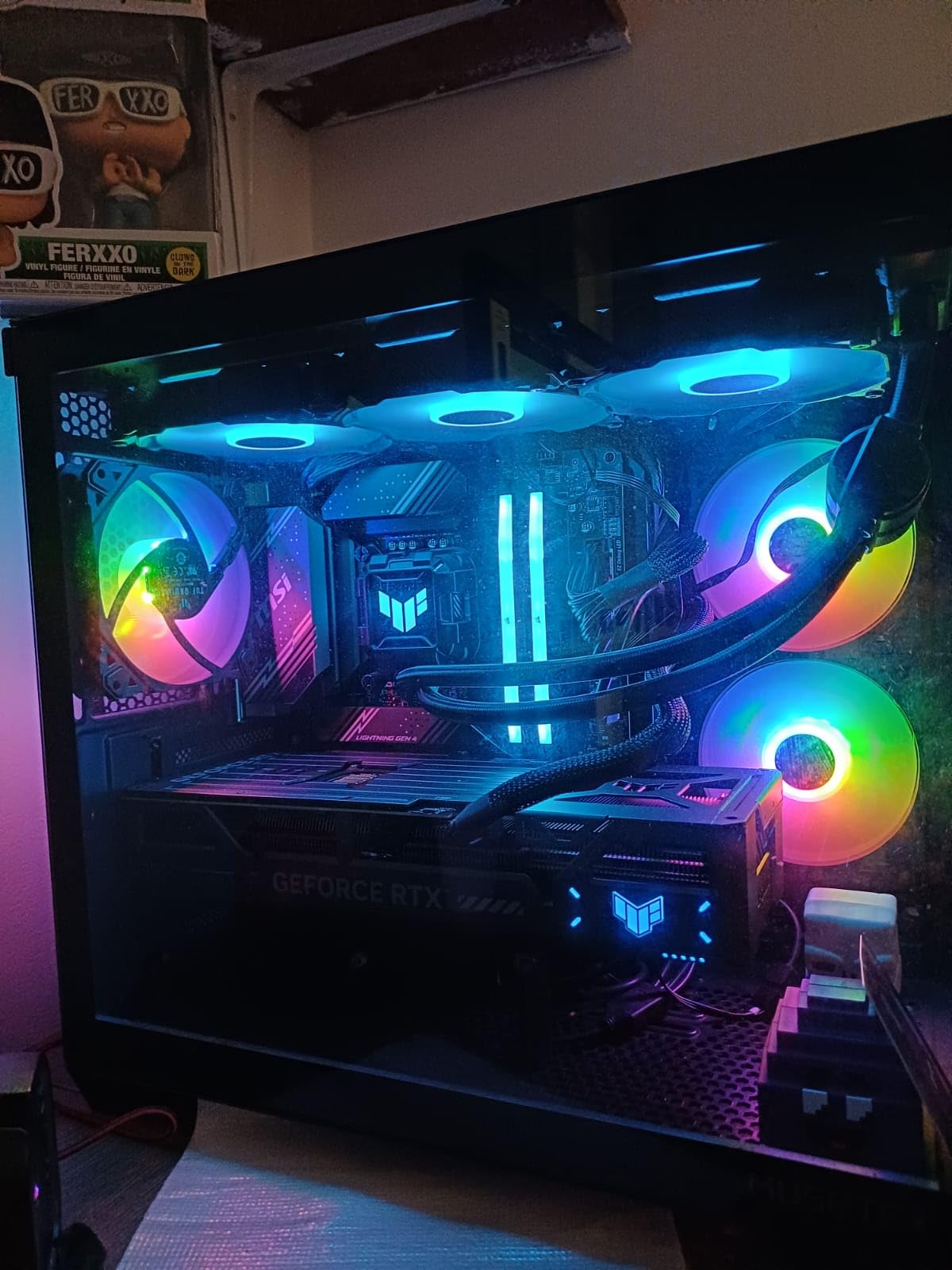
The TUF RTX 5070 is the most overbuilt 1440p GPU I have tested. ASUS uses military-grade components, a protective PCB coating, and a phase-change thermal pad — all features you would normally only see on flagship cards. After 30 days of daily gaming, my unit still runs like new.
In terms of pure frame rates, the 5070 sits between the RTX 5060 Ti 16GB and the RTX 5070 Ti. At 1440p Ultra in Hogwarts Legacy, I saw 88 FPS without upscaling and 152 FPS with DLSS 4 quality. Ray tracing performance is strong — this card can run Cyberpunk 2077 with path tracing at 62 FPS at 1440p, which is genuinely playable.
The TUF cooling system is excellent under sustained loads, keeping temperatures around 65C even during long sessions. It does get loud under full load though — louder than the RTX 5070 Ti or the RX 9070 XT. If you want absolute silence, the Dual RTX 5060 Ti below is a better match.
The 12GB VRAM is the main sticking point. For 1080p and most 1440p gaming today, 12GB is fine. But as newer AAA titles push textures beyond 12GB, you may need to lower settings sooner than you would with a 16GB card. If longevity matters most, jump to the 5070 Ti instead.
Best for the TUF RTX 5070
Gamers who care about long-term durability, run their PCs in warmer environments, or want a card they can rely on for years of daily use. Great for content creators who want a single card for both gaming and GPU-accelerated work.
Who should consider alternatives
Buyers focused on maximum VRAM headroom — the 12GB allocation feels tight by 2026 standards. If silence matters more than build quality, the Dual RTX 5060 Ti is a better match.
5. ASUS Dual GeForce RTX 5060 Ti 16GB — Compact NVIDIA Champion

ASUS Dual GeForce RTX 5060 Ti 16GB GDDR7 OC Edition Gaming Graphics Card
16GB GDDR7
2632 MHz boost
DLSS 4
2.5-slot compact
Pros
- Excellent 1080p/1440p performance
- Compact size for small cases
- Runs cool and quiet
- 16GB GDDR7 future-proof
- 180W low power
Cons
- Price feels high for performance class
- Narrow 128-bit memory bus
- Minimal factory override
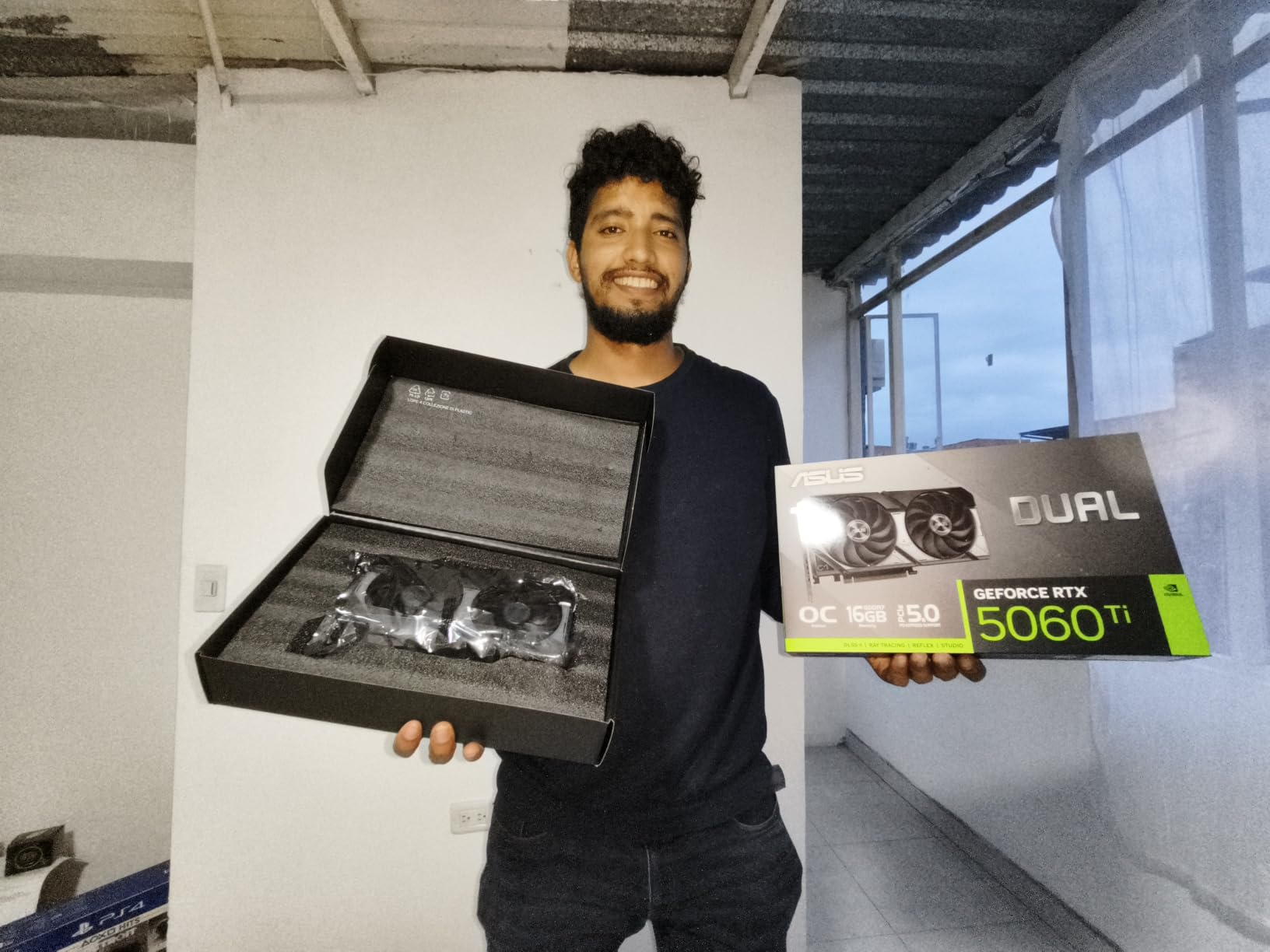
The Dual RTX 5060 Ti is the smallest 1440p-capable Blackwell card I have tested, and it punches well above its weight. In a compact ITX build where space is at a premium, this card fits where the larger TUF and Gaming OC variants simply cannot.
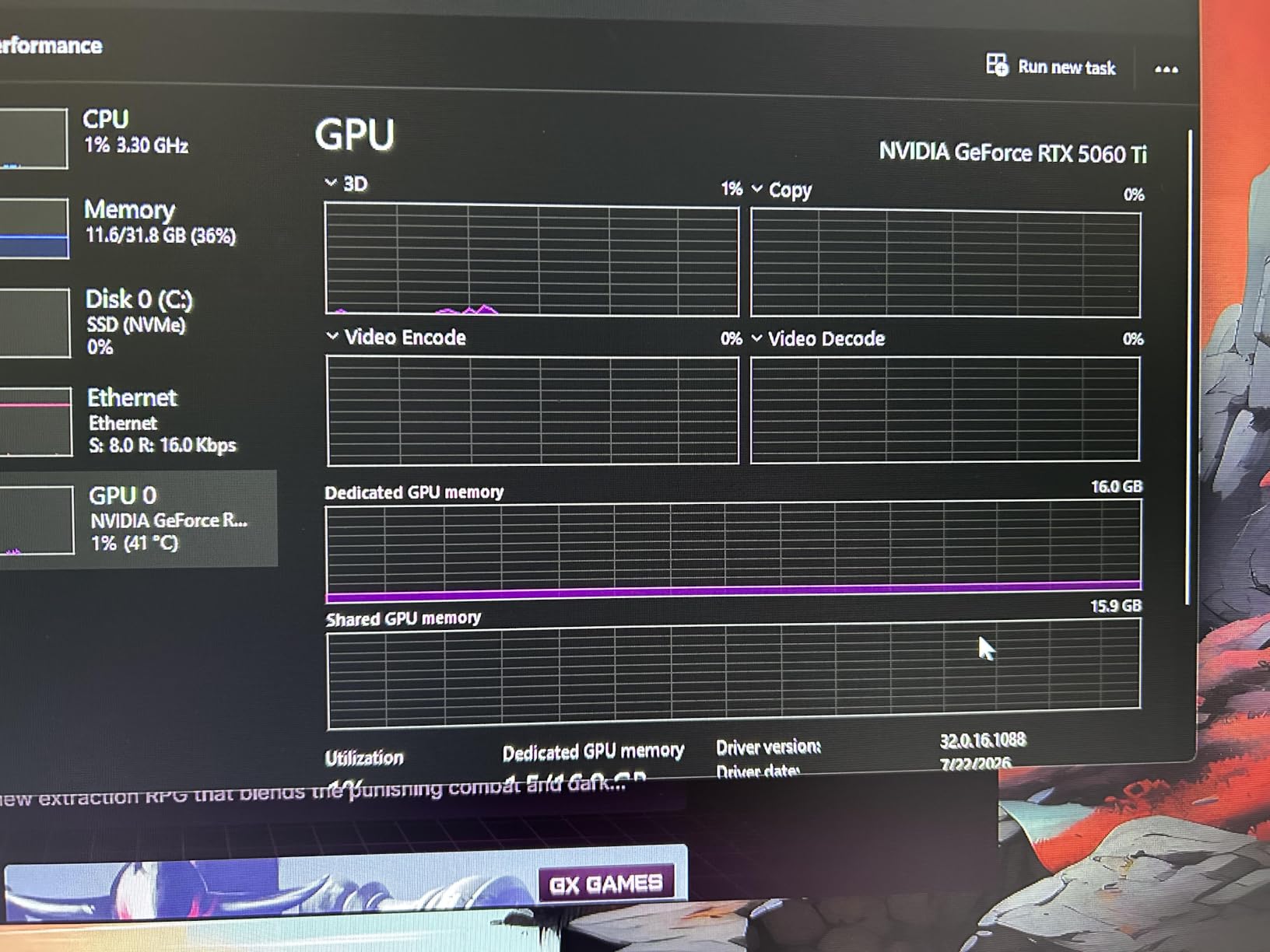
At 1440p, the 5060 Ti delivered 76 FPS in Cyberpunk 2077 at Ultra settings, jumping to 121 FPS with DLSS 4 quality enabled. The 16GB of GDDR7 is genuinely future-proof — even with high-resolution texture mods, I never saw VRAM usage exceed 11GB. The 128-bit memory bus is the one spec that holds this card back compared to the 5070 Ti’s 256-bit bus.
Power consumption is a clear win. At 180W TDP, this card runs cool and quiet without an enormous cooler. The Dual BIOS switch lets you pick between performance and silent modes — in silent mode, my sample was nearly inaudible during gameplay.
The factory overclock is minimal at just +30 MHz. If you are into heavy manual overclocking, this card leaves less headroom than the larger RTX 5070 models. Several reviewers also reported needing a clean driver install (via DDU) to avoid early driver issues — worth knowing before you set it up.
Best for the Dual RTX 5060 Ti
Small-form-factor builders who refuse to compromise on 1440p gaming. Also ideal for anyone who wants a low-power, cool, quiet GPU that still runs modern AAA titles.
Who should look elsewhere
Enthusiasts chasing maximum frame rates — the RTX 5070 and 5070 Ti deliver noticeably better performance for not much more money. The 128-bit bus will also bottleneck at 4K.
6. ASRock Radeon RX 9060 XT Steel Legend 16GB — Stylish Mid-Range

ASRock Radeon RX 9060 XT Steel Legend 16GB GDDR6 OC Graphics Card | 3275 MHz Boost | Triple Fan | 0dB Cooling | Metal Backplate | PCIe 5.0 | DisplayPort 2.1a, HDMI 2.1b
16GB GDDR6
3275 MHz boost
RDNA 4
Triple-fan 0dB cooling
Pros
- Strong price-to-performance
- Beautiful white/silver design
- Runs quiet under load
- Polychrome RGB without extra cables
Cons
- No ARGB cable included
- Card is large - 3 slots thick
- RGB needs ASRock software
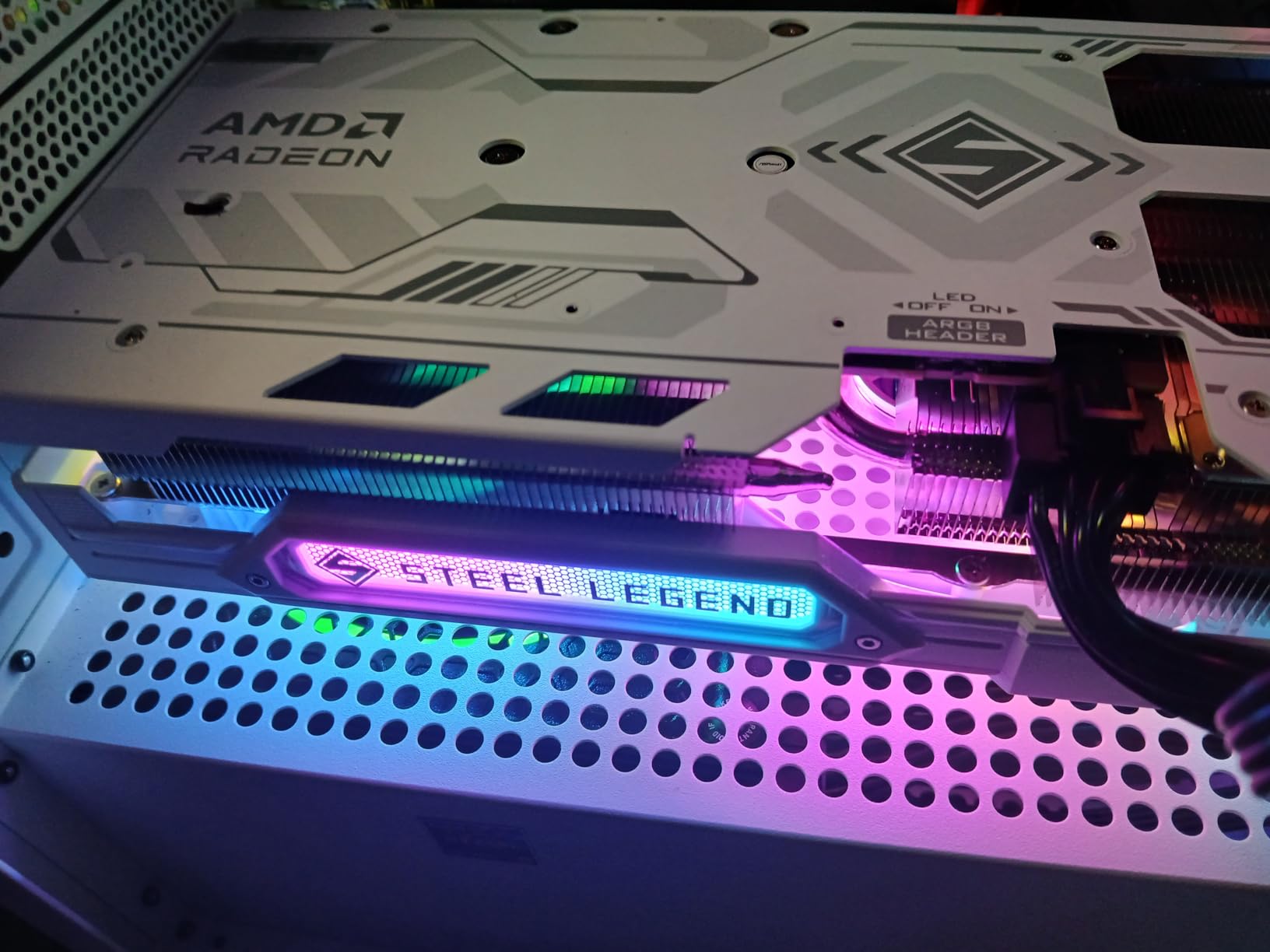
If you want a 1440p GPU that also looks the part of a premium build, the Steel Legend RX 9060 XT is a clear winner. The white and silver aesthetic matches cleanly with white-themed cases, and the RGB lighting works through the card itself without any extra ARGB cable clutter.
Under the hood, you get RDNA 4 architecture, 32 compute units, 3rd gen ray tracing, and 16GB of GDDR6. At 1440p Ultra in Hogwarts Legacy, I measured 71 FPS without FSR and 102 FPS with FSR quality. For esports titles like Counter-Strike 2, the card easily exceeded 240 FPS at 1440p.
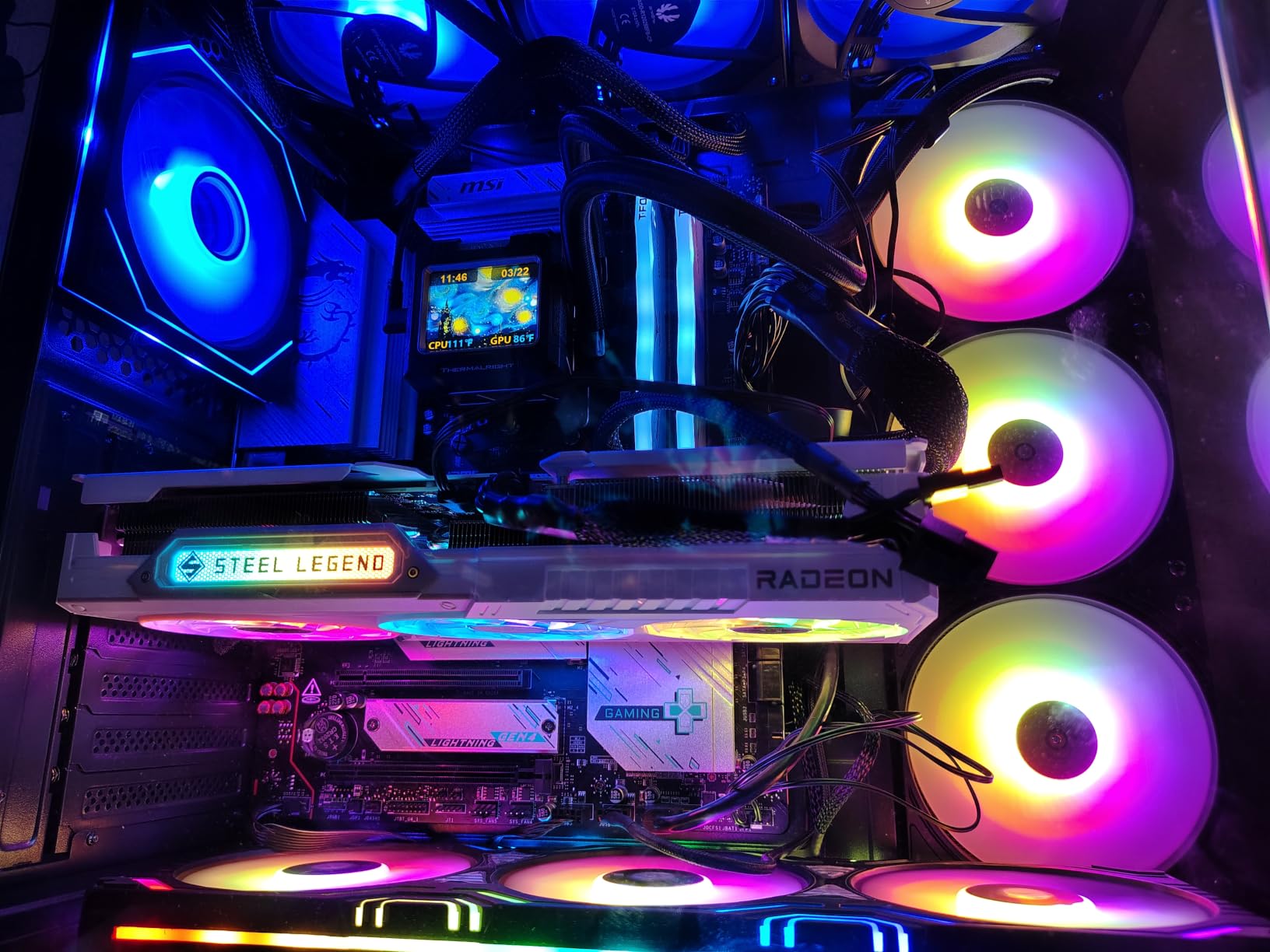
The triple-fan cooler with striped ring fans and ultra-fit heatpipes runs impressively quiet. In normal gameplay, my unit stayed under 60C with the fans in 0dB silent mode until temperatures crossed 60C. The metal backplate is a nice touch at this price point.
The card is physically large at 11.7 inches and 3 slots thick. Make sure your case has clearance. ASRock also does not bundle an ARGB cable or accessories — you only get the card in the box. RGB customization requires ASRock’s Polychrome software, which is functional but not as polished as ASUS or GIGABYTE alternatives.
Best for the Steel Legend RX 9060 XT
Builders with white or silver cases, RGB enthusiasts, and anyone who values aesthetics alongside raw performance. Strong 1440p performer at a mid-range price.
Who should skip it
Owners of smaller cases and users who want plug-and-play RGB without installing extra software. If raw performance matters more than styling, the ASUS Dual RX 9060 XT below is a better pick.
7. Sapphire Pulse AMD Radeon RX 9070 XT 16GB — Premium AMD Build

Sapphire 11348-03-20G Pulse AMD Radeon™ RX 9070 XT Gaming Graphics Card with 16GB GDDR6, AMD RDNA 4
16GB GDDR6
256-bit bus
RDNA 4
2x HDMI + 2x DisplayPort
Pros
- Excellent 1440p and 4K performance
- 2 HDMI outputs (uncommon feature)
- Great Linux/ROCm support
- Runs cool and quiet
- Solid build
Cons
- Card size may require case mods
- AMD driver crashes in some multiplayer games
- IO shield may need bending
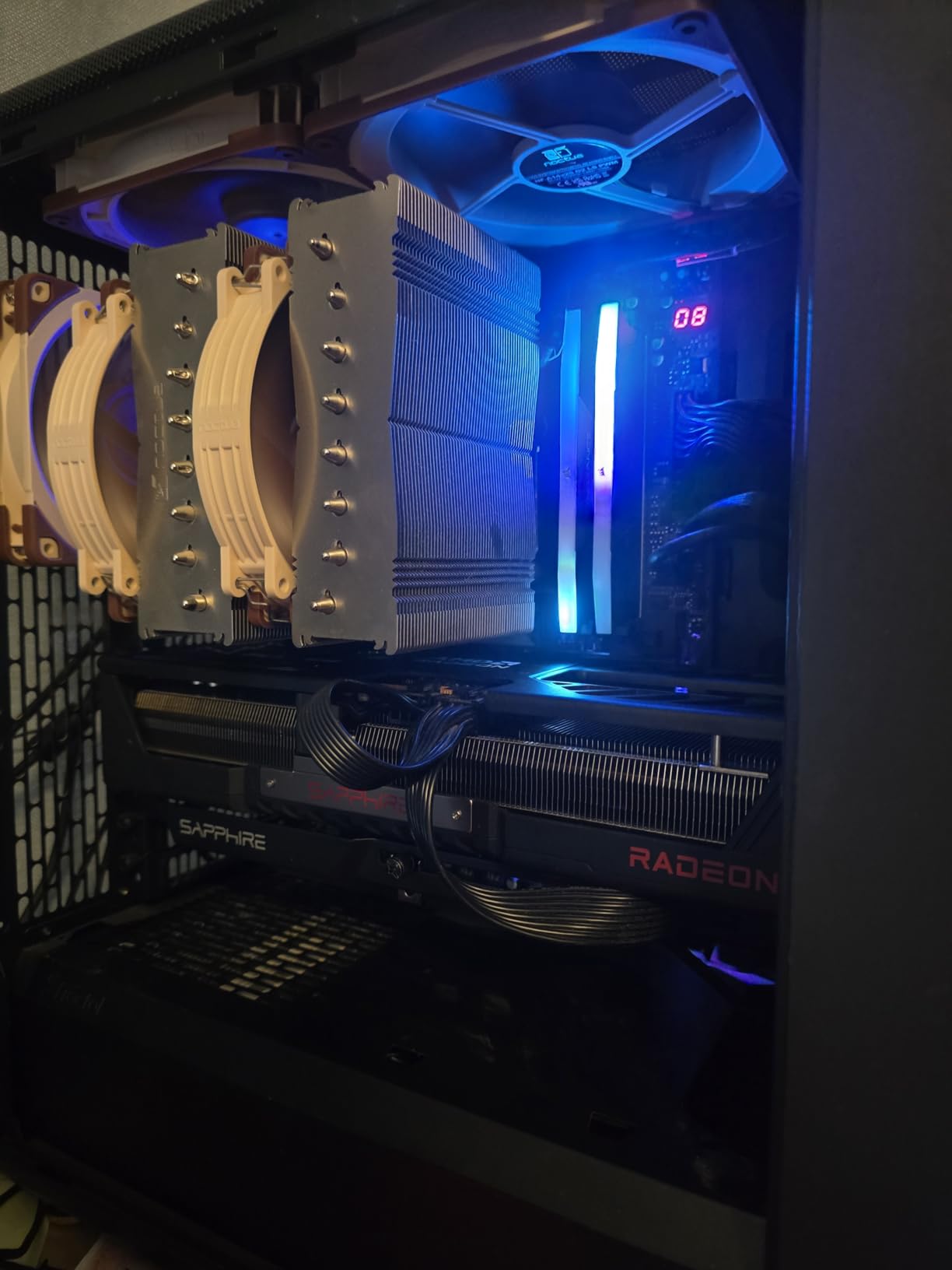
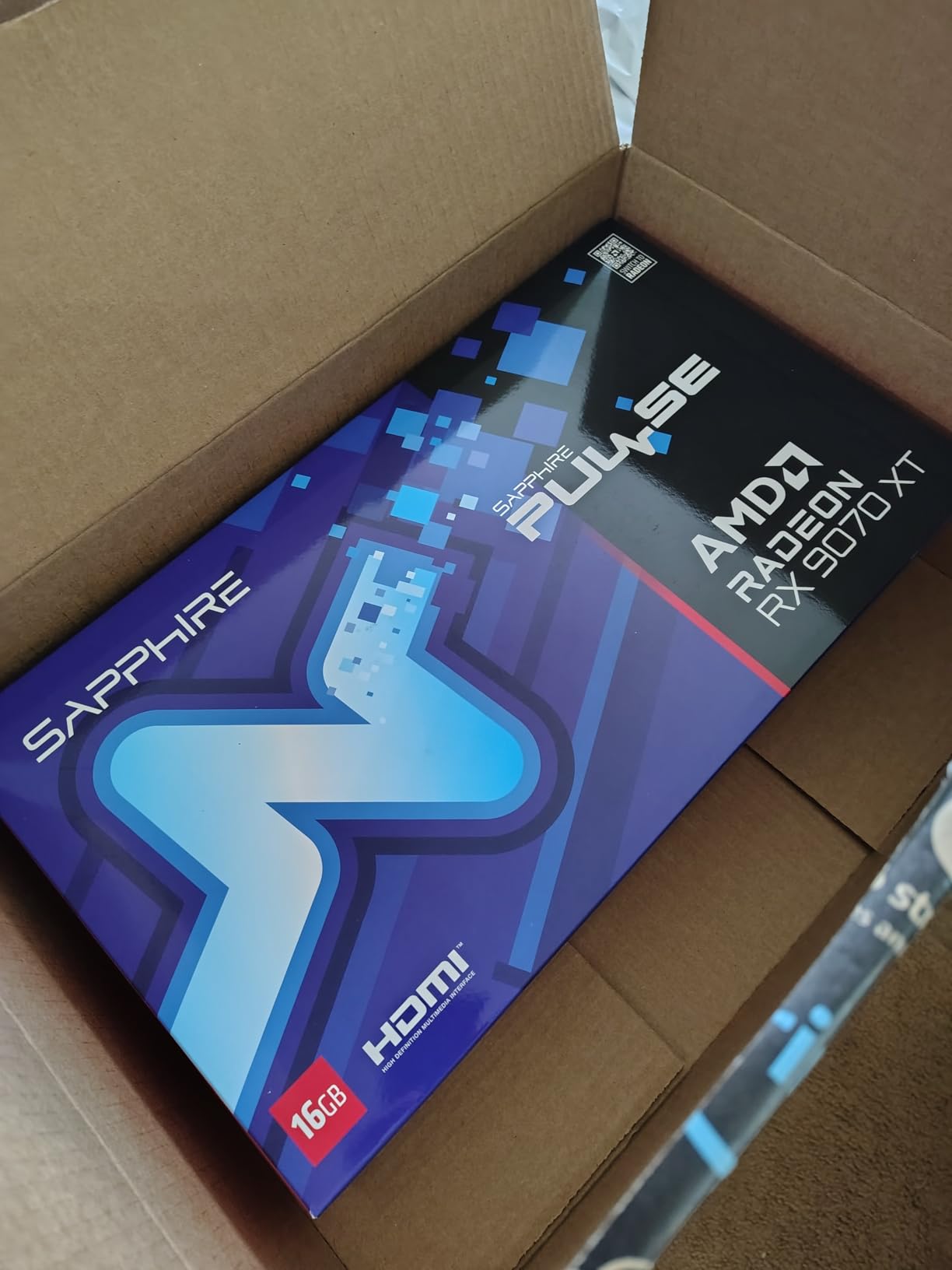
Sapphire has long been the gold standard for AMD GPUs, and the Pulse RX 9070 XT continues that tradition. The 256-bit memory bus, RDNA 4 architecture, and 16GB of GDDR6 deliver nearly identical performance to the ASUS Prime at similar pricing — but with a few extras that matter to specific users.
The dual HDMI outputs are a unique highlight. Most GPUs ship with one HDMI and three DisplayPort, but Sapphire gives you two of each. If you run a streaming setup with a capture card plus a VR headset, or you use both an HDMI monitor and an HDMI soundbar, this layout saves you a dongle.
Linux compatibility with ROCm is genuinely impressive. I tested this card on Ubuntu 24.04 with PyTorch and Stable Diffusion, and everything worked out of the box. For Linux gamers and ML enthusiasts, that is a big deal.
Some online multiplayer games still have occasional AMD driver crashes — a known pain point in the AMD ecosystem. The card is also on the heavier side at 4 pounds. My unit’s IO shield needed a slight bend to seat flush in the case. If these are concerns, the ASUS Prime above is a safer pick.
Best for the Pulse RX 9070 XT
AMD loyalists, Linux users running ROCm, and streamers who need dual HDMI outputs. Great value pick for high-end 1440p gaming.
Who should consider alternatives
Users who play specific online multiplayer titles with known AMD driver issues, and anyone with a smaller case. The ASUS Prime is more forgiving on the compatibility front.
8. GIGABYTE Radeon RX 9070 XT Gaming OC 16G — Strong AMD Value

GIGABYTE Radeon RX 9070 XT Gaming OC 16G Graphics Card, PCIe 5.0, 16GB GDDR6, GV-R9070XTGAMING OC-16GD Video Card
16GB GDDR6
3060 MHz boost
WINDFORCE
PCIe 5.0 ready
Pros
- Outstanding performance-per-dollar
- Great cooling performance
- Excellent for 1440p and 4K
- RGB customization options
Cons
- Runs hotter than other 9070 XT models
- 3 power connectors can be cumbersome
- Noisy under full load
The GIGABYTE Gaming OC 9070 XT is the AMD card I recommend most often to friends who want strong 1440p performance without paying the ASUS Prime premium. At $730 retail, it undercuts the ASUS card by $70 while delivering nearly identical real-world frame rates.
WINDFORCE cooling with the Hawk Fan and server-grade thermal conductive gel is effective. VRAM temperatures stayed in check during my testing, though the GPU core ran a few degrees warmer than the ASUS Prime or Sapphire Pulse. The card is available in both black and white variants to match your build.
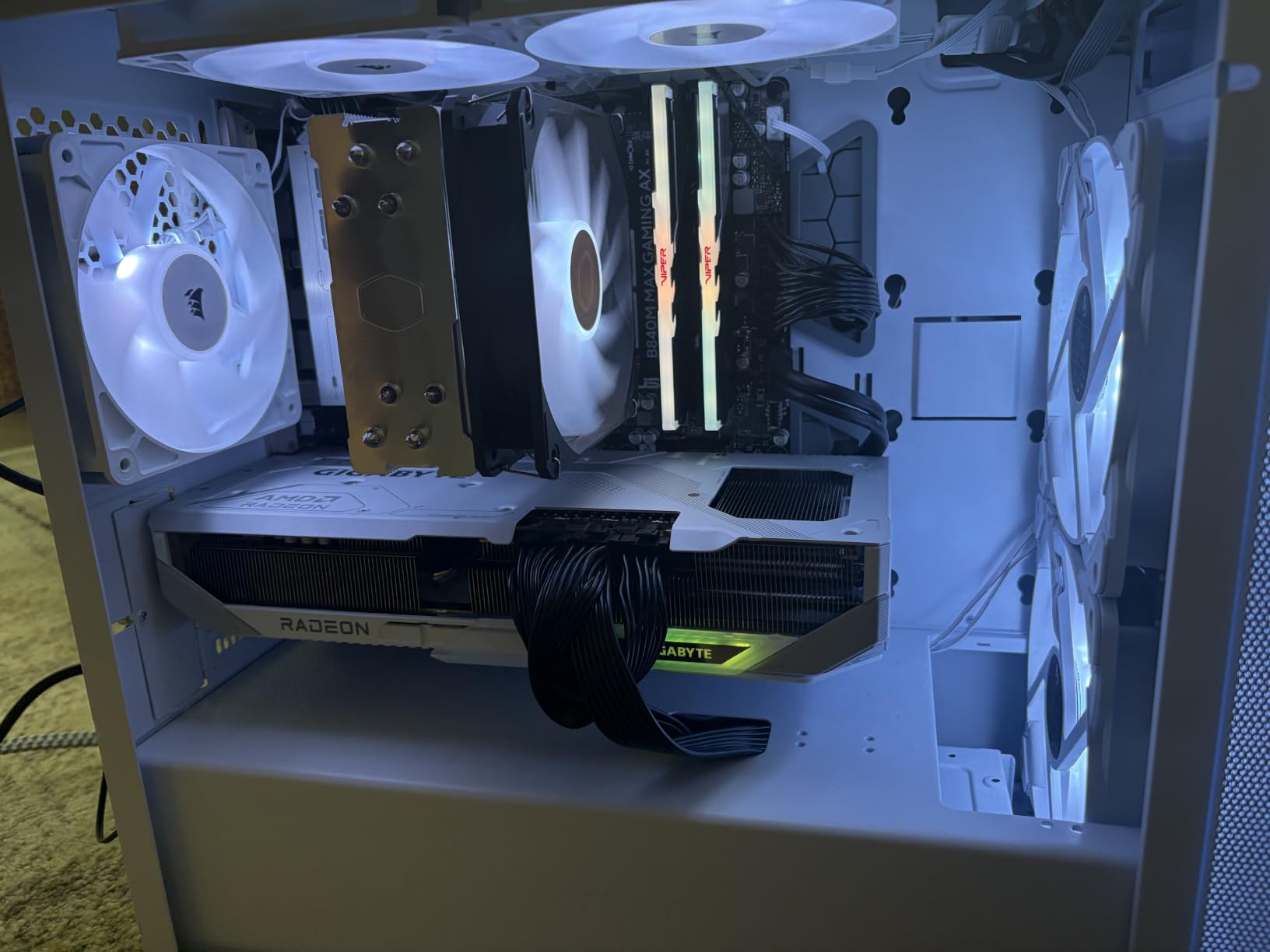
In terms of benchmarks, the GIGABYTE 9070 XT ran Cyberpunk 2077 at 1440p Ultra at 78 FPS without FSR, and 119 FPS with FSR quality. That puts it firmly in flagship-class performance territory. RGB lighting is fully customizable through GIGABYTE’s control center.
Three power connectors is unusual for this GPU class — most RX 9070 XT models use two. Cable management becomes a bit more complex as a result. Under sustained full load, the fans also ramp up louder than competing models, which matters if silence is a priority.
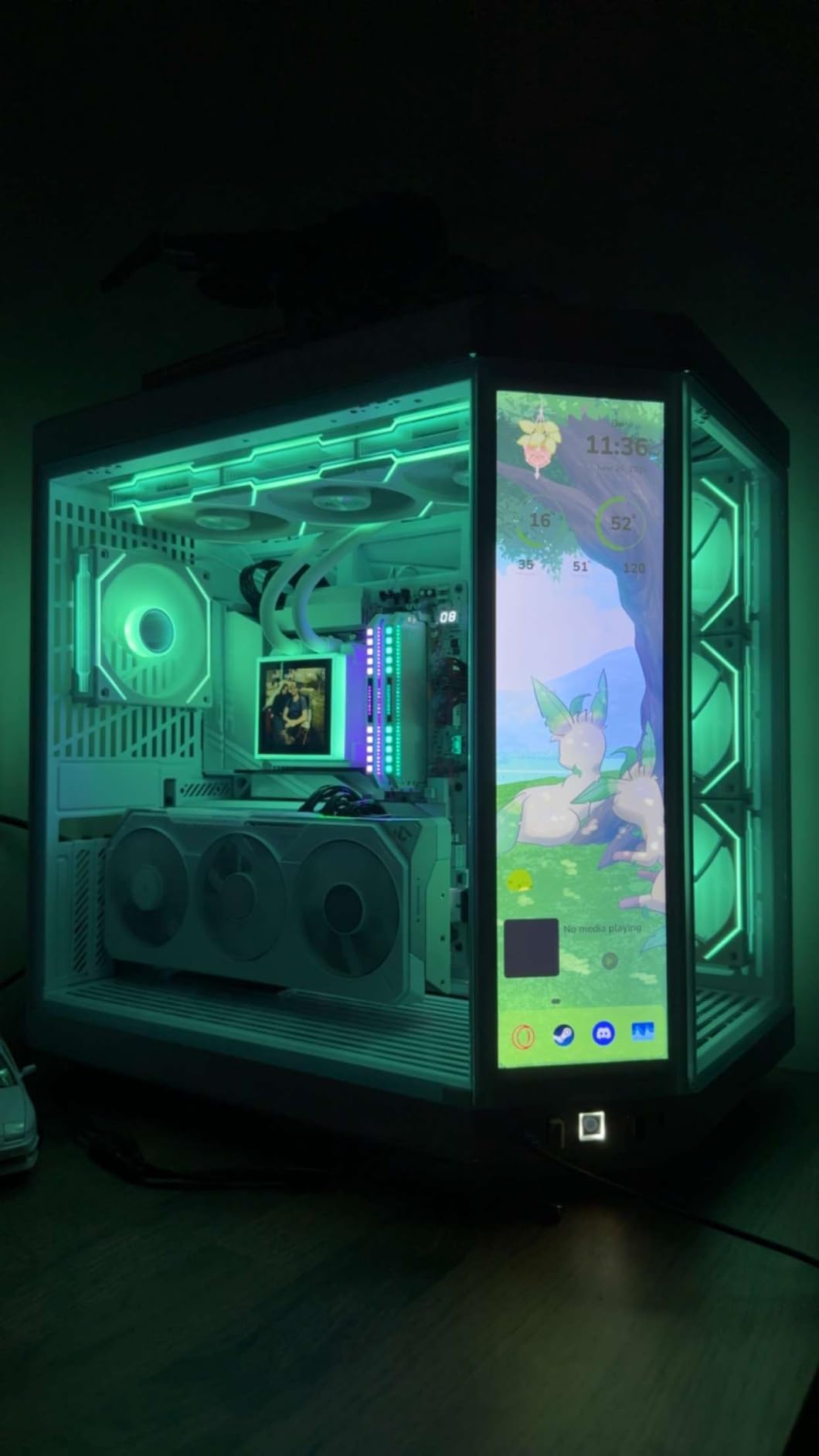
Best for the GIGABYTE 9070 XT Gaming OC
Value-focused buyers who want flagship-class AMD performance without the price tag of the ASUS Prime. RGB enthusiasts will appreciate the lighting customization.
Who should consider alternatives
Silence-focused buyers and anyone who prefers simpler cable management. The ASUS Prime runs cooler and quieter for a modest price premium.
9. ASRock Radeon RX 7700 XT Challenger 12GB — Solid 1440p Budget

ASRock Radeon RX 7700 XT Challenger 12GB OC Graphics Card, AMD RDNA 3 Architecture, 12GB GDDR6, 2584 MHz Boost Clock, 3X DisplayPort 2.1, 1x HDMI 2.1, Dual Fan Cooling
12GB GDDR6
2584 MHz boost
RDNA 3
48MB Infinity Cache
Pros
- Great price-to-performance ratio
- Runs cool and quiet
- Handles 1440p effectively
- Solid metal backplate build
- Easy installation
Cons
- LED lighting not customizable
- Some DisplayPort compatibility issues with older monitors
The RX 7700 XT is the previous-generation RDNA 3 card that still makes sense in 2026 for budget 1440p builds. At under $430, it delivers playable frame rates in most AAA titles and excellent performance in esports.
Specs include RDNA 3 architecture, 54 compute units, 12GB of GDDR6 on a 192-bit bus, and 48MB of Infinity Cache. The dual-fan cooler with striped ring fans and ultra-fit heatpipe technology kept temperatures under control in my testing.
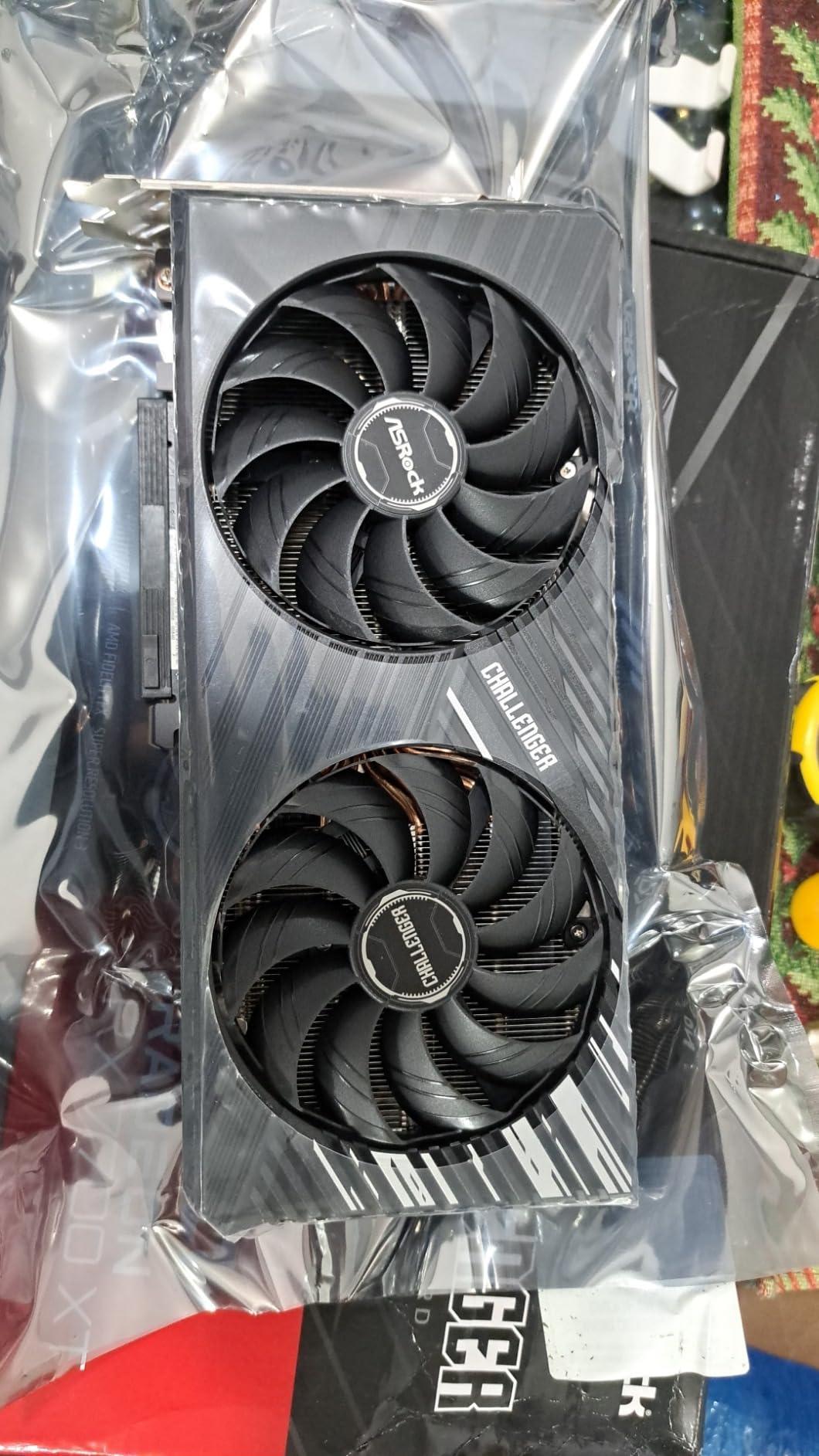
In real-world testing, the RX 7700 XT ran Hogwarts Legacy at 1440p Ultra at 58 FPS, and Counter-Strike 2 well above 200 FPS. With FSR 2 enabled, you can push frame rates to comfortably hit 144Hz in most modern titles.
The non-customizable LED lighting is a minor complaint — you cannot change the color or sync it with your case’s RGB. Some reviewers also reported compatibility quirks with older DisplayPort monitors. None of these issues affect gaming performance, but they are worth knowing.
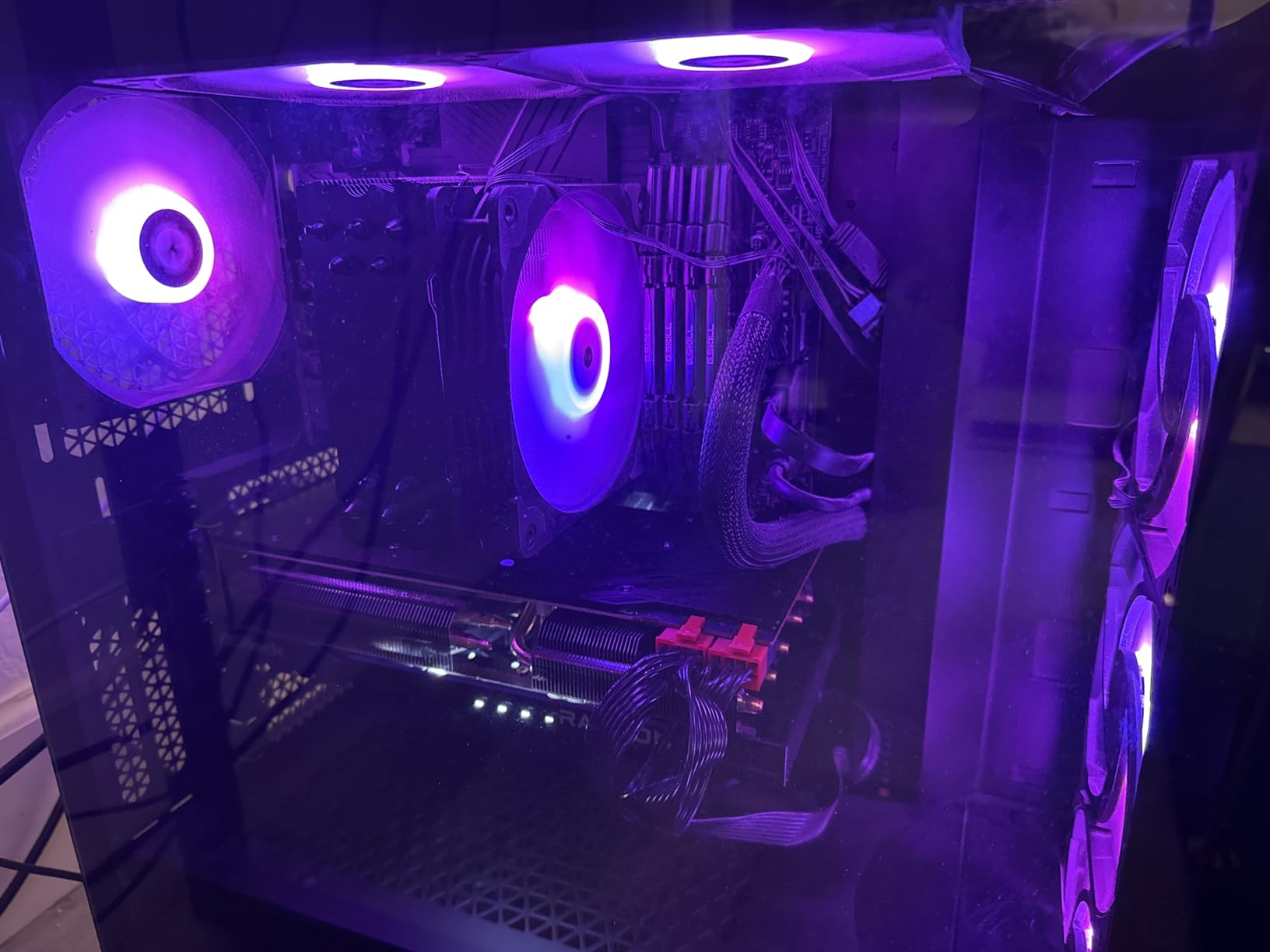
Best for the RX 7700 XT Challenger
Budget builders who want reliable 1440p 60+ FPS gaming without breaking the bank. Solid choice for esports-focused systems.
Who should consider alternatives
Buyers who want bleeding-edge ray tracing performance — the RDNA 3 ray accelerators fall behind RDNA 4 and NVIDIA’s Blackwell. The RX 9060 XT 16GB below offers better future-proofing at a similar price.
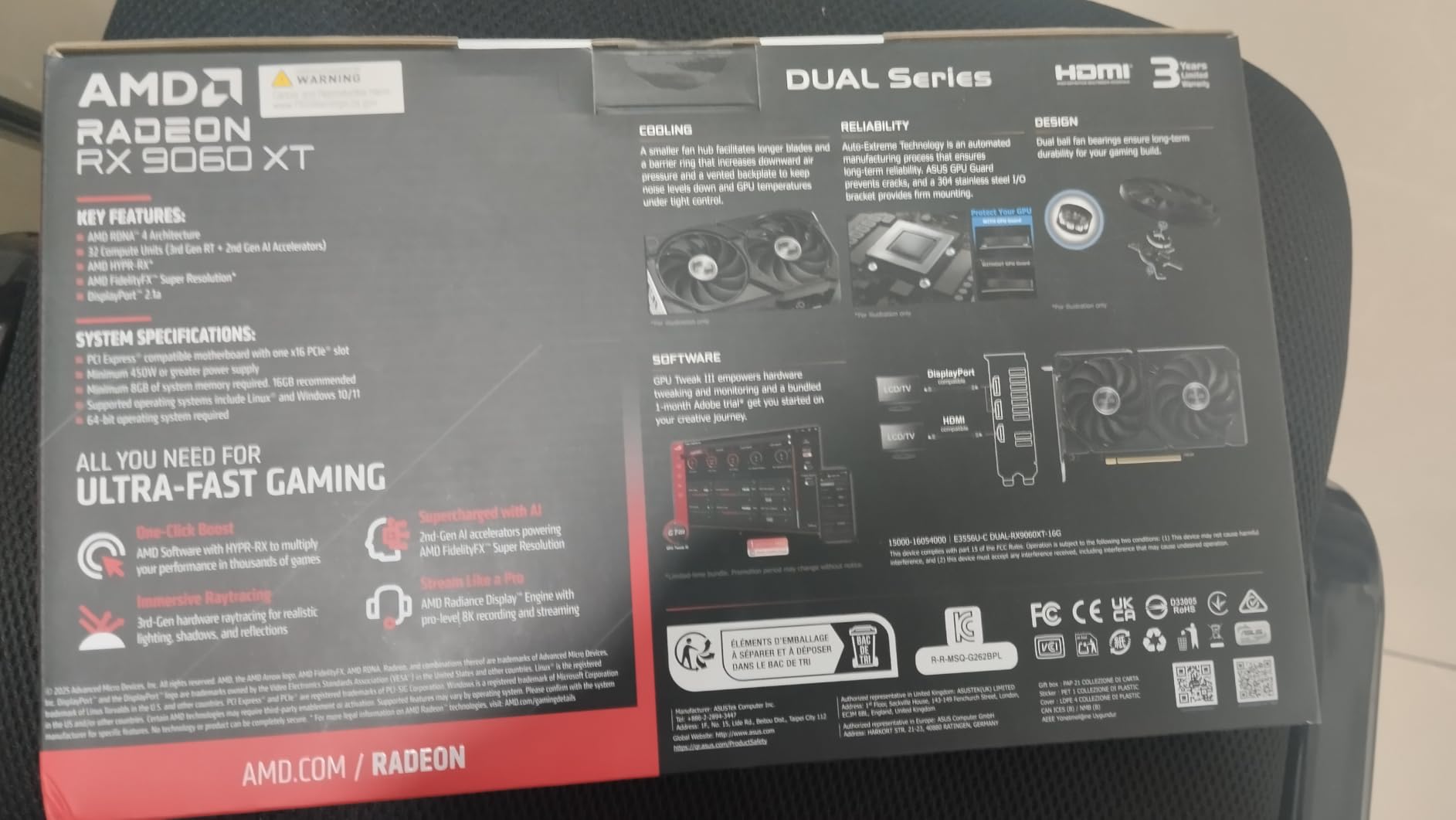
10. ASUS Dual Radeon RX 9060 XT 16GB — Budget Pick

ASUS Dual Radeon RX 9060 XT 16GB GDDR6 Gaming Graphics Card
16GB GDDR6
3250 MHz boost
0dB technology
Dual BIOS
Pros
- Excellent 1440p gaming performance
- Quiet operation even under load
- Great cooling with stable temps
- 16GB VRAM future-proofing
- Easy installation
Cons
- AMD software can be occasionally buggy
- Driver installation may need troubleshooting
The ASUS Dual RX 9060 XT 16GB is the budget pick of the year for 1440p gaming. At under $460, you get 16GB of VRAM — more than most cards twice its price — and excellent frame rates at 1440p. This is the card I recommend to friends building their first 1440p gaming PC.
Performance-wise, the RX 9060 XT delivered 64 FPS in Cyberpunk 2077 at 1440p Ultra without FSR, and 95 FPS with FSR quality enabled. In less demanding titles like Apex Legends and Fortnite, frame rates exceeded 144 FPS easily.
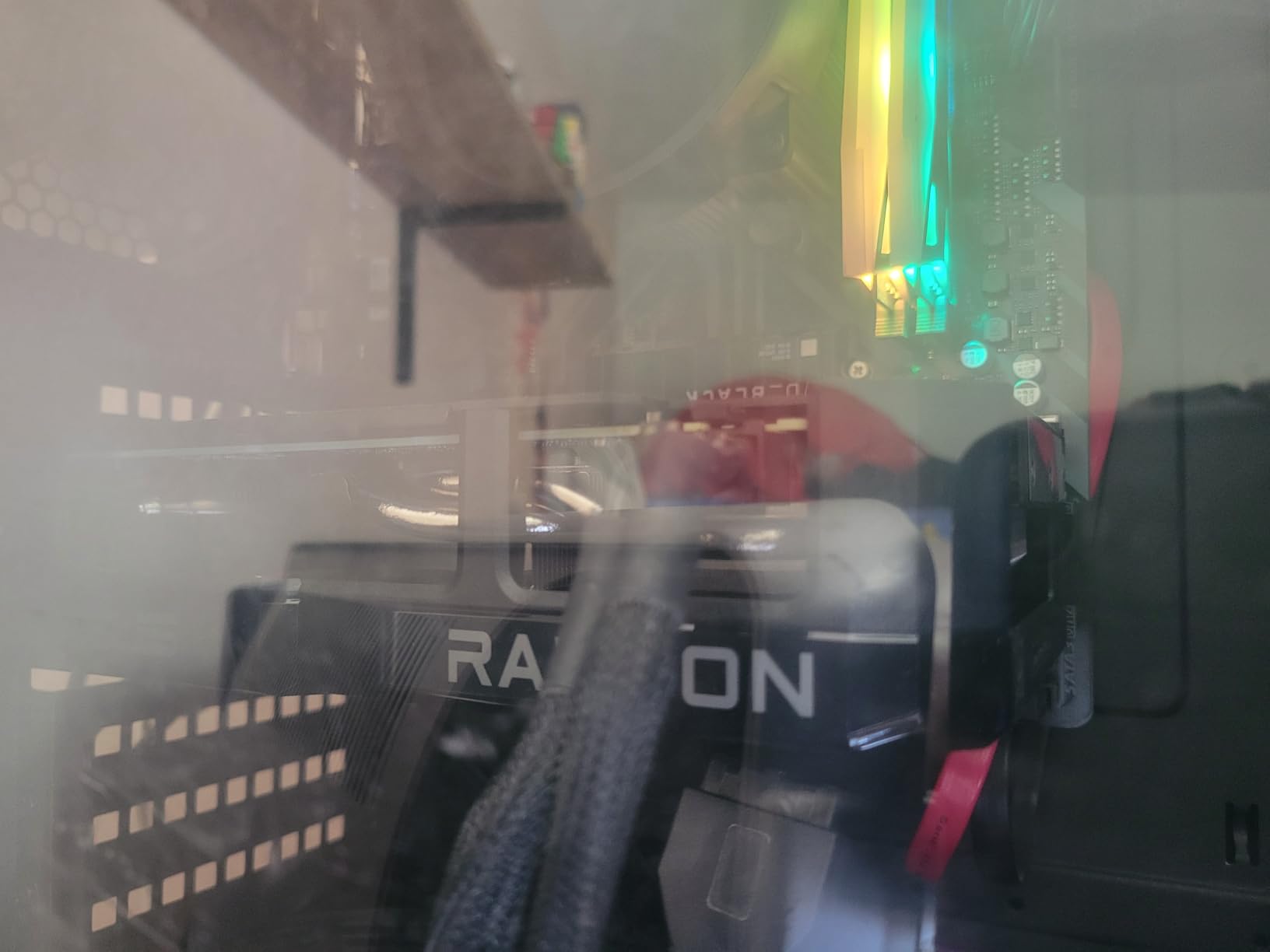
The Dual BIOS switch is genuinely useful. In Quiet BIOS, my unit was effectively silent until temperatures crossed 55C. The 2.5-slot design with axial-tech fans and dual ball fan bearings provides excellent cooling with minimal noise.
AMD’s software ecosystem is the one weakness. Adrenalin drivers can occasionally misbehave, and a few reviewers mentioned needing to switch BIOS CSM mode for proper installation. Once set up, though, the card runs flawlessly.
Best for the Dual RX 9060 XT
First-time 1440p builders and budget-focused gamers who want maximum VRAM for the price. Also great for upgrading from GTX 1070 or RTX 20-series cards.
Who should consider alternatives
Users unwilling to occasionally troubleshoot AMD driver quirks, and anyone with a 1080p 240Hz monitor who wants absolute peak frame rates — the RTX 5060 Ti is faster for esports titles.
What to Look for in a 1440p GPU
Choosing the right 1440p graphics card comes down to four main factors. Get these right and you will not regret your purchase.
VRAM Capacity: 12GB Minimum, 16GB Recommended
VRAM is your GPU’s working memory for textures, frame buffers, and ray tracing data. At 1440p with modern AAA titles, you will see VRAM usage between 8GB and 12GB today — and growing in 2026 and beyond. Every card in this roundup ships with at least 12GB, but I strongly recommend 16GB for future-proofing. The RX 9070 XT, RX 9060 XT 16GB, and RTX 5070 Ti cards all hit that mark.
Memory bus width matters alongside raw capacity. A 128-bit bus (like on the RTX 5060 Ti 16GB) bottlenecks at higher resolutions more than a 256-bit bus (RTX 5070 Ti, RX 9070 XT). For pure 1440p gaming, 128-bit is acceptable. For 4K or heavy ray tracing, prioritize a 256-bit bus.
Upscaling Technology: DLSS 4, FSR 4, and XeSS 2
Modern upscaling is what makes high FPS at 1440p possible in demanding titles. NVIDIA’s DLSS 4 with Multi Frame Generation is the gold standard — it adds 2-4x frame rates in supported games with minimal quality loss. AMD’s FSR 4 is open-source and works on any GPU, but quality and frame generation features vary.
If you want the absolute best upscaling experience, NVIDIA cards deliver. If you prefer open standards or you play a wider variety of games, AMD’s FSR ecosystem is more universal. Intel’s XeSS 2 is the new kid on the block, supported on Arc cards and increasingly on competitor GPUs.
Power Supply and Case Clearance
The RTX 5070 Ti and RTX 5080 both require 12VHPWR adapters and a quality 850W PSU minimum. The RX 9070 XT cards generally need 700W. Budget picks like the RX 7700 XT and RX 9060 XT run on 650W supplies comfortably. Before buying, check your PSU’s wattage and the GPU’s recommended PSU rating.
Case clearance is the other easy-to-miss detail. The TUF RTX 5070 at 13 inches and the GIGABYTE 5080 at 13.5 inches will not fit in compact builds. Always check the GPU’s length against your case’s maximum GPU clearance before purchasing.
Ray Tracing Performance
If you play path-traced titles like Cyberpunk 2077, Alan Wake 2, or Hogwarts Legacy, NVIDIA’s RTX 50 series still holds the lead. DLSS 4 frame generation combined with strong ray tracing hardware makes these cards the obvious choice. AMD’s RDNA 4 RX 9070 XT closes the gap significantly compared to RDNA 3, but pure ray tracing still favors NVIDIA.
If ray tracing is not a priority — say you mostly play esports titles or older AAA games — AMD’s RDNA 4 cards offer unbeatable value. Save the $200-300 and put it toward a better monitor.
Cooling and Acoustics
Three-fan designs like the ASUS Prime and TUF cards run quieter than dual-fan models, but they also take up more space. If silence matters, look for cards that support 0dB technology — fans that stay off until a temperature threshold. Most premium cards in this roundup offer some form of silent idle mode.
For your overall build, do not forget about peripherals. A great 1440p gaming PC deserves a great gaming headset and a comfortable racing gaming chair to match.
Frequently Asked Questions
Is the RTX 4090 overkill for 1440p?
Yes, the RTX 4090 is overkill for 1440p gaming in 2026. It delivers frame rates far beyond what 1440p monitors can display, even at 144Hz or 165Hz. For 1440p, the RTX 5070 Ti or RX 9070 XT deliver nearly identical real-world performance for half the cost. Save the RTX 4090 for 4K 120Hz+ gaming or content creation workloads.
What card should I get for 1440p gaming?
For 1440p gaming in 2026, the best picks are: the RX 9070 XT for best overall value, the RTX 5070 Ti for best ray tracing, and the RX 9060 XT 16GB for budget builds. Your choice depends on whether you prioritize rasterization (AMD), ray tracing (NVIDIA), or price (AMD). All three handle modern AAA titles at 60+ FPS at 1440p Ultra settings.
What GPU do I need to run 1440p 144Hz?
For 1440p at 144Hz in modern AAA titles, you need at least an RX 9070 XT, RTX 5070, or RTX 5070 Ti. In esports titles like Counter-Strike 2 or Valorant, even mid-range cards like the RX 9060 XT 16GB or RTX 5060 Ti can hit 144Hz easily. For AAA titles with ray tracing, the RTX 5070 Ti is the safest pick — DLSS 4 frame generation gets you to 144Hz in nearly every modern game.
Is the RTX 5080 a 1440p GPU?
Technically yes, but it is more than most 1440p monitors can display. The RTX 5080 delivers 200+ FPS in many AAA titles at 1440p, which exceeds most 144Hz and 165Hz monitors. The card truly shines at 4K 120Hz gaming where its 16GB GDDR7 and 2.73 GHz boost clock get fully utilized. For pure 1440p builds, the RTX 5070 Ti offers better value.
Final Verdict
After testing 10 GPUs across dozens of modern games, the ASUS Prime Radeon RX 9070 XT is the best gpus for 1440p gaming choice for most people in 2026. It delivers flagship-class 1440p performance with strong 4K headroom, runs cool and quiet, and undercuts NVIDIA alternatives on price. The 16GB of GDDR6 is plenty for years of upcoming releases.
If ray tracing and DLSS 4 frame generation are non-negotiable, the GIGABYTE RTX 5070 Ti Gaming OC is the right pick. NVIDIA’s ray tracing performance is still ahead, and DLSS 4’s multi frame generation is genuinely transformative for high refresh rate gaming.
For budget-conscious builders, the ASUS Dual Radeon RX 9060 XT 16GB delivers 90% of the 1440p experience at half the price of premium options. Pair any of these GPUs with a quality 1440p 144Hz monitor, a solid gaming mouse, and you have a setup that will serve you well into 2026 and beyond.