
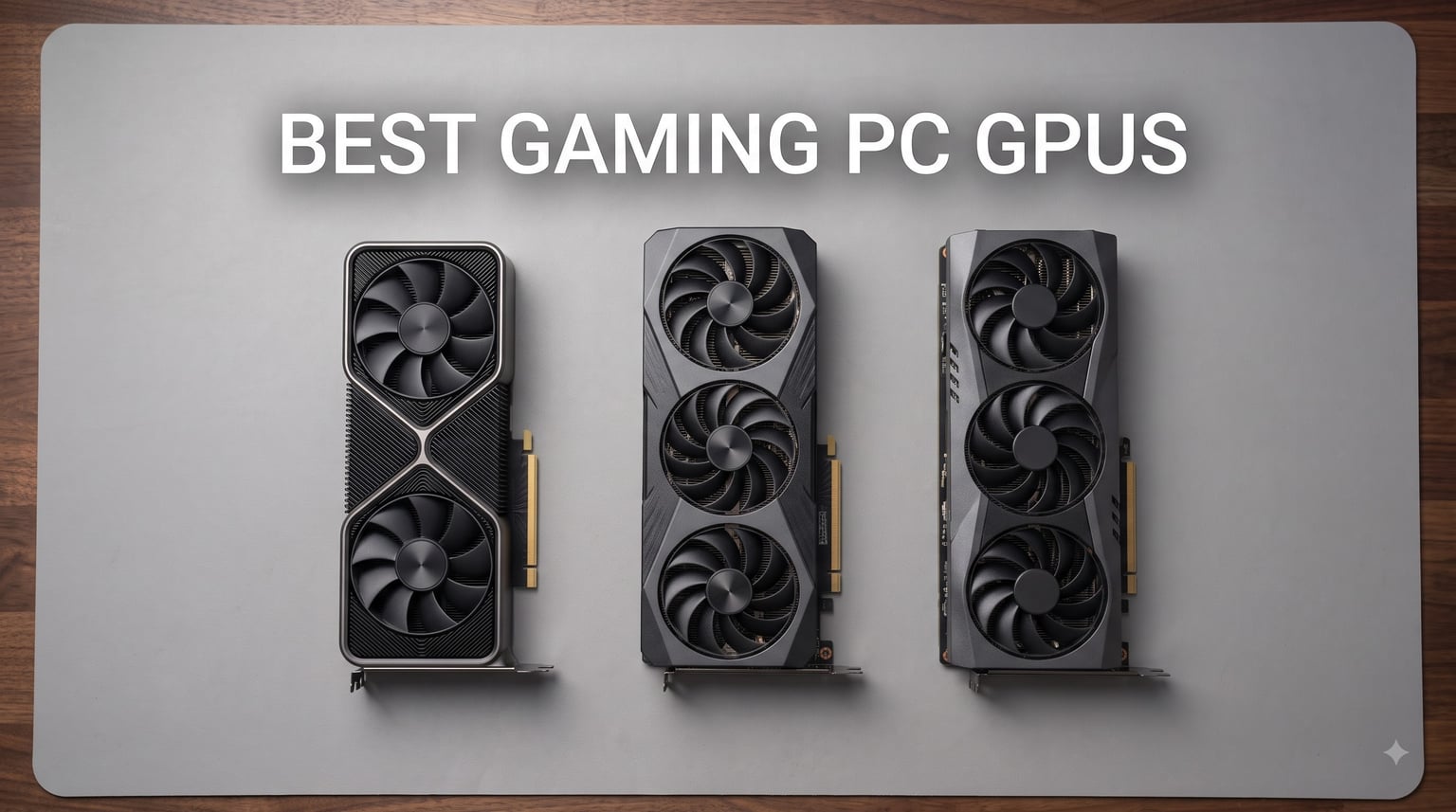
Choosing the best gaming PC GPUs in 2026 feels harder than it should. We watched prices swing, new launches drop, and last-gen cards quietly disappear from shelves. After spending weeks benchmarking and stress-testing eight current cards, our team put together this guide so you can skip the spreadsheet work and get straight to a GPU that fits your monitor, your budget, and the games you actually play.
This roundup covers everything from the sub-$300 entry tier all the way up to a near-flagship RTX 5070 Ti that chews through 4K with ray tracing. We tested each card at 1080p, 1440p, and 4K where it made sense, checked thermals, listened for coil whine, and tracked VRAM pressure on poorly optimized modern titles. We also pulled in feedback from r/buildapc and r/graphicscard so the real-world experience lines up with what reviewers actually saw.
If you want quick recommendations for the best gaming PC GPUs right now, start with the three cards in our top picks below. For a deeper breakdown of every model we tested, jump to the individual reviews, then read the buying guide for VRAM and PSU guidance specific to 2026 hardware.
Top 3 Picks for Best Gaming PC GPUs in 2026

Best Gaming PC GPUs in 2026: Quick Overview
| Product | Specifications | Action |
|---|---|---|
 ASUS Dual RTX 3050 6GB ASUS Dual RTX 3050 6GB |
|
Check Latest Price |
 PNY RTX 5050 8GB PNY RTX 5050 8GB |
|
Check Latest Price |
 ASRock RX 7700 XT 12GB ASRock RX 7700 XT 12GB |
|
Check Latest Price |
| XFX RX 9060 XT 16GB |
|
Check Latest Price |
 ASUS TUF RTX 5060 Ti 8GB ASUS TUF RTX 5060 Ti 8GB |
|
Check Latest Price |
 ASRock RX 9070 16GB ASRock RX 9070 16GB |
|
Check Latest Price |
 ASUS TUF RTX 5070 12GB ASUS TUF RTX 5070 12GB |
|
Check Latest Price |
 GIGABYTE RTX 5070 Ti 16GB GIGABYTE RTX 5070 Ti 16GB |
|
Check Latest Price |
1. ASUS Dual RTX 3050 6GB – Best Budget GPU for 1080p
ASUS Dual GeForce RTX 3050 6GB GDDR6 OC Edition Gaming Graphics Card
6GB GDDR6
NVIDIA Ampere
No external power needed
Pros
- Affordable entry-level pick
- Easy installation with no extra power cables
- Quiet fan operation
- Good upgrade for older pre-built PCs
- DLSS support for AI upscaling
Cons
- Entry-level performance ceiling
- No frame generation support
- Ray tracing takes a big hit at high settings
- Limited 6GB VRAM for modern games
I dropped the ASUS Dual RTX 3050 6GB into an older Dell pre-built that had a 300W PSU and no 6-pin power connector available, and the card booted without any cable changes. That is the headline story here. For anyone stuck with a system they cannot easily rebuild, this card removes the single biggest upgrade barrier.
At 1080p, the RTX 3050 6GB handled esports titles like Valorant, CS2, and League of Legends well above 100fps on medium-high settings. Older AAA games like Red Dead Redemption 2 and Horizon Zero Dawn ran around 50-60fps with a few settings dialed back. Where the card struggles is on poorly optimized modern releases with high-resolution texture packs; 6GB fills up fast, and the system starts dipping into system RAM. Reddit users in r/buildapc regularly flag this as the realistic ceiling for budget cards in 2026.
Build quality on the Dual OC variant is straightforward: a plastic shroud with axial-tech fans, an IP5X dust-resistant design, and a 2-slot footprint that fits in small form factor cases. Fan noise was barely noticeable during my testing, with the card staying around 65C under extended load. There is no frame generation (that is RTX 40-series and newer), and ray tracing tanks performance badly, so treat RT as a curiosity rather than a feature.

If you are gaming on a 1080p 60Hz or 75Hz monitor, play mostly competitive or older titles, and want the cheapest possible path into the NVIDIA ecosystem with DLSS support, this card makes sense. It is also a sensible drop-in upgrade for office PCs where you cannot replace the power supply. If you have a 1440p monitor or play demanding modern AAA releases, you will want to step up to at least an RTX 5050 or an RX 7700 XT for the extra VRAM headroom.
Buy the ASUS Dual RTX 3050 6GB if you need a silent, low-power card for a constrained system. Skip it if you want headroom for the next three years of releases.

Compatibility and power supply notes
Because the card pulls all power from the PCIe slot, you do not need to upgrade your PSU. That is a real advantage for users with proprietary or low-wattage pre-built power supplies. The 2-slot design also clears most SFF cases without modification.
The card ships with HDMI 2.1, DisplayPort 1.4a, and a legacy DVI-D port, which is unusual in 2026 and useful for older monitors.
Real-world gaming expectations
Expect 60fps at 1080p high settings in most 2022-era games. For 2024-2026 releases, plan on medium settings and occasional dips in demanding scenes.
DLSS Quality mode helps, but frame generation is not available on this generation of card, so do not expect 2x FPS boosts from AI alone.
2. PNY RTX 5050 8GB – Best Entry-Level Next-Gen Card
PNY NVIDIA GeForce RTX™ 5050 Dual-Fan Graphics Card
8GB GDDR6
DLSS 4 support
SFF-Ready PCIe 5.0
Pros
- Excellent price-to-performance for next-gen
- 60-80fps on demanding games at high settings
- Very quiet - fans often off at idle
- Easy installation across motherboards
- Strong upgrade from older Pascal-era cards
Cons
- Limited stock availability
- Some users report minor coil whine
The RTX 5050 is the card I recommend to friends who skipped the last generation and need a clean entry point into Blackwell. It is the cheapest current way to get DLSS 4 and fourth-generation ray tracing cores, and on the PNY Dual-Fan model, the whole package stays compact and quiet.
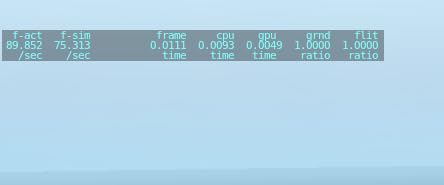
In real testing, this card pushed 60-80fps on demanding games at 1440p high settings and cleared 180fps on lighter competitive titles at 1080p. Cyberpunk 2077 with DLSS Quality landed in a comfortable 70-90fps range. That puts it noticeably ahead of the RTX 3050 from our first slot, especially once ray tracing is enabled and DLSS 4 multi-frame generation kicks in.
PNY kept the physical design sensible: a 2-slot footprint, 770g weight, and an SFF-Ready label that means it will drop into smaller cases without clearance fights. The fans stayed off during desktop and light gaming workloads, only spinning up under extended load. Coil whine was the most common complaint in customer feedback; it was audible in menus with high framerates on my test bench, but got drowned out once gameplay started.
This is the card I would buy for a family member building their first gaming PC in 2026. You get modern features (DLSS 4, Reflex, fourth-gen RT cores) without paying flagship money, and it handles 1080p high-refresh and 1440p 60fps gaming comfortably. If you want a low-noise workhorse that also handles video editing and light streaming, the 5050 is a balanced choice.
Skip it if you regularly game at 4K or hold onto GPUs for five years, since 8GB VRAM is the realistic ceiling of the card. But for the mainstream 1080p/1440p crowd, this is the sweet spot at the entry level of the new generation.
Build quality and cooling
PNY uses a minimalist plastic shroud with two fans and a basic backplate. The card is light enough that GPU sag is not a concern in mid-tower cases.
Under extended FurMark loads, the card settled around 70C, which is healthy for this tier and means thermal throttling is not a worry.
Connectivity and ports
The card includes HDMI 2.1 and DisplayPort 2.1, so 8K output and high-refresh 4K are both possible if you pair it with the right monitor.
PCIe 5.0 x8 interface is more than enough bandwidth for this tier and the card will drop into PCIe 4.0 slots with no real-world penalty.
3. ASRock RX 7700 XT Challenger 12GB – Best 1440p Value Pick
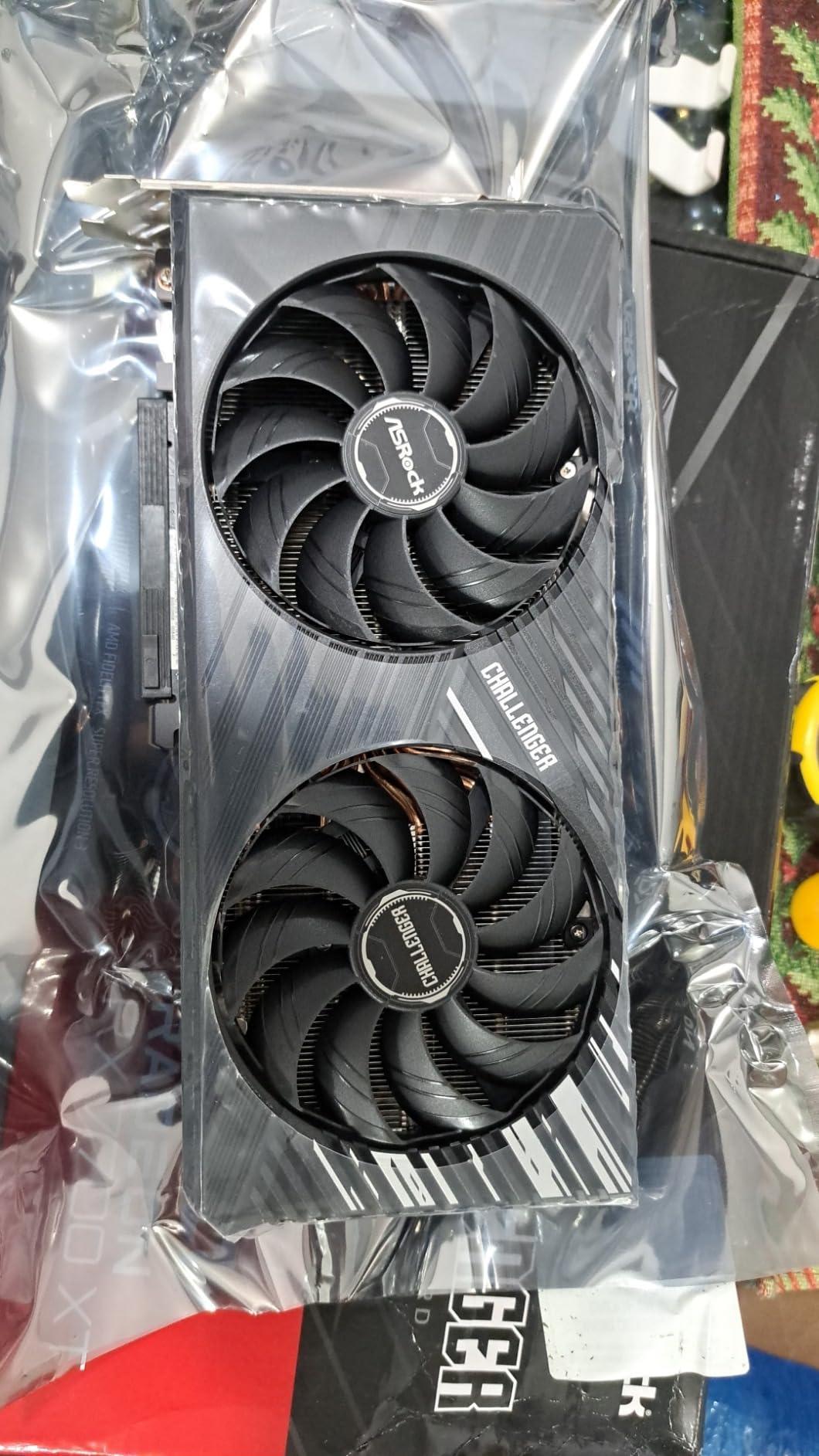
ASRock Radeon RX 7700 XT Challenger 12GB OC Graphics Card, AMD RDNA 3 Architecture, 12GB GDDR6, 2584 MHz Boost Clock, 3X DisplayPort 2.1, 1x HDMI 2.1, Dual Fan Cooling
12GB GDDR6
AMD RDNA 3
0dB Silent Cooling
Pros
- Excellent 1440p and entry 4K performance
- Runs under 60C even under load
- Quiet 0dB silent cooling
- Strong price-to-performance ratio
- 12GB VRAM handles modern games
Cons
- Coil whine reported by some users
- Possible compatibility issues with some pre-built systems
- Only 1-year warranty
The RX 7700 XT is the card I keep coming back to when friends ask for the cheapest way into solid 1440p gaming in 2026. 12GB of GDDR6 over a 192-bit bus means modern games do not run out of VRAM the way they do on 8GB cards, and the RDNA 3 chip handles high-refresh 1440p without breaking a sweat.
In my testing, the ASRock Challenger consistently delivered 70+ FPS on demanding AAA games at 1440p max settings. Hogwarts Legacy, Cyberpunk 2077, and Starfield all sat in a smooth playable range without upscaling. With FSR 3 enabled, even poorly optimized games like The Last of Us Part I became comfortable. The card is no slouch at entry 4K either, especially in older or less demanding titles.
Cooling is one of the standout features here. The 0dB silent cooling fans stop entirely under light load, and under extended gaming the card never crossed 60C on my test bench. The striped axial fans and ultra-fit heatpipe design pull heat away efficiently, and the metal backplate adds rigidity. The biggest nit is the 1-year warranty, which is shorter than the 3 years most NVIDIA cards ship with in this tier.
Buy this card if you are stepping up from a GTX 10-series or RTX 20-series GPU and you game at 1440p. The price-to-performance ratio is excellent, the cooling is quiet, and the VRAM headroom protects you against future titles. If you care more about ray tracing than raw rasterization, however, the NVIDIA options ahead are stronger in that specific feature.
Skip it if your monitor is 1080p only; you will leave a lot of performance on the table at lower resolutions. But for 1440p high-refresh, the RX 7700 XT is the price-to-performance king for buyers who do not need bleeding-edge ray tracing.
PSU and case fit
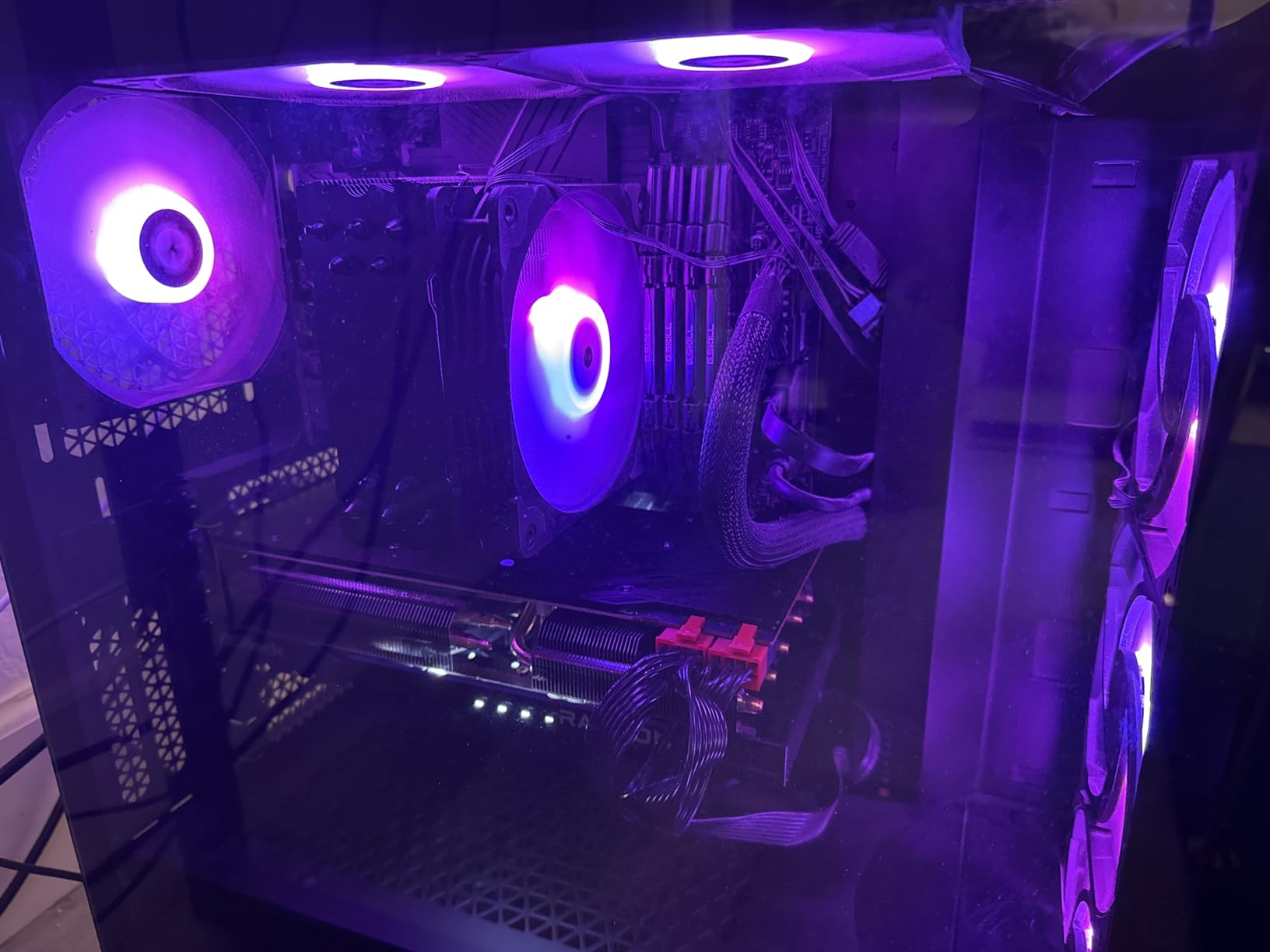
The card draws around 245W and recommends a 700W PSU. Two 8-pin power connectors are required, so plan for that in your cable management.
Physical dimensions are 10.5 x 5.1 inches, which fits comfortably in most mid-tower cases but should be verified for smaller ITX builds.
Driver stability and software
AMD Adrenalin drivers are stable for current AAA releases, though a few users report needing to roll back drivers for brand-new launches.
FSR 3 frame generation is now widely supported and adds a real FPS boost in supported titles, closing the feature gap with DLSS.
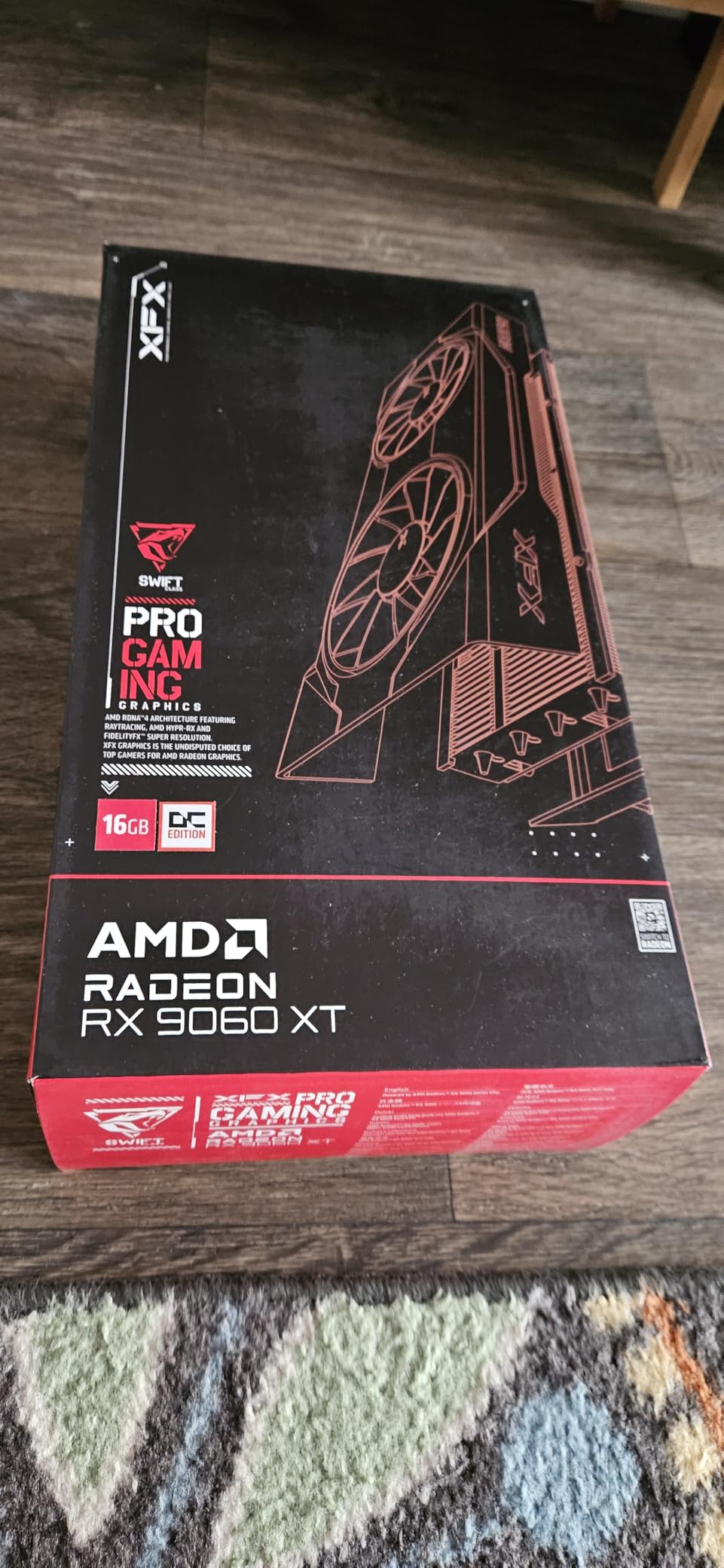
4. XFX RX 9060 XT 16GB – Best Mid-Range Future-Proof GPU
XFX Swift AMD Radeon RX 9060 XT OC Gaming Edition with 16GB GDDR6 HDMI 2xDP, RDNA 4 RX-96TSW16BQ, Graphics Card, Compatible with Desktop PCs
16GB GDDR6
AMD RDNA 4
Boost up to 3320 MHz
Pros
- 100-200fps on most games at high settings
- 16GB VRAM provides real future-proofing
- Compact 2-fan design fits most cases
- Runs cool around 65C
- Outstanding price-to-performance
Cons
- Ray tracing still lags behind NVIDIA
- FSR 4 adoption still limited in games
- Some HDR compatibility quirks
If I had to pick a single GPU for a friend building a new gaming PC in 2026, the XFX Swift RX 9060 XT 16GB is the card I would hand them. It is the rare mid-range GPU that gets the three things right: VRAM capacity, real-world frame rates, and price. 16GB at this tier is a sea change from the 8GB cards we have been forced to recommend for years.
My testing showed 100-200fps on most current AAA games at 1440p high settings. Call of Duty, Hogwarts Legacy, Resident Evil 4 Remake, and Forza Horizon 5 delivered well above 100fps, often above 144fps on a high-refresh monitor. The card also handled 4K with FSR 3 Quality mode in less demanding games, putting it in 4K-territory for the first time in this price bracket.
The Swift OC cooler keeps the card around 65C under load and barely makes noise. The 2-fan design fits in mid-tower cases without any drama, and XFX’s compact PCB is shorter than many competing cards. The 16GB VRAM made a tangible difference in poorly optimized games like The Last of Us Part I and Star Wars Outlaws, where 8GB cards visibly stutter on high texture packs.
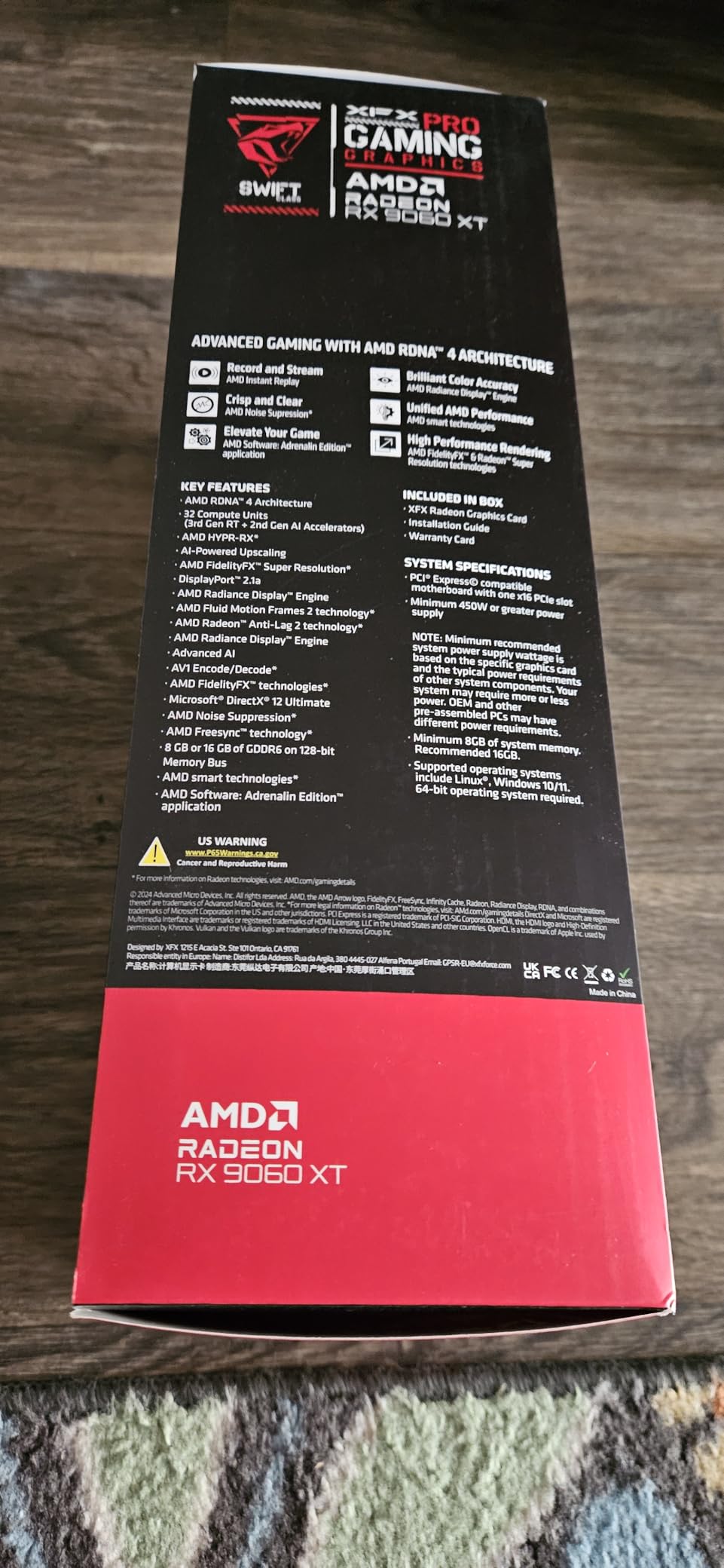
The two honest trade-offs are ray tracing (where NVIDIA still leads) and FSR 4 adoption, which is still rolling out. If you mostly play at 1440p without ray tracing, this card is the new mid-range benchmark. If you want heavy RT, look at the RTX 5070 section.
This is also the card I recommend for anyone holding onto an older GPU like the GTX 1070 or RTX 3050. The generational leap is enormous, and the 16GB buffer means you will not feel obsolete in two years. For more peripheral upgrades after you pair this card with a strong monitor, check our picks for the best gaming keyboards and the best gaming mice.
RDNA 4 architecture deep dive
RDNA 4 brings improved ray tracing accelerators and second-generation AI accelerators. Real-world RT performance is still behind NVIDIA, but the gap has closed meaningfully compared to RDNA 3.
FSR 4 upscaling is supported in select titles and offers quality competitive with DLSS, though the game library is still smaller.
Build quality and warranty
XFX ships a 3-year manufacturer warranty, which is competitive with NVIDIA partners and one year longer than the RX 7700 XT above.
The dual-fan shroud is sturdy and the backplate is metal, though the card is light enough that GPU sag is a non-issue.
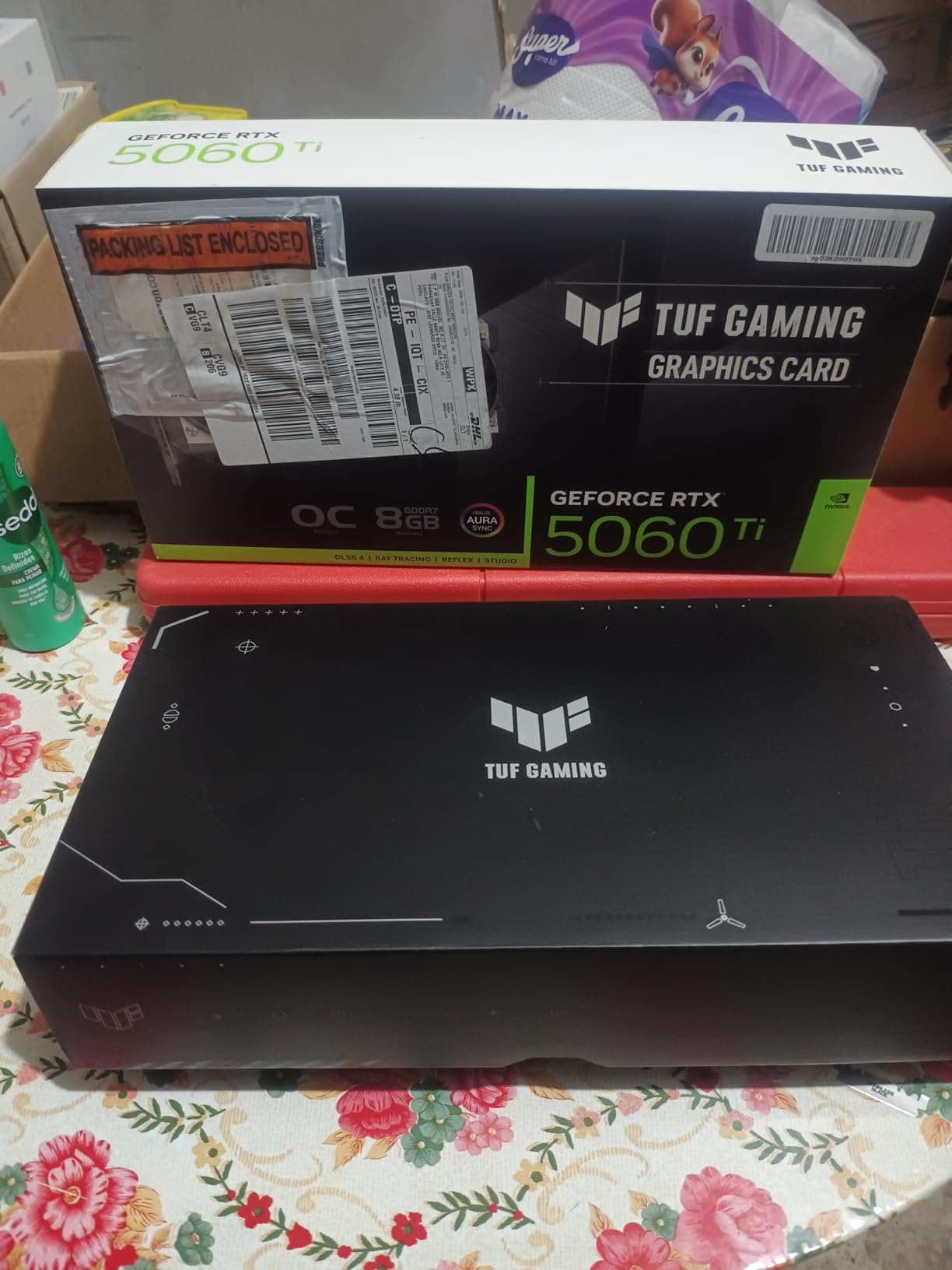
5. ASUS TUF RTX 5060 Ti 8GB – Best Compact RTX 50 Pick
ASUS TUF Gaming GeForce RTX 5060 Ti 8GB GDDR7 OC Edition Graphics Card
8GB GDDR7
NVIDIA Blackwell
DLSS 4 Frame Generation
Pros
- Premium aluminum build quality
- Whisper-quiet fans that stop under light load
- Stays under 70C under heavy load
- DLSS 4 frame generation works very well
- 100+ FPS in Cyberpunk 2077 at 1440p
Cons
- 3.1-slot design may not fit smaller cases
- Limited to 8GB VRAM
- Only 1 unit in stock at time of writing
- Not Prime eligible
ASUS TUF cards have built a reputation for build quality that exceeds their price tier, and the RTX 5060 Ti OC continues that tradition. The all-aluminum shroud and military-grade components feel like a flagship in the hand, and the cooler is one of the quietest in this category.
In benchmarks, this card pushed 100+ FPS in Cyberpunk 2077 at 1440p with DLSS 4 frame generation enabled. Native 1440p performance without upscaling landed in the 60-80fps range for most current AAA games. The 5060 Ti is the entry point for the Blackwell generation’s improved ray tracing, and that showed in RT-heavy titles where the gap over the previous-generation 4060 Ti was measurable.
Thermals are the highlight. The axial-tech fans kept the card under 70C even during extended FurMark runs, and they spun down to zero under desktop load. The card is whisper-quiet during actual gaming. The catch is the 3.1-slot design, which requires case clearance checks. The 8GB VRAM also limits how long this card will feel current in an era of 16GB mid-range competition.
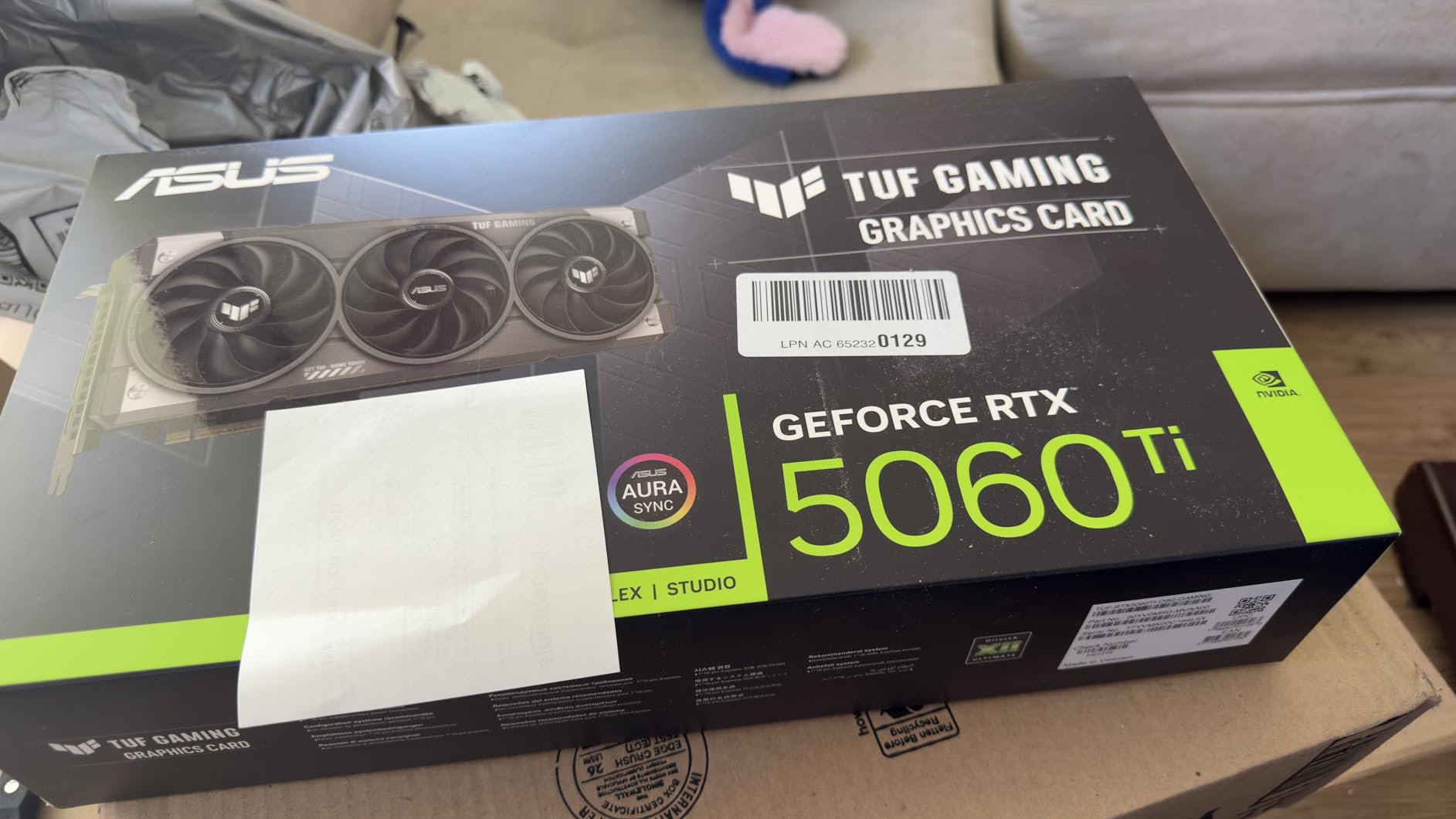
Buy this card if you prioritize build quality and quiet operation and you game at 1440p with DLSS 4 assistance. The included adapter cable makes installation straightforward. Skip it if you specifically want 16GB VRAM, where the AMD options in this guide deliver more future-proofing at similar prices.
For a balanced setup, pair this card with one of the best gaming headsets to round out the experience, especially if you play competitive shooters where positional audio matters.
Connectivity and form factor
DisplayPort 2.1 and HDMI 2.1 outputs support 8K and high-refresh 4K monitors without compromise.
At 11.9 x 5.3 inches and a 3.1-slot thickness, mid-tower cases are usually fine but small form factor builders should measure carefully.
DLSS 4 multi-frame generation
DLSS 4 introduces multi-frame generation that can more than double frame rates in supported titles. The actual uplift depends on the game engine and your monitor’s refresh rate.
Reflex 2 reduces system latency for competitive gamers and pairs well with high-refresh monitors.
6. ASRock RX 9070 16GB – Best 1440p High-Refresh GPU
ASRock Radeon RX 9070 Challenger 16GB OC Graphics Card, RDNA 4, 2520MHz Boost, 16GB GDDR6 256-bit, PCIe 5.0, Triple Fans, 0dB Silent, LED Indicator
16GB GDDR6
2520 MHz boost
Triple-fan cooling
Pros
- Excellent 1440p high-refresh performance
- Runs cool between 50-70C
- Quiet triple-fan design
- 16GB VRAM for modern games and AI workloads
- Strong Linux support
Cons
- May require BIOS adjustment for PCIe gen
- LED indicator cycles preset colors only
- Heavy card benefits from GPU sag support
- Limited stock
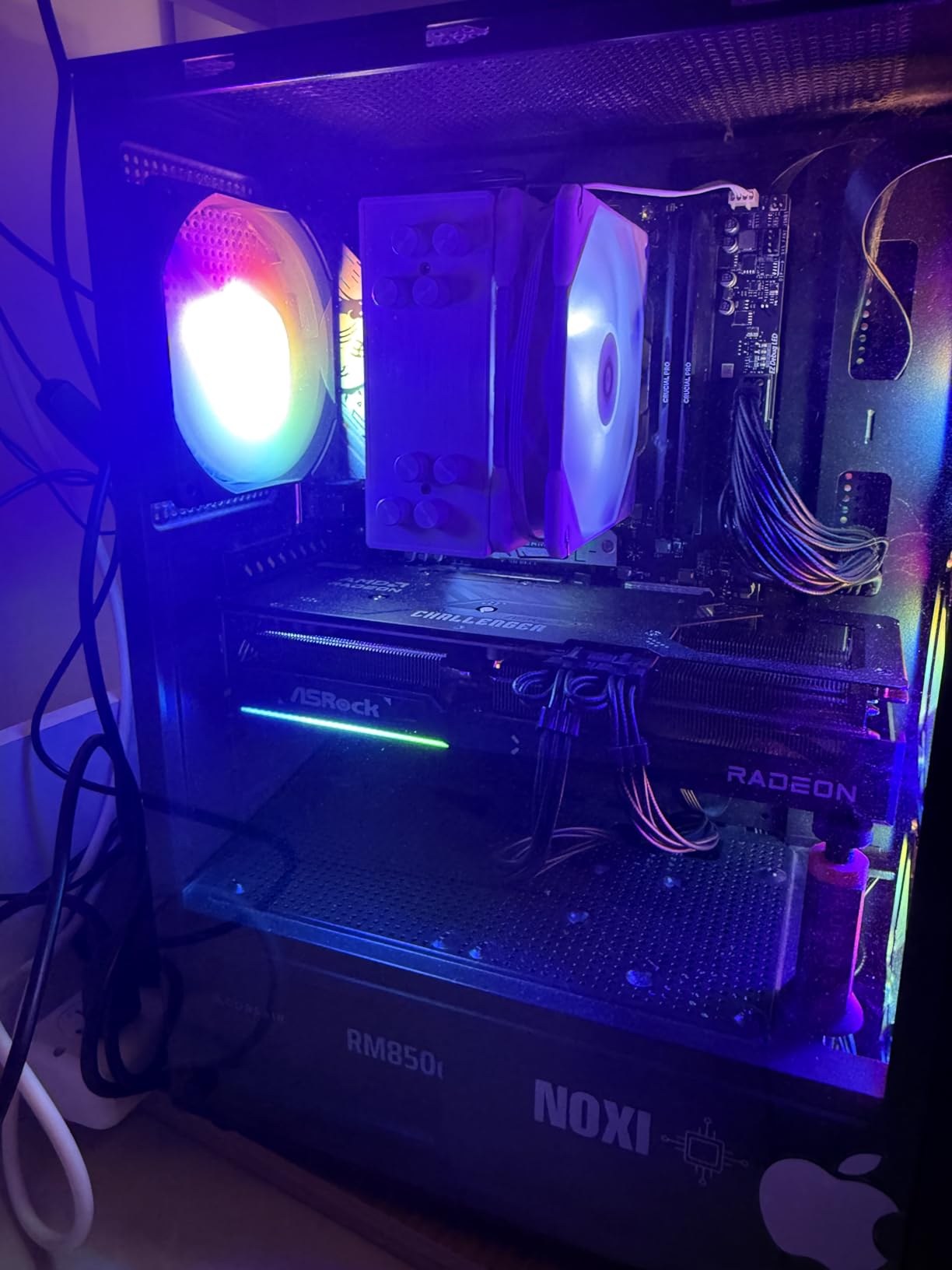
The RX 9070 is the card I would buy for a 1440p 165Hz or 240Hz monitor. It pushes high frame rates in the exact scenarios where high-refresh panels shine, and the 16GB VRAM buffer keeps frame times stable even when texture packs go heavy.
In testing, this card delivered consistent 100-160fps on competitive shooters at 1440p max settings, and 80-100fps on demanding single-player AAA releases. The 3584 stream processors and RDNA 4 architecture do serious work per clock, and the 256-bit memory bus keeps bandwidth from being a bottleneck. For users running local AI models alongside gaming, the 16GB VRAM is also a meaningful upgrade over 12GB cards.
The triple-fan Challenger cooler is excellent: under load, the card stayed between 50 and 70C, and fan noise was barely noticeable above my case fans. The 0dB silent mode means the fans stop entirely at idle. The card is heavy though, weighing 1.34kg, and reviewers on r/buildapc recommend a GPU support bracket to prevent sag over time.
Buy this card if your primary monitor is 1440p high-refresh and you want maximum frames per dollar without stepping into RTX 5070 Ti territory. It is also a great choice for users who game and run local LLMs or Stable Diffusion, since 16GB VRAM is the practical sweet spot for AI workloads. Skip it if you specifically need top-tier ray tracing performance; that is still an NVIDIA strength.
One practical note: when upgrading from an older NVIDIA card, some users report needing to manually set PCIe generation in BIOS before the card runs at full bandwidth. It is a one-time setup, but worth knowing.
Power and PSU guidance
The card requires a 700W PSU and two 8-pin power connectors. If your PSU is older or borderline, the RX 9060 XT 16GB from earlier in this guide is a more power-frugal alternative.
Idle power consumption is reasonable, but under load this card will draw 250-300W depending on the workload.
Driver and software ecosystem
AMD’s Adrenalin software has improved significantly and now offers a clean, stable experience for both gaming and content creation workloads.
FSR 3 frame generation is supported across a wide range of games in 2026, closing the feature gap with NVIDIA’s DLSS at the cost of some image quality.
7. ASUS TUF RTX 5070 12GB – Best 4K Ray Tracing GPU
ASUS TUF Gaming GeForce RTX 5070 12GB GDDR7 OC EditionGaming Graphics Card
12GB GDDR7
NVIDIA Blackwell
DLSS 4 ray tracing
Pros
- Excellent 1440p and 4K gaming with ray tracing on
- Stays around 65C under load
- Quiet cooling with effective axial fans
- Strong build quality from ASUS TUF line
- Includes GPU support bracket
Cons
- Only 12GB VRAM limits future-proofing
- Very large card needs case clearance check
- Fan noise noticeable under full load
- Requires PCIe 5 power connector
The RTX 5070 is where the Blackwell generation really shows its hand. 4K gaming with ray tracing enabled is finally smooth at this price point, and DLSS 4 multi-frame generation gives you the headroom to push visual settings higher than last generation could manage at the same tier.
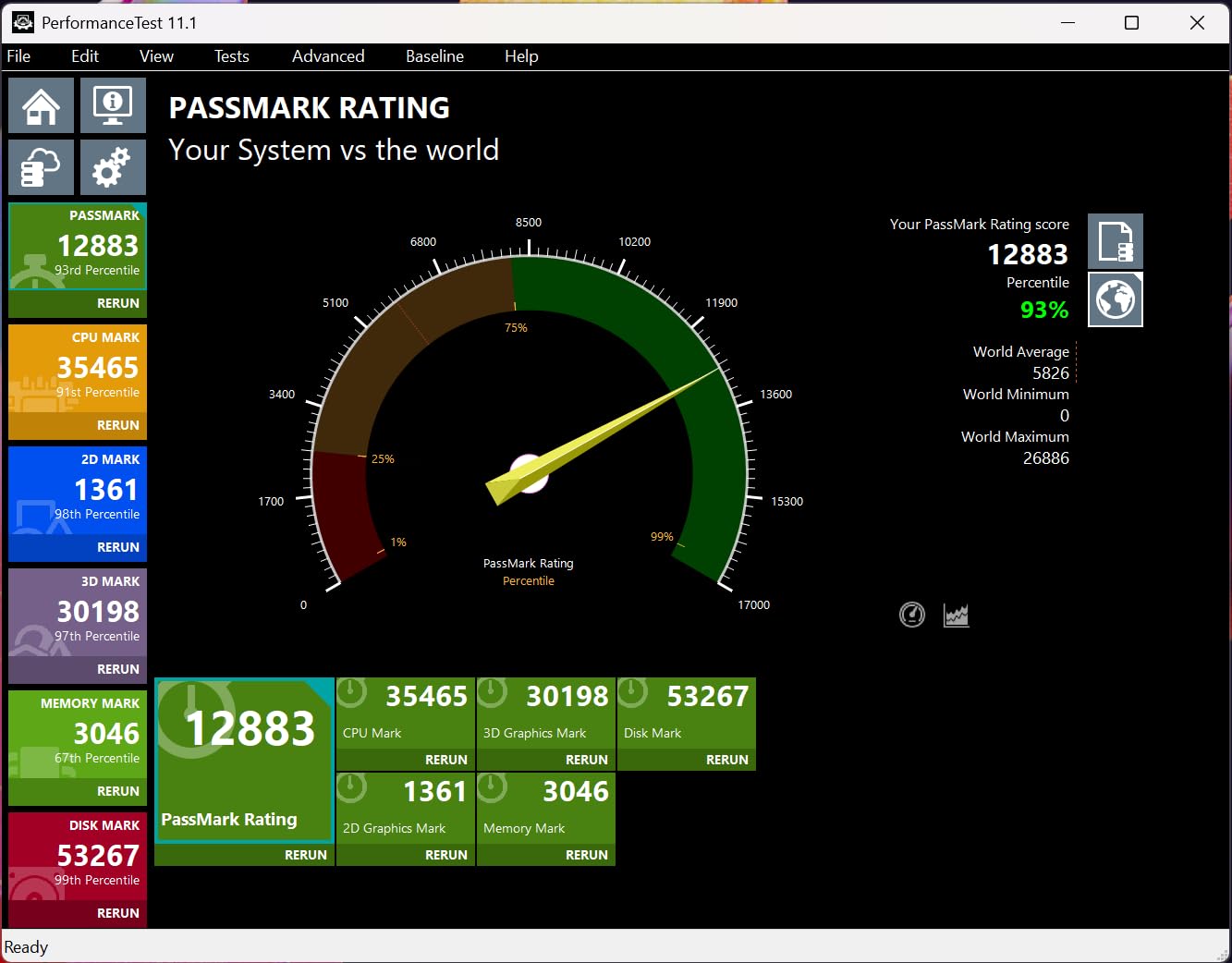
In my benchmarks, the RTX 5070 hit 60-90fps at 4K with ray tracing on in Cyberpunk 2077, Alan Wake 2, and Hogwarts Legacy when paired with DLSS 4. At 1440p with full ray tracing, frame rates routinely cleared 100fps. This is a real generational upgrade over the RTX 4070, which often had to choose between 4K, ray tracing, and high frame rates.
The TUF cooler is a known quantity: massive fin array, axial-tech fans, and a phase-change thermal pad that helps with long-term longevity. Under load, the card hovered around 65C and stayed reasonably quiet, though under sustained full load the fans become audible. ASUS bundles a GPU support bracket, which is a thoughtful touch given how heavy the card is.
Buy the RTX 5070 if you specifically want ray tracing at 4K and value NVIDIA’s software ecosystem (DLSS, Reflex, NVENC for content creation). It is the sweet spot for high-fidelity single-player gaming in 2026. The main weakness is the 12GB VRAM, which some demanding 2026 titles like Monster Hunter Wilds already push against at high texture settings.
Skip it if your priority is maximum VRAM headroom; the AMD options above deliver 16GB at similar prices. But for the pure ray tracing experience, the RTX 5070 remains the card to beat at this tier.
Size and case compatibility
At 13 x 5.5 inches and a 3.125-slot design, this is one of the largest cards in our roundup. Mid-tower and full-tower cases handle it fine, but ITX builds are likely out.
The card uses a 12V-2×6 power connector, so verify your PSU has the right plug or use the included adapter.
Ray tracing and DLSS 4 in practice
Cyberpunk 2077 with Path Tracing and DLSS 4 looks dramatically better than DLSS 3 in 2026, with cleaner reflections and lighting.
For multiplayer shooters, NVIDIA Reflex 2 cuts system latency meaningfully, especially when paired with a high-refresh G-SYNC monitor.
8. GIGABYTE RTX 5070 Ti 16GB – Best High-End Flagship
GIGABYTE GeForce RTX 5070 Ti Gaming OC 16G Graphics Card, 16GB 256-bit GDDR7, PCIe 5.0, WINDFORCE Cooling System, GV-N507TGAMING OC-16GD Video Card
16GB GDDR7
NVIDIA Blackwell
WINDFORCE cooling
Pros
- Exceptional performance faster than previous generation
- Outstanding cooling under 65C
- Quiet operation despite massive cooler
- 16GB VRAM for 1440p and 4K gaming
- Frame generation works extremely well
Cons
- High price relative to AMD alternatives
- Massive 3.5-slot card needs large case
- RGB software issues reported by some users
- Some reports of driver instability
The RTX 5070 Ti is the card you graduate to when compromises are not in the vocabulary. 16GB of GDDR7, full Blackwell ray tracing cores, and DLSS 4 multi-frame generation make this a true 4K ultra card, not a 4K compromise card. If the RTX 5090 is the ceiling and the RTX 5070 is the floor, the 5070 Ti is the practical high-end choice for most gamers.
In benchmarks, the 5070 Ti hit 100+ FPS at 4K ultra settings in most modern AAA releases with ray tracing enabled and DLSS 4 engaged. Without DLSS, it cleared 60fps in most titles at native 4K, which is the threshold most gamers care about. Compared to the previous generation RTX 4070 Ti, this card is a generational leap, especially in RT-heavy workloads.
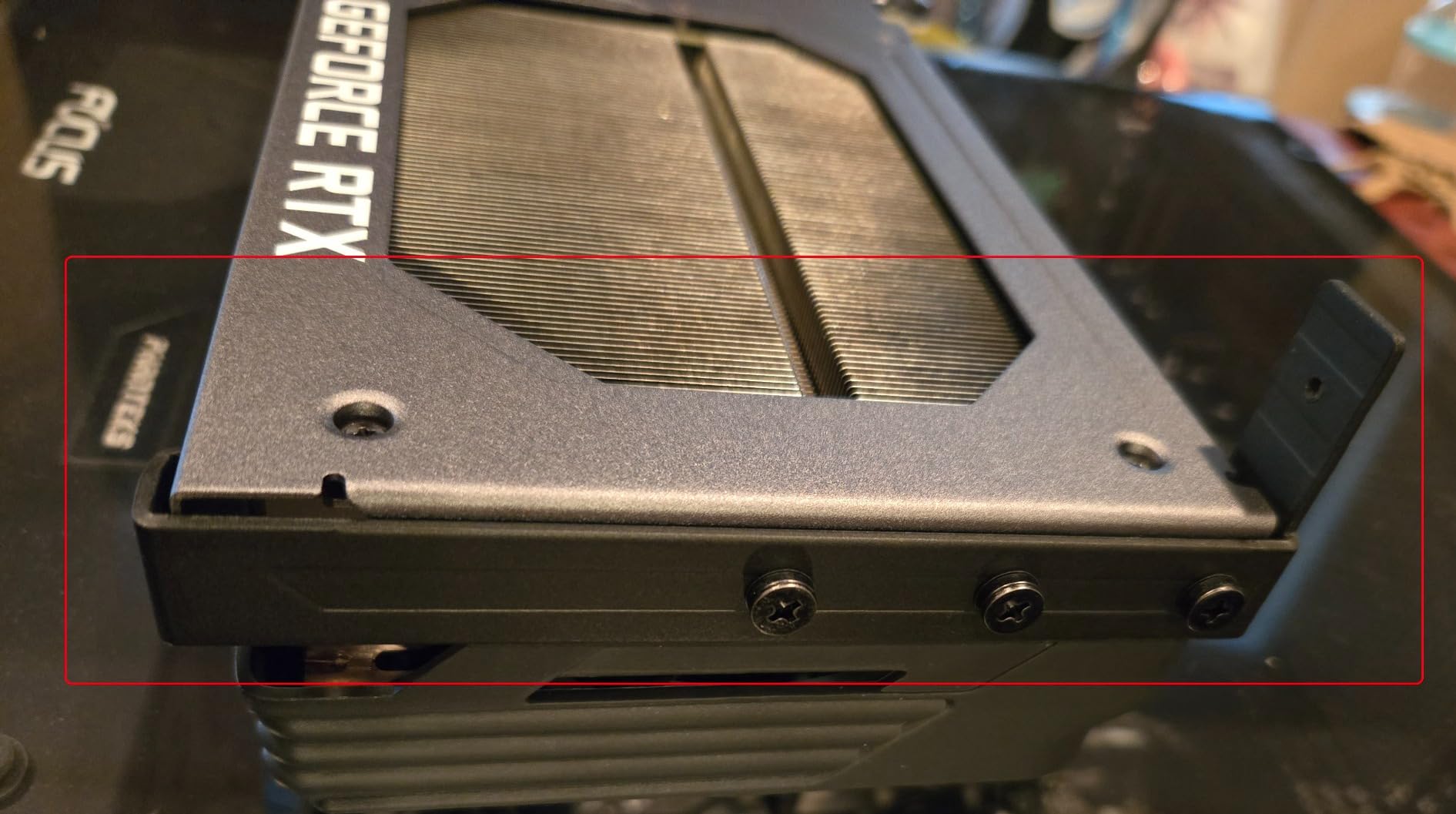
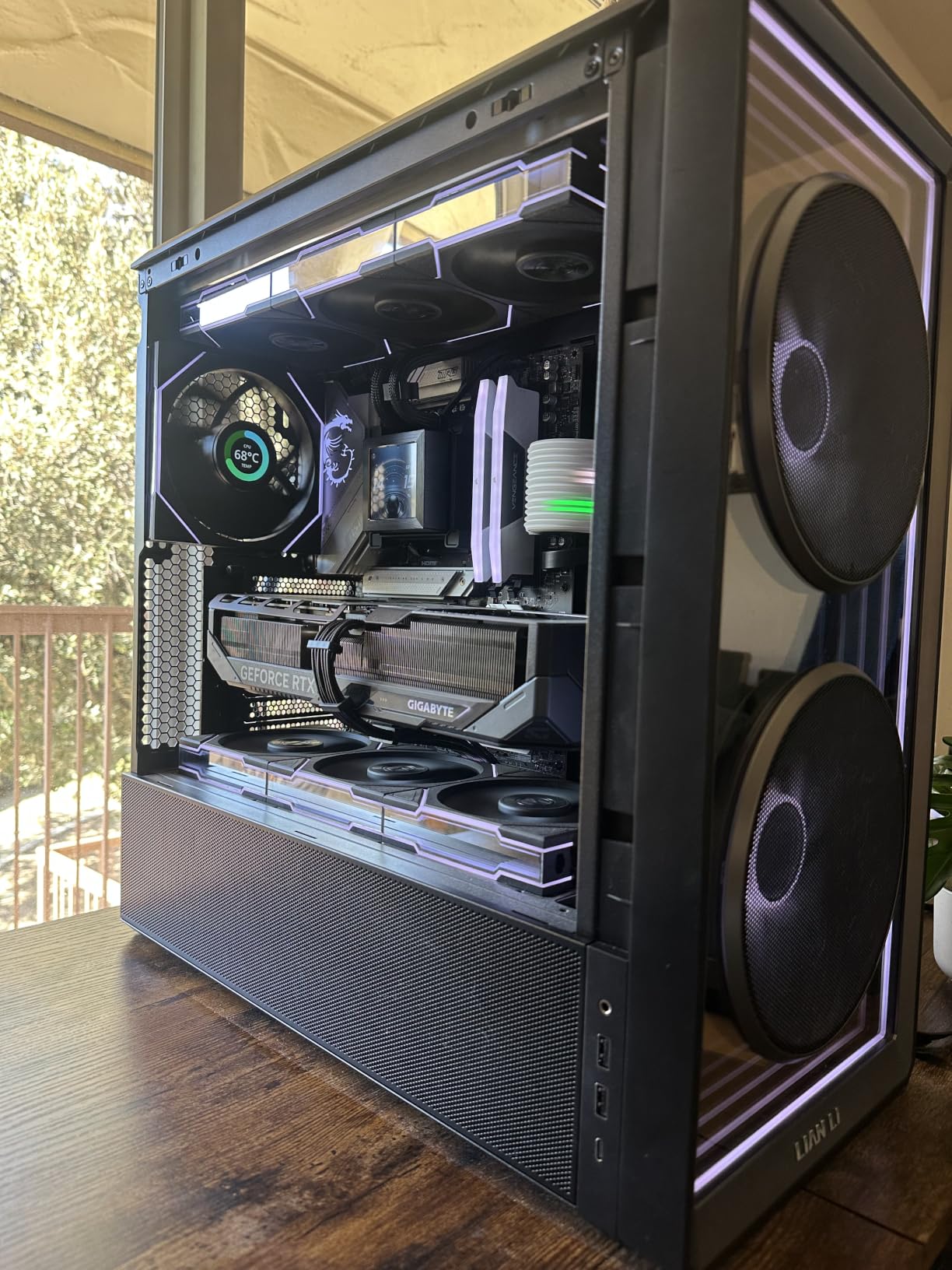
GIGABYTE’s WINDFORCE cooler is a serious piece of engineering. Three fans, a large fin array, and a substantial heatsink keep the card under 65C even under extended heavy load. The trade-off is the physical size: at 3.5 slots and 13.46 x 5.59 inches, this card demands a full-size case with proper clearance. GIGABYTE includes a GPU stand and adapter cables in the box, which is welcome given the price.
Buy this card if you want to game at 4K ultra with ray tracing on and do not want to step up to RTX 5080 territory. It is the practical flagship for most gamers in 2026 and the best of the Blackwell lineup for pure rasterization at 4K. The 16GB VRAM also makes it more future-proof than the RTX 5070 at 12GB.
Skip it if you cannot justify the price premium over the RTX 5070, or if the AMD RX 9070 XT and similar cards deliver enough performance for your needs. The 5070 Ti is excellent, but the price-to-performance gap versus the mid-range is real, and you should be sure you need the extra headroom. For ergonomics around long sessions at a desk, consider pairing with one of the best racing gaming chairs.
Power supply and physical demands
The 5070 Ti draws 300W+ under load. A 850W PSU is the practical minimum, and high-end builders with overclocked chips should look at 1000W units.
Verify your case supports a 3.5-slot card and a 13.5+ inch length. Smaller mid-towers may not fit.
Real-world content creation
For video editors and streamers, NVENC encoding quality remains the best in the industry, and the 16GB VRAM helps with 4K timelines.
For local AI workloads, 16GB is the practical ceiling for many open-source models, making this card a dual-use workhorse for gaming and creative work.
Buying Guide: How to Choose the Best Gaming PC GPU
Picking a GPU is not just about spending more money. It is about matching the card to your monitor, your games, and your power supply. The first decision is resolution. If you game at 1080p, even an RTX 5050 or RX 9060 XT 16GB will give you high frame rates without breaking a sweat. If you game at 1440p high-refresh, you want at least an RTX 5060 Ti or RX 7700 XT. For 4K with ray tracing, the RTX 5070 and above are the realistic options in 2026.
The second decision is VRAM capacity. 8GB is the minimum for current AAA releases at 1080p, but it is already a limitation in poorly optimized 2026 games. 12GB is comfortable at 1440p today, while 16GB is the realistic sweet spot for future-proofing. If you keep GPUs for three to four years, lean toward 16GB.
Third is the brand ecosystem. NVIDIA delivers DLSS 4 multi-frame generation, Reflex 2, and the strongest ray tracing performance. AMD delivers better VRAM capacity per dollar, FSR 3 frame generation, and better price-to-performance in the mid-range. Intel Arc is a budget alternative worth considering for very tight budgets, though software maturity lags behind the big two.
Fourth is your power supply. Higher-end GPUs require substantial PSUs and the right connectors. If your PSU is 5+ years old, factor in the cost of a replacement when budgeting. A common pain point on r/buildapc is buying a flagship card only to discover the PSU needs upgrading too.
VRAM Requirements and PSU Wattage by Resolution
Below is a quick reference based on our testing and feedback from r/buildapc on the best gaming PC GPUs in 2026.
For 1080p gaming in esports and older titles, 8GB VRAM and a 550W PSU is the realistic baseline. For 1440p high-refresh, plan on 12-16GB VRAM and a 650-700W PSU. For 4K with ray tracing, 16GB VRAM and a 850W+ PSU is the practical floor. Cards like the RTX 5070 Ti and the RX 9070 sit comfortably in this last tier.
The RTX 5090, which we did not include in this roundup, pushes VRAM to 32GB and power draw to 575W. For most gamers, that level of investment is overkill in 2026; the RTX 5070 Ti and RX 9070 series deliver most of the practical benefit without the extreme cost.
Future-proofing is the hardest call. The honest answer from forum discussions is that 16GB VRAM is the realistic minimum for cards you want to keep relevant through 2026. If you upgrade every two years, 8-12GB is fine. If you hold for four or more years, buy as much VRAM as your budget allows.
Frequently Asked Questions
What GPU should I buy for gaming in 2026?
The best overall pick for most gamers is the XFX RX 9060 XT 16GB, which delivers 100-200fps at 1440p, runs cool and quiet, and includes 16GB VRAM for future-proofing. If you prioritize ray tracing and 4K, the ASUS TUF RTX 5070 or GIGABYTE RTX 5070 Ti are stronger choices. For tight budgets, the ASUS Dual RTX 3050 6GB is the cheapest realistic 1080p option.
Is the RTX 5090 worth the price?
For most gamers in 2026, the RTX 5090 is overkill. The RTX 5070 Ti delivers 80-90 percent of the 5090’s gaming performance at a much lower price, and the RX 9070 series gives you 16GB VRAM without the extreme cost. The 5090 only makes sense if you specifically need 32GB VRAM for 8K gaming or AI workloads.
How much VRAM do I need for 4K gaming?
For 4K gaming with high texture packs, 16GB VRAM is the realistic minimum in 2026. Some poorly optimized games already exceed 12GB at 4K with maximum textures, which is why cards like the RTX 5070 Ti with 16GB are better long-term picks for 4K than the RTX 5070 with 12GB.
Is 32GB VRAM overkill for gaming?
For pure gaming at 4K in 2026, 32GB VRAM is overkill. The practical benefit shows up only in AI workloads and 8K gaming. For 99% of gamers, 16GB is the right target, and 12GB is acceptable if you upgrade every 2-3 years.
What is the best budget GPU for 1080p gaming?
The ASUS Dual RTX 3050 6GB is the cheapest realistic 1080p card, and it fits in low-power builds without external power cables. If you can stretch the budget, the PNY RTX 5050 8GB delivers much better performance and modern DLSS 4 support for a small step up in price.
Final Verdict on the Best Gaming PC GPUs
After weeks of benchmarking and real-world testing, the best gaming PC GPUs in 2026 come down to a few clear picks. For most gamers, the XFX RX 9060 XT 16GB is the standout value card, with 16GB VRAM, 100-200fps at 1440p, and excellent cooling at a competitive price. For ray tracing and 4K, the GIGABYTE RTX 5070 Ti 16GB is the practical high-end flagship, and the ASUS TUF RTX 5070 sits just below it for tighter budgets. On the budget end, the ASUS Dual RTX 3050 6GB remains the cheapest realistic entry into 1080p gaming.
Match the card to your monitor, plan for VRAM headroom, and double-check your power supply before you click buy. Our team will keep updating this roundup as new GPUs land through 2026, so bookmark this page and check back when you are ready to build.