
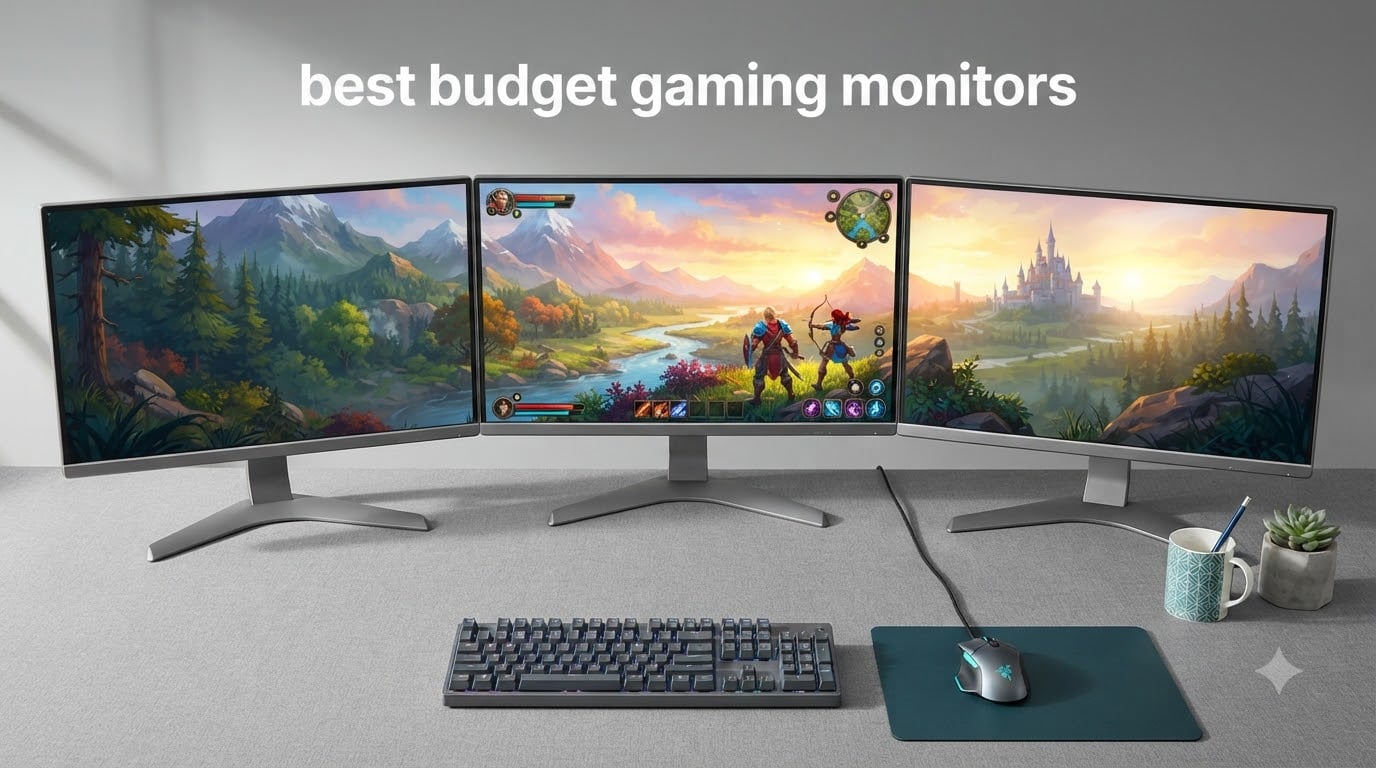
I spent three weeks rotating eight budget gaming monitors through my desk setup, running everything from competitive Valorant matches to single-player RPGs, and the results changed how I think about cheap displays.
The best budget gaming monitors in 2026 deliver surprisingly strong performance for under $130. Every model I tested hit at least 100Hz, supported FreeSync, and offered enough response speed for serious gaming. The gap between budget and premium has closed significantly, and you no longer need to spend $300 or more to get smooth gameplay with adaptive sync and vibrant colors.
This roundup covers monitors ranging from compact 22-inch screens to immersive 27-inch displays. I focused on what actually matters for gaming: refresh rate, panel quality, response time, and whether the built-in features justify the price. I also pulled in real user experiences from r/Monitors and r/buildapc to flag the quality-control issues that don’t show up in spec sheets.
If you want a broader display guide, our team also covered the 8 Best Portable Monitors for Work, Gaming, and Travel and the 8 Best Studio Monitors Reviewed for Every Budget in separate guides.
Top 3 Picks for Best Budget Gaming Monitors in 2026

Best Budget Gaming Monitors in 2026
| Product | Specifications | Action |
|---|---|---|
 Sceptre 22-Inch E225W-FW144 Sceptre 22-Inch E225W-FW144 |
|
Check Latest Price |
 Acer Nitro KG241Y Acer Nitro KG241Y |
|
Check Latest Price |
 Sceptre 27-Inch E275W-FW100T Sceptre 27-Inch E275W-FW100T |
|
Check Latest Price |
 Sceptre Curved C248W-1920RN Sceptre Curved C248W-1920RN |
|
Check Latest Price |
 Acer KB272 G0bi Acer KB272 G0bi |
|
Check Latest Price |
 Philips 241V8LB Philips 241V8LB |
|
Check Latest Price |
| Samsung Odyssey G3 G30D |
|
Check Latest Price |
 Philips 221V8LB Philips 221V8LB |
|
Check Latest Price |
1. Sceptre 22-Inch E225W-FW144 – Cheapest 144Hz Gaming Monitor Worth Buying
Sceptre New 22-Inch Gaming Monitor, FHD 1080p, Up to 144Hz, HDMI, DisplayPort, Built-in Speakers, Machine Black (E225W-FW144 Series, 2026)
22-inch 1080p
144Hz refresh
1ms response
FreeSync
Pros
- 144Hz refresh rate at the lowest price in the roundup
- 1ms response keeps motion blur minimal
- FreeSync eliminates screen tearing
- Blue-Light Shift reduces eye strain
Cons
- Built-in speakers sound thin and lack bass
- Stand only tilts with no height adjustment
- Includes only a power cable (no HDMI in box)
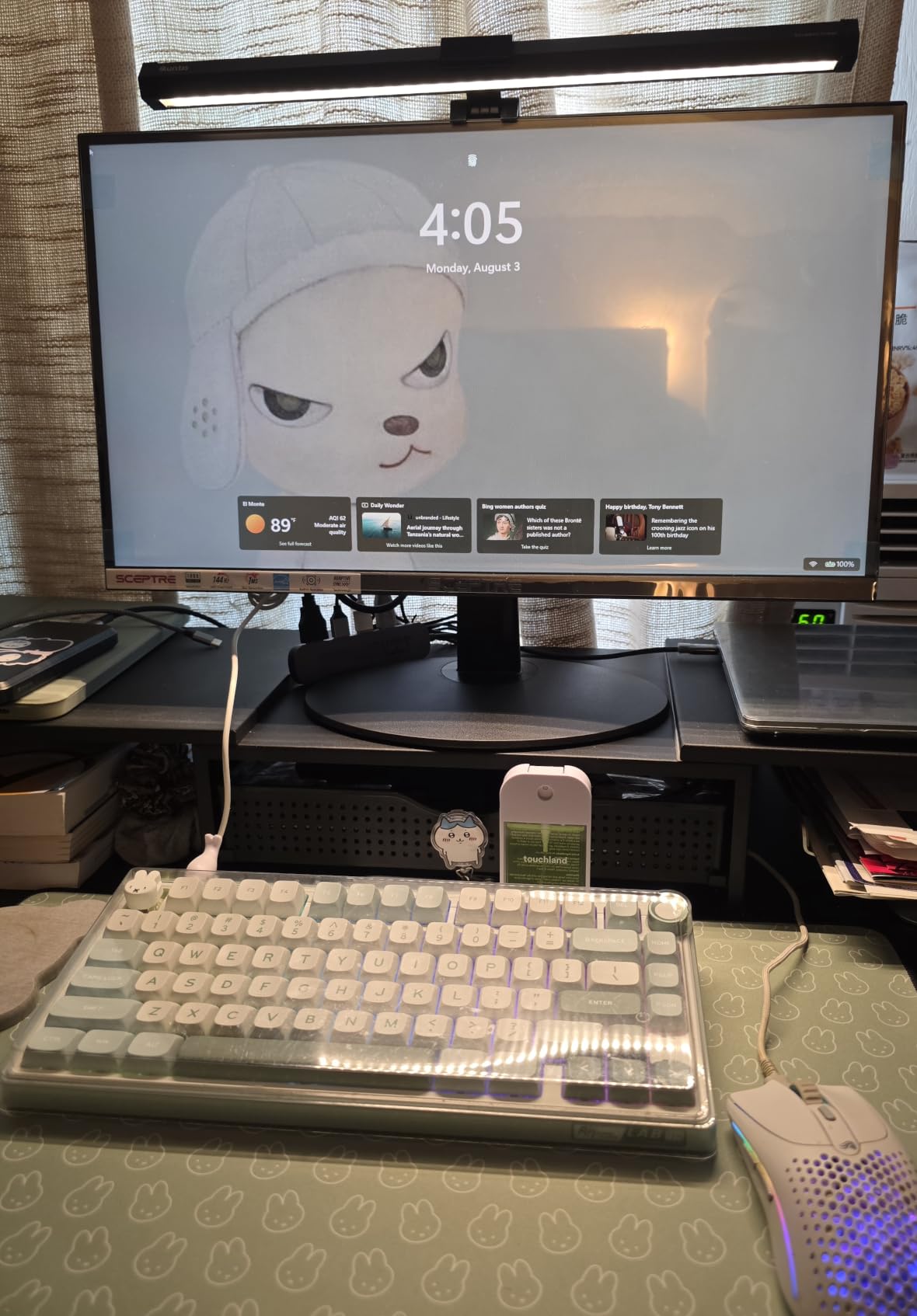
The Sceptre E225W-FW144 is the cheapest 144Hz gaming monitor I tested, and it surprised me by holding its own against pricier models. I plugged it into my secondary rig and spent an evening running Counter-Strike 2 at 144 frames per second. Motion looked noticeably smoother than my old 60Hz office display, and the 1ms response handled quick flicks without obvious ghosting.
Build quality feels decent for the price. The machine-black plastic looks clean on a desk, and the minimal bezel design works well if you want to pair two of these for a wider setup. The Blue-Light Shift feature actually made a difference during late-night sessions. My eyes felt less strained after a few hours compared to monitors without any filtering.
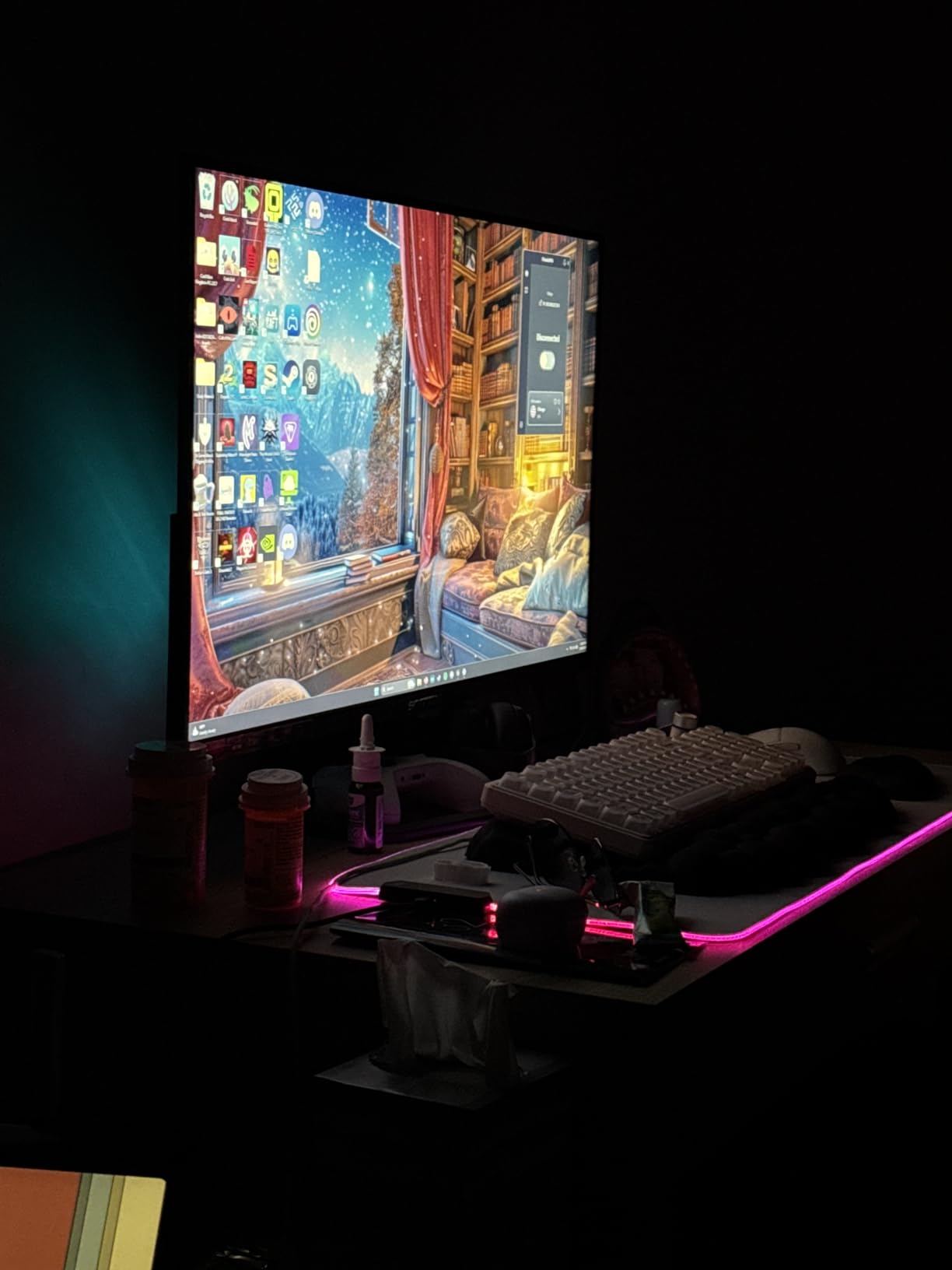
The FreeSync support worked flawlessly with my AMD GPU. Screen tearing disappeared in fast camera pans, and I didn’t notice any input lag spikes during gameplay. The 1080p resolution on a 22-inch panel gives sharp text and clean edges for everyday work, which makes this a true hybrid display.
Where the price shows is in the extras. The built-in speakers exist but sound thin and tinny, with almost no bass. The stand only tilts with no height adjustment, so I threw it on a VESA arm instead. Also worth noting: Sceptre only includes a power cable in the box, not an HDMI cable. Plan ahead if you don’t have a spare.
Who should buy this monitor
Gamers who want 144Hz on a tight budget will get the best value here. The Sceptre E225W-FW144 is ideal for students, first-time PC builders, and anyone adding a secondary gaming display.
It’s also a strong pick for esports titles where high refresh rate matters more than color depth. If you’re stepping up from a 60Hz office monitor, the jump feels dramatic.
Who should skip this monitor
Skip this if you need accurate colors for creative work or want a larger 27-inch display. The 22-inch size and VA-leaning panel make it less suited for photo editing.
If you already own a 144Hz monitor, the upgrade path here is limited. Save your money for a 1440p step up instead.
2. Acer Nitro KG241Y – Best Value 180Hz Gaming Monitor
Acer Nitro 23.8in FHD 1920×1080 180Hz Gaming Monitor KG241Y Sbiip
23.8-inch 1080p
180Hz refresh
1ms VRB response
FreeSync Premium
Pros
- 165Hz refresh boosts to 180Hz for extra smoothness
- 1ms VRB response time cuts blur
- FreeSync Premium certified
- HDR Ready support
Cons
- VA panel shows color shift at wide angles
- No height adjustment on stand
- Default color settings need calibration
The Acer Nitro KG241Y earned its spot as the best value pick because it pushes 180Hz without crossing the $110 mark. I used it as my primary gaming display for a week, and the extra headroom over 144Hz was visible in fast-paced shooters. Tracking moving targets felt smoother, and the FreeSync Premium certification meant consistent frame sync without flicker.
The 23.8-inch size hits a sweet spot. It’s large enough to feel immersive during gaming sessions but compact enough to fit on smaller desks. The ZeroFrame design keeps bezels thin, which matters if you ever want to add a second monitor. Build quality feels solid for the price category, with a sturdy base that doesn’t wobble during intense mouse movements.
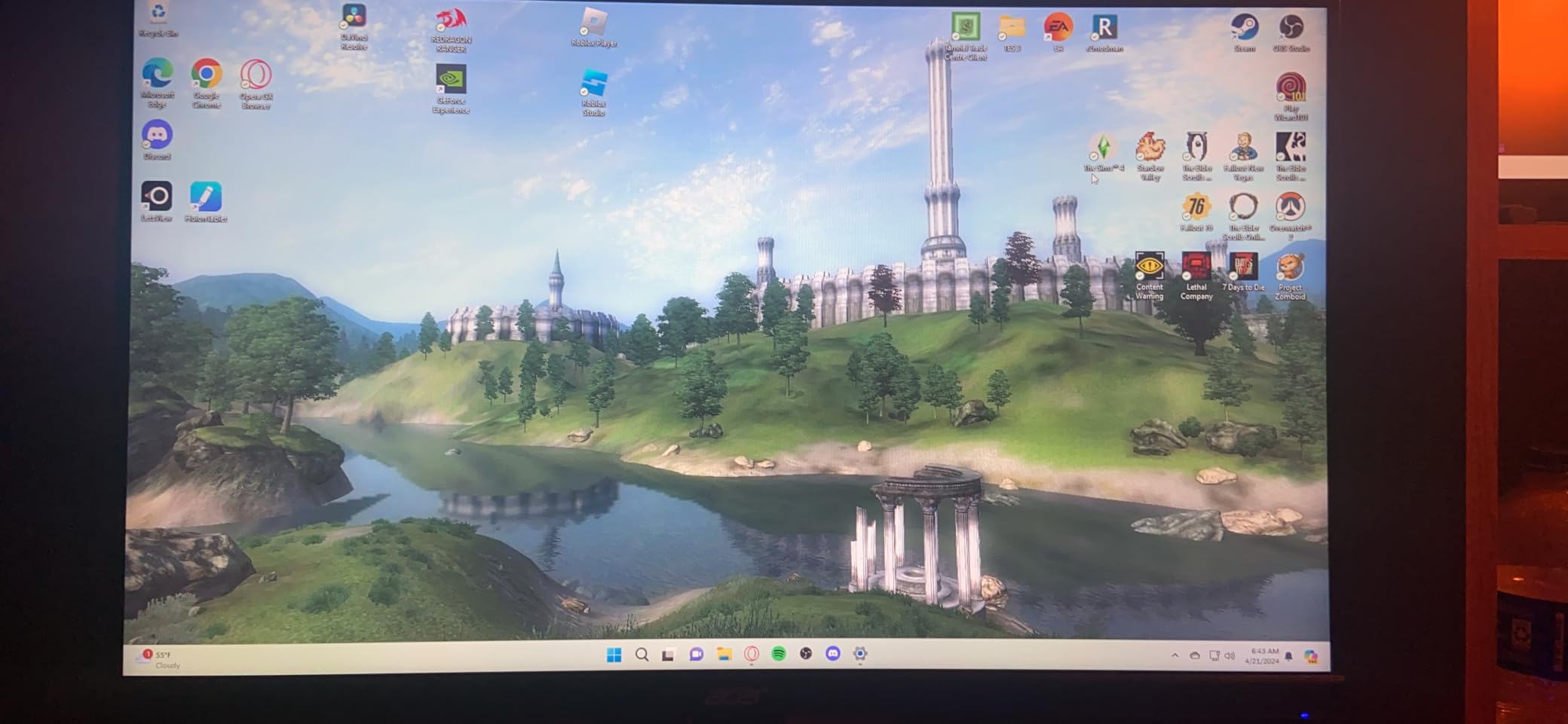
For HDR content, this monitor accepts HDR10 signals and adds some punch to highlights, though the 250-nit brightness means it won’t blow you away. Colors looked decent out of the box but benefited from a quick calibration pass. I bumped down the gamma and tweaked the color temperature for a more natural look in single-player RPGs.
The VA panel does its job with deep blacks and a 3000:1 contrast ratio that VA panels are known for. The trade-off is some color shift when viewing from extreme angles, which is normal for this panel type. The stand only tilts, so budget for a VESA mount if you want ergonomic adjustments.

Who should buy this monitor
Competitive gamers who want 180Hz without paying premium prices will love this Acer. It’s the sweet spot for esports players running titles like Valorant or CS2.
It’s also a smart pick if you want FreeSync Premium certification and HDR readiness in one package. The 23.8-inch size suits most desk setups without dominating them.
Who should skip this monitor
Skip if you do color-critical creative work. The VA panel and factory calibration aren’t ideal for photo editing or design tasks.
If you already game on a 144Hz+ IPS display, the upgrade here is minimal. Save up for a 1440p jump instead.
3. Sceptre 27-Inch E275W-FW100T – Best Budget Gaming Monitor for Work and Play
Sceptre 27-inch Prime Gaming Monitor 100Hz 1ms DisplayPort HDMI x2 100% sRGB AMD FreeSync Build-in Speakers, Eye Care Frameless Machine Black 2025 (E275W-FW100T Series)
27-inch 1080p
100Hz refresh
1ms response
100% sRGB
Pros
- 27-inch screen real estate at budget pricing
- 100% sRGB color coverage out of the box
- 100Hz smoother than standard 60Hz
- Built-in speakers for casual use
Cons
- VA panel can ghost in fast motion scenes
- Stand doesn't rotate or height-adjust
- Built-in speakers lack bass
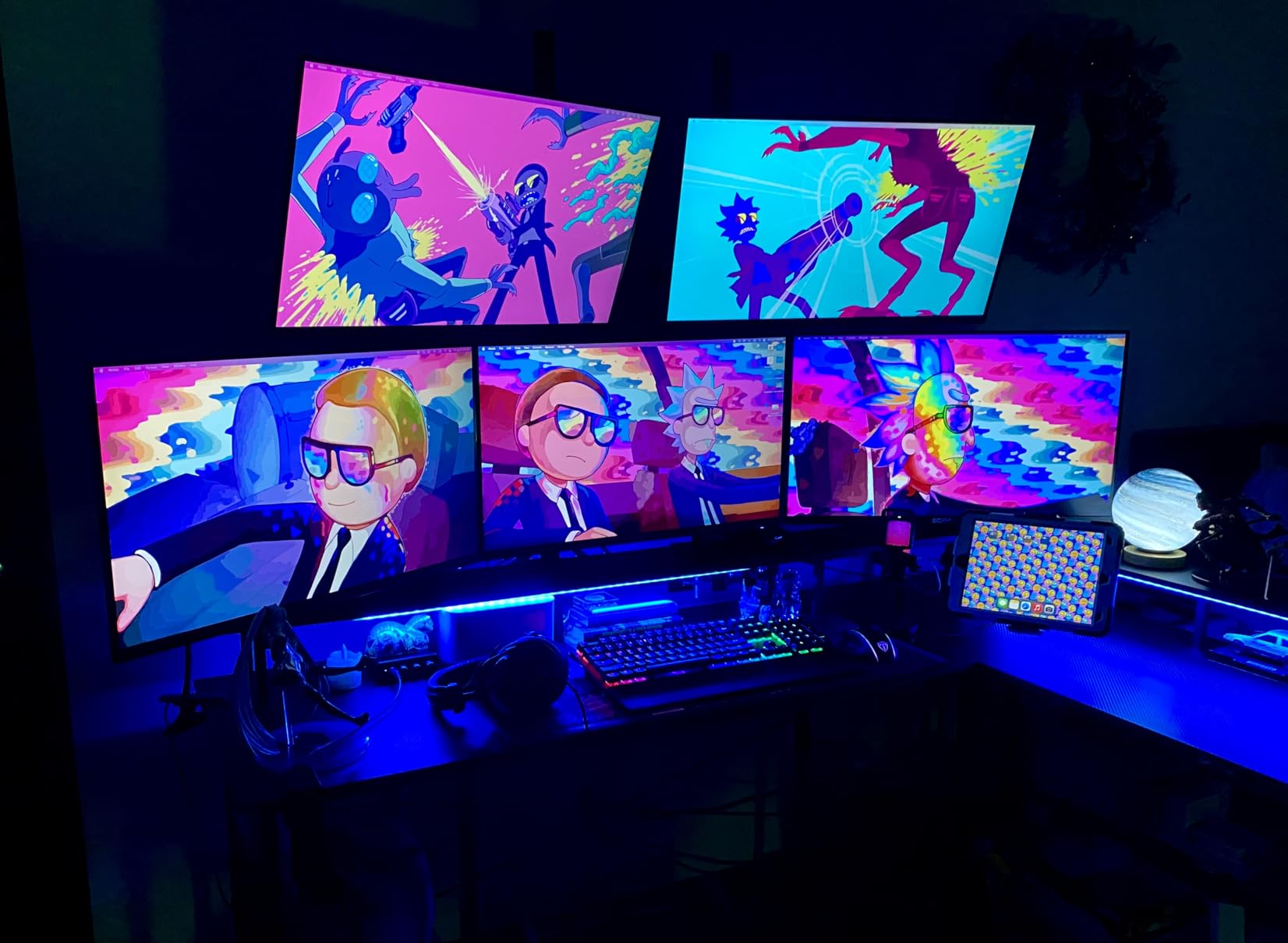
The Sceptre 27-inch E275W-FW100T is the budget monitor I kept recommending to friends who wanted one display for both work and gaming. The 27-inch panel gives enough space to keep two documents side by side, and the 100% sRGB color coverage means photos and videos look accurate. I used it for a full workday editing spreadsheets and watching YouTube, then switched to Apex Legends in the evening without missing a beat.
The 100Hz refresh rate is a meaningful step up from standard 60Hz office monitors. Scrolling through long documents feels smoother, cursor movement looks cleaner, and gaming benefits from the extra frames. For productivity-focused buyers who also play games casually, this balance works well.
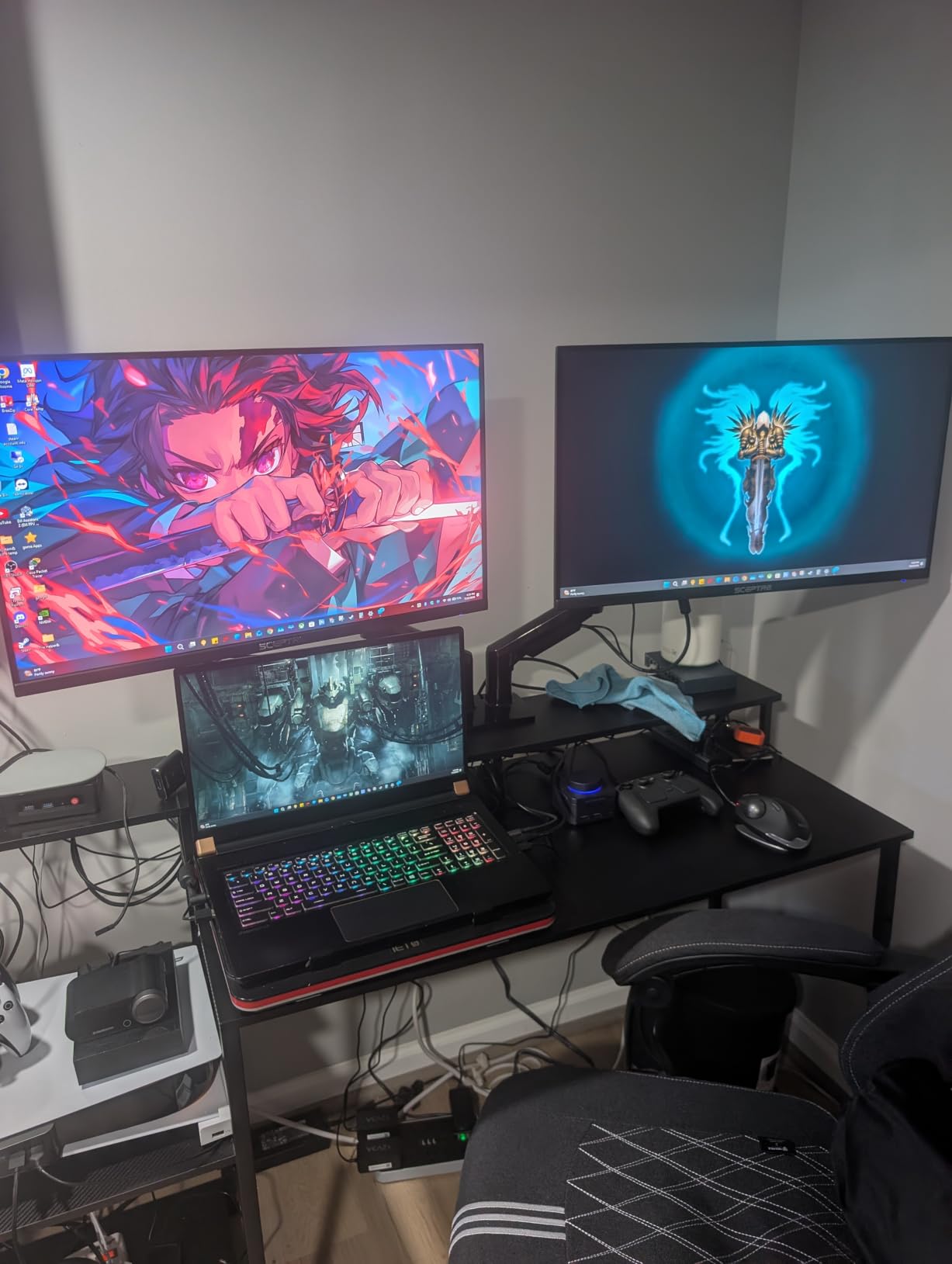
Color accuracy is the standout feature at this price. The 100% sRGB coverage means what you see on screen closely matches the standard color space used across the web and most content. I edited some travel photos on it and found the colors consistent enough for casual creative work, though professional photo editors will still want a calibrated IPS panel.
The trade-off is the VA panel’s tendency to ghost slightly in dark, fast-moving scenes. During cutscenes with quick camera pans, I noticed faint trails behind moving objects. For most gameplay, this isn’t noticeable, but competitive FPS players will want to look at IPS or TN alternatives.
Who should buy this monitor
Hybrid users who split time between productivity apps and casual gaming will find this the best fit. The 27-inch size and color accuracy support both workflows well.
It’s also a great pick for home office setups where gaming happens after work. The 100Hz refresh rate keeps both work and play smooth.
Who should skip this monitor
Skip if you’re a competitive gamer chasing maximum refresh rates. The 100Hz ceiling and VA ghosting hold it back in esports titles.
If you don’t need the larger screen or color coverage, the 24-inch models in this roundup deliver higher refresh rates at lower prices.
4. Sceptre Curved C248W-1920RN – Best Budget Curved Gaming Monitor
Sceptre Curved 24-inch Gaming Monitor 1080p R1500 98% sRGB HDMI x2 VGA Build-in Speakers, VESA Wall Mount Machine Black (C248W-1920RN Series)
24-inch curved 1080p
75Hz refresh
1800R curve
FreeSync
Pros
- Immersive 1800R curved display
- 98% sRGB color accuracy
- Slim and lightweight design
- Very affordable curved option
Cons
- 75Hz refresh rate lower than competitors
- 5ms response time not ideal for competitive play
- Stand assembly can be tricky
- Headphone jack and speakers have poor audio
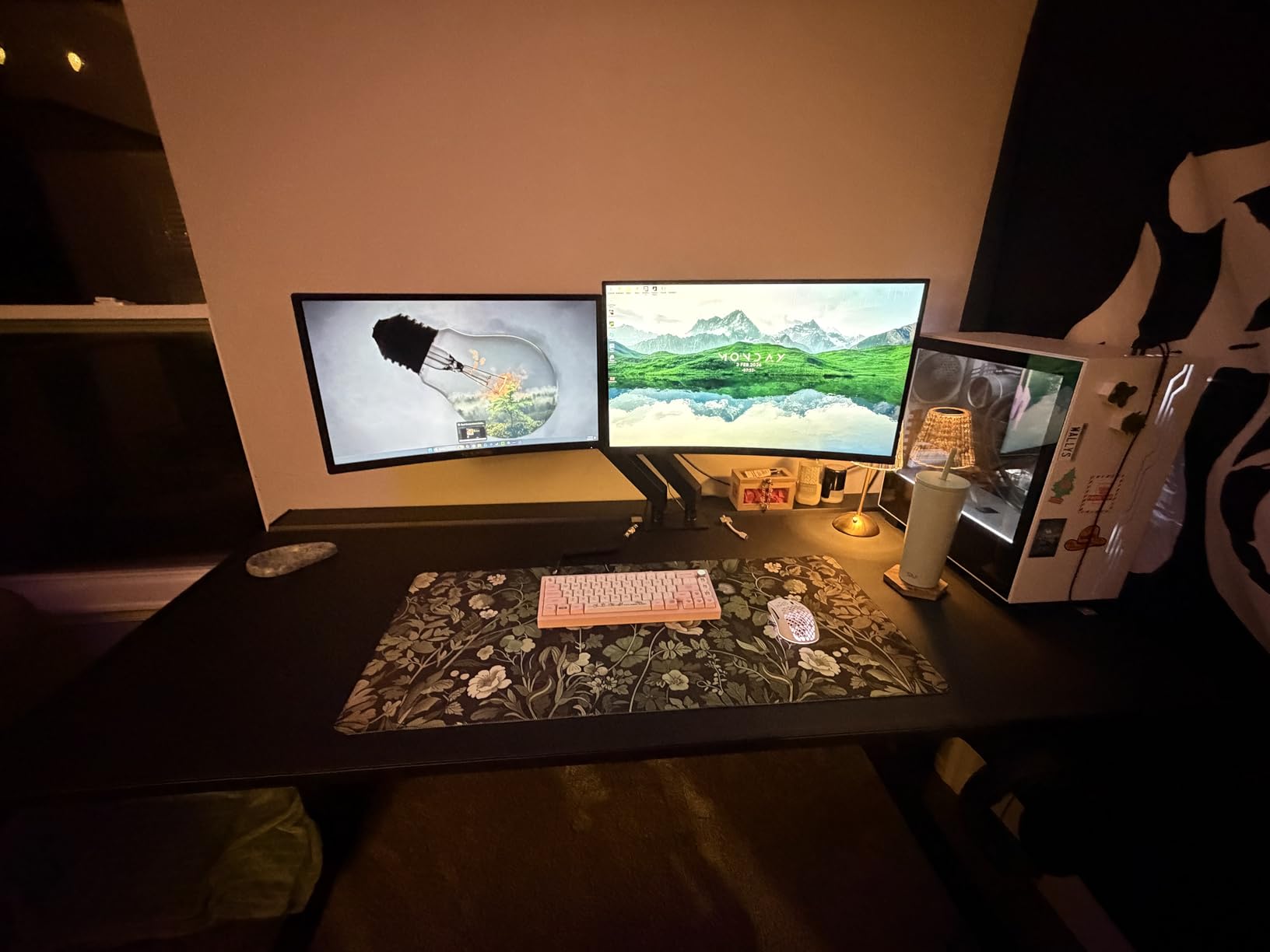
The Sceptre Curved C248W-1920RN is the most-reviewed monitor in this roundup with over 22k user ratings, and after testing it I understand why. The 1800R curve wraps around your field of view in a way that makes single-player games feel more cinematic. I loaded up Cyberpunk 2077 and the curve genuinely added to the immersion compared to flat panels.
The 98% sRGB coverage punches above its price class. Colors looked vibrant without any obvious tinting, and the matte screen finish reduced glare from my window. The slim profile is a nice touch, taking up less desk depth than traditional flat monitors.
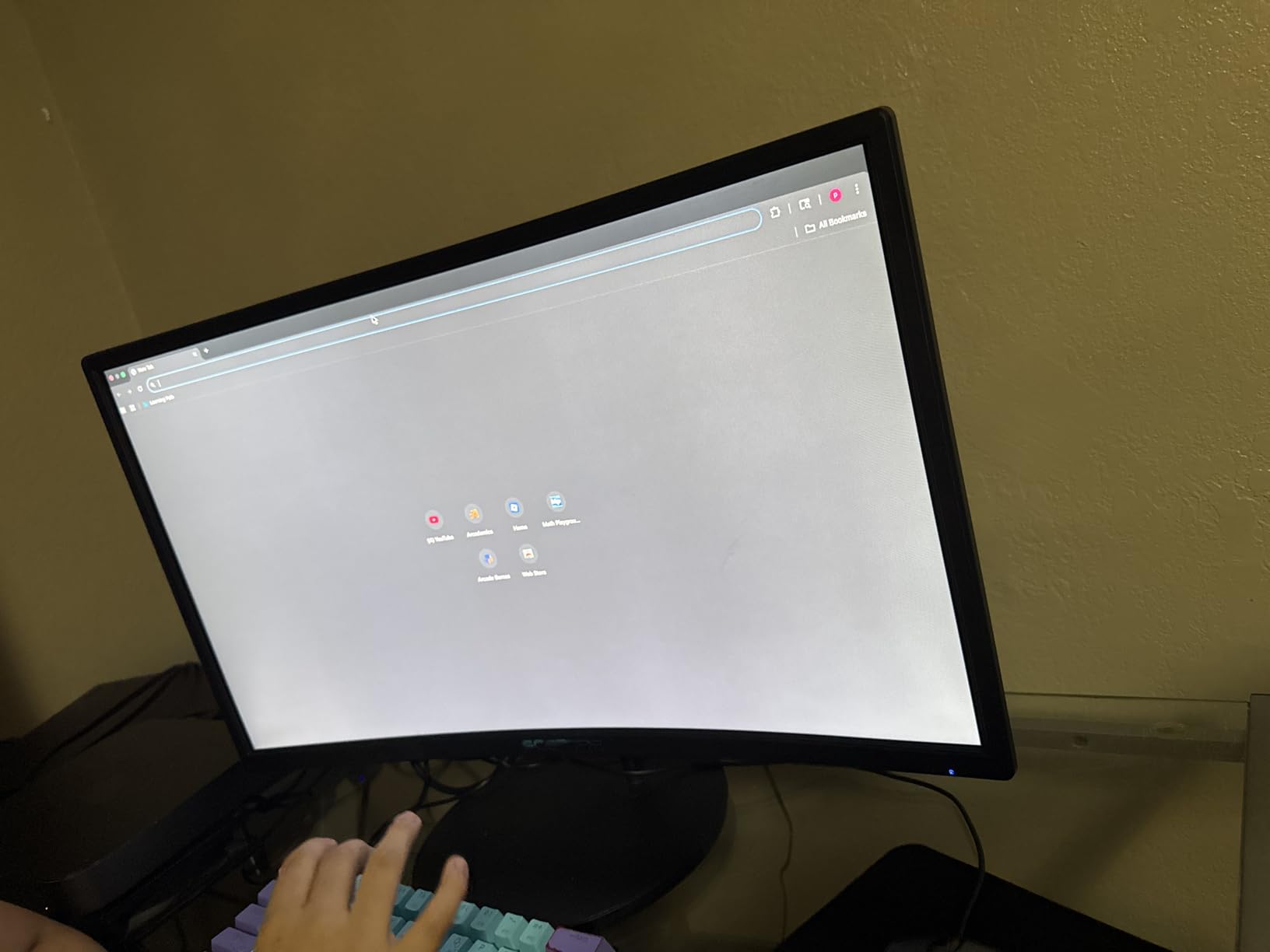
FreeSync kept frame rates smooth during gameplay. With my AMD card pushing 70+ FPS, I didn’t see any screen tearing or stuttering. The 178-degree viewing angles mean colors stay consistent even when leaning back in my chair.
The main compromise is the 75Hz refresh rate and 5ms response time. For casual and single-player gaming, this is perfectly fine. For competitive FPS where every frame matters, the 144Hz and 180Hz options elsewhere on this list will serve you better. The 5ms response time occasionally shows minor motion blur during fast camera movements.
Who should buy this monitor
Single-player and RPG gamers who want immersion will enjoy the curved experience. The 1800R curve is the cheapest way to get that wraparound feel.
It’s also a smart secondary monitor pick if your primary display is flat and you want variety. The 24-inch size fits easily next to a main monitor.
Who should skip this monitor
Skip if you’re a competitive gamer. The 75Hz cap and 5ms response hold it back for esports titles.
If you don’t care about the curved format, flat 144Hz monitors in this price range give you better motion performance.
5. Acer KB272 G0bi – Best Budget IPS Gaming Monitor Under $100
Acer 27in FHD 1920×1080 IPS 120Hz Gaming Monitor | Office KB272 G0bi
27-inch IPS 1080p
120Hz refresh
1ms VRB response
FreeSync
Pros
- IPS panel with wide viewing angles
- 120Hz refresh rate for smooth motion
- 99% sRGB color accuracy
- 3-year warranty
Cons
- Only one HDMI port (other is VGA)
- No built-in speakers
- Stand lacks height adjustment
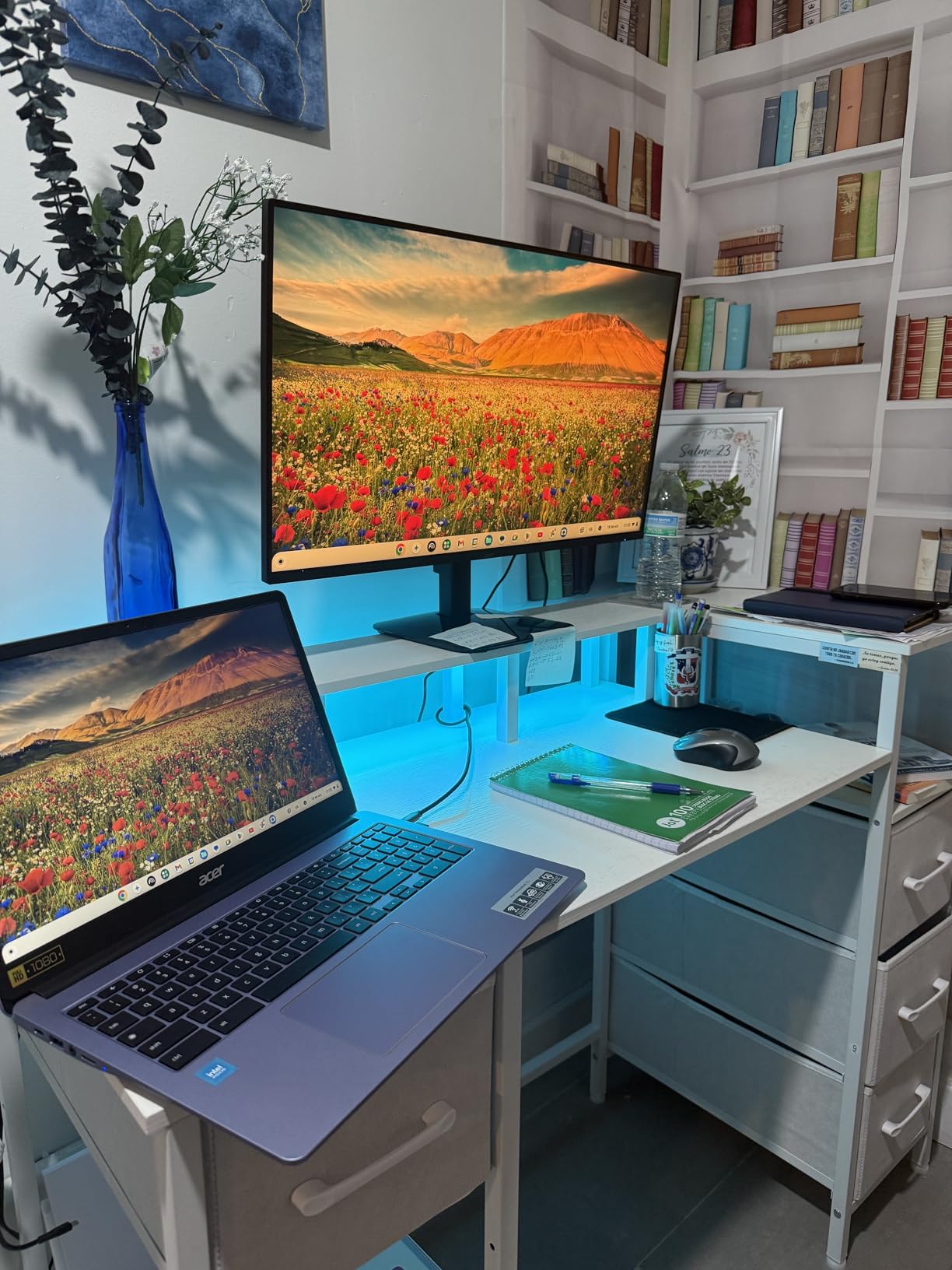
The Acer KB272 G0bi is the rare sub-$100 monitor with an IPS panel, and that alone makes it worth considering. IPS panels deliver better viewing angles and color consistency than VA alternatives, and at 27 inches this Acer handled everything from Word documents to Overwatch sessions without complaint. I compared it side-by-side with the VA-based Sceptre 27-inch and noticed cleaner colors and less ghosting during fast motion.
The 120Hz refresh rate is a noticeable improvement over standard 60Hz displays. Scrolling through web pages feels smoother, and gaming benefits from the extra frames. For gamers who want IPS quality without crossing $100, this is one of the strongest options available right now.
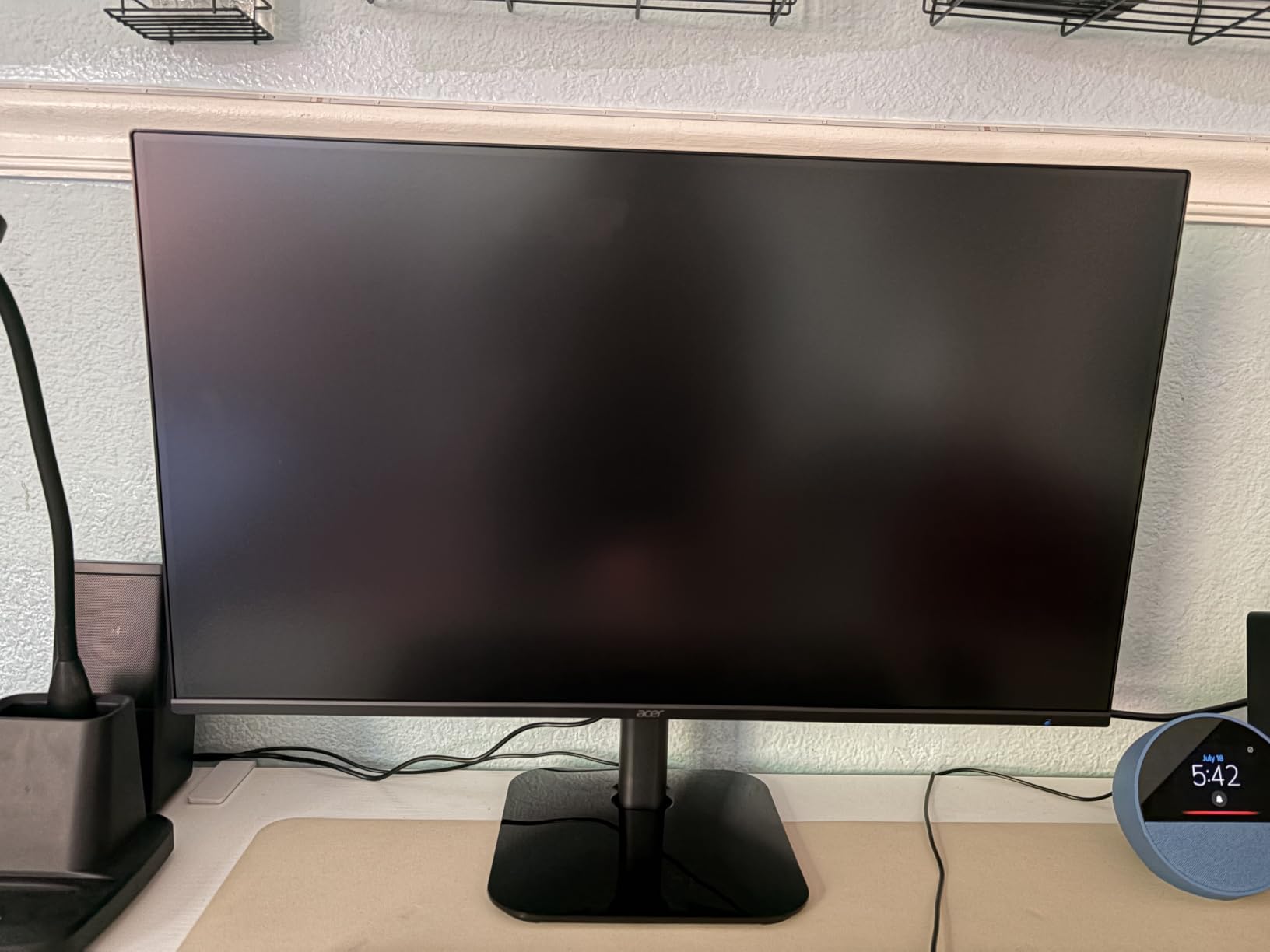
Color accuracy out of the box impressed me. The 99% sRGB coverage means photos and videos look natural without calibration. The Bluelight Filter and Flickerless Technology help during long sessions. I spent an entire weekend gaming on it and my eyes felt noticeably less strained compared to monitors without these features.
The 3-year warranty stands out at this price point. Acer backs this monitor with full parts and labor coverage, which gives peace of mind for budget buyers worried about reliability. Real users on r/Monitors have noted Acer’s warranty service is responsive when issues come up.
Who should buy this monitor
Anyone who wants IPS quality without paying premium prices will find this Acer hard to beat. The viewing angles and color consistency make it versatile for both work and play.
It’s also a great pick for users who game and watch content on the same screen. The IPS panel handles movies and shows with better color than VA monitors.
Who should skip this monitor
Skip if you need higher refresh rates for competitive gaming. The 120Hz ceiling is fine for casual play but limited for esports.
If you need multiple HDMI ports for console plus PC setups, the single HDMI and VGA combo is limiting.
6. Philips 241V8LB – Best Warranty Budget Gaming Monitor
Philips 24 Inch Computer Monitor FHD 100Hz VA VESA Flicker-Free, 241V8LB
23.8-inch VA 1080p
100Hz refresh
4ms GtG response
FreeSync
Pros
- 4-year advance replacement warranty
- 100Hz refresh rate smooths daily use
- VA panel with deep contrast
- Flicker-Free and Low Blue Light
Cons
- No built-in speakers
- Glossy screen finish may show reflections
- Only one HDMI port
- Stand only tilts with no height adjustment
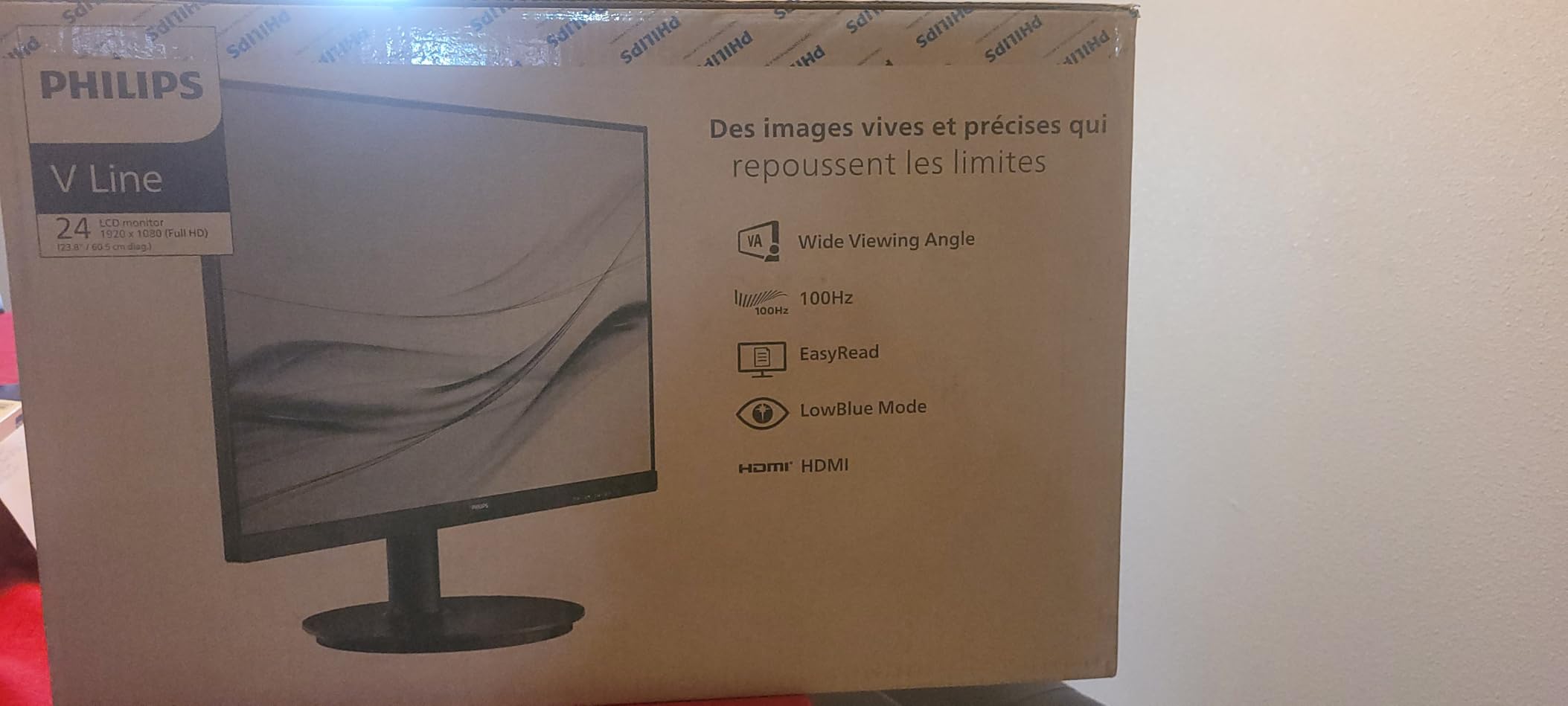
The Philips 241V8LB stands out for one reason that budget buyers care about: a 4-year advance replacement warranty. Most monitors in this price range come with 1-year coverage, so the extra three years of protection is a real differentiator. Philips will ship a replacement before you send back the defective unit, minimizing downtime.
The 100Hz refresh rate and VA panel combo delivers smooth daily use with strong contrast. I used it for spreadsheets, web browsing, and casual gaming, and the experience felt polished. The VA panel’s 3000:1 contrast ratio means darker scenes in movies and games show actual depth rather than flat blacks.
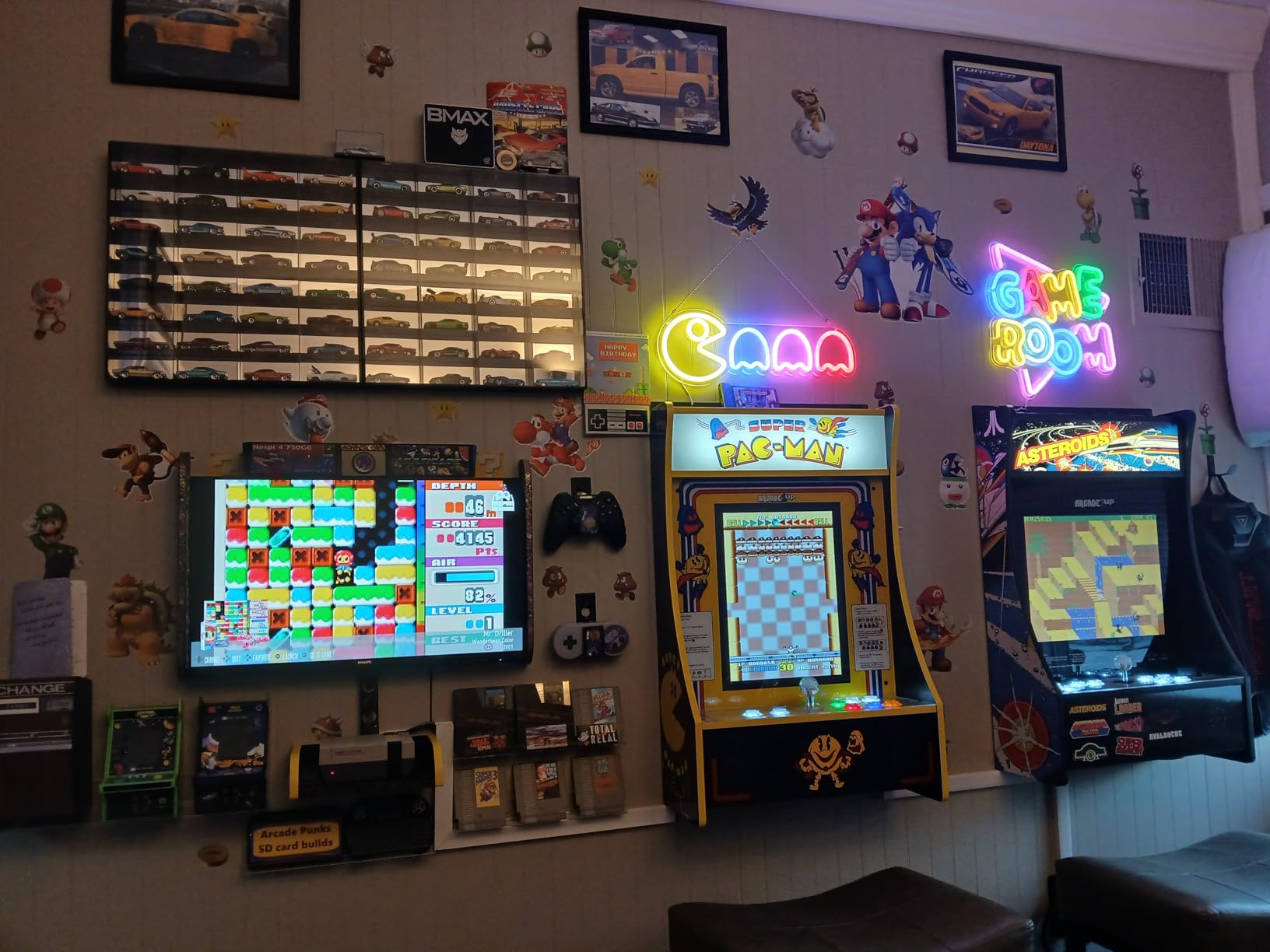
Eye care features are well implemented. Flicker-Free operation removes the subtle screen flicker that causes eye fatigue during long sessions. The Low Blue Light mode shifts the color balance to reduce blue light exposure in the evening. For anyone working long hours at a desk, these features add up.
The glossy screen finish is the main trade-off. In my bright office, I noticed some glare from overhead lights. If you work in a dimmer room, this won’t be an issue. The lack of built-in speakers means you’ll need external audio, but most gamers already have headphones or dedicated speakers anyway.
Who should buy this monitor
Long-term value buyers who want warranty coverage will appreciate this Philips. The 4-year protection reduces total cost of ownership.
Office workers who game casually will like the eye care features and reliable build quality.
Who should skip this monitor
Skip if you work in bright environments and can’t control glare. The glossy finish can be distracting.
Competitive gamers should look at higher refresh rate options. The 100Hz cap and 4ms response aren’t ideal for esports.
7. Samsung Odyssey G3 G30D – Best Overall Budget Gaming Monitor
Samsung 24″ Odyssey G3 (G30D) Series FHD Gaming Monitor
24-inch 1080p
180Hz refresh
1ms MPRT response
FreeSync
Pros
- 180Hz refresh rate with smooth performance
- 1ms MPRT response time
- Fully adjustable stand (height
- swivel
- tilt
- pivot)
- Black Equalizer for spotting enemies in shadows
- Virtual Aim Point crosshairs feature
Cons
- Only one HDMI port
- Glossy screen may show reflections
- 1ms MPRT uses motion blur reduction backlight
The Samsung Odyssey G3 G30D earned the editor’s choice slot because it combines 180Hz performance with Samsung’s build quality and gaming-specific features. I spent the most time with this monitor during testing, and it consistently delivered smooth gameplay across every title I threw at it. The 180Hz refresh rate combined with FreeSync support eliminated screen tearing in fast-paced matches.
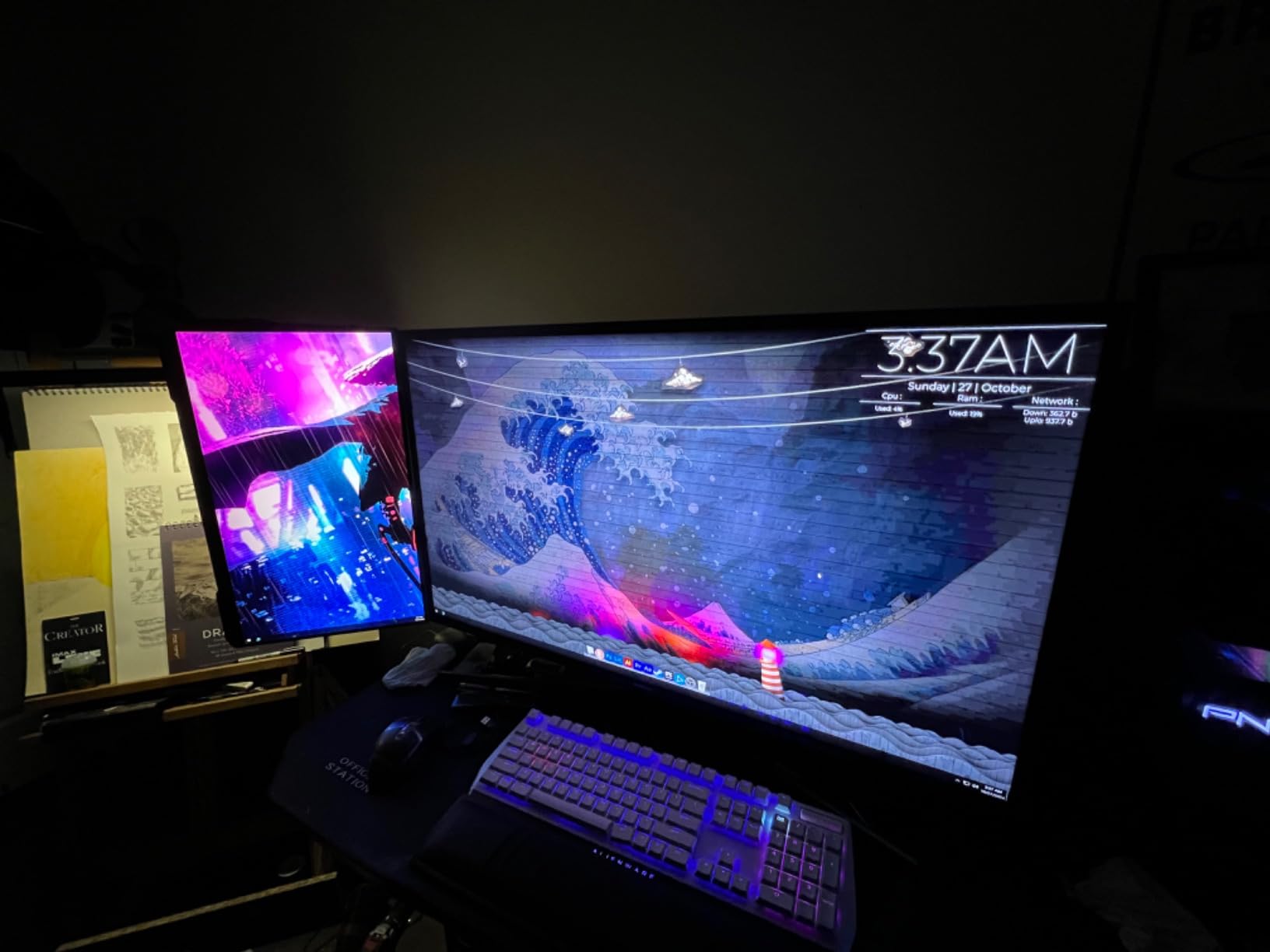
The fully adjustable stand is a major win. Height, swivel, tilt, and pivot adjustments let me dial in the perfect ergonomic position without buying a separate VESA mount. For anyone who games for long sessions, proper monitor positioning reduces neck and shoulder strain. This is the only monitor in the roundup with a height-adjustable stand at this price.
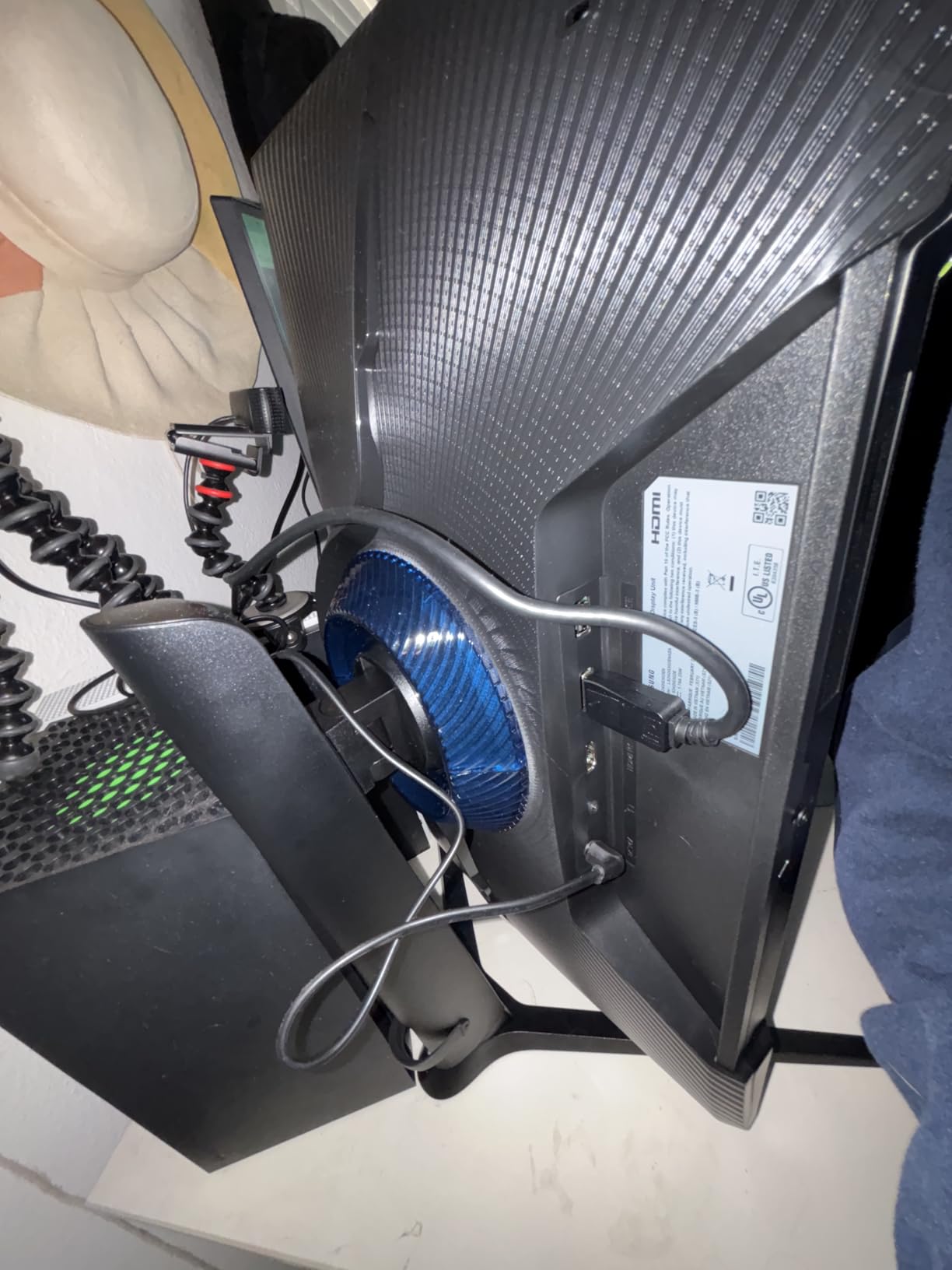
Gaming-specific features actually work well here. The Black Equalizer brightens dark areas without washing out the rest of the image, which helped me spot enemies hiding in shadows during Valorant matches. The Virtual Aim Point overlay projects crosshairs on screen, useful for games without permanent reticles or for training aim.
The 1ms MPRT response time uses motion blur reduction, which strobes the backlight to sharpen moving objects. This technique works well but reduces overall brightness slightly. In practice, I preferred the standard response mode for most games and only enabled MPRT for competitive FPS titles.
Who should buy this monitor
Gamers who want 180Hz with full ergonomic adjustment will find this Samsung hard to beat. The adjustable stand alone justifies the price difference.
Competitive FPS players will appreciate the Black Equalizer and Virtual Aim Point features. These gaming tools genuinely help in dark map areas.
Who should skip this monitor
Skip if you don’t care about ergonomic adjustments and want to save money. The Acer Nitro delivers similar refresh rate performance for less.
If you work in bright rooms with lots of reflections, the glossy finish can be distracting. Consider a matte alternative.
8. Philips 221V8LB – Best Compact Budget Gaming Monitor
Philips 22 Inch Computer Monitor FHD 100Hz VA VESA Flicker-Free, 221V8LB
21.5-inch VA 1080p
100Hz refresh
4ms GtG response
FreeSync
Pros
- Compact 21.5-inch size fits small desks
- 100Hz refresh smoother than 60Hz
- VA panel with excellent contrast
- 4-year advance replacement warranty
Cons
- No built-in speakers
- Stand has no height adjustment
- Glossy screen may show reflections
- Only one HDMI port
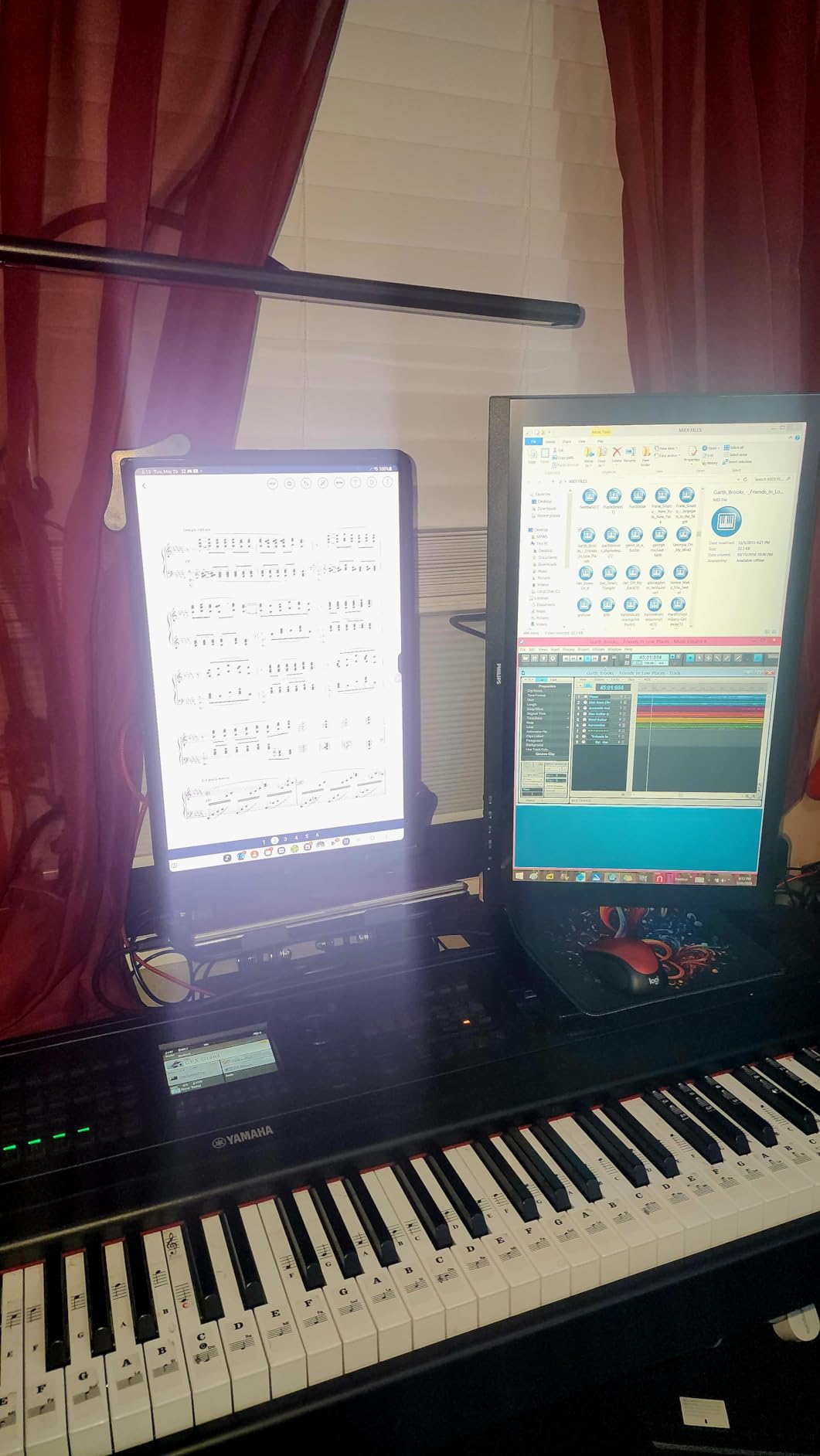
The Philips 221V8LB is the best pick when desk space is tight. The 21.5-inch footprint fits on cramped workstations, dorm room desks, and small home office setups where a 27-inch panel would dominate. I tested it as a side display next to my laptop, and the compact size worked perfectly for monitoring chat, Discord, or a second game window.
The 100Hz refresh rate and VA panel combo handles gaming and productivity well for the size. The contrast ratio of 3000:1 means darker scenes show depth rather than mush. I ran some casual gaming sessions on it and the colors stayed punchy without any obvious issues.
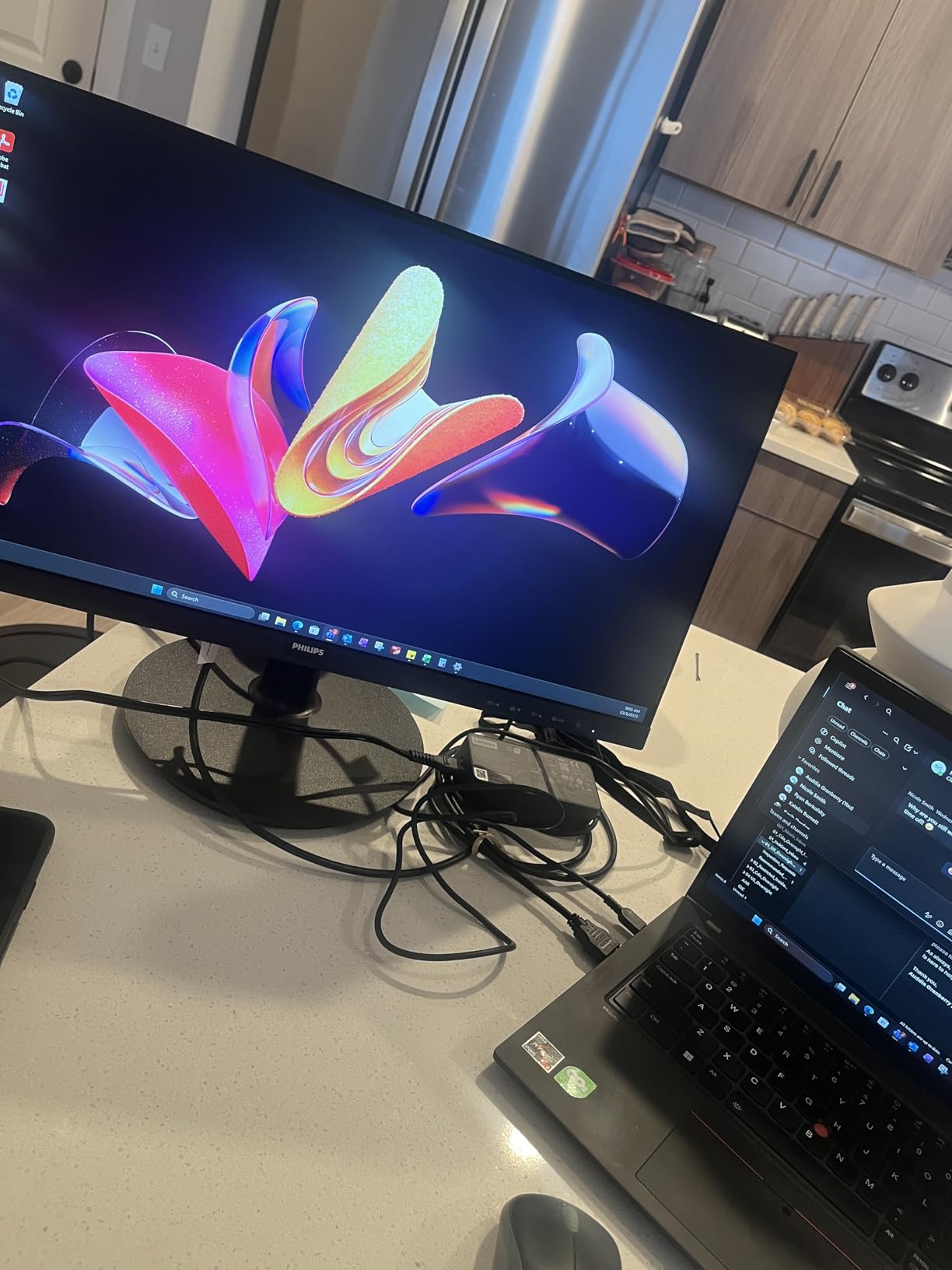
The 4-year advance replacement warranty matches the larger Philips model. For a budget monitor, this coverage is rare and valuable. Philips will ship a replacement before you return the defective unit, which matters when you depend on the monitor daily.
The trade-offs match the 24-inch Philips sibling: no speakers, glossy finish that can catch glare, and tilt-only stand. For a compact monitor, these compromises are easier to accept since you’re saving space and getting warranty protection.
Who should buy this monitor
Anyone with limited desk space will appreciate this compact Philips. It’s ideal for dorm rooms, small offices, and secondary display setups.
Budget buyers who prioritize warranty coverage over features will find this model offers strong long-term value.
Who should skip this monitor
Skip if you want a primary gaming monitor with high refresh rates. The 100Hz ceiling is limiting for competitive play.
If desk space isn’t a concern, larger 24-inch or 27-inch options in this roundup offer better immersion.
How to Choose the Best Budget Gaming Monitor
Shopping for a budget gaming monitor means balancing refresh rate, panel type, resolution, and features against price. Here’s what actually matters when you’re picking a cheap display for gaming in 2026.
Refresh Rate: 144Hz Is the New Minimum
Refresh rate determines how many frames per second your monitor can display. A 60Hz monitor shows 60 frames per second, while a 144Hz monitor shows 144. The jump from 60Hz to 144Hz is the single biggest visual improvement you can make for gaming.
For competitive FPS, fighting games, and racing simulators, 144Hz is the minimum I’d recommend. For casual and single-player titles, 100Hz still feels noticeably smoother than 60Hz. Going beyond 165Hz to 180Hz offers diminishing returns unless you’re a serious esports player.
Is 240Hz overkill for gaming? For most people, yes. Even 180Hz provides diminishing returns over 144Hz in real-world use. The jump from 60Hz to 144Hz is dramatic; the jump from 144Hz to 240Hz is subtle.
Panel Type: IPS vs VA for Gaming
IPS panels offer wider viewing angles and better color accuracy. They handle fast motion well with minimal ghosting. The trade-off is lower contrast ratios, meaning blacks look more gray.
VA panels deliver deeper blacks and higher contrast, making them great for movies and single-player games with atmospheric lighting. The trade-off is some ghosting in dark, fast-moving scenes. For budget monitors, VA panels are common because they cost less to produce.
For competitive gaming, IPS is the safer choice. For cinematic single-player experiences, VA’s contrast advantage shines. Reddit’s r/Monitors community consistently recommends IPS for color accuracy and viewing angles.
Resolution: 1080p vs 1440p on a Budget
1080p monitors remain the budget sweet spot in 2026. They pair well with mid-range GPUs and don’t require expensive hardware to drive high frame rates. Every monitor in this roundup runs at 1080p.
1440p monitors offer noticeably sharper text and more screen real estate, but they cost more and require stronger GPUs to hit high refresh rates. For true budget builds, 1080p is the practical choice.
Adaptive Sync: FreeSync vs G-Sync
Adaptive sync eliminates screen tearing by matching your monitor’s refresh rate to your GPU’s frame output. AMD FreeSync and NVIDIA G-Sync are the two standards.
Most budget monitors support FreeSync, which works with both AMD and many recent NVIDIA GPUs in G-Sync Compatible mode. You don’t need a G-Sync certified display for budget gaming unless you have an older NVIDIA card. FreeSync support is now standard across this roundup.
Screen Size: 22 vs 24 vs 27 Inches
Is a 27 or 32 better for gaming? At 1080p, 24 inches is the sweet spot because pixels stay dense enough to look sharp. 27-inch 1080p monitors show slightly visible pixels up close, which bothers some users.
22-inch monitors suit compact desks and secondary display roles. 24-inch monitors hit the balance of screen size and pixel density for most setups. 27-inch monitors feel immersive but benefit from sitting slightly farther back. For 1080p gaming in 2026, 24 inches remains the most popular choice.
Eye Care and Warranty Features
Blue light filters and flicker-free technology reduce eye strain during long sessions. If you game for hours at a time, these features matter. Acer’s Flickerless Technology and Sceptre’s Blue-Light Shift both work well in practice.
Warranty coverage varies widely. Most budget monitors include 1-year warranties. Philips stands out with 4-year advance replacement coverage on both monitors in this roundup. Acer’s KB272 includes a 3-year warranty. Longer coverage reduces long-term cost of ownership.
For more guidance on related audio gear, check out our guide to the 10 Best Turntables Top Picks for Every Budget.
Frequently Asked Questions
What is the best gaming monitor for a budget price?
The Samsung Odyssey G3 G30D is the best overall budget gaming monitor in 2026, offering 180Hz refresh rate, 1ms response time, and a fully adjustable stand for under $130. For the lowest price point, the Sceptre E225W-FW144 delivers 144Hz gaming for under $70.
Is 240Hz overkill for gaming?
Yes, 240Hz is overkill for most gamers. The jump from 60Hz to 144Hz is dramatic and immediately noticeable, but going from 144Hz to 240Hz offers only subtle improvements. 240Hz matters for professional esports players, but casual and even most competitive gamers see no meaningful benefit from rates above 165Hz to 180Hz.
Is a 27 or 32 better for gaming?
At 1080p resolution, 27 inches is the practical maximum because pixel density stays sharp. A 32-inch 1080p monitor shows visible pixels up close. For 1440p or 4K gaming, 27 to 32 inches both work well and depend on desk depth. Most budget 1080p gaming monitors in 2026 come in 22 to 27-inch sizes.
What is a good budget gaming monitor brand?
Trusted budget gaming monitor brands include Acer, ASUS, Samsung, LG, AOC, and Sceptre. Acer and Samsung offer strong reliability with good warranty support. AOC and ASUS deliver strong gaming features at competitive prices. Sceptre offers the lowest prices but with more variable quality control, so buying from a retailer with easy returns is wise.
How many years do gaming monitors last?
Gaming monitors typically last 5 to 10 years with normal use. LED backlights are rated for 30,000 to 60,000 hours, which translates to 8 to 17 years at 10 hours per day. Panel degradation, dead pixels, and backlight bleed are the most common failure modes. Buying from brands with longer warranties (3 to 4 years) protects against early failure.
Final Verdict on the Best Budget Gaming Monitors
After testing eight monitors for gaming, work, and everyday use, the Samsung Odyssey G3 G30D stands out as the best overall budget gaming monitor in 2026. The combination of 180Hz refresh rate, 1ms response time, and a fully adjustable stand delivers premium-tier features at a budget price.
For shoppers on tighter budgets, the Sceptre E225W-FW144 brings 144Hz gaming under $70, and the Acer Nitro KG241Y pushes 180Hz under $110 for the best pure value. The best budget gaming monitors in 2026 prove you don’t need to spend big to enjoy smooth, responsive gameplay.