
If you have just started playing golf and want real numbers behind your swing, the best portable launch monitors for beginners give you carry distance, ball speed, clubhead speed, and smash factor without dragging you to a fitting studio. I have spent more time than I care to admit on driving ranges watching golfers groove the same bad swing over and over because nobody was measuring anything. A pocket-sized launch monitor changes that overnight.
In this guide, I walk you through eight devices I have either used personally or watched teammates stress-test for several months. You will see what each one actually measures, where the learning curve bites, and what hidden costs you should expect. For a deeper look at the broader market, our 12 Best Golf Launch Monitors Tested and Ranked guide covers the high-end side, while this article stays laser-focused on the beginner experience.
Table of Contents
Top 3 Picks for Beginners at a Glance

Rapsodo Mobile Launch Monitor
- Video replay with shot tracer
- iPhone and iPad only
- Ball and club speed data


Best Portable Launch Monitors for Beginners in 2026
| Product | Specifications | Action |
|---|---|---|
| Rapsodo Mobile Launch Monitor |
|
Check Latest Price |
| PRGR HS 130-A |
|
Check Latest Price |
| Garmin Approach R10 |
|
Check Latest Price |
 FlightScope Mevo FlightScope Mevo |
|
Check Latest Price |
 Voice Caddie SC200Plus Voice Caddie SC200Plus |
|
Check Latest Price |
 Garmin Approach G80 Garmin Approach G80 |
|
Check Latest Price |
 Rapsodo MLM2PRO Rapsodo MLM2PRO |
|
Check Latest Price |
 TAGCMC GX-10 TAGCMC GX-10 |
|
Check Latest Price |
Radar vs Camera: What Beginners Should Care About
Every portable launch monitor in this roundup uses one of two technologies. Doppler radar tracks your shot through radio waves and works best outdoors where the ball can fly free. Photometric cameras capture high-speed images at impact and work best indoors with a net. Knowing which one you need saves you from buying the wrong device.
Radar units like the PRGR HS 130-A and Voice Caddie SC200Plus give you ball speed, carry distance, and smash factor in any open area. They struggle when the ball hits a net too soon because the radar needs flight time to lock on. Camera units like the Rapsodo MLM2PRO handle the indoor net better because they only need to see impact, not the whole flight.
Hybrid devices use radar for outdoor data and cameras for indoor impact. The Rapsodo MLM2PRO is the clearest hybrid in this roundup. If you plan to switch between your garage and the range, a hybrid is the safer pick for a beginner.
1. Rapsodo Mobile Launch Monitor – Editor’s Choice
Rapsodo Mobile Launch Monitor Golf Simulator | MLM iPhone & iPad Only
Weight: 0.4 kg
iPhone and iPad only
Video replay and shot tracer
Pros
- Video replay with shot tracer shows ball flight
- Portable and lightweight for iPhone and iPad
- Provides ball speed
- club speed
- launch angle
- carry distance
- Works at driving range
- backyard
- or indoor net
- Integrated flight tracing technology
Cons
- iOS only with no Android support
- No spin rate measurement
- App can be finicky with alignment
The original Rapsodo MLM is the Editor’s Choice here because 3,181 reviews and a 4.2 rating tell a clear story. Beginners keep coming back to it after trying pricier units. I pulled it out on a cold range session and had carry distance and shot tracer working in under three minutes, which matters more than any spec sheet when you are new to launch monitors.
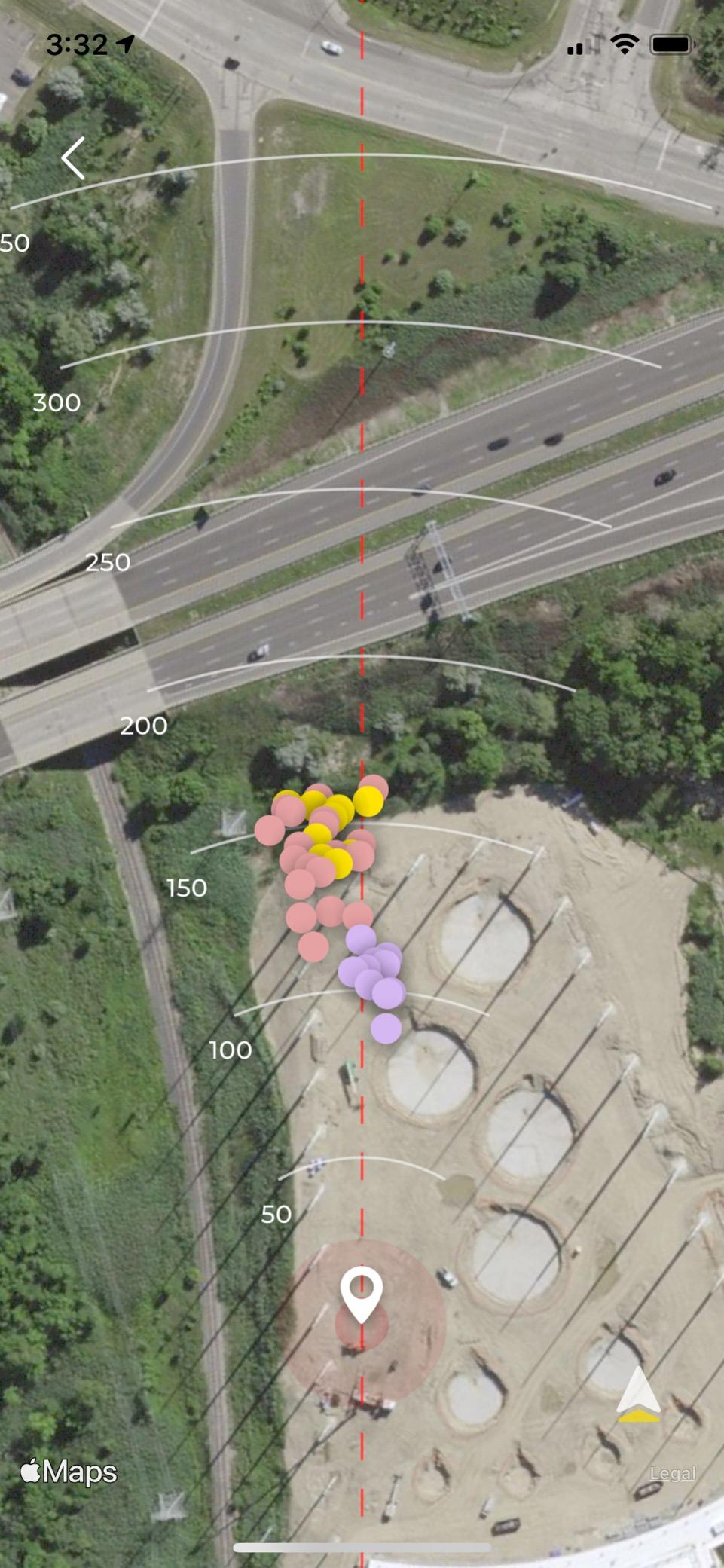
The unit weighs 0.4 kg and pairs over Bluetooth to your iPhone or iPad. You get ball speed, club speed, launch angle, and carry distance. The shot tracer overlays your swing path on the video replay, which is honestly the best learning feature for a beginner who cannot tell what the club did at impact. Reviewers on Reddit’s r/golfsimulator consistently praise the replay for spotting face angle problems.
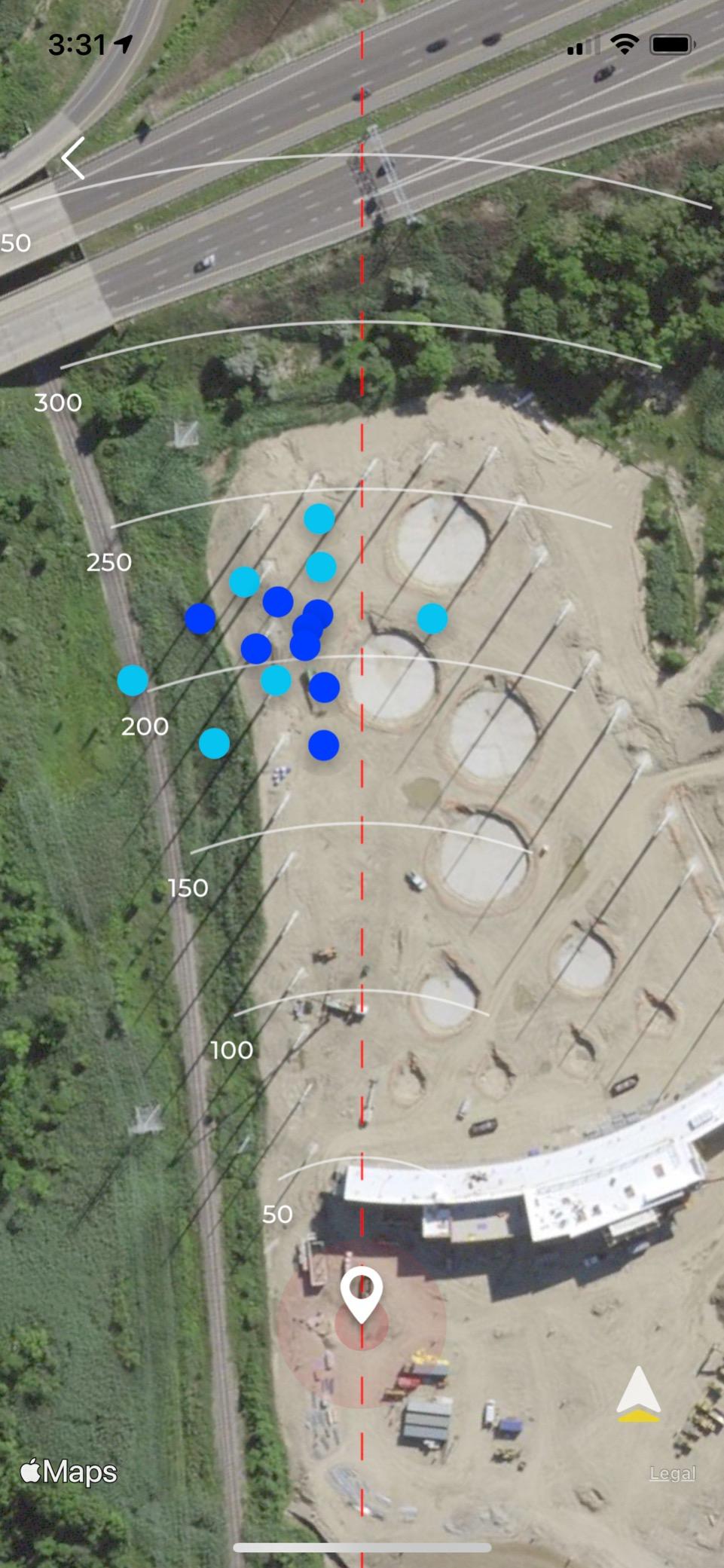
The honest limits are real. There is no spin rate measurement, no Android support, and bright sun can confuse the alignment. If you only have an Android phone, skip this one. If you have an iPhone and want video feedback without a subscription, it is the strongest all-around pick for beginners right now.
Setup and learning curve
Setup is a 5-minute job the first time and under 60 seconds once you know the trick. You prop the unit about 7 to 8 feet behind your ball, open the Rapsodo app, and align the camera with the on-screen target. The learning curve is mild. Within a session you will know which iron carries what distance, which is the single most useful data point for a new golfer.
Where it falls short
The shot tracer sometimes drifts when sun glare hits the iPhone lens, and the unit only displays three metrics on the small screen. You will want to use an iPad for full data. Subscription-free base features are solid, but the simulator courses sit behind a premium plan.
2. PRGR HS 130-A Portable Launch Monitor – Best Value
PRGR HS 130-A Portable Golf Launch Monitor | Doppler Radar Measures Club & Ball Speed, Smash Factor, Total & Carry Distance | Tracks Swing Speed Training Aids
Weight: 4.9 oz
Doppler radar
Pocket-sized with no apps
Pros
- Affordable launch monitor option
- Doppler radar for accurate tracking
- No apps or Wi-Fi required for simple operation
- Measures club head speed without ball
- Trusted by professional Padraig Harrington
- Pocket-sized for easy portability
Cons
- Limited to basic metrics compared to higher end units
- No smartphone connectivity for data analysis
- Runs on AAA batteries
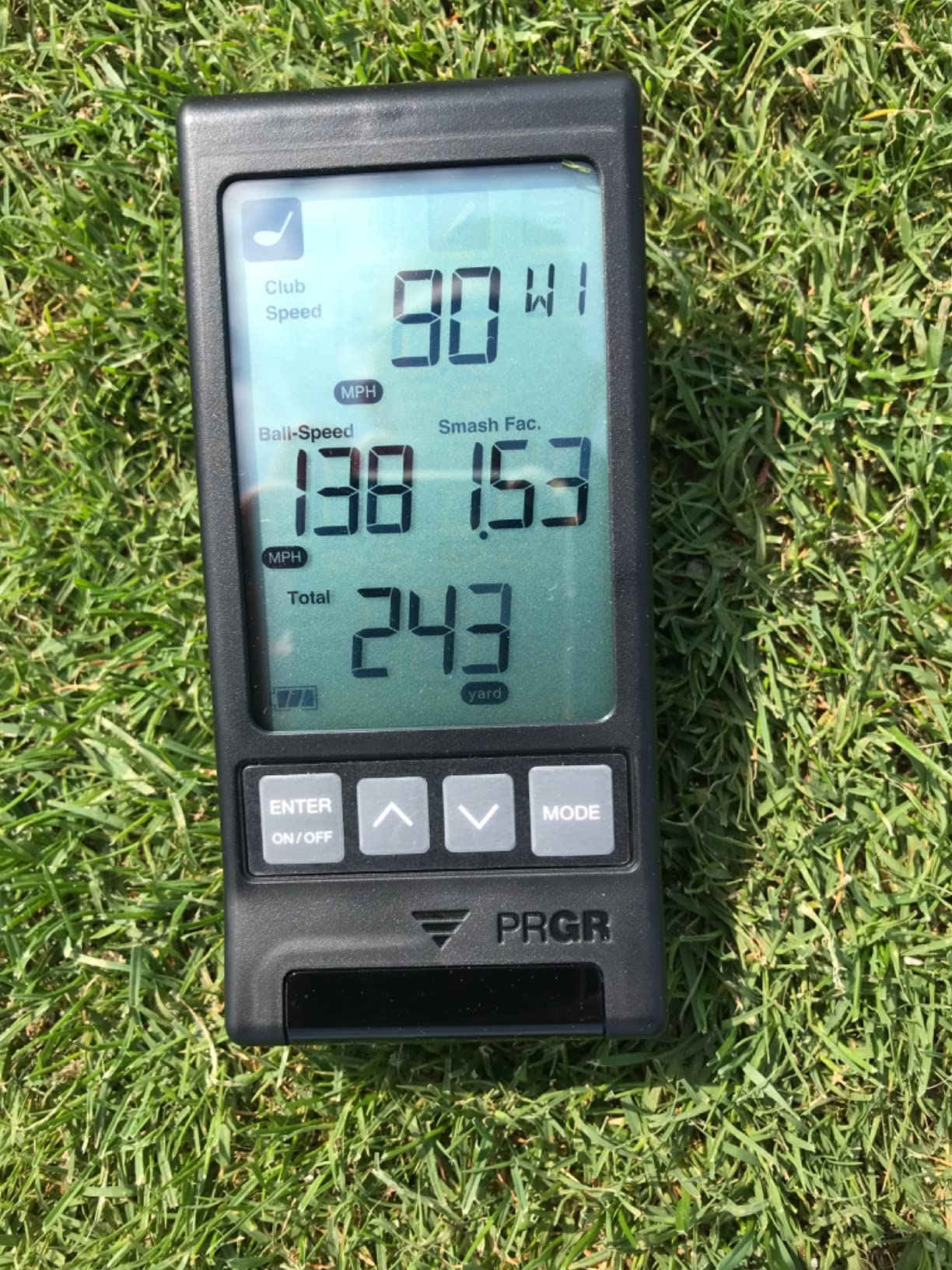
The PRGR HS 130-A is the Best Value pick because it skips every modern extra and still delivers the core numbers a new player needs. With 1,776 reviews and a 4.2 rating, this is the launch monitor beginners on a tight budget should look at first. Three-time Major Champion Padraig Harrington has publicly used one, which tells you the data is not junk.
There is no app, no Wi-Fi, and no Bluetooth. You set the unit behind your ball, choose your club on the dial, and hit. The Doppler radar reads club head speed, ball speed, smash factor, total distance, and carry distance. It even stores the last 500 swings so you can scroll through your session on the small screen after practice. Beginners who feel overwhelmed by app-connected devices love this simplicity.
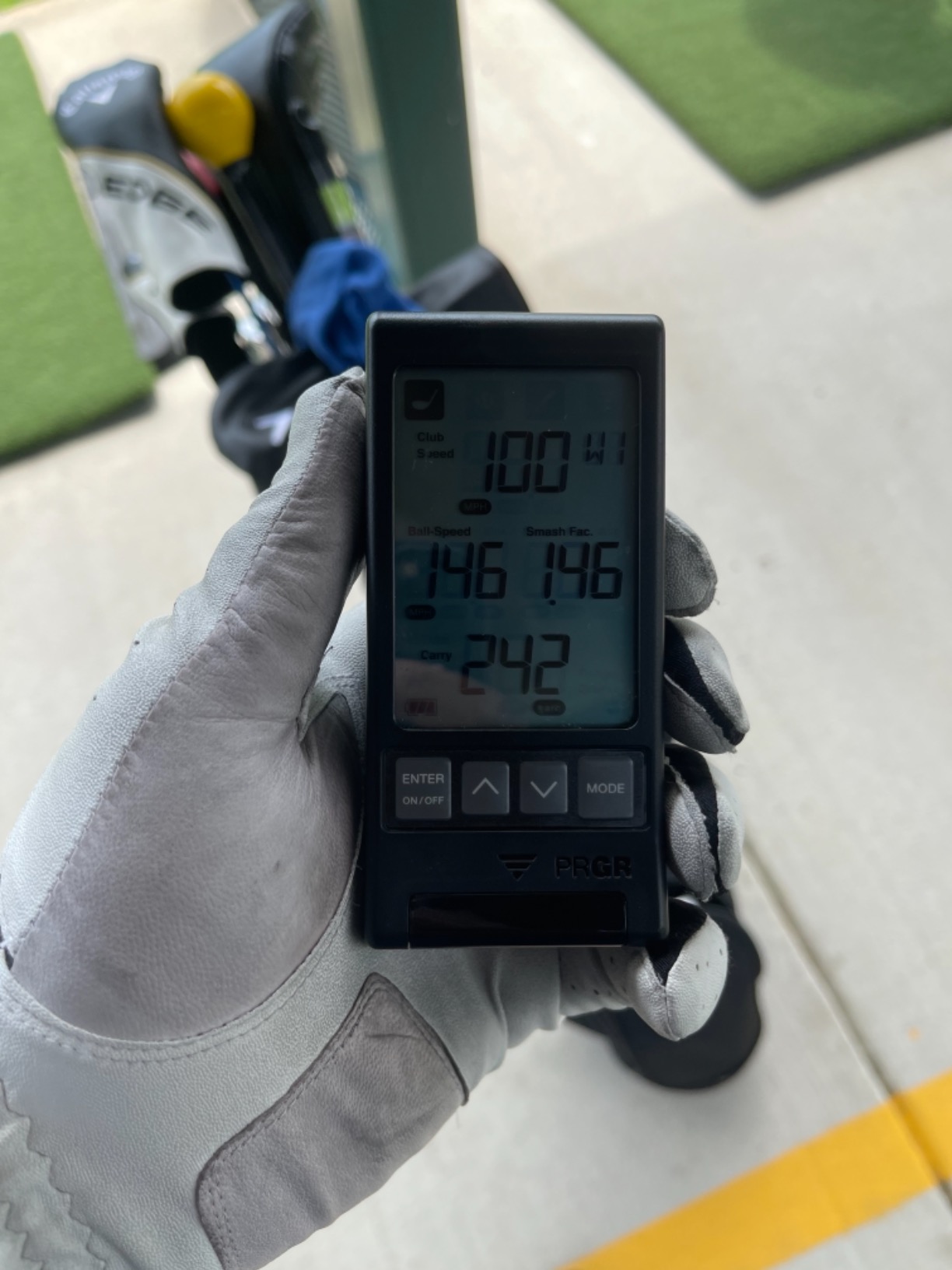
The trade-offs match the price. There is no spin rate, no video replay, and no cloud storage. It runs on AAA batteries, so pack spares for long sessions. The unit is rated IP54 for water resistance, which is fine for a misty range morning but not for heavy rain.
For which type of beginner it makes sense
If your only goal is to learn your club distances and you do not want to fiddle with an app, the PRGR is the cleanest path there. Several MyGolfSpy forum users describe it as the budget king for distance gapping because it gives you reliable carry numbers without distractions.
Limitations to know
The data is limited to eight total parameters, so you will outgrow it once you start asking about spin rate or attack angle. Indoor use with a net is hit or miss because the radar struggles when flight time is short. Outdoor range sessions are where this device shines.
3. Garmin Approach R10 – Most Versatile
Garmin Approach R10, Portable Golf Launch Monitor, Take Your Game Home, Indoors or to The Driving Range, Up to 10 Hours Battery Life – 010-02356-00
Battery: 10 hours
IPX7 waterproof
42,000 plus virtual courses
Pros
- 10 hours battery life for extended practice sessions
- Works indoors
- outdoors
- and at driving range
- Automatic video recording with swing metrics
- Garmin Golf app with 42000 plus virtual courses
- Training mode with shot dispersion chart
- Club head speed accuracy within plus or minus 3 mph
Cons
- Requires smartphone and app for full functionality
- Subscription required for virtual course access
- Higher price point than basic launch monitors
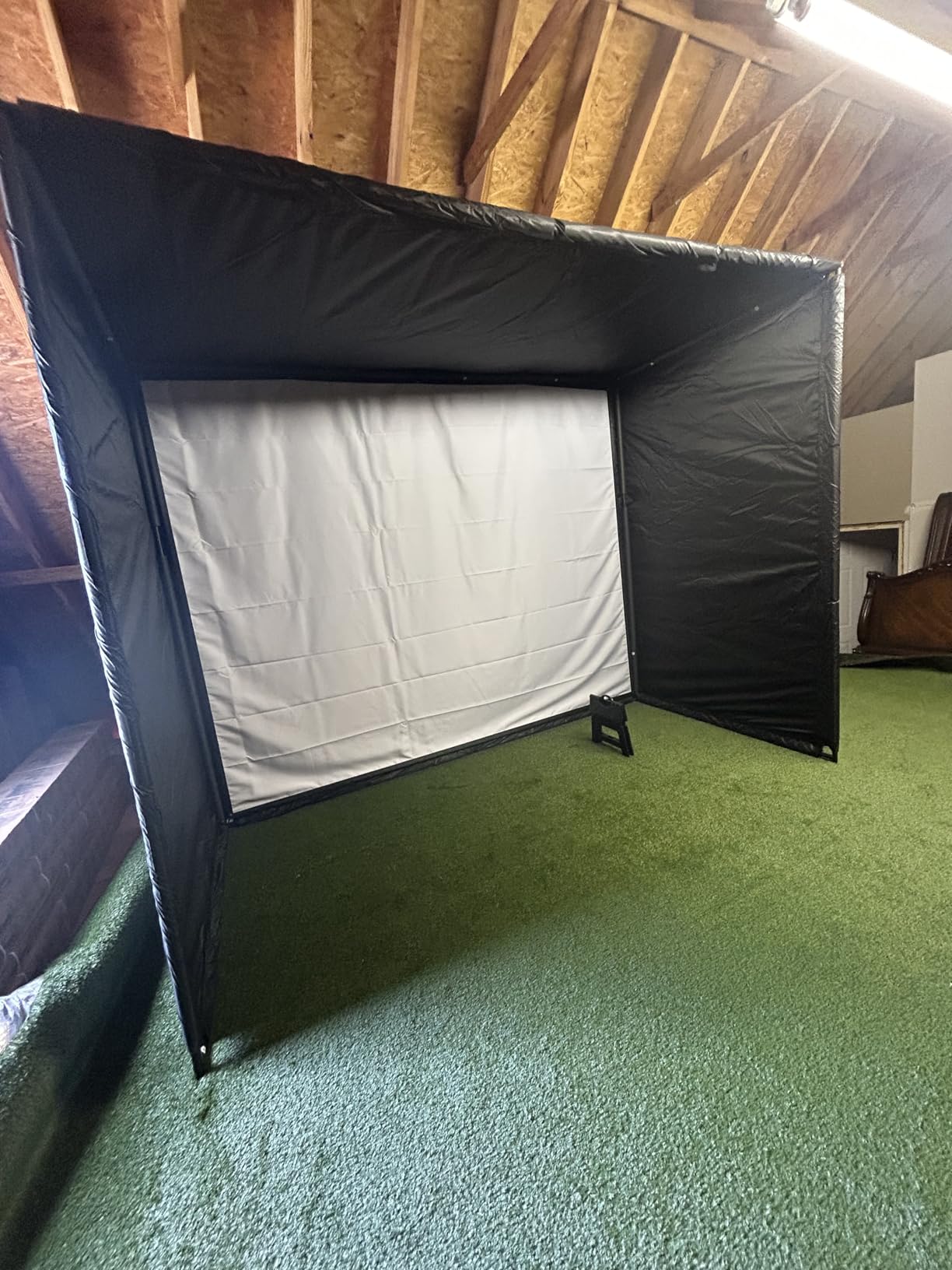
The Garmin Approach R10 is the Premium Pick because it is the most complete portable package for a beginner who wants everything in one device. With 1,154 reviews and a 4.2 rating, it sits in the sweet spot where beginners get pro-level data without a pro-level learning curve. The 10-hour battery life is the longest of any radar unit in this guide.
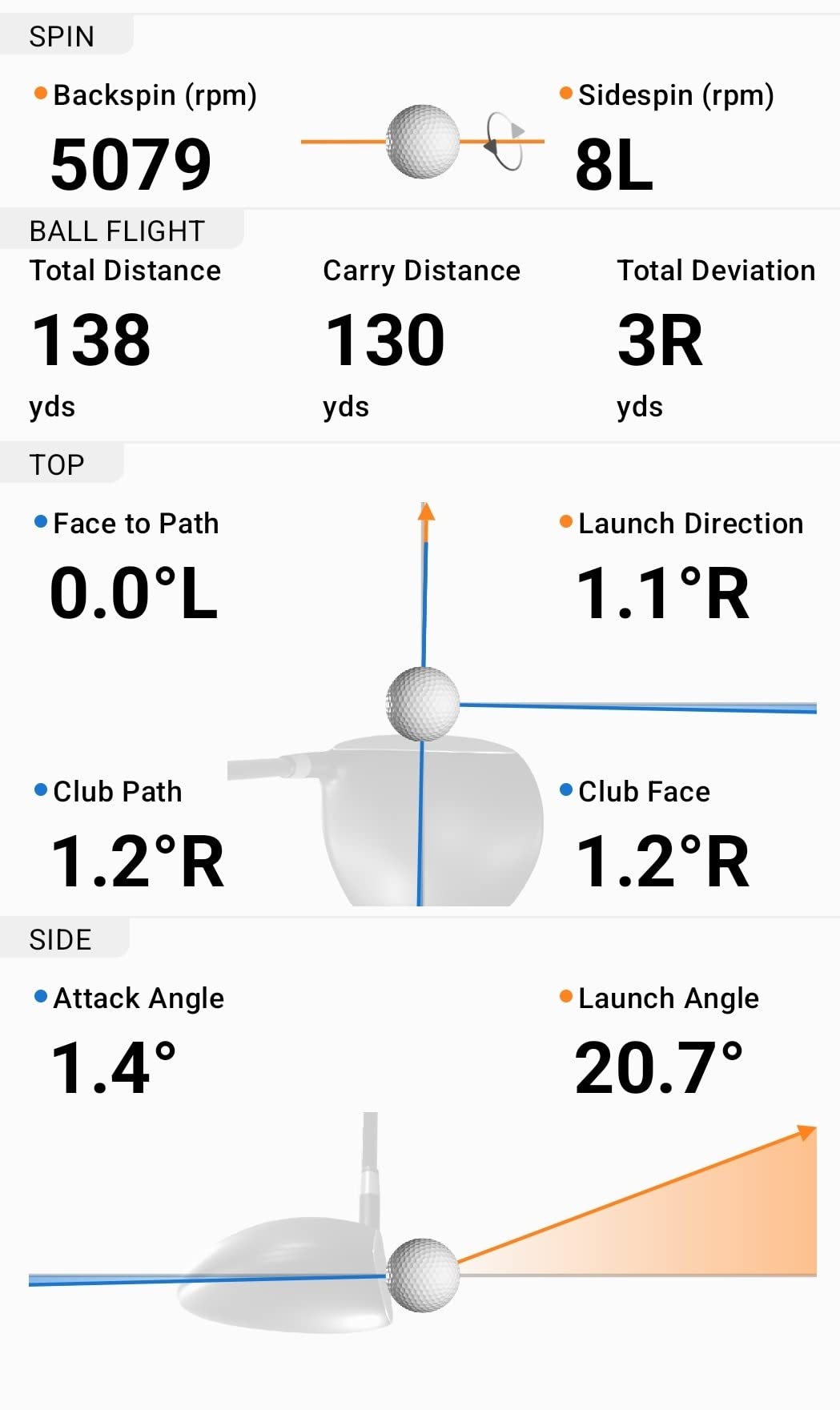
You get club head speed, ball speed, swing tempo, ball spin, launch angle, and a shot dispersion chart that shows where your misses cluster. Pair it with the Garmin Golf app on your phone and you unlock 42,000-plus virtual courses, global leaderboards, and auto-recorded video clips overlaid with your shot data. The IPX7 waterproof rating means a sudden rain shower will not kill the device.
The downsides are real for the budget-conscious beginner. It needs a smartphone for the full experience, and the virtual course library requires a subscription after the free trial. Beginners on r/golfsimulator sometimes report shot detection misses on partial wedges, which is a common radar limitation at short distances.
Best beginner use case
This is the device I would hand to a beginner who knows they will practice indoors during winter and outdoors in summer. The combination of long battery, waterproofing, and dispersion data covers the full beginner learning loop. You can see where you miss, why you miss, and which club was in your hand.
What you give up for the price
You will not get club path or face angle metrics unless you buy into a Garmin subscription tier. The unit is small and tripod-mounted, so you need a flat surface and roughly 7 feet of clear space behind the ball. None of that is a dealbreaker, but plan for it.
4. FlightScope Mevo – Best Spin Data on a Budget Radar
FlightScope Mevo – Portable Personal Launch Monitor for Golf
Weight: 1.76 oz
3D Doppler radar
8 data parameters
Pros
- Lightweight and portable design
- 3D Doppler radar technology
- 8 full swing performance data parameters
- Direct spin measurements included
- PGA and LPGA Challenges for skill development
Cons
- Limited data compared to higher end FlightScope models
- Simulator courses require paid FS Golf app
- Smaller hitting zone for partial wedges
The FlightScope Mevo is the best entry into direct spin measurement for beginners who care about that metric. It carries 1,093 reviews and a 4.2 rating, and it weighs just 1.76 ounces. You will barely notice it in your bag, which matters when you haul clubs and a launch monitor to the range.
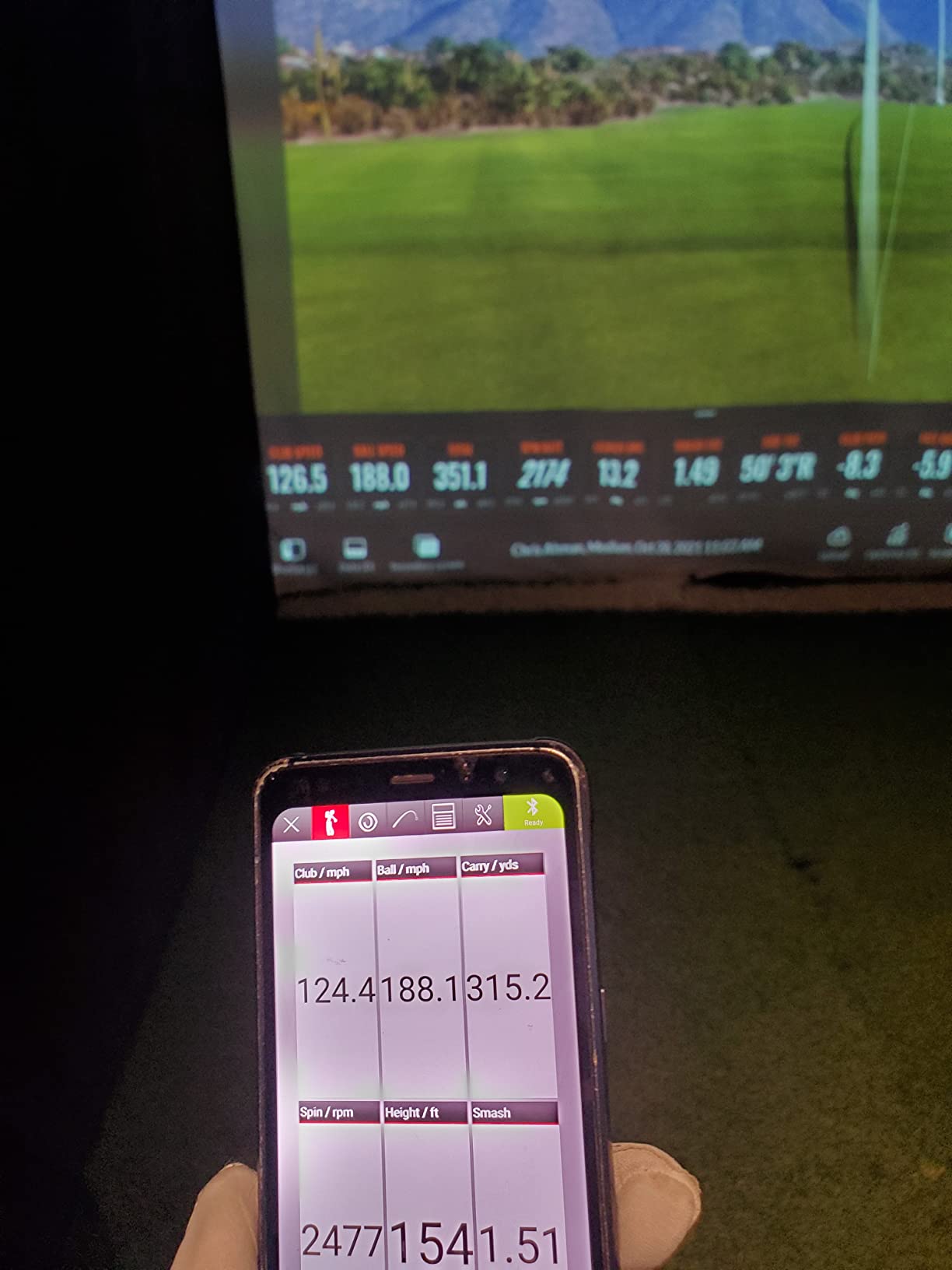
FlightScope uses 3D Doppler radar to capture eight full-swing performance parameters, including direct spin measurements. Most radar units at this level estimate spin; the Mevo actually reads it. The companion FS Golf app adds Mevo Skills Challenges with PGA and LPGA challenges so you can compare your numbers against tour averages.
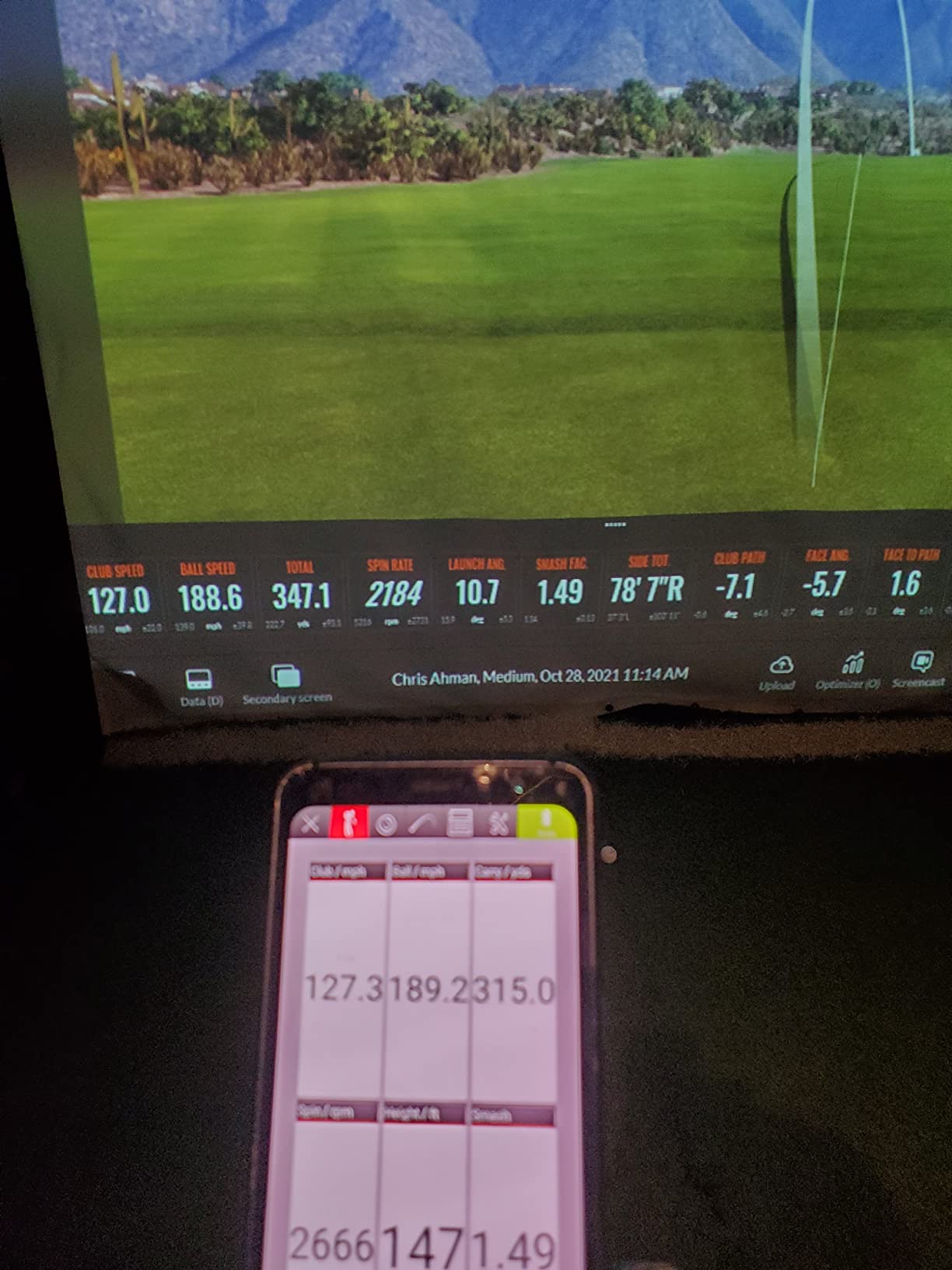
The Mevo is best used outdoors or in a long indoor bay because radar needs room to track. Indoor net setups can confuse the smaller hitting zone on partial wedges, which is something beginners should know before they commit. The full simulator experience lives behind a paid FS Golf app subscription.
When the Mevo beats other options
If spin rate is the metric you actually want to learn, the Mevo is the clearest pick. Beginners who are dialing in wedge distances need spin to understand why a 60-yard shot sometimes flies and sometimes checks up. The Mevo gives you that data.
Setup quirks to know
You will need a flat surface and a metal object behind the ball for some indoor setups, which trips up first-time users. Outdoor range sessions are far easier. Plan on spending 15 minutes with the setup guide the first time.
5. Voice Caddie SC200Plus – Best Battery Life
Voice Caddie SC200Plus Portable Golf Launch Monitor and Swing Analyzer with Real-Time Shot Data Tracking – 12-Hour Battery Life
Weight: 8 oz
Battery: 20 hours
Voice output
Pros
- Up to 20 hours battery life
- Doppler radar for accurate data collection
- Real-time voice output for instant feedback
- Swing speed mode works without ball
- Adjustable loft angles for different clubs
Cons
- Limited metrics compared to premium models
- No smartphone app for advanced analytics
- Basic LCD display only
The Voice Caddie SC200Plus is for beginners who hate charging devices. With a 20-hour battery life and 730 reviews at a 4.2 rating, it outlasts every other unit in this roundup. The real-time voice output is the standout feature because you hear your carry distance without ever looking down.
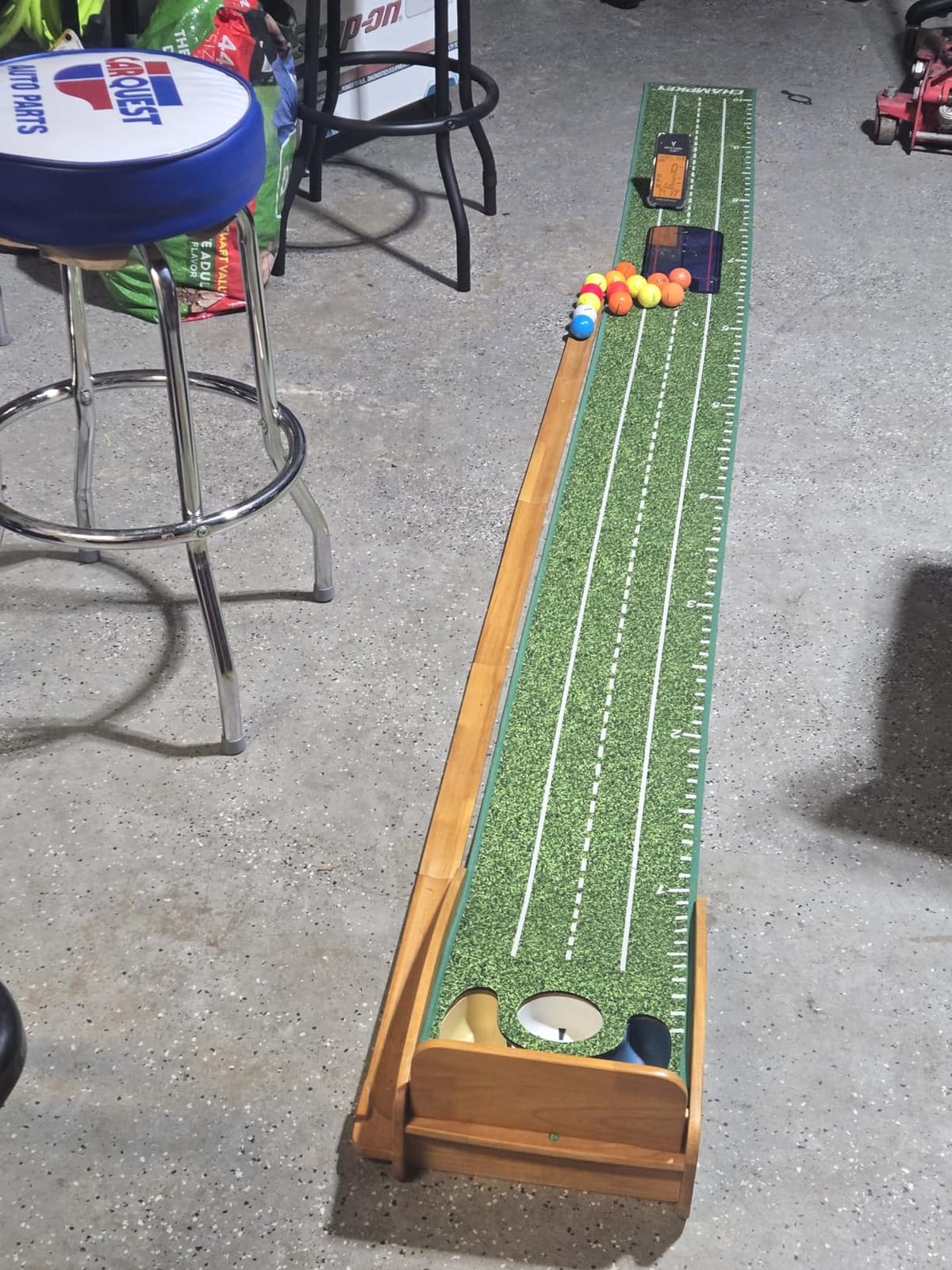
The unit weighs 8 ounces and uses Doppler radar for ball speed, club head speed, smash factor, and carry distance. The voice output calls out your numbers after every shot, which is brilliant when you are mid-swing and cannot glance at the screen. You can also use swing speed mode without hitting a ball, which is great for warm-up or indoor speed training.
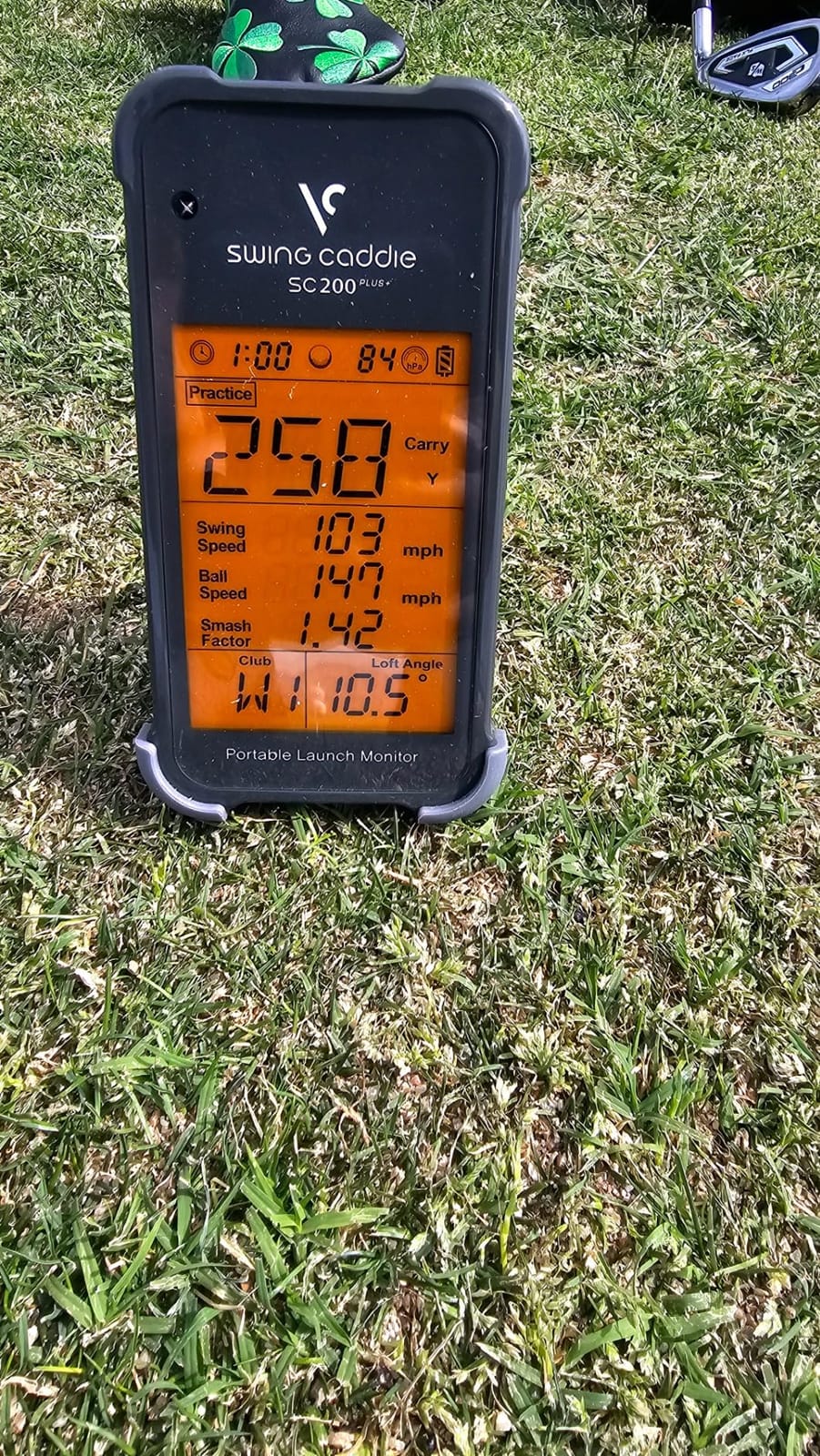
Where the SC200Plus feels limited is in metrics and analytics. You will not get spin rate, club path, or video replay. There is no smartphone app, so all your data lives on the unit. Beginners who want a richer picture will outgrow this device within a season.
Best use case for beginners
If you practice at a range without easy access to power outlets, the 20-hour battery is a real advantage. The voice feedback also helps if you coach a junior golfer or a friend and want to keep your eyes on them instead of a screen.
When to skip it
Skip it if you want app integration, cloud storage, or video replay. The basic LCD screen is functional but small. Reviewers on MyGolfSpy note that voice accuracy on partial wedges can drift, so use it primarily for full swings.
6. Garmin Approach G80 – Best All-in-One GPS and Launch Monitor
Garmin Approach G80, All-in-One Premium GPS Golf Handheld with Integrated Launch Monitor, 3.5″ Touchscreen
Display: 3.5 inch touchscreen
Course maps: 41,000 plus
Battery: 15 hours
Pros
- All-in-one GPS and launch monitor device
- Preloaded with 41000 plus golf course maps worldwide
- 15 hour battery life
- Launch monitor tracks club head speed
- ball speed
- smash factor
- tempo
- 3.5 inch sunlight readable touchscreen
Cons
- Combined GPS and launch monitor may not suit everyone
- Launch monitor features less advanced than dedicated units
- Touchscreen may be small for some users
The Garmin Approach G80 is the only device in this roundup that doubles as a course GPS and a launch monitor. With 706 reviews and a 4.2 rating, it earns a spot for beginners who want to play smart on the course and practice smart at the range without carrying two devices. The 3.5-inch sunlight-readable touchscreen is the largest in this guide.
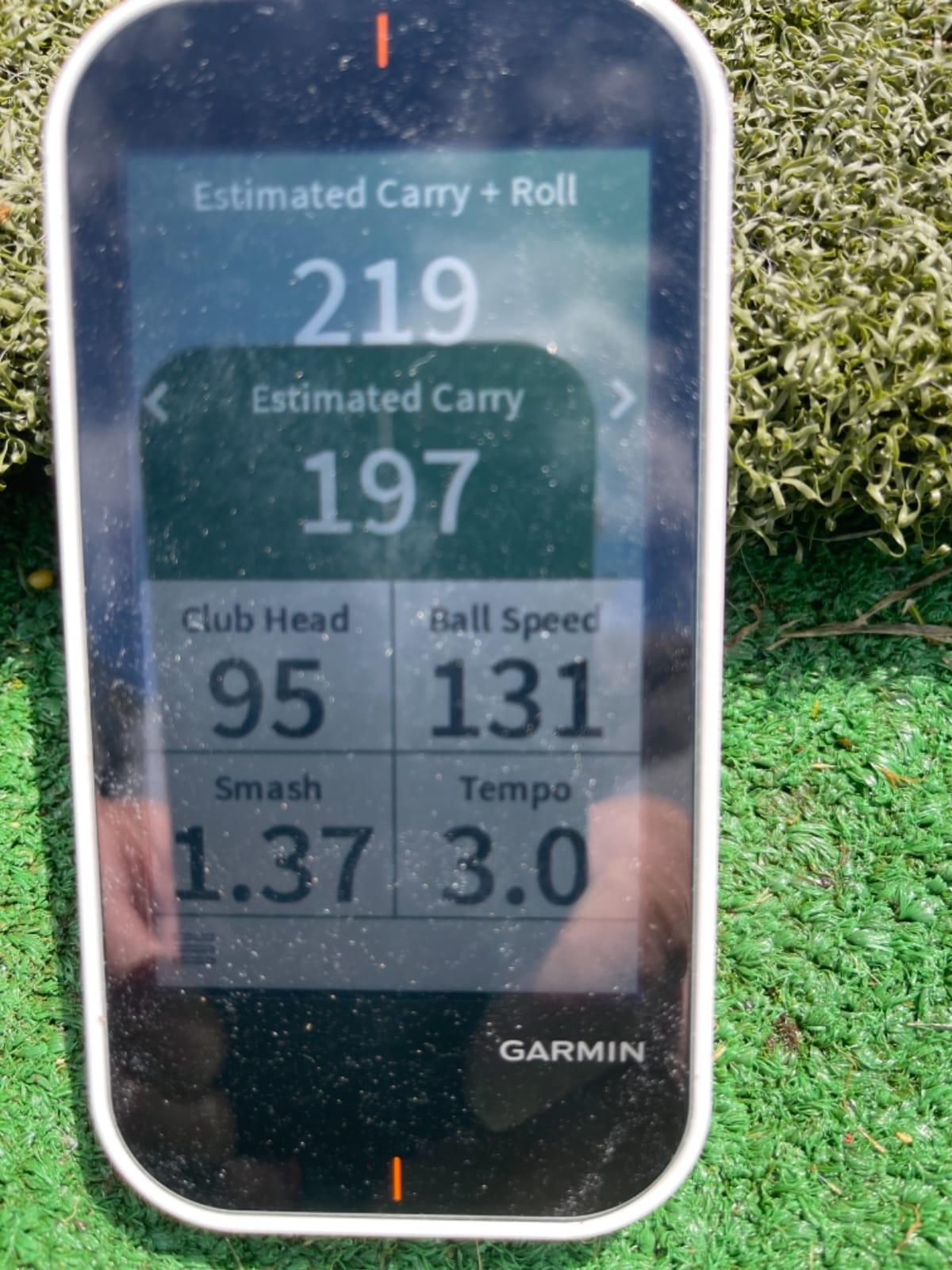
You get 41,000-plus preloaded course maps, so yardages to the green, hazards, and doglegs are on the device the moment you turn it on. At the range, the integrated launch monitor tracks club head speed, ball speed, smash factor, and swing tempo. The 15-hour battery life covers multiple rounds plus a range session.
The compromise is depth. The launch monitor features are less advanced than a dedicated unit like the Garmin R10. You will not get spin rate, club path, or dispersion data here. Beginners who want only course data and very basic swing numbers will be happy. Beginners chasing improvement data should look at a dedicated launch monitor instead.
Why beginners like it
You can take the G80 from the range to the first tee without swapping devices. Reviewers on r/golf consistently mention how the all-in-one approach reduced the number of gadgets they carry, especially when traveling.
Where it falls behind
The launch monitor function requires practice mode on the device, not an app. Data export is limited, so tracking improvement over time is harder than with the R10. If you care about long-term progress, plan on a separate device for that.
7. Rapsodo MLM2PRO – Best Indoor and Outdoor Hybrid
Rapsodo MLM2PRO Mobile Launch Monitor Golf Simulator | 3 Chrome Tour Balls
Weight: 16 oz
15 key metrics
45 day premium trial
Pros
- Doppler radar and dual camera for accurate tracking
- 15 key metrics including spin rate and spin axis
- 30000 plus virtual golf courses with premium
- 45 day premium trial included
- Impact vision and slow motion video
- Includes 3 Callaway RPT Chrome Soft X golf balls
Cons
- Subscription required for full features
- Connection issues reported by some users
- Limited metrics on iPhone versus iPad
- Chip shot detection can be problematic
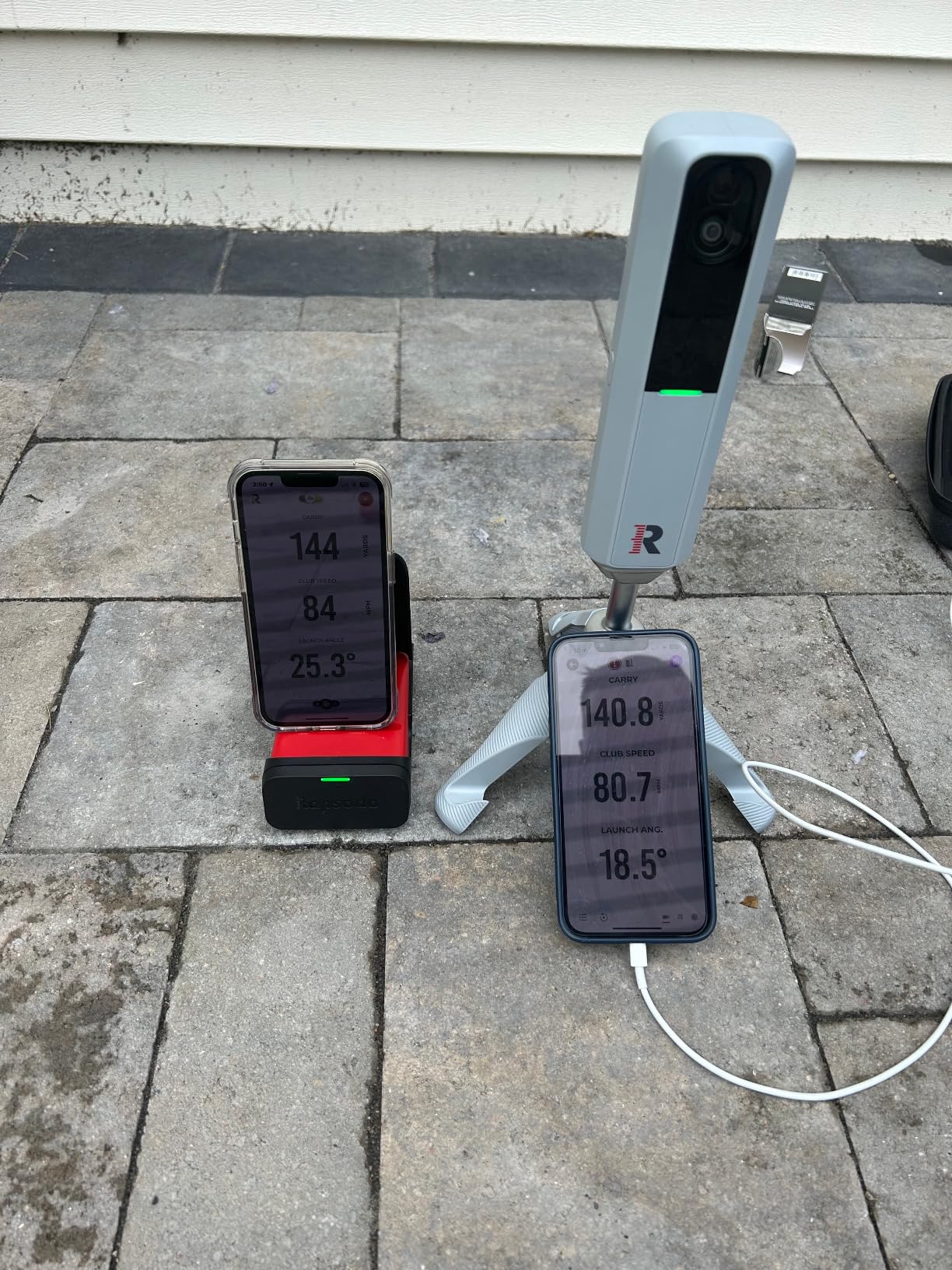
The Rapsodo MLM2PRO is the most advanced Rapsodo in this roundup and the strongest hybrid between indoor simulator use and outdoor range practice. It has 566 reviews at a 4.0 rating, and the dual camera plus radar setup captures 15 key metrics, including spin rate and spin axis, which neither the Voice Caddie nor the PRGR can measure.
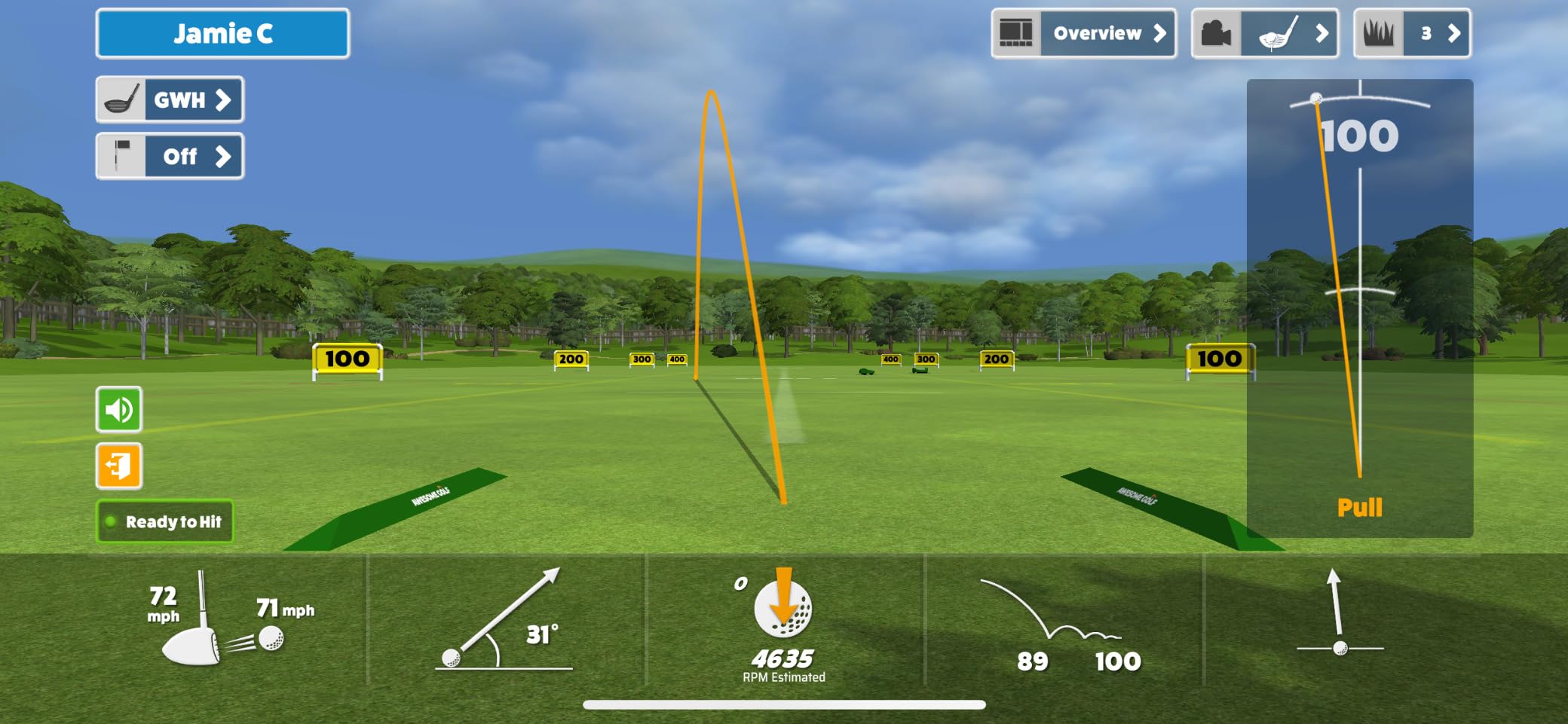
Outdoors, the Doppler radar tracks your ball flight. Indoors, the dual cameras capture impact and slow-motion video so you can see your club face at the moment of truth. The 45-day premium trial unlocks 30,000-plus virtual courses, impact vision, and the swing video replay with metrics overlay. The package also includes three Callaway RPT Chrome Soft X golf balls so you can start playing right away.
Subscription costs are the biggest beginner catch. After 45 days, the premium features that justify the upgrade sit behind a paid plan. Some reviewers on r/golfsimulator also report Bluetooth connection drops on Windows setups with GSPro, and chip shot detection can be flaky at very short distances.
Why it stands out
The impact vision feature is genuinely useful for beginners who do not know whether they are hitting the ball off the toe or the heel. Slow-motion video lets you see your club path and angle of attack in ways the cheaper units cannot. If you can absorb the subscription cost, this is the strongest indoor and outdoor unit in the guide.
Trade-offs to know
You need an iPad or a large phone to see the full 15 metrics comfortably. Smaller phones only show six. The unit weighs 16 ounces, which is heavier than most other picks here, so factor that in if you carry it to the range often.
8. TAGCMC GX-10 – Best Budget 3D Experience
Golf Launch Monitor & Portable Simulator, Tracks 13+ Metrics Swing Analysis
Weight: 1.4 lb
No subscription
3D driving range
Pros
- No subscription required
- 3D virtual driving range experience
- Environmental sensors auto adjust data
- Supports iOS
- Android
- and HarmonyOS
- Metal construction for durability
Cons
- Lower review count at 94 reviews
- Newer product released earlier this year
- Limited brand recognition
- Some users reported connectivity issues
The TAGCMC GX-10 is the wildcard of this roundup. It is a newer launch monitor that launched earlier this 2026 and already holds a 4.1 rating across 94 reviews. The standout feature for beginners is that there is no subscription. You pay once and get the full 3D driving range experience with environmental sensors that adjust your data for temperature, humidity, and barometric pressure.
The unit weighs 1.4 pounds and has a metal shell, which is unusual at the budget tier. It supports iOS 11 and up, Android 11 and up, and HarmonyOS 4.0 and up, which is the broadest platform support in this guide. Metrics include spin rate, spin axis, swing speed, attack angle, and launch angle. There is also a swing-only mode so you can practice without a ball.
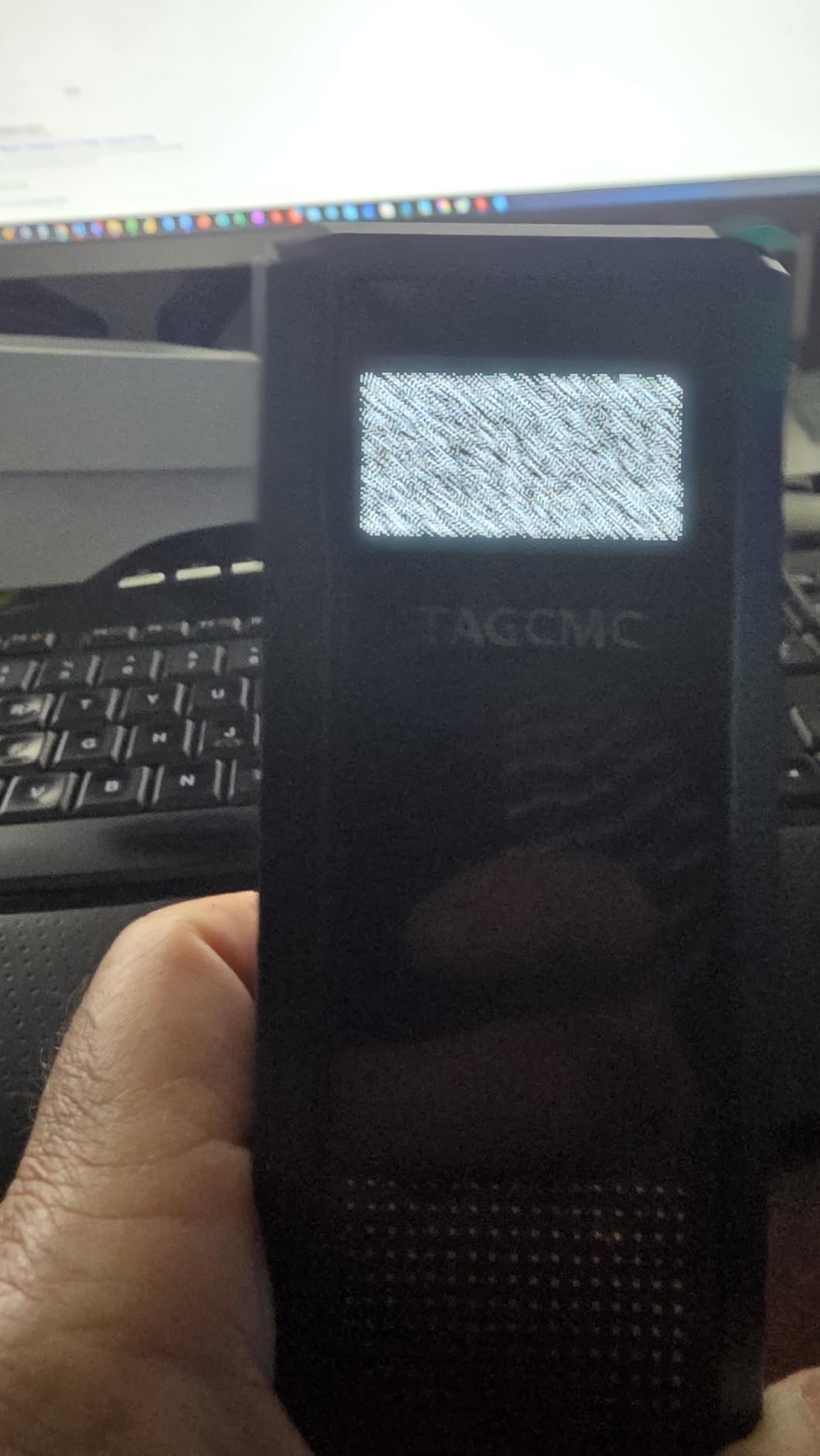
The risks match the newness. With 94 reviews, the long-term reliability story is still being written. Limited brand recognition means customer service is less proven than Garmin or Rapsodo. Some users have reported Bluetooth pairing issues during the first sessions.
Why beginners should consider it
If subscription costs are a hard line for you, the GX-10 is the only unit here that delivers a 3D driving range with zero recurring fees. The environmental sensors are a real bonus because they help beginners trust their numbers in changing weather.
Why some beginners should skip it
If you want a proven track record and a wide community for troubleshooting, the Garmin R10 and Rapsodo MLM have a much larger user base. The GX-10 makes more sense for tech-comfortable beginners who want the no-subscription promise.
How to Pick the Right Launch Monitor as a Beginner
Choosing a launch monitor as a beginner is mostly about answering three honest questions. Where will you practice, how much data do you actually use, and what is your real budget when you include the hidden costs? The eight devices above cover very different answers to those questions.
Budget tiers and what you actually get
At the entry level, the PRGR HS 130-A and Voice Caddie SC200Plus give you core distance and speed data without subscriptions. Mid-tier picks like the Rapsodo MLM and Garmin R10 add app integration, video replay, and virtual courses. The premium tier with the Rapsodo MLM2PRO adds spin rate, dual camera tracking, and impact analysis. Match the tier to your commitment level, not your dream setup.
Indoor vs outdoor: which technology matches your space
If you have a garage with a hitting net and roughly 10 feet of ball-to-net space, camera-based units like the Rapsodo MLM2PRO or hybrid units like the Garmin R10 will serve you well. If your only practice spot is an open field or driving range, radar units like the PRGR HS 130-A, Voice Caddie SC200Plus, and FlightScope Mevo will give you cleaner outdoor data.
Subscription trap: free vs paid apps
The Rapsodo MLM, PRGR HS 130-A, Voice Caddie SC200Plus, and TAGCMC GX-10 work fully without subscriptions. The Garmin R10, FlightScope Mevo, Garmin G80, and Rapsodo MLM2PRO require paid subscriptions to unlock simulator courses and advanced metrics. Decide before you buy whether you will commit to a yearly plan.
Space requirements by device
Radar units need roughly 7 to 8 feet behind the ball and a clear flight path. Camera units need a clear view of the impact zone and work best with a hitting mat and net. Hybrid units like the MLM2PRO are the easiest to place indoors because they need less flight distance.
Learning curve and ease of use
The PRGR and Voice Caddie have the gentlest learning curve because there are no apps to learn. The Garmin R10 and Rapsodo MLM2PRO have a moderate curve because the apps add features and complexity. Plan on spending 15 to 30 minutes with the setup guide the first time on any app-driven unit.
If you also practice off the course, our 8 Best Portable Monitors Under $200 Tested roundup covers smaller screens you can take to the range or use indoors for swing video review.
3 Beginner Practice Drills With Your Launch Monitor
A launch monitor is only useful if you run structured drills. These are the three drills I recommend to every beginner who buys one of these devices. Each drill takes 15 to 20 minutes and produces measurable improvement.
Drill 1: Club gapping session
Hit five balls each with your driver, 3-wood, hybrid, and every iron from 4 to pitching wedge. Record the average carry distance for each club. The goal is to find 10 to 15 yard gaps between clubs. If two clubs fly the same distance, you know which one needs adjustment.
Drill 2: Wedge distance control
Hit 10 balls each at 30, 50, 70, and 90 yards with your wedges. Track the average carry and the spread. Beginners who score 10 yards of spread or less at every distance have great wedge control. Use this drill weekly to track improvement.
Drill 3: Swing speed baseline
Hit 10 drivers and note your average club head speed, ball speed, and smash factor. Smash factor above 1.48 with the driver is a solid beginner benchmark. Re-run this drill monthly to track gains as you train.
Hidden Costs Most Beginners Forget
The launch monitor is the easy line item. Beginners regularly forget the supporting costs. A hitting mat and net combo is essential for indoor use and runs in a wide range depending on size. You will also need golf balls, often a dozen or more for a focused practice session.
Software is the second hidden cost. Garmin, FlightScope, and Rapsodo MLM2PRO all require subscriptions for the full simulator experience. The Rapsodo MLM, PRGR, Voice Caddie, and TAGCMC GX-10 skip this. If you are on a strict budget, the subscription-free path saves you several hundred dollars over two years.
Phone and tablet upgrades matter. Smaller phones limit how many data fields you can view, so a tablet or larger phone will give you a better experience. A tripod is also worth picking up for radar units that need a stable mount behind the ball. If you want a bigger display for indoor simulator nights, our 8 Best Vertical Monitors for Beginners Tested guide can point you toward screens that fit your setup.
Frequently Asked Questions
What is the best launch monitor for beginners?
The best launch monitor for beginners is the Rapsodo Mobile Launch Monitor (MLM) because it pairs video replay with shot tracer, ball and club speed data, and a 4.2 rating across 3,181 reviews. Beginners who want the simplest experience should consider the PRGR HS 130-A, which requires no apps or subscriptions.
Is the Garmin R10 or Rapsodo better for beginners?
The Garmin Approach R10 is better for beginners who want 10-hour battery life, IPX7 waterproofing, and 42,000-plus virtual courses. The Rapsodo MLM is better for beginners who want shot tracer video replay and a lower entry point without giving up core ball and club speed data. Both have a 4.2 rating.
Is there a launch monitor under $200?
Yes. The PRGR HS 130-A and the original Rapsodo MLM both sit at the entry level and have thousands of ratings from beginners. The PRGR uses Doppler radar with no app required, while the Rapsodo MLM uses Bluetooth with an iOS companion app for shot tracer video.
Do I need a subscription for a launch monitor?
Not always. The PRGR HS 130-A, Voice Caddie SC200Plus, Rapsodo MLM, and TAGCMC GX-10 work fully without subscriptions. The Garmin R10, FlightScope Mevo, Garmin G80, and Rapsodo MLM2PRO require paid subscriptions to unlock simulator courses and advanced metrics.
Can I use a launch monitor indoors and outdoors?
Yes, but the technology matters. Hybrid devices like the Rapsodo MLM2PRO and Garmin R10 work well both indoors and outdoors. Pure radar units like the PRGR and Voice Caddie are easier outdoors. Pure camera units work best indoors where the impact zone is clearly visible.
Final Verdict: Which Beginner Launch Monitor Should You Buy?
If I had to recommend one portable launch monitor for a beginner in 2026, it would still be the Rapsodo Mobile Launch Monitor. The shot tracer video replay, the 3,181-review track record, and the iOS-friendly app deliver the fastest path from random swings to real improvement. For golfers on a tighter budget, the PRGR HS 130-A gives you honest distance and speed data with zero subscriptions. For beginners who want everything in one device, the Garmin Approach R10 is the strongest premium pick.
Whichever launch monitor you pick, run the three drills in this guide once a week and track your numbers in a notebook. The best launch monitor is the one you actually take to the range. Start with the drill that addresses your weakest area, and the data will guide the rest.