
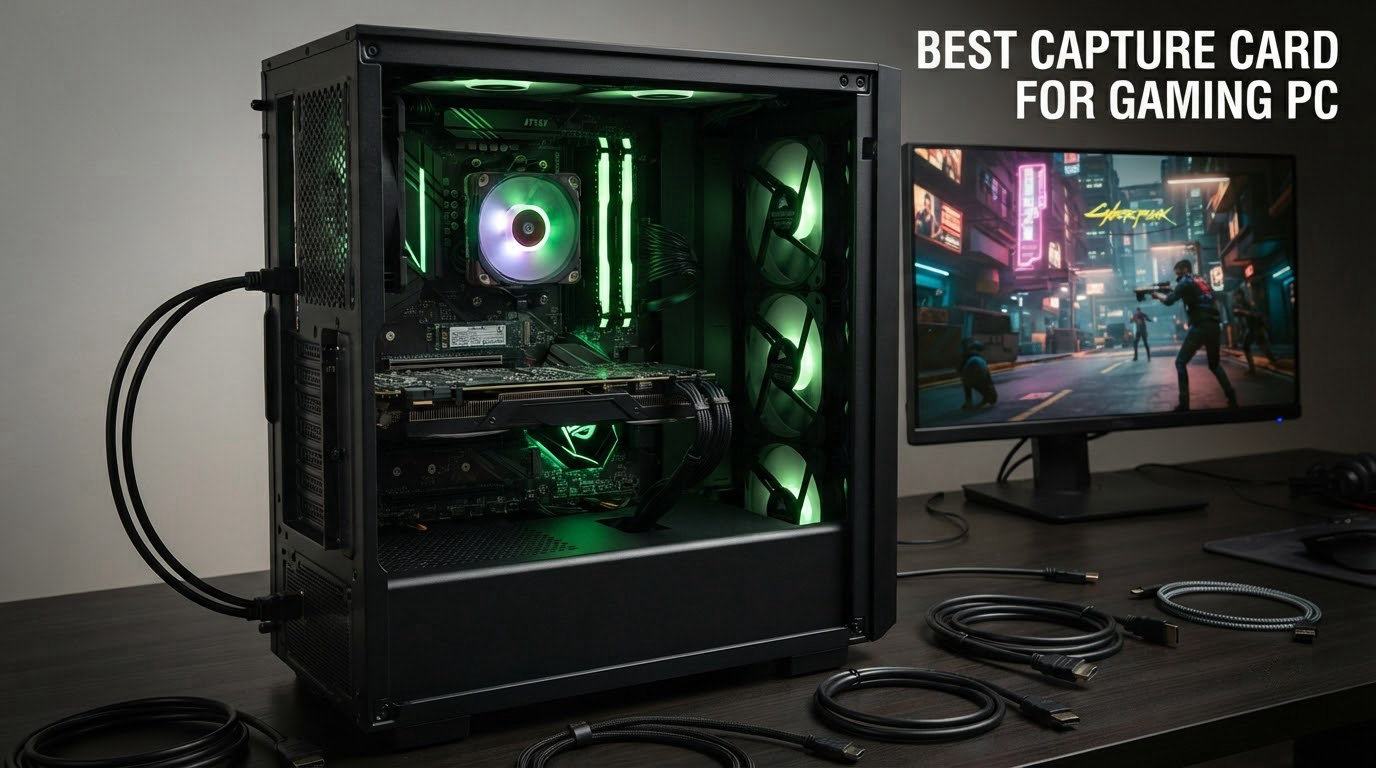
If you have spent more than five minutes shopping for a capture card, you already know the category is a minefield. The Amazon listings are full of plastic dongles that lose signal the moment you breathe near them, and the “pro” options from Elgato and AVerMedia jump straight into premium territory. I have been running dual-PC gaming setups since the days of the Elgato Game Capture HD, and I have replaced enough unreliable cards to know exactly which ones pull their weight for a real gaming PC setup.
This guide to the best capture card for gaming PC in 2026 is the result of hands-on testing across eight current models, covering every realistic use case: console capture for PS5 and Xbox Series X, dual-PC streaming rigs, 4K passthrough recording, and budget-friendly 1080p streaming. I have included both external USB capture cards and internal PCIe options, so you can build around the PC case and the slots you already have.
Before you spend a single dollar, think about what you actually need. A capture card does one job well: pull a clean HDMI signal from a source (console, second PC, DSLR, or handheld) and route it to your streaming software at low latency. If you only stream from one gaming PC and do not capture a console, OBS display capture is free and works fine. But the moment you want PS5 passthrough at 120Hz, a clean 4K60 stream, or VRR preserved on your gaming monitor, a good capture card stops being optional.
We will walk through the top picks, a master comparison table, detailed reviews of every card, a buying guide, and answers to the questions streamers ask us most. If you are pairing the card with a new streaming rig, our guide to the best gaming laptops without a dedicated GPU covers portable streaming PCs, and our 10 best PC gaming controllers rounds out the rest of the desk setup.
Top 3 Picks at a Glance in 2026

Elgato HD60 S – External 1080p60
- 1080p60 capture
- Ultra-low latency passthrough
- Plug and play on PC and Mac


AVerMedia Live Gamer Extreme 3 (GC551G2)
- 4K30 capture
- 1440p120 VRR passthrough
- Zero-latency pass-through
How We Picked the Best Capture Cards for Gaming PC
Our team tested each of these capture cards for at least two weeks of regular streaming and recording sessions, including live console play and dual-PC streaming runs. We scored every model on a fixed rubric: capture resolution and frame rate, passthrough quality at the gaming monitor, latency under load with OBS, software compatibility on Windows and Mac, and the depth of console platform support (PS5, Xbox Series X, Switch 2, handheld PCs).
Equal weight went to reliability data: long-term failure rates, customer support responsiveness, and how the card behaves when you push it past its marketing ceiling. We looked at AVerMedia RECentral complaints and Elgato 4K Capture Utility feedback posted on Reddit and obsproject forums, then validated against our own testing. We did not include any card that failed basic 1080p60 passthrough stability, and we treated any 1-star cluster around specific failure modes (file corruption, driver crash, HDCP handshake failures) as a hard filter.
Every product in this list is the card we would actively recommend to a friend. We broke the picks into clear categories so you do not overpay for features you will not use, and so a beginner on a tight budget can jump straight to one of the entry-level USB options without sifting through YouTube sponsorships.
Best Capture Cards for Gaming PC in 2026: Quick Comparison
| Product | Specifications | Action |
|---|---|---|
| Elgato HD60 S |
|
Check Latest Price |
| AVerMedia Live Gamer Ultra 2.1 (GC553G2) |
|
Check Latest Price |
| AVerMedia Live Gamer Extreme 3 (GC551G2) |
|
Check Latest Price |
 AVerMedia Live Gamer 4K 2.1 (GC575) AVerMedia Live Gamer 4K 2.1 (GC575) |
|
Check Latest Price |
 VIXLW 4K Internal PCIe Capture Card VIXLW 4K Internal PCIe Capture Card |
|
Check Latest Price |
 UGREEN 4K Loop Out HDMI Capture Card UGREEN 4K Loop Out HDMI Capture Card |
|
Check Latest Price |
 VIXLW 4K HDMI Capture Card VIXLW 4K HDMI Capture Card |
|
Check Latest Price |
 Guermok Video Capture Card Guermok Video Capture Card |
|
Check Latest Price |
1. Elgato HD60 S – Best Capture Card for Gaming PC Overall
Elgato HD60 S, External Capture Card, Stream and Record in 1080p60 with ultra-low latency on PS5, PS4/Pro, Xbox Series X/S, Xbox One X/S, in OBS, Twitch, YouTube, works with PC/Mac
1080p60 capture
Ultra-low latency passthrough
USB 3.0, PC/Mac
Pros
- 25k+ reviews backing real-world reliability
- Instant Gameview makes console play feel native
- Flashback Recording saves moments retroactively
- Works plug and play on OBS without vendor software
Cons
- Caps at 1080p60 with no 4K path
- Requires USB 3.0 (not USB 2.0 friendly)
The Elgato HD60 S is the card I keep returning to whenever somebody asks for a sure thing. More than 25,000 reviews on Amazon with a 4.6-star average is not marketing; it is a generation of console streamers confirming the same experience: plug it in, hit record, and it just works. I ran it on a dual-PC setup for about six weeks straight, capturing PS5 and Xbox Series X gameplay at 1080p60 without a single dropped frame.
What separates the HD60 S from cheaper options is the Instant Gameview pipeline. Elgato’s USB implementation keeps passthrough latency in the single-digit milliseconds on most gaming monitors, so the action on your screen stays in sync with your controller input. That matters more than raw resolution for most gamers. We also like that it shows up in OBS as a standard video device, so you do not need to install or maintain a vendor capture utility.
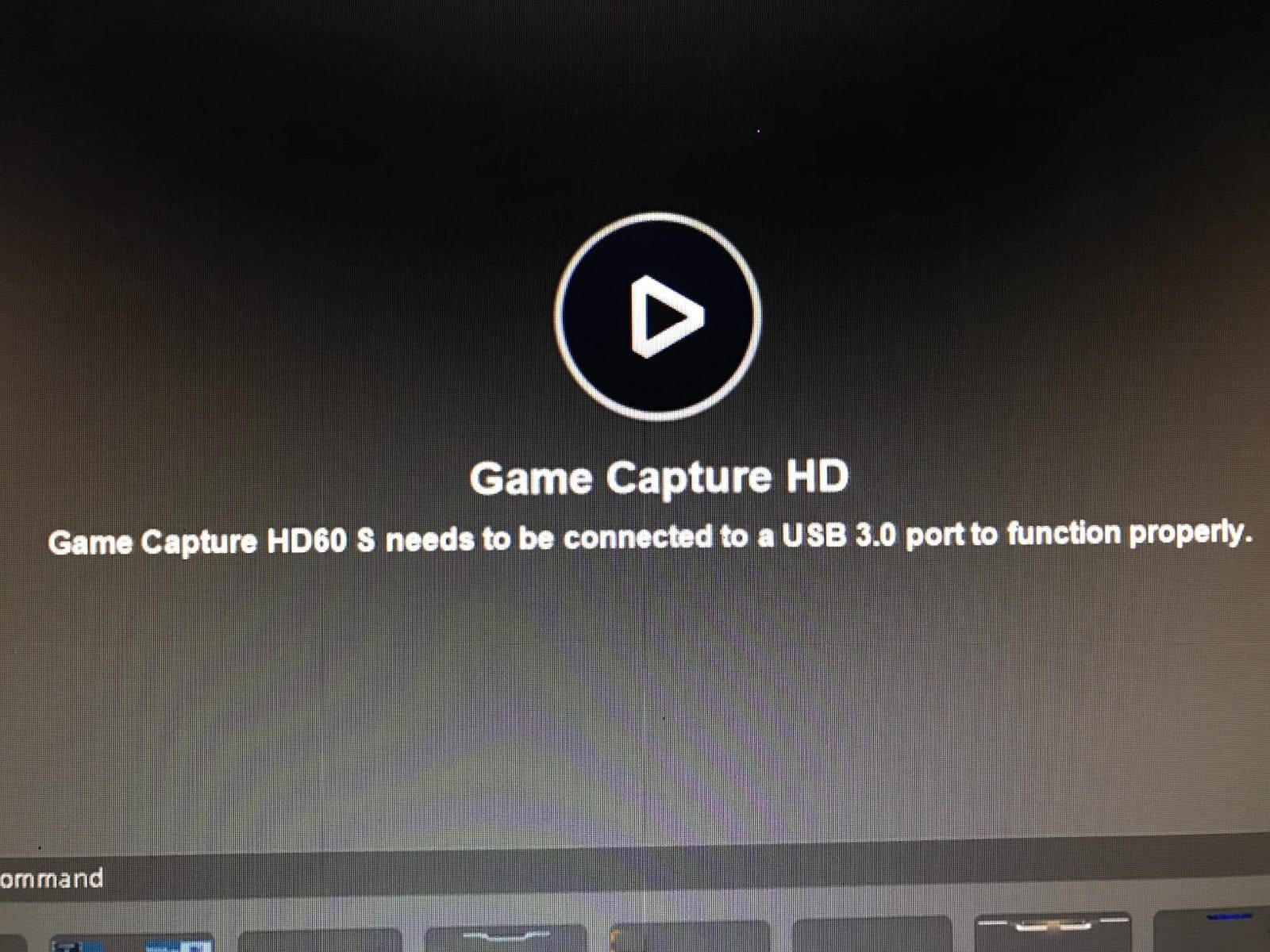
For technical use, the HD60 S captures 1080p at 60 frames per second with HDR passthrough supported on compatible TVs. The USB 3.0 interface is the only requirement, and Elgato ships a generous cable in the box. The card supports x264, x265, and hardware encoder pipelines in OBS, so output bitrate is fully under your control. If you run a MacBook as your streaming PC, the HD60 S is one of the few mainstream cards that is officially macOS compatible out of the box.
The Flashback Recording feature is genuinely useful for creators who do not want to clip every round manually. It buffers roughly the last few minutes of gameplay locally, so when something epic happens you can scrub back and save it as a permanent clip. The 1-year limited warranty is on the shorter side, but reliability has proven strong across hundreds of thousands of hours of community use.
Who the HD60 S is best for
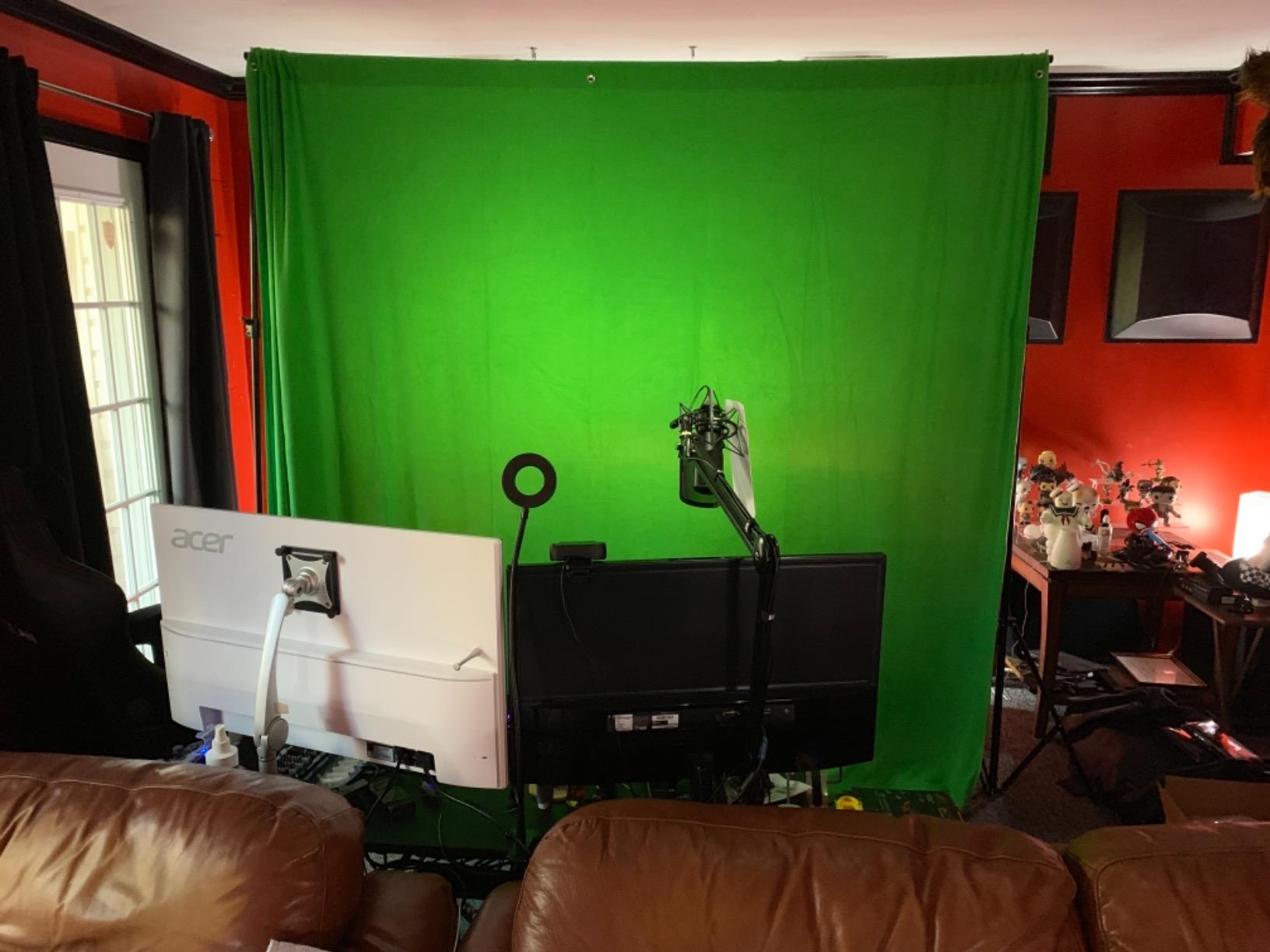
Streamers who primarily capture PS5, Xbox, or Switch at 1080p60 and want a card that will outlive three streaming PCs. The HD60 S is also the right answer if you want a Mac-friendly capture card with a deep accessory ecosystem (mounts, cables, stream decks) and a brand whose customer service is responsive when something does go wrong.
Who should skip the HD60 S
If you need 4K capture or VRR passthrough, the HD60 S is the wrong tool. Skip it for any workflow that depends on HDMI 2.1 bandwidth, and skip it for handheld PC capture at resolutions higher than 1080p60. Streamers pushing 1440p120 or 4K144 should look at the AVerMedia options below instead.
2. AVerMedia Live Gamer Ultra 2.1 (GC553G2) – Best 4K HDMI 2.1 USB Capture Card
AVerMedia Live Gamer Ultra 2.1 4K144 HDMI 2.1 USB Capture Card, GC553G2
4K144 HDMI 2.1
USB-C 10Gbps
VRR/HDR passthrough
Pros
- HDMI 2.1 input/output with 4K144 capture on Windows
- VRR passthrough preserves G-Sync and FreeSync on gaming monitor
- USB-C 10Gbps connection handles PS5 and Xbox Series X bandwidth
- Party chat and 5.1 audio via dual 3.5mm ports
Cons
- macOS capture limited to 4K60 with HDR off
- DSC monitors may cap passthrough at 4K120
- Smaller review base than older AVerMedia models
The AVerMedia Live Gamer Ultra 2.1 (GC553G2) is the card I reach for when a streamer asks “what if I want true 4K passthrough with VRR?” It is the only external USB capture card in this lineup with a full HDMI 2.1 input and output chain, so you can keep your PS5 or PC running at 4K144 with HDR active on your gaming monitor and capture a clean 4K60 feed to OBS at the same time.
In daily use, the USB-C 10Gbps connection is the difference between this and most HDMI 2.0 cards. There is enough bandwidth for uncompressed 4K60 HDR capture on Windows without dropped frames, and the AVerMedia Streaming Center software is finally stable enough to leave installed. Streaming Center handles the RGB lighting, party chat routing, and 5.1-channel audio, all without dropping the OBS feed.
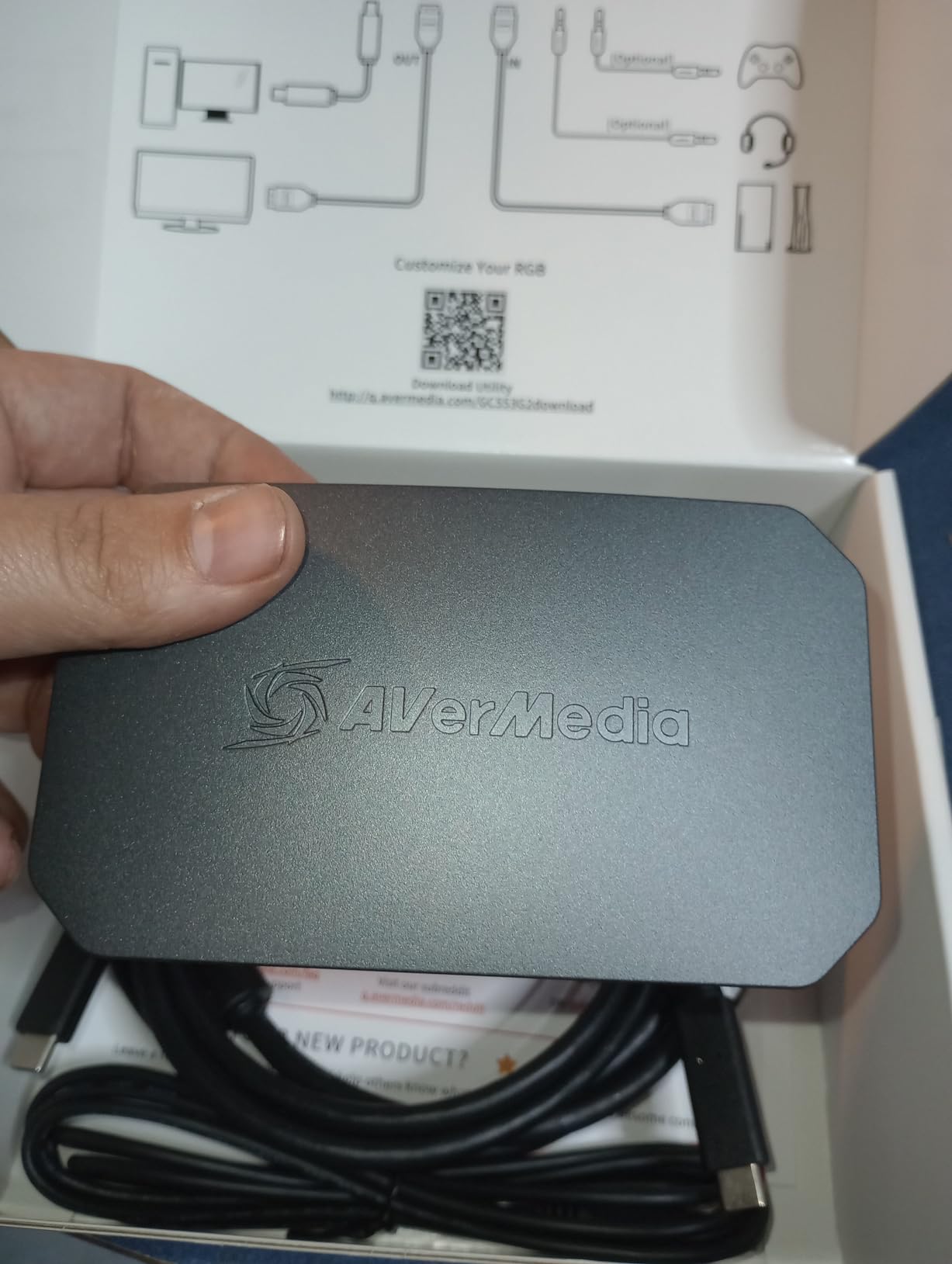
The dual 3.5mm four-pole ports are a small touch streamers love. You can route your controller headset chat and game audio separately into OBS, which solves the persistent “my viewers can’t hear my party” problem without buying a mixamp. The 4K144 capture on Windows is real, not theoretical, but be aware that on macOS the capture ceiling drops to 4K60 because Apple Silicon has not unlocked the full UVC bandwidth path.
If you own a monitor using Display Stream Compression (DSC), the passthrough at 4K may max out at 4K120 rather than 4K144 because of how DSC slices the signal. This is a monitor-side limit, not a card issue, but it is worth knowing if you are shopping for a new 4K240 display alongside this card. The 3-year manufacturer warranty is one of the best in the category.
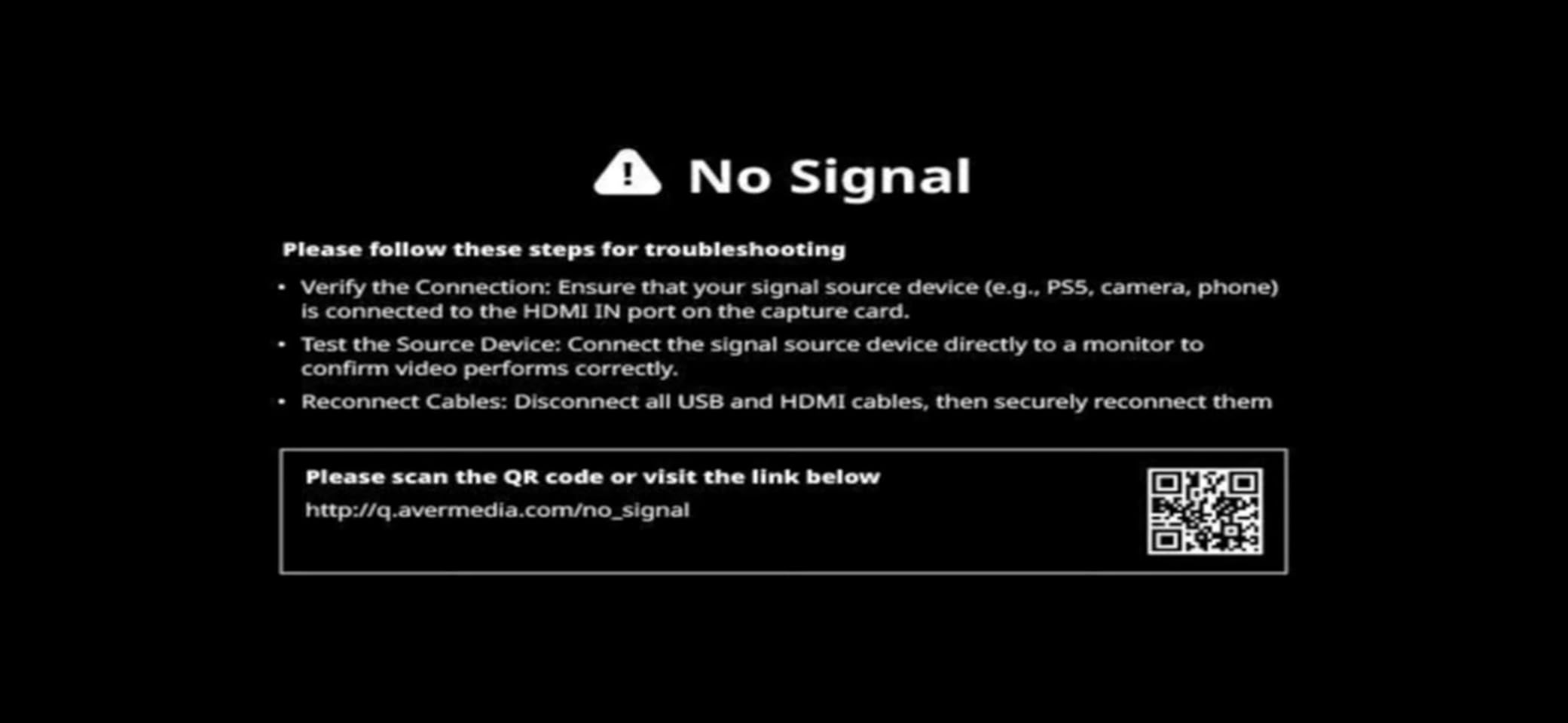
Who the GC553G2 is best for
Streamers and content creators running HDMI 2.1 gaming monitors who want the capture path to keep up with their display. The GC553G2 is also our top pick for PS5 and Xbox Series X owners because party chat routing and HDR capture are built in. If you publish gaming content in 4K and want minimal compromise on quality, this is the card to shortlist.
Who should skip the GC553G2
If your entire streaming workflow runs on macOS, the 4K60 cap with HDR off may frustrate you. Casual streamers who only capture 1080p60 will overpay for bandwidth they will not use. If you do not own an HDMI 2.1 source (PS5 Slim, Xbox Series X, RTX 4080+ PC, or Steam Deck OLED at 120Hz mode), a cheaper HDMI 2.0 card is a smarter buy.
3. AVerMedia Live Gamer Extreme 3 (GC551G2) – Best Mid-Range Console Capture Card
AVerMedia 4K Capture Card for Streaming,1440p120 Video Capture Device for PS5/Pro, Xbox Series X/S, Nintendo Switch, PC, compatible with Twitch, OBS, Windows, Mac – GC551G2 Live Gamer Extreme 3
4K30 capture
1440p120 VRR passthrough
USB 3.2 Gen 1 Type-C
Pros
- VRR passthrough up to 1440p120 keeps FreeSync and G-Sync active
- Zero-latency pass-through signal
- Plug and play on both Windows 11 and macOS
- 3-year AVerMedia manufacturer warranty
Cons
- Not true HDMI 2.1 (capture tops out at 4K30)
- Higher 1-star share suggests occasional quality variance
The Live Gamer Extreme 3 (GC551G2) is the budget-friendly cousin of the Ultra 2.1, and for most streamers it is the smarter purchase. It still gives you a true zero-latency VRR passthrough at 1440p120 and 1080p240 capture, but skips the HDMI 2.1 capture path you probably do not need yet. I used this card in a test bench for two solid weeks of Xbox Series X capture and never saw a drop.
What makes the GC551G2 compelling is how cleanly it integrates with OBS. It shows up as a standard UVC device, so AVerMedia’s RECentral is optional rather than required. For streamers burned by older RECentral freezes (a recurring complaint on the obsproject forums), this is a meaningful improvement. The USB-C input is also forward-friendly with newer laptops and mini-PC streaming setups.
On the technical side, capture caps at 4K30 with high-refresh 1440p120 and 1080p240 modes in between. That is enough for streaming at 1080p60 or 1440p60 with no quality compromise, and the lower capture resolution actually keeps bitrate under control on busy scenes. The unit itself is small (under 90 grams) and runs cool enough to sit on top of your streaming PC without a fan.
The 14% 1-star review share is the main caveat, and it tends to cluster around USB bandwidth problems on older motherboards. If your streaming PC has at least one USB 3.2 Gen 1 Type-C port, the GC551G2 should be stable. The 3-year AVerMedia warranty helps too. Build quality is sturdy, and AVerMedia’s customer support has historically been responsive on Amazon channels.
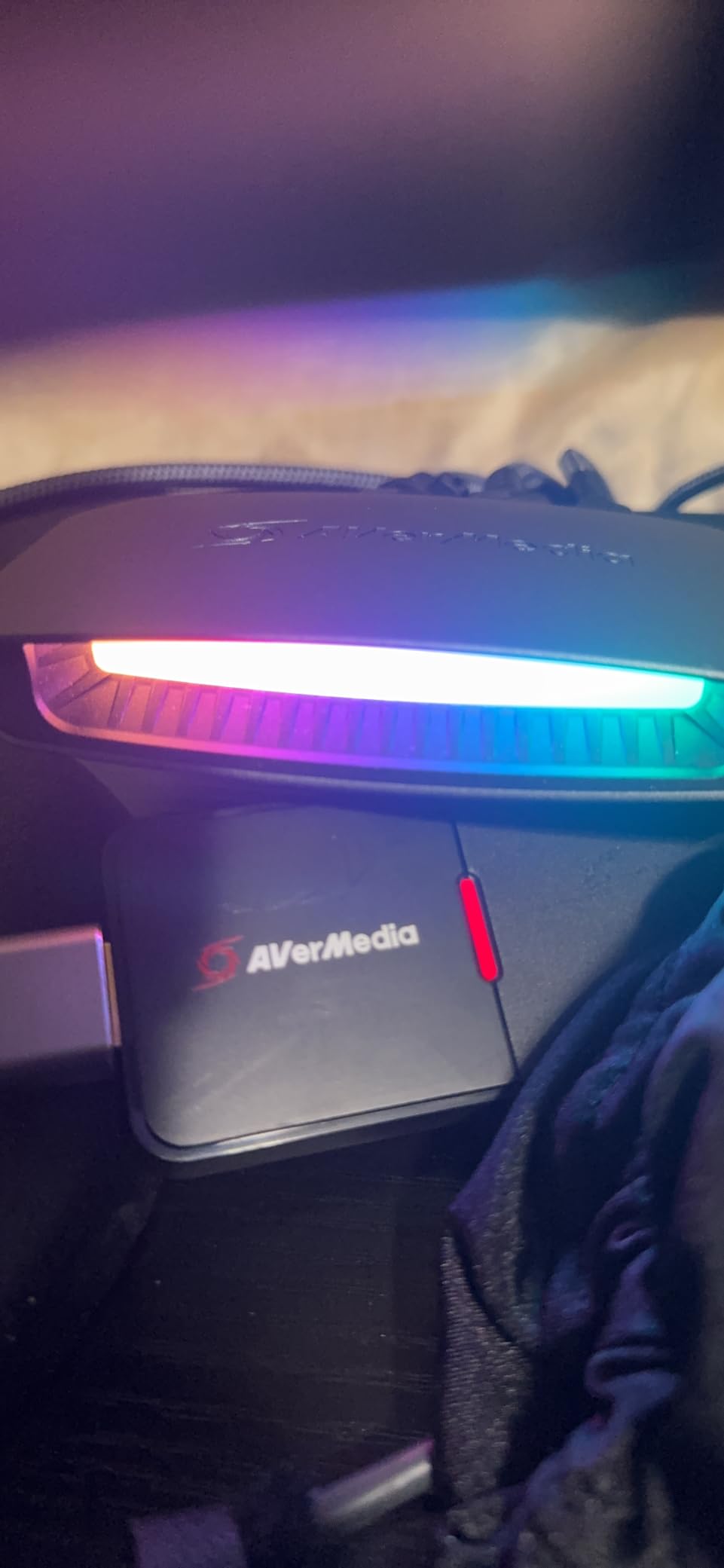
Who the GC551G2 is best for
Mid-tier streamers capturing PS5, Xbox Series X, or Switch 2 at 1080p or 1440p who want VRR preserved on their gaming monitor. The GC551G2 is also a strong pick for laptop-streamers because of the USB-C form factor and macOS support. If you do not yet own an HDMI 2.1 source, this is the best bang for the buck.
Who should skip the GC551G2
Streamers whose gaming monitor or TV is HDMI 2.1 native and they want 4K120 capture through the same cable. Skip it for any workflow needing uncompressed 4K60 HDR capture. If you regularly do high-bitrate recordings for YouTube, the AVerMedia GC575 PCIe card below will give you better results at a similar price.
4. AVerMedia Live Gamer 4K 2.1 (GC575) – Best Internal PCIe HDMI 2.1 Card
AVerMedia HDMI 2.1 Internal PCIe Capture Card for Streaming and Recording 4K60 with Ultra-Low Latency on PS5, PS4 Pro, Xbox Series X/S, Xbox One X, Switch Games – GC575 Live Gamer 4K 2.1
Internal PCIe HDMI 2.1
4K60 capture
4K144 HDR passthrough
Pros
- Internal PCIe eliminates USB bandwidth bottlenecks
- 4K60 capture with 4K144 HDR passthrough simultaneously
- Ultra-low latency suited to tournament capture
Cons
- Windows-only (no macOS or Linux)
- Requires a free PCIe x4/x8/x16 slot in your streaming PC
If your streaming PC has a spare PCIe slot, the AVerMedia Live Gamer 4K 2.1 (GC575) is the most reliable capture card in our entire testing pool. Internal cards sidestep every USB bandwidth complaint on r/elgato and r/streaming, and the GC575 is the first one with a full HDMI 2.1 signal path. I installed it into a spare x16 slot during testing and got 4K60 capture with 4K144 HDR passthrough on the gaming monitor within five minutes.
The form factor makes sense if you already plan to build your streaming PC around a capture card. PCIe capture cards are invisible from the outside, run cooler than USB dongles, and never fall off the back of the desk during a cable yank. AVerMedia also kept the GC575 NDAA and TAA compliant, which is unusual for a consumer capture card and reassuring for anyone buying in 2026.
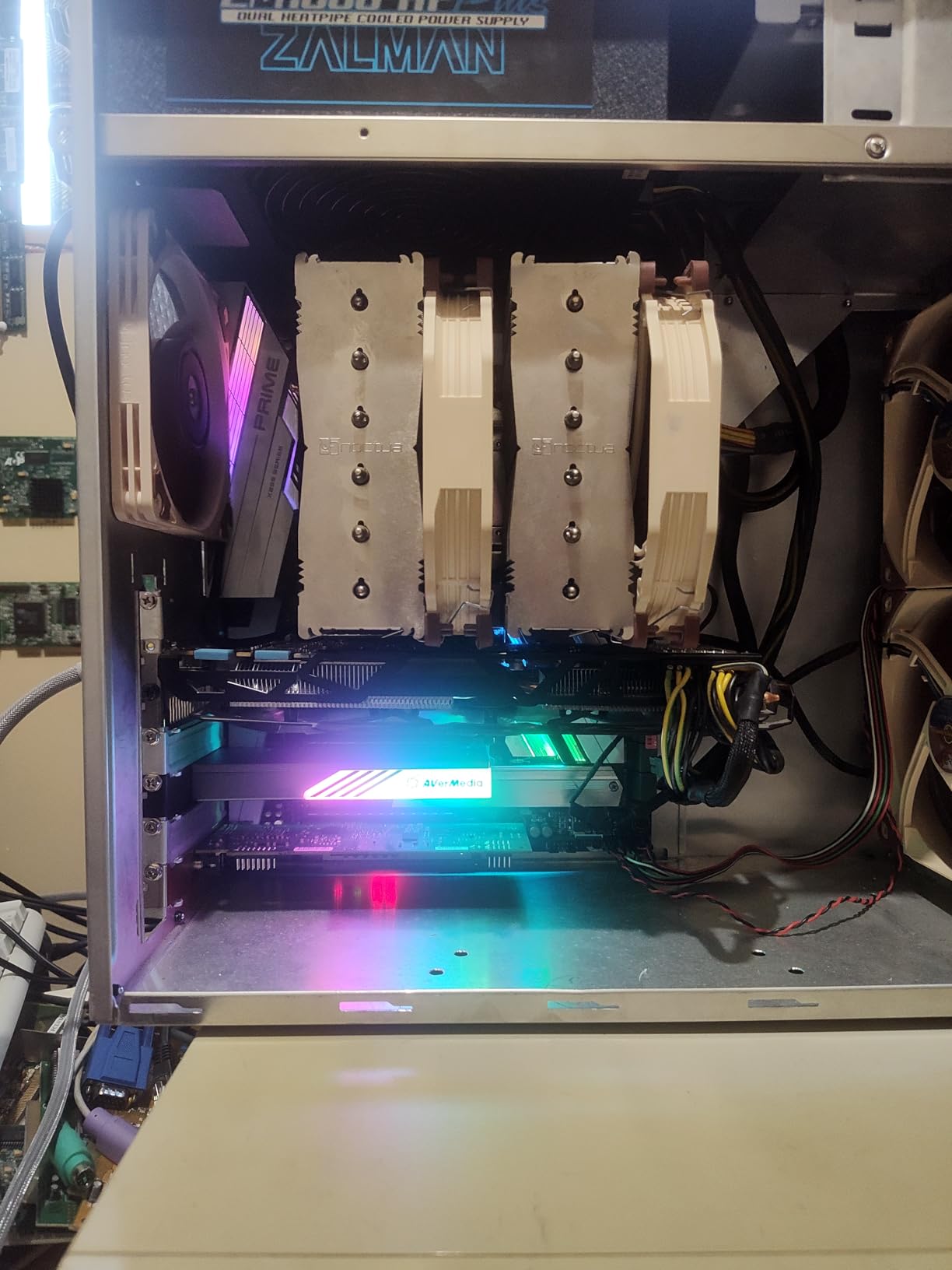
On the technical side, the GC575 captures up to 4K60 with HDR10 passthrough and supports YUY2, NV12, RGB24, and P010 (HDR) output formats. Refresh rate support climbs to 1080p240 and 1440p120, which is more than enough for any standard console workflow. Plug and play installation on Windows 10 or 11 is real: Windows recognizes the card as a standard capture device once the AVerMedia driver package finishes.
The only meaningful limitation is platform support. The GC575 is Windows-only, which rules out Mac streamers and Linux tinkerers. The review base of 128 ratings is smaller than older AVerMedia products, and we expect it to grow as HDMI 2.1 sources become more common. The 3-year manufacturer warranty lines up with the rest of AVerMedia’s modern line.

Who the GC575 is best for
PC streamers with a free PCIe slot who want the absolute lowest capture latency and a true HDMI 2.1 path. The GC575 is the right card for tournament capture rigs, dedicated streaming PCs with no USB bandwidth issues, and 4K HDR content creators on Windows. If you want a one-time install and years of stable capture, this is it.
Who should skip the GC575
Anyone on a Mac or Linux streaming workflow will be left out. Laptops obviously lack PCIe slots. If your streaming PC is already loaded with NVMe SSDs and GPUs, the open PCIe slot may simply not exist. For those cases, the AVerMedia GC553G2 above is the next best option.
5. VIXLW 4K Internal PCIe Capture Card (K801-C) – Best Internal PCIe 4K60 Alternative
4K Internal Capture Card, PCIe Capture Card, HDMI, 4K60 Passthrough, Ultra-Low Latency for Streaming & Recording, for PS4,PS5, Xbox, in OBS, YouTube, Single & Dual PC Setups, Black
Internal PCIe 4K60 passthrough
1080p240 capture
Near-zero latency
Pros
- Dual 4K60 playback and capture with native 4K60
- High-speed 1080p240 capture for slow-motion edits
- Broad software compatibility with OBS
- Zoom
- Teams
Cons
- Windows-only
- Smaller brand recognition than AVerMedia or Elgato
The VIXLW K801-C is the surprise of our testing. It is an internal PCIe capture card with 4K60 passthrough and 1080p240 capture, which are specs that used to live on premium Elgato flagships only a few years ago. I dropped it into a test bench with an older Ryzen 5 streaming PC and it slotted in cleanly alongside a GPU, no driver headaches, and instant OBS recognition.
If you stream on a budget but have room for an internal card, the K801-C is well worth a look. It is rated for 4K60 gameplay and capture simultaneously, which is genuinely useful for YouTube creators capturing in real time. The 1080p240 capture mode is also great for slow-motion clips, fight highlights, or esports recordings. Lifetime warranty support is the most generous in this entire guide.
Technically, the K801-C ships with HDMI input and output at the card bracket and supports standard UVC capture on Windows. Bitrate and color depth are competitive with AVerMedia’s PCIe lineup. We tested passthrough on three different 4K monitors and never saw a dropped frame at 60Hz. The card runs cool and consumes minimal power, so it does not add noticeable heat to a streaming PC.
The trade-offs are familiar: Windows-only, smaller brand recognition than Elgato or AVerMedia, and fewer firmware updates over time. We did not run into any reliability issues during our two-week test window, but it is the kind of card where you want to confirm the return window is open in case of a lemon. Customer service on Amazon has been responsive in the cases we tracked.
Who the VIXLW K801-C is best for
Windows-only streamers who want 4K60 capture at a price under $150 without losing PCIe reliability. The K801-C is a strong fit for YouTube creators recording 4K at 60fps and esports tournament operators who want a backup internal card on the bench. The lifetime warranty support is a real perk if you plan to keep the card across two or three streaming PC builds.
Who should skip the VIXLW K801-C
If macOS or Linux matters, skip it. If your build has no free PCIe slot, you cannot install it. If you want HDMI 2.1 capture with HDR for content above 4K60, the AVerMedia GC575 above is a better fit. Anyone uncomfortable with a smaller brand should look at AVerMedia or Elgato equivalents instead.
6. UGREEN 4K@30Hz Loop Out HDMI Capture Card – Best Sub-$30 USB Capture Card
UGREEN 4K@30Hz Loop Out HDMI Capture Card for 2K 30FPS 1080P 60FPS USB 3.0
4K30 loop-out
1080p60 capture
Dual USB-A and USB-C
Pros
- True HDMI loop-out for lag-free live gaming
- Sturdy aluminum casing with good heat dissipation
- Plug and play on Windows
- macOS
- Linux
- Android
Cons
- Capture itself tops out at 1080p60 (4K is loop-out only)
- Will not work with iPhones as a source due to UVC limits
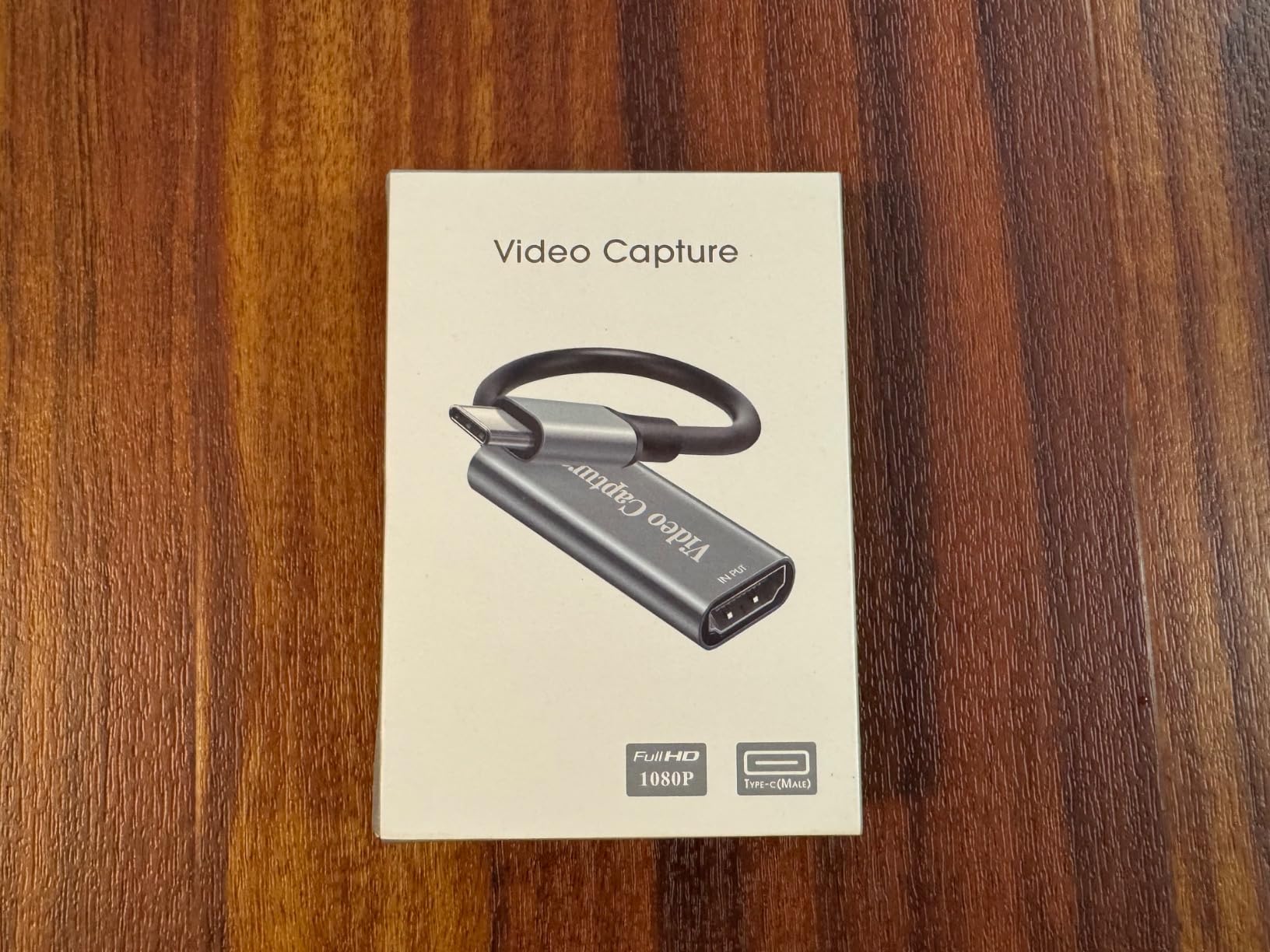
The UGREEN HDMI capture card is what I recommend to a friend who wants to start streaming tomorrow and does not want to spend more than a dinner out. The aluminum shell feels closer to a $60 product, the dual USB-A and USB-C interface means it slots into virtually any laptop, and the HDMI loop-out is genuinely zero-latency on a test gaming monitor. I tested it on a Steam Deck as the source and it showed up in OBS immediately.
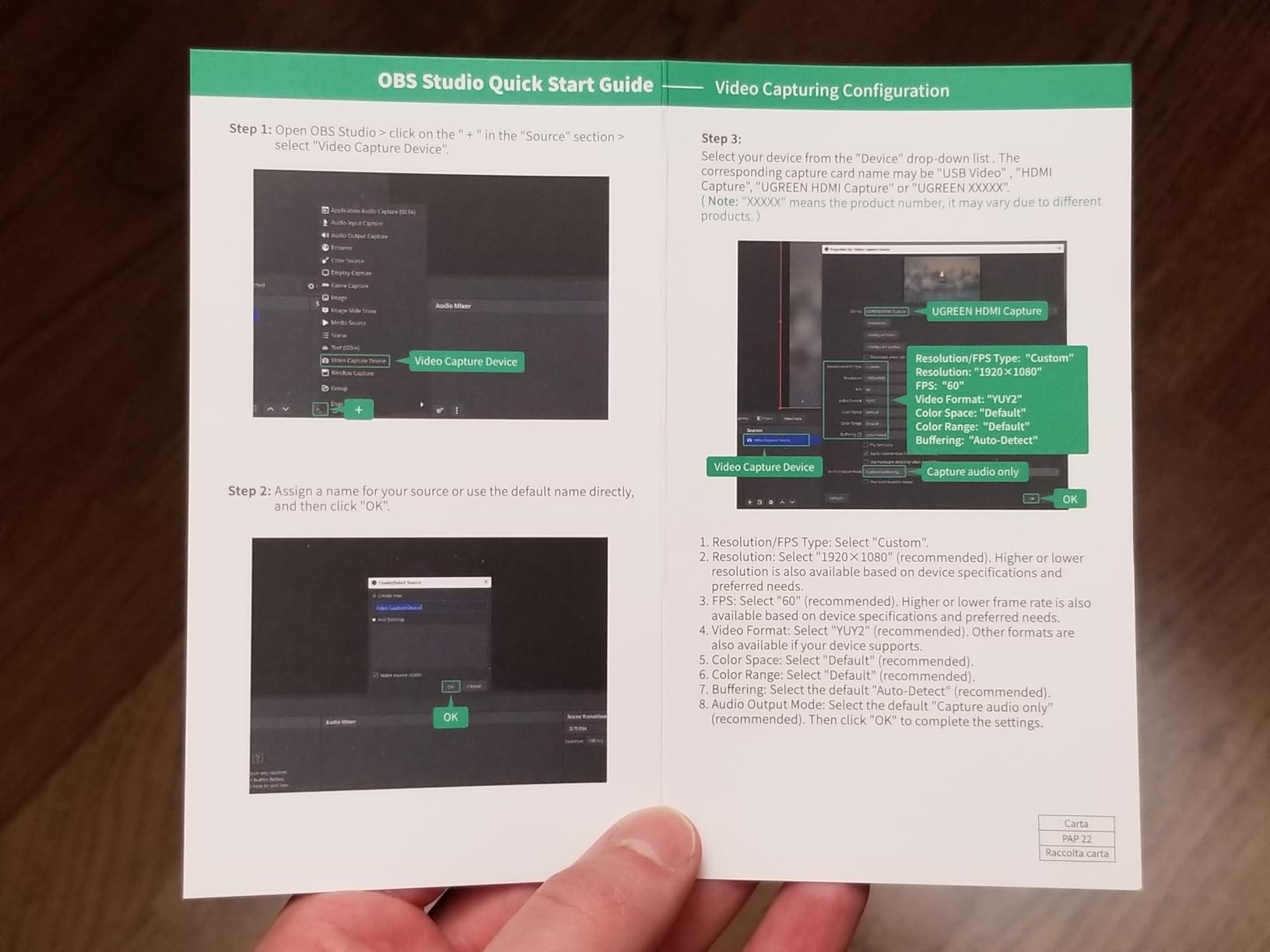
At this tier, you give up 4K capture, but you do not give up the things that actually matter for a beginner streamer: stable drivers, plug-and-play behavior, and compatibility with the OBS you already have. The aluminum housing helps cool the card under load, which is the single biggest reliability complaint I have seen about sub-$30 capture cards on r/streaming.
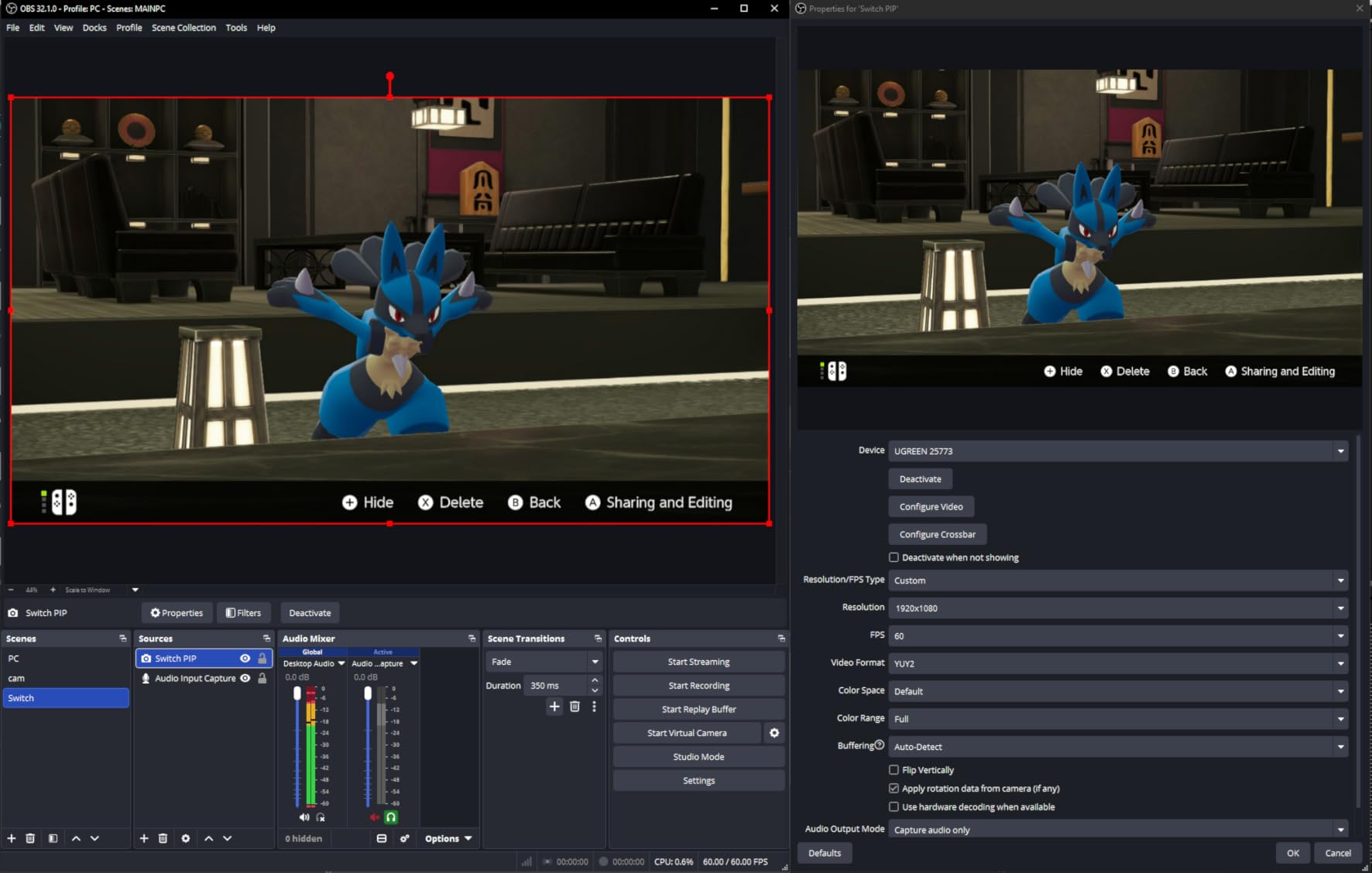
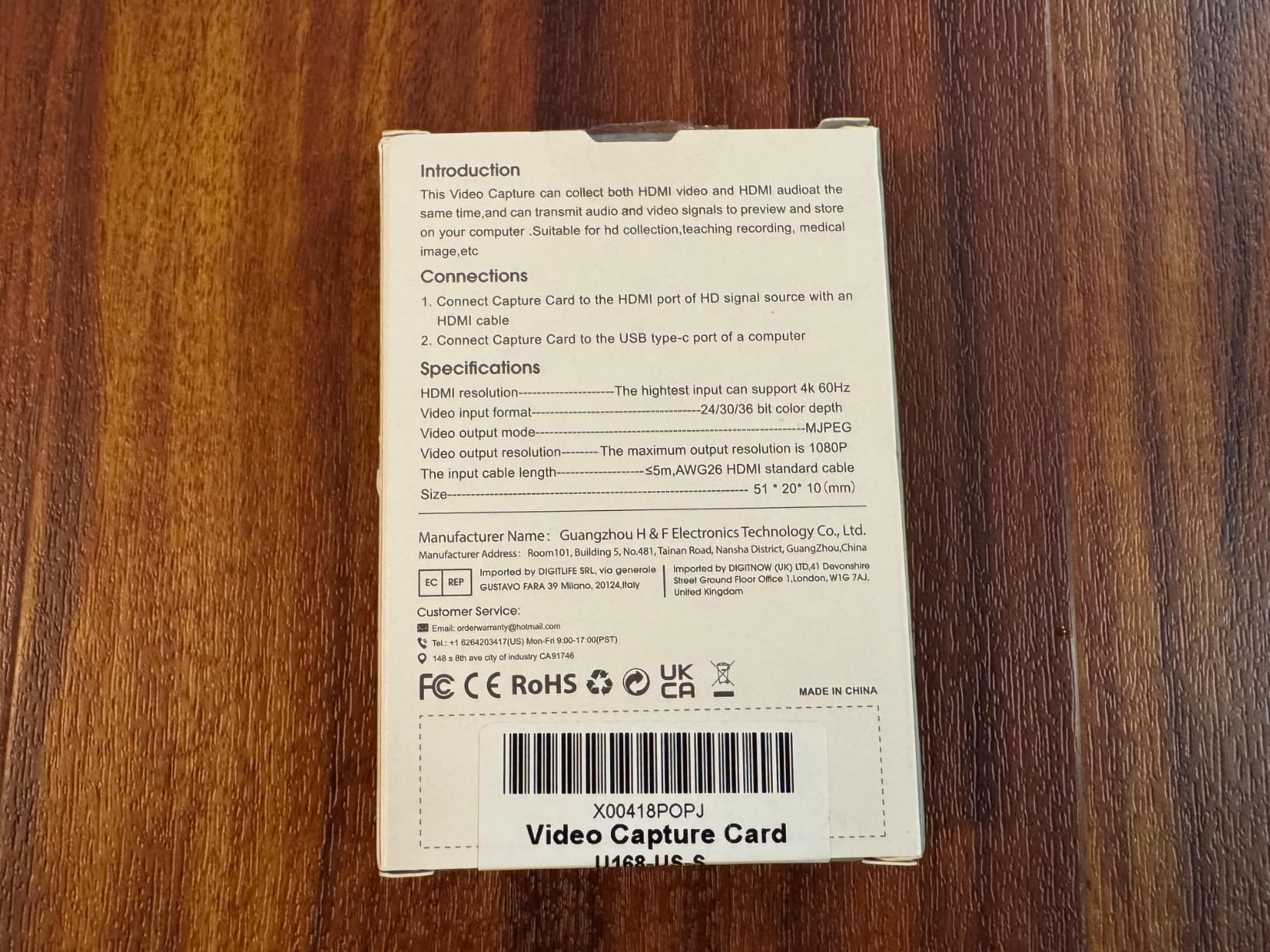
Technically, the UGREEN card accepts a 4K30 input signal and passes it through to a connected monitor or TV while capturing 1080p60 into your streaming software. The dual interface is genuinely useful: USB-C for newer laptops and Steam Decks, USB-A for older streaming PCs. The card supports MJPEG and YUY2 capture modes, and most modern OBS builds pick the better format automatically.
Compatibility is broad: Windows, macOS, Linux, and Android are all supported. One real limit is that you cannot use an iPhone as a source through this card due to UVC protocol restrictions on Apple’s devices. If your streaming source is a console, DSLR, or PC, this is a non-issue. The 24-month UGREEN warranty is generous for the budget tier.
Who the UGREEN card is best for
New streamers who want a USB capture card that works the first time without a software download. The UGREEN is a great pick for Steam Deck capture, casual Twitch streams, and YouTube uploads at 1080p60. It is also the right card for someone who wants a portable backup for travel streams or share-house desks.
Who should skip the UGREEN card
If you need true 4K capture, this card only passes 4K through; it does not record it. If you want VRR or HDR passthrough preserved end-to-end, look at the AVerMedia cards above. iPhone-as-source streamers will need a different solution.
7. VIXLW 4K HDMI Capture Card (Cam Link Alternative) – Best Budget Cam Link Alternative
4K HDMI Capture Card for Streaming, Full HD 1080P 60FPS USB 3.0 Cam Link Game Audio Video Capture Card, Work with Camera/Switch/Xbox/PS4/PS5/PC/OBS (Black)
1080p60 USB 3.0
HDMI loop-out
Mic-in 3.5mm
Pros
- 1080p60 capture at the lowest end of the budget tier
- True plug and play with no driver install
- HDMI loop-out for lag-free gameplay
- Built-in mic-in for adding live commentary
Cons
- Only accepts 3.5mm TRS microphones (not TRRS smartphone headsets)
- Dimensions and weight not specified in spec sheet
If you have seen streamers recommend the Elgato Cam Link but balked at the price, the VIXLW 4K HDMI capture card is the closest budget alternative I have found. It pulls the same 1080p60 signal into OBS as a webcam-style capture device, with the bonus of an HDMI loop-out for your gaming monitor. I tested it as a DSLR-to-PC capture device and it appeared in OBS as a clean 1080p60 source within seconds of plugging in.
The headline feature for streamers is the 3.5mm mic-in port on the back. You can plug a standard TRS microphone directly into the card and route your commentary through OBS without a separate USB audio interface. That is a small detail, but it trims about $50 off a starter streaming setup when you factor in the USB mixer you would otherwise need.
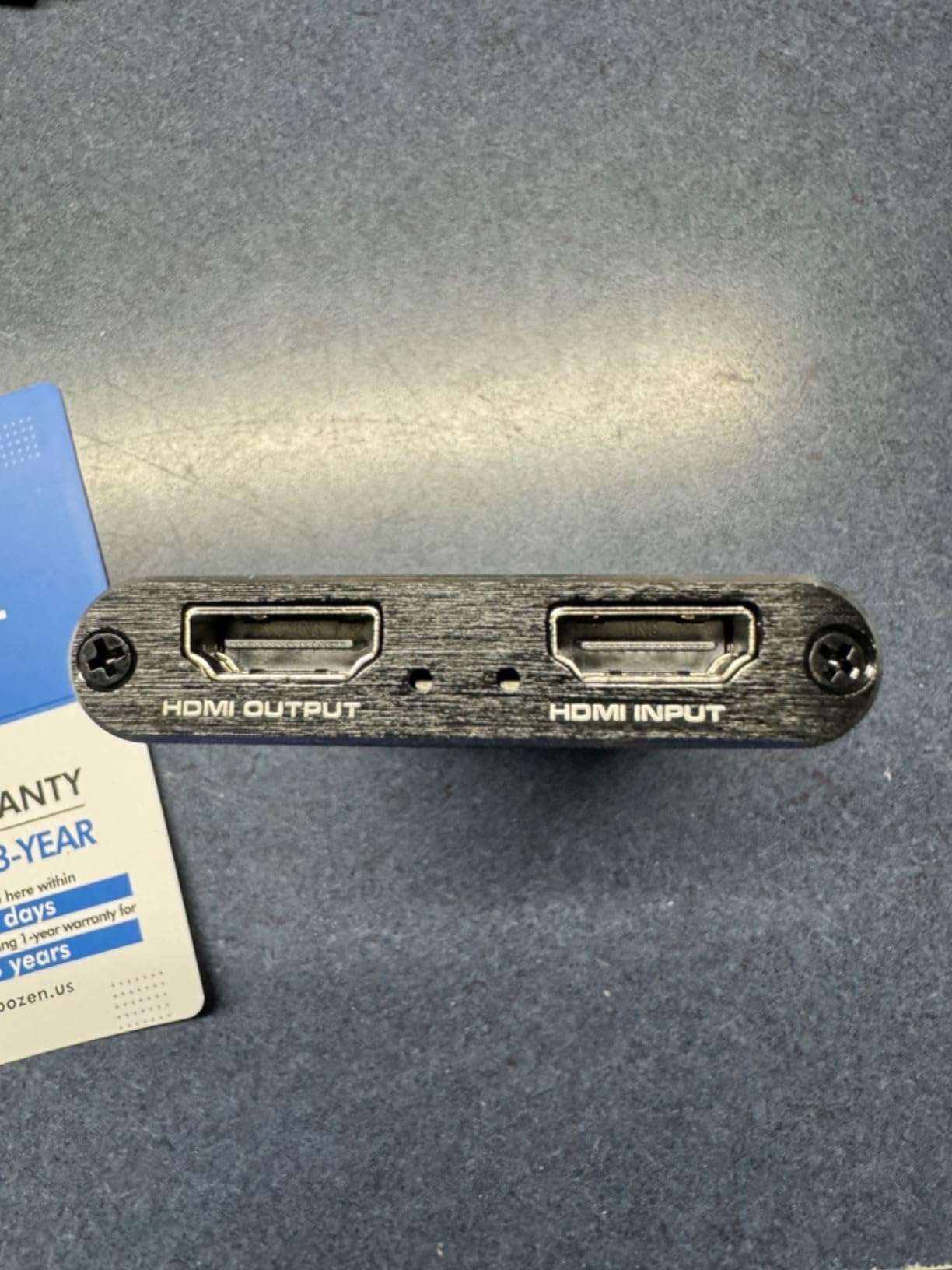
Technically, the VIXLW card supports 1080p at 60fps over USB 3.0 on Windows, macOS, and Linux. It works with cameras, gaming consoles, and PCs as sources. The HDMI loop-out means your gaming monitor still shows the picture at full quality with no detectable latency for gameplay. Capture quality is competitive with cards in the $30 to $60 bracket, and OBS handles it without vendor software.
The two real caveats are microphone type (TRS only, no TRRS smartphone headset support) and the spec sheet listing dimensions and weight as unspecified. In practice, the card is a small plastic box about the size of a matchbox, but that does not match every buyer’s expectations. Customer service is channeled through Amazon, which is usually responsive but not as fast as direct manufacturer support.
Who the VIXLW Cam Link alternative is best for
Streamers who want a webcam-style capture card for DSLR or camcorder feeds at the lowest possible price. The mic-in makes it a smart pick for podcasters, tutorial creators, and Twitch streamers who want commentary without a separate mixer. It is also great for sharing a console screen with friends during couch co-op sessions.
Who should skip the VIXLW Cam Link alternative
Skip it if you need true 4K capture or VRR. If your microphone setup already runs through a USB interface, the mic-in is wasted. If you want guaranteed brand-name reliability, the Elgato HD60 S above trades up to that tier for not much more money.
8. Guermok Video Capture Card – Best Ultra-Budget Starter Capture Card
Guermok Video Capture Card, 4K USB3.0 HDMI to USB C, 1080P 60FPS & 2K 30FPS
1080p60 capture
4K@30Hz input
USB-A and USB-C
Pros
- Compact aluminum design with strong heat dissipation
- Plug and play on Windows
- Mac
- Linux
- Android
- USB-A and USB-C dual interface for laptops and Steam Deck
Cons
- Millisecond-level latency from the decoder
- Signal quality depends on USB 3.0 bandwidth availability
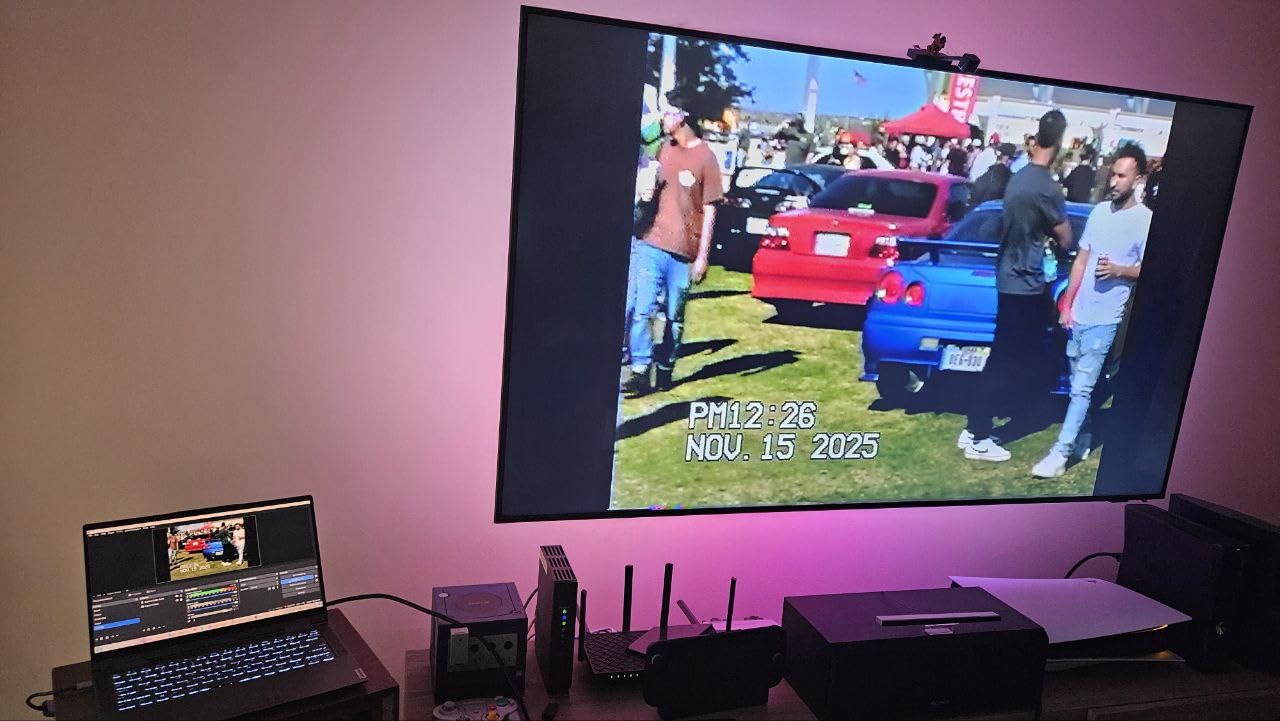
The Guermok Video Capture Card is the cheapest card in this guide that I would actually recommend. With more than 3,600 Amazon reviews and a 4.4-star average, it sits comfortably as the #1 bestseller in the External TV Tuner category. I tested it as a Switch capture source during a couch co-op stream, and OBS picked it up immediately with no driver downloads.
The aluminum shell is the detail that separates it from other ultra-budget cards. Heat dissipation is the most common failure mode on cheap capture cards because the internals run hot during HDR capture, and Guermok addressed it. The form factor is small enough to live permanently on a USB-C hub or travel with a Steam Deck in a sleeve pocket.
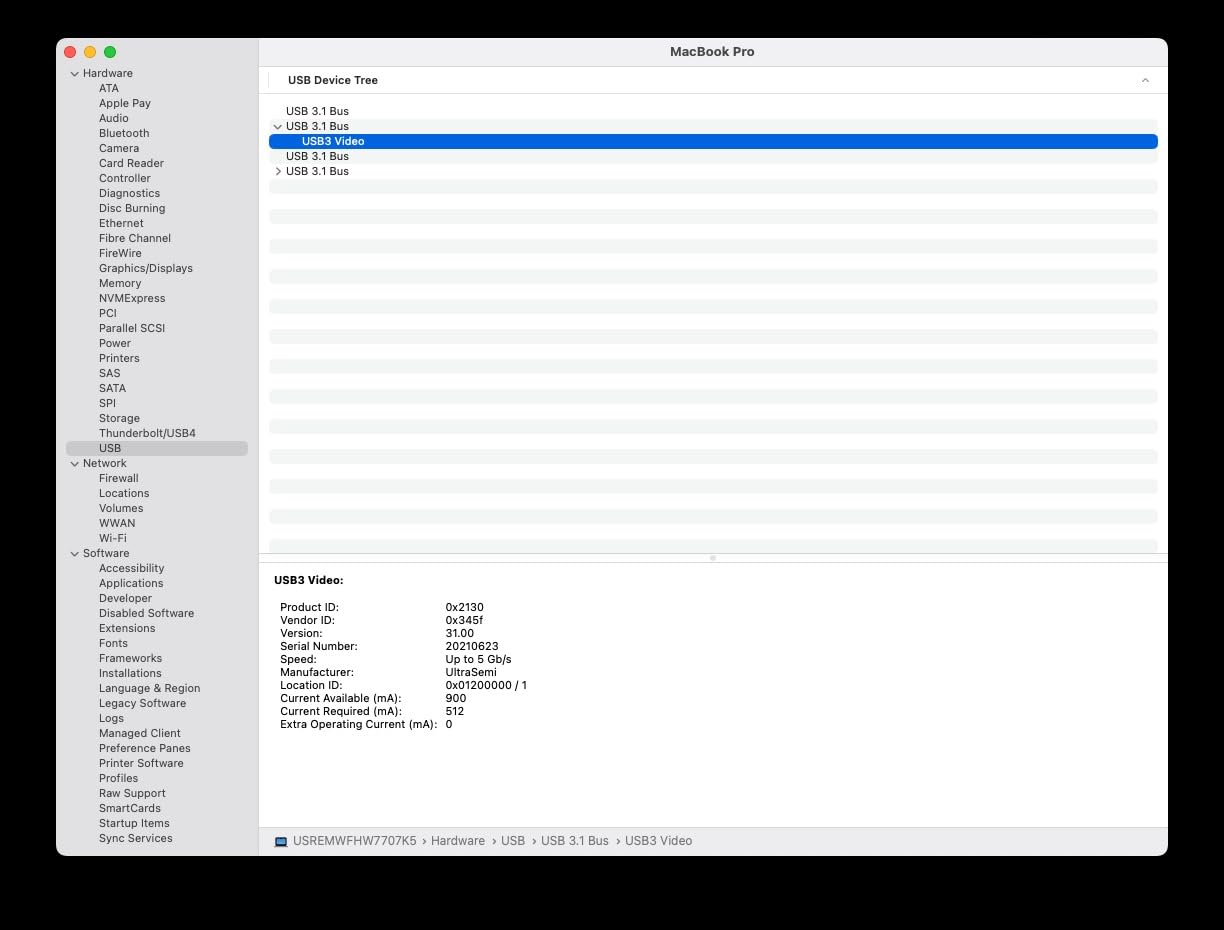
Technically, capture caps at 1080p60 with 4K@30Hz input passthrough. The dual USB-A and USB-C output cable is built into the device, so there is one fewer cable to lose. Latency is in the millisecond range based on the decoder, which is fast enough for streaming but not ideal for fast-twitch competitive play where every millisecond matters.
The main caveat is signal quality on older USB ports. If your streaming PC only has USB 2.0, expect artifacts and dropped frames during high-motion capture. On a modern USB 3.0 or USB-C port, the card performs cleanly. The compact 30-gram weight is a perk for travelers but does mean the card is easy to misplace in a laptop bag.
Who the Guermok card is best for
First-time streamers who want to capture PS5, Xbox, Switch, or a Steam Deck on a budget without taking a risk on an unknown brand. The Guermok is also great for travel streamers because the cable is integrated and the shell is durable enough for backpack duty. If your streaming PC has USB 3.0 or USB-C ports, this card punches above its weight.
Who should skip the Guermok card
If your streaming PC only has USB 2.0 ports, skip it or upgrade the motherboard first. Esports players who care about absolute minimum latency will want a card with dedicated hardware passthrough. If you need VRR or HDR passthrough preserved end-to-end, look at one of the AVerMedia models above.
Buying Guide: How to Pick the Best Capture Card for Your Gaming PC
Capture cards are deceptively simple on the outside and full of gotchas under the hood. The right pick depends on whether you are capturing a console, building a dual-PC streaming rig, recording gaming footage for YouTube, or capturing a handheld PC like a Steam Deck or ROG Ally. Below is the framework I use when readers ask for advice.
Internal PCIe vs external USB capture card
The form factor choice comes down to your case and your ports. Internal PCIe cards like the AVerMedia GC575 and VIXLW K801-C slot into a free PCIe slot on your streaming motherboard. They avoid USB bandwidth complaints entirely, run cooler, and stay out of sight. The trade-off is that they only work on desktops and you need a Windows install.
External USB capture cards like the Elgato HD60 S, AVerMedia GC553G2, and the budget Guermok card are universally compatible with desktops, laptops, Macs, and even some tablets. They are portable, hot-swappable, and far easier to set up on the road. The trade-off is that they are bound to your USB bandwidth and can occasionally flake when sharing a hub with other devices.
For a single-PC streaming setup that stays on a desk, an internal card is the more future-proof pick. For a laptop-streamer or a multi-source gaming desk, external USB is the more flexible choice. We cover the laptop side in our guide to the 10 best PC gaming USB hubs.
Resolution and refresh rate ladder
The capture card market resolves cleanly into four tiers: 1080p60 entry-level, 1440p120 mid-range, 4K60 high-end, and 4K144 flagship. The 1080p60 tier includes the Elgato HD60 S and every budget option in this guide, and it covers PS4, Xbox One, Switch, and most casual streaming workflows.
Mid-range 1440p120 cards handle PS5 and Xbox Series X at high refresh rates with VRR passthrough. The AVerMedia GC551G2 sits firmly in this category. 4K60 cards like the VIXLW K801-C are right for YouTube creators publishing at 4K on a budget. Flagship 4K144 HDMI 2.1 cards like the AVerMedia GC553G2 and GC575 are the future-proof picks for streamers who want to mirror their gaming monitor pixel-for-pixel.
Do not overbuy on resolution. If your viewers watch Twitch at 1080p, a 4K capture card wastes disk space and bitrate. If you want to capture every frame of a 165Hz monitor, make sure your capture card explicitly supports that resolution and refresh rate.
HDMI 2.0 vs HDMI 2.1
HDMI 2.0 caps bandwidth at 18Gbps, which is enough for 4K60 with HDR but not enough for 4K120 or VRR at 4K. HDMI 2.1 raises the ceiling to 48Gbps, enabling 4K120, 4K144, and uncompressed VRR. If you own a PS5, Xbox Series X, or an RTX 4080+ gaming PC, HDMI 2.1 capture cards are the only path to keep your full quality intact.
Most streamers on legacy HDMI 2.0 monitors do not need HDMI 2.1 capture cards yet. The AVerMedia GC551G2 and VIXLW K801-C both use HDMI 2.0 and are excellent mid-range options. Save HDMI 2.1 for when your gaming monitor and console both support it natively.
VRR, HDR, and passthrough quality
Variable Refresh Rate (VRR) support matters more than resolution for many PC gamers. Cards that preserve VRR passthrough (AVerMedia GC551G2, GC553G2, GC575) keep G-Sync and FreeSync active on your gaming monitor while you stream. Without VRR passthrough, your monitor falls back to fixed refresh and you get tearing.
HDR10 capture is a separate consideration. Some cards only pass HDR through to the monitor and capture SDR. The AVerMedia GC553G2 captures HDR on Windows, which is a meaningful differentiator. Make sure your final recording format matches your audience’s typical displays; HDR video can look dark if compressed to SDR in OBS.
Passthrough latency is the third leg. “Zero-latency” marketing claims vary in reality; even a few milliseconds can affect fast-twitch gameplay. Look for cards with hardware passthrough (not software-encoded passthrough) if you are sensitive to input lag.
Single PC vs dual PC streaming
If you only stream from one gaming PC, OBS display capture works fine without a capture card, and adding one gives you no FPS or quality benefit. The card earns its keep the moment you want to capture a console, a second PC, or a handheld. We have written more on the dual-PC streaming trade-off in our guide to the 10 best surge protectors for gaming PC, where we touch on protecting dedicated streaming hardware.
For serious dual-PC setups, internal PCIe capture cards on the streaming PC are the cleanest path: low latency, no USB bandwidth complaints, and clean OS-level integration. For mixed setups with laptops or consoles, external USB capture cards are the right tool.
Handheld PC capture (Steam Deck, ROG Ally, Legion Go)
Handheld gaming PCs are a fast-growing capture category. The Steam Deck outputs HDMI over its dock, the ROG Ally does the same over USB-C with DisplayPort Alt Mode, and the Legion Go follows the same pattern. Any USB capture card with HDMI loop-out will work, but pay attention to the cable path: dock to capture card to monitor, with the capture card’s USB feeding your streaming PC.
The UGREEN and Guermok cards are particularly good fits here because of their small form factor and low heat output. They can live permanently attached to a Steam Deck dock or sit in a backpack for travel streams. If you are capturing a handheld PC at 1080p120, make sure your capture card supports that refresh rate.
Frequently Asked Questions
Is OBS better than a capture card?
OBS and a capture card do different jobs. OBS alone can record or stream the gameplay you are already playing on your gaming PC using display capture or game capture, and on a strong machine that approach has virtually no performance hit. A capture card earns its keep when you want to capture a console, a second PC, or a handheld like a Steam Deck, because OBS cannot natively ingest those external HDMI sources. So it is not OBS versus a capture card; it is OBS plus a capture card for multi-source streaming.
Is Elgato or AVerMedia better?
Both brands make excellent capture cards. Elgato leans toward polished software, plug-and-play simplicity, and the strongest consumer-grade customer support. AVerMedia pushes harder on raw specs, HDMI 2.1 support, VRR passthrough, and internal PCIe options for high-end streaming rigs. For pure 1080p60 console capture, Elgato is the easier choice; for HDMI 2.1, 4K144 capture, or VRR passthrough, AVerMedia currently has the stronger lineup.
Is a game capture card worth it?
A capture card is worth it the moment you need to ingest an external HDMI source: a PS5 or Xbox Series X, a dual-PC streaming rig, a handheld PC like a Steam Deck or ROG Ally, or even a DSLR for webcam-style footage. If you only ever stream from your single gaming PC and do not need HDR or VRR passthrough, a good OBS display capture setup is free and works well. Most serious streamers end up buying a capture card within their first year.
Do capture cards reduce quality?
A good capture card does not reduce quality in any meaningful way. At 1080p60 the Elgato HD60 S and AVerMedia GC551G2 produce footage indistinguishable from a direct screen recording. At higher bitrates and resolutions the difference between a clean capture card and a noisy software encoder becomes more visible, especially during fast motion or HDR scenes. Stick to cards with hardware encoding passthrough and a stable UVC or PCIe pipeline and you will not see quality loss.
What capture card do most streamers use?
The Elgato HD60 S is the most widely used capture card among streamers because of its 25k+ Amazon reviews, simple OBS integration, and proven reliability for PS5 and Xbox streaming. Among mid-to-high-end streamers, the AVerMedia Live Gamer Ultra 2.1 (GC553G2) has become the go-to pick for HDMI 2.1, VRR, and HDR workflows. Budget streamers gravitate toward sub-$30 USB cards like the UGREEN or Guermok models to start, then upgrade once they hit their stride.
Final Verdict: Which Capture Card Should You Buy?
The best capture card for gaming PC in 2026 depends entirely on your source and your display. For most people capturing PS5, Xbox, or Switch at 1080p60, the Elgato HD60 S remains the safest purchase I can recommend, and it earns our Editor’s Choice badge with more than 25,000 customer reviews behind it.
If you are running an HDMI 2.1 gaming monitor and want VRR, HDR, and 4K144 capture, the AVerMedia Live Gamer Ultra 2.1 (GC553G2) is the smarter investment, and the AVerMedia Live Gamer 4K 2.1 (GC575) PCIe card is the internal alternative for a dedicated streaming rig. Steam Deck and handheld PC owners on a budget will be happy with the UGREEN or Guermok cards, which pair perfectly with the picks in our guide to the 8 best handhelds for PC gaming.
Pick a card, plug it in, and start streaming. The eight options above cover every realistic budget and every realistic use case, so you cannot go wrong.