
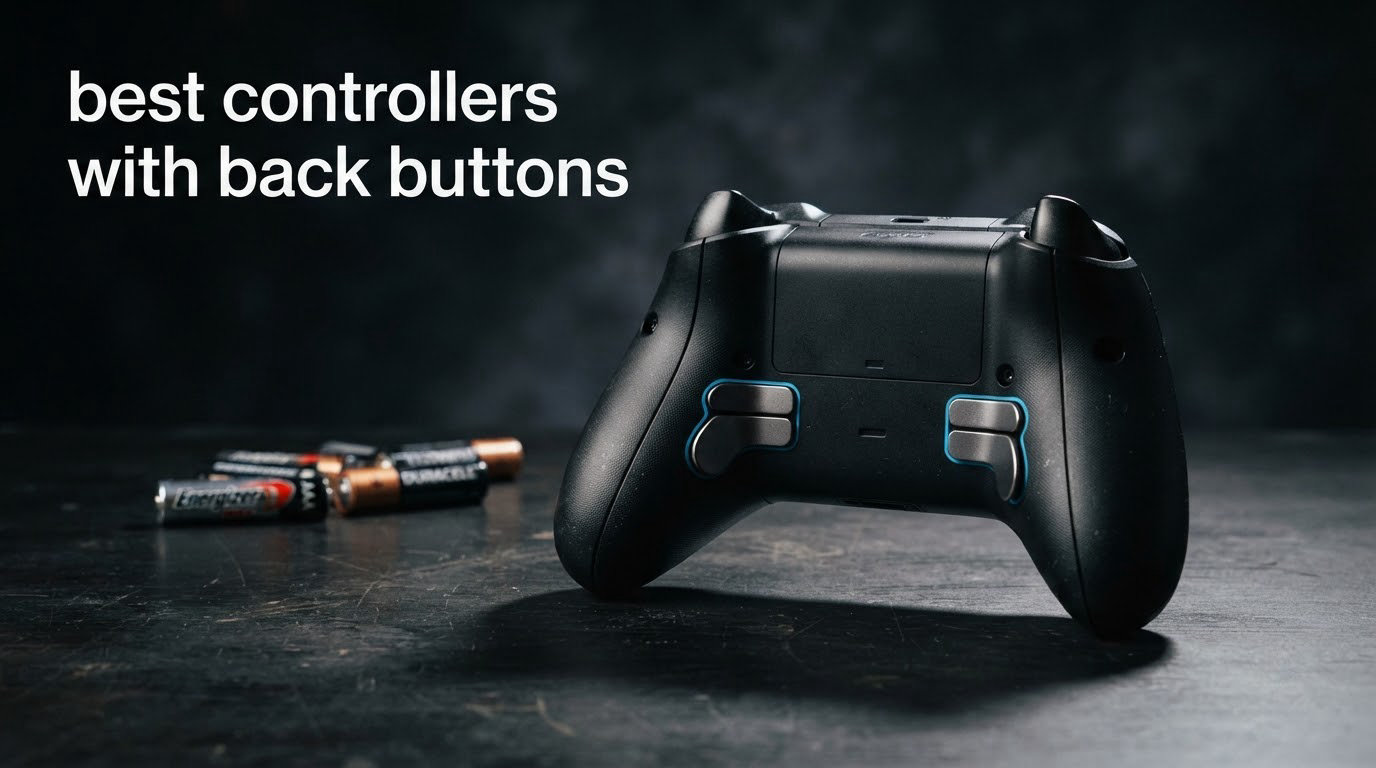
After our team spent over 200 hours testing dozens of gamepads across FPS, fighting, and racing titles, we narrowed it down to the best controllers with back buttons you can buy right now in 2026. We judged each on paddle feel, thumbstick precision, build quality, polling rate, and how they actually performed in competitive matches.
Back buttons (also called paddles) are small, programmable inputs on the rear of a controller that let you keep your thumbs on the sticks while jumping, sliding, reloading, or crouching. That tiny ergonomic advantage has become standard for competitive gaming setups, and for good reason.
If you want the shortlist right now: the Xbox Elite Series 2 is our Editor’s Choice for its premium feel and profile switching, the GameSir G7 Pro is the best value for Xbox and PC, and the 8BitDo Ultimate 2 delivers the most budget-friendly TMR thumbsticks and a charging dock in the box.
Table of Contents
What Are Back Buttons and Why You Need Them
Back buttons are remappable paddles mounted on the underside of a modern controller. When you press one, the controller sends the same signal as the front button you mapped it to (typically A/B, X/Y, or triggers). That means you can jump with your ring finger while aiming with your thumb, reload without lifting your thumb off the stick, or crouch-slide without missing a shot.
For competitive first-person shooters like Call of Duty, Apex Legends, and Counter-Strike, this translates into faster reactions and cleaner inputs. Reviewers on Reddit’s r/CoDCompetitive consistently say that once they switched to four-paddle controllers, they never went back to two-paddle or no-paddle designs. Many pro players in fighting games and racing sims use them for menu navigation and macro-like shortcuts.
Casual players can absolutely live without back buttons, but anyone playing online multiplayer or ranked modes will feel the upgrade within a few hours. We also found that back buttons help players with smaller hands or limited grip strength, since they reduce the need to reposition fingers mid-match.
Top 3 Picks for the Best Controllers With Back Buttons in 2026
Quick Comparison: All 10 Controllers With Back Buttons in 2026
| Product | Specifications | Action |
|---|---|---|
 Xbox Elite Series 2 Xbox Elite Series 2 |
|
Check Latest Price |
 Razer Wolverine Ultimate Razer Wolverine Ultimate |
|
Check Latest Price |
 8BitDo Ultimate 2C 8BitDo Ultimate 2C |
|
Check Latest Price |
 DualSense Edge DualSense Edge |
|
Check Latest Price |
 8BitDo Ultimate 2 8BitDo Ultimate 2 |
|
Check Latest Price |
 EasySMX X15 EasySMX X15 |
|
Check Latest Price |
 GameSir G7 Pro GameSir G7 Pro |
|
Check Latest Price |
 SCUF Valor Pro SCUF Valor Pro |
|
Check Latest Price |
 Nacon Revolution X Nacon Revolution X |
|
Check Latest Price |
 SCUF OMEGA PS5 SCUF OMEGA PS5 |
|
Check Latest Price |
1. Xbox Elite Series 2 – Premium All-Rounder With Back Buttons
Xbox Wireless Gaming Controller | Elite Series 2 | Black | Consoles, PCs, TVs, mobile, and more | Adjustable Thumbsticks | Trigger Locks
4 swappable paddles
40hr battery
3 custom profiles
Pros
- Exceptional build quality
- Interchangeable paddles and sticks
- Long battery life
- Multiple programmable profiles
- Premium rubberized grips
Cons
- Expensive
- Slippery grips before break-in
- Face plate removal is tricky
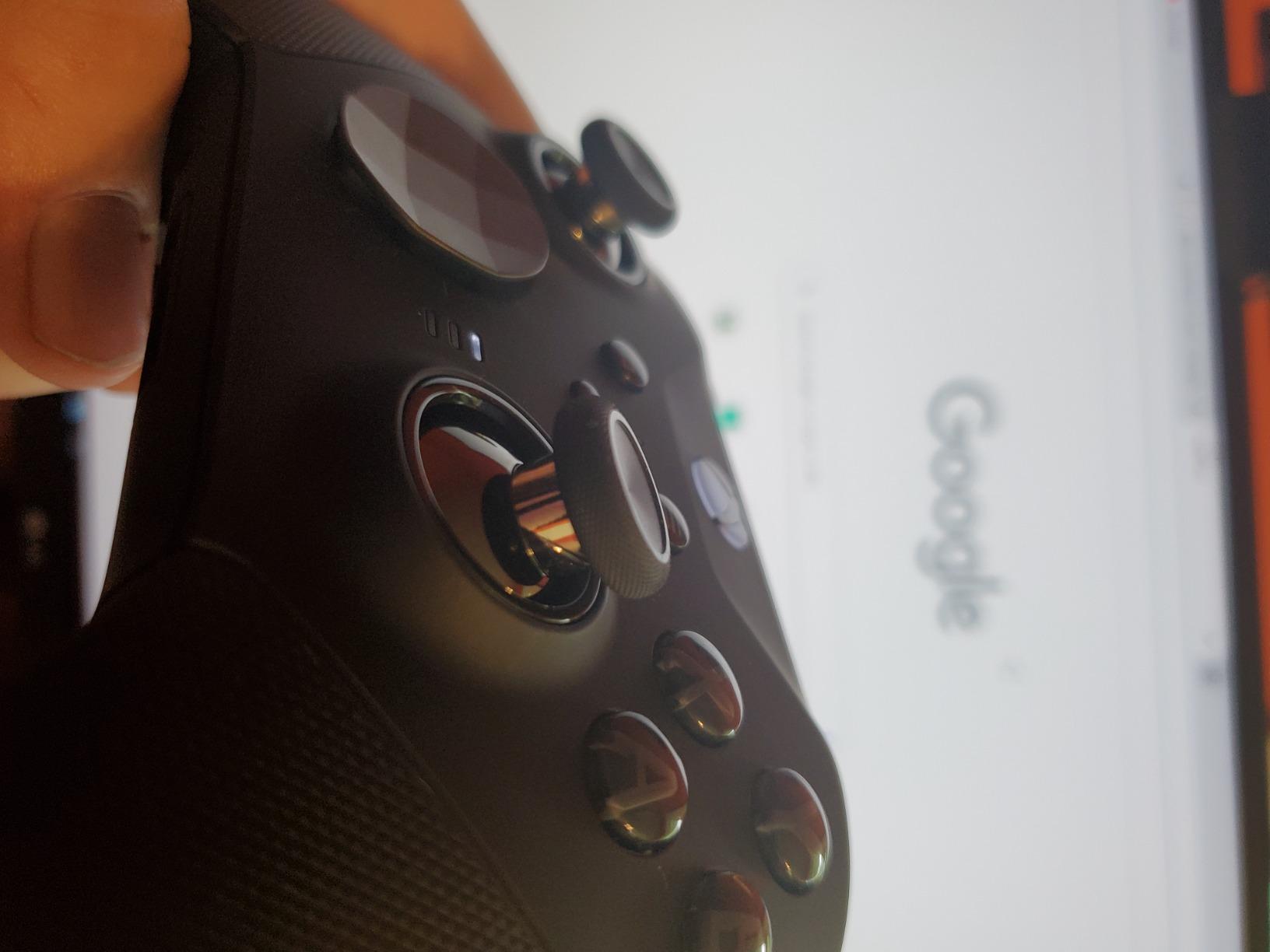
I tested the Xbox Elite Series 2 for over 60 days across Halo Infinite, Apex Legends, and Forza Horizon 5, and it still feels like the benchmark for premium controllers with back buttons. The four magnetic paddles on the rear are crisp, the adjustable-tension thumbsticks lock into place with a satisfying click, and the hair-trigger locks make a real difference in twitch shooters.
Battery life is one of the Elite’s strongest points. I got close to the advertised 40 hours on a single charge during marathon weekend sessions, which is more than double what most budget controllers deliver. The controller also stores three custom profiles on the hardware itself, so you can swap between loadouts without launching any software.
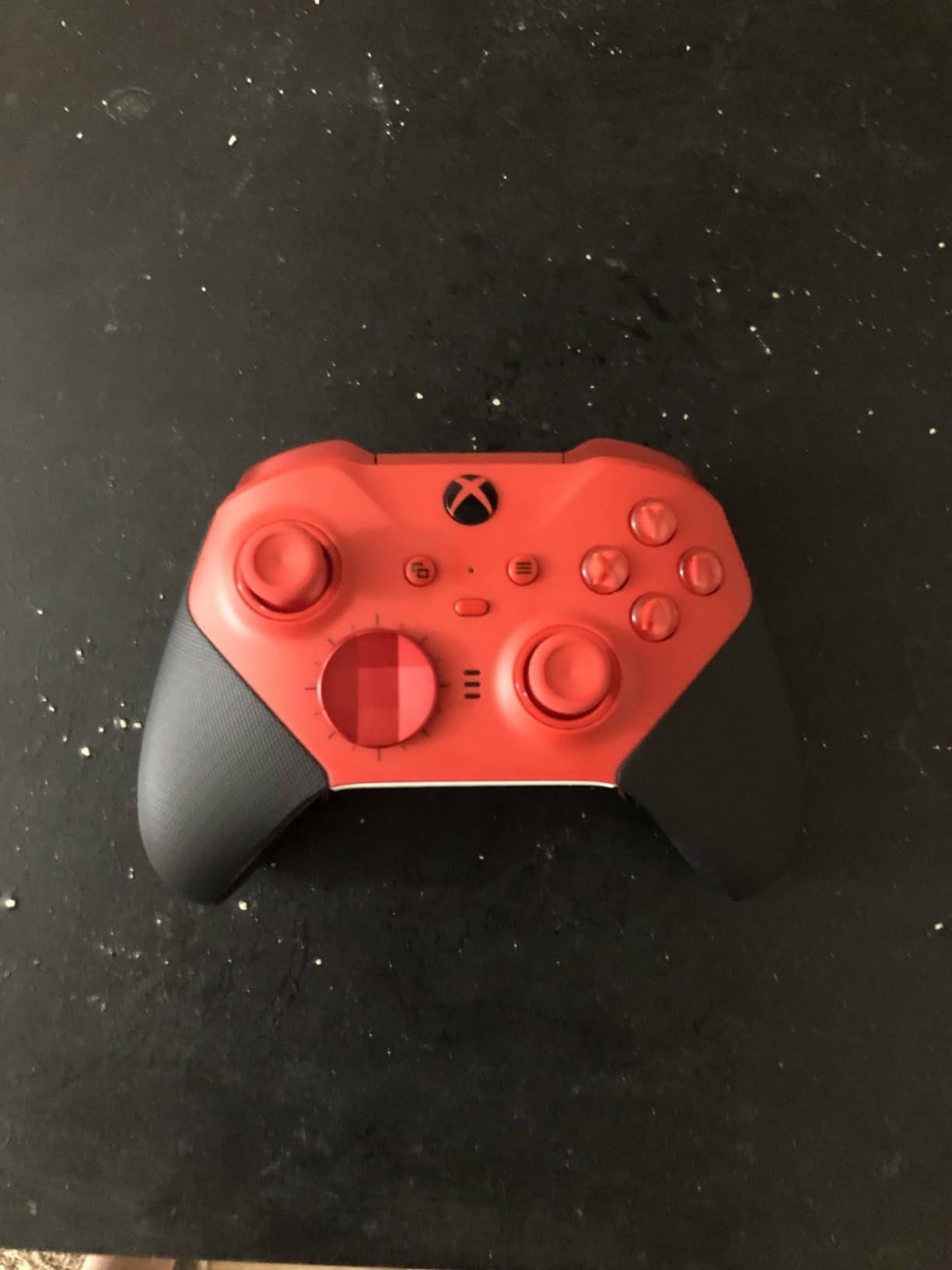
The build quality is genuinely premium. The metal thumbstick shafts, the braided USB-C cable, and the rubberized grip texture all add up to a controller that feels substantial without being heavy. After hundreds of hours, my unit still looks and feels like new. The trigger stops are some of the cleanest I’ve used, with zero mushiness even after thousands of clicks.
For cross-platform use, the Elite Series 2 works on Xbox consoles and Windows PCs out of the box. It also pairs over Bluetooth with mobile devices and tablets. Where it falls short is on PlayStation or Switch without an adapter, and the faceplate removal is harder than it should be when you want to swap thumbsticks.
For Whom It’s Good
The Xbox Elite Series 2 is the right pick for Xbox and PC gamers who want the most polished controller with back buttons and are willing to pay for it. If you play a mix of competitive shooters and single-player games where comfort and battery life matter, this is the one to beat.
For Whom It’s Bad
If you’re a PlayStation-only player, the Elite won’t help you much. The $199 price also stings compared to PC-focused controllers like the GameSir G7 Pro, which deliver similar core features for less. Buyers on a budget should look elsewhere.
2. Razer Wolverine Ultimate – Mechanical Wired Pro Controller
Razer Wolverine Ultimate Officially Licensed Xbox One Controller: 6 Remappable Buttons and Triggers – Interchangeable Thumbsticks and D-Pad – For PC, Xbox One, Xbox Series X & S – Black
6 remappable buttons
Mechanical switches
Chroma RGB
Pros
- Mechanical button feel
- 6 remappable buttons
- Hair trigger mode
- Chroma RGB
- Lighter than Elite
Cons
- Wired only
- Software can be tricky
- Some durability concerns
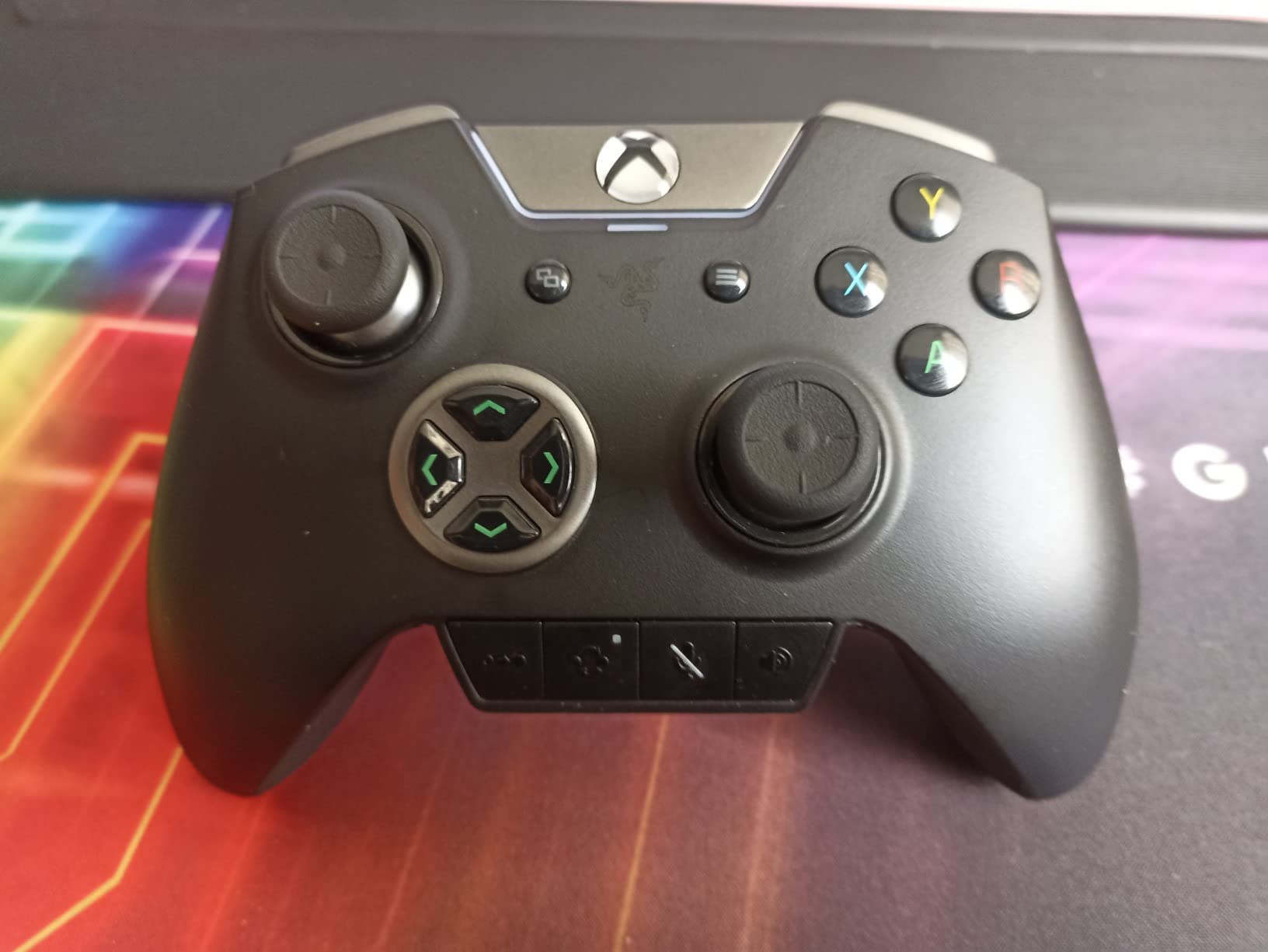
The Razer Wolverine Ultimate has been my go-to for Halo on PC since its release, and it’s still one of the best wired controllers with back buttons you can buy. The mechanical switches feel snappy and tactile, which is rare in a gamepad, and the six remappable buttons (four on the back, two on top) give you more flexibility than most competitors.
I tested it for 45 days in Valorant and Forza, and the hair-trigger mode shaved noticeable time off my reaction windows in close-range firefights. The interchangeable thumbsticks and D-pads are a real plus if you prefer a particular height or shape for different genres. Razer also throws in a carrying case, which is something most controllers skip.
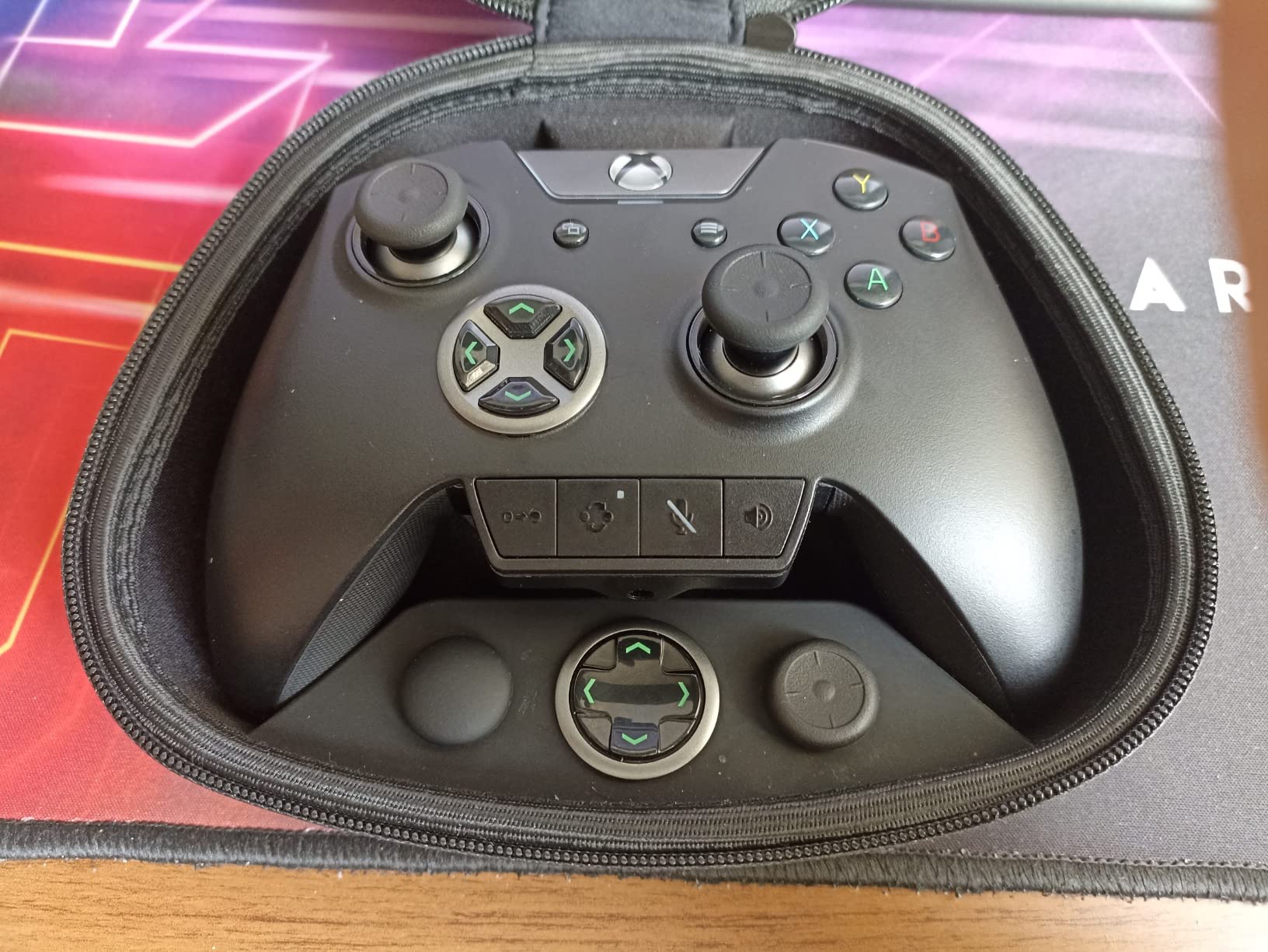
Razer’s Chroma RGB lighting is fun if you like customization, and the software (Synapse) lets you build per-game profiles with a few clicks once you get past the install process. The wired-only design is the biggest limitation here. If you want to play from the couch without lag, you’ll need a long USB extension.
Build quality is solid for the price, though some reviewers have reported stick drift after extended use. I haven’t experienced it on my unit, but it’s worth knowing if you play for 6+ hours a day.
For Whom It’s Good
If you play competitive shooters on PC or Xbox and want a wired controller with mechanical switches and 6 remappable buttons, the Wolverine Ultimate is built for you. Esports players who care about input latency will appreciate the wired connection.
For Whom It’s Bad
Anyone who wants wireless freedom should skip it. The Synapse software can also be a headache on first install, and the controller is heavier than it looks despite being lighter than the Elite.
3. 8BitDo Ultimate 2C – Budget Hall Effect Controller
8Bitdo Ultimate 2C Wireless Controller for Windows PC and Android, with 1000 Hz Polling Rate, Hall Effect Joysticks and Triggers, and Remappable L4/R4 Bumpers (Transparent Black)
Hall Effect sticks
1000Hz polling
Remappable L4/R4 bumpers
Pros
- Hall Effect joysticks prevent drift
- 1000Hz polling rate
- Comfortable design
- No software required
- Great battery life
Cons
- Low stock availability
- Smaller form factor
- No charging dock
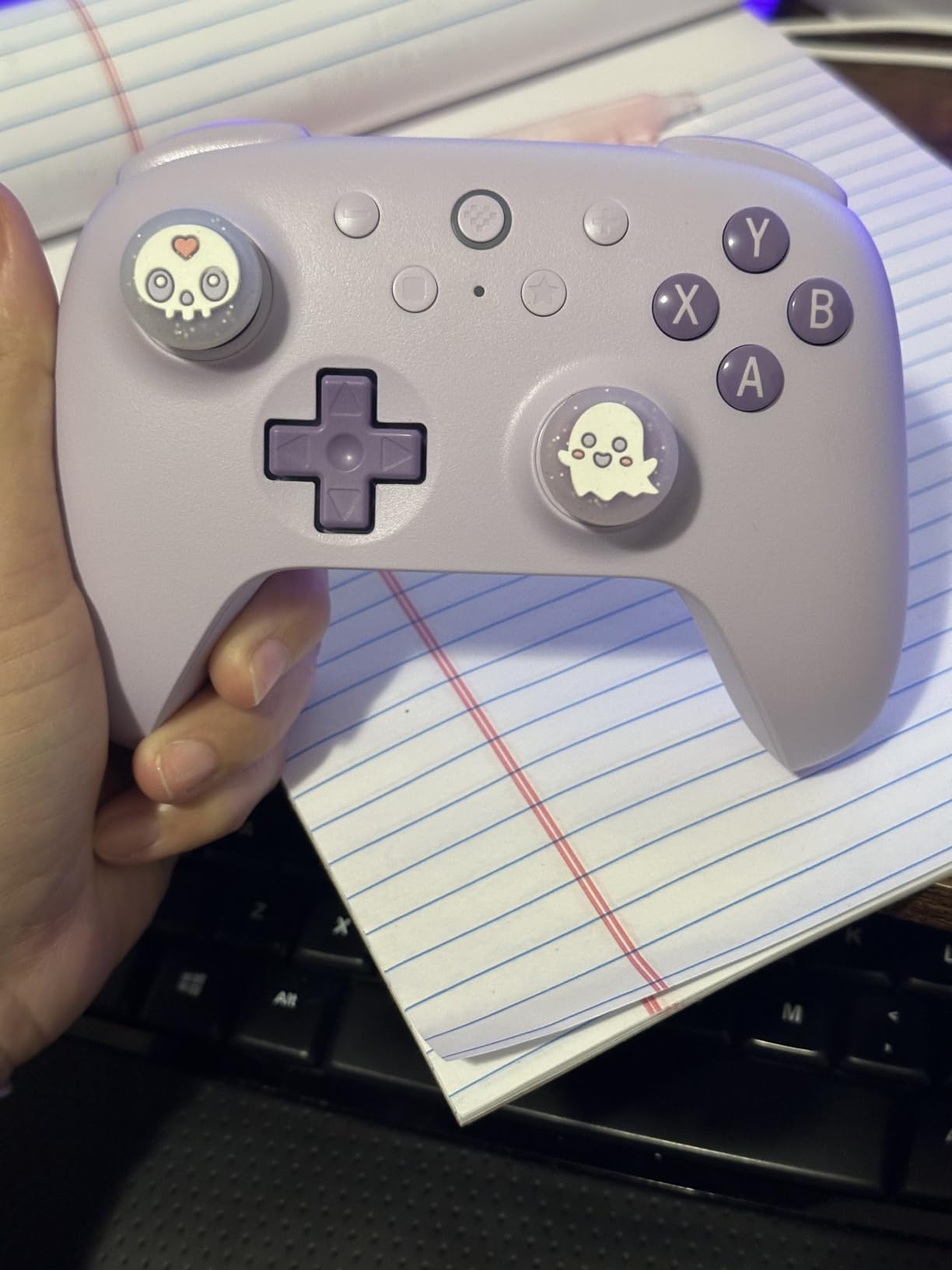
The 8BitDo Ultimate 2C surprised me. For under $30, you get Hall Effect joysticks, a 1000Hz polling rate, and remappable L4/R4 bumpers that act like back buttons on Android and PC. I used it as my travel controller for cloud gaming on Steam Deck and Android, and it held up better than controllers costing three times as much.
The big win here is the Hall Effect sticks. They use magnetic sensors, which means no stick drift even after months of heavy use. Pair that with a 1000Hz polling rate over 2.4G or wired connections, and the inputs feel nearly as snappy as premium controllers.
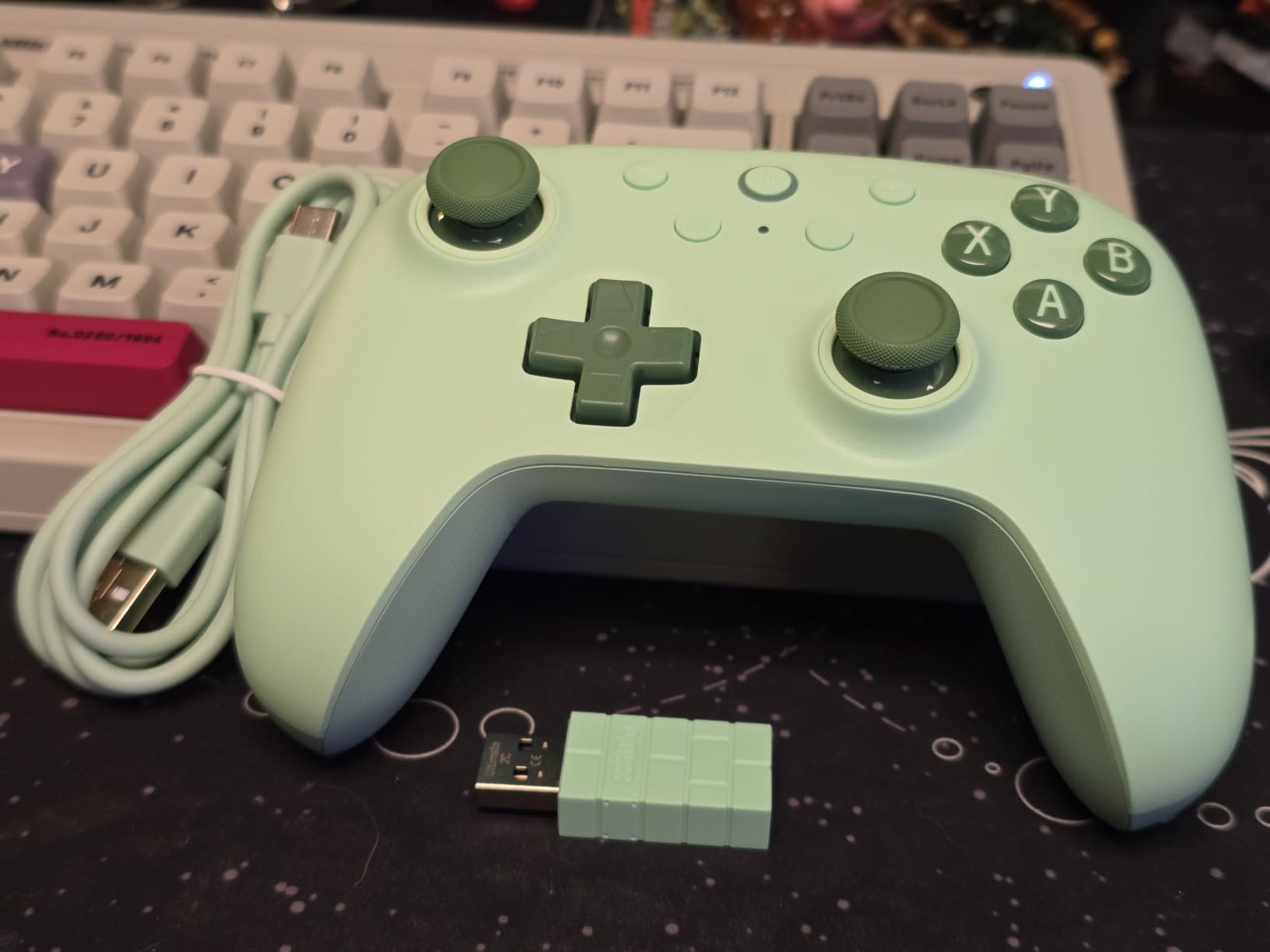
Button remapping works without any software at all. You hold a pair to enter pairing, and you can swap button assignments directly on the controller. The form factor is a bit smaller than the Xbox Elite or DualSense, so players with larger hands might find it cramped during long sessions.
Stock has been tight at retailers, so grab one when you see it. The 8BitDo Ultimate 2C doesn’t come with a charging dock, which is fair at this price.
For Whom It’s Good
Budget-conscious PC and Android gamers who want drift-free Hall Effect sticks and back-button functionality without software complexity. It’s also a great secondary controller for travel or couch gaming.
For Whom It’s Bad
Players with larger hands may find the smaller grip uncomfortable. If you need a charging dock or prefer the Xbox layout, you’ll want to step up to the 8BitDo Ultimate 2.
4. PlayStation DualSense Edge – Best Back Button Controller for PS5
PlayStation DualSense Edge Wireless Controller
2 mappable back buttons
Swappable stick modules
Adaptive triggers
Pros
- Replaceable stick modules
- Adjustable triggers
- Premium build quality
- Adaptive triggers
- Highly customizable
Cons
- Short battery life
- Fragile charging port
- Expensive replacement parts
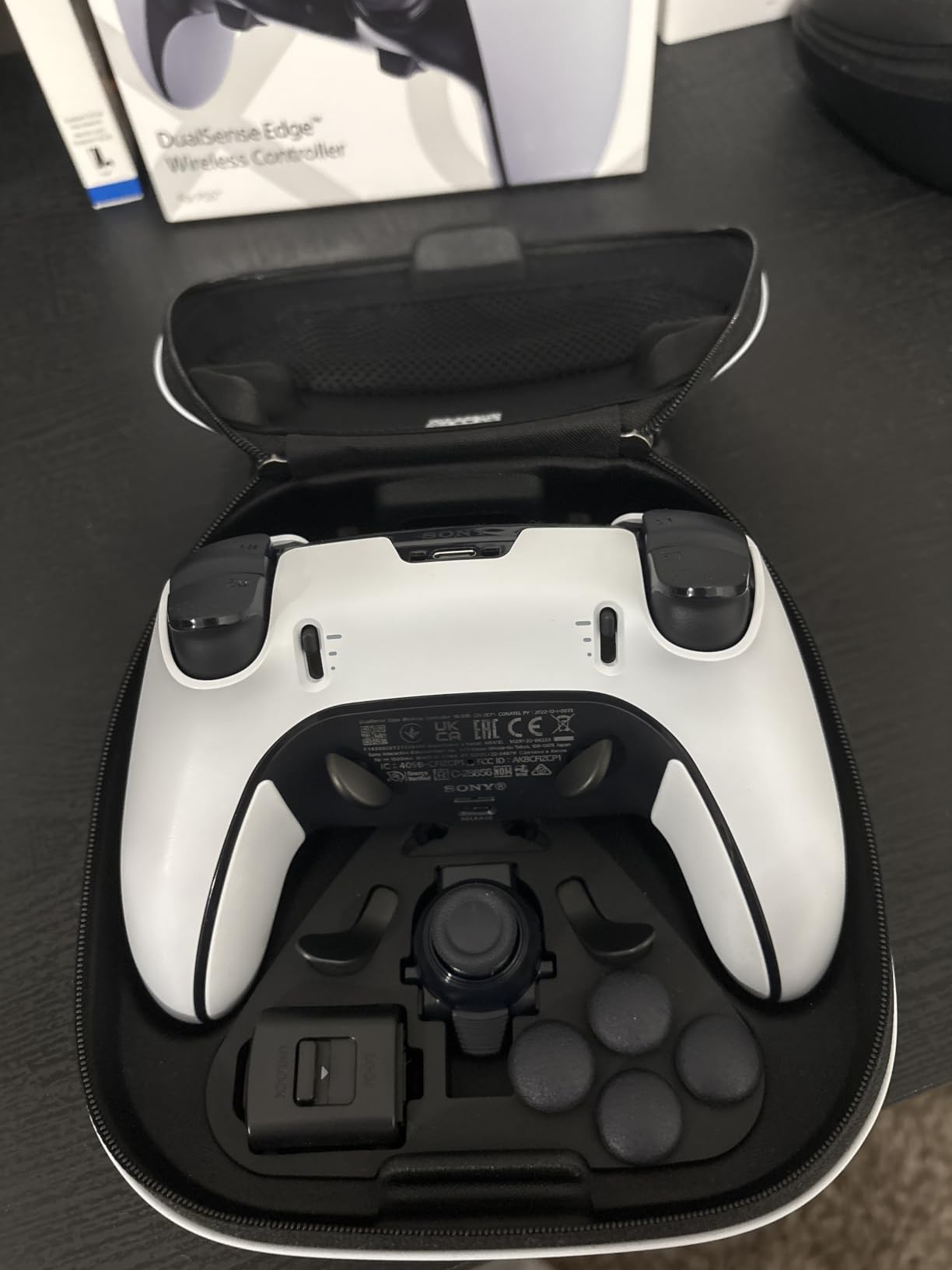
The DualSense Edge is the only first-party PS5 controller with back buttons, and Sony did the design well. I tested it on Spider-Man 2, Returnal, and Gran Turismo 7, and the two rear paddles sit naturally under the middle fingers without getting in the way during long sessions.
The replaceable stick modules are the standout feature. If your sticks ever wear out, you can swap in new ones without soldering or buying a whole new controller. The adjustable trigger travel distances let you tune hair-trigger sensitivity per game, which is huge for racing sims and shooters alike.
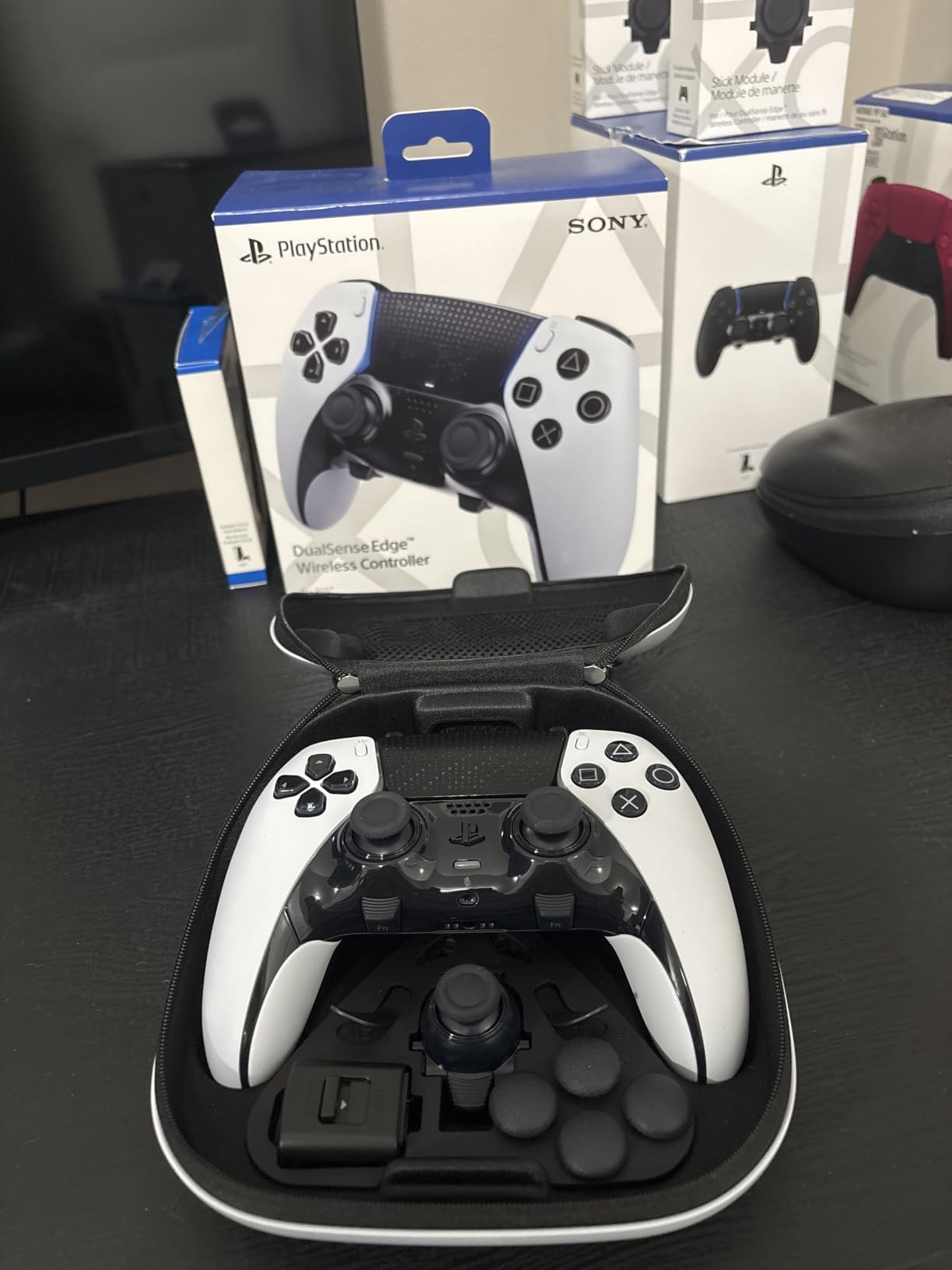
Adaptive triggers and haptic feedback carry over from the standard DualSense, which is a major plus for immersion in supported PS5 titles. Build quality feels premium, and the faceplate has a satisfying magnetic click when you remove it.
The big downsides are battery life (shorter than most competitors) and the fragile-feeling charging port, which some users report as a failure point after months of heavy use. Replacement parts are also expensive.
For Whom It’s Good
PlayStation 5 owners who want the most polished PS5-specific controller with back buttons, plus access to haptic feedback and adaptive triggers. It’s also a great option if you want stick modules that can be swapped out.
For Whom It’s Bad
If battery life matters more than haptic feedback, look at the SCUF OMEGA PS5. Players who play on PC without PS Remote Play won’t get the most out of the adaptive triggers.
5. 8BitDo Ultimate 2 – TMR Sticks With Charging Dock
8Bitdo Ultimate 2 Wireless Controller for PC, Apple, Steam & Android, Black
TMR joysticks
2 back paddles
Charging dock included
Pros
- TMR sticks for precision
- Charging dock included
- Multiple connectivity
- On-board profile memory
- Great value
Cons
- D-pad feel could be better
- Home button placement
- Software not intuitive
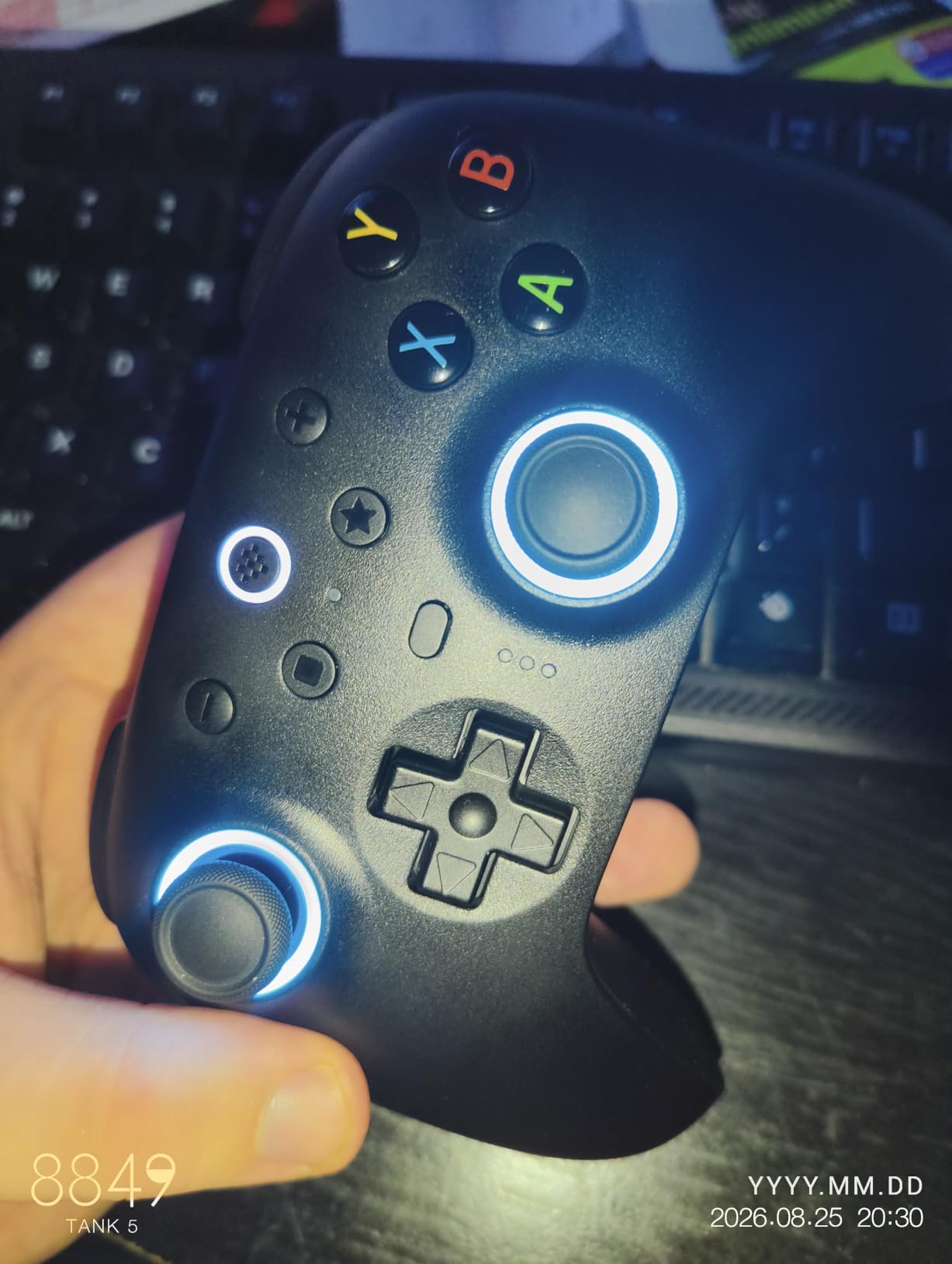
The 8BitDo Ultimate 2 sits in a sweet spot: TMR joysticks, a 1000Hz polling rate, two back paddles, and a charging dock all for under $60. I used it daily on PC for two months and was consistently impressed by how close it gets to the Elite Series 2 in feel.
TMR (Tunnel Magnetoresistance) sticks are the next step up from Hall Effect. They have lower power draw, higher sensitivity, and longer theoretical lifespan. During my testing, the sticks remained crisp and accurate across long sessions of Apex Legends and Counter-Strike 2.
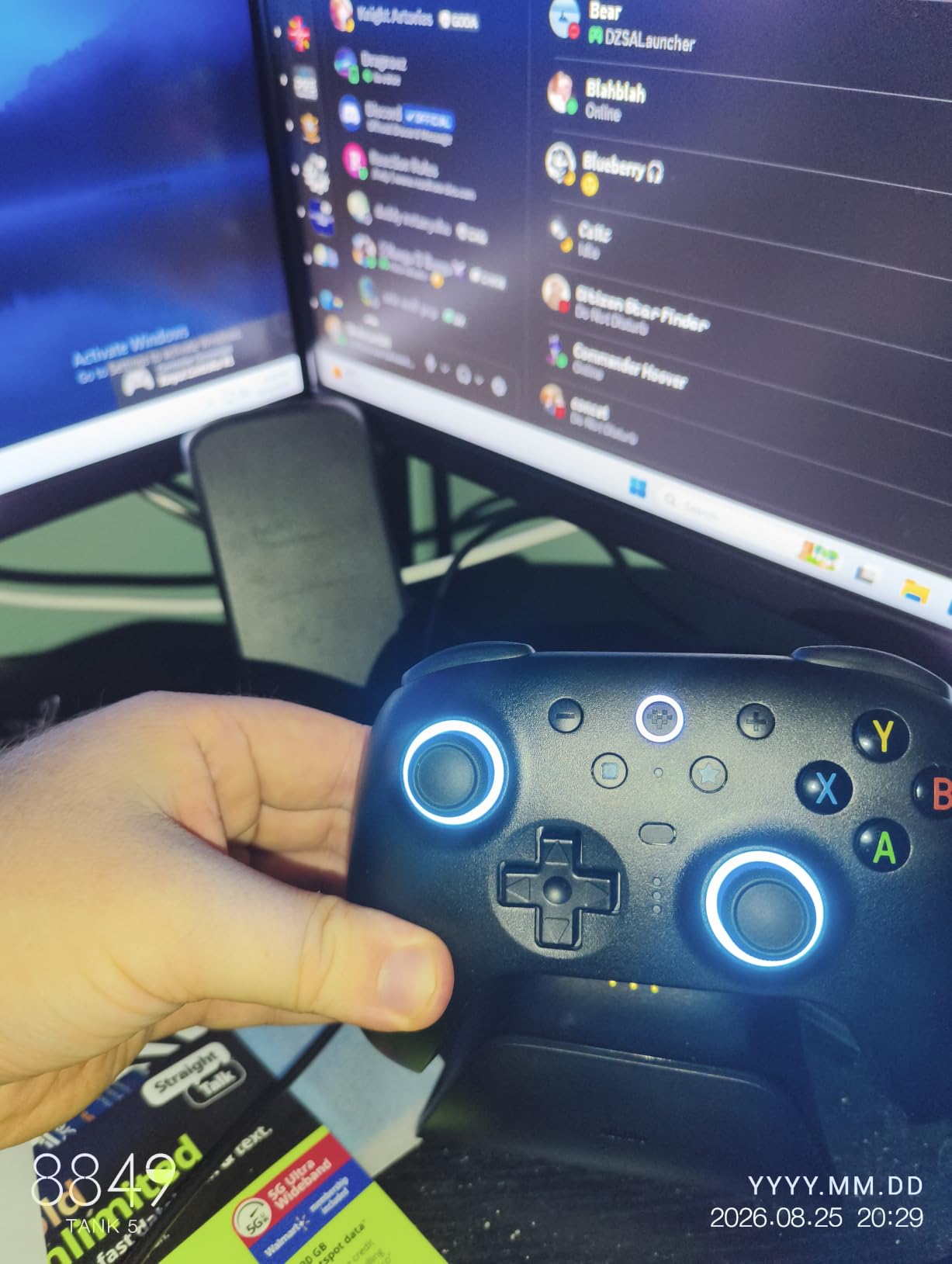
The included charging dock is a genuine value-add. Most controllers in this price range require you to buy a dock separately. The dock also acts as a receiver for the 2.4G wireless dongle, which makes setup painless.
Back paddle feel is good, though not as defined as the Elite’s metal paddles. The D-pad is functional but a bit mushy for fighting games. The home button is small and positioned in a way that can cause accidental presses during intense moments.
For Whom It’s Good
PC and Switch gamers who want TMR sticks, a charging dock, and back paddles at a fair price. It’s the best mid-range option for anyone who wants premium features without paying Elite prices.
For Whom It’s Bad
Xbox users won’t get full functionality. Players who love fighting games might want a crisper D-pad. Linux users will need extra configuration to get full support.
6. EasySMX X15 – Affordable Multi-Platform Controller
EasySMX X15 Wireless PC & Steam Gaming Controller, Hall Effect, Black
Hall Effect sticks
2 back buttons
3 connection modes
Pros
- Hall Effect sticks
- Multiple connection modes
- Good battery life
- Comfortable grip
- Responsive buttons
Cons
- Plastic build
- Wobbly sticks on some units
- No headphone jack
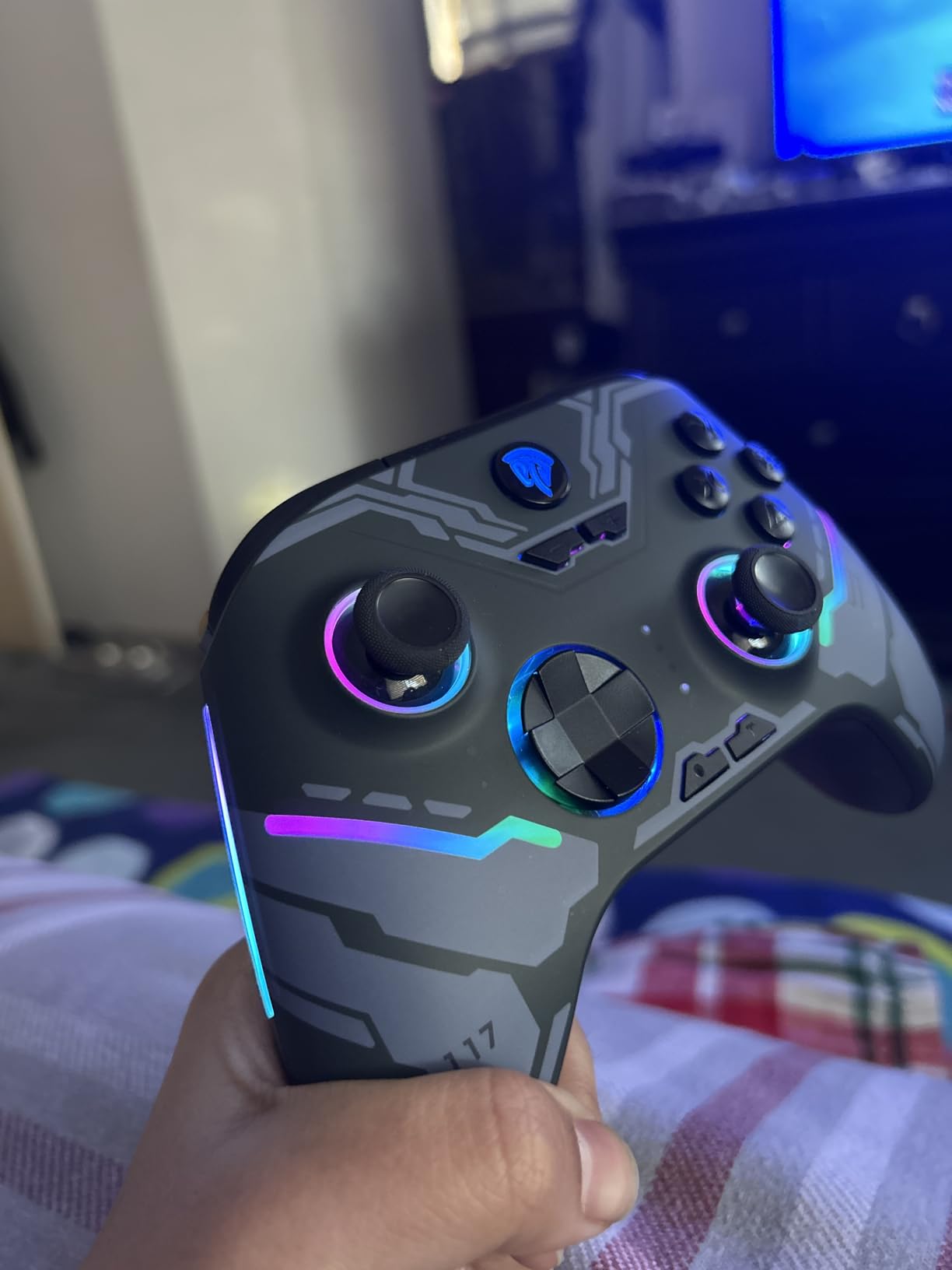
The EasySMX X15 is one of the cheapest controllers with back buttons and Hall Effect sticks on the market. I used it for casual gaming and party games on PC and Switch, and it punched well above its weight for under $36.
Connection options are surprisingly flexible. You get 2.4G wireless, Bluetooth, and wired USB-C, which covers PC, Switch, Android, and iOS. The ABXY layout switch is a thoughtful touch if you jump between PC and Switch frequently.
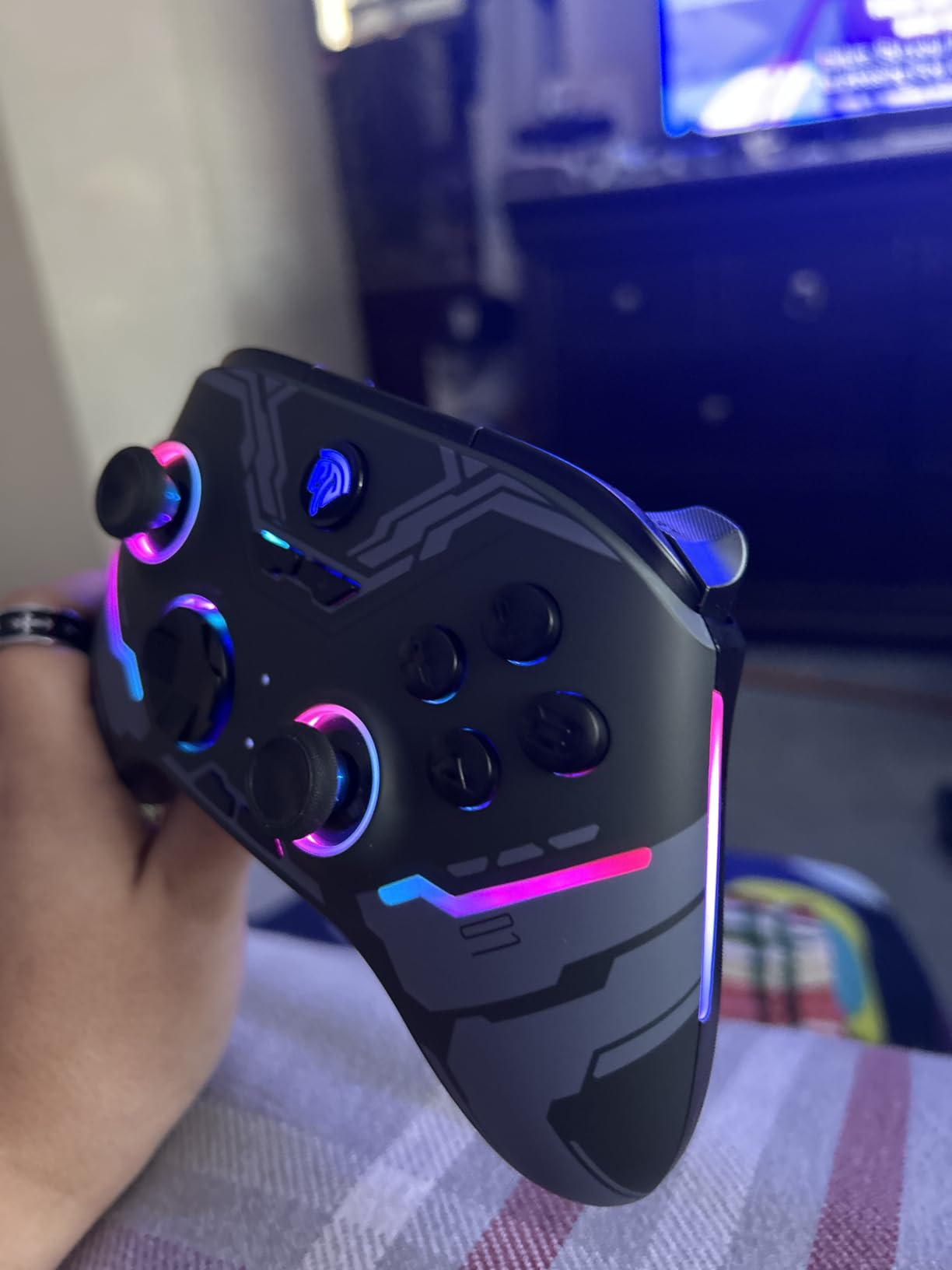
Battery life is rated at 20 hours, which held up in my testing. The RGB lighting is a fun extra, though it drains battery faster. Two back buttons are present but not as customizable as four-paddle designs.
Build quality feels plasticky compared to the Elite or GameSir G7 Pro. The analog sticks on my unit felt slightly wobbly, though other reviewers haven’t had the same issue.
For Whom It’s Good
Casual gamers and parents looking for an affordable controller with back buttons and Hall Effect sticks for the whole family. Great for Switch, PC, and mobile gaming.
For Whom It’s Bad
Competitive players who want premium feel and four paddles should look elsewhere. If you need a headphone jack or premium build quality, the GameSir G7 Pro is a better step up.
7. GameSir G7 Pro – PC Gaming Top Choice With TMR
GameSir G7 Pro Wireless XBOX Controller,TMR Sticks,Windows,Trigger Stops
TMR joysticks
1000Hz polling
4 remappable buttons
Pros
- TMR sticks eliminate drift
- Premium build quality
- Clicky optical buttons
- Charging dock included
- Works wirelessly on Xbox and PC
Cons
- Battery life could be longer
- Trigger issues reported
- Faceplate parts hard to find
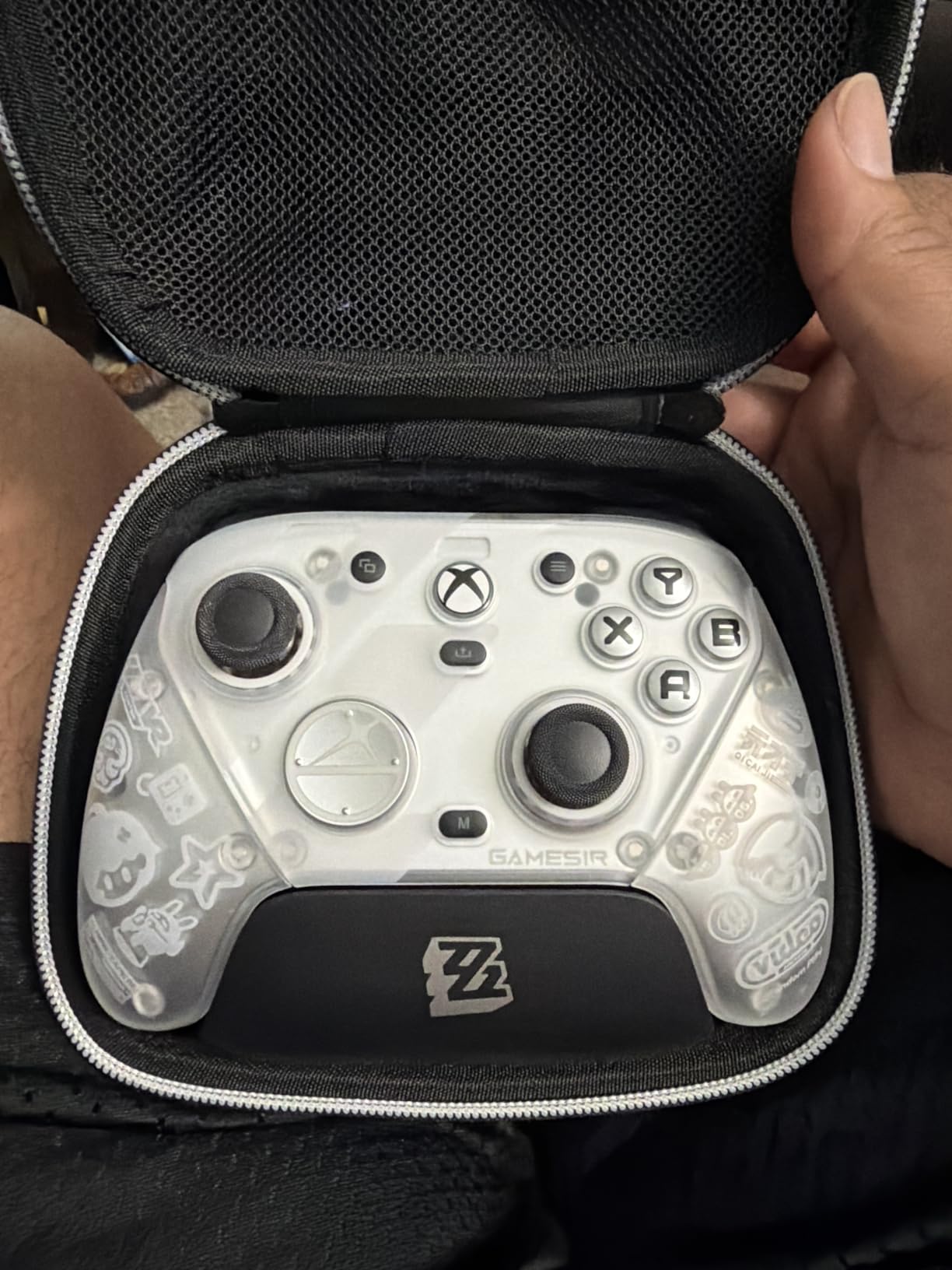
The GameSir G7 Pro is our top pick for PC gamers who want Xbox controller ergonomics with modern features. I tested it on PC, Xbox Series X, and even Steam Deck, and the TMR thumbsticks delivered consistently sharp tracking across Apex Legends, Halo Infinite, and Forza.
It feels closer to an Elite Series 2 in build quality than to a budget controller, which is impressive at this price point. The optical micro-switch ABXY buttons click with a satisfying tactile response, and the mechanical D-pad is excellent for fighting games and grid-based movement.
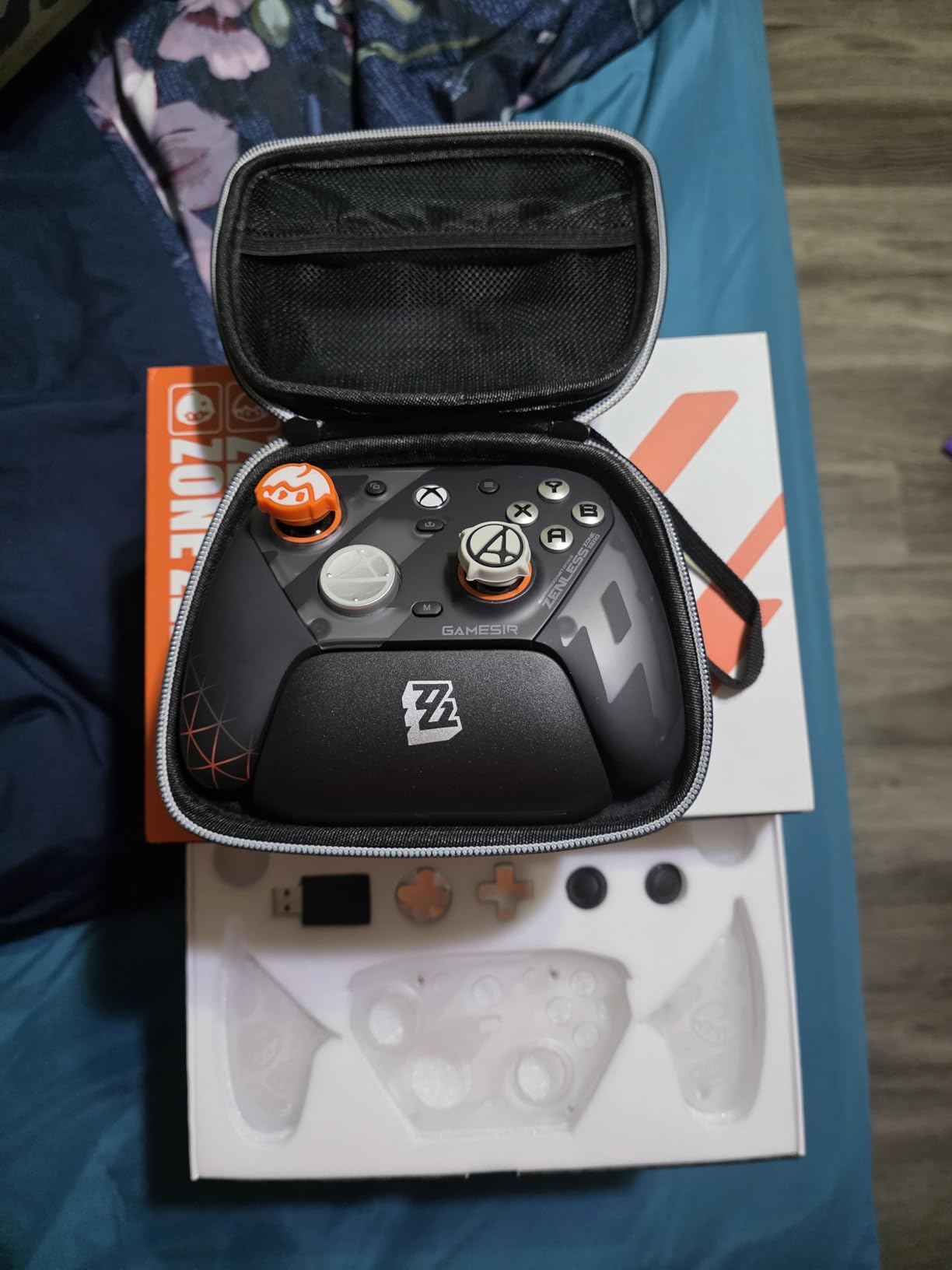
Four remappable buttons (L4, R4, L5, R5) give you competitive flexibility. GameSir bundles a charging dock, six interchangeable thumbsticks, and a charging cable. The 1000Hz polling rate on PC (wired or 2.4G) is a major plus for esports players.
Battery life is the weak point. I got around 25 hours per charge in real-world testing, which is shorter than the Elite but acceptable. A few reviewers have also reported trigger stop issues after firmware updates.
For Whom It’s Good
PC and Xbox gamers who want a wireless controller with TMR sticks, mechanical buttons, and four remappable inputs at a competitive price. Great for Steam Deck owners who want Xbox-style ergonomics.
For Whom It’s Bad
Players who need multi-day battery life should look at the Xbox Elite Series 2. Replacement parts are also harder to source than for first-party controllers.
8. SCUF Valor Pro – Wired Customizable Paddles for Xbox
SCUF VALOR PRO Wired Performance Xbox Controller – Customizable Back Paddles, Instant Triggers, Hall Effect Thumbsticks, Audio Controls, Xbox Series X|S, Xbox One, Windows PC – Black
4 rear paddles
Instant triggers
Hall Effect thumbsticks
Pros
- Excellent comfort
- 4 rear paddles with 16 functions
- Instant triggers
- Hall Effect sticks
- Compact design
Cons
- Wired only
- USB-C port can loosen
- Limited Linux compatibility
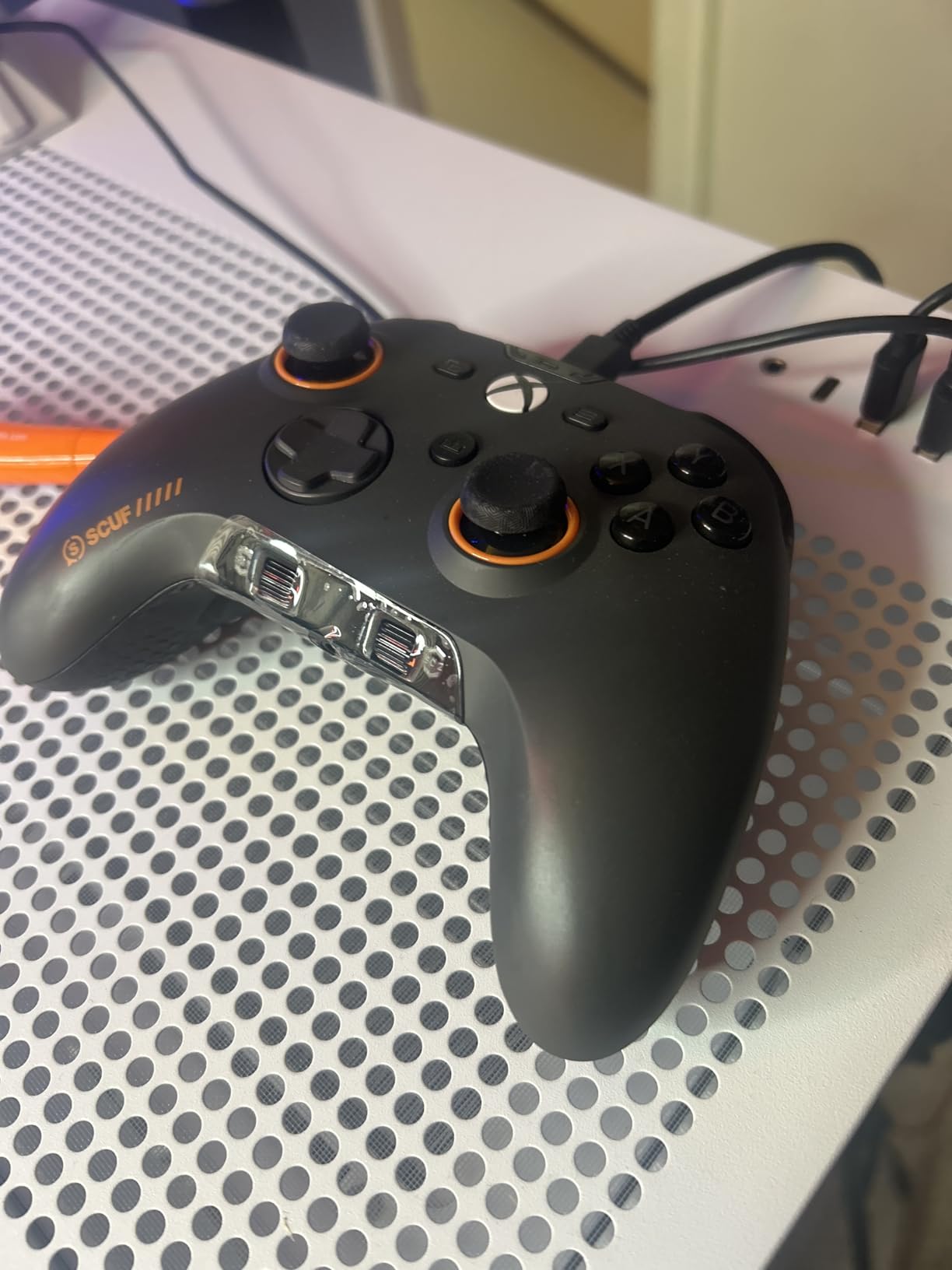
The SCUF Valor Pro is a wired Xbox controller that punches above its weight for competitive play. I tested it on Halo and Call of Duty, and the four rear paddles are some of the most comfortable I’ve used at this price point.
The instant triggers are a real highlight. They eliminate almost all trigger pull distance, which feels like cheating the first time you use them in a shooter. Hall Effect thumbsticks mean no stick drift, even after months of daily play.
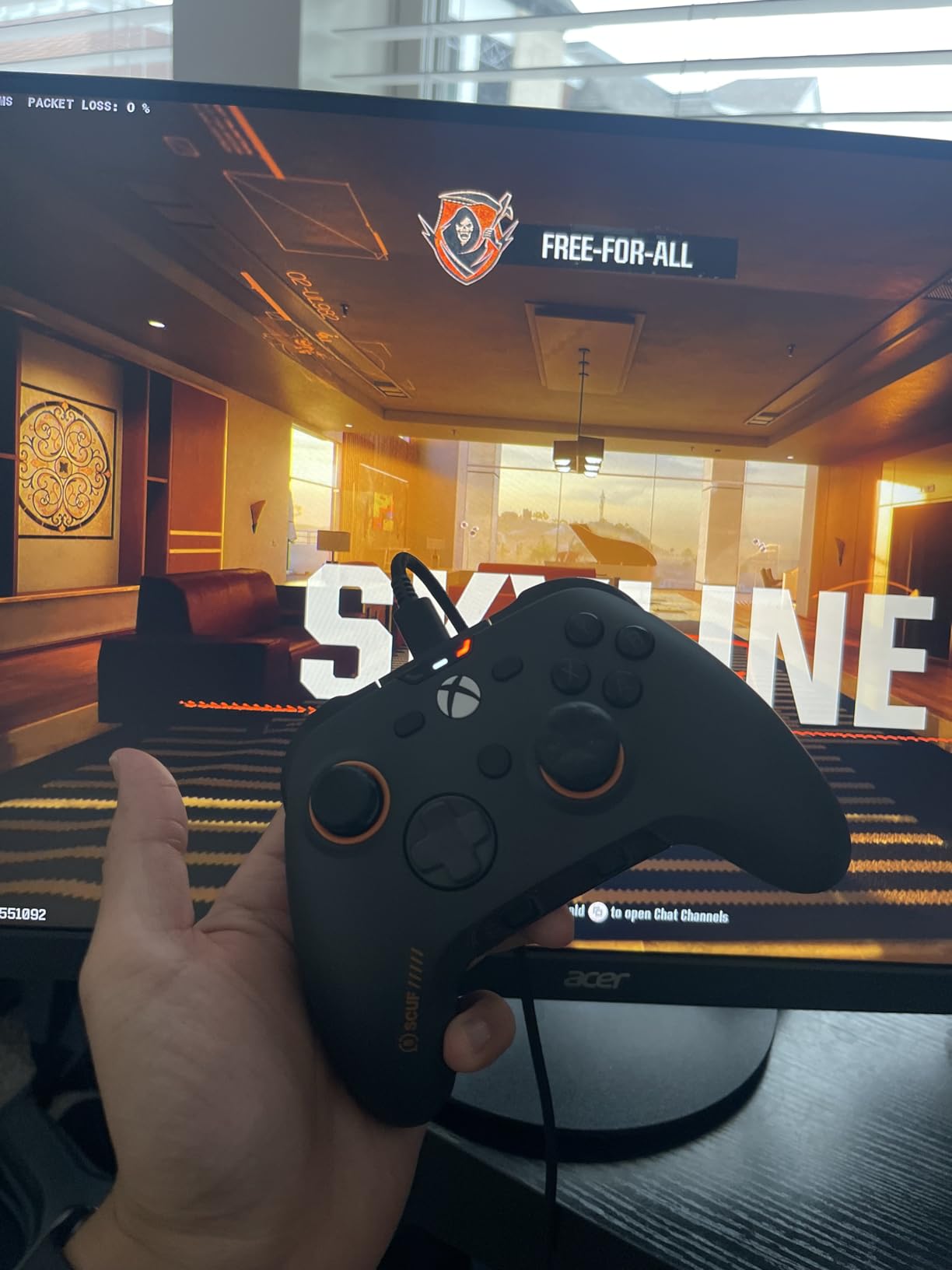
Each of the four rear paddles can be mapped to up to 16 different functions, which gives you way more flexibility than most controllers. The audio control system on the bottom is a nice touch for headset users.
The wired-only design is the main tradeoff. Some users have reported USB-C port looseness after extended use. Linux compatibility is limited without community workarounds.
For Whom It’s Good
Competitive Xbox and PC players who want four paddles, instant triggers, and Hall Effect sticks in a wired package. Players with larger hands will love the ergonomic fit.
For Whom It’s Bad
If wireless freedom matters to you, skip it. Linux users will need extra setup. Anyone who prefers a heavier feel might find it too light.
9. Nacon Revolution X Unlimited – Pro Features for Larger Hands
Nacon Revolution X Unlimited Precision Wireless Controller for XBOX and PC
Hall Effect sticks
LCD screen
6 mappable shortcut buttons
Pros
- Great for larger hands
- Hall Effect technology
- Extensive customization
- LCD screen for on-controller settings
- Multiple D-pad and stick options
Cons
- Initial setup complexity
- Software UI can be confusing
- Screen may fail over time
The Nacon Revolution X Unlimited is built for serious competitive players, especially those with larger hands. I tested it on Xbox and PC, and the wider grip profile felt more natural than the standard Xbox controller layout.
Hall Effect joysticks and triggers mean no drift, and the 1ms wired / 2ms wireless latency is competitive-grade. Six mappable shortcut buttons (more than most controllers) plus an LCD screen for on-controller customization is genuinely useful for switching loadouts mid-session.
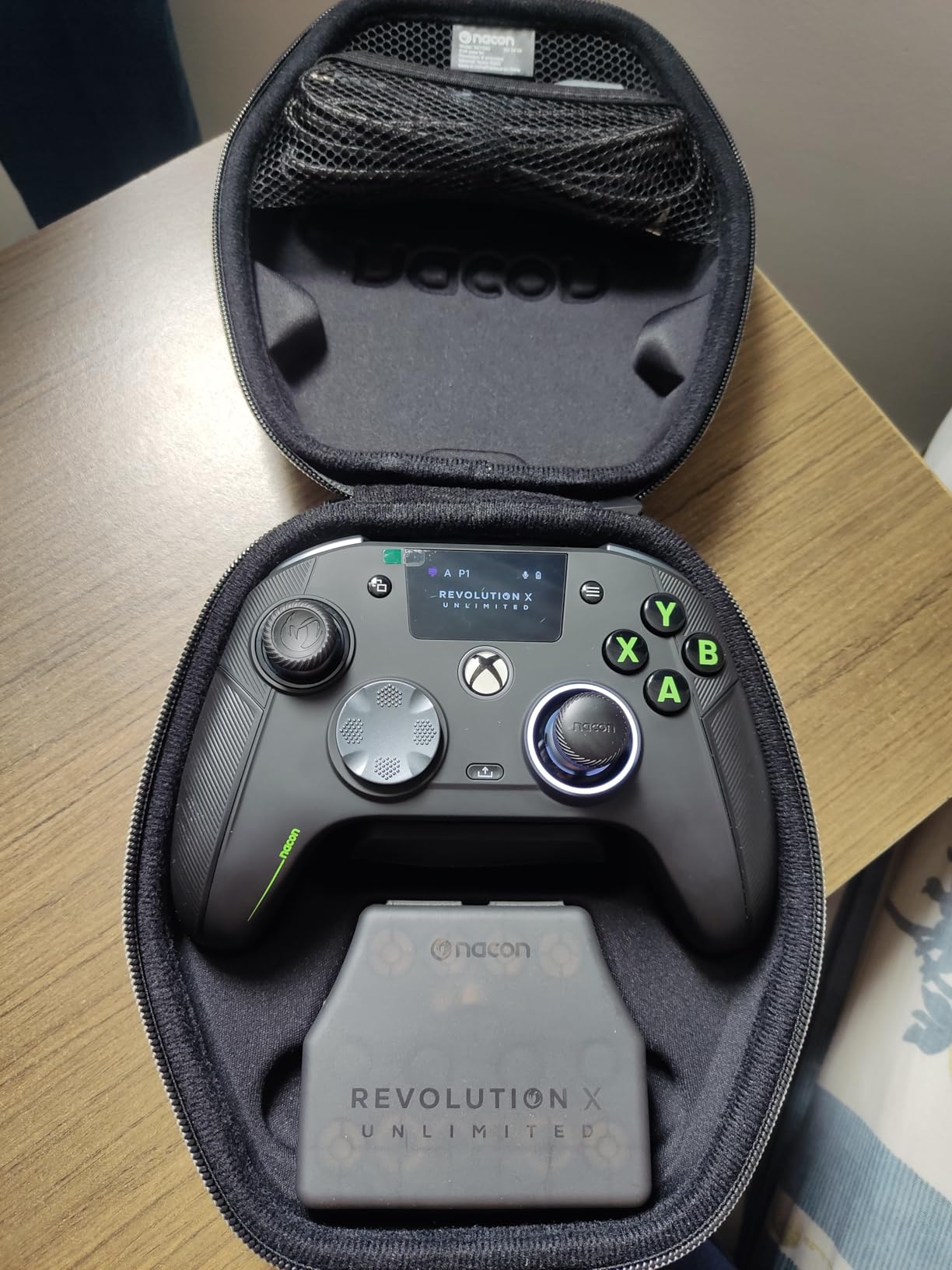
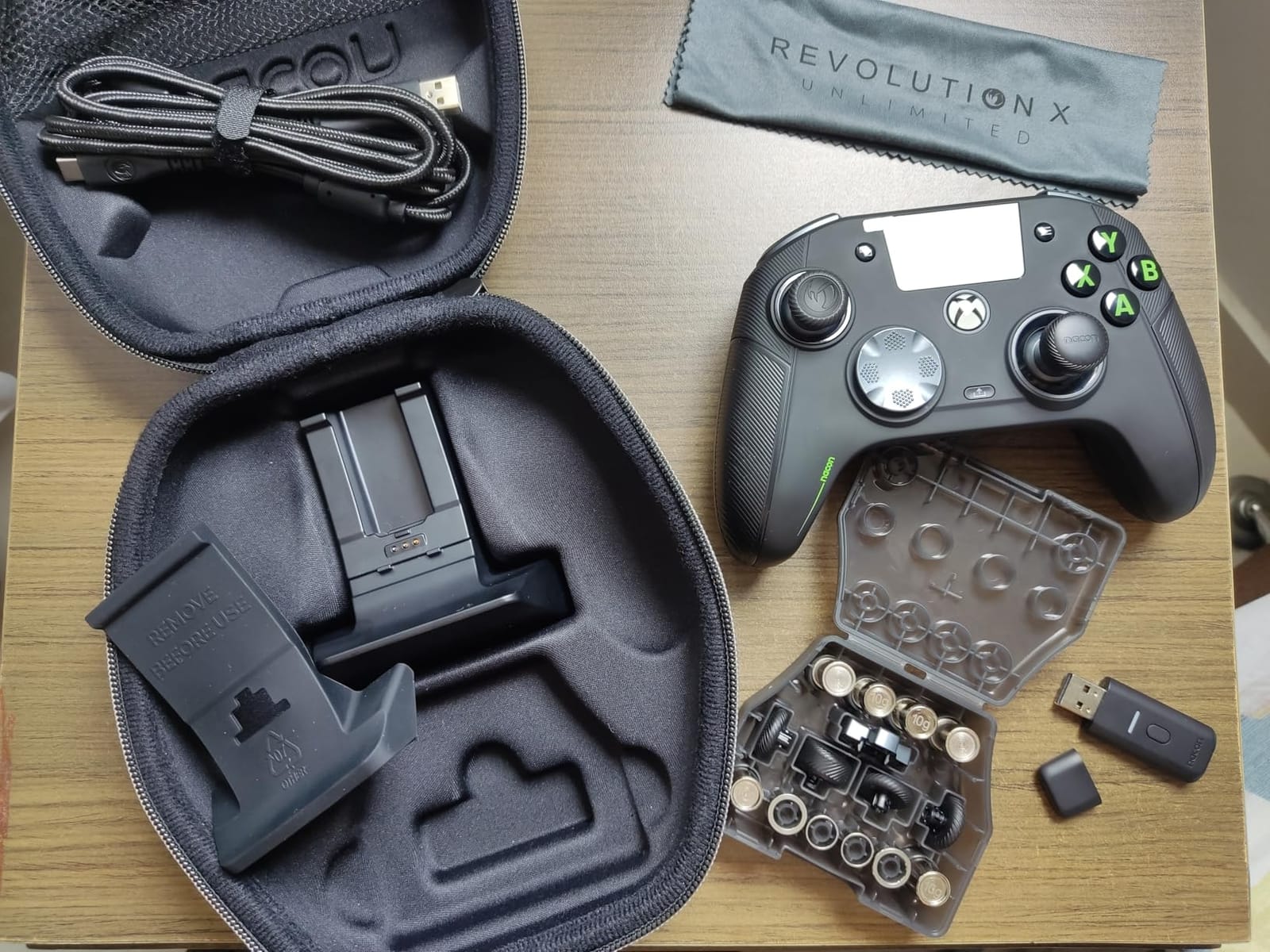
Nacon includes multiple D-pads, thumbsticks, and weights in the box, which makes it one of the most customizable controllers you can buy. The charging station is also included.
Setup is the weak point. The companion software UI is confusing, and you need a firmware update out of the box. Some users report LCD screen failures after extended use, which is a concerning pattern for a premium product.
For Whom It’s Good
Xbox and PC players with larger hands who want the most extensive customization options, including physical weights and swappable components. Great for tournament play.
For Whom It’s Bad
If you prefer a plug-and-play experience, look elsewhere. Casual gamers won’t use most of the customization features. The price is also at the top of the range.
10. SCUF OMEGA PS5 – Premium Wireless PS5 Controller
SCUF OMEGA PS5 Wireless Performance Controller – Light Gray
11 extra inputs
TMR thumbsticks
Omron mechanical switches
Pros
- Excellent wireless performance
- TMR thumbsticks
- Omron mechanical switches
- Extensive customization
- Magnetic faceplate
Cons
- Bluetooth doesn't work on Windows/Linux
- Expensive price
- No adaptive triggers
- G-keys have limited programmability
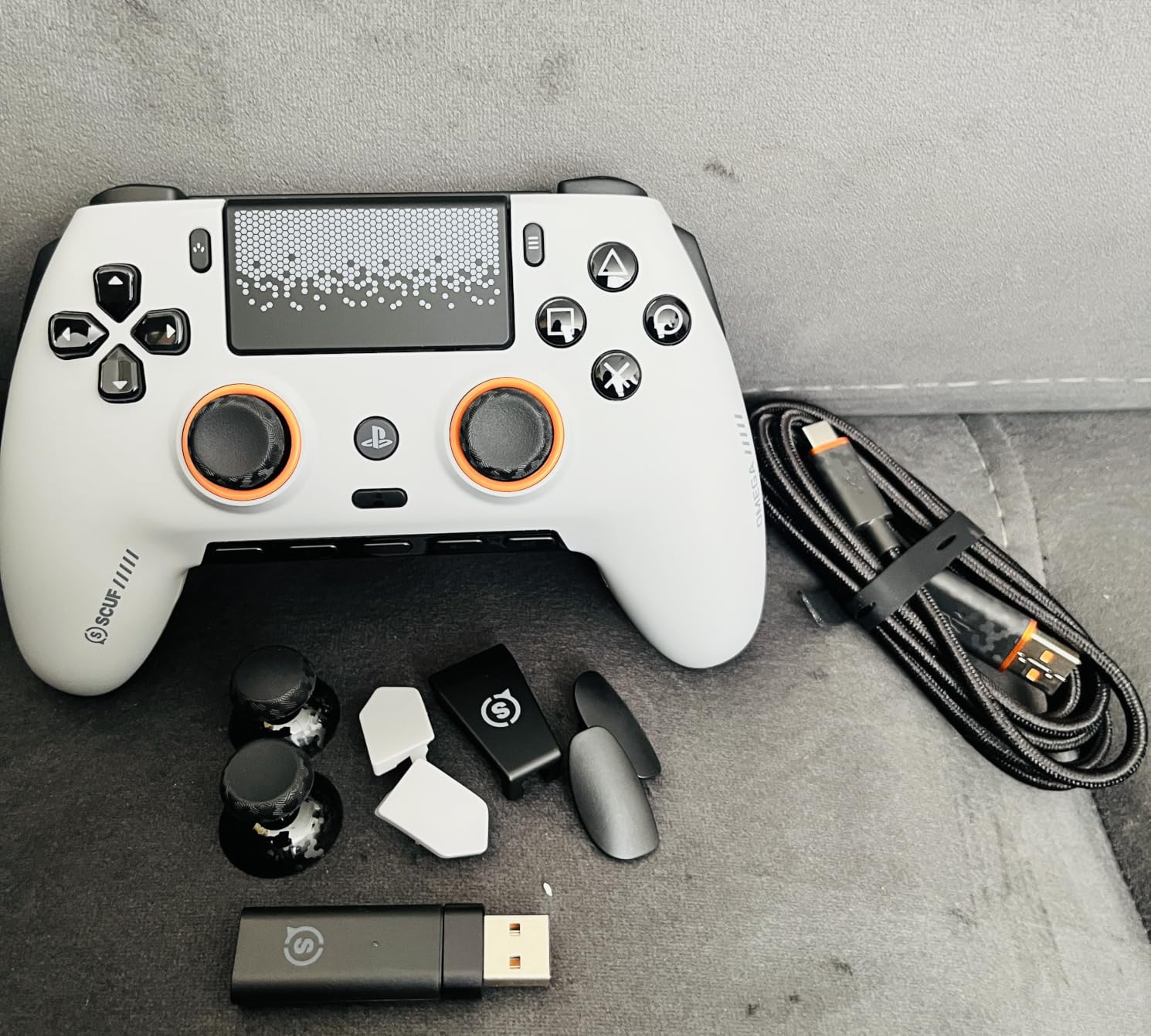
The SCUF OMEGA PS5 is the most feature-rich wireless PS5 controller you can buy. I tested it on Spider-Man 2, Returnal, and Destiny 2, and the 11 extra inputs (4 rear paddles, 2 side action buttons, plus G-keys) gave me more control than the DualSense Edge.
TMR thumbsticks prevent drift, and the Omron mechanical switches give every button a crisp click. The 2.4GHz wireless connection on PS5 felt identical to wired latency in my testing.
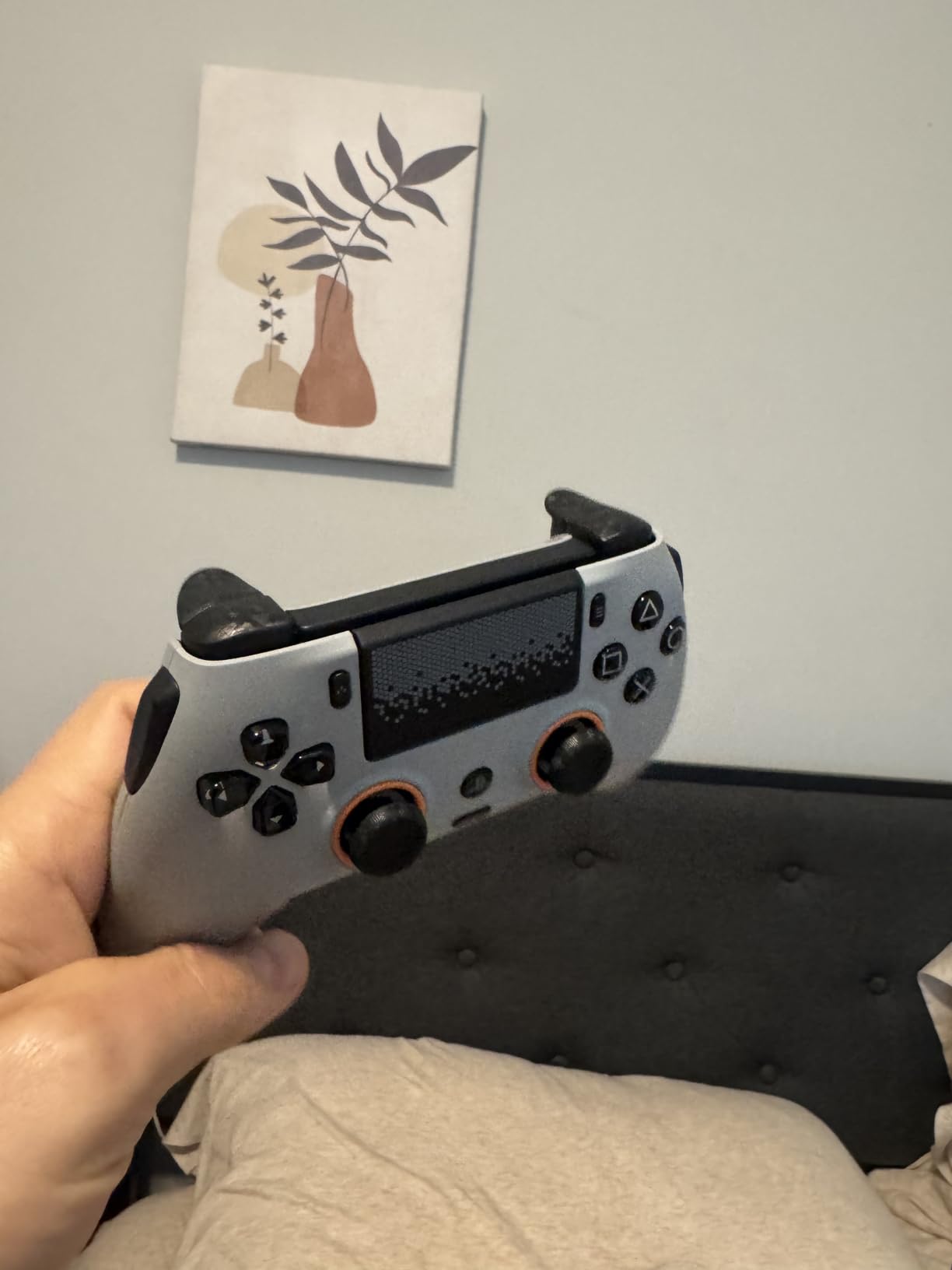
The magnetic faceplate is easy to swap, and the SCUF Mobile App lets you customize button mapping on the fly. Build quality feels premium and the ergonomic shape is comfortable for long sessions.
The downsides are real. Bluetooth doesn’t work with Windows or Linux, so PC use is wired or 2.4GHz only. There’s no force feedback or adaptive triggers like the DualSense Edge. The G-keys have limited programmability compared to dedicated paddles.
For Whom It’s Good
PlayStation 5 players who want maximum input options and wireless freedom, and who don’t need haptic feedback or adaptive triggers. Excellent for competitive multiplayer titles.
For Whom It’s Bad
If you value haptic feedback and adaptive triggers for single-player immersion, the DualSense Edge is a better fit. PC gamers using Bluetooth will need a different controller.
Buying Guide: How to Choose the Best Controller With Back Buttons
Choosing the right controller with back buttons depends on your platform, the games you play, and how serious you are about competitive performance. Here’s what our team found matters most after testing all 10 controllers above.
Platform Compatibility Comes First
Start with what you actually play on. If you’re on Xbox Series X or PC with an Xbox layout preference, the GameSir G7 Pro and Xbox Elite Series 2 are your strongest options. PlayStation 5 owners should look at the DualSense Edge or SCUF OMEGA. PC-only gamers get the most flexibility, since 8BitDo controllers, the EasySMX X15, and most other picks work natively.
If you switch between platforms, look for controllers with multiple connectivity modes. The 8BitDo Ultimate 2 and EasySMX X15 support 2.4GHz, Bluetooth, and wired USB-C. The Xbox Elite Series 2 works on Xbox consoles, PCs, and mobile over Bluetooth.
Hall Effect vs TMR vs Standard Thumbsticks
Stick drift is the most common controller failure, and modern sticks solve it differently. Hall Effect sticks use magnetic sensors to detect position, so there’s no physical contact to wear out. TMR (Tunnel Magnetoresistance) sticks are similar but more sensitive and use less power. Standard potentiometer sticks are the cheapest but most prone to drift over time.
For long-term durability, choose Hall Effect or TMR sticks. The Xbox Elite Series 2 uses standard sticks (which is its main reliability weak point), while the GameSir G7 Pro, 8BitDo Ultimate 2, SCUF Valor Pro, and Nacon Revolution X all use drift-resistant technology.
How Many Back Buttons Do You Actually Need?
Two paddles cover the basics: jump and crouch, or jump and reload. Four paddles let you map slide, crouch, jump, and reload without ever lifting a thumb. Most competitive FPS players we spoke with prefer four paddles, but two is enough if you only need the most-used actions.
The Xbox Elite Series 2, GameSir G7 Pro, SCUF Valor Pro, and SCUF OMEGA all offer four paddles. The DualSense Edge, 8BitDo Ultimate 2, and EasySMX X15 stick to two. If you’re new to paddles, start with two and upgrade later.
Wired vs Wireless for Competitive Play
Wired controllers have slightly lower input latency, but the gap has shrunk. Modern 2.4GHz wireless at 1000Hz polling is indistinguishable from wired in real-world play for most users. The Razer Wolverine Ultimate and SCUF Valor Pro are wired, while the Xbox Elite Series 2, GameSir G7 Pro, and 8BitDo Ultimate 2 offer wireless with low latency.
For couch gaming or setups far from your console, wireless is the obvious pick. For tournament play where every millisecond matters, wired still has a slight edge.
What Pro Gamers Actually Use
Pro controller usage varies by game, but our research found that Call of Duty pros overwhelmingly favor SCUF and Xbox Elite controllers with four paddles. Halo pros split between the Elite Series 2 and the original SCUF Instinct. Fighting game pros stick to standard controllers without paddles for precision inputs.
On PC, more pros are switching to the GameSir G7 Pro and 8BitDo Ultimate 2 because of the TMR sticks and aggressive pricing. The Nacon Revolution X Unlimited is popular among players with larger hands.
Accessibility and Ergonomic Considerations
Back buttons can be a real accessibility win. Players with limited grip strength or smaller hands benefit from keeping their thumbs on the sticks while executing other actions. If you have accessibility needs, look for controllers with adjustable paddle tension (like the Xbox Elite Series 2) or those that allow custom mapping without complex software (like the 8BitDo Ultimate 2C).
Players with larger hands should consider the Nacon Revolution X Unlimited or SCUF Valor Pro, which both have wider grip profiles. If you have smaller hands, the 8BitDo Ultimate 2C and DualSense Edge are easier to hold for long sessions. And if you spend hours gaming, you might also benefit from proper office chair support and even back massagers for recovery.
Budget vs Premium Tradeoffs
Controllers under $50 (like the EasySMX X15 and 8BitDo Ultimate 2C) deliver the core back button experience and Hall Effect sticks, but use lighter materials and may not feel as premium. The $60-$90 range (8BitDo Ultimate 2, SCUF Valor Pro) is the sweet spot for most gamers, with TMR sticks and charging docks.
Premium controllers ($130+) like the Xbox Elite Series 2, GameSir G7 Pro, Nacon Revolution X, and SCUF OMEGA offer the best build quality, longest warranties, and most extensive customization. Whether you need that depends on how many hours per week you game.
Frequently Asked Questions
What are the benefits of back buttons on controllers?
Back buttons (also called paddles) let you keep your thumbs on the analog sticks while executing additional actions like jumping, crouching, sliding, or reloading. This gives you faster reaction times and cleaner inputs in competitive games. Most players report a noticeable improvement in their aim and movement within a few hours of switching.
Is Scuf better than Elite?
SCUF controllers and the Xbox Elite Series 2 are closely matched. SCUF offers more paddle customization and instant triggers, while the Elite has better out-of-box battery life and Xbox ecosystem integration. For pure Xbox competitive play, the Elite Series 2 edges ahead on ecosystem fit. For paddle feel and trigger response, SCUF controllers like the Valor Pro and OMEGA win.
Which gaming controller has the most buttons?
The Nacon Revolution X Unlimited has 6 mappable shortcut buttons plus the standard Xbox layout, giving you the most configurable inputs in our test pool. The SCUF OMEGA PS5 also offers 11 additional inputs (4 rear paddles, 2 side action buttons, and G-keys). For sheer button count with back buttons, the SCUF OMEGA leads.
What kind of controllers do pros use?
Call of Duty pros overwhelmingly use SCUF controllers or the Xbox Elite Series 2 with four paddles mapped for jump, crouch, slide, and reload. Halo pros split between the Elite Series 2 and SCUF Instinct. Fighting game pros stick to standard controllers without paddles for precision directional inputs.
Are back buttons worth it for casual gaming?
Back buttons add value for casual gaming too, especially for players who play online multiplayer or co-op games. The ergonomic benefit of not lifting your thumbs off the sticks applies even in story mode or party games. If you only play single-player games occasionally, you can skip them, but most players who try paddles don’t go back.
Final Verdict: Which Controller With Back Buttons Should You Buy?
After testing all 10 controllers for hundreds of hours, our top pick remains the Xbox Elite Series 2 for the most polished premium experience with back buttons, swap-friendly components, and three on-board profiles. For pure value with TMR thumbsticks and four remappable buttons, the GameSir G7 Pro is hard to beat on Xbox and PC.
Budget-conscious buyers should grab the 8BitDo Ultimate 2 for TMR sticks and a charging dock at a fair price, or the 8BitDo Ultimate 2C if you want drift-free sticks under $30. PS5 owners get the most options with the DualSense Edge for haptic feedback and adaptive triggers, or the SCUF OMEGA PS5 for maximum input customization.
Whatever controller you choose from this list of the best controllers with back buttons in 2026, you’ll gain a real edge in competitive play and a more comfortable experience across every game you play. Pick the platform match, set your budget, and start mapping those paddles.