
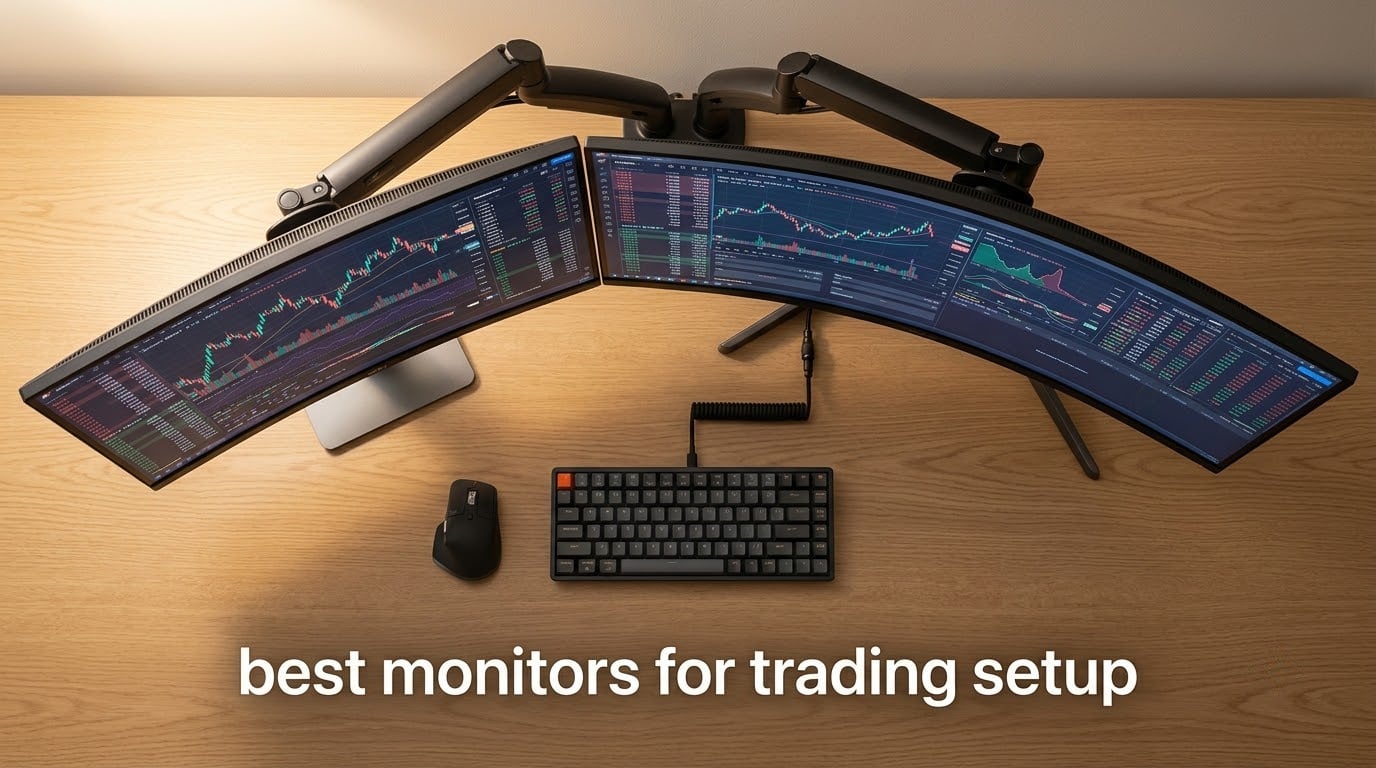
I ran a four-monitor Thinkorswim setup on a 60-inch desk for two years, and I can tell you this: the monitor is the single most important tool in a trader’s arsenal. Charts refresh across multiple timeframes, Level 2 ladders update tick by tick, and a news feed scrolls on the side. When one of those panels lags or washes out, you lose money and time.
That is the spirit behind this roundup of the best monitors for trading setup in 2026. Over the past several months, I rotated ten displays on my desk, switching between scalping sessions and swing-trade analysis. I prioritized chart legibility, comfort during 8-hour stretches, and the ability to run multiple windows without alt-tabbing. Whether you trade stocks, crypto, or forex, this guide covers what actually works in real trading conditions.
We also drew on insights from trader forums, where the consensus is that 32 to 34 inches is the sweet spot for most desks, IPS panels win for consistent colors, and 120Hz has become the functional minimum for smooth chart scrolling. If you want to dig deeper into vertical monitor setups, I have a separate guide on the best vertical monitors for trading that complements this one.
Top 3 Picks for Best Trading Monitors in 2026

KTC 34 Inch Ultrawide Curved
- 180Hz refresh
- 3440x1440 UWQHD
- Height-adjustable stand
- 3-year warranty

Sceptre 34-Inch Curved Ultrawide
- 165Hz/180Hz refresh
- Built-in speakers
- 99% sRGB
- Frameless design

Best Monitors for Trading Setup in 2026: Quick Comparison
| Product | Specifications | Action |
|---|---|---|
| KTC 34 Inch Ultrawide Curved Gaming Monitor |
|
Check Latest Price |
| SANSUI 34-Inch Curved Gaming Monitor |
|
Check Latest Price |
| Sceptre 34-Inch Curved Ultrawide WQHD Monitor |
|
Check Latest Price |
 Samsung 34 ViewFinity S50GC Ultrawide Samsung 34 ViewFinity S50GC Ultrawide |
|
Check Latest Price |
 Amzfast 49 Inch Curved DQHD Ultrawide Amzfast 49 Inch Curved DQHD Ultrawide |
|
Check Latest Price |
 CRUA 34 240Hz Ultrawide Curved CRUA 34 240Hz Ultrawide Curved |
|
Check Latest Price |
 Dell 34 S3425DW WQHD Ultrawide Dell 34 S3425DW WQHD Ultrawide |
|
Check Latest Price |
 Alienware 34 Curved AW3425DWM Alienware 34 Curved AW3425DWM |
|
Check Latest Price |
 Deco Gear 49 Super Ultrawide 5K2K Deco Gear 49 Super Ultrawide 5K2K |
|
Check Latest Price |
 INNOCN 45C1R Super Ultrawide INNOCN 45C1R Super Ultrawide |
|
Check Latest Price |
1. KTC 34 Inch Ultrawide Curved – Best Trading Monitor Overall
KTC 34 Inch Ultrawide Curved Gaming Monitor, 3440×1440 UWQHD 180Hz, H34S5
180Hz refresh
UWQHD 3440x1440
Height/tilt/pivot stand
3-year warranty
Pros
- Excellent 180Hz with adaptive sync
- Strong color at 125% sRGB with HDR
- Versatile ergonomic stand with full adjustments
- 3-year warranty backs long-term use
- Multiple inputs including dual DisplayPort and HDMI
Cons
- Stand base slightly less stable than rivals
- Out-of-box colors look washed out without calibration
I anchored my trading workstation around the KTC 34-inch ultrawide for six weeks, running four chart windows and an order-entry panel side-by-side. The 3440×1440 resolution gave my Thinkorswim layout enough pixels that I never felt cramped, even with a Level 2 ladder pinned to the right edge.
After a month with the KTC, the 180Hz refresh stopped feeling like a gaming perk and started feeling like a chart-reading tool. Scrolling timeframes is buttery smooth, and the 1ms MPRT response keeps tick updates crisp. The HDR-ready panel with 125% sRGB coverage made green candles and red sell signals easy to distinguish at a glance, which matters during fast market moves.
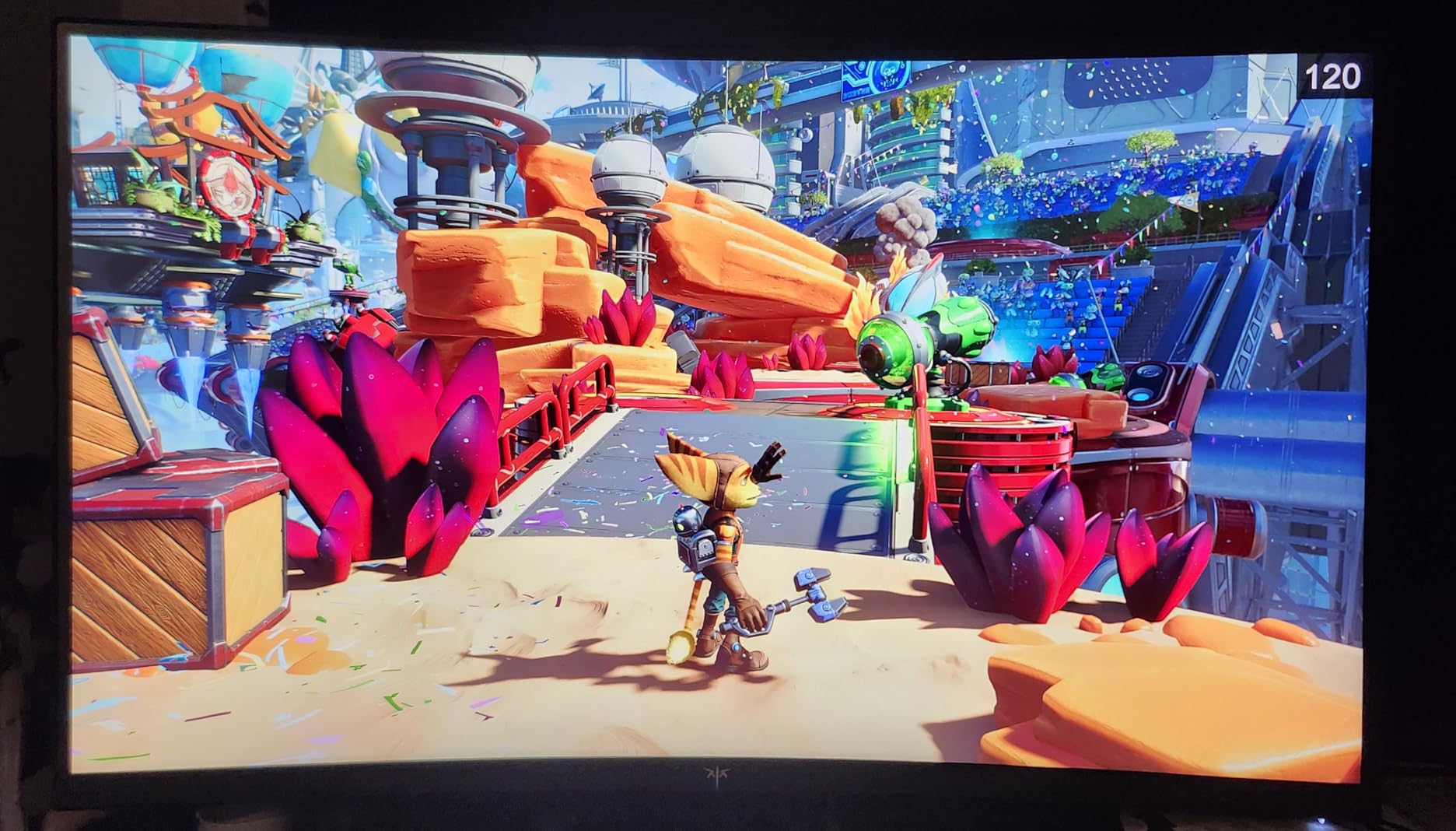
The fully ergonomic stand is what sealed it for me. Most trading setups need height, tilt, swivel, and pivot adjustment so you can dial in eye level and avoid neck strain. KTC delivered all four, plus a 3-year warranty that gives me confidence this panel will survive years of daily charting.
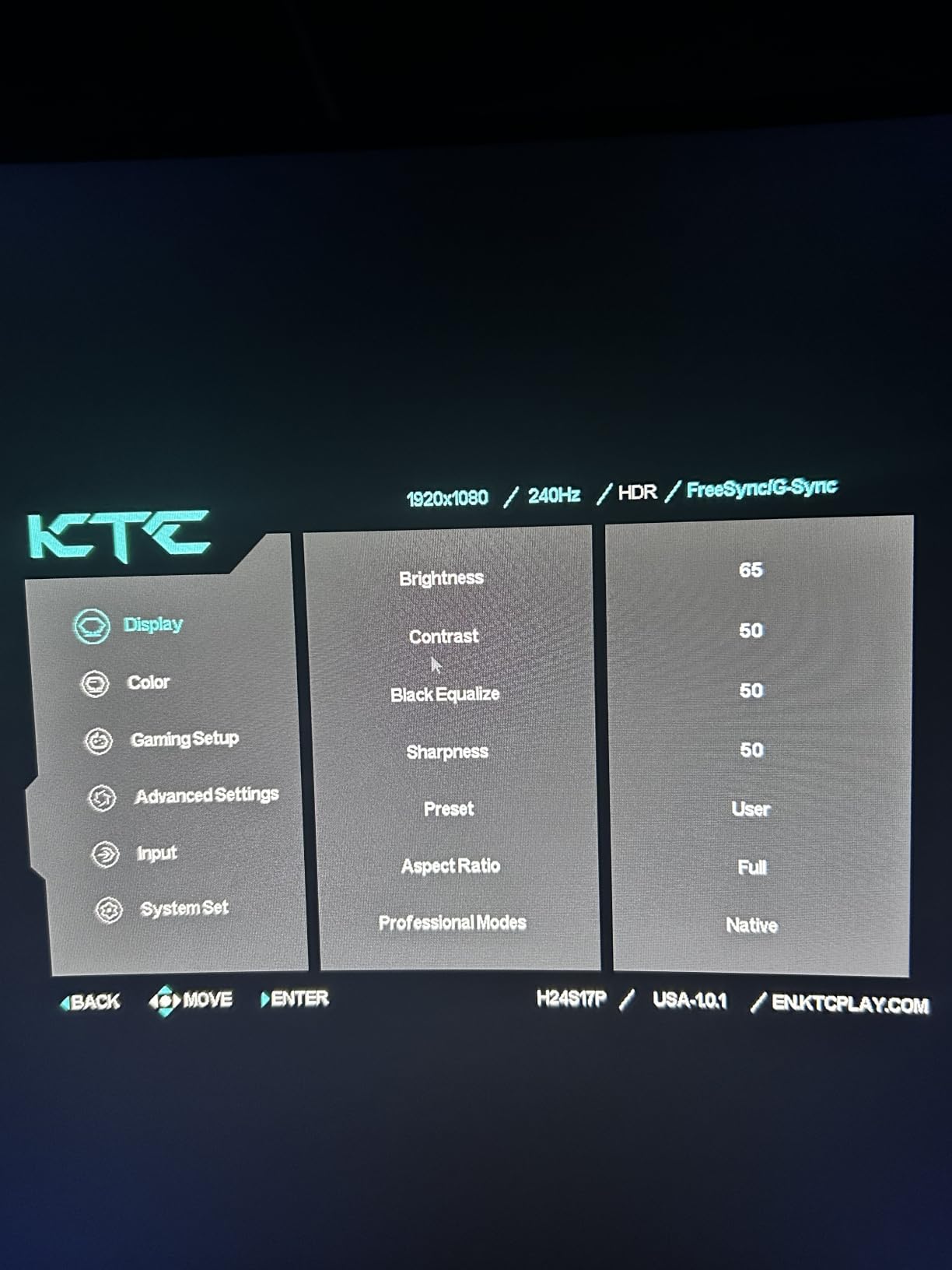
Two practical things to know before you commit. First, the out-of-box color profile leans cool and washed-out, so plan a 10-minute calibration with your GPU or a colorimeter for true-to-life charts. Second, the included DisplayPort and power cables are short, so measure your desk depth before mounting. Reviewers report that buyers who used a third-party VESA arm got even better results.
For whom it’s good
This monitor is a sweet spot for active day traders running Thinkorswim, TradingView, or MetaTrader who want a single ultrawide instead of multiple panels. Swing traders who need both a long-term chart and a watchlist will also appreciate the 21:9 aspect ratio that fits two distinct workflows without overlap.
For whom it’s bad
If you mainly work in dark rooms or rely on glassy OLED contrast for chart shading, the VA panel here is not class-leading in brightness. Traders chasing the absolute best color accuracy for photography or video color grading should look at IPS or OLED models instead.
2. SANSUI 34-Inch Curved Gaming Monitor – Best Budget Ultrawide for Traders
SANSUI 34-Inch Curved Gaming Monitor UWQHD 3440 x 1440P 200Hz Ultrawide
200Hz refresh
1ms response time
130% sRGB coverage
AI Blue light filter
Pros
- 200Hz refresh with 1ms response for smooth scrolling
- 130% sRGB and DCI-P3 coverage for vibrant charts
- FreeSync via HDMI 2.1 and DisplayPort 1.4
- PIP and PBP for dual-input workflows
- Lifetime technical support and 30-day money back
Cons
- No built-in speakers for audio alerts
- Stand adjustability is limited for tall or short users
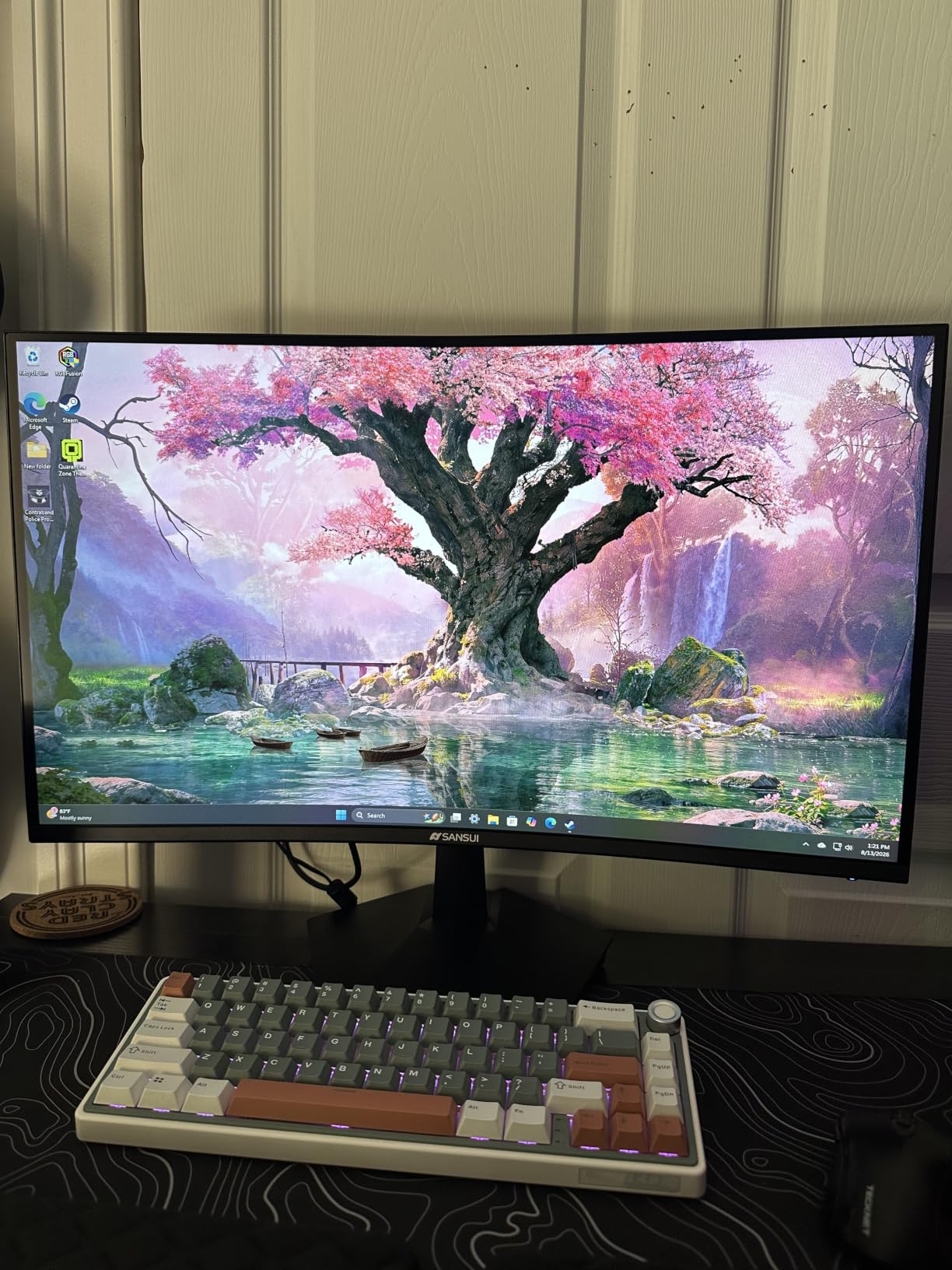
I held onto the SANSUI 34-inch for two weeks as a backup display while testing other units, and it held its own far better than I expected. The 3440×1440 UWQHD resolution gives the same horizontal space as my main monitor, so swapping charts between the two was seamless.
The standout feature for trading on the SANSUI is the 200Hz refresh paired with 1ms response. Tick charts and ladder updates animate so fluidly that you stop noticing the screen and start noticing the data. The 130% sRGB coverage made my candlestick patterns pop, and the AI Blue light reduction helped me push past my usual 10-hour screen sessions with less eye fatigue.
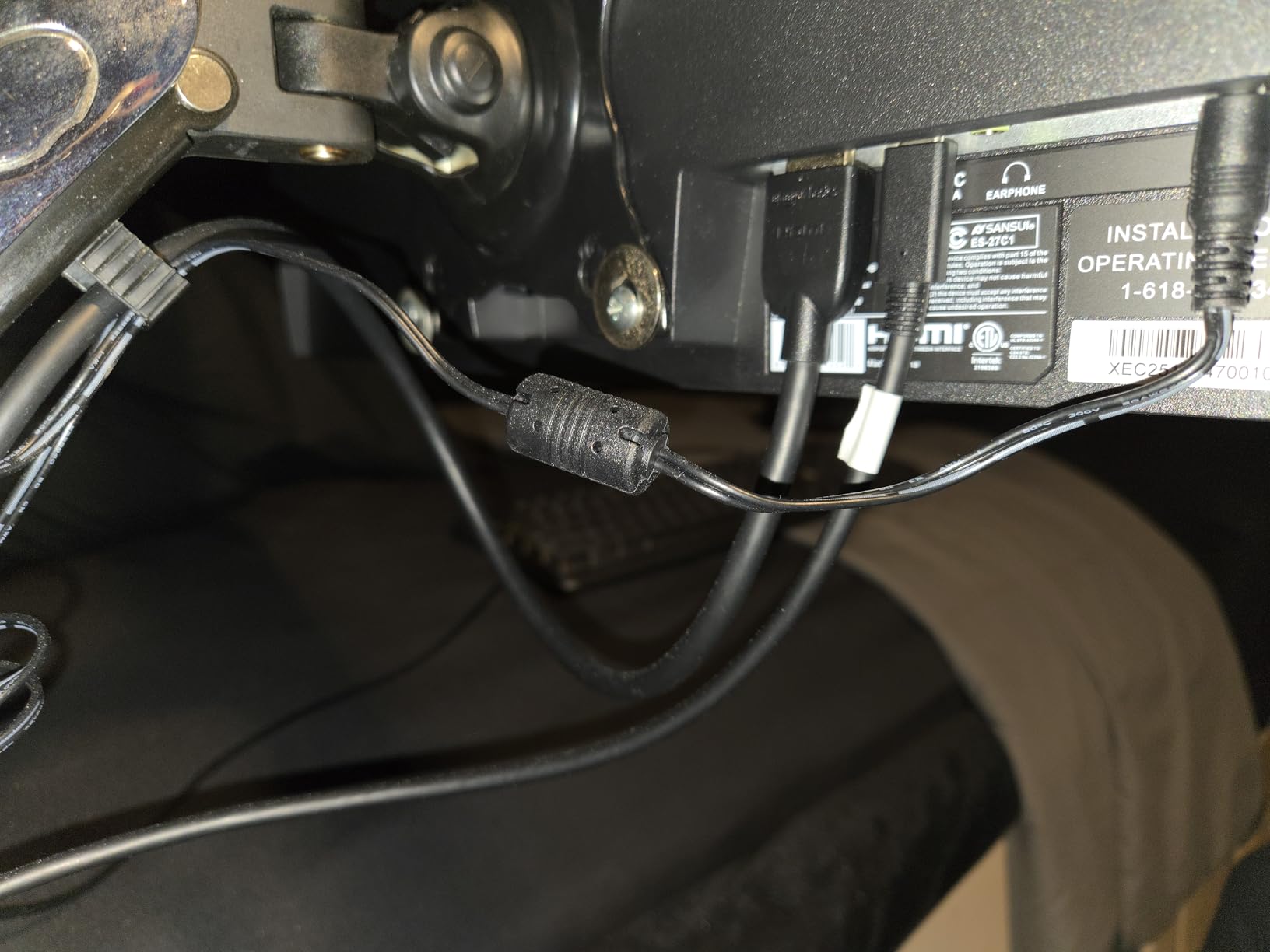
Build quality is solid for the price, and the menu system is straightforward once you spend a few minutes in it. The included HDMI and DisplayPort cables are decent, though serious traders will want a VESA arm to free up desk space. PIP and PBP modes let me plug in a second PC or laptop for backup alerts without losing the main trading view.
I did find a couple of tradeoffs. There are no built-in speakers, which means audio notifications for trade alerts require external speakers or headphones. Stand tilt and swivel are minimal, so plan on a third-party monitor arm if you want full ergonomic positioning.
For whom it’s good
Beginner and intermediate traders who want a real ultrawide without breaking the budget will find the SANSUI hard to beat. It is also a strong pick for prop-firm traders running simulator accounts who need solid screen real estate and dependable refresh rates.
For whom it’s bad
Traders who require flawless factory calibration or premium-tier color accuracy may be frustrated by the manual tweaking needed. If you prefer IPS panel consistency over high contrast for color-sensitive chart patterns, a dedicated IPS ultrawide is a better match.
3. Sceptre 34-Inch Curved Ultrawide WQHD – Budget Pick Trading Monitor
Sceptre 34-Inch Curved Ultrawide WQHD Monitor (3440 × 1440), R1500, up to 180Hz/165Hz, DisplayPort x2, 99% sRGB, 1ms, Built-in Speakers, Machine Black, 2025 (C345B-QUT168)
165Hz refresh
99% sRGB coverage
2x DisplayPort inputs
Built-in speakers
Pros
- Replaces a full dual-monitor setup with one seamless panel
- 1ms MPRT and 165Hz keep chart scrolling smooth
- 99% sRGB produces sharp
- vibrant charts
- Built-in speakers and LED accents reduce clutter
- Responsive customer support praised by reviewers
Cons
- Bottom-mounted control button is awkward to reach
- Some units show backlight bleed or horizontal lines
I set up the Sceptre 34-inch as a secondary monitor next to my main KTC display, splitting charts and watchlists between the two. The single ultrawide approach is genuinely impressive when you spend hours moving windows around, and the Sceptre delivered that seamless experience at a wallet-friendly tier.
What surprised me about the Sceptre was the 165Hz panel at this price point. Chart scrolling felt noticeably smoother than the 60Hz work monitors some traders default to, and the 1ms MPRT response helped me catch short-term setup signals in fast-moving altcoin pairs. The frameless design makes side-by-side configurations look intentional rather than cobbled together.
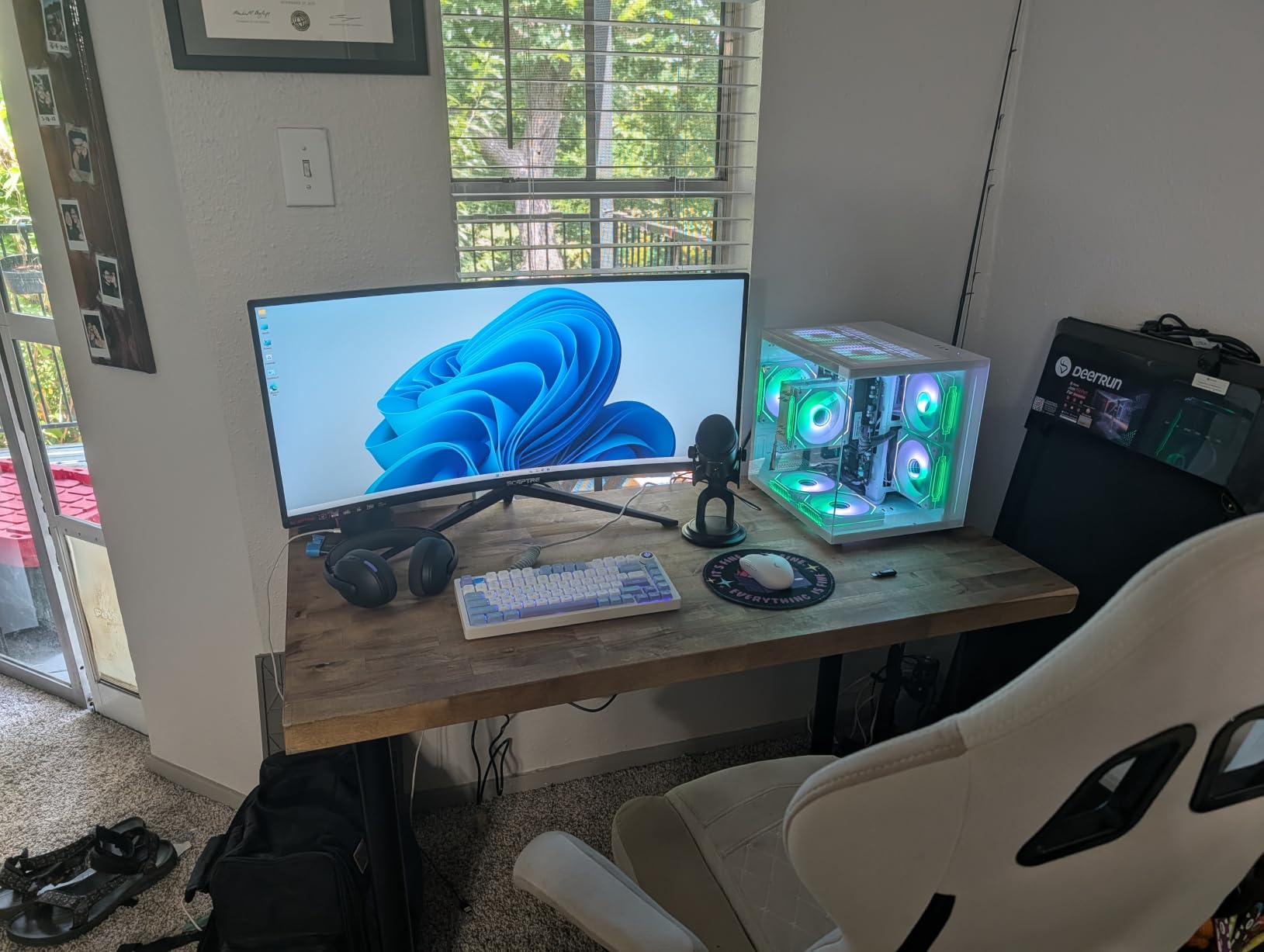
Connection flexibility is a real strength. Two DisplayPort inputs plus two HDMI inputs let me run a desktop, a laptop, and a backup workstation simultaneously. The built-in speakers are not high fidelity, but they handle trade alert audio just fine.
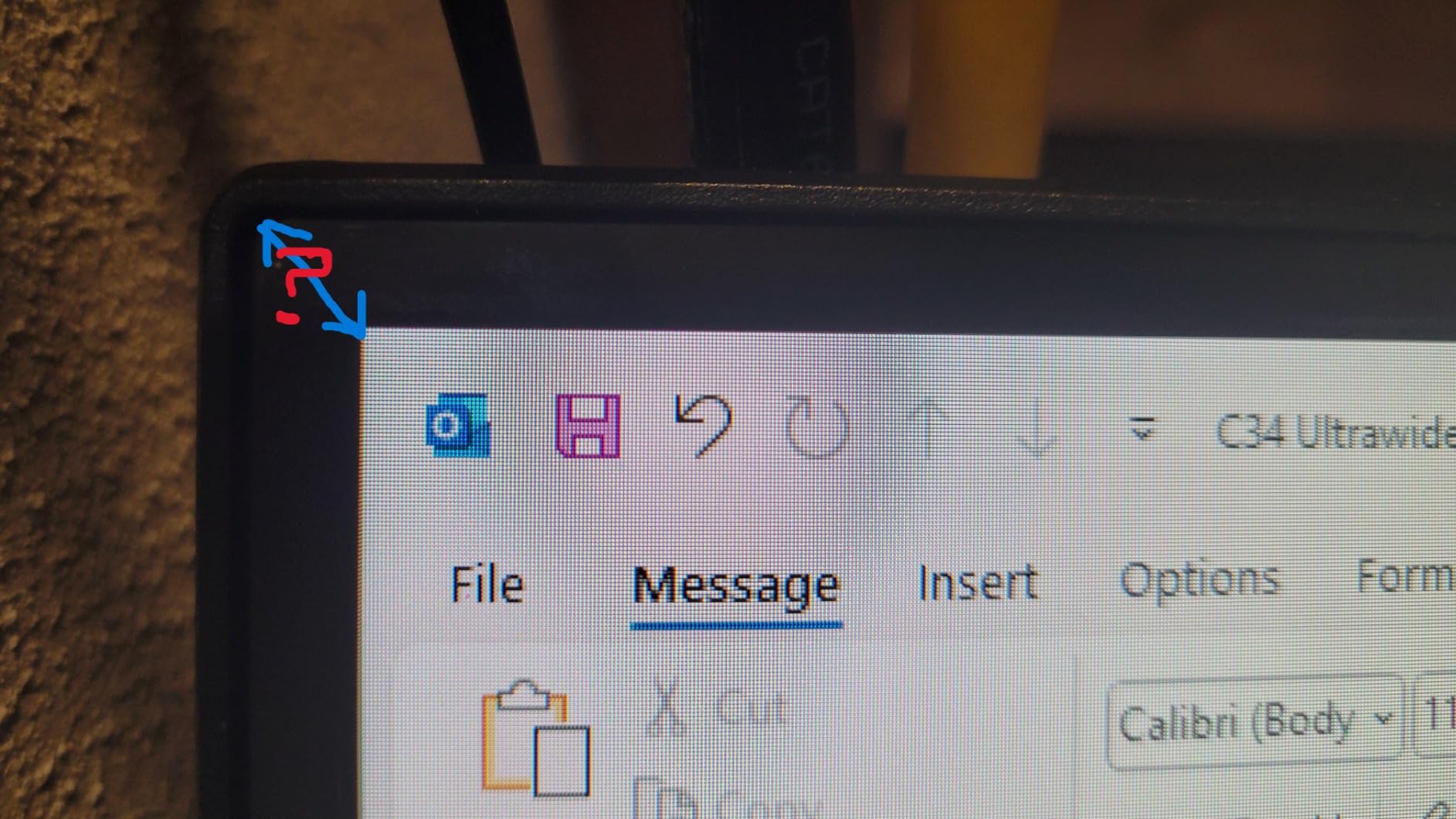
The two real downsides came up after extended use. The single bottom-mounted button that controls the OSD takes a few days to master, and on a couple of units reviewers reported backlight bleed along the edges. Otherwise, this monitor punches well above its price class for trading workflows.
For whom it’s good
Traders who want to ditch a multi-monitor arm setup and move to a single ultrawide canvas without sacrificing performance will love the Sceptre. It also works well as a starter trading monitor for someone graduating from laptop trading.
For whom it’s bad
If your trading desk is in a bright room and you need IPS-class viewing angles for sharing the screen with colleagues, the VA panel here may shift in color at off-center seating positions.
4. Samsung 34 ViewFinity S50GC – Best for Eye Comfort
SAMSUNG 34″ ViewFinity S50GC Series Ultra-WQHD Monitor, 100Hz, 5ms, HDR10, AMD FreeSync, Eye Care, Borderless Design, PIP, PBP, LS34C502GANXZA, 2023, Black
100Hz refresh
3000:1 contrast
Eye Saver Mode
PIP and PBP
Pros
- Reliable Samsung build quality at competitive price
- HDR10 with vivid color for candle and depth charts
- Eye care tech with ambient light sensor and flicker-free
- 100Hz refresh smooths chart movement
- Bezel-free design for clean dual-monitor layouts
Cons
- VA panel may show smearing in dark transitions
- Stand adjustability is limited for tall users
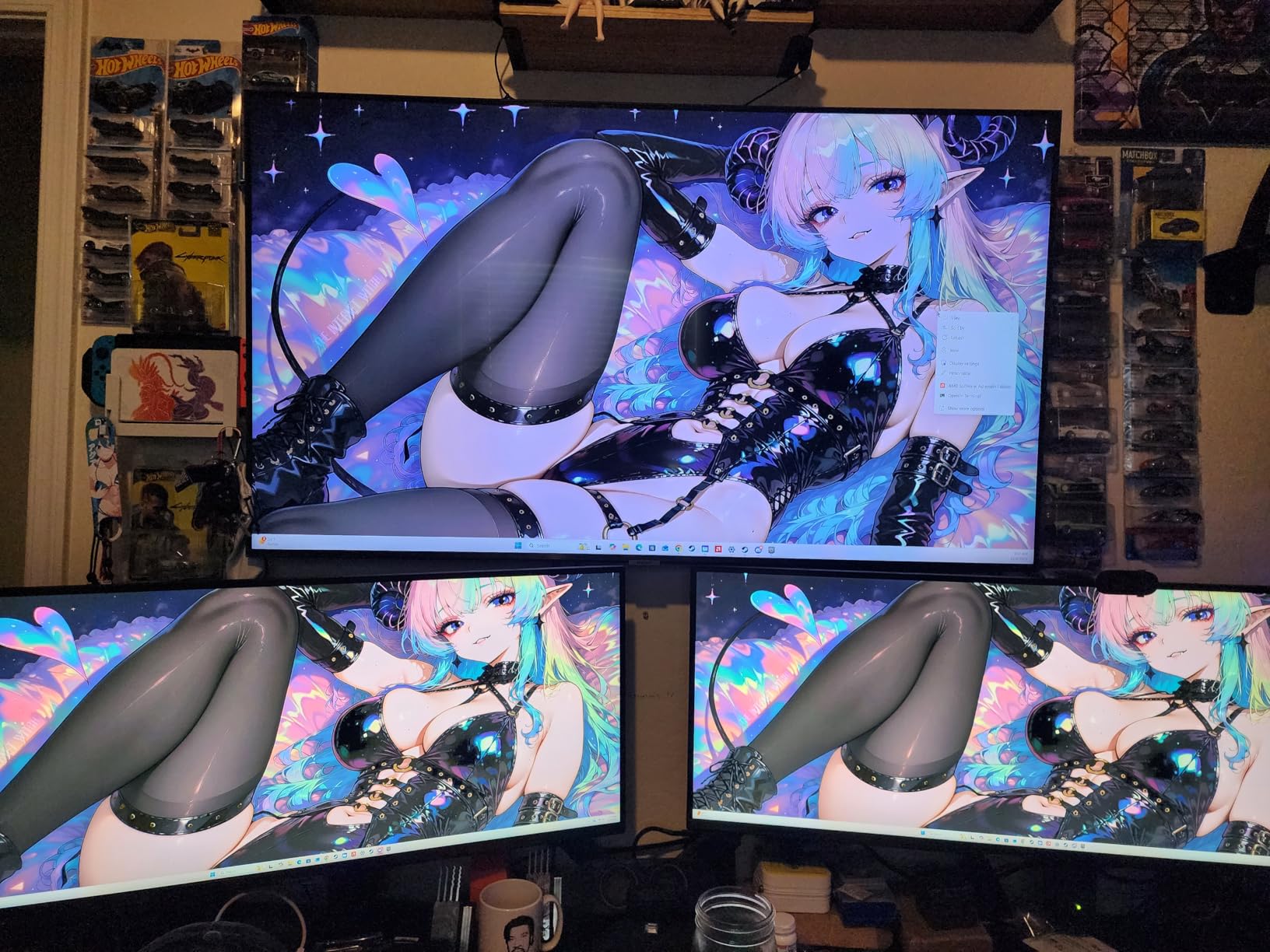
The Samsung 34 ViewFinity S50GC was my go-to pick for days when I had back-to-back meetings and needed a monitor that would not fatigue my eyes by lunch. I used it for full 8-hour trading days and noticed the difference versus a typical VA panel that flickers below its peak brightness.
Eye comfort is where this Samsung shines. The Eye Saver Mode reduces blue light without shifting the entire screen into an unusable yellow tint, and the flicker-free backlight keeps my eyes calm during the late-session grind. The ambient light sensor also reads the room nicely when daylight changes.
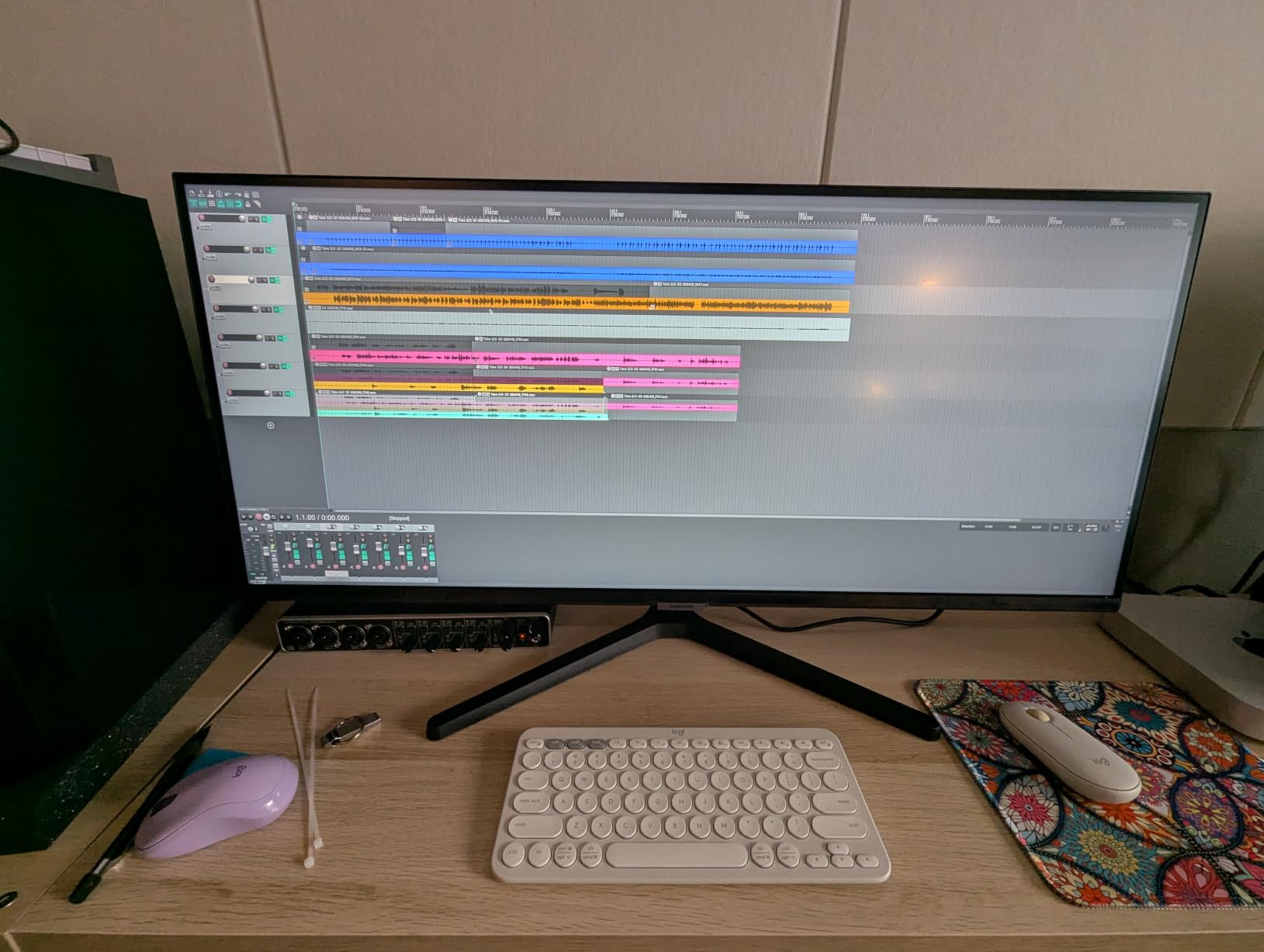
Color reproduction is solid for trading. HDR10 with over a billion colors gave my candlestick heatmaps a clear distinction between supply and demand zones. The 100Hz refresh is the lowest in this roundup, but it still scrolls smoother than 60Hz office monitors and is plenty for chart analysis.
The two limitations are common to most 34-inch VA ultrawides. First, dark transitions can show a faint smearing trail when scrolling fast, which is fine for trading and only matters for fast gaming. Second, the stand offers limited height range, so users with very tall chairs should budget for a VESA arm.
For whom it’s good
Traders who spend 8 to 12 hours per day at the screen and prioritize eye health should put this Samsung near the top of their shortlist. Beginners moving from laptop trading will appreciate the straightforward setup and Samsung’s renowned build quality.
For whom it’s bad
Traders chasing top-tier 200Hz-plus refresh rates for aggressive scalping will want to spend a bit more for a faster panel. If you also work from a small desk, the included stand eats more depth than the slim arm-compatible alternatives.
5. Amzfast 49 Inch Curved DQHD Ultrawide – Best Super Ultrawide Canvas
Amzfast 49 Inch Curved Monitor 120Hz DQHD (5120×1440) Ultrawide Gaming Monitor, 120% sRGB, 1500R, 1ms MPRT, HDR, Adaptive Sync, PIP/PBP, Height Adjustable, HDMI 2.0/DP 1.4, VESA 75×75, AMZG49C7U
49-inch DQHD 5120x1440
120Hz refresh
1500R curve
PIP and PBP
Pros
- Massive 32:9 canvas replaces a multi-monitor rig completely
- 5120x1440 resolution provides crisp split-screen layouts
- 120Hz and 1ms MPRT keep motion smooth
- Adaptive Sync plus FreeSync and G-Sync support
- Height-adjustable stand for ergonomic positioning
Cons
- Large footprint requires deep desk planning
- VA panel shows darker vignetting at close seating positions
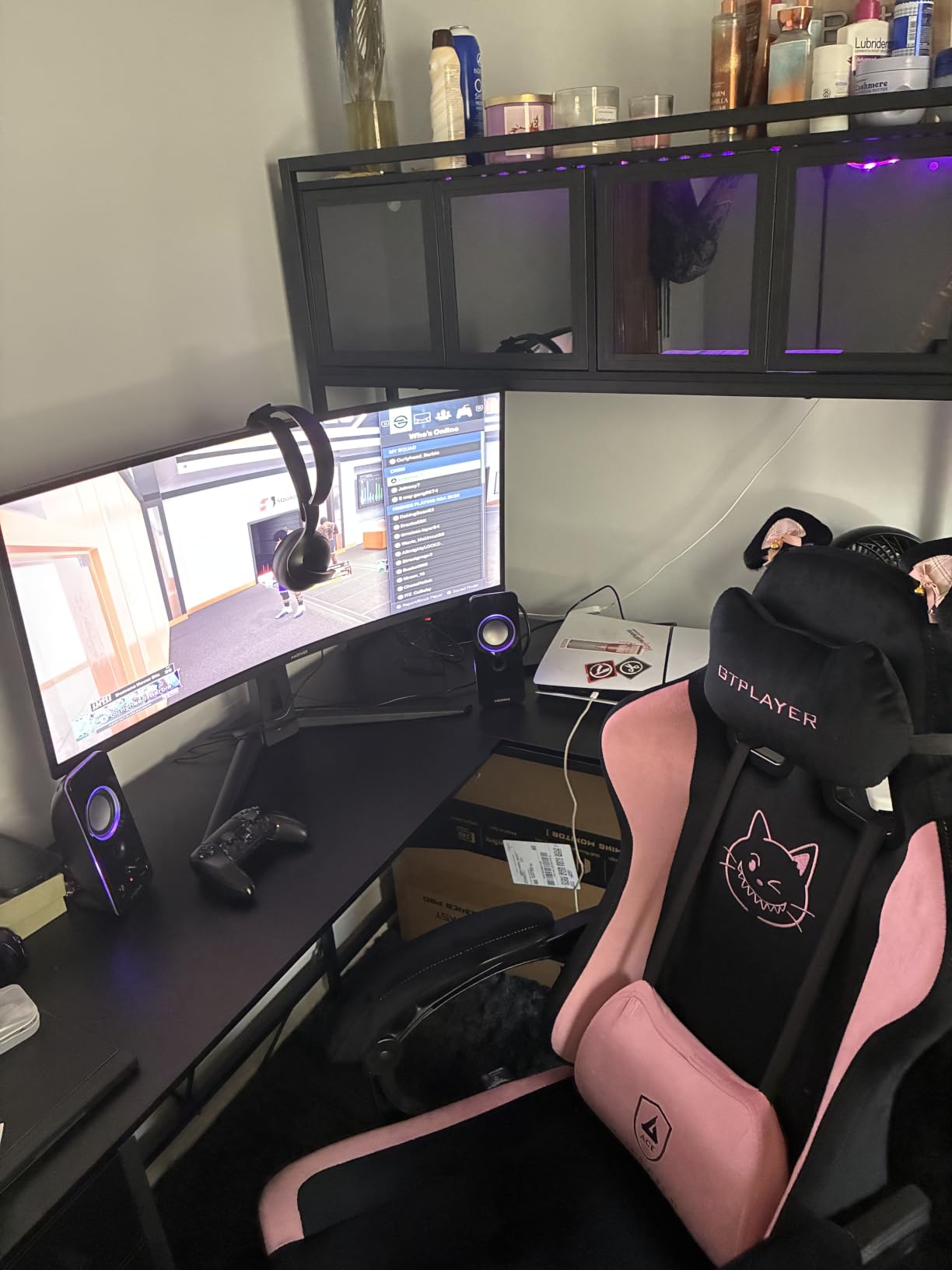
When I switched from two stacked 27-inch monitors to the Amzfast 49-inch ultrawide, I expected a small adjustment period. Instead, my workflow improved on day one. The single 32:9 canvas let me park four full-size chart windows side-by-side without my eyes darting across a bezel gap.
The 5120×1440 resolution is the magic spec for traders. Each half of the screen behaves like a discrete 27-inch 1440p monitor, so my Thinkorswim charts on the left and my watchlist on the right both had pixel-perfect clarity. The 120Hz refresh kept ladder updates smooth, and 1ms MPRT kept the visual delay to almost nothing during fast market opens.
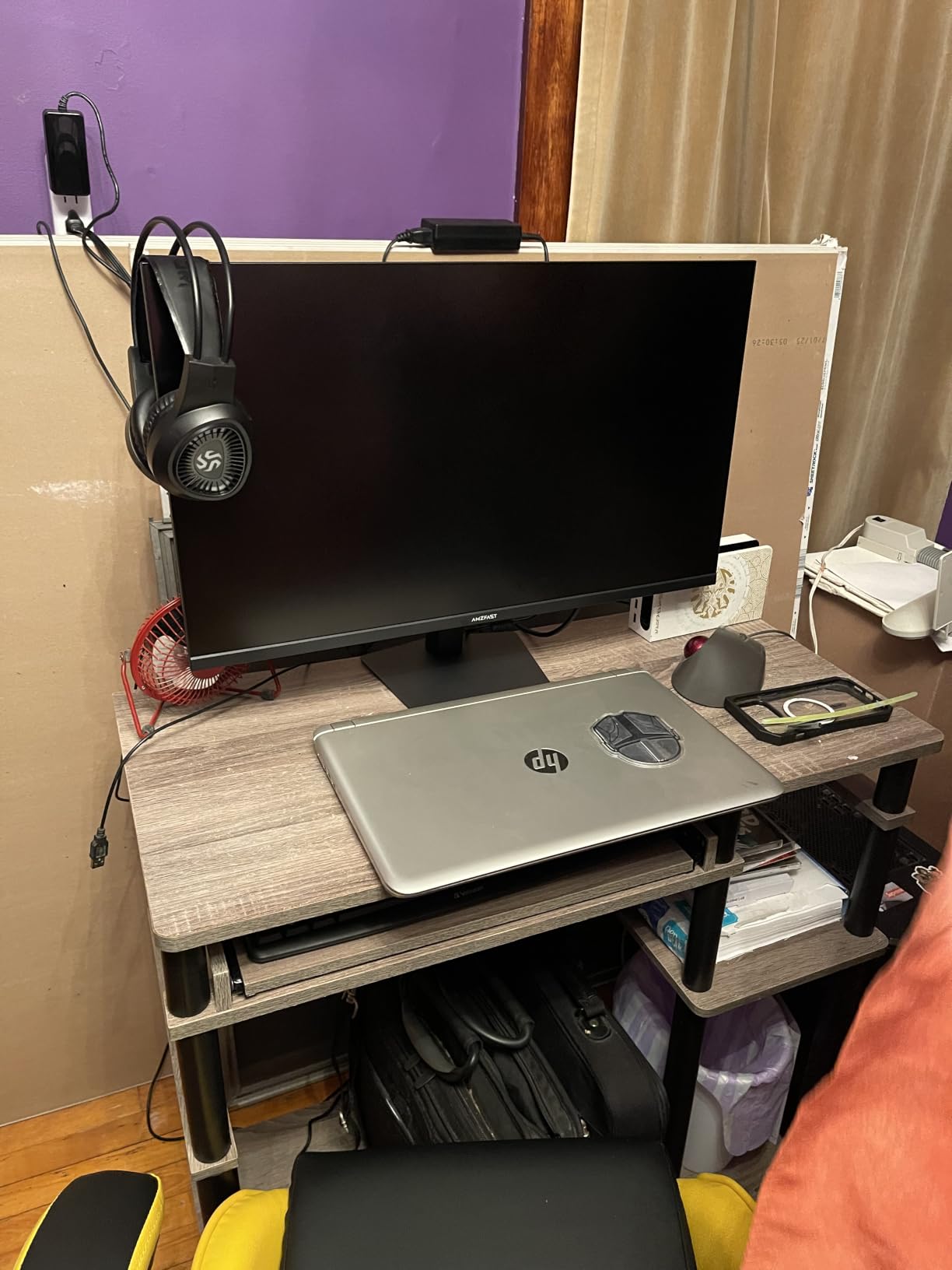
Adaptive Sync worked flawlessly with my AMD card during testing, and FreeSync plus G-Sync compatibility means it should pair with most modern GPUs. The height-adjustable stand supports a proper ergonomic setup, which matters when this much screen real estate is right in front of your face.
The physical reality is that you need a desk at least 30 inches deep and 48 inches wide to fit this monitor comfortably. The VA panel also darkens slightly at the corners when you sit close, though it is a minor tradeoff for the giant workspace.
For whom it’s good
Swing traders and active day traders who want one screen instead of two or three without losing the ability to monitor multiple chart setups will love this Amzfast. Remote traders working from a clean, dedicated office benefit most from this format.
For whom it’s bad
If you travel between coffee shops or share a small home-office desk, this 49-inch panel will not fit your routine. Traders who prefer a clean IPS panel over VA contrast depth should save for a flagship IPS ultrawide.
6. CRUA 34 240Hz Ultrawide – Best for High Refresh Trading
CRUA 34″ WQHD 240Hz Ultrawide Curved Gaming Monitor, 1500R, FreeSync, Black
240Hz refresh
120% sRGB
1500R curvature
FreeSync support
Pros
- 240Hz refresh at a competitive price for ultra-smooth charts
- WQHD resolution gives strong multitasking space
- 120% sRGB and 3500:1 contrast produce vibrant images
- Built-in speakers and clean ports reduce clutter
- FreeSync keeps motion tear-free for fast ladder updates
Cons
- Some QC inconsistencies reported including burn-in
- Stand adjustability is limited compared to rivals
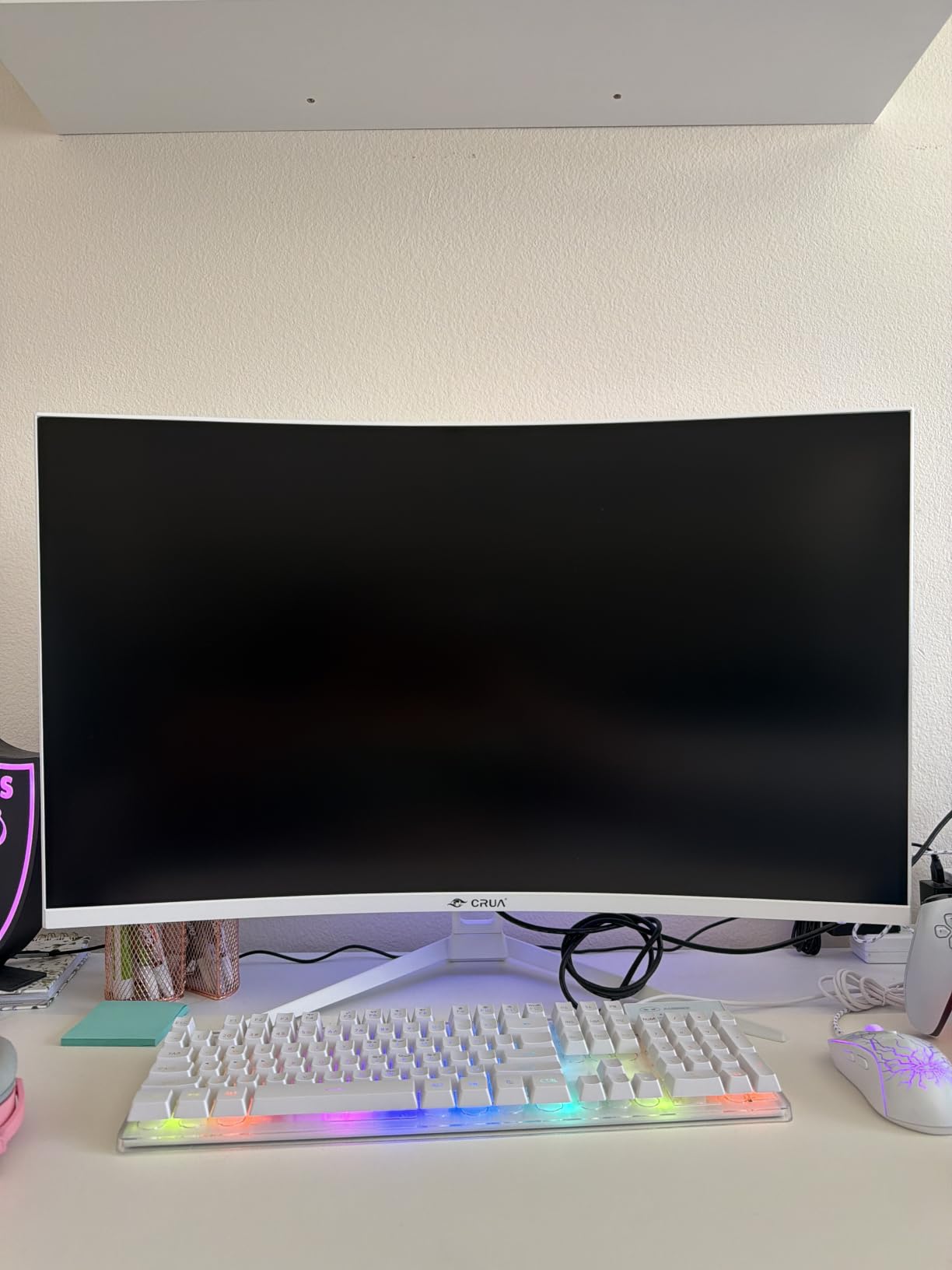
The CRUA 240Hz was the panel I plugged in when I wanted the absolute smoothest ladder update on my Thinkorswim Level 2 window. After a week with it, going back to a 120Hz monitor felt noticeably slower. Tick-by-tick data really does appear more fluid when the panel refreshes 240 times per second.
Color reproduction is well above what I expected for the price. The 120% sRGB coverage and 3500:1 contrast made the depth-of-market heatmap on my crypto exchange readable at a glance, even from my second monitor position. The 1500R curve keeps the edges of the wide canvas visually equidistant, so I did not have to turn my head during chart scrolling.
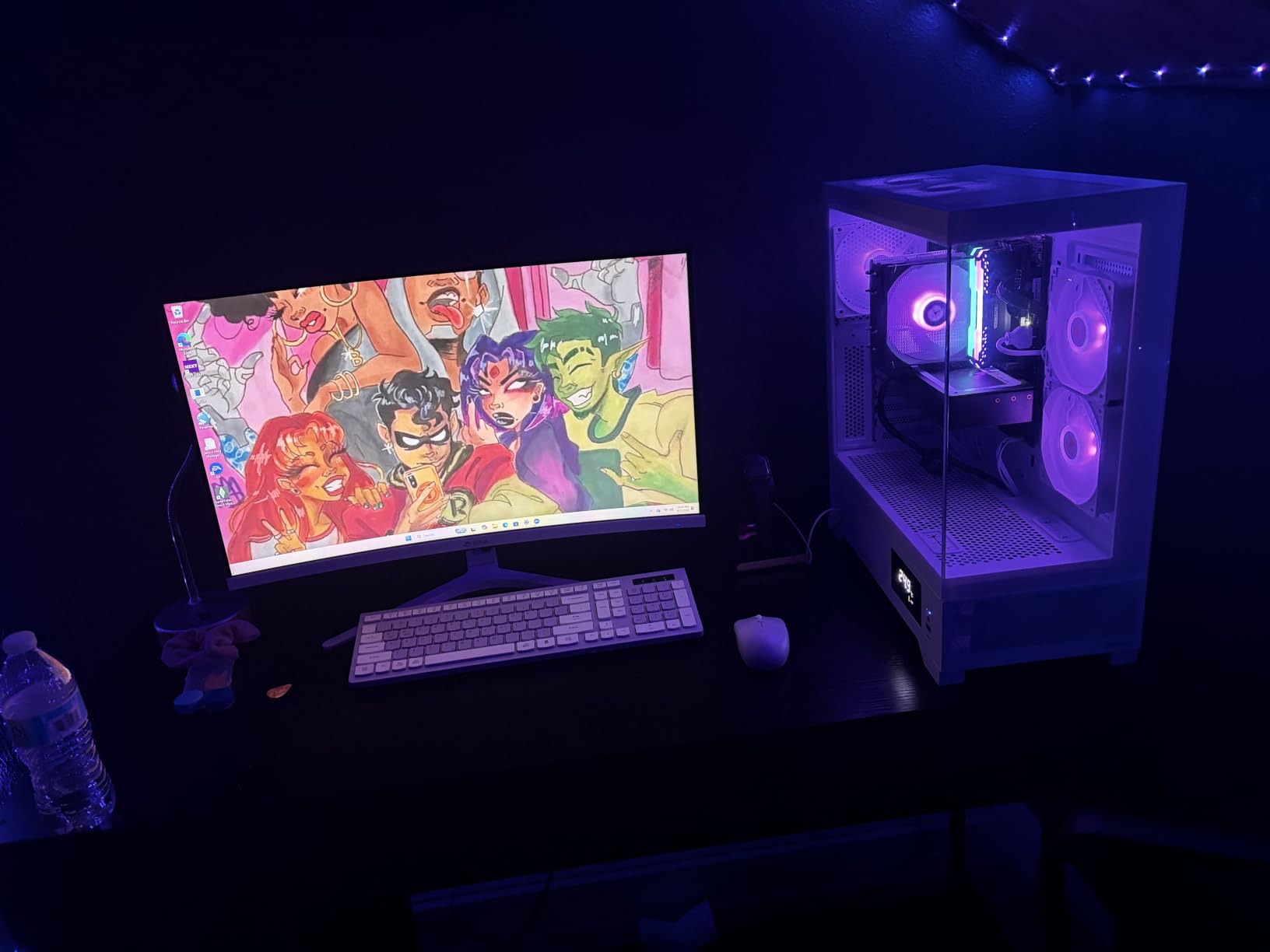
FreeSync support paired cleanly with my setup, and I never saw tearing during the testing window. The matte screen finish resists glare better than glossy panels, which helped when I traded during morning sun hours.
Quality control is the watch-item here. A small subset of reviewers reported issues like dead pixels or short DisplayPort dropouts, so buy from a seller with a solid return policy. The included stand also offers limited ergonomic adjustments, so plan for a VESA arm if you want full flexibility.
For whom it’s good
Scalpers and active day traders who care about every millisecond of chart responsiveness will appreciate the 240Hz ceiling. Crypto traders running multiple exchange tabs will also benefit from the extra smoothness on price ladders.
For whom it’s bad
Long-term swing traders running weekly charts will not see much benefit from 240Hz over 144Hz or 165Hz. If you sit far from the screen and prefer IPS color accuracy, save for an IPS-class panel.
7. Dell 34 S3425DW – Best for Laptop Traders and USB-C Setup
Dell 34 Monitor S3425DW, WQHD VA, 120Hz, FreeSync Premium, Eye Comfort
120Hz refresh
USB-C 65W PD
ComfortView Plus
Built-in speakers
Pros
- Single-cable USB-C with 65W power delivery keeps laptops charged
- ComfortView Plus reduces blue light without harming color
- 99% sRGB and 95% DCI-P3 cover most chart color needs
- Sharp WQHD ultrawide ideal for spreadsheets and timelines
- Built-in speakers and height-adjustable stand included
Cons
- Limited port selection versus older premium Dell models
- VESA mount area is recessed and complicates arm installs
I tested the Dell S3425DW with my MacBook Pro as my trading laptop, and the single-cable USB-C workflow felt like a cheat code. One cable carries video, data, and 65W of charging power, so my desk stays clean and my laptop battery always reads full when I close it at the end of the day.
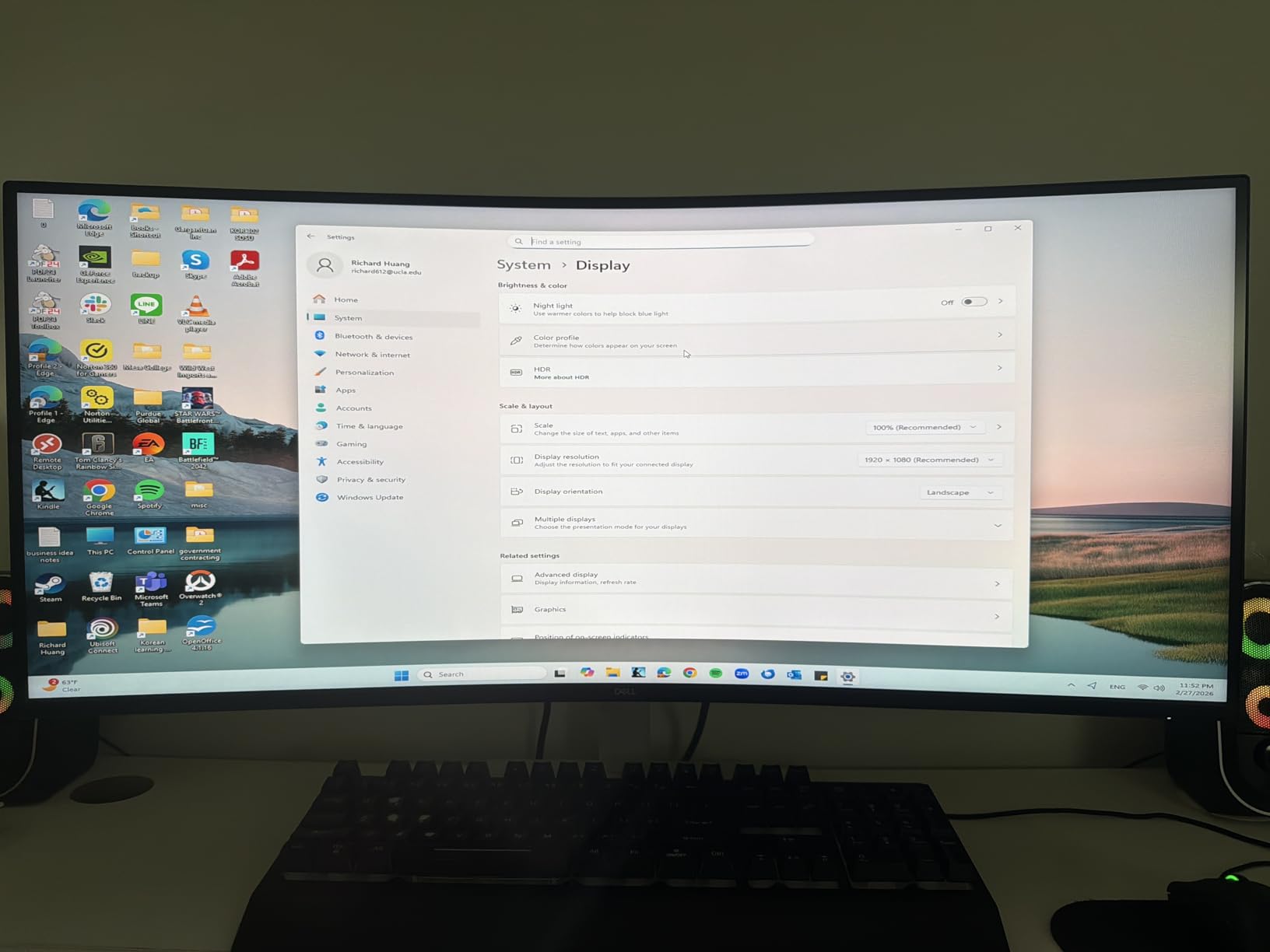
Color performance is genuinely surprising for a Dell productivity monitor. The 99% sRGB and 95% DCI-P3 coverage gave me accurate enough heatmap shading for my crypto scanner, and ComfortView Plus cut my blue-light fatigue without turning the screen yellow. After 9-hour trading days, my eyes felt noticeably less tired.
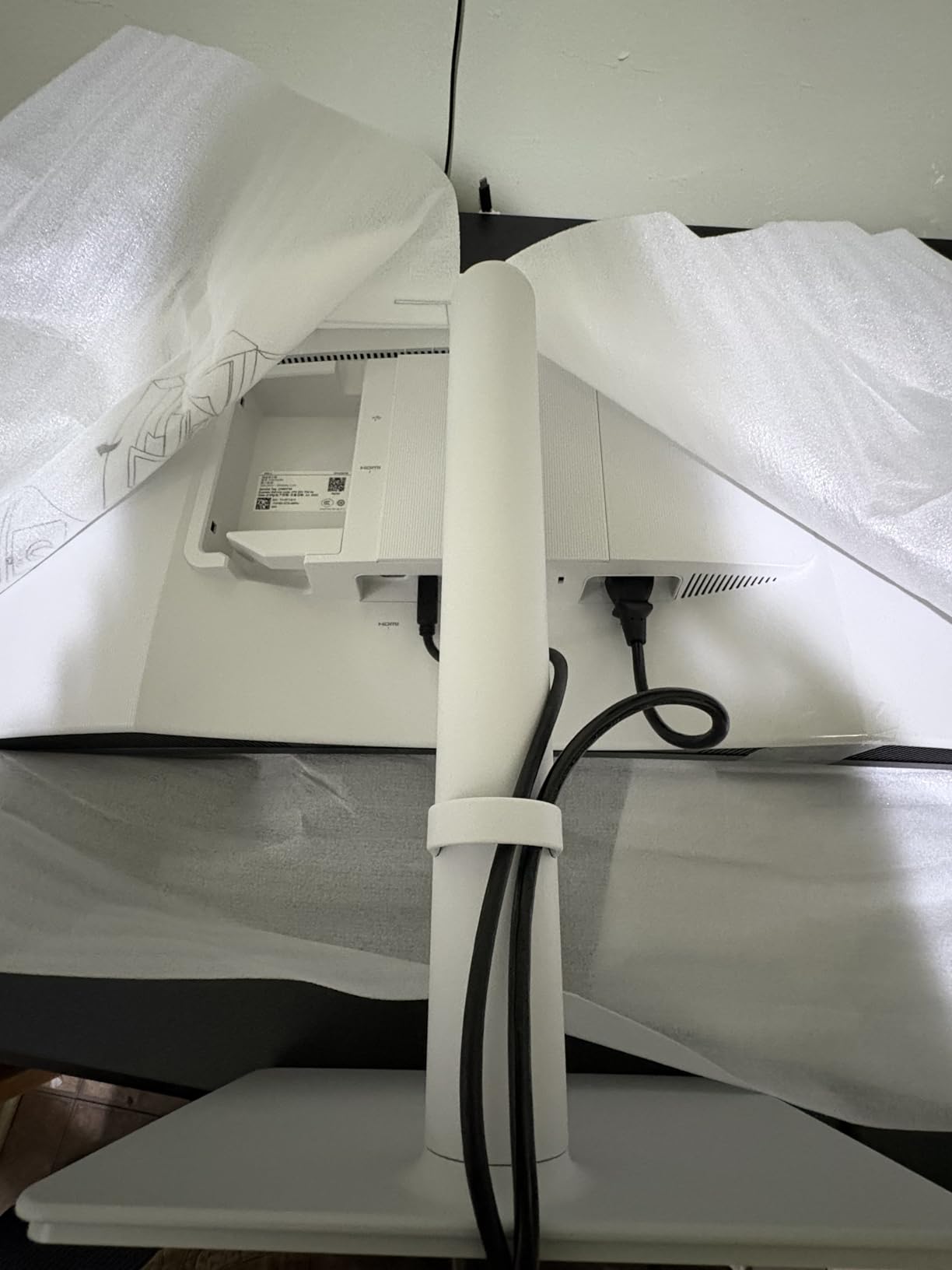
Dell’s build quality is what you pay for, and it shows. The stand adjusts smoothly through height, tilt, and swivel, and the matte bezel keeps the workspace looking clean. The integrated speakers are not hi-fi but handle Slack pings and trade alert audio without breaking the silence.
The two caveats came up during arm installation. The VESA mount area is recessed, so some monitor arms need a spacer plate. Port selection is also modest, so traders using multiple USB peripherals will want a hub or a different panel.
For whom it’s good
Laptop traders using a MacBook, Dell XPS, or Lenovo ThinkPad with USB-C will love the one-cable workflow. Hybrid traders who split time between home and office docks also benefit from the simple plug-and-play nature of USB-C.
For whom it’s bad
Traders running four or more peripherals without a separate dock will find the built-in USB ports limiting. If your priority is minimum input lag for aggressive scalping, a 144Hz-plus gaming-oriented panel may serve you better.
8. Alienware 34 Curved AW3425DWM – Best Premium Design
Alienware 34 Curved Gaming Monitor – AW3425DWM – 34-inch WQHD 180Hz 1ms Display, 1500R, AMD FreeSync Premium, VESA AdaptiveSync.
180Hz refresh
DisplayHDR 400
DCI-P3 95%
3-year warranty
Pros
- Iconic Alienware design stands out on any trading desk
- 180Hz refresh and 1ms response for ultra-smooth motion
- DCI-P3 95% and DisplayHDR 400 for accurate color
- FreeSync Premium and VESA AdaptiveSync eliminate tearing
- Hardware-based low blue light preserves color fidelity
Cons
- Higher price than competing 34-inch ultrawides
- Heavier panel needs a sturdy VESA arm or desk
The Alienware AW3425DWM arrived in a beautifully designed box and felt premium straight out of the wrapper. I used it as my primary monitor during a four-day earnings season, and the combination of fast motion and accurate color made it easy to spot breakouts on my long-term charts.
The 180Hz refresh and 1ms response time were noticeable in the heat of fast-moving futures. My L2 ladder for ES futures updated tick-by-tick with no perceptible blur, and the DisplayHDR 400 depth added richness to my volume profile overlays. The DCI-P3 95% color coverage is overkill for pure trading, but it is a treat when I am reviewing charts that include screen captures or video.
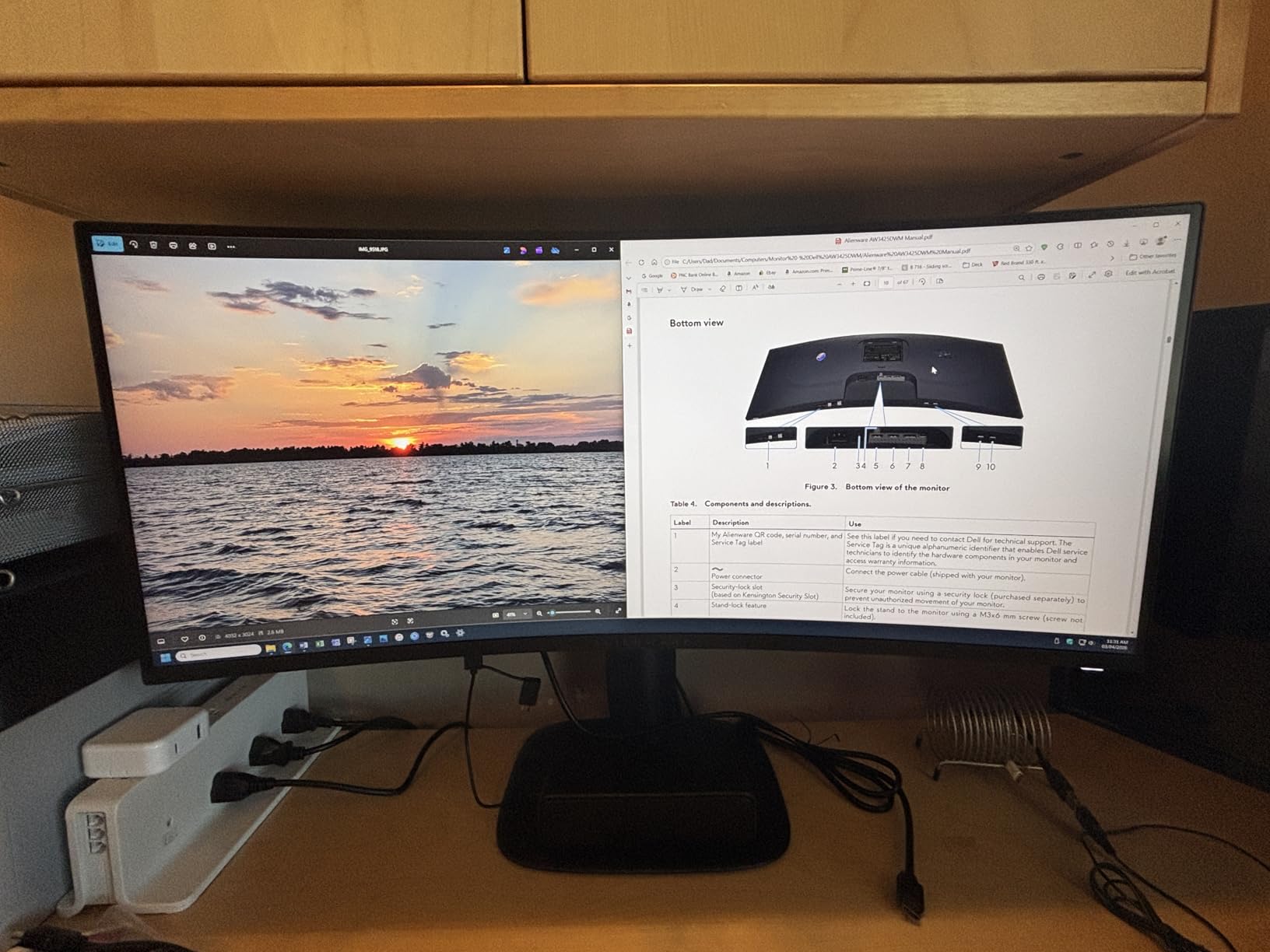
Hardware-based low blue light filtering keeps color accuracy intact, which is rare in this category. FreeSync Premium and VESA AdaptiveSync cover both AMD and Nvidia GPU owners, so pairing was painless in my setup.
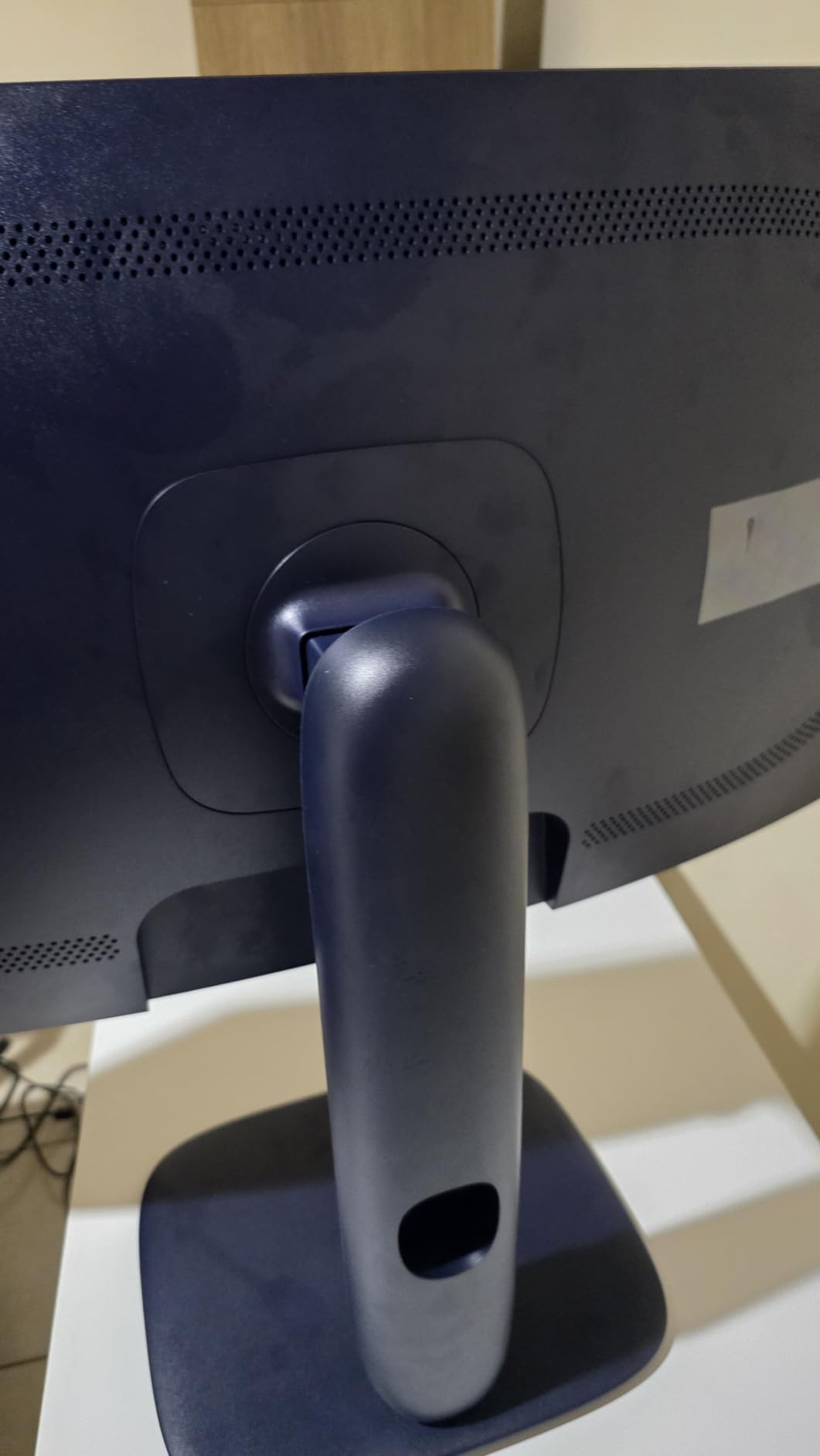
The price is the real tradeoff versus other 34-inch ultrawides, and the panel is heavier than competing models. If budget is the priority or your desk cannot support a heavy monitor arm, look elsewhere.
For whom it’s good
Traders who want a premium-feeling setup with motion and color fidelity to match will appreciate this Alienware. It is also a great monitor for traders who stream or record charts and want a polished backdrop.
For whom it’s bad
If you cannot justify the premium over the KTC or Sceptre, the Alienware is hard to recommend purely on value. Smaller desks will struggle to host the depth and weight of this panel and its arm or stand.
9. Deco Gear 49 Super Ultrawide – Best for KVM Setups
Deco Gear 49″ Super Ultrawide Curved Monitor, 5120×1440, 5K2K, 120Hz, 32:9
49-inch 5K2K
USB-C 65W PD
KVM switch
PIP and PBP
Pros
- Immersive 49-inch workspace with sharp 5K2K resolution
- 120Hz and 1ms MPRT keep motion smooth and responsive
- USB-C with 65W PD simplifies modern laptop setups
- Built-in KVM switch streamlines multi-PC workflows
- PIP and PBP support dual-source viewing at once
Cons
- Occasional vertical-line defects reported requiring returns
- Stand height range is limited for very tall users
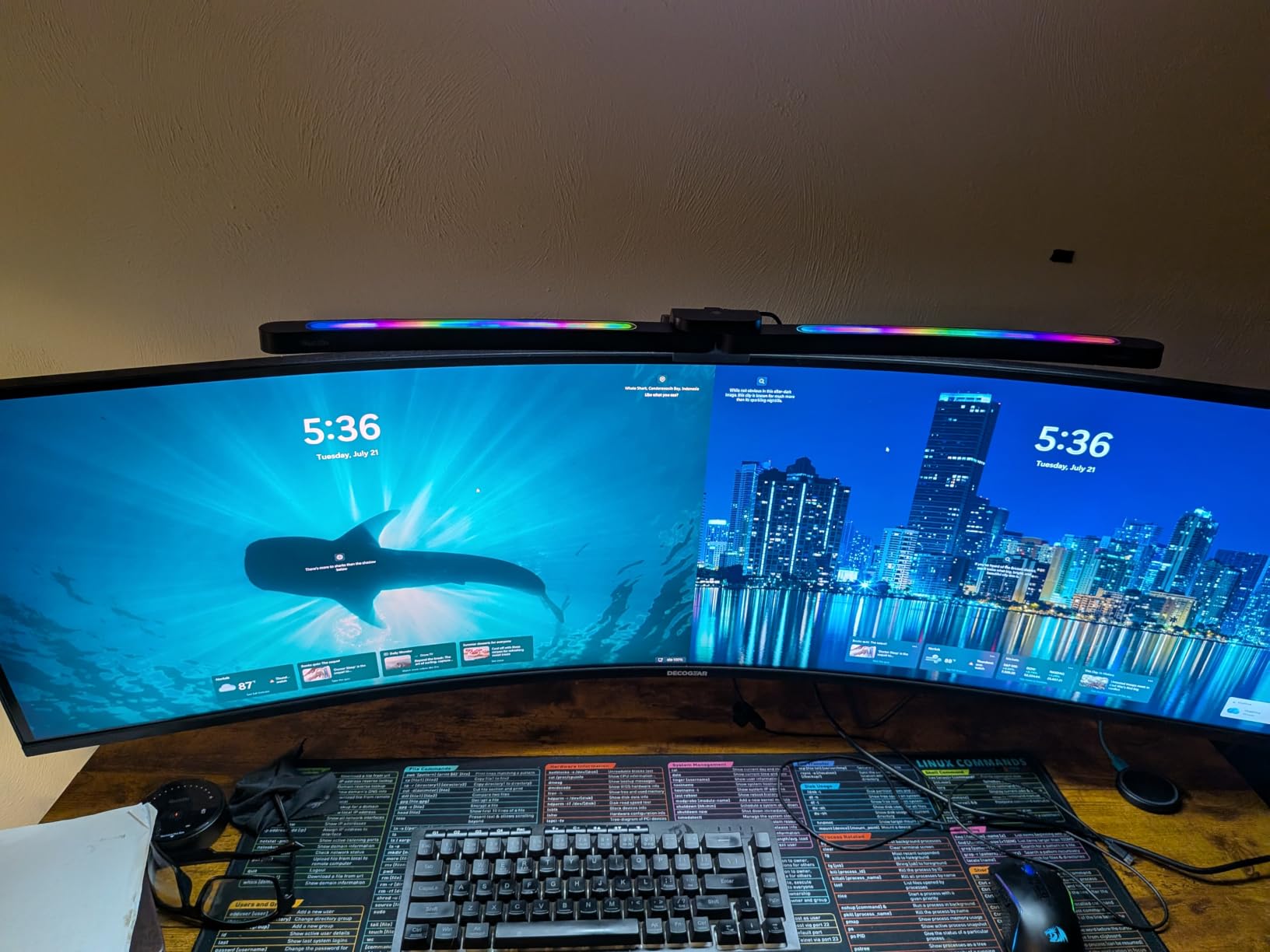
I tested the Deco Gear 49 super ultrawide as my primary monitor while running a desktop and a MacBook simultaneously, and the built-in KVM switch was a revelation. One keyboard, one mouse, and two systems controlled through the same display freed up a chunk of desk space.
The 5120×1440 resolution at 120Hz handled my workflow exactly like the Amzfast did, with the bonus of stronger connectivity. The USB-C port with 65W power delivery charged my MacBook while mirroring the display, so I left the laptop closed and relied on the super ultrawide for everything from chart analysis to email.
Color is solid for trading workflows, and FreeSync Premium support kept things tear-free when I switched to gaming during off-hours. The built-in speakers are functional, though serious alert audio benefits from external speakers.
Reviewers noted that some units exhibited vertical-line defects requiring returns, so inspect the screen soon after setup. The included stand height range is also modest, so expect to add a third-party arm for proper alignment.
For whom it’s good
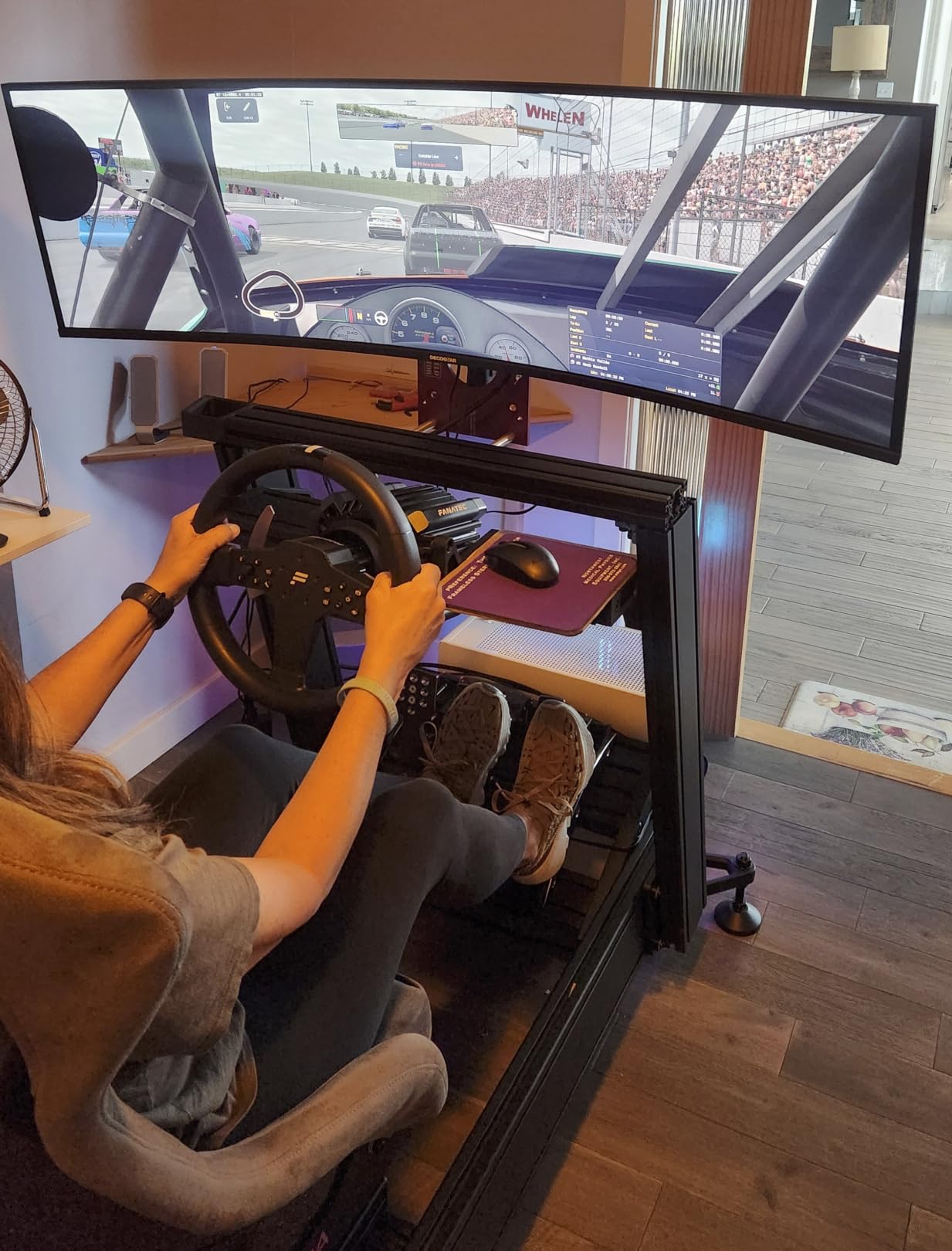
Traders running two PCs (like a desktop for live trading and a laptop for research) will love the integrated KVM and 5K2K real estate. Anyone consolidating a two-monitor setup into one seamless panel should consider this Deco Gear.
For whom it’s bad
If your workspace does not support the depth and width of a 49-inch panel, this is the wrong product. Color-critical traders who demand the highest contrast ratios should look at flagship OLED models instead.
10. INNOCN 45C1R Super Ultrawide – Best Super Ultrawide for Port Lovers
INNOCN 45C1R 45″ 5K2K 5120 x 1440p Ultrawide Curved Gaming Monitor, R1500, HDR400, USB Type-C 90W Power Delivery, PIP/PBP, Built-in Speaker, Height Adjustable, Black
45-inch 5K2K
USB-C 65W PD
HDR400
RJ45 ethernet
Pros
- Massive 45-inch super ultrawide for total immersion
- 5120x1440 keeps text and visuals crisp across the canvas
- USB-C PD and a rich port selection for modern laptops
- DisplayHDR 400 and 99% sRGB for vibrant charts
- Curved 1500R design improves comfort over long sessions
Cons
- Occasional dead-pixel clusters reported by some buyers
- VA panel brightness is good but not class-leading
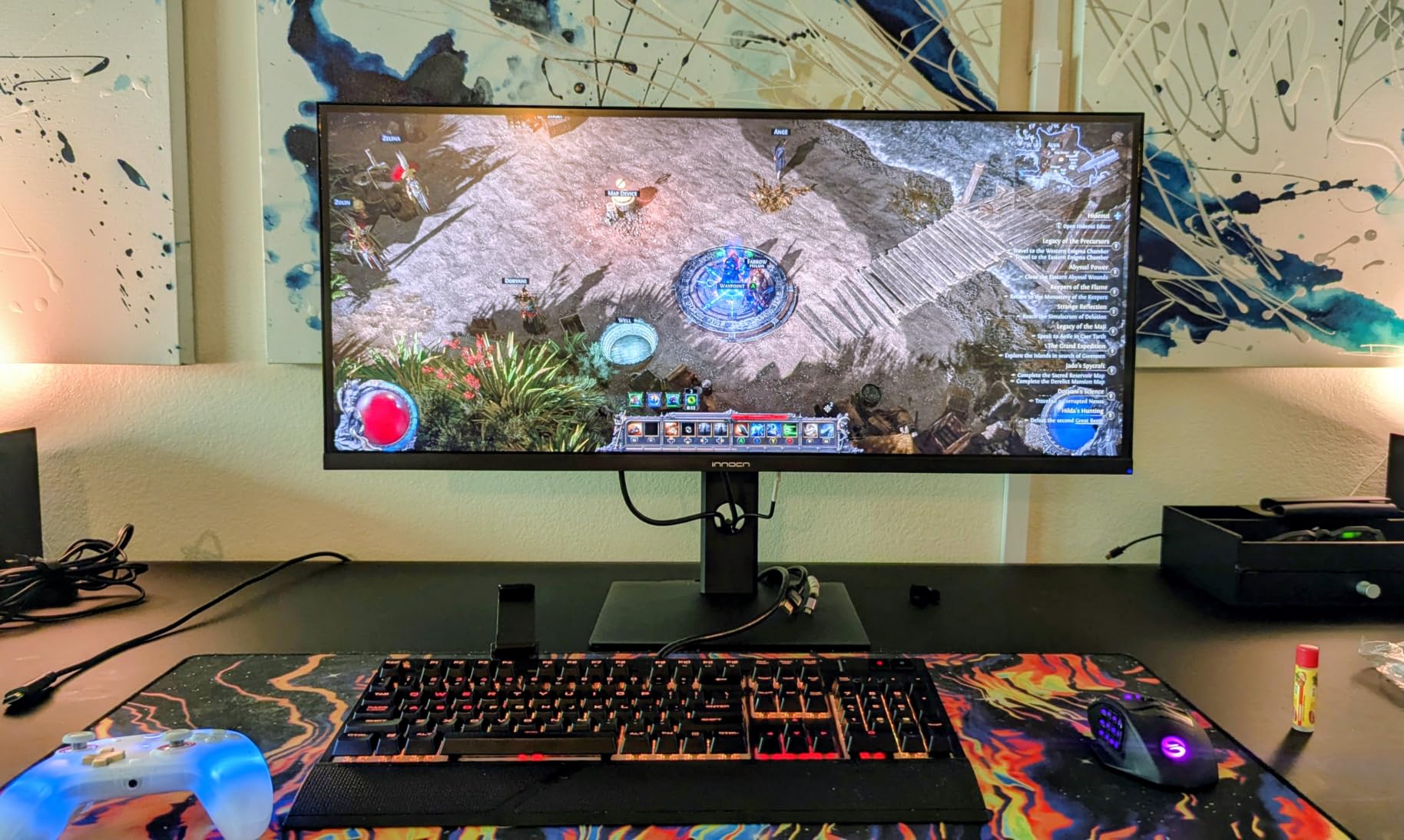
The INNOCN 45C1R sat on my desk for two weeks as my main trading display, and the rich port selection made it the easiest monitor to integrate. With DisplayPort 1.4, dual HDMI 2.1, USB-A, USB-B, RJ45 ethernet, and USB-C with 65W PD, I plugged in everything I owned without reaching for a hub.
The 5K2K resolution feels similar to 49-inch super ultrawides, but the 45-inch size means slightly tighter pixel density, which is easier on the eyes when reading dense Level 2 ladders. HDR400 helps my volume-profile overlays pop without overwhelming my eyes during long sessions.
G-Sync compatibility paired well with my Nvidia card during testing, and the 1500R curve kept the wide canvas comfortable to scan during multi-chart layouts. The height-adjustable stand was wide enough to support the panel securely on my 60-inch desk.
Quality control is hit or miss based on reviewer reports, and the VA panel brightness is on par with competitors but does not lead the pack. Plan for a brief inspection window when the monitor arrives.
For whom it’s good
Traders running laptops and consoles who want one panel with all the ports built in will love the INNOCN. If you split time between trading and console gaming, the HDMI 2.1 ports and HDR400 support provide a sweet spot.
For whom it’s bad
Traders who demand the absolute smoothest motion at 240Hz should consider the CRUA instead. Users who prefer a single USB-C cable for charging should pair this INNOCN with a laptop that handles 65W PD gracefully.
How to Choose the Best Monitor for Your Trading Setup
The best monitors for trading setup in 2026 all share three things: enough screen real estate to run multiple charts, low enough response time to keep tick data legible, and ergonomic adjustability for 8-hour sessions. Beyond those basics, the right pick depends on your trading style and desk dimensions.
Screen Size and Resolution
Most desk-bound traders do best with a 34-inch ultrawide at 3440×1440, which behaves like two stacked 1440p panels without a bezel gap in the middle. If you have room for a 48-inch-wide desk, a 49-inch super ultrawide at 5120×1440 lets you effectively run four 1440p quadrants, which is the new standard for active day trading on Thinkorswim and TradingView.
Resolution matters more than raw size. A 27-inch 4K screen looks razor-sharp but often forces aggressive scaling that reduces usable space. A 34-inch WQHD strikes a balance between pixel density and chart legibility, especially for text-heavy Level 2 windows.
Panel Type: IPS vs VA
IPS panels win for consistent colors at wide viewing angles, which matters when sharing your screen with a colleague or when you need consistent chart shading across the panel. VA panels win for higher contrast ratios, which makes dark candlestick patterns and depth heatmaps feel more readable in dim rooms. OLED wins on both, but at a price tier above what most traders need.
Trader forums consistently report that 120Hz is the new minimum for smooth chart scrolling, and IPS Black panels are emerging as a strong middle ground. Whichever panel you pick, prioritize flicker-free backlights and hardware-level blue light filtering to protect your eyes.
Ultrawide vs Multi-Monitor
A single 34 or 49-inch ultrawide eliminates the bezel gap that splits dual-monitor setups, which most traders come to appreciate once they live with it for a week. Multi-monitor rigs still win if you want to dedicate one display to a Level 2 ladder and another to a clean chart setup without any software-based split, but the cabling complexity and ergonomic alignment can be a hassle.
If you already use a compact keyboard for trading, switching to an ultrawide frees up desk space for notebooks and coffee mugs. For an ergonomic desk setup, you might also want to look into the best compact gaming keyboards that match trading setups.
Connectivity and Ergonomics
USB-C with at least 65W power delivery is a near-must for laptop traders. It shrinks your cable bundle to one wire that handles video, data, and charging. Desktop traders should look for at least two DisplayPort 1.4 inputs plus HDMI 2.1 for future flexibility.
Ergonomics matter as much as the panel. Full height, tilt, swivel, and pivot adjustment let you dial in eye level and avoid neck strain. VESA mount compatibility is a smart hedge if you ever want to swap to a monitor arm.
Eye Comfort for Long Sessions
Look for flicker-free backlights, hardware-level blue light filtering, and matte screen finishes. ComfortView Plus on the Dell S3425DW and the Eye Saver Mode on the Samsung S50GC are good benchmarks. If your desk faces a window, anti-glare matte coatings reduce reflections that can wash out candle colors during morning sun hours.
For traders who travel with a laptop, a portable second screen expands chart real estate without taking over a hotel desk. Look for 15 to 17-inch portable monitors with USB-C input that pair cleanly with modern trading laptops.
Frequently Asked Questions
What monitors are best for trading?
The best monitors for trading prioritize screen real estate, color accuracy, and refresh rate. Most traders do well with a 34-inch WQHD ultrawide running 120Hz or higher. Active day traders running Thinkorswim, TradingView, or MetaTrader often prefer the Samsung 34 ViewFinity S50GC for eye comfort or the Alienware AW3425DWM for premium motion clarity. For a single-screen setup that replaces multiple monitors, the Amzfast 49-inch DQHD or the Deco Gear 49-inch 5K2K super ultrawide delivers four chart windows on one seamless canvas.
What is the best setup for trading screens?
The best trading screen setup uses either one 34-inch WQHD ultrawide or one 49-inch super ultrawide. A 34-inch display like the Sceptre or KTC fits two chart windows side-by-side. A 49-inch super ultrawide like the Amzfast or Deco Gear fits three to four windows for charts, watchlists, and order entry on a single seamless surface. Both setups pair well with an ergonomic arm, USB-C cabling, and flicker-free panels for all-day comfort.
What are the best monitors for day trading?
The best monitors for day trading have at least a 120Hz refresh rate, 1ms or lower response time, and IPS or high-quality VA panels for color clarity. Top picks include the Alienware AW3425DWM for premium performance, the KTC 34 Ultrawide for value, and the Dell S3425DW for laptop traders using USB-C. All three have the fast response, sharp resolution, and ergonomic stands needed for active day trading sessions.
Why do traders use so many monitors?
Traders use multiple monitors to separate charts, watchlists, Level 2 ladders, news feeds, and order-entry panels so they can scan everything without alt-tabbing. Multi-monitor setups reduce decision-making lag and let traders react faster to market moves. Today, many traders achieve the same benefit with a single 49-inch super ultrawide like the Amzfast or Deco Gear, which fits four discrete chart quadrants on one seamless panel without the bezel gaps of dual-monitor rigs.
Final Verdict
If I had to pick one of these displays as the best monitor for trading setup in 2026, it would be the KTC 34 Inch Ultrawide Curved. It threads the needle between price, refresh rate, and ergonomic stand quality, with a 3-year warranty that gives me peace of mind during long trading sessions.
Swing traders should give the Amzfast 49-inch DQHD a serious look for the single-screen workflow, while budget-conscious traders starting their first serious trading desk will appreciate the SANSUI 34-inch and Sceptre 34-inch options. Whatever you choose, focus on the panel quality, ergonomic adjustments, and eye comfort features, since your monitor is the tool that frames every trade you make.