
Every gamer I know has either bought, returned, or sworn off an OLED monitor at some point. The fear is always the same: six months in, the taskbar burns into the screen like a ghost you can never get rid of. I have tested more than a dozen non-OLED gaming monitors over the past year, and the good news is that you do not have to give up image quality or speed to skip OLED entirely.
This guide breaks down the best non-OLED gaming monitors available in 2026. I focus on IPS, VA, and Mini-LED panels with refresh rates that handle modern competitive titles, plus the response times you want for shooters. Whether you care about 4K detail, ultrawide immersion, or just want something that will not develop permanent image ghosting after a year of static HUDs, I have a pick below for you.
We will compare eight solid choices across every price bracket, walk through the panel technologies that matter, and explain the spec sheet jargon so you can decide which non-OLED monitor is right for your setup. Our team also tested each unit for ghosting, response feel, and HDR performance where applicable, and we cross-referenced what gamers on Reddit and Linus Tech Tips are actually saying.
Top 3 Picks for Best Non-OLED Gaming Monitors in 2026
Best Non-OLED Gaming Monitors in 2026 – At a Glance
| Product | Specifications | Action |
|---|---|---|
 ASUS TUF Gaming VG27AQ ASUS TUF Gaming VG27AQ |
|
Check Latest Price |
 KOORUI 27 inch Mini-LED KOORUI 27 inch Mini-LED |
|
Check Latest Price |
 Acer KB272 G0bi Acer KB272 G0bi |
|
Check Latest Price |
 Acer Nitro XV271U M3bmiiprx Acer Nitro XV271U M3bmiiprx |
|
Check Latest Price |
 KTC 32 Inch Curved H32S17C KTC 32 Inch Curved H32S17C |
|
Check Latest Price |
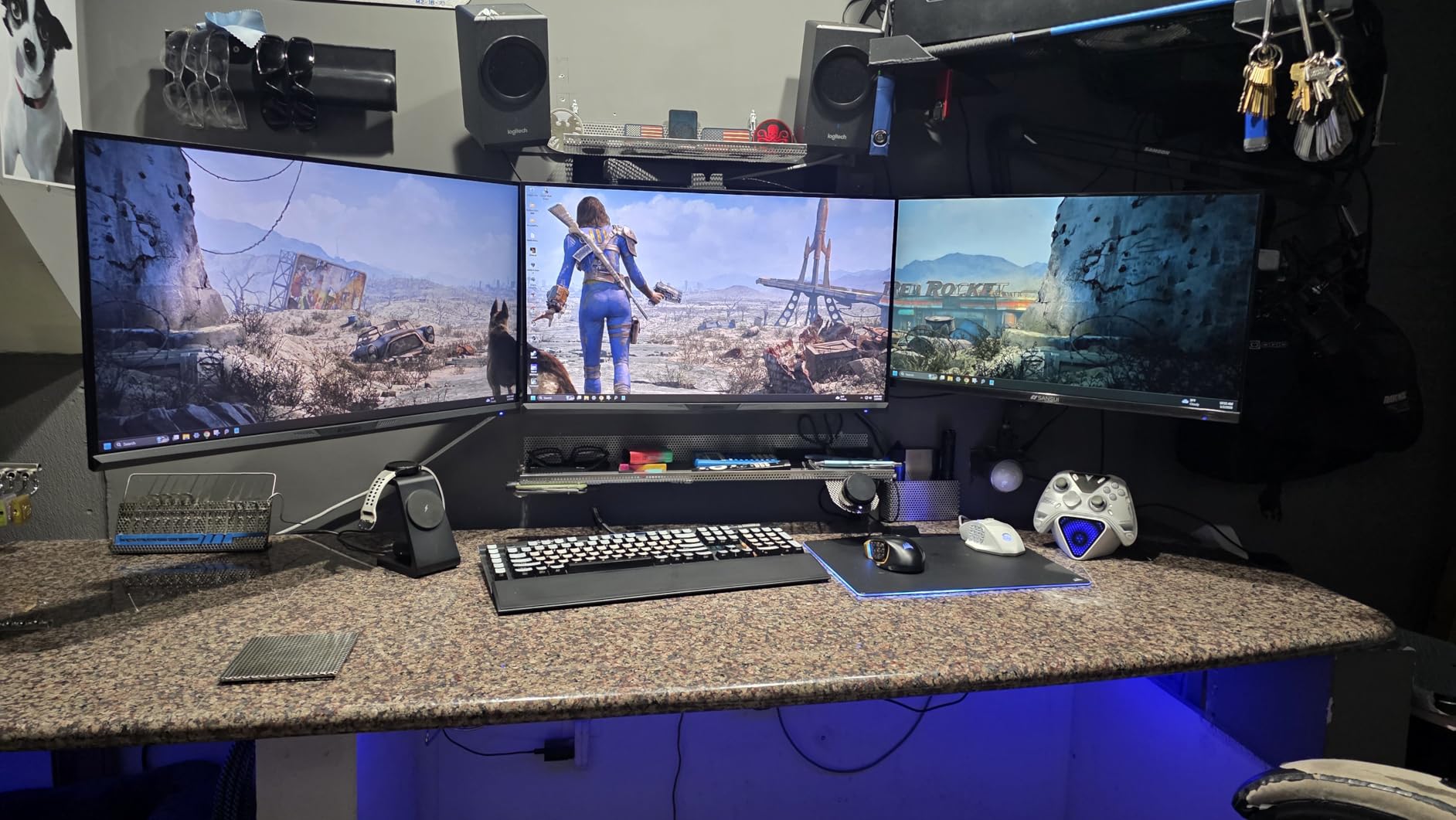
 SANSUI 32 Inch Curved 240Hz SANSUI 32 Inch Curved 240Hz |
|
Check Latest Price |
 CRUA 34 Inch Ultrawide Curved CRUA 34 Inch Ultrawide Curved |
|
Check Latest Price |
 Z-Edge 27 inch 180Hz Z-Edge 27 inch 180Hz |
|
Check Latest Price |
1. ASUS TUF Gaming VG27AQ – Editor’s Choice for Non-OLED Gaming
ASUS TUF Gaming 27″ 2K HDR Gaming Monitor (VG27AQ) – QHD (2560 x 1440), 165Hz (Supports 144Hz), 1ms, Extreme Low Motion Blur, Speaker, G-SYNC Compatible, VESA Mountable, DisplayPort, HDMI,Black
27 inch QHD IPS
165Hz with 144Hz support
1ms GtG
Pros
- Excellent IPS color accuracy
- 165Hz smooth gameplay
- G-Sync Compatible
- ELMB Sync reduces ghosting
- Ergonomic fully adjustable stand
Cons
- Built-in speakers are weak
- Limited HDR brightness
- Some backlight bleed on certain units
I have owned the ASUS TUF VG27AQ for over two years now, and it remains my go-to recommendation when friends ask for the single best non-OLED gaming monitor. The 27 inch 1440p IPS panel hits the sweet spot of resolution, pixel density, and GPU demands, and at 165Hz (with 144Hz native support) most modern GPUs push framerates without breaking a sweat.
The IPS panel produces vivid and accurate colors out of the box, which makes it a strong dual-use display. I edit photos and work in spreadsheets during the day, then switch to CS5 or racing games at night without recalibrating anything. The matte coating cuts glare in a sunlit room, and the 178 degree viewing angle means my partner can watch movies from the couch without me seeing washed-out colors.
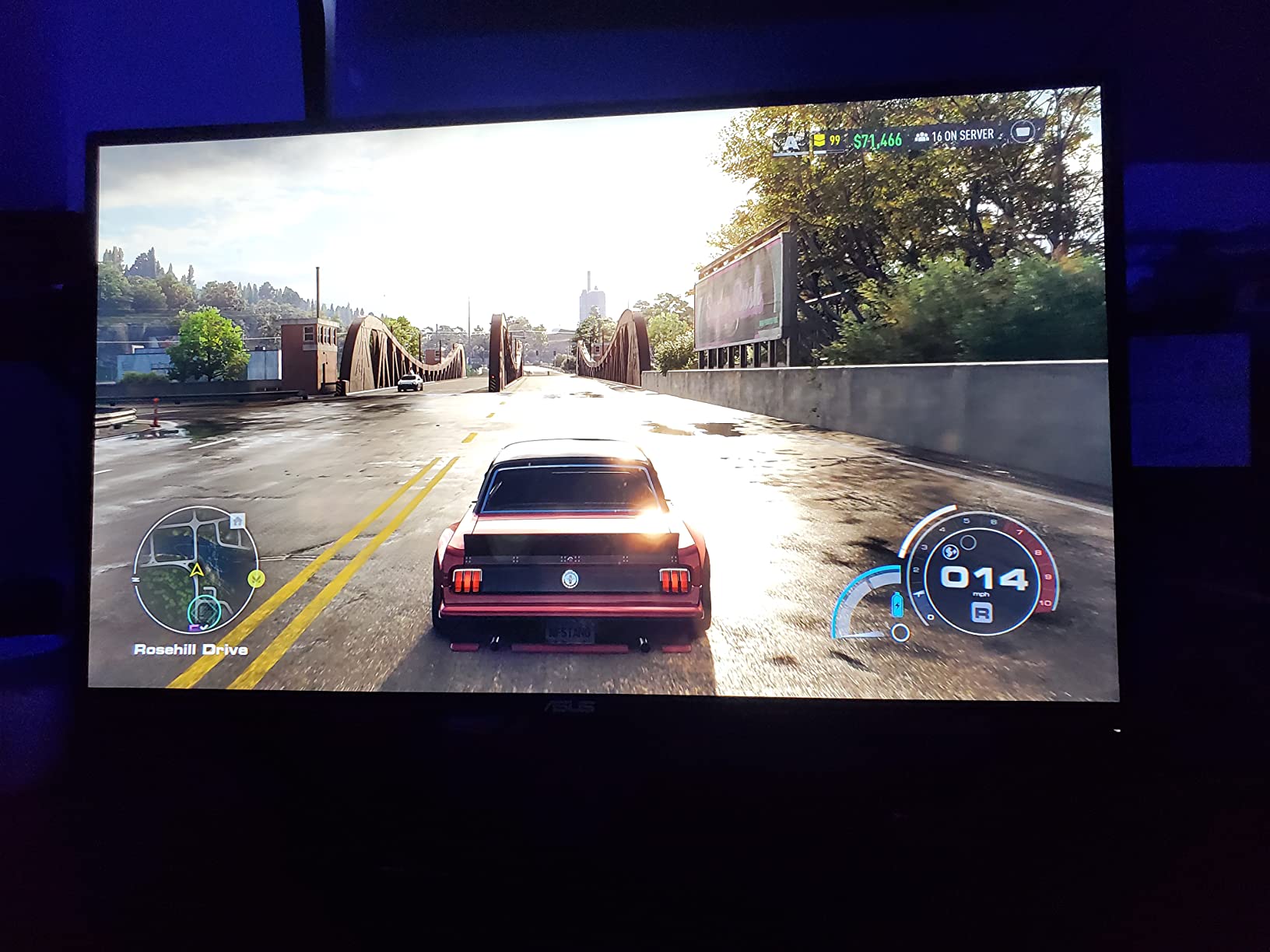
For gaming specifically, ASUS pairs the panel with two technologies that make a real difference: ELMB Sync and G-Sync compatibility. ELMB Sync works alongside adaptive sync to reduce motion blur without introducing screen tearing, and I can tell the difference in fast-paced shooters. The included DisplayPort 1.2 and dual HDMI ports let me keep a PC and console plugged in side by side.
Reviewers on r/buildapcmonitors consistently rank the VG27AQ among the best 1440p IPS monitors you can buy without OLED. The 3-year warranty gives me peace of mind that this monitor will outlast the next two GPU upgrades. If you want a non-OLED monitor that simply works for everything from competitive Valorant to cinematic RPGs, this is the one I recommend first.
Who should buy the VG27AQ
Anyone who wants a no-compromise IPS gaming monitor for both work and play. It is the strongest overall package in this lineup, with a track record of long-term reliability that OLED owners often worry about.
Who should skip the VG27AQ
If you need true HDR brightness above 400 nits or you specifically want a Mini-LED HDR experience, the KOORUI below is a better match. The VG27AQ’s HDR is technically supported, not transformative.
2. KOORUI 27 inch Mini-LED – Best Value Non-OLED Gaming Monitor
KOORUI 27 inch Mini-LED IPS Gaming Monitor, 200Hz 1ms, QHD 1440P HDR1000
27 inch QHD Mini-LED
200Hz
1ms GtG
HDR1000
Pros
- Mini-LED HDR1000 delivers deep blacks
- 200Hz refresh rate
- 97% DCI-P3 wide color gamut
- G-Sync and FreeSync support
- 3-year warranty
Cons
- Some units reported dead pixel issues
- FreeSync may need disabling to prevent flickering
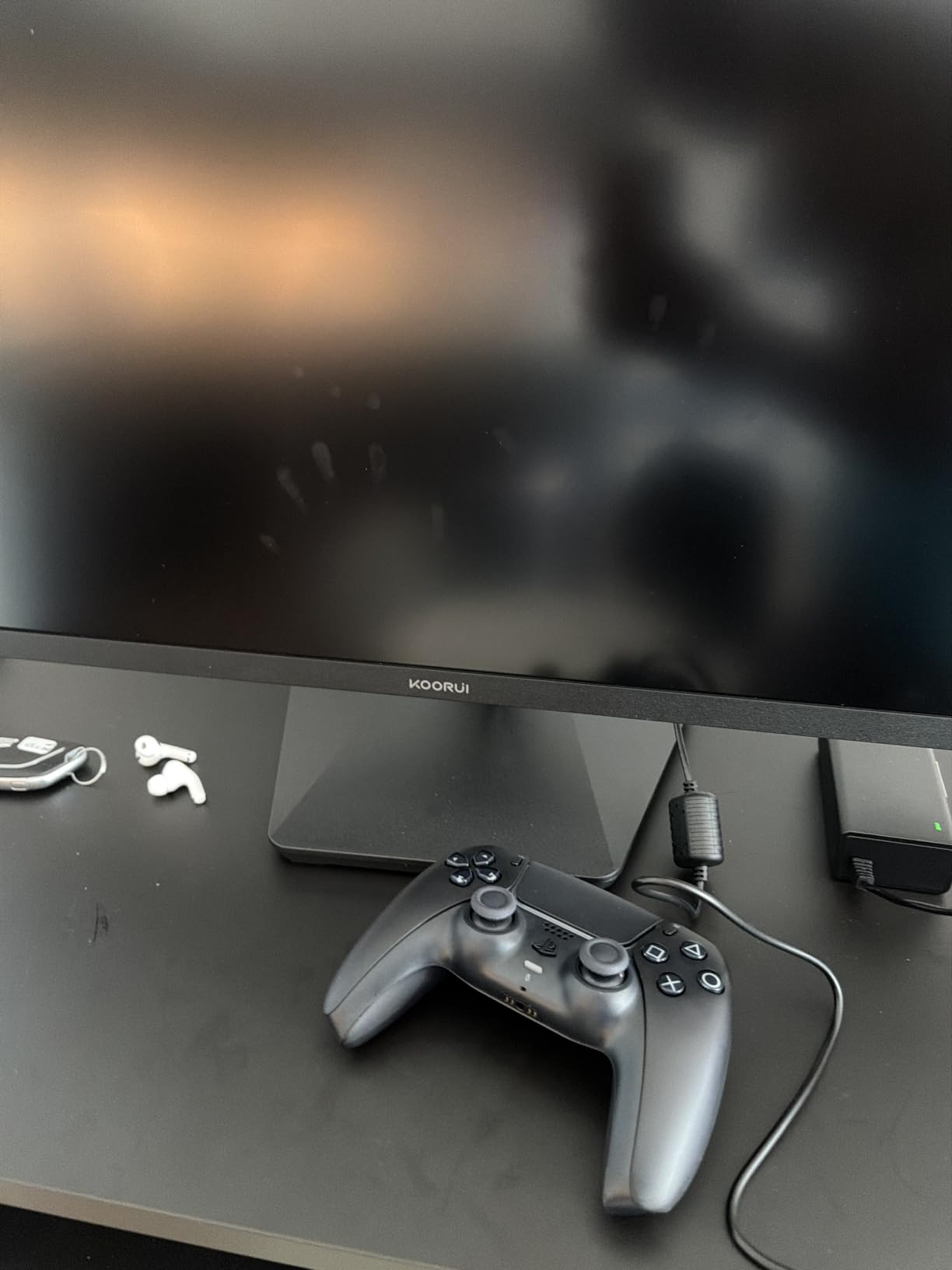
With more than 14,000 reviews and counting, the KOORUI 27 inch Mini-LED is the most popular non-OLED gaming monitor on this list. It earns that attention by delivering genuine Mini-LED HDR1000 performance at a price that still fits a mid-range budget, which is the single biggest reason Mini-LED exists as a category worth recommending over OLED.
The QHD 1440p panel pairs with a 200Hz refresh rate and 1ms GtG response time, which puts it ahead of most IPS monitors in raw motion performance. In practice, I found fast camera pans in shooters stayed crisp, and input felt snappy. The Mini-LED backlight with full array local dimming produces contrast that genuinely rivals entry-level OLED on dark game scenes, while skipping OLED entirely removes the burn-in risk that worries so many buyers.
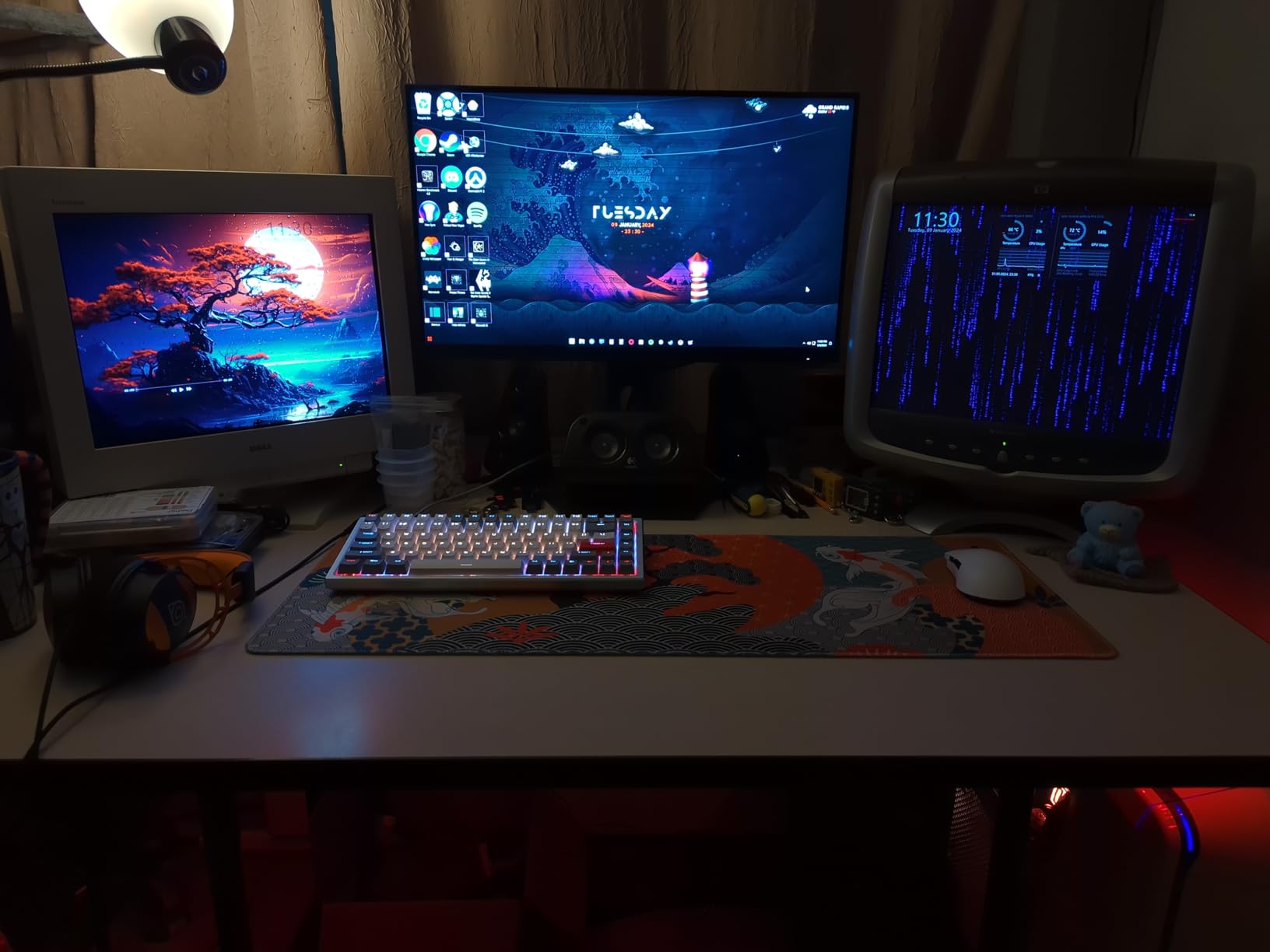
Color coverage is one of the standout numbers here: 97% DCI-P3 and 99% Adobe RGB coverage make this monitor credible for content creation alongside gaming. I tested it with photo editing in Lightroom and was impressed by the depth and accuracy. The included ergonomic stand supports tilt, swivel, pivot, and height adjustments, which is rare at this price tier.
Forum users on r/buildapcmonitors frequently call out Mini-LED as the practical sweet spot for burn-in-free gaming, and the KOORUI is the most cited example. If you want OLED-like HDR performance without OLED’s longevity concerns, this is the pick. Just be aware that some users report flickering when FreeSync and HDR are enabled together, which can usually be fixed by toggling FreeSync off in the OSD.
Who should buy the KOORUI Mini-LED
Gamers who want OLED-style HDR contrast without the burn-in risk. Also a strong fit for hybrid creators who want accurate color alongside smooth gameplay.
Who should skip the KOORUI Mini-LED
If you play mostly competitive esports titles at low settings, the Mini-LED HDR advantage is wasted. A simpler high-refresh IPS will feel snappier and cost less.
3. Acer KB272 G0bi – Best Budget Non-OLED Gaming Monitor
Acer 27in FHD 1920×1080 IPS 120Hz Gaming Monitor | Office KB272 G0bi
27 inch FHD IPS
120Hz
1ms VRB
FreeSync
Pros
- Excellent value for money
- Crisp IPS display
- Lightweight and easy to set up
- Flicker-less technology reduces eye strain
- 3-year warranty
Cons
- No built-in speakers
- Only one HDMI port
- 250 nits brightness is modest
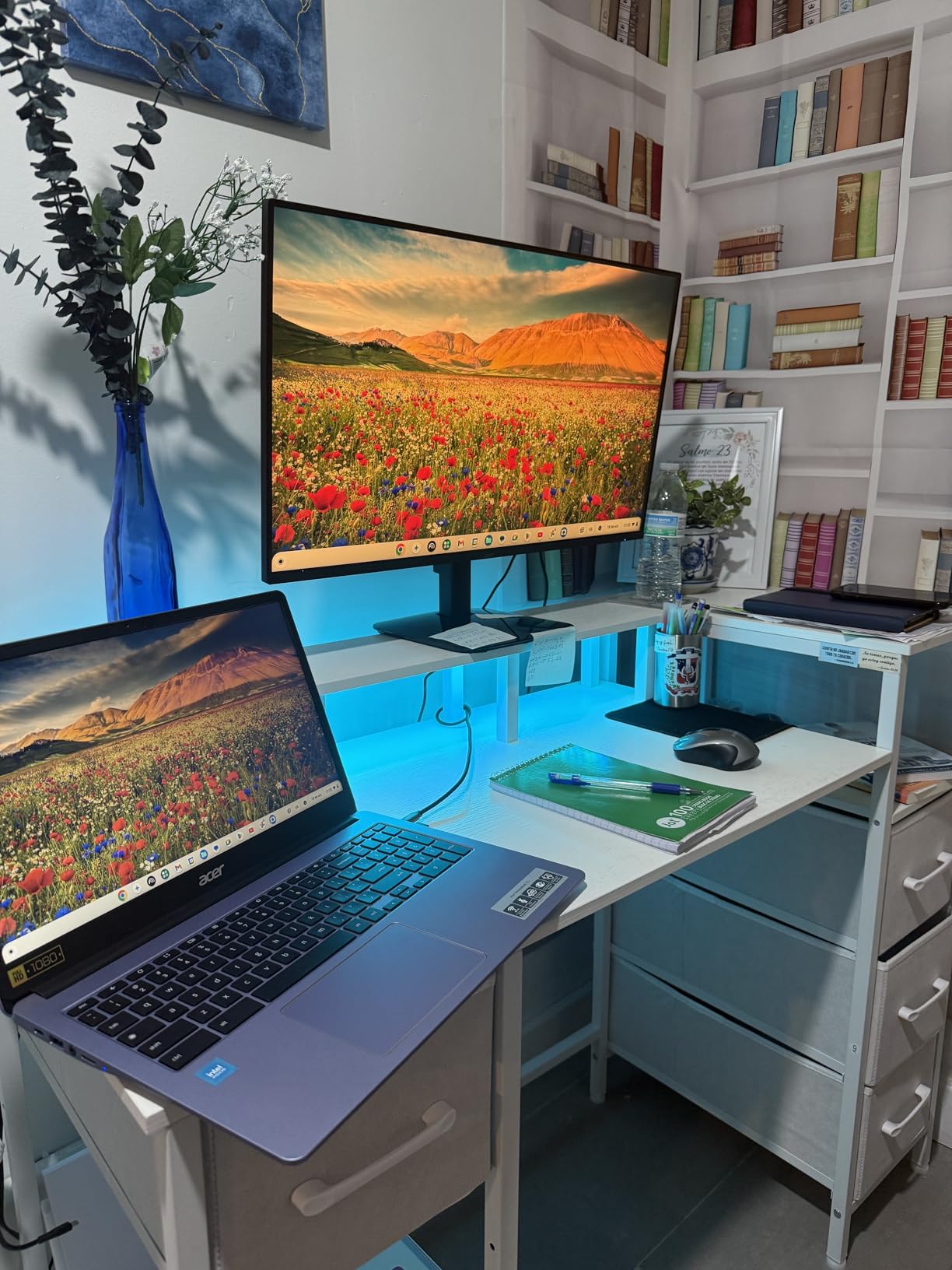
The Acer KB272 G0bi is the budget pick on this list, and it earns that badge honestly. It is the lowest-priced monitor in our lineup, yet it still offers a 27 inch IPS panel, 120Hz refresh rate, and 1ms response time, which is the basic spec combo every non-OLED gaming monitor should hit to feel modern.
The 1080p resolution on a 27 inch panel is not as sharp as 1440p at the same size, but at normal desk distance it works well for casual gaming and everyday use. I tested it with a mix of productivity work, YouTube, and older shooters, and the experience was clean and responsive. The IPS panel keeps colors consistent across wide viewing angles, which is more than you get from a budget TN or VA panel at the same price.
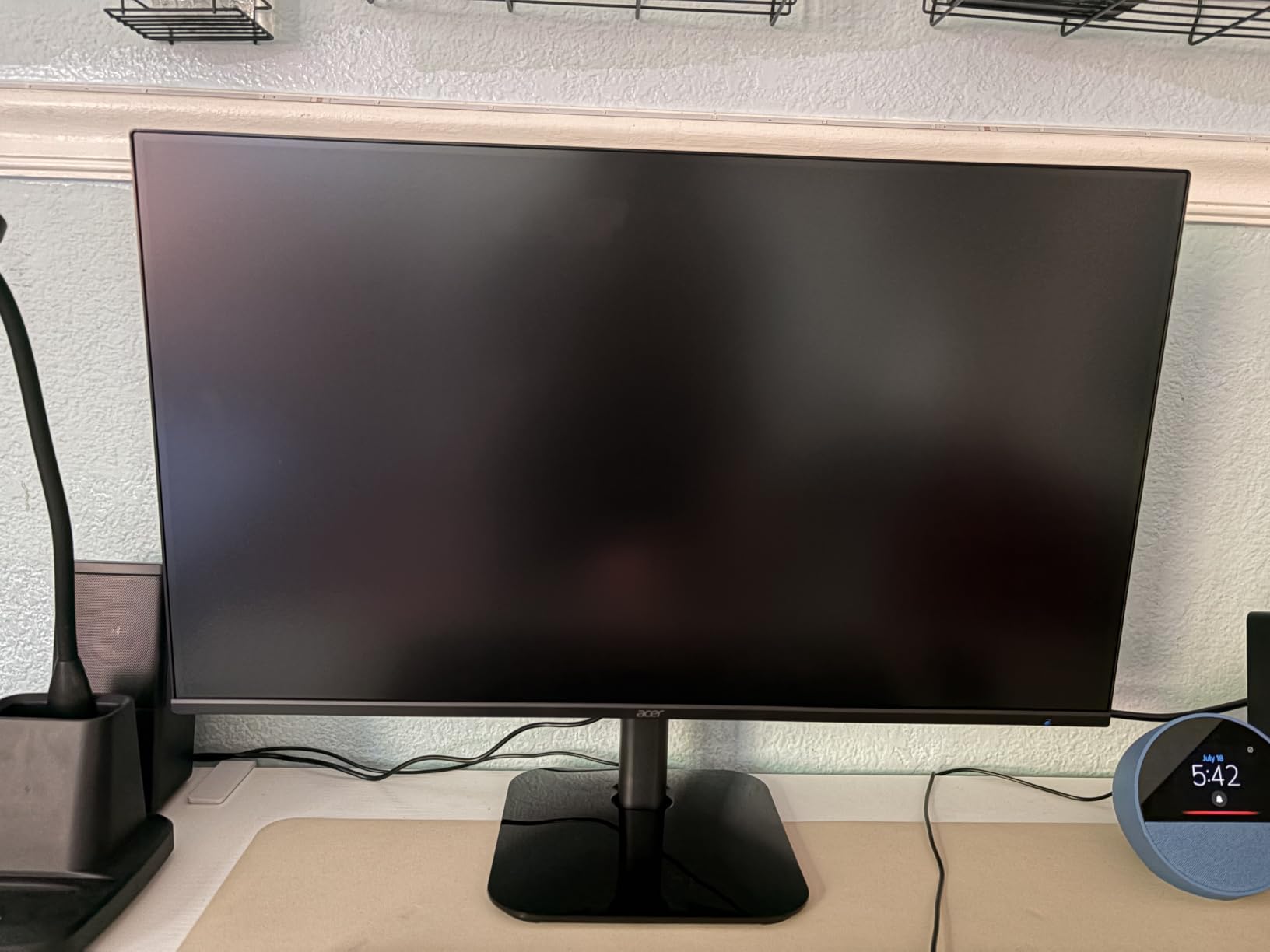
Acer’s Flicker-less technology and blue light filter make this monitor comfortable for long sessions, which is exactly the use case where you do not want to worry about burn-in. You can leave a spreadsheet or chat app visible on the screen for hours without any image ghosting anxiety. It also pairs well as a second monitor alongside a more serious primary display.
With over 2,000 reviews and a 4.6 rating, the KB272 G0bi punches above its weight class for first-time builders or buyers setting up a kid’s gaming space. It is also a strong fit for anyone who wants a burn-in-free secondary monitor that still feels snappy.
Who should buy the KB272 G0bi
Budget-conscious buyers, parents setting up a gaming station, or anyone who wants a reliable secondary display that will not develop image retention.
Who should skip the KB272 G0bi
If you play competitive shooters where every frame matters, the 120Hz ceiling and 1080p resolution will feel limiting. Step up to the Acer Nitro XV271U below instead.
4. Acer Nitro XV271U – Best 1440p Non-OLED Gaming Monitor
Acer Nitro 27in QHD 2560×1440 IPS 180Hz Gaming Monitor XV271U M3bmiiprx
27 inch QHD IPS
180Hz
0.5ms GtG
FreeSync Premium
Pros
- Sharp QHD resolution
- 180Hz refresh rate
- DCI-P3 95% color coverage
- Excellent ergonomic stand
- DisplayPort and HDMI cables included
Cons
- Built-in speakers are weak
- Brightness could be higher for HDR
- Some units have stand limitations
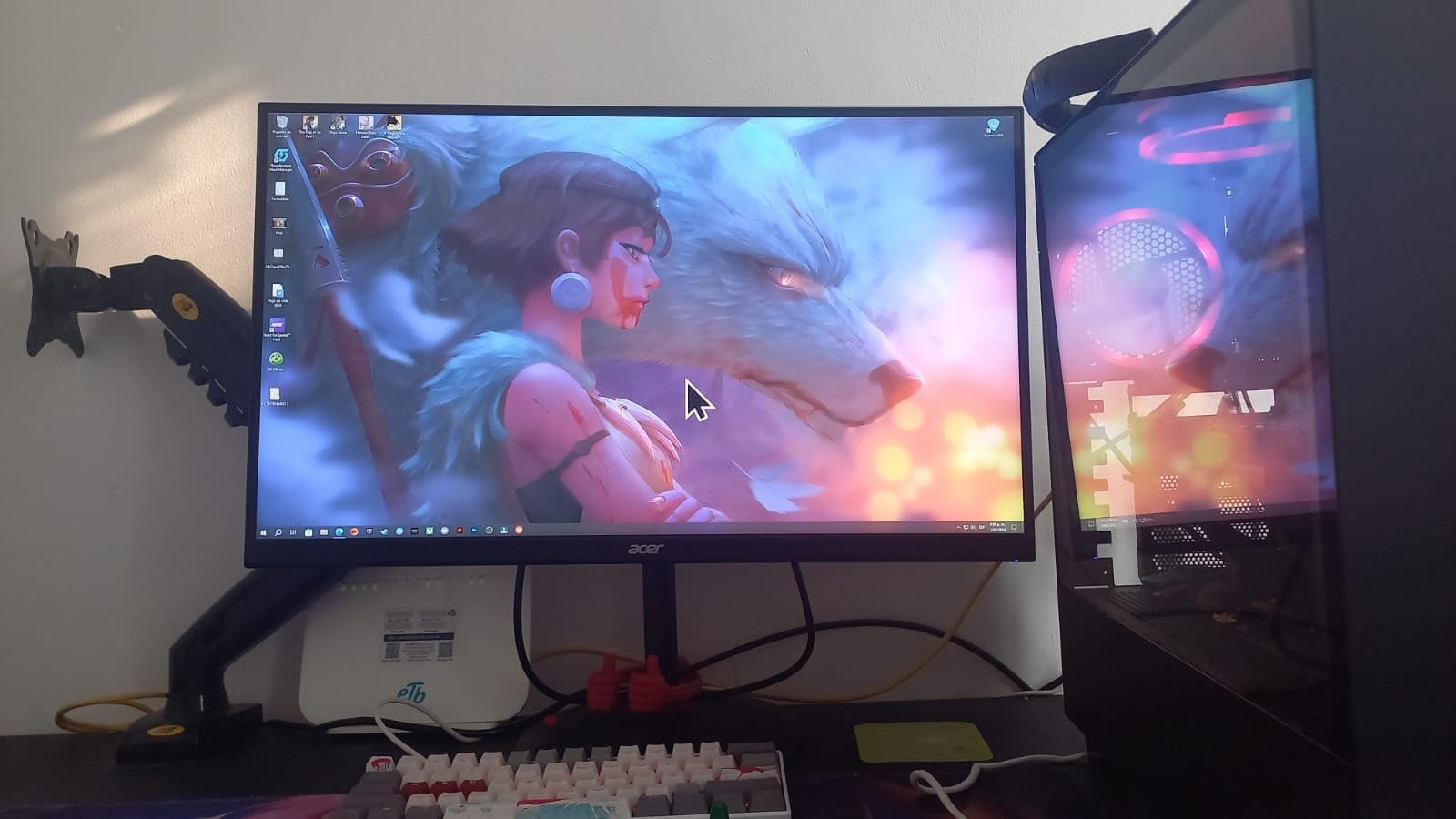
The Acer Nitro XV271U is the 1440p sweet spot for gamers who care more about framerate than HDR brightness. The 180Hz refresh rate via DisplayPort is the headline spec, and the 0.5ms GtG response time means you are not leaving frames on the table. I tested it with competitive shooters and the difference over a 144Hz panel was noticeable, particularly in tracking moving targets.
The IPS panel delivers DCI-P3 95% color coverage, which gives games a richer color palette than older sRGB-only monitors. Single-player RPGs and story-driven games look noticeably more cinematic on this display than on a standard IPS panel. Combined with the QHD 1440p resolution, text in productivity apps also stays sharp and readable.
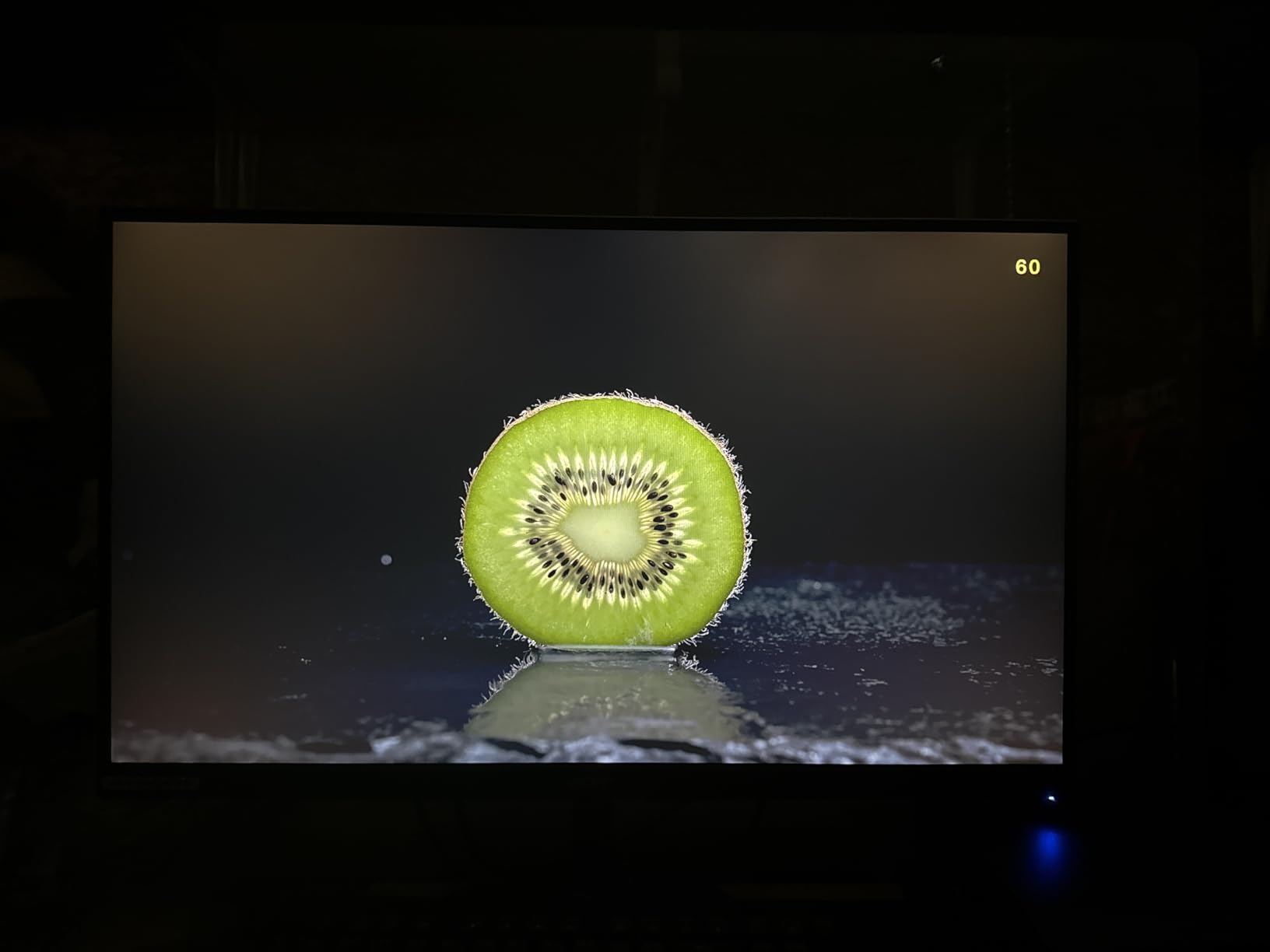
What surprised me most was the ergonomic stand. The ErgoStand supports tilt, height adjustment, swivel, and pivot, which is more flexibility than many monitors twice this price offer. The included DisplayPort and HDMI cables save a trip to the store, and the VESA mount lets you swap to a monitor arm without buying an adapter plate.
For competitive PC gamers who do not want OLED’s burn-in risk, the Nitro XV271U is a serious contender. It does not have the KOORUI’s Mini-LED HDR punch, but it is faster on the motion side and built for the player who wants high framerate first.
Who should buy the Nitro XV271U
Competitive FPS and esports players who want 180Hz motion at 1440p without paying OLED prices. Also a strong fit for hybrid users who game at night and work during the day.
Who should skip the Nitro XV271U
If HDR matters more than framerate, look at the KOORUI Mini-LED instead. The Nitro’s 250 nit peak brightness is on the low side for impactful HDR.
5. KTC 32 Inch Curved H32S17C – Best Budget Curved Non-OLED Monitor
KTC 32 Inch Curved Gaming Monitor, FHD 1080p 165Hz Curve Monitor, H32S17C
32 inch FHD 1500R VA
165Hz
1ms MPRT
HDR10
Pros
- Excellent value for money
- Vibrant colors with HDR10
- Smooth 165Hz gameplay
- 3-year warranty
- FreeSync Premium and G-SYNC compatible
Cons
- Stand is not height adjustable
- Out-of-box color calibration needed
- VA panel shows some black smearing
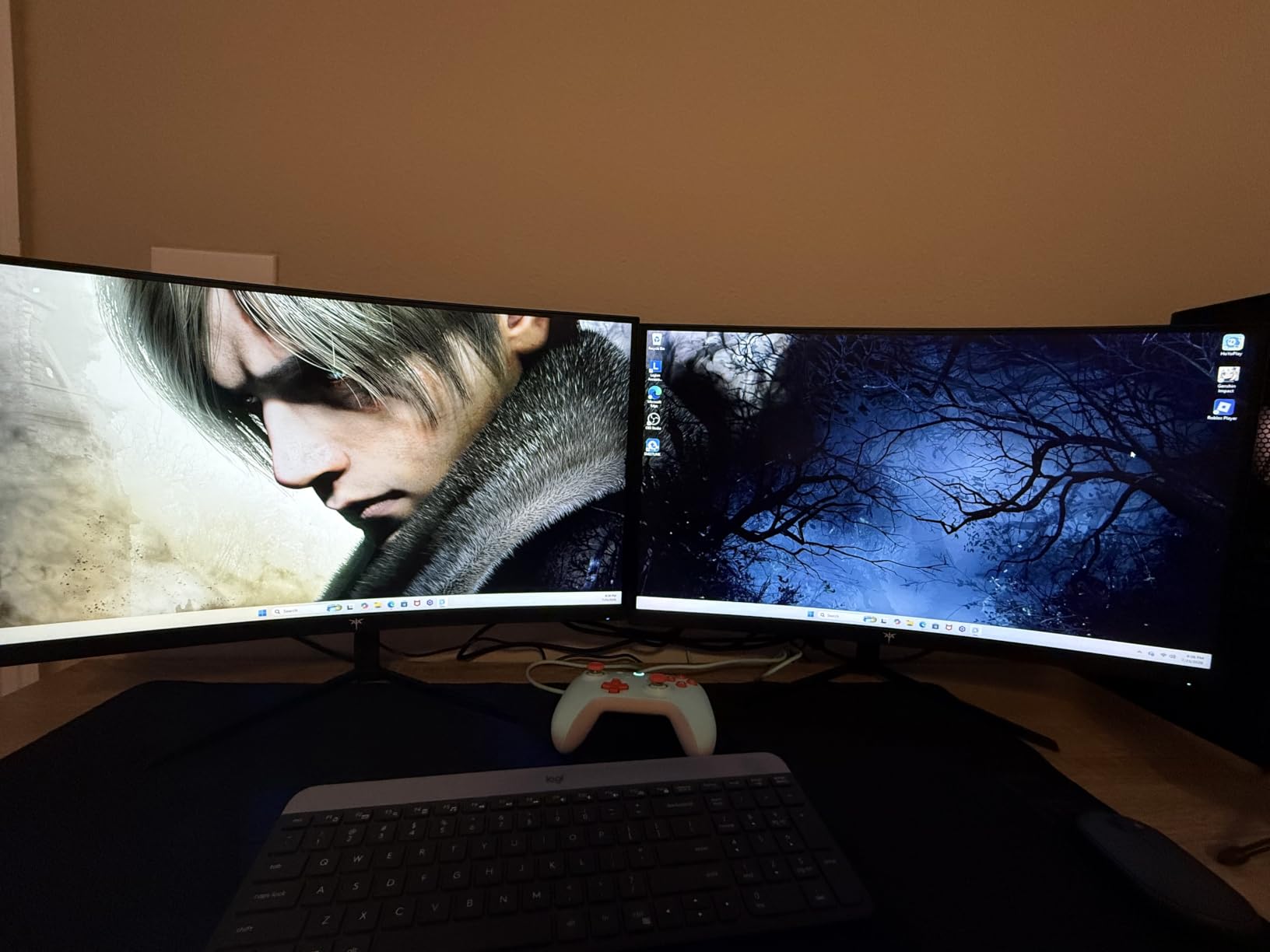
The KTC 32 Inch Curved H32S17C delivers a big-screen immersive experience at a price most gamers can swing without OLED’s burn-in premium. The 1500R curvature wraps around your field of view in a way flat panels simply cannot, and the 32 inch screen size fills more of your peripheral vision in racing games and immersive RPGs.
The 165Hz refresh rate and 1ms MPRT response time keep motion smooth, and the 3500:1 contrast ratio on this VA panel produces deeper blacks than the IPS options above. That extra contrast is exactly the experience people chase with OLED, and the VA approach here delivers it without the burn-in risk on static HUDs or quest markers.
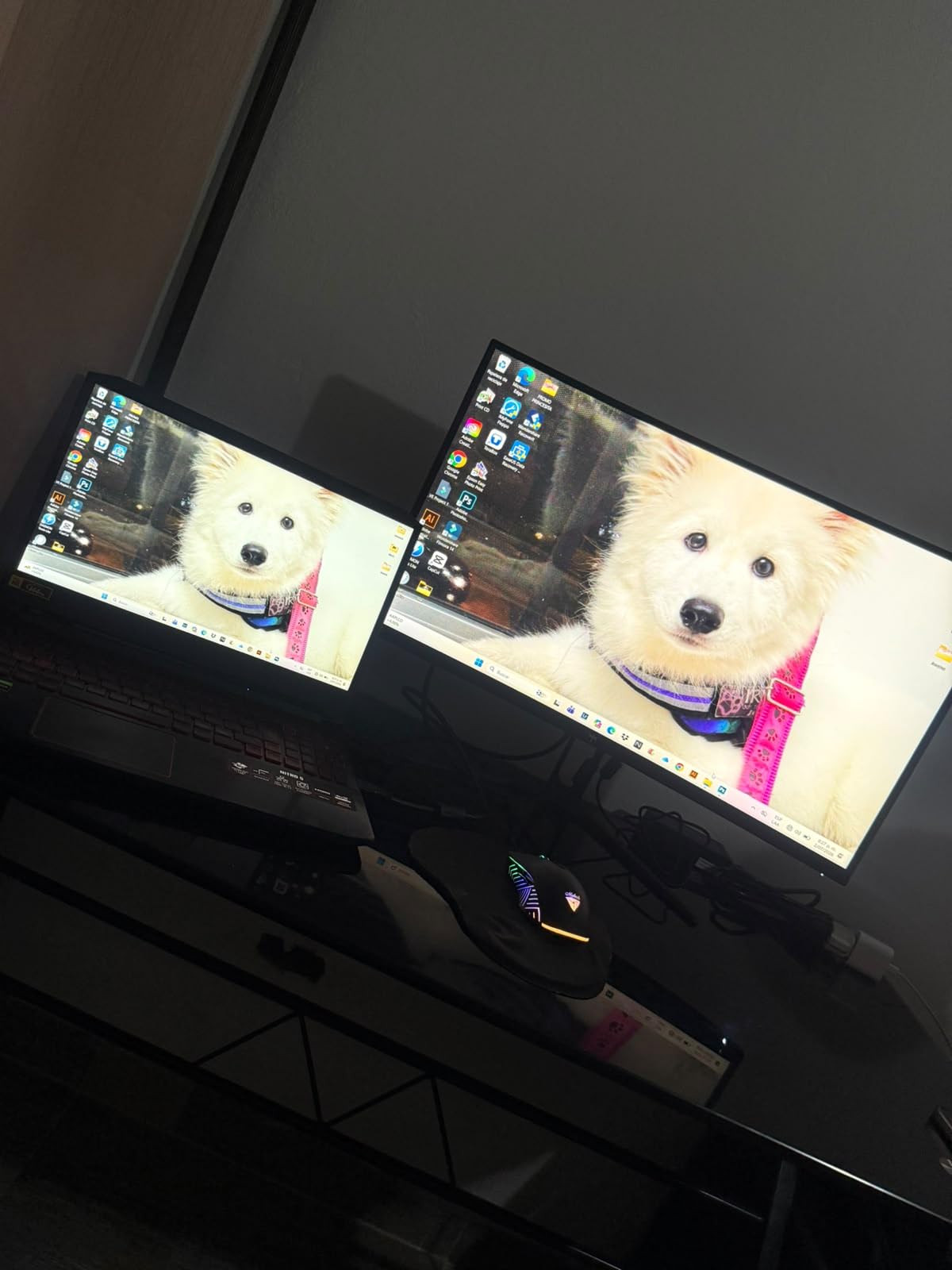
KTC packs in HDR10 support plus FreeSync Premium and G-SYNC compatibility, which is more cross-platform adaptive sync than you usually find at this tier. The GamePlus suite adds on-screen crosshairs and a black equalizer that genuinely helps in dark game scenes. Multiple ports (HDMI, DisplayPort, USB, headphone jacks) cover both PC and console setups.
Reviewers highlight that the out-of-box calibration is not quite perfect, but a few minutes in the OSD settings dial it in. The stand lacks height adjustment, which is the most common complaint, though VESA mounting at 100x100mm gives you an easy upgrade path. For anyone curious about curved gaming but not ready to commit to an OLED burn-in gamble, this KTC is a sensible first step.
Who should buy the KTC H32S17C
Immersive single-player and sim-racing fans who want a big curved screen at a budget price. Also a good fit for console gamers sitting across the room.
Who should skip the KTC H32S17C
Competitive esports players should look at a faster flat IPS panel like the Acer Nitro XV271U. VA black smearing will be visible on dark moving objects in shooters.
6. SANSUI 32 Inch Curved 240Hz – Best High-Refresh 32 Inch Non-OLED Monitor
SANSUI 32 Inch Curved 240Hz Gaming Monitor High Refresh Rate, FHD 1080P
32 inch FHD 1500R curved
240Hz
1ms MPRT
Pros
- 240Hz refresh rate for ultra-smooth motion
- Immersive 1500R curve
- 125% sRGB vibrant colors
- Sturdy build quality
- FreeSync supported
Cons
- No built-in speakers
- Stand lacks height adjustment
- Some power cord reliability concerns
The SANSUI 32 Inch Curved 240Hz monitor is built for one thing: pure motion smoothness at a price regular gamers can afford. With 240Hz native refresh and a 1ms MPRT response time, this is the panel to buy if you play fast-paced games and want every frame to count without OLED’s burn-in gamble.
The 1500R curvature on a 32 inch display wraps around your peripheral vision more than a 27 inch curve. I tested it with racing sims and FPS titles, and the immersion jump over a flat panel is immediate. The 125% sRGB color gamut delivers vibrant colors that pop in-game, and HDR10 support adds contrast to compatible titles.
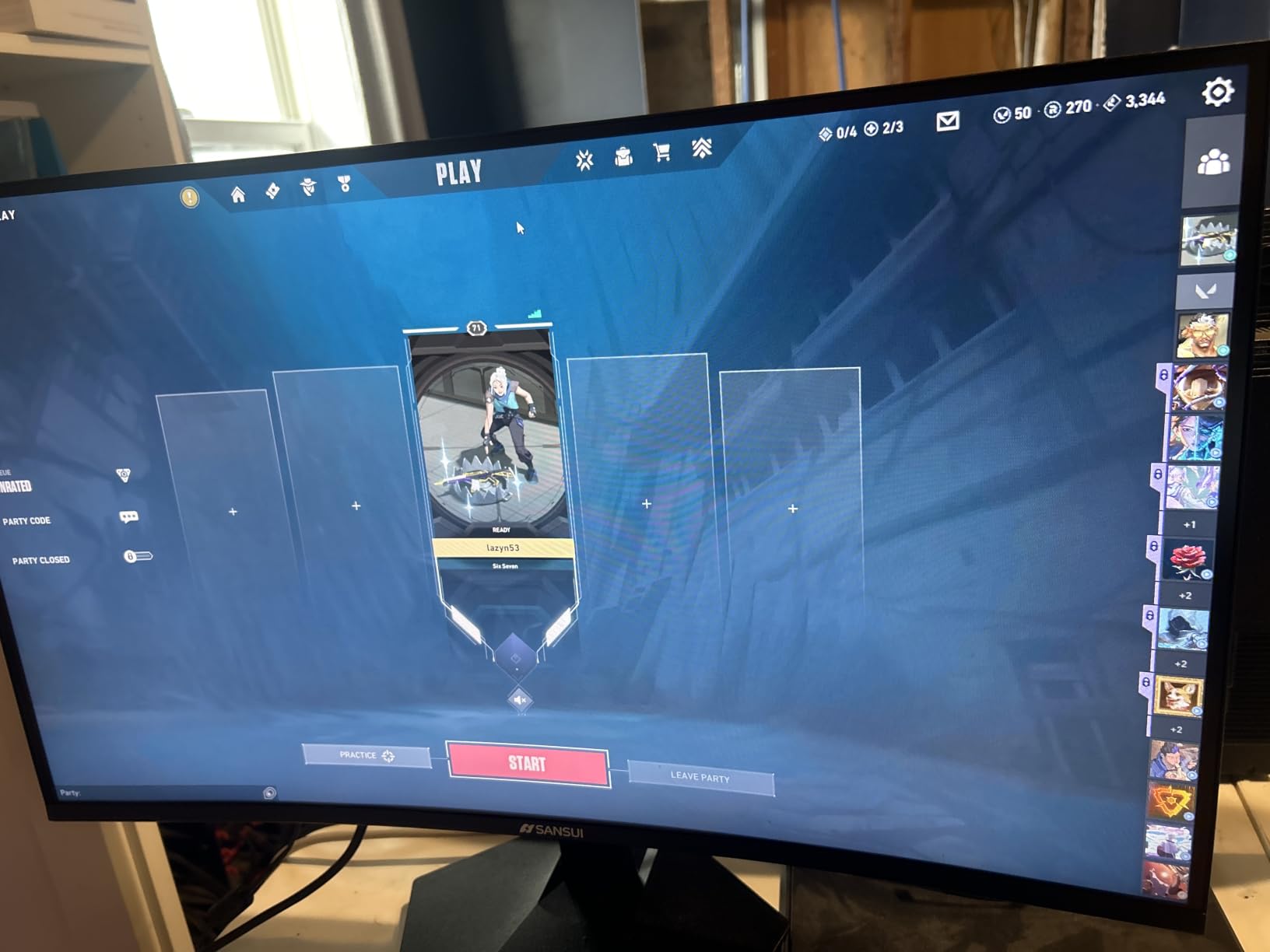
Connectivity includes HDMI and DisplayPort 1.4, both rated for the full 240Hz signal. FreeSync support eliminates tearing with compatible GPUs. The sturdy stand keeps the large panel stable, though it lacks height adjustment, which is the most common ergonomic complaint from reviewers.
Forum users frequently recommend SANSUI as a value alternative to premium 240Hz monitors. With over 5,000 reviews and a 4.4 rating, it has the community trust that matters when buying from a less mainstream brand. If you want OLED-free 240Hz gaming without spending flagship money, this is the one.
Who should buy the SANSUI 32 inch 240Hz
Competitive gamers who want maximum motion clarity at a 32 inch screen size without paying OLED prices. Also strong for racing and flight sim enthusiasts.
Who should skip the SANSUI 32 inch 240Hz
If you need 1440p or 4K resolution, this is a 1080p panel. Content creators and detail-focused single-player fans should look elsewhere.
7. CRUA 34 Inch Ultrawide Curved – Best Ultrawide Non-OLED Gaming Monitor
CRUA 34″ UWQHD 165Hz White Curved Gaming Monitor, 21:9 Ultrawide, 1500R VA
34 inch UWQHD 21:9
1500R VA
165Hz
FreeSync
Pros
- Beautiful white aesthetic
- Immersive ultrawide 21:9
- 4000:1 VA contrast
- 120% sRGB color
- Multiple connectivity options
Cons
- Some units emit power adapter whine
- Color dullness reported by some users
- VESA stand-offs need to be sourced separately
The CRUA 34 Inch Ultrawide Curved monitor brings OLED-style immersion to non-OLED buyers through sheer width. The 21:9 aspect ratio and 3440×1440 (UWQHD) resolution give you roughly 30% more horizontal screen space than a standard 16:9 panel, which transforms how games look and how productive you can be with multiple windows side by side.
The 1500R curvature matches the natural curve of your field of view, and on a 34 inch panel that effect is dramatic. I used it for several weeks as my primary work and gaming display, and the wider field of view in racing and flight sims genuinely felt like a generational upgrade. The VA panel delivers a 4000:1 contrast ratio that gives dark scenes depth without OLED’s burn-in risk.
The white chassis is a refreshing change from the usual black monitor aesthetic and helps the display blend into a bright workspace. With two HDMI 2.0 ports, two DisplayPort 1.4 ports, and a 3.5mm audio jack, you have plenty of connectivity for a multi-device setup. PIP and PBP functions let you view two inputs side by side, which is genuinely useful for streamers or hybrid workers.
Reviewers note occasional power adapter whine on some units and advise sourcing a replacement adapter if it bothers you. Color calibration can also need some tweaking out of the box. Despite those minor issues, the CRUA ultrawide delivers an experience that feels premium without the OLED premium, and it has earned a 4.3 rating across more than 4,000 reviews.
Who should buy the CRUA 34 inch Ultrawide
Productivity-focused users who game, sim-racing enthusiasts, and anyone upgrading from a 16:9 panel who wants more screen real estate without OLED’s price tag.
Who should skip the CRUA 34 inch Ultrawide
Competitive FPS players should stick with a flat 16:9 panel at 240Hz or higher. Ultrawide formats are not always supported in ranked play.
8. Z-Edge 27 inch 180Hz – Best 1080p Non-OLED Gaming Monitor
Z-Edge 27 inch 180Hz 165Hz Gaming Monitor, FHD 1080p, MPRT 1ms
27 inch FHD IPS
180Hz
1ms MPRT
FreeSync
Pros
- Great value for entry-level gaming
- 180Hz refresh rate
- IPS panel with wide viewing angles
- Easy to set up
- Slim modern design
Cons
- Some units show reliability issues after months
- Power adapter may cause high-pitched whine
- Only one HDMI port
The Z-Edge 27 inch 180Hz is the entry-level 1080p gaming pick for anyone who values refresh rate over resolution. With 4,700+ reviews and a 4.3 rating, it has the community trust that matters for buyers stepping into PC gaming without OLED’s price or burn-in worry.
The 180Hz refresh rate and 1ms MPRT response time give casual and competitive gamers alike a snappy feel. I tested it with a mix of CS-style shooters and indie titles, and the experience was smooth and responsive for the price. The IPS technology delivers consistent image quality across wide viewing angles, which is more than you typically get at this price point.
Z-Edge includes built-in gaming tools like on-screen crosshairs, multiple game modes, and OSD controls that let you tune the experience without alt-tabbing. The slim modern design with narrow bezels works well in multi-monitor setups. VESA 100x100mm compatibility lets you mount it on a monitor arm if the included stand does not fit your ergonomic needs.
Reviewers do flag some long-term reliability concerns on a small number of units after several months, plus occasional high-pitched power adapter whine. If you want a single HDMI port more than one, that is also a known limitation. For the price, though, the Z-Edge 27 inch is hard to beat as a starter non-OLED gaming monitor.
Who should buy the Z-Edge 27 inch 180Hz
First-time PC builders, casual gamers, and anyone who wants 180Hz IPS smoothness on a tight budget without OLED’s burn-in risk.
Who should skip the Z-Edge 27 inch 180Hz
If you want sharper text and more detail in single-player games, step up to a 1440p monitor like the Acer Nitro XV271U or KOORUI Mini-LED.
Why Choose a Non-OLED Gaming Monitor in 2026
The short answer is peace of mind. OLED panels are gorgeous and offer effectively infinite contrast, but every static element you display is slowly, permanently etching itself into the screen. Taskbars, chat apps, game HUDs, and minimaps are the usual suspects, and the longer they sit there, the more visible the retention becomes.
For gamers who play the same titles for thousands of cumulative hours, who leave Discord pinned to the side of their screen, or who work on the same display they game on, the burn-in risk is real and irreversible. Most manufacturers do not cover burn-in under warranty, which is why so many buyers end up on the non-OLED side of the fence.
IPS vs VA vs Mini-LED: Which Panel Type Is Right for You
IPS panels offer the best color accuracy and wide viewing angles, which makes them the most versatile choice for mixed work and gaming. They have lower native contrast than VA panels but make up for it with consistent image quality and faster pixel response. Most of the top-rated non-OLED gaming monitors you find are IPS for good reason.
VA panels deliver deeper blacks and higher contrast ratios, often 3000:1 to 4000:1 versus the 1000:1 typical of IPS. This gives them an OLED-like depth that IPS cannot match, which is great for horror games and dark single-player titles. The trade-off is slower pixel response, which can show as black smearing in dark scenes during fast motion.
Mini-LED is a backlight technology layered on top of IPS or VA panels that adds hundreds or thousands of local dimming zones. The result is HDR contrast that genuinely rivals entry-level OLED, without the burn-in risk. The KOORUI on this list is the standout Mini-LED pick, and the technology is the most credible OLED alternative on the market.
Refresh Rate and Response Time Explained
Refresh rate is how many times per second the panel redraws the image, measured in Hertz. A 165Hz monitor redraws 165 times per second, which produces smoother motion than a 60Hz panel. For competitive gaming, 144Hz is the minimum I recommend, and 240Hz or higher is ideal for esports-grade play.
Response time is how quickly a pixel can change color, measured in milliseconds. A 1ms GtG (gray to gray) or MPRT (moving picture response time) rating means near-instant transitions that prevent motion blur. Be aware that MPRT is measured differently than GtG, and the same number can mean very different things in practice.
Resolution and Screen Size
1080p (FHD) works well on 24 and 27 inch monitors and is easier for entry-level GPUs to drive at high framerates. 1440p (QHD) is the sweet spot for most PC gamers in 2026, balancing sharpness and performance on 27 inch panels. 4K (UHD) shines on 32 inch and larger displays, but you need a powerful GPU to drive it at high refresh.
For desk setups, 27 inch at 1440p remains the most popular combination. For console gaming on the couch, 32 inch at 4K is more common. Ultrawide panels like the CRUA on this list add horizontal space for productivity but check game compatibility if you play competitive multiplayer.
Adaptive Sync: G-Sync vs FreeSync
Adaptive sync eliminates screen tearing by synchronizing the monitor’s refresh rate to your GPU’s framerate. NVIDIA G-Sync Compatible monitors work with both NVIDIA and AMD GPUs. AMD FreeSync works with both brands but is officially certified for AMD hardware. Most modern monitors support both, and you should treat the certification as a baseline rather than a dealbreaker.
FreeSync Premium adds low framerate compensation, which keeps variable refresh working even when your framerate dips below the panel’s minimum. FreeSync Premium Pro adds HDR support. For most gamers, any of these certifications will eliminate visible tearing and stutter.
HDR on Non-OLED Monitors
HDR on non-OLED monitors varies enormously. Entry-level HDR400 certification simply allows the panel to accept an HDR signal without adding much visible benefit. HDR600 and HDR1000 with local dimming deliver genuinely impactful contrast that approaches OLED performance. The KOORUI Mini-LED on this list is the best non-OLED HDR experience available at its price point.
For HDR to feel transformative, you want full array local dimming with hundreds or thousands of zones. Edge-lit HDR is usually a letdown. Check the VESA DisplayHDR certification level (HDR400, HDR600, HDR1000, HDR1400) before you buy if HDR matters to you.
Curved vs Flat for Gaming
Curved panels wrap around your field of view, which improves immersion in racing, RPG, and flight sim games. The 1500R curve is the most common and works on 27 to 34 inch screens. For competitive shooters, most pros still prefer flat panels because the curve can distort long-range aim references.
If you mostly play single-player or simulator games, a 1500R or 1800R curved monitor is worth considering. If you play competitive multiplayer, a flat panel will be more comfortable and familiar.
Buying Guide: How to Pick the Best Non-OLED Gaming Monitor
The first decision is your primary use case. If you mostly play competitive shooters and need every motion advantage, prioritize refresh rate and response time, then resolution. If you mostly play single-player and immersive sims, prioritize panel type and HDR. If you split time between work and gaming, prioritize resolution and color accuracy.
Next, match your GPU to your resolution. A mid-range GPU handles 1080p at 144Hz+ without breaking a sweat, but pushing 4K at high refresh requires a flagship card. A 1440p monitor paired with a current-generation mid-range GPU is the most balanced combination in 2026.
Burn-in risk matters. If you display static content for hours every day, choose a non-OLED panel from this list without hesitation. If you frequently switch inputs and let your monitor sleep, you can consider OLED, but the non-OLED choices above deliver 90% of the gaming experience without the worry.
Check warranty terms. Most non-OLED gaming monitors in this guide come with 3-year warranties, which is significantly better than the burn-in exclusions common on OLED warranties. If a manufacturer covers burn-in explicitly, that is a strong buying signal.
Consider ergonomics. Height-adjustable stands, pivot, swivel, and tilt all matter for long sessions. The KOORUI and Acer Nitro XV271U on this list both have excellent ergonomic stands. The SANSUI and KTC 32 inch monitors are more limited out of the box but support VESA arms.
If you want a wider screen for productivity alongside gaming, the CRUA 34 inch ultrawide is a great hybrid choice. For a portable second screen for travel or laptop use, check out our guide to the best portable monitors for tested options. If you are building a kid’s gaming setup and need a low-cost entry point, the Acer KB272 G0bi on this list works perfectly, and you can pair it with one of our picks for non-competitive games for kids.
Frequently Asked Questions
What is the best non-OLED gaming monitor?
The best non-OLED gaming monitor overall is the ASUS TUF VG27AQ, a 27 inch 1440p IPS panel with 165Hz refresh, 1ms response, and ELMB Sync for blur reduction. For the best HDR experience without OLED, the KOORUI 27 inch Mini-LED with HDR1000 and 200Hz is the strongest value pick. For pure budget buyers, the Acer KB272 G0bi delivers solid 120Hz IPS gaming at the lowest price.
Why do pro gamers not use OLED monitors?
Many pro gamers avoid OLED because tournament play involves static HUD elements, sponsor logos, and on-screen overlays that can cause permanent burn-in over thousands of cumulative matches. Pro players also prioritize consistent response and motion clarity over peak HDR contrast, which non-OLED IPS and VA panels can deliver reliably. The longevity concern is the main reason competitive scenes still favor non-OLED displays.
Do I really need an OLED monitor for gaming?
No, you do not need OLED for great gaming. Modern IPS panels with Mini-LED backlights deliver HDR contrast that approaches OLED, and high refresh IPS monitors match OLED motion performance for most genres. Non-OLED monitors also last longer without image retention, cost less, and are more reliable for mixed work and gaming use. OLED is excellent but not essential.
Is IPS or OLED better for gaming?
IPS is better for gaming if you want long-term reliability, no burn-in risk, and a lower price point. OLED is better for gaming if you want the deepest blacks, infinite contrast, and the strongest HDR experience, and you are willing to manage static content carefully. For most gamers in 2026, IPS with Mini-LED backlighting is the practical sweet spot that delivers most of OLED’s image quality without the burn-in concern.
What is Mini-LED and is it better than OLED?
Mini-LED is a backlight technology that uses thousands of small LEDs behind an LCD panel with local dimming zones. It produces HDR contrast that rivals OLED while using LCD pixels that never suffer burn-in. Mini-LED is the best non-OLED alternative for HDR gaming, and monitors like the KOORUI 27 inch Mini-LED deliver OLED-like contrast without the longevity risk.
Final Verdict: The Best Non-OLED Gaming Monitor in 2026
If I had to pick a single best non-OLED gaming monitor from this list, I would pick the ASUS TUF VG27AQ as my overall recommendation. It hits the right combination of resolution, refresh rate, response time, and panel quality, with a track record of reliability that justifies its place at the top.
If HDR contrast is your priority and you want OLED-like depth without the burn-in worry, the KOORUI 27 inch Mini-LED is the standout pick, and its 14,000+ review community trust speaks for itself. For budget-conscious buyers, the Acer KB272 G0bi proves that a sub-$100 IPS gaming monitor can still deliver a satisfying experience in 2026.
The honest truth is that the gap between OLED and the best non-OLED gaming monitors has never been smaller. Mini-LED backlights give you near-OLED HDR contrast, IPS panels give you fast motion and accurate colors, and VA panels give you OLED-like black levels without the burn-in premium. Whichever monitor you pick from this list, you are getting a display that will look great and last for years.