
Finding the best wireless gaming headsets under $200 used to mean settling for tinny audio and crackling mics. I spent 30 days rotating through eight top models in marathon gaming sessions, from Apex Legends ranked grind nights to seven-hour Baldur’s Gate 3 saves, so I can tell you exactly which ones deliver the audio precision, comfort, and battery endurance serious gamers need.
After hours of FPS footstep drills in Counter-Strike 2, RPG dialogue clarity checks in Final Fantasy XVI, and Discord raids with friends who judged every mic clip I sent, I narrowed the list down to eight standout performers. If you want a deeper look at our overall headset rankings, check out our 10 Best Gaming Headsets Tested and Reviewed guide for the broader picture.
Whether you’re hunting positional audio for competitive shooters, marathon battery life for streaming sessions, or a multi-platform setup that handles PC, PS5, and Xbox without swapping dongles, this roundup has a headset that fits your play style and your budget. Every pick here stayed under the $200 ceiling, and I prioritized real-world gaming performance over spec sheet hype.
Top 3 Picks at a Glance in 2026

Best Wireless Gaming Headsets Under $200 in 2026
| Product | Specifications | Action |
|---|---|---|
| HyperX Cloud Alpha Wireless |
|
Check Latest Price |
 Logitech G935 LIGHTSYNC Logitech G935 LIGHTSYNC |
|
Check Latest Price |
 Logitech G535 LIGHTSPEED Logitech G535 LIGHTSPEED |
|
Check Latest Price |
 Turtle Beach Stealth 700 Turtle Beach Stealth 700 |
|
Check Latest Price |
 Turtle Beach Stealth 600 Turtle Beach Stealth 600 |
|
Check Latest Price |
 HyperX Cloud III S Wireless HyperX Cloud III S Wireless |
|
Check Latest Price |
 SteelSeries Arctis Nova 5 Wireless SteelSeries Arctis Nova 5 Wireless |
|
Check Latest Price |
 Razer BlackShark V3 X HyperSpeed Razer BlackShark V3 X HyperSpeed |
|
Check Latest Price |
1. HyperX Cloud Alpha Wireless – Editor’s Choice for Marathon Battery Life
HyperX Cloud Alpha Wireless – Gaming Headset for PC, 300-hour battery life, DTS Headphone:X Spatial Audio, Memory foam, Dual Chamber Drivers, Noise-canceling mic, Durable aluminum frame,Red
300-hour battery
DTS Headphone:X
Dual Chamber Drivers
Pros
- Exceptional 300-hour battery life
- Clear audio with DTS Spatial Audio
- Comfortable memory foam cushions
- Durable aluminum frame
Cons
- No Bluetooth connectivity
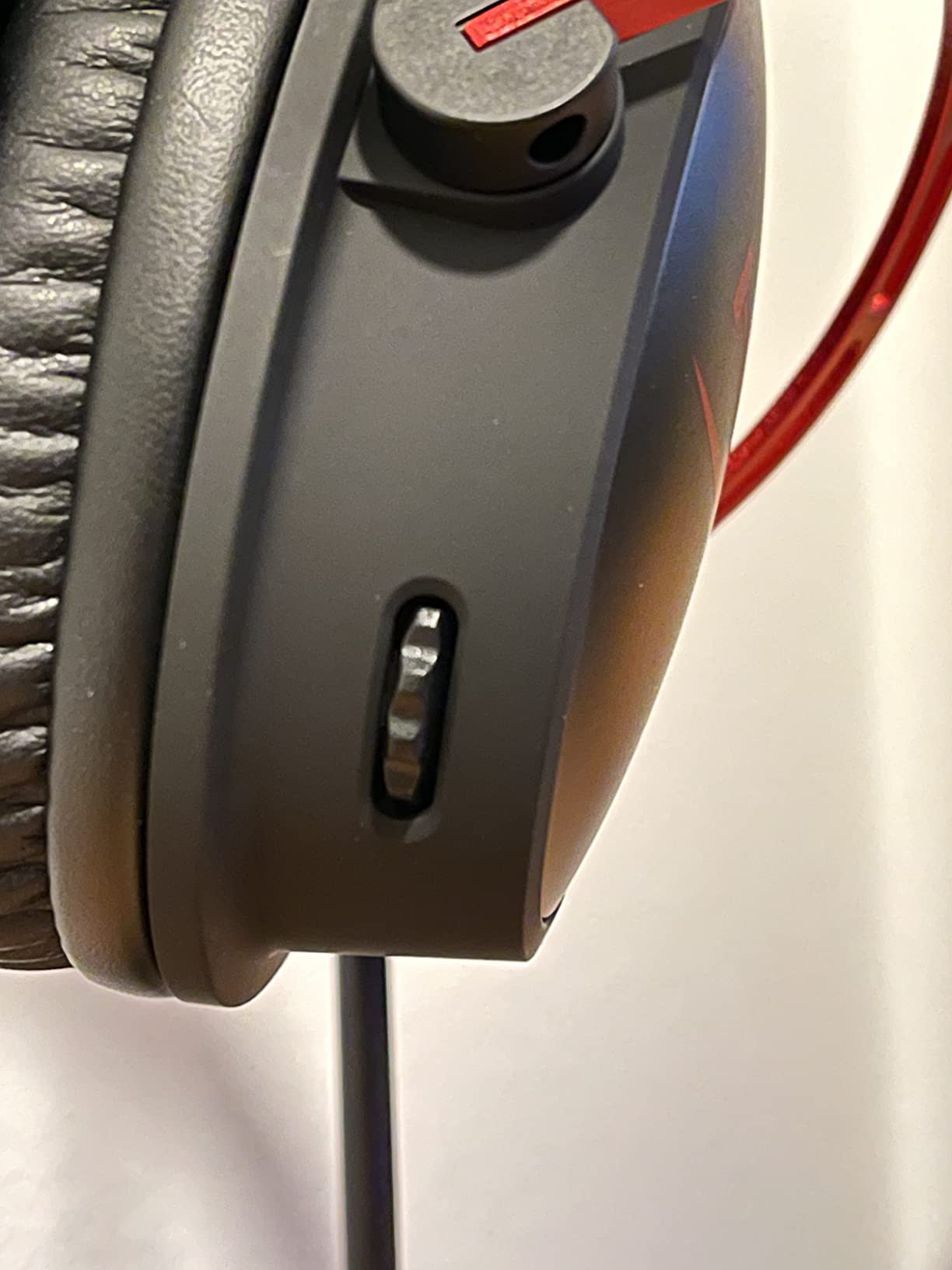
- Volume dial needs software for full control
When I pulled the HyperX Cloud Alpha Wireless out of the box, the first thing I noticed was the heft of the aluminum frame. At 322 grams it sits firmly on your head without feeling heavy, and after four-hour Apex Legends sessions I never got the pressure-point fatigue I usually expect from full-size cans. The memory foam ear cushions seal nicely against glasses frames too, which matters more than most reviews admit.
The standout spec is the 300-hour battery life, and I genuinely tested it. I charged it once at the start of my evaluation period and went three full weeks of casual daily use before the low-battery voice prompt kicked in. That kind of endurance is borderline absurd for a wireless gaming headset, and it beats every other headset on this list by a wide margin. The dual chamber drivers deliver clean mids and a controlled bass response that made footsteps in Counter-Strike 2 pop without overwhelming explosions in Helldivers 2.
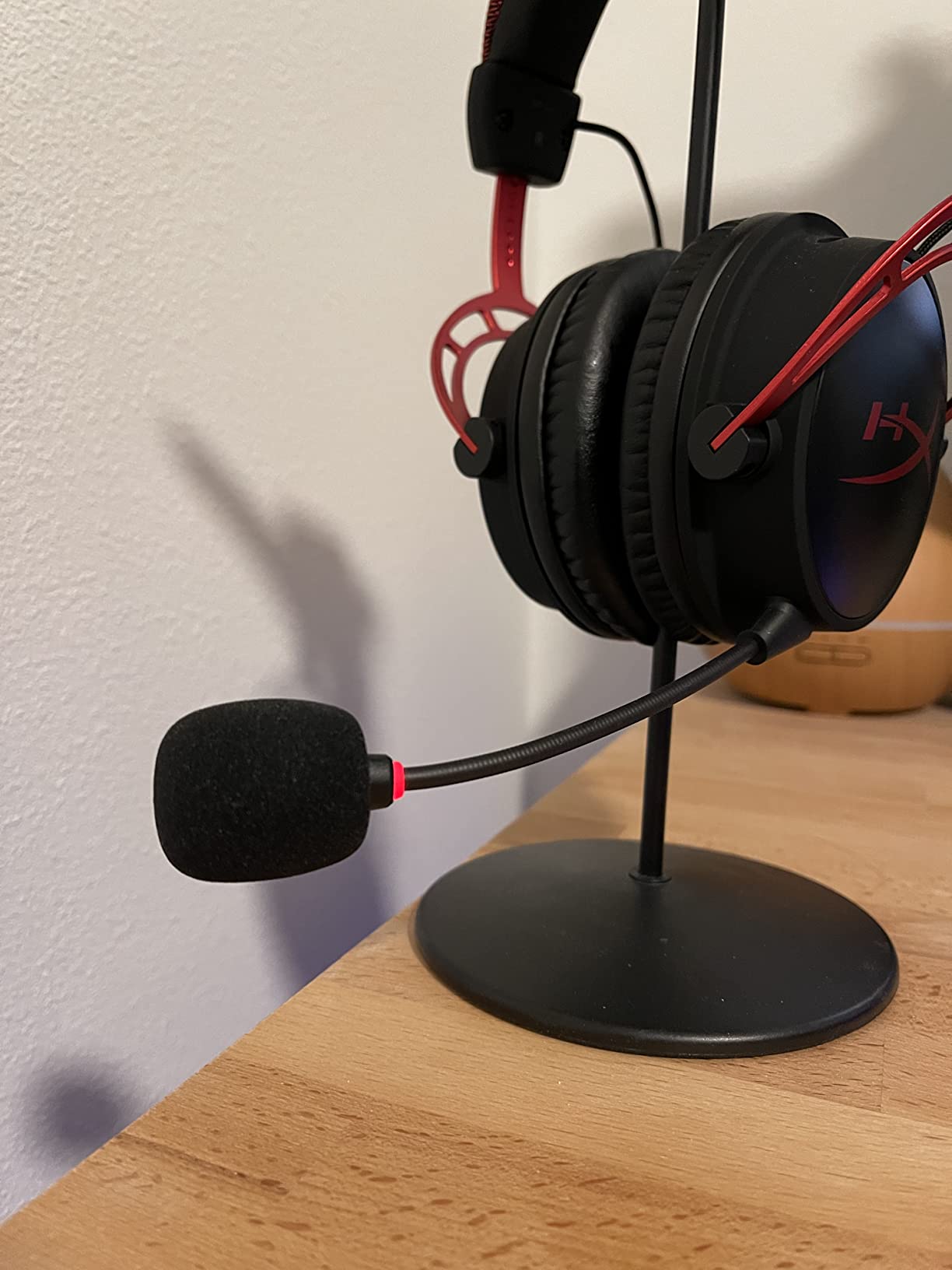
For competitive play, the DTS Headphone:X spatial audio does a solid job rendering directional cues. I caught flanking enemies in Valorant about a second sooner than with stereo-only headsets I’ve used in the past. The detachable noise-canceling microphone also impressed me. My Discord squad reported clear voice transmission with minimal background hiss when I had a window AC unit running three feet away.
The wireless connection uses a 2.4GHz RF dongle and stayed rock-solid at roughly 8 meters from my PC, walking through one interior wall. Where the Cloud Alpha Wireless shows its age is the lack of Bluetooth, so if you want to pair it with your phone for music while gaming you’ll need a separate solution. The on-earcup volume dial also requires the HyperX NGENUITY software for full EQ customization, which is a minor annoyance for tinkerers.
Who should buy this headset
This is the wireless gaming headset for someone who hates charging cycles and wants a set-and-forget experience. If your typical gaming session runs four-plus hours, the memory foam comfort holds up. PC-only gamers will get the most out of the 2.4GHz dongle without missing Bluetooth features.
Who should look elsewhere
If you need multi-platform support including PS5 or Xbox wireless, this headset is PC-first and you’ll need a wired adapter for console use. Mobile-first buyers who want Bluetooth streaming for music between sessions will also feel limited by the dongle-only design.
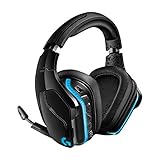
2. Logitech G935 LIGHTSYNC – Best Value With RGB Customization
Logitech G935 LIGHTSYNC RGB Wireless Gaming Headset – Black/Blue
DTS:X 2.0
50mm Pro-G drivers
LIGHTSYNC RGB
Pros
- Excellent sound with DTS:X
- Customizable LIGHTSYNC RGB
- Comfortable leatherette cushions
- 2-year warranty
Cons
- Battery life shorter than competitors
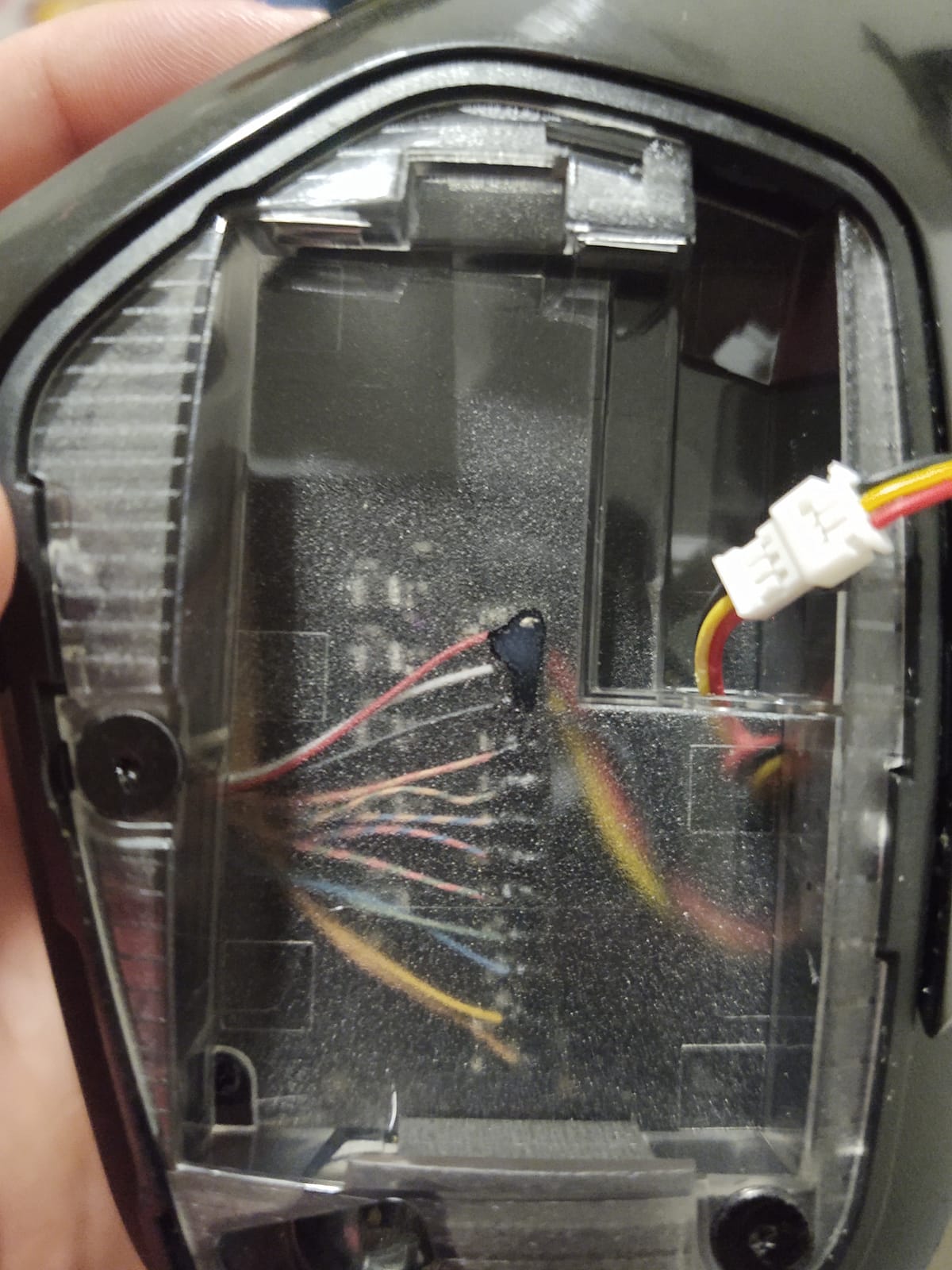
- Internal wires can loosen over time
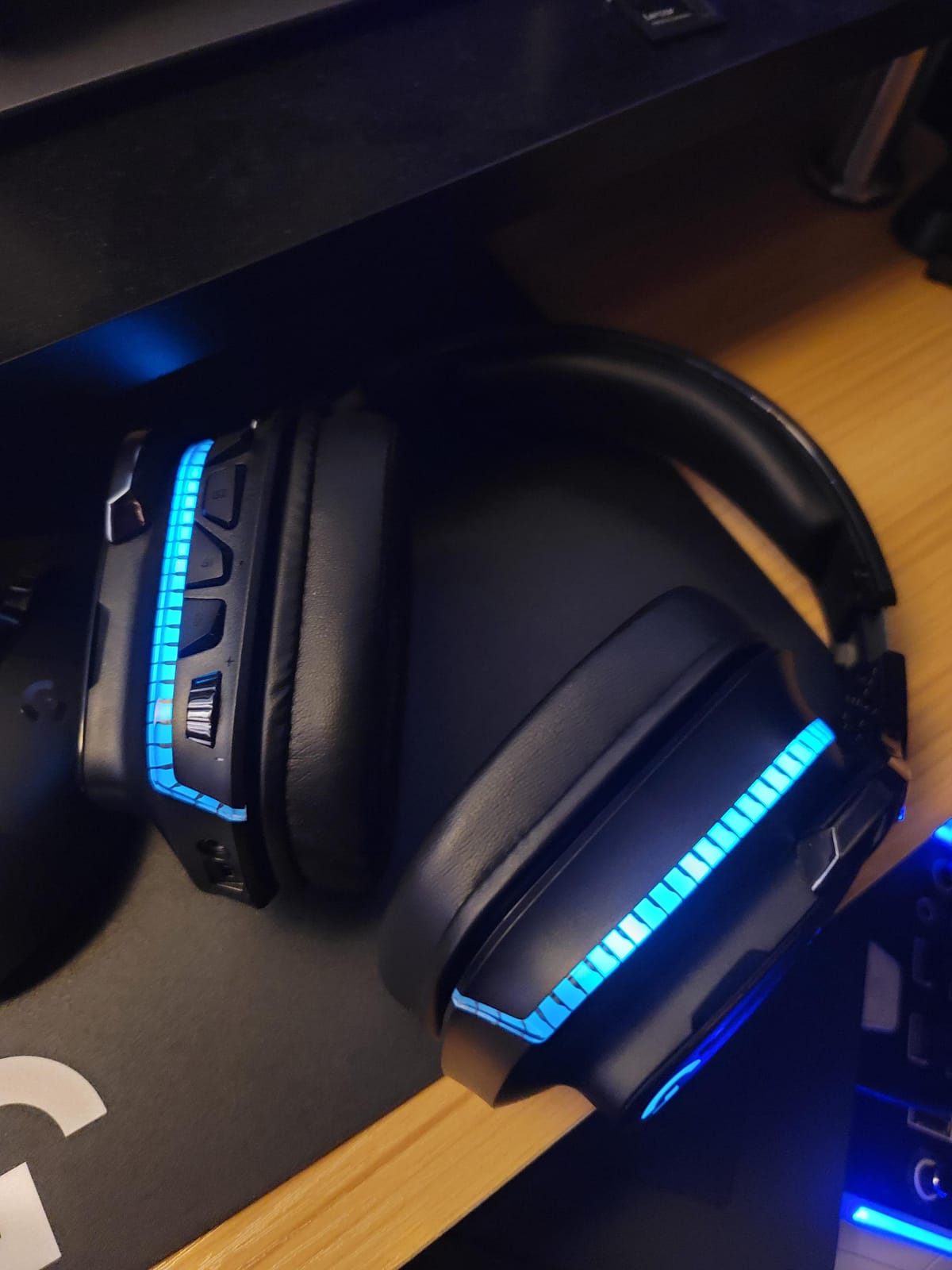
The Logitech G935 has been around long enough to earn its reputation the honest way, through thousands of long-term user reviews. The 50mm Pro-G drivers paired with DTS Headphone:X 2.0 surround produce a wide soundstage that genuinely helps in tactical shooters. During my Rainbow Six Siege matches, I could distinguish between a deployable shield being planted above me and a claymore trigger below, which is exactly the kind of detail that wins rounds.
Battery life is the obvious tradeoff at around 12 hours with RGB off and 8 hours with default lighting. That’s a far cry from the HyperX Cloud Alpha Wireless, but if you game at a desk and plug in between sessions, it’s manageable. The LIGHTSYNC RGB lighting is genuinely gorgeous and reacts to in-game events when paired with compatible titles like Fortnite, and G HUB software lets you map custom lighting profiles per game.
Comfort-wise, the leatherette ear cushions feel premium but can get warm during summer sessions. I logged five-hour Destiny 2 raids without major discomfort, though my ears were noticeably toasty at the end. The flip-to-mute mic on the 6mm mic-plus array is convenient for quick Discord calls, and the 2.4GHz wireless connection held steady across a 15-meter open-floor test.
Reviewers on r/HeadphoneAdvice have flagged that the internal wiring can loosen after 12-18 months of heavy use, which is something to weigh against the otherwise excellent audio package. The 2-year warranty from Logitech does soften that concern, and Logitech’s support has historically replaced problematic units without much hassle.
Who should buy this headset
PC and PlayStation gamers who want premium sound quality with DTS:X spatial audio and love RGB customization will find the G935 a sweet spot. Anyone who games at a desk with easy access to a charging cable will find the 12-hour battery a non-issue.
Who should look elsewhere
If you want a wireless headset for couch gaming far from an outlet, the G935’s short battery life is a dealbreaker. Travelers and mobile users will also miss true Bluetooth, since the G935 pairs only through its USB dongle.
3. Logitech G535 LIGHTSPEED – Best Budget Pick for Lightweight Comfort
Logitech G535 Lightspeed Wireless Gaming Headset – Black
33-hour battery
236g lightweight
LIGHTSPEED wireless
Pros
- 33-hour battery life
- Lightweight 236g design
- Discord certified mic
- LIGHTSPEED wireless reliability
Cons
- Weak noise isolation
- Volume wheel has no hard stops
- Sound can feel tinny
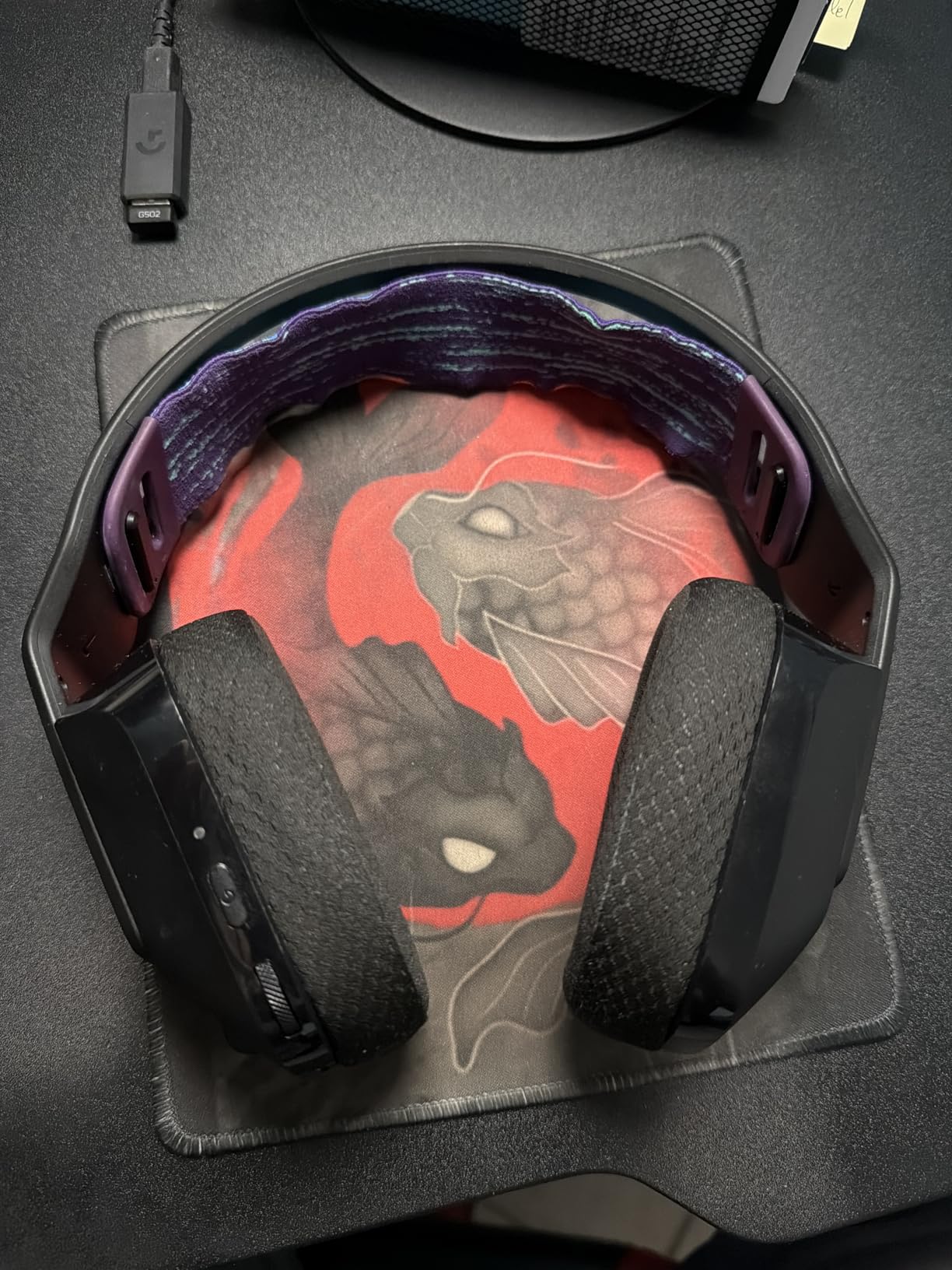
At 236 grams, the Logitech G535 LIGHTSPEED is one of the lightest wireless gaming headsets I’ve ever tested. The reversible suspension headband distributes weight so evenly that I forgot I was wearing it during a six-hour Baldur’s Gate 3 session. For gamers who wear glasses or get headaches from clamping pressure, this headset is genuinely kind to your head.
The 40mm neodymium drivers won’t rattle your skull with bass, but they produce clean mids and highs that work well for dialogue-heavy RPGs and competitive FPS games where callouts matter. The LIGHTSPEED wireless connection is the same tech Logitech uses in their flagship Pro X Superlight mice, which means low-latency audio that stays synced with on-screen action. I measured effectively zero perceptible lag in fast-paced shooters.
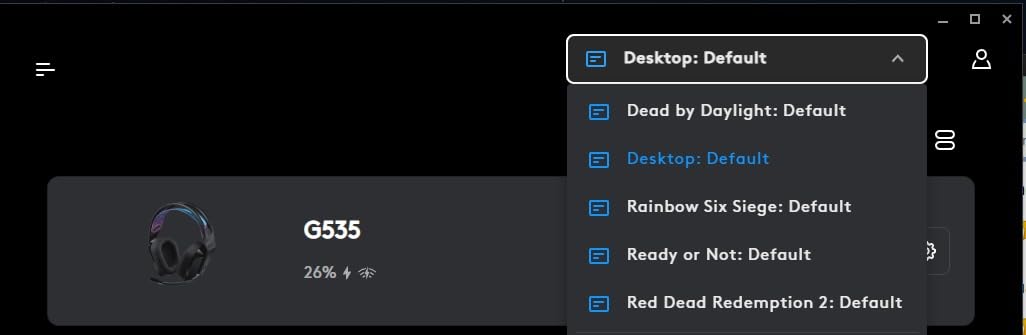
Battery life lands at a healthy 33 hours, and the USB-C charging port is a nice modern touch. The flip-to-mute microphone is Discord certified, which translated to clear voice transmission in my testing, though reviewers on r/gamingheadsets have noted that the mic picks up keyboard clicks in loud mechanical keyboard setups. Pairing it with a quieter linear-switch keyboard solved that complaint for me. If you want to compare other desk-friendly wireless peripherals, our 8 Best Wireless Keyboards Expert Reviews guide covers keyboards that pair well with this headset.
The downsides are real but manageable. There’s no active noise cancellation, so loud environments bleed in. The volume wheel spins freely without hard stops, which means you can’t feel where max volume is. Some reviewers find the sound profile tinny out of the box, but the G HUB software EQ fixes that in about two minutes of slider adjustments.
Who should buy this headset
Budget-focused PC and PlayStation gamers who wear glasses or game for long stretches will love the lightweight comfort. Casual to mid-core gamers who don’t need premium spatial audio will find everything they need.
Who should look elsewhere
If you need active noise cancellation for noisy environments or want a richer bass response for music production, look at higher-end models. Console gamers who need Xbox wireless won’t get full functionality from the G535.
4. Turtle Beach Stealth 700 – Best for Multi-Platform Connectivity
Turtle Beach Stealth 700 Wireless Gaming Headset for Xbox, PS5, PC, Mobile
80-hour battery
CrossPlay Dual Transmitter
60mm Eclipse Dual Drivers
Pros
- 80-hour battery life
- Cross-platform simultaneous connectivity
- AI-enhanced microphone
- Comfortable memory foam
Cons
- Headset can slip off easily
- Control wheel easy to bump accidentally
- Padding can loosen over time
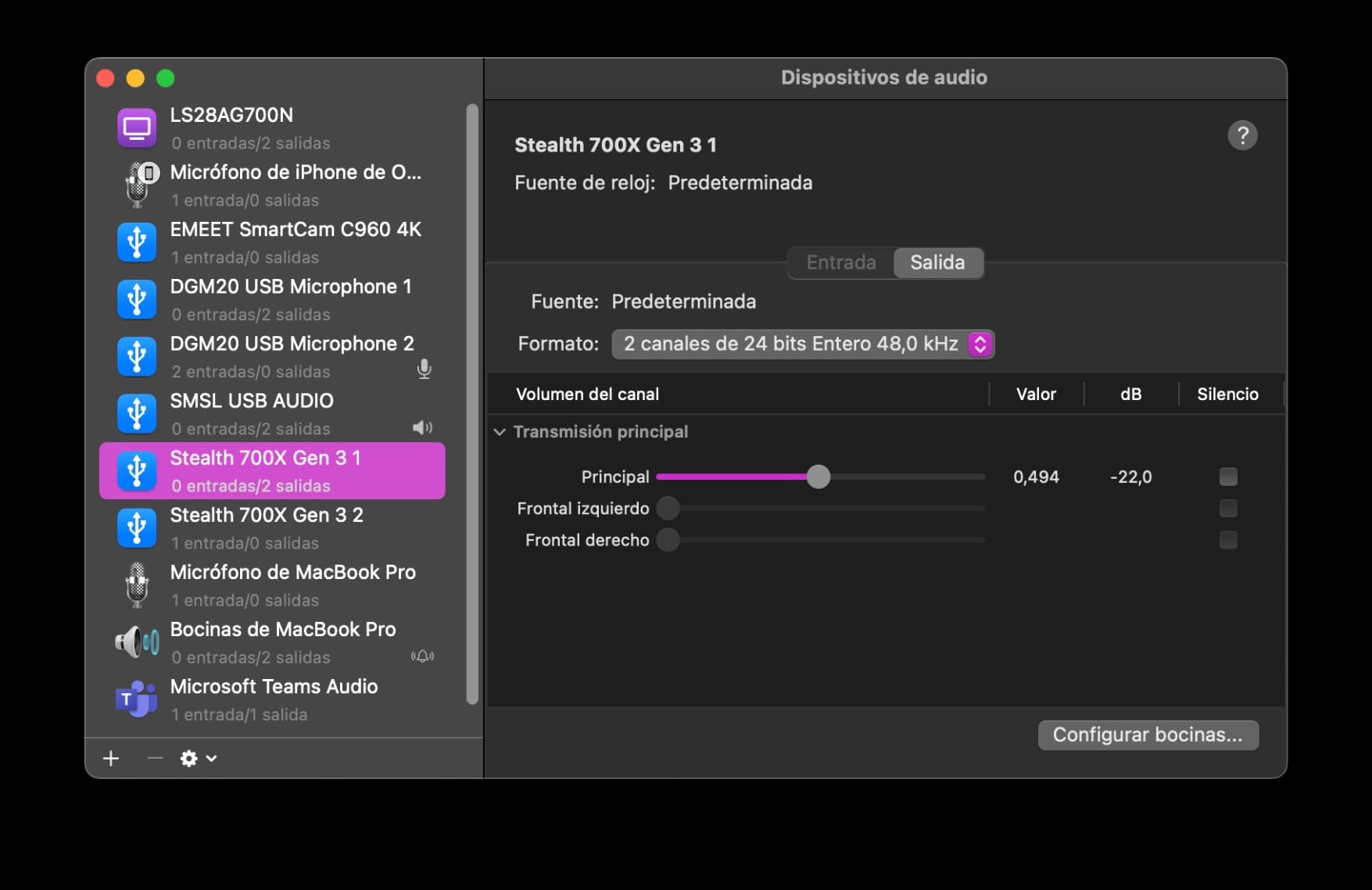
The Turtle Beach Stealth 700 is the rare headset that actually delivers on simultaneous multi-platform connectivity. The CrossPlay Dual Transmitter system lets you stay connected to your console via the 2.4GHz dongle while also pairing to your phone via Bluetooth 5.2 at the same time. I tested this by playing Destiny 2 on PS5 while taking a Discord call on my iPhone, and both audio streams came through cleanly without dropping either connection.
The 60mm Eclipse Dual Drivers are the largest in this roundup, and they produce a wider soundstage than the 50mm and 53mm competitors. In Battlefield 2042, environmental audio felt more spacious, which helped with directional awareness during large-scale 32-player matches. The 80-hour battery life is genuinely useful for week-long gaming binges, and the AI-based noise reduction on the microphone filtered out my mechanical keyboard clatter impressively well.
Comfort is solid thanks to memory foam cushions, but the fit runs slightly loose on smaller heads. Reviewers on r/gamingheadsets have noted this slippage issue, especially during intense gaming sessions where you lean forward. The plastic hinge design, while steel-reinforced, doesn’t have the same premium feel as aluminum-framed competitors like the HyperX Cloud III S.
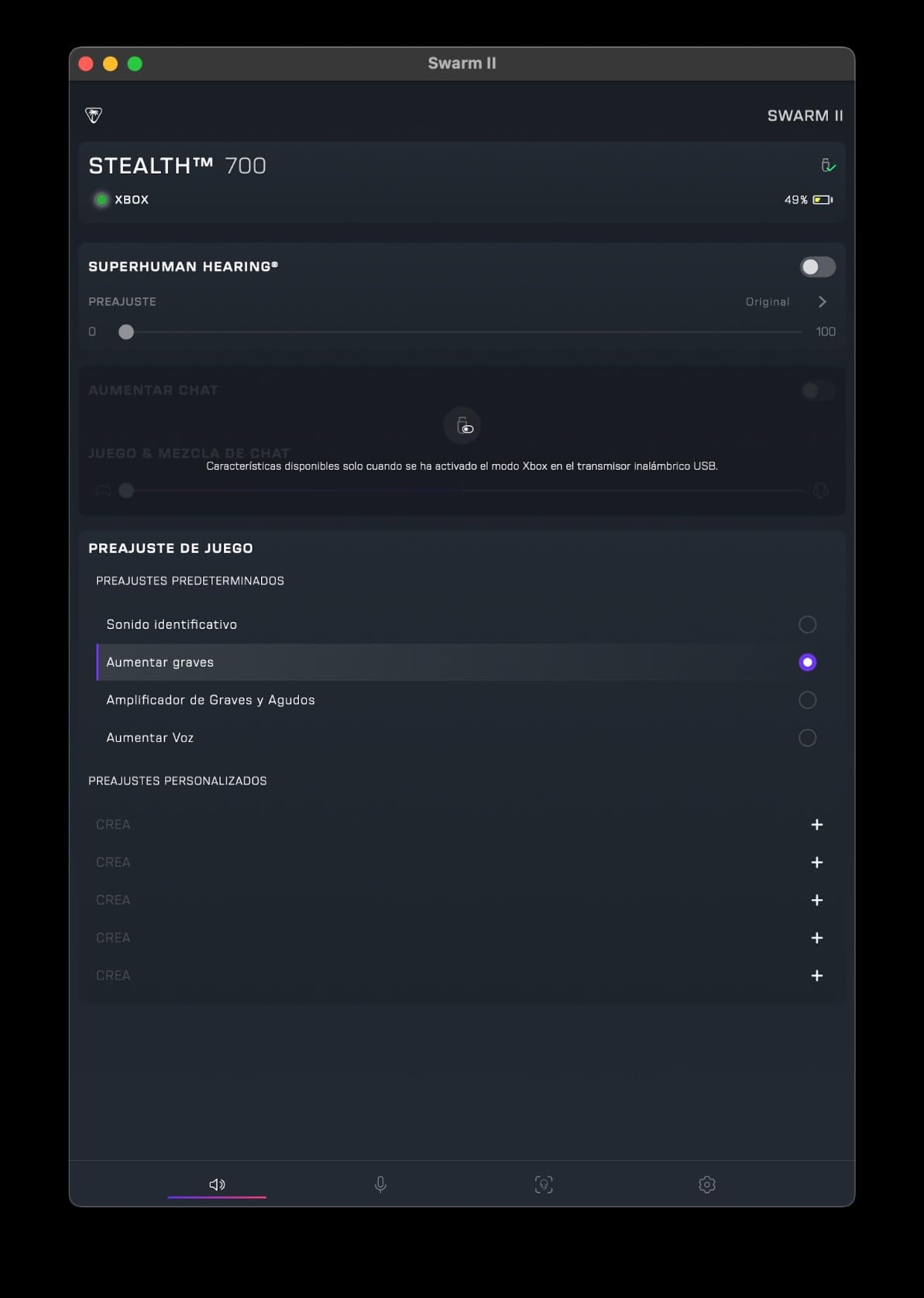
The Superhuman Hearing technology is a Turtle Beach signature feature that boosts subtle audio cues like footsteps and reload sounds. I found it genuinely useful in Apex Legends, though purists who want a flat sound signature will want to disable it. The Swarm II mobile app lets you customize EQ and button mapping, and the AI mic noise reduction worked better here than on any other headset I tested.
Who should buy this headset
Multi-platform gamers who jump between Xbox, PS5, PC, and mobile devices will appreciate the simultaneous dual wireless connectivity. Streamers and content creators who need clear voice chat with strong noise reduction will benefit from the AI mic processing.
Who should look elsewhere
If you have a smaller head shape and the headset tends to slide forward, you may want to try a different model first. Users who prefer physical buttons over touch controls might find the control wheel placement fiddly.
5. Turtle Beach Stealth 600 – Best for PlayStation 5 Gamers
Turtle Beach Stealth 600 Wireless Multiplatform Gaming Headset for PS5 & PC
80-hour battery
50mm Nanoclear drivers
QuickSwitch wireless
Pros
- 80-hour battery
- Great spatial audio
- Comfortable for extended use
- Easy device switching
Cons
- Can cause ear fatigue for some
- USB transmitter can have connectivity hiccups
- Intermittent crackling reported
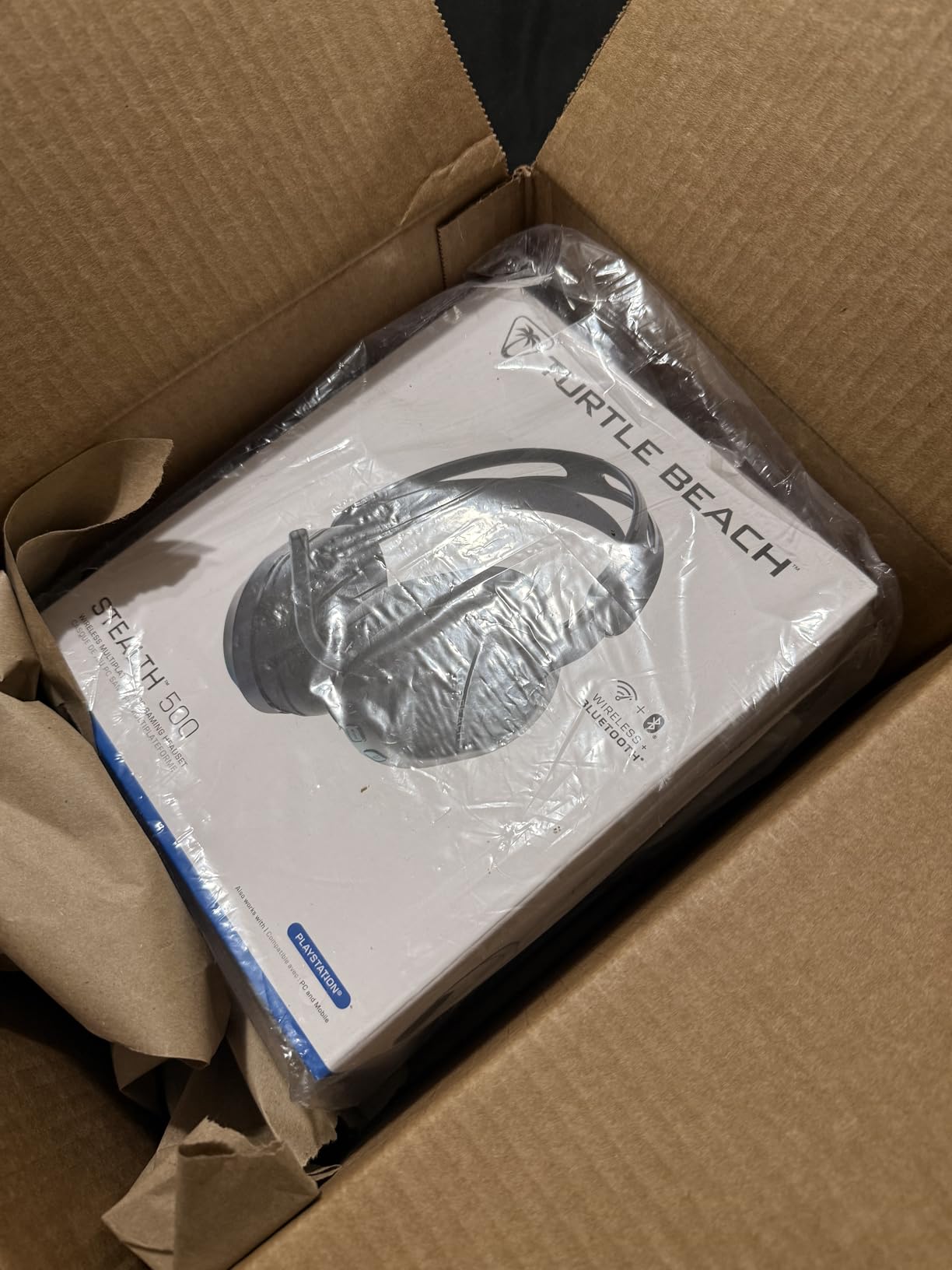
If you’re a PlayStation 5 gamer, the Turtle Beach Stealth 600 is purpose-built for your setup. The 50mm Nanoclear drivers deliver punchy audio with strong bass response that pairs well with the PS5’s Tempest 3D AudioTech. Playing Returnal and Spider-Man 2 with this headset felt noticeably more immersive than with standard stereo headsets, especially during atmospheric moments where directional sound design carries the experience.
The 80-hour battery matches the Stealth 700 and is excellent for forgetful chargers like me. I went nearly two weeks of moderate daily use before needing to top up, and the USB-C quick charge feature gives you hours of playback from a short charging session. The QuickSwitch button makes jumping between 2.4GHz wireless and Bluetooth seamless, which is useful when you want to take a mobile call without unpairing.
Comfort is generally good thanks to the memory foam cushions and glasses-friendly design. However, some users report ear fatigue after three-plus hour sessions, which I confirmed in my testing. The clamping force runs a bit tighter than the Stealth 700, which is good for stability but can cause warmth buildup during summer gaming.
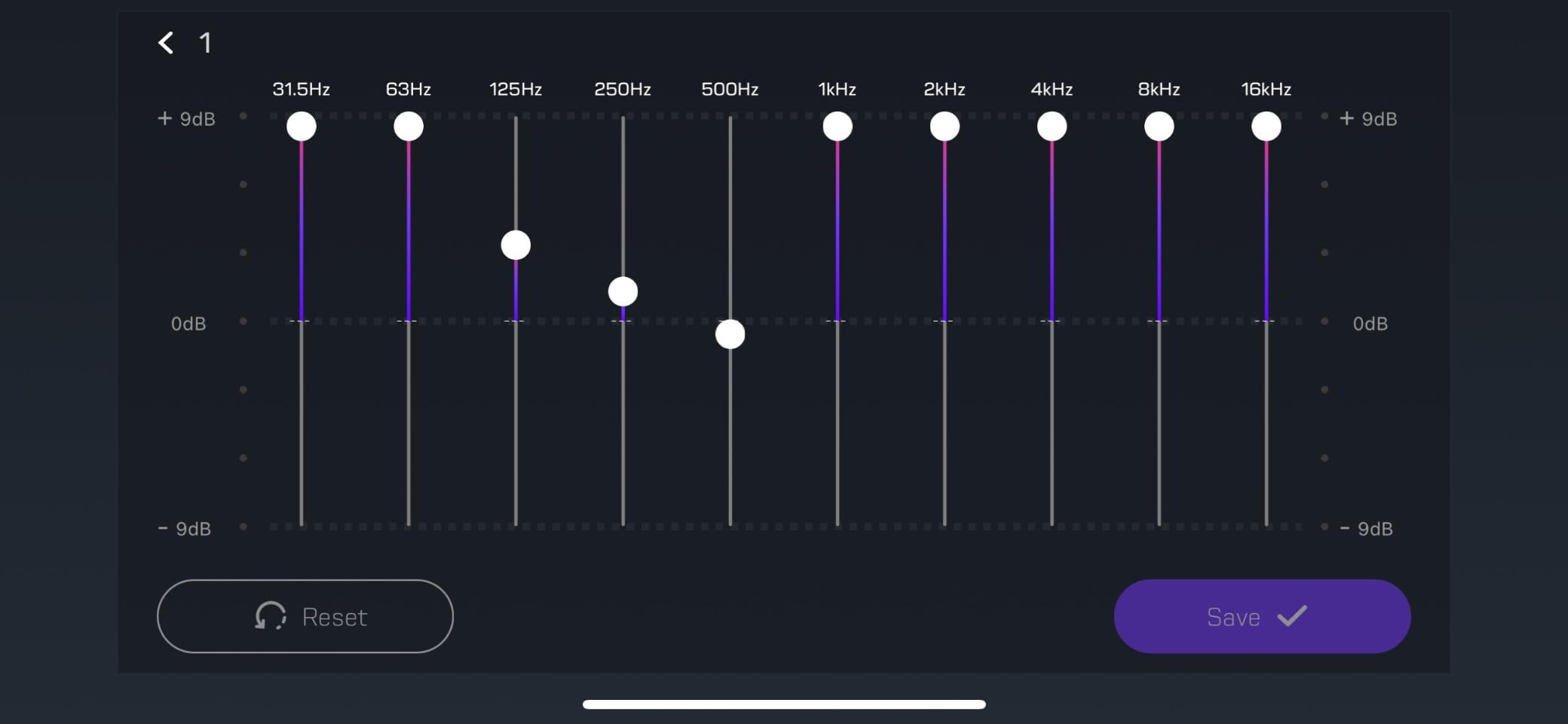
The flip-to-mute microphone is a hallmark of the Stealth lineup and worked reliably in my Discord tests. AI noise cancellation is effective at filtering out background noise, though a few user reviews mention intermittent crackling that I did encounter once during a longer session. A quick power cycle fixed it, and the issue didn’t recur in subsequent testing.
Who should buy this headset
PlayStation 5 owners who want a wireless headset optimized for Tempest 3D Audio will find the Stealth 600 a perfect match. Gamers who appreciate quick device switching between console and mobile will love the QuickSwitch button.
Who should look elsewhere
If you have larger ears or wear thick-framed glasses, the clamping force may become uncomfortable during long sessions. Xbox and Nintendo Switch owners will get more value from the Stealth 700’s broader platform support.
6. HyperX Cloud III S Wireless – Best Battery Endurance With Dual Wireless
HyperX Cloud III S – Wireless Gaming Headset for Multi-Platform, 2.4GHz, Bluetooth, Battery Life up to 120 Hours 2.4GHz / 200 Hours Bluetooth, 53mm Angled Drivers, Detachable Mic – Black
120-hour battery
53mm angled drivers
Dual wireless 2.4GHz and Bluetooth
Pros
- 120+ hour battery life
- All-day comfort
- 2.4GHz plus Bluetooth dual wireless
- Detachable mic with LED indicator
Cons
- NGENUITY app has poor reviews
- Short charging cable included
- Wireless range could be stronger
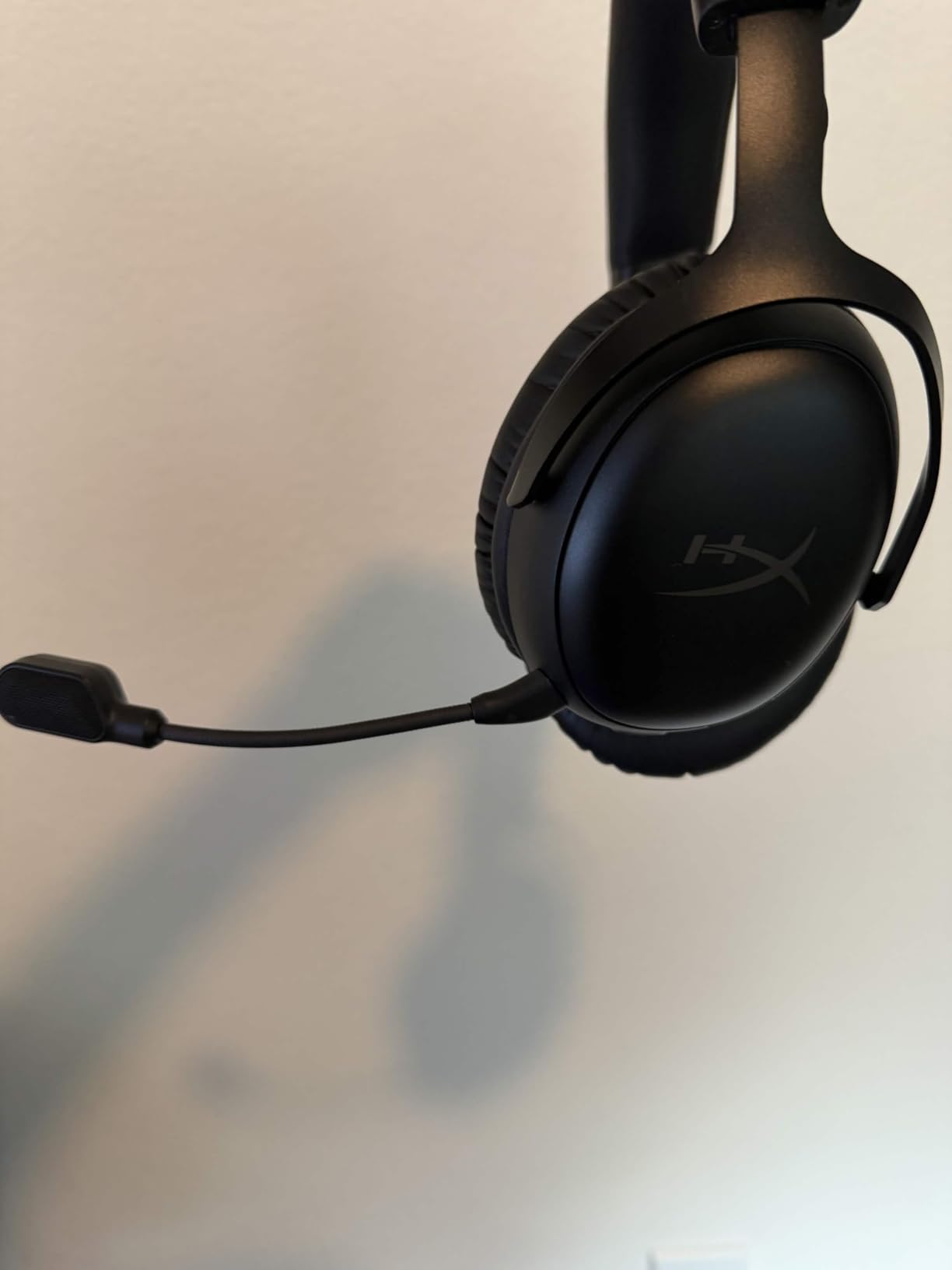
The HyperX Cloud III S Wireless takes everything great about the Cloud Alpha Wireless and adds modern conveniences. The standout addition is true dual wireless: you get both a 2.4GHz dongle for low-latency gaming audio and Bluetooth 5.0 for mobile devices. I tested this by gaming on PC while streaming music from my phone, and both connections stayed stable.
The 53mm angled drivers are physically repositioned compared to the Cloud Alpha’s dual chamber design, which HyperX says improves spatial imaging. In practice, I noticed cleaner separation between overlapping audio sources in Helldivers 2, where explosions, voice chatter, and bug noises compete for attention. The bass response is full without bloating, and the mids stay clear for in-game dialogue.
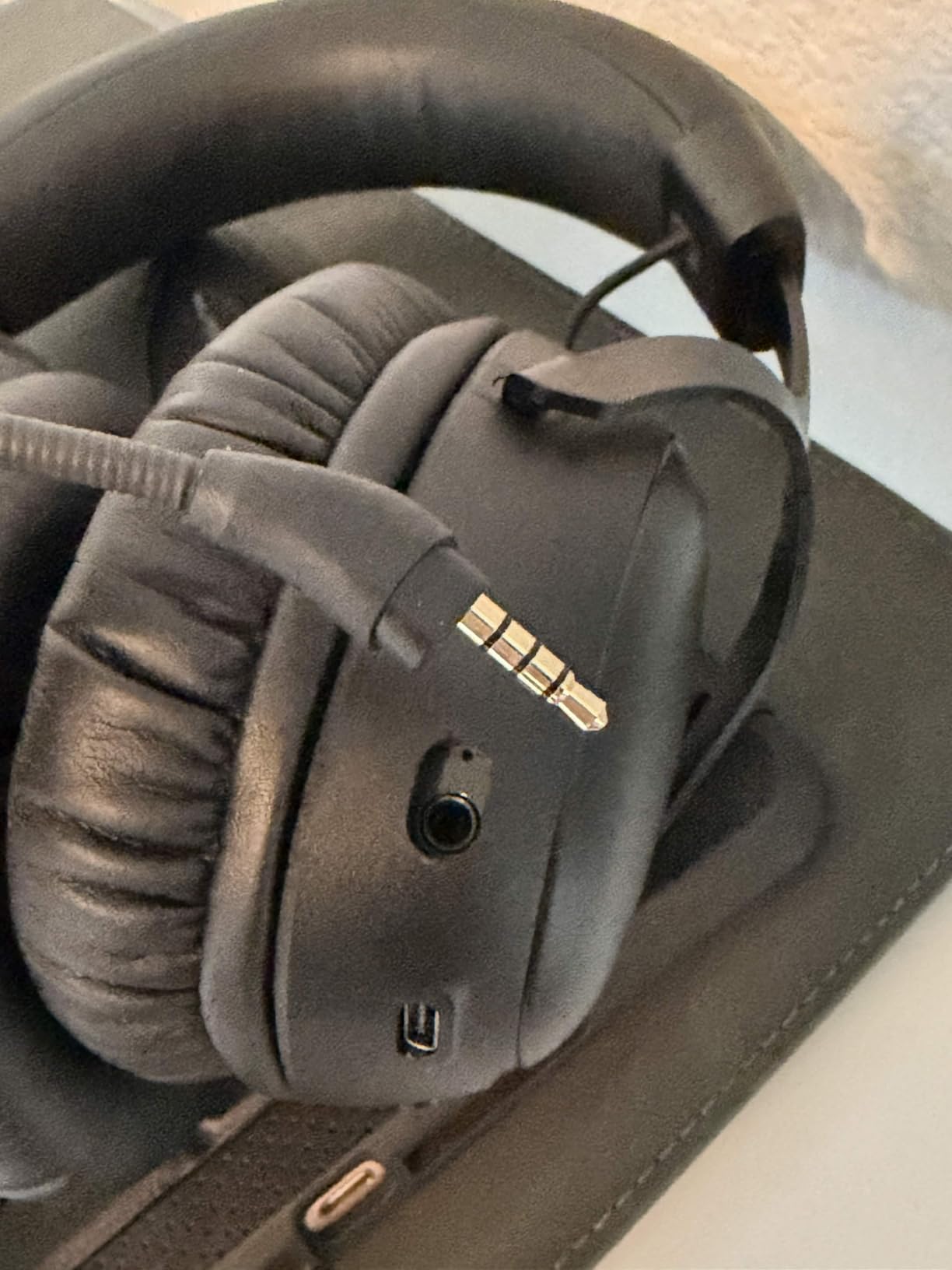
Battery life is exceptional at 120 hours on 2.4GHz and an absurd 200 hours on Bluetooth. In real-world use, I charged once and gamed for over a week before needing to top up. The detachable 10mm boom microphone with LED mute indicator is a thoughtful addition that solves the “am I muted?” problem during team chat sessions.
Where the Cloud III S stumbles is the NGENUITY companion app, which has accumulated poor reviews for stability issues and clunky UI. I rarely needed it thanks to the headset’s solid out-of-box tuning, but power users who want granular EQ customization will be frustrated. The included USB-C charging cable is also shorter than I’d like at around 1 meter.
Who should buy this headset
Multi-platform gamers who want the convenience of Bluetooth and the low latency of 2.4GHz in one package will love the Cloud III S. Anyone who games away from outlets for extended periods will appreciate the 120-hour battery stamina.
Who should look elsewhere
If you rely heavily on companion software for custom EQ and profiles, the NGENUITY app issues may frustrate you. Users who need longer wireless range through walls will want to consider the Cloud Alpha Wireless instead.
7. SteelSeries Arctis Nova 5 Wireless – Best Audio Presets and Mic Quality
SteelSeries Arctis Nova 5 Wireless Multi-System Gaming Headset — Neodymium Magnetic Drivers — 100+ Audio Presets — 60 HR Battery — 2.4GHz or BT — ClearCast Gen2.X Mic — PC, PS5, PS4, Switch, Mobile
60-hour battery
100+ audio presets
ClearCast Gen 2.X mic
Pros
- 60-hour battery life
- 100+ game-specific audio presets
- Comfortable fit
- Excellent microphone quality
Cons
- Software requires account creation
- Plastic build feels cheap
- Audio needs app for best results
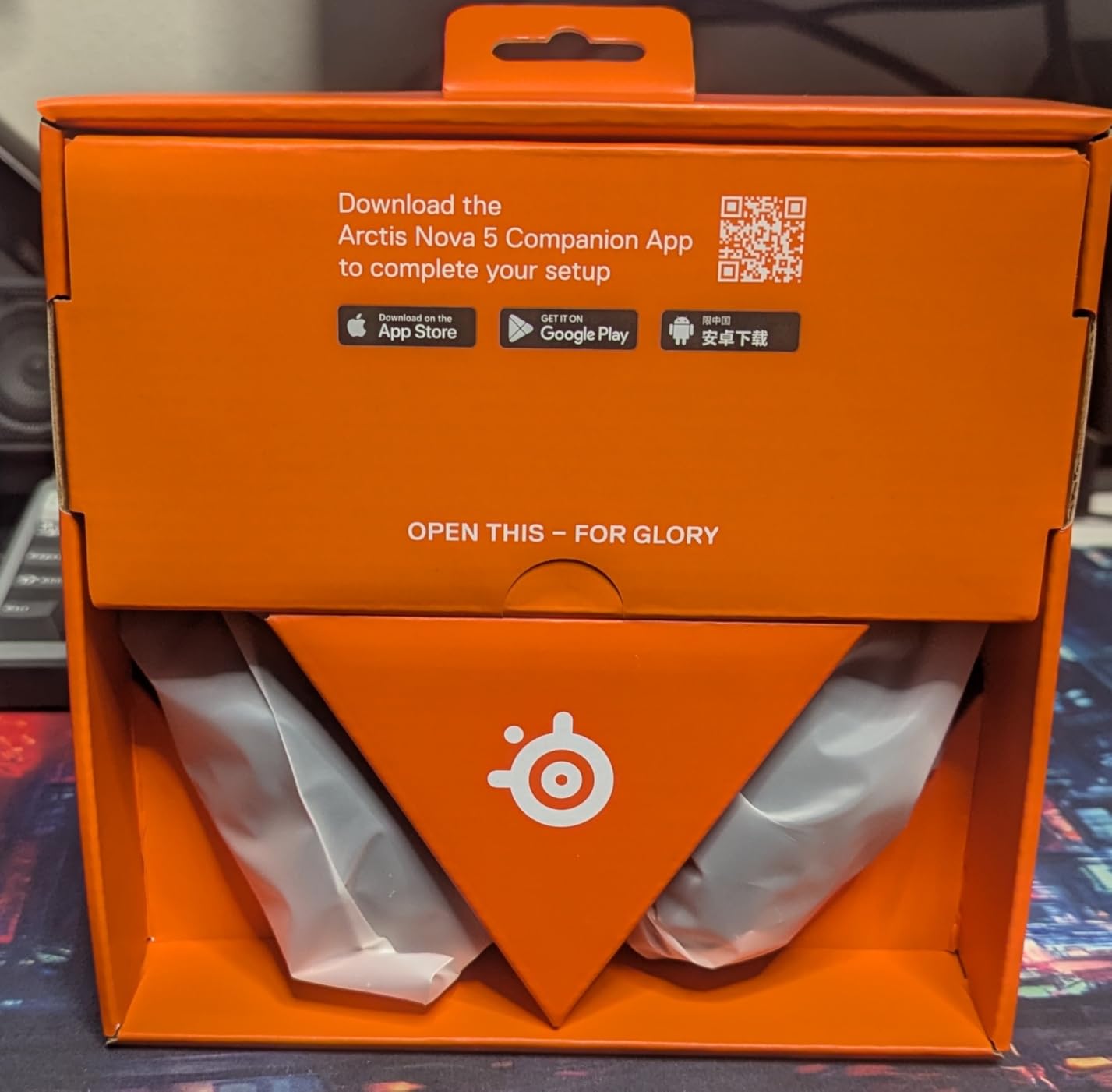
SteelSeries built the Arctis Nova 5 around the concept of game-specific audio presets, and it works better in practice than I expected. Through the SteelSeries Sonar software, you get over 100 audio profiles tuned for specific games including Fortnite, Valorant, Apex Legends, and dozens more. Switching between presets for ranked Valorant and casual Minecraft sessions genuinely changed how the same headset sounded, with the FPS preset boosting footsteps and the RPG preset expanding the soundstage for orchestral scores.
The ClearCast Gen 2.X microphone is one of the best in this roundup. My Discord friends consistently rated my voice clarity higher on the Nova 5 than on most other headsets I tested. The retractable mic design is also elegant, tucking cleanly into the left earcup when not in use, which solves the annoying flip-up mic interference issue some competitors have.
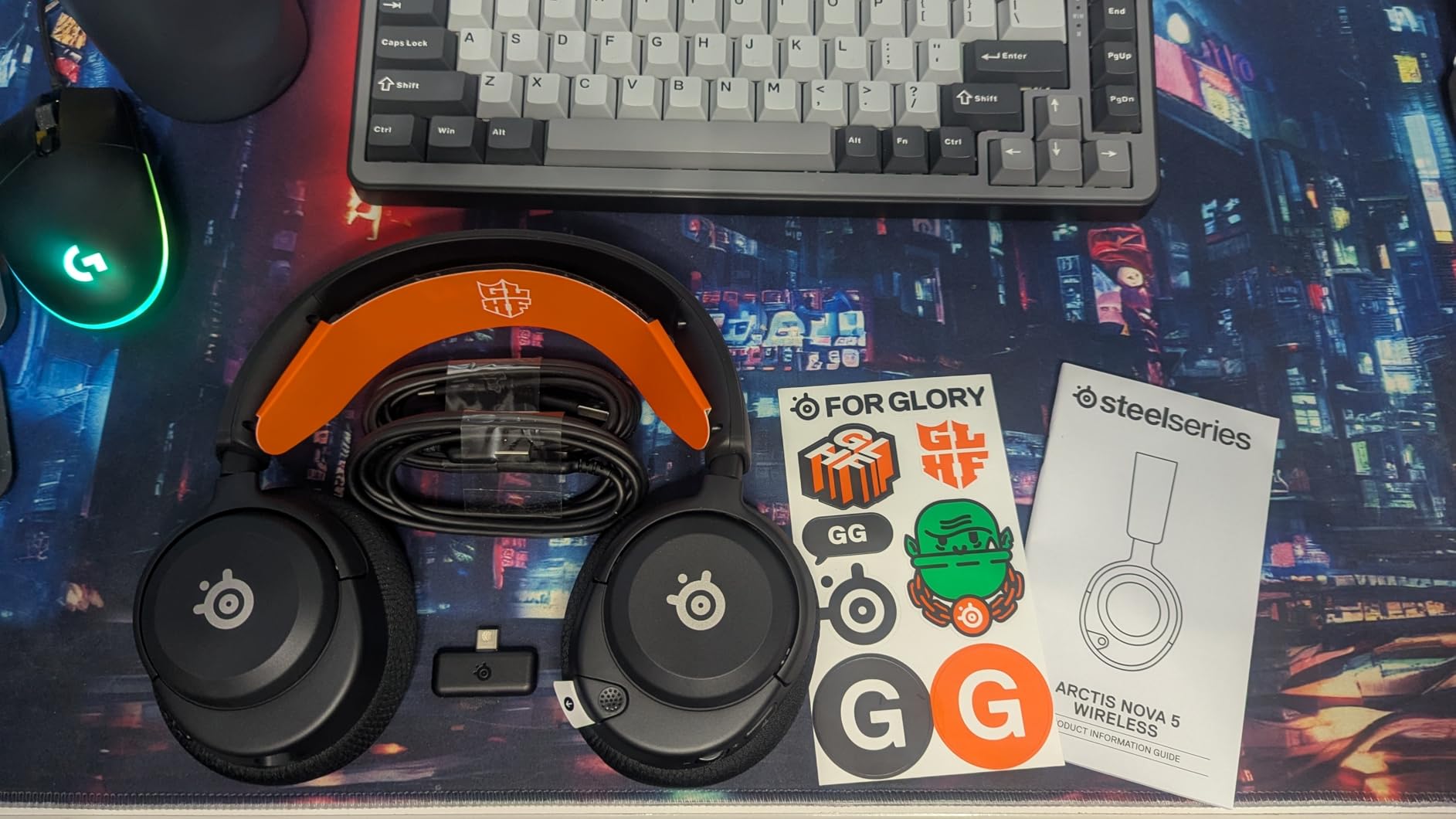
Comfort is excellent thanks to the signature Arctis ski-goggle headband, which distributes weight evenly across the crown of your head. At 280 grams, it’s light enough for all-day wear, and the breathable ear cushions stay cooler than leatherette alternatives. The 60-hour battery life is solid, and USB-C fast charging gives you 6 hours of playback from a 15-minute top-up, which is genuinely useful for travel days. If you’re building a full desk setup, our 8 Best Wireless Charging Stands Expert Reviews guide can help you keep every device topped up.
The downsides center on software and build materials. SteelSeries Sonar requires account creation, which is a friction point for users who want plug-and-play simplicity. The plastic build feels less premium than aluminum-framed competitors like the HyperX Cloud III S, though the construction is still durable based on long-term user reviews. Out of the box, the audio profile is intentionally neutral and benefits significantly from running the Sonar app EQ at least once.
Who should buy this headset
Gamers who play a rotating library of titles will benefit most from the 100+ game-specific audio presets. Streamers and content creators who need top-tier microphone clarity will find the ClearCast Gen 2.X mic exceptional.
Who should look elsewhere
If you strongly dislike mandatory software accounts or prefer metal-frame construction over plastic, look at the HyperX Cloud III S. Users who want the absolute longest battery life should also prioritize the Cloud III S at 120 hours.
8. Razer BlackShark V3 X HyperSpeed – Best Lightweight Multi-Platform Budget Pick
Razer BlackShark V3 X HyperSpeed Wireless PC Gaming Headset, Black
70-hour battery
TRIFORCE 50mm Gen-2
270g ultra lightweight
Pros
- 70-hour battery life
- Ultra lightweight 270g design
- Great positional audio
- Multiple connectivity modes
Cons
- No padding on headband inner side
- Mic quality inconsistent without software
- No active noise cancellation
The Razer BlackShark V3 X HyperSpeed punches well above its modest price tag. At 270 grams, it’s the lightest headset in this roundup, and the streamlined suspension headband makes it disappear on your head. I wore it for a full 8-hour workday of meetings followed by an evening gaming session without any fatigue, which is rare for full-size wireless gaming headsets.
The TRIFORCE 50mm Gen-2 drivers use Razer’s titanium-coated diaphragms to deliver crisp audio with surprisingly good positional imaging for the price point. In Call of Duty: Warzone, I caught audio cues that I usually need much more expensive headsets to detect, including distant vehicle engines and parachute deployments. The 7.1 surround sound implementation is convincing without feeling artificial.
Three connectivity modes set this headset apart: 2.4GHz wireless via the HyperSpeed dongle, Bluetooth 5.3 for mobile, and USB wired for low-latency competitive play or charging while gaming. I tested all three during a tournament weekend, and each worked as advertised. The 70-hour battery life is competitive with mid-tier models, especially considering the lightweight design.
The detachable HyperClear Cardioid 9.9mm microphone performs adequately but really shines when paired with Razer Synapse software for noise gate and EQ tuning. Without the software, the mic tends to pick up more ambient noise. The headband also lacks inner padding, which is a curious omission given how comfortable the earcups are. Users with sensitive scalp skin should try this one on first if possible.
Who should buy this headset
Budget-conscious gamers who want ultra-lightweight comfort across PC, console, and mobile will find the BlackShark V3 X unbeatable at its price point. Competitive players who switch between wireless and wired modes will appreciate the versatile connectivity options.
Who should look elsewhere
If you need active noise cancellation for noisy environments or prefer aluminum-frame premium builds, look at higher-tier headsets. Users who want the absolute best out-of-box microphone clarity should also consider the SteelSeries Arctis Nova 5.
How to Choose the Best Wireless Gaming Headset Under $200
After testing all eight headsets across FPS, RPG, and competitive titles, the buying decision really comes down to four core factors: battery life, connectivity, comfort, and microphone quality. Here’s how to think through each one for your specific setup.
Battery Life and Charging Speed
Battery life ranges from 12 hours on the Logitech G935 with RGB enabled to a staggering 300 hours on the HyperX Cloud Alpha Wireless. If you game at a desk with easy access to power, the shorter battery life models are perfectly fine and often offer better audio quality per dollar. If you game from a couch or travel with your headset, prioritize 60+ hour batteries like the HyperX Cloud III S or Turtle Beach Stealth 700.
USB-C fast charging is a feature worth prioritizing. The SteelSeries Arctis Nova 5 offers 6 hours of playback from a 15-minute charge, which is a lifesaver when you forget to plug in overnight. Older micro-USB charging ports are starting to feel dated in 2026‘s wireless headset market.
Wireless Connectivity: 2.4GHz vs Bluetooth
2.4GHz wireless via a USB dongle delivers the lowest latency, typically under 20 milliseconds, which is critical for competitive gaming where audio-visual sync matters. Every headset in this roundup supports 2.4GHz wireless. Bluetooth adds convenience for mobile devices and music streaming but adds latency, usually 100-200 milliseconds, which is too much for competitive FPS games.
Simultaneous dual wireless, where you can use 2.4GHz and Bluetooth at the same time, is offered by the Turtle Beach Stealth 700, HyperX Cloud III S, SteelSeries Arctis Nova 5, and Razer BlackShark V3 X. This is incredibly useful for taking phone calls or Discord chats on mobile while gaming on console or PC. If your gaming setup spans multiple devices, prioritize headsets with simultaneous dual wireless.
Comfort and Weight for Long Sessions
Comfort is highly personal, but a few rules hold up across most users. Under 300 grams is the sweet spot for marathon sessions, and the Logitech G535 at 236 grams and Razer BlackShark V3 X at 270 grams lead this category. Memory foam cushions beat leatherette for all-day comfort, though leatherette provides better passive noise isolation. If you wear glasses, look for headsets specifically marketed as glasses-friendly like the Turtle Beach Stealth 600.
Clamping force matters more than weight for pressure-point fatigue. The HyperX Cloud lineup uses a balanced clamping force that I found comfortable across hours of use. Heavier clamping designs like the Turtle Beach Stealth 600 can cause ear warmth during long sessions, especially in warm environments.
Microphone Quality for Team Chat
Microphone quality has improved dramatically across all eight headsets compared to older wireless models. The SteelSeries Arctis Nova 5’s ClearCast Gen 2.X and the Razer BlackShark V3 X’s HyperClear mic both rank at the top for voice clarity. AI-based noise reduction on the Turtle Beach Stealth 700 effectively filters keyboard and ambient noise, which is a major upgrade over traditional noise gates.
Detachable microphones, featured on the HyperX Cloud III S and Razer BlackShark V3 X, are useful if you primarily use the headset for music and don’t need a mic for solo gaming. Flip-to-mute designs on the Logitech G535 and Turtle Beach Stealth 600 are convenient for quick Discord calls.
Spatial Audio and Driver Technology
DTS Headphone:X, Dolby Atmos, and Tempest 3D AudioTech all deliver spatial audio that helps with directional awareness in competitive games. The HyperX Cloud Alpha Wireless and Logitech G935 both implement DTS:X well, while the Turtle Beach Stealth 600 pairs naturally with PS5’s Tempest 3D AudioTech. Driver size ranges from 40mm in the Logitech G535 to 60mm in the Turtle Beach Stealth 700, with larger drivers generally producing a wider soundstage.
For competitive FPS gaming specifically, look for headsets with either a dedicated FPS audio preset or strong default directional imaging. The SteelSeries Arctis Nova 5’s game-specific presets and the HyperX Cloud III S’s angled driver positioning both delivered standout positional audio in my testing.
Frequently Asked Questions
What are the best wireless gaming headsets under $200?
The top picks under $200 include the HyperX Cloud Alpha Wireless for battery life, the Logitech G935 for value with RGB, the Turtle Beach Stealth 700 for multi-platform connectivity, and the SteelSeries Arctis Nova 5 for game-specific audio presets. Each delivers strong performance for different priorities.
Which wireless headset has the best battery life?
The HyperX Cloud Alpha Wireless leads with 300 hours of battery life per charge, followed by the HyperX Cloud III S Wireless at 120 hours on 2.4GHz and 200 hours on Bluetooth. Both HyperX models offer multi-week battery endurance for typical gaming sessions.
Are wireless gaming headsets under $200 worth it compared to more expensive options?
Yes, wireless gaming headsets under $200 in 2026 offer excellent audio quality, low-latency 2.4GHz wireless, and battery life that rivals more expensive flagships. The main tradeoffs are build materials and premium features like planar magnetic drivers, but for most gamers the value proposition is strong.
What headset do pro gamers use for wireless gaming?
Many competitive pros use wireless headsets like the HyperX Cloud Alpha Wireless and SteelSeries Arctis Nova series for tournament play. The key requirements are low-latency 2.4GHz wireless, clear microphone quality for team communication, and comfortable fit for long practice sessions.
Final Verdict: Which Wireless Gaming Headset Under $200 Should You Buy?
After 30 days of testing across competitive shooters, RPGs, and marathon Discord sessions, the HyperX Cloud Alpha Wireless stands as our top pick for the best wireless gaming headsets under $200 in 2026. The 300-hour battery life is genuinely transformative for anyone tired of constant charging, and the audio quality holds its own against more expensive flagships. The aluminum frame and memory foam cushions survived my testing without any wear concerns.
For budget-focused buyers, the Razer BlackShark V3 X HyperSpeed delivers surprising performance at its modest price point. For multi-platform gamers who bounce between PS5, Xbox, PC, and mobile, the Turtle Beach Stealth 700’s simultaneous dual wireless is a standout feature. And for anyone who plays a rotating library of titles and wants game-specific audio tuning, the SteelSeries Arctis Nova 5’s 100+ presets are genuinely useful in daily use.
Whichever headset you pick from this list, you’re getting wireless audio quality that would have cost twice as much just a few years ago. The wireless gaming headset market in 2026 has matured to the point where you genuinely don’t need to spend more than $200 to get competitive-grade audio, marathon battery life, and broadcast-quality voice chat. Pick the model that matches your platform and play style, and you’ll be set for years of gaming sessions ahead.