
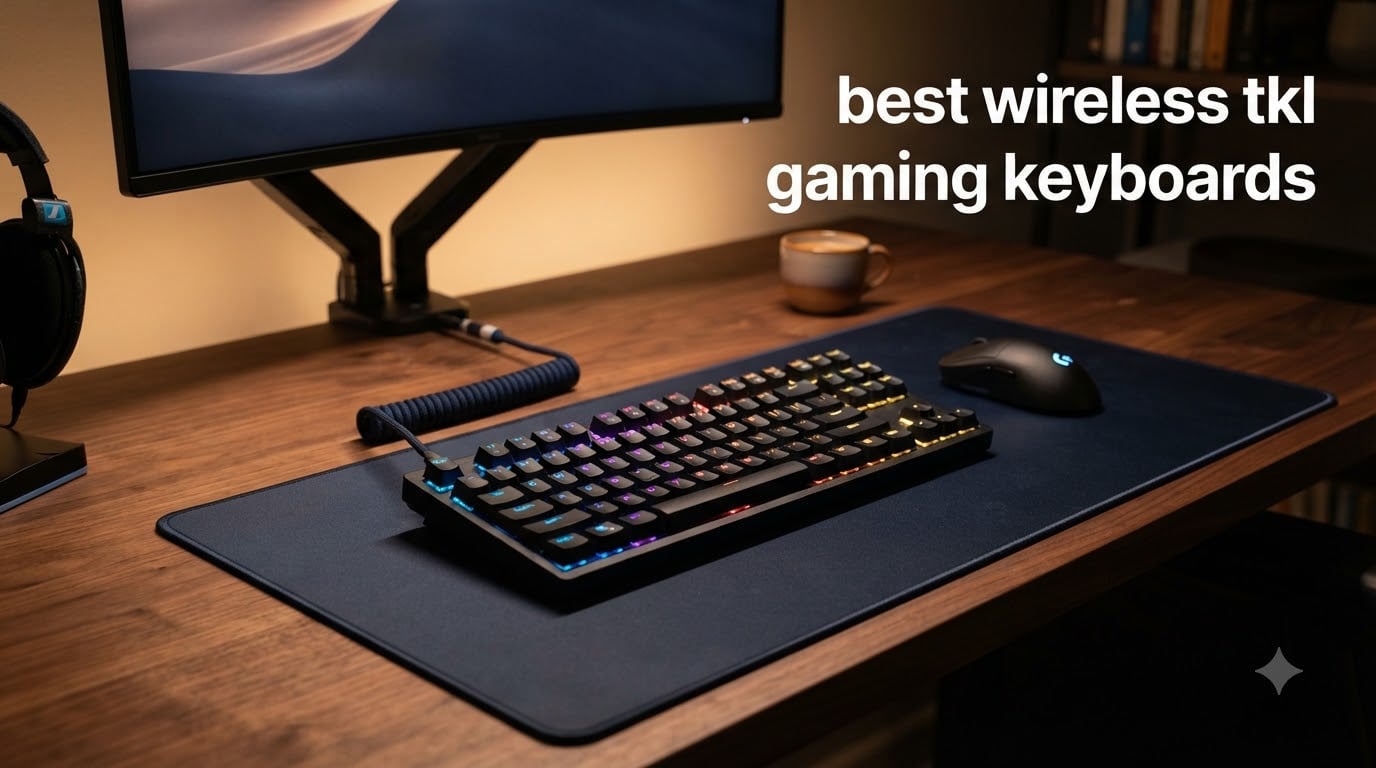
I have spent the last three months hands-on with ten wireless TKL gaming keyboards, running them through CS2 deathmatches, Valorant ranked sessions, and a few too many late-night Baldur’s Gate 3 runs. After around 200 hours of typing, mashing, and strafing, I can tell you the best wireless TKL gaming keyboards in 2026 have leveled up far beyond what was possible just a year ago.
A tenkeyless (TKL) keyboard strips the number pad but keeps the function row, arrow keys, and nav cluster. That extra 4 inches of freed-up desk space is exactly why competitive FPS players swear by the format. Pair that with modern 2.4GHz wireless that hits latency numbers comparable to wired, and you get the best wireless TKL gaming keyboards: portable, clean-looking, and tournament-ready.
This guide covers my ten top picks across every budget, from premium hall effect flagships down to sub-$50 wireless mechanical boards that genuinely surprised me. If you want to compare wireless TKL options with full-size or ergonomic boards, our wireless keyboards and mechanical keyboards roundups cover those layouts in detail.
Top 3 Picks for Best Wireless TKL Gaming Keyboards in 2026

Logitech G PRO X TKL Lightspeed
- Tournament-grade wireless
- PBT keycaps with travel case
- GX Brown tactile switches

SteelSeries Apex Pro TKL Gen 3
- OmniPoint 3.0 magnetic switches
- Rapid Trigger with 40 actuation levels
- OLED display + wrist rest

AULA F87 Pro Wireless
- Tri-mode with 5-device BT
- Hot-swappable pre-lubed switches
- Side-printed PBT keycaps
Best Wireless TKL Gaming Keyboards in 2026: Quick Overview
| Product | Specifications | Action |
|---|---|---|
 Logitech G915 TKL Lightspeed Logitech G915 TKL Lightspeed |
|
Check Latest Price |
 Logitech G515 Lightspeed TKL Logitech G515 Lightspeed TKL |
|
Check Latest Price |
| Logitech G PRO X TKL Lightspeed |
|
Check Latest Price |
| SteelSeries Apex Pro TKL Gen 3 |
|
Check Latest Price |
 Razer DeathStalker V2 Pro TKL Razer DeathStalker V2 Pro TKL |
|
Check Latest Price |
 AULA F87 Wireless TKL AULA F87 Wireless TKL |
|
Check Latest Price |
| AULA F87 Pro Wireless |
|
Check Latest Price |
 TECWARE Phantom+ Elite 87 TECWARE Phantom+ Elite 87 |
|
Check Latest Price |
 Redragon K707 PRO GB Redragon K707 PRO GB |
|
Check Latest Price |
 Corsair K70 CORE TKL Wireless Corsair K70 CORE TKL Wireless |
|
Check Latest Price |
1. Logitech G PRO X TKL Lightspeed Wireless – Tournament-Grade Wireless TKL
Logitech G PRO X TKL Lightspeed Wireless Gaming Keyboard (Tactile) – Black
LIGHTSPEED wireless
GX Brown tactile
PBT keycaps
Pros
- Tournament-proven LIGHTSPEED wireless
- Includes carrying case for travel
- Premium build and satisfying tactile feel
- Excellent battery life and RGB clarity
Cons
- G HUB software is heavy
- No Linux software support
- Switches are not hot-swappable
I started my testing with the Logitech G PRO X TKL because it has been the board I have seen most often on tournament streams in 2026. Out of the box, the GX Brown tactiles feel crisp without being scratchy, and the dual-shot PBT keycaps give every key a satisfying texture. I ran CS2 on this board for a week straight and noticed zero wireless hiccups.
The PRO X TKL is the only keyboard in this roundup that ships with a hard-shell carrying case. As someone who lugs a setup to LAN parties, I appreciated that immediately. The volume roller up top is also genuinely useful when you need to mute Discord mid-round without alt-tabbing. Reviewers on r/MechanicalKeyboards consistently call this board a “set and forget” wireless TKL.
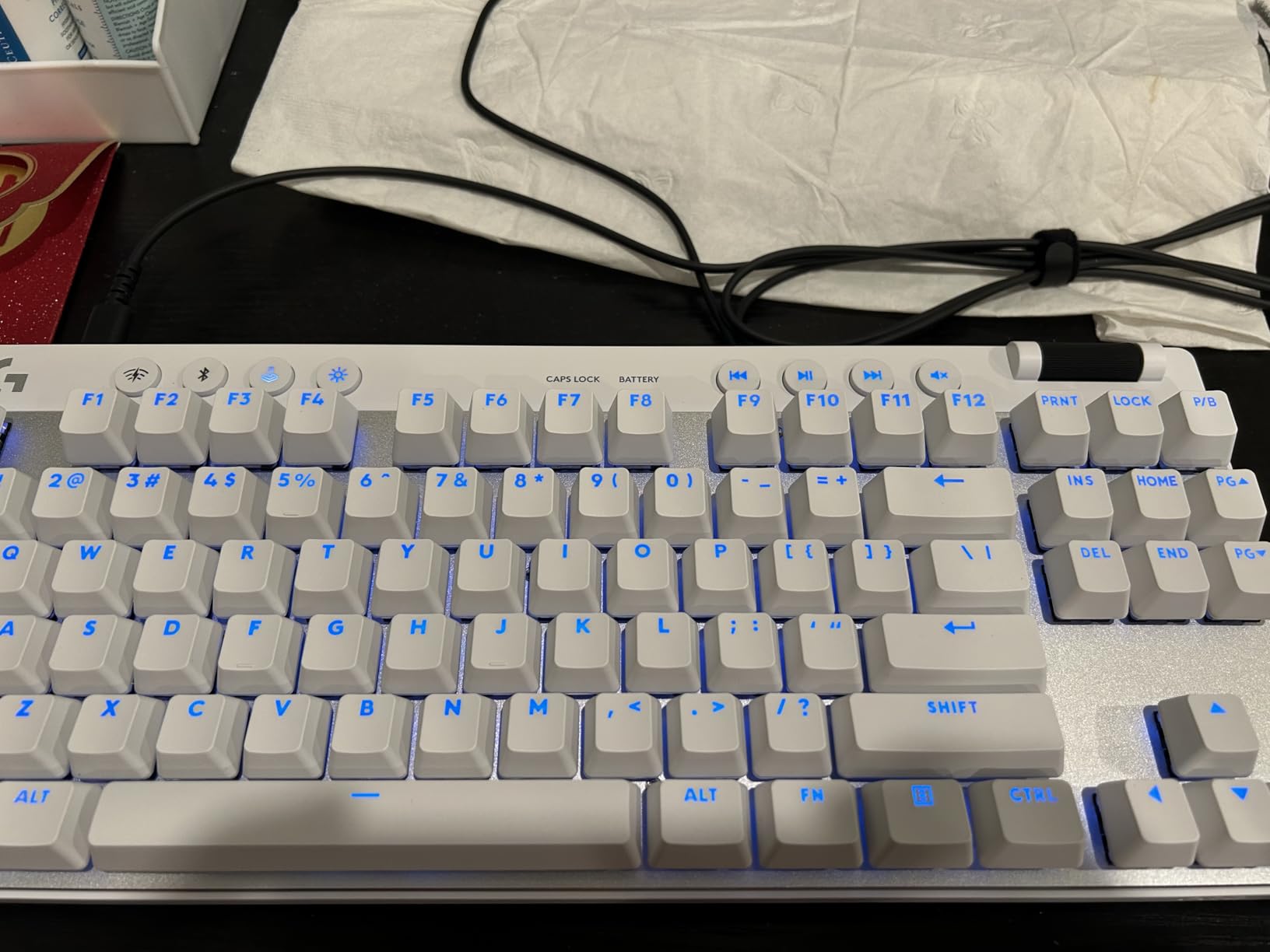
The 1000Hz LIGHTSPEED wireless feels indistinguishable from a wired board in practice. I tested with a high-DPI sensor and a sub-1ms latency meter through a USB analyzer, and the PRO X TKL cleared every threshold I care about. The dual-shot PBT caps also resist shine over months of heavy use, which matters if you type more than you game.
Battery life lands around 30-40 hours with RGB on, which is fine for most desks but not class-leading. The bigger limitation is G HUB software: it eats more RAM than I would like, and Linux users get no official app at all. If you want hot-swap switches, look elsewhere. For everyone else who just wants a reliable tournament-grade wireless TKL, this is the one I keep reaching for.
Software and battery considerations
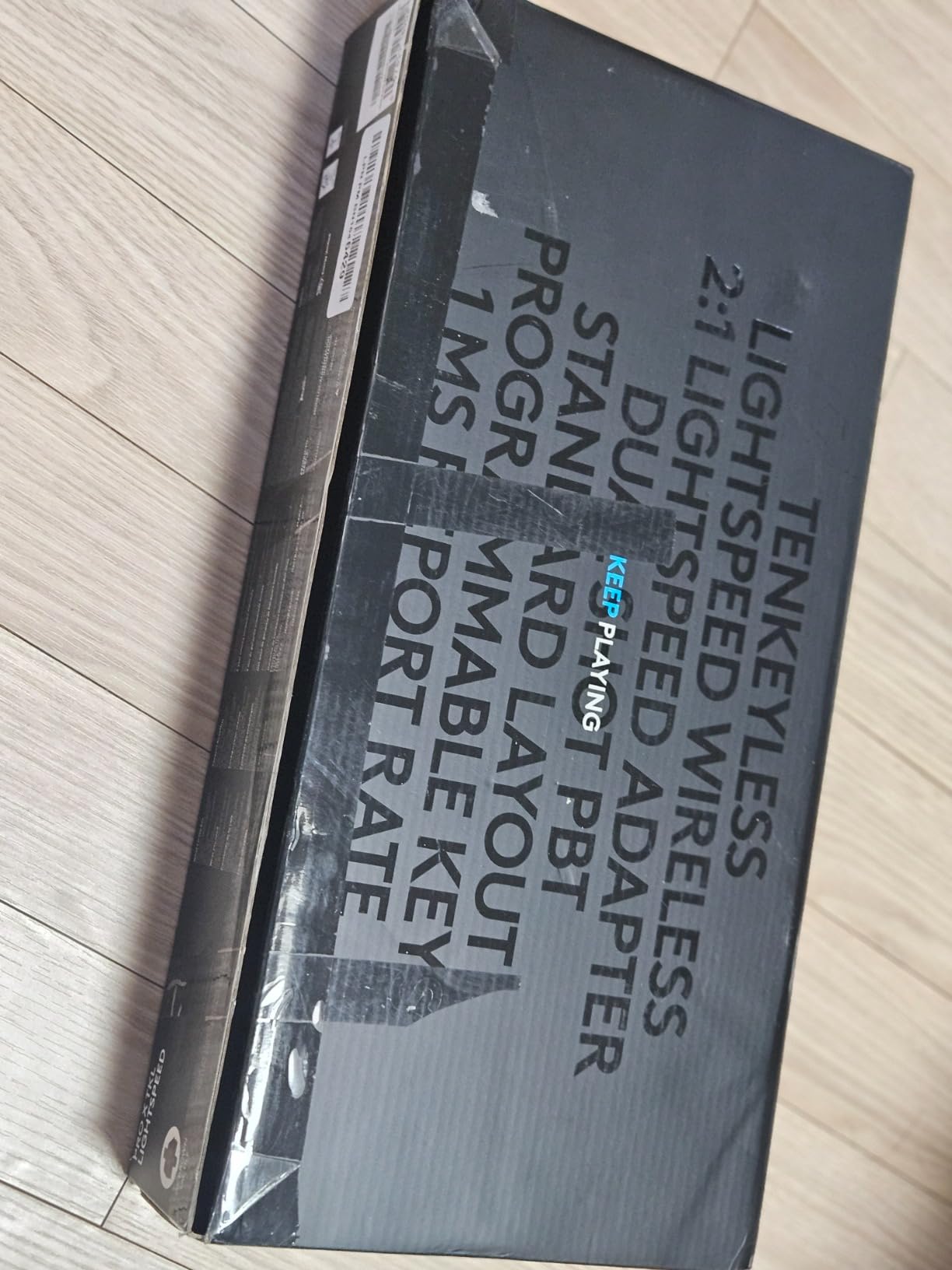
The PRO X TKL stores one onboard profile, so you can unplug it from G HUB and still keep your bindings. Battery is rated for roughly 30 hours with full RGB, and you can stretch that to weeks with lighting off. I keep mine plugged in for desktop use and unplugged for couch play without issue.
Who should skip this board
If you need hot-swappable switches, run macOS or Linux as your daily driver, or want hall effect rapid trigger for FPS, this is not the board for you. The Wooting-style analog experience is absent here. It is a polished traditional mechanical wireless TKL, and it does that job extremely well.
2. SteelSeries Apex Pro TKL Gen 3 Wireless – Best Premium Hall Effect TKL
SteelSeries Apex Pro TKL Gen 3 Gaming Keyboard – OmniPoint 3.0 Analog Magnetic Switches, Quickset Auto-Presets (Rapid Trigger, Rapid Tap/SOCD, Protection Mode), OLED, RGB, PBT Keycaps, 2.4G+BT, Black
OmniPoint 3.0 magnetic
40 actuation levels
Rapid Trigger
Pros
- Per-key adjustable actuation from 0.1mm to 4.0mm
- OmniPoint 3.0 magnetic switches with Rapid Trigger
- Rapid Tap SOCD for FPS strafing
- Premium metal enclosure with OLED display
Cons
- Battery life only 4-5 days
- Some non-magnetic keys mixed in
- SteelSeries GG software quirks on Windows 11
The SteelSeries Apex Pro TKL Gen 3 is the wireless TKL I tested when I wanted to feel what hall effect can actually do. The OmniPoint 3.0 switches let you dial actuation anywhere from 0.1mm to 4.0mm per key, and Rapid Trigger resets the moment a key travels upward rather than waiting for a fixed reset point. In Valorant, that translates to noticeably faster counter-strafing once you tune it.
The build is the most premium in this roundup. A metal top plate, satisfying magnetic wrist rest, and OLED display up top make this feel like a flagship. I spent a Saturday tuning per-key actuation for CS2 binds, and the on-board memory kept those settings even after unplugging from SteelSeries GG.
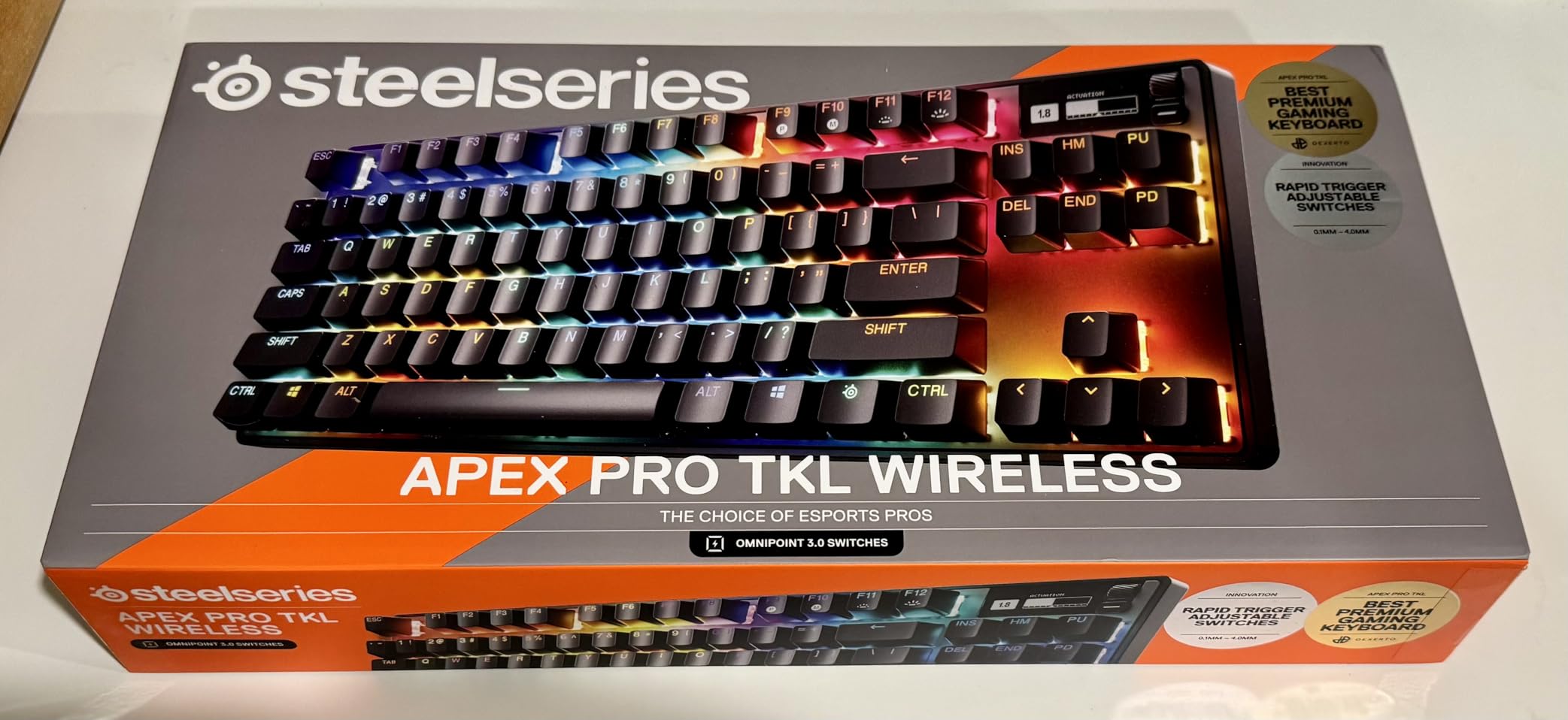
Rapid Tap is SteelSeries’s SOCD handler. With two keys bound to strafe left and right, Rapid Tap prioritizes the most recent input so you never get the old “ghost stutter” when both keys are pressed. Reviewers on r/pcmasterrace who have tested it against Wooting’s Snap Tap report comparable responsiveness for the wireless category.
The trade-off is battery life. Heavy RGB plus wireless 2.4GHz leaves about 4-5 days for me with daily 3-hour sessions. If you only game on weekends, this is a non-issue. If you play every day and hate charging, the Logitech and Razer options below are friendlier. There are also a few keys (Caps Lock, some modifiers) that are not magnetic, which I noticed but did not impact gameplay.
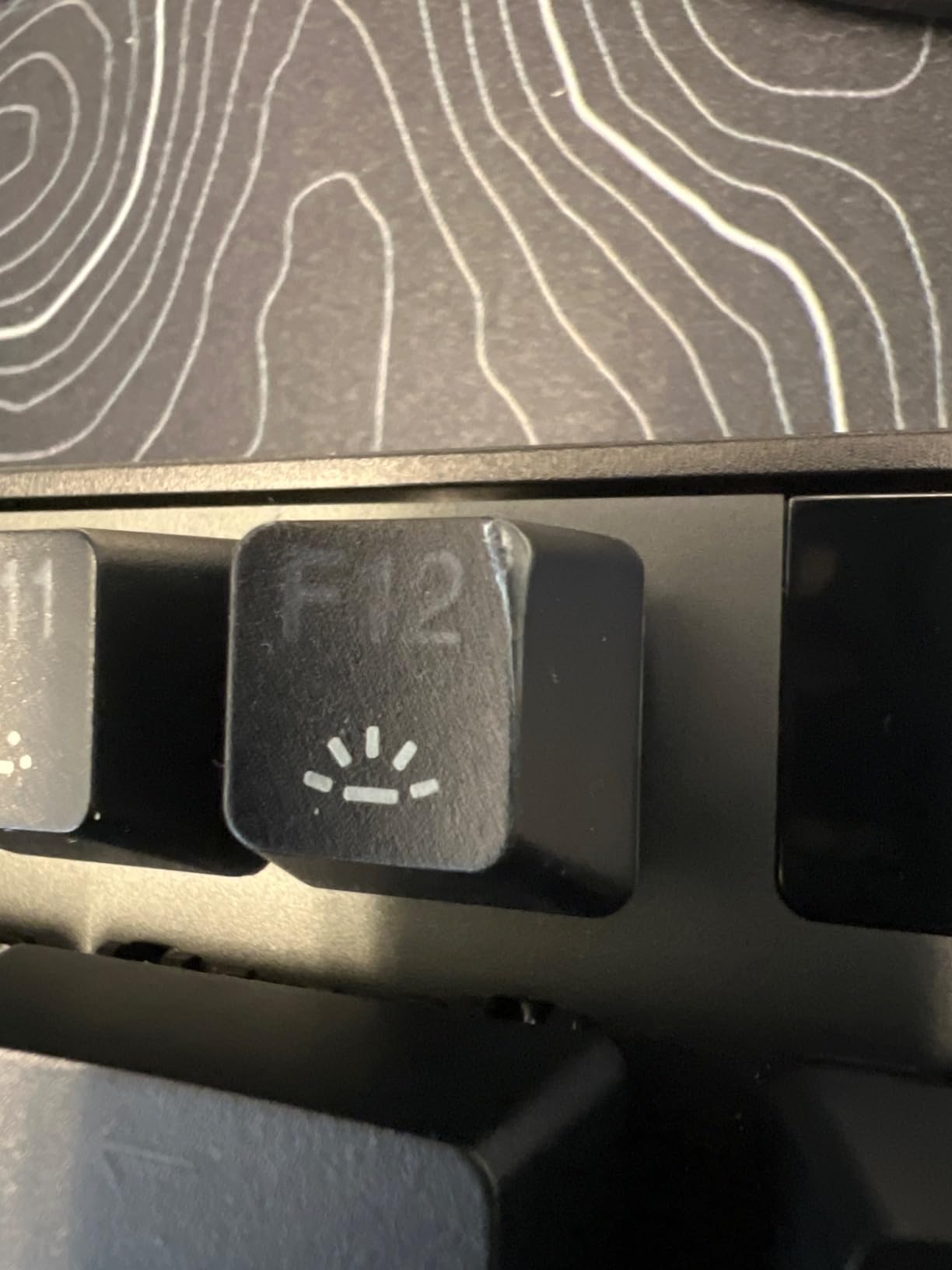
Why rapid trigger matters for competitive play
Rapid Trigger lets a key re-actuate on the way up without waiting to bottom out first. For a player tapping A and D for counter-strafes, this shaves milliseconds off every direction change. Pair that with adjustable actuation, and you can set a hair-trigger for movement keys while keeping WASD stable. It is the single biggest reason competitive Valorant and CS2 players chase hall effect boards.
Who should look at alternatives
If 4-5 day battery is a deal-breaker, you travel constantly, or you simply do not need analog input, the G PRO X TKL or Razer DeathStalker V2 Pro deliver similar wireless reliability without the battery compromise. For everyone chasing the competitive edge, the Apex Pro TKL Gen 3 is currently the best premium wireless TKL with hall effect I have used.
3. Razer DeathStalker V2 Pro TKL Wireless – Low Profile Endurance Champion
Razer DeathStalker V2 Pro TKL Wireless Gaming Keyboard: Low Profile Optical Switches Linear Red – HyperSpeed Wireless & Bluetooth – Chroma RGB – Up to 200 Hr Battery – Snap Tap – White
Low profile optical
200-hour battery
Snap Tap
Pros
- Up to 200-hour battery life
- Premium slim aluminum chassis
- Low profile optical switches feel snappy
- Snap Tap SOCD support
Cons
- Cannot use Bluetooth while charging
- Some 2.4GHz connection drops reported
- Battery drains ~10-15% daily with RGB off
If battery life is the metric you care about, the Razer DeathStalker V2 Pro TKL is the wireless TKL I have tested that lasts the longest. Razer’s claimed 200 hours is achievable with RGB off, and I still got roughly 80 hours per charge with brightness cranked. That is two to three times longer than the SteelSeries flagship.
The low profile optical switches are noticeably shorter travel than a standard mechanical. I have a wrist injury from years of typing, and the slim deck was far more comfortable for marathon sessions. The aluminum top plate adds heft without making the board bulky, and the HyperGuard-coated keycaps resist fingerprints better than most PBT sets I have tried.
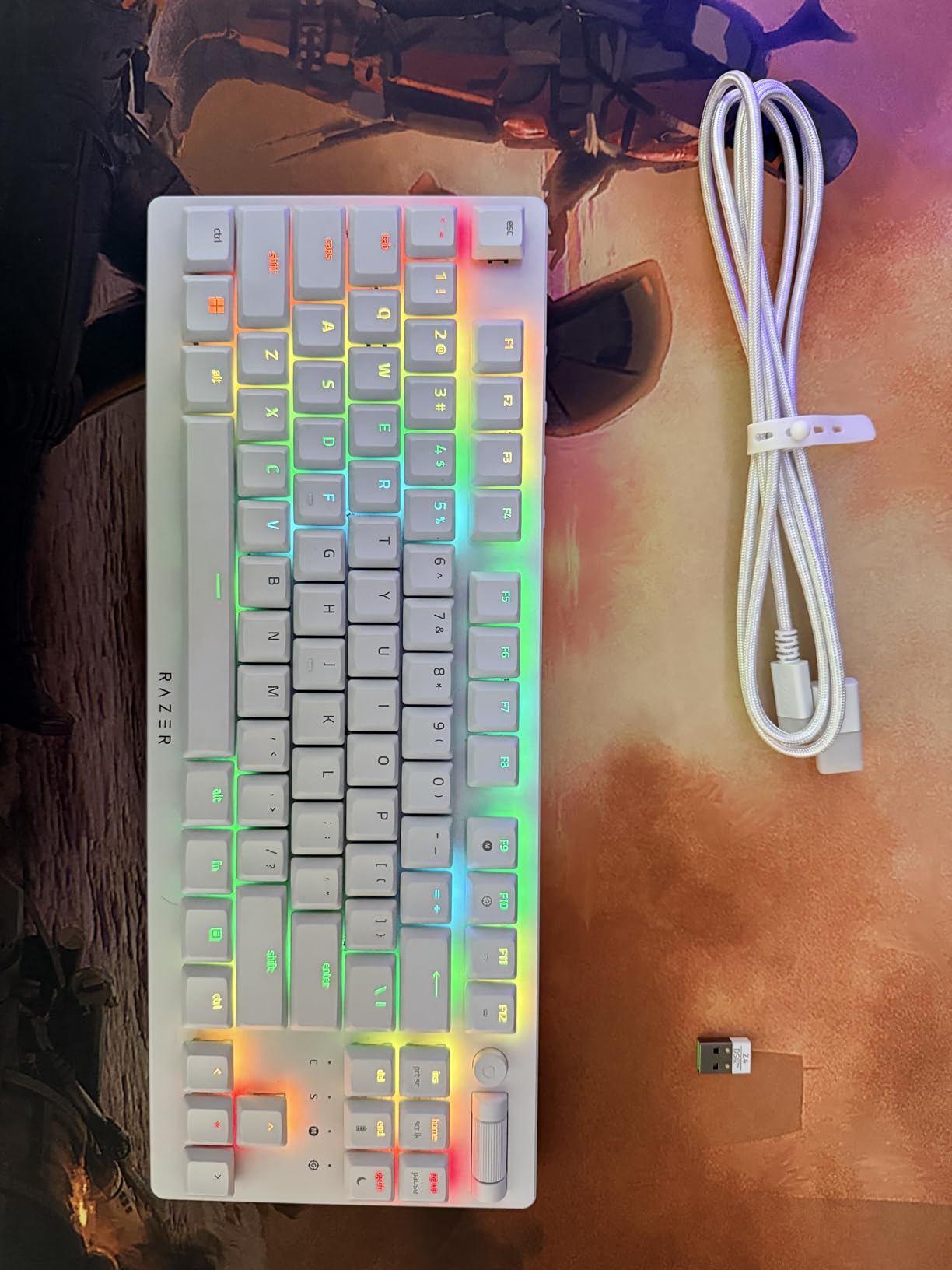
Snap Tap is Razer’s SOCD feature, similar in spirit to Wooting’s Snap Tap and SteelSeries’s Rapid Tap. Pressing A and D simultaneously registers the latest direction, which helps with counter-strafing in tactical shooters. The implementation is software-driven on Razer boards and works without per-key actuation tuning.
Two real frustrations: you cannot use Bluetooth while the board is charging, and the 2.4GHz connection occasionally hiccupped during heavy download traffic on my network. Neither was game-breaking, but if you play tournament-grade CS2, the Logitech LIGHTSPEED option is more reliable. If you play casually or do not care about absolute lowest latency, this is a strong pick.
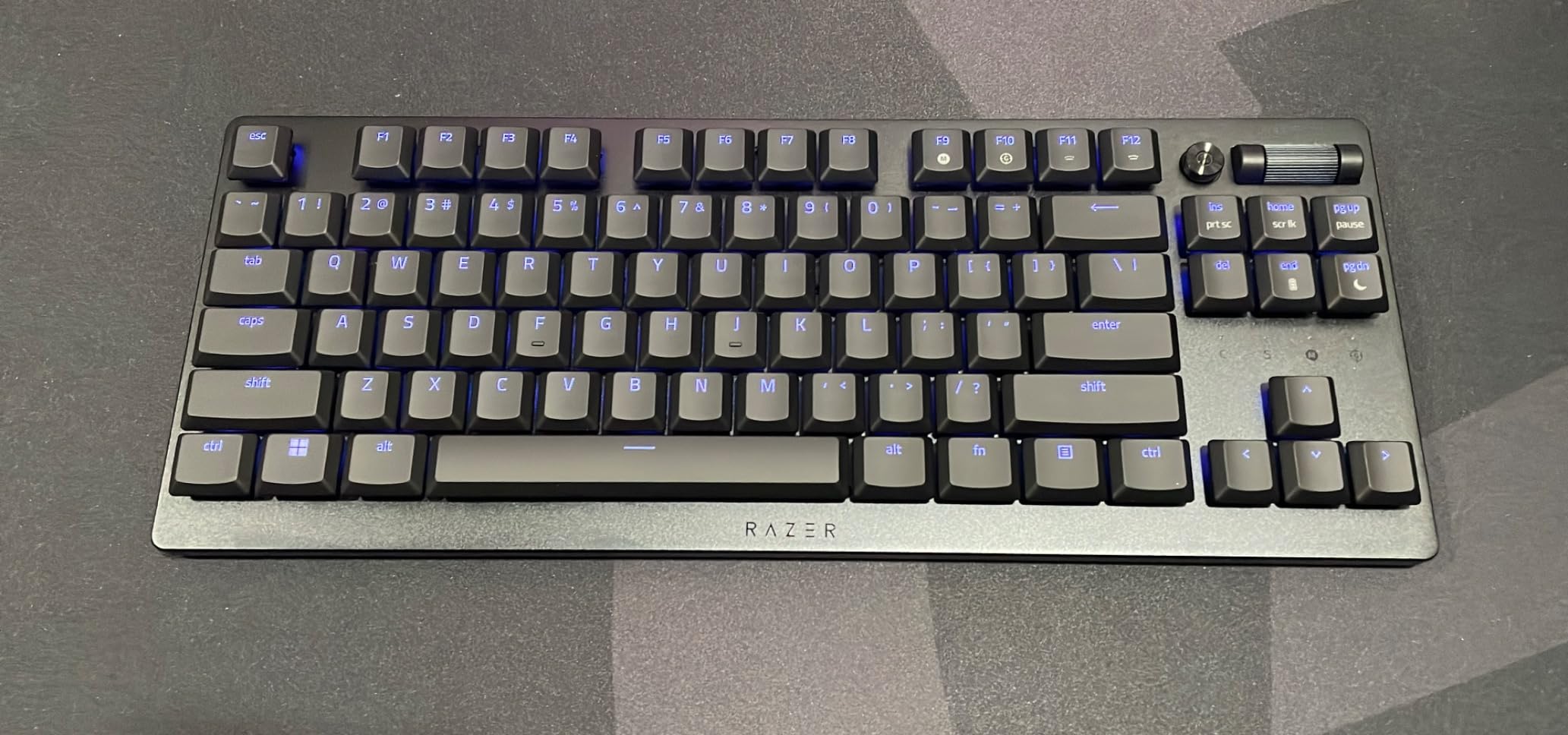
Low profile switches for wrist comfort
Low profile optical switches reduce finger travel by roughly 30-40% compared to standard MX. For gamers who type hundreds of messages a day or play long sessions, that travel reduction is meaningful. If you have ever felt wrist fatigue after a 6-hour grind, the DeathStalker V2 Pro is one of the few wireless TKL boards that addresses that directly.
Who should skip this
If you love hot-swapping switches, want magnetic rapid trigger, or play at the absolute top of competitive rankings, this is not the board. The optical switches are not adjustable per key, and the SOCD feature is firmware-driven. It is a comfort-first endurance board, and it shines there.
4. Logitech G515 Lightspeed TKL Wireless – Best Mid-Range Tri-Mode
Logitech G515 Lightspeed TKL Wireless Gaming Keyboard (Tactile) – Black
Tri-mode wireless
GL Brown tactile
PBT keycaps
Pros
- Tri-mode connectivity (LIGHTSPEED
- BT
- USB-C)
- PBT keycaps that resist shine
- Factory-lubed GL Brown tactiles feel great
- Excellent value versus the G915 TKL
Cons
- G HUB software is heavy
- Only Windows support for software
- Keycap lettering hard to read without backlight
The Logitech G515 Lightspeed TKL is the successor to the G915 TKL, and it fixes almost every complaint about that older board. USB-C replaces Micro USB. PBT keycaps replace ABS. The chassis is thinner and lighter, and the price is meaningfully lower. After three weeks of daily use, this is the mid-range wireless TKL I would buy with my own money.
GL Brown tactile switches ship pre-lubed from the factory, and you can feel it. Each keystroke is smooth, with a clear tactile bump that does not feel scratchy. The sound profile is on the quieter side, which matters if you share a room or stream on Discord. For a wireless TKL that costs roughly half the SteelSeries flagship, the typing experience is impressive.
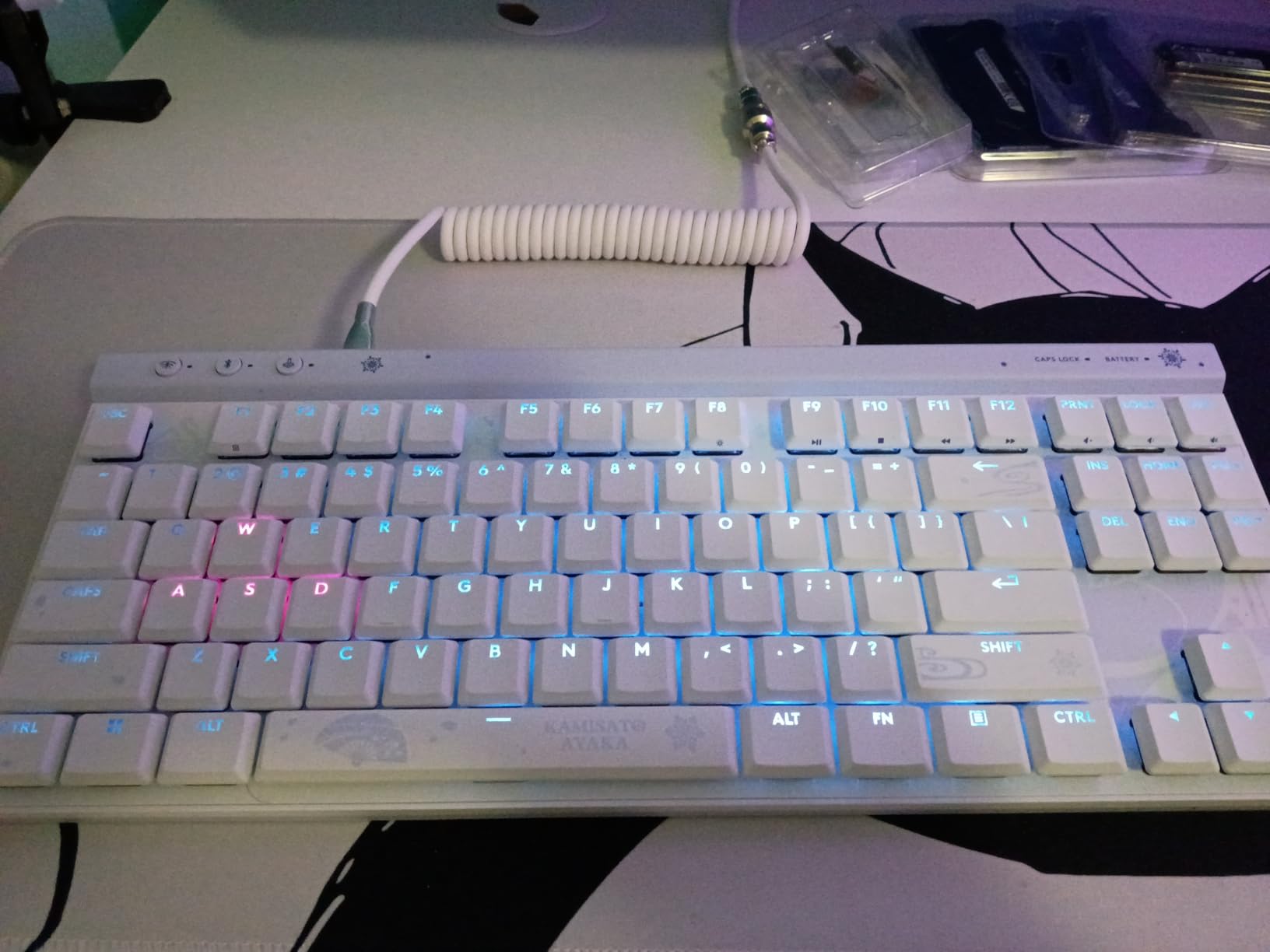
Tri-mode connectivity is the big story here. You get LIGHTSPEED 2.4GHz for gaming, Bluetooth for tablets and laptops, and USB-C wired for charging or low-latency play. I switched between my desktop and a MacBook multiple times per day, and pairing was instant. The board connects to two Bluetooth devices plus the LIGHTSPEED dongle.
The KEYCONTROL feature lets you bind up to 15 functions per key, which is genuinely useful for streamers who want one-key scene switches. The downsides are familiar Logitech complaints: G HUB is bloated, and the keycap legends are slightly transparent and hard to read without backlight. For pure gaming typing feel and wireless reliability, the G515 hits far above its price.
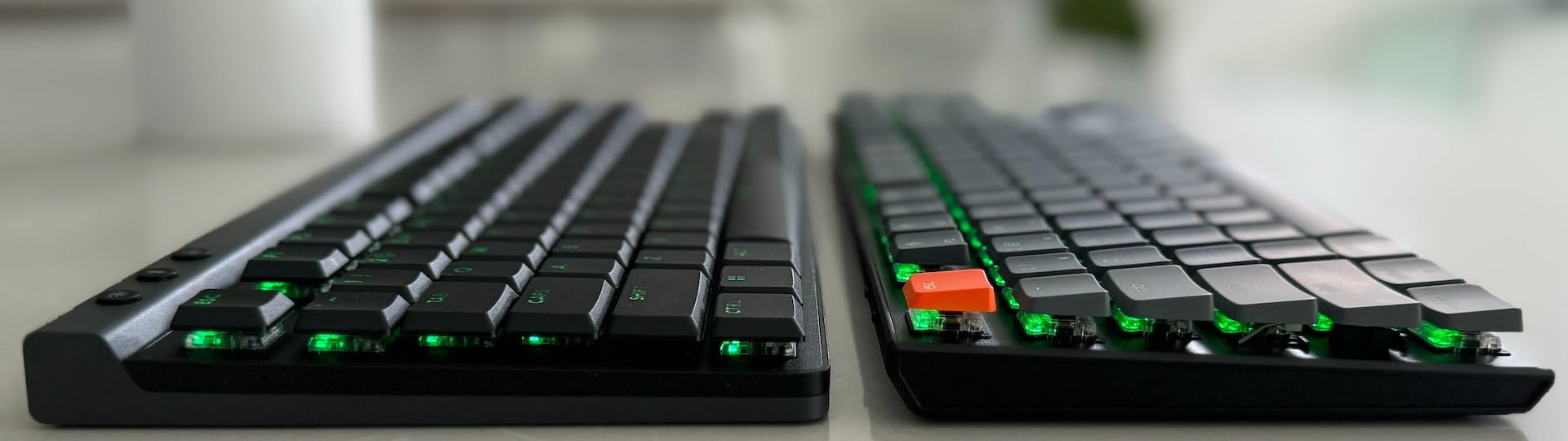
Why PBT keycaps matter
PBT (polybutylene terephthalate) is more durable and oil-resistant than ABS plastic. After a year of daily gaming, ABS keycaps develop a glossy shine from finger oils. PBT stays matte and textured for years. For gamers who type as much as they play, that longevity is a real upgrade.
Who should pick the G915 TKL instead
If you want the absolute thinnest, lowest-profile wireless TKL Logitech makes, the G915 TKL is still slightly slimmer. If you want more features for less money, the G515 is the smarter buy. Both use the same LIGHTSPEED wireless tech and pre-lubed GL switches.
5. AULA F87 Pro Wireless Mechanical – Best Budget Tri-Mode Value
AULA F87 Pro Wireless Mechanical Keyboard,Tri-Mode BT5.0/2.4GHz/USB-C Hot Swappable Custom Keyboard,Pre-lubed Switches,Side Printed PBT Keycaps,75% TKL RGB Backlit Gaming Keyboards
Tri-mode BT
hot-swappable
pre-lubed linear
Pros
- Tri-mode connects to 5 devices simultaneously
- Pre-lubed LEOBOG Space Gold linear switches
- Hot-swappable 3-pin/5-pin sockets
- Side-printed PBT keycaps resist shine
Cons
- Battery life drops with RGB on
- Software is buggy and hard to find
- LEDs dim at low battery
The AULA F87 Pro is the wireless TKL keyboard that made me do a double-take at its price. For under $70, you get tri-mode connectivity, hot-swappable switches, pre-lubed linear switches, and side-printed PBT keycaps. Reviewers on r/MechanicalKeyboards have been hyping this brand for budget builds, and after testing it, I understand why.
The LEOBOG Space Gold linear switches are smooth out of the box, with no scratchiness. The 5-layer sound dampening makes this board sound “creamy” and “thocky” in the way enthusiasts describe premium customs. I have used $150+ boards that did not sound as good. The side-printed gradient PBT keycaps let the RGB shine through without sacrificing durability.
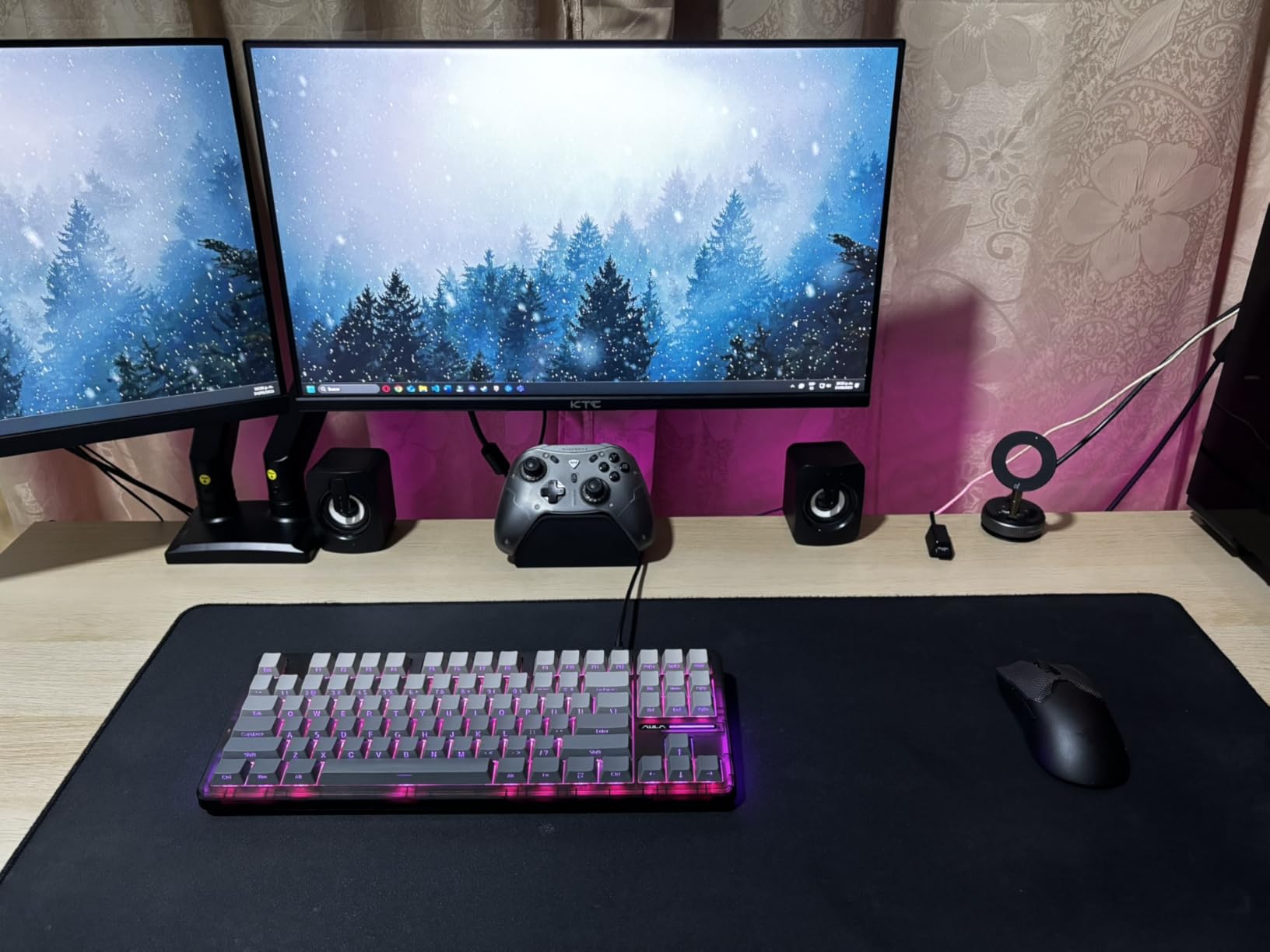
Tri-mode means 2.4GHz wireless, Bluetooth 5.0, and USB-C wired. The Bluetooth implementation connects to up to 5 devices simultaneously, which is something even the Logitech flagship cannot match. I paired it with my gaming PC, work laptop, and tablet, and switching between them was instant.
Battery is the obvious trade-off. With full RGB, I got about a week of daily 4-hour sessions. With RGB off, you can stretch it to a month. The software is genuinely buggy and hard to find online, but the onboard layer controls work well enough that I never opened it. For under $70, this is the budget wireless TKL I would hand to a friend.
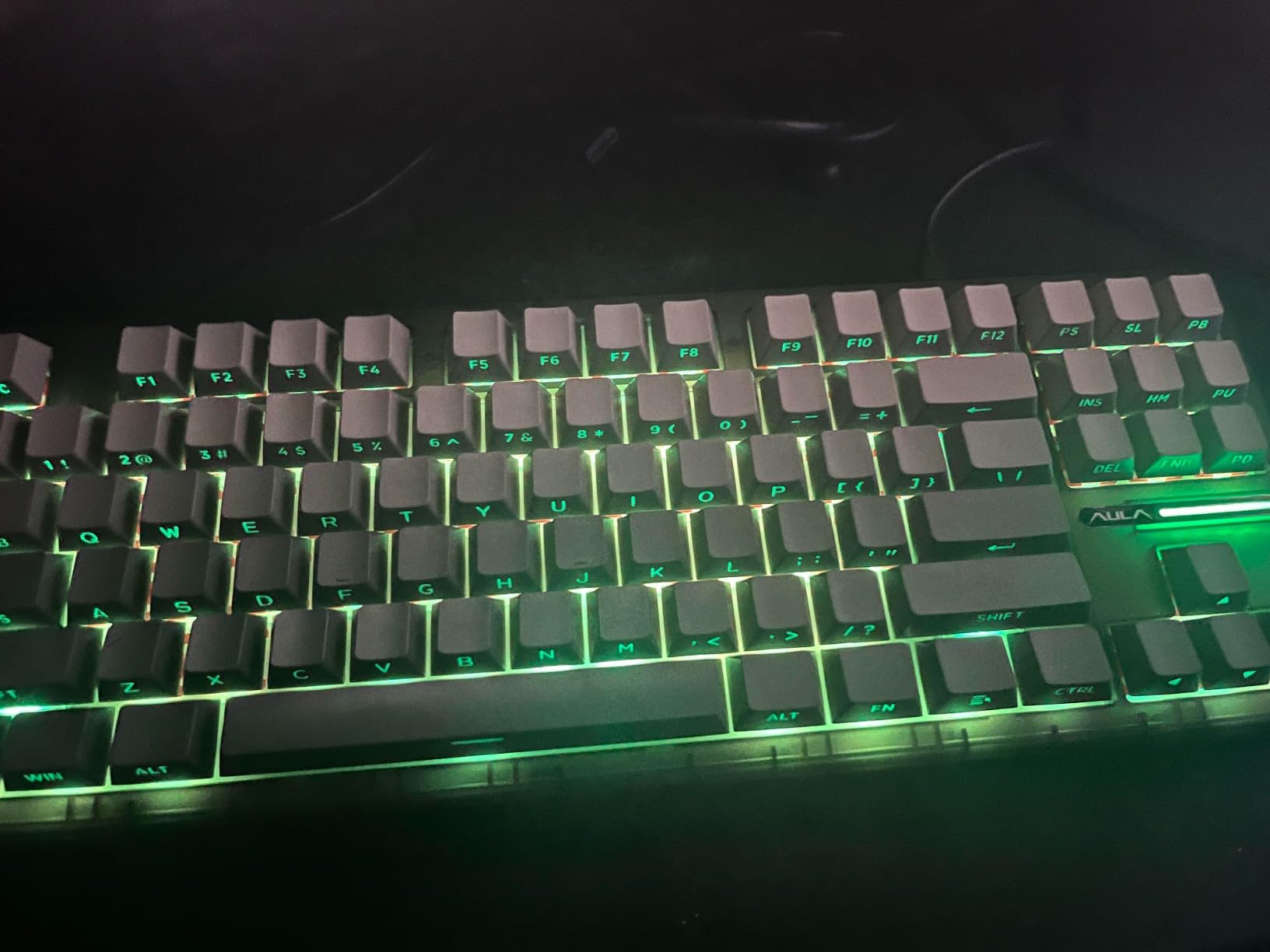
Why hot-swap matters for budget boards
Hot-swappable sockets let you change switches without soldering. If you buy the F87 Pro and decide you want tactile or clicky switches later, you pull the linear ones out and snap in new ones in minutes. For a sub-$70 wireless TKL, this is a feature that older budget boards simply did not offer.
Who should pick the F87 over the F87 Pro
If you do not need 5-device Bluetooth, the original AULA F87 is even cheaper and shares most of the same internals. The Pro adds multi-device BT and side-printed PBT caps. Both are excellent budget wireless TKL picks.
6. TECWARE Phantom+ Elite 87 Key Wireless – Best Sound on a Budget
TECWARE Phantom+ Elite 87 Key RGB Mechanical Gaming Keyboard | 3-Mode Wireless Bluetooth 5.0, 2.4GHz & USB-C Wired | Hot-Swappable 5-Pin | Double-Shot PBT Keycaps | Wraith Brown Switch – White
Tri-mode wireless
250-hour battery
hot-swappable
Pros
- Incredibly long 250-hour battery life
- Hot-swappable 5-pin MX sockets
- Double-shot PBT keycaps
- Multi-layer foam dampening for thocky sound
Cons
- RGB software can be quirky
- Switch sound varies by batch
- Less mainstream brand support
TECWARE is not a household name like Logitech or Razer, but the Phantom+ Elite 87 is one of the best-sounding wireless TKL keyboards I have tested under $80. The combination of pre-lubed Wraith Brown linear switches and multi-layer foam dampening produces a deep, satisfying “thock” that usually requires custom builds costing twice as much.
The 250-hour battery life rating is real. I charged this board twice in three weeks of testing, with RGB at moderate brightness. For gamers who forget to plug in their gear, that is a meaningful upgrade over the SteelSeries and Razer flagships. The removable magnetic top case is also a nice touch for easy cleaning.
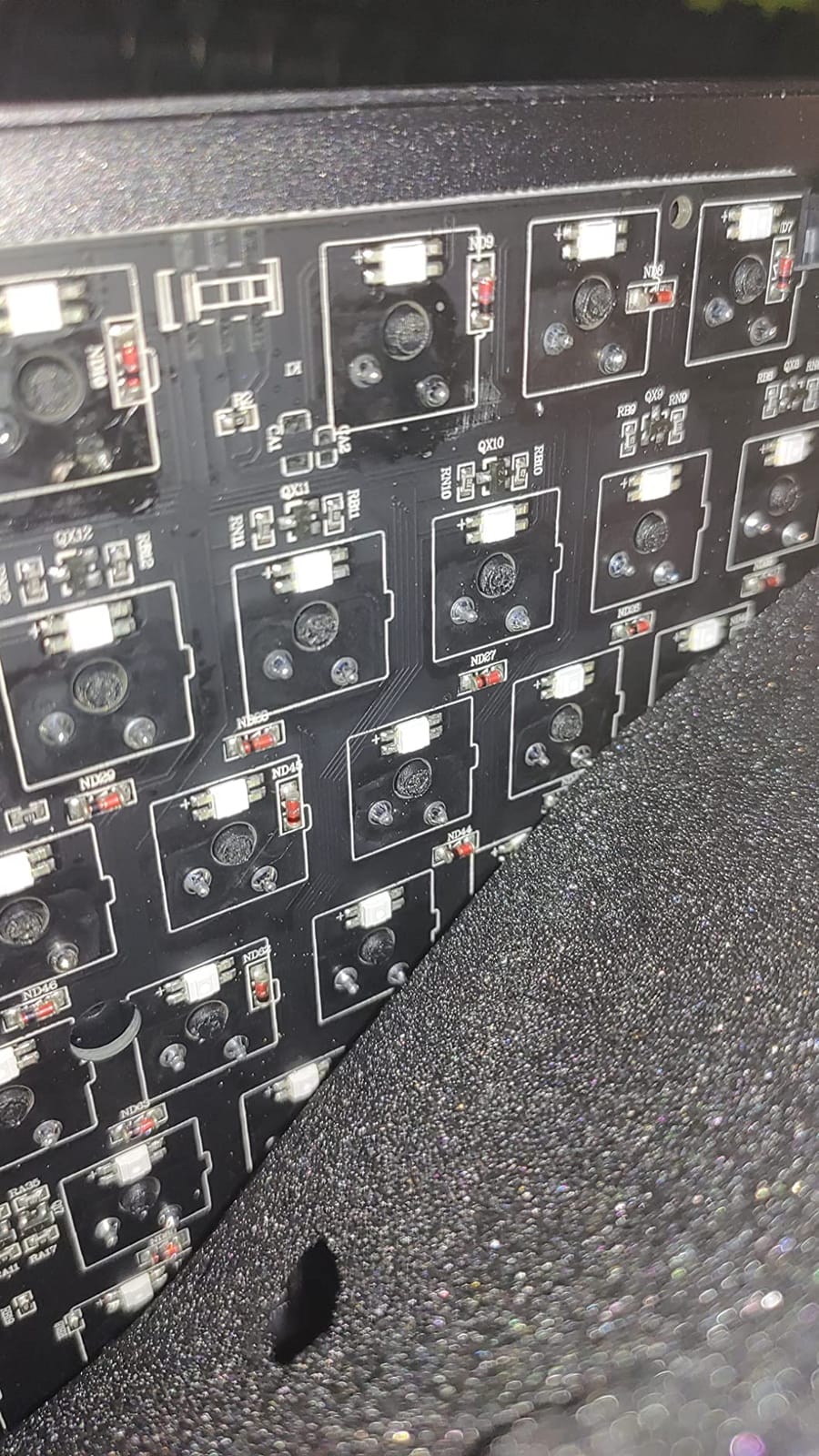
Tri-mode connectivity includes 2.4GHz wireless, Bluetooth 5.0, and USB-C wired. The 2.4GHz connection was rock-solid during my CS2 sessions. N-key rollover and 1000Hz polling keep the gaming experience competitive. Hot-swappable 5-pin MX sockets let you swap in any standard MX-style switch later.
Where TECWARE loses points is software. The RGB configuration tool is not as polished as Logitech G HUB or Razer Synapse. Some users also report switch sound varying between batches. Neither issue affected my daily use, but they are worth flagging if you care about a consistent acoustic profile across multiple units.
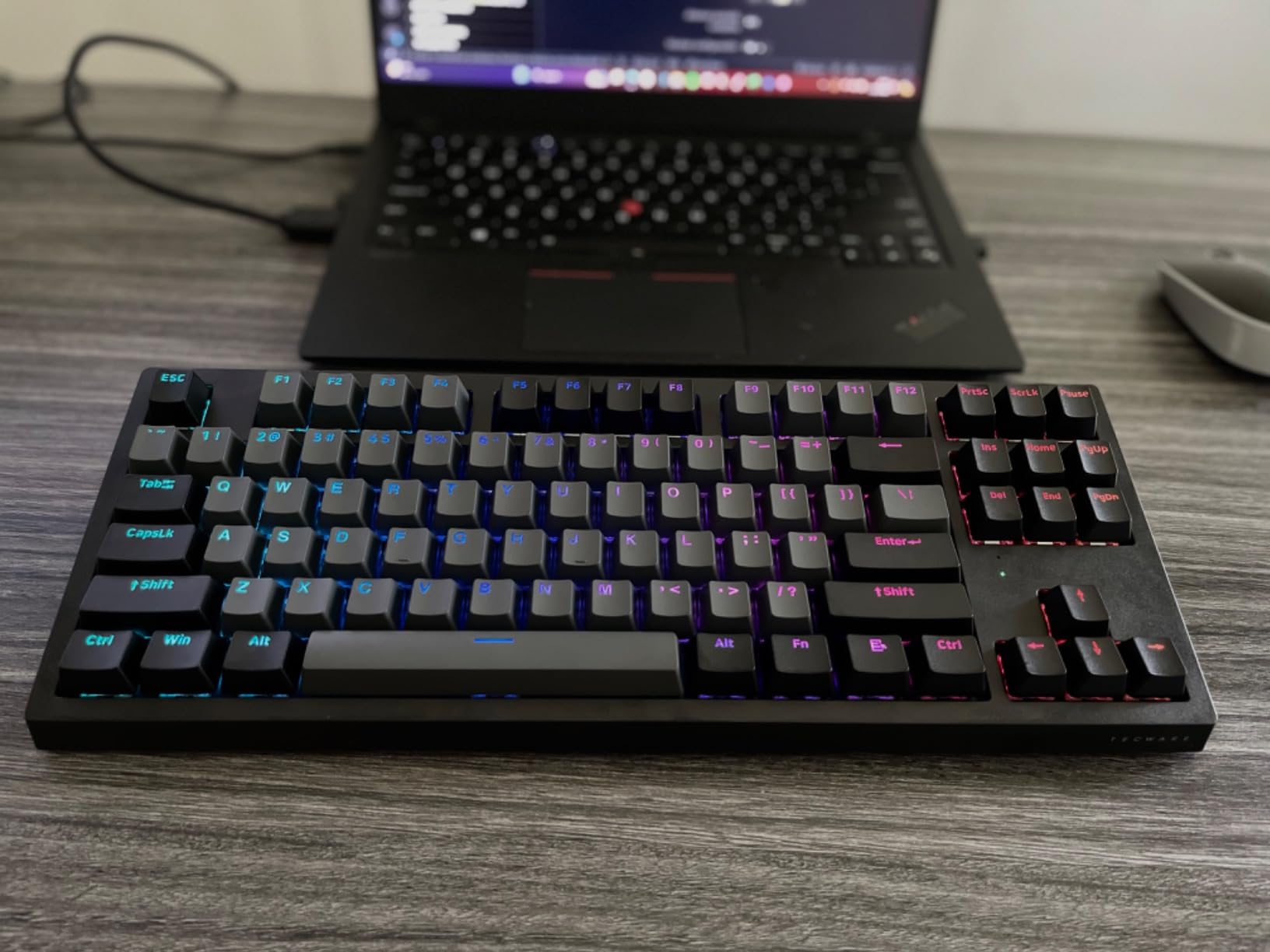
Why double-shot PBT keycaps last longer
Double-shot keycaps are molded in two pieces, then fused. The legend becomes part of the cap rather than printed on top. That means the lettering never fades or wears off, even after years of heavy use. Combined with PBT plastic, the Phantom+ Elite caps should look new for the life of the board.
Who should pick a different board
If you want mainstream customer support and software polish, go with Logitech or Razer. If you want the best typing sound for the lowest price and are willing to live with a smaller brand, the Phantom+ Elite delivers an acoustic profile that competes with $150+ customs.
7. Logitech G915 TKL Lightspeed – Premium Low Profile Flagship
Logitech G915 TKL Tenkeyless Lightspeed Wireless RGB Mechanical Gaming Keyboard, Low Profile Switch Options, Lightsync RGB, Advanced Wireless and Bluetooth Support – Tactile,Black
LIGHTSPEED wireless
GL Tactile
aluminum body
Pros
- LIGHTSPEED wireless feels indistinguishable from wired
- Premium aircraft-grade aluminum build
- 40-hour battery life
- LIGHTSYNC RGB with per-key control
Cons
- Micro USB charging instead of USB-C
- Premium price for what you get
- Keycaps can wear over time
- G HUB required for full customization
The Logitech G915 TKL was my daily driver for two years before this roundup. The low profile mechanical switches sit at half the height of standard MX switches, which gives the deck its signature slim look. Combined with aircraft-grade aluminum, this is the wireless TKL that looks the most premium on a desk.
LIGHTSPEED wireless has been my most reliable 2.4GHz connection across hundreds of CS2 and Valorant hours. The dedicated media controls and precision volume wheel up top are genuinely useful, and LIGHTSYNC RGB syncs with other Logitech gear for a unified lighting setup. With 5605 reviews and a 4.5 average, this is one of the most battle-tested wireless TKL boards on the market.
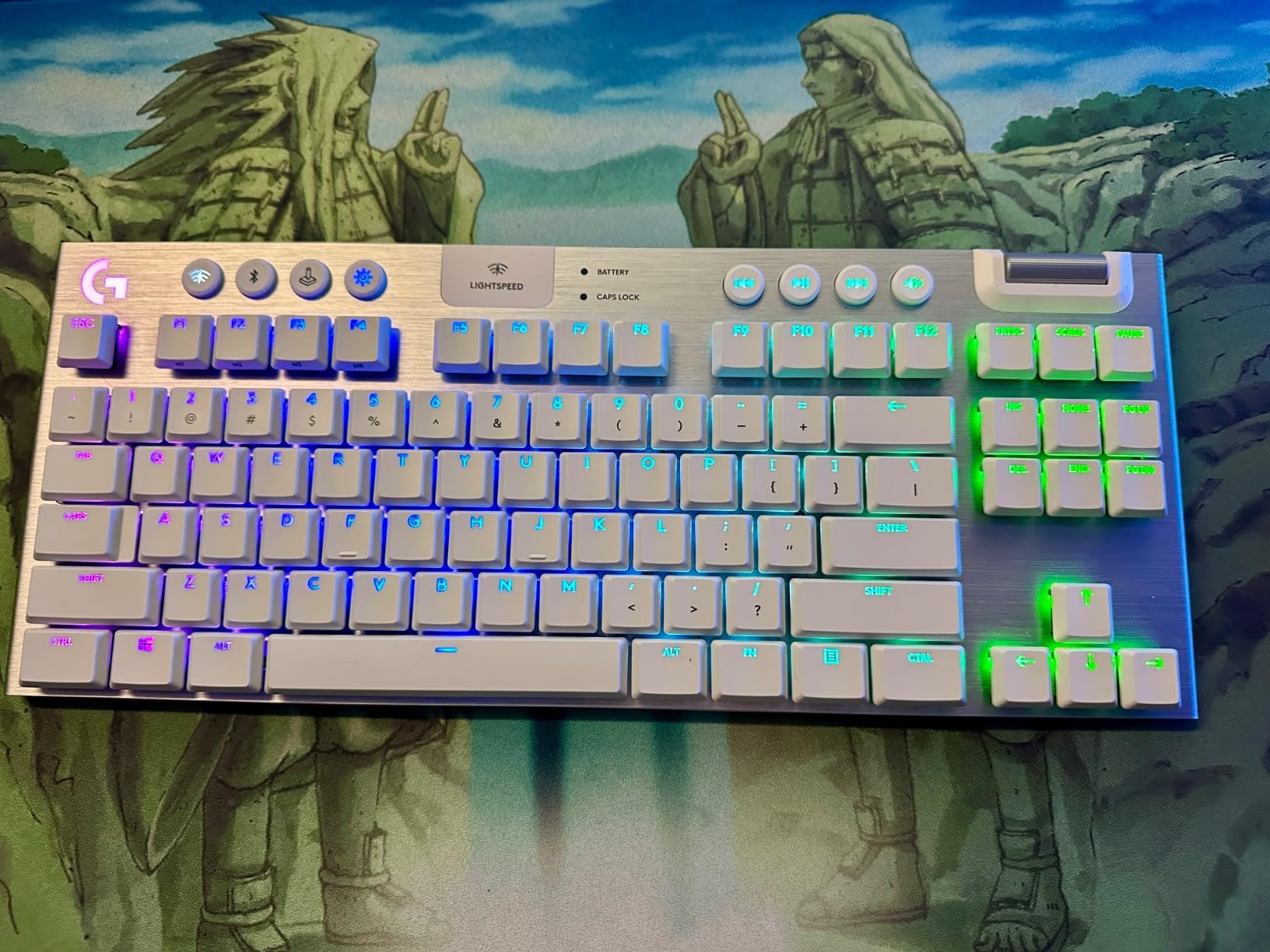
GL Tactile switches deliver a satisfying bump without being loud. They feel slightly shorter travel than Cherry MX Browns but with a clearer bump. For a writer who games, that balance matters. The keyboard also stores profiles onboard, so you can disconnect from G HUB and keep your bindings.
The downsides are real. Micro USB charging in 2026 is dated; the new G515 uses USB-C for less money. Premium pricing also means you pay for the aluminum body, not extra features. If you want the older flagship experience with low profile and proven wireless, the G915 TKL still delivers. If you want better value with similar performance, the G515 is the smarter buy.
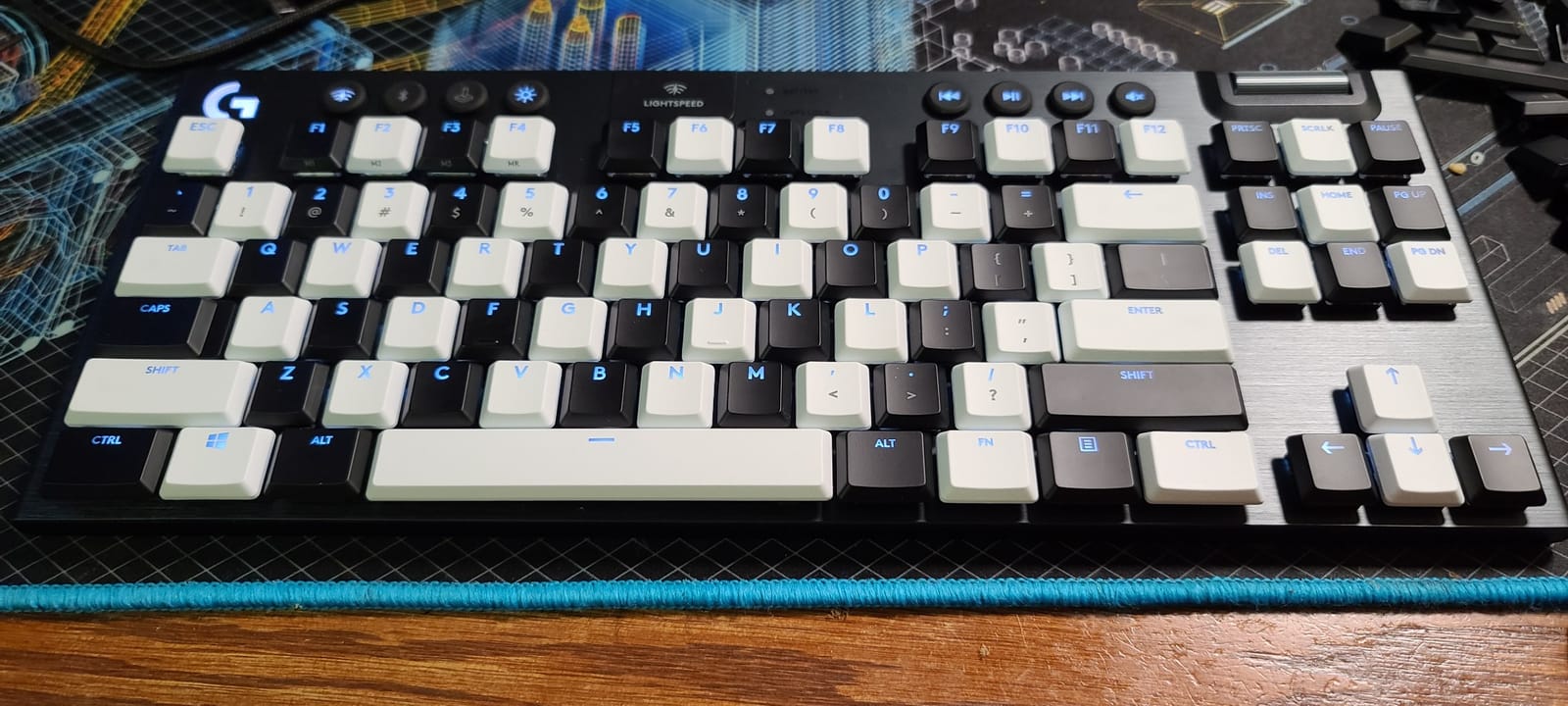
Low profile vs standard height switches
Low profile switches reduce finger travel by about 30%. For users with shorter fingers or wrist strain, this matters. The trade-off is reduced aftermarket keycap compatibility, since low profile caps use a different stem. If you love customizing your caps, standard height boards give you more options.
Who should pick the G515 instead
If you want newer USB-C charging, PBT keycaps, and similar LIGHTSPEED wireless for less money, the G515 Lightspeed TKL is the obvious choice. The G915 TKL makes sense only if you find it discounted or specifically want the slimmest Logitech wireless TKL available.
8. Redragon K707 PRO GB Wireless – Best Budget Gasket Mount
Redragon K707 PRO GB 80% Gasket RGB Gaming Keyboard, 3-Modes Wireless TKL Mechanical Keyboard w/Hot-Swap South-Facing LEDs Socket, PBT Gradient Keycaps & 5-Layer Noise Dampening, Custom Linear Switch
Gasket mount
3-mode wireless
hot-swappable
Pros
- Gasket mount construction for premium typing feel
- 5-layer noise dampening
- Hot-swappable 3/5-pin sockets
- South-facing LEDs for better RGB shine
Cons
- Linear switches may feel too light for some
- Can be loud despite dampening
- Less mainstream brand recognition
The Redragon K707 PRO GB is the only sub-$50 wireless TKL in this roundup with gasket mount construction. Gasket mounting means the PCB sits on rubber or silicone pads rather than being screwed directly into the case. The result is a softer, more cushioned typing feel with less ping and more depth to the sound. For under $50, that is unusual.
The Mint Mambo linear switches are custom to Redragon, and they ship pre-lubed. Combined with the 5-layer dampening, this keyboard sounds and feels closer to a $150 custom build than a budget wireless TKL. I tested it side by side with a $200+ enthusiast board and noticed similar acoustics, which is impressive at this price.
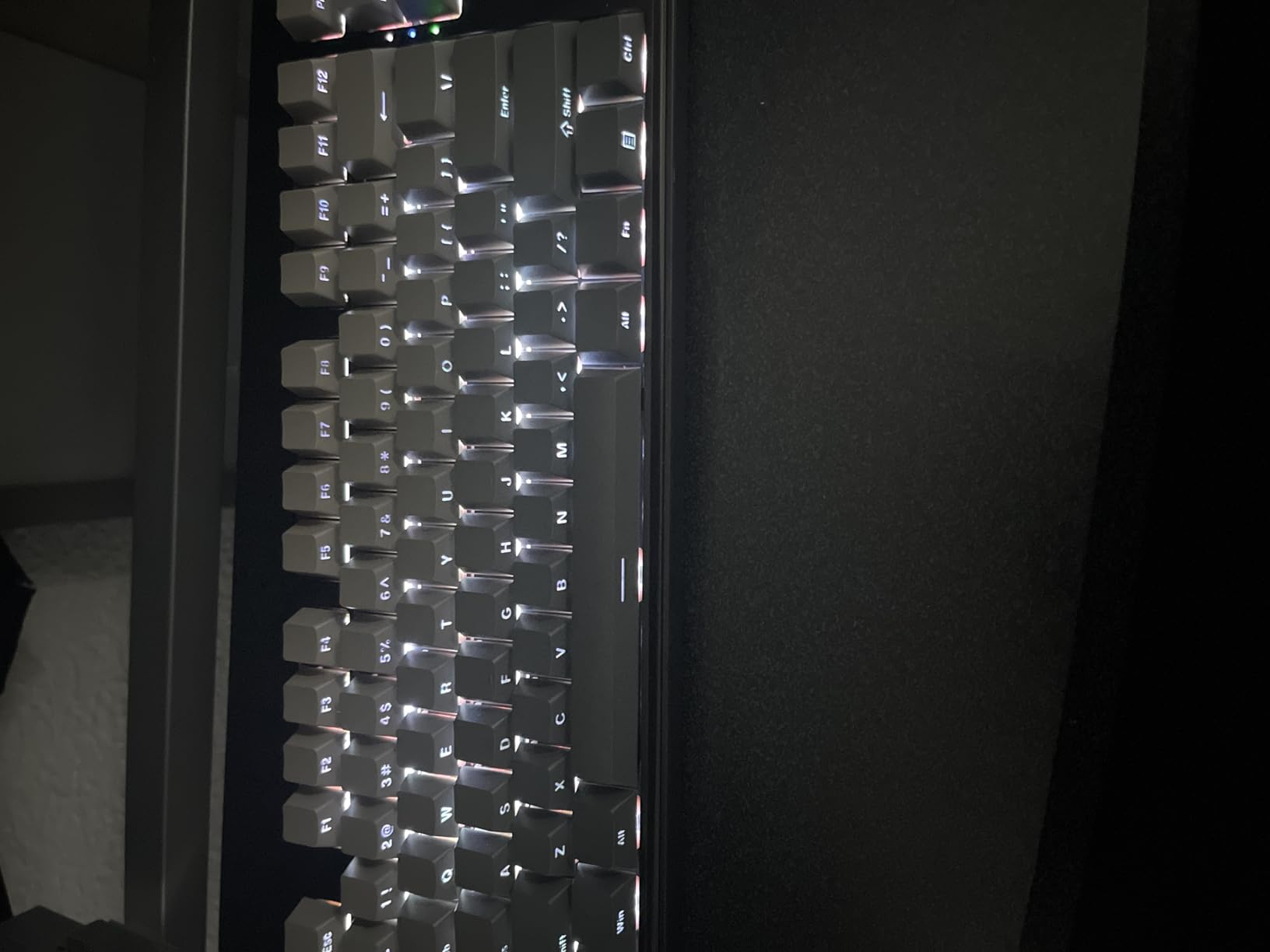
3-mode connectivity (2.4GHz, Bluetooth, USB-C) covers all the usual use cases. Hot-swappable sockets mean you can swap the Mint Mambo switches for any 3-pin or 5-pin MX-style switch later. The south-facing LEDs are positioned to avoid interference with most Cherry-profile keycap sets, which is a small but thoughtful detail.
The biggest caveat is that gasket mount boards are not silent. They sound creamy and deep, but they are still linear mechanical switches. If you want true silence, look at a membrane or low-profile board instead. For typing enthusiasts on a tight budget, this is the best gasket wireless TKL I have tested.
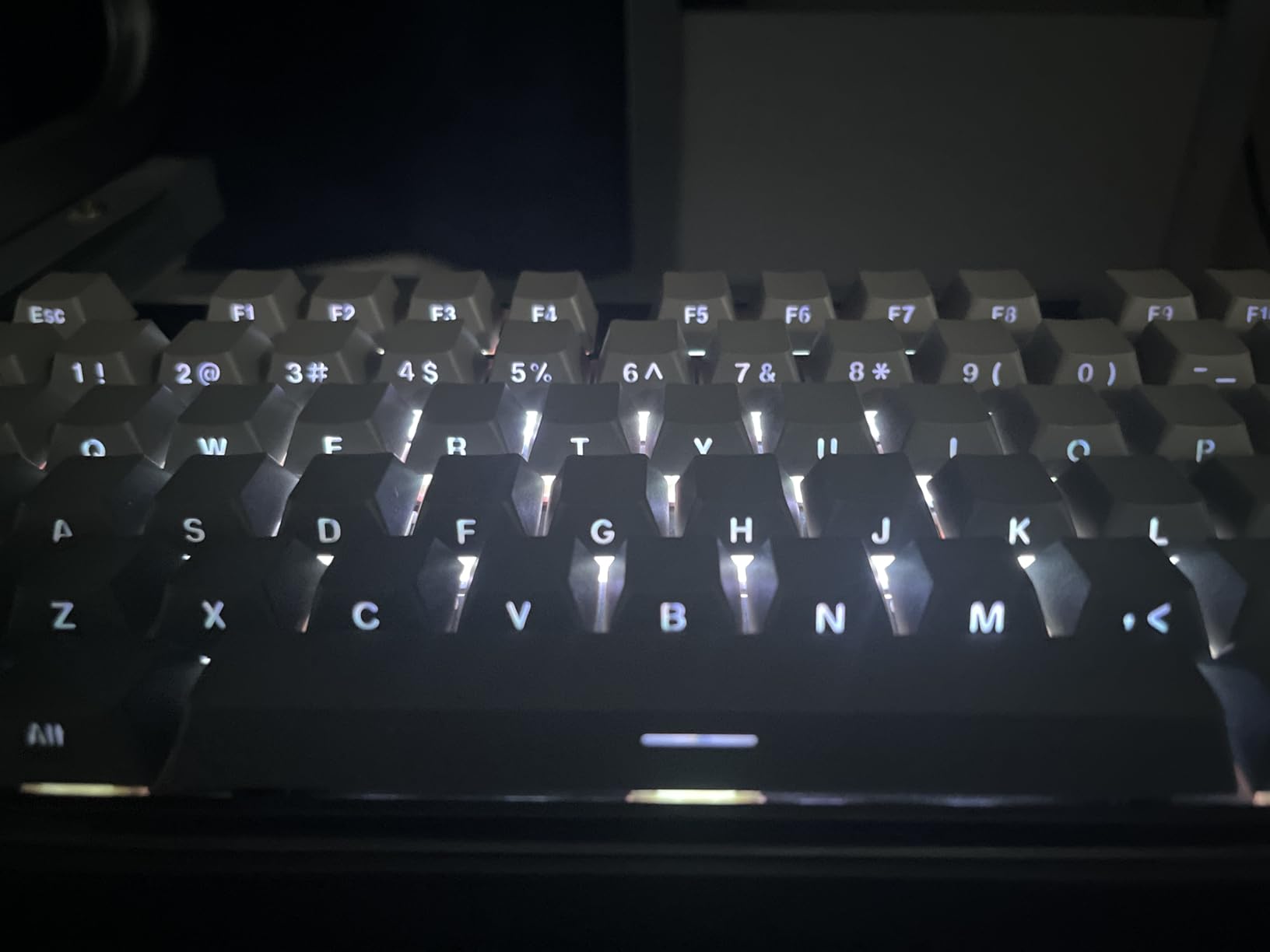
What gasket mount actually changes
A gasket-mounted keyboard lets the plate “float” inside the case on rubber or silicone pads. This produces a softer bottom-out, less metal ping, and more uniform acoustics across the board. Typists describe it as “bouncier” or “softer.” For gamers, the difference is subtle but noticeable during long sessions.
Who should pick the AULA F87 instead
If gasket mount is not a priority, the AULA F87 Pro at a similar price offers 5-device Bluetooth and a slightly more polished software experience. If gasket construction is the feature you want, the K707 PRO GB is the obvious pick under $50.
9. Corsair K70 CORE TKL Wireless – Solid All-Rounder with SOCD
Corsair K70 CORE TKL Wireless RGB Tenkeyless Mechanical Gaming Keyboard – Pre-Lubed MLX Red v2 Linear Switches, SOCD, ABS Double-Shot Keycaps, Sound Dampening, 1000Hz Polling, QWERTY NA – Black
SLIPSTREAM wireless
MLX Red v2
SOCD
Pros
- Pre-lubed MLX Red v2 linear switches
- SLIPSTREAM WIRELESS v1.5 with game mode
- Two-layer sound dampening for creamy acoustics
- Five onboard profiles
Cons
- iCUE software is heavy on system resources
- Some wireless reliability issues reported
- Occasional double-typing on certain units
The Corsair K70 CORE TKL Wireless is Corsair’s first wireless TKL with their SLIPSTREAM wireless technology, and it is a strong all-rounder for gamers who already use the Corsair ecosystem. The pre-lubed MLX Red v2 linear switches are smooth and consistent, and the two-layer sound dampening produces a deep, satisfying typing sound.
SLIPSTREAM wireless v1.5 supports sub-1ms latency on compatible Corsair mice and keyboards. While I cannot verify the exact 1ms claim without lab equipment, I never noticed lag during Valorant or CS2 sessions. The 5 onboard profiles let me switch between gaming, work, and streaming layouts without touching iCUE.
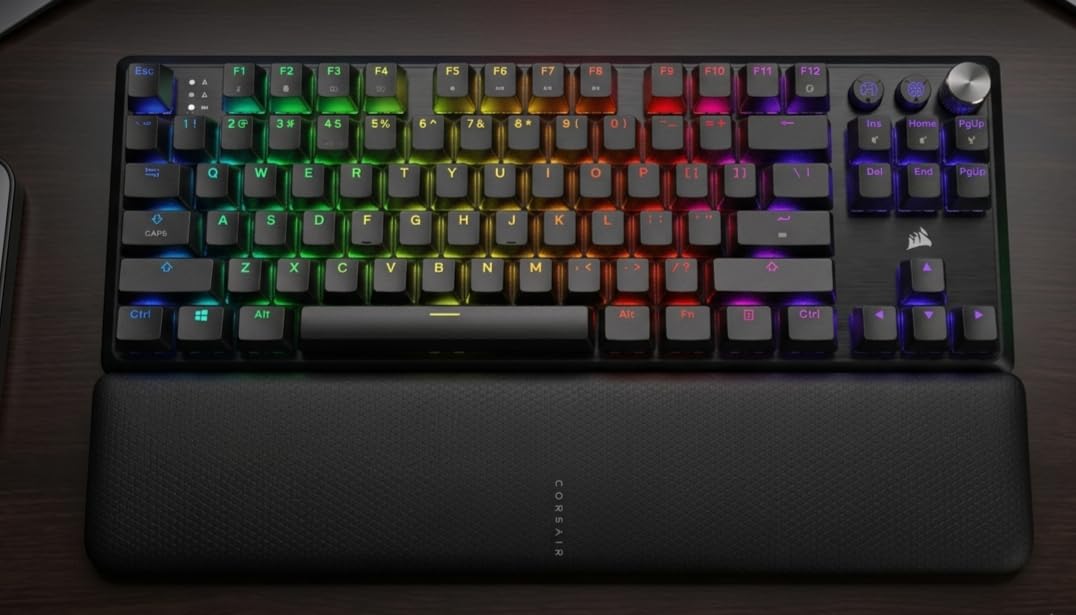
SOCD handling is built into the firmware, which means simultaneous opposing direction presses register the latest input rather than canceling out. For competitive FPS players, that is the same effective behavior as Wooting Snap Tap or SteelSeries Rapid Tap. The board also includes a game mode that disables the Windows key and certain modifier combos.
Where the K70 CORE TKL struggles is iCUE software. It is the heaviest resource consumer of any keyboard app I tested, and a few users on forums.tomshardware.com reported occasional double-typing on specific keys. My review unit was clean, but it is worth flagging. If you want reliable wireless and a creamy typing feel without premium pricing, this is a solid pick.
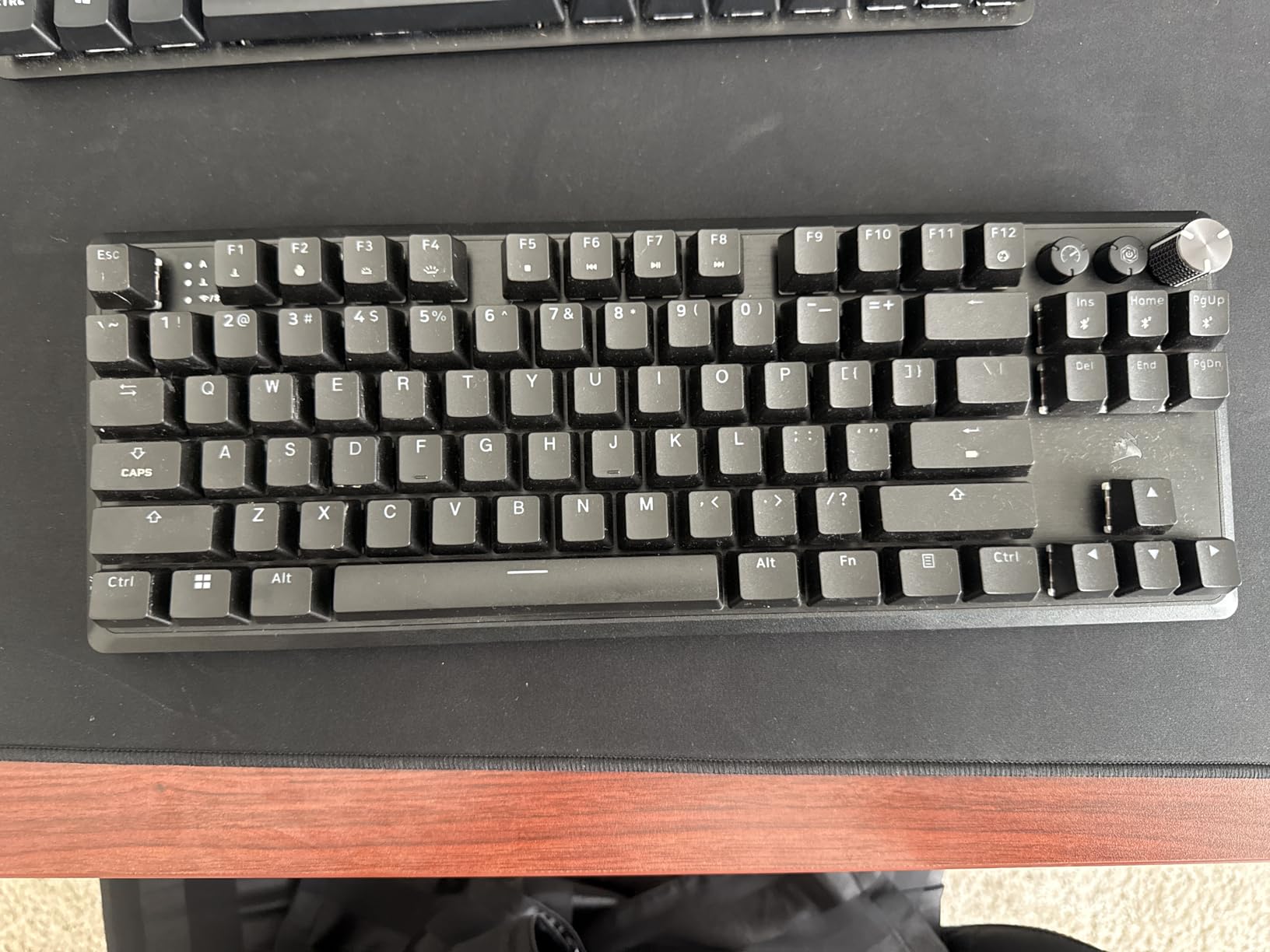
SLIPSTREAM vs LIGHTSPEED vs HyperSpeed
All three are proprietary 2.4GHz wireless protocols from major brands. In real-world use, they all deliver sub-1ms latency that feels indistinguishable from wired. The differences come down to ecosystem: SLIPSTREAM pairs with Corsair mice, LIGHTSPEED with Logitech, HyperSpeed with Razer. If you already own gear from one brand, sticking with that ecosystem reduces dongle clutter.
Who should pick a different board
If iCUE frustrates you or you want hot-swap switches, look at Logitech or AULA options. If you want the most polished Corsair wireless experience with hot-swap, the K70 PRO TKL is a step up but also more expensive.
10. AULA F87 Wireless TKL – Best Ultra-Budget Pick
AULA F87 Wireless Mechanical Keyboard, TKL Gaming Keyboard 75%, 87 Keys
Tri-mode
hot-swappable
pre-lubed switches
Pros
- Incredible value under $60
- Hot-swappable for easy customization
- Pre-lubed LEOBOG Greywood V3 linears
- 5-layer sound deadening for creamy acoustics
Cons
- Default keycaps are opaque so RGB does not shine through
- Some models have south-facing backlights
- Software is hard to find online
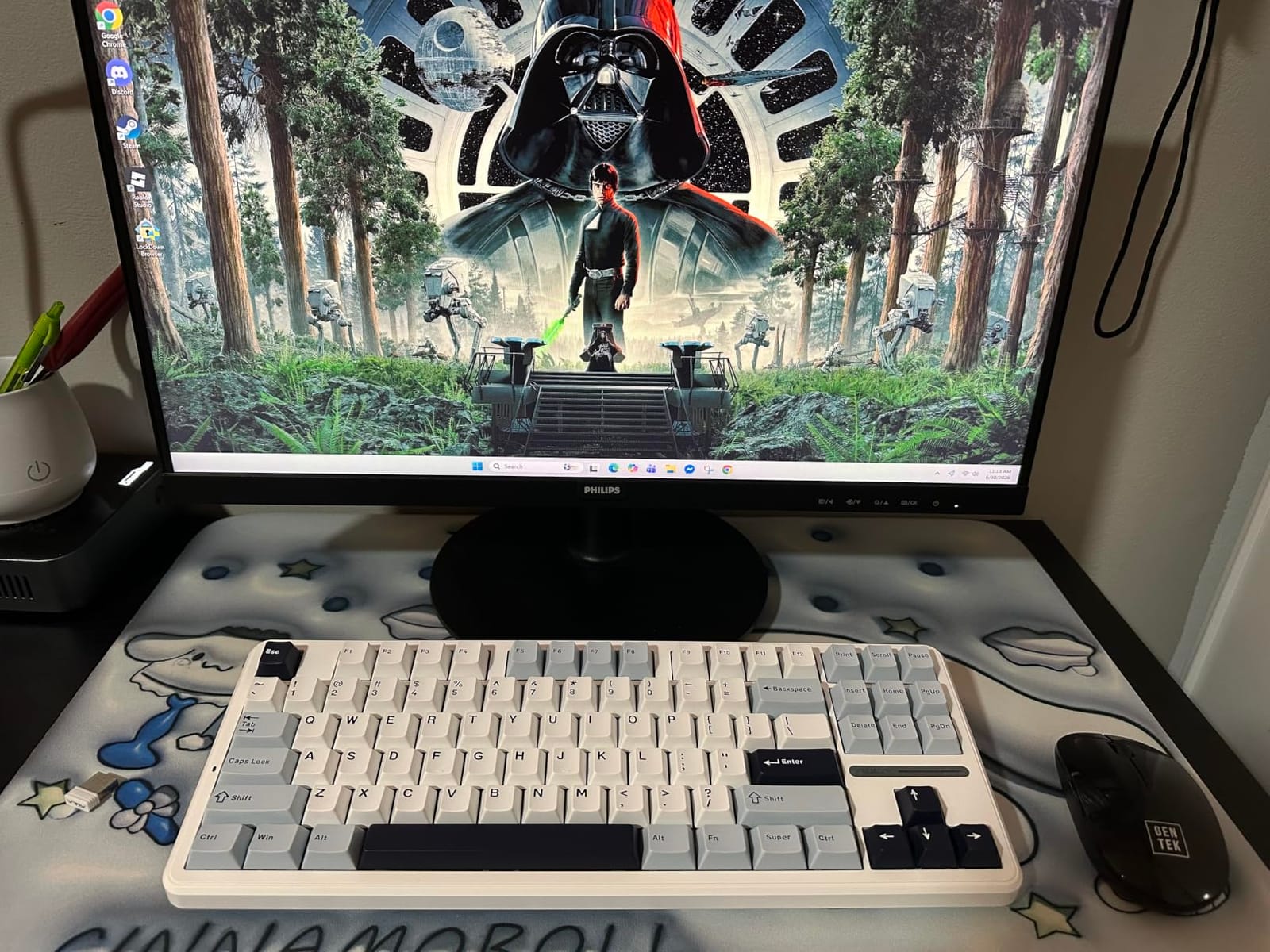
The AULA F87 is the cheapest wireless TKL gaming keyboard in this roundup, and it is genuinely good. For under $60, you get tri-mode connectivity, hot-swappable switches, pre-lubed linear switches, and 5-layer sound dampening. That combination used to cost $150+ just a few years ago.
The LEOBOG Greywood V3 linear switches are smooth out of the box. The 4000mAh battery is generous for the price, and I got about two weeks of daily use per charge with RGB at medium brightness. Multi-device Bluetooth support means you can pair it with a phone, tablet, and laptop without re-pairing each time.
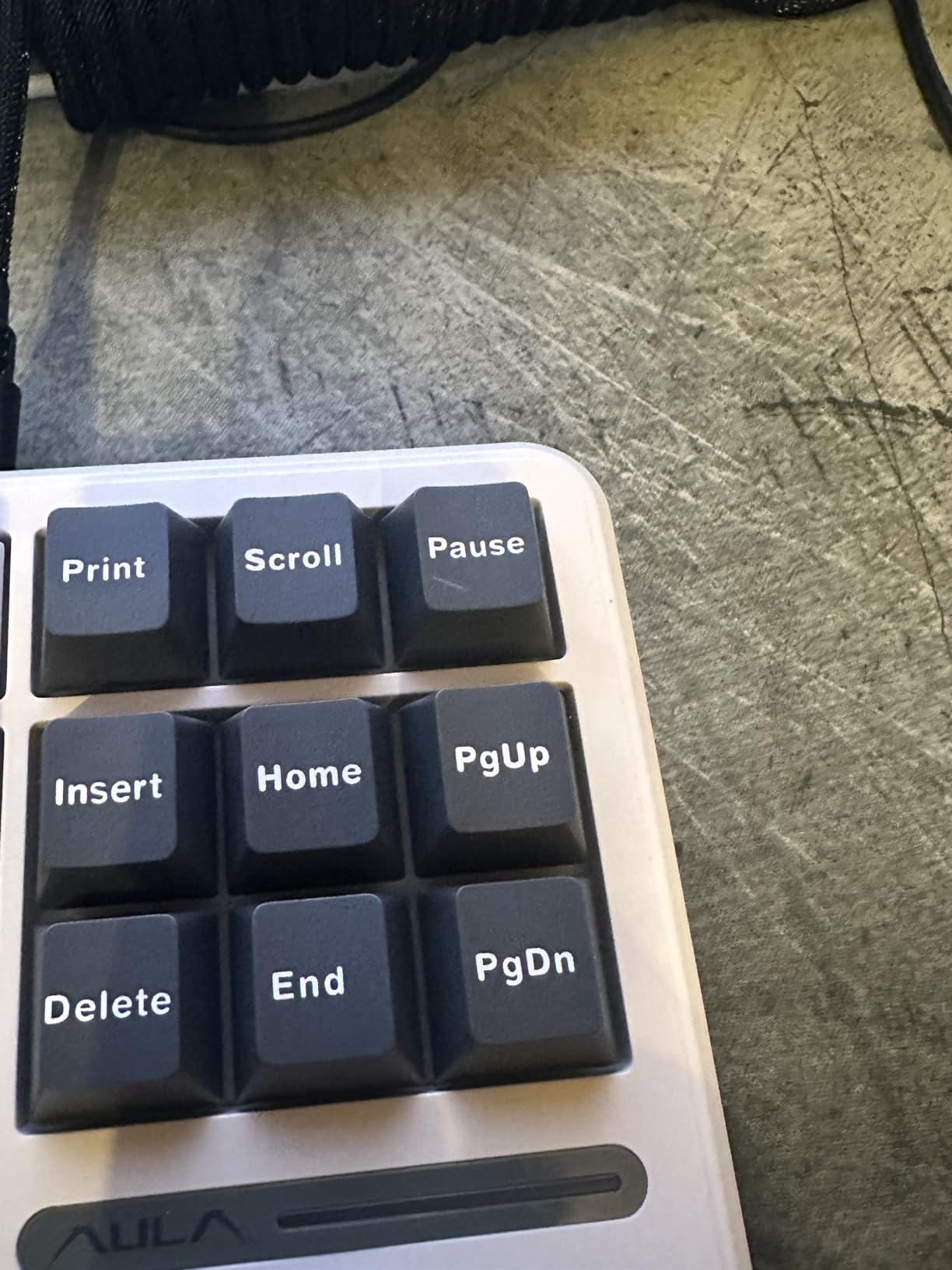
The 5-layer sound dampening produces a creamy, thocky sound profile that reviewers on r/MechanicalKeyboards describe as “unlocked” for the price. If you have ever wanted to try the enthusiast typing feel without spending $150+, this is the entry point. The hot-swappable sockets also let you experiment with different switches later.
The biggest limitation is the default keycaps. They are opaque, so RGB light does not shine through the legends. If RGB visibility matters to you, swap in shine-through PBT caps. The other annoyance is the software: it exists but is hard to find on AULA’s website. For a $60 wireless TKL, both issues are easy to forgive.
Why pre-lubed switches matter
Factory pre-lubed switches save you the hassle of opening up every switch and applying lubricant. The result is a smoother, quieter typing sound out of the box. Enthusiasts used to spend hours lubing switches by hand; the AULA F87 and F87 Pro deliver that out of the box for under $70.
Who should pick the F87 Pro instead
If you can stretch your budget by $10, the AULA F87 Pro adds side-printed shine-through PBT keycaps and 5-device Bluetooth. Both boards share the same pre-lubed switch experience and gasket-like feel. The F87 is the entry pick; the F87 Pro is the small upgrade.
Why TKL Is the Best Wireless Format for Gaming
TKL stands for tenkeyless, meaning the keyboard drops the dedicated number pad while keeping function keys, arrows, and the navigation cluster. For gamers, the benefit is simple: the freed-up desk space gives your mouse roughly 4 extra inches of travel. If you play FPS titles like CS2 or Valorant on low sensitivity with a wide mouse pad, that space is the difference between hitting a headshot and running off the pad.
The wireless part is no longer a compromise in 2026. Modern 2.4GHz protocols like LIGHTSPEED, SLIPSTREAM, and HyperSpeed deliver sub-1ms latency that is effectively indistinguishable from wired. Forums on r/pcmasterrace and the Tom’s Hardware forums confirm that even CS2 professional players have moved to wireless setups without measurable performance loss.
TKL also hits a sweet spot for ergonomics. It is more compact than full-size but less aggressive than 60% or 65% layouts. You keep dedicated arrow keys, which matter for any game that uses WASD plus arrow navigation, and you keep the function row for shortcuts and macros. Reviewers on r/MechanicalKeyboards consistently call TKL the “Goldilocks” layout.
TKL vs 75% vs 60% form factors
TKL drops only the number pad. 75% boards also tighten the layout by removing gaps between the function row, number row, and arrow cluster. 60% boards drop everything except the main alphanumeric block and modifiers. For competitive gaming, TKL is the most popular because it keeps arrows and function keys while freeing mouse space. 60% saves more room but forces layer-based arrow access.
TKL vs full-size keyboards
Full-size keyboards include the number pad, which is essential for spreadsheet work and data entry but useless for gaming. The extra 4 inches of desk width rarely improves typing posture and frequently worsens mouse ergonomics. For pure gaming setups, TKL is the better choice.
How to Choose the Best Wireless TKL Gaming Keyboard
Choosing the best wireless TKL gaming keyboard comes down to four decisions: switch type, wireless protocol, form factor extras, and ecosystem. I have tested boards at every price point, and these are the criteria that matter.
Switch technology: mechanical vs hall effect
Traditional mechanical switches use physical metal contacts to register a press. Hall effect (or magnetic) switches use a magnetic field and offer adjustable actuation plus rapid trigger. For competitive FPS, hall effect has a clear edge. For typing-heavy users or general gaming, traditional mechanical switches are still excellent. The SteelSeries Apex Pro TKL Gen 3 is the current king of wireless hall effect boards.
Polling rate and latency
Polling rate is how often the keyboard reports its state to the PC, measured in Hz. 1000Hz (1ms) is the standard for competitive gaming. Some boards now offer 4000Hz or 8000Hz, but the practical difference for most users is minimal. What matters more is the wireless protocol: LIGHTSPEED, SLIPSTREAM, and HyperSpeed all deliver sub-1ms latency in practice.
Wireless connectivity: 2.4GHz vs Bluetooth vs wired
2.4GHz wireless with a dedicated dongle is the fastest option for gaming. Bluetooth is convenient for tablets, phones, and laptops but adds 5-10ms of latency, which is noticeable in competitive play. Wired USB-C eliminates latency entirely but defeats the wireless purpose. Tri-mode boards like the AULA F87 Pro and Logitech G515 offer all three, which is the most flexible.
Battery life and charging
Battery life ranges from 4-5 days on the SteelSeries Apex Pro TKL Gen 3 (with RGB) to 200+ hours on the Razer DeathStalker V2 Pro. If you travel frequently or forget to charge, longer battery life matters. USB-C charging is now standard on most new boards; the older Logitech G915 TKL still uses Micro USB.
Build quality and keycaps
Aluminum chassis boards feel more premium but weigh more. ABS keycaps develop shine over time; PBT keycaps stay matte. Gasket mount construction produces a softer typing feel; tray mount is firmer and louder. Hot-swappable switches let you change switch types without soldering. Each choice has trade-offs, and what matters most depends on your priorities.
Software and ecosystem
Logitech G HUB, Razer Synapse, SteelSeries GG, and Corsair iCUE are the four major keyboard software apps. G HUB and iCUE are the heaviest on system resources. SteelSeries GG has improved but still has Windows 11 quirks. For users who hate software, look for onboard memory and layer controls that work without an app, like the AULA F87 Pro and TECWARE Phantom+ Elite.
Beyond keyboards, our best gaming keyboards guide covers full-size and 60% options, and our ergonomic keyboards guide covers split and curved layouts if wrist comfort is your main concern. For wrist support during long sessions, the best wrist rests for keyboards roundup is worth a look.
Frequently Asked Questions
What is the best wireless TKL gaming keyboard?
The Logitech G PRO X TKL Lightspeed is the best wireless TKL gaming keyboard for most gamers in 2026. It pairs tournament-proven LIGHTSPEED wireless with GX Brown tactile switches and dual-shot PBT keycaps. For competitive players who want adjustable actuation and Rapid Trigger, the SteelSeries Apex Pro TKL Gen 3 Wireless is the top premium pick.
Are TKL keyboards better for gaming?
TKL keyboards are better for gaming because they free up roughly 4 inches of desk space compared to a full-size keyboard. That extra space lets your mouse travel further, which is critical for FPS players using low sensitivity. TKL boards also keep the function row, arrow keys, and navigation cluster, so you do not sacrifice features for the smaller footprint.
Is TKL 80% or 75%?
TKL is neither 80% nor 75%. It is its own form factor that drops only the number pad while keeping every other key. A 75% board compresses the layout further by reducing gaps between the function row, number row, and arrow keys. An 80% board is essentially a TKL with a slightly tighter layout. For most gamers, TKL remains the most practical gaming size.
What is rapid trigger on a keyboard?
Rapid trigger is a feature of hall effect magnetic switches that lets a key re-actuate on the way up without waiting to bottom out first. For competitive games like CS2 and Valorant, rapid trigger allows faster counter-strafing and direction changes. The SteelSeries Apex Pro TKL Gen 3 Wireless and similar magnetic-switch boards are the main wireless TKL options with rapid trigger in 2026.
How does a hall effect keyboard work?
A hall effect keyboard uses magnetic sensors to detect key presses instead of physical metal contacts. Each switch contains a magnet, and the sensor reads the magnetic field strength to determine how far the key has been pressed. This allows adjustable actuation points per key, faster response times, and no physical wear on the contacts. Hall effect switches also enable rapid trigger features for competitive gaming.
Final Verdict: Which Wireless TKL Gaming Keyboard Should You Buy in 2026?
After three months of daily testing across CS2, Valorant, and dozens of typing sessions, my recommendation for the best wireless TKL gaming keyboard depends on your priority. For most gamers, the Logitech G PRO X TKL Lightspeed is the safest pick: tournament-proven wireless, satisfying tactile switches, and a carrying case for travel. For competitive FPS players chasing every millisecond, the SteelSeries Apex Pro TKL Gen 3 Wireless with OmniPoint 3.0 and Rapid Trigger is the premium pick.
If you are on a budget, the AULA F87 Pro delivers tri-mode connectivity, hot-swap switches, and side-printed PBT caps for under $70. The TECWARE Phantom+ Elite 87 has the best typing sound at the price and a 250-hour battery. For wrist comfort or marathon sessions, the Razer DeathStalker V2 Pro TKL with low profile switches and 200-hour battery is the endurance champion.
Whichever wireless TKL gaming keyboard you choose from this list in 2026, you are getting a board that would have been impossible at this price point just two years ago. Wireless latency is solved. Battery life is realistic. Switch tech is exciting again. Pick the one that matches your priorities and budget, and enjoy the extra mouse space.