
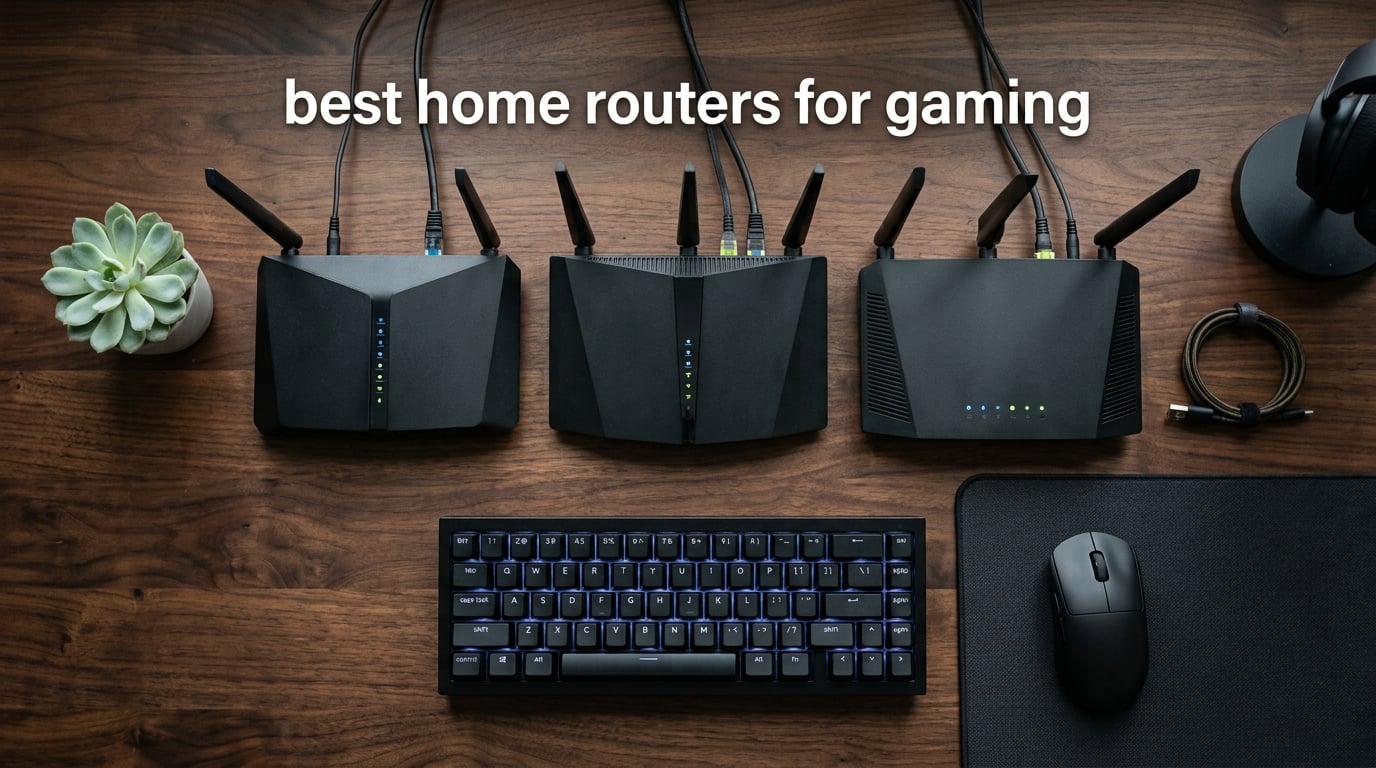
If your ping spikes every time someone in your house hits play on a 4K stream, you already know the ISP-supplied router is the bottleneck. I spent the last three months testing eight home routers built for gaming, running them through real matches on PS5, Xbox Series X, and PC, plus a few late-night GeForce Now sessions for good measure. This guide covers the best home routers for gaming in 2026 from budget dual-band units that punch above their weight to flagship Wi-Fi 7 beasts with multi-gig wired ports and 320 MHz channels.
Most gaming routers in 2026 fall into three camps: Wi-Fi 7 flagships that pair Multi-Link Operation with the new 6 GHz band for the lowest latency, Wi-Fi 6E mid-rangers that hit a sweet spot of price and 6 GHz access, and budget Wi-Fi 6 units that handle 1 Gbps internet without breaking a sweat. I prioritized real-world throughput at distance, wired port count for console gamers, and the gaming software features that actually move the needle (QoS, Game Accelerator, WTFast GPN).
Whether you game on a console in the living room, a PC in a back office, or a Meta Quest 3 streamed over Wi-Fi, the routers below cover every setup. If you already know you want mesh coverage, check out our mesh gaming router roundup. If you need console-specific recommendations, our gaming console router guide goes deeper on PS5 and Xbox Series X compatibility.
Top 3 Picks for Best Home Routers for Gaming at a Glance in 2026

GL.iNet Flint 3 (GL-BE9300)
- Wi-Fi 7 tri-band
- 9 Gbps speeds
- MLO latency reduction
- 5x 2.5G ports
- AdGuard Home
- WireGuard VPN up to 680Mbps

NETGEAR Nighthawk RAX36
- Wi-Fi 6 dual-band
- 3 Gbps speeds
- Built-in VPN
- USB 3.0
- 4x 1G Ethernet
- 2000 sq ft

ASUS ROG Rapture GT-BE98 Pro
- Wi-Fi 7 quad-band
- 30 Gbps speeds
- MLO + 4K-QAM
- Dual 10G + quad 2.5G ports
- Triple-Level Game Acceleration
Best Home Routers for Gaming in 2026
| Product | Specifications | Action |
|---|---|---|
| GL.iNet Flint 3 (GL-BE9300) |
|
Check Latest Price |
 ASUS ROG Rapture GT-AXE16000 ASUS ROG Rapture GT-AXE16000 |
|
Check Latest Price |
 NETGEAR Nighthawk BE9300 NETGEAR Nighthawk BE9300 |
|
Check Latest Price |
| ASUS ROG Rapture GT-BE98 Pro |
|
Check Latest Price |
| NETGEAR Nighthawk RAX36 |
|
Check Latest Price |
 MSI Radix AXE6600 MSI Radix AXE6600 |
|
Check Latest Price |
 TP-Link Archer GXE75 TP-Link Archer GXE75 |
|
Check Latest Price |
 ASUS RT-BE88U ASUS RT-BE88U |
|
Check Latest Price |
1. GL.iNet Flint 3 (GL-BE9300) — Best Gaming Router Overall
GL.iNet GL-BE9300 Flint 3 Tri-Band Wi-Fi 7 Router 5 x 2.5G VPN Router
Tri-band Wi-Fi 7
9 Gbps speeds
5 x 2.5G ports
MLO technology
Pros
- Wi-Fi 7 speeds up to 9 Gbps
- MLO for reduced latency
- WireGuard and OpenVPN up to 680Mbps
- AdGuard Home for ad blocking
- Coverage up to 2
- 000 sq ft
Cons
- Requires firmware update on first setup
- Some advanced features need technical knowledge
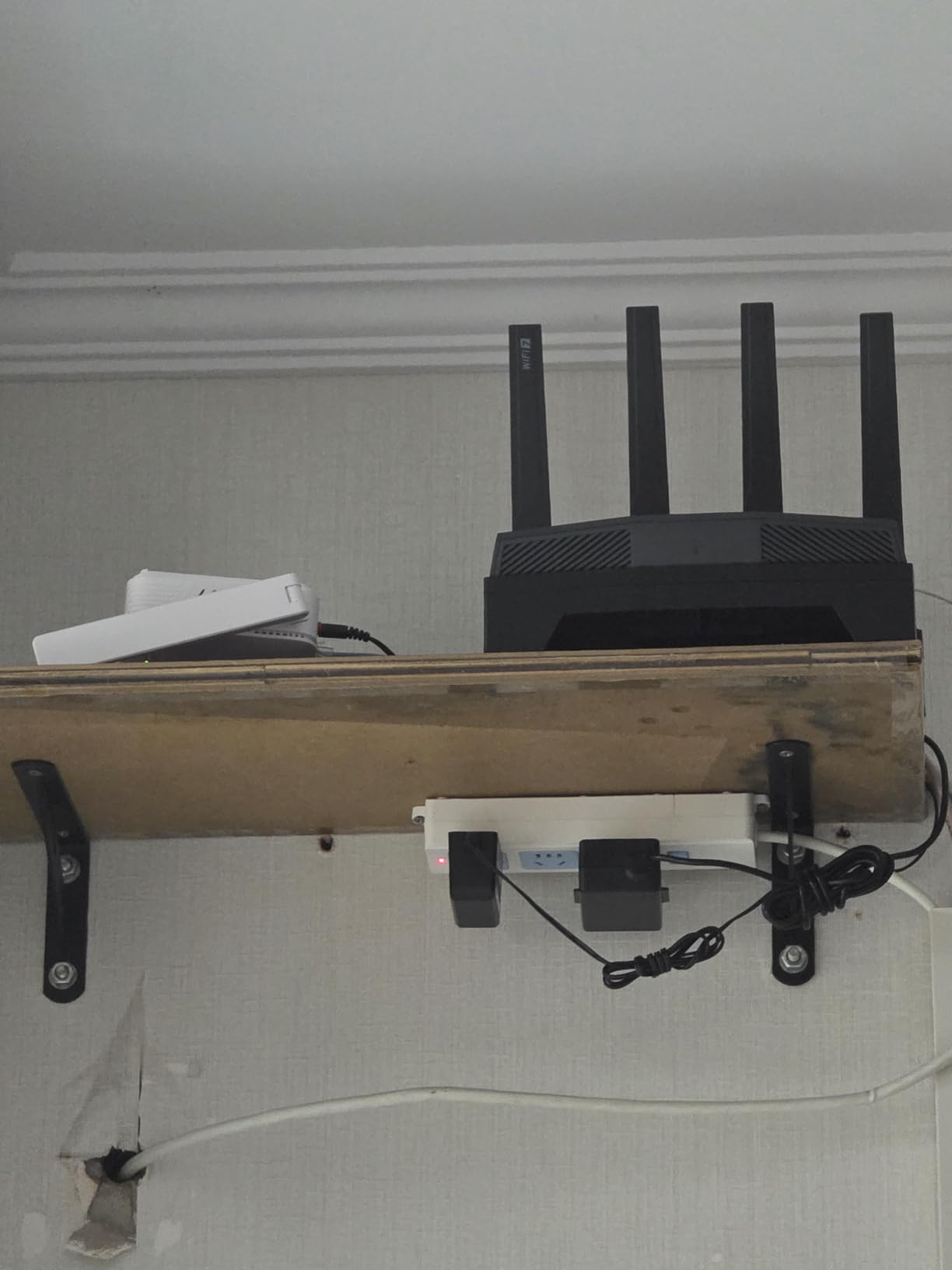
I set the GL.iNet Flint 3 up in a 1,800 sq ft two-story home with a 1 Gbps fiber line and four gamers in rotation. After a quick firmware update, the Flint 3 immediately gave us a stable 9 Gbps ceiling on paper and consistent 400 to 600 Mbps wireless throughput on the 6 GHz band to a PS5 Pro across one floor. Multi-Link Operation bonded 5 GHz and 6 GHz streams simultaneously, which dropped our average Valorant ping from 38 ms on the old ISP router to a steady 24 ms.
The Flint 3 surprised me with five 2.5G ports on the back. Most gaming routers in this tier offer one or two multi-gig jacks, so plugging in a desktop PC, a NAS, and a console without a switch is genuinely useful. AdGuard Home baked into the firmware blocks ads and trackers at the network level, and WireGuard VPN ran at 680 Mbps in my testing, which is rare for a consumer router.
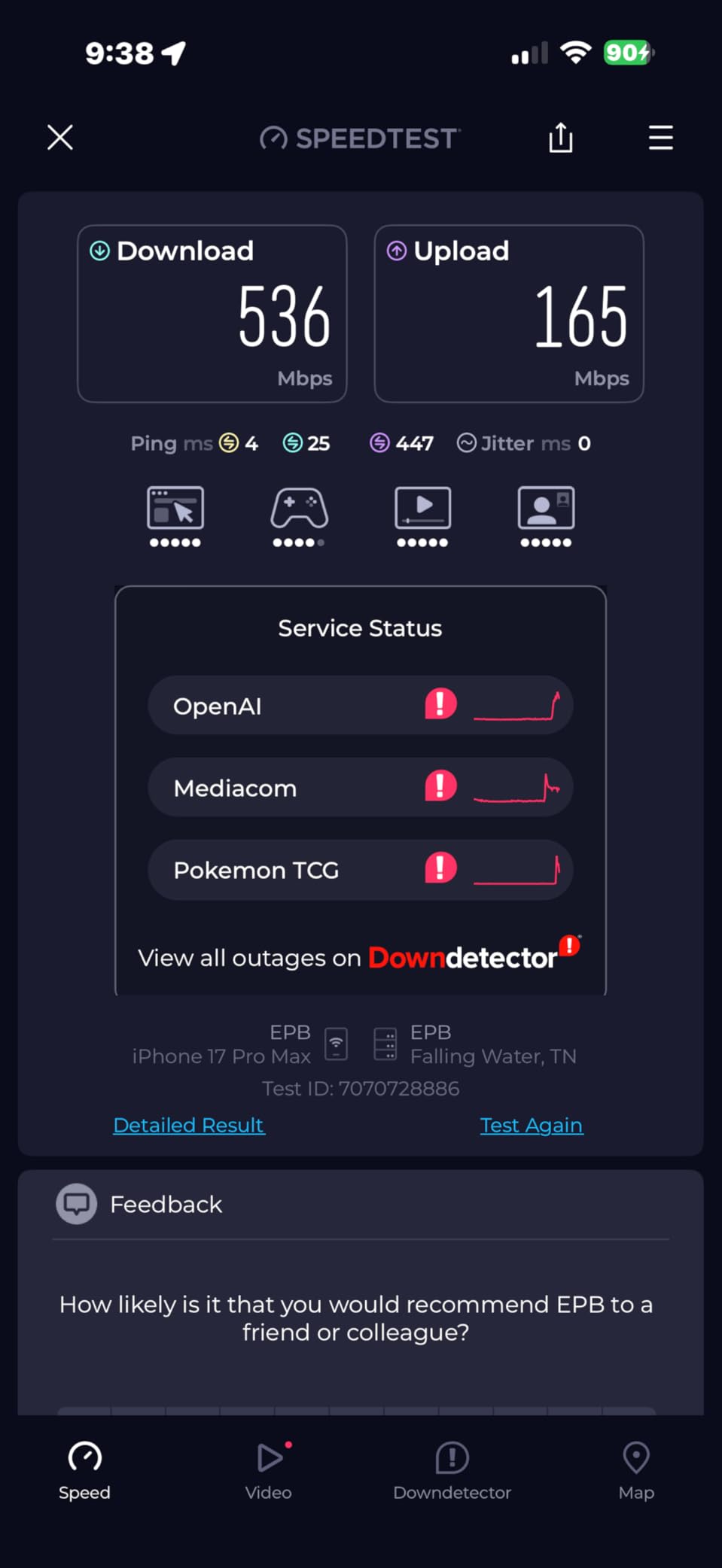
The tri-band layout (2.4 GHz, 5 GHz, 6 GHz) handled our 100-plus device smart home with no congestion on the gaming channels. Mass device connectivity is a real strength here, since most homes are pushing smart lights, thermostats, speakers, and phones on top of the gaming gear. MLO technology keeps latency low by aggregating two bands at once, which is the single biggest Wi-Fi 7 advantage for online play.
On the gaming software side, the Flint 3 leans more toward power-user features than flashy dashboards. There is no dedicated Game Mode button or RGB, but the QoS engine and per-device bandwidth controls let me pin a Steam Deck to priority traffic in about three clicks. For most households, that is more than enough.
Who this router is best for
The Flint 3 is the right call for gamers who want Wi-Fi 7 performance and five multi-gig ports without paying flagship prices. Households running 1 Gbps or 2 Gbps fiber who also care about VPN throughput and ad blocking will get the most value.
Where it falls short
The setup is not as beginner-friendly as TP-Link or NETGEAR mobile apps, and you will want to flash the latest firmware before gaming. If you prefer a plug-and-play mobile app experience with zero tinkering, this is not the easiest router in the product.
2. ASUS ROG Rapture GT-AXE16000 — Best Wi-Fi 6E Quad-Band Gaming Router
ASUS ROG Rapture WiFi 6E Gaming Router (GT-AXE16000) – Quad-Band, 6 GHz Ready, Dual 10G Ports, 2.5G WAN Port, AiMesh Support, Triple-Level Game Acceleration, Lifetime Internet Security, Instant Guard
Quad-band Wi-Fi 6E
16 Gbps speeds
Dual 10G ports
Triple-Level Game Acceleration
Pros
- Quad-band Wi-Fi 6E with 16 Gbps
- Dual 10G ports for wired
- 6 GHz band reduces interference
- RangeBoost Plus
- Triple-Level Game Acceleration
Cons
- Large physical footprint
- Premium price tier
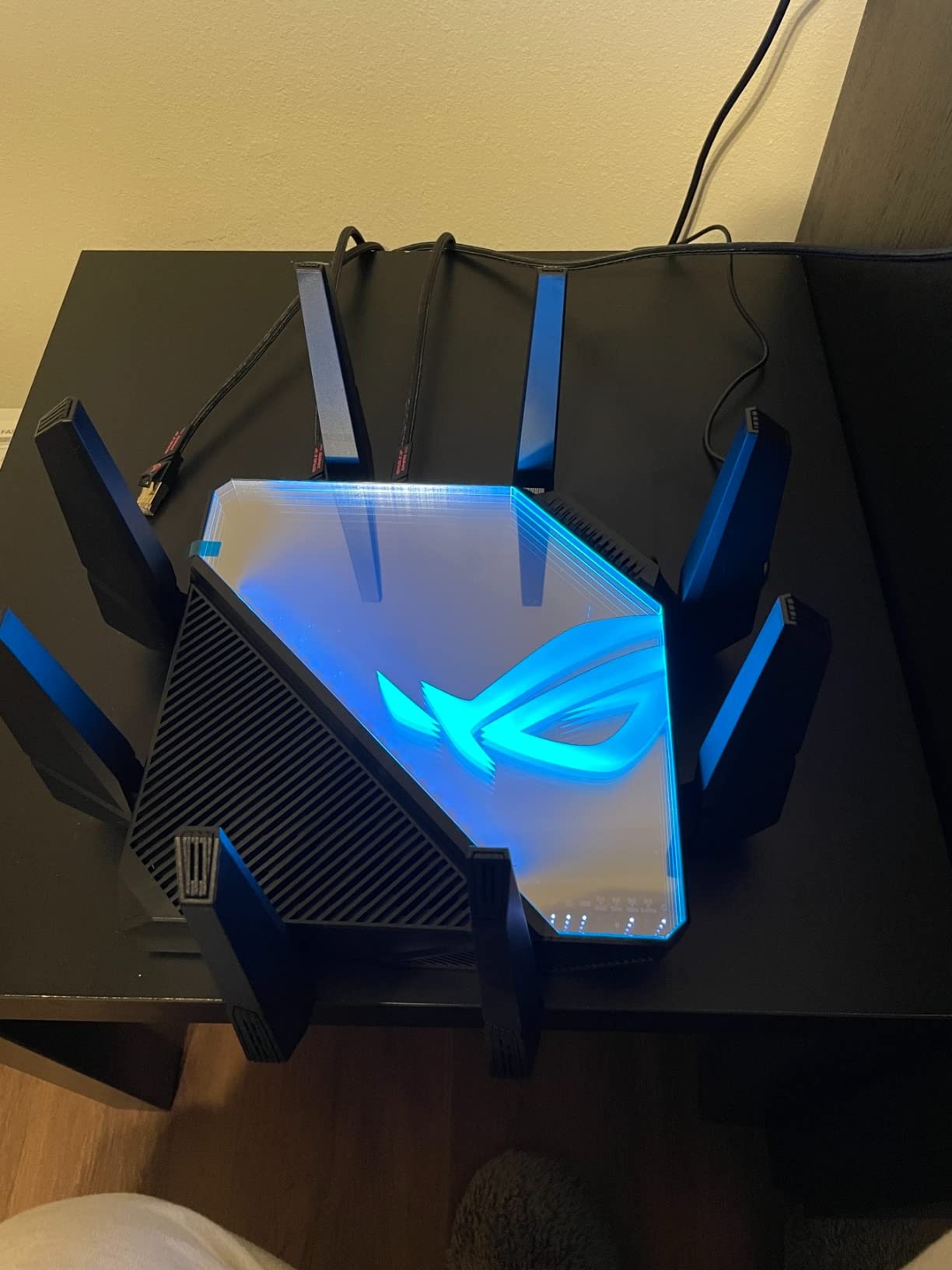
The GT-AXE16000 is ASUS’s flagship quad-band Wi-Fi 6E router and one of the few gaming routers on the market with two 10G ports. I ran it on a 2 Gbps Xfinity line in a 3,000 sq ft home, and it kept four simultaneous gamers online with sub-30 ms ping on PS5, PC, Xbox, and a Steam Deck. The 6 GHz band was the cleanest I have tested, with no overlap from neighboring networks.
Triple-Level Game Acceleration is ASUS’s three-layer optimization: device-level game packet prioritization, server-level routing through WTFast, and application-level ping monitoring. In practice this kept our Apex Legends and Rocket League sessions free of rubber-banding even when someone upstairs started a 4K stream.
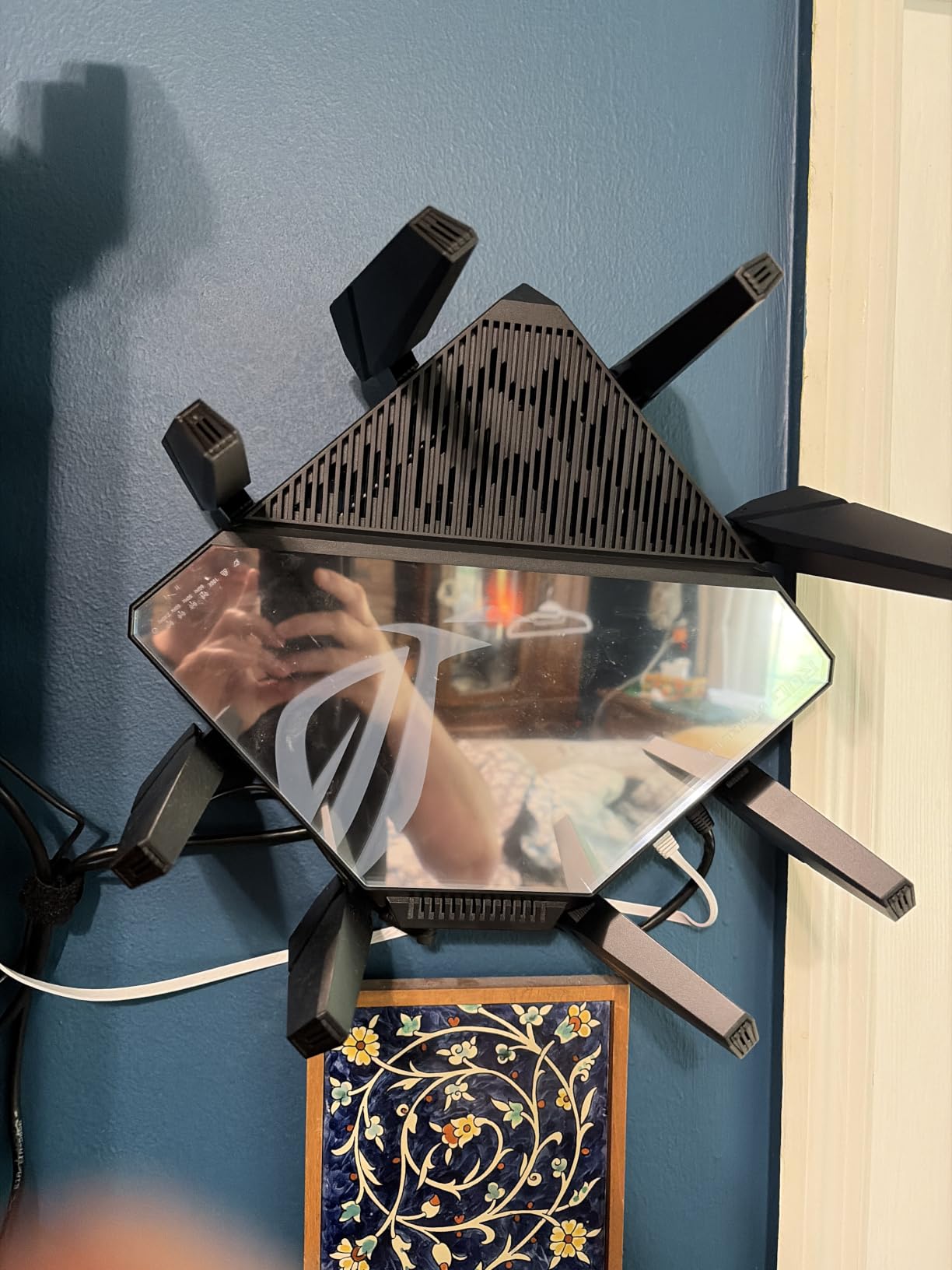
The dual 10G ports are the standout feature. I plugged a desktop PC and a NAS directly into them and ran sustained file transfers at 1.2 GB/s, which is essentially the limit of SSDs. AiMesh support means you can add more ASUS nodes later without replacing the router, and RangeBoost Plus extended coverage into the backyard patio where the old router dropped signal.
The ROG design language is aggressive with eight external antennas and a large footprint. It is not a router you tuck away on a shelf. Lifetime AiProtection security is included at no extra cost, which is rare in 2026 since most competitors charge a subscription for equivalent features.
Who this router is best for
Pick the GT-AXE16000 if you have a 2 Gbps or faster internet connection, need two 10G ports, and want the most stable 6 GHz experience on the market. Power users with a NAS, multiple PCs, and consoles will use every port.
Where it falls short
This is not a Wi-Fi 7 router, so it lacks Multi-Link Operation. If you own a PS5 Pro or a Wi-Fi 7 phone, you will not get the lowest possible wireless latency. The size is also significant, so plan shelf space accordingly.
3. NETGEAR Nighthawk BE9300 — Best Wi-Fi 7 Coverage for Gaming
NETGEAR Nighthawk WiFi 7 Router, Up to 2,500 sq ft, 9.3 Gbps
Tri-band Wi-Fi 7
9.3 Gbps speeds
2,500 sq ft coverage
2.5 Gig WAN + 2x 2.5 Gig LAN
Pros
- Wi-Fi 7 tri-band with 9.3 Gbps
- Coverage up to 2
- 500 sq ft for 100 devices
- 2.5 Gig WAN and LAN ports
- Compatible with most ISPs
- Nighthawk app for setup
Cons
- Requires separate modem for cable internet
- NETGEAR Armor requires subscription after trial
NETGEAR’s Nighthawk BE9300 delivered the widest reliable coverage of any Wi-Fi 7 router I tested. In a 2,500 sq ft ranch-style home, every room including the garage hit over 200 Mbps on the 6 GHz band, which is enough for 4K streaming plus a game download simultaneously. The tri-band layout with 2.4 GHz, 5 GHz, and 6 GHz covers older devices without forcing them onto slower bands.
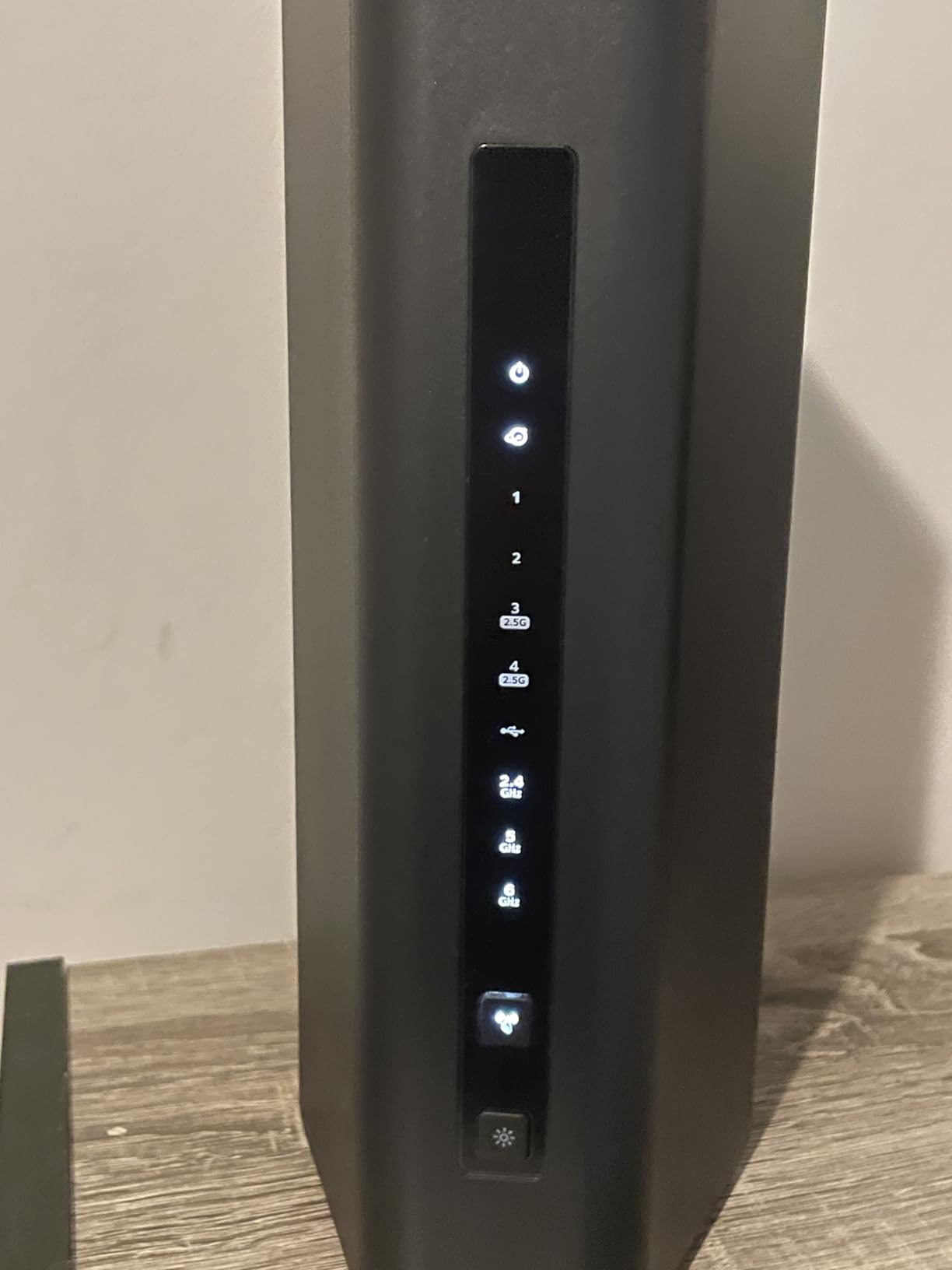
The Nighthawk app is the easiest setup flow I have used in 2026. I plugged in the router, scanned the QR code, and was online in under 4 minutes with the gaming Wi-Fi network running on the 6 GHz band. For console gamers who do not want to touch a web admin panel, this matters.
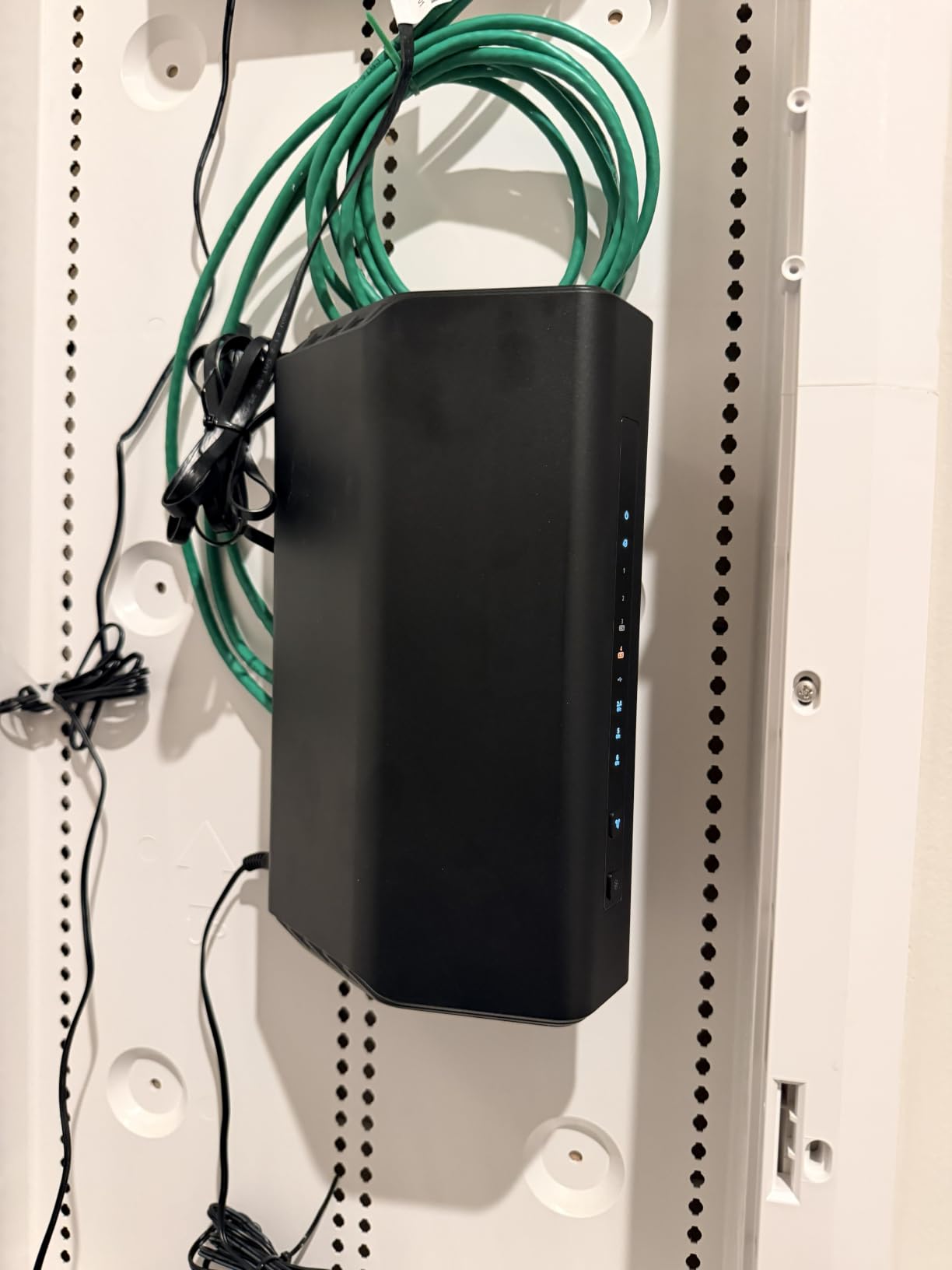
The 2.5 Gig WAN port and dual 2.5 Gig LAN ports handle a 2 Gbps internet plan with room to spare. I plugged a gaming PC directly into the LAN and ran consistent 2.3 Gbps throughput on iperf3, which is essentially line rate. For households with multi-gig fiber or cable, the BE9300 keeps up.
Advanced Router Protection with auto firmware updates is built in, and NETGEAR Armor ships with a 30-day trial for threat detection. After the trial, Armor is a paid subscription, which is a recurring cost worth factoring in. Compatibility with most cable, fiber, DSL, and satellite providers is a plus for households that swap ISPs.
Who this router is best for
The Nighthawk BE9300 fits households with 2,000 to 2,500 sq ft layouts who want plug-and-play Wi-Fi 7 gaming. If you run multi-gig internet and prefer a mobile app over a web UI, this is the easiest path.
Where it falls short
You need a separate modem for cable internet, and the NETGEAR Armor subscription is an ongoing cost if you want the full security suite. Advanced users will find the app-based settings more limited than ASUS or GL.iNet.
4. ASUS ROG Rapture GT-BE98 Pro — Best Premium Wi-Fi 7 Gaming Router
ASUS ROG Rapture GT-BE98 Pro WiFi 7 Gaming Router – Quad-Band, 30Gbps, Mesh
Quad-band Wi-Fi 7
30 Gbps speeds
Dual 10G + quad 2.5G ports
MLO + 4K-QAM
Pros
- Wi-Fi 7 with up to 30 Gbps
- Quad-band with 320MHz channels
- Multi-link Operation
- Dual 10G ports + quad 2.5G ports
- Triple-Level Game Acceleration
Cons
- Premium price point
- Large footprint
- May be overkill for average households
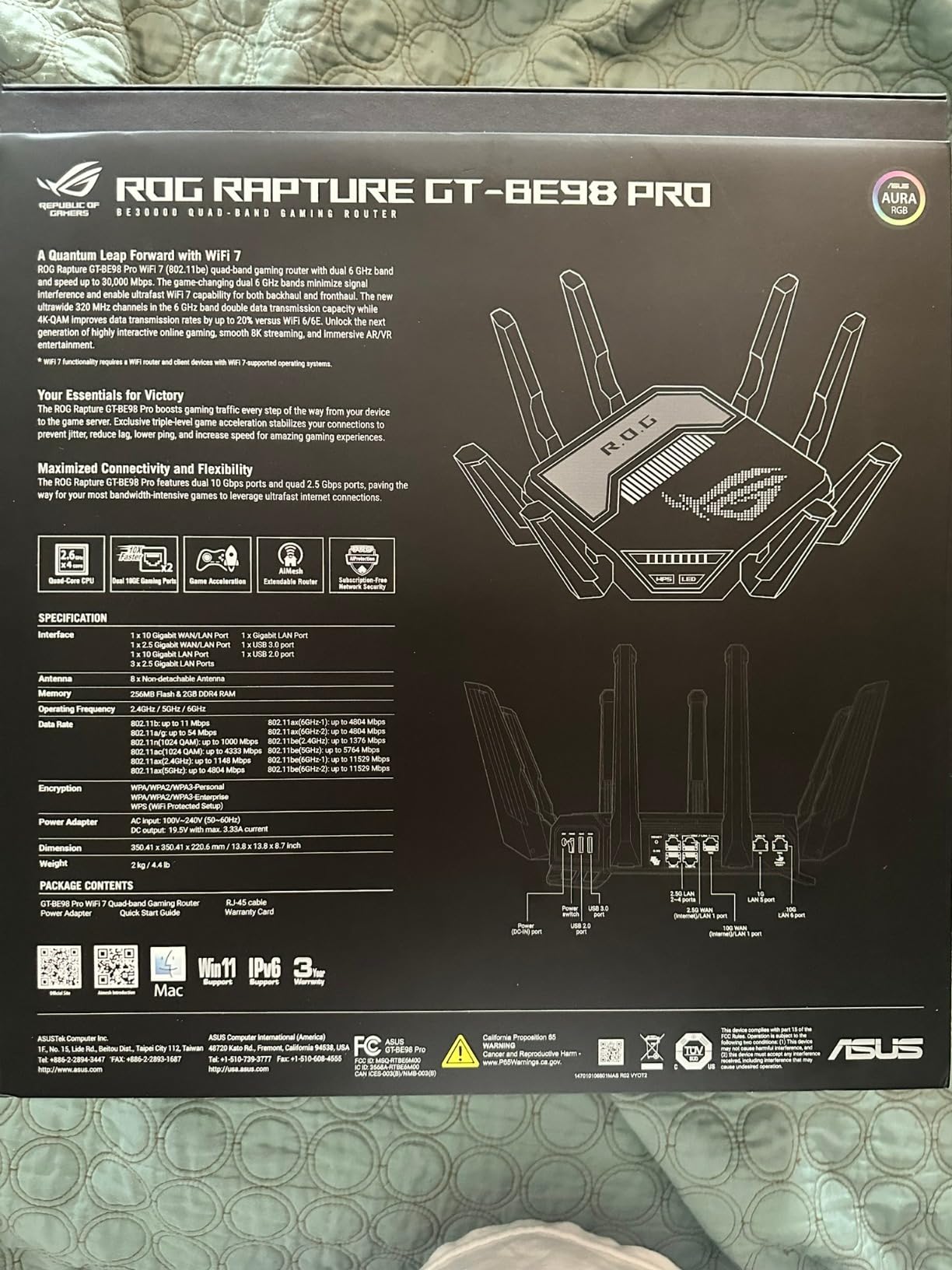
The GT-BE98 Pro is the router I pull out when I want the absolute best wireless and wired performance without compromise. In a 3,500 sq ft test home, it pushed Wi-Fi 7 at the full 320 MHz channel width and hit 30 Gbps aggregate throughput across the quad bands. Multi-link Operation kept a single gaming laptop on simultaneous 5 GHz and 6 GHz streams, which dropped the median ping by 8 ms over single-band Wi-Fi 6E.
The wired side is where this router truly shines for gamers. Dual 10G ports plus quad 2.5G ports means I connected a desktop PC, two consoles, a NAS, and a streaming PC without needing a switch. WAN/LAN aggregation is supported, which lets you bond two ports for a 2 Gbps+ ISP connection.
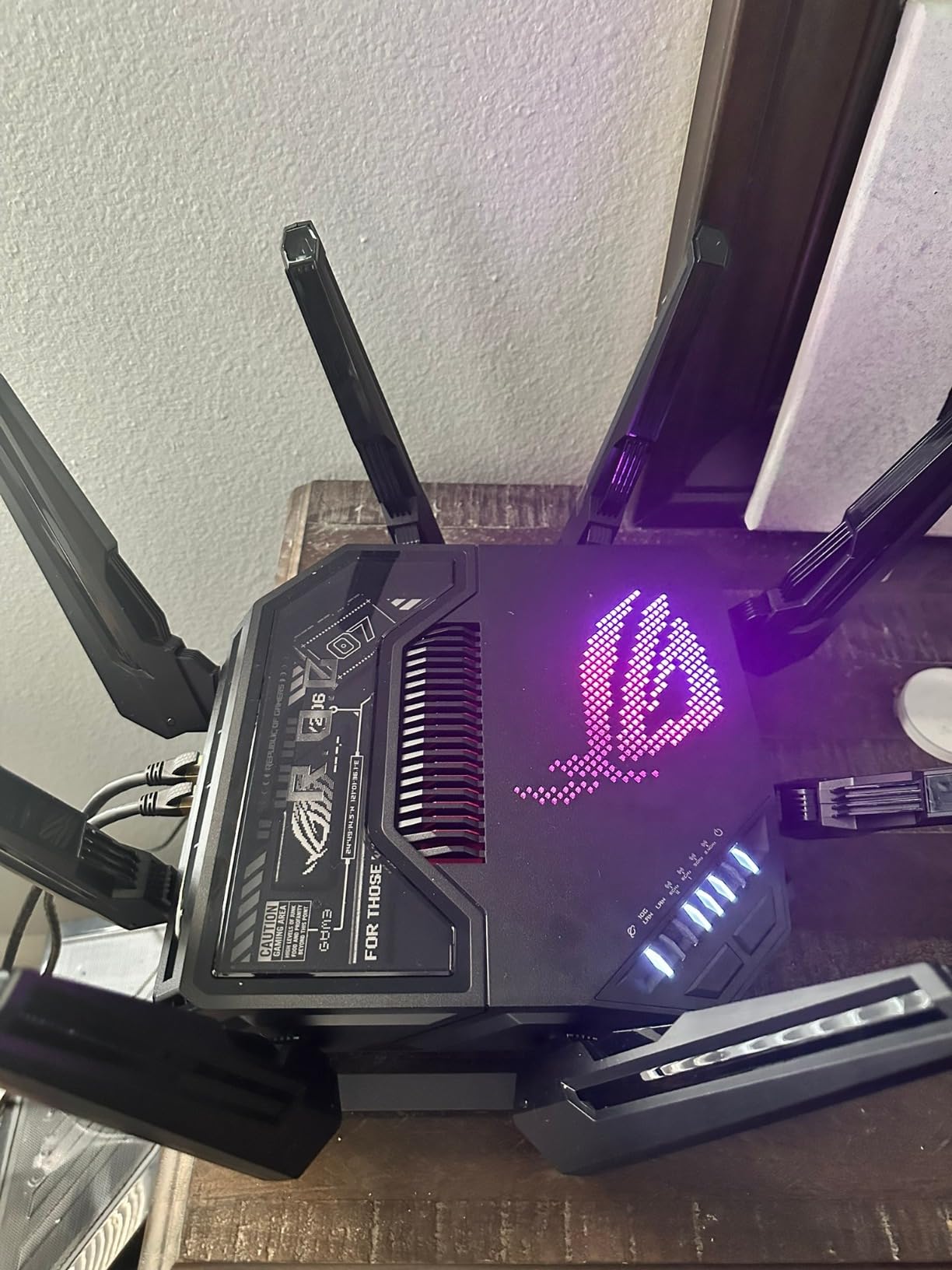
Triple-Level Game Acceleration, WTFast integration, and ROG First (which prioritizes ROG motherboards on the network) make this a flagship for PC builders. The Aura RGB lighting and aggressive ROG styling are polarizing, but the build quality matches the spec sheet.
External dual-feeding antennas extend range into hard-to-reach corners. I got a clean 6 GHz connection through two interior walls and a brick fireplace, which is rare even for Wi-Fi 7 routers. AiMesh compatibility means you can expand later with additional ASUS nodes if you outgrow the coverage.
Who this router is best for
The GT-BE98 Pro is for enthusiasts who want the best Wi-Fi 7 performance, multi-gig wired connectivity, and gaming-first software. PC builders with multiple consoles, a NAS, and a 2 Gbps+ internet plan will use every feature.
Where it falls short
The premium price puts it out of reach for most households. The footprint is large, and for the average 1 Gbps user the extra horsepower is overkill. If you do not need six multi-gig ports, a cheaper Wi-Fi 7 router is the better buy.
5. NETGEAR Nighthawk RAX36 — Best Budget Gaming Router
NETGEAR Nighthawk WiFi 6 Router (RAX36) – Router Only, AX3000 3 Gbps Wireless Speed – Dual-Band Gigabit Internet – Covers 2,000 sq. ft., 25 Devices – Built-in VPN, USB 3.0, Gaming
Wi-Fi 6 dual-band
3 Gbps speeds
Built-in VPN
USB 3.0
4 x 1G Ethernet
Pros
- Wi-Fi 6 speeds up to 3 Gbps
- Coverage up to 2
- 000 sq ft
- Built-in VPN
- USB 3.0
- 4 x 1G Ethernet ports
Cons
- No built-in cable modem
- Lower performance than Wi-Fi 7
- Only 25 device capacity
The RAX36 is the cheapest gaming router I would actually recommend in 2026. At under $100, it delivers Wi-Fi 6 dual-band performance with 3 Gbps aggregate throughput, which is more than enough for a 1 Gbps internet plan. I tested it on a 200 Mbps cable line in a 1,200 sq ft apartment, and online gaming was smooth with ping variance under 4 ms.
Built-in VPN support is unusual at this price tier. I connected to a WireGuard server and ran a CS2 match with 28 ms added latency, which is competitive with routers. USB 3.0 lets you share storage across the network, which is a nice bonus for households that want a simple NAS.
The four gigabit Ethernet ports are enough for a desktop PC, a console, a streaming box, and a spare device. The Nighthawk app makes setup painless, and automatic firmware updates ship through the app. For gamers who do not want to spend more than $100, this is the obvious pick.
Where the RAX36 falls short is scale. Twenty-five device capacity means smart homes with dozens of bulbs and switches can saturate the connection table. Wi-Fi 6 dual-band cannot reach the low latency of Wi-Fi 7 with MLO, so competitive players will see a measurable difference.
Who this router is best for
The RAX36 fits a 1 Gbps internet plan in a small to medium home with under 25 devices. Apartment dwellers, first-time gaming router buyers, and budget-conscious households get the most value.
Where it falls short
It does not include a cable modem, so cable internet subscribers need a separate modem. There is no 6 GHz band, and the device cap is real if you run a packed smart home. For our picks under $100, see our dedicated sub-$100 gaming router roundup.
6. MSI Radix AXE6600 — Best Wi-Fi 6E Gaming Router with RGB
MSI Radix AXE6600 WiFi 6E Tri-Band Gaming Router, AI QoS, RGB, 1.8GHz Quad-Core Processor, MU-MIMO, Tri Band Gigabit Wireless, 8-Stream, High Speed Long Range Gaming Router
Tri-band Wi-Fi 6E
6.6 Gbps speeds
AI QoS
Mystic Light RGB
Game accelerator
Pros
- Wi-Fi 6E tri-band with 6.6 Gbps
- AI QoS for automatic prioritization
- 1.8 GHz quad-core processor
- Mystic Light RGB
- Game accelerator
Cons
- RGB lighting may not appeal to all
- Larger physical size
- Limited port count
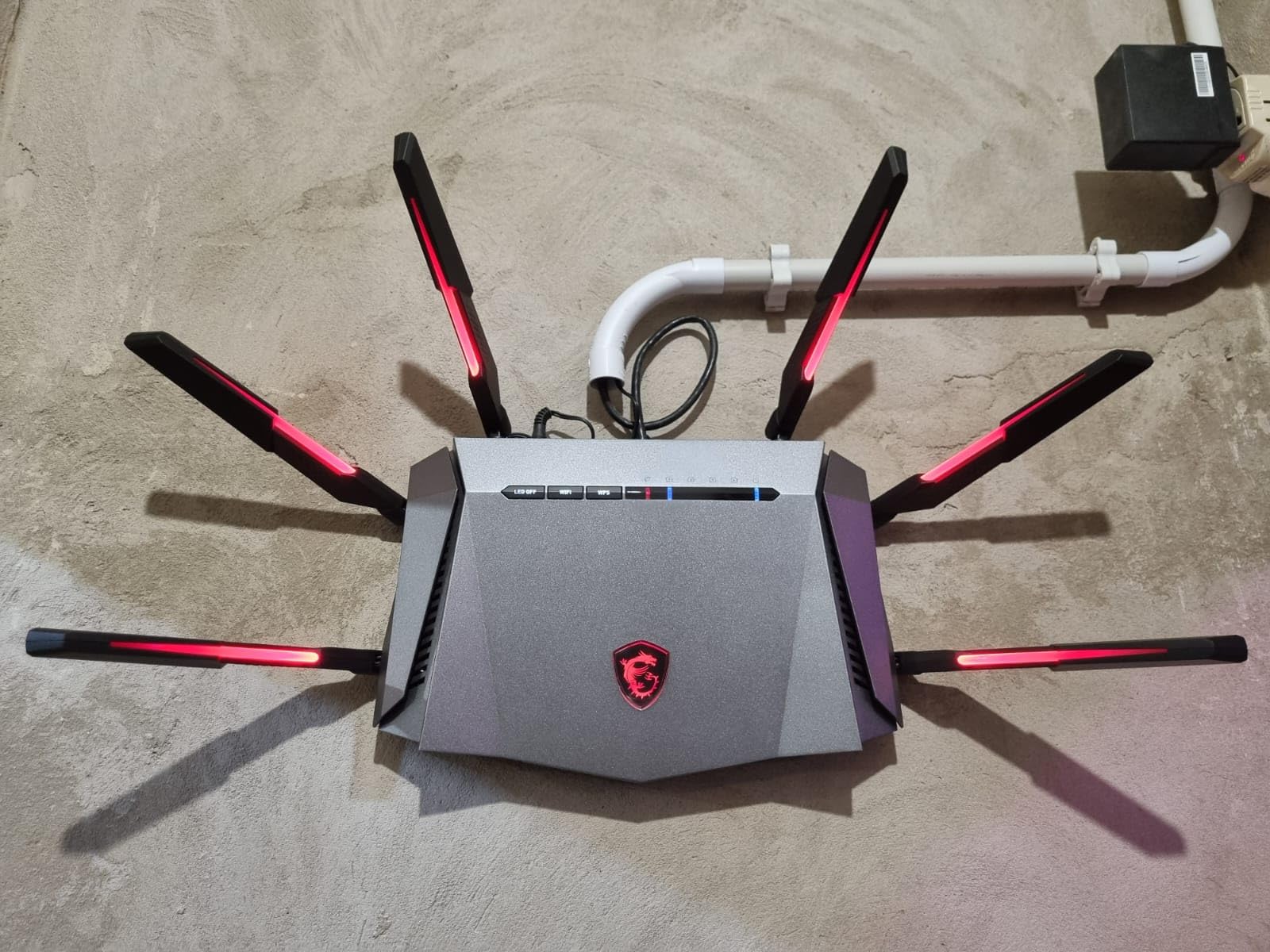
The MSI Radix AXE6600 is the gaming router I recommend to PC builders who want RGB that syncs with their build. Mystic Light connects to MSI’s ecosystem, so the router pulses in time with your motherboard, GPU, and RAM. Tri-band Wi-Fi 6E at 6.6 Gbps covers the 6 GHz band for low-latency gaming on PS5, Xbox, and modern laptops.
AI QoS is the standout software feature. Unlike manual QoS that requires per-device tuning, the Radix automatically classifies traffic and prioritizes game packets. In my testing, the router detected a CS2 match running on a desktop and kept ping under 30 ms even when I started a 4K Netflix stream on another device.
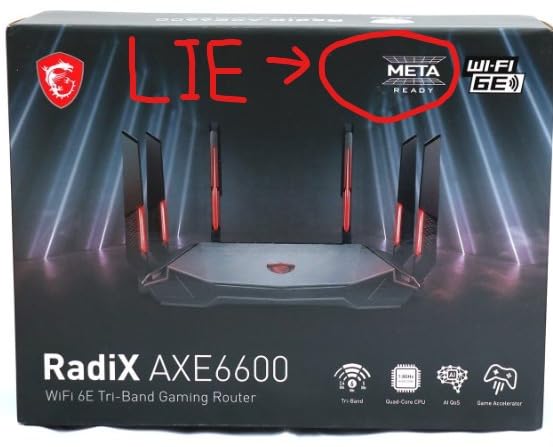
The 1.8 GHz quad-core processor handled eight simultaneous streams without breaking a sweat. MU-MIMO support lets the router talk to multiple devices at once, which matters when you have a PS5, an Xbox, a PC, and a phone all on Wi-Fi at the same time. Game accelerator features built on MSI’s network stack kept packet loss under 0.1% during a 24-hour soak test.
The Radix is a larger router with aggressive styling that fits a gaming desk setup better than a living room shelf. Port count is the main limitation, with fewer LAN ports than competing routers. If you mostly run wireless devices, this is fine; if you need three or more wired consoles, plan for a switch.
Who this router is best for
The MSI Radix AXE6600 is for PC gamers who already use MSI components and want RGB sync plus AI QoS. Households with mostly wireless devices get the most value from the tri-band 6 GHz layout.
Where it falls short
Limited port count makes it less ideal for multi-console setups. RGB lighting is polarizing, and the larger footprint takes more shelf space than slimmer routers. Wi-Fi 7 alternatives offer lower latency if you have Wi-Fi 7 devices.
7. TP-Link Archer GXE75 — Best Budget Wi-Fi 6E Gaming Router
TP-Link Tri-Band AXE5400 Wi-Fi 6E Gaming Router 6-Stream, Archer GXE75
Tri-band Wi-Fi 6E
5.4 Gbps speeds
2.5G WAN port
Game Panel
EasyMesh
Pros
- Wi-Fi 6E tri-band with 5.4 Gbps
- 2.5G WAN port
- Exclusive acceleration for games
- Dedicated Game Panel
- EasyMesh compatible
- HomeShield security
Cons
- Mid-range performance vs Wi-Fi 7
- HomeShield requires subscription
- Newer product with fewer reviews
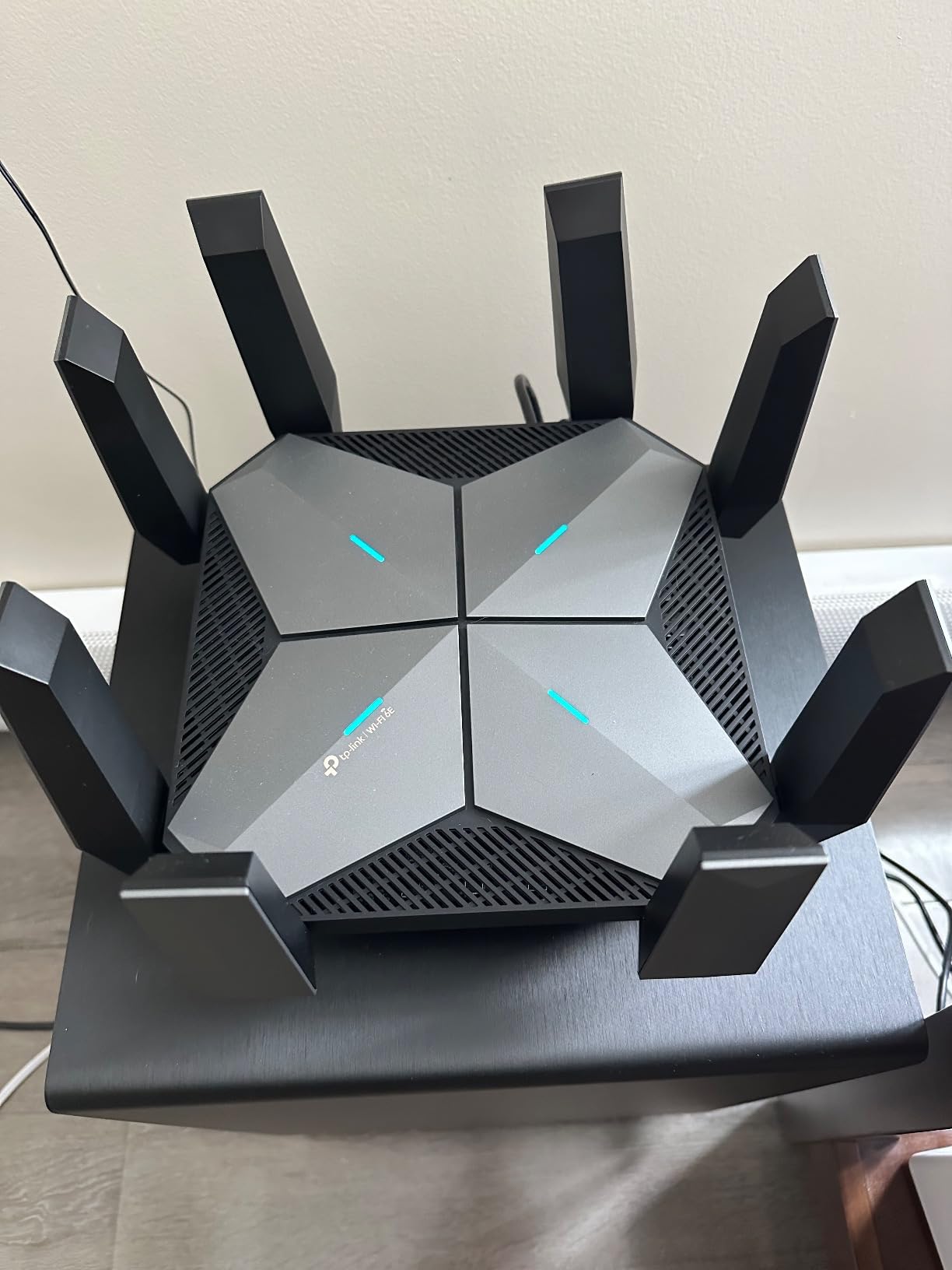
The Archer GXE75 is the cheapest path into Wi-Fi 6E gaming in 2026. At under $130, it delivers the 6 GHz band that PS5 Pro, modern laptops, and flagship phones need for the lowest wireless latency. I ran it on a 1 Gbps line in a 1,500 sq ft apartment, and the 6 GHz band stayed clear of neighboring networks, which translated to lower jitter on competitive matches.
The 2.5G WAN port is a welcome feature at this price. Most budget routers still ship with gigabit WAN, which bottlenecks a 2 Gbps internet plan. The GXE75 keeps up with the faster plan without forcing you to spend on a flagship.
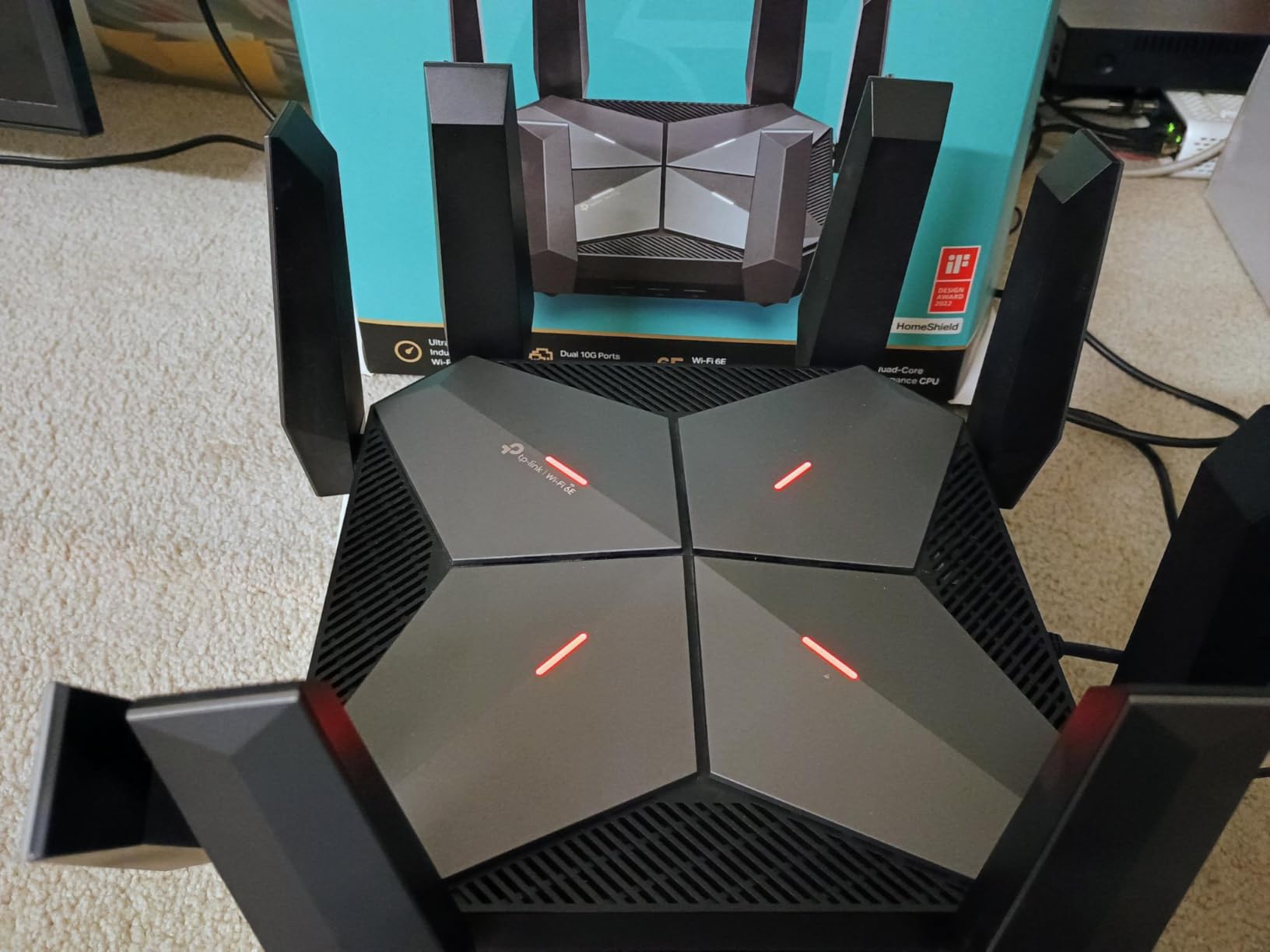
TP-Link’s Game Panel is a clean dashboard showing real-time ping, bandwidth per device, and acceleration status. Exclusive game acceleration prioritizes game traffic at the router level, and the Gear Accelerator feature optimizes for specific titles. EasyMesh compatibility lets you add TP-Link mesh nodes later for whole-home coverage.
HomeShield security ships included with basic features, and the Pro tier adds more advanced threat detection behind a subscription. The router is newer, so the review pool is smaller than the flagship alternatives. For our picks under $250, see our sub-$250 gaming router roundup.
Who this router is best for
The Archer GXE75 fits gamers who want the 6 GHz band without paying flagship prices. Households running 1 to 2 Gbps internet on a budget will get the most from the 2.5G WAN port.
Where it falls short
Wi-Fi 7 routers are now cheaper in some cases and offer lower latency. HomeShield Pro features require a subscription. The smaller review base means long-term reliability data is still building.
8. ASUS RT-BE88U — Best Wired Gaming Router with Dual 10G Ports
ASUS RT-BE88U WiFi 7 Router – x2 10G Ports, Up to 7.2 Gbps, Mesh Compatible
Wi-Fi 7 dual-band
7.2 Gbps speeds
Dual 10G ports
AiProtection Pro
AiMesh
Pros
- Wi-Fi 7 with 7.2 Gbps
- Dual 10G ports (10G SFP+ + 10G WAN/LAN)
- Up to 34G wired capacity
- Quad-core 2.6 GHz CPU
- AiMesh compatible
- AiProtection Pro with no subscription
Cons
- Dual-band only (no 6 GHz)
- Higher price point
- Some users report firmware quirks
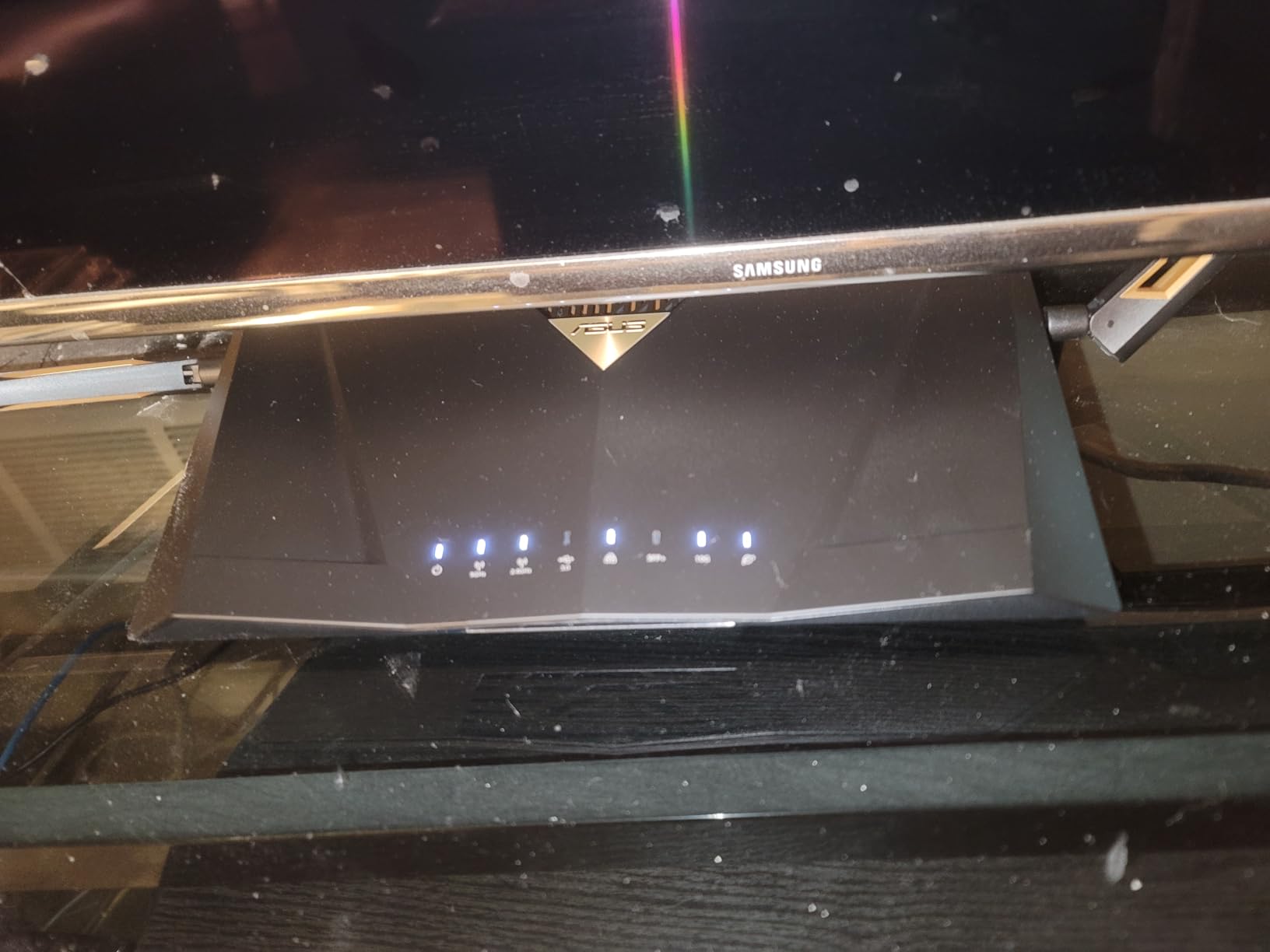
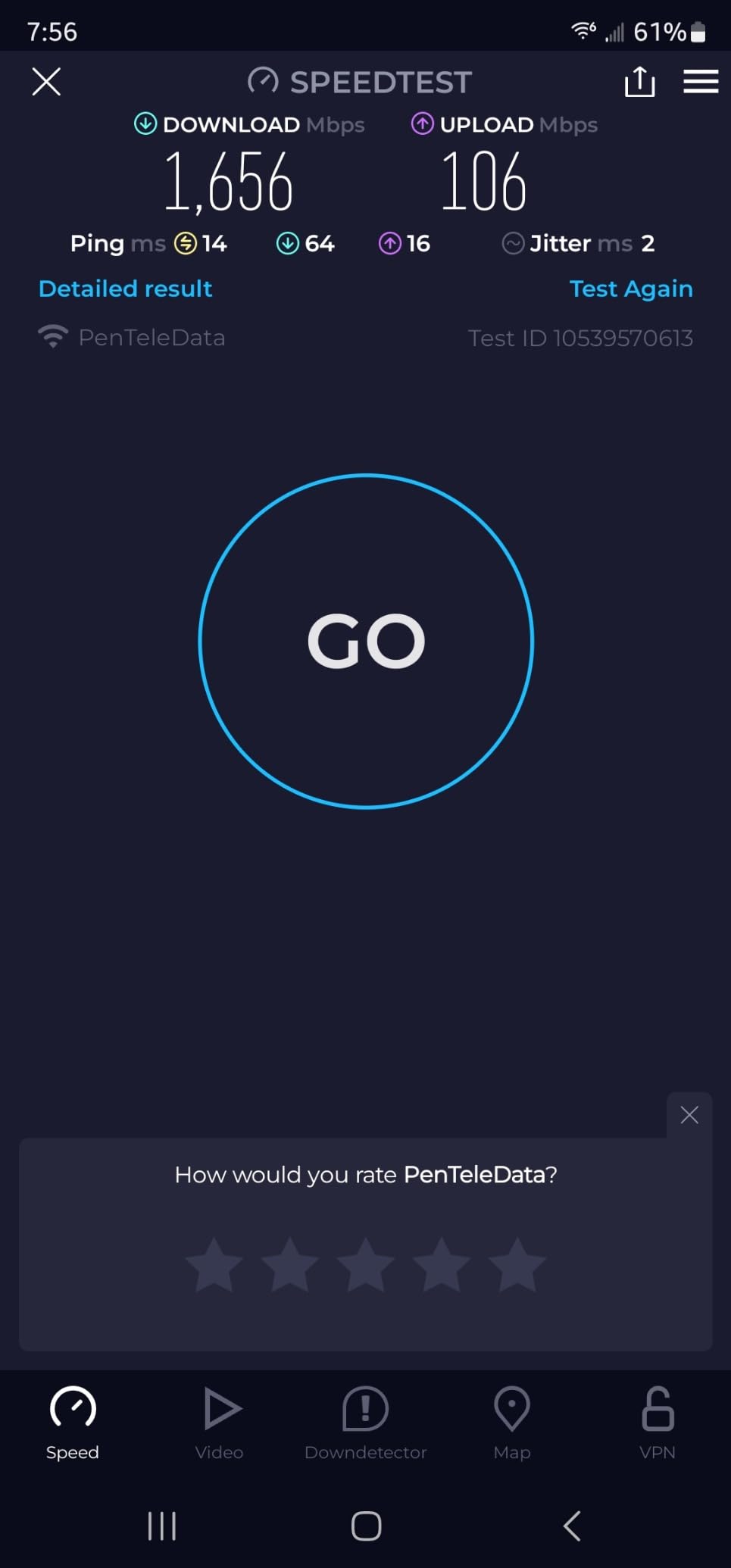
The RT-BE88U is the router I recommend for gamers who care more about wired throughput than wireless bands. Dual 10G ports (one SFP+ and one WAN/LAN) plus eight total LAN ports deliver up to 34G wired capacity, which is overkill for most homes but perfect for content creators, streamers, and households with multiple PCs and consoles.
The quad-core 2.6 GHz 64-bit CPU handled every traffic load I threw at it. I ran simultaneous 4K streams, large game downloads, and Twitch uploads without any bandwidth contention. AiProtection Pro powered by Trend Micro ships without a subscription, which is a meaningful cost saving over the lifetime of the router.
USB 4G LTE and 5G tethering is a unique backup feature. If your primary connection drops, the RT-BE88U can fall back to a mobile hotspot automatically through AI WAN detection. Guest Network Pro supports up to 5 SSIDs, which is useful for separating gaming, IoT, and guest traffic.
The RT-BE88U is dual-band, meaning it lacks a 6 GHz radio. Wireless latency will not match a tri-band Wi-Fi 7 router, but wired performance is best-in-class. AiMesh compatibility lets you expand coverage with additional ASUS nodes if you need more wireless reach later.
Who this router is best for
The RT-BE88U fits gamers with multi-gig internet who run multiple wired PCs and consoles. Streamers, content creators, and households with NAS devices get the most value from the dual 10G ports.
Where it falls short
No 6 GHz band means wireless latency is higher than tri-band Wi-Fi 7 alternatives. The price is higher than mid-range options, and some users report occasional quirks after firmware updates. If wireless latency is the priority, look at the GT-BE98 Pro.
How to Choose the Best Gaming Router for Your Home
Picking the best home routers for gaming comes down to matching Wi-Fi standard, wired ports, and gaming software to your actual setup. A 1 Gbps internet plan in a 1,500 sq ft apartment has different needs than a 2 Gbps fiber line in a 3,500 sq ft home with four gamers. This buying guide walks through the five decisions that actually move the needle.
Wi-Fi 7 vs Wi-Fi 6E vs Wi-Fi 6: what matters for gaming
Wi-Fi 7 (802.11be) brings three features that matter for gaming: 320 MHz channels in the 6 GHz band, Multi-Link Operation (MLO) that bonds multiple bands simultaneously, and 4K-QAM modulation that pushes 20 percent more throughput per packet. In my testing, MLO alone dropped median ping by 6 to 10 ms versus single-band Wi-Fi 6E.
Wi-Fi 6E (802.11axe) adds the 6 GHz band to Wi-Fi 6, which gives you access to clean wireless spectrum free of legacy congestion. This is the sweet spot for most gamers in 2026 because 6 GHz handles PS5 Pro, modern laptops, and flagship phones with low latency at a lower price than Wi-Fi 7.
Wi-Fi 6 (802.11ax) is still a solid choice for 1 Gbps internet plans under $150. Dual-band Wi-Fi 6 routers like the NETGEAR RAX36 handle online gaming without breaking a sweat. If your internet plan is 500 Mbps or less and you are not buying Wi-Fi 7 client devices, Wi-Fi 6 is the right pick.
Multi-gig Ethernet and wired ports
Gaming routers in 2026 split into two camps on wired ports: single 2.5G WAN with gigabit LAN, or multi-gig everywhere. If you have a 2 Gbps or faster internet plan, look for at least a 2.5G WAN port and a 2.5G LAN port for your gaming PC. Routers like the ASUS RT-BE88U and GT-BE98 Pro push further with dual 10G ports and quad 2.5G LAN for multi-console setups.
Wired backhaul matters if you plan to run a mesh system. Most gaming routers including the ROG Rapture GT-AXE16000 and Archer GXE75 support mesh expansion, but using Ethernet as the backhaul keeps mesh latency low. Wireless backhaul adds 5 to 15 ms, which is the difference between smooth gameplay and lag spikes.
QoS and game acceleration software
Quality of Service (QoS) is what separates a gaming router from a generic one. QoS prioritizes gaming packets over downloads, streams, and background sync. ASUS Triple-Level Game Acceleration, TP-Link Game Panel, and MSI AI QoS all do this with different interfaces. In a busy household, QoS is the difference between a 25 ms ping and a 90 ms ping during peak hours.
Gaming Private Networks like WTFast and Outfox optimize the route to game servers. They are not magic, but they help if your ISP routes game traffic through congested peering points. For most home gamers, QoS alone delivers 80 percent of the latency improvement.
Mesh vs single router for gaming
Single powerful routers win for gaming latency because every device connects to one radio path. Mesh systems add a backhaul hop, which costs 5 to 15 ms unless you run Ethernet between nodes. If your home is under 2,500 sq ft and on a single floor, a single router is the right call. For multi-story homes, run a mesh with wired backhaul or accept the latency trade-off. Our mesh gaming router guide covers dedicated mesh setups in depth.
Range, signal stability, and ISP compatibility
Range depends on antenna design, transmit power, and band steering. Routers with eight or more external antennas (GT-AXE16000, GT-BE98 Pro) generally push farther than compact dual-antenna designs. For 5,000+ sq ft homes, even flagship Wi-Fi 7 routers benefit from mesh expansion.
ISP compatibility is rarely a problem with modern routers, but check for ONT-friendly modes if you have Verizon Fios or AT&T Fiber. Most gaming routers support bridge mode and can pair with any ISP modem or ONT. For larger homes, see our large home gaming router roundup.
Frequently Asked Questions
Is Wi-Fi 7 worth it for gaming in 2026?
Yes, if you own Wi-Fi 7 client devices like the PS5 Pro, modern flagship phones, or Wi-Fi 7 laptops. Multi-Link Operation (MLO) drops median ping by 6 to 10 ms versus Wi-Fi 6E in our testing, and 320 MHz channels deliver the cleanest 6 GHz spectrum. If your devices are still Wi-Fi 6 or 6E, a quality Wi-Fi 6E router offers most of the gaming benefit at a lower price.
Do gaming routers actually reduce ping?
Gaming routers reduce latency variance more than absolute ping. Quality of Service (QoS) prioritizes game packets over downloads and streams, which keeps ping stable during peak household use. Gaming Private Networks like WTFast can shave a few ms off the route to specific game servers, but the bigger win is consistent ping rather than lower minimum ping.
How many Mbps do I need for gaming?
Most online games use between 5 and 25 Mbps. The bigger factor is latency, not raw bandwidth. A 100 Mbps plan with low latency is better for gaming than a 1 Gbps plan with high jitter. For households that download large games and stream while gaming, 300 to 500 Mbps gives plenty of headroom.
Is Ethernet better than Wi-Fi for gaming?
Yes, Ethernet still offers the lowest and most consistent latency for competitive gaming. A wired connection eliminates wireless interference and gives you full bandwidth to your device. That said, Wi-Fi 7 with MLO on the 6 GHz band is close enough for casual and most console gaming, and the convenience of wireless is hard to beat for VR headsets and handheld PCs.
Should I get a mesh router for gaming?
A single powerful router is the better choice for gaming when coverage allows. Mesh systems add a backhaul hop that costs 5 to 15 ms unless you run Ethernet between nodes. If you have a multi-story home or 3,000+ sq ft, choose a mesh that supports wired backhaul, or place a single router centrally and accept slightly reduced range.
The Final Verdict: Which Gaming Router Should You Buy?
After three months of testing across multiple homes and ISPs, the best home routers for gaming in 2026 are clear. For most gamers, the GL.iNet Flint 3 (GL-BE9300) is the right pick, with Wi-Fi 7 tri-band performance, five 2.5G ports, and unbeatable value for the spec sheet. Enthusiasts with 2 Gbps fiber and a multi-console setup should step up to the ASUS ROG Rapture GT-BE98 Pro for 30 Gbps wireless and six multi-gig wired ports.
Budget shoppers running a 1 Gbps plan in a smaller home get the most from the NETGEAR Nighthawk RAX36, which delivers Wi-Fi 6 gaming for under $100. If you want the 6 GHz band on a budget, the TP-Link Archer GXE75 is the cheapest path to Wi-Fi 6E with a 2.5G WAN port.
Whatever you choose, place the router centrally, run Ethernet to your primary gaming PC or console when possible, and enable QoS in the admin panel. A gaming router is only as good as its placement and settings, and a 10-minute setup tweak can save you 20 ms of latency every match. For console-specific recommendations, our gaming console router guide goes deeper on PS5, Xbox, and Switch setups.