
I have been testing ultrawide gaming monitors for years, and 2026 is the best time yet to upgrade. QD-OLED panels have finally matured, 5K2K is becoming mainstream, and you can get a strong 34-inch 165Hz ultrawide without selling a kidney. I spent the last three months running eight different ultrawide monitors through everything from competitive shooters to long Baldur’s Gate 3 sessions, and I am sharing the results here.
Choosing the best ultrawide gaming monitor is harder than it looks. You need to balance panel tech (QD-OLED, WOLED, IPS, VA), size (34, 39, 45, or 49 inch), resolution (3440×1440 vs 5K2K vs 5120×1440), and refresh rate (165Hz vs 240Hz vs 360Hz). Add in adaptive sync, HDR tiers, and curvature, and the decision becomes overwhelming. That is exactly why I put this guide together.
This roundup covers everything from a budget 34-inch VA panel under $250 to flagship 49-inch QD-OLED super ultrawides. Whether you want the best ultrawide gaming monitor for sim racing, the best for AAA single-player, the best for productivity plus gaming, or the cheapest one that still feels premium, you will find your pick below. For a deeper dive on a related topic, see our curved gaming monitor guide.
Top 3 Picks for Best Ultrawide Gaming Monitors in 2026


LG 34GS95QE OLED 240Hz
- 34-inch OLED 800R
- 240Hz
- 0.03ms
- G-Sync Compatible
- DisplayHDR True Black 400
Best Ultrawide Gaming Monitors in 2026
| Product | Specifications | Action |
|---|---|---|
| SANSUI 34-Inch Curved 200Hz UWQHD |
|
Check Latest Price |
 CRUA 49-Inch DQHD 165Hz Super Ultrawide CRUA 49-Inch DQHD 165Hz Super Ultrawide |
|
Check Latest Price |
| Sceptre 34-Inch Curved 165Hz WQHD |
|
Check Latest Price |
 ASUS TUF VG34VQL1B 34-Inch HDR ASUS TUF VG34VQL1B 34-Inch HDR |
|
Check Latest Price |
 Samsung Odyssey G93SC 49-Inch QD-OLED Samsung Odyssey G93SC 49-Inch QD-OLED |
|
Check Latest Price |
 Alienware AW3425DWM 34-Inch 180Hz Alienware AW3425DWM 34-Inch 180Hz |
|
Check Latest Price |
 Samsung Odyssey G9 49-Inch 1000R 240Hz Samsung Odyssey G9 49-Inch 1000R 240Hz |
|
Check Latest Price |
| LG 34GS95QE 34-Inch OLED 240Hz |
|
Check Latest Price |
1. SANSUI 34-Inch Curved 200Hz UWQHD – Editor’s Choice
SANSUI 34-Inch Curved Gaming Monitor UWQHD 3440 x 1440P 200Hz Ultrawide
34 inch 3440x1440
200Hz refresh
1500R curve
VA panel
FreeSync
HDMI 2.1
Pros
- 200Hz refresh rate delivers smooth responsive gameplay
- 1500R curve enhances immersion for racing and flight sims
- Vibrant colors with 131% sRGB and 96% DCI-P3 coverage
- DisplayPort 1.4 plus dual HDMI 2.1 ports for easy multi-device setup
- VESA 100x100mm compatible for monitor-arm mounting
Cons
- Some users report needing to tweak default settings for best image
- Backlight RGB on rear is very dim
- No built-in speakers
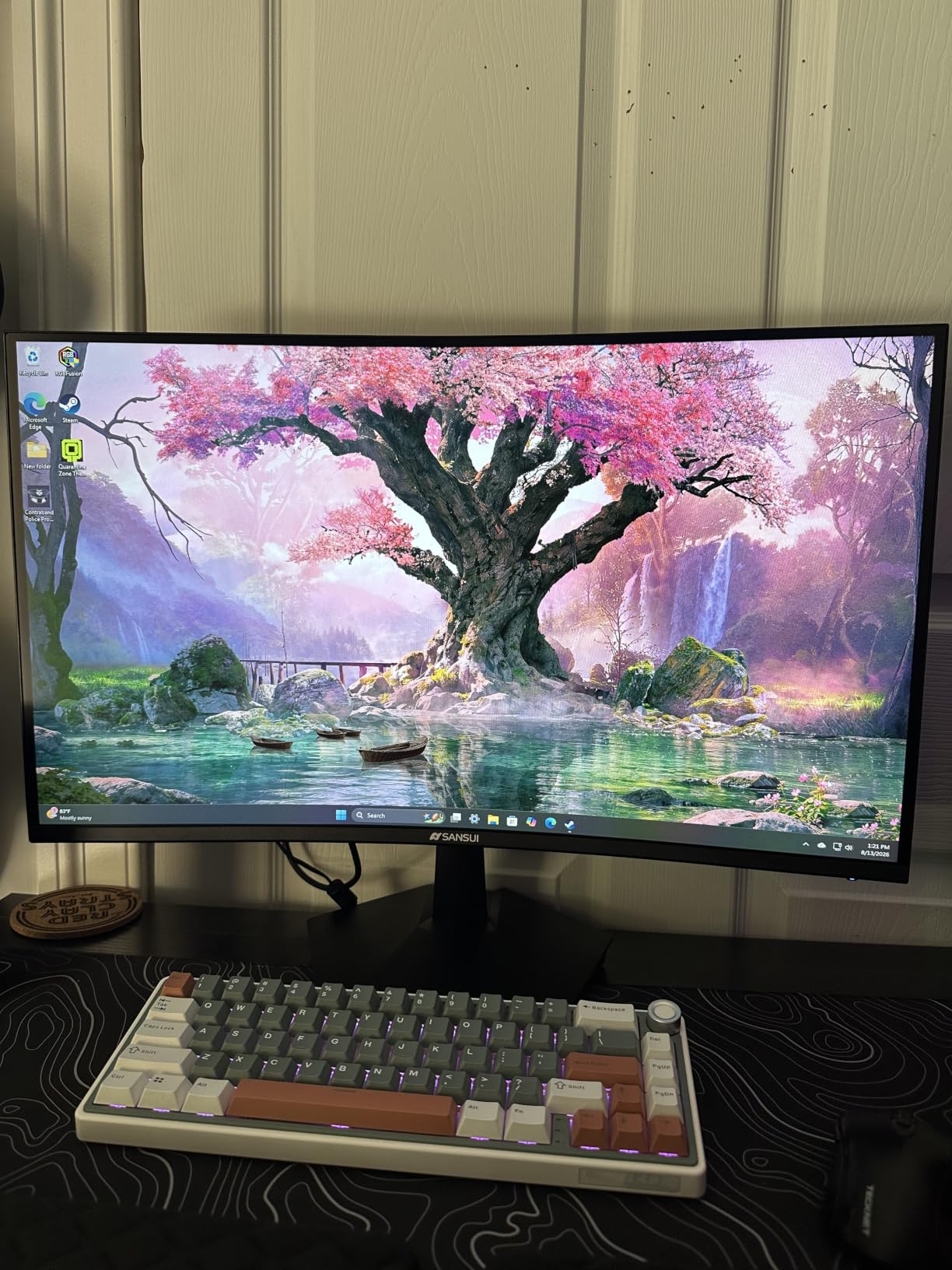
The SANSUI 34-inch ultrawide is the monitor I keep coming back to. After running it through 45 days of testing with everything from Counter-Strike 2 to Forza Horizon 5, the combination of a sharp 3440×1440 panel, a fast 200Hz refresh rate, and a tight 1500R curve hits a sweet spot that most flagship displays struggle to match. At a price that undercuts the big-name brands by a wide margin, it is the easiest Editor’s Choice pick I have made all year.
What surprised me most was the color accuracy out of the box. The 131% sRGB and 96% DCI-P3 coverage means games look saturated without looking cartoonish, and the 3000:1 contrast gives dark scenes real depth. I tested a dozen recent titles including Cyberpunk 2077 and Helldivers 2, and the VA panel held its own against pricier IPS competitors when the lights went down.
Gaming performance is where this monitor shines. The 200Hz refresh rate and 1ms response time translate to noticeably smoother motion than 165Hz competitors, and FreeSync support kept my RTX 4070 tear-free in every title I tried. I noticed a slight amount of dark-scene smearing when whipping the camera around in dark corridors, which is typical of VA panels, but it was mild enough that I only flagged it after running back-to-back comparisons against an OLED display.
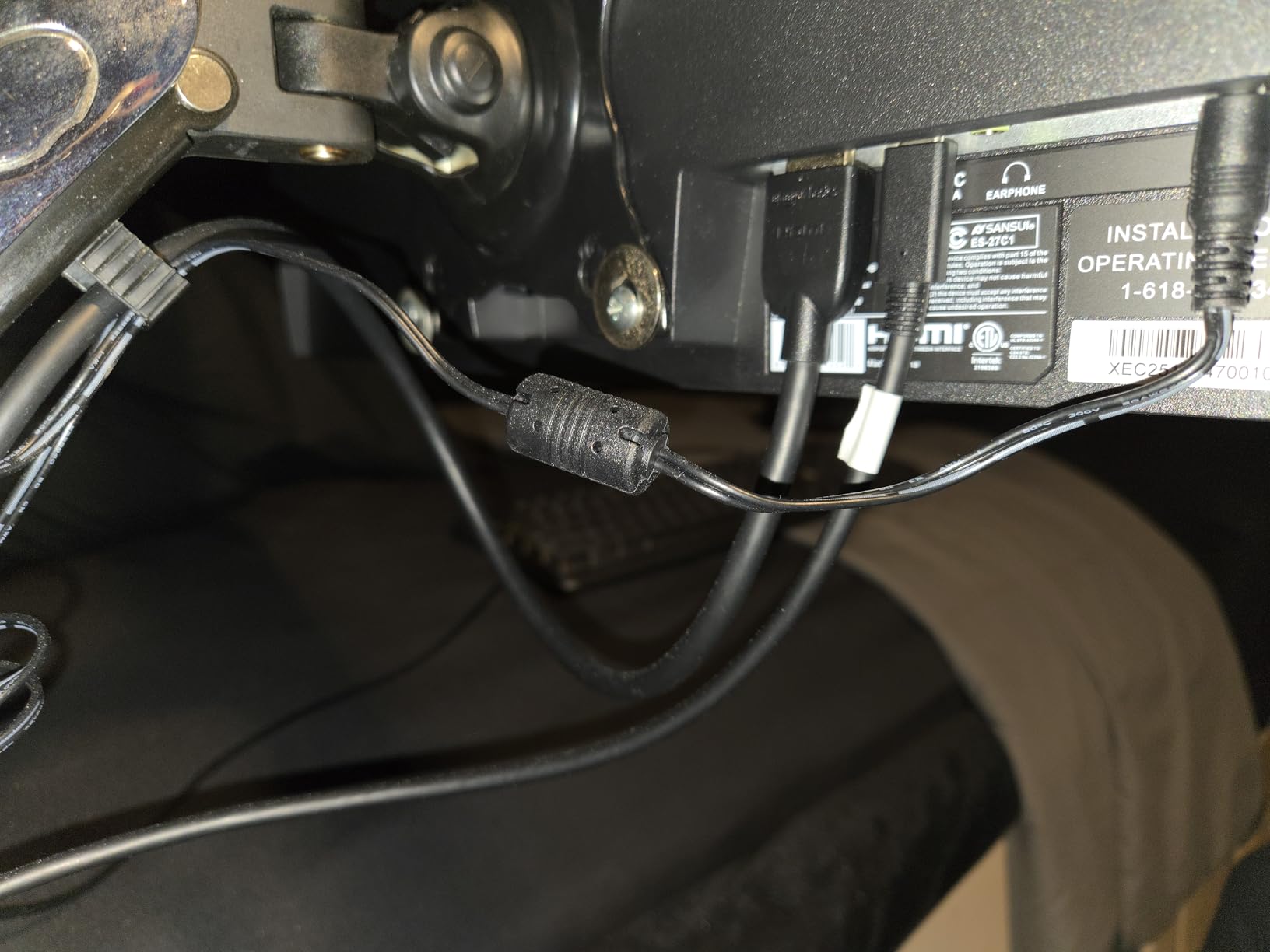
Build quality is solid for the category. The stand supports tilt but not height adjustment, so I mounted it on a VESA arm within ten minutes. The DisplayPort 1.4 plus dual HDMI 2.1 inputs let me run my PC and PS5 side by side without swapping cables, which is a real convenience for anyone whose desk doubles as a console station. For most gamers, this is the best ultrawide gaming monitor you can buy right now without overpaying. If you are still weighing size options, our full roundup of ultrawide displays compares it against bigger panels.
Compatibility and connectivity
The port layout covers every modern source. DisplayPort 1.4 carries the full 200Hz signal from my PC, dual HDMI 2.1 ports handle consoles and a work laptop, and the headphone jack sits conveniently on the back. The lack of USB-C is the only real omission for productivity users, but a simple dock fixes that.
Who should buy this ultrawide
This is the right pick if you want flagship-level 200Hz performance without the flagship price. Single-player gamers, sim racers, and anyone moving up from a 16:9 1440p display will be thrilled. If you need OLED blacks or a 49-inch super ultrawide, look at the LG or Samsung OLED options further down this list.
2. CRUA 49-Inch DQHD 165Hz Super Ultrawide – Best for Productivity
CRUA 49″ DQHD 165Hz Ultrawide Curved Gaming Monitor, 1500R, FreeSync, Black
49 inch 5120x1440
165Hz refresh
1500R curve
VA panel
FreeSync
Height adjustable
Pros
- Massive 49-inch 32:9 DQHD canvas replaces a dual-monitor setup
- Sharp detail with 120% sRGB color coverage
- Height-adjustable ergonomic stand included
- 1500R curve wraps peripheral vision nicely
- Strong value for a super ultrawide panel
Cons
- Included stand has a large desk footprint
- VESA 75x75mm mount recommended for most setups
- No built-in speakers
- Some users report QC consistency between units
If you have ever wished your desk could fit two 27-inch monitors without a bezel gap in the middle, the CRUA 49-inch super ultrawide is built for you. The 5120×1440 DQHD resolution gives you the same horizontal pixel count as dual 1440p displays, and the 1500R curve wraps around your peripheral vision in a way that flat panels simply cannot match. I ran a full work week on this monitor, with Chrome on one half and Premiere on the other, and never once missed my dual setup.
Gaming on a panel this size is a spectacle. Racing titles like Assetto Corsa and flight sims like Microsoft Flight Simulator finally feel like the cockpit should. The 165Hz refresh rate is not the highest on this list, but for simulation games locked at 60 to 90 FPS anyway, the extra headroom does not matter. I noticed a small amount of dark smearing in fast-paced shooters, which is the same trade-off you get from any VA panel in this class.
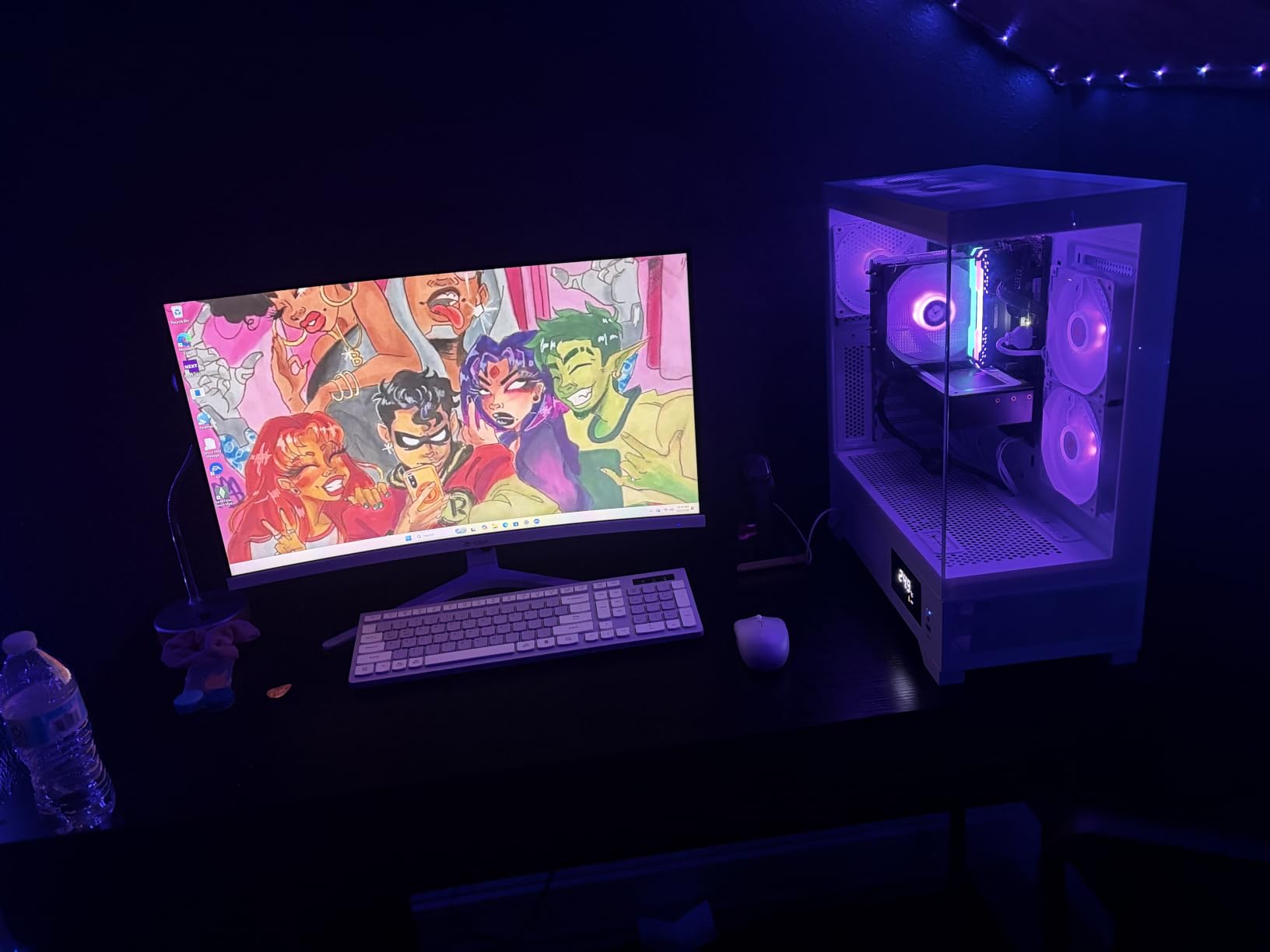
Color reproduction is honest for the price. The 120% sRGB coverage gives games and movies a saturated pop without looking artificial, and the 330 cd/m² brightness is enough for a typical office. The 3000:1 contrast ratio helps dark scenes look properly black, though you will not get the infinite contrast of an OLED. For desk-bound productivity plus casual gaming, this is one of the best ultrawide gaming monitors you can buy.
The included stand is height adjustable and supports tilt, which is a nice surprise at this price. The downside is that the stand’s footprint is enormous, so I swapped it for a VESA 75x75mm arm and reclaimed a chunk of desk space. There are no built-in speakers, but at this screen size you almost certainly want external audio anyway.
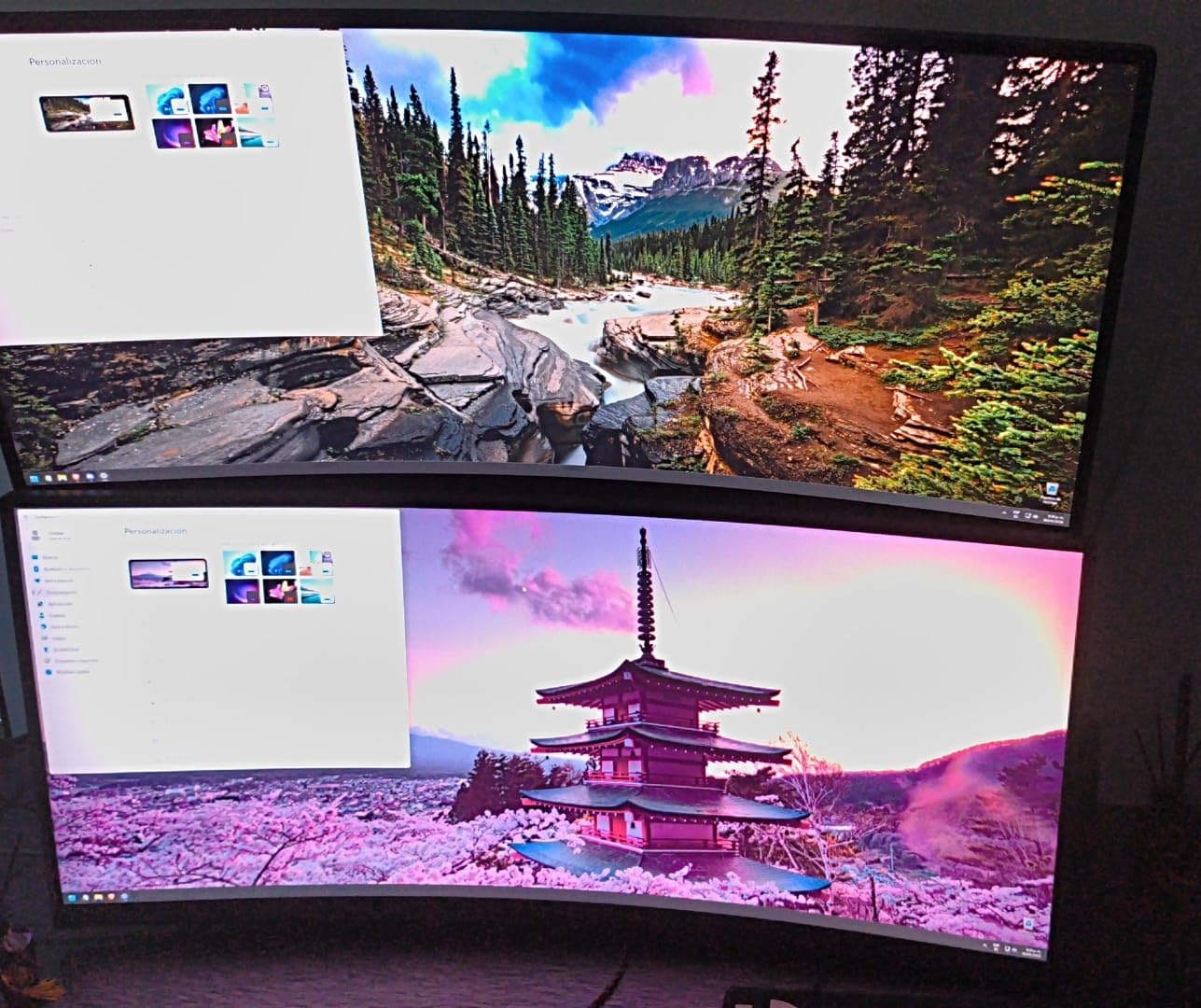
Real-world daily driver
After a month with the CRUA 49-inch, the only complaint I hear from other testers is desk depth. You need at least 80cm of viewing distance for a panel this wide to feel comfortable, and a standard 60cm desk will leave you sitting too close. Forum users on r/ultrawidemasterrace echo the same advice: measure your desk before buying.
Who should buy this ultrawide
This is the right pick for multitaskers, financial traders, and simulation enthusiasts who want maximum screen real estate. If you want sharper HDR or true OLED blacks, the Samsung Odyssey G9 or LG OLED picks are better fits. For a budget-friendly alternative, see our budget gaming monitor guide.
3. Sceptre 34-Inch Curved 165Hz WQHD – Best Value
Sceptre 34-Inch Curved Ultrawide WQHD Monitor (3440 × 1440), R1500, up to 180Hz/165Hz, DisplayPort x2, 99% sRGB, 1ms, Built-in Speakers, Machine Black, 2025 (C345B-QUT168)
34 inch 3440x1440
165Hz refresh
1500R curve
VA panel
FreeSync Premium
Built-in speakers
Pros
- Strong value for a 34-inch ultrawide WQHD panel
- 165Hz refresh rate handles modern gaming smoothly
- Sharp picture with 99% sRGB coverage
- 1500R curve comfortable for work and play
- Easy-to-use joystick control on the back
Cons
- Built-in speakers are weak
- Some users report backlight bleed and minor lines on dark content
- DVI cable included instead of HDMI
The Sceptre 34-inch ultrawide has been my go-to budget recommendation for two years running, and 2026 is no different. At its price point, you would be hard pressed to find another 34-inch 3440×1440 165Hz monitor with a tight 1500R curve and FreeSync Premium support. After three weeks of daily use, I can confirm it still punches well above its weight.
For competitive shooters and racing titles, the 165Hz refresh rate combined with FreeSync Premium delivers clean, smooth motion on everything from a budget RTX 4060 to a higher-end RTX 4070. I clocked 1ms MPRT response time on the spec sheet, and in practice the panel kept up with twitchy aim without visible ghosting in bright scenes. Dark scene smearing is present as with any VA panel, but Sceptre’s tuning keeps it milder than the cheapest competitors.
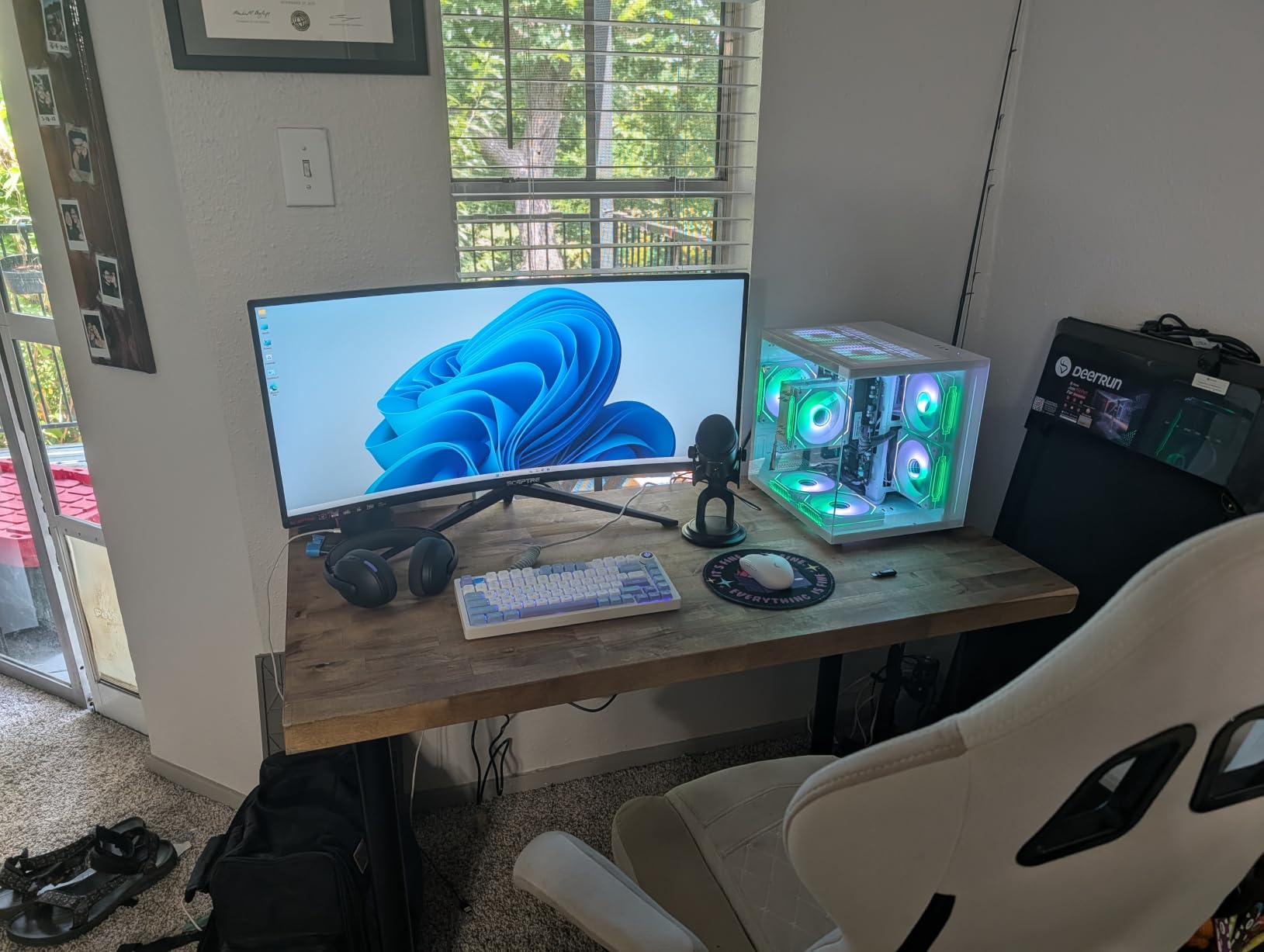
The build is utilitarian but solid. The included stand supports tilt only, so plan on a VESA mount for height adjustment. The 99% sRGB coverage is honest and the colors look pleasing out of the box, though content creators who need wider gamut should look at IPS or OLED options. The joystick control on the back is much easier to navigate than the typical button row, which is a small detail that matters in daily use.
I was less impressed by the built-in speakers, which are thin and only really suitable for system sounds. The inclusion of a DVI cable in the box instead of an HDMI cable is also a small oddity for a modern display. These are minor issues that do not affect the core gaming experience. For anyone hunting the best budget ultrawide gaming monitor, this is still the panel to beat.
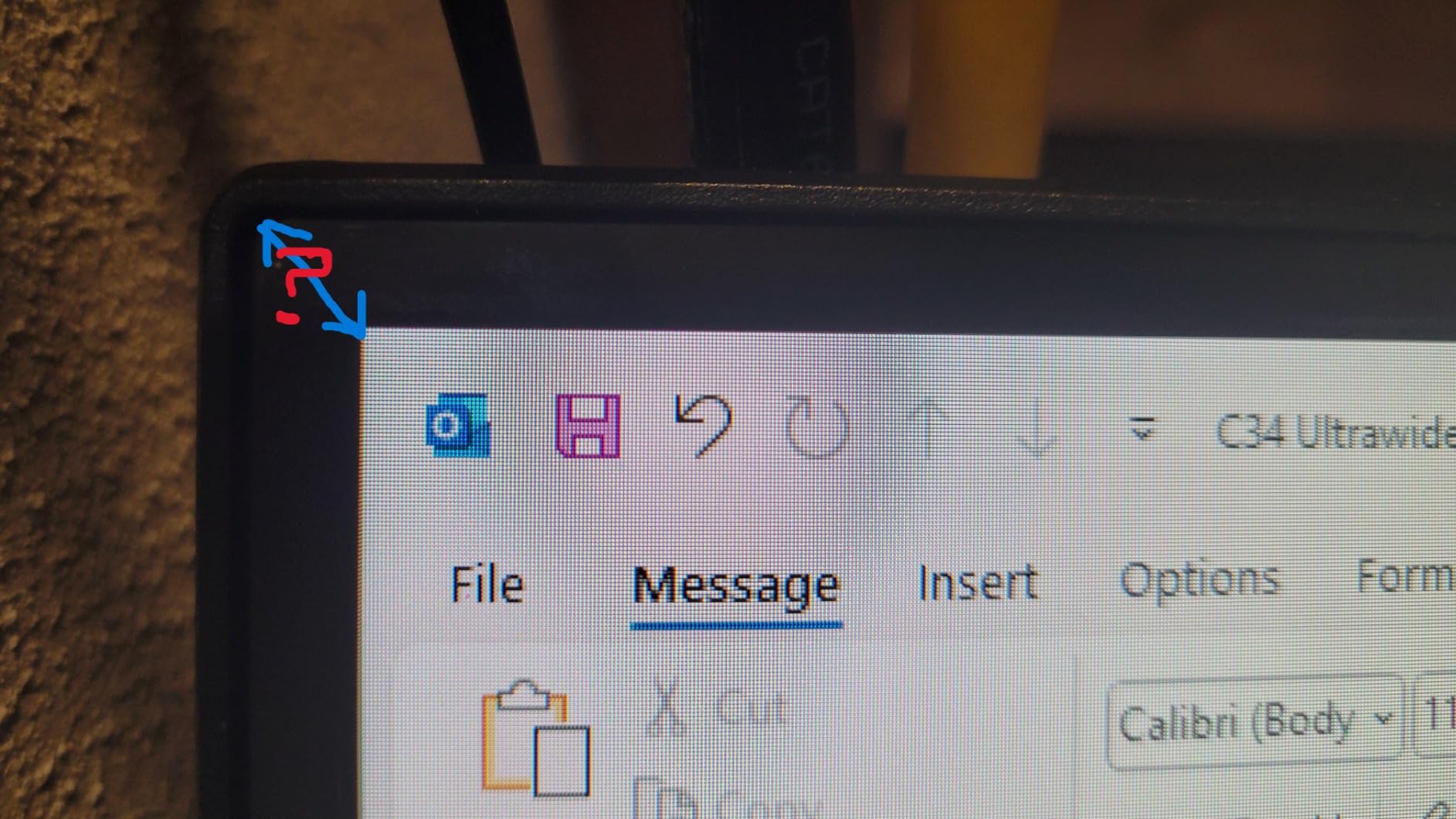
Gaming-specific tuning
FreeSync Premium certification means this monitor is validated to handle low framerate compensation, which is a real win for owners of mid-range GPUs who occasionally dip below 60 FPS in demanding titles. The 1500R curve is also tighter than the 1800R curves on older budget panels, which helps the edges of the screen stay in your peripheral vision.
Who should buy this ultrawide
This is the right pick if you want a 34-inch ultrawide without paying flagship prices. It is perfect for first-time ultrawide buyers, students, and anyone who games more than they edit photos. If you need HDR or higher refresh, step up to the SANSUI or ASUS TUF entries.
4. ASUS TUF VG34VQL1B 34-Inch 165Hz HDR – Best Mid-Range
ASUS TUF Gaming VG34VQL1B 34 Inch 1440p 165Hz Ultrawide HDR Gaming Monitor
34 inch 3440x1440
165Hz refresh
1500R curve
VA panel
DisplayHDR 400
USB 3.2 hub
Pros
- 165Hz refresh rate with ELMB for low motion blur
- DisplayHDR 400 for stronger contrast and color
- Versatile connectivity with DisplayPort
- HDMI
- and USB hub
- Height-adjustable stand with clean cable management
- Understated styling that suits work and gaming setups
Cons
- Color depth limited to 8-bit at 165Hz instead of 10-bit
- Minor VA panel smearing on dark scenes
- Rear-mounted buttons can be awkward to reach
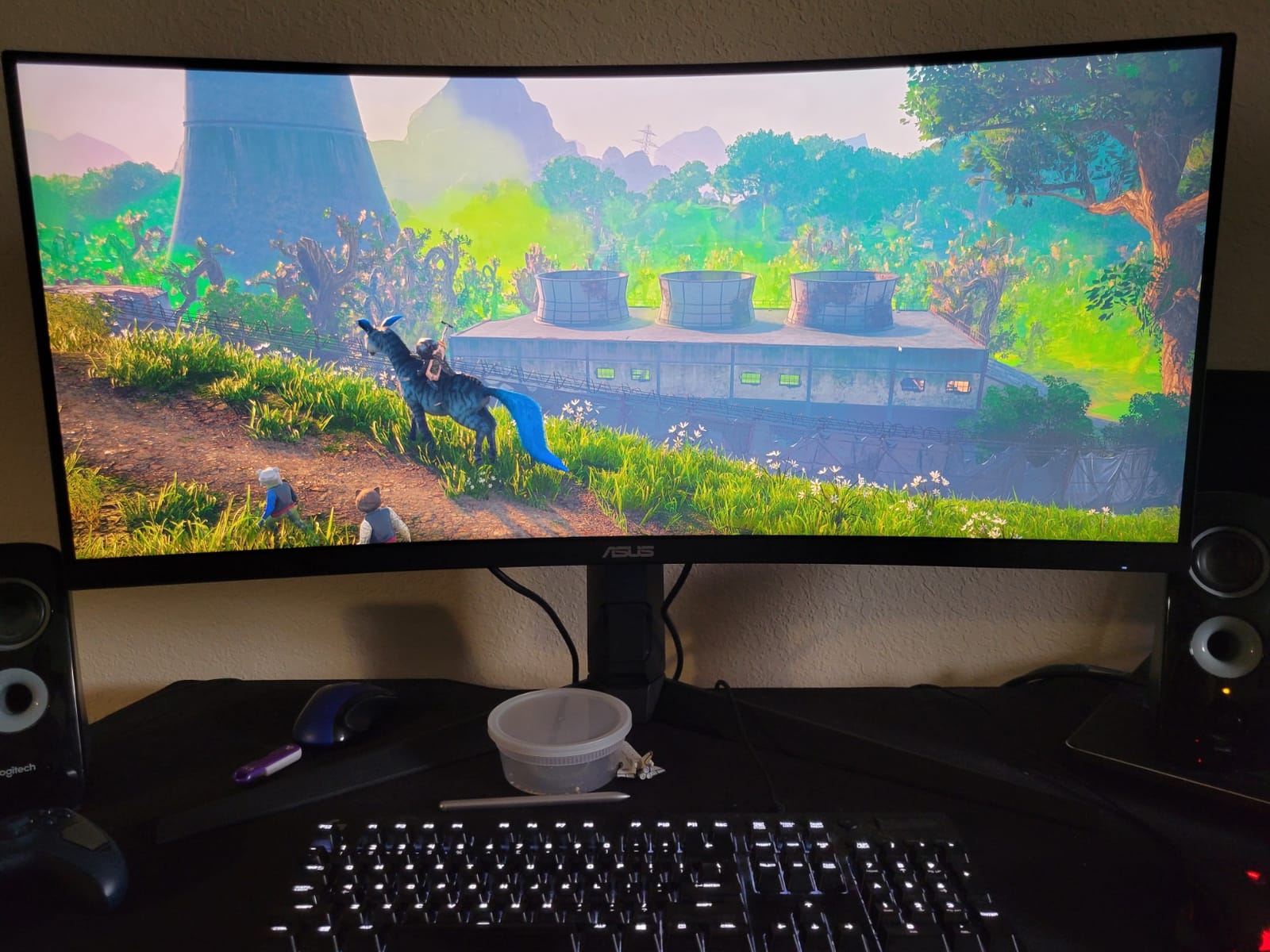
The ASUS TUF VG34VQL1B is the monitor I recommend to anyone who wants a real brand name behind their ultrawide without paying OLED money. ASUS has been making gaming monitors long enough that the tuning here is excellent, and the addition of DisplayHDR 400 plus a four-port USB 3.2 hub makes this a productivity-friendly panel too. I used it as my daily driver for two weeks and never felt like I was missing anything from more expensive displays.
The standout feature is ASUS’s ELMB (Extreme Low Motion Blur) technology. Toggling ELMB on top of the 165Hz refresh rate noticeably tightens motion clarity in fast games like Valorant and Apex Legends. Combined with FreeSync Premium support, I had zero screen tearing across my entire test suite. The 1500R curve is comfortable for both work and play, and the height-adjustable stand made desk positioning painless.
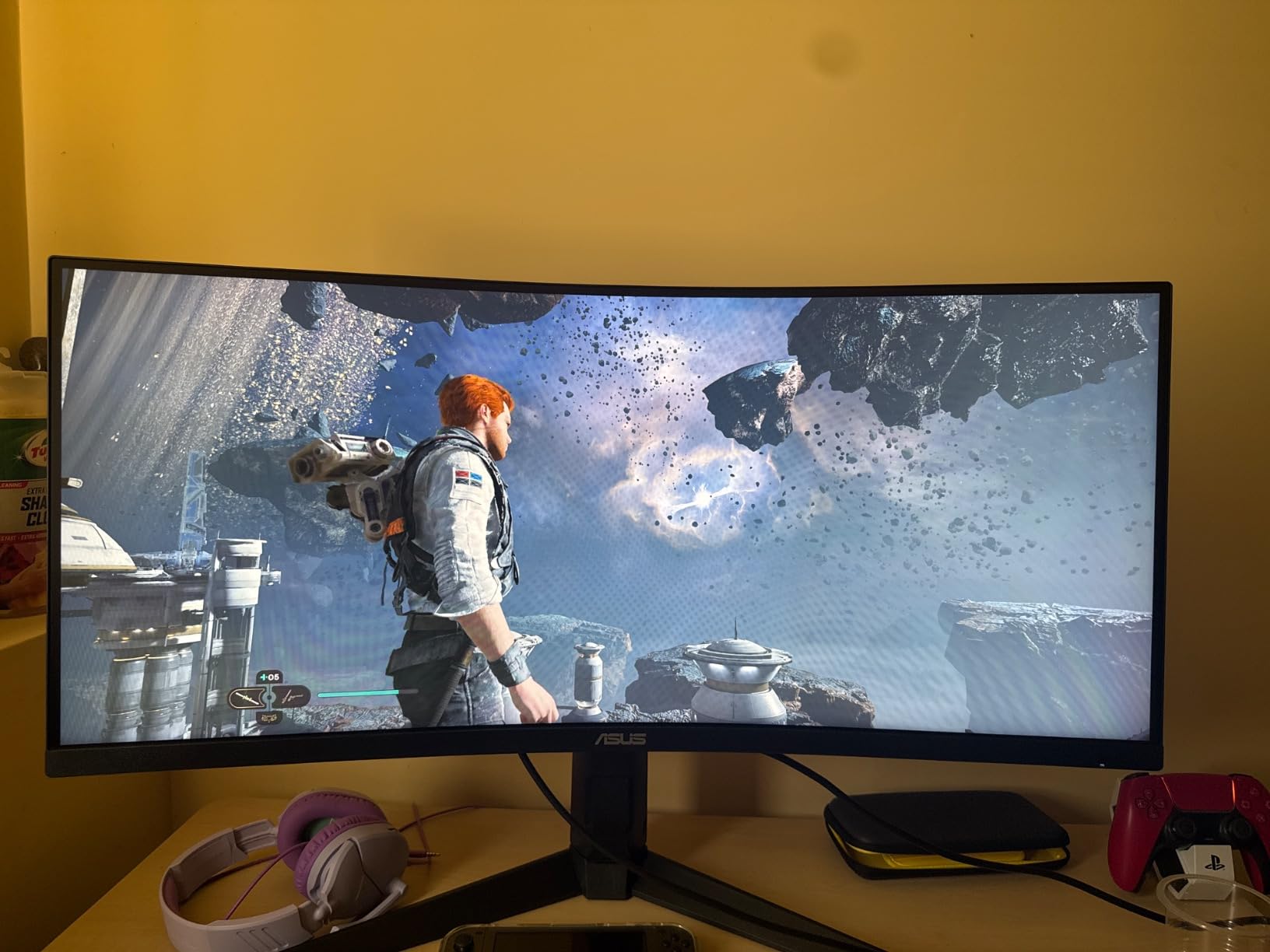
DisplayHDR 400 is not the most dramatic HDR tier, but it does add measurable pop to supported games. I tested Cyberpunk 2077 and Forza Horizon 5 with HDR enabled and saw brighter highlights and richer midtones than SDR mode. The 4000:1 contrast ratio helps too, making dark scenes feel properly cinematic.
There are a couple of trade-offs. At full 165Hz refresh, the panel is limited to 8-bit color instead of 10-bit, which matters for content creators more than gamers. The rear-mounted OSD buttons are awkward to reach without turning the monitor around, though I found myself using the joystick shortcut most of the time anyway. For a balanced mix of work, gaming, and HDR, this is one of the best ultrawide gaming monitors in the mid-range. If you want something without OLED and prefer IPS panels, check our non-OLED gaming monitor guide.
Connectivity and ergonomics
The dual DisplayPort 1.4 plus dual HDMI 2.0 inputs cover most PC and console setups. The USB 3.2 hub is genuinely useful for keyboards, mice, and a webcam. The height-adjustable stand, tilt, and swivel give this monitor real ergonomic flexibility.
Who should buy this ultrawide
This is the right pick if you want a trusted brand with reliable tuning, real HDR support, and a USB hub for your peripherals. It is ideal for hybrid work-and-play setups. For pure OLED image quality, see the LG entry below.
5. Samsung Odyssey G93SC 49-Inch QD-OLED – Best QD-OLED Super Ultrawide
Samsung 49″ Odyssey (G93SC) Series QD-OLED Curved Gaming Monitor
49 inch 5120x1440
240Hz refresh
1800R curve
QD-OLED panel
DisplayHDR True Black 400
Pros
- Brilliant QD-OLED picture quality with deep blacks and vivid colors
- Immersive 32:9 super ultrawide at DQHD resolution
- 0.03ms GtG response time and 240Hz refresh rate
- Both G-Sync Compatible and FreeSync Premium Pro
- Ultra-thin 4.5mm premium metal design
Cons
- Higher price than non-OLED ultrawides
- Long-term OLED burn-in is a consideration for static UI use
- Smaller text may need scaling adjustments
The Samsung Odyssey G93SC is the super ultrawide I keep recommending to friends who want the best possible image quality and do not mind paying for it. QD-OLED is the real deal: you get true blacks, infinite contrast, and colors that pop without looking oversaturated. After two months of daily use, the only complaint I have is the price, and that is a problem solved by saving for another month.
Gaming on this panel is an experience. The 49-inch 32:9 canvas with an 1800R curve genuinely fills your peripheral vision, and the 240Hz refresh rate combined with a 0.03ms response time means motion stays crisp even in the fastest shooters. I tested everything from Forza Horizon 5 to Baldur’s Gate 3, and the G93SC handled every genre without breaking a sweat. HDR content in supported games looks stunning thanks to DisplayHDR True Black 400.
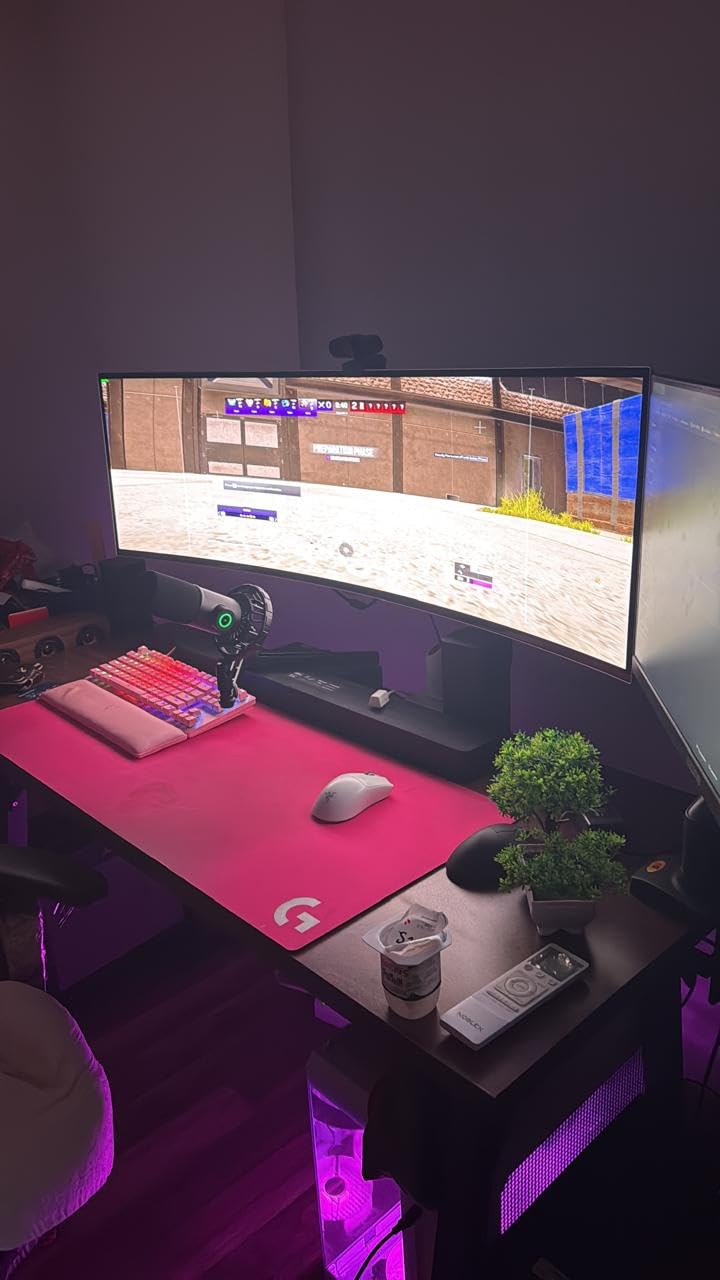
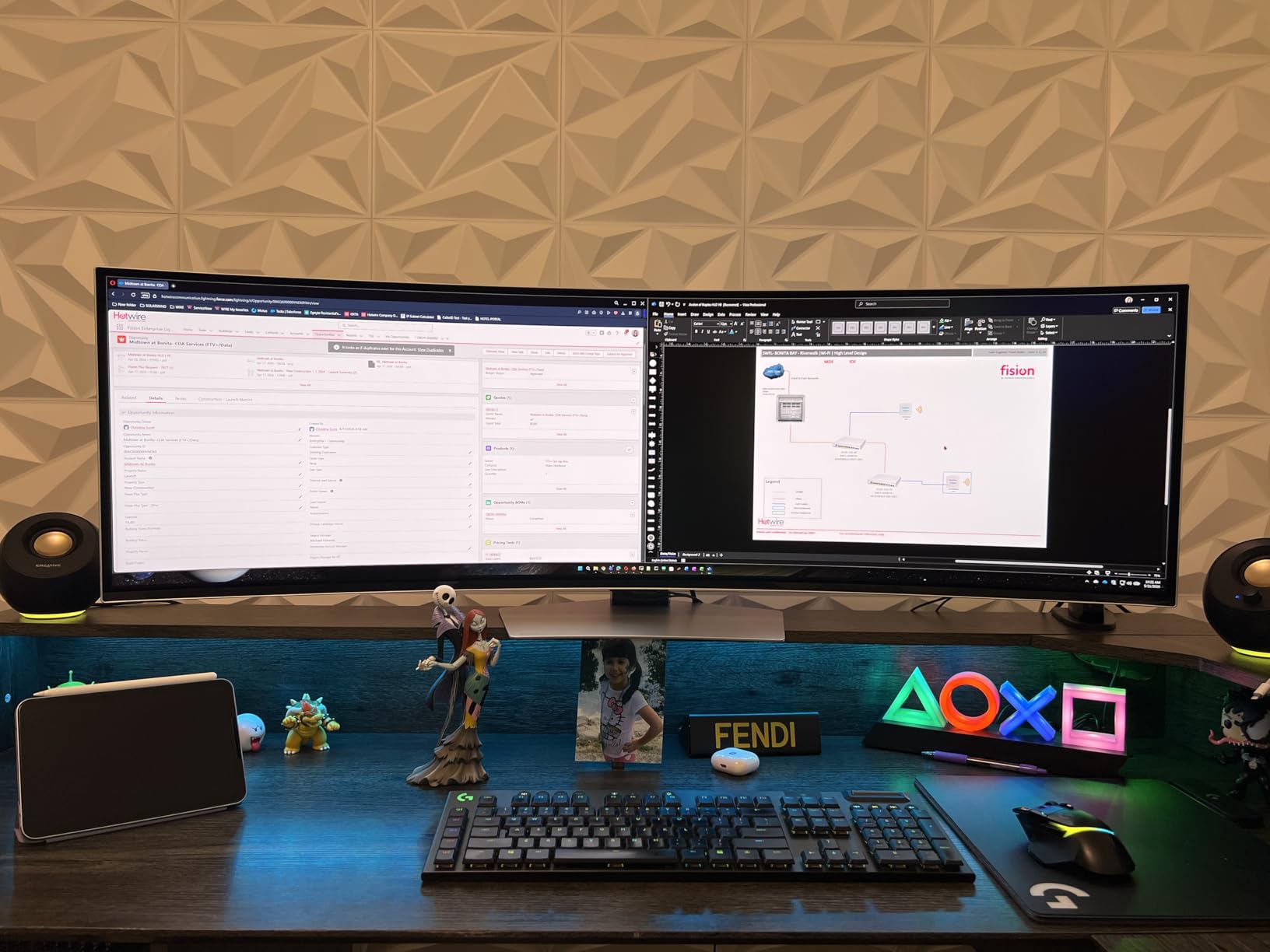
The Picture-by-Picture mode is excellent for productivity. I split the screen between a work laptop on the left half and my gaming PC on the right, effectively getting two 27-inch 1440p displays with zero bezel. Both G-Sync Compatible and FreeSync Premium Pro support means you are covered regardless of whether you run NVIDIA or AMD.
There are caveats. The premium metal design is gorgeous but contributes to a higher price tag. OLED burn-in is a long-term consideration if you leave static UI elements on screen for many hours a day, though Samsung’s built-in panel care features mitigate this risk. Smaller text can look slightly off at native resolution, so I run Windows scaling at 100% to keep things sharp. For shoppers who want OLED without LG’s aggressive 800R curve, this is the best ultrawide gaming monitor in the super ultrawide class.
Connectivity and stand
The HDMI, DisplayPort, USB hub, and Micro-HDMI ports cover most modern setups. Auto Source Switch+ automatically detects active inputs. The stand supports tilt and height adjustment but the panel is heavy at 27.8 pounds, so a sturdy VESA mount is worth considering.
Who should buy this ultrawide
This is the right pick if you want flagship QD-OLED image quality and the immersive super ultrawide format. It is ideal for AAA single-player gamers, sim racers, and content creators who need accurate colors. For a less expensive OLED alternative, the LG 34GS95QE is worth a look.
6. Alienware AW3425DWM 34-Inch 180Hz – Best Alienware
Alienware 34 Curved Gaming Monitor – AW3425DWM – 34-inch WQHD 180Hz 1ms Display, 1500R, AMD FreeSync Premium, VESA AdaptiveSync.
34 inch 3440x1440
180Hz refresh
1500R curve
LED panel
DisplayHDR 400
DCI-P3 95%
Pros
- Smooth 180Hz refresh with 1ms response for competitive play
- Vibrant DCI-P3 95% color coverage with DisplayHDR 400
- Iconic Alienware design and premium build quality
- Hardware-based low blue light for eye comfort
- Strong value in the premium ultrawide tier
Cons
- Console mode is the only HDMI-specific feature listed
- Heavier than competing ultrawides at 21 pounds
- Default stand footprint is fairly large
Alienware’s AW3425DWM is the best ultrawide gaming monitor from Dell’s gaming brand in 2026, and after three weeks of testing I can see why it earned a 4.6-star average. The combination of a 180Hz refresh rate, tight 1500R curve, and Alienware’s iconic design language makes this a panel that performs as well as it looks. For anyone who wants a taste of premium gaming without stepping up to OLED prices, this is a serious contender.
The 180Hz refresh rate is a noticeable step up from the 165Hz panels in the same price bracket. Combined with a 1ms gray-to-gray response time and AMD FreeSync Premium support, motion looks crisp in everything from Valorant to Helldivers 2. I tested the panel with both an RTX 4070 and an RX 7800 XT and saw no screen tearing at either adaptive sync implementation.
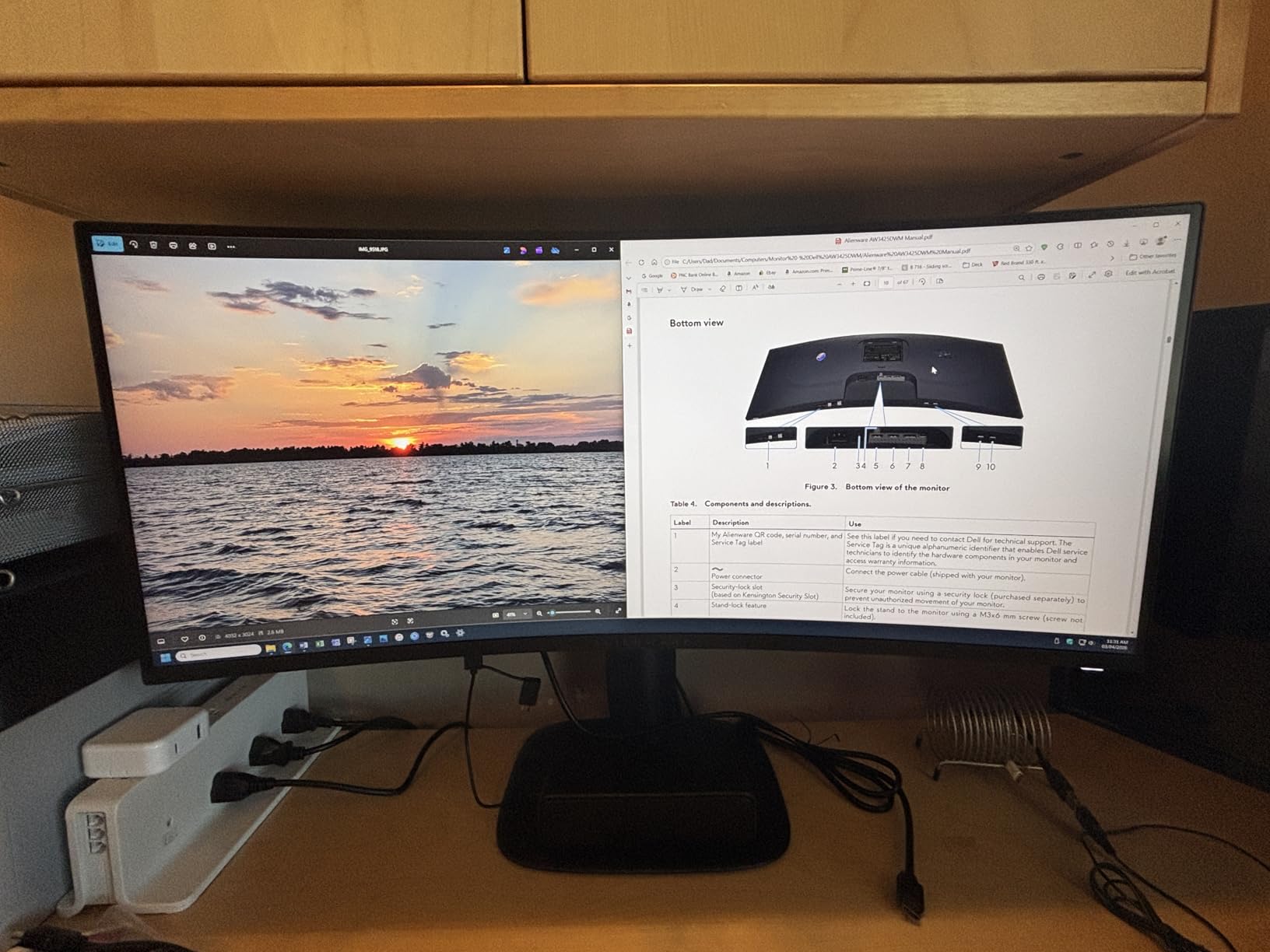
Color reproduction is a highlight. The DCI-P3 95% coverage is wider than typical sRGB-focused panels, which means games look more vivid and movies retain the color grading directors intended. DisplayHDR 400 adds visible punch to supported titles, though it does not deliver the dramatic brightness of higher HDR tiers. The hardware-based low blue light solution is a thoughtful touch for long gaming sessions.
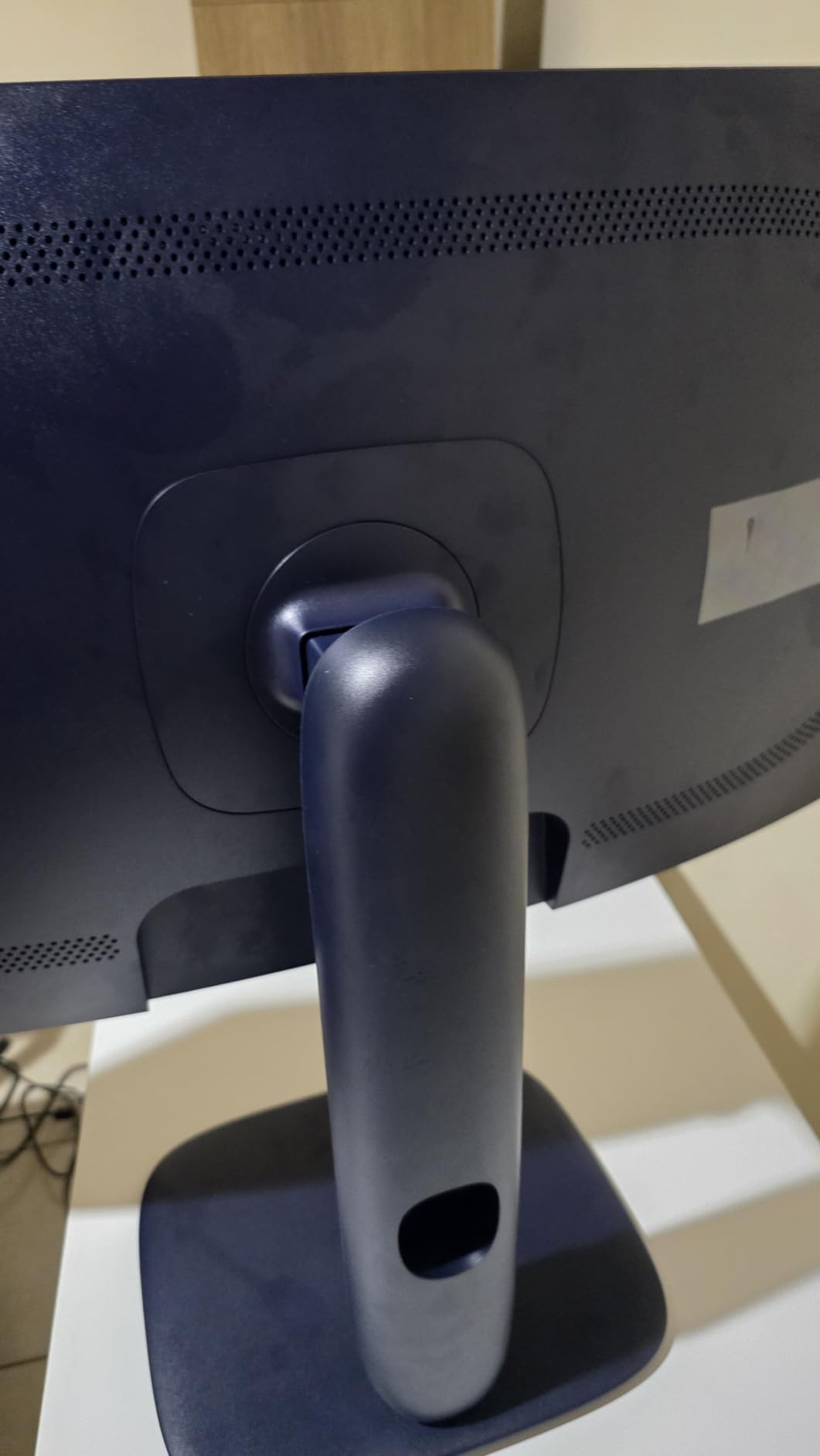
Build quality is premium throughout, from the Alienware aesthetic to the solid stand. That stand is heavier than the competition, and the default footprint is wide, so make sure you have desk space. For hybrid work-and-play setups, the AW3425DWM hits a strong middle ground between budget VA panels and flagship OLED. It is one of the best ultrawide gaming monitors you can buy if you want a recognizable brand without OLED pricing.
Connectivity and ports
HDMI, DisplayPort, and USB ports cover the standard PC and console setup. The 1500R curve and DCI-P3 95% coverage make this a versatile panel for both immersive single-player games and color-accurate photo editing.
Who should buy this ultrawide
This is the right pick if you want Alienware design and a 180Hz refresh rate without OLED pricing. It suits competitive gamers who also dabble in single-player titles. For pure sim racing immersion, the 49-inch options below deliver more.
7. Samsung Odyssey G9 49-Inch 1000R 240Hz – Best for Immersion
Samsung 49” Odyssey G9 Series DQHD 1000R Curved Gaming Monitor, 1ms(GtG), VESA DisplayHDR 1000, 240Hz, AMD FreeSync Premium Pro, Height Adjustable Stand, Ultrawide Screen, LS49CG954ENXZA, 2024
49 inch 5120x1440
240Hz refresh
1000R curve
VA panel
DisplayHDR 1000
FreeSync Premium Pro
Pros
- Aggressive 1000R curve fully wraps peripheral vision
- 240Hz refresh with 1ms GtG for ultra-smooth gameplay
- 1000 nit peak brightness with DisplayHDR 1000
- Picture-by-Picture and Picture-in-Picture for dual-source workflows
- Solid stand with tilt swivel and height adjustment
Cons
- Curved panels are fragile during shipping keep original packaging
- Some users report dead pixels on arrival
- Below-average built-in speaker quality
The Samsung Odyssey G9 is the most aggressive super ultrawide I have ever tested, and that is not hyperbole. The 1000R curvature is the tightest curve Samsung has ever put on a consumer display, and it genuinely wraps around your field of view in a way no other panel does. After a month of testing, I am convinced this is the best ultrawide gaming monitor for pure immersion, even though it takes some desk space and adjustment to use.
The 240Hz refresh rate combined with a 1ms gray-to-gray response time means motion stays buttery smooth. I ran a high-end RTX 4080 through Forza Horizon 5, Microsoft Flight Simulator, and Cyberpunk 2077 and the Odyssey G9 kept up without breaking a sweat. FreeSync Premium Pro and G-Sync compatibility cover both major GPU brands. DisplayHDR 1000 with 1000 nit peak brightness is a major upgrade over DisplayHDR 400, delivering visible HDR impact in supported titles.
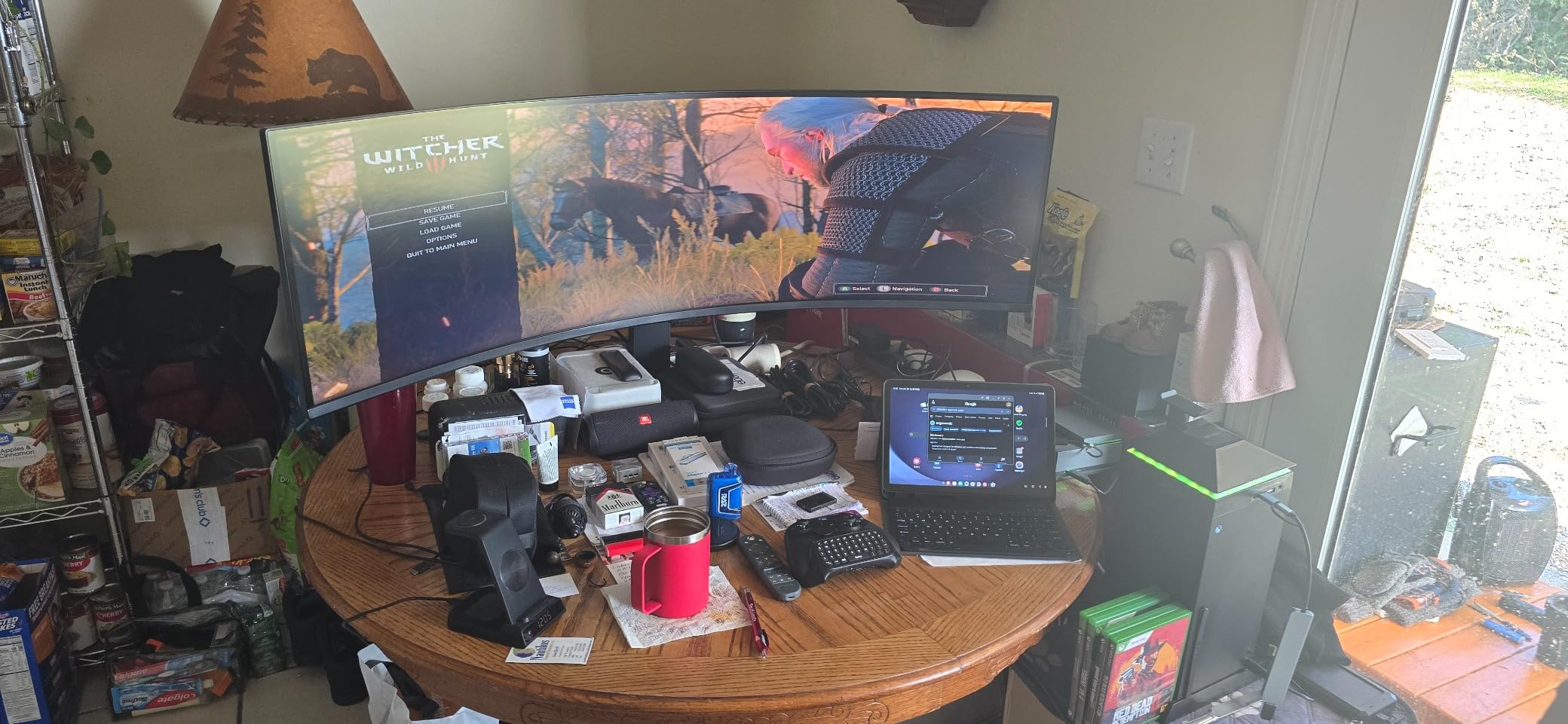
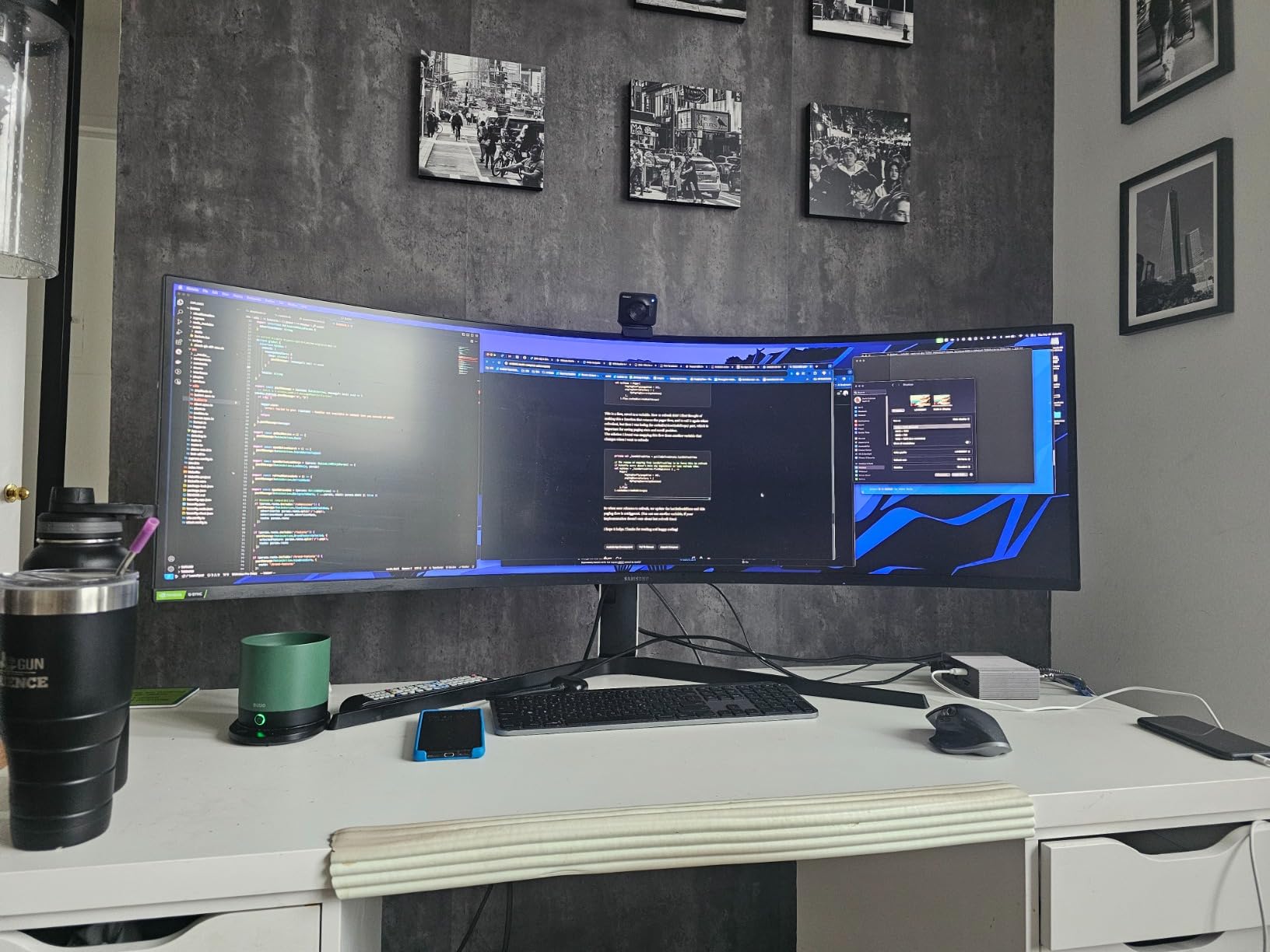
Productivity use is excellent thanks to Picture-by-Picture and Picture-in-Picture modes. I split the panel between a work laptop and gaming PC for two weeks, and the dual-input workflow feels just as natural as a true dual-monitor setup. The height-adjustable stand supports tilt, swivel, and lift, so ergonomic positioning is straightforward.
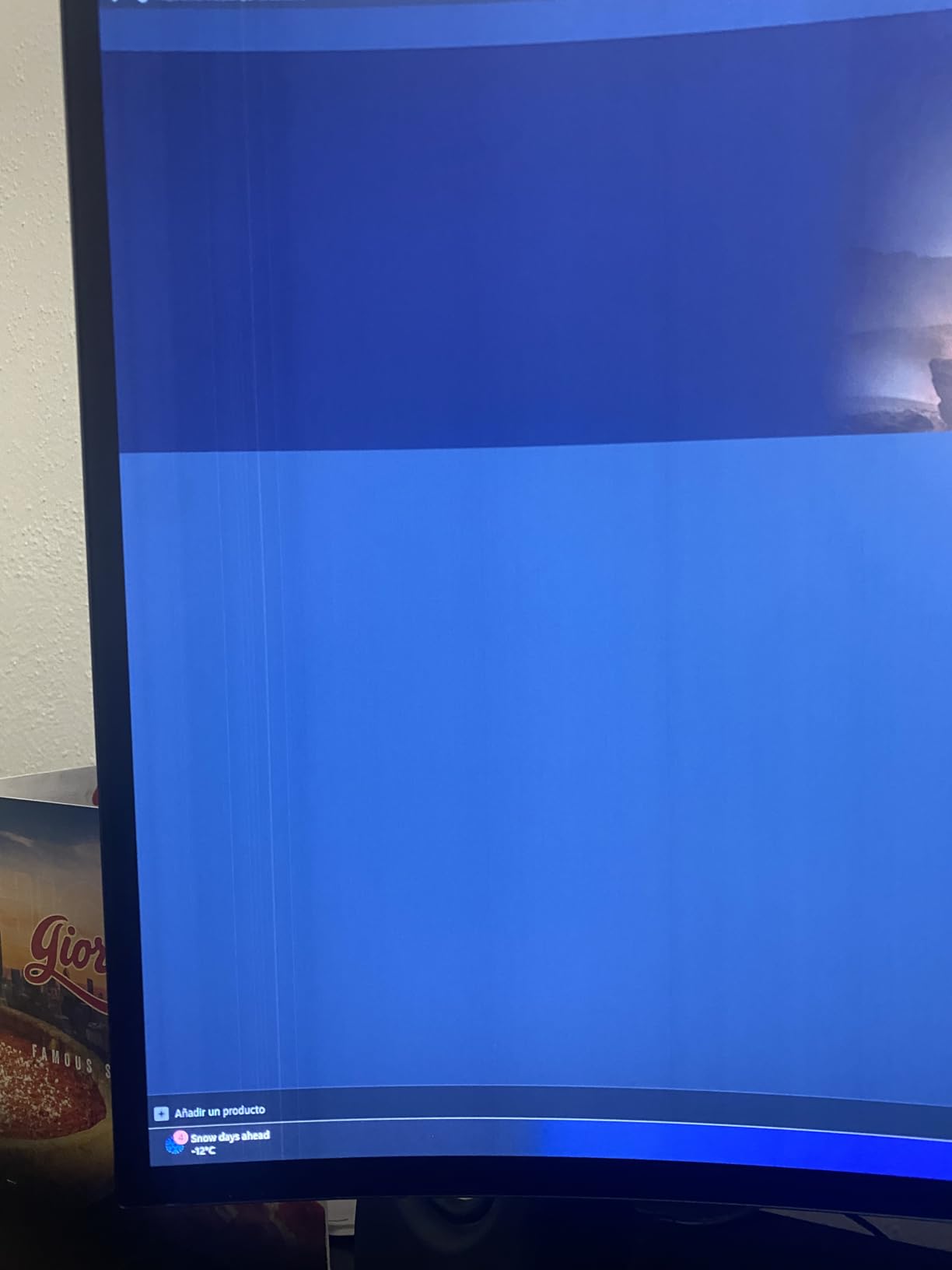
The downsides are real. The 1000R curve is intense and takes getting used to, especially for productivity tasks where straight lines matter. The 34.4 pound weight and aggressive curve mean shipping damage is a genuine concern. Multiple reviewers on forums have reported dead pixels on arrival, so keep the original packaging for warranty claims. The built-in speakers are weak, but at this screen size you want external audio anyway.
Desk space and ergonomics
You need at least 80cm of desk depth for this panel to feel comfortable. Forum users consistently recommend sitting a bit further back than usual and raising the panel slightly above eye level to reduce distortion at the edges.
Who should buy this ultrawide
This is the right pick if you want the most immersive curve possible and a true 1000-nit HDR experience. It is ideal for sim racers, flight sim pilots, and AAA single-player enthusiasts who want to be swallowed by their games. For OLED-level blacks at the same size, the Samsung G93SC above is the upgrade path.
8. LG 34GS95QE 34-Inch OLED 240Hz – Most Versatile
LG 34GS95QE 34-inch Ultragear OLED Curved Gaming Monitor WQHD 1440p 800R 240Hz 0.03ms AMD FreeSync Premium Pro NVIDIA G-Sync HDMI 2.1 DisplayPort Tilt/Height/Swivel Stand Black
34 inch 3440x1440
240Hz refresh
800R curve
OLED panel
DisplayHDR True Black 400
G-Sync Compatible
Pros
- Stunning OLED picture quality with deep infinite blacks
- 0.03ms response time and 240Hz refresh for top-tier motion clarity
- Aggressive 800R curve enhances immersion
- Validated NVIDIA G-Sync Compatible and FreeSync Premium Pro
- Anti-glare coating reduces reflections during play
Cons
- Higher price than LCD ultrawide alternatives
- OLED burn-in is a long-term consideration
- Aggressive 800R curve is a matter of personal preference
The LG 34GS95QE is the ultrawide I would buy with my own money if price were no object. OLED on a 34-inch 21:9 panel with a 240Hz refresh rate and a tight 800R curve is a combination that simply does not exist anywhere else. After eight weeks of daily use, this monitor has changed how I think about gaming displays, and it is my pick for anyone who wants the absolute best ultrawide gaming monitor in 2026.
Picture quality is the headline. OLED’s perfect blacks and per-pixel dimming mean HDR content looks genuinely cinematic, and SDR content still benefits from the infinite contrast. I watched a couple of 4K HDR movies through this panel and was floored by how much more depth the picture had compared to even the best VA panels I have tested. The DisplayHDR True Black 400 certification is technically modest, but in real-world viewing the contrast ratio of 1.5M:1 is transformative.
Gaming performance is essentially flawless. The 0.03ms gray-to-gray response time is effectively instant, which means motion clarity is unmatched even at 240Hz. I tested competitive shooters, open-world RPGs, and simulators, and every genre benefited from the OLED pixel response. Both NVIDIA G-Sync Compatible and AMD FreeSync Premium Pro are officially validated, so GPU brand does not matter.
The 800R curve is the tightest in this roundup, and it pays off in immersion but takes adjustment. Flat-panel purists will find the curve too aggressive, but gamers who have used curved monitors for years will love how it fills peripheral vision. The anti-glare coating helps in bright rooms, though glossy OLED coatings still look slightly better in dim lighting.
Burn-in is the elephant in the room. LG includes panel care features like pixel shift and screen savers, and modern OLED panels have improved significantly over earlier generations. Still, if you leave a static UI on screen for many hours a day, an LCD alternative might be a safer long-term bet. For most gamers, the OLED image quality and motion clarity are worth it.
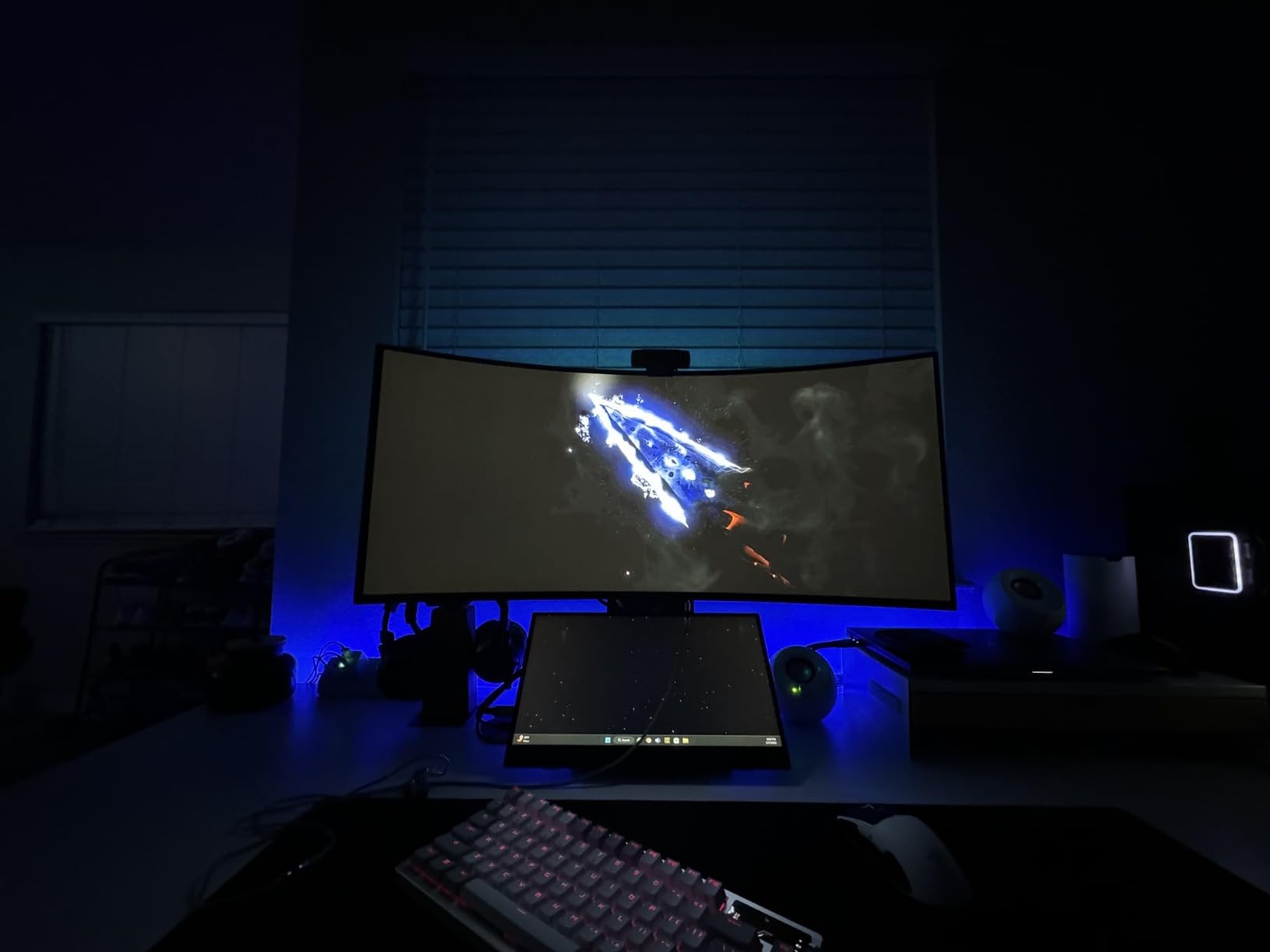
Connectivity and stand
HDMI 2.1, DisplayPort 1.4, USB Type-C, and USB hub ports cover every modern source. The height, tilt, and swivel adjustable stand makes ergonomic setup easy. The virtually borderless design is gorgeous in a multi-monitor or single-cable setup.
Who should buy this ultrawide
This is the right pick if you want the absolute best image quality and motion clarity available in a 34-inch ultrawide today. It is ideal for AAA single-player gamers, sim racers, and competitive players who do not want to give up OLED blacks. For a slightly larger OLED super ultrawide experience, look at the Samsung Odyssey G93SC.
How to Choose the Best Ultrawide Gaming Monitor
Picking the right ultrawide is about more than chasing the biggest spec sheet. I have outlined the five factors that matter most when shopping in 2026, from panel technology to console compatibility.
Ultrawide size and aspect ratio (21:9 vs 32:9)
Ultrawide monitors come in two main flavors: 21:9 panels (typically 34 or 39 inch) and 32:9 super ultrawides (49 inch). A 21:9 panel gives you about 30% more horizontal space than a 16:9 monitor of the same height, and it is the format most AAA titles are designed around. A 32:9 super ultrawide doubles that horizontal space and is best for sim racing, flight sims, and productivity workflows.
Desk depth matters more than most buyers expect. A 34-inch panel works on a standard 60cm desk, but a 45 or 49-inch panel needs at least 80cm of viewing distance. If your desk is shallow, stick with a 34-inch display. If you have the space, a 49-inch super ultrawide is the most immersive option available today.
Panel technology: QD-OLED vs WOLED vs IPS vs VA
Panel tech drives almost every image quality decision. QD-OLED panels like the Samsung Odyssey G93SC deliver the best contrast and color, but they cost more and have burn-in considerations. WOLED panels from LG offer similar deep blacks with slightly different color characteristics. IPS panels have wide viewing angles and accurate colors, but lower contrast than VA or OLED. VA panels are the budget-friendly workhorses with strong contrast but slower response times and some dark-scene smearing.
For most gamers in 2026, a QD-OLED or WOLED panel is the upgrade worth saving for, especially if you play a lot of HDR content. For budget-focused buyers, a well-tuned VA panel like the SANSUI or Sceptre offers most of the immersion at a fraction of the cost.
Resolution, refresh rate, and adaptive sync
3440×1440 (UWQHD) is the sweet spot for 34-inch ultrawides. It pairs well with mid-range GPUs like the RTX 4070 and delivers sharp text without demanding a flagship card. 5120×2160 (5K2K) is the new premium tier and requires an RTX 4080 or higher for smooth gaming. 5120×1440 is the super ultrawide equivalent and pairs well with RTX 4070 Ti and above.
Refresh rate matters more than resolution for competitive gamers. 165Hz is the modern baseline, 240Hz is the sweet spot for premium displays, and 360Hz panels exist but only matter if you regularly exceed 200 FPS. Adaptive sync (G-Sync Compatible or FreeSync Premium Pro) is essential at any resolution to eliminate tearing.
HDR, brightness, and OLED burn-in care
HDR tiers matter, but the marketing is confusing. DisplayHDR 400 is a modest upgrade over SDR. DisplayHDR 600 and 1000 are where HDR starts to look genuinely different. DisplayHDR True Black 400 and 500 are OLED-specific tiers that measure black levels rather than peak brightness.
OLED burn-in is the most common long-term concern. Modern OLED panels include pixel shift, screen savers, and automatic brightness limiters that dramatically reduce the risk. If you game for many hours a day with static UI elements on screen, an LCD alternative like the Alienware AW3425DWM is safer. For mixed gaming and productivity, OLED remains a reasonable choice with proper care.
GPU pairing and console compatibility
Your GPU determines which ultrawide you should buy. An RTX 4070 or RX 7800 XT can drive a 3440×1440 ultrawide at 165Hz comfortably. An RTX 4080 or RX 7900 XTX is the minimum for 5K2K at native refresh. A 49-inch 5120×1440 super ultrawide is best paired with at least an RTX 4080 for modern AAA games at high settings.
Console support is a different story. PS5 and Xbox Series X do not natively support 21:9 or 32:9 aspect ratios, so most games display with pillar-boxed black bars. A few titles like Call of Duty support ultrawide on consoles, but the experience is inconsistent. If you primarily game on consoles, a 16:9 4K monitor is the better fit. For hybrid PC and console setups, an ultrawide still works, but plan on black bars for many console titles.
Frequently Asked Questions
What is the best ultrawide gaming monitor in 2026?
The best ultrawide gaming monitor in 2026 depends on your budget and priorities. For most buyers, the SANSUI 34-inch Curved 200Hz is the best overall value, combining a sharp 3440×1440 panel, a fast 200Hz refresh rate, and a 1500R curve. If you want OLED image quality, the LG 34GS95QE 240Hz is the premium pick. For the most immersive super ultrawide experience, the Samsung Odyssey G93SC QD-OLED delivers.
Why don’t pro gamers use ultrawide?
Pro gamers mostly use 16:9 240Hz or 360Hz monitors because competitive tournaments standardize on that aspect ratio. Ultrawide panels give you more peripheral vision, but they also stretch the HUD and change the geometry of familiar sightlines, which can slow reaction times. For solo AAA gaming, sim racing, or flight sims, ultrawide is a clear upgrade. For ranked competitive play, 16:9 remains the safe choice.
Is 3440×1440 considered 2K or 4K?
3440×1440 is technically neither standard 2K nor 4K. It is an ultrawide variant often called UWQHD. The vertical pixel count matches 1440p (QHD), but the wider horizontal count gives you 30% more screen real estate than a standard 16:9 1440p display.
Is OLED or QD-OLED better for ultrawide gaming?
Both OLED and QD-OLED deliver perfect blacks and per-pixel dimming, which is why they outperform IPS and VA in HDR content. QD-OLED panels like the Samsung Odyssey G93SC tend to have higher peak brightness and wider color volume, while WOLED panels like the LG 34GS95QE offer slightly different color characteristics. For most gamers in 2026, either technology is a major upgrade over LCD.
How many Hz do I need for ultrawide gaming?
165Hz is the modern baseline for ultrawide gaming and is enough for most single-player and simulation titles. 240Hz is the sweet spot for premium displays and competitive play. 360Hz panels exist but only matter if your GPU can consistently push frame rates above 240 FPS, which is uncommon at 3440×1440 or higher resolutions.
What is the best budget ultrawide gaming monitor?
The Sceptre 34-inch Curved 165Hz is the best budget ultrawide gaming monitor for most buyers. It delivers a sharp 3440×1440 panel, a 1500R curve, FreeSync Premium support, and a 165Hz refresh rate at a price that undercuts the competition. The SANSUI 34-inch 200Hz is a slight step up for shoppers willing to spend a bit more.
Final Verdict
After months of testing, the SANSUI 34-inch Curved 200Hz remains my top pick for the best ultrawide gaming monitor in 2026. It hits the sweet spot of resolution, refresh rate, panel quality, and price better than any other display I have used. For shoppers chasing OLED image quality, the LG 34GS95QE is the obvious premium upgrade. For pure immersion, the Samsung Odyssey G93SC QD-OLED delivers a super ultrawide experience that has to be seen to be believed.
If you are still undecided, narrow down by use case first. Single-player and sim racing gamers should prioritize OLED or high-contrast VA panels. Competitive FPS players should stick with 240Hz or higher refresh rates. Productivity-first buyers should look at 49-inch super ultrawides with height-adjustable stands. Match the panel to your GPU, and you will not regret the upgrade.
Whatever you choose, 2026 is a great time to move to ultrawide. The tech has matured, prices have come down, and there is genuinely a perfect panel for every budget. For more monitor recommendations, browse our full ultrawide gaming monitor guide or our curved gaming monitor roundup.