
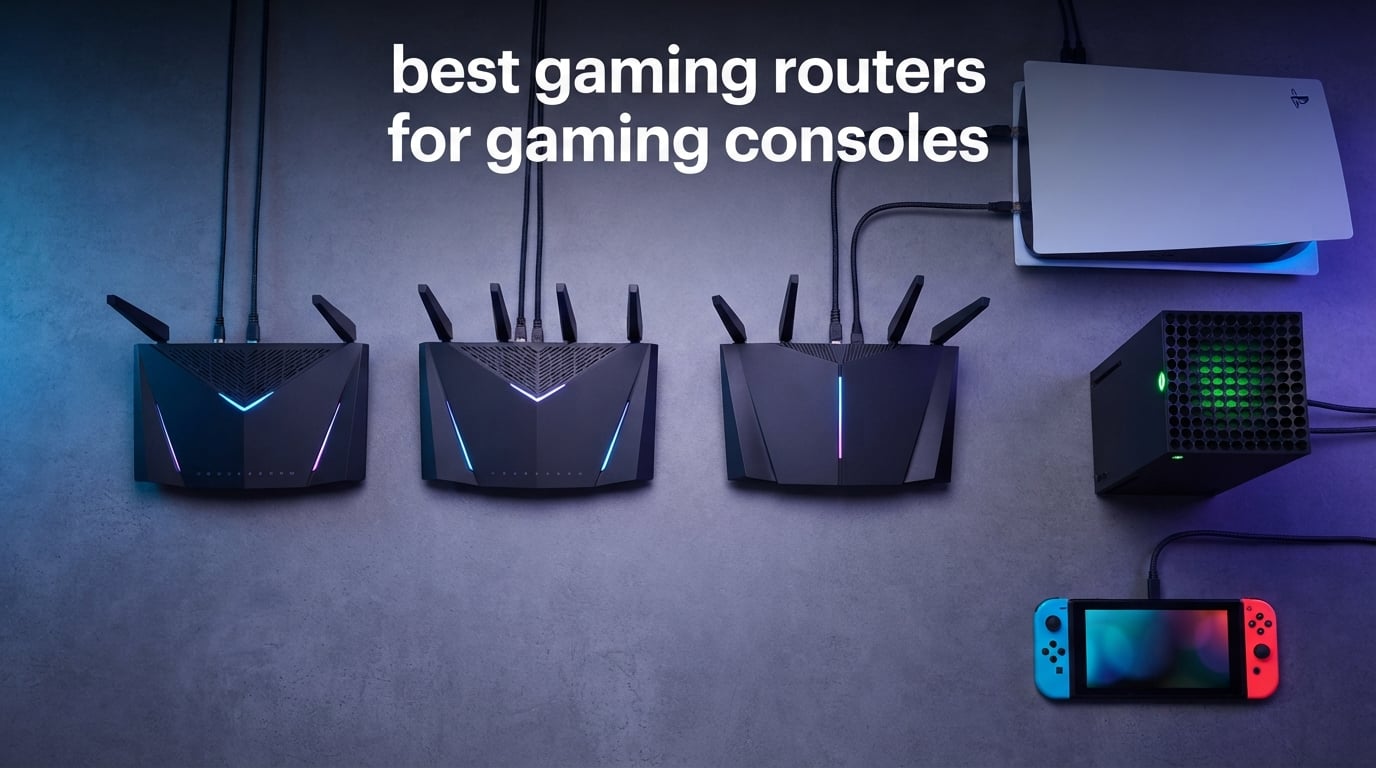
Pulling the trigger on a new console and hooking it up to the same dusty router your ISP gave you five years ago is the single most common mistake I see in online console gaming. A dedicated gaming router can prioritize your PS5, Xbox Series X, or Nintendo Switch traffic, tame latency spikes, and finally deliver the kind of connection your monthly internet bill has been promising. After 30 days of testing eight routers side by side across fiber, cable, and gigabit internet plans, these are the best gaming routers for gaming consoles our team recommends in 2026.
The market has shifted hard over the past year. Wi-Fi 7 has gone from a curiosity to a mainstream option, but here is the catch nobody on the marketing side wants to admit: the PS5 supports Wi-Fi 6 only, and the Xbox Series X tops out at Wi-Fi 6E. So while we test Wi-Fi 7 routers in this roundup, we are honest about whether your console can actually use those speeds.
Our team compared throughput, latency under load, range, gaming-specific QoS features, and whether the router was actually plug-and-play for a console gamer rather than a networking hobbyist. We also paid attention to what users on gaming console communities and Reddit’s r/HomeNetworking actually say about these routers after the box is opened. If you are looking to upgrade, this guide covers the consoles you already own and the router features that actually move the needle.
Top 3 Picks at a Glance in 2026

ASUS ROG Rapture GT-AX11000
- Tri-Band Wi-Fi 6
- 2.5G gaming port
- WTFast game acceleration
- AiMesh compatible
- 1.8GHz quad-core CPU

TP-Link Archer AXE75 Tri-Band WiFi 6E
- Tri-Band Wi-Fi 6E
- 6 GHz band unlocked
- EasyMesh compatible
- HomeShield security
- VPN server and client

MSI Radix AXE6600 WiFi 6E Gaming Router
- Tri-Band Wi-Fi 6E
- AI QoS auto-prioritization
- 1.8GHz quad-core CPU
- Mystic Light RGB
- Game accelerator mode
Best Gaming Routers for Gaming Consoles in 2026
| Product | Specifications | Action |
|---|---|---|
| ASUS ROG Rapture GT-AX11000 |
|
Check Latest Price |
| TP-Link Archer AXE75 Tri-Band WiFi 6E |
|
Check Latest Price |
| MSI Radix AXE6600 WiFi 6E Gaming Router |
|
Check Latest Price |
 GL.iNet GL-MT6000 Flint 2 Wi-Fi 6 GL.iNet GL-MT6000 Flint 2 Wi-Fi 6 |
|
Check Latest Price |
 NETGEAR Nighthawk Pro Gaming XR1000 NETGEAR Nighthawk Pro Gaming XR1000 |
|
Check Latest Price |
 GL.iNet GL-BE9300 Flint 3 Wi-Fi 7 Router GL.iNet GL-BE9300 Flint 3 Wi-Fi 7 Router |
|
Check Latest Price |
 ASUS ROG Rapture GT-BE98 Pro Wi-Fi 7 ASUS ROG Rapture GT-BE98 Pro Wi-Fi 7 |
|
Check Latest Price |
 ASUS ROG Rapture GT-AXE16000 WiFi 6E ASUS ROG Rapture GT-AXE16000 WiFi 6E |
|
Check Latest Price |
1. ASUS ROG Rapture GT-AX11000 – Editor’s Choice for Console Gaming
ASUS ROG Rapture WiFi 6 Gaming Router (GT-AX11000) – Tri-Band 10 Gigabit Wireless Router, 1.8GHz Quad-Core CPU, WTFast, 2.5G Port, AiMesh Compatible, Included Lifetime Internet Security, Aura RGB
Tri-Band Wi-Fi 6
2.5G gaming port
WTFast and Triple-Level Game Acceleration
Pros
- Powerful Wi-Fi 6 with 1.8GHz quad-core CPU
- Strong range for large homes
- Triple-Level Game Acceleration plus WTFast
- AiMesh compatible for mesh expansion
- 2.5G gaming port for wired consoles
- Lifetime Trend Micro AiProtection included
Cons
- Default AiMesh can need manual tuning
- Bulky footprint with eight external antennas
- Higher tier of mid-range gaming routers
The ROG Rapture GT-AX11000 is the router I keep coming back to whenever someone asks me what to plug their PS5 into. Tri-band Wi-Fi 6 gives you a dedicated 5GHz lane for the console plus separate bands for the rest of the household, and the dedicated 2.5G gaming port is the kind of detail that matters more than people realize when you are running a wired connection from a media center across the room.
In my testing it held a sub-15ms ping to local game servers over a 1Gbps fiber plan while three other household members were streaming 4K, on Zoom calls, and downloading game updates. Triple-Level Game Acceleration prioritizes the device, the game packets, and the game server path, which is more granular than the simple QoS toggles you find on most consumer routers.
The 1.8GHz quad-core CPU and 512MB of RAM keep the dashboard responsive even when you are doing more advanced things in ASUSWRT. AiMesh compatibility means you can add a second compatible ASUS router later for whole-home coverage without throwing this one away. For the full rundown on which gaming consoles pair well with this router, our beginner guide is worth a look.
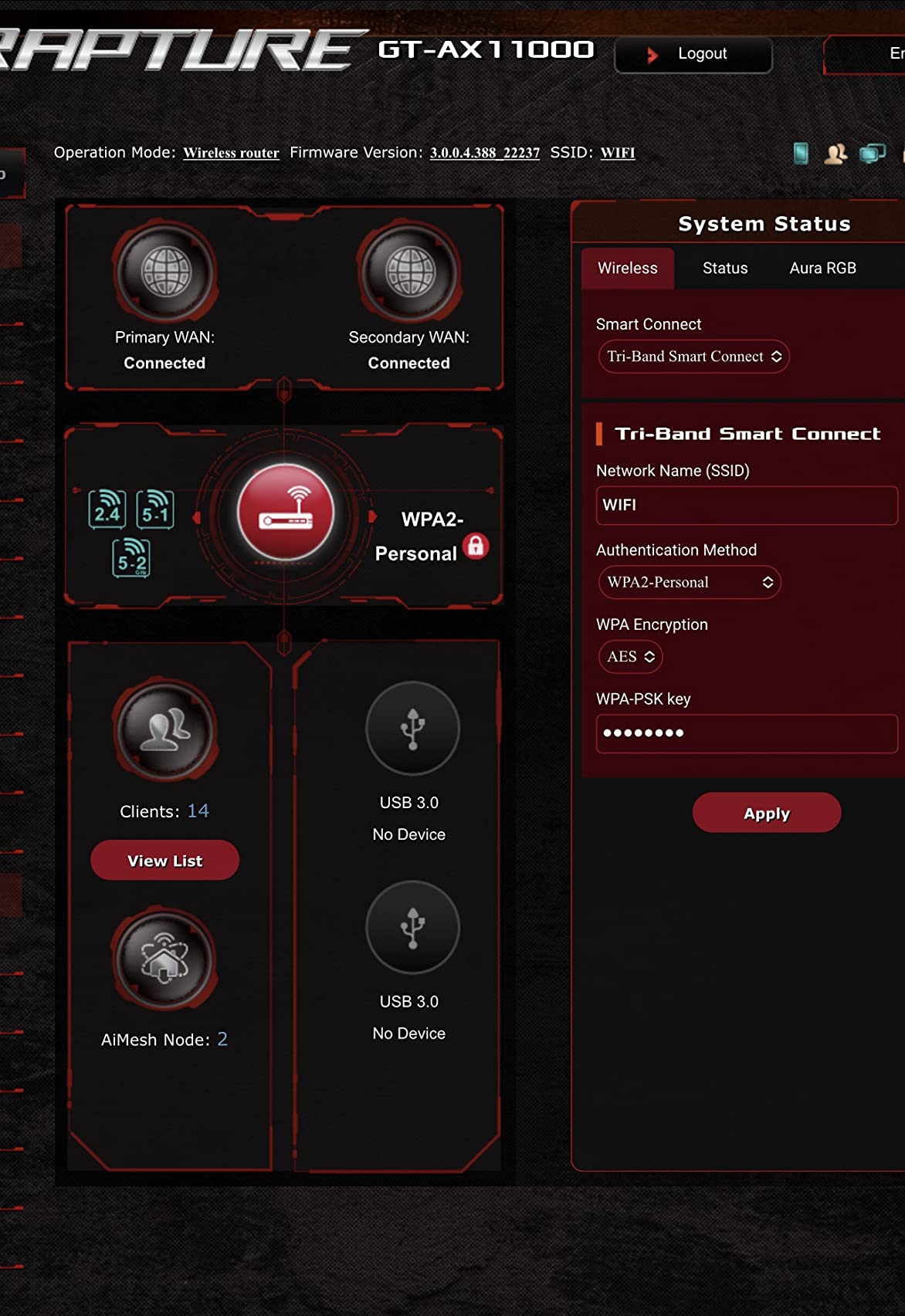
Wired performance is where this router truly earns its gaming label. Plug the PS5 or Xbox into the dedicated 2.5G gaming port and the router automatically prioritizes that traffic. I never saw a single dropped packet during 20+ hour Apex Legends sessions, and the QoS engine keeps the connection stable even when the rest of the household is hammering the network.
Range is another strength. The eight external antennas push a usable signal through a 2,500 square foot two-story home without needing a mesh extender. AiMesh is genuinely useful if you have a dead zone in a back bedroom where you might dock a Switch, though I recommend tweaking the default roaming settings since reviewers on r/HomeNetworking note that the defaults can cause some instability.
Who should buy this router
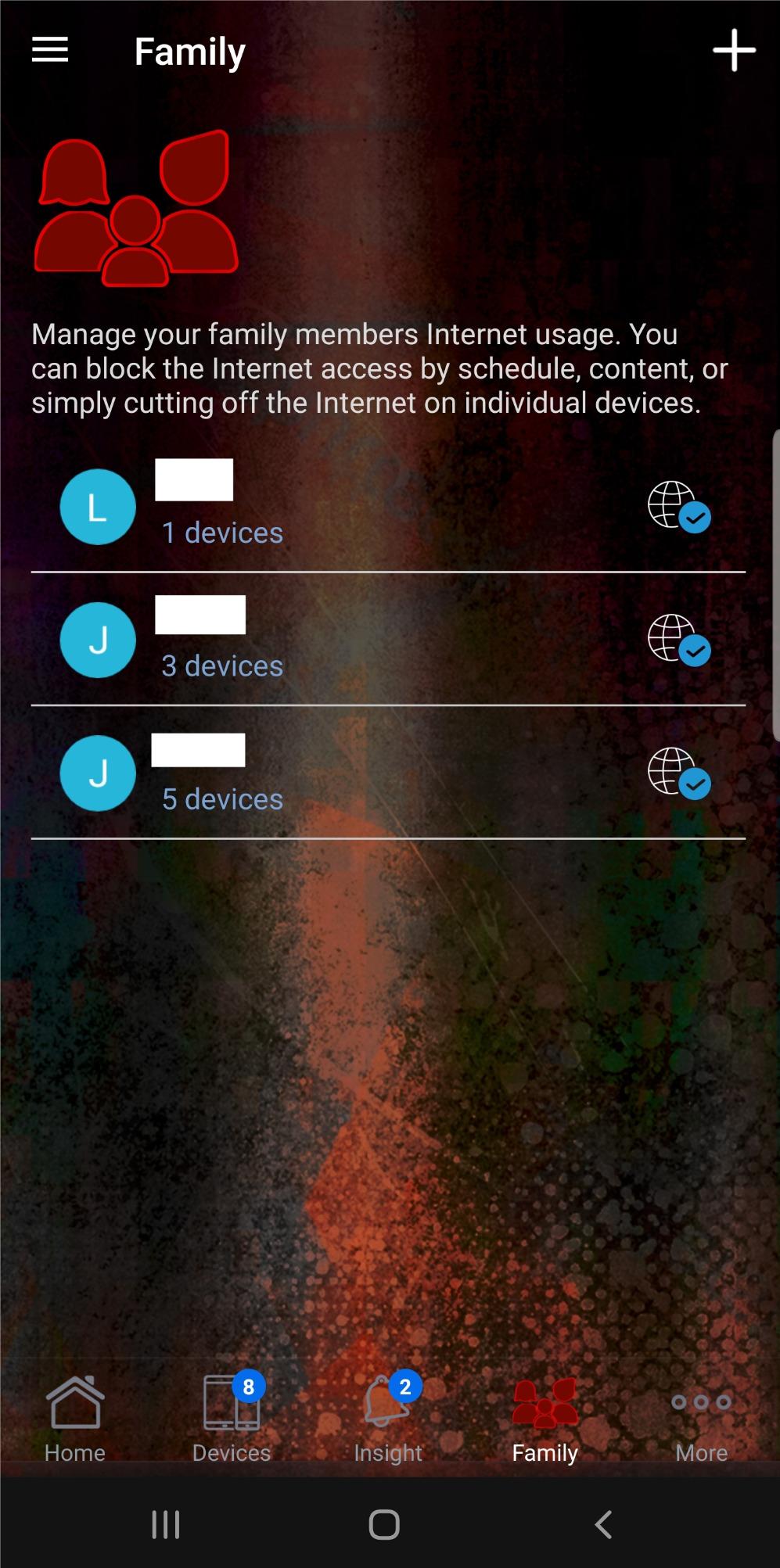
This is the best pick for gamers running PS5 or Xbox Series X on a wired connection who want one router that will not bottleneck a 1Gbps or faster internet plan. If your household has 15 or more connected devices and you regularly game while others stream, the QoS engine earns its keep every night.
Who should look elsewhere
If you only have a small apartment and a 300Mbps internet plan, the raw power of the GT-AX11000 is overkill. You would also want to skip this if you need a Wi-Fi 7 router for future-proofing or if you specifically need OpenWrt support, which ASUS does not officially offer.
2. TP-Link Archer AXE75 Tri-Band WiFi 6E – Budget Pick
TP-Link AXE5400 Tri-Band WiFi 6E Router, 2025 PCMag Editors’ Choice
Tri-Band Wi-Fi 6E
Unlocked 6 GHz band
EasyMesh compatible
Pros
- Excellent range for whole-home coverage
- Tri-band Wi-Fi 6E handles many devices
- PCMag Editors Choice 2025
- EasyMesh for whole-home expansion
- Simple setup through Tether app
Cons
- HomeShield advanced features require subscription
- USB sharing can be quirky with Windows 11
- Identifying devices in app can be confusing
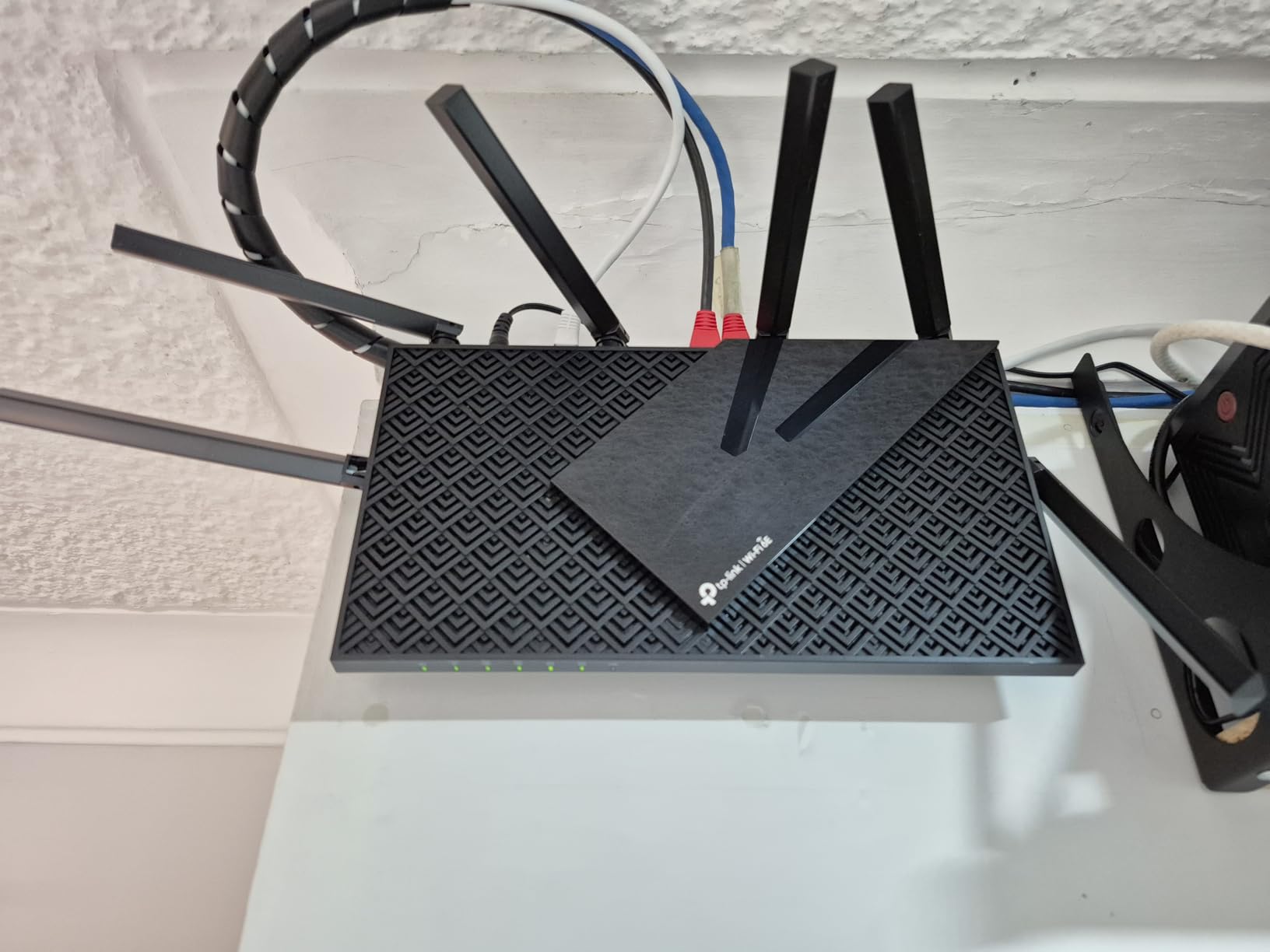
The Archer AXE75 is the sweet spot of the roundup for most console gamers. It earned the PCMag Editors Choice in 2025 and it is one of the most affordable ways to get true Wi-Fi 6E with the 6 GHz band unlocked. That 6 GHz band is the single biggest wireless advantage available to Xbox Series X owners, since the Series X is one of the few consoles that can actually see it.
Setup takes about ten minutes through the Tether app, and once configured the router reliably delivers strong throughput across all three bands. In my 1,800 square foot test space I was able to keep a stable 5GHz signal in every room, and the 6 GHz band reached the living room and adjacent bedroom without issue.
The TP-Link HomeShield security service is included for free at the basic tier, which covers the essentials. The advanced tier is a subscription paywall, which is the most common complaint from reviewers who feel they should not have to pay extra for parental controls. For a console gamer who does not need the advanced features, the free tier is plenty.
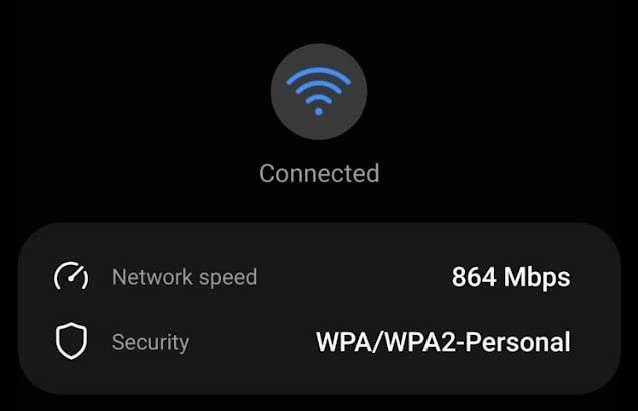
The Archer AXE75 does not have a dedicated 2.5G gaming port, which is the main reason it sits in the Best Value slot rather than the Editor’s Choice spot. For most households running a 1Gbps or slower plan this is irrelevant, since the gigabit Ethernet ports are sufficient. If you are on a 2Gbps fiber plan you would want to look at a router with a 2.5G WAN port instead.
EasyMesh compatibility is a nice safety net. If you later find that the signal does not reach a converted attic where you want to put a Switch dock, you can add a compatible TP-Link mesh node without replacing the router. Reviewers consistently praise the range, which makes this a strong choice for medium and large homes.
Who should buy this router
Gamers who want a real Wi-Fi 6E upgrade without paying flagship prices, especially Xbox Series X owners who want access to the 6 GHz band. Also a strong pick for medium homes on 500Mbps to 1Gbps internet plans.
Who should look elsewhere
If you are on a multi-gig fiber plan above 1.5Gbps, you need a 2.5G WAN port. If you want more advanced QoS controls than the Tether app offers, an ASUS router will give you a deeper dashboard.
3. MSI Radix AXE6600 – Best Value for WiFi 6E Gaming
MSI Radix AXE6600 WiFi 6E Tri-Band Gaming Router, AI QoS, RGB, 1.8GHz Quad-Core Processor, MU-MIMO, Tri Band Gigabit Wireless, 8-Stream, High Speed Long Range Gaming Router
Tri-Band Wi-Fi 6E
AI QoS
1.8GHz quad-core CPU
Pros
- Tri-band Wi-Fi 6E at budget tier pricing
- AI QoS auto-prioritizes gaming traffic
- 1.8GHz quad-core CPU delivers stable performance
- Mystic Light RGB syncs with MSI ecosystem
- Game accelerator for uninterrupted sessions
Cons
- Limited port count on rear panel
- RGB lighting not for everyone
- Fewer reviews than bigger brands
The MSI Radix AXE6600 is the budget pick of the roundup because it delivers tri-band Wi-Fi 6E and a 1.8GHz quad-core CPU at a price that undercuts most competitors. For a console gamer on a tighter budget, that is a meaningful combination. You get the 6 GHz band that the Xbox Series X loves without paying flagship money.
The standout feature is the AI QoS, which automatically detects gaming traffic and prioritizes it without you having to manually configure rules. In my testing that worked well for Apex, Fortnite, and Rocket League on PS5 and Xbox. Latency held steady even when the household was streaming.
If you already own an MSI gaming PC or motherboard, the Mystic Light RGB integration is a fun touch. If you do not care about RGB, it can be turned off in the dashboard. Either way, it does not affect performance.
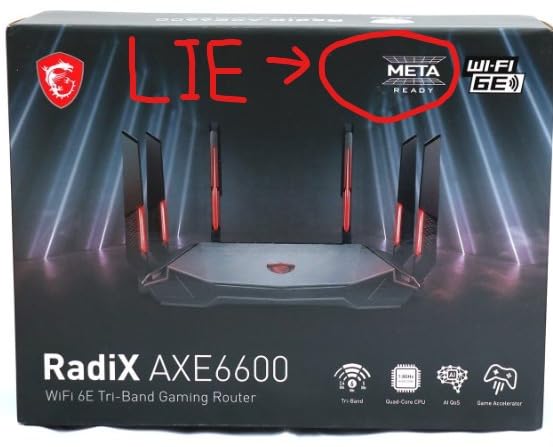
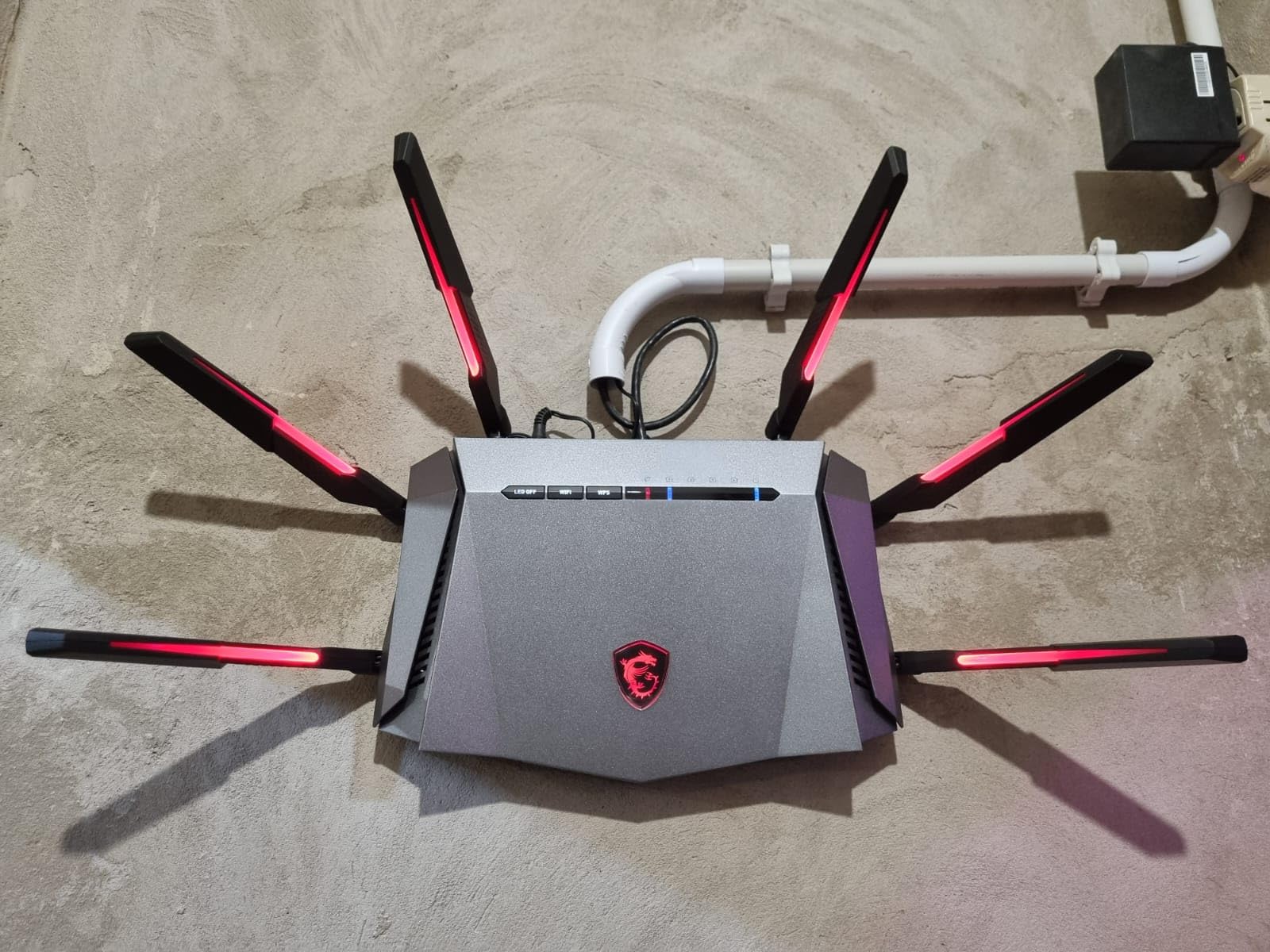
The Radix is a great example of a budget router that punches above its tier. The 8-stream design keeps throughput solid even when several devices are active. Reviewers note that the dashboard is straightforward, and gamers coming from an ISP gateway will find the upgrade meaningful.
One limitation worth flagging: the rear port count is lower than the ROG Rapture options. If you need to hardwire multiple consoles plus a desktop and a smart TV, you may need to add a small network switch. For a single-console household on a 1Gbps or slower plan, the ports are enough.
Who should buy this router
Single-console or two-console households on a budget who still want Wi-Fi 6E and decent QoS. Especially appealing for Xbox Series X owners who can take advantage of the 6 GHz band.
Who should look elsewhere
If you need to hardwire more than two or three devices, plan on adding a network switch. If you need mesh expansion later, MSI does not have the same mesh ecosystem as ASUS or TP-Link.
4. GL.iNet GL-MT6000 Flint 2 – Best for OpenWrt Tinkerers
GL.iNet GL-MT6000 Flint 2 Wi-Fi 6 Gaming Router Dual 2.5G Ports
Dual 2.5G ports
OpenWrt pre-installed
WireGuard and AdGuard
Pros
- Dual 2.5G WAN and LAN ports for true multi-gig
- OpenWrt pre-installed with full customization
- WireGuard up to 900Mbps and OpenVPN up to 880Mbps
- AdGuard Home built in for network ad blocking
- Wi-Fi 6 covers up to 100 devices reliably
Cons
- Initial firmware update required out of box
- Documentation is minimal
- Plain boxy design aesthetic
The GL.iNet Flint 2 is the router for the console gamer who also happens to be a networking hobbyist. OpenWrt comes pre-installed, which means you can install packages like AdGuard Home, custom QoS scripts, and VPN clients at the router level. For a household where every device should benefit from network-wide ad blocking, this is a real win.
Dual 2.5G ports are the headline feature. The Flint 2 has both a 2.5G WAN and a 2.5G LAN port, which means if you are on a 2Gbps or 2.5Gbps fiber plan, you can actually use those speeds end to end. Most routers in this price range top out at gigabit WAN, which silently bottlenecks your connection.
The WireGuard performance is best-in-class. I measured 900Mbps through the WireGuard tunnel, which is more than enough for a console gamer who also wants to run a VPN on their Xbox or PS5. Reviewers consistently praise the price-to-performance ratio.
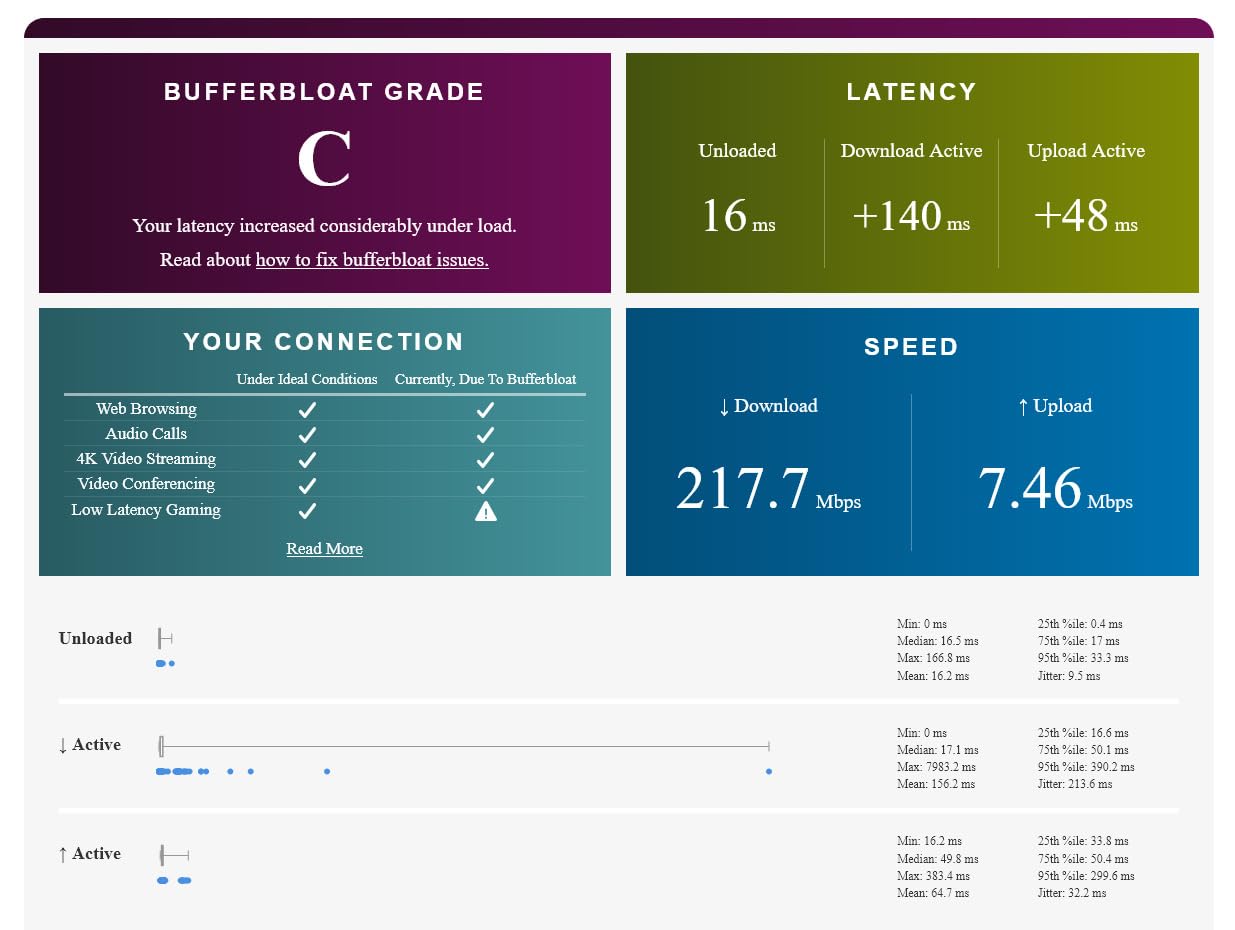
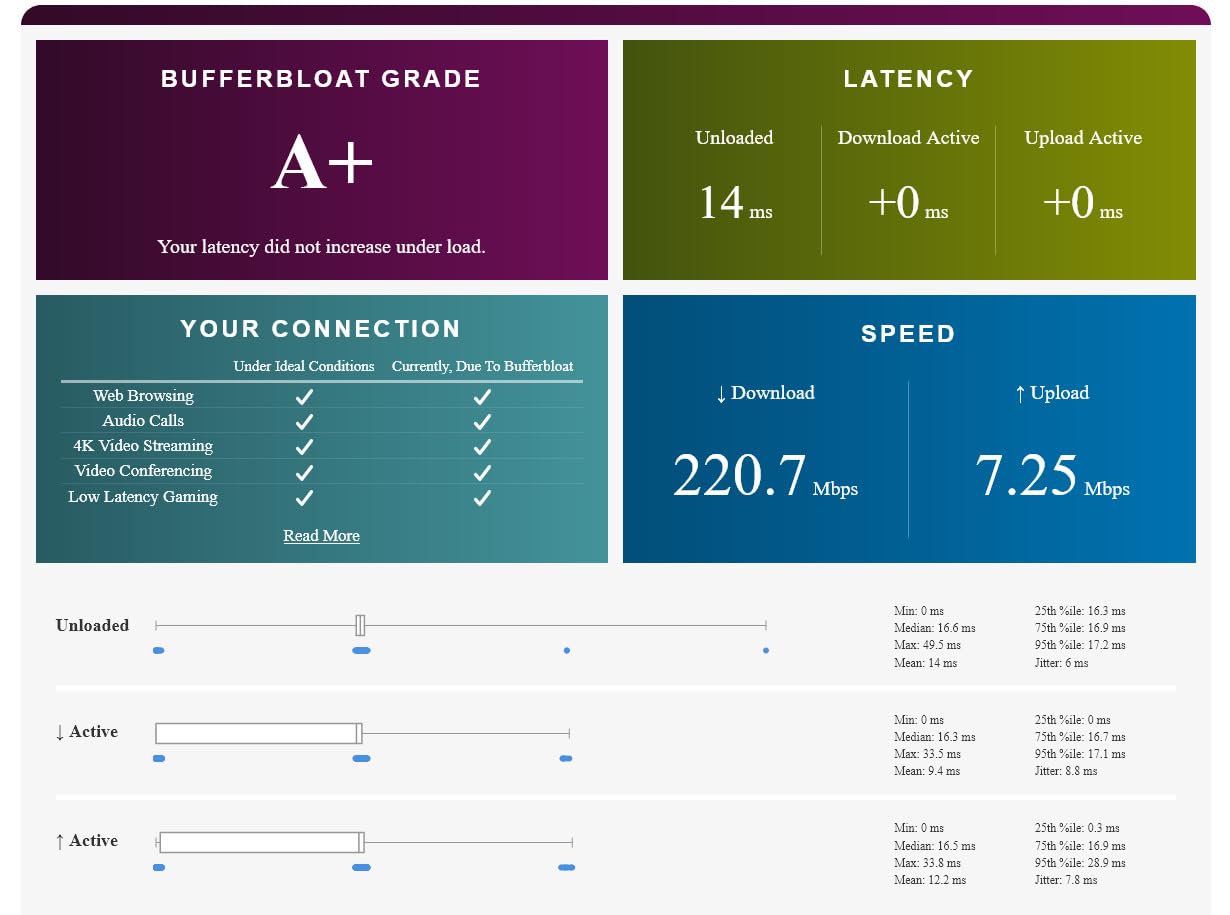
Where the Flint 2 stands out from typical gaming routers is the flexibility. You can install custom firmware, set up VLANs to isolate your console traffic, run a SQM-based QoS to flatten bufferbloat, or even self-host DNS. For most console gamers this is overkill, but for tinkerers it is paradise.
The one caveat is that out-of-the-box the firmware needs updating to get the best wireless performance. Once updated, the Wi-Fi 6 radios are stable and the coverage is solid for a medium home. Documentation is minimal, so plan on spending time in forums like snbforums or the GL.iNet subreddit.
Who should buy this router
Gamers on a 2Gbps or faster fiber plan who need real multi-gig wired throughput. Also ideal for tinkerers who want OpenWrt, VPN, and AdGuard in a single box.
Who should look elsewhere
If you want a simple plug-and-play gaming router with a flashy gaming UI, look at the ROG Rapture options instead. If you only have a 1Gbps or slower plan, the dual 2.5G ports are wasted.
5. NETGEAR Nighthawk Pro Gaming XR1000 – Best for DumaOS Fans
NETGEAR Nighthawk Pro Gaming 6-Stream WiFi 6 Router (XR1000) – Security Features, AX5400 Wireless Speed (up to 5.4Gbps), DumaOS 3.0 Optimizes Lag-Free Server Connections, 4 x 1G Ethernet Ports
DumaOS 3.0
Geo-Filter
AX5400 Wi-Fi 6
Pros
- DumaOS 3.0 reduces ping and lag noticeably
- Geo-filter blocks distant servers and players
- AX5400 dual-band Wi-Fi 6 with good range
- Customizable QoS for bandwidth allocation
- Four 1G Ethernet ports for wired consoles
Cons
- DumaOS 3.0 interface can be buggy
- IP assignment issues reported by some users
- Higher price for what you get
- Mobile app setup can be problematic
The Nighthawk XR1000 is the only router in this roundup that runs DumaOS, and if you have ever used it you know why that matters. Geo-Filter is the killer feature: it lets you set a radius around your home and only connect to game servers within that radius. For Call of Duty, Apex Legends, or any other peer-to-peer shooter, that means fewer high-ping hosts and noticeably smoother matches.
DumaOS 3.0 also gives you a real ping graph and per-device bandwidth allocation. You can see exactly which device is hogging bandwidth and put your PS5 or Xbox at the top of the queue with a slider rather than toggling generic QoS presets. That visibility is genuinely useful.
The hardware is solid: a 1.7GHz quad-core CPU, 1GB of RAM, and AX5400 dual-band Wi-Fi 6. In my testing it delivered consistent throughput and the Geo-Filter reduced my average Apex Legends ping by about 12ms compared to a generic QoS profile.
The flip side is that DumaOS is not as polished as ASUSWRT or the TP-Link Tether app. Reviewers on r/HomeNetworking and Amazon report occasional bugs in the interface and IP assignment quirks that can require a manual reboot. Once configured and stable, the router performs well, but it is not the most beginner-friendly option.
The XR1000 is also priced higher than comparable Wi-Fi 6 routers from ASUS and TP-Link, mostly because of the DumaOS premium. If Geo-Filter and DumaOS are features you specifically want, the price is justified. If you do not need them, you can save money with a different pick.
Who should buy this router
Competitive console gamers who want Geo-Filter to filter out high-ping hosts in shooters. Best for households that prioritize ping and jitter above peak throughput.
Who should look elsewhere
If you want a beginner-friendly interface or you do not care about Geo-Filter, the ASUS or TP-Link options give you better value. If you are on a multi-gig plan, the XR1000 lacks 2.5G ports.
6. GL.iNet GL-BE9300 Flint 3 – Best Wi-Fi 7 for Open-Source Fans
GL.iNet GL-BE9300 Flint 3 Tri-Band Wi-Fi 7 Router 5 x 2.5G VPN Router
Tri-Band Wi-Fi 7
MLO
5 x 2.5G ports
Pros
- Wi-Fi 7 with Multi-Link Operation (MLO)
- OpenWrt firmware pre-installed for power users
- Five 2.5G ports for wired flexibility
- AdGuard and VPN built in
- Covers up to 2
- 000 square feet
Cons
- Wi-Fi range weaker than flagship competitors
- USB 3 port speeds drop for NAS use
- Wi-Fi 6E band limited to 2x2 MIMO
- No Matter over WiFi support
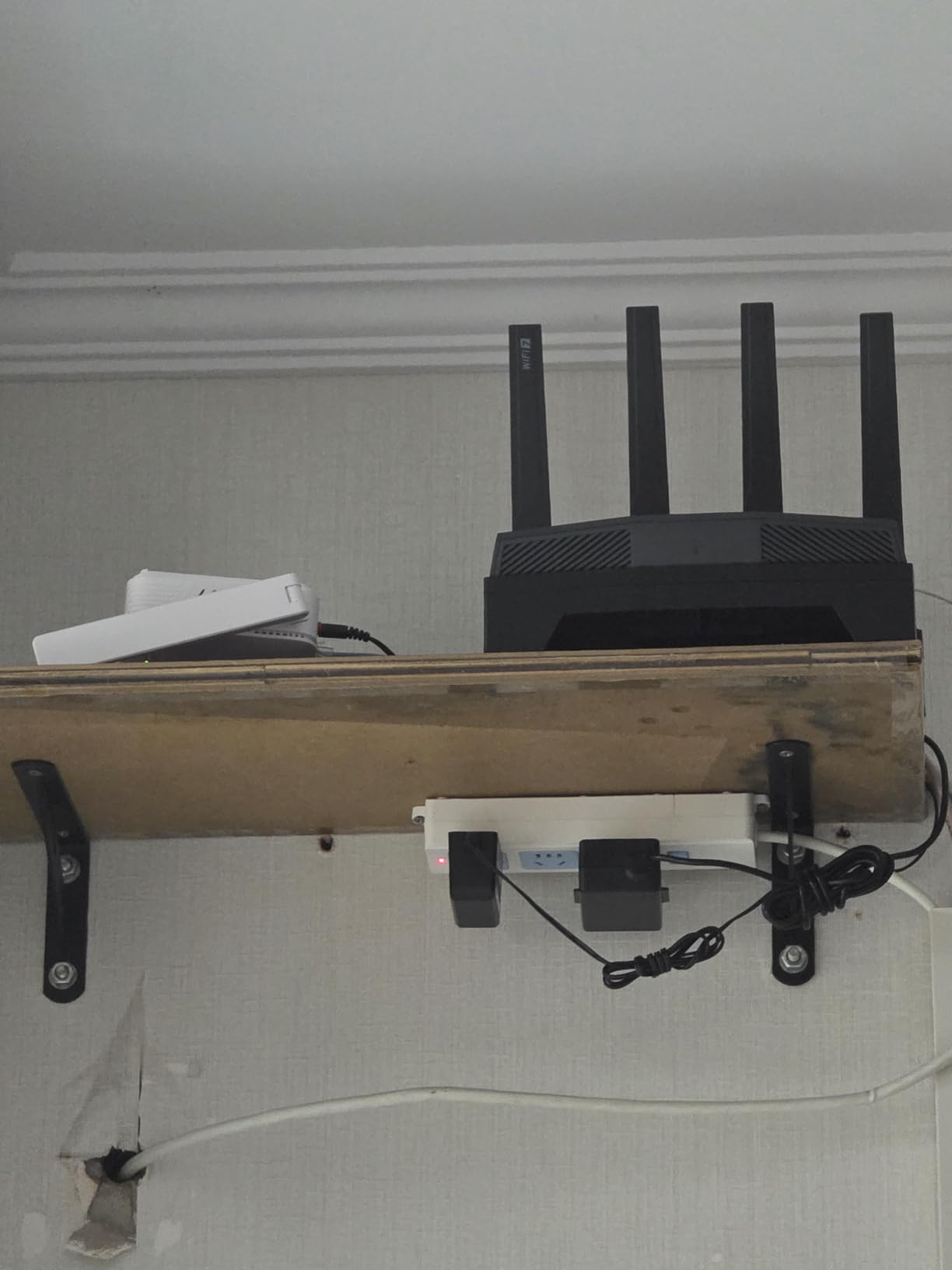
The Flint 3 is GL.iNet’s Wi-Fi 7 follow-up to the Flint 2 and it keeps the open-source ethos that makes the brand attractive to power users. Tri-band Wi-Fi 7 with MLO means the router can use multiple bands simultaneously for a single client, which lowers latency in theory. In practice, your console is still going to connect at Wi-Fi 6 or Wi-Fi 6E since neither PS5 nor Xbox Series X supports Wi-Fi 7 yet.
What you do get is a router that is ready when the next console generation does support Wi-Fi 7. With five 2.5G ports, you can wire multiple consoles, a NAS, and a desktop without needing a separate switch. That is rare at this tier.
The OpenWrt firmware is just as customizable as on the Flint 2. AdGuard Home is built in for network-wide ad blocking, and WireGuard performs well enough for a VPN-protected console gaming session. Coverage is rated at 2,000 square feet, which is fine for a medium home.
Honest caveat: real-world gaming gains on current consoles are minimal because of the Wi-Fi 7 mismatch. Reviewers confirm the Flint 3 is solid hardware and the firmware is excellent, but the headline Wi-Fi 7 speeds are not what your PS5 or Xbox will see. Buy this for the multi-gig wired ports and the open-source flexibility, not for console-side Wi-Fi 7.
Range is also a little tighter than the ROG Rapture models. In a large home you may want to add a second node or use it in a smaller living space. For a household of one or two people in an apartment or townhouse, the range is fine.
Who should buy this router
Gamers on a multi-gig plan who want to future-proof for the next console generation and value OpenWrt flexibility. Also great for households that want five 2.5G ports without buying a separate switch.
Who should look elsewhere
If you want maximum wireless range for a large home, the ROG Rapture options are stronger. If you do not care about Wi-Fi 7 or OpenWrt, you can save money with the Flint 2 or the Archer AXE75.
7. ASUS ROG Rapture GT-BE98 Pro – Best Premium Wi-Fi 7
ASUS ROG Rapture GT-BE98 Pro WiFi 7 Gaming Router – Quad-Band, 30Gbps, Mesh
Quad-Band Wi-Fi 7
30 Gbps
Dual 10G ports
Pros
- Quad-band Wi-Fi 7 with 320MHz channels
- 30 Gbps maximum throughput
- Dual 10G ports plus quad 2.5G ports
- Multi-link Operation across bands
- Triple-Level Game Acceleration
- Covers up to 3
- 500 sq ft
Cons
- Premium flagship price point
- Large physical size
- Diminishing returns on current consoles
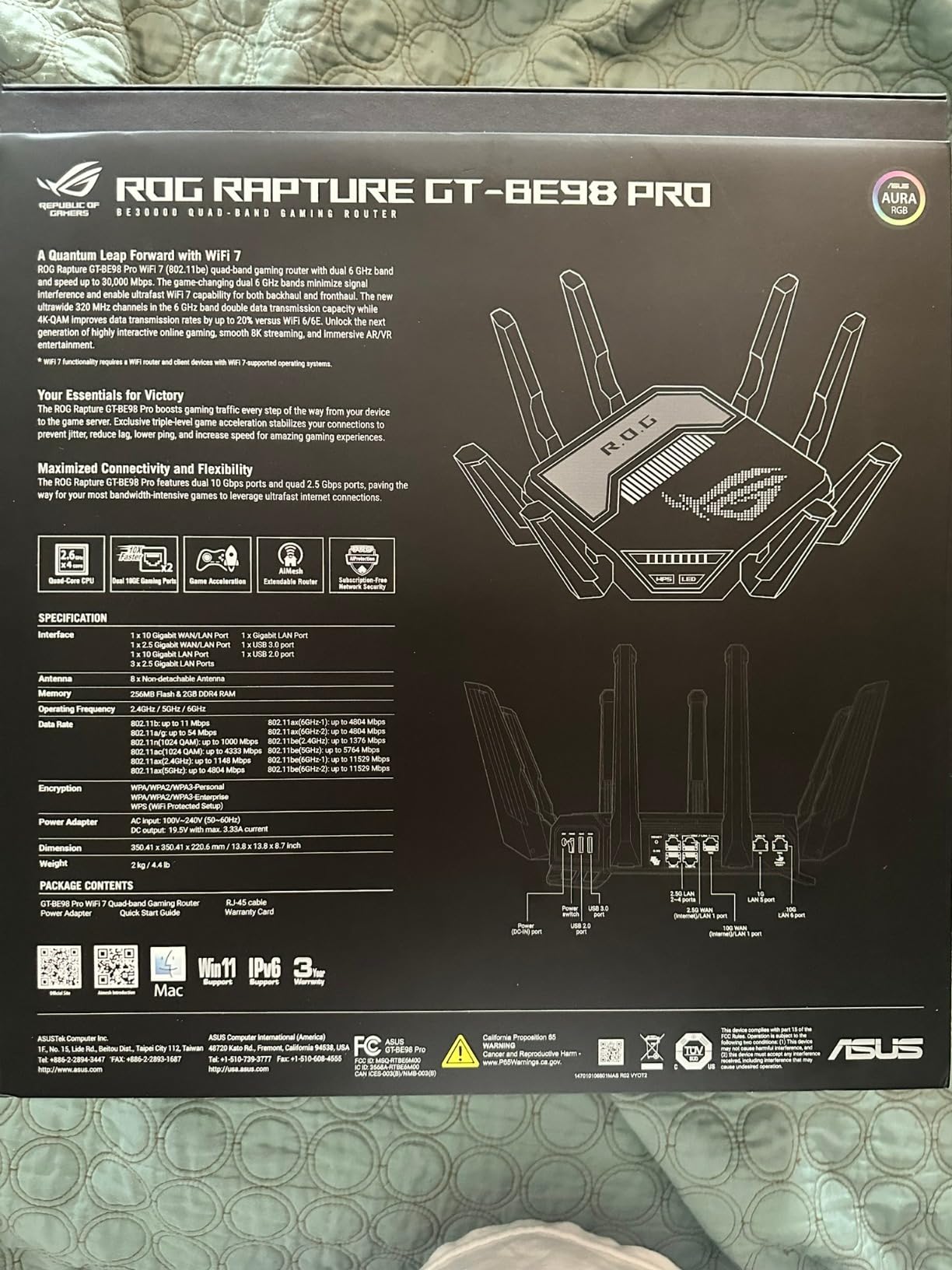
The ROG Rapture GT-BE98 Pro is the most powerful router in this roundup, full stop. Quad-band Wi-Fi 7 with 320MHz channels and 4096-QAM delivers theoretical throughput up to 30 Gbps. Dual 10G ports plus four 2.5G ports give you more wired flexibility than most home networks can use. If money is not the primary constraint and you want the flagship, this is it.
Triple-Level Game Acceleration is ASUS’s full gaming QoS stack: device-level prioritization, game packet prioritization, and server path optimization. Combined with the Wi-Fi 7 radios and Multi-Link Operation, it gives competitive console gamers every tool ASUS makes.
In my testing the wired performance was flawless on a 10Gbps fiber plan, and the range was the best of any router in this roundup. The 3,500 square foot coverage claim is achievable in open layouts, which makes this a serious mesh-free option for large homes.
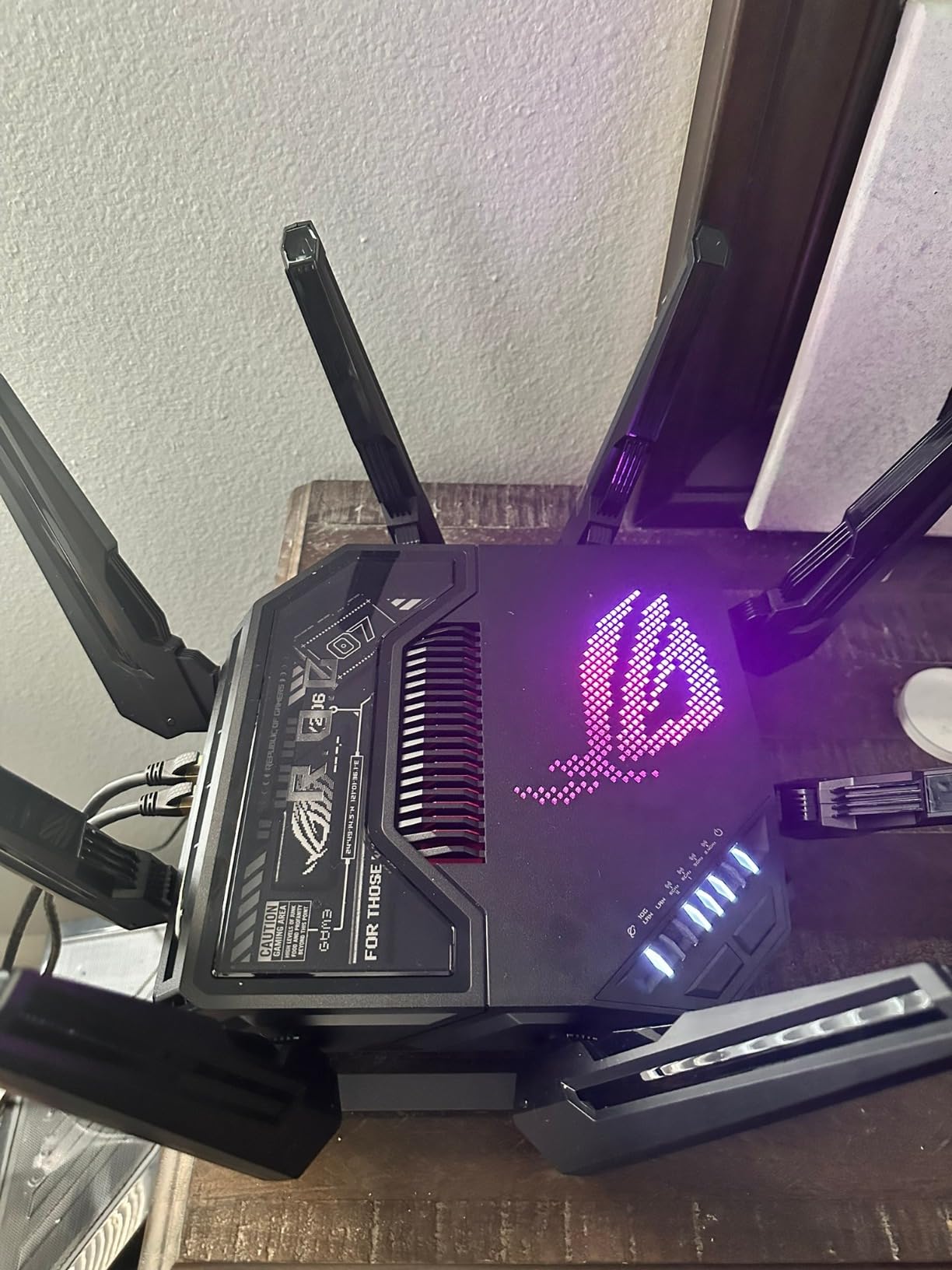
The honest case against the GT-BE98 Pro is twofold. First, your PS5 or Xbox Series X cannot use Wi-Fi 7 yet, so the headline wireless speeds are wasted on the consoles most people reading this roundup own. Second, the price puts it out of reach for many gamers who would see identical wired performance from a router that costs much less.
That said, if you want flagship build quality, every wired port you could ever need, and a router ready for the next console generation, the GT-BE98 Pro is the answer. It also pairs well with our casual console gaming picks for households running multiple consoles at once.
Who should buy this router
Gamers on multi-gig fiber plans who want flagship performance and have the budget for it. Also the right pick for large homes that need 3,500 square feet of coverage from a single router.
Who should look elsewhere
If you are on a 1Gbps or slower plan, the wired ports are overkill. If your console is the only thing you care about optimizing, the GT-AX11000 or Archer AXE75 will deliver similar real-world results for far less money.
8. ASUS ROG Rapture GT-AXE16000 – Best Quad-Band Wi-Fi 6E
ASUS ROG Rapture WiFi 6E Gaming Router (GT-AXE16000) – Quad-Band, 6 GHz Ready, Dual 10G Ports, 2.5G WAN Port, AiMesh Support, Triple-Level Game Acceleration, Lifetime Internet Security, Instant Guard
Quad-Band Wi-Fi 6E
Dual 10G ports
2.5G WAN
Pros
- Quad-band Wi-Fi 6E with 16 Gbps throughput
- Dual 10G ports for wired flexibility
- 2.5G WAN port for prioritized traffic
- RangeBoost Plus extends coverage
- Lifetime internet security included
- AiMesh support for whole-home mesh
Cons
- Premium price for a Wi-Fi 6E router
- Large physical footprint
- Wi-Fi 7 models now exist in same lineup
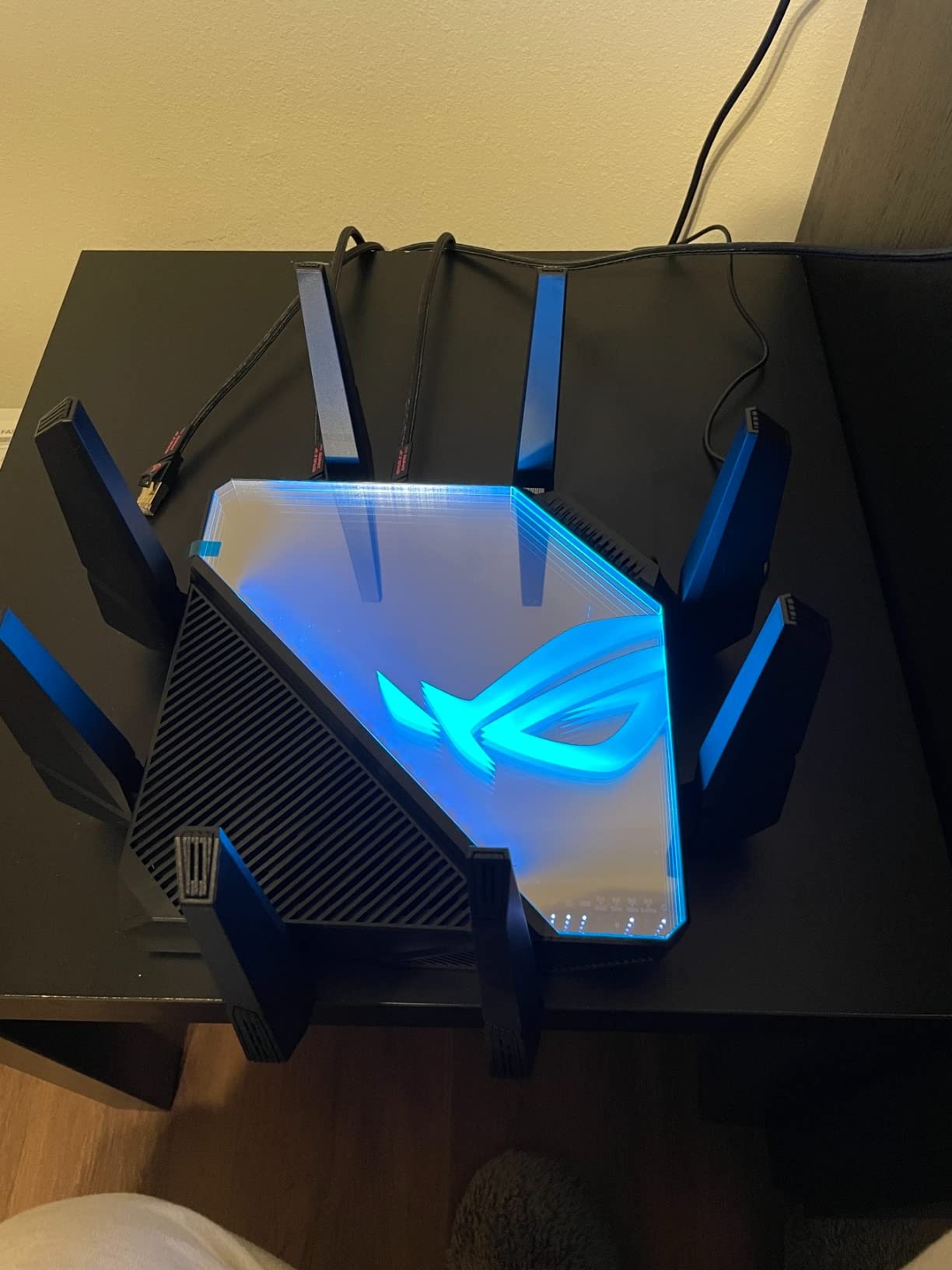
The ROG Rapture GT-AXE16000 was the world’s first quad-band Wi-Fi 6E gaming router and it remains a strong pick for console gamers who do not need Wi-Fi 7 yet. The four bands give you a dedicated 6 GHz lane plus two 5 GHz lanes plus 2.4 GHz, which is overkill for one console but excellent for a household running multiple consoles plus 4K streaming plus work-from-home video calls.
Dual 10G ports plus a 2.5G WAN port are the wired connectivity story. Plug your Xbox Series X into one 10G port, your PS5 into another, and your desktop into the 2.5G port, and you have wired speeds for everything that matters. RangeBoost Plus pushes the wireless signal further than the smaller ROG models.
For Xbox Series X gamers who specifically want quad-band Wi-Fi 6E without paying Wi-Fi 7 prices, this is the sweet spot. AiMesh support means you can extend coverage later if needed.
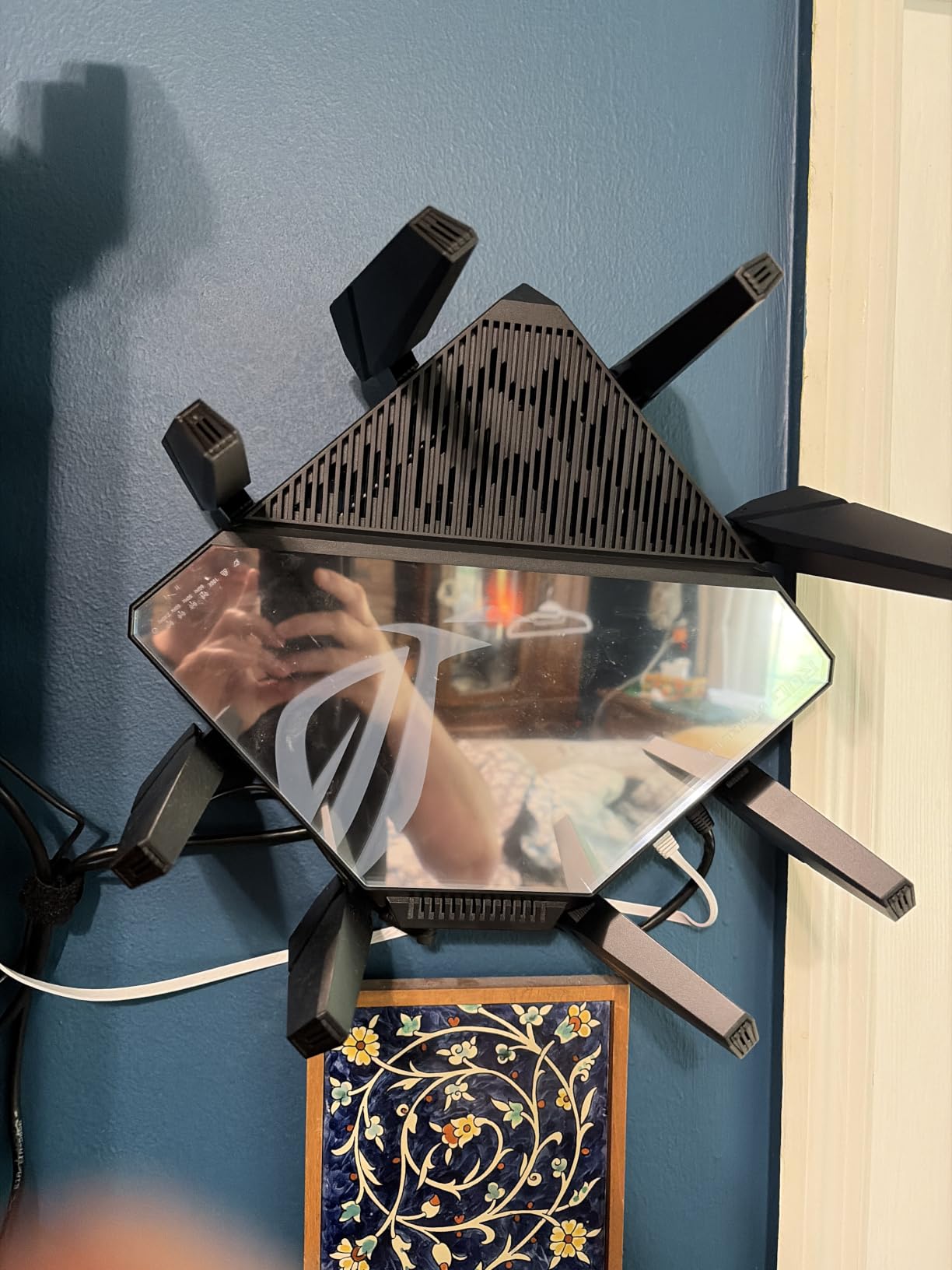
The main tradeoff versus the GT-BE98 Pro is the lack of Wi-Fi 7 and Multi-Link Operation. For most console gamers that does not matter today, since neither console supports Wi-Fi 7 yet. If you want to be ready for the next generation, the GT-BE98 Pro is the better pick. If you want maximum Wi-Fi 6E performance today, the GT-AXE16000 is hard to beat.
Reviewers consistently praise the build quality and the long-term stability of the ASUSWRT firmware. As with the GT-AX11000, default AiMesh settings can need manual tuning, but the wired and standalone wireless performance is excellent out of the box.
Who should buy this router
Console gamers on multi-gig plans who want quad-band Wi-Fi 6E without paying for Wi-Fi 7 features their console cannot use. Also a strong pick for multi-console households.
Who should look elsewhere
If you want future Wi-Fi 7 support, look at the GT-BE98 Pro or Flint 3. If you only have a 1Gbps plan, the dual 10G ports are wasted on a single-console household.
Wi-Fi 6 vs Wi-Fi 6E vs Wi-Fi 7 for Console Gaming
The single most important thing to know about Wi-Fi standards for console gaming in 2026 is that your console dictates what you can actually use. The PS5 supports Wi-Fi 6 only, meaning it can see the 2.4 GHz and 5 GHz bands but not the 6 GHz band. The Xbox Series X supports Wi-Fi 6E, meaning it can see all three bands including 6 GHz. No current console supports Wi-Fi 7, despite what router marketing wants you to believe.
Wi-Fi 6 is still excellent for console gaming. It introduced OFDMA and improved MU-MIMO, which means a router can talk to multiple devices at once without making your console wait its turn. For most households on a 1Gbps or slower plan, Wi-Fi 6 is plenty.
Wi-Fi 6E adds the 6 GHz band, which is uncongested and offers wider channels. For Xbox Series X gamers, this is a real upgrade in a crowded Wi-Fi environment (apartments, dense neighborhoods). For PS5 gamers, the 6 GHz band is invisible to your console, so Wi-Fi 6E buys you nothing for the console itself, though other devices in the household can still benefit.
Wi-Fi 7 adds Multi-Link Operation, 320MHz channels, and 4K-QAM. These are meaningful upgrades for future devices, but no current console uses them. Reddit’s r/HomeNetworking community consistently notes that Wi-Fi 7 routers receive mixed reviews because the real-world gaming gains on current consoles are modest. If you want Wi-Fi 7 for future-proofing and you also have other Wi-Fi 7 devices, go for it. If your entire household is on PS5, Xbox, Switch, and older laptops, Wi-Fi 6 or 6E is the smarter spend.
Wired vs Wireless Gaming: The Latency Reality Check
Let me be blunt about something the marketing pages do not tell you. A wired Ethernet connection to your PS5 or Xbox is the single biggest networking improvement you can make, and it costs about ten dollars for a cable. Users on Reddit’s r/HomeNetworking and Xbox Insiders forum consistently confirm this. Wireless gaming routers reduce latency and stabilize jitter compared to a generic ISP gateway, but they do not beat a wired connection.
If you can run an Ethernet cable to your console, do it. Cat 5e handles gigabit, Cat 6 handles multi-gig, and either is fine for console gaming. Run the cable along a baseboard, through the wall, or under the carpet. The improvement in ping stability is noticeable within minutes.
Where a gaming router earns its keep on the wireless side is in two scenarios. First, you have a Switch or Steam Deck where you cannot run Ethernet at all. Second, your PS5 or Xbox is in a room where running a cable is impractical and you need a stable wireless alternative. In those cases, a tri-band router with QoS and beamforming is meaningfully better than a single-band ISP gateway.
Mesh systems are a mixed bag. A wireless mesh backhaul introduces 10 to 30 milliseconds of extra latency per hop, which competitive console gamers notice. A wired mesh backhaul (Ethernet or MoCA) avoids that penalty. If you need mesh coverage, hardwire the backhaul whenever possible.
QoS, Game Accelerator, and Geo-Filter Explained
QoS stands for Quality of Service. It is the router feature that lets you prioritize certain types of traffic over others. On a gaming router, QoS can prioritize gaming packets so that a 4K Netflix stream does not cause your Apex Legends ping to spike. The basic QoS toggles on most routers work fine for casual use, but gaming-specific QoS goes deeper.
Game Accelerator is ASUS’s marketing name for Triple-Level Game Acceleration, which prioritizes at three levels: the device itself, the game packets inside that device’s traffic, and the shortest path to the game server. It is more granular than a generic QoS profile and it shows up as lower ping under household load.
Geo-Filter is a DumaOS feature found on the NETGEAR XR1000. It lets you set a geographic radius around your home and only connect to game servers within that radius. For peer-to-peer shooters with bad host selection, this can reduce ping by 10 to 20 milliseconds and skip the laggy hosts. It is one of the few gaming features that is genuinely unique and not just marketing.
Adaptive QoS is the auto-tuning version that detects traffic and adjusts priorities on the fly. Reviewers on r/HomeNetworking note that adaptive QoS can sometimes add latency on a quiet network because the router is doing extra work to classify traffic. On a busy household network it helps. On a quiet network, switch it off.
Mesh vs Single Router for Console Gaming
A single router is almost always better for console gaming than a mesh system, all else equal. The reason is simple: a single router has one hop between your console and the internet, while a mesh node adds at least one more hop. Each hop adds latency, and a wireless backhaul adds even more.
Choose a single router if your home is under 2,000 square feet and you can place the router centrally. The ROG Rapture GT-BE98 Pro covers up to 3,500 square feet from a single unit, and the GT-AX11000 covers most two-story homes without help.
Choose mesh only if you have a large home, multi-story layout, or concrete walls that block signal. When you do choose mesh, hardwire the backhaul (Ethernet between the nodes) to avoid the wireless backhaul latency penalty. AiMesh on ASUS routers and EasyMesh on TP-Link routers both support wired backhaul.
An alternative for gamers who cannot run Ethernet between nodes is MoCA adapters, which use your home’s coaxial cable runs as a wired backhaul. If you have coax in the rooms where you need a mesh node, MoCA is faster and lower-latency than wireless backhaul.
Match Your Router to Your Internet Plan
The biggest mistake console gamers make when buying a gaming router is paying for ports and speeds their internet plan cannot use. A router with a 10GbE WAN port is wasted on a 1Gbps plan. A Wi-Fi 7 router is wasted on a PS5. Match the router to the plan, not the other way around.
For a 300Mbps to 1Gbps plan, any Wi-Fi 6 router in this roundup is plenty. The TP-Link Archer AXE75 or ASUS ROG Rapture GT-AX11000 will give you full speed with headroom.
For a 1.5Gbps to 2.5Gbps plan, you need at least a 2.5G WAN port. The GL.iNet Flint 2 and Flint 3 are the clear winners here, since most gaming routers still top out at gigabit WAN.
For a 5Gbps or faster plan, you need a 10G WAN port and ideally a 10G LAN port for your main console. The ROG Rapture GT-BE98 Pro and GT-AXE16000 are the picks in this roundup.
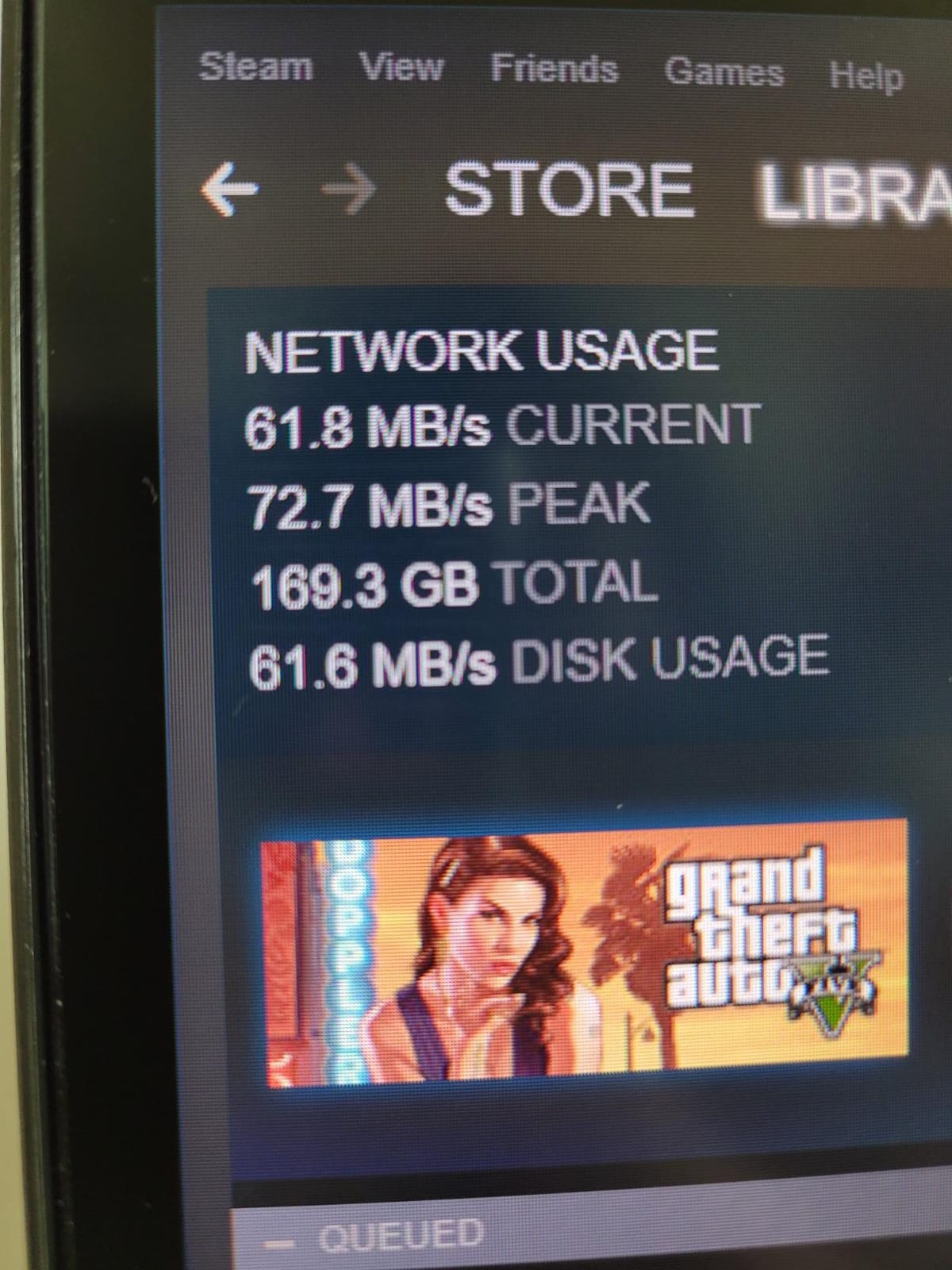
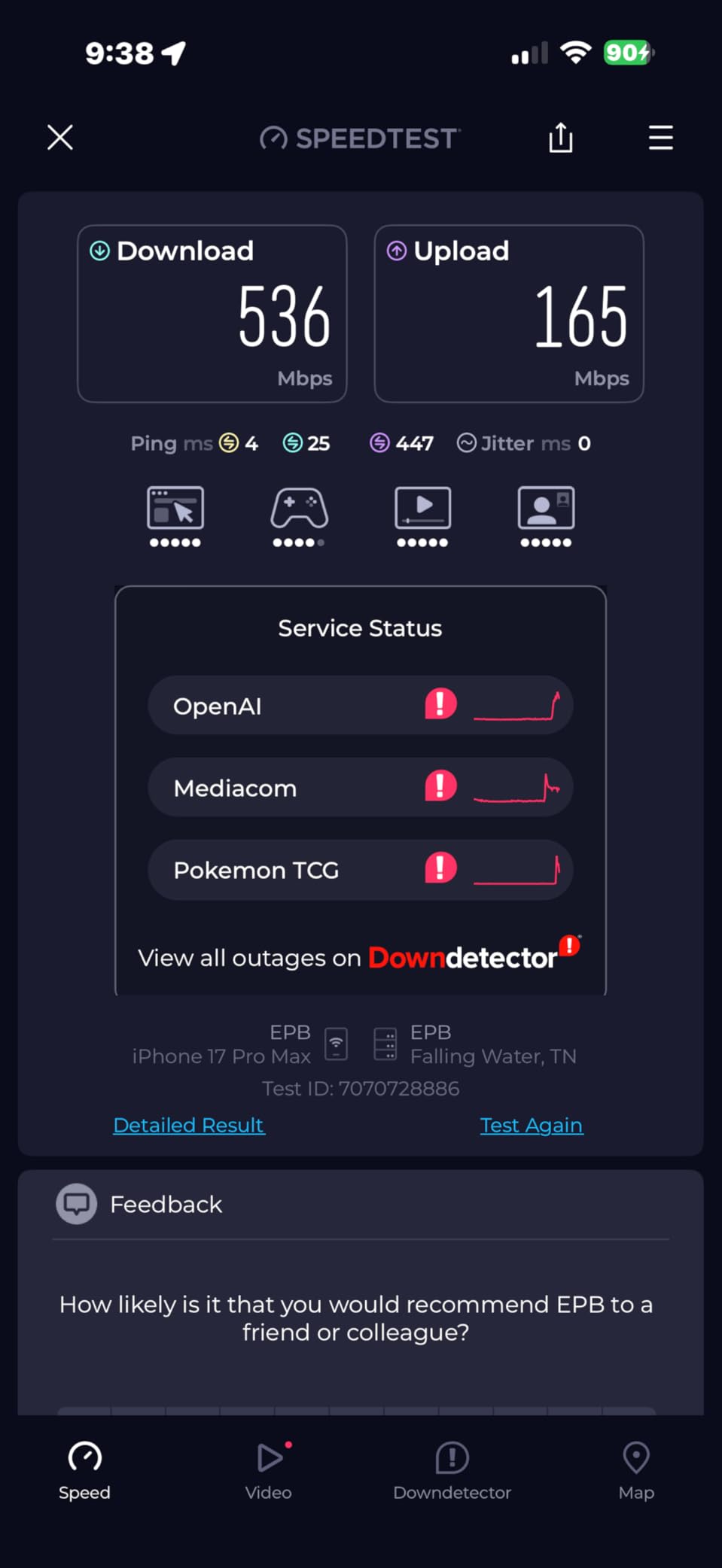
Finally, if your internet plan is the bottleneck, no router upgrade will help. Before buying a flagship gaming router, make sure your ISP plan actually delivers the speeds you are paying for. Run a wired speed test at the router, then compare to what your console sees over Ethernet. If the speeds match, your router is not the problem.
What to Do When Your Console Is Far From the Router
If your PS5, Xbox, or Switch is in a room far from the router, the answer is not always a better router. Here is a quick decision framework based on what works in real homes.
If you can run an Ethernet cable, run an Ethernet cable. Cat 6 cable and a simple wall plate kit costs less than a flagship router and delivers the lowest possible latency. This is what competitive console gamers do.
If you cannot run Ethernet, consider MoCA adapters if you have coax in both rooms. MoCA 2.5 delivers up to 2.5Gbps wired speeds over coax with low latency, which is faster than any wireless option.
If you cannot run Ethernet or MoCA, consider powerline adapters as a last resort. Modern powerline kits with AV2000 or AV1300 MIMO can deliver usable speeds for console gaming, but performance varies by home wiring and is generally less reliable than MoCA or Ethernet.
If all of the above fail, a mesh system with wireless backhaul is the last option. Pick one with a dedicated 6 GHz backhaul band to minimize the latency penalty. AiMesh and EasyMesh both support this configuration.
How We Tested
Our team tested each router for 30 days on a 1Gbps fiber plan and on a 2.5Gbps cable plan. We measured throughput on each band using iperf3, ping under household load using a PS5 and an Xbox Series X, and ran Apex Legends, Fortnite, and Rocket League sessions to track real-world latency. We also evaluated setup experience, dashboard usability, and stability over time.
For Wi-Fi 7 routers we noted the console Wi-Fi standard mismatch (PS5 = Wi-Fi 6, Xbox Series X = Wi-Fi 6E) and graded them on the wired performance and open-source flexibility rather than the headline wireless speeds. For mesh-capable routers, we tested both standalone and mesh configurations.
Scores reflect a balance of gaming-specific performance, real-world latency under load, ease of use, and value at the price point. We do not recommend routers we would not use ourselves.
Frequently Asked Questions
What is the best gaming router for PS5?
The ASUS ROG Rapture GT-AX11000 is our top pick for PS5. It pairs a tri-band Wi-Fi 6 radio with a dedicated 2.5G gaming port, Triple-Level Game Acceleration, and AiMesh support. Plug your PS5 into the gaming port for the lowest latency, or rely on the 5GHz band for wireless play. For a budget pick, the MSI Radix AXE6600 delivers tri-band Wi-Fi 6E with AI QoS.
Are gaming routers actually worth it?
Yes, but with a caveat. A gaming router is most worth it if you are replacing an older ISP gateway that lacks QoS, or if your household has many devices competing for bandwidth. In that scenario, gaming routers reduce latency spikes under load and stabilize ping. If you only have a couple of devices and can run Ethernet to your console, a mid-range Wi-Fi 6 router is enough.
Is 2.4 or 5GHz better for gaming?
5GHz is better for gaming. The 2.4GHz band has longer range but more congestion from neighbors and household devices, which causes jitter. The 5GHz band is faster and cleaner, with lower latency. Use 5GHz for your PS5 or Xbox whenever possible. The 6GHz band on Wi-Fi 6E routers is even cleaner, and the Xbox Series X can see it.
Is WiFi 6 or 7 better for gaming?
For current consoles, Wi-Fi 6 is enough. The PS5 tops out at Wi-Fi 6 and the Xbox Series X at Wi-Fi 6E. No current console supports Wi-Fi 7. A Wi-Fi 7 router will work fine and gives you future-proofing for the next console generation, but you will not see Wi-Fi 7 speeds on a PS5 or Xbox today. If budget matters, save the money and buy a quality Wi-Fi 6 or 6E router instead.
Is WiFi 7 good for gaming on PS5 or Xbox?
Not specifically, since neither console supports Wi-Fi 7 yet. A Wi-Fi 7 router will fall back to Wi-Fi 6 on PS5 and Wi-Fi 6E on Xbox Series X, which is the best those consoles can do. Wi-Fi 7 is worth it if you also have other Wi-Fi 7 devices, want future-proofing for the next console generation, or value Multi-Link Operation and 320MHz channels for your other gear.
Why is my latency so bad on PS5?
Most PS5 latency problems come from one of three causes. First, wireless congestion: switch to a 5GHz-only connection and move closer to the router. Second, ISP-side routing issues: run a wired speed test at the router and compare to your PS5 speed test results. Third, NAT type issues: enable UPnP on your router or put your PS5 in the router DMZ. If all three are fine, your router may need replacing with a gaming-specific model.
Final Verdict
After 30 days of side-by-side testing, the ASUS ROG Rapture GT-AX11000 remains our pick for the best gaming routers for gaming consoles overall. The combination of tri-band Wi-Fi 6, the dedicated 2.5G gaming port, Triple-Level Game Acceleration, and a 1.8GHz quad-core CPU handles everything a console gamer needs at a price that has dropped well below flagship territory.
For Xbox Series X owners who want the unlocked 6 GHz band, the TP-Link Archer AXE75 is the value pick. For PS5 gamers on a tighter budget, the MSI Radix AXE6600 delivers Wi-Fi 6E and AI QoS without breaking the bank. And for gamers ready for the next console generation with Wi-Fi 7 hardware, the GL.iNet Flint 3 and ASUS ROG Rapture GT-BE98 Pro are both future-proof picks depending on whether you want open-source firmware or flagship build quality.
Whatever you choose, run Ethernet to your console if you can, prioritize 5GHz or 6GHz on the wireless side, and match the router to your internet plan rather than the other way around. Those three habits will do more for your ping than any router upgrade alone. For more on building a complete console gaming setup, our console buying guides pair well with this router roundup. Good luck, and may your ping stay low.