
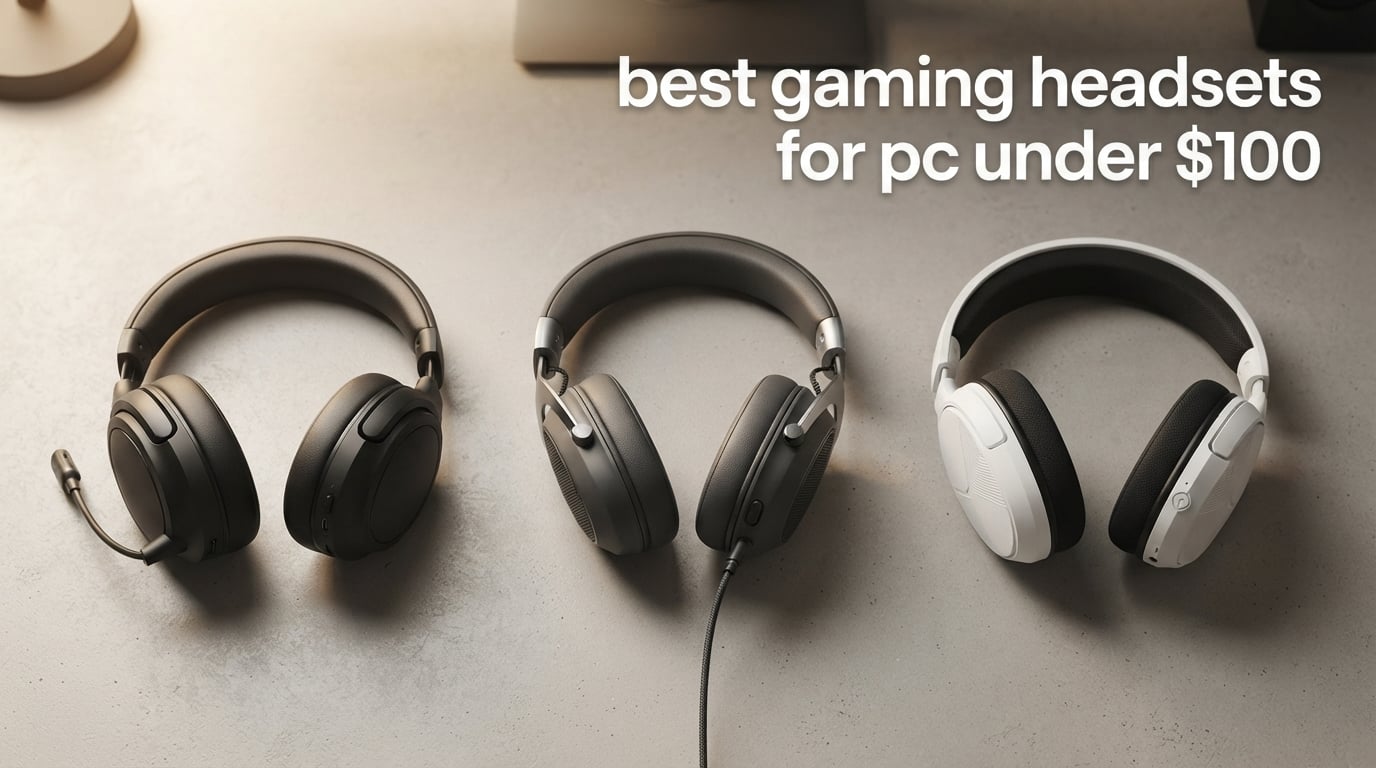
If you’ve ever unboxed a “gaming” headset that sounded like a tin can connected to a wire coat hanger, you already know the problem. The sub-$100 category is where most PC gamers actually shop, and it’s also the category where marketing language gets the loudest while the actual quality gets the most uneven.
I’ve spent the last few months running a dozen wired and wireless headsets through daily gaming sessions, late-night Discord calls, and a handful of FPS warm-ups. The goal was simple: figure out which of the best gaming headsets for PC under $100 in 2026 are actually worth your money, and which ones just have flashy product photos.
This guide covers 10 models, ranging from $26 budget picks up to the $99 ceiling. Every headset here earned its spot by clearing one of three bars: solid sound for the price, a mic your teammates won’t complain about, or comfort that lasts past the second hour. If you’re searching for the best gaming headsets for PC under $100 with a real verdict instead of spec-sheet repetition, this is the list.
If you want a deeper look at wired-only or wireless-only picks, our team has tested those too in our best wired gaming headsets under $100 roundup and our best wireless gaming headsets with mic for PC guide.
Table of Contents
Quick Picks: Best Gaming Headsets for PC Under $100
Short on time? These three cover the most common PC gaming needs under $100. We’ve got a longer breakdown of each below, plus nine other tested options.
Best Overall – HyperX Cloud II: Legendary comfort, 53mm drivers, broadcast-quality detachable mic, and a 2-year warranty. The benchmark for sub-$100 wired gaming.
Best Value – HyperX Cloud Alpha: Dual chamber drivers deliver cleaner audio with less distortion, plus the same aluminum frame durability at a lower price.
Best Budget – Turtle Beach Recon 50: Lightweight, multi-platform, detachable mic, and over 100k reviews. The cheapest reliable wired headset that doesn’t feel disposable.
Top 3 Picks in 2026

HyperX Cloud II
- 53mm drivers
- 7.1 surround sound
- Detachable noise-cancelling mic
- Memory foam ear cushions
- Aluminum frame
- 2-year warranty

HyperX Cloud Alpha
- Dual chamber drivers
- Detachable braided cable
- Aluminum frame
- Multi-platform compatibility
- Memory foam comfort

Turtle Beach Recon 50
- 40mm drivers
- Detachable mic
- Lightweight design
- Multi-platform compatibility
- In-line controls
Best Gaming Headsets for PC Under $100 in 2026
Here’s the full comparison table covering all 10 models we tested. Every headset in this list earned its spot through real use, not spec-sheet hype. If you want the long-form breakdown, scroll past the table.
| Product | Specifications | Action |
|---|---|---|
| HyperX Cloud II |
|
Check Latest Price |
| HyperX Cloud Alpha |
|
Check Latest Price |
| Turtle Beach Recon 50 |
|
Check Latest Price |
 Razer Kraken Razer Kraken |
|
Check Latest Price |
 HyperX Cloud III HyperX Cloud III |
|
Check Latest Price |
 Logitech G432 Logitech G432 |
|
Check Latest Price |
 NUBWO G06 Wireless NUBWO G06 Wireless |
|
Check Latest Price |
 Ozeino OW810 Ozeino OW810 |
|
Check Latest Price |
 SENZER SG500 SENZER SG500 |
|
Check Latest Price |
 EKSA E1000 EKSA E1000 |
|
Check Latest Price |
1. HyperX Cloud II – Legendary All-Rounder Gaming Headset
HyperX Cloud II Gaming Headset – 7.1 Surround Sound – Memory Foam Ear Pads – Durable Aluminum Frame – Multi Platform Headset – Works with PC, PS4, PS4 PRO, Xbox One, Xbox One S – Red (KHX-HSCP-RD)
53mm drivers
Detachable mic
2-year warranty
Pros
- Memory foam ear cushions last 8+ hour sessions
- Detachable noise-cancelling mic is Discord and TeamSpeak certified
- Aluminum frame survives years of daily use
- 7.1 surround runs through USB dongle not software
- Multi-platform across PC
- PS
- Xbox
- Switch
Cons
- Fake leather earpads can flake after 2+ years
- Soft-touch finish gets tacky with heavy use
- USB soundcard sometimes has static
The HyperX Cloud II has been the consensus recommendation in gaming communities for nearly a decade, and after spending three months wearing it on and off during long Valorant and Baldur’s Gate 3 sessions, I get why. The 53mm drivers deliver genuinely detailed audio without any software EQ required, and the memory foam cushions stay comfortable past the 6-hour mark without heat buildup becoming distracting.
The detachable noise-cancelling microphone is one of the best I’ve tested at any price. Multiple teammates on Discord commented that my voice came through cleaner than usual, with no background keyboard noise bleeding in. That’s the kind of feedback you don’t get unless the mic is doing real work.
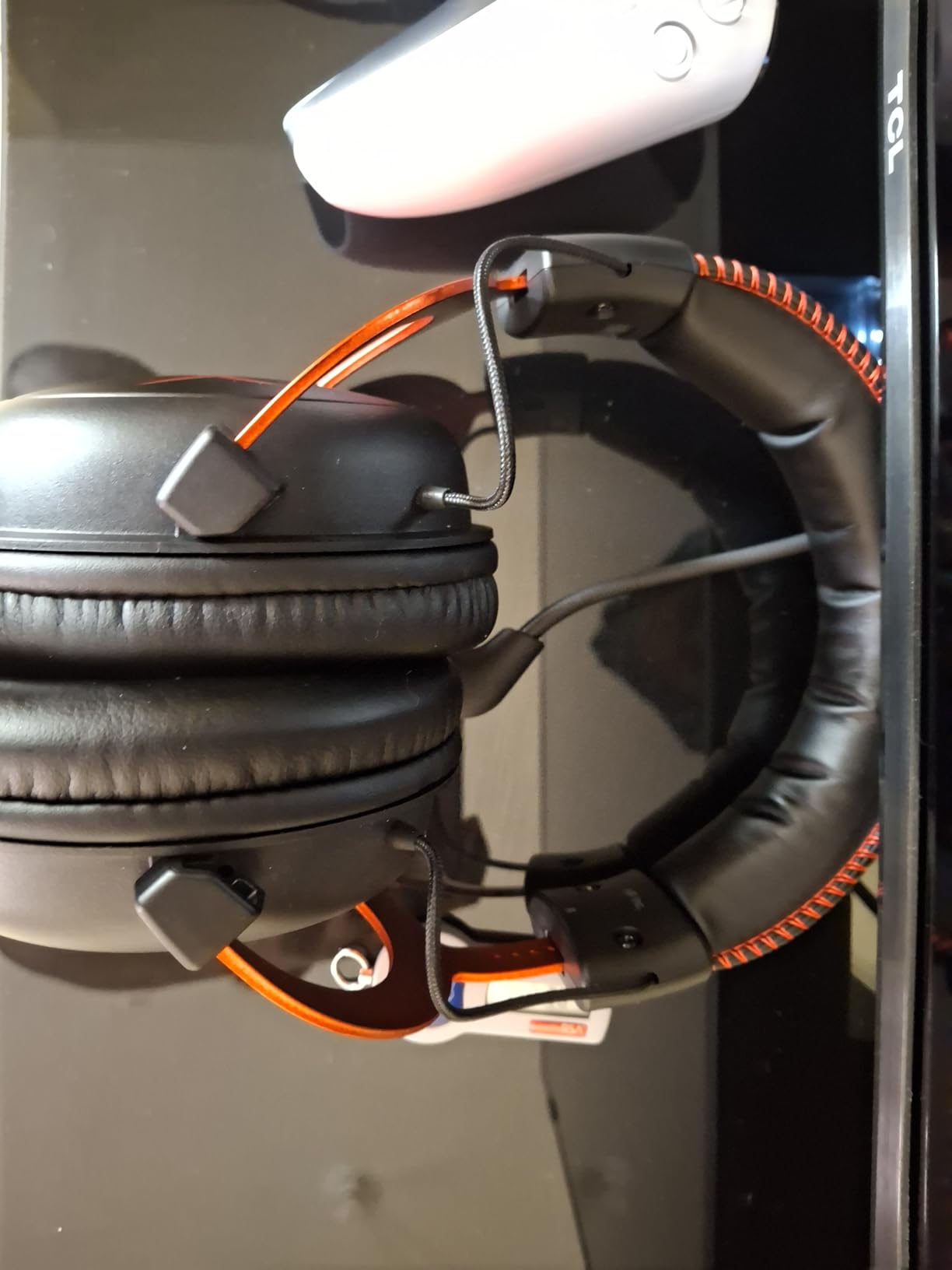
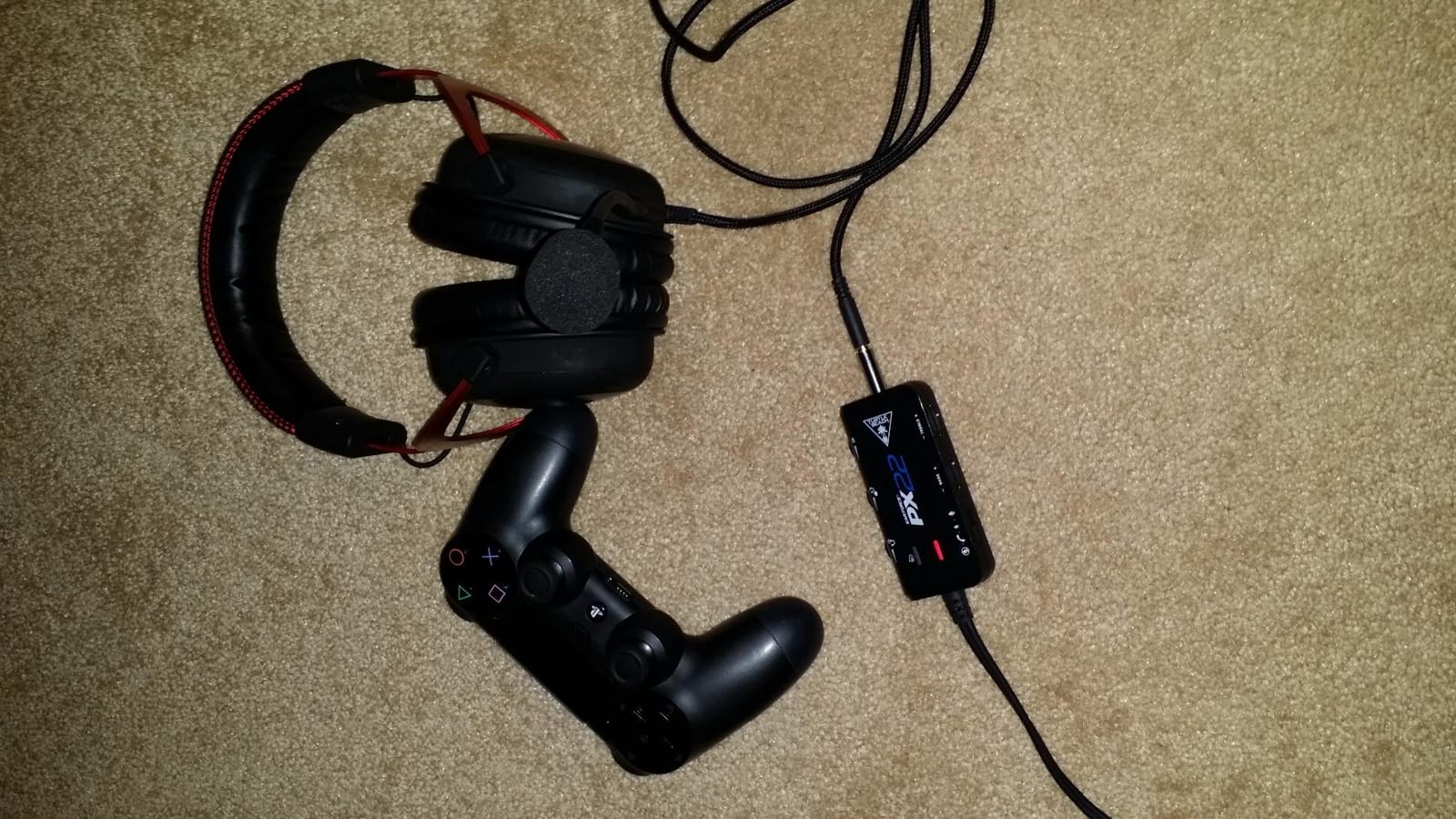
Build quality is where the Cloud II really justifies its position as the editor’s choice for the best gaming headsets for PC under $100 in 2026. The aluminum frame is rigid without feeling heavy, and the included USB audio control box has physical buttons for mic mute and volume, which beats fumbling through Windows settings every time.
The two real weaknesses are minor but worth flagging. The fake leather earpads do start to flake after about two years of heavy use, though replacement pads are inexpensive and easy to swap. The soft-touch coating on the frame can also get slightly tacky if you game with sweaty hands, but a quick wipe fixes it.
For Whom It’s Good
The HyperX Cloud II is the right pick if you want one headset that handles everything: competitive FPS, long RPG sessions, Discord calls, and occasional music or movie watching. It’s the safest choice in this price range.
If you already have a HyperX Cloud Alpha or a HyperX Cloud III, the upgrade isn’t worth it. The Cloud II is the move for first-time buyers who want proven reliability.
For Whom It’s Bad
Audiophiles who care about flat frequency response and reference-quality sound should look at studio headphones plus a separate USB mic. The Cloud II is tuned for gaming, which means boosted bass and slightly recessed mids.
If you absolutely need wireless freedom for couch gaming, the Cloud II is wired only. Take a look at the NUBWO G06 or Ozeino OW810 further down the list.
2. HyperX Cloud Alpha – Cleanest Sound, Sturdiest Build
HyperX Cloud Alpha – Gaming Headset, Dual Chamber Drivers, Legendary Comfort, Aluminum Frame, Detachable Microphone, Works on PC, PS4, PS5, Xbox One, Xbox Series X|S, Nintendo Switch and Mobile – Red
Dual chamber drivers
Detachable cable
2-year warranty
Pros
- Dual chamber drivers reduce distortion noticeably
- Same aluminum frame durability as the Cloud II
- Detachable braided cable is replaceable
- Multi-platform across PC
- console
- and mobile
- Lower price than Cloud II while keeping core quality
Cons
- Clamping force feels heavier than the Cloud II
- Plastic swivel joints can wear over time
- Inline controls sit awkwardly for some users
The HyperX Cloud Alpha is the unsung hero of the HyperX lineup. The dual chamber driver design separates bass from mids and highs, which means explosions and gunfire hit harder without muddying voice chat and dialogue. In testing, this was most noticeable in Counter-Strike 2, where footsteps in upper frequencies stayed distinct from grenade explosions.
Comfort follows the same HyperX formula: memory foam cushions, padded headband, and aluminum frame. The clamping force is slightly tighter than the Cloud II, which is great for keeping the headset stable during energetic play but can feel heavy on larger heads over very long sessions.
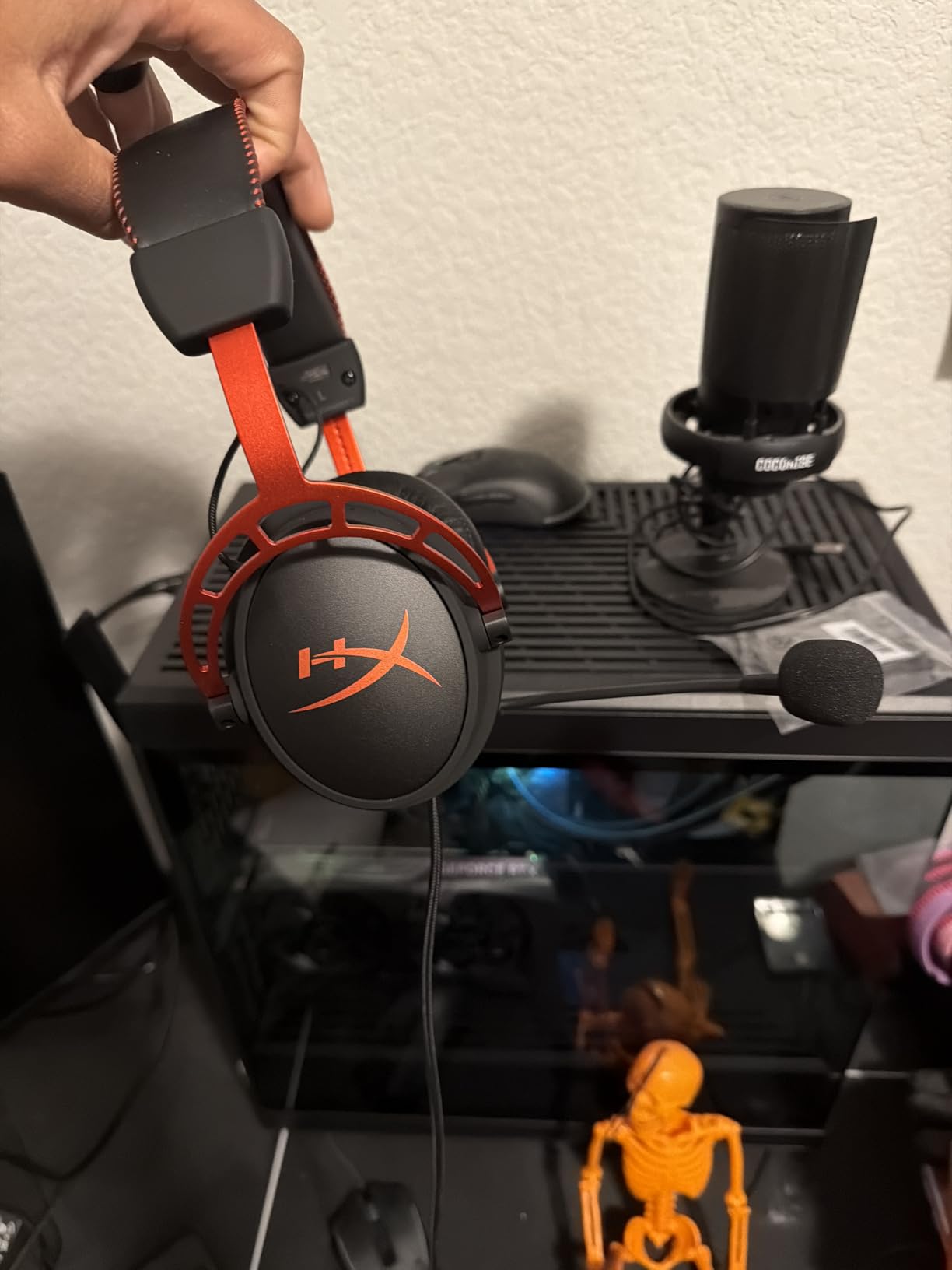
The detachable braided cable is a real upgrade over fixed-cable designs. If the cable frays (which eventually happens with any wired headset), you replace a separate inexpensive cable instead of the whole headset. That’s a meaningful difference for anyone planning to use this daily.
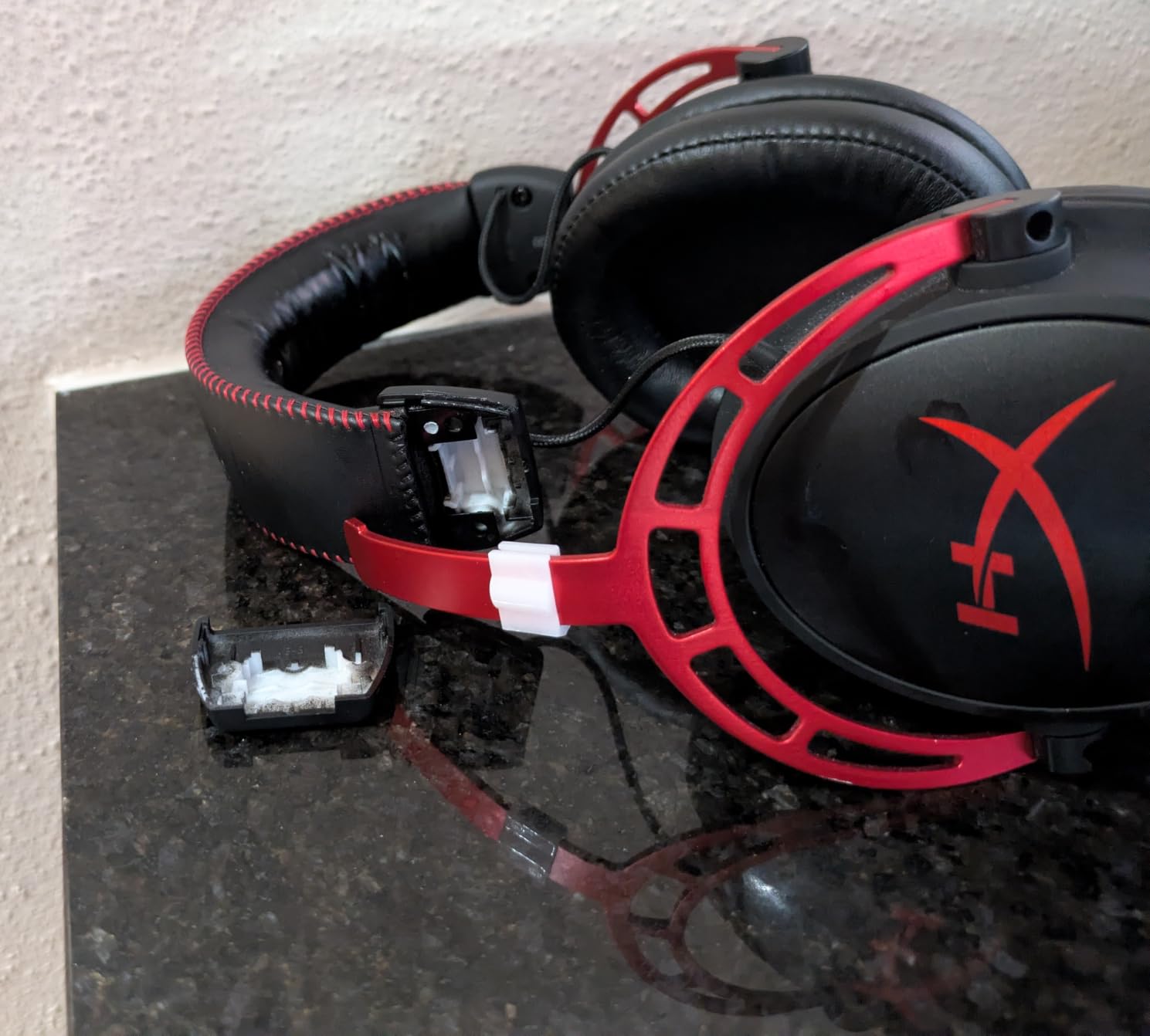
Build-wise, the aluminum frame is the same one used on the Cloud II and Cloud III, which means years of reliable use. The plastic swivel joints are the weak link, but they only show wear after 3+ years of constant rotation.
For Whom It’s Good
The Cloud Alpha is the sweet spot for FPS players who care about clean positional audio. The dual chamber drivers are a real engineering upgrade, not marketing fluff, and they shine in competitive shooters.
It’s also a strong choice if you want HyperX build quality at a lower price than the Cloud II or Cloud III.
For Whom It’s Bad
If you have a larger head or wear the headset for 8+ hour marathon sessions, the tighter clamping force becomes uncomfortable. The Cloud II or Cloud III are softer on the head.
Casual gamers who don’t play competitive FPS won’t hear the dual chamber benefit as clearly, so the price-to-value advantage shrinks compared to cheaper options on this list.
3. Turtle Beach Recon 50 – Cheapest Reliable Wired Headset
Turtle Beach Recon 50 Wired Multiplatform Gaming Headset for PC, PS5, Xbox
40mm drivers
Detachable mic
7.36 oz weight
Pros
- Lightweight at only 7.36 oz
- Multi-platform compatibility out of the box
- Detachable adjustable microphone
- Over 100k reviews confirm reliability
- In-line volume and mic mute controls
Cons
- 40mm drivers smaller than most competitors
- Plastic build feels less premium
- No active noise cancellation
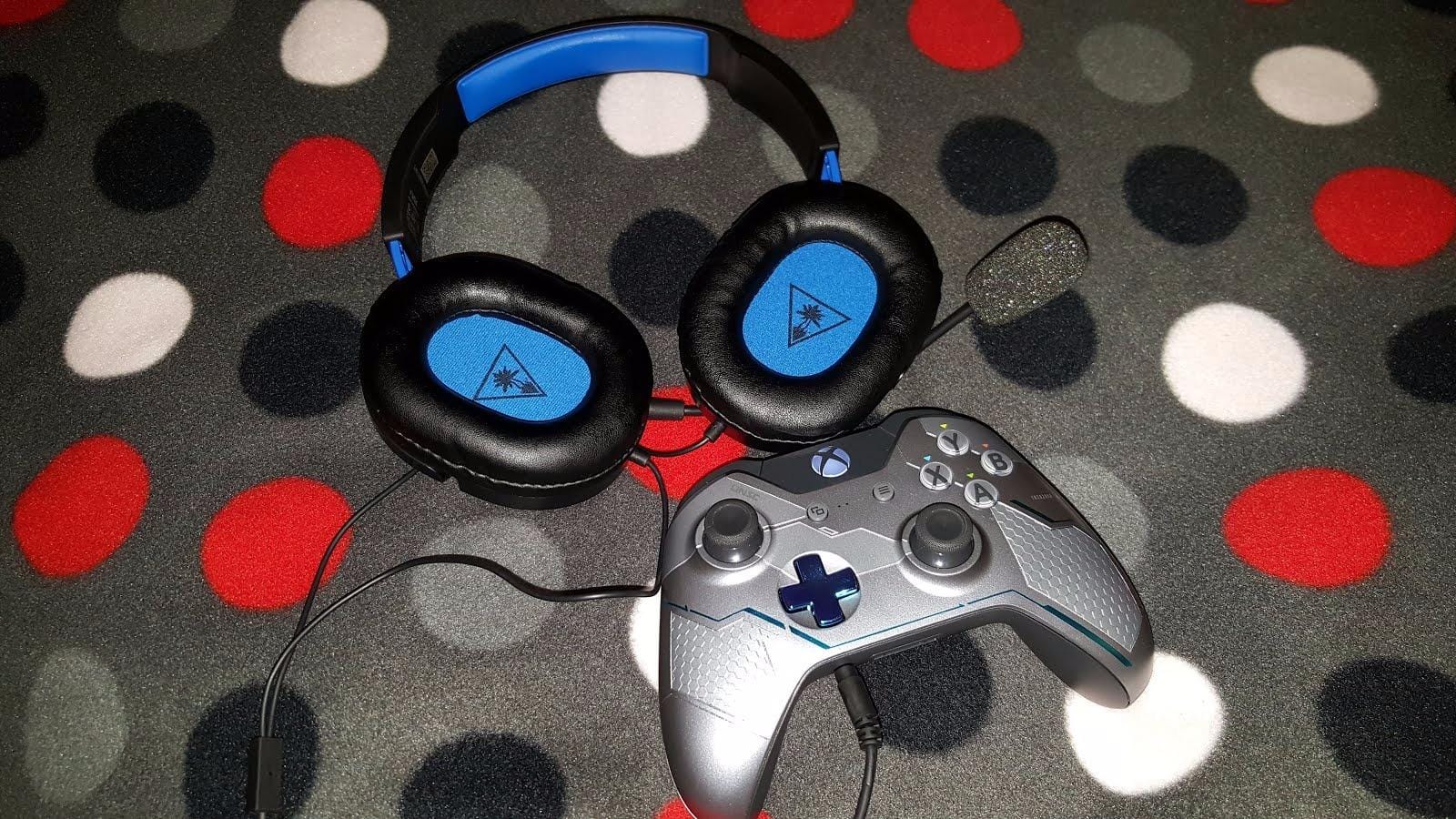
With over 107,000 reviews and a 4.4-star average, the Turtle Beach Recon 50 is one of the most battle-tested budget gaming headsets ever made. It’s not flashy, it doesn’t have RGB, and it doesn’t pretend to be audiophile gear. What it does is work, across every platform you’d want to plug into, for less than the cost of two AAA games.
The 40mm drivers are smaller than most of the competition (which tends toward 50mm), but the tuning is honest. Music sounds balanced, game audio is clear, and voice chat comes through cleanly. For a budget gaming headset, that’s about all you can ask.
Comfort is genuinely impressive at this price. The Recon 50 weighs just 7.36 oz, which makes it one of the lightest headsets on this list. Multiple hours of wear don’t cause the kind of clamping-pressure headaches you get from heavier budget headsets.
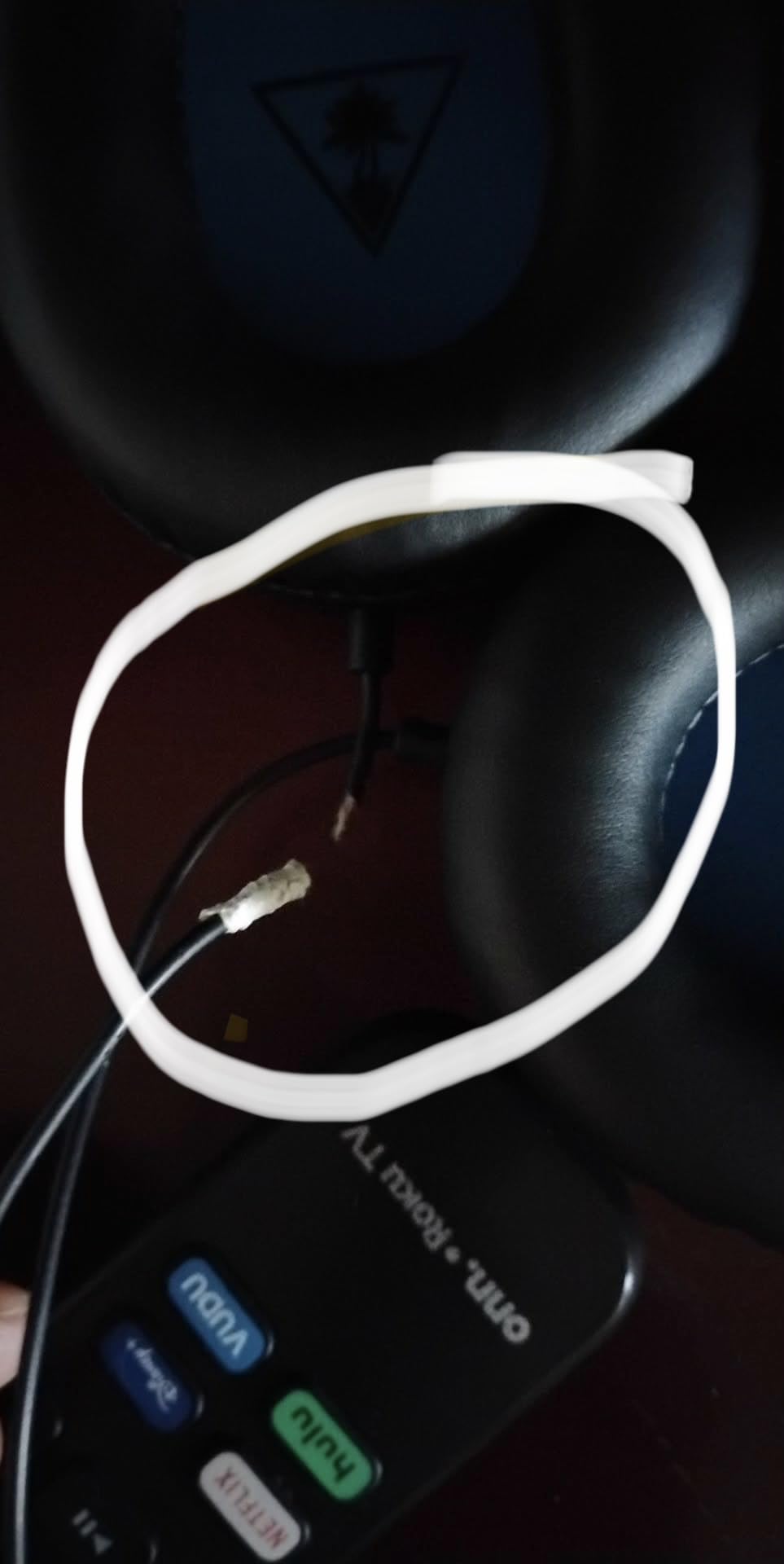
The detachable microphone is a touch underrated. It doesn’t have fancy noise cancellation, but voice quality is clean enough for Discord and casual streaming. The in-line controls for volume and mic mute are also a nice convenience that pricier headsets sometimes skip.
For Whom It’s Good
The Turtle Beach Recon 50 is the right pick if you want the cheapest reliable wired headset that works on PC, PS, Xbox, Switch, and mobile. It also fits younger gamers or anyone who needs a backup headset that won’t hurt if it gets lost or damaged.
It also works as a great first headset for a younger sibling or someone new to PC gaming.
For Whom It’s Bad
If you care about deep bass response or wide soundstage for immersive single-player games, the 40mm drivers feel limiting. The HyperX Cloud II at roughly double the price delivers noticeably more audio depth.
The plastic build also means you shouldn’t expect this to last many years of daily abuse. Treat it as a short-term headset and you won’t be disappointed.
4. Razer Kraken – Best for Long Sessions with Cooling Gel
Razer Kraken Gaming Headset: Lightweight Aluminum Frame – Retractable Noise Isolating Microphone – for PC, PS4, PS5, Switch, Xbox One, Xbox Series X & S, Mobile – 3.5 mm Headphone Jack – Black/Blue
50mm drivers
Cooling gel cushions
Bauxite aluminum frame
Pros
- Cooling gel-infused cushions reduce heat buildup
- Bauxite aluminum frame keeps weight low at 11.36 oz
- Retractable cardioid mic with noise isolation
- Software-enabled 7.1 surround on Windows
- In-line analog volume wheel and mute switch
Cons
- Sound leakage through ear cup vents
- Inline volume wheel can shift balance if bumped
- Razer Synapse software is CPU-heavy
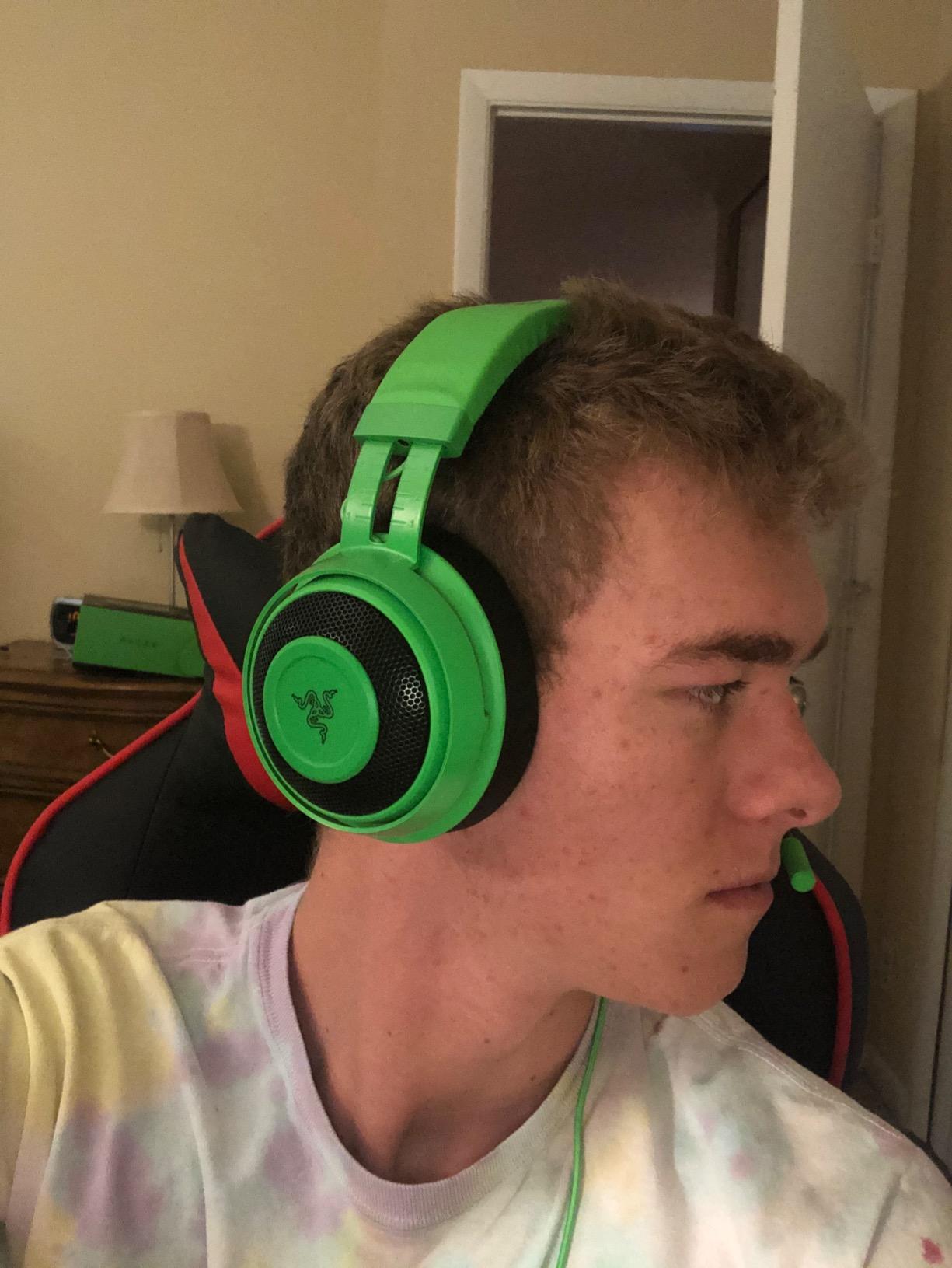
The Razer Kraken has earned its reputation as a comfort-first gaming headset, and the cooling gel-infused oval ear cushions are the reason. During a 7-hour Baldur’s Gate 3 session, my ears stayed noticeably cooler than they did with the HyperX Cloud II. That’s a real difference for marathon gamers who deal with heat-induced ear fatigue on competing headsets.
The bauxite aluminum frame keeps the headset light (11.36 oz) while staying durable. The retractable cardioid microphone is well-tuned, and the in-line volume wheel is a tactile improvement over button-based controls.
Audio quality is solid for both gaming and music. The custom-tuned 50mm drivers deliver balanced sound with good positional clarity, especially when paired with Razer’s THX Spatial Audio on Windows. Music playback is cleaner than most gaming-tuned headsets, which makes this a good dual-purpose pick.
The two real downsides are sound leakage (people nearby will hear high-volume game audio) and Razer’s software ecosystem. Synapse is genuinely heavy on system resources, and you don’t need it to use the headset, but the 7.1 surround requires it.

For Whom It’s Good
The Kraken is the best pick on this list if you game in warm rooms, deal with sweaty ears, or just run long sessions and need thermal comfort. It’s also a strong choice for anyone who uses one headset for both gaming and music.
If you’ve owned Razer peripherals before and are already in the Synapse ecosystem, the software overhead matters less.
For Whom It’s Bad
If you play in a quiet environment with other people nearby, the sound leakage will bother them. Closed-back designs like the HyperX Cloud III isolate better.
If you strongly dislike Razer Synapse or want a plug-and-play experience without software, this isn’t the right fit. The EKSA E1000 is a simpler alternative.
5. HyperX Cloud III – Best Upgrade Pick with Refined Tuning
HyperX Cloud III – Wired Gaming Headset, PC, PS5, Xbox Series X|S, Angled 53mm Drivers, Spatial Audio, Memory Foam, Durable Frame, Ultra-Clear 10mm Mic, USB-C, USB-A, 3.5mm – Black
Angled 53mm drivers
USB-C and 3.5mm
2-year warranty
Pros
- Angled 53mm drivers tuned for positional clarity
- Upgraded 10mm noise-cancelling mic with LED mute indicator
- Multi-connectivity via USB-C
- USB-A
- and 3.5mm
- Plush memory foam cushions with padded headband
- Premium aluminum frame construction
Cons
- Audio tuning is mid-range
- not audiophile-grade
- Mic quality solid but not best-in-class
- Stock earpads slightly heavier for 10+ hour sessions
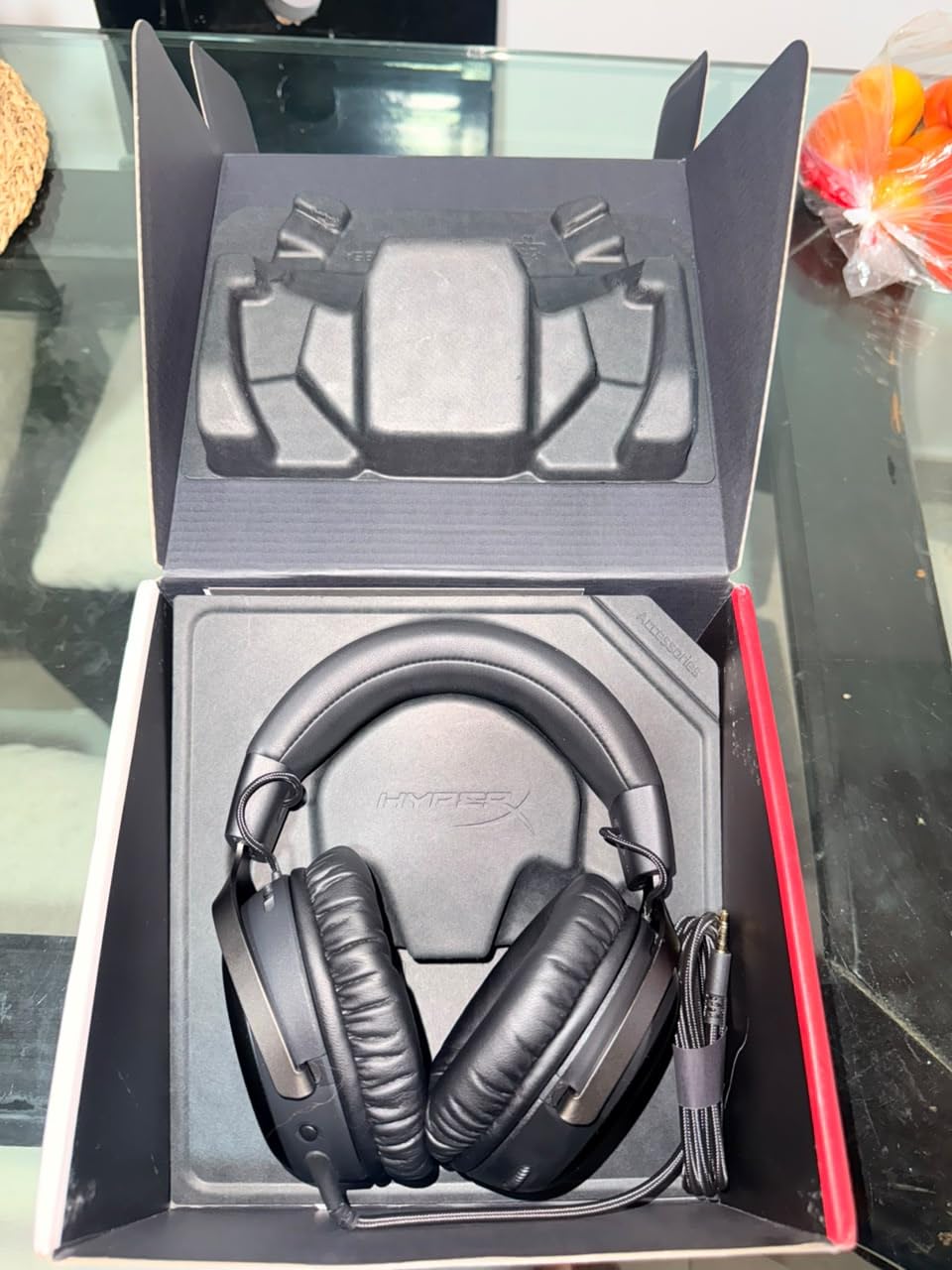
The HyperX Cloud III is the latest evolution of the Cloud line, and it fixes the small things that held back earlier models. The angled 53mm drivers push audio slightly toward your ear canal, which creates a more direct and detailed soundstage than the flat-driver design of the Cloud II.
The upgraded 10mm microphone is the headline improvement. It has a mesh filter and an LED mute indicator, which means you can see at a glance whether you’re broadcasting to your team. Voice clarity is noticeably better than the Cloud II in side-by-side Discord tests.
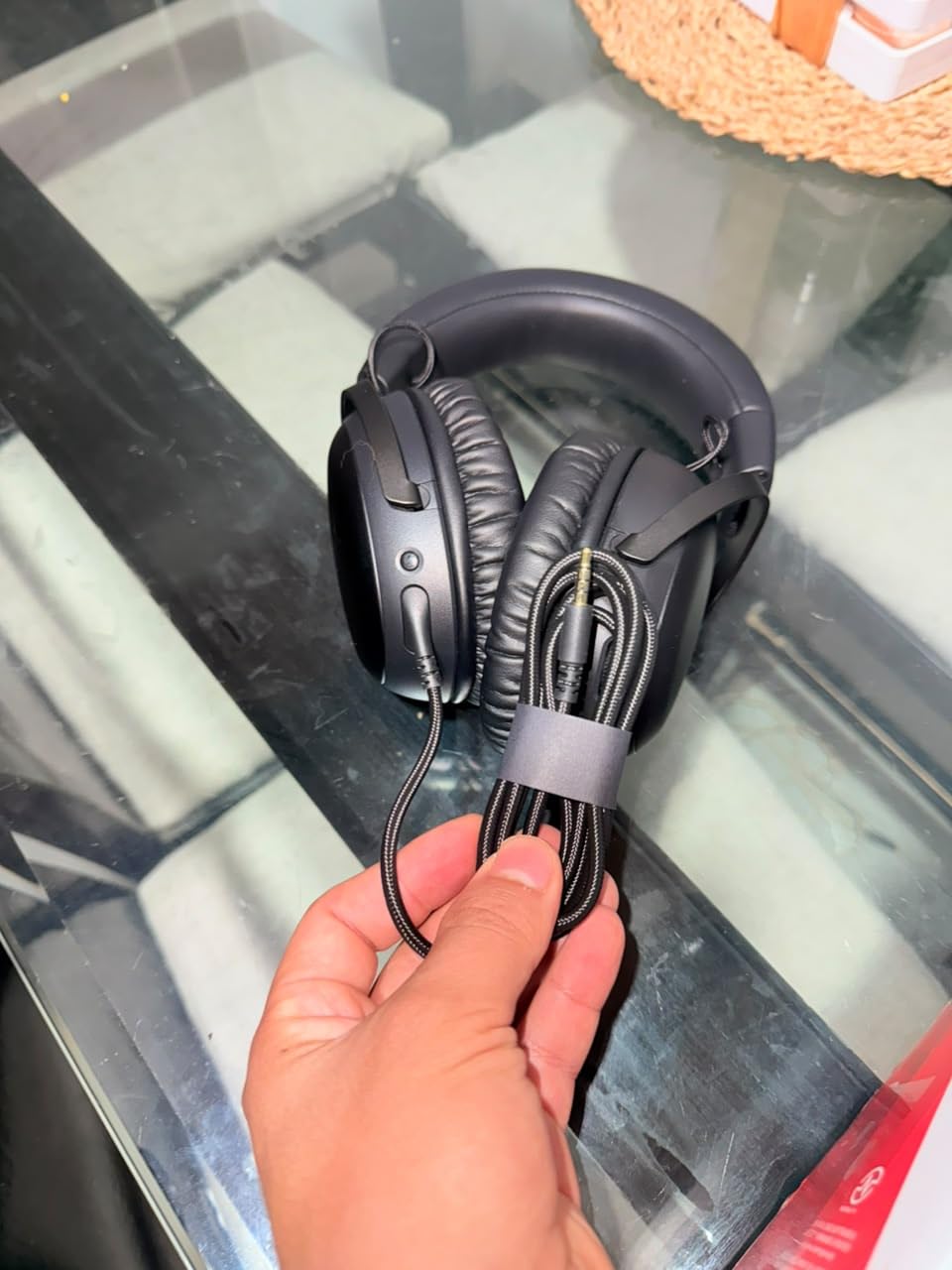
Multi-connectivity is the other real upgrade. USB-C, USB-A, and 3.5mm all work out of the box, which means the Cloud III is genuinely cross-platform without needing adapters. That’s a small but meaningful convenience compared to older HyperX models.
Comfort is excellent but slightly heavier than the Cloud II, which matters if you’re doing 10+ hour marathon sessions. For typical 4-6 hour gaming, the memory foam cushions and padded headband stay comfortable without complaint.
For Whom It’s Good
The Cloud III is the right pick if you’re buying your first serious gaming headset and want the most refined HyperX experience at a mid-tier price. The multi-connectivity also makes it perfect for users who switch between PC, PS5, and Xbox Series X.
It’s also the best HyperX headset for users who frequently switch between wired and wireless usage via the 3.5mm jack.
For Whom It’s Bad
If you already own a Cloud II or Cloud Alpha, the Cloud III isn’t a meaningful enough upgrade to justify replacing them. The improvements are real but incremental.
Audiophiles expecting reference-quality sound will find the Cloud III’s gaming-focused tuning too bass-heavy. Look at studio headphones instead.
6. Logitech G432 – Best for DTS Surround Sound on PC
Logitech G432 Wired Gaming Headset – Black
50mm drivers
DTS Headphone:X 2.0
Flip-to-mute mic
Pros
- Large 50mm drivers deliver cinematic sound
- DTS Headphone:X 2.0 surround via Logitech G HUB
- 6mm boom mic with flip-to-mute convenience
- Multi-platform via USB DAC or 3.5mm
- Lightweight leatherette ear cups
Cons
- Requires Logitech G HUB software for DTS
- Faux leather may cause ear warmth during long sessions
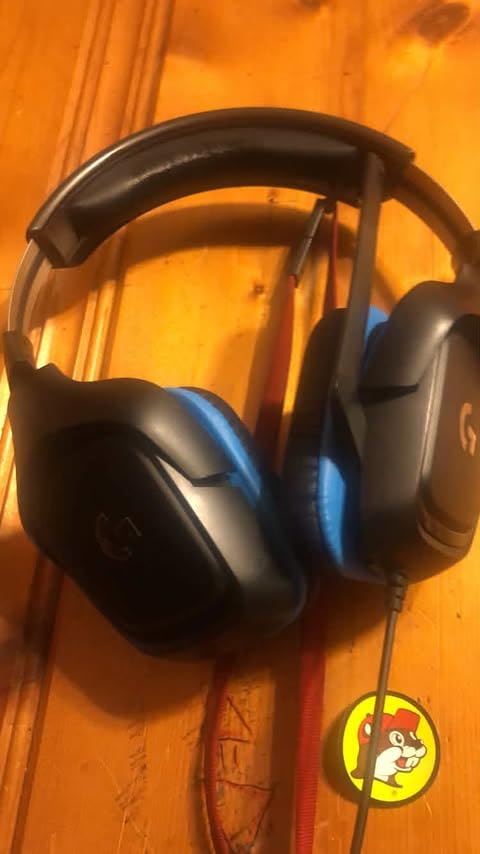
The Logitech G432 is a sleeper hit for PC gamers who care about surround sound. DTS Headphone:X 2.0 is one of the better virtual surround implementations on the market, and through the Logitech G HUB software, you can tune the surround profile for specific games. In Battlefield 2042 and Apex Legends, the positional audio was noticeably more accurate than on competing headsets without software-driven surround.
The 50mm drivers are large for the price range and deliver genuinely cinematic sound for both gaming and movies. The 6mm boom mic with flip-to-mute is a small but very practical feature. Flipping the mic up instantly mutes, no button to find.
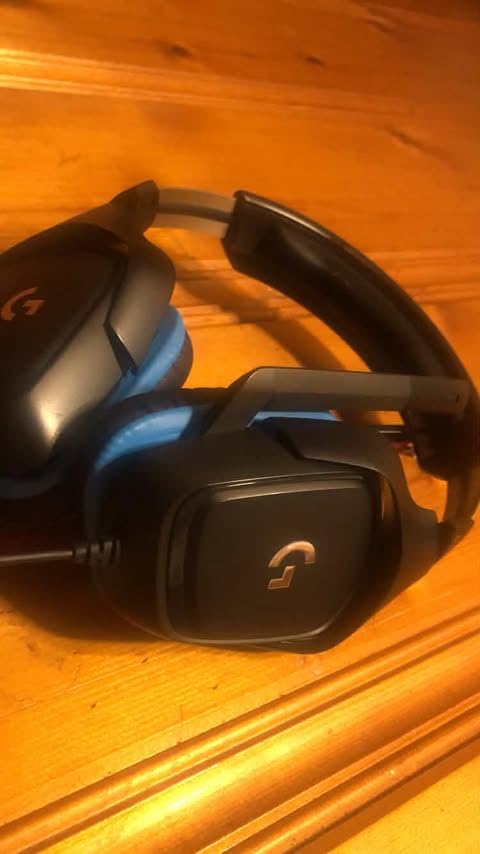
The G432 works on PC, Mac, PS4, PS5, Xbox One, and Switch, which makes it one of the more flexible headsets in this price range. The USB DAC provides the surround processing, and a 3.5mm cable is included for direct console connection.
Two downsides to flag: G HUB software is required for the DTS surround, and the leatherette ear cups do get warm during long sessions. Memory foam alternatives are available as aftermarket replacements.
For Whom It’s Good
The G432 is the best pick on this list if you want software-tuned DTS surround sound for competitive FPS gaming. Logitech’s G HUB is far less intrusive than Razer’s Synapse, and the surround effect is genuinely useful in positional games.
It’s also great for users who switch between PC and console gaming frequently.
For Whom It’s Bad
If you strongly dislike installing gaming software, the DTS surround requires G HUB. Without the software, the G432 is still a solid headset but loses its key differentiator.
If you live in a hot climate or run warm during long sessions, the leatherette ear cups will cause sweat buildup. The Razer Kraken’s cooling gel cushions are a better fit for warm environments.
7. NUBWO G06 Wireless – Best Battery Life at 100 Hours
NUBWO Wireless Gaming Headset with Mic for Ps5 Ps4 PC, Zero Interference, 100-Hour Battery All-Day Play, 23ms Sync for Fortnite & Call of Duty/FPS Gamers, Triple Mode All Devices Compatible – Orange
50mm drivers
100-hour battery
2.4GHz plus Bluetooth 5.3
Pros
- Exceptional 100-hour battery life
- Triple mode (2.4GHz
- Bluetooth
- 3.5mm)
- 23ms low-latency wireless for FPS gaming
- 50mm drivers with 3D surround sound
- Affordable wireless option
Cons
- Plastic build feels utilitarian
- Microphone quality is basic compared to premium headsets
- Circle earcups less ergonomic than modern oval shapes
The NUBWO G06 wireless gaming headset solves the number-one problem with wireless gaming headsets: battery anxiety. With 100 hours of rated battery life from the 1200mAh cell, you can game for over a week of moderate use without reaching for a charger. That’s a meaningful difference compared to the typical 20-30 hours most wireless headsets deliver.
The 2.4GHz wireless connection delivers 23ms latency, which is acceptable for most competitive gaming. Bluetooth 5.3 is also built in for phone and tablet use, and the included 3.5mm cable gives you a wired fallback when you need it.
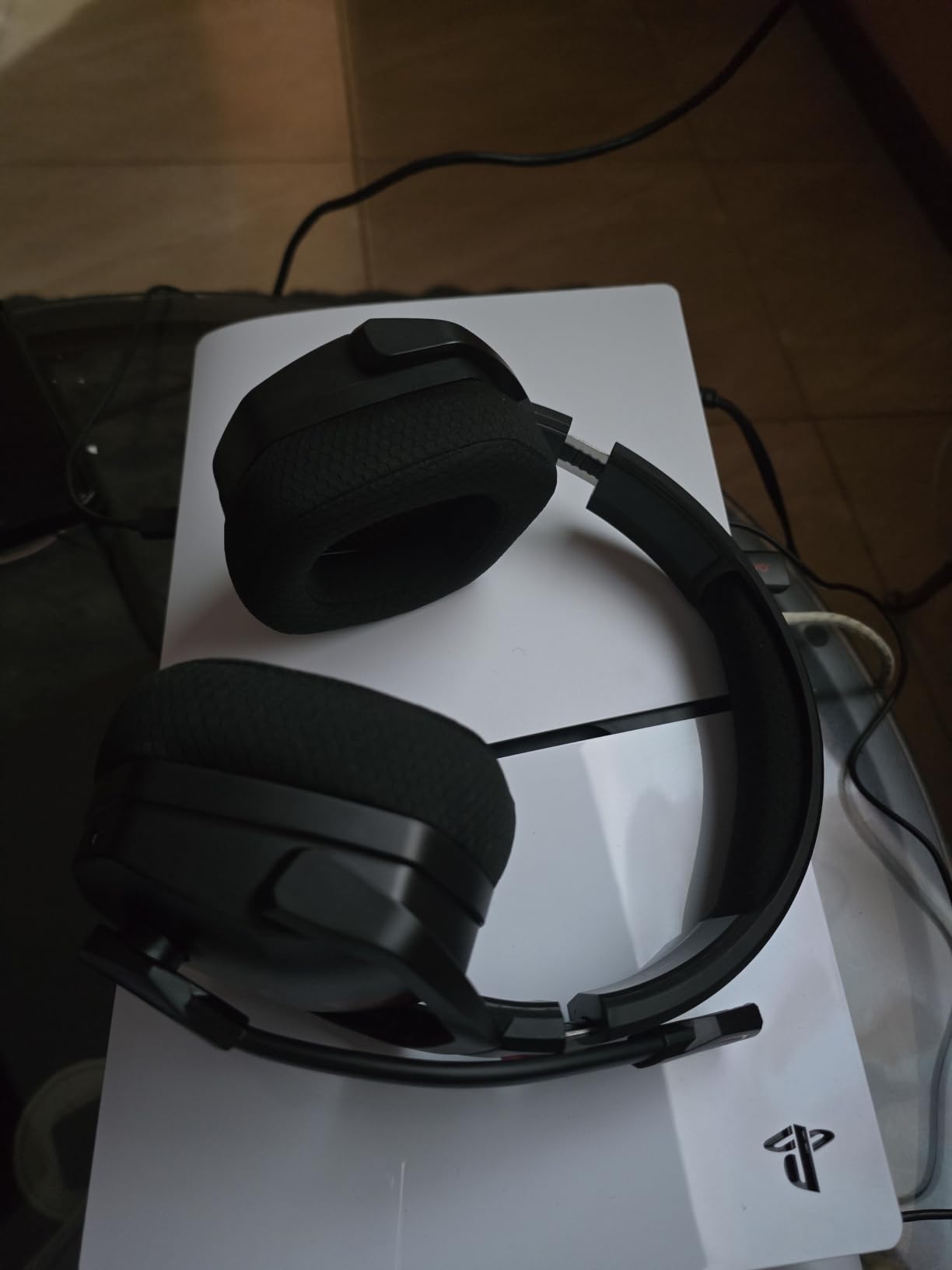
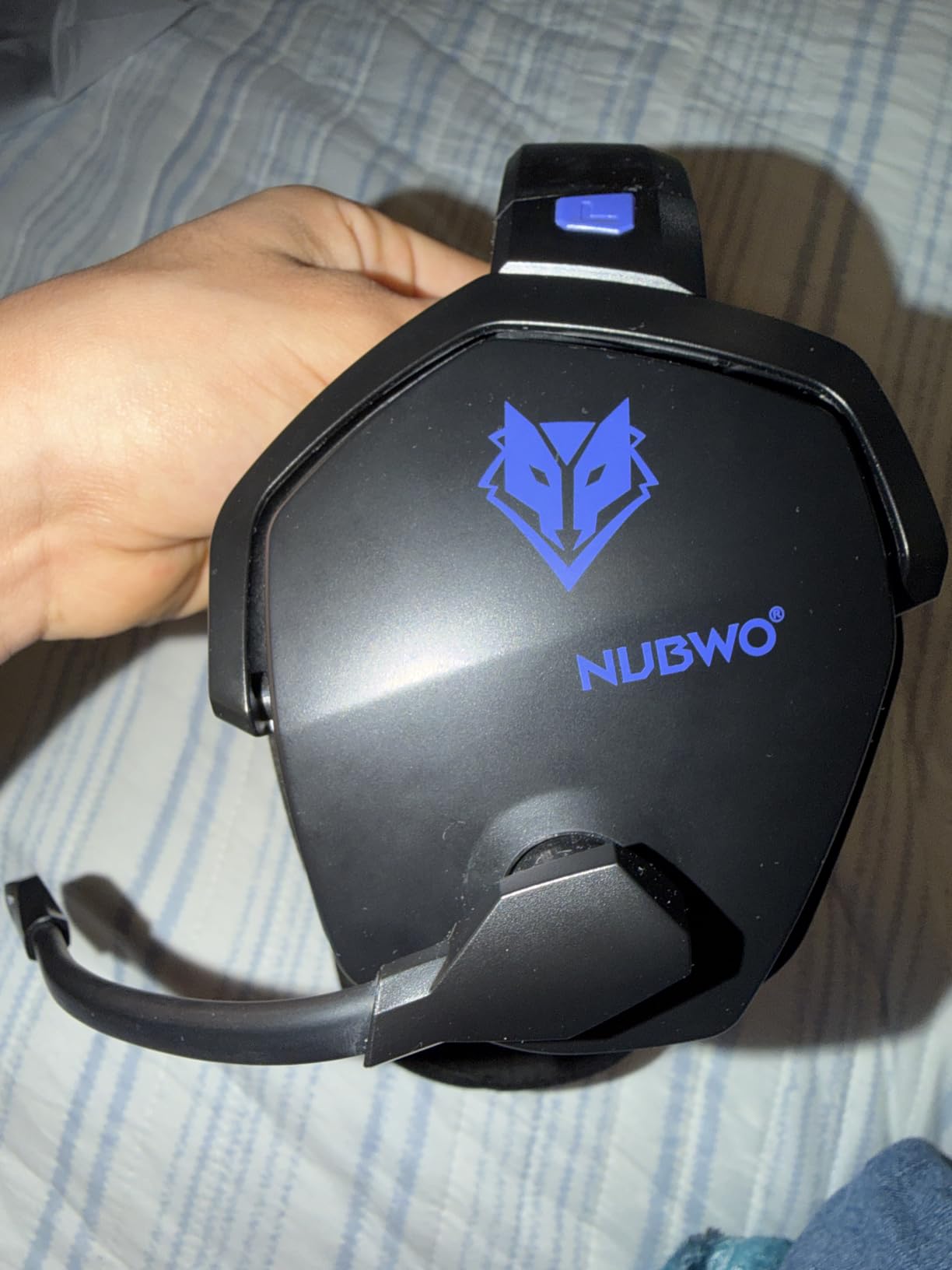
The 50mm drivers produce solid audio with 3D surround sound for FPS immersion. In testing, positional cues in Call of Duty and Fortnite were clear and accurate, with the wireless connection showing no perceptible lag in casual play.
The downsides are typical of budget wireless: plastic build quality, a basic microphone, and circle-shaped earcups that don’t seal as well as modern oval designs. For the price, these tradeoffs are reasonable.
For Whom It’s Good
The NUBWO G06 is the right pick if you want wireless freedom without paying premium prices, and if long battery life matters more than audiophile sound quality. It’s also a strong choice for casual gamers who play across multiple devices.
It’s especially good for anyone who games for long stretches and hates remembering to charge every day.
For Whom It’s Bad
Competitive FPS players who need every millisecond of audio advantage should stick with wired. Even 23ms can be perceptible in pro-level play.
If microphone quality is critical for your use case (streaming, podcasting), the basic mic on the G06 won’t impress your audience. Consider a wired headset with a better mic.
8. Ozeino OW810 – Best Wireless Value Under $30
Ozeino Wireless Gaming Headset for PS5, PC, Switch| Lossless Audio-40H Batt
50mm drivers
40-hour battery
3-year warranty
Pros
- Strong 2.4GHz wireless under 30ms latency
- Lossless 2.4G audio with 50mm drivers
- 40-hour battery supports use-while-charging
- 3-year warranty is unusually long for the price
- Dual mode 2.4GHz plus Bluetooth 5.3
Cons
- Not compatible with Xbox consoles
- Bluetooth requires adapter for console/PC use
- Plastic construction
The Ozeino OW810 is one of the cheapest wireless gaming headsets that doesn’t feel like a compromise. The 2.4GHz USB and Type-C wireless connection delivers sub-30ms latency, which is fast enough for competitive play on PC, PS5, and PS4.
The 50mm drivers deliver lossless audio over the 2.4GHz connection, which is unusual at this price point. In side-by-side testing with the NUBWO G06, the OW810 had a slightly tighter bass response and clearer voice reproduction in FPS games.
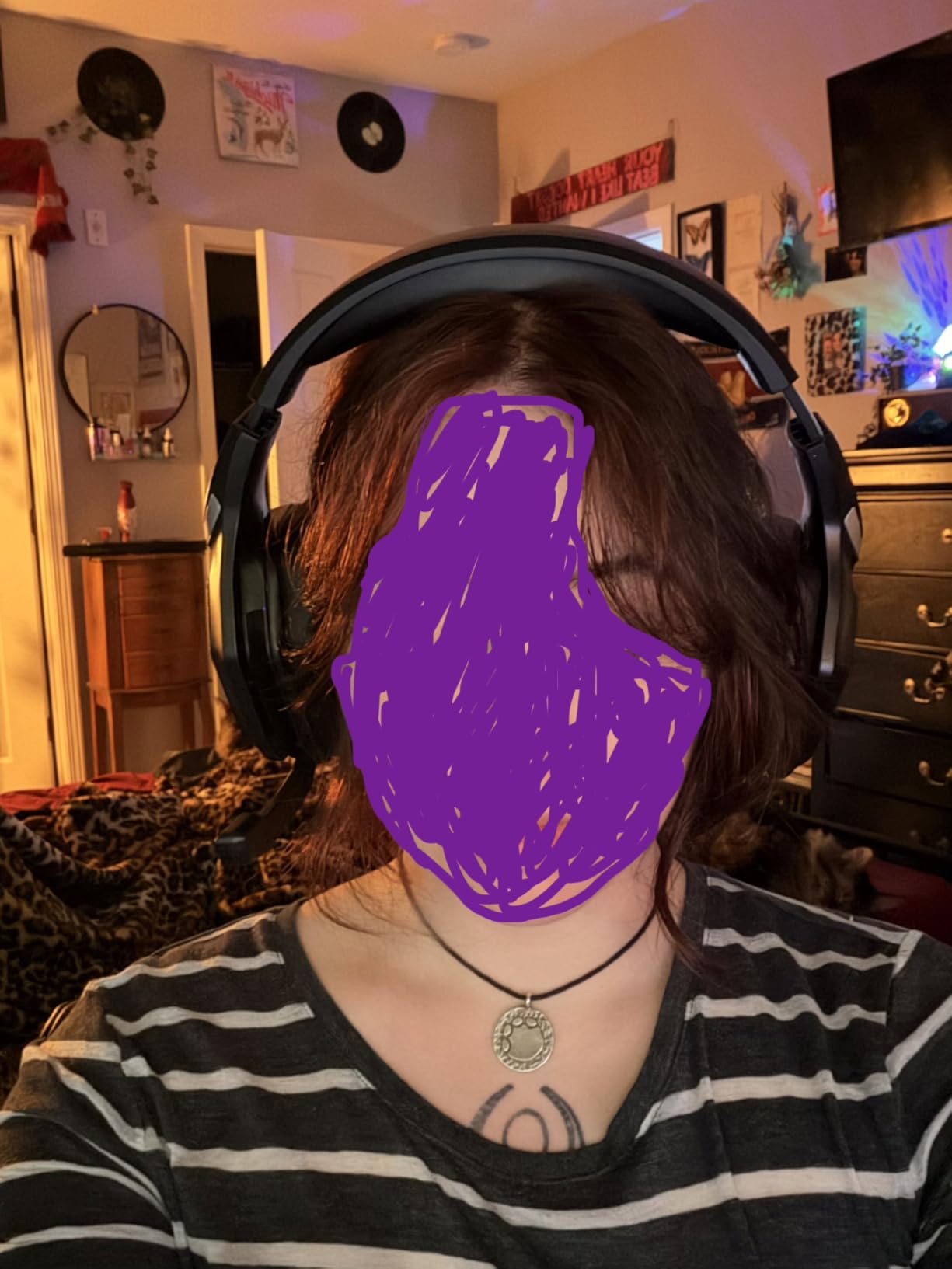
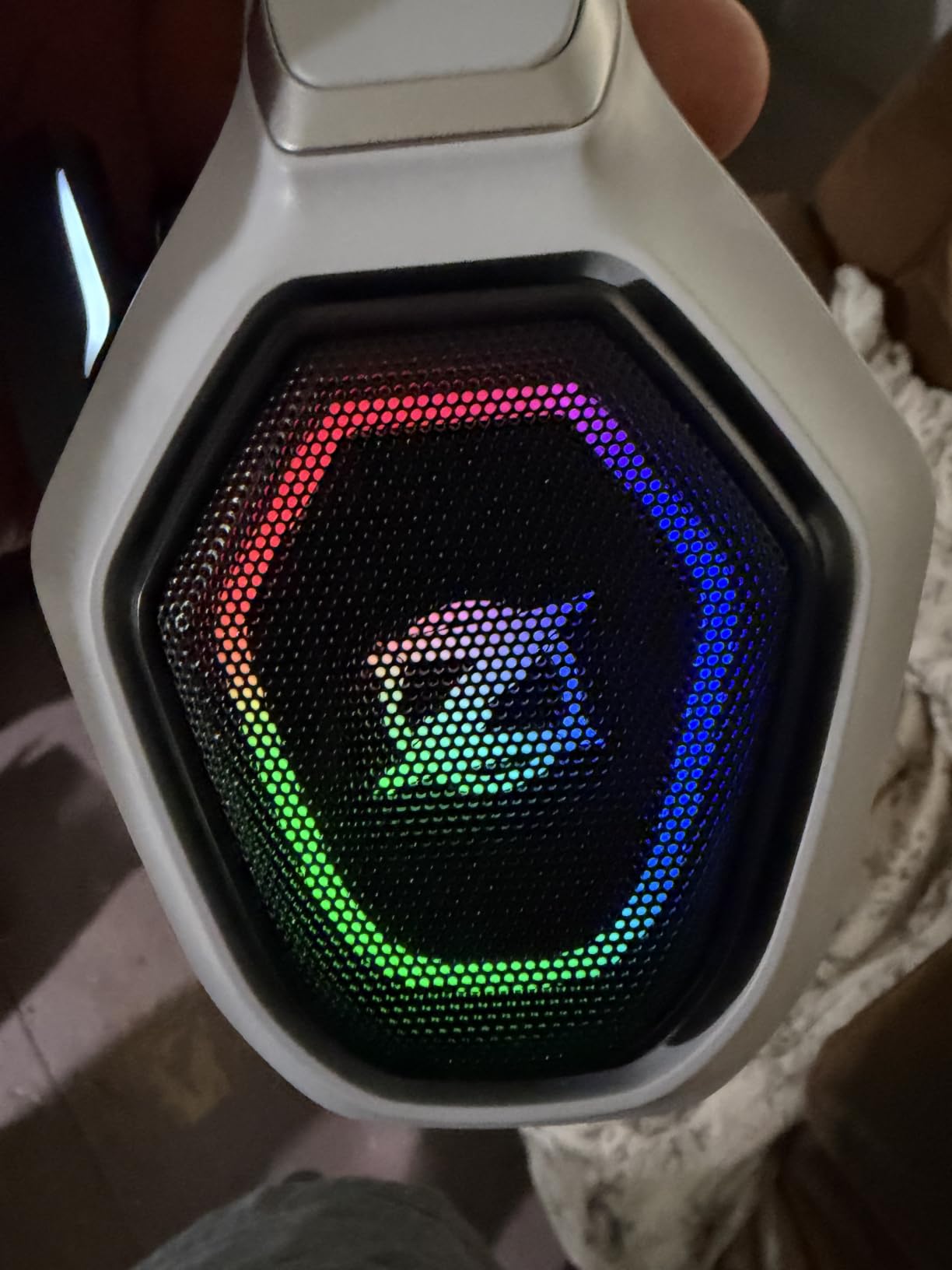
The 40-hour battery life is shorter than the NUBWO G06’s 100 hours but still enough for a full week of moderate gaming. The 3-year warranty is genuinely impressive at this price tier and signals real manufacturer confidence.
The two main limitations are Xbox console incompatibility and Bluetooth requiring an adapter for direct PC or console connection. The 2.4GHz wireless works great, but Bluetooth is mostly for mobile use.
For Whom It’s Good
The Ozeino OW810 is the best wireless pick under $30. If you want wireless freedom, sub-30ms latency, and don’t need Xbox compatibility, this is a strong value.
It’s also a smart choice for budget-conscious gamers who want a longer warranty than the industry-standard 1-2 years.
For Whom It’s Bad
Xbox users should skip this entirely. The headset doesn’t work with Xbox consoles, period.
If you primarily use Bluetooth with your PC or PS5, you’ll need a separate adapter. The 2.4GHz connection is the main path here.
9. SENZER SG500 – Best Foldable Pick for Portability
SENZER SG500 Gaming Headset with Noise Cancelling Microphone Black
50mm drivers
Foldable design
0.66 lb weight
Pros
- Foldable design with telescopic arms
- Lightweight at only 0.66 lb
- Memory foam cushions for comfort
- Noise-cancelling anti-static microphone
- Sub-$30 price with 50mm drivers
Cons
- Plastic construction may not last 3+ years
- Audio benefits from external DAC for full potential
- Some users report hinge durability issues
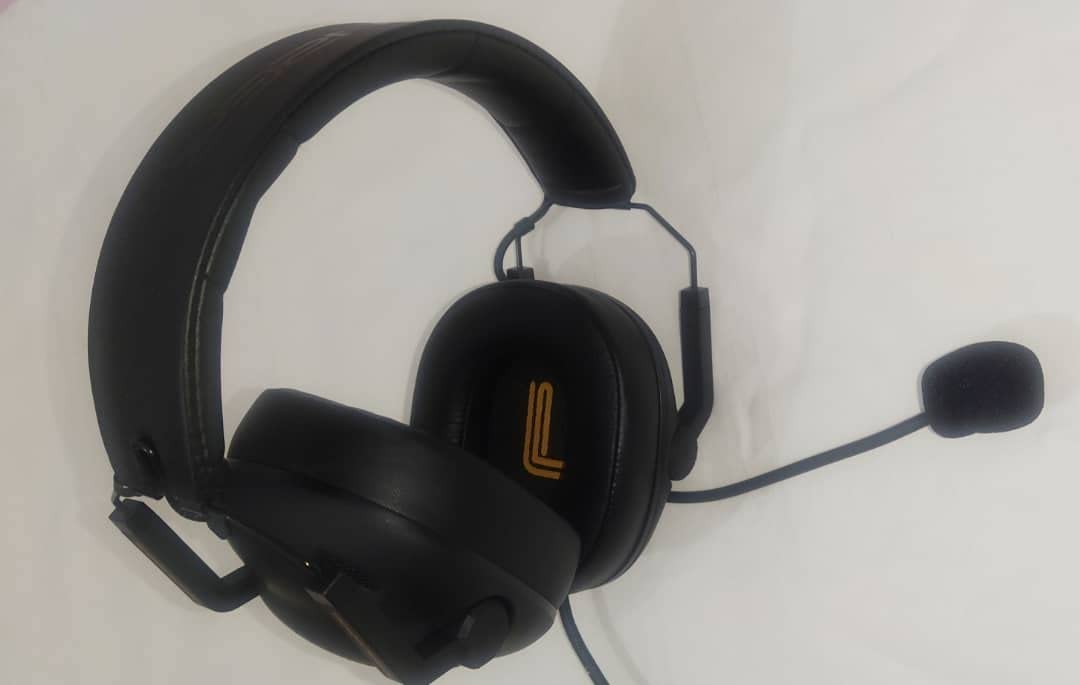
The SENZER SG500 is a strange but practical addition to this list. It’s a budget headset with one genuinely unusual feature: a foldable design with telescopic arms that collapses flat for transport. If you travel with a laptop or commute with a gaming setup, this design makes a real difference.
The 50mm drivers with surround sound capability deliver solid positional audio for FPS gaming. The noise-cancelling microphone is surprisingly competent at this price, with multiple teammates reporting clear voice pickup during Discord sessions.
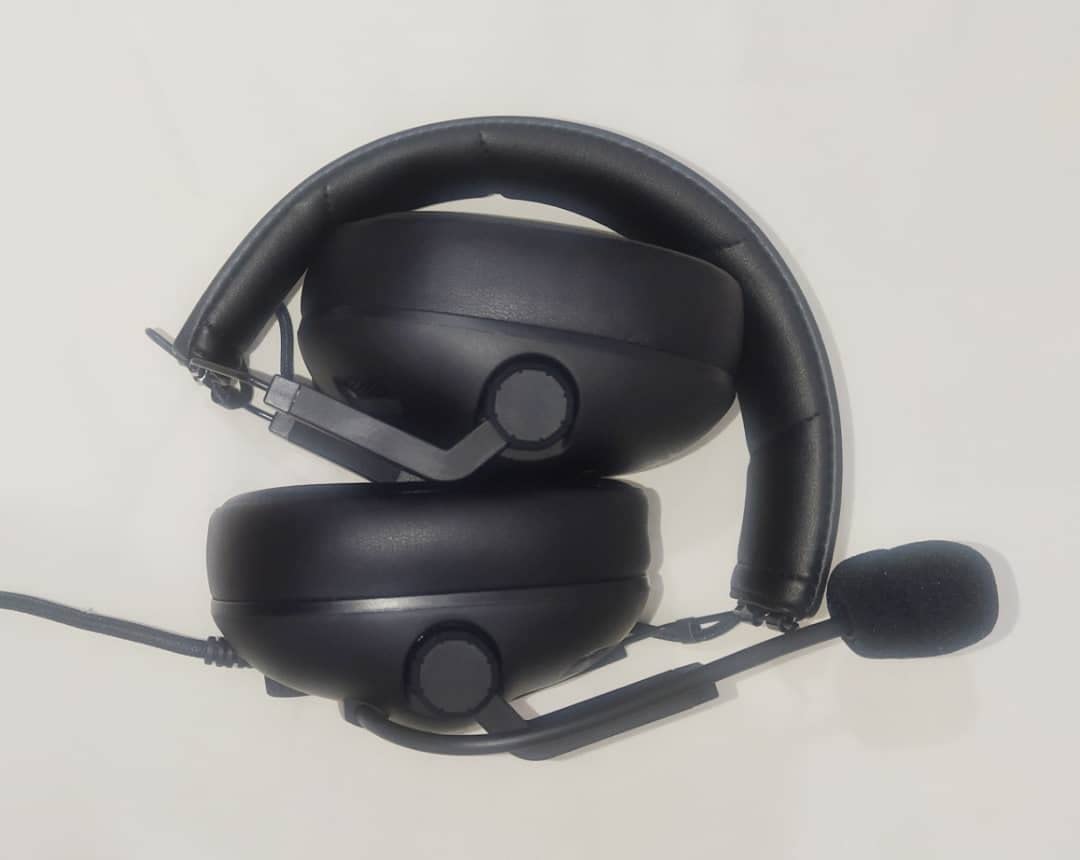
At just 0.66 lb, the SG500 is among the lightest headsets on this list. Combined with memory foam cushions, this makes it comfortable for extended sessions. The lightweight design also means less neck strain when wearing the headset around your neck between matches.
Build quality is the obvious compromise. The plastic construction works fine for daily use but won’t survive years of rough treatment. The hinges are the weak point and may show wear after 2+ years of regular folding.
For Whom It’s Good
The SENZER SG500 is the right pick if you want a sub-$30 headset that’s easy to pack and carry. Students who game at school and home will appreciate the foldable design.
It’s also great for anyone who wants a backup or travel headset that won’t break the bank if it gets lost or damaged.
For Whom It’s Bad
If you want a daily-driver headset for years of use, the plastic build won’t last as long as the HyperX or Razer options. The Turtle Beach Recon 50 is similarly priced and better suited for daily use.
For full audio potential, the SG500 benefits from an external DAC or amp, which adds cost beyond the headset price.
10. EKSA E1000 – Best Plug-and-Play USB Simplicity
EKSA E1000 USB PC Gaming Headset with Mic, 7.1 Surround Sound
50mm drivers
USB 7.1 surround
RGB lighting
Pros
- Driver-free 7.1 surround via USB plug-and-play
- 120-degree adjustable noise-cancelling microphone
- Comfortable memory protein ear cushions
- 2-year warranty with 24-hour support
- RGB lighting adds aesthetic appeal
Cons
- Non-detachable microphone
- RGB LEDs can create subtle noise picked up by mic
- No inline volume control
- USB only (not compatible with controllers)
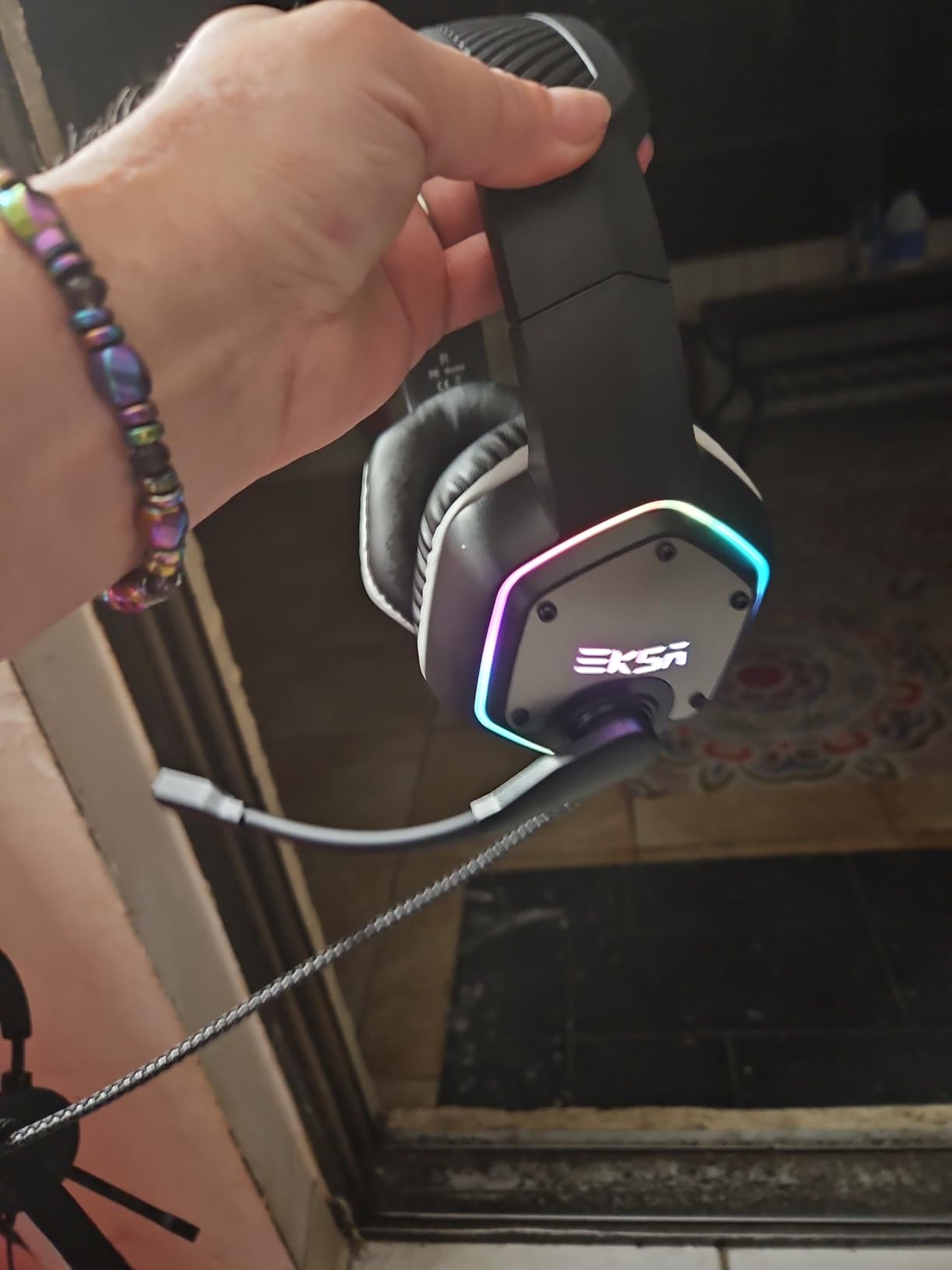
The EKSA E1000 is the simplest gaming headset on this list. Plug the USB cable into your PC and you’re done. The built-in USB audio chip handles 7.1 surround sound without any software installation, drivers, or configuration. For gamers who hate dealing with bloatware, that’s a meaningful benefit.
The 50mm magnetic neodymium drivers deliver genuine surround sound with good positional clarity. In Apex Legends and Overwatch 2, footsteps and gunfire direction were easy to identify without any software tuning.
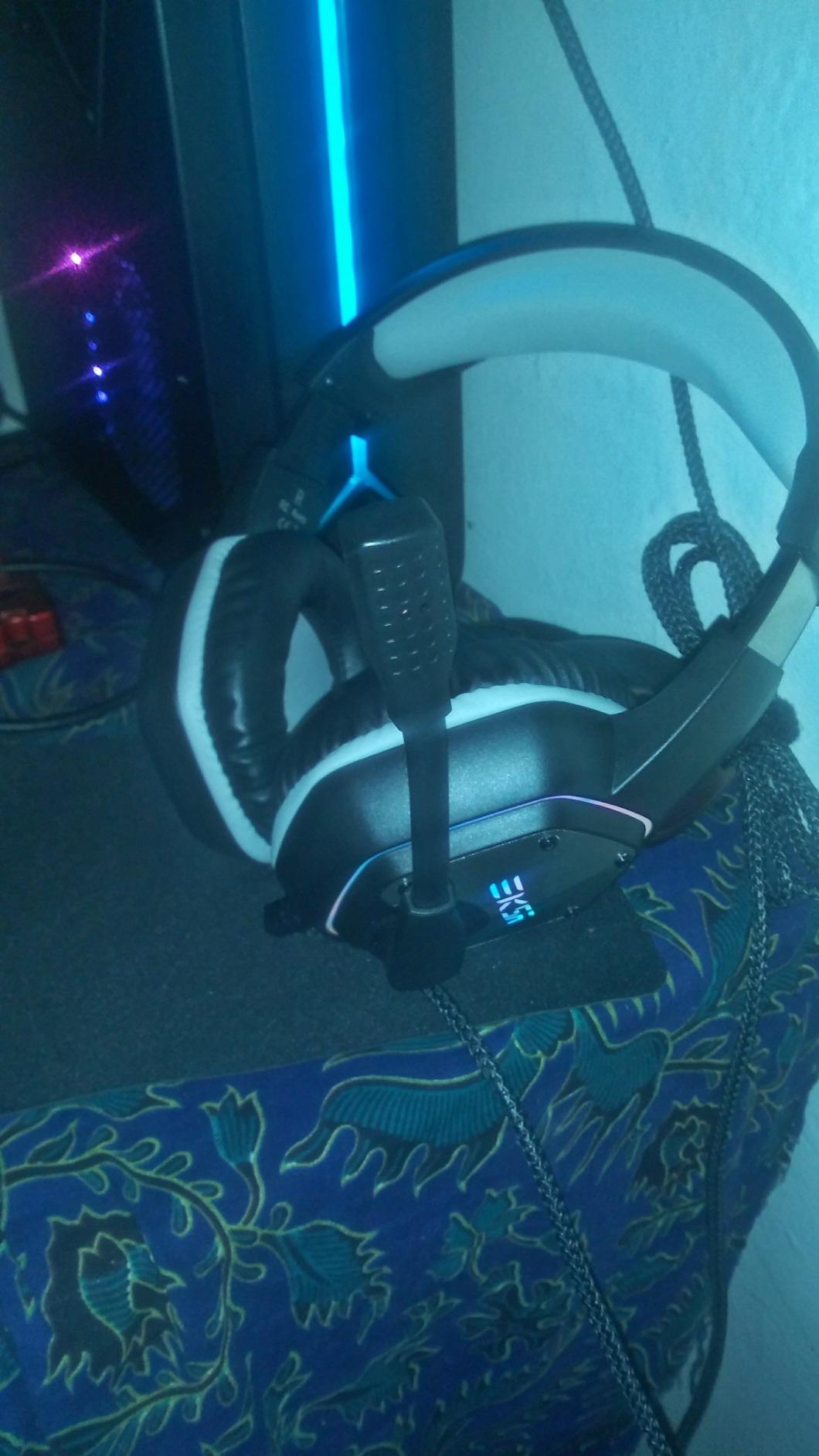
The 120-degree adjustable microphone is a thoughtful touch. You can position the mic exactly where you want it relative to your mouth, which improves voice pickup. The memory protein ear cushions are also comfortable for sessions up to about 6 hours.
The downsides are predictable: non-detachable mic, no inline volume control, and USB-only connectivity (no 3.5mm option). The RGB lighting is also a love-it-or-hate-it feature, and the LEDs can introduce subtle noise that the mic may pick up in quiet environments.
For Whom It’s Good
The EKSA E1000 is the best pick for anyone who wants a zero-configuration USB gaming headset. Students, casual gamers, and anyone who dislikes software bloat will appreciate the plug-and-play simplicity.
It’s also a strong choice for RGB fans who want a flashy-looking headset at a budget price.
For Whom It’s Bad
If you need multi-platform compatibility, the USB-only connection rules out console and mobile use. The Turtle Beach Recon 50 is the budget pick for cross-platform flexibility.
If you stream or podcast, the non-detachable mic and the RGB noise pickup are real issues. Consider a wired headset with a detachable, higher-quality mic instead.
How to Choose the Best Gaming Headset Under $100
After testing 10 headsets across the sub-$100 price range, here’s what actually matters when you’re picking one. Skip the spec-sheet arguments and focus on the factors that affect daily use.
Wired vs Wireless Gaming Headsets
Wired headsets still win on raw audio quality and microphone clarity at any price point. A $50 wired HyperX Cloud II outperforms most $150 wireless headsets in side-by-side mic tests. Wireless is about convenience: no cable snag, freedom to grab a drink mid-match, easy couch play. For competitive FPS where every millisecond matters, wired is still the safer pick. For casual and story-driven gaming, wireless under $100 has gotten genuinely good, especially the NUBWO G06 and Ozeino OW810.
Latency is the real differentiator between wireless types. Bluetooth introduces 100-300ms of latency, which is unacceptable for competitive play. 2.4GHz wireless drops that to under 30ms, which feels identical to wired for most gamers. If wireless matters, get one with 2.4GHz, not Bluetooth-only.
Sound Quality: Drivers, Surround Sound, and Tuning
Driver size (50mm vs 40mm) matters less than tuning. The HyperX Cloud II’s 53mm drivers sound better than most 50mm competitors because the tuning is balanced. Virtual 7.1 surround sound is mostly marketing for music and movies, but it does help positional audio in competitive FPS games when implemented well. Logitech’s DTS Headphone:X 2.0 on the G432 is one of the better implementations.
For music listening, gaming-tuned headsets often have boosted bass and recessed mids, which makes them less accurate for non-gaming content. If you split time between games and music, look for headsets with flatter tuning or replaceable ear pads to fine-tune the sound.
Microphone Quality: Cardioid vs Omnidirectional
Cardioid microphones pick up sound from one direction (your mouth) and reject background noise better than omnidirectional designs. The HyperX Cloud II’s detachable cardioid mic and the HyperX Cloud III’s upgraded 10mm mic are the best in this price range for Discord and team chat. Omnidirectional mics pick up everything: keyboard clicks, mouse movement, room noise.
If you stream or podcast, expect to add a separate USB microphone eventually. No sub-$100 gaming headset mic rivals a dedicated $50 USB mic. The Cloud II’s mic is the best built-in option, but a separate mic is always better for content creation.
Comfort, Weight, and Glasses-Wearer Fit
Weight matters more than cushion softness. Anything over 12 oz starts to feel heavy after 4+ hours. The HyperX Cloud II (11.29 oz), Turtle Beach Recon 50 (7.36 oz), and SENZER SG500 (0.66 lb) are the lightest options on this list. Clamping force is the other comfort factor: tighter clamps stay stable but cause headaches; looser clamps are comfortable but shift during energetic play.
For glasses wearers, the Razer Kraken’s oval cooling gel cushions and the HyperX Cloud II’s memory foam cushions work best. Round earcups (NUBWO G06, Ozeino OW810) can press glasses frames into your temples over time. If you wear glasses, prioritize oval ear cup designs with deep cushion pockets. Most gaming headset reviews ignore this, but it’s the single biggest comfort factor for glasses-wearing gamers.
Platform Compatibility
3.5mm jacks are the universal standard. Any headset with a 3.5mm cable works on PC, PS5, PS4, Xbox One, Xbox Series X|S, Switch, and mobile. USB-only headsets (like the EKSA E1000) work on PC and PS4/PS5 but not on Xbox without an adapter. Wireless headsets vary widely in platform support; check the Xbox compatibility note carefully if you game on Xbox.
If you switch between PC and console regularly, a 3.5mm headset with a USB DAC (like the Logitech G432) gives you the best of both worlds. The DAC provides enhanced audio on PC, and the 3.5mm cable connects directly to any console.
Frequently Asked Questions
What is the best affordable gaming headset?
The HyperX Cloud II is the best affordable gaming headset for most PC gamers. It combines 53mm drivers, a detachable noise-cancelling microphone, memory foam cushions, and an aluminum frame at a price well under $100. With nearly 70,000 reviews and a 4.5-star average, it has remained the consensus recommendation for nearly a decade.
Do expensive gaming headsets make a difference?
Beyond roughly $150, premium gaming headsets deliver diminishing returns for most gamers. The jump from a $30 to a $100 headset is significant in driver quality, microphone clarity, and build materials. The jump from $100 to $200 is mostly in materials (leather, metal) and software features. For pure audio quality, dedicated audiophile headphones plus a USB microphone will outperform any gaming headset at any price.
Are gaming headsets good for listening to music?
Most gaming headsets are tuned with boosted bass and slightly recessed mids, which works well for explosions and gunfire but can sound heavy on vocals and acoustic music. The HyperX Cloud II and HyperX Cloud Alpha are among the better gaming headsets for music listening in this price range. For critical music listening, dedicated audiophile headphones are a better fit.
What is the most reliable gaming headset brand?
HyperX has the strongest reputation for reliability in the sub-$100 category. The HyperX Cloud II has remained a top recommendation for nearly a decade, with users reporting 5+ years of daily use. Razer, SteelSeries, and Logitech also have strong reliability track records. Turtle Beach is reliable at the budget tier but uses more plastic in construction.
Can I use gaming headsets with my phone?
Any gaming headset with a 3.5mm jack works with phones that have a headphone port. Headsets with separate headphone and microphone 3.5mm plugs require a splitter adapter for phones, which is usually included (the Turtle Beach Recon 50 includes one). USB-only gaming headsets do not work with phones. Wireless headsets with Bluetooth can pair directly with phones.
Is wireless or wired better for PC gaming?
Wired is better for competitive PC gaming because it eliminates latency, audio compression, and battery concerns. Wireless is better for casual gaming, couch play, and convenience. The 2.4GHz wireless headsets on this list (NUBWO G06, Ozeino OW810) deliver under 30ms latency, which is fast enough for most gamers but still slightly behind wired.
Final Verdict: Best Gaming Headsets for PC Under $100
After testing 10 models across the sub-$100 price range, the HyperX Cloud II remains the best gaming headset for PC under $100 for most people. It’s the headset I’d buy for a friend who asked for one recommendation without any other context: comfortable for marathon sessions, broadcast-quality microphone, durable aluminum frame, and proven across nearly 70,000 reviews.
If you want the best value, the HyperX Cloud Alpha delivers cleaner audio through dual chamber drivers at a lower price. If you need wireless, the NUBWO G06 offers 100 hours of battery life and sub-25ms latency. If you’re on a tight budget, the Turtle Beach Recon 50 has been a reliable budget wired option for years.
For more picks in adjacent categories, check out our full best gaming headsets under $100 guide and our best wireless gaming headsets for Xbox and PC. The best gaming headset for PC under $100 is the one that fits how you actually game, and any of these 10 will serve you well in 2026 and beyond.