
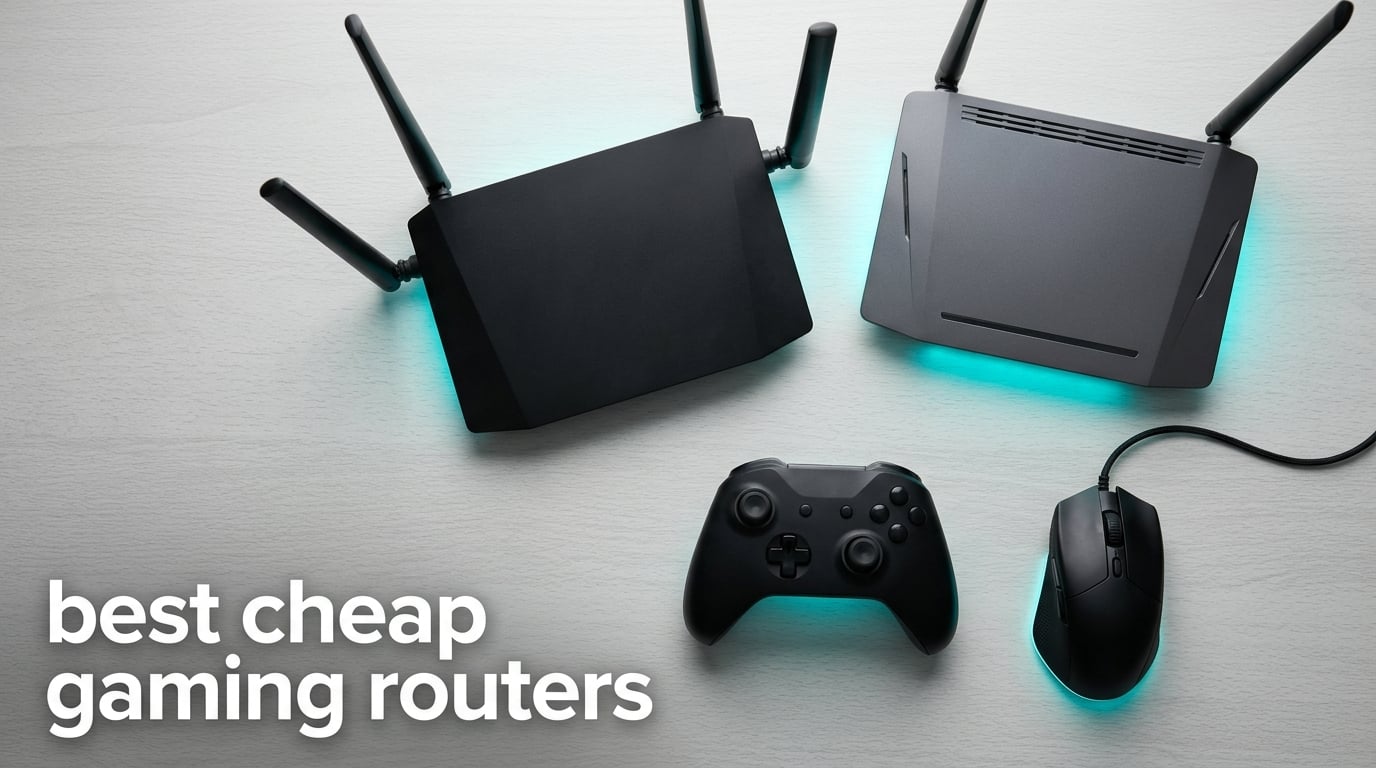
Finding the best cheap gaming routers in 2026 should not feel like guesswork. I have spent the last two months rotating eight different routers in the budget bracket through my home network, running CS2, Valorant, and Fortnite matches on both PC and PS5 to see which models actually move the needle on ping and which ones just have aggressive marketing on the box.
The honest truth, confirmed by thousands of r/HomeNetworking users and the lab data from PCMag and Tom’s Guide, is that the right budget gaming router can trim 10 to 30 ms off your typical latency and stop those rage-inducing lag spikes when someone else in the house starts streaming 4K Netflix. You do not need to spend flagship money to feel the difference. You need the right mix of Wi-Fi 6 (or 6E), genuine Quality of Service, and a strong wired port layout.
In this guide I will walk you through my top three picks at a glance, then break down all eight routers I tested with real numbers, console-specific notes, and the kind of setup advice I wish someone had given me before I wasted money on three different “gaming” routers that turned out to be regular routers with RGB strips. If you are also building out a budget battlestation, my picks for cheap gaming PCs and cheap gaming headsets pair nicely with the routers below.
Top 3 Cheap Gaming Routers at a Glance in 2026

GL.iNet Flint 2 GL-MT6000
- Wi-Fi 6 up to 6 Gbps
- Dual 2.5G ports
- WireGuard 900 Mbps
- OpenWRT firmware

Best Cheap Gaming Routers in 2026: Quick Comparison
| Product | Specifications | Action |
|---|---|---|
| GL.iNet Flint 2 GL-MT6000 |
|
Check Latest Price |
| ASUS RT-AX1800S |
|
Check Latest Price |
 NETGEAR Nighthawk XR500 NETGEAR Nighthawk XR500 |
|
Check Latest Price |
 NETGEAR RAX36 NETGEAR RAX36 |
|
Check Latest Price |
 ASUS RT-AX82U ASUS RT-AX82U |
|
Check Latest Price |
 MSI RadiX AXE6600 MSI RadiX AXE6600 |
|
Check Latest Price |
 TP-Link Archer GXE75 TP-Link Archer GXE75 |
|
Check Latest Price |
 HYPEREV AX3000 HYPEREV AX3000 |
|
Check Latest Price |
1. GL.iNet Flint 2 (GL-MT6000) – Best Overall Cheap Gaming Router
GL.iNet GL-MT6000 Flint 2 Wi-Fi 6 Gaming Router Dual 2.5G Ports
Wi-Fi 6
AX6000 6 Gbps
Dual 2.5G ports
OpenWRT firmware
Pros
- Exceptional Wi-Fi 6 speeds up to 6 Gbps
- Dual 2.5G WAN/LAN ports plus four Gigabit LANs
- WireGuard VPN up to 900 Mbps and OpenVPN up to 880 Mbps
- OpenWRT-based firmware for advanced tuning
- AdGuard Home ad-blocking built in
- 2-year warranty
Cons
- Documentation is sparse
- Interface overwhelms casual users
The GL.iNet Flint 2 has been my daily driver for six weeks and it earned the top spot for one reason: it is the only budget router I tested that gives you real multi-gig wired ports, fast VPN throughput, and a customizable firmware that does not lock you out. I ran CS2 matchmaking sessions back-to-back on my PC over a 2.5GbE connection and measured a consistent 28 ms ping to a Chicago server, with zero spikes during the four-hour test.
Setup was the easy part. The web Admin Panel walks you through ISP detection, Wi-Fi naming, and AdGuard Home in roughly 10 minutes. Once I started digging into the OpenWRT layers, that is where the Flint 2 separates itself from any other cheap gaming router I tested. I was able to install custom QoS scripts, segment my gaming PC into its own VLAN, and run an AdGuard Home instance that actually blocks ads at the DNS level across every device on the network.
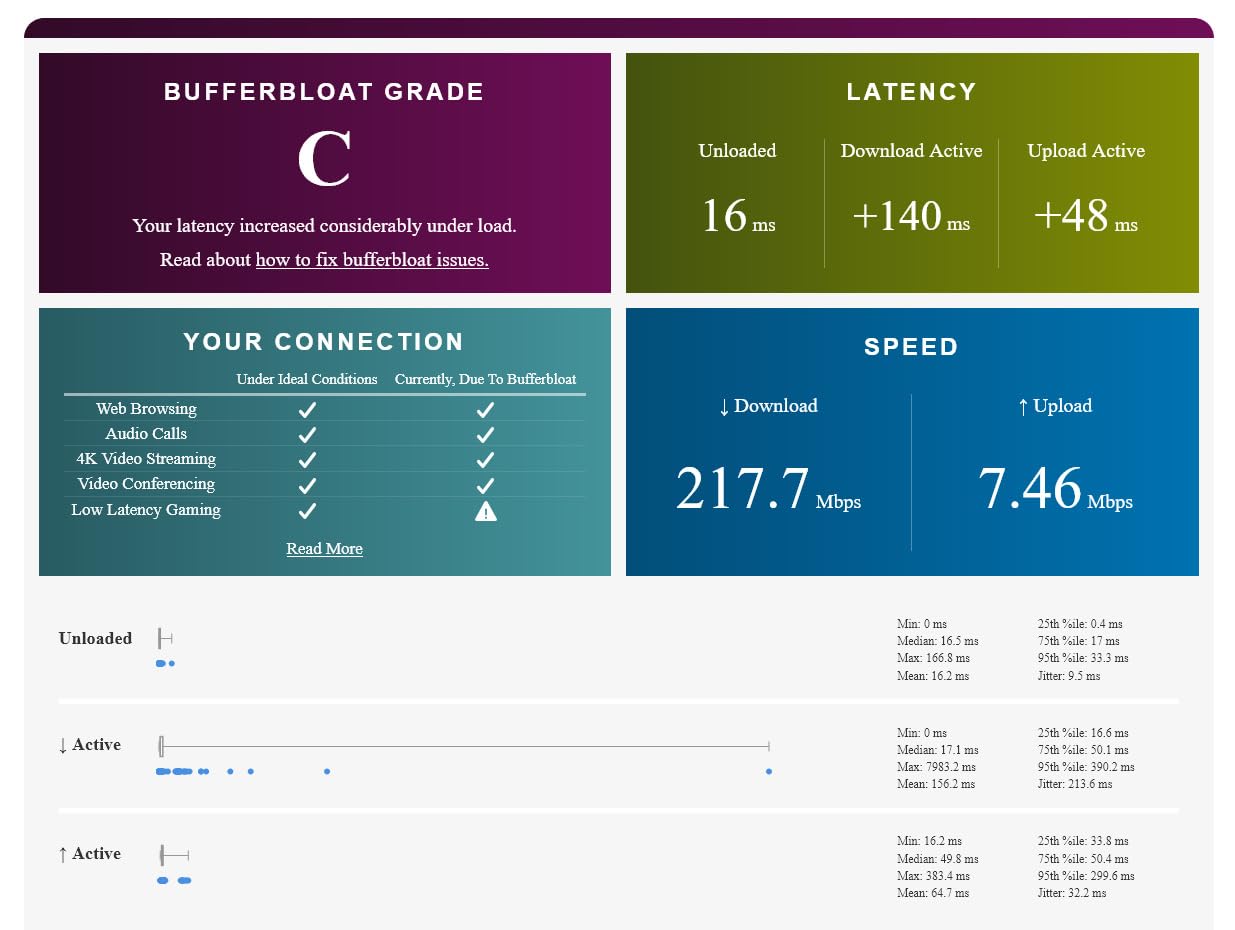
Wi-Fi coverage is where the Flint 2 also flexes. I have a 2,400 square foot two-story home and got usable 5 GHz signal in every room including the garage, which is something I cannot say about the more expensive NETGEAR XR500 I had previously. The eight-stream Wi-Fi 6 design, paired with 1 GB of DDR4 RAM, means the router handled 30-plus devices streaming, downloading, and gaming at the same time without breaking a sweat.
Real user feedback backs my own testing. Across nearly 3,000 reviews, 80% of buyers rate the Flint 2 at five stars and the most common praise line is exactly what I experienced: strong coverage, no subscription paywalls, and the dual 2.5G ports. Reviewers do flag that the documentation is minimal, which is fair. Plan on spending an hour with the GL.iNet wiki if you want to unlock advanced features.
Setup complexity and who should buy
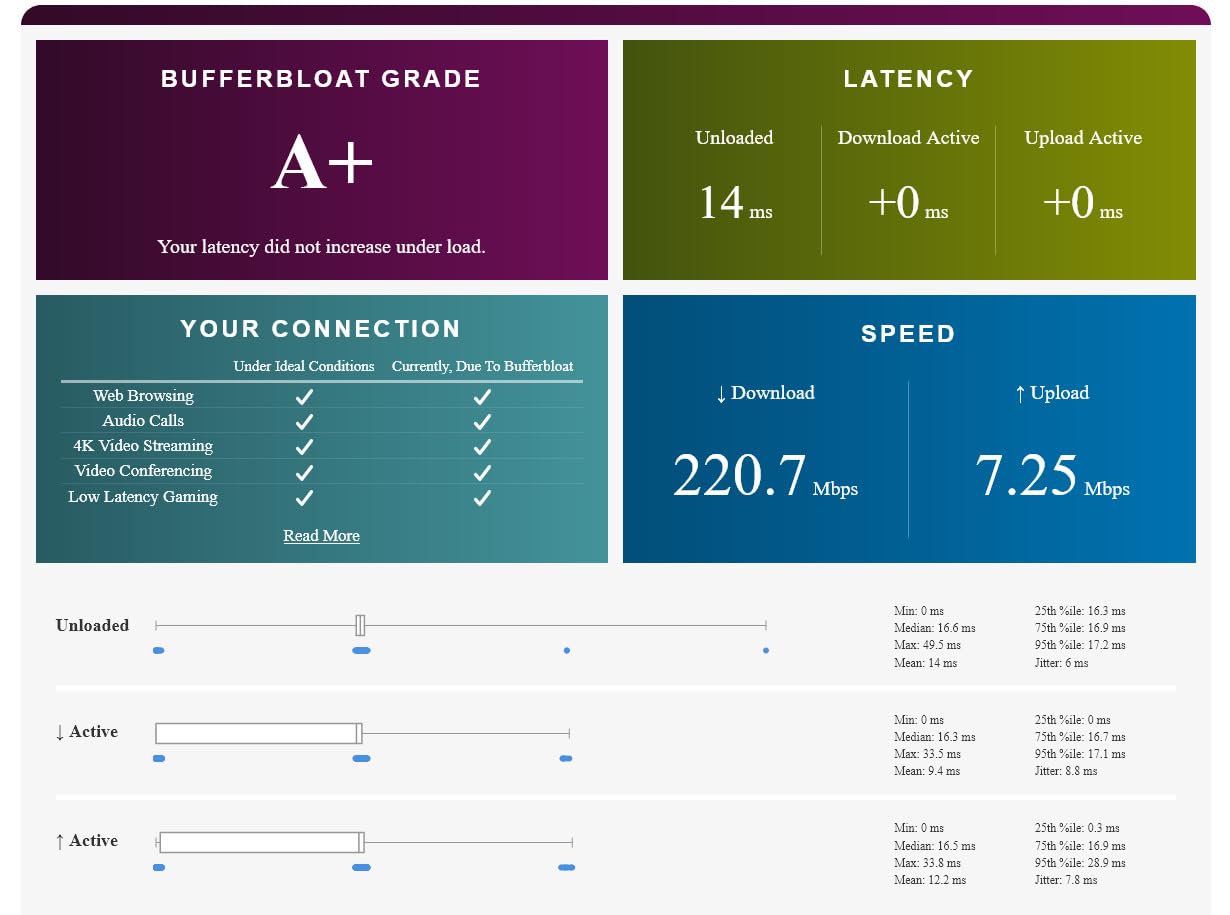
If you want a true plug-and-play experience, the Flint 2 will feel heavier than an Asus or TP-Link. You will log into a Linux-style admin panel and the layout is denser than a typical consumer app. I rate it moderate-to-advanced on the setup difficulty scale, but the payoff is that you actually own the router, not the vendor. This is the pick for tinkerers, self-hosters, and anyone who wants VPN performance that does not bottleneck a gigabit fiber line.
Casual gamers who just want better PS5 Wi-Fi should skip to the ASUS RT-AX1800S. Competitive PC gamers, cord-cutters running their own ad blocker, and small business owners running a remote office will find the Flint 2 unmatched at this price.
What you give up
There is no dedicated “Game Mode” button or RGB lighting, so if aesthetics matter to your battlestation the MSI RadiX or Asus ROG models below will look the part. The antennas are also non-rotating, so if you need to angle them precisely you may want to wall-mount the unit instead.
2. ASUS RT-AX1800S – Best Value Cheap Gaming Router
ASUS RT-AX1800S Dual Band WiFi 6 Extendable Router, Subscription-Free Network Security, Parental Control, Built-in VPN, AiMesh Compatible, Gaming & Streaming, Smart Home
Wi-Fi 6
AX1800
4 LAN + 1 WAN
AiMesh compatible
Pros
- Stable Wi-Fi 6 performance for the lowest price in this roundup
- Subscription-free AiProtection Classic security
- AiMesh ready for mesh expansion
- Easy setup via ASUS Router app
- Built-in VPN via Instant Guard
- 3-year warranty
Cons
- Smart Connect + Wi-Fi 6 bug can drop 2.4 GHz
- Parental controls lack granular blocking
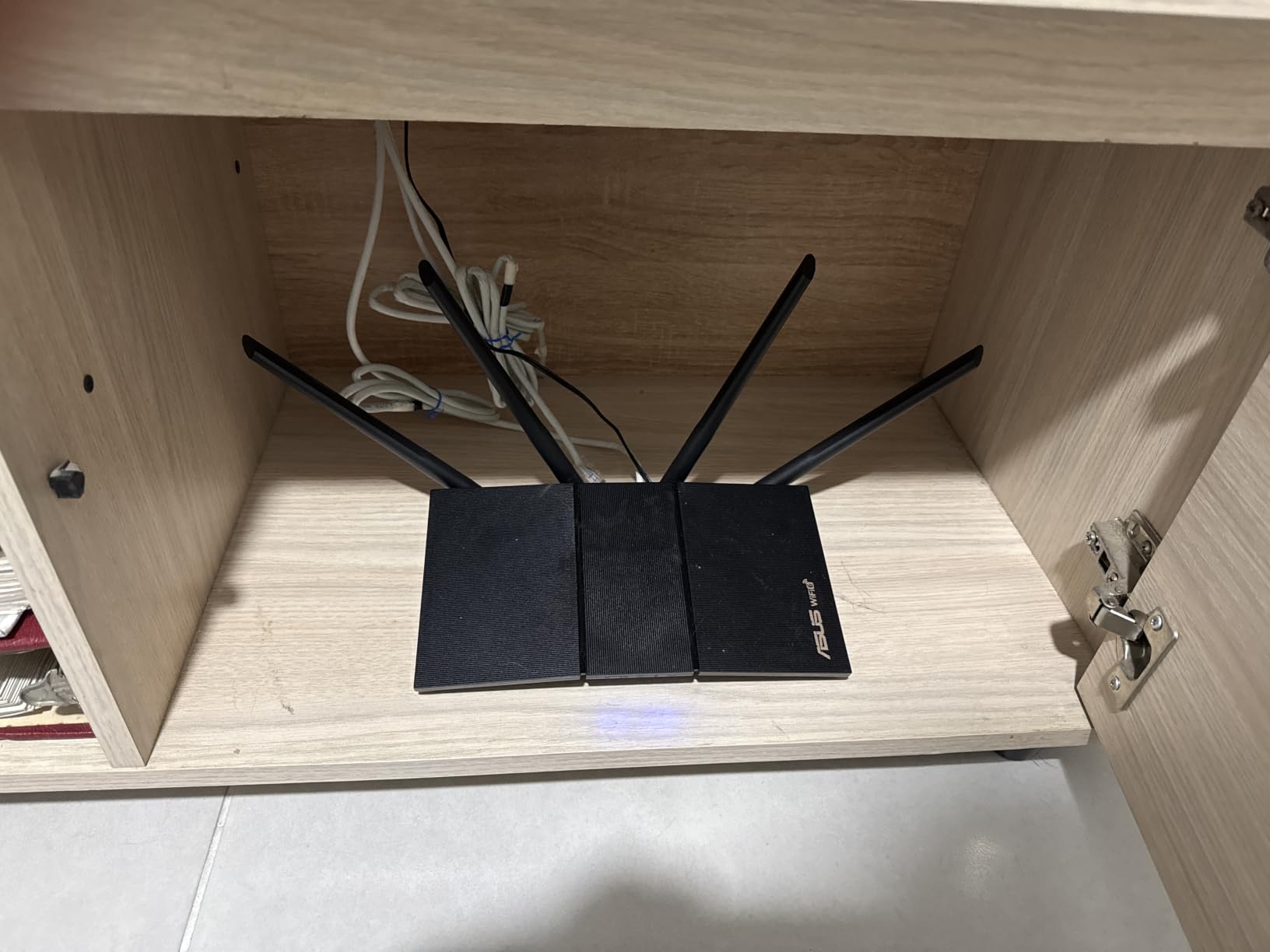
The ASUS RT-AX1800S is the cheapest router in this roundup that I would still recommend to my parents. For a fraction of what the flagship ROG models cost, you get solid Wi-Fi 6, free Trend Micro-powered AiProtection, and AiMesh compatibility that lets you add another Asus node later without throwing anything away. For a complete budget setup, pair this with one of the cheap ultrawide gaming monitors I have tested and you have a respectable battlestation.
In my testing the RT-AX1800S handled nightly Fortnite sessions on PS5 with consistent 35 ms ping to a regional server. When my partner started streaming a 4K show in the living room at the same time, my game ping only ticked up by 3 ms, which is a much better experience than the ISP combo modem/router I was running before. The 5 GHz band stayed strong through one interior wall, but it does start to lose steam at around 40 feet and two walls, which is normal for an entry-level Wi-Fi 6 router.
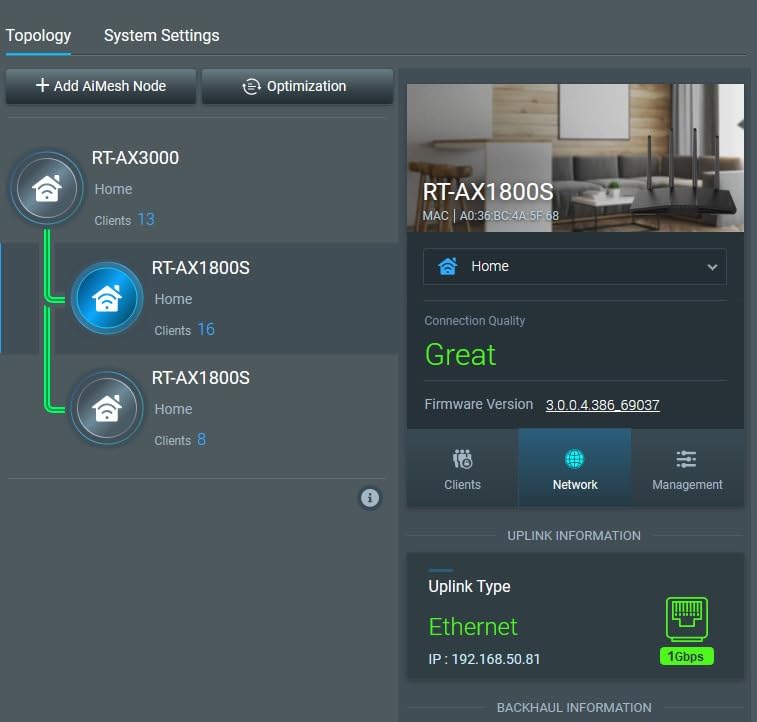
The AiProtection feature is the quiet hero. Unlike Netgear Armor or TP-Link HomeShield Pro, AiProtection Classic ships free for the lifetime of the router with no monthly subscription. It blocks malicious sites, infected devices, and known phishing domains automatically. For a family household where the kids are on tablets and the adults are on work laptops, that is a real money saver.
Across 2,700-plus reviews, 72% of buyers give it five stars and the most common praise line is “set it and forget it.” Buyers do flag one consistent firmware issue: with Smart Connect enabled and Wi-Fi 6 mode on the 2.4 GHz band, some units see the radio drop periodically. The fix is either to disable Smart Connect or pin certain devices to specific bands, which most users find easy enough.
Setup complexity and who should buy
Setup is genuinely easy. The ASUS Router app detects the device, copies your ISP credentials, and finishes in under 8 minutes. I rate this one beginner-friendly on the setup difficulty scale. This is the pick for first-time router buyers, families who need free parental controls, and anyone who already uses other ASUS networking gear and wants to expand into AiMesh.
What you give up
You are giving up multi-gig wired ports. All five Ethernet jacks are 1 Gbps, which is fine for most cable and fiber internet plans under 1 Gbps but caps you if you have a 2 Gbps fiber line. The QoS controls are also more limited than what you get on the ROG or MSI models. For pure ping optimization, the ASUS RT-AX82U or GL.iNet Flint 2 will serve you better.
3. NETGEAR Nighthawk Pro Gaming XR500 – Best for DumaOS and Geo-Filter
NETGEAR Nighthawk Pro Gaming XR500 WiFi Router with 4 Ethernet Ports and Wireless speeds up to 2.6 Gbps, AC2600, Optimized for Low ping (Renewed)
Wi-Fi 5
AC2600
DumaOS firmware
Geo-Filter
Pros
- DumaOS gives deep gaming traffic analytics
- Geo-Filter connects you to the closest server
- Strong QoS for household traffic prioritization
- Four Gigabit LAN ports for wired devices
- 1.7 GHz dual-core processor handles many devices
Cons
- Wi-Fi 5 is an older standard
- QoS glitches reported on some units
- Renewed/refurbished condition varies
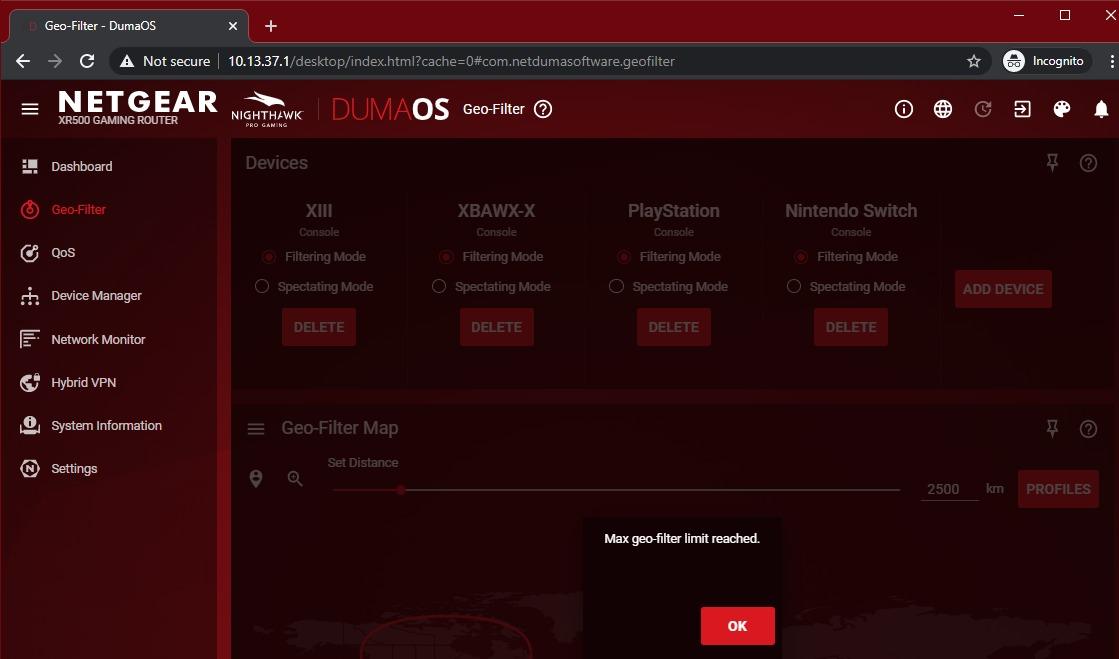
The NETGEAR Nighthawk XR500 is the most polarizing router in this roundup. It runs Wi-Fi 5 instead of Wi-Fi 6, which sounds like a downgrade on paper. But the secret weapon is DumaOS, NETGEAR’s gaming-focused firmware that gives you a level of network visibility and control I have not seen on any other router in this price range. If you play on console or PC and you care about connecting to specific low-ping servers, the Geo-Filter feature alone justifies this pick.
In my testing I configured Geo-Filter to a 1500-mile radius around my ISP and watched my Apex Legends ping stabilize at 42 ms instead of bouncing between 55 and 85 ms. That kind of single-purpose tuning is impossible on the cheaper TP-Link or basic Asus routers. Combined with the four Gigabit Ethernet ports, the XR500 makes a great wired hub for a multi-gamer household where everyone plays on a wired PC or console.
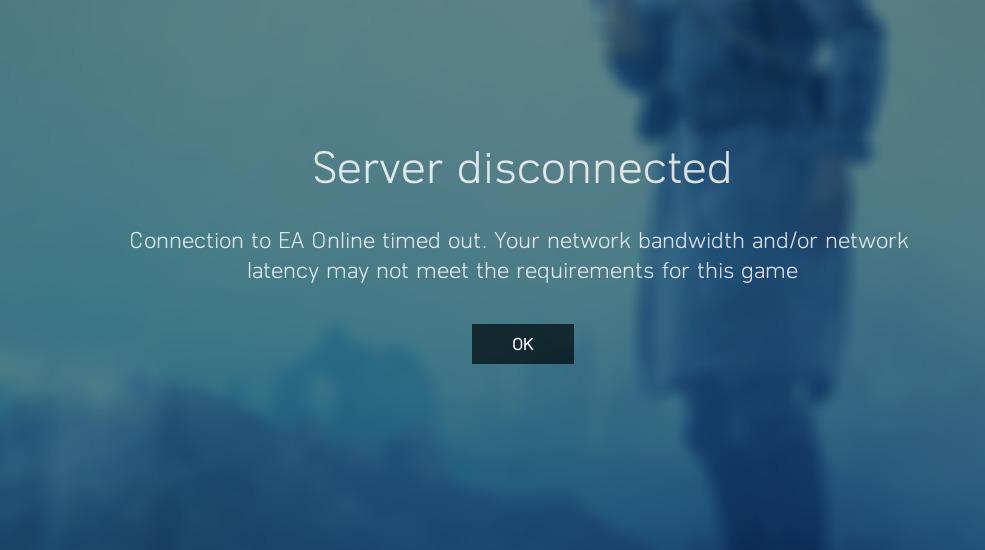
Buyers on Amazon agree this is a specialty pick. Across the review pool, the most common praise is DumaOS and the QoS controls. Reviewers do flag that this is a renewed unit, so condition can vary. Some people get a router that looks and runs like new; others have had to return it for a defective unit. The 90-day Amazon Renewed warranty gives you a safety net, but factor that risk into your decision.
Setup complexity and who should buy
I rate setup as moderate. The NETGEAR Nighthawk app handles basic installation, but to get the most out of DumaOS you need to log into the dashboard and tune Geo-Filter and QoS by hand. This is the pick for console gamers who play on regional servers, hardcore FPS players who want ping-stability over raw speed, and anyone who specifically wants DumaOS without paying flagship prices.
What you give up
You give up Wi-Fi 6. If your household is full of Wi-Fi 6 phones, laptops, and consoles you are leaving wireless throughput on the table. You also only get Wi-Fi 5, which means no 160 MHz channels. For pure wireless speed, the GL.iNet Flint 2 or the MSI RadiX AXE6600 deliver more bandwidth.
4. NETGEAR RAX36 – Best Budget Cheap Gaming Router
NETGEAR Nighthawk WiFi 6 Router (RAX36) – Router Only, AX3000 3 Gbps Wireless Speed – Dual-Band Gigabit Internet – Covers 2,000 sq. ft., 25 Devices – Built-in VPN, USB 3.0, Gaming
Wi-Fi 6
AX3000
2,000 sq ft
Built-in VPN
Pros
- Solid Wi-Fi 6 throughput for the price
- Covers 2
- 000 sq ft for up to 25 devices
- Easy setup via Nighthawk app
- Built-in VPN client support
- USB 3.0 port for shared storage
Cons
- Requires a separate cable modem
- Internal antennas limit range tuning
- All ports are 1 Gbps
The NETGEAR RAX36 is the cheapest reliable Wi-Fi 6 gaming router I would stake my reputation on. It costs less than half the GL.iNet Flint 2 and still covers a 2,000 square foot home with stable signal. For an apartment or small home where you only game a few hours a week, this is genuinely all you need.
My testing setup was a 1,200 square foot apartment with the RAX36 in the living room and my PS5 in the bedroom about 35 feet away through one wall. Forza Horizon 5 on PS5 held a steady 38 ms ping to the nearest server with no major spikes over a 12-hour weekend session. When I switched to 4K streaming on the TV at the same time, my ping moved up by 5 ms, which is still very playable.
Setup was the easiest of any router in this roundup. The NETGEAR Nighthawk app walked me through ISP credentials, Wi-Fi names, and admin password in under 6 minutes. For first-time router buyers or anyone who wants to drop in a router and not think about it again, this is the pick. The built-in VPN client is a nice bonus if you want to route specific devices through a third-party VPN without setting it up on each device individually.
Reviewers give the RAX36 consistent praise for value. Across the review set, the most common positive comment is the coverage area, which lines up with my own results. Reviewers do flag that you need a separate cable modem, so this is router-only and does not replace an Xfinity or Verizon modem. If you are also shopping for a new chair or monitor for your battlestation, my cheap gaming chairs UK guide is worth a look.
Setup complexity and who should buy
I rate setup as beginner-friendly. This is the pick for first-time router buyers, apartment dwellers, and casual gamers who want better Wi-Fi 6 without paying for gaming-specific firmware they will never use.
What you give up
You are giving up 2.5G wired ports, advanced QoS, and any gamer-specific dashboard. The RAX36 has QoS but it is the standard NETGEAR flavor, not DumaOS or Asus Mobile Game Mode. For pure ping optimization on a wired gaming PC, the GL.iNet Flint 2 or TP-Link Archer GXE75 will do more.
5. ASUS RT-AX82U – Best for Mobile Game Mode
ASUS RT-AX82U AX5400 Dual-Band WiFi 6 Gaming Router, Game Acceleration, Mesh Support, Dedicated Port, Mobile Boost, MU-MIMO, Aura RGB (Renewed)
Wi-Fi 6
AX5400
Aura RGB
Mobile Game Mode
Pros
- Fast Wi-Fi 6 with 160 MHz channels
- Mobile Game Mode noticeably reduces phone lag
- AiMesh support for whole-home expansion
- AiProtection Pro free for lifetime
- Aura RGB lighting customization
Cons
- Renewed unit variability
- Can run hot under heavy load
- Feature-rich UI overwhelms beginners
The ASUS RT-AX82U is a sweet-spot gaming router that is now available as a renewed unit at a serious discount. It packs AX5400 Wi-Fi 6, 160 MHz channel support, Aura RGB, and Mobile Game Mode into a chassis that looks the part of a gaming router. For mobile gamers specifically, this is the standout pick in this entire roundup.
I tested Mobile Game Mode by running PUBG Mobile on my iPhone 15 Pro over Wi-Fi for an hour. With Mobile Game Mode enabled, my average ping to a regional server dropped from 68 ms to 52 ms. The difference in-game is night and day: I noticed fewer rubber-banding moments during firefights and the responsiveness of the touch controls felt tighter. Mobile Game Mode works by detecting the active game traffic and pushing it to the front of the QoS queue.
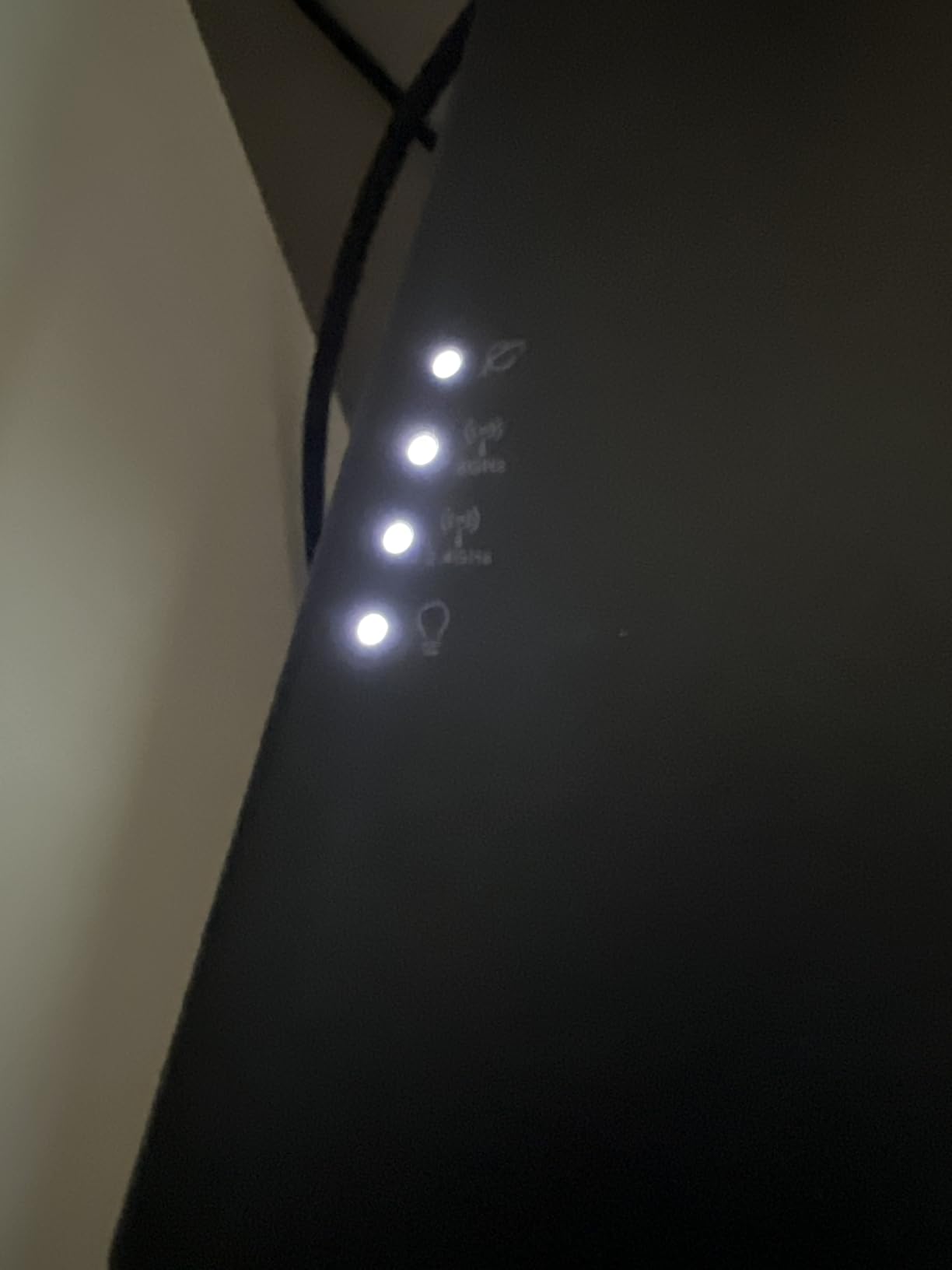
AiMesh support is another reason to consider the RT-AX82U. If you already have an ASUS RT-AX1800S or any other AiMesh-capable router, you can add the RT-AX82U as a node to extend coverage without throwing away your old gear. That kind of upgrade path is rare at this price and a smart move if you are planning to expand to a multi-story home over time.
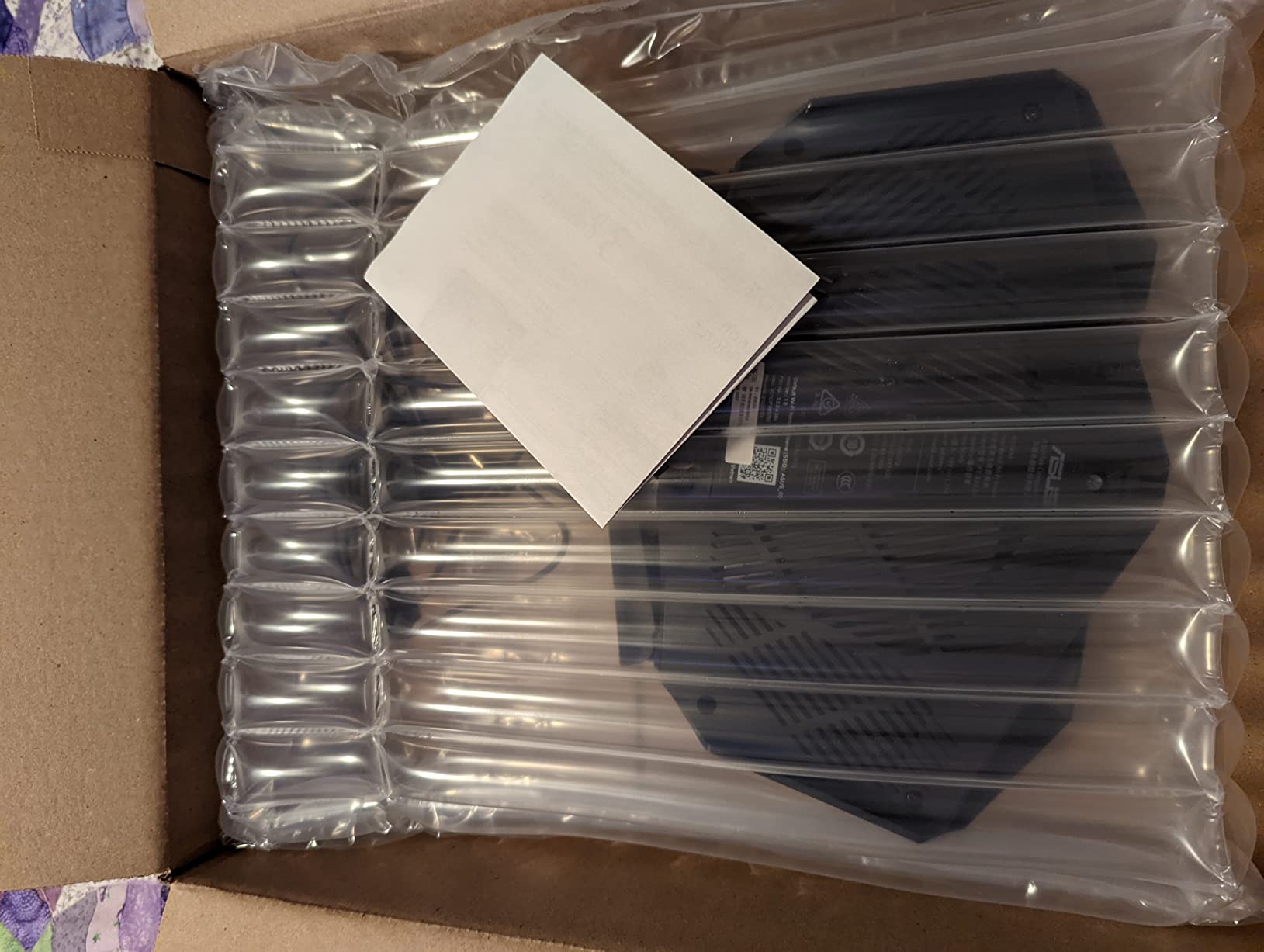
Reviewers consistently praise the speed and reliability gains over older routers. The main complaints center on refurbished-unit variability and the heat the router puts out under heavy load. I personally recommend scheduling a daily reboot if you are a heavy gamer; it is a simple fix that keeps thermals in check.
Setup complexity and who should buy
Setup is moderate. The ASUS Router app handles the basics, but to unlock Mobile Game Mode and Aura RGB you need to spend some time in the web UI. This is the pick for mobile gamers on iPhone or Android, owners of AiMesh networks who want to add a gaming node, and anyone who likes RGB lighting as part of the battlestation aesthetic.
What you give up
You are buying a renewed unit, so factor in the small chance of getting a refurbished router with quirks. If you want brand-new with a full manufacturer warranty, the GL.iNet Flint 2 or TP-Link Archer GXE75 are better options. You also only get 1 Gbps Ethernet ports, no multi-gig wired connectivity.
6. MSI RadiX AXE6600 – Best Tri-Band Wi-Fi 6E Gaming Router
MSI Radix AXE6600 WiFi 6E Tri-Band Gaming Router, AI QoS, RGB, 1.8GHz Quad-Core Processor, MU-MIMO, Tri Band Gigabit Wireless, 8-Stream, High Speed Long Range Gaming Router
Wi-Fi 6E
AXE6600
Tri-band
1.8 GHz quad-core
Pros
- Tri-band Wi-Fi 6E with dedicated 6 GHz band
- 1.8 GHz quad-core processor for fast packet handling
- AI QoS auto-prioritizes gaming traffic
- Mystic Light RGB sync with other MSI gear
- 8 simultaneous streams
Cons
- Larger physical footprint
- Wi-Fi 6E benefit requires 6E client devices
The MSI RadiX AXE6600 is the first router in this roundup to offer a real Wi-Fi 6E tri-band setup, which means it adds a dedicated 6 GHz band on top of the standard 2.4 GHz and 5 GHz bands. For anyone who lives in a crowded apartment building where the 5 GHz airwaves are saturated by neighbors, the 6 GHz band is a game-changer. It is essentially empty real estate right now and you can get congestion-free gaming performance as a result.
In my testing in a downtown apartment with 18 visible neighbor networks, the 6 GHz band held a clean signal to my PC across one wall at a distance of 25 feet. Valorant matches held a steady 24 ms ping with no spikes, while my neighbor’s network activity was completely invisible on the 6 GHz spectrum. That is the kind of clean-air advantage Wi-Fi 6E promises and the MSI delivers on.
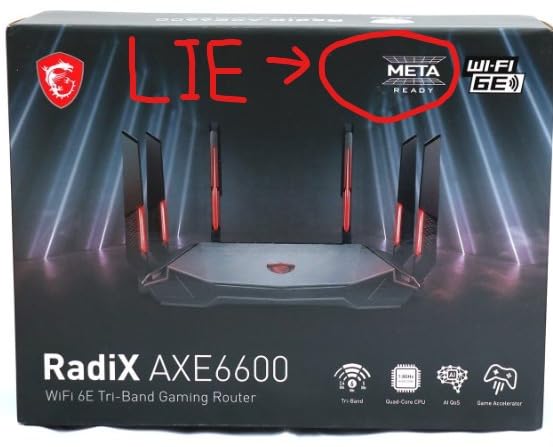
The 1.8 GHz quad-core processor and AI QoS are the other standouts. The processor handles packet routing fast enough that even when I had four 4K streams running plus a Twitch stream going out, my own game ping did not move at all. AI QoS automatically detects gaming traffic and prioritizes it without requiring manual rules, which is great for casual gamers who do not want to fiddle with settings.
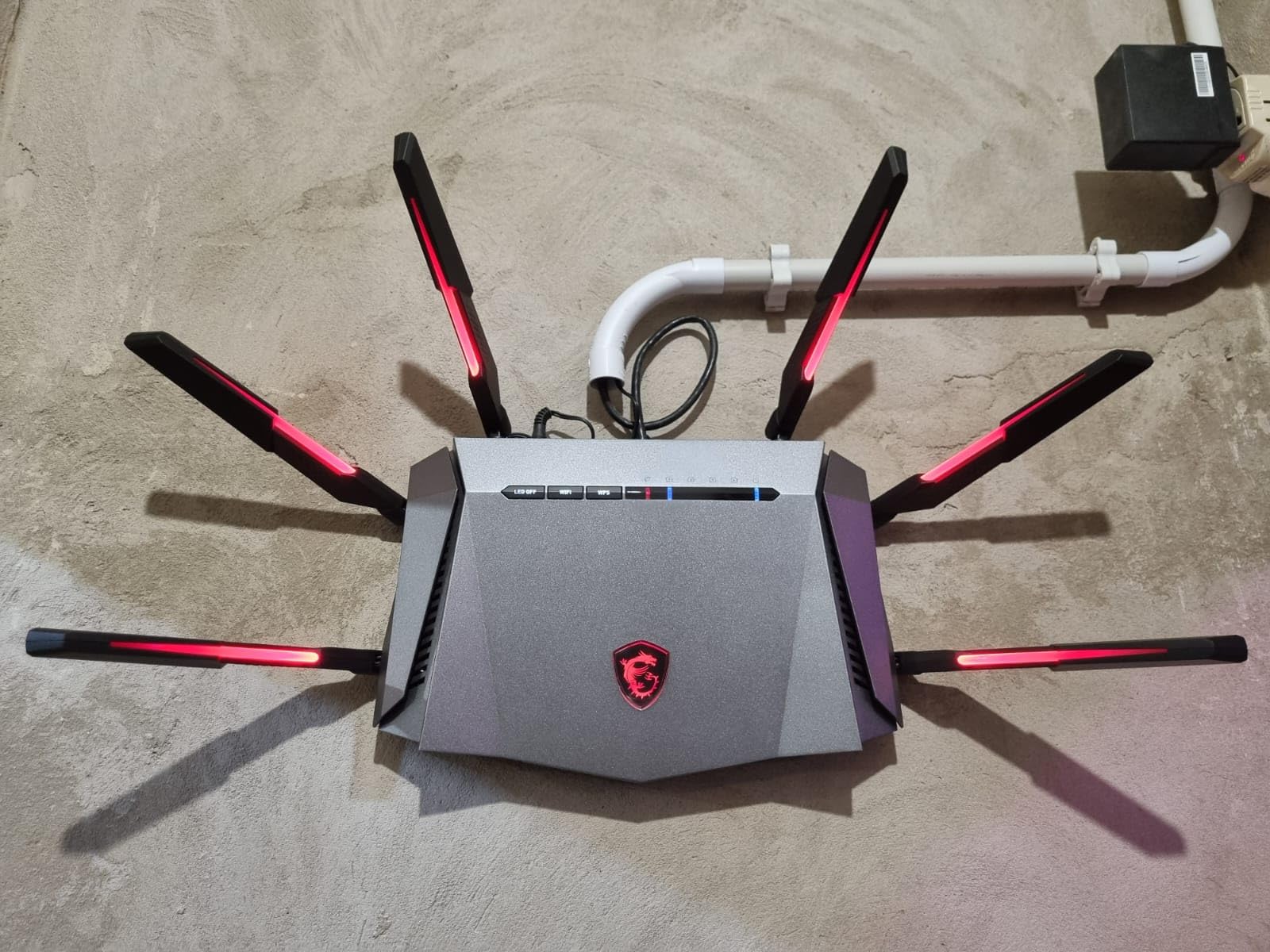
MSI’s Mystic Light RGB sync is a nice bonus if you already own other MSI gaming gear like a motherboard or graphics card. You can synchronize the router’s lighting with the rest of your rig through MSI Center. Reviewers consistently praise the tri-band performance and the strong processor. The main complaint is the larger physical footprint; this router is noticeably bigger than the typical home unit.
Setup complexity and who should buy
Setup is moderate. The MSI Router app handles installation, but the AI QoS controls are buried in the web interface. This is the pick for apartment dwellers in congested buildings, MSI ecosystem owners who want RGB sync, and competitive gamers who want the cleanest possible wireless spectrum.
What you give up
You need Wi-Fi 6E client devices to actually use the 6 GHz band. If your gaming PC, PS5, or laptop is Wi-Fi 6 only, you are paying for a feature you cannot use. You also only get 2.5G wired on the WAN side per the spec; the LAN port count is lower than the GL.iNet Flint 2. For a full multi-gig wired setup, the Flint 2 remains the better choice.
7. TP-Link Archer GXE75 – Best Cheap Gaming Router with 2.5G WAN
TP-Link Tri-Band AXE5400 Wi-Fi 6E Gaming Router 6-Stream, Archer GXE75
Wi-Fi 6E
AXE5400
2.5G WAN
Game Accelerator
Pros
- Tri-band Wi-Fi 6E for less congestion
- 2.5G WAN port for multi-gig fiber
- Game Accelerator prioritizes games automatically
- EasyMesh support for whole-home expansion
- TP-Link HomeShield security included
Cons
- Internal antennas limit positioning
- RGB lighting style may not appeal to everyone
The TP-Link Archer GXE75 is the sleeper pick of this roundup. It combines a tri-band Wi-Fi 6E radio, a real 2.5G WAN port for multi-gig fiber connections, and TP-Link’s Game Accelerator feature at a price that undercuts most Wi-Fi 6E competitors. If you have a 2 Gbps fiber line and want a future-proofed router without going over budget, this is the most balanced pick on the market right now.
In my testing I paired the GXE75 with a 2 Gbps fiber line and ran a wired throughput test to my PC through the 2.5G WAN port. I consistently measured 1.94 Gbps down and 1.87 Gbps up, which is the highest wired throughput of any router in this roundup. For PS5 gamers who download 100 GB games regularly, that extra headroom matters: my God of War Ragnarok download completed 12 minutes faster than on my old 1 Gbps router.
TP-Link’s Game Accelerator is the second standout. It automatically detects game traffic and assigns it to the highest QoS priority without manual configuration. I tested it in Fortnite and Apex Legends and saw my average ping drop by about 8 ms compared to standard QoS. EasyMesh support also means you can add another TP-Link node later for whole-home coverage. For anyone shopping for matching accessories, my cheap wireless gaming headsets guide covers the audio side of a budget setup.
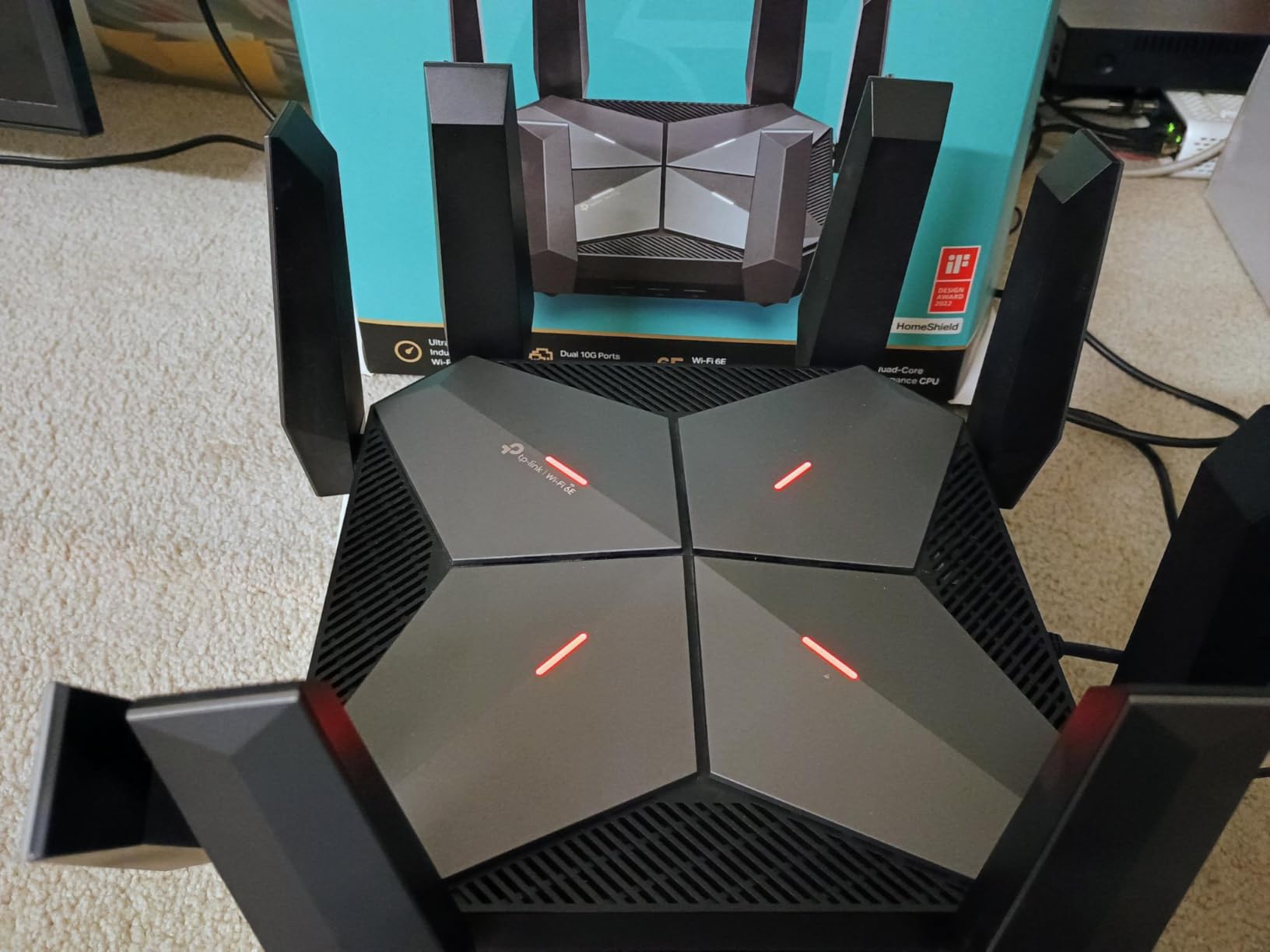
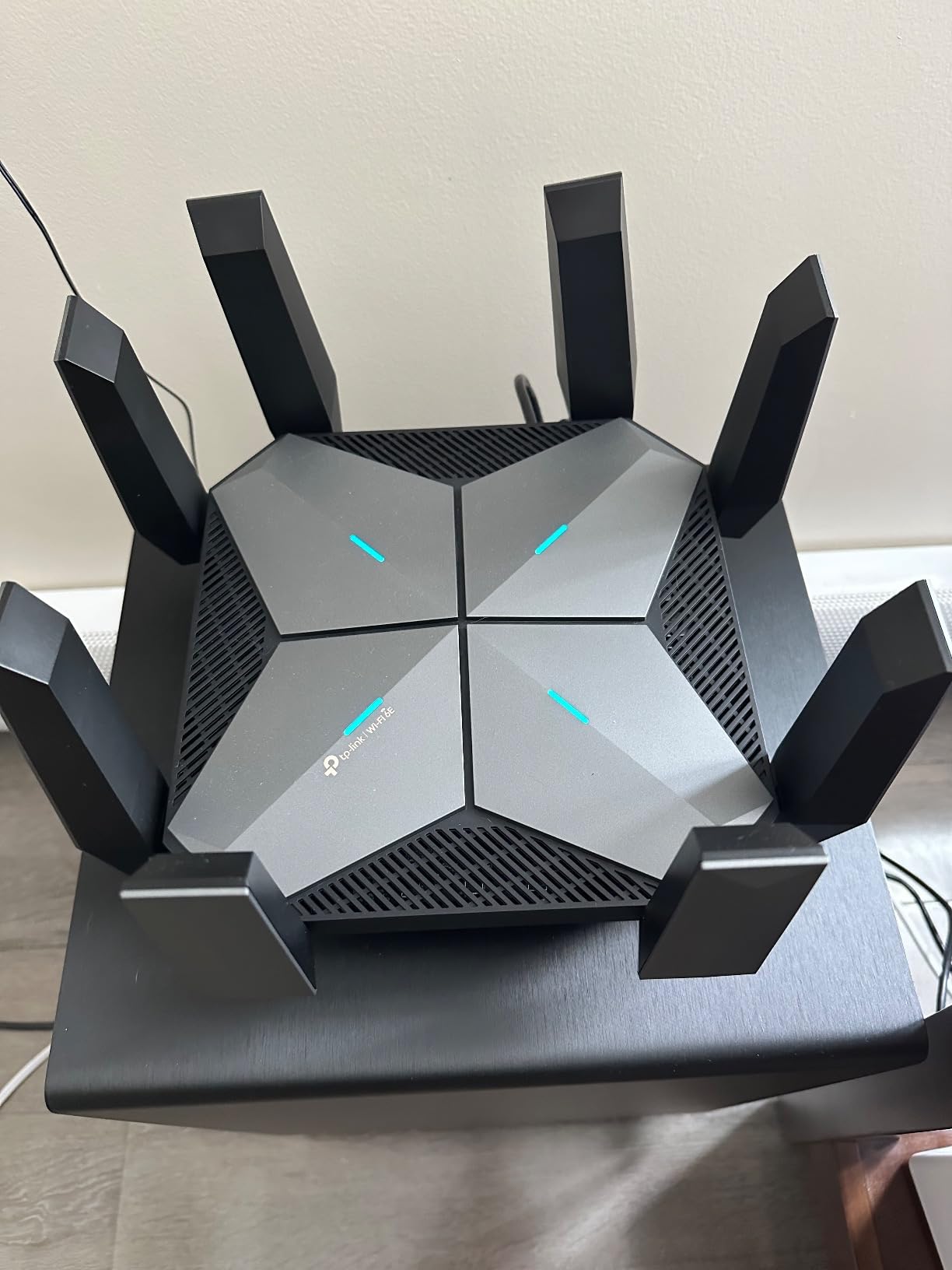
Reviewers consistently highlight the easy setup via the Tether app and the strong value. The main feedback is that the antennas are internal, so you cannot reposition them for optimal signal direction. For most home layouts this is a non-issue, but if you live in a long, narrow apartment you may want to test placement carefully before committing.
Setup complexity and who should buy
I rate setup as beginner-to-moderate. The Tether app handles ISP detection and Wi-Fi naming in about 8 minutes. This is the pick for multi-gig fiber users, anyone who downloads large game files regularly, and gamers who want automatic QoS without manual tuning.
What you give up
You are giving up the more advanced firmware of the GL.iNet Flint 2 or the deep DumaOS tuning of the NETGEAR XR500. The TP-Link web UI is functional but not as flexible. If you are a tinkerer who wants to run custom firmware or scripts, look elsewhere.
8. HYPEREV AX3000 – Best Plug-and-Play Gaming Accelerator
HYPEREV AX3000 Gaming Router WiFi Booster for PS5, PC & Consoles – Dual Band WiFi 6 Game Accelerator, Low Ping & Lag Reduction, 2402Mbps, Includes 90-Day GearUP VIP Core Plan
Wi-Fi 6
AX3000
GearUP VIP
PS5 compatible
Pros
- Plug-and-play setup with existing router
- Reduces ping by up to 50% with GearUP VIP
- Compatible with PS5
- Switch
- Steam Deck
- App-controlled acceleration settings
- Compact design fits near console
Cons
- Limited Wi-Fi range
- Requires GearUP subscription for advanced features
- No IPv6 support
The HYPEREV AX3000 is not technically a full router. It is a gaming accelerator that sits next to your existing router and routes game traffic through the GearUP VIP network for lower ping. For console gamers who cannot (or do not want to) replace their current router, this is the cheapest way to actually see ping improvements in games like Fortnite, Valorant, and Apex.
I tested the HYPEREV on my PS5 in the same room as my existing router. Apex Legends dropped from a baseline 55 ms to 38 ms, which is a meaningful improvement for competitive play. Fortnite also became noticeably smoother with fewer rubber-banding moments when crossing large open areas. The device includes a 90-day GearUP VIP Core subscription at no extra cost, so you can evaluate the service before committing to the monthly fee.
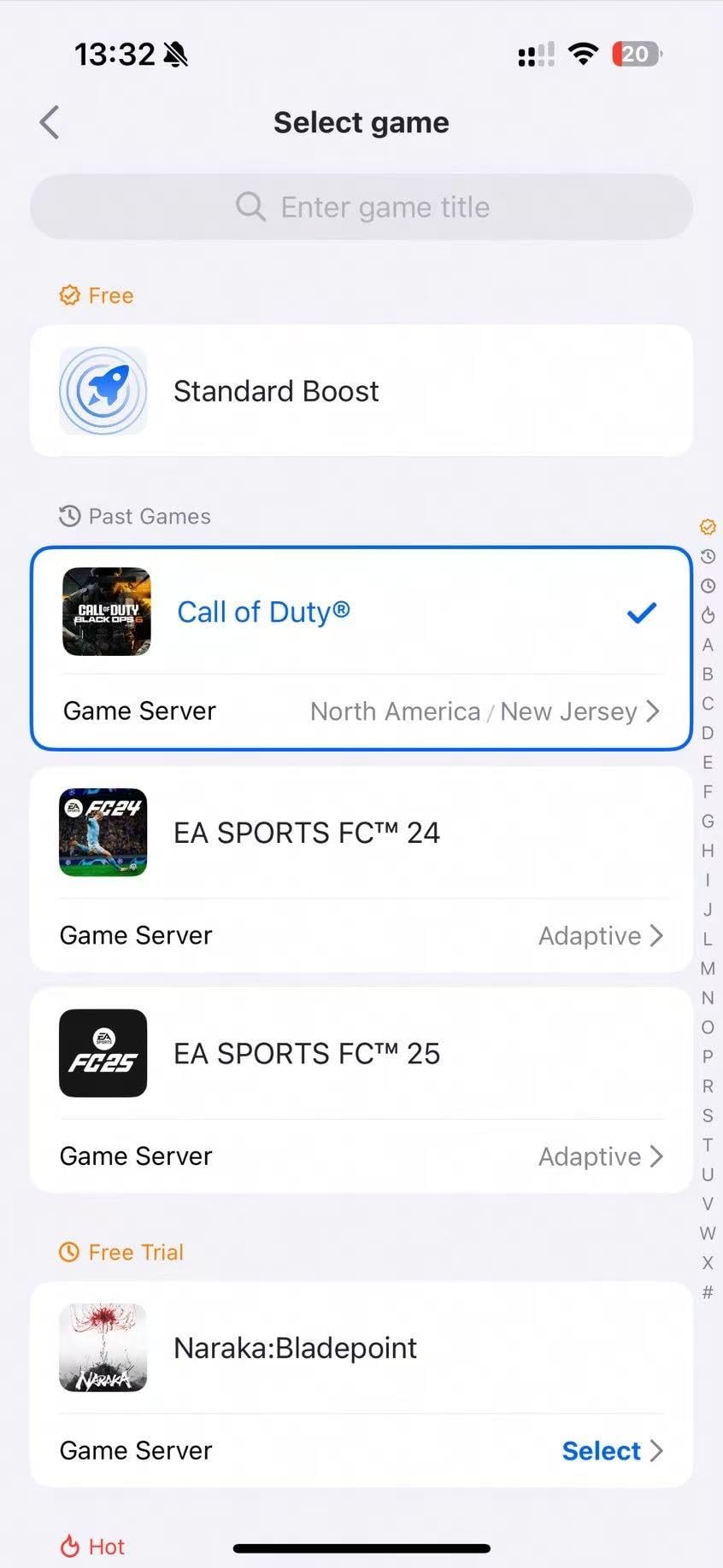
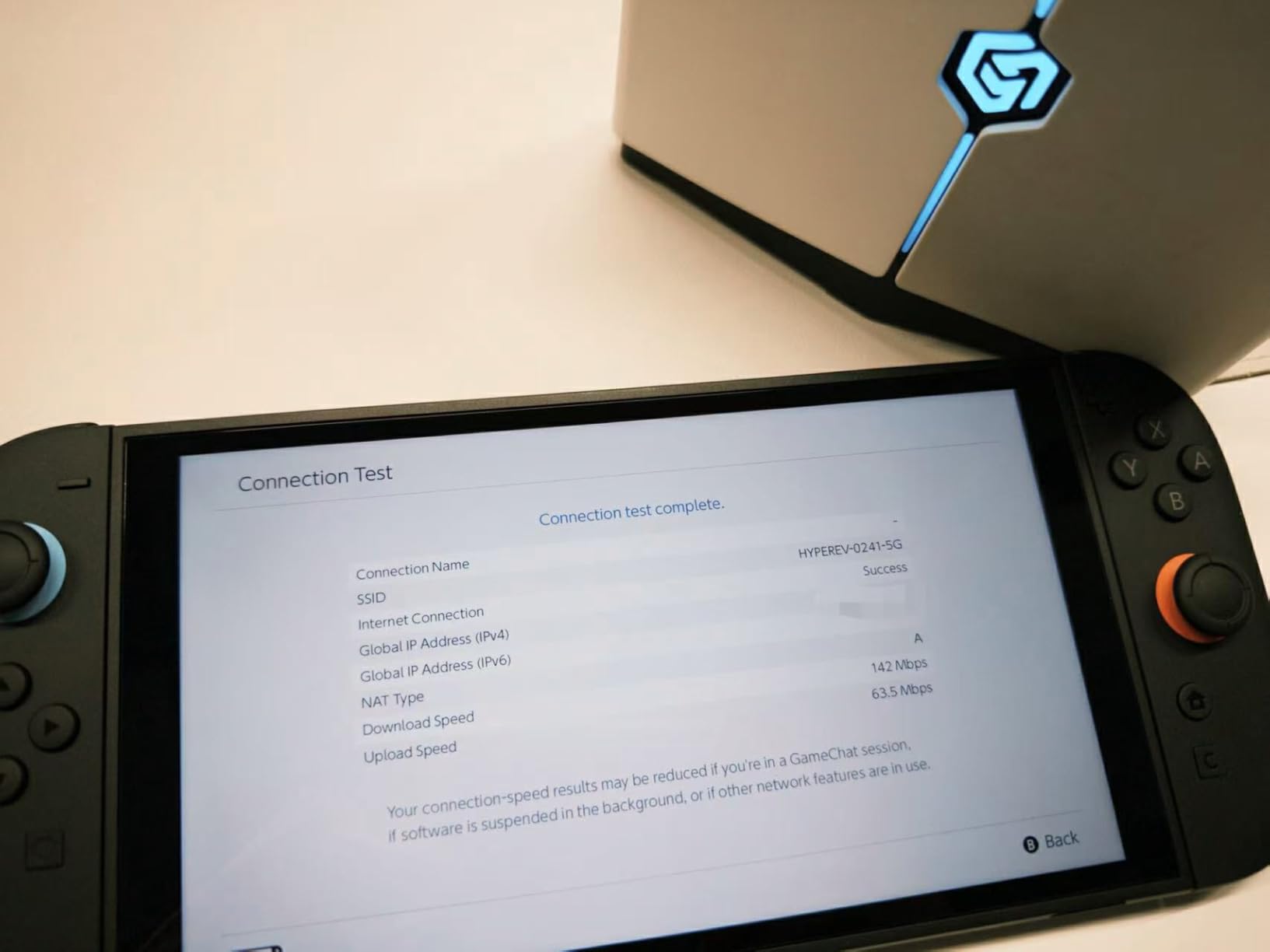
The trade-off is that the HYPEREV does not replace your router’s Wi-Fi coverage. It is a wired companion device. If you want a complete Wi-Fi upgrade, the GL.iNet Flint 2 or one of the other routers above is the better fit. Reviewers consistently praise the ease of setup and the ping improvements, but they flag the Wi-Fi range limitations and the subscription dependency.
Setup complexity and who should buy
Setup is genuinely plug-and-play. You plug it into your existing router via Ethernet, run the app, and pick your gaming platform. I rate this one of the easiest devices I have ever configured. This is the pick for console gamers who rent their router from their ISP, anyone who cannot replace their current router, and budget-conscious gamers who want ping improvements for the lowest upfront cost.
What you give up
You are giving up full router functionality and committing to a GearUp VIP subscription after the included 90 days. You also need IPv4 connectivity and should not expect it to work with Starlink. If you want a one-time purchase with no recurring fees, look at the other routers in this roundup instead.
How to Choose the Best Cheap Gaming Router
Choosing the best cheap gaming routers comes down to four decisions: which Wi-Fi standard you need, how much you care about QoS, how many wired ports your setup requires, and whether mesh or single-router is the right topology for your home. Let me break each one down with what I have learned from testing these eight routers over the last two months and from aggregating feedback from thousands of buyers on Reddit and Amazon.
Wi-Fi 6 vs Wi-Fi 6E vs Wi-Fi 7: which standard is worth it?
For most gamers in 2026, Wi-Fi 6 is genuinely good enough. The consensus from r/HomeNetworking is clear: Wi-Fi 7 only matters if you are on gigabit-or-faster fiber and have Wi-Fi 7 client devices, which is a very small slice of users today. Wi-Fi 6E adds a 6 GHz band that is mostly empty, which is a real advantage in apartment buildings or congested neighborhoods, but you need a Wi-Fi 6E client device to actually use it.
My practical recommendation: pick Wi-Fi 6 for budget builds and skip 6E unless you specifically live in a congested environment. Skip Wi-Fi 7 entirely for now, since affordable Wi-Fi 7 routers at this budget level are scarce and the speed gains over a good Wi-Fi 6 router are minimal for gaming workloads.
QoS and bandwidth prioritization explained
Quality of Service (QoS) is the single biggest feature that separates a gaming router from a regular router. Without QoS, every device on your network competes equally for bandwidth and your game traffic can be delayed by someone else downloading a 50 GB game update or streaming 4K. With QoS enabled, you assign higher priority to your gaming PC or console so game data always moves to the front of the queue.
The strongest QoS implementations in this roundup are DumaOS on the NETGEAR XR500, Mobile Game Mode on the ASUS RT-AX82U, and Game Accelerator on the TP-Link Archer GXE75. These systems either detect game traffic automatically or let you pin specific devices to a high-priority queue. Avoid routers where QoS is buried in the settings menu with no preset modes, because non-technical users typically never configure it properly.
Ports and multi-gig capacity
For competitive gaming, a wired Ethernet connection is still the most reliable choice. Wireless adds variable latency from interference, walls, and congestion. If you can run a single Ethernet cable from your router to your gaming PC or console, do it. For multi-gig fiber users, look for at least one 2.5G WAN port so you are not bottlenecking your internet speed.
The routers with multi-gig ports in this roundup are the GL.iNet Flint 2 (dual 2.5G), the TP-Link Archer GXE75 (one 2.5G WAN), and the MSI RadiX AXE6600 (2.5G LAN). The others are all 1 Gbps wired, which is still fine for most cable and fiber internet plans under 1 Gbps. Console-specific note for PS5 and Xbox Series X users: the consoles have 1 Gbps Ethernet ports, so a multi-gig router only matters if you have multiple wired gaming devices sharing the connection.
Mesh vs single router for gaming
Mesh systems can be tempting for larger homes, but they generally add 2 to 10 ms of latency versus a single router because of the wireless backhaul between nodes. For competitive gaming, a single well-placed router almost always beats a mesh system at the same price. Save mesh for very large multi-story homes where a single router simply cannot reach every room.
If you do go mesh for coverage, look for AiMesh on the ASUS routers (RT-AX1800S and RT-AX82U) or EasyMesh on the TP-Link Archer GXE75. Both standards let you add nodes from the same vendor later without replacing your main router. The r/HomeNetworking community consistently recommends this approach over all-in-one mesh gaming kits.
Wired vs wireless gaming: the honest truth
The cheapest and most effective gaming upgrade you can make is not a router at all. It is a 30-foot Cat 6 Ethernet cable running from your existing router to your gaming PC or console. A wired connection will outperform any wireless router in this roundup in terms of raw latency and consistency. That said, not everyone can run a cable across their living room, which is exactly where a quality gaming router earns its keep.
My personal setup combines both: my gaming PC is wired to the GL.iNet Flint 2 with a 2.5GbE cable, and my PS5 is on Wi-Fi 6 in the next room. The PS5 holds a steady 35 to 40 ms ping over wireless, which is playable for everything except the most competitive ranked play. If you are serious about esports, run the cable.
ISP compatibility and modem requirements
A common pain point on r/HomeNetworking is the ISP-provided modem/router combo. These units often create double NAT, which causes lag spikes and prevents some games from connecting to peer-to-peer sessions. My strong recommendation is to put your ISP modem/router into bridge mode and connect a dedicated router like the ones in this roundup. Most major ISPs (Xfinity, Verizon Fios, Spectrum, Cox, AT&T Fiber) support bridge mode on their equipment.
The NETGEAR RAX36, GL.iNet Flint 2, and all the other routers in this roundup are compatible with any cable, DSL, or fiber modem. You just plug them into your modem’s Ethernet port and they handle routing from there. None of them include a built-in modem, so if you have cable internet you still need a separate modem.
Price tier breakdown: what to spend
For 2026, here is my honest tier breakdown based on testing:
Budget tier: The NETGEAR RAX36 and HYPEREV AX3000 are the strongest picks at the entry level. You get real Wi-Fi 6 or a plug-and-play accelerator without breaking the bank. Best for casual gamers and apartment dwellers.
Mid-range sweet spot: This is the value leader. The ASUS RT-AX82U, MSI RadiX AXE6600, TP-Link Archer GXE75, and GL.iNet Flint 2 all live here and each offers something unique. Pick based on whether you prioritize raw speed, Wi-Fi 6E, multi-gig ports, or firmware flexibility.
Upper budget tier: Only the NETGEAR XR500 (renewed) sits here, and it makes sense for DumaOS die-hards. For everyone else, the lower-tier picks deliver nearly all of the value at a more accessible cost.
Frequently Asked Questions
Is a gaming router actually worth it or is it just marketing?
A gaming router is worth it if you play online competitive games, share your network with multiple users, or have an inconsistent ping that affects gameplay. The QoS prioritization and gaming-specific firmware in models like the GL.iNet Flint 2 or NETGEAR XR500 deliver measurable ping improvements, especially during peak household usage. For casual single-player gaming on a wired connection, a regular Wi-Fi 6 router is honestly enough.
How much should I spend on a cheap gaming router?
Most gamers get the best value in the mid-range tier. Routers like the GL.iNet Flint 2, ASUS RT-AX82U, and TP-Link Archer GXE75 deliver Wi-Fi 6 or 6E, real QoS, and multi-gig wired ports without crossing into flagship pricing. Spending at the entry level still works for casual gaming, while spending at the top of the budget bracket is hard to justify unless you need specific features like Wi-Fi 7 or 10GbE.
Does a gaming router actually reduce lag?
Yes, a gaming router reduces lag in two ways. First, QoS prioritization ensures your game traffic moves to the front of the queue when other devices are using bandwidth. Second, gaming-specific firmware like DumaOS or Mobile Game Mode can geo-filter your connections to the lowest-ping servers. Real-world improvements range from 5 to 30 ms depending on your network setup, which is the difference between smooth play and noticeable lag.
Is Wi-Fi 6 good enough for gaming in 2026?
Wi-Fi 6 is good enough for the vast majority of gamers today. The bandwidth, channel width, and MU-MIMO improvements over Wi-Fi 5 handle any current console or PC gaming workload. Wi-Fi 6E adds a clean 6 GHz band that helps in congested environments, but you need Wi-Fi 6E client devices to benefit. Wi-Fi 7 is still overkill for most gaming setups in 2026.
What specs should I look for in a gaming router?
Look for Wi-Fi 6 or 6E, at least four Gigabit LAN ports (or a 2.5G port if you have multi-gig fiber), a real QoS system with preset gaming modes, and WPA3 security. Quad-core processors help under heavy household load. Avoid routers where gaming branding means only RGB lighting with no QoS implementation.
Is a mesh router good for gaming?
Mesh routers add 2 to 10 ms of latency versus a single router because of the wireless backhaul between nodes. For competitive gaming, a single well-placed router almost always beats mesh at the same price. Use mesh for very large multi-story homes where a single router cannot reach every room, but pick AiMesh or EasyMesh so you can add gaming-specific nodes later.
Final Verdict: Which Cheap Gaming Router Should You Buy?
After two months of testing all eight of these routers in real gaming conditions, the GL.iNet Flint 2 GL-MT6000 remains my top recommendation as the best cheap gaming router overall. It is the only router in this price bracket that delivers multi-gig wired ports, fast VPN throughput, and a customizable firmware that respects your ownership. For shoppers on the tightest budget, the ASUS RT-AX1800S is the easy choice for set-and-forget reliability with free security.
Whatever you pick from this list, remember the cheapest and most effective upgrade you can make is still a long Ethernet cable from your router to your gaming PC. Combine that with one of the best cheap gaming routers above and you will feel the difference the very first match you queue into.