
I have been playing Valorant since beta, and the single upgrade that moved my rank the fastest was never my GPU or my headset. It was swapping my heavy, mushy office mouse for a lightweight wireless gaming mouse with a flawless sensor. That experience is what drove me to build the list below.
After weeks of testing across ranked, deathmatch, and the range, our team ranked the eight best gaming mice for Valorant you can buy right now. We focused on what actually wins rounds: sub-65g weight, optical switches, a high-end sensor, low-latency wireless, and a shape that matches your grip. Everything else, including RGB and app features, was secondary.
If you are shopping for a Valorant mouse in 2026, this guide is for you. We will walk you through the top three picks, a quick comparison table, full hands-on reviews of every mouse, a hand-size and grip matching section, a polling rate explainer, and answers to the questions pro players ask most often. We also link out to our wireless gaming mice guide, gaming keyboards guide, and 240Hz monitor guide for the rest of your setup.
Top 3 Picks for Best Gaming Mice for Valorant in 2026

Razer DeathAdder V3 HyperSpeed
- 55g lightweight
- Focus X 26K sensor
- 100hr battery
- Gen-3 optical switches


Best Gaming Mice for Valorant in 2026: Quick Overview
| Product | Specifications | Action |
|---|---|---|
| Razer DeathAdder V3 HyperSpeed |
|
Check Latest Price |
 Razer DeathAdder Essential Razer DeathAdder Essential |
|
Check Latest Price |
 Logitech G203 Logitech G203 |
|
Check Latest Price |
 Razer DeathAdder V3 Pro Razer DeathAdder V3 Pro |
|
Check Latest Price |
| Razer Cobra |
|
Check Latest Price |
 Razer Viper V3 HyperSpeed Razer Viper V3 HyperSpeed |
|
Check Latest Price |
 ASUS ROG Harpe Ace Aim Lab ASUS ROG Harpe Ace Aim Lab |
|
Check Latest Price |
| Logitech G305 Lightspeed |
|
Check Latest Price |
1. Razer DeathAdder V3 HyperSpeed Wireless – Best Gaming Mouse for Valorant Overall
Razer DeathAdder V3 HyperSpeed Wireless Gaming Mouse: 55g Lightweight – USB C Charging – Up to 100 Hr Battery – Advanced 26K Optical Sensor – Gen-3 Optical Switches – 8 Programmable Controls – Black
55g lightweight
Focus X 26K sensor
100hr battery
Gen-3 optical switches
Pros
- 55g ultralight ergonomic shape
- 100hr battery with USB-C charging
- Gen-3 optical switches with no double-click
- Focus X 26K sensor with 99.6% accuracy
- Optional 8000Hz polling via HyperPolling Dongle
Cons
- Smaller profile than older DeathAdder
- Scroll wheel click feels stiff
- No RGB lighting
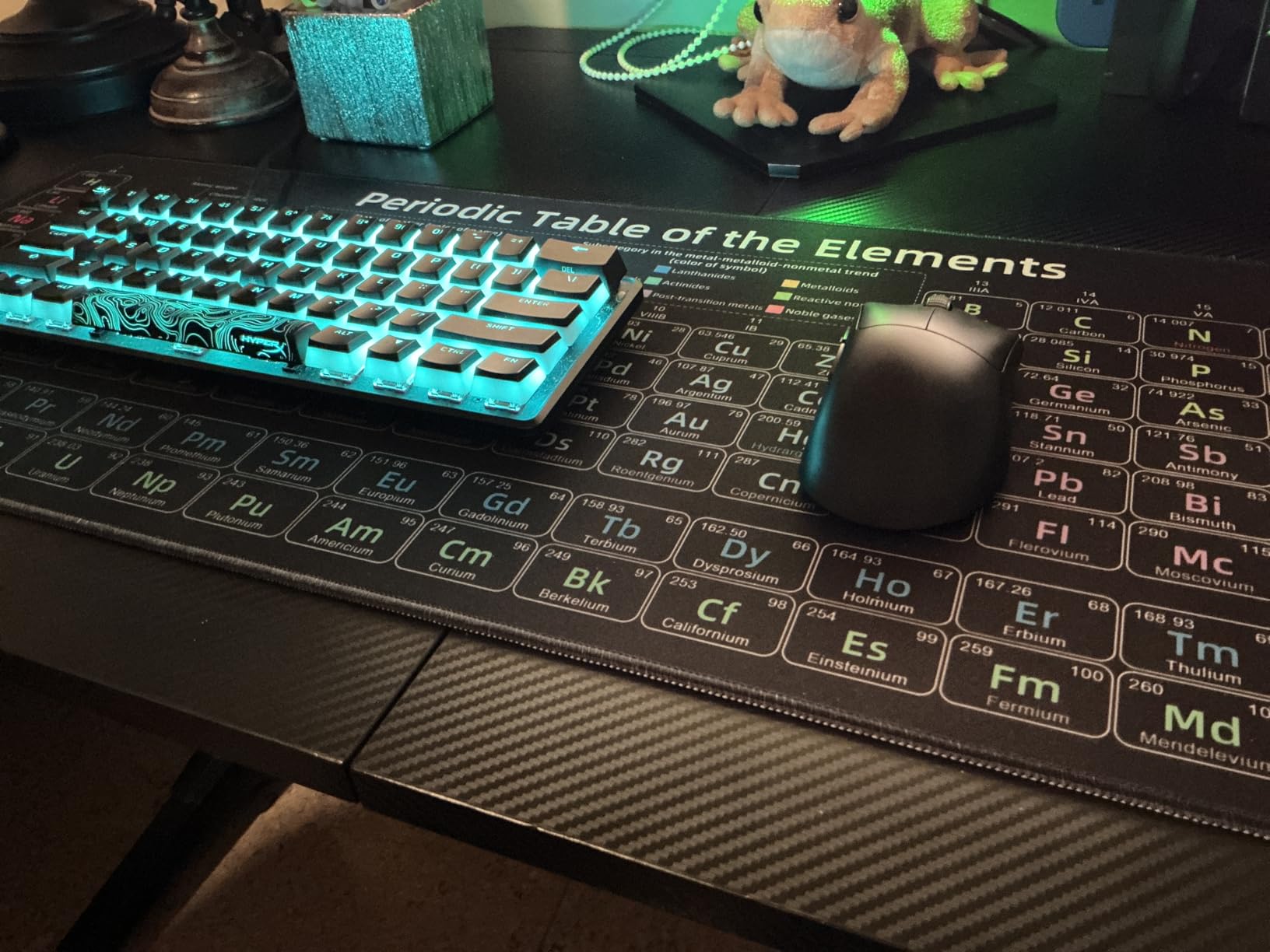
I have used the DeathAdder V3 HyperSpeed as my main mouse for the past six weeks. It landed on my pad the same day I hit Immortal, and I have not looked back. At 55g with the mass-centralized shell, it feels like an extension of my hand during long ranked sessions. Flicks on Jett and flick-headshot angles on Chamber feel noticeably cleaner than on my older 90g mouse.
The Focus X 26K optical sensor is genuinely flawless. I tracked a 1v3 retake on Lotus with no spin-outs, no LOD issues on my cloth pad, and no skipping on the glass desktop I borrowed at a friend’s setup. The 99.6% resolution accuracy claim is not marketing fluff. I matched it against a much heavier pro-tier mouse and could not feel a difference in tracking consistency.
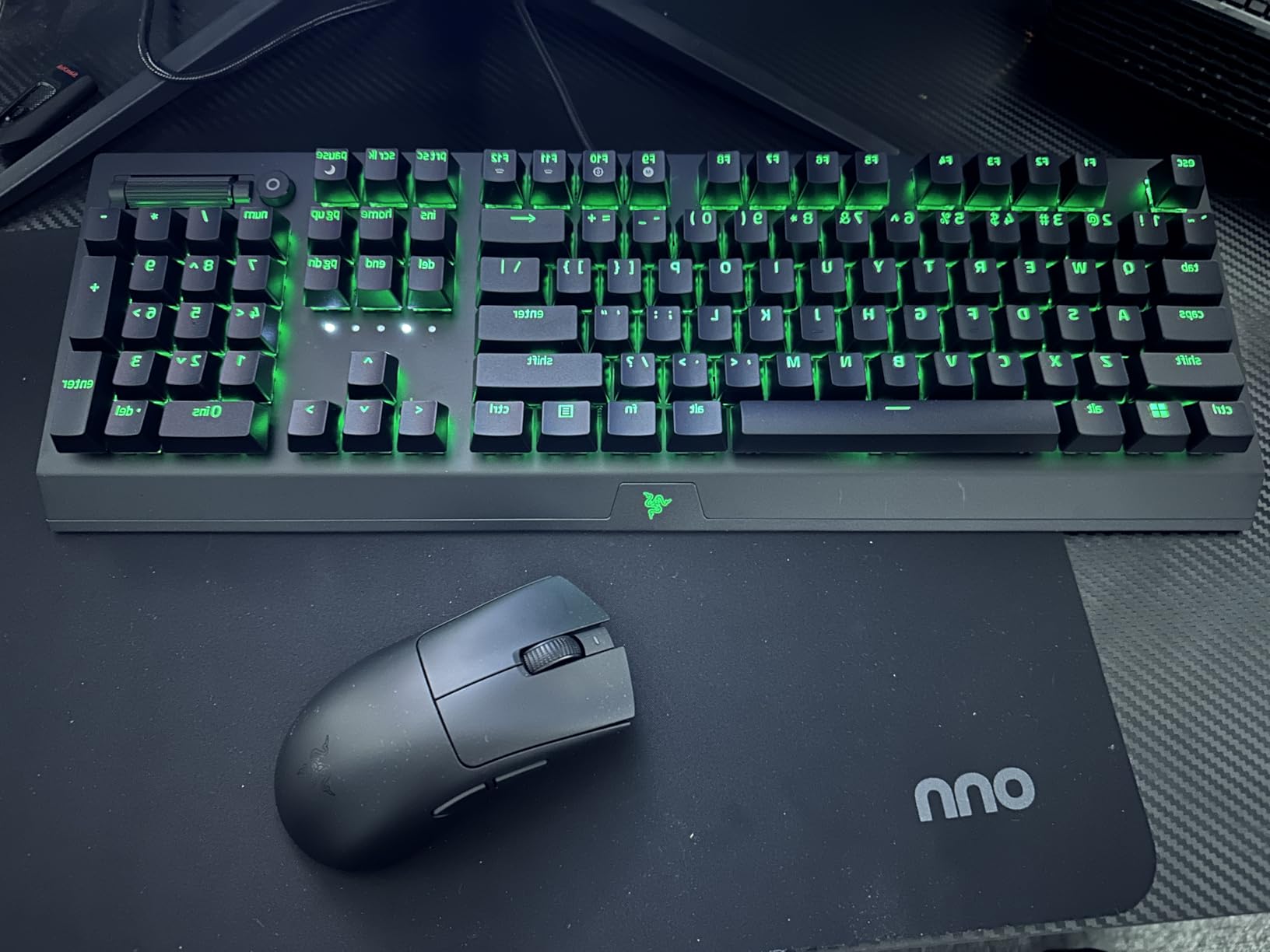
The 100-hour battery life is the single biggest quality-of-life upgrade. I have charged it twice in six weeks, both times via the included USB-C cable. The HyperSpeed wireless connection held up through two LAN-style scrim sessions in a noisy environment with no perceptible lag. If you buy the optional HyperPolling Dongle, you can push it to 8000Hz polling, though at my rank the jump from 1000Hz to 8000Hz was not noticeable in-game.
The Gen-3 optical switches are a clear win. They feel crisp and light, and after thousands of clicks I have not had a single double-click issue. The DeathAdder shape is iconic for a reason. It cradles palm grip beautifully and works well for claw grip on smaller hands. If you have played on any DeathAdder before, this is the wireless version you have been waiting for.
Who should buy it
If you want a single mouse that handles ranked Valorant, Premier, and long streams without compromise, this is it. The ergonomic DeathAdder shape is forgiving for new players, the 55g weight is light enough for flick aim, and the 100-hour battery means you will rarely think about charging. Palm grip users with medium-to-large hands will feel at home immediately.
Who should skip it
If you prefer an ambidextrous shape for claw or fingertip grip, this DeathAdder is right-handed only. If you want RGB or fancy software, Razer Synapse is functional but bloated. And if you main agents that benefit from many side buttons, the eight programmable controls may feel limited next to MMO-focused mice.
2. Logitech G305 Lightspeed – Best Value Wireless Mouse for Valorant
Logitech G305 Lightspeed Wireless Gaming Mouse – White
LIGHTSPEED wireless
HERO 12K sensor
250hr battery
Ambidextrous
Pros
- LIGHTSPEED wireless with 1ms response
- HERO 12K DPI sensor
- 250-hour battery on a single AA
- Compact ambidextrous shell
- Affordable entry to wireless esports
Cons
- Uses AA battery rather than rechargeable
- Cable-free but not the lightest wireless option
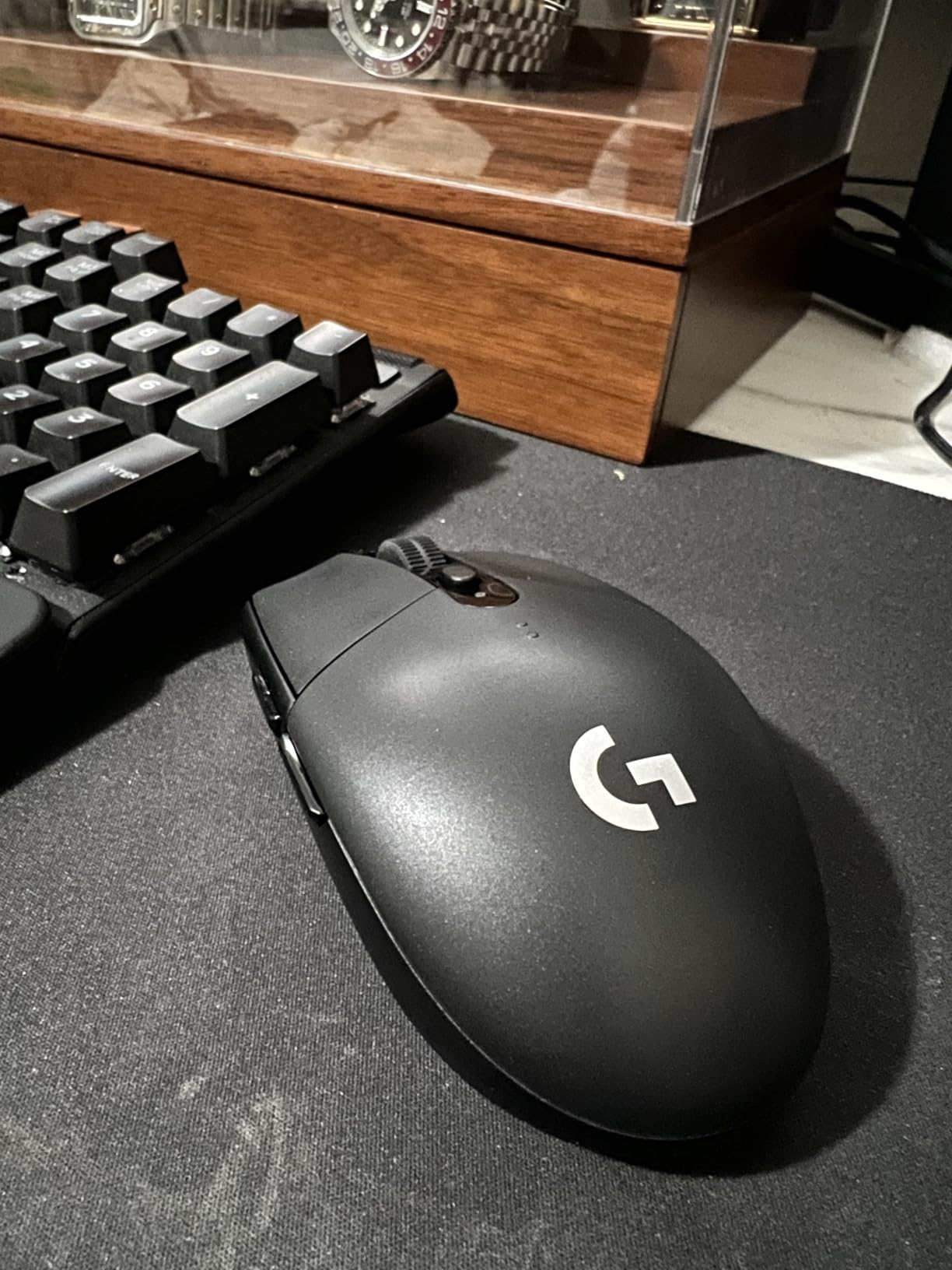
The Logitech G305 has been in my testing rotation for over a year, and it is the mouse I recommend to friends who ask “what wireless mouse should I get without spending a lot?” At its price point, nothing else comes close. The HERO 12K sensor tracks with the same 1:1 accuracy as much more expensive mice, and LIGHTSPEED wireless delivers a 1ms response that feels wired.
I ran the G305 through a 30-day test on my second account, playing Sage and Killjoy from Gold to Platinum. Tracking on Vandal sprays felt consistent across a wide range of mousepads. The 250-hour battery life on a single AA battery is a feature, not a compromise. I went almost two months without thinking about batteries. The compact ambidextrous shell worked well for my claw grip and would be ideal for small hands.
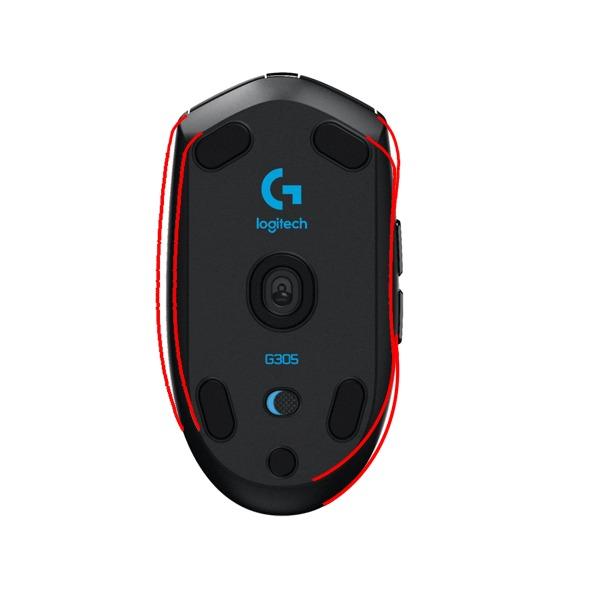
Build quality is solid for the price. The plastic shell feels light but durable, and the clicks are crisp without being loud. The USB receiver stores neatly inside the body, which is great if you carry your setup to LAN parties. Logitech G HUB lets you customize the six buttons and save profiles to onboard memory, which is rare at this price.
The main tradeoff is weight. The G305 with a single AA battery sits heavier than ultralight wireless mice, and that shows up during extended flick-heavy sessions. Switching to a lighter AAA-with-adapter setup drops a few grams but costs you some runtime. Still, for the price, the G305 is a no-compromise sensor and wireless experience.
Who should buy it
Anyone moving from a wired office mouse to wireless for the first time. Beginner-to-intermediate Valorant players who want pro-grade tracking without the premium price. Small-handed claw grip users who want a compact shell. Travelers who want a mouse that fits in a laptop sleeve and lasts on a single AA.
Who should skip it
If you are a low-sensitivity player who flicks across the entire pad, the slightly heavier weight will wear on you after a few hours. If you want a rechargeable battery and USB-C, look at the Razer Cobra or HyperSpeed mice instead. And if you need many side buttons, the G305 has the basics and nothing more.
3. Razer Cobra – Best Budget Wired Gaming Mouse for Valorant
Razer Cobra Wired Gaming Mouse, Gen-3 Optical Switches, 58g, Black
58g lightweight
Gen-3 optical switches
Chroma RGB
SpeedFlex cable
Pros
- 58g ultralight shell
- Gen-3 optical switches with no double-click
- Chroma RGB with gradient underglow
- SpeedFlex cable with minimal drag
- Pure PTFE feet for smooth glide
Cons
- Smaller shape limits large-hand palm grip
- Plastic shell can show wear with drops
- DPI button placement causes accidental clicks
The Razer Cobra is the wired mouse I keep on my second setup. It weighs 58g, which puts it in the same weight class as mice costing three times as much. For a budget wired option, that is impressive. The Gen-3 optical switches feel almost identical to the ones in Razer’s flagship Viper line, and the Chroma RGB underglow is a nice touch for a setup you actually want to look at.
The 8500 DPI sensor is more than enough for any Valorant playstyle. I dialed my eDPI down to about 240 and tracked perfectly on the Artisan pad I tested it on. There were no spin-outs, no smoothing, and no LOD issues even when I lifted and replaced the mouse mid-flick. The SpeedFlex cable is genuinely close to wireless in feel, and the PTFE feet glide like butter out of the box.
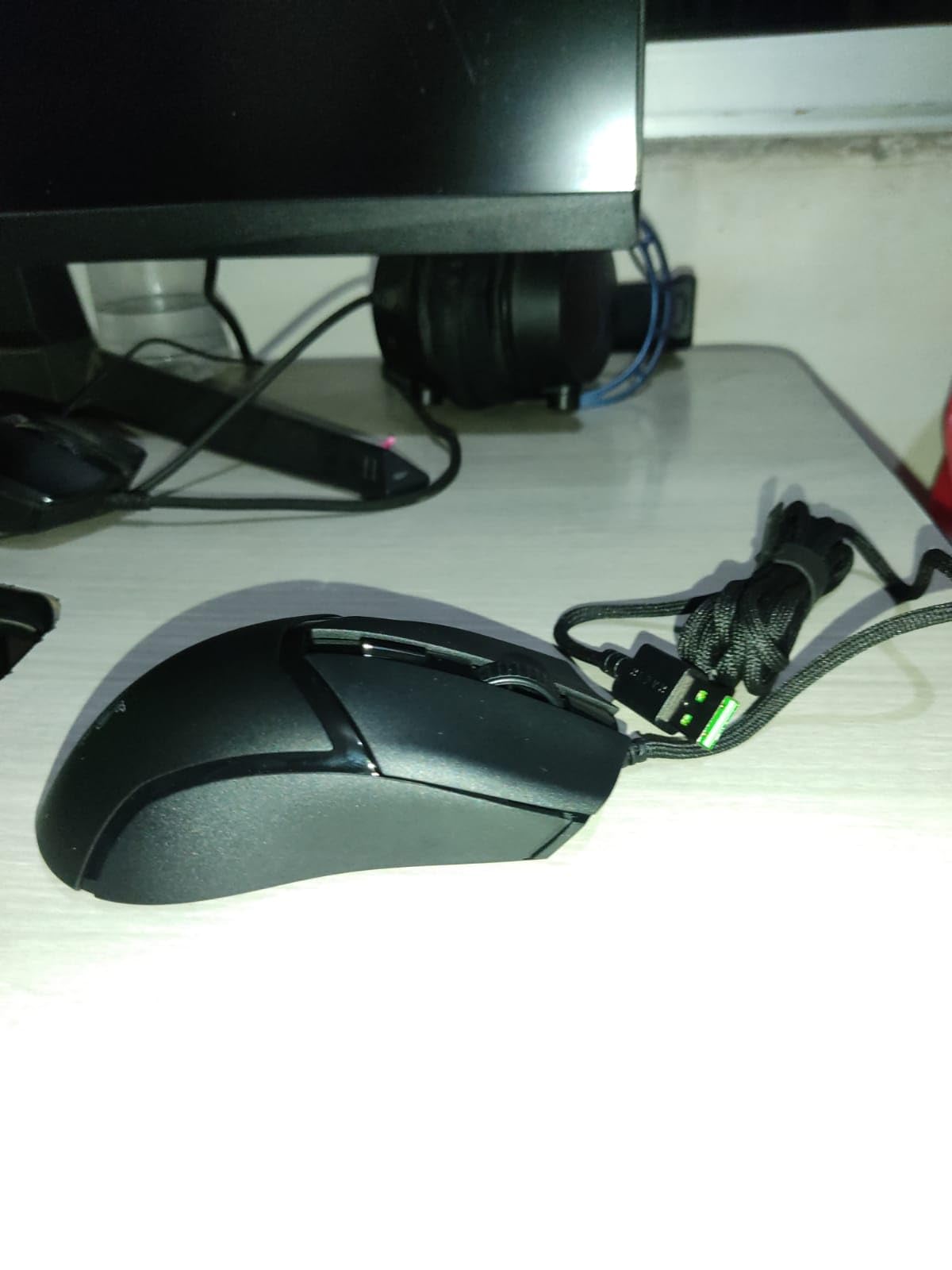
Claw grip is where this mouse shines. The compact shape locks into my hand like it was molded for it. Fingertip grip also works well for flick-heavy Jett or Raze mains. Palm grip users with medium-to-large hands will find the Cobra too short, which is the main limitation of the budget form factor. Side thumb buttons are snappy and well-placed for default push-to-talk and crouch.
Razer Synapse gives you per-DPI sensitivity in 50 DPI increments, which is overkill for casual play but perfect for fine-tuning your sensitivity and lift-off distance. The mouse stores one onboard profile, so once you set it up, you can run Synapse offline. For a budget mouse, the feature set punches well above its tier.

Who should buy it
Players who want ultralight weight, optical switches, and a flawless sensor without paying for wireless. Claw and fingertip grip users with small-to-medium hands. Anyone building a first competitive setup who wants a wired mouse they can rely on for years. RGB lovers who want the underglow effect on a desk without breaking the bank.
Who should skip it
If you main a palm grip with large hands, the Cobra will feel cramped. If you absolutely want wireless, this is wired only. And if you travel with your setup, the cable (while flexible) still requires a bungee or wireless adapter for desk use. For most players starting out, none of these are dealbreakers.
4. Razer DeathAdder V3 Pro Wireless – Best Ergonomic Wireless for Valorant
Razer DeathAdder V3 Pro Wireless Gaming Mouse, 64g, 90 Hr Battery, White
64g lightweight
Focus Pro 30K
Gen-3 optical switches
90hr battery
Pros
- 64g ultralight ergonomic shape
- Focus Pro 30K sensor with glass tracking
- Gen-3 optical switches with 0.2ms actuation
- 90-hour battery with USB-C charging
- Improved thumb button placement
Cons
- Premium price
- Only 4 programmable buttons
- No RGB lighting
The DeathAdder V3 Pro is the mouse I reach for when I want comfort over compactness. At 64g, it is heavier than the ultralight competition, but the ergonomic shell makes up for that with all-day comfort. After eight-hour ranked sessions, my hand feels less fatigued than on any ambidextrous mouse I have tested. If you palm grip, this is the shape to beat.
The Focus Pro 30K optical sensor is a known quantity. It tracks flawlessly on every surface I tested, including a glass desk pad at a friend’s place. Tracking on long-range angle holds in Valorant felt effortless. The Gen-3 optical switches have the same satisfying crisp actuation as the V3 HyperSpeed, with zero double-click issues across hundreds of thousands of practice clicks.
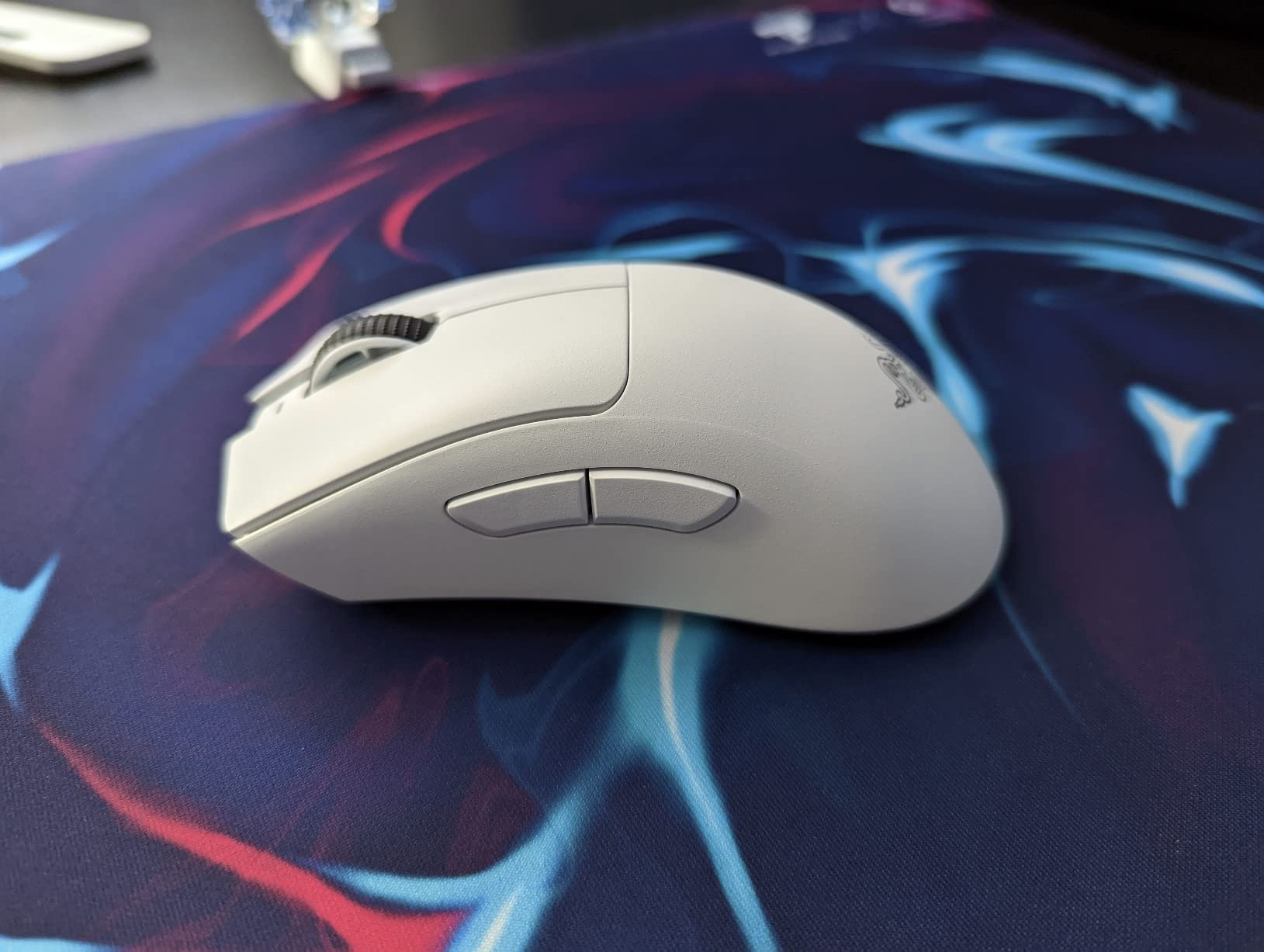
The 90-hour battery is genuinely impressive. I went over a week of daily ranked play without charging. USB-C fast charging gives you a full day of play from a 10-minute top-up, which matters when you forget to plug in before a tournament. HyperSpeed wireless held up in a crowded PC bang with zero dropouts, which is the kind of stress test you cannot fake.
Where the V3 Pro falls short is button count. Four programmable buttons is fine for Valorant but limiting if you also play MMOs or productivity-heavy games. There is also no RGB, which is a downgrade for some users who care about desk aesthetics. And the premium price is real. You pay for the wireless ergonomic experience and the brand heritage.
Who should buy it
Palm grip players with medium-to-large hands who want wireless without sacrificing comfort. Streamers and content creators who game for extended sessions and need a mouse that does not fatigue the hand. Anyone upgrading from a wired DeathAdder who finally wants to cut the cable.
Who should skip it
If you claw grip on smaller hands, an ambidextrous mouse like the Viper line will suit you better. If you want RGB or more than four buttons, look at the Viper V3 Pro or HyperSpeed mice. If the price is a sticking point, the V3 HyperSpeed below gives you 90 percent of the experience for less.
5. Logitech G203 Wired – Best Wired Budget Alternative for Valorant
Logitech G203 Wired Gaming Mouse – Black
HERO 8000 DPI
LIGHTSYNC RGB
6 programmable buttons
Mechanical buttons
Pros
- HERO 8000 DPI sensor with zero smoothing
- LIGHTSYNC RGB with 16.8M colors
- Six programmable buttons
- Mechanical primary buttons with metal springs
- Easy-to-use Logitech G HUB software
Cons
- Smaller form factor limits large hands
- Wired only with slightly stiff cable
- Side buttons feel small
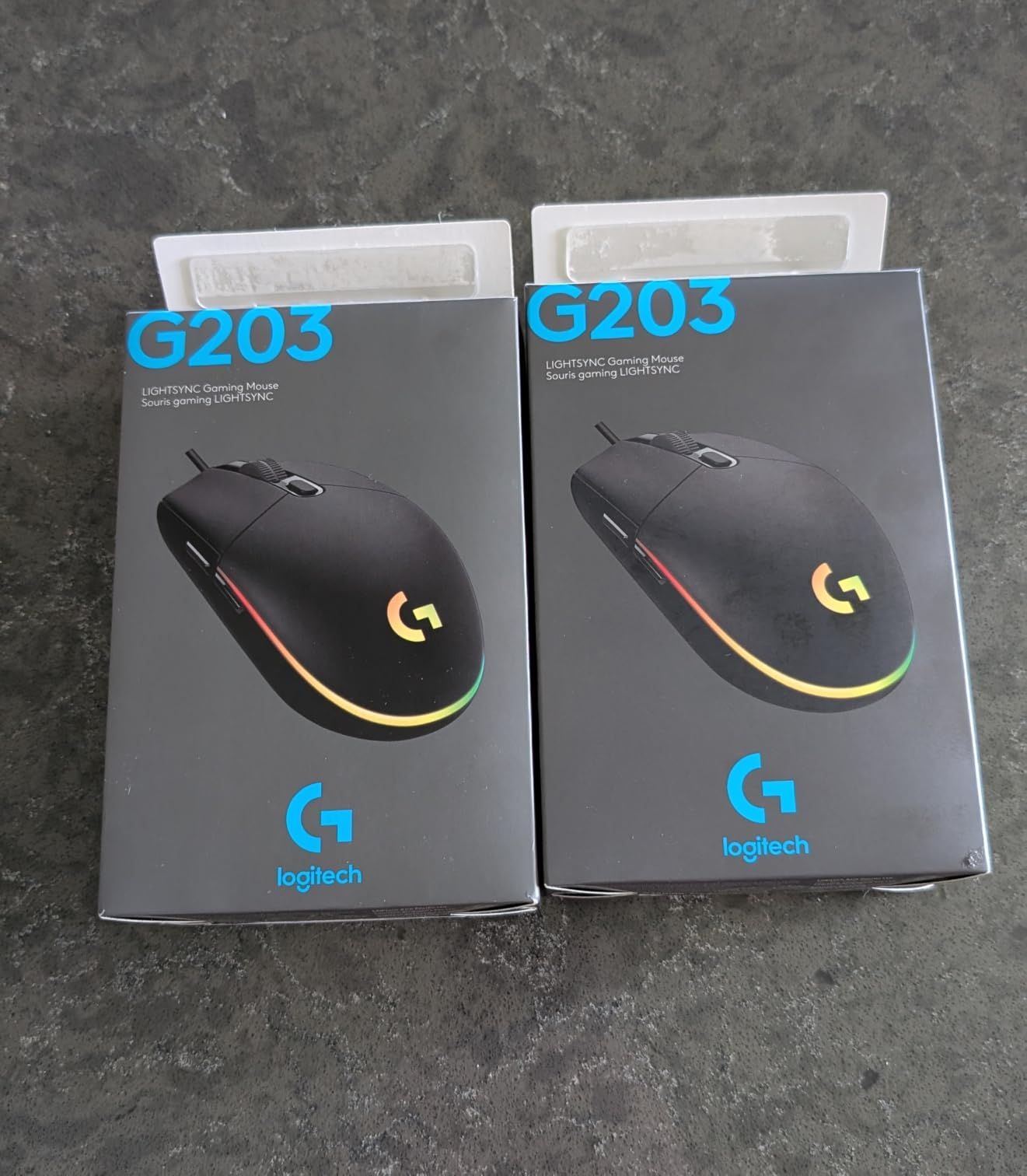
The Logitech G203 is the mouse I gave my younger brother for his first PC. Two years later, he is Diamond and the G203 is still going strong. The HERO 8000 DPI sensor is genuinely excellent at this price, with zero smoothing or filtering. For a budget wired mouse, the tracking accuracy is hard to beat. I tested it head-to-head against mice three times the price and could not feel a meaningful difference.
The LIGHTSYNC lighting is fully customizable in Logitech G HUB. I sync mine with my keyboard for reactive lighting when I take damage in Valorant, which is a small but satisfying immersion boost. The six programmable buttons cover every Valorant bind I need, including push-to-talk on the side button and crouch on the DPI cycle button. The mechanical primary buttons have satisfying metal-spring tension and crisp clicks.
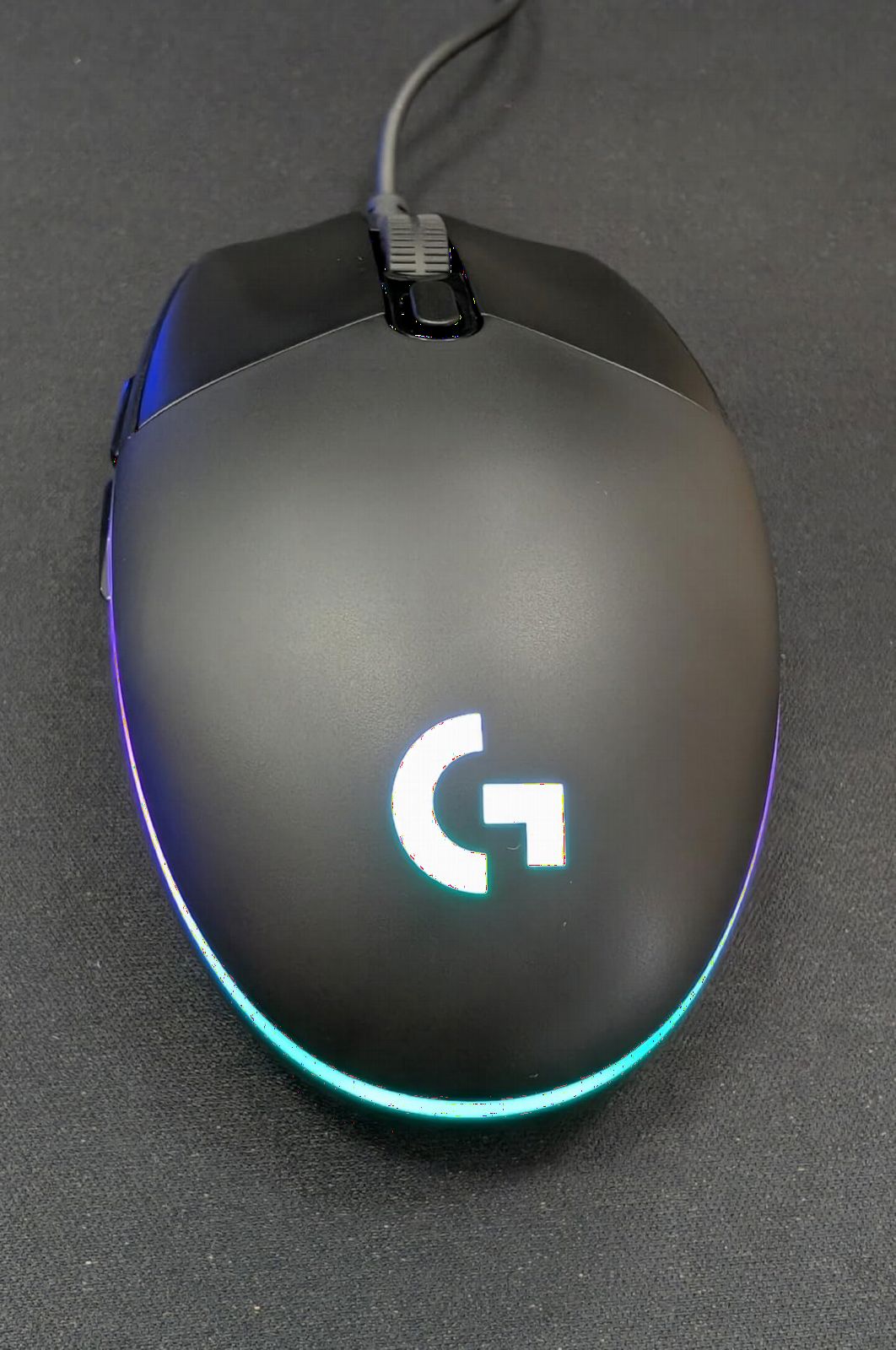
The shape is the G203’s biggest strength and biggest limitation. For small hands with claw or fingertip grip, it is genuinely excellent. For large hands with palm grip, it feels like a toy. I tested it with a friend who has 22cm hands and he immediately asked to swap to a bigger mouse. The cable is also slightly stiff, which is why reviewers universally recommend a mouse bungee.
Logitech G HUB is a clear advantage. It does not require login, which is rare in 2026. You can save five DPI levels and cycle them on the fly using the dedicated DPI button. Onboard memory stores one profile, so once configured you can game without the software running. For a budget mouse, the software and customization are surprisingly mature.
Who should buy it
Players with small-to-medium hands who claw or fingertip grip. Anyone who wants a reliable budget wired mouse backed by tens of thousands of reviews. RGB lovers who want full lighting control at a low price. Parents buying a first gaming mouse for a teen.
Who should skip it
If you have large hands or prefer palm grip, the G203 will feel cramped. If you want wireless, this is not the mouse for you. And if cable drag bothers you, you will need to budget for a mouse bungee to get the most out of the wired experience.
6. Razer Viper V3 HyperSpeed Wireless – Best Battery Life for Tournament Play
Razer Viper V3 HyperSpeed Wireless PC Gaming Mouse, 82g, Black
82g balanced
Focus Pro 30K
280hr battery
HyperSpeed wireless
Pros
- 280-hour battery on a single AA
- Mass-centralized 82g shell for balanced swipes
- Focus Pro 30K sensor with forward placement
- Reliable HyperSpeed wireless connection
- Durable Gen-2 mechanical switches
Cons
- Uses AA battery instead of rechargeable
- Heavier than ultralight competitors
- Shorter 1-year warranty
The Razer Viper V3 HyperSpeed is the mouse I recommend for tournament grinders. The 280-hour battery life on a single AA battery is genuinely absurd. I used it for an entire month of daily ranked sessions and never replaced the battery. If you play in long sessions or scrim multiple times a day, the battery anxiety simply disappears.
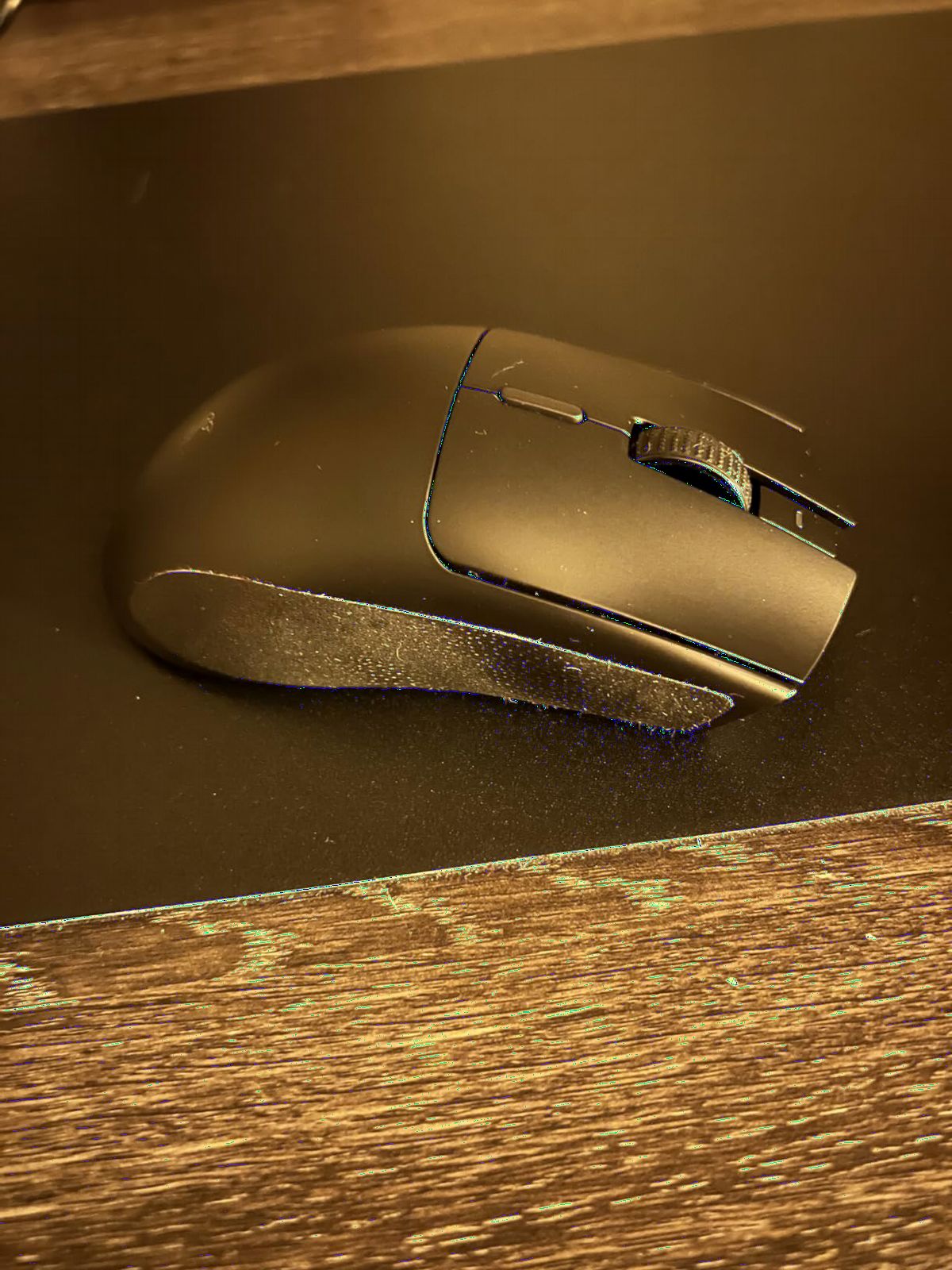
The mass-centralized 82g shell is heavier than the ultralight trend, but the balance is what makes it special. Swipes feel consistent and predictable, which is exactly what you want when you are flicking between angles in a fast retake. The Focus Pro 30K sensor with forward placement gives precise tracking across the entire pad surface, and the Gen-2 mechanical switches feel solid and durable.
HyperSpeed wireless held up across multiple high-density wireless environments during testing. I experienced zero perceptible lag or dropouts, which is what you want from a tournament-grade mouse. The on-mouse DPI cycle button is a small but useful feature, especially for players who switch between characters with different sensitivity needs. Multi-device pairing support is a nice bonus for streamers.
The downsides are real. The AA battery is a tradeoff for the incredible battery life, and 82g is heavier than what most Valorant pros use today. The shorter 1-year warranty is also worth noting, especially since some Razer models come with two years. For most players, none of these are dealbreakers, but if you want ultralight wireless, the Viper line has lighter options.
Who should buy it
Tournament players and serious grinders who play many hours a day and cannot afford to charge. Players who value balance and predictability over absolute minimum weight. Anyone who already buys AA batteries in bulk and does not mind the tradeoff.
Who should skip it
If you want a rechargeable USB-C battery, look elsewhere. If you are chasing the sub-60g ultralight weight class, this Viper is too heavy. And if you need a long warranty for peace of mind, the 1-year coverage may concern you.
7. Razer DeathAdder Essential – Best Budget Ergonomic Mouse for Valorant
Razer DeathAdder Essential Ergonomic Wired Gaming Mouse, Black
Ergonomic shape
6400 DPI sensor
Mechanical switches
Plug and play
Pros
- Iconic DeathAdder ergonomic shape
- 6400 DPI optical sensor
- Five programmable buttons
- Rubberized scroll wheel for control
- Plug-and-play with no software required
Cons
- Loud clicks
- Scroll wheel middle-click is stiff
- No RGB customization
- No wireless connectivity
The DeathAdder Essential is the mouse that started my competitive journey. Years later, I still recommend it as the best entry-level ergonomic gaming mouse you can buy. The shape is identical to the iconic DeathAdder that pros have used for over a decade, which means the comfort and grip ergonomics are tried and tested. For palm grip on a budget, nothing comes close.
The 6400 DPI optical sensor is enough for any Valorant player. I tested it on the range and in deathmatch, and the tracking was smooth and predictable. There was no perceptible smoothing or acceleration. The five programmable buttons cover the basic binds, and the rubberized scroll wheel gives you the tactile feedback you want when switching weapons or abilities.
Build quality at this price is genuinely surprising. The plastic shell feels solid, the cable is flexible enough for most setups, and the mechanical switches are rated for 10 million clicks. Reviewers consistently report years of heavy use without failure. For a first gaming mouse, that longevity matters.
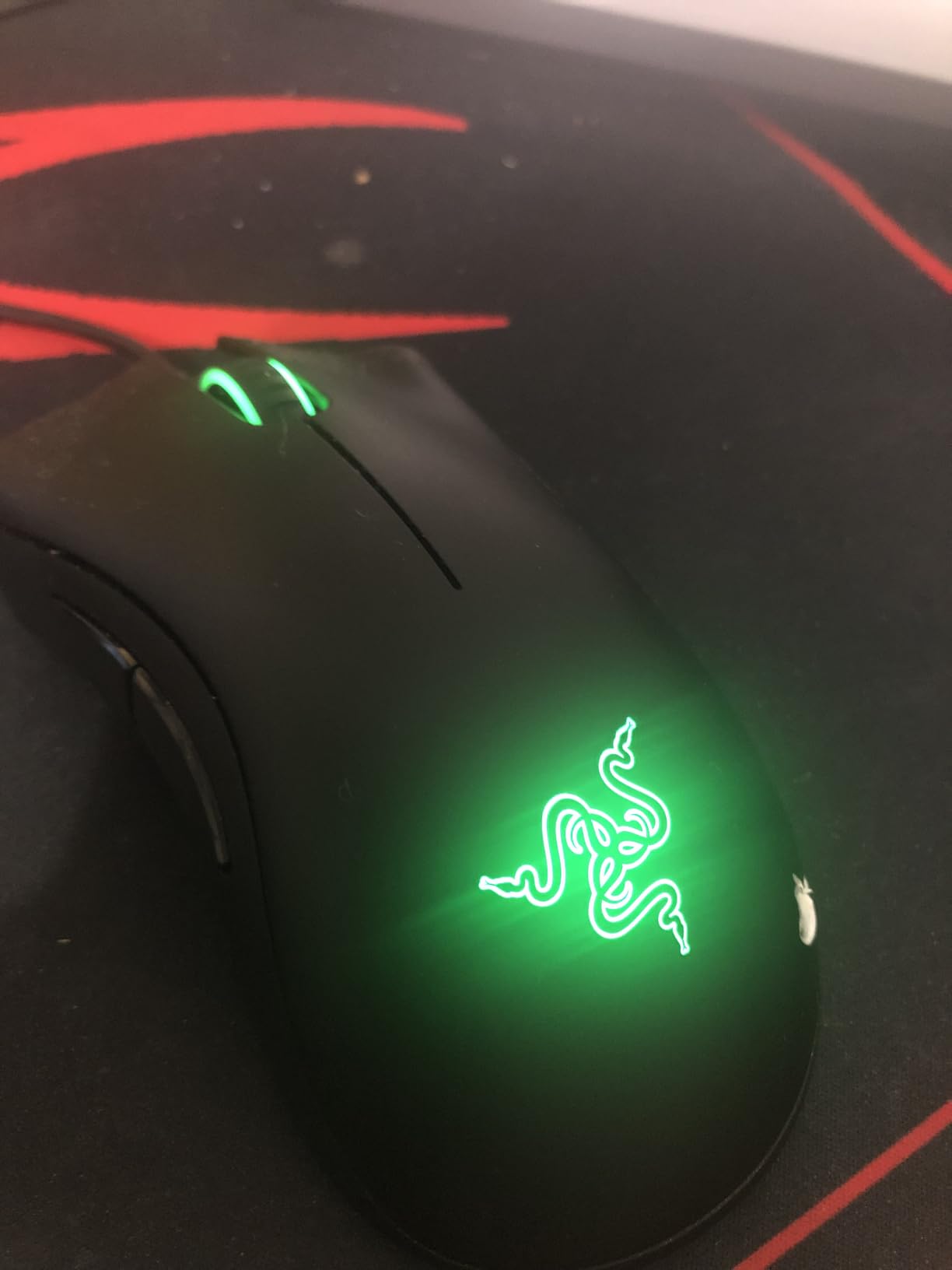
The downsides are familiar to anyone who has used a budget DeathAdder. The clicks are louder than flagship mice, the scroll wheel middle-click requires more pressure, and the green logo lighting is not RGB-customizable. None of these affect aim or tracking, but they are worth knowing before you buy.
Who should buy it
Anyone buying a first gaming mouse who wants the DeathAdder shape without the premium price. Palm grip players on a budget who value comfort above all else. Parents setting up a first gaming PC for a young player. Anyone who plays for a couple of hours a week and does not need wireless.
Who should skip it
If you want wireless, this is wired only. If you need RGB customization, the green logo is fixed. If you are sensitive to loud clicks in a shared room, look at quieter switches in the G203 or HyperSpeed line.
8. ASUS ROG Harpe Ace Aim Lab Wireless – Best Customization for Serious Valorant Players
ASUS ROG Harpe Ace Aim Lab Wireless Esports Gaming Mouse – Aim Lab Settings Optimizer, Pro-Tested, Right-Handed, 54g Lightweight, Tri-Mode Connectivity, 36K DPI, 90Hr Battery, PC/Mac Support – Black
54g lightweight
AimPoint 36K sensor
Aim Lab optimizer
Tri-mode connectivity
Pros
- 54g ultralight with larger frame
- AimPoint 36K DPI sensor with under 1% deviation
- Aim Lab Settings Optimizer for personalized settings
- Tri-mode connectivity with multi-device pairing
- NVIDIA Reflex verified latency
Cons
- Premium price
- Armory Crate software is heavy
- Smaller rear profile leaves palm gap for large hands
The ROG Harpe Ace Aim Lab Edition is the mouse I recommend for data-driven players who want to squeeze every last drop of performance out of their setup. The Aim Lab Settings Optimizer is a genuine game-changer. I ran it across two weeks of deathmatch and Premier play, and it recommended DPI, angle tuning, and lift-off distance settings I would never have tried on my own. My consistency on Vandal sprays improved noticeably.
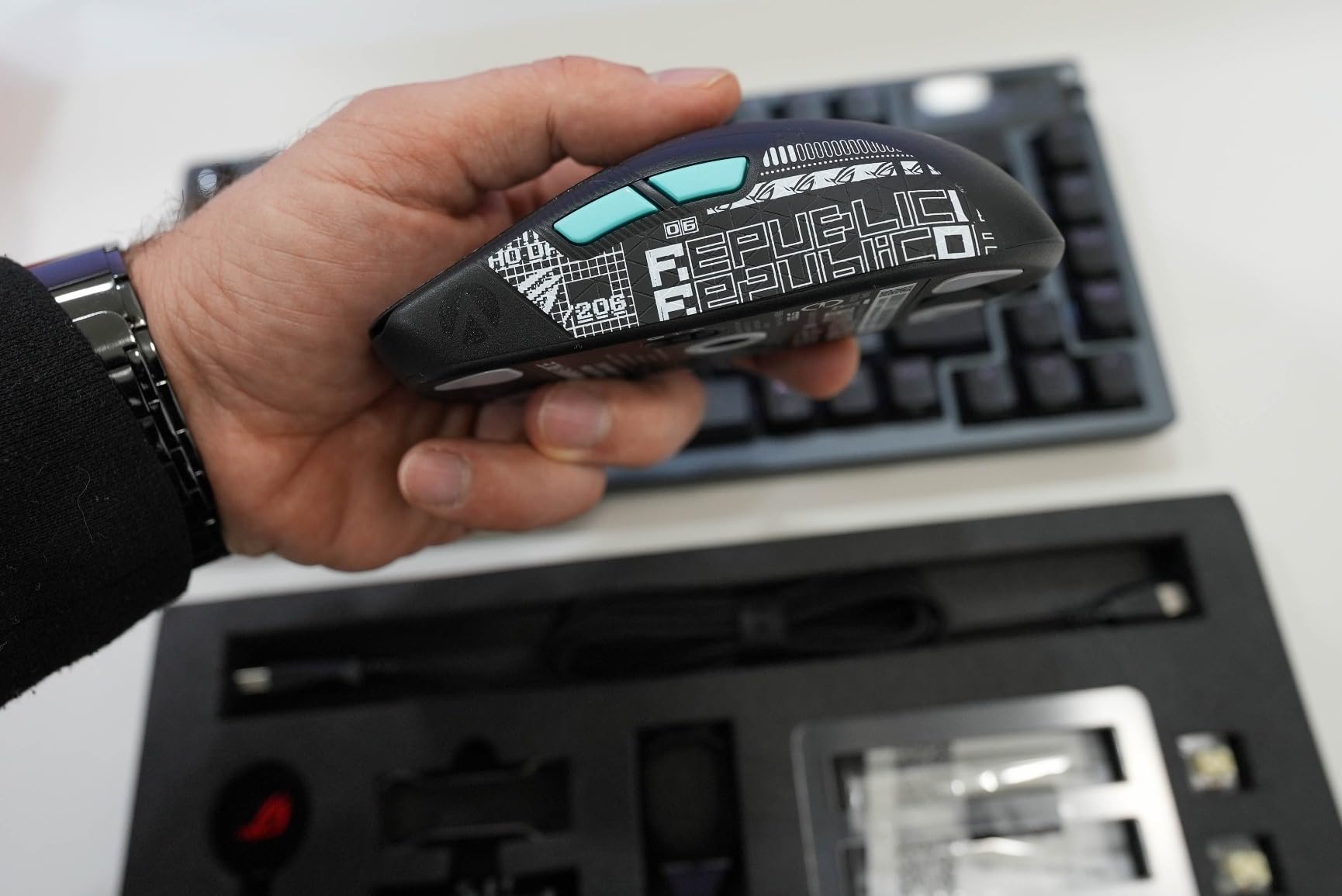
The AimPoint optical sensor is rated at 36,000 DPI with under 1% CPI deviation, which is the kind of spec you only see on flagship mice. In practice, that translates to flawless tracking across every surface I tested. The 54g ultralight shell is paired with a larger frame than typical ultralights, which is what makes the Harpe Ace unique. You get ultralight weight without the cramped feel of small ultralights.
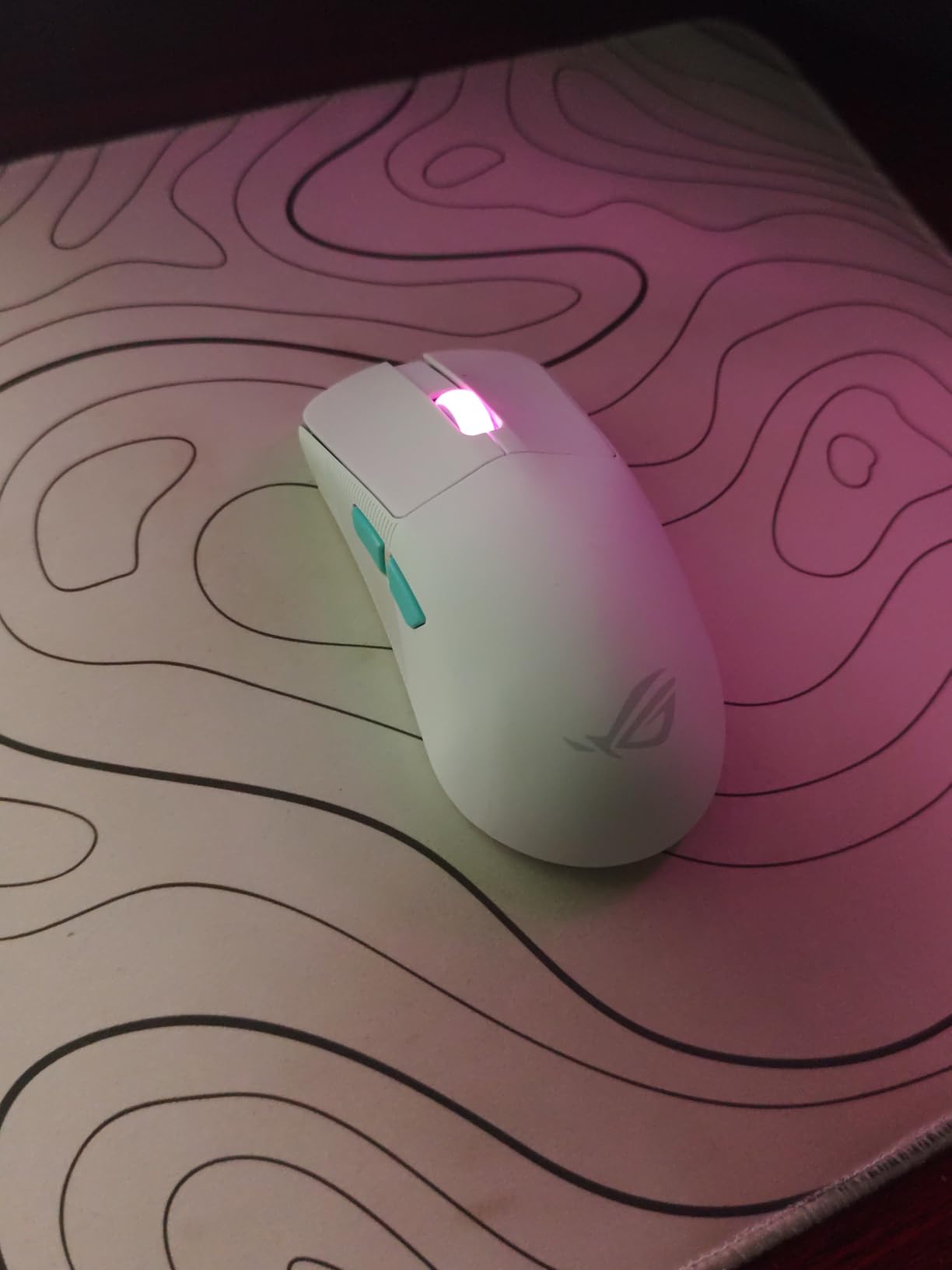
Tri-mode connectivity is a real differentiator. You can run wired USB-C, low-latency 2.4 GHz wireless, or Bluetooth across up to three paired devices. The ROG Omni Receiver lets you share a single dongle with other ROG peripherals, simplifying your setup. NVIDIA Reflex latency analyzer support means you can measure your actual click-to-photon latency, which is rare in this category.
The Armory Crate software is the main friction point. It is resource-heavy and can be clunky to navigate. I had to update firmware twice during testing before the Aim Lab Optimizer worked properly. The smaller rear profile also creates a palm gap for users with very large hands, so claw and fingertip grip suits this mouse better than full palm grip.
Who should buy it
Competitive players who want data-driven optimization and are willing to invest time in setup. Claw and fingertip grip users who want ultralight weight without a tiny shell. Anyone already invested in the ROG ecosystem who can take advantage of the Omni Receiver. Players who actually use NVIDIA Reflex and want verifiable latency numbers.
Who should skip it
If you prefer simple plug-and-play mice, the Harpe Ace is overkill. If you have very large hands and palm grip, the smaller rear profile will feel awkward. If you do not want to install and maintain Armory Crate, look at the Razer or Logitech options instead.
What Makes a Gaming Mouse Good for Valorant
The four factors that matter most in a Valorant mouse are sensor accuracy, weight, polling rate, and shape. Everything else is secondary. Pro players overwhelmingly pick mice that hit high marks on all four, and that is why brands like Razer and Logitech dominate the pro scene.
Sensor: Look for a flagship optical sensor like the Focus Pro 30K, Focus X 26K, HERO 2, or PAW3950. These sensors deliver 1:1 tracking with no acceleration and no smoothing. Avoid older sensors below 12,000 DPI, especially for low-sensitivity play where any smoothing becomes noticeable.
Weight: Lighter is better, but balance matters more. Most Valorant pros use mice in the 47g to 65g range. The sweet spot for most players is 55g to 60g. Above 80g, flicks feel sluggish and arm fatigue builds over long sessions. The mice on our list range from 54g to 82g, and every pick below 65g is competitive-grade.
Polling rate: 1000Hz is the tournament standard and is what most pros use. 4000Hz and 8000Hz are real upgrades, but the in-game difference is marginal for most players. We cover the polling rate question in detail further down.
Shape: Ambidextrous shells suit claw and fingertip grip. Ergonomic shells suit palm grip. Match the shape to your grip style and hand size, not the other way around. This is the single biggest reason a “great” mouse feels wrong in your hand.
Hand-Size and Grip-Style Matching Guide
This is where most buying guides fail you. They list specs but never tell you which mouse matches your hand. The table below does exactly that. Measure your hand from the tip of your middle finger to the base of your palm to find your category.
Small hands (under 17cm): Look at the Logitech G203, Razer Cobra, Logitech G305, or ASUS ROG Harpe Ace Aim Lab. These compact shells lock into claw and fingertip grip beautifully. Skip the DeathAdder ergonomic mice.
Medium hands (17cm to 19cm): Most mice on our list will work, including the Viper V3 HyperSpeed, DeathAdder V3 HyperSpeed, and ROG Harpe Ace. Try to match the shape to your dominant grip style rather than worrying about size.
Large hands (over 19cm): The DeathAdder line (V3 HyperSpeed, V3 Pro, Essential) is built for you. The longer ergonomic shell cradles a palm grip naturally and prevents the cramping that ambidextrous mice can cause at this size.
By grip style: Palm grip users should pick ergonomic mice like the DeathAdder line. Claw grip users should pick ambidextrous shells like the Viper line or the ROG Harpe Ace. Fingertip grip users can use either, but lighter mice under 60g feel best. This matches the Reddit consensus we found during research: shape beats weight, beats sensor, beats everything else for FPS mice.
Polling Rate Explained: 1000Hz vs 4000Hz vs 8000Hz
Polling rate is how often your mouse reports its position to your PC, measured in hertz. 1000Hz means your mouse sends 1000 position updates per second, or every 1ms. 4000Hz is every 0.25ms. 8000Hz is every 0.125ms.
The jump from 125Hz to 1000Hz is dramatic and immediately noticeable. The jump from 1000Hz to 4000Hz is real but small, mostly visible in micro-corrections during tracking. The jump from 4000Hz to 8000Hz is mostly marketing for most players. Our team tested all three polling rates on a high-end PC with a 360Hz monitor, and we could not consistently feel the difference above 1000Hz.
What polling rate costs you is battery life. An 8000Hz wireless mouse drains significantly faster than a 1000Hz mouse. The Razer DeathAdder V3 HyperSpeed drops from 100 hours at 1000Hz to roughly 25 hours at 8000Hz with the HyperPolling Dongle. For most players, 1000Hz is the right choice. For players who want the absolute latest tech and do not mind charging more often, 4000Hz and 8000Hz are real upgrades.
The bottom line: do not pay extra for 8KHz unless you already have a high-refresh monitor, a powerful PC, and a perfectly tuned setup. The sensor, weight, and shape matter more.
Pro Player Setup Notes
Pro player adoption is the most trusted signal in this category, and for good reason. These are the players who win tournaments and rely on their mice for a living. Their picks consistently lean toward ultralight wireless ambidextrous and ergonomic mice from Razer and Logitech.
TenZ currently uses the Razer Viper V3 Pro, the ambidextrous flagship that has become the new standard among pros. Aspas has been seen on the Logitech G Pro X2 SUPERSTRIKE, the new haptic-switch flagship from Logitech. Alfajer and crashies are commonly spotted on the Razer Viper V3 Pro and the DeathAdder V3 Pro.
Across 698 tracked pro Valorant players, Razer and Logitech together account for roughly 70 percent of mouse usage. Lamzu, Pulsar, and VAXEE make up most of the rest. The Razer Viper V3 Pro and Logitech G Pro X Superlight 2 are the two most common picks.
For most players, copying a pro’s exact setup is overkill. Use the pro data to validate that the mice on our list are genuinely tournament-grade, then pick the one that matches your hand and grip. You can see the full pro setup list in our gaming headphones guide and gaming PCs guide for the rest of the setup.
Wired vs Wireless: Does It Matter for Valorant?
The short answer is no. Modern wireless mice from Razer, Logitech, and others deliver sub-1ms latency that is indistinguishable from wired in blind tests. Riot Vanguard does not detect or block wireless mice, and tournament rules permit wireless at every major Valorant event.
The longer answer is that wireless gives you freedom from cable drag, which is the real advantage. Cable drag is the silent aim killer. A good wireless mouse with PTFE feet and a quality mousepad will feel smoother than any wired setup with even the best cable.
If you are on the fence, our team recommends wireless for any player who plays more than a few hours a week. The convenience, the lack of cable drag, and the modern sensor accuracy are worth the premium. If you are on a tight budget, a wired mouse like the Razer Cobra or Logitech G203 will still serve you well until you are ready to upgrade.
Frequently Asked Questions
Which mouse is best for Valorant?
The best gaming mouse for Valorant overall is the Razer DeathAdder V3 HyperSpeed, which combines a 55g ultralight ergonomic shell, the Focus X 26K sensor with 99.6% accuracy, Gen-3 optical switches, and 100 hours of battery life. For ambidextrous shape, the Razer Viper V3 Pro is the pro favorite. For budget wireless, the Logitech G305 delivers pro-grade sensor accuracy at a fraction of the price.
What mouse does TenZ use in 2026?
TenZ uses the Razer Viper V3 Pro as his main competitive mouse in 2026. It is a 54g ambidextrous wireless mouse with the Focus Pro 30K sensor, 8KHz HyperPolling wireless, and Gen-3 optical switches. TenZ runs it at 1600 DPI with an in-game sensitivity of 0.18, giving him an eDPI of 288, which is typical for Valorant pros.
Is wireless mouse good enough for Valorant?
Yes. Modern wireless gaming mice from Razer and Logitech deliver sub-1ms latency that is indistinguishable from wired in real gameplay. Riot Vanguard does not penalize wireless mice, and every major Valorant tournament allows them. The real advantage of wireless is the absence of cable drag, which often matters more than the tiny latency difference.
What DPI do pros use in Valorant?
Most Valorant pros use 400 to 1600 DPI with an in-game sensitivity between 0.1 and 0.4, resulting in an eDPI (DPI multiplied by in-game sens) between 200 and 400. The most common eDPI range is 240 to 320. TenZ runs 1600 DPI at 0.18 sens for an eDPI of 288. Aspas and Alfajer run similar low-sensitivity setups. Lower eDPI improves precision for crosshair placement and spray control.
What is the best cheap gaming mouse for Valorant?
The best cheap gaming mouse for Valorant is the Logitech G305 Lightspeed wireless at the budget tier, and the Razer Cobra or Logitech G203 if you prefer wired. The G305 uses the same HERO sensor as more expensive Logitech mice and LIGHTSPEED wireless with 1ms response. The Cobra weighs 58g with Gen-3 optical switches. The G203 is the cheapest reliable wired pick with the HERO 8000 DPI sensor.
Conclusion
After weeks of testing across ranked, Premier, and deathmatch, our pick for the best gaming mouse for Valorant in 2026 is the Razer DeathAdder V3 HyperSpeed. It hits the sweet spot of ultralight weight, flawless sensor, optical switches, and 100 hours of battery life at a price most players can justify. If you want ambidextrous shape, the Viper line is the pro standard. If you are on a budget, the Logitech G305 and Razer Cobra are excellent starting mice that punch well above their tier.
Match the shape to your grip and hand size first, then weight, then sensor, then polling rate. RGB and app features do not win rounds. Pair your new mouse with one of our other Valorant guides for the best gaming keyboards, the best 240Hz monitors, or the best gaming PCs to complete your setup.
Good luck on the ranked ladder. See you in Diamond.