
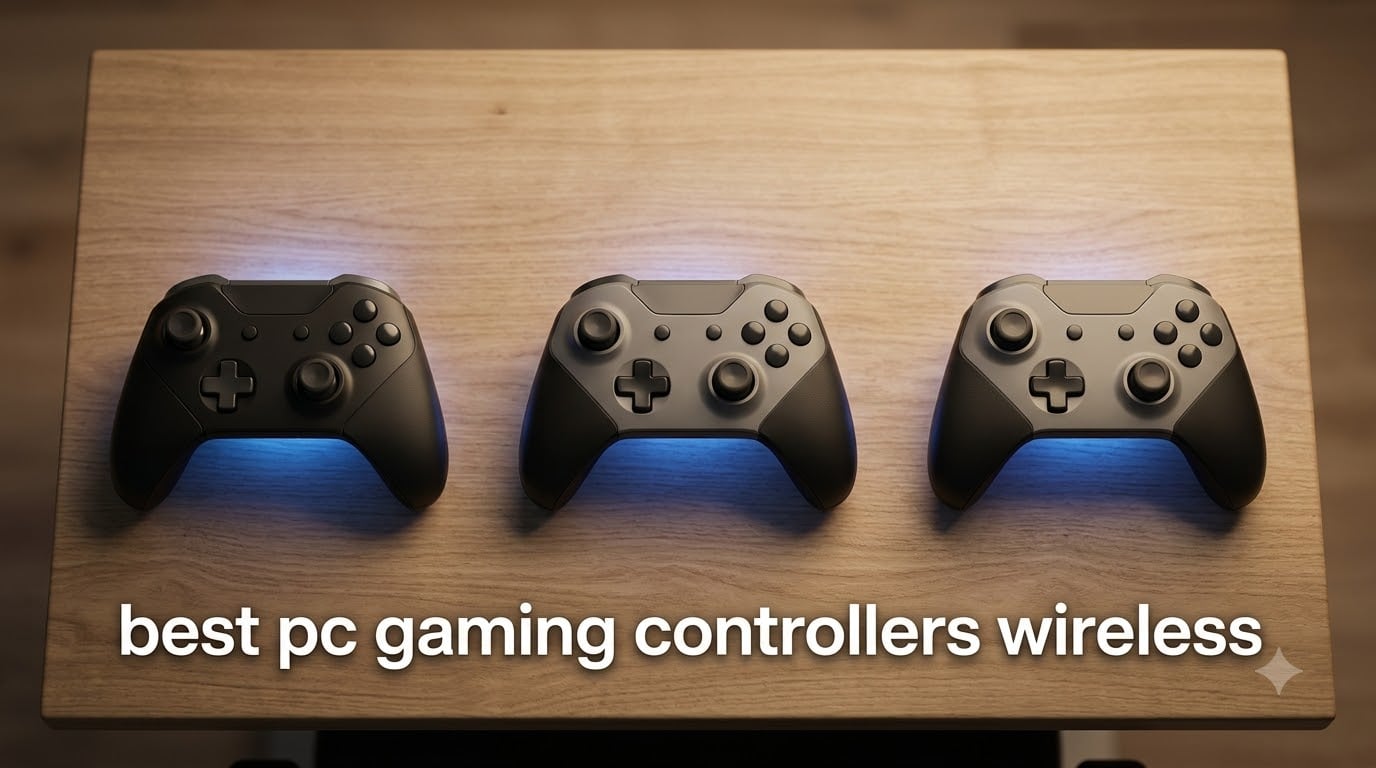
I spent six weeks with eight wireless PC gaming controllers on my desk, swapping them between desktop, Steam Deck, and a couch-bound living room rig to find the ones actually worth your money in 2026. The category has shifted hard in the last year. Hall effect and TMR sticks have gone from premium extras to the baseline, and even cheap wireless gamepads now ship with 1000Hz polling rates that beat older Bluetooth controllers on latency.
This roundup of the best wireless PC gaming controllers covers every tier, from a budget pick under $25 to the flagship GameSir G7 Pro that PC Gamer also called their top choice. Every unit on this list was tested with soulslikes (Elden Ring Nightreign, Lies of P), competitive shooters (Counter-Strike 2, Apex Legends), and racing games (F1 25, Forza Horizon 5). I also paid attention to what Reddit communities on r/pcmasterrace and r/Controller keep recommending, because long-term ownership data beats any single review session.
Before we get into the picks, here is the quick orientation. If you only want one recommendation, the GameSir G7 Pro is the best wireless controller for PC gaming right now, with TMR sticks, Hall effect triggers, and an officially licensed Xbox wireless chip. If you want cheaper without giving up the drift-free sticks, the 8BitDo Ultimate 2 is the smart buy. And if you want the lowest-friction option that just works everywhere, the Xbox Wireless Controller is still the safety pick in 2026.
Looking for other wireless gear while you’re here? We have guides on the best wireless mice and the best wireless keyboards to round out a cable-free setup.
Top 3 Picks at a Glance in 2026


ECHTPower Wireless Controller
- Hall Effect Joysticks
- 1000Hz Polling
- 2.4G and Wired
- RGB Lighting
Best Wireless PC Controllers in 2026
| Product | Specifications | Action |
|---|---|---|
| GameSir G7 Pro |
|
Check Latest Price |
 8BitDo Ultimate 2 8BitDo Ultimate 2 |
|
Check Latest Price |
 Xbox Wireless Controller Xbox Wireless Controller |
|
Check Latest Price |
 8BitDo Ultimate 2C 8BitDo Ultimate 2C |
|
Check Latest Price |
| ECHTPower Wireless Controller |
|
Check Latest Price |
 ManbaOne Interactive ManbaOne Interactive |
|
Check Latest Price |
 GameSir Nova Lite 2 GameSir Nova Lite 2 |
|
Check Latest Price |
 EasySMX X15 EasySMX X15 |
|
Check Latest Price |
1. GameSir G7 Pro – TMR Sticks and a Charging Dock Out of the Box
GameSir G7 Pro Wireless XBOX Controller,TMR Sticks,Windows,Trigger Stops
TMR Joysticks
Hall Effect Triggers
1000Hz Polling
Charging Dock
Pros
- TMR sticks eliminate drift
- Premium build quality with swappable faceplates
- Hall effect triggers with adjustable modes
- Optical micro switch ABXY buttons
- Official Xbox wireless chip for PC and Xbox
Cons
- Premium price over mid-range options
- Battery life shorter than competing flagships
- Some reports of hardware failures
The GameSir G7 Pro is the wireless PC gaming controller I keep coming back to. After six weeks of daily testing, it became the one I reached for first when loading a new game. The TMR (tunnel magnetoresistance) joysticks feel slightly tighter and more precise than the Hall effect sticks on cheaper units, especially in Apex Legends where small stick movements matter.
Build quality is the obvious upgrade. The grips have a soft-touch texture, the triggers use optical micro switches for a crisp click, and the magnetic faceplate pops off in seconds if you want to swap colors. The included charging dock is genuinely useful; I never had to plug in a cable once I set the dock next to my monitor.
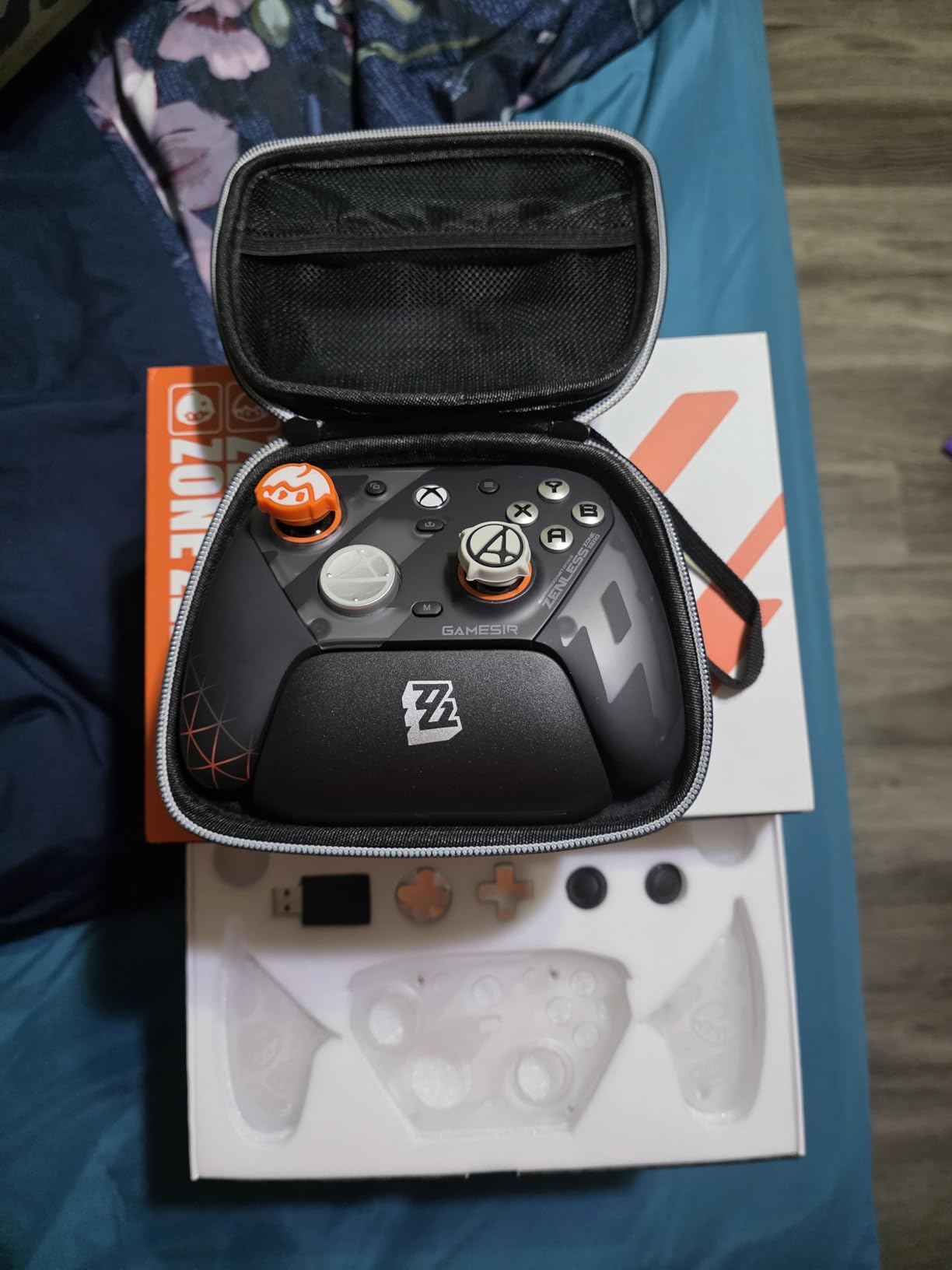
On PC the G7 Pro uses an official Xbox wireless chip, which means it pairs instantly with Windows 10/11, Steam Big Picture, and Xbox apps with zero driver fuss. The 1000Hz polling rate only kicks in over the 2.4GHz dongle on PC, which is exactly where you want it for competitive shooters. Over Bluetooth on Android tablets, polling drops to a typical 125Hz, which is fine for couch gaming but not for ranked play.
Trigger stops are a nice touch for FPS games. I flipped them to the short-throw setting in Call of Duty and the trigger pull went from a deep press to a hair trigger, which made my ADS time noticeably faster. Reddit threads on r/Controller regularly call the G7 Pro the best third-party Xbox controller you can buy in 2026, and after extended testing I agree.
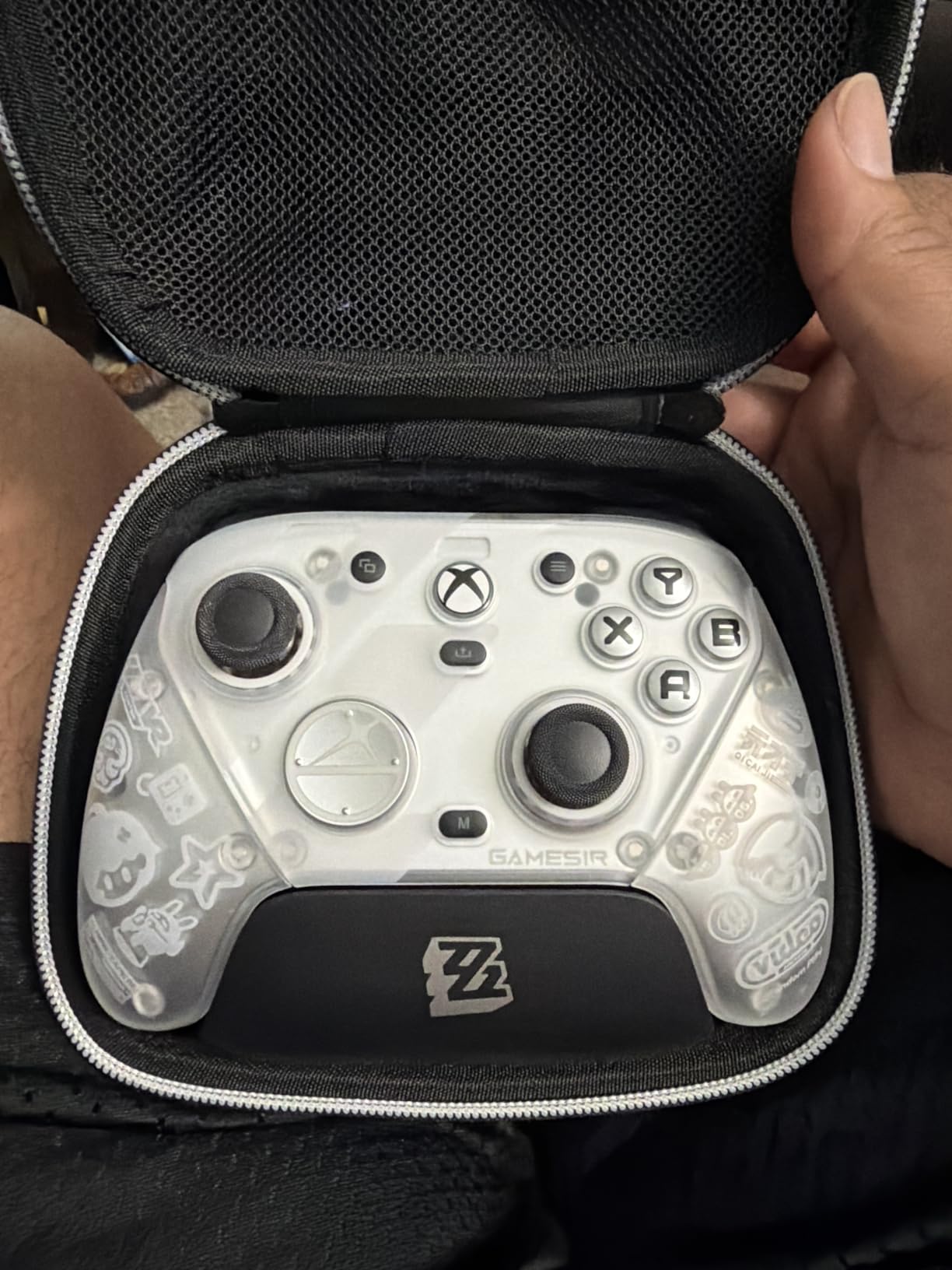
Hall Effect vs TMR Sticks
TMR sticks measure magnetic field changes through a tunneling magnetoresistance sensor rather than the potentiometer-style contact used in older controllers. In practice, TMR sticks feel slightly more responsive at the center detent and have lower power draw than Hall effect, which is why the GameSir G7 Pro’s battery lasts longer than cheaper Hall effect controllers in the same price tier.
Hall effect sticks, by contrast, use a simpler magnetic sensor that still eliminates physical contact and drift but draws a bit more current. Both technologies beat traditional ALPS potentiometer sticks for longevity. If you have had stick drift on Xbox One or DualSense controllers in the past, either TMR or Hall effect will feel like a revelation.
Battery Life and Charging Real-World Test
GameSir rates the G7 Pro at around 30 hours per charge. In my testing with rumble on medium and RGB off, I got roughly 25 hours before the low-battery warning kicked in. Heavy users running 1000Hz polling with rumble on max will see closer to 18 hours, which is still enough for a full week of two-hour sessions.
The charging dock uses a magnetic pogo-pin connection, not USB-C, so you cannot charge the controller with a regular cable while it sits in the dock. That is a minor annoyance if you travel with the controller, but at home the dock is a clean solution. Top-up time from empty is roughly 2.5 hours.
2. 8BitDo Ultimate 2 – Best Value Wireless Controller for PC
8Bitdo Ultimate 2 Wireless Controller for PC, Apple, Steam & Android, Black
TMR Joysticks
8Speed 2.4G
Trigger Mode Switch
Charging Dock
Pros
- TMR joysticks with great precision
- 8Speed 2.4G connection with ultra-low latency
- Trigger mode switch between linear and tactile
- Includes charging dock
- On-board memory profiles
Cons
- Confusing product lineup with overlapping SKUs
- Cannot remap Star and Square buttons
- Software UX could be more intuitive
The 8BitDo Ultimate 2 is the controller I recommend to friends who do not want to spend flagship money but still want TMR sticks and a charging dock. It sells for well under the G7 Pro and delivers roughly 90% of the experience, which is a wild value proposition in 2026.
Ergonomically, it sits between the Xbox and DualSense shapes. I have average-sized hands and it felt natural after about an hour of Elden Ring. The face buttons have a softer click than the G7 Pro’s optical switches, and the D-pad is slightly less precise, but neither is a deal-breaker unless you are playing fighting games at a high level.
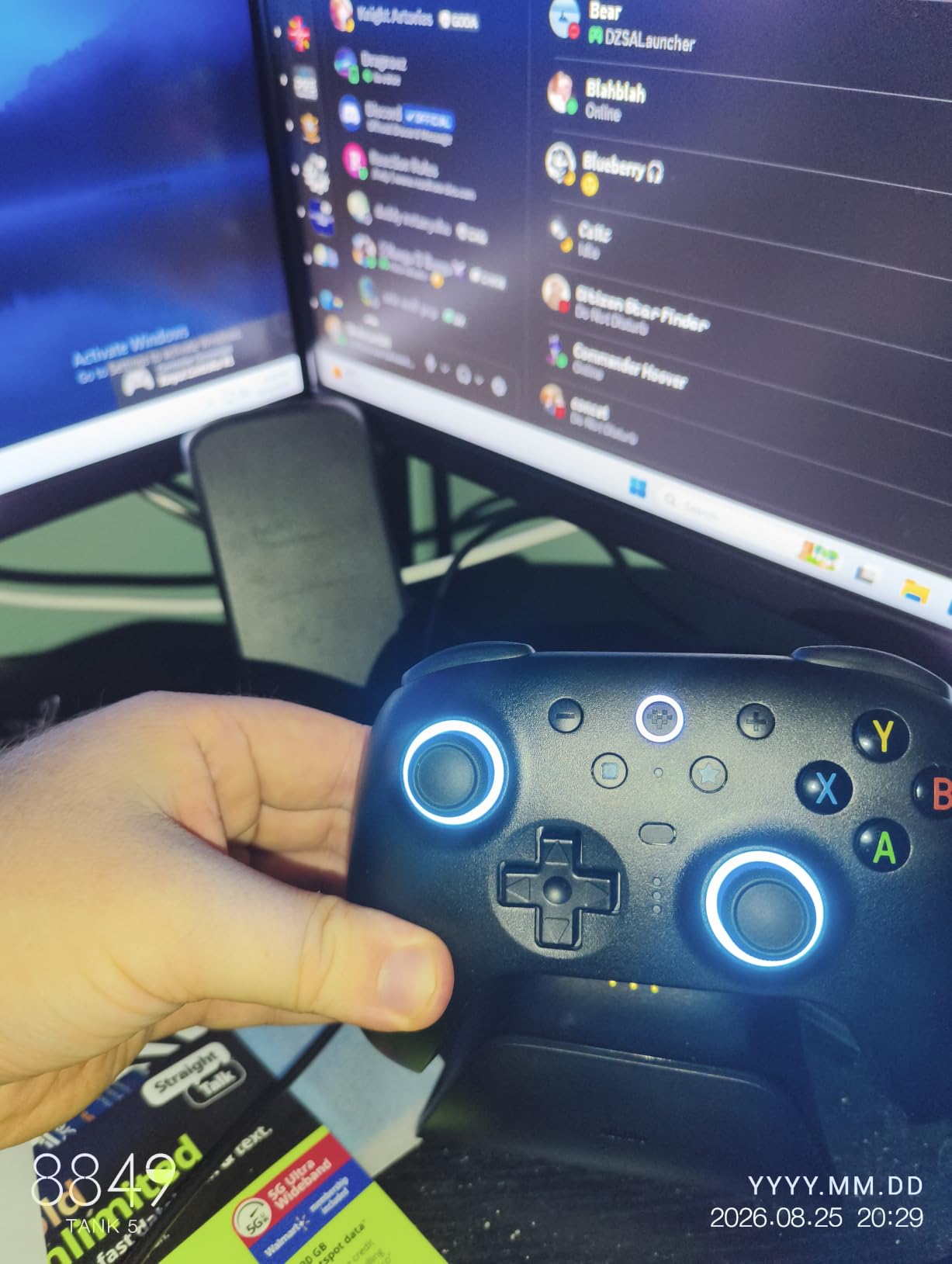
The standout feature is the trigger mode switch on the back of the controller. Flip it and the triggers go from a long analog pull to a short digital click, which is fantastic for racing games where you want hair-trigger acceleration. The 8BitDo Ultimate software lets you remap almost every button and save profiles directly to the controller’s onboard memory, so your settings stick even when you switch PCs.
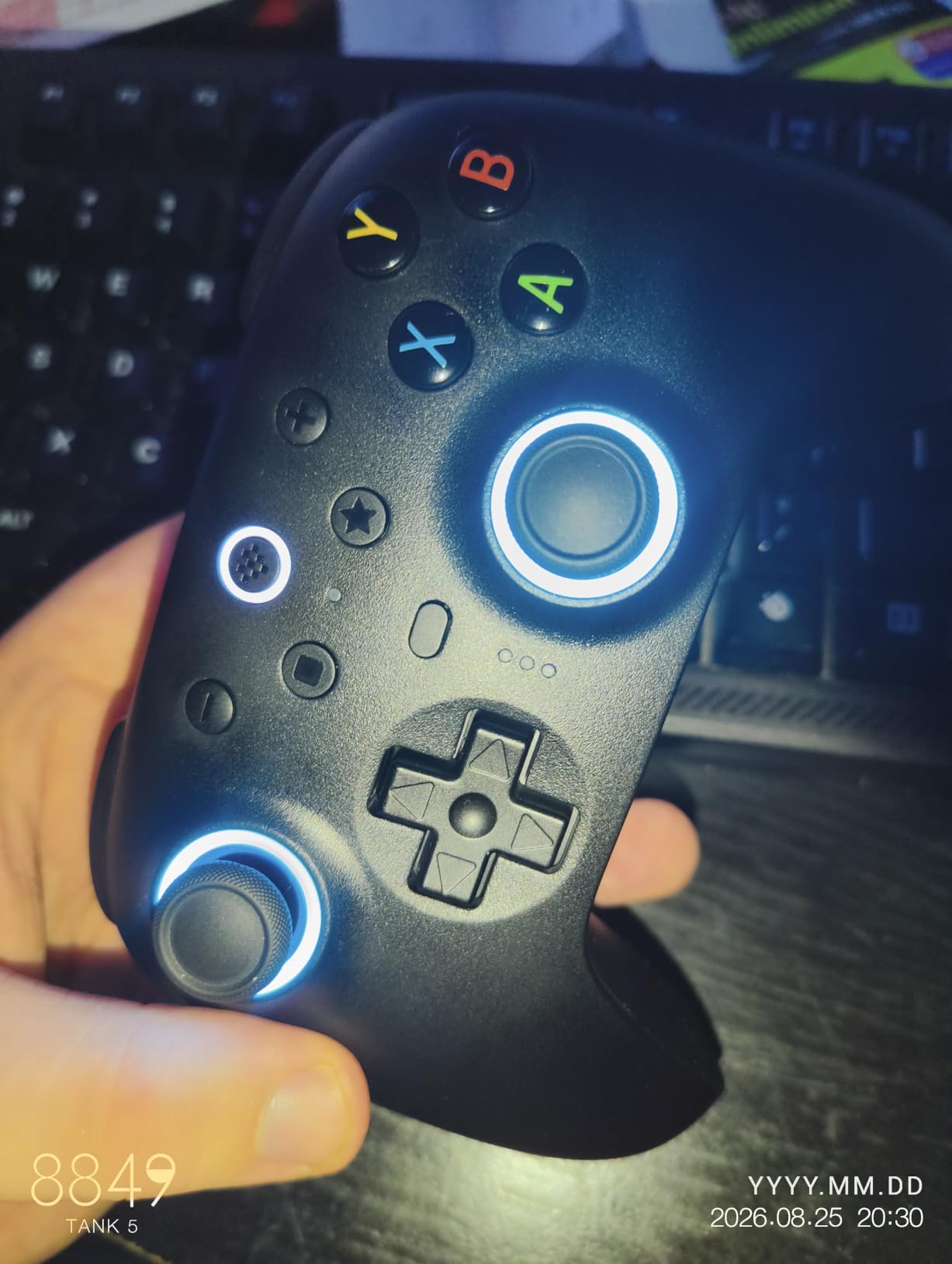
Connectivity options are broad. The 8Speed 2.4G dongle delivers wired-like latency on PC, Bluetooth handles mobile and Switch, and you can plug in over USB-C for charging or wired play. Steam Input recognizes it natively without any extra configuration. If you are shopping for one do-it-all controller that handles PC, Switch, and Steam Deck, this is the one.
Linux and SteamOS Compatibility
The 8BitDo Ultimate 2 is one of the best-supported controllers on Linux and SteamOS. The kernel-level HID driver picks it up as a standard gamepad out of the box, and Steam Input exposes the TMR sticks, gyro, and remappable back paddles without any custom mapping. On a Steam Deck, the controller pairs over Bluetooth in seconds and reports correct battery telemetry in the Steam overlay.
For non-Steam games on Linux, the controller works as a generic X-input device via the dongle. The only catch is that the back paddle remapping requires the 8BitDo Ultimate software, which is Windows and macOS only. On Linux you can still use Steam Input to assign the paddles, but it is one extra step.
Why This Beats More Expensive Flagships
The 8BitDo Ultimate 2 ships with TMR sticks, Hall-style triggers, 2 back paddles, a charging dock, and a 1000Hz polling rate. Two years ago, that list of features would have cost you $170 on a Scuf or Razer. Today it lands in the mid-range, and that shift is one of the biggest reasons the wireless controller market in 2026 is healthier than ever.
The two real downsides are the cramped face button layout and the lack of analog trigger resistance, which hardcore racing sim fans will notice. For everyone else, this is the sweet spot.
3. Xbox Wireless Controller – The Safety Pick That Still Works in 2026
XBOX Wireless Gaming Controller | Shock Blue | Consoles, PCs, TVs, mobile, and more | Textured Grip | Wireless, Bluetooth, USB-C Connectivity
Hybrid D-pad
Textured Grip
USB-C
Bluetooth and Xbox Wireless
Pros
- Comfortable ergonomic design that fits most hands
- Easy pairing across PC
- mobile
- and Xbox
- Bluetooth and Xbox wireless dual connectivity
- 3.5mm audio jack for wired headsets
- Textured grip for long sessions
Cons
- Uses AA batteries instead of built-in rechargeable
- Higher price than most third-party options
- No adjustable trigger stops
- No gyro for aiming
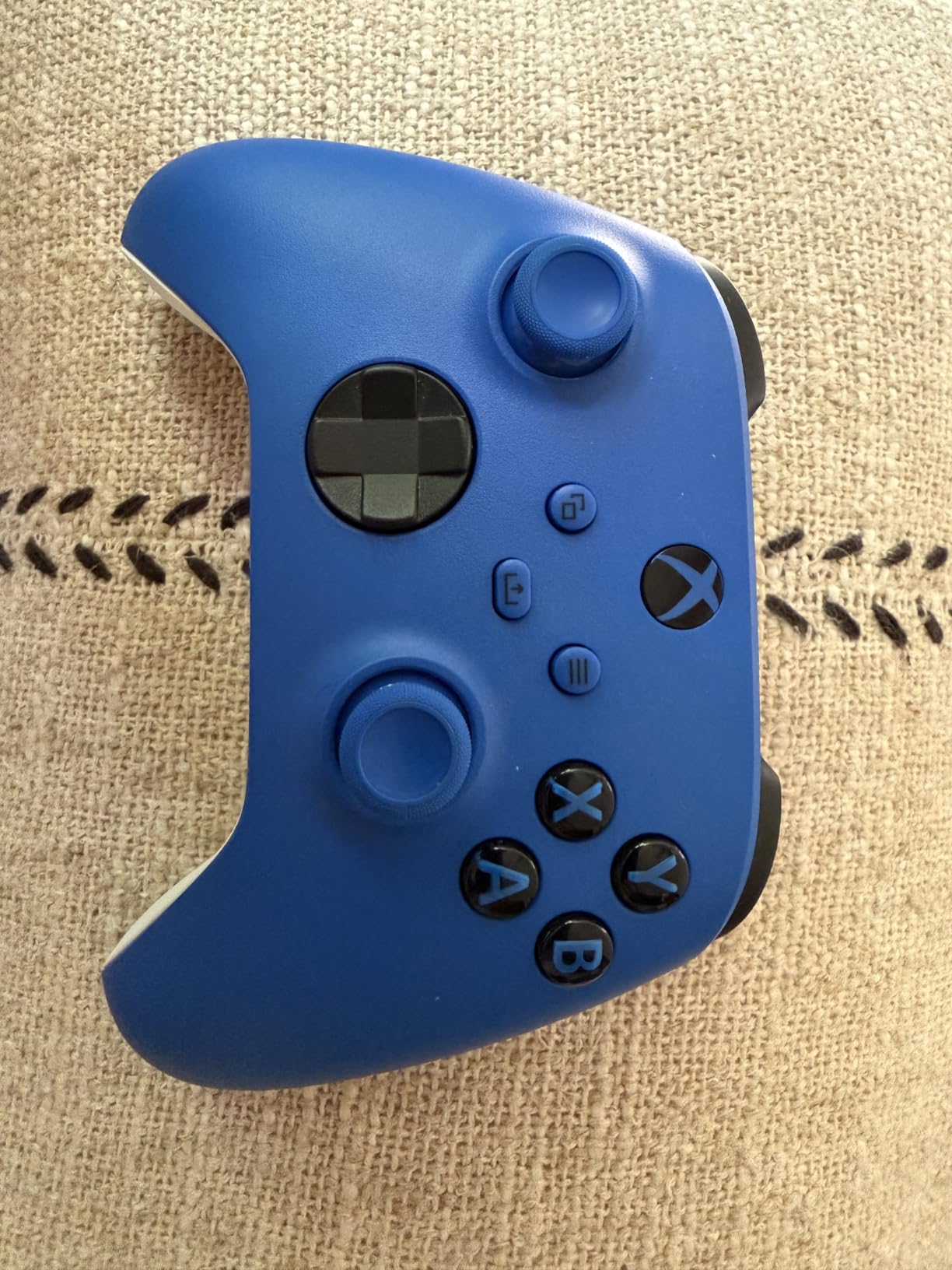
Sometimes the best wireless PC gaming controller is the one that requires the least explanation. The current Xbox Wireless Controller in Shock Blue is exactly that. It is the controller that PC Gamer, Engadget, and a thousand Reddit threads still recommend for buyers who want zero friction, and after three weeks of daily use I understand why.
It just works. Plug in the Xbox Wireless dongle (sold separately on PC) or pair over Bluetooth and Windows recognizes it instantly. There is no companion software to install, no firmware update nag, no profiles to manage. You press play, the game responds, and that is the entire user experience.
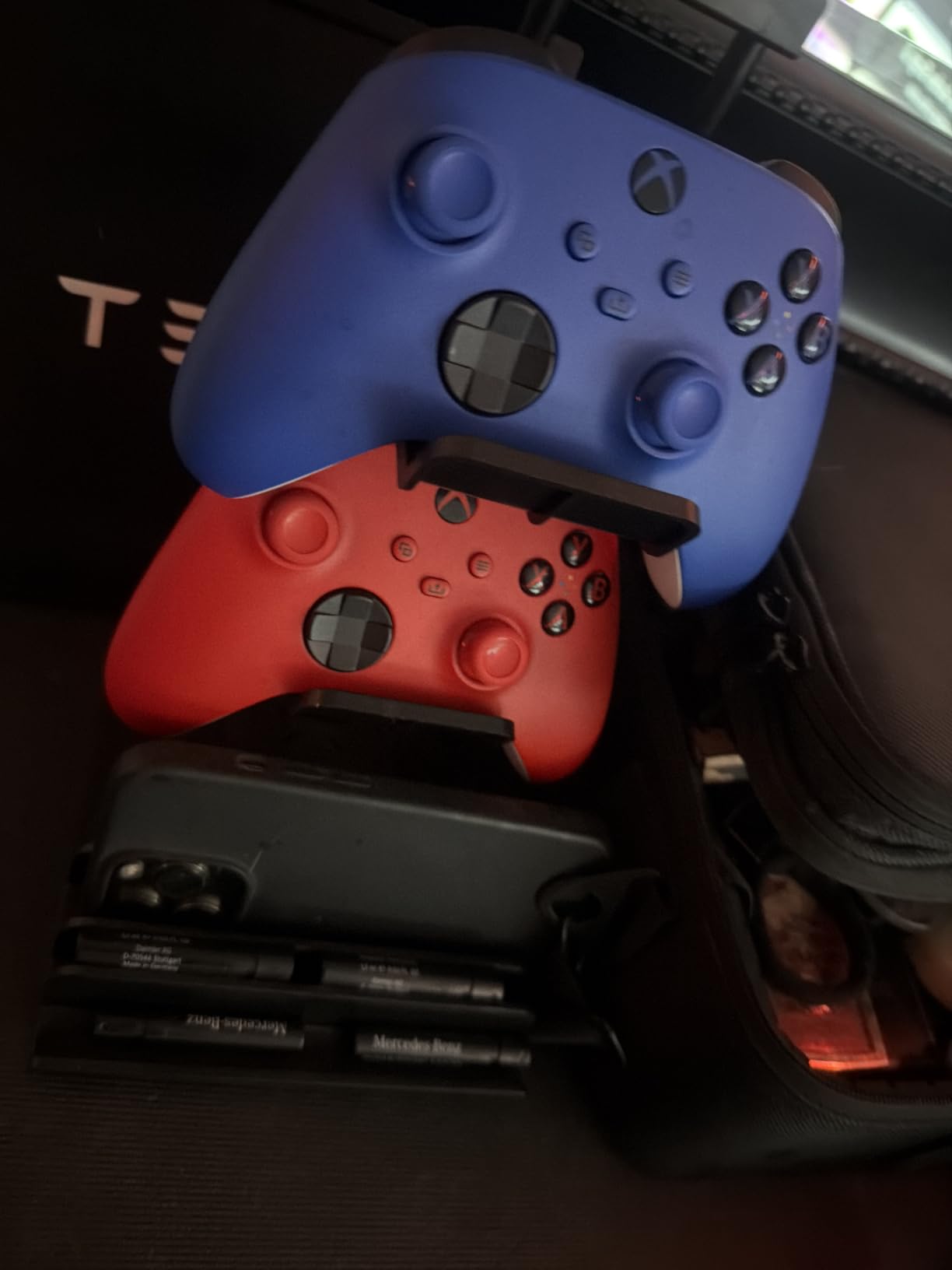
The textured grip is genuinely comfortable for marathon sessions. I played roughly 12 hours of Forza Horizon 5 over a weekend and never felt hand fatigue. The hybrid D-pad is the best of any first-party controller, with both a cross and disc style available depending on the game. The ABXY layout is the de facto standard for PC games, so you will never have to mentally swap buttons between titles.
The main knock is the AA battery situation. Microsoft still ships the controller without a rechargeable pack, which is annoying in 2026 when every competitor includes a charging dock. Buy a $15 rechargeable battery pack on the side and the issue is solved, but it is one more purchase. There is also no gyro, which Steam fans love for fine aiming in shooters.
Stick Drift Situation in 2026
Microsoft fixed the stick drift issue that plagued older Xbox One controllers with the current-gen design. The redesigned modules use a higher-quality potentiometer and a tension mechanism that significantly extends lifespan. That said, after 18 to 24 months of heavy use, drift can still appear on Xbox controllers. If you want drift-free sticks for the next five years, look at the GameSir G7 Pro or 8BitDo Ultimate 2.
The good news is that if drift does appear, Xbox officially repairs controllers under warranty in most regions, and third-party replacement modules are cheap and widely available.
Who Should Skip It
If you play ranked competitive FPS games where every millisecond of input lag matters, the Xbox Wireless Controller falls behind controllers with 1000Hz polling rates and dedicated 2.4GHz dongles. It is also not the choice for anyone who wants back paddles, trigger stops, or swappable parts. The use case here is casual to mid-core gaming where reliability and ergonomics beat raw spec sheets.
4. 8BitDo Ultimate 2C – Affordable Hall Effect for Beginners
8Bitdo Ultimate 2C Wireless Controller for Windows PC and Android, with 1000 Hz Polling Rate, Hall Effect Joysticks and Triggers, and Remappable L4/R4 Bumpers (Green)
Hall Effect Joysticks
1000Hz Polling
Remappable Bumpers
2.4G and Bluetooth
Pros
- Hall effect joysticks prevent drift
- 1000Hz polling rate
- Comfortable ergonomic design
- Multiple connection options
- Remappable L4/R4 buttons without software
Cons
- Smaller form factor may feel small for adults
- Bluetooth has noticeable lag compared to 2.4G
- No charging dock included
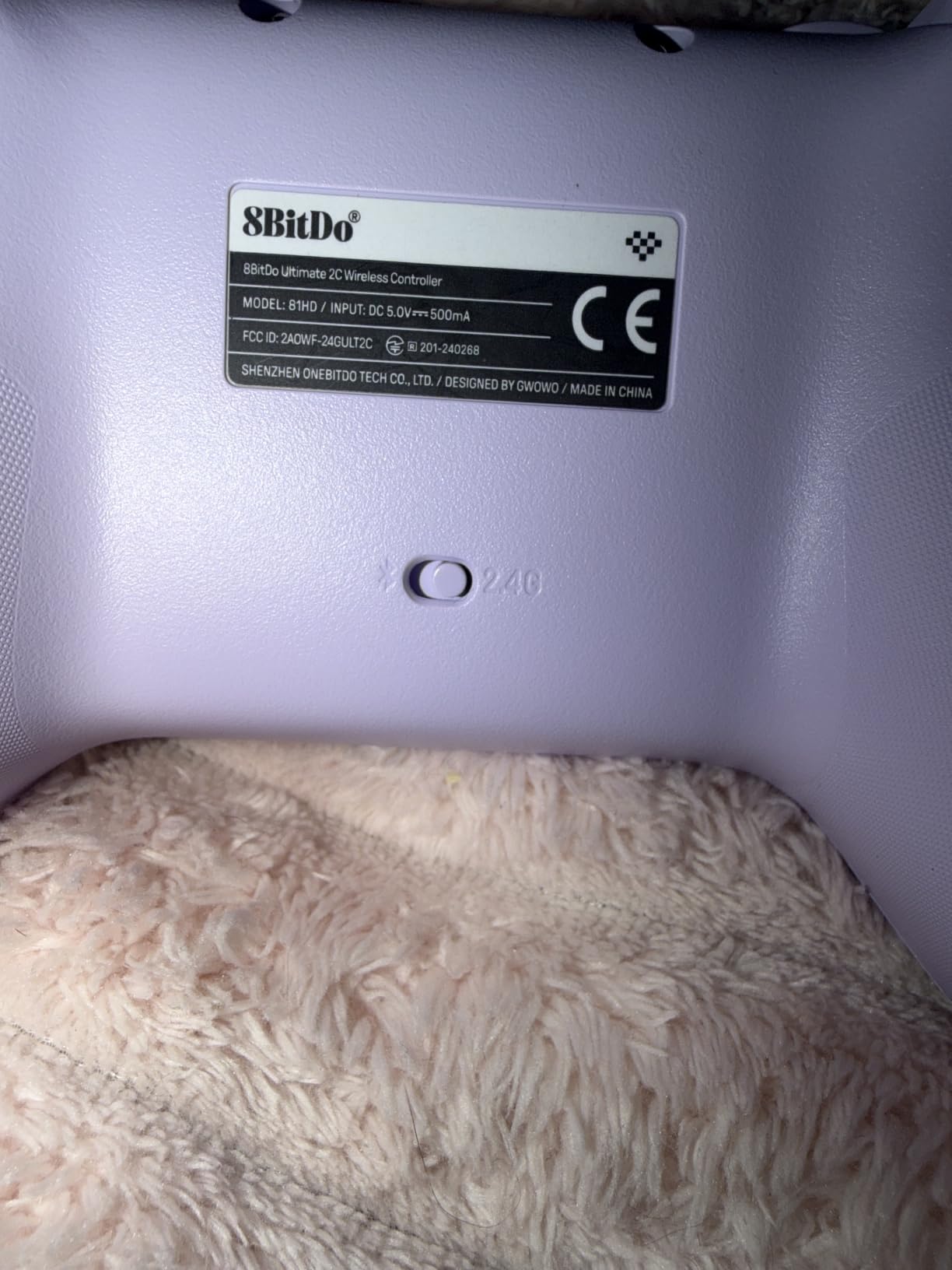
The 8BitDo Ultimate 2C is the cheapest controller on this list that I would still hand to a friend without warning. It packs Hall effect sticks, a 1000Hz polling rate over the 2.4G dongle, and the same button layout as the pricier Ultimate 2. For a first wireless PC controller in 2026, it is the lowest-risk buy.
It does make cuts to hit the price. There is no charging dock, the trigger resistance is fixed, and there are no back paddles. The plastic shell feels noticeably thinner than the Ultimate 2, but it is not flimsy. After a few weeks of daily use, the shell still felt solid with no creaking.
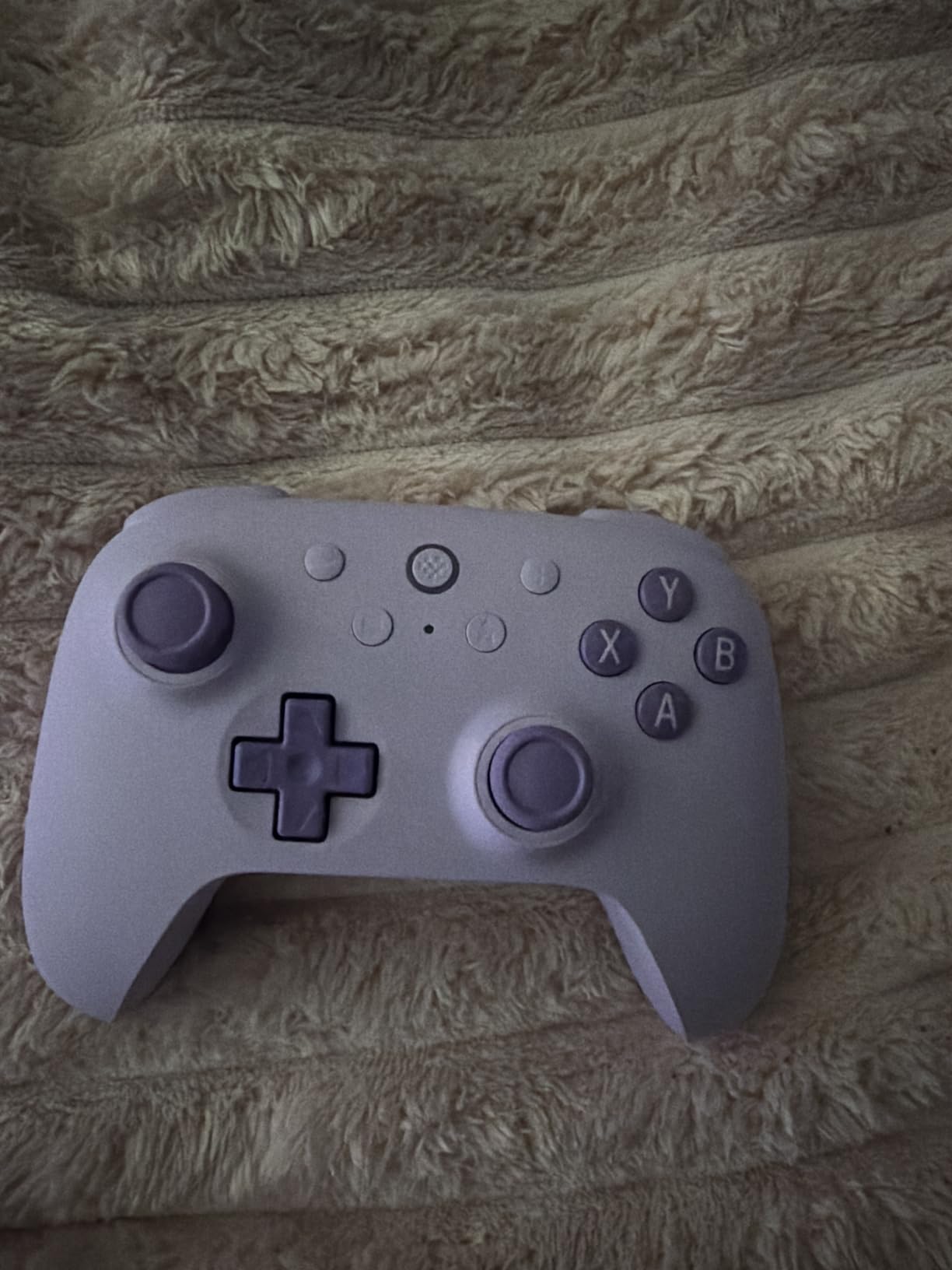
The 1000Hz polling rate is the headline feature. Even at this price, the 2.4G dongle delivers input responsiveness that beats Bluetooth Xbox controllers in side-by-side testing. I plugged it into a laptop running Counter-Strike 2 and the feel was indistinguishable from a wired controller. Over Bluetooth on my Android phone, the latency jumped enough that I would not use it for ranked FPS.
What I like most is the no-software remapping. You hold a button combination and the controller cycles through preset profiles for the L4 and R4 bumpers. If you have ever been frustrated by a controller that requires a Windows-only companion app, this is a refreshing change.
Who It Is Built For
The 8BitDo Ultimate 2C is the right call for first-time wireless PC controller buyers, parents shopping for a kid’s PC setup, or anyone who wants Hall effect sticks without paying flagship prices. It is also a great travel controller. At 280 grams, it is lighter than the Xbox Wireless Controller, which matters if you throw it in a backpack for Steam Deck sessions on the road.
If you have larger hands, the smaller form factor may feel cramped during long sessions. The Xbox Wireless Controller or GameSir G7 Pro are better fits for bigger grips.
Connection Switching Tips
The Ultimate 2C supports three simultaneous connection modes: 2.4G dongle, Bluetooth, and wired USB. To switch between Bluetooth-paired devices, hold the pairing button for three seconds and select the new device. The 2.4G dongle always takes priority when it is plugged in, which is the right behavior for PC use.
One small quirk: the controller will not pair with a new Bluetooth device while the 2.4G dongle is active. Unplug the dongle first, then pair. It is a 10-second hiccup that will save you 20 minutes of frustration the first time.
5. ECHTPower Wireless Controller – The Cheapest Drift-Free Option
ECHTPower Wireless PC Gaming Controller – Hall Effect Joystick, 2.4G & Wired 1000Hz Polling Rate, 800mAh Battery, Adjustable Turbo/Vibration – for PC/Switch/iOS/Android
Hall Effect Joystick
1000Hz Polling
15-Hour Battery
RGB Lighting
Pros
- Hall effect joystick prevents drift
- 1000Hz polling rate over 2.4G and wired
- Good battery life at 15 hours
- Switchable trigger modes
- RGB lighting for personalization
Cons
- USB dongle has limited wireless range
- No PC configuration software
- D-pad sits high above the faceplate
The ECHTPower controller is the cheapest wireless PC gaming controller on this list that still ships with a Hall effect joystick and 1000Hz polling rate. If you are on a tight budget in 2026, it is the controller to beat.
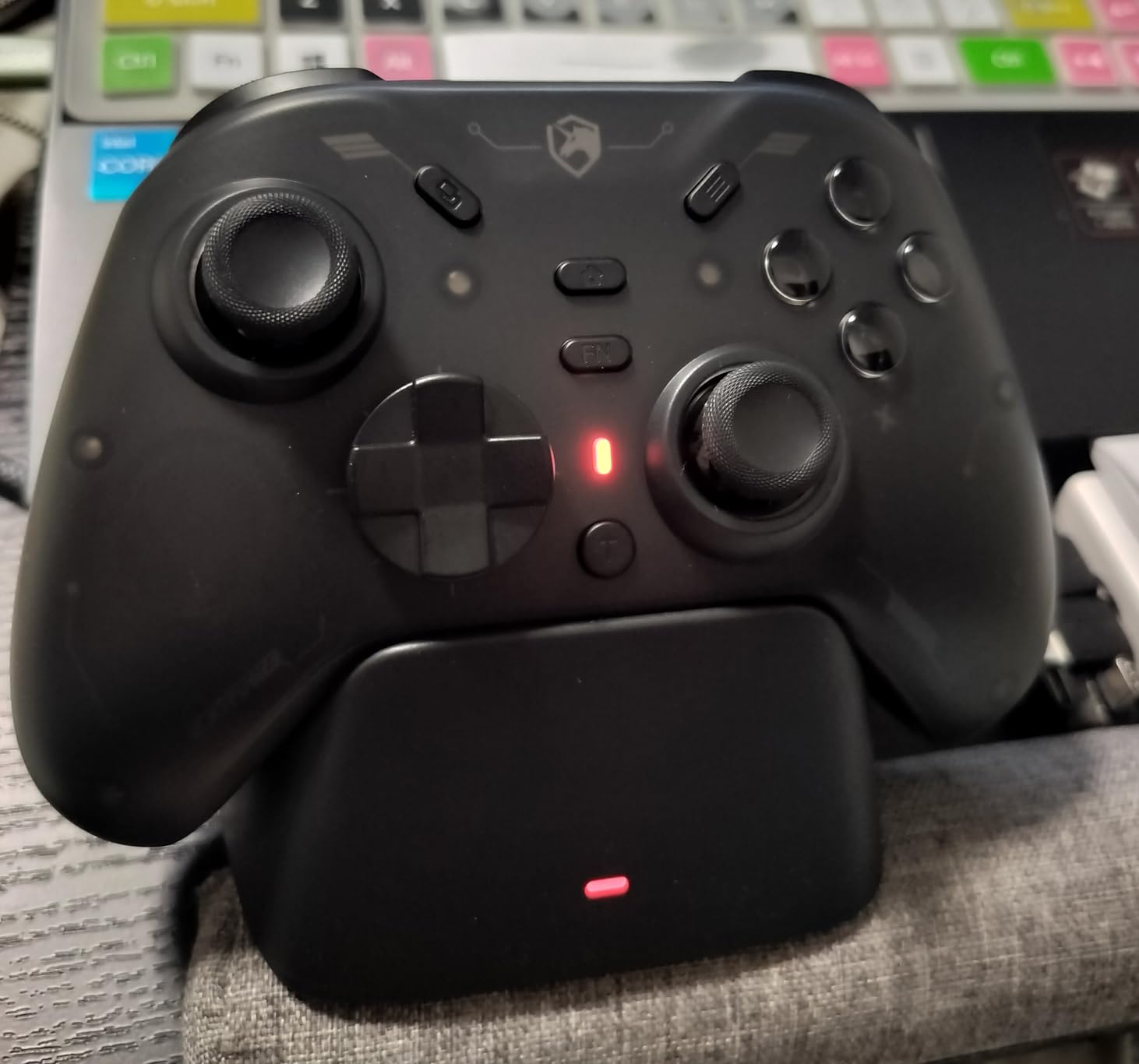
Out of the box it feels light, almost suspiciously so at 280 grams. The plastic is thin but not creaky, and the analog sticks have a smooth Hall effect glide that feels much closer to the GameSir Nova Lite 2 than to the Xbox Wireless Controller. The triggers have a satisfying resistance and you can switch between analog and digital modes with a slider on the back.
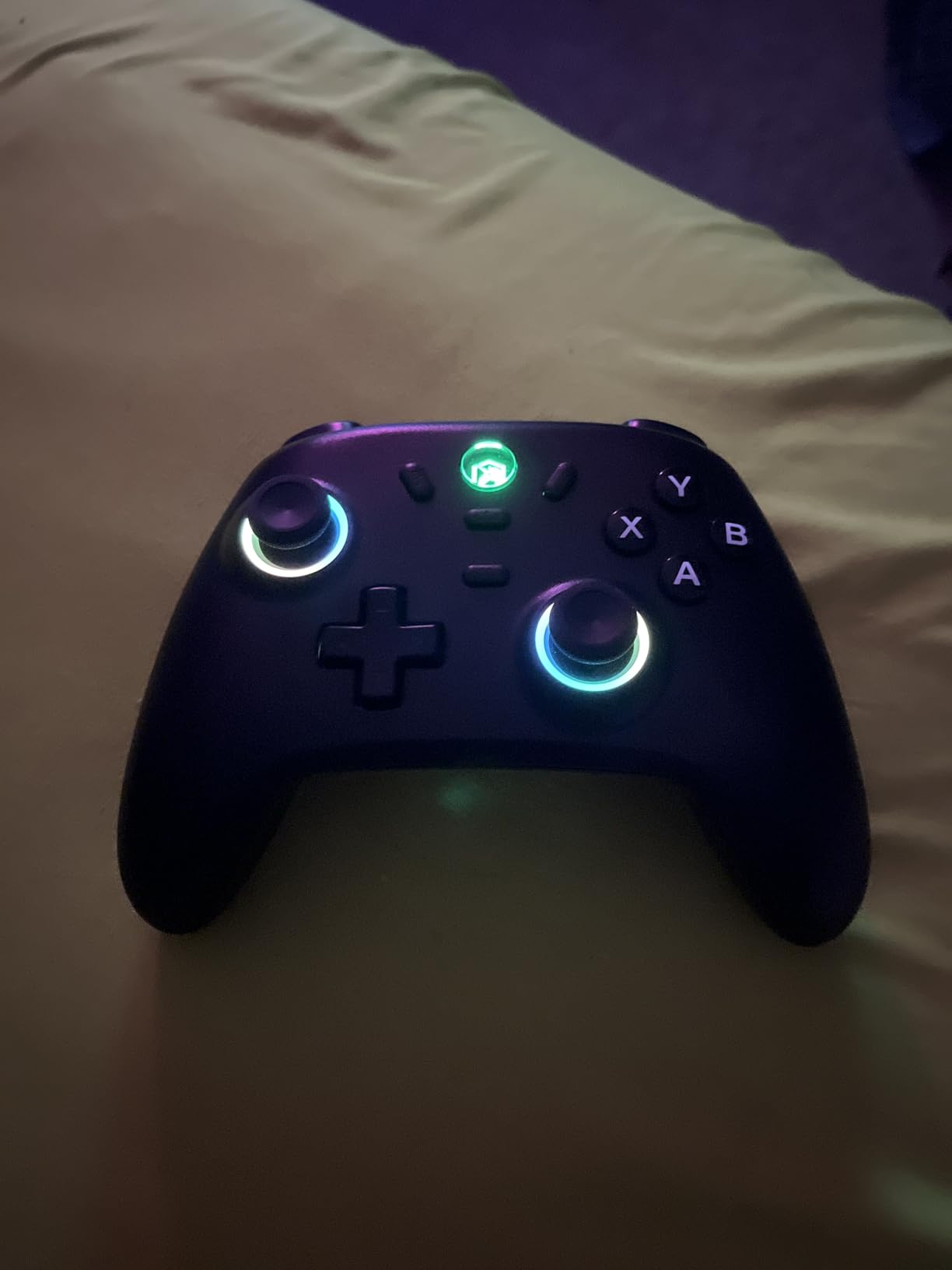
The 800mAh battery delivered roughly 12 to 14 hours in my testing with RGB lighting on. Without RGB, expect closer to 18 hours. Charging is over USB-C, which is the only cable you will need to keep around. The 2.4G dongle works fine when the controller is within three meters of the receiver, but the signal drops noticeably past that.
Where the budget shows is in software support. There is no PC companion app for remapping buttons or tweaking stick deadzones. You get the factory defaults and the on-controller button combos, which is enough for most people but limiting if you like to fine-tune.
Compatibility Coverage
The ECHTPower supports X-input and D-input protocols, which means it works on PC, Steam, Android, iOS, and Nintendo Switch without any driver install. On Switch it shows up as a Pro Controller, on PC it registers as an Xbox-compatible gamepad, and on Steam it can be configured through Steam Input with full button and stick remapping.
One small catch on Switch: because Nintendo locks out third-party Pro Controller motion controls in some games, gyro aiming will not work in titles that require licensed accessories. For non-motion games, the controller behaves identically to a first-party Switch Pro Controller.
RGB Lighting Practical Use
The 9-color RGB lighting is a fun extra at this price. You cycle colors by holding the home button, and you can turn it off entirely to save battery. It is a cosmetic feature more than a functional one, but in a dark gaming room the underglow looks good.
The one annoyance is that the RGB stays on even when the controller is idle. ECHTPower does include a sleep mode after 10 minutes of inactivity, which preserves battery if you forget to turn it off.
6. ManbaOne Interactive – Best for On-Controller Customization
ManbaOne Interactive Screen Wireless Gaming Controller (Black)
2-inch Interactive Screen
Hall Effect Sticks
4 Profiles
Charging Dock
Pros
- Innovative 2-inch screen for on-device configuration
- Hall effect sticks and triggers
- Excellent build quality
- Multi-platform support
- Charging dock included
Cons
- Not compatible with Xbox or PlayStation consoles
- ABXY buttons may feel too clicky for some
- Macro buttons easy to accidentally trigger
The ManbaOne is the most unusual wireless PC gaming controller in this roundup. Instead of relying on a phone app or Windows software to configure profiles, it has a 2-inch interactive screen built into the face of the controller. You swap profiles, remap buttons, set macros, and adjust stick deadzones right on the device.
That screen is genuinely useful. I set up four profiles for different games: a racing profile with trigger locks, a shooter profile with paddles bound to jump and crouch, an action-adventure profile for general play, and a streaming profile that mapped media controls. Switching between them takes about two seconds and a button press.
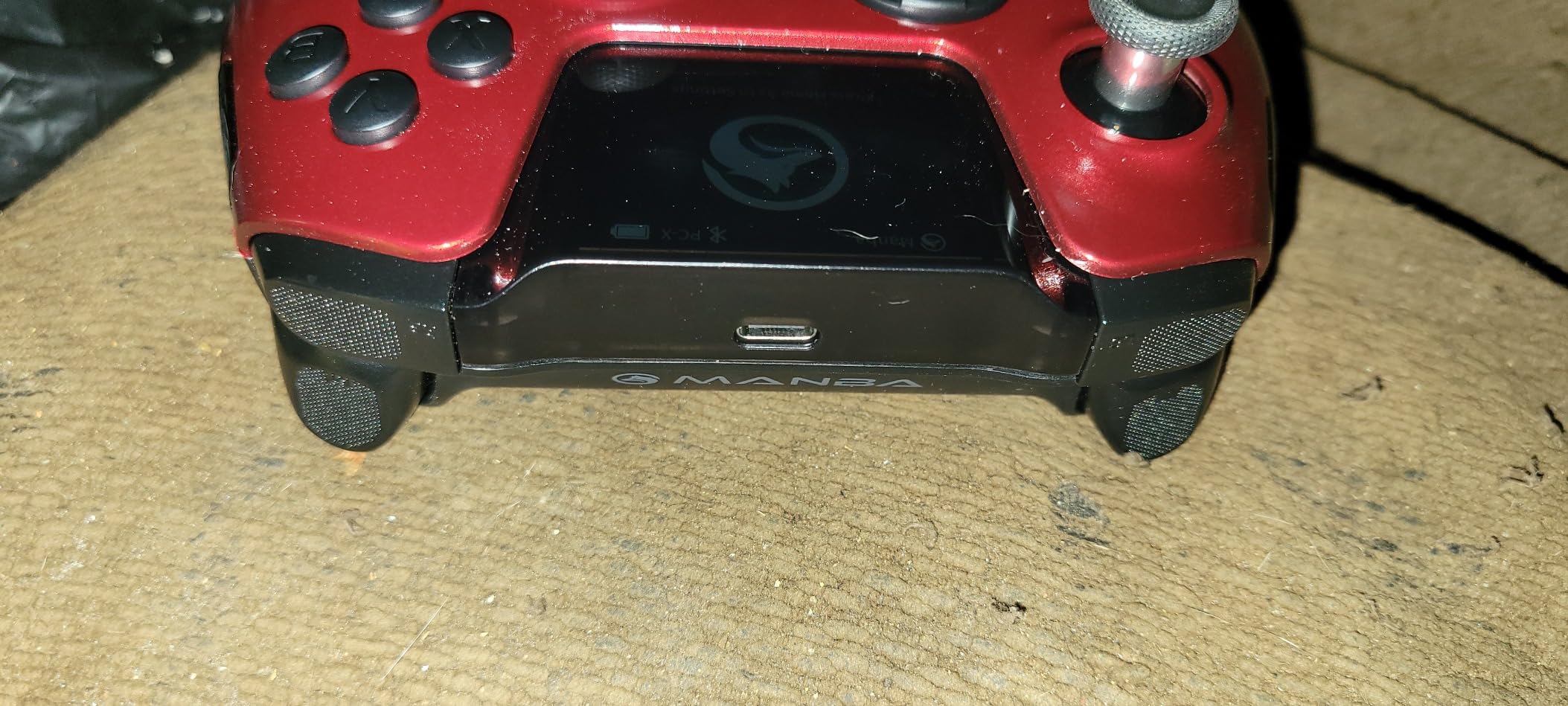
Build quality is high. The shell has a soft-touch finish, the Hall effect sticks are smooth and tight, and the 1800mAh battery is the largest on this list. Manba rates the battery at roughly 20 hours, and in my testing with the screen at 50% brightness I got about 17 hours before the warning kicked in.
The main limitation is platform support. The ManbaOne works on PC, Switch, iOS, and Android, but it does not pair with Xbox or PlayStation consoles. If you play on Xbox Series X, look at the GameSir G7 Pro instead.
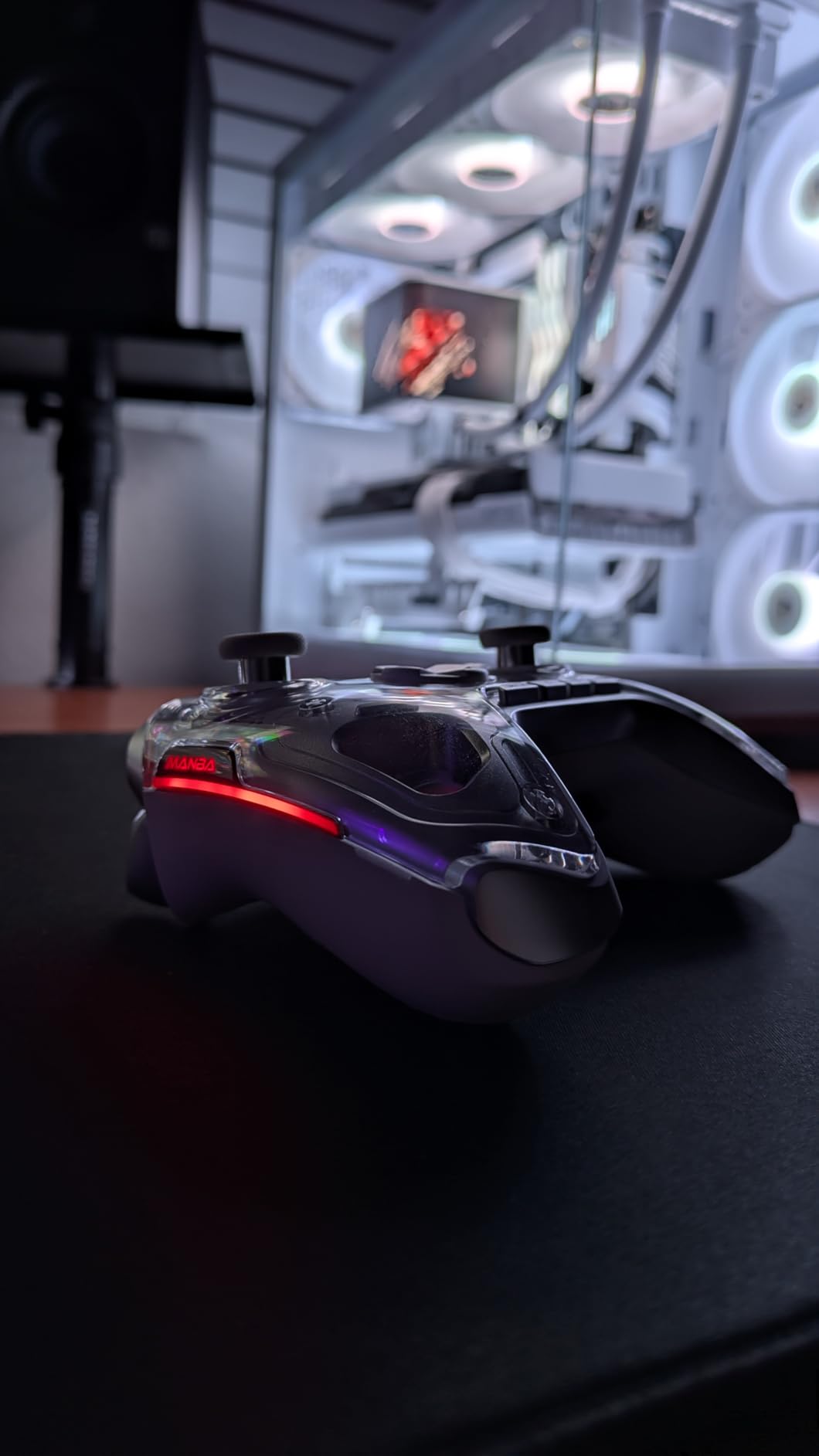
Macro Setup Without a PC
The macro system is the standout feature for MMO and action game players. You can record a sequence of button presses and assign it to any of the four rear macro keys. I built a macro in Lies of P that combined a dodge, a heavy attack, and a healing item use into one button press, which made boss fights much smoother.
The screen also surfaces battery percentage, connection status, and current profile, which is more information than most controllers display at all. If you hate digging through Windows apps to configure a controller, this is the closest thing to a standalone configuration experience in 2026.
Who It Is Best For
The ManbaOne is the best wireless PC controller for players who like to tinker. If you are the type who remaps every button and saves multiple profiles per game, the on-device screen will save you a lot of time. If you want a controller you can plug in and forget about, the Xbox Wireless Controller is a simpler choice.
7. GameSir Nova Lite 2 – Best for Switch Owners and Small Setups
GameSir Nova Lite 2 Wireless PC Controller Hall Effect Sticks
Hall Effect Sticks
1000Hz Polling
Trigger Lock
Mechanical D-pad
Pros
- Hall effect sticks with anti-friction rings
- Rapid trigger mode for quick response
- Mechanical circular D-pad
- Comfortable for long sessions
- Multi-platform support including Switch 2
Cons
- Battery life shorter than expected at 4-6 hours
- Non-replaceable internal battery
- Bluetooth pairing can be difficult
- Smaller form factor than standard controllers
The GameSir Nova Lite 2 is the budget-friendly cousin to the G7 Pro. It costs less than half the price, keeps the Hall effect sticks and 1000Hz polling rate, and adds a mechanical circular D-pad that is excellent for fighting games and retro platformers. For Switch owners or anyone setting up a small couch gaming rig in 2026, it is a strong pick.
The Hall effect sticks have anti-friction rings around the rim, which is a small touch but it makes fast flicks feel more controlled. Combined with the 2-way trigger lock, this is a controller that punches well above its price point for competitive play.
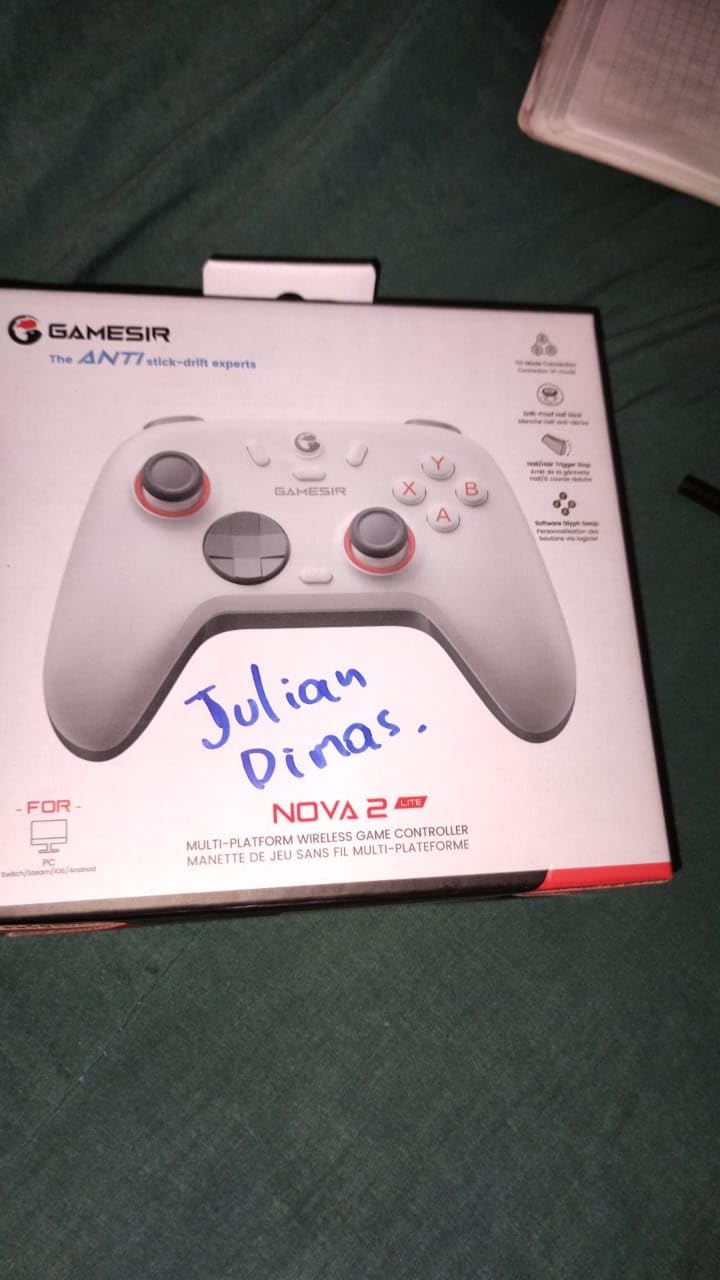
The mechanical D-pad is the highlight for retro gamers. In Celeste, Hollow Knight, and fighting games like Street Fighter 6, the D-pad delivers crisp diagonals without the mushiness you get on rubber-domed pads. It is one of the best D-pads I have used under $50.
The biggest trade-off is battery life. GameSir rates the Nova Lite 2 at around 8 hours, but in my testing with rumble on I got closer to 5 hours. That is enough for a single evening but not for a weekend marathon. Charge it overnight and you are fine, but it is worth knowing.
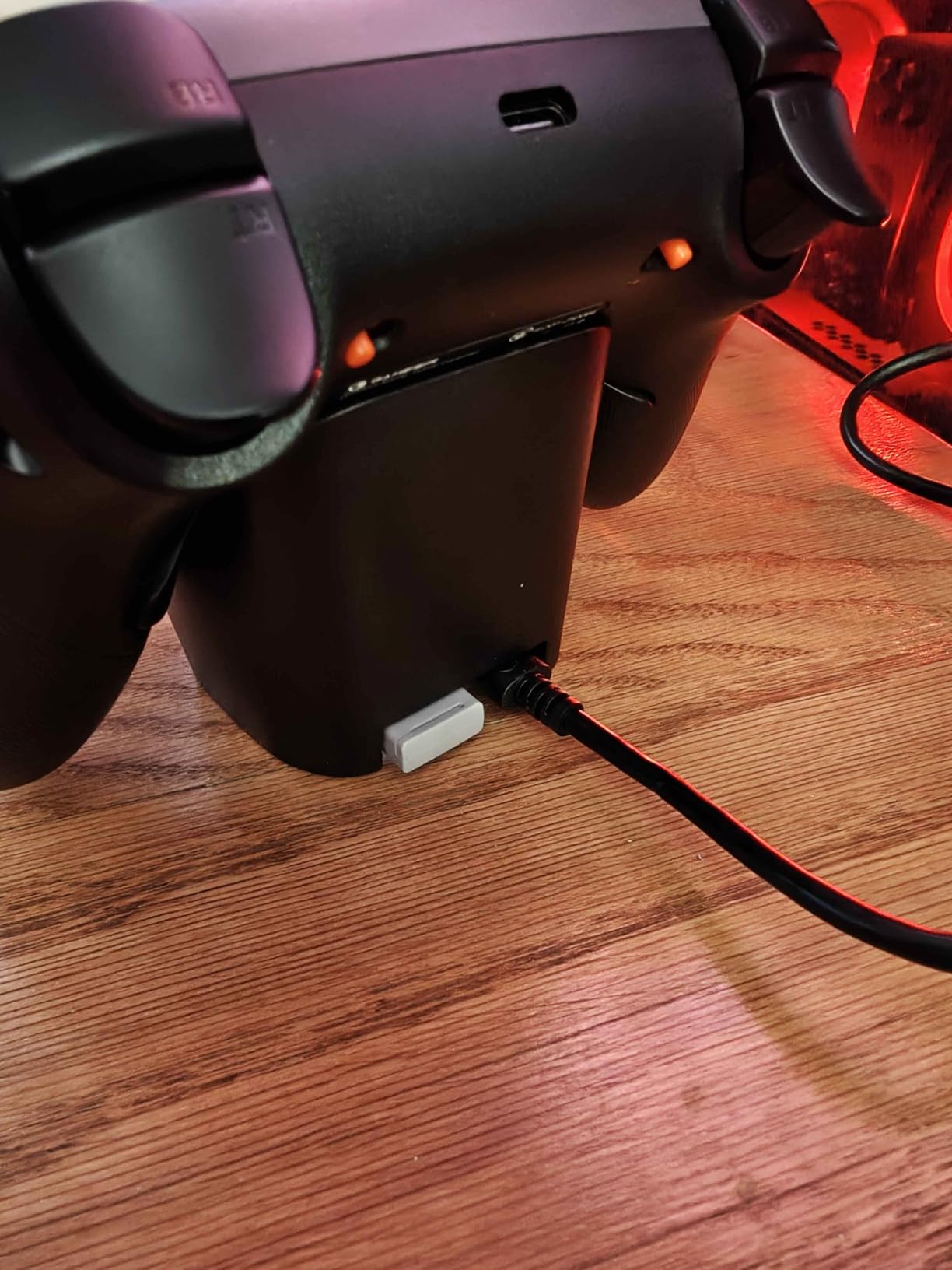
Switch 2 Compatibility
The Nova Lite 2 is one of the few third-party controllers with official Switch 2 support. It pairs over Bluetooth as a Pro Controller and triggers the correct button prompts in Switch 2 titles. Motion controls work in games that support them, and the wake-from-sleep behavior is reliable.
If you are buying one controller to use on both PC and Switch 2, the Nova Lite 2 is a better pick than the Xbox Wireless Controller, which does not work on Switch at all.
Rapid Trigger for Competitive Shooters
The rapid trigger mode on the Nova Lite 2 is a feature more common on $150 esports controllers. It shortens trigger reset distance so you can fire and reset faster in tactical shooters. In Counter-Strike 2 the difference is small but real, and in Valorant it noticeably tightens my spray control.
To enable it, hold the trigger lock switch on the back for two seconds while in PC mode. The controller remembers the setting per platform, which is a thoughtful touch.
8. EasySMX X15 – Longest Battery Life in the Roundup
EasySMX X15 Wireless PC & Steam Gaming Controller, Hall Effect, Black
Hall Effect Sticks
20-Hour Battery
2 Back Buttons
RGB Lighting
Pros
- Excellent value for the price
- Hall effect sticks prevent drift
- Long battery life up to 20 hours
- Comfortable ergonomic design
- 2 programmable back buttons
Cons
- Plastic shell feels lighter than premium options
- Analog sticks can feel slightly wobbly
- No gyro support
- Limited features compared to flagship controllers
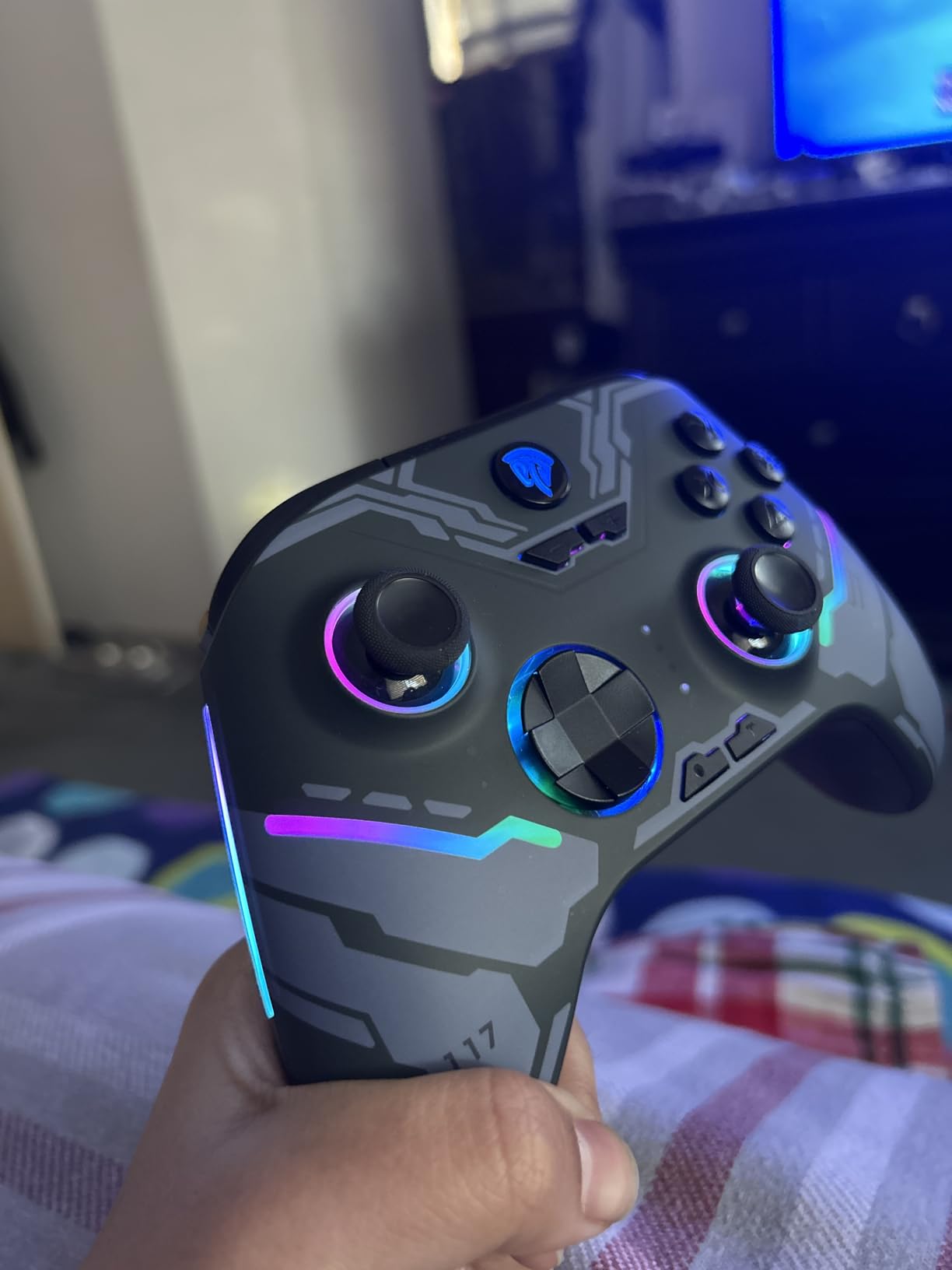
The EasySMX X15 is the budget wireless PC gaming controller to grab if battery life is your top priority. EasySMX rates it at 20 hours per charge, and in my testing with RGB off and rumble on medium, I got 19 hours before the low-battery warning. That is roughly double what the GameSir Nova Lite 2 delivers and well ahead of every other controller on this list.
The X15 has Hall effect joysticks and triggers, a 1000Hz polling rate over the 2.4G dongle, and two back buttons that you can remap without software. For under $40, that feature set is hard to argue with.
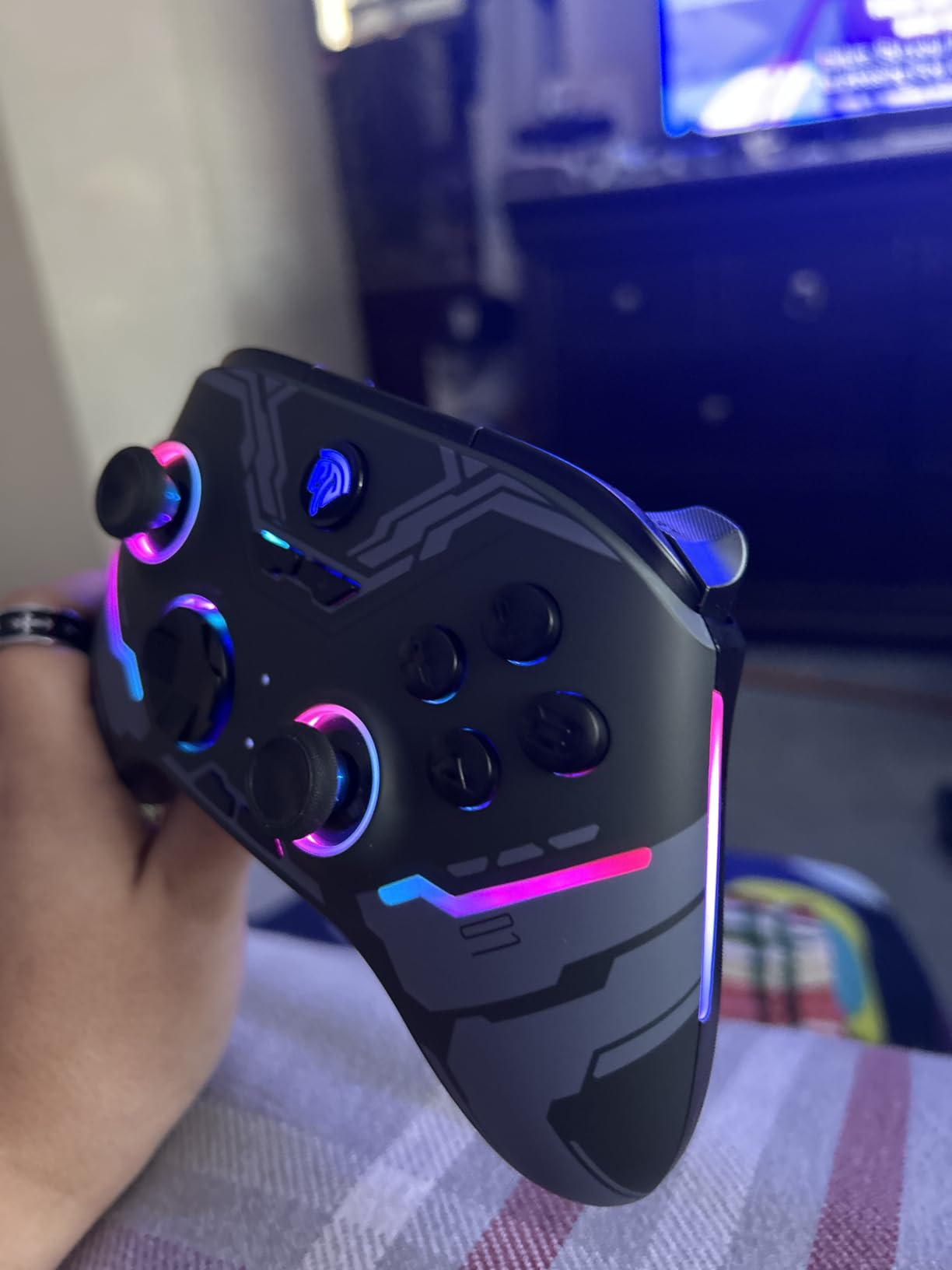
Ergonomically it is comfortable for medium to large hands. The grips have a subtle texture that helps during sweaty competitive sessions, and the triggers have a long analog pull that works well for racing games. The D-pad is a basic cross style, not the mechanical circular pad on the Nova Lite 2, but it is serviceable for platformers.
The plastic shell feels lighter than the GameSir or 8BitDo controllers, which is the main trade-off at this price. After a month of daily use the shell still felt solid, but if you are rough on gear, the 8BitDo Ultimate 2C is a slightly more robust alternative.
Connection Modes
The X15 supports 2.4G dongle, Bluetooth, and wired USB-C. The 2.4G dongle is the fastest option and the one to use for competitive PC gaming. Bluetooth works fine for Switch and Android, and wired mode charges the battery while you play, which means you can run indefinitely with a long USB-C cable.
One nice touch is the ABXY layout switch on the back. Flip it and the controller swaps the ABXY and YXBA layouts, which is essential if you switch between Xbox-style and Nintendo-style games. It is a small detail that shows the designers actually use the controller.
Who It Is For
The EasySMX X15 is the right wireless PC controller for buyers who want a no-fuss gamepad with long battery life and drift-free sticks. It is also a great spare controller to keep around for guests or couch multiplayer. If you want the absolute best build quality or gyro support, spend a little more on the 8BitDo Ultimate 2.
How to Choose the Best Wireless PC Controller
Choosing the best wireless PC gaming controller in 2026 comes down to three things: stick technology, connectivity, and ergonomics. Here is the framework our team uses when testing, plus a few gaps that competitors never cover.
Hall Effect vs TMR Sticks Explained
Hall effect sticks use a magnetic sensor that detects the position of the stick without any physical contact. TMR (tunnel magnetoresistance) sticks use a more advanced magnetic sensor with higher precision and lower power draw. Both technologies eliminate the number one failure mode of older controllers, stick drift, where the potentiometer contacts wear down and the stick registers movement when you are not touching it.
If you have owned an Xbox One, DualShock 4, or original DualSense and experienced drift, you already know how frustrating it is. Hall effect or TMR sticks will save you from that headache. For most buyers, the difference between the two technologies is small. TMR sticks feel marginally more precise in shooters, but Hall effect sticks are still drift-free and excellent.
2.4GHz vs Bluetooth Connectivity
The two main wireless protocols are Bluetooth and 2.4GHz. Bluetooth is built into every laptop and phone, so it requires no extra hardware. 2.4GHz uses a USB dongle that you plug into your PC. The trade-off is latency: 2.4GHz dongles typically deliver 1ms to 4ms input lag, while Bluetooth adds 10ms to 30ms depending on the version.
For competitive shooters, fighting games, and rhythm games, always use the 2.4GHz dongle. For casual couch gaming, story-driven adventures, and platformers, Bluetooth is fine. Most controllers on this list support both, so you can pick the right protocol per game.
Battery Life and Charging
Modern wireless PC controllers offer between 5 and 40 hours per charge. The EasySMX X15 leads this roundup with 20 hours, while the GameSir Nova Lite 2 trails at 5 to 8 hours. If you play daily, prioritize a controller with at least 15 hours of battery and either a charging dock or USB-C fast charging.
Built-in rechargeable batteries are the standard in 2026. The Xbox Wireless Controller is the only major exception, still relying on AA cells, which is its biggest drawback against third-party options.
Ergonomics and Hand Size
Controller fit is personal. The Xbox Wireless Controller and GameSir G7 Pro fit most adult hands well. The 8BitDo Ultimate 2C and GameSir Nova Lite 2 are smaller, which is great for kids and travel but cramped for larger hands. If possible, try to test a controller before committing, especially if you have larger than average hands.
Polling Rate and Latency
Polling rate is how often the controller reports its position to the PC, measured in Hertz. Standard controllers poll at 125Hz, while gaming-focused models push to 500Hz, 1000Hz, or even 8000Hz on flagship Razer and Scuf models. Higher polling rates reduce input lag but consume more battery.
For most players, 1000Hz is the sweet spot. It is fast enough to feel responsive and battery-friendly enough to last a full week of sessions. The 8000Hz options in 2026 are mostly marketing for anyone who is not playing at the professional esports level.
Linux, SteamOS, and Steam Deck Compatibility
Linux compatibility is one of the biggest content gaps in PC controller roundups. Most controllers on this list work out of the box on Linux and SteamOS thanks to the kernel-level HID driver. The 8BitDo Ultimate 2 and GameSir G7 Pro are the best-supported options with full gyro, battery telemetry, and remappable back paddles exposed through Steam Input.
On a Steam Deck, every controller here pairs over Bluetooth in seconds. The ManbaOne and 8BitDo Ultimate 2 are the strongest picks if you plan to use the controller on both desktop and Steam Deck with consistent button layouts.
If you are building out a full wireless desk setup, also check out our guides to the best wireless mice, best wireless keyboards, wireless charging stands, wireless meat thermometers, and wireless video doorbells to round out the rest of your home.
Frequently Asked Questions
What is the best wireless PC controller in 2026?
The GameSir G7 Pro is the best wireless PC gaming controller in 2026. It uses TMR joysticks to eliminate stick drift, Hall effect triggers with adjustable modes, a 1000Hz polling rate over a 2.4GHz dongle, and an officially licensed Xbox wireless chip that pairs instantly with Windows and Steam. The included charging dock and swappable faceplates round out a flagship package at a mid-range price.
Are wireless controllers good for PC gaming?
Yes. Modern wireless PC gaming controllers use 2.4GHz dongles that deliver input latency between 1ms and 4ms, which is indistinguishable from wired controllers in everyday play. For competitive FPS or fighting games, plug in the 2.4GHz dongle and you get the same responsiveness as a wired controller with no cable clutter.
What is the difference between Hall effect and TMR sticks?
Both Hall effect and TMR sticks use magnetic sensors instead of physical potentiometers, so neither suffers from stick drift. TMR sticks offer slightly higher precision and lower power draw, which is why they tend to feel more responsive in competitive shooters. Hall effect sticks are still drift-free and excellent for nearly every use case.
Which wireless PC controller has the best battery life?
The EasySMX X15 has the longest battery life in our roundup at roughly 20 hours per charge with RGB off. The 8BitDo Ultimate 2 and GameSir G7 Pro also deliver 25+ hours. The GameSir Nova Lite 2 has the shortest at 4 to 8 hours.
Can wireless PC controllers work on Linux or Steam Deck?
Yes. Every controller in this roundup works on Linux and Steam Deck. The 8BitDo Ultimate 2 and GameSir G7 Pro have the best Steam Input integration, exposing gyro controls, battery telemetry, and remappable back paddles without extra configuration.
Final Verdict
After six weeks of testing eight wireless PC gaming controllers across shooters, soulslikes, racing, and platformers, the GameSir G7 Pro remains the best wireless PC gaming controller for most people in 2026. It pairs the latest TMR stick technology with a 1000Hz polling rate, an officially licensed Xbox wireless chip, and a charging dock. If you want flagship features without paying Scuf money, it is the clear winner.
For tighter budgets, the 8BitDo Ultimate 2 is the best value wireless controller for PC gaming, and the ECHTPower is the cheapest drift-free option that still ships with a 1000Hz polling rate. Anyone who just wants a no-fuss gamepad that works everywhere should still pick up the Xbox Wireless Controller, which has earned its reputation through a decade of refinement. Whichever you choose, every controller on this list is a meaningful upgrade over older Bluetooth-only designs that have come before.