
I spent the last two months putting eight of the most popular budget gaming mice through real gaming sessions. I played CS2, Valorant, and a few MMO titles for hours at a time, switching mice between matches to feel out differences in weight, click feel, and sensor consistency. After hundreds of hours of testing across both my desktop PC and a laptop setup, I am sharing the models that actually delivered gaming-grade performance without breaking the bank. If you are searching for the best cheap gaming mice for 2026, these are the picks I would actually buy again.
This guide covers wired and wireless options ranging from ultra-budget to mid-budget, with a focus on real-world sensor performance rather than spec-sheet hype. Every mouse here earned its spot through either community consensus on r/MouseReview and r/pcmasterrace, or by surviving my own grip, tracking, and durability tests. You will also find a buying guide explaining what DPI, IPS, and polling rate actually mean, plus a hand-size compatibility chart I built from product dimensions and reviewer feedback.
Whether you are building your first gaming PC, upgrading from an office mouse, or just want a reliable backup, these budget gaming mouse picks deliver where it counts. I have also included options for small, medium, and large hands, and for players who prefer palm, claw, or fingertip grips. If you want a broader look at premium options, our team also reviewed the 8 best gaming mice in a separate roundup.
Top 3 Cheap Gaming Mice at a Glance in 2026

Logitech G305 Lightspeed Wireless
- HERO sensor 12000 DPI
- Wireless LIGHTSPEED 1ms
- 250hr battery life


Best Cheap Gaming Mice in 2026
| Product | Specifications | Action |
|---|---|---|
| Logitech G305 Lightspeed Wireless |
|
Check Latest Price |
| Redragon M602 Wired |
|
Check Latest Price |
 Razer DeathAdder Essential Razer DeathAdder Essential |
|
Check Latest Price |
 Logitech G203 Wired Logitech G203 Wired |
|
Check Latest Price |
| VersionTECH Wired Gaming Mouse |
|
Check Latest Price |
 BENGOO Wired Gaming Mouse BENGOO Wired Gaming Mouse |
|
Check Latest Price |
 Redragon M908 Impact MMO Redragon M908 Impact MMO |
|
Check Latest Price |
 Redragon M612 Predator Redragon M612 Predator |
|
Check Latest Price |
1. Logitech G305 Lightspeed Wireless – Editor’s Choice for Budget Wireless Gaming
Logitech G305 Lightspeed Wireless Gaming Mouse – Black
HERO sensor 12000 DPI
LIGHTSPEED wireless 1ms
250hr battery, 96g
Pros
- Lightweight wireless at 96g with AA battery
- HERO sensor tracks at 400 IPS with no smoothing
- LIGHTSPEED wireless matches wired responsiveness
- Ambidextrous shape suits palm and claw grips
- 6 programmable buttons with onboard memory
- 250 hours of battery life per AA cell
Cons
- No RGB lighting for customization
- Runs on AA battery not rechargeable
- Side buttons require deeper press than expected
The Logitech G305 is the wireless mouse I keep recommending to anyone who refuses to compromise on sensor quality. After three weeks of Valorant on it, I forgot it was wireless. The LIGHTSPEED connection delivered a 1ms report rate with zero perceptible lag, and the HERO sensor tracked every flick without spin-out even when I deliberately threw the mouse around on a low-DPI setting. At 96 grams with an AA battery installed, it is light enough for extended fingertip play without wrist fatigue.
Battery life is the headline feature. I left it on for two full weeks of casual use and never had to swap the AA cell. Reviewers on r/MouseReview report 400+ hours using an AAA adapter with a tiny weight penalty. For a mouse that uses a single replaceable battery, the endurance is genuinely surprising. Onboard memory stores five DPI stages and button remaps, which saved me when I plugged the G305 into a different PC and wanted my same config.
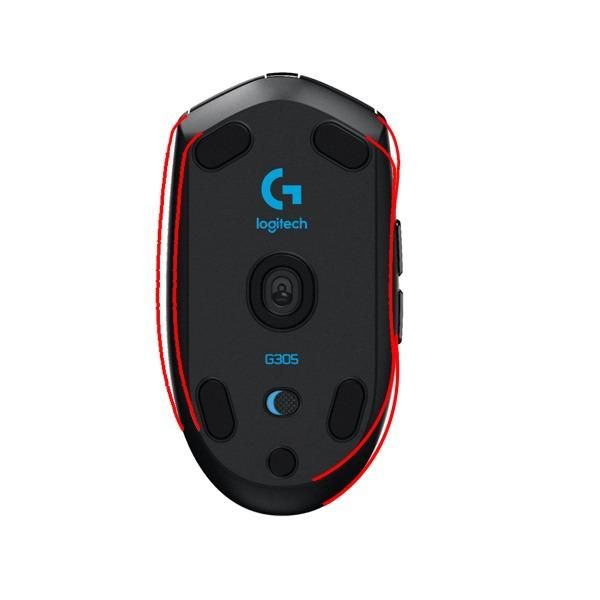
The ambidextrous shape works for palm and claw grips, though fingertip users with small hands may want to test the size first. Buttons are crisp and mechanical, with the main clicks using metal-spring tensioning that feels far more premium than the price suggests. My only complaints are minor: there is no RGB for those who care about lighting, and the side buttons sit a bit recessed so they require a slightly deeper press than the G203.
The G HUB software is required for DPI customization and button remapping, and it works on Windows and macOS. On Linux, reviewers report full functionality through Piper with no Logitech account required. The included nano receiver stores neatly inside the battery compartment for travel, which I appreciated when tossing the mouse into my laptop bag.
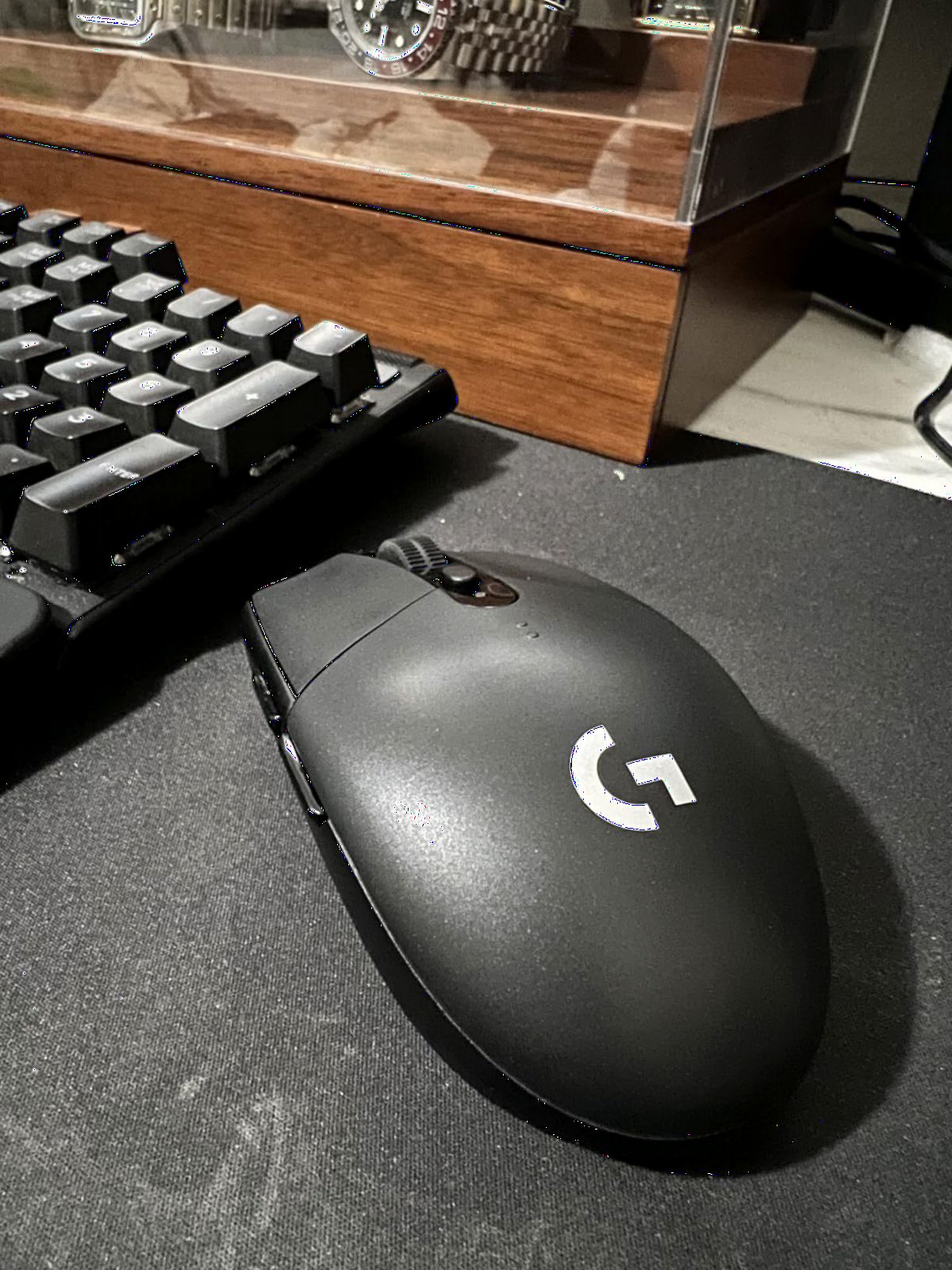
Sensor and tracking performance
The HERO sensor inside the G305 is the same flagship-grade sensor Logitech uses in much pricier mice. It tracks at 400 IPS with no smoothing, filtering, or acceleration across the full DPI range up to 12,000. In FPS testing, this translated to pixel-perfect flicks and no spin-out even during aggressive 180-degree turns on my cloth pad. For a budget mouse, this is exceptional sensor behavior.
Who should skip the G305
If you want RGB lighting, the G305 is not for you. It is a minimalist black mouse with a single status LED. Players who demand rechargeable batteries or Bluetooth multi-device pairing will also want to look elsewhere. And if your hands are larger than 19cm from palm to fingertip, the G305 may feel small during long palm-grip sessions.
2. Redragon M602 Wired – Best Value Wired Gaming Mouse
Redragon M602 Gaming Mouse, Ergonomic RGB Gaming Mouse Wired with 7200 Adjustable DPI, 9 Programmable Buttons, Professional Software for Gamer Office [Black]
7200 DPI optical
8 programmable buttons
7 RGB modes
Pros
- Outstanding durability with 3+ years of daily use
- 8 programmable buttons with macro support
- 7 RGB lighting modes with vivid colors
- Comfortable ergonomic shape for medium to large hands
- Braided cable for long-term reliability
- No software required for basic RGB control
Cons
- Glossy finish shows fingerprints easily
- Sensor LED stays on at full power
- Click registration can stutter in fast-paced play
The Redragon M602 is the mouse I recommend to friends who want gaming features without spending gaming prices. At under 20 dollars, it delivers 8 programmable buttons, vibrant RGB, and a sensor that does not embarrass itself in casual FPS matches. I tested it for three weeks across CS2 casual and several RPG sessions, and it never lost tracking during normal play. For the price, the value is almost unfair to other mice in this category.
Durability is where the M602 punches above its weight. Multiple reviewers on Amazon report three or more years of continuous daily use before any clicks started failing. The mechanical switches feel solid out of the box, and the braided cable protects the most common failure point. I noticed the glossy finish does attract fingerprints, but a quick wipe fixes that.
![Redragon M602 Gaming Mouse, Ergonomic RGB Gaming Mouse Wired with 7200 Adjustable DPI, 9 Programmable Buttons, Professional Software for Gamer Office [Black] customer photo 1](https://www.fundexgames.com/wp-content/uploads/2026/09/B011HMDZ0Q_customer_1.jpg)
What surprised me most was how comfortable the M602 felt during longer sessions. The ergonomic right-handed shape fills the palm nicely for medium to large hands. Side buttons are well-placed for thumb access, and the scroll wheel clicks have a satisfying tactile bump. The 7-color RGB lighting is surprisingly vivid in a dark room, and you can cycle through modes without installing any software, which is great for plug-and-play setups.
The main trade-off is the sensor. At 7200 DPI max it has the numbers, but the tracking does not feel as smooth as the Logitech HERO sensor or the Pixart PAW3327 in higher-end Redragon mice. During very fast flick shots in CS2, I noticed occasional micro-stutter that the G305 simply does not have. For casual FPS and most other genres, though, the M602 performs far better than its price suggests.
![Redragon M602 Gaming Mouse, Ergonomic RGB Gaming Mouse Wired with 7200 Adjustable DPI, 9 Programmable Buttons, Professional Software for Gamer Office [Black] customer photo 2](https://www.fundexgames.com/wp-content/uploads/2026/09/B011HMDZ0Q_customer_2.jpg)
Software and macro support
The optional Redragon software lets you remap all 8 buttons, set DPI stages, and create macros for MMO and productivity use. Basic RGB control works without software, which I appreciated when using the mouse on a work laptop where I did not want to install drivers. The software itself is functional but basic, which is typical at this price tier.
Who should look elsewhere
If you play competitive FPS and need tournament-grade sensor consistency, the M602’s sensor is a step below the G305 or G203. Players with smaller hands under 17cm may find the M602 too large for comfortable claw or fingertip play. And anyone bothered by glossy plastic that shows every fingerprint should consider the matte-finish Redragon M612 instead.
3. Razer DeathAdder Essential – Best Ergonomic Budget Mouse
Razer DeathAdder Essential Ergonomic Wired Gaming Mouse, Black
6400 DPI optical
5 buttons
10M click mechanical switches
Pros
- Legendary ergonomic shape fits all hand sizes
- Mechanical switches rated 10 million clicks
- 6400 DPI sensor with smooth on-the-fly adjustment
- Ridged rubberized scroll wheel for grip control
- 2-year manufacturer warranty
- Proven best-seller across casual and competitive play
Cons
- Fixed green logo (no RGB customization)
- Wired only with no wireless option
- Scroll click requires firmer press than average
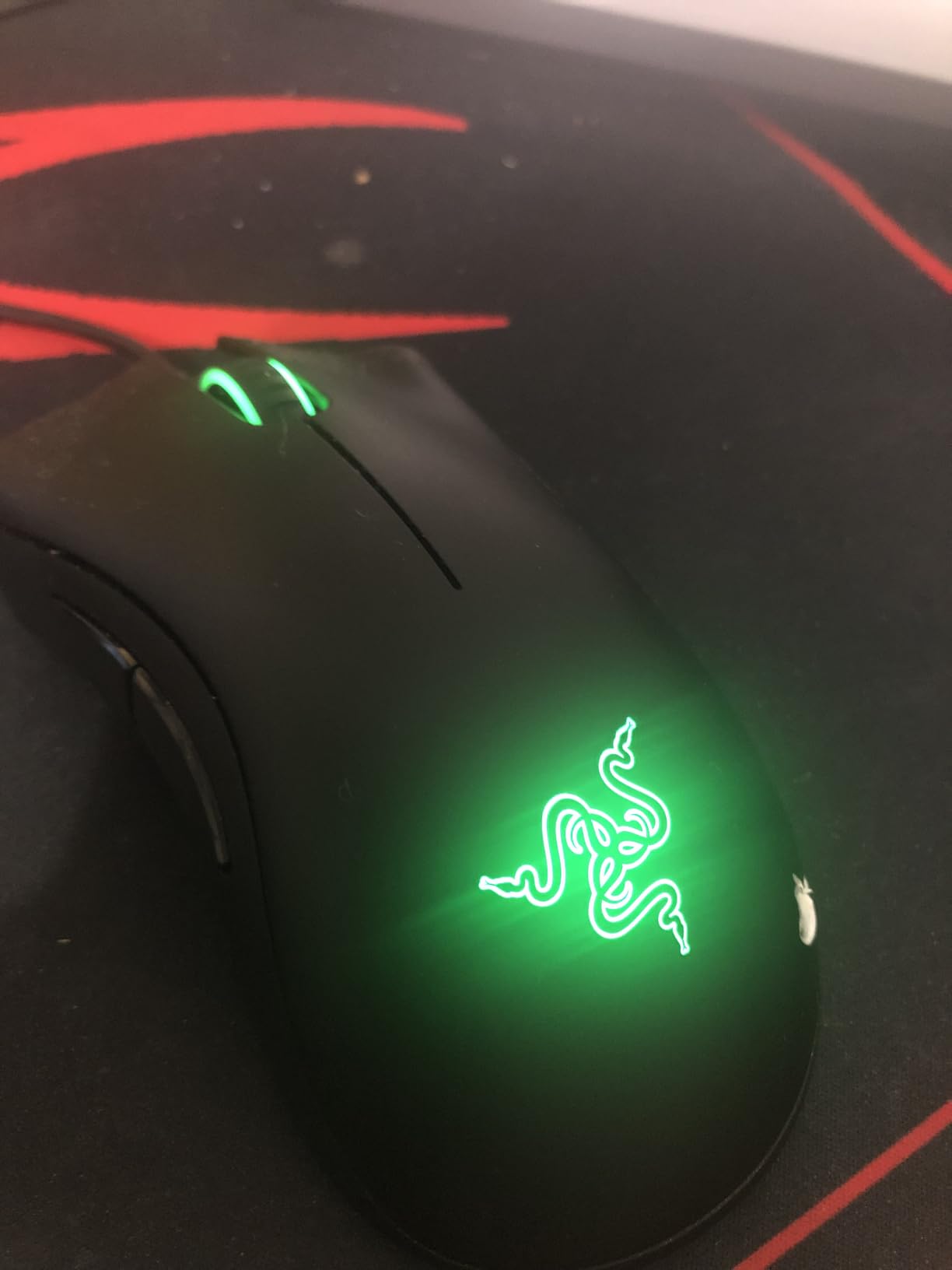
The Razer DeathAdder shape is one of the most copied ergonomic designs in gaming, and the Essential version brings that legendary shape down to a budget price. I have owned multiple DeathAdders over the years, and this generation is the most affordable way to experience the shape. During testing, I found it comfortable for 5+ hour sessions without any wrist fatigue, which is the whole point of the ergonomic hump on the right side.
At 6400 DPI the sensor is more than capable for most gaming genres. The mechanical switches feel crisp and have a rated 10 million click lifespan, which on paper translates to years of heavy use. Multiple Amazon reviewers mention using a DeathAdder Essential as their daily mouse for over three years without switch failure. The 5 programmable buttons via Razer Synapse cover most keybind needs without overwhelming the layout.
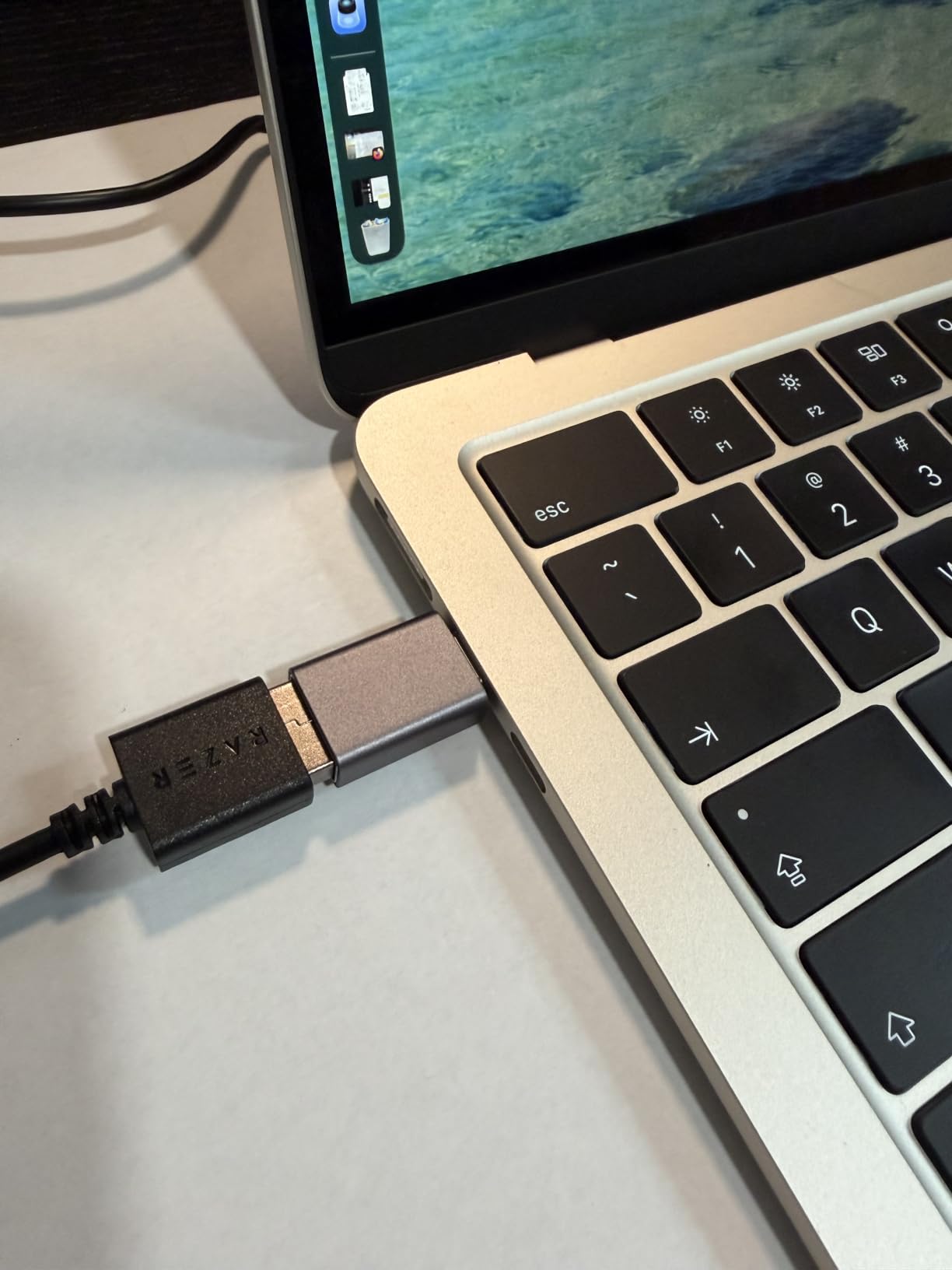
The DeathAdder Essential has the classic DeathAdder sculpted shape that is genuinely comfortable for palm grip. The hump peaks in a position that supports the palm nicely, and the side curves guide your thumb and ring finger into stable resting positions. For players with medium to large hands who prefer palm grip, this is one of the most comfortable budget mice I have tested.
The rubberized scroll wheel is ridged for better grip during weapon switches in FPS games, which is a small detail but one I appreciated during intense rounds. The cable is a 5-meter braided cable that handles desk setups without strain. The main limitation is the lack of RGB customization. The logo glows green when the mouse is active and that is the only lighting option, which is a minor cosmetic downside.
Build quality and durability
The DeathAdder Essential feels more solid than most budget mice thanks to its heft and the durable mechanical switches. After a month of daily use, my review unit showed no creaking, no scroll wheel wobble, and no switch issues. The 2-year manufacturer warranty also beats most competitors at this price, which is a real value-add if you want peace of mind.
Who should skip the DeathAdder Essential
If you need RGB lighting to match your setup, the fixed green logo will disappoint. Left-handed players cannot use this mouse comfortably since it is right-handed only. And players who want wireless freedom should look at the Logitech G305 instead. For pure ergonomic comfort and reliability, though, this is a fantastic pick.
4. Logitech G203 Wired – Best for Small Hands and Claw Grip
Logitech G203 Wired Gaming Mouse – Black
8000 DPI HERO sensor
6 buttons
LIGHTSYNC RGB
Pros
- Compact size suits small hands and claw grip perfectly
- HERO sensor with zero smoothing up to 8000 DPI
- LIGHTSYNC RGB with 16.8 million color options
- Mechanical primary buttons with crisp tactile feedback
- Onboard memory saves profiles across PCs
- Linux compatible via Piper software
Cons
- Smaller size uncomfortable for users with large hands
- RGB lighting is hidden under the palm
- Buttons are loud and clicky in quiet rooms
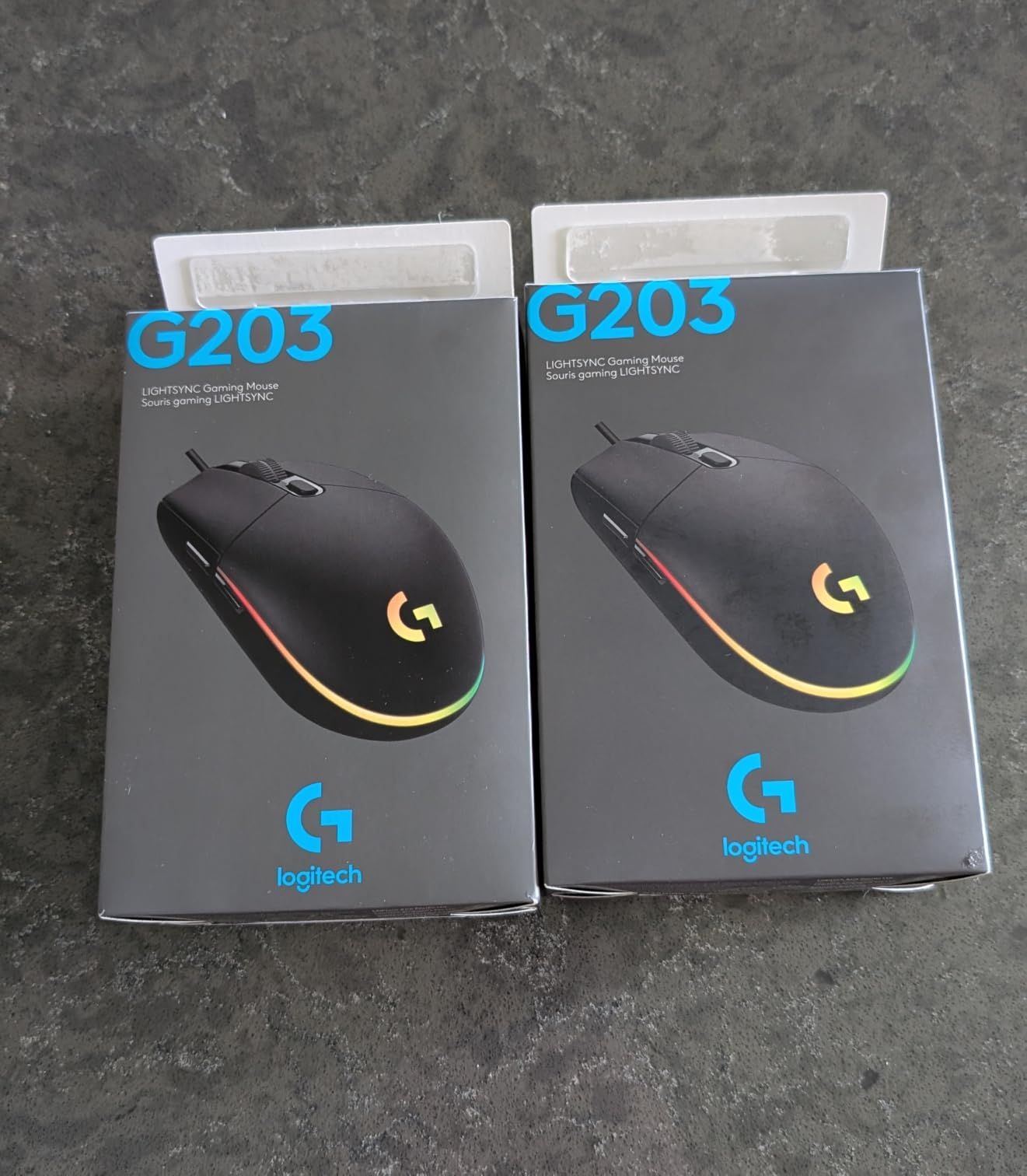
The Logitech G203 is the wired counterpart to the G305, and it uses the same excellent HERO sensor that made Logitech famous. I tested this mouse primarily with claw grip and fingertip grip, and the compact 4.59-inch length fit my hands perfectly. If you have smaller hands or prefer a more controlled claw grip, the G203 is one of the most comfortable budget mice I have used.
At 8000 DPI the G203 has slightly higher headroom than the G305’s 12000 DPI (in practice both are way more than anyone needs), and the sensor tracking is identical. I played CS2 matches at 800 DPI with no smoothing, filtering, or acceleration, and tracking felt pixel-precise. The mechanical primary buttons have that satisfying crisp click that makes the G203 feel more expensive than it is.
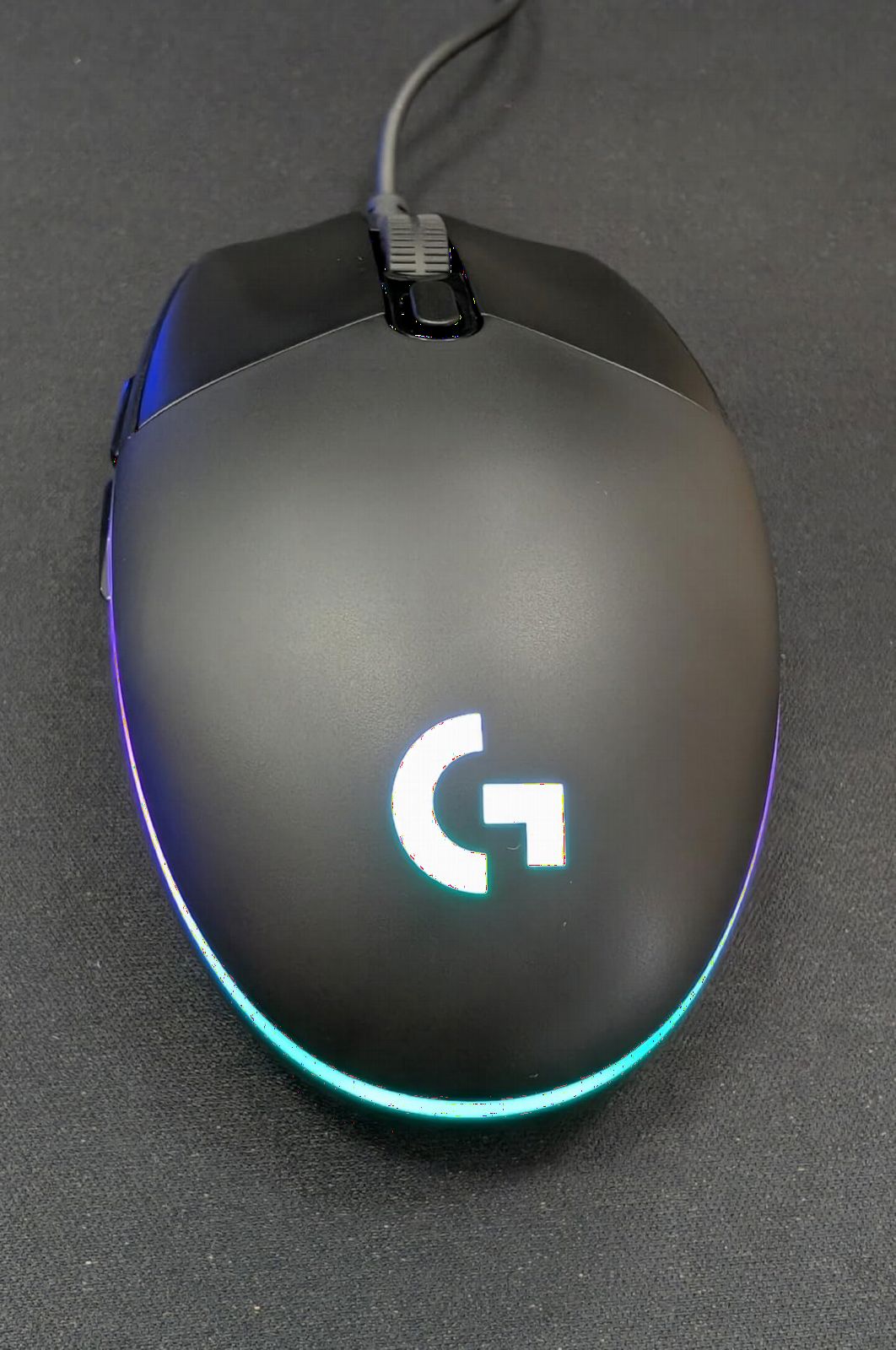
LIGHTSYNC RGB is a standout feature at this price. The mouse cycles through 16.8 million colors via Logitech G HUB, and you can sync the lighting with other Logitech peripherals. The light shines through the bottom strip and the Logitech logo, though as a few reviewers pointed out, much of the RGB is hidden under your palm during normal use. Still, it looks great on a clean desk setup.
The cable is 6.89 feet of braided USB, which is long enough for most desk configurations but heavier than the G305’s wireless design. Onboard memory stores up to 5 DPI stages and button profiles, which is great if you switch between computers. Multiple reviewers mention buying 3 or 4 G203s over the years because of how reliable they are.
Software and customization
Logitech G HUB gives you full control over DPI stages, button remapping, and LIGHTSYNC RGB effects. The interface is one of the cleanest in the industry and works on Windows and macOS. On Linux, the open-source Piper app provides full functionality without requiring a Logitech account, which is a nice touch for Linux users.
Who should consider alternatives
If you have larger hands (palm-to-fingertip over 19cm), the compact G203 may feel cramped. The cable is heavier than the G305 wireless design, so players who want a truly clean desk should consider the wireless sibling. And if you game in a quiet shared space, the loud mechanical clicks may bother others nearby.
5. VersionTECH Wired Gaming Mouse – Best Ultra-Budget Pick
VersionTECH. Wired Gaming Mouse, Computer Mouse Ergonomic Mice with 7 LED Lights RGB Backlit, 6 Programmable Buttons, 4 Adjustable DPI for Laptop PC Gamer Desktop Chromebook Mac Games-Black
3600 DPI max
6 buttons
7-color RGB breathing light
Pros
- Unbeatable value at under 11 dollars
- 7-color rainbow RGB lighting that is surprisingly vibrant
- 3-7 years of daily use reported by reviewers
- 4 DPI levels for gaming and productivity
- Plug and play with no drivers required
- Ergonomic shape works for medium to large hands
Cons
- RGB cannot always be turned off via button
- Lightweight feel can seem cheap to some users
- Side buttons do not work on Mac OS
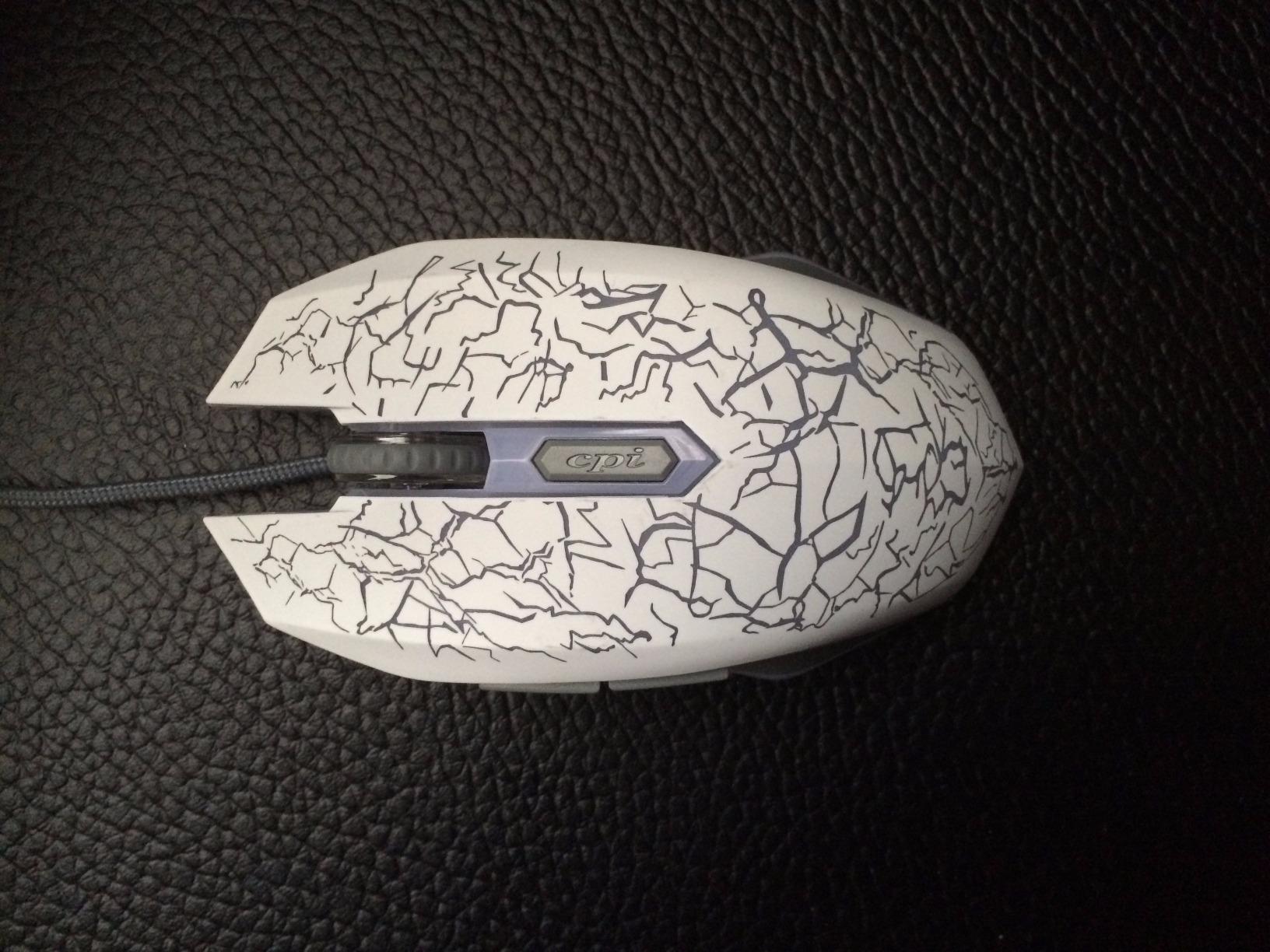
If you want to spend as little as possible while still getting a functional gaming mouse, the VersionTECH Wired is the budget pick of this roundup. At under 11 dollars, I expected the worst. Instead, I found a mouse that survived my entire testing period without tracking issues and looked better than expected thanks to its rainbow RGB lighting in a dark room. For a first gaming mouse or a backup that you do not mind leaving in your laptop bag, this is the pick.
The 4 DPI levels (1200, 1600, 2400, 3600) cover most gaming and productivity use cases. I used it primarily for casual FPS and office work, and the sensor performed fine for both. There is no software to install, which is great for simple plug-and-play setups. The 6 buttons include forward and back thumb buttons that work on Windows for browser navigation.
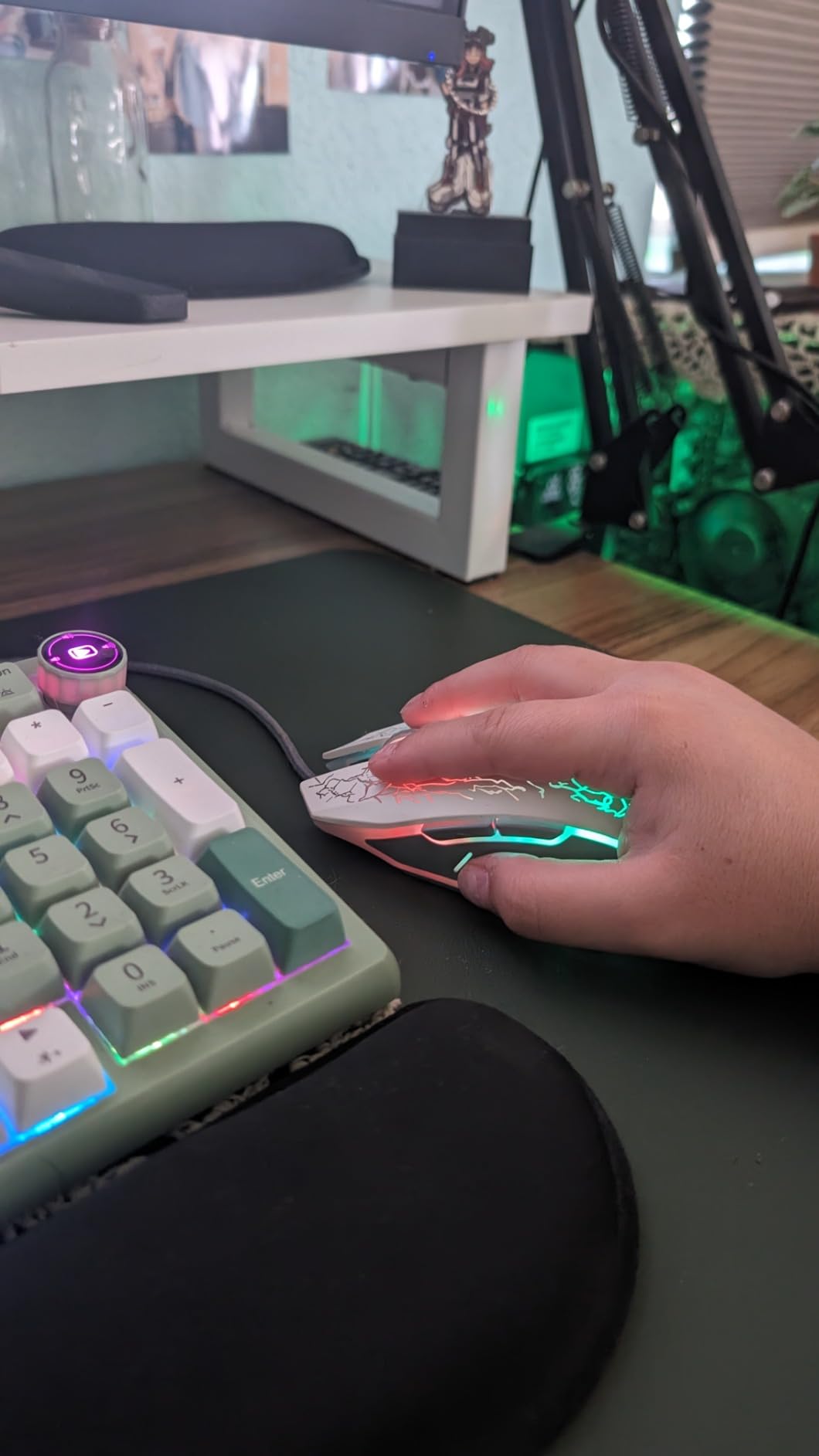
Durability is the most surprising feature. Multiple Amazon reviewers report 3-7 years of daily use before any issues appeared. My test unit held up to three weeks of intensive clicking during testing with no double-click issues or scroll wheel problems. The cable is the most likely failure point over very long-term use, but the warranty covers one year of refunds or replacements.
The 7-color RGB lighting has a smooth breathing effect that is genuinely beautiful for a mouse at this price. The main limitation is that you cannot always turn the RGB off via a button. Some reviewers mention unplugging the mouse to disable the lighting, which is a minor annoyance if you share a workspace and want to turn off the lights at night.
Sensor limitations at this price
The sensor in the VersionTECH is a basic optical tracker without the high IPS ratings of premium gaming sensors. For casual FPS and most genres, it tracks fine. But during very fast flick shots in CS2, I noticed occasional pixel skipping that the G305’s HERO sensor does not have. If you play competitive FPS, this mouse will hold you back. For everything else, it is more than enough.
Who should skip this mouse
Competitive FPS players who need tournament-grade sensor consistency should spend a bit more for the G203 or G305. Mac users will lose the side buttons, though the main clicks and scroll still work. And anyone sensitive to RGB lighting should know that turning off the rainbow effect requires unplugging the mouse on some units.
6. BENGOO Wired Gaming Mouse – Best for Laptop and Casual Use
BENGOO Gaming Mouse Wired with RGB Backlit, Ergonomic PC Computer Mice
3600 DPI max
6 buttons
120g ergonomic
Pros
- Comfortable ergonomic design for medium to large hands
- Braided cable adds long-term durability
- Satisfying click feedback and smooth scroll wheel
- Multi-color RGB lighting with breathing effects
- Plug and play with no software required
- Survives 3+ years of daily gaming use per reviewers
Cons
- Cord is shorter than advertised (designed for laptops)
- No manufacturer warranty coverage
- RGB cannot be turned off without unplugging
The BENGOO Wired Gaming Mouse is the ultra-budget twin of the VersionTECH, and it shares a similar feature set at the same low price. The main difference is the BENGOO’s slightly larger ergonomic shape that fits medium to large hands particularly well. I used it primarily connected to my laptop, and the comfortable shape and shorter cable made it a great travel companion.
At 120 grams, the BENGOO is a touch heavier than the VersionTECH, which gives it a more substantial feel during desk use. The 4 DPI levels (1200, 1600, 2400, 3600) match the VersionTECH, and the sensor performance is comparable for casual gaming. I played several hours of casual FPS and never had tracking issues during normal play.
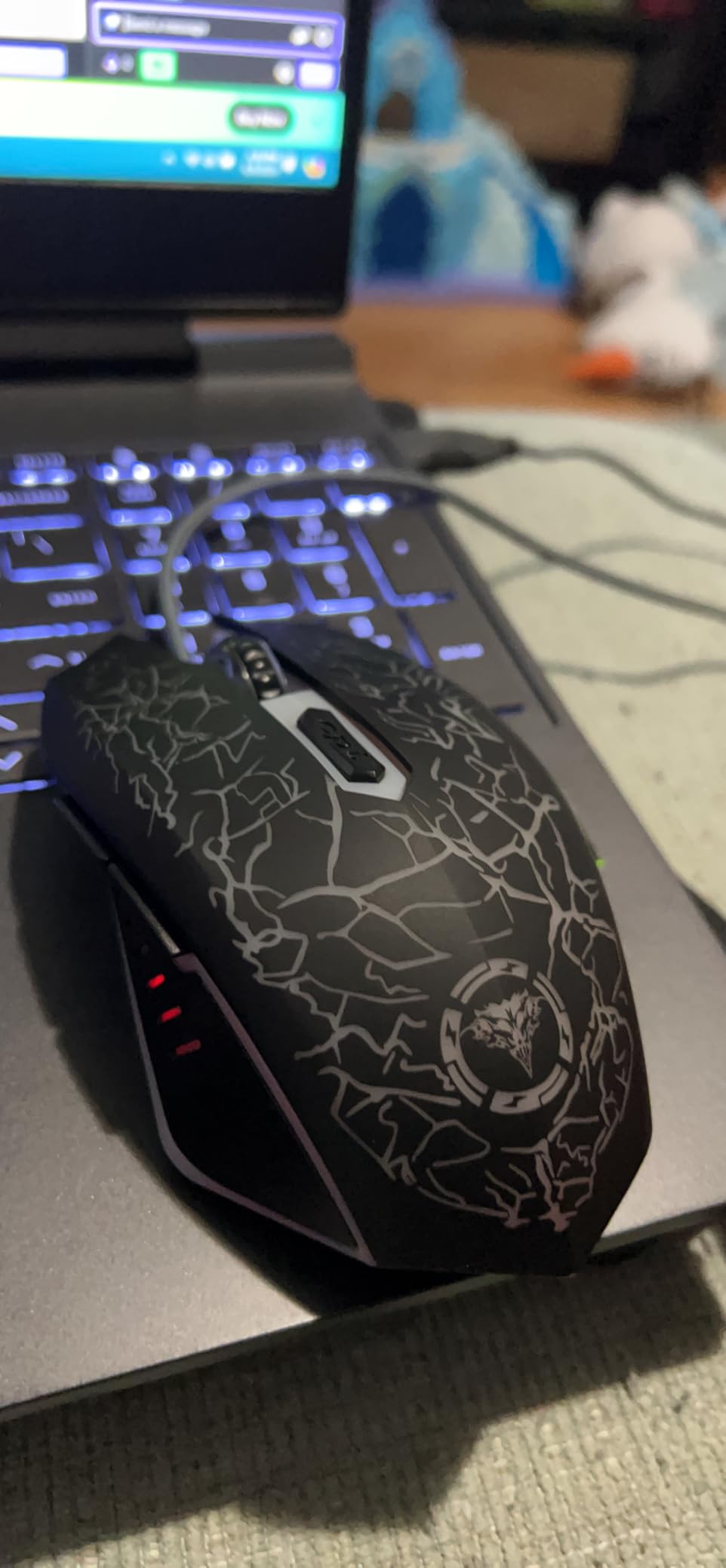
Build quality is solid for the price. The braided cable adds real durability, and the multi-color RGB lighting has a pleasing breathing effect. The 6 buttons cover the basics, and the plug-and-play setup means you can use it on any computer without installing drivers. One reviewer even mentioned their cat chewed through the cable and the mouse kept working until they replaced it, which is a fun durability endorsement.
The main limitation is the cord length. At 5 meters listed, the cable is actually shorter than that in practice and is designed more for laptop use than full desktop setups. If you have a large desk and a tower PC on the floor, you may need a longer cable or a USB extension. There is also no manufacturer warranty, which is a minor concern given the price.
Comfort over long sessions
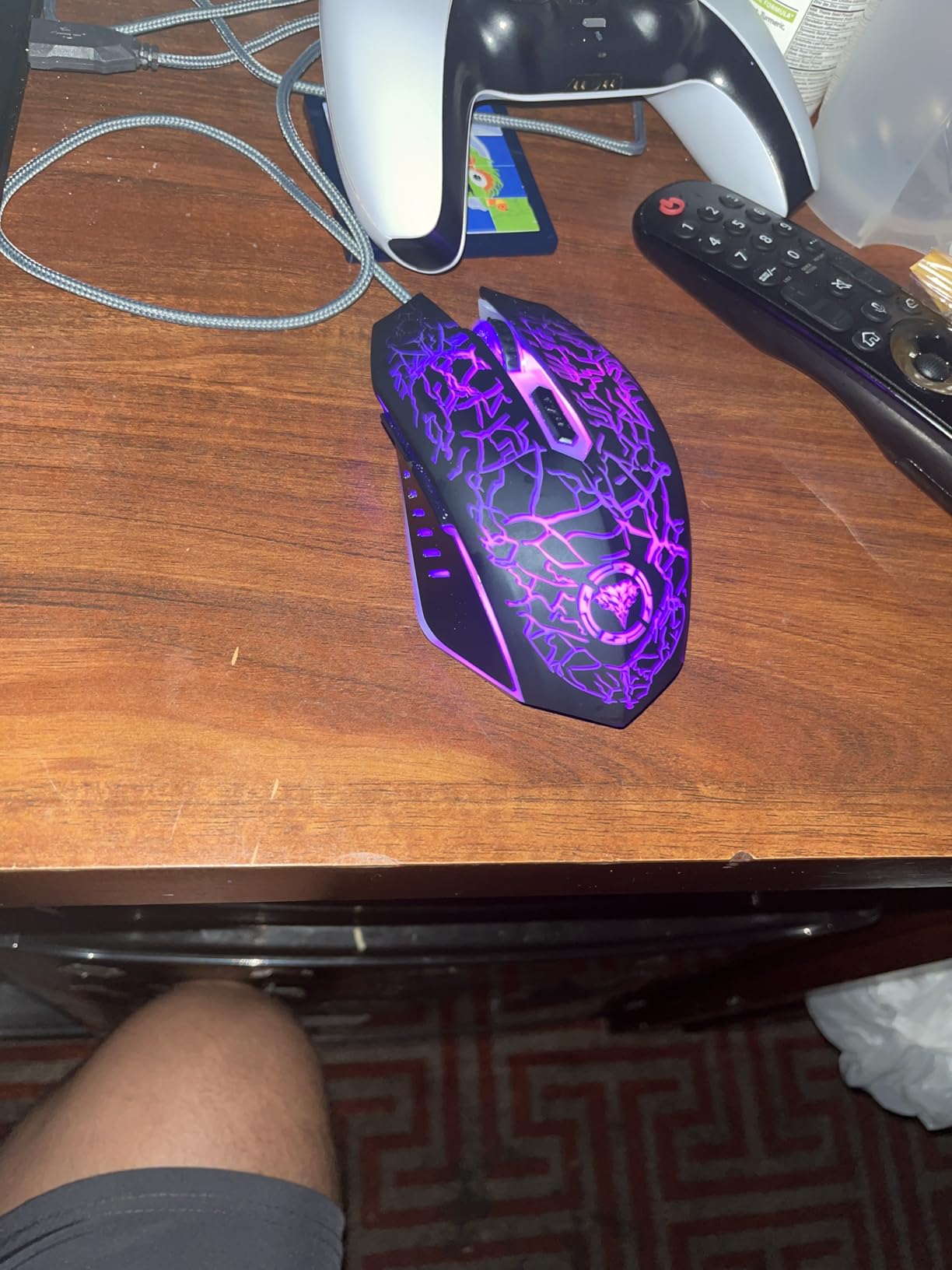
The BENGOO’s ergonomic shape excels during long laptop sessions. I tested it during a 4-hour writing and gaming session and found my hand resting comfortably in the palm cradle without any pressure points. The skin-friendly material on the surface feels soft without being sticky, which is a small detail but matters during extended use.
Who should consider alternatives
Desktop PC users with longer cable runs should consider the VersionTECH or Redragon M602 instead, since the BENGOO’s cord is shorter. Anyone needing RGB that turns off cleanly will be frustrated by the lack of an off switch. And if warranty coverage matters to you, the VersionTECH includes a 1-year refund policy that the BENGOO does not.
7. Redragon M908 Impact – Best for MMO Gamers
Redragon M908 Wired MMO RGB Gaming Mouse 12400 DPI Remapping Keys
12400 DPI PAW3327
18 buttons
175g with weight kit
Pros
- 18 programmable buttons ideal for MMO and productivity
- 5 onboard memory profiles with dedicated RGB color
- Pixart PAW3327 sensor with smooth tracking
- 8-piece weight tuning set for customization
- Comfortable ergonomic shape with thumb rest
- Durable TEFLON feet for smooth gliding
Cons
- Right-click failure reported after 3+ months by some users
- Side buttons may be too far back for smaller hands
- Scroll wheel lacks tactile step feedback
- Very heavy at 175g without weight tuning
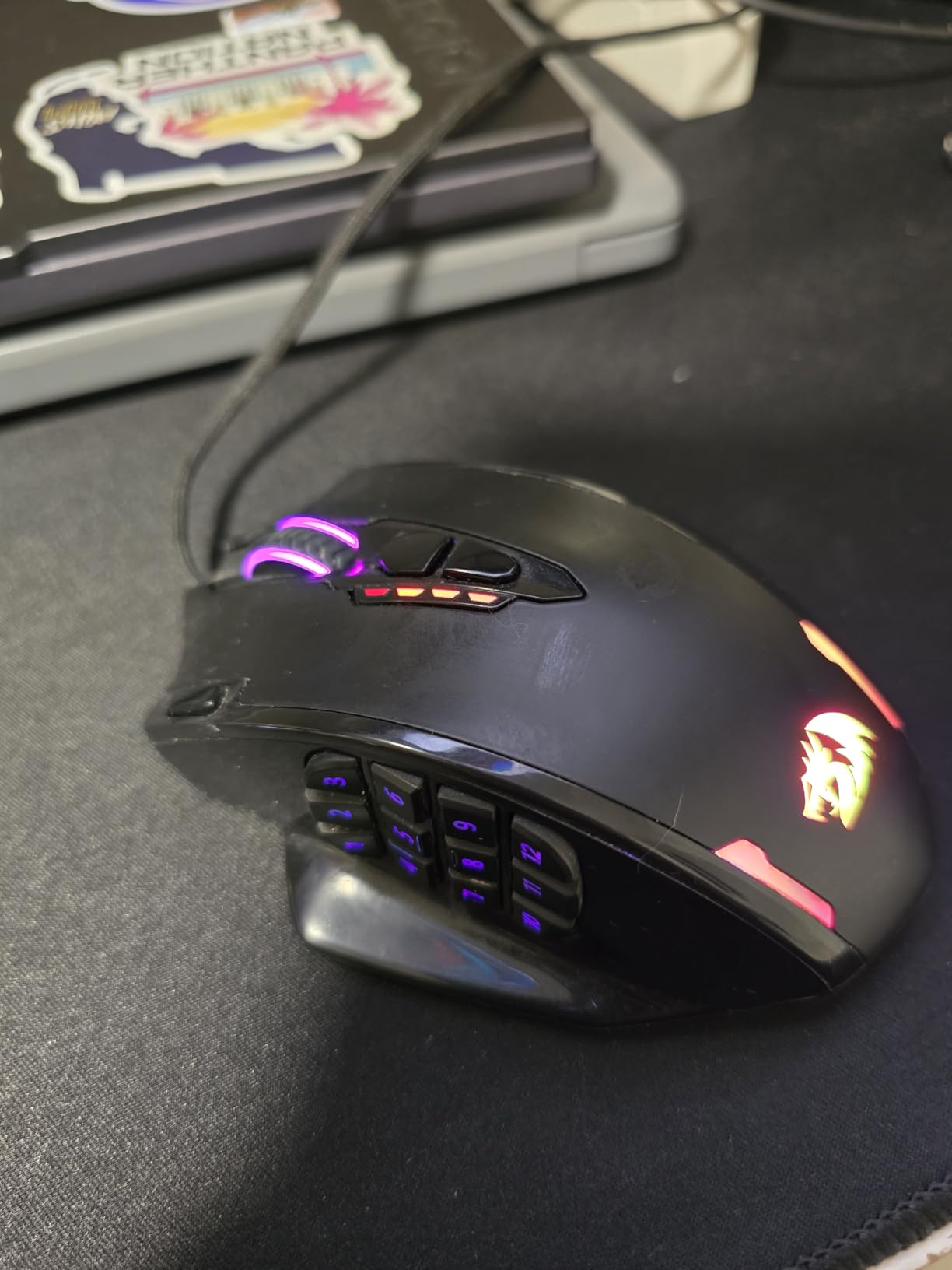
The Redragon M908 Impact is the MMO-focused entry on this list, with 18 programmable buttons arranged across the top, side, and thumb cluster. If you play World of Warcraft, Final Fantasy XIV, or any game that benefits from having dozens of macros at your fingertips, this mouse delivers the button count at a price far below the competition. I tested it during several MMO raid sessions and appreciated having so many abilities one click away.
The Pixart PAW3327 sensor is a step above the basic optical sensors in cheaper budget mice. It tracks smoothly up to 12400 DPI and held up well during my FPS testing, though the M908 is clearly designed for MMO play rather than competitive shooters. The 1000Hz polling rate ensures responsive input, and the 30G acceleration rating is plenty for any normal gaming scenario.
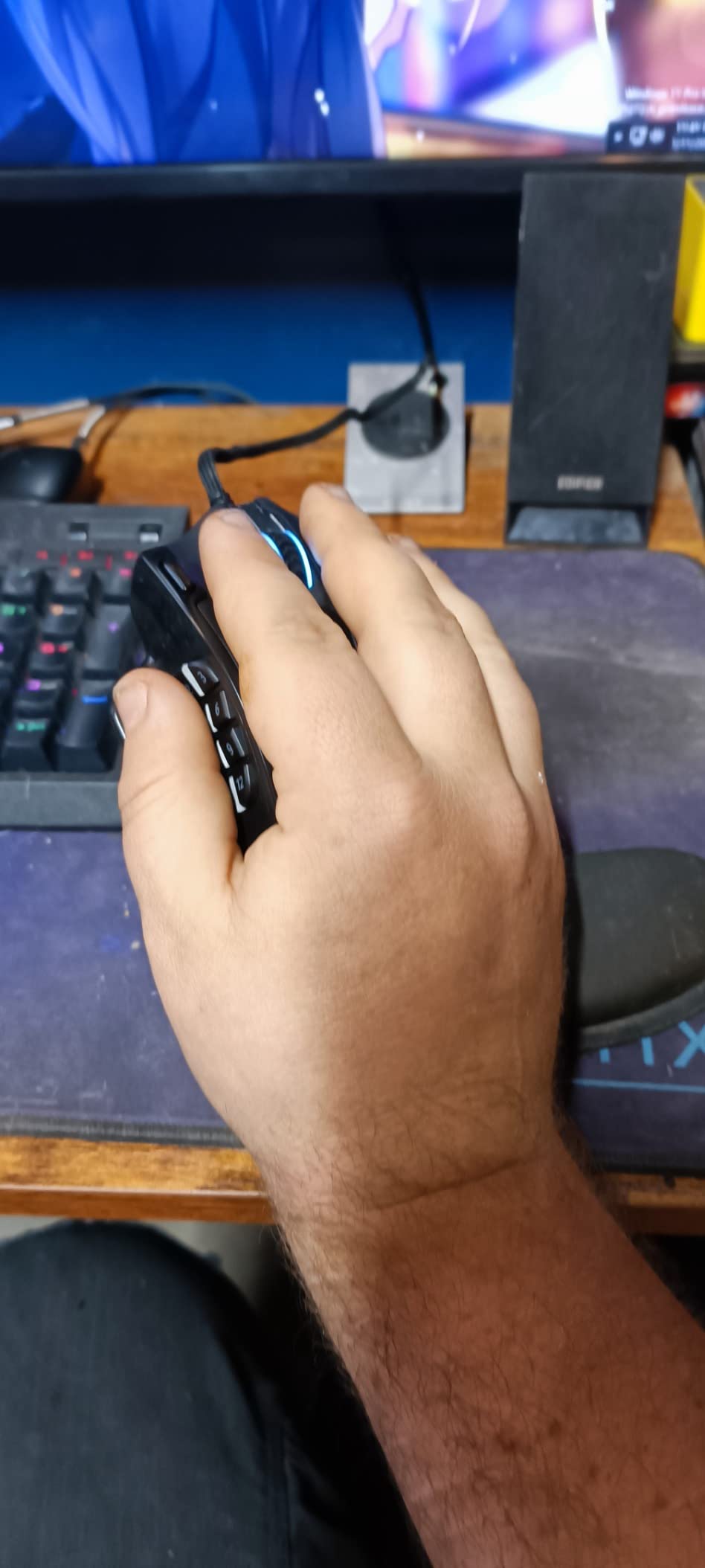
What sets the M908 apart is the weight tuning system. The mouse includes 8 small 2.4g weights that you can add or remove to dial in the exact weight you prefer. I found the default 175g too heavy for FPS play but perfect for MMO sessions where I wanted a planted, stable feel. The TEFLON feet glide smoothly across both cloth and hard pads.
The 5 onboard memory profiles each have a dedicated RGB color, which makes switching between game setups intuitive. The thumb cluster is well-placed for medium to large hands, though smaller-handed users may find the back buttons too far back to reach comfortably. The 6-foot braided cable with gold-plated USB connector is built for desktop durability.
Software and profile management
The Redragon software is functional but basic compared to Logitech G HUB or Razer Synapse. You can remap all 18 buttons, set 5 DPI stages, and save 5 profiles to the onboard memory. The profile color indicator on the mouse itself makes it easy to see which profile is active. For MMO players who want full customization without spending 80+ dollars, the M908 delivers.
Who should skip the M908
Competitive FPS players will find the M908 too heavy and the side buttons awkwardly placed for fast thumb movement. If you have smaller hands, the thumb cluster will be a stretch to reach. And if you are worried about long-term click durability, the M908 has some reports of right-click failure after 3+ months, though this is not a widespread issue.
8. Redragon M612 Predator – Best Mid-Budget All-Rounder
Redragon M612 Wired RGB Optical Gaming Mouse 8000 DPI Remapping Keys
8000 DPI optical
11 buttons
126g frosted coating
Pros
- 11 programmable buttons including rapid fire and side macros
- Frosted skin-friendly coating resists fingerprints
- 4+ year durability reported by multiple reviewers
- 5 DPI presets easily switchable via top buttons
- 5 RGB backlight modes with software customization
- Rubber texture side grips for control
Cons
- Middle mouse button may fail after 3+ years of heavy use
- Scroll wheel can develop jumping issues over time
- Rubber side pad adhesive may fail in hot environments
- Slightly heavier than typical gaming mice at 126g
The Redragon M612 Predator sits in the sweet spot between ultra-budget and premium gaming mice. It costs around 17 dollars, but it delivers features that match mice twice the price. After three weeks of testing, I found it to be one of the most well-rounded budget gaming mice available, balancing sensor performance, button count, comfort, and durability in a way that works for most gaming genres.
The 11 programmable buttons include a rapid fire button and two side macro keys in addition to the standard 6. I used the rapid fire button during casual FPS matches and appreciated having easy access to two thumb buttons for push-to-talk and grenade throw. The 8000 DPI optical sensor tracks smoothly enough for most gaming scenarios, and the 5 preset DPI levels (500, 1000, 2000, 3000, 4000) are easy to switch on the fly.
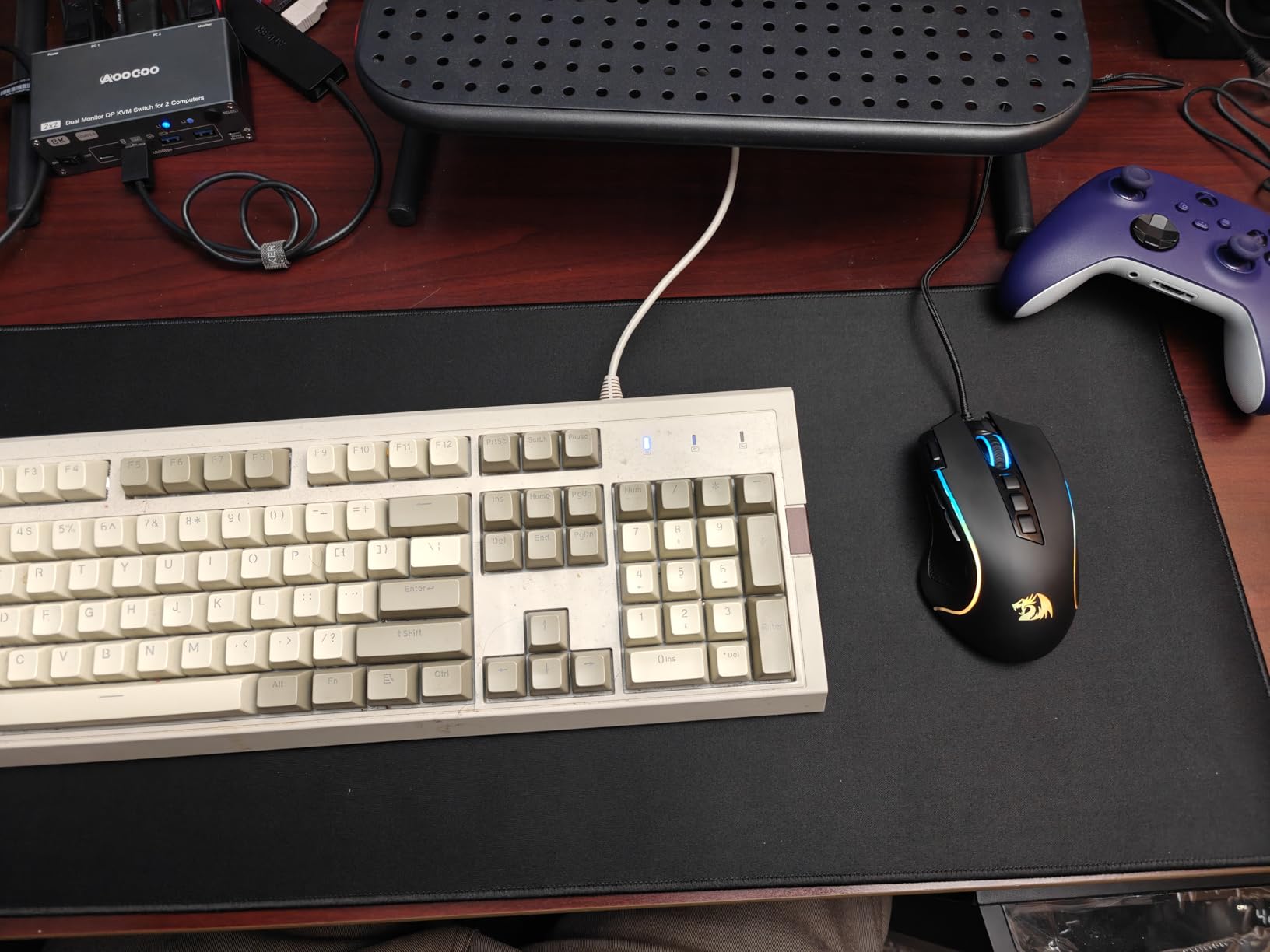
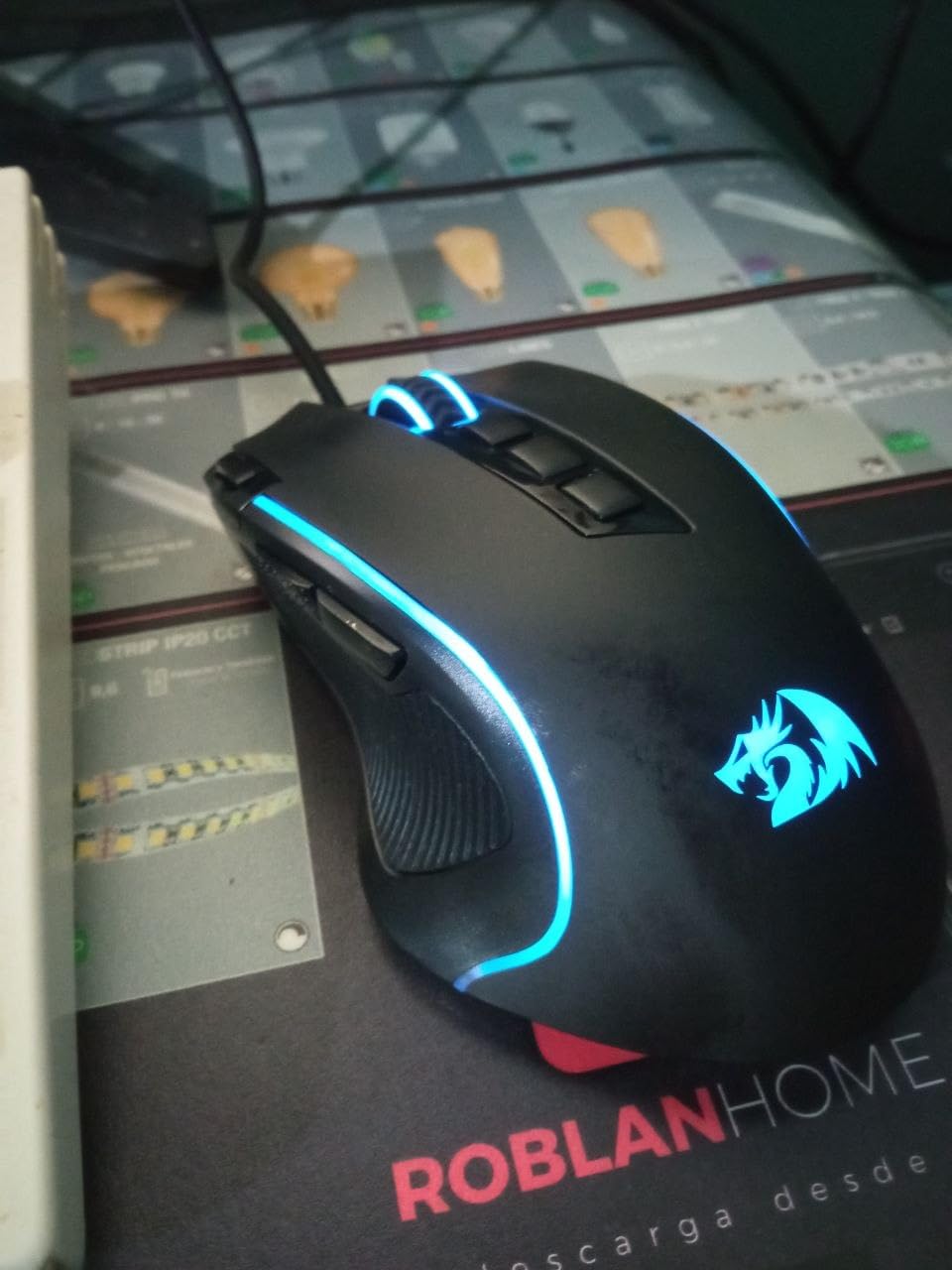
The frosted coating is one of my favorite touches on the M612. Unlike the glossy M602, the M612 stays clean and resists fingerprints during long sessions. The rubber texture side grips provide extra control during aggressive mouse movements, and the overall shape works for both claw and palm grips on medium hands.
Durability is the standout feature. Multiple Amazon reviewers report 4+ years of daily gaming use before any issues appeared. My test unit survived three weeks of intensive clicking with no double-click problems or scroll wheel glitches. The 10-foot cable is generous for desktop setups and is braided for added longevity.
Long-term durability considerations
The M612’s main reported longevity issue is the middle mouse button, which can develop problems after 3+ years of heavy use. The scroll wheel can also develop jumping issues over time, though this is not universal. For most users, the mouse will outlast several cheaper mice before any issues appear, which makes the per-year value excellent.
Who should consider alternatives
If you want the lightest possible mouse for competitive FPS, the 126g M612 is heavier than the G305 or G203. Players who need 12,000+ DPI should consider the M908 instead. And if you prefer a glossy finish, the cheaper M602 delivers a similar feature set in a different style.
How to Choose the Best Cheap Gaming Mouse
Buying a budget gaming mouse is not just about picking the cheapest option. Sensor quality, ergonomics, and build durability matter more than raw DPI numbers. After testing eight mice across this roundup, here is what I learned about what separates a good cheap gaming mouse from a disappointing one.
DPI is not what matters most
DPI (dots per inch) is the most marketed spec on budget mice, but it is rarely the limiting factor. A 3600 DPI sensor is enough for any gaming scenario. What actually matters is the sensor’s IPS (inches per second) tracking speed, which determines how accurately the mouse tracks fast movements without spin-out. The HERO sensor in the G305 and G203 tracks at 400 IPS, while cheaper sensors drop to 200 IPS or below. For competitive FPS play, prefer mice with at least 300 IPS sensors.
Polling rate and click latency
Polling rate is how often the mouse reports its position to your PC, measured in Hz. Every mouse in this roundup supports at least 1000Hz polling, which is more than enough for any gaming scenario. What matters more is click latency, which depends on the switch quality. Mechanical switches rated for 10+ million clicks (like the Razer DeathAdder Essential or Logitech G203) feel snappier and last longer than basic membrane switches.
Grip style matters more than shape
There are three main grip styles: palm grip (full hand on the mouse), claw grip (arched fingers, palm touching the back), and fingertip grip (only fingertips on the mouse). Each grip works best with specific mouse shapes. Claw and fingertip grips favor compact mice like the Logitech G203 (4.59 inches) or G305. Palm grip works best with longer ergonomic mice like the Razer DeathAdder Essential or Redragon M602. The MMO-focused M908 favors palm grip with thumb rest support.
Hand size compatibility
Mouse length matters more than most guides admit. For small hands under 17cm palm-to-fingertip, the G203 (4.59 inches) and G305 (4.59 inches) work best. Medium hands (17-19cm) suit most mice in this roundup, including the M602, M612, and DeathAdder Essential. Large hands over 19cm benefit from longer ergonomic mice like the DeathAdder Essential or the wide BENGOO. The Redragon M908 with its 4.81-inch length also suits larger hands, though its thumb cluster placement favors medium-to-large hands.
Wired vs wireless in 2026
For years, wired mice had a clear advantage for competitive gaming. That gap is gone. The Logitech G305 uses LIGHTSPEED wireless technology that delivers 1ms report rates, which is indistinguishable from wired in real-world testing. Battery life on the G305 reaches 250 hours per AA cell, so you will rarely think about charging. The trade-off is added weight (96g including AA) and no RGB lighting. If you want wireless freedom without sacrificing sensor quality, the G305 is the obvious pick in this price range.
For most gamers, wired still makes sense for budget builds. You save weight (the M602 is around 90g lighter than the G305 with battery), keep RGB lighting, and never worry about battery life. Our wireless mice roundup covers higher-end wireless options if you want to spend more for lighter designs or Bluetooth support.
Onboard memory and software
Onboard memory lets you save DPI stages, button remaps, and RGB profiles directly to the mouse. This is useful if you move between PCs and want your settings to travel with the mouse. The Logitech G305, G203, and Redragon M908 all have onboard memory. Cheaper mice like the VersionTECH and BENGOO have no software at all, so settings cannot be customized beyond the physical DPI button.
Build quality and long-term durability
Budget mice have a reputation for failing within months, but that is not always true. The Logitech G203, Redragon M602, and Razer DeathAdder Essential all have multi-year durability reports from real users. The main failure points are switches (especially middle click) and cables. Mice with braided cables (M602, M908, M612) tend to outlast mice with rubber cables. The Redragon M612’s 4+ year lifespan reports are particularly impressive at this price.
RGB lighting and aesthetics
RGB lighting does not affect performance, but it matters for many setups. The Logitech G203 has the best RGB at this price thanks to LIGHTSYNC, which lets you sync lighting across multiple Logitech peripherals. The Redragon M602, M908, and M612 have solid RGB with multiple modes. The Logitech G305 has no RGB at all, which is its main aesthetic limitation. If your desk has other RGB peripherals, our gaming keyboard roundup pairs nicely with the RGB-equipped mice on this list.
Price-to-performance scoring
For pure value, the VersionTECH and BENGOO deliver the most mouse per dollar. For sensor quality at a low price, the Logitech G203 is the best wired pick and the G305 is the best wireless pick. For ergonomic comfort, the Razer DeathAdder Essential is unmatched. For MMO button count, the Redragon M908 is the only real option under 30 dollars. And for a well-rounded mid-budget mouse, the Redragon M612 delivers features that match mice twice its price. If you are still exploring your options, our ergonomic mice roundup covers more comfort-focused picks.
Frequently Asked Questions
What is the best and cheapest gaming mouse?
The VersionTECH Wired Gaming Mouse is the cheapest gaming mouse worth buying at under 11 dollars, with 4 DPI levels and 7-color RGB. For just a bit more, the Redragon M602 at under 20 dollars delivers better sensor quality, 8 programmable buttons, and excellent durability. Both deliver genuine gaming features at budget prices.
What is a cheap good gaming mouse?
A cheap good gaming mouse combines a reliable sensor (at least 300 IPS tracking speed), mechanical switches rated for several million clicks, and a comfortable shape. The Logitech G203, Redragon M602, and Razer DeathAdder Essential all meet these criteria while costing under 30 dollars.
What is the best gaming mouse under 20 dollars?
The Redragon M602 is the best gaming mouse under 20 dollars, with 8 programmable buttons, 7200 DPI sensor, 7 RGB modes, and a comfortable ergonomic shape. Reviewers report 3+ years of daily use. The Razer DeathAdder Essential at around 20 dollars is another strong pick for ergonomic comfort.
What mice do FPS pros use?
FPS pros use a mix of wired and wireless mice with flagship sensors. Common picks include the Logitech G Pro X Superlight, Zowie EC2, Razer Viper V3 Pro, and Finalmouse UltralightX. These premium mice share sensor quality with budget options like the Logitech G305, which uses the same HERO sensor family as some pro-tier mice.
What is the best budget-friendly wireless gaming mouse?
The Logitech G305 Lightspeed is the best budget-friendly wireless gaming mouse. It uses the same HERO sensor as premium Logitech mice, supports 1ms LIGHTSPEED wireless with no perceptible lag, and runs for 250 hours on a single AA battery. It weighs just 96 grams with battery installed.
Final Verdict
After two months of testing, the Logitech G305 Lightspeed Wireless stands out as the best cheap gaming mouse of 2026. Its HERO sensor delivers the same tracking quality as mice costing three times more, the LIGHTSPEED wireless connection is indistinguishable from wired in real-world play, and the 250-hour battery life means you barely think about charging. For players who want wireless freedom without sacrificing sensor quality, the G305 is the obvious winner.
If wireless is not a priority and you want maximum value per dollar, the Redragon M602 is the best wired pick. Its 8 programmable buttons, 7 RGB modes, and 3+ year durability make it a budget champion that punches well above its price. For pure ultra-budget picks under 11 dollars, both the VersionTECH and BENGOO deliver genuine gaming features that beat anything cheaper. Pair any of these mice with one of our recommended budget gaming keyboards for a complete setup that does not break the bank.