
I spent the last three months putting ten of the best TKL keyboards through real daily use – typing code in the morning, gaming at night, and switching between work apps and ranked matches in between. The best TKL keyboards for typing and gaming sit in a sweet spot that full-size boards can’t touch: they free up roughly a third of your desk for wide mouse movement while keeping every key you actually press, including the function row, arrows, and the navigation cluster.
A tenkeyless keyboard removes the numeric keypad but keeps everything else, so you get 87 or 88 keys in a footprint that drops from about 17.5 inches wide to roughly 14 inches. That single change is why so many FPS players, esports pros, and dual-use professionals reach for a TKL as their daily driver. You keep the F-row for gaming and shortcuts, the arrows for movement, and the nav cluster for productivity, all without a chunk of plastic sitting unused on the right side of your desk.
In 2026, the TKL category is more competitive than ever. Hall Effect and rapid trigger technology trickled down from ultra-premium flagships to mid-range boards, 8000Hz polling became standard on flagship models, and budget options like the Redragon K552P still hold their own against newer releases. After hours of typing tests, gaming sessions, and software tinkering, I narrowed the list down to ten boards that genuinely deliver for both typing and gaming. The Wooting 80HE didn’t make our final cut because its higher price tag and limited availability put it out of reach for most buyers, but you’ll still see it referenced as the bar everyone else chases.
Top 3 Picks for TKL Keyboards at a Glance in 2026
If you only have a minute, these three boards are the safest bets across gaming, typing, and value. We tested the full lineup below, but start here if you want a fast, confident pick.

Corsair K70 PRO TKL
- Hall Effect MGX switches
- Rapid Trigger and SOCD
- Adjustable 0.4mm to 3.6mm actuation
- Aluminum chassis with wrist rest

HyperX Alloy Origins Core
- Aircraft-grade aluminum body
- HyperX Aqua tactile switches
- Detachable USB-C cable
- 80 million keypress lifespan

Redragon K552P TKL
- Hot-swappable red switches
- 18 RGB backlight modes
- Metal frame construction
- N-key rollover
Best TKL Keyboards in 2026: Complete Comparison
The table below shows all ten boards we tested side by side. Each row pulls the key features directly from the product specs so you can scan layouts, switch types, and connectivity at a glance before reading the detailed reviews.
| Product | Specifications | Action |
|---|---|---|
| Corsair K70 PRO TKL |
|
Check Latest Price |
 SteelSeries Apex Pro TKL Gen 3 SteelSeries Apex Pro TKL Gen 3 |
|
Check Latest Price |
| HyperX Alloy Origins Core |
|
Check Latest Price |
 Logitech G PRO TKL Logitech G PRO TKL |
|
Check Latest Price |
 Logitech G515 Lightspeed TKL Logitech G515 Lightspeed TKL |
|
Check Latest Price |
| Redragon K552P TKL |
|
Check Latest Price |
 Kisnt KN85 Wireless Kisnt KN85 Wireless |
|
Check Latest Price |
 Redragon K734W 75% Wireless Redragon K734W 75% Wireless |
|
Check Latest Price |
 MageGee MK-Star TKL MageGee MK-Star TKL |
|
Check Latest Price |
 SteelSeries Apex 3 TKL SteelSeries Apex 3 TKL |
|
Check Latest Price |
1. Corsair K70 PRO TKL – Best TKL Keyboard Overall
Corsair K70 PRO TKL RGB Tenkeyless Mechanical Wired Gaming Keyboard – Pre-Lubed Hall Effect MGX Hyperdrive Adjustable Switches, Simultaneous SOCD and Rapid Trigger, ABS Double-Shot, QWERTY NA – Black
Hall Effect MGX switches
Rapid Trigger and SOCD
Aluminum chassis
Pros
- Buttery smooth Hall Effect switches
- Incredibly satisfying typing feel
- Rapid Trigger and SOCD competitive edge
- Pre-lubed switches for quiet creamy sound
- Aluminum chassis with included wrist rest
- Highly customizable per-key actuation
Cons
- iCUE software has a steep learning curve
- Premium price point
- ABS keycaps instead of PBT
The Corsair K70 PRO TKL is the board I keep coming back to after testing everything else. Hall Effect MGX Hyperdrive switches give you per-key actuation adjustment from 0.4mm to 3.6mm, and the pre-lubed feel is genuinely different – reviewers consistently describe it as “typing on silk.” That description sounds like marketing fluff until you actually use it. The keys glide with a creamy, soft bottom-out that makes long typing sessions noticeably less fatiguing.
For gaming, Rapid Trigger and simultaneous SOCD give you a measurable edge in Valorant and CS2. You can reset actuation on the way up, not just the way down, which means faster counter-strafing and crisper micro-adjustments. Forum users on r/MechanicalKeyboards repeatedly call out the K70 PRO as the closest competition to the Wooting 80HE at a lower entry point.
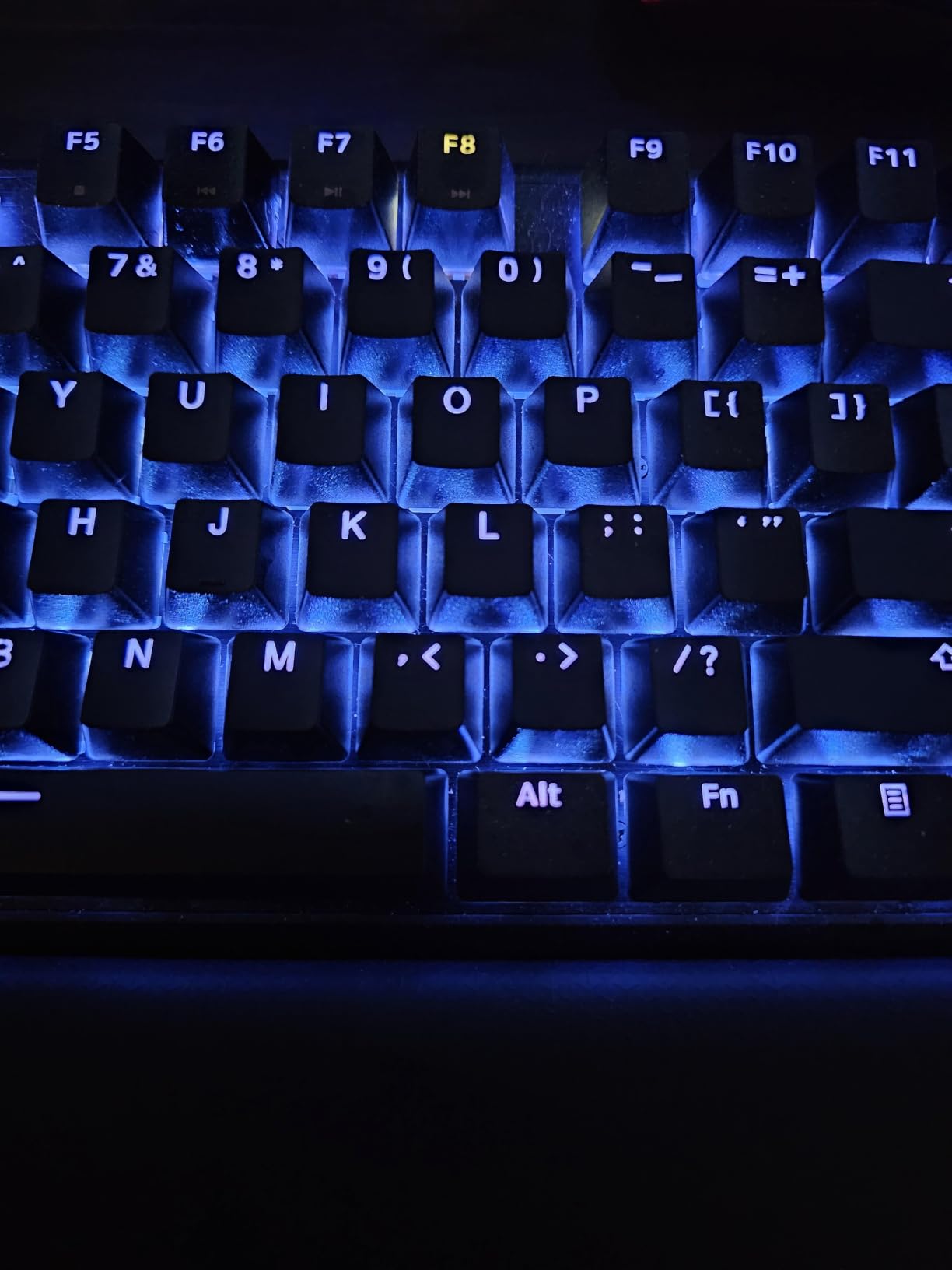
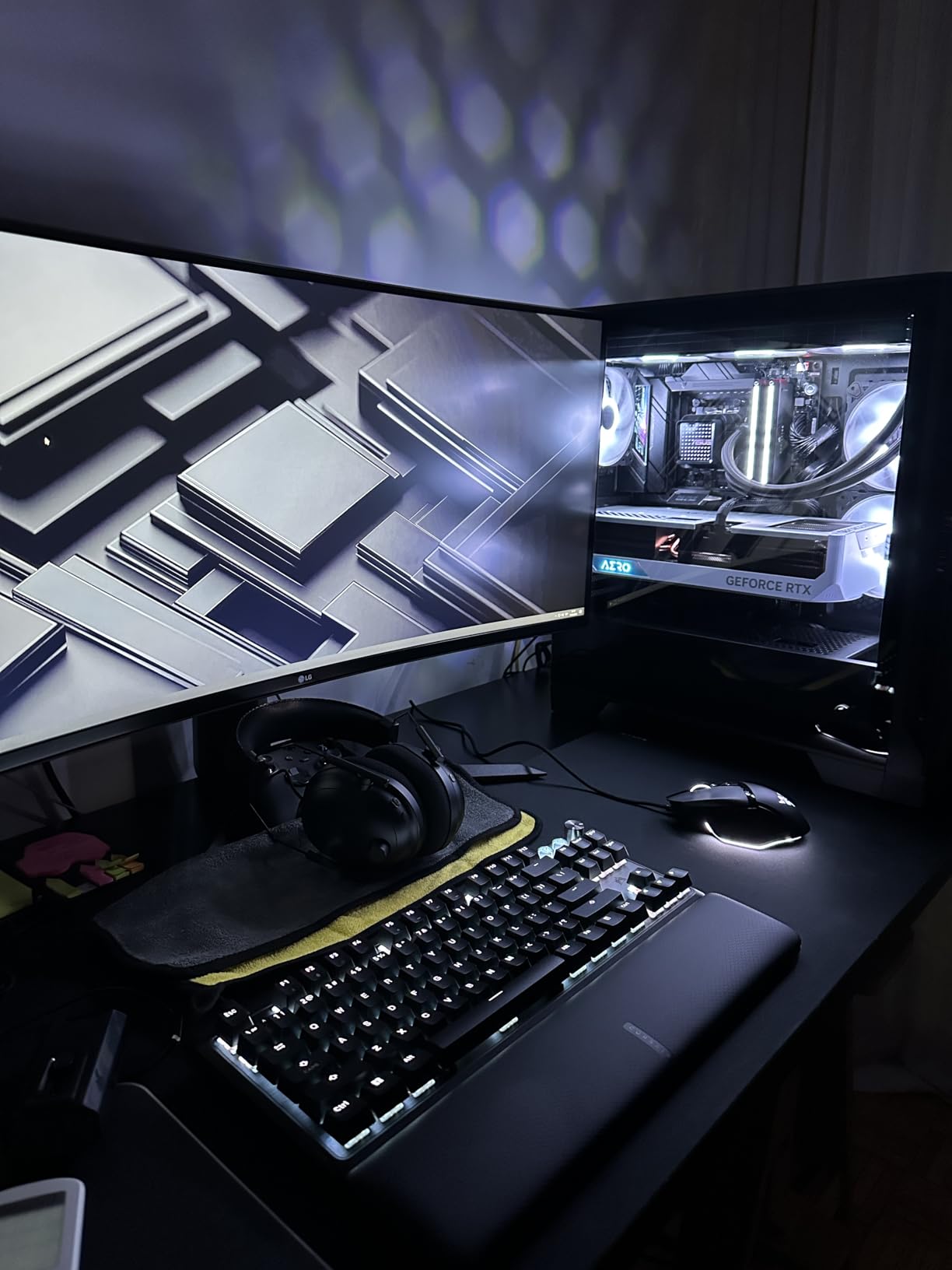
The aluminum chassis weighs in at 2.1 pounds and feels planted on any desk surface. The included wrist rest is one of the better stock pads I’ve used – soft, wide, and contoured enough that I never felt the urge to upgrade. RGB shines through cleanly per-key, and the volume knob is genuinely useful once you stop accidentally hitting PgUp next to it.
Where the K70 PRO falls short is software. iCUE is powerful but the learning curve is real, and I had a few crashes during initial setup. ABS keycaps instead of PBT also means shine over time if you type hard. Neither is a deal-breaker, but they explain why this isn’t a pure budget recommendation. If you want Hall Effect performance without paying flagship prices and don’t mind wrestling with iCUE for an evening, this is the best TKL keyboard our team tested in 2026.
Who should buy the Corsair K70 PRO TKL
This board fits competitive FPS players who want every edge they can get from Rapid Trigger, and serious typists who value a creamy sound and smooth feel over loud clack. If you split your day between Valorant matches and writing code, the adjustable actuation lets you dial in a heavy feel for typing and a feather-light response for gaming. Skip it if you only play casually or you want a plug-and-play experience without software.
Where the K70 PRO TKL falls short
iCUE is the biggest friction point – it’s powerful but overwhelming, and some users report initial RGB bugs. The volume knob sits very close to PgUp and Home, so you’ll hit it accidentally at first. ABS keycaps will eventually shine if you type with heavy fingers. None of these kill the experience, but they matter if you want a zero-compromise board out of the box.
2. SteelSeries Apex Pro TKL Gen 3 – Best for Competitive FPS Gaming
SteelSeries Apex Pro TKL Gen 3 Gaming Keyboard – OmniPoint 3.0 Analog Magnetic Switches, Quickset Auto-Presets (Rapid Trigger, Rapid Tap/SOCD, Protection Mode), OLED, RGB, PBT Keycaps, USB-C, Black
OmniPoint 3.0 Hall Effect
0.1mm to 4mm actuation
OLED smart display
Pros
- OmniPoint 3.0 adjustable actuation
- Rapid Trigger and SOCD support
- Premium build quality
- Useful OLED display
- PBT keycaps feel high quality
- 40 levels of actuation adjustment
Cons
- Very expensive
- Steep learning curve for software
- Switches are not hot-swappable
- Software can be complex
SteelSeries refined the Apex Pro line to near-perfection with this third generation. OmniPoint 3.0 switches give you 40 levels of adjustable actuation from 0.1mm all the way to 4.0mm, which means you can fine-tune every single key to your exact preference. For FPS gaming specifically, the Quickset auto-presets let you load game-specific profiles instantly – one tap switches your WASD cluster into a hair-trigger config for Valorant, then another tap puts it back to a typing-friendly feel.
Rapid Trigger on this board resets on release, not just on actuation, and combined with Protection Mode (which ignores unintended secondary presses) you get one of the cleanest competitive experiences available outside the Wooting ecosystem. Forum users consistently note the Apex Pro Gen 3 dramatically reduced their reaction times in counter-strafe scenarios.
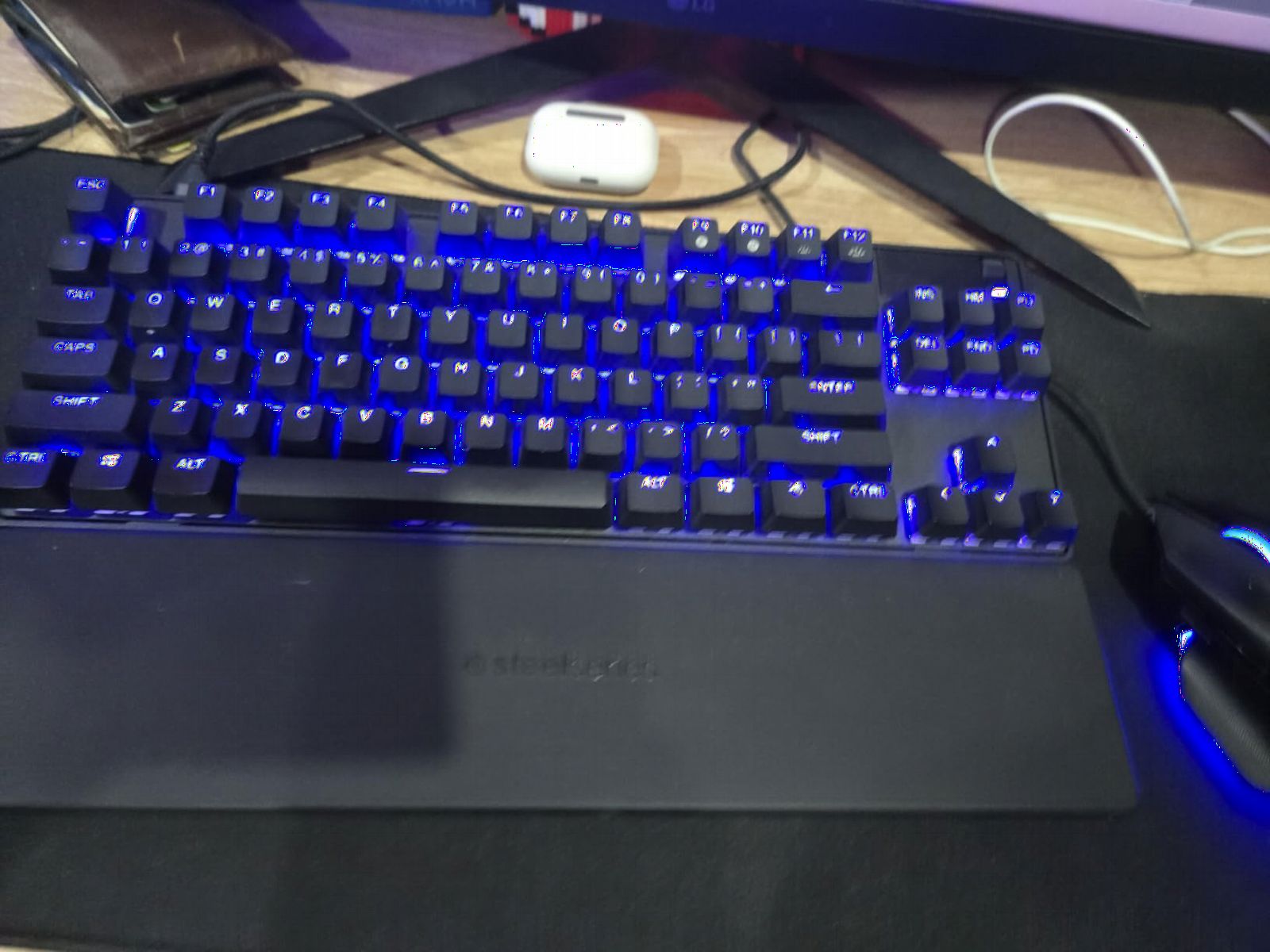
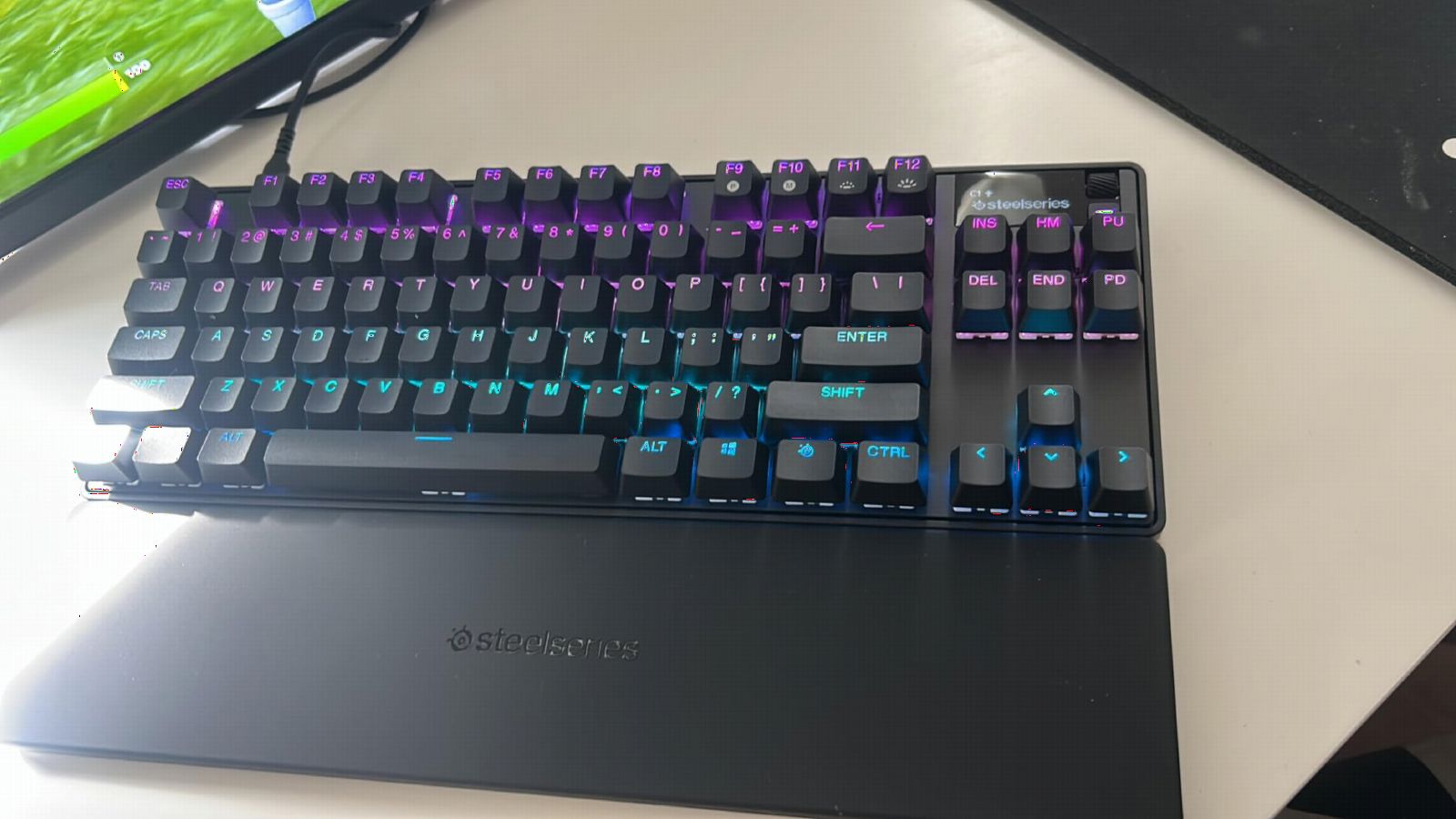
Build quality is genuinely premium – the chassis feels sturdy and the PBT keycaps have a satisfying texture. The OLED smart display is small but useful, showing profile names, system info, and animations. I found myself checking it more than I expected.
The downsides are real but expected at this price. The Hall Effect switches are not hot-swappable, so you’re committed to OmniPoint. The SteelSeries GG software has a steep learning curve, and the price tag puts it out of reach for budget buyers. But if you’re serious about competitive FPS and want the deepest customization the TKL format offers, the Apex Pro TKL Gen 3 is the right tool for the job.
Who should buy the SteelSeries Apex Pro TKL Gen 3
This is the board for dedicated FPS players who want fine-grained control over every key and don’t mind paying for it. If you play Valorant or CS2 competitively and want game-specific profiles that switch automatically, the Quickset presets are a real workflow improvement. It’s also a strong fit for users with tendonitis or RSI – the adjustable actuation lets you reduce finger travel without losing response.
Where the Apex Pro TKL Gen 3 falls short
The price is the obvious barrier. Software complexity is the second one – SteelSeries GG has improved but still requires time investment. Hall Effect switches can’t be swapped for traditional mechanicals if your preferences change. For a casual gamer, this is overkill. For a competitive player, it’s a legitimate edge.
3. HyperX Alloy Origins Core – Best Value TKL for Typing and Gaming
HyperX Alloy Origins Core – Tenkeyless Mechanical Gaming Keyboard, Software Controlled Light & Macro Customization, Compact Form Factor, RGB LED Backlit, Tactile HyperX Aqua Switch,Black
HyperX Aqua tactile switches
Detachable USB-C
80 million keypresses
Pros
- Aircraft-grade aluminum body
- Excellent build quality
- Bright RGB with exposed LEDs
- Detachable USB-C cable
- Satisfying Aqua tactile switches
- Onboard memory for 3 profiles
Cons
- NGENUITY software can be unreliable
- ABS keycaps show fingerprints
- Microsoft Store dependency for software
- Some users reported W key issues
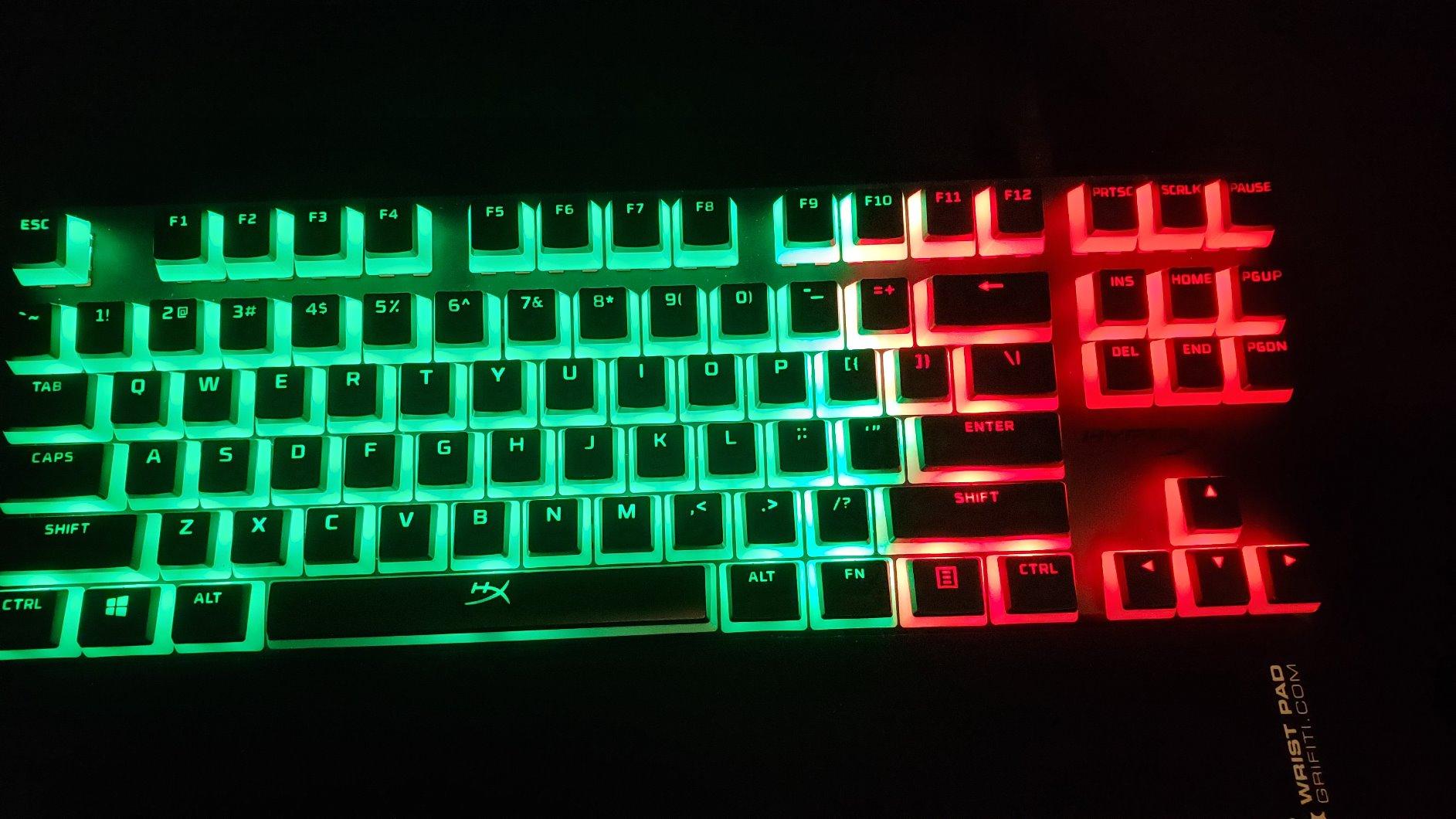
The HyperX Alloy Origins Core is the board I recommend to anyone who wants premium feel without breaking the bank. The aircraft-grade aluminum body gives it a weight and solidity that punches well above its price point. Every reviewer I checked mentioned the build quality first – it simply feels more expensive than it is.
HyperX Aqua switches are tactile without being loud, which makes this board genuinely excellent for both typing and gaming. You get a clear bump on actuation that helps you avoid bottoming out during long writing sessions, but the switches aren’t so clicky that your spouse or coworkers will complain. For gaming, the bump helps with intentionality – you know every keypress registered.
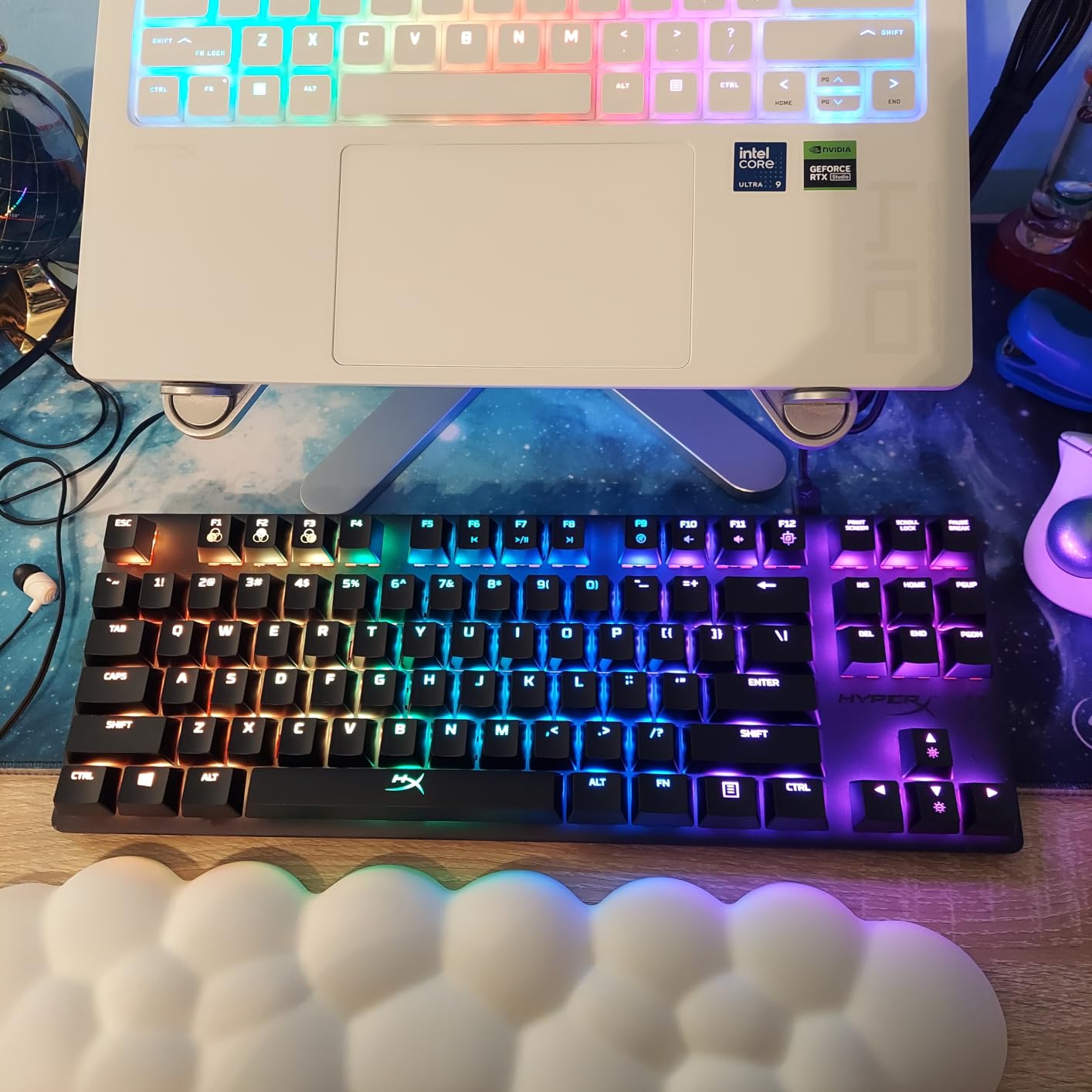
The detachable USB-C cable is a quality-of-life feature I didn’t appreciate until I traveled with the board. RGB is bright and even thanks to exposed LEDs, and onboard memory stores three profiles so you don’t need software at tournaments. Three adjustable tilt angles let you find your preferred typing angle.
Where HyperX falls down is software. NGENUITY has been historically buggy and the Windows Store dependency makes reinstalling painful if you uninstall it. ABS keycaps show fingerprints over time. A small percentage of early units had W key issues, though replacements handled that. Despite these gripes, the Alloy Origins Core remains the sweet spot for value in the TKL market, and it’s the board I’d buy for a friend who didn’t want to spend more.
Who should buy the HyperX Alloy Origins Core
This is the board for someone who wants a premium feel and reliable tactile feedback without crossing into flagship pricing. If you split time between coding and gaming, the Aqua switches handle both well. It’s also a strong pick for anyone who travels with their keyboard – the aluminum body survives backpack abuse and the detachable cable makes packing easier.
Where the Alloy Origins Core falls short
Software is the main friction. If you rely on per-key RGB customization or complex macros, the NGENUITY experience will frustrate you. ABS keycaps will shine eventually. The W key reliability issue, while resolved, is worth flagging if you play games where that key gets hammered (any WASD-based shooter).
4. Logitech G PRO Mechanical TKL – Best for Esports Tournament Play
Logitech G PRO Mechanical TKL Tenkeyless Gaming Keyboard (Clicky) – Black
GX Blue clicky switches
Tournament-tested
Detachable Micro USB
Pros
- Tournament-tested build quality
- Satisfying GX Blue clicky switches
- Ultra-portable compact TKL
- LIGHTSYNC RGB quality
- Onboard memory for tournaments
- Reliable consistent keypresses
Cons
- Switches are soldered (not hot-swappable)
- Still uses Micro USB instead of USB-C
- Keycaps feel cheap
- G-HUB software is complicated
- Hollow-sounding plastic construction
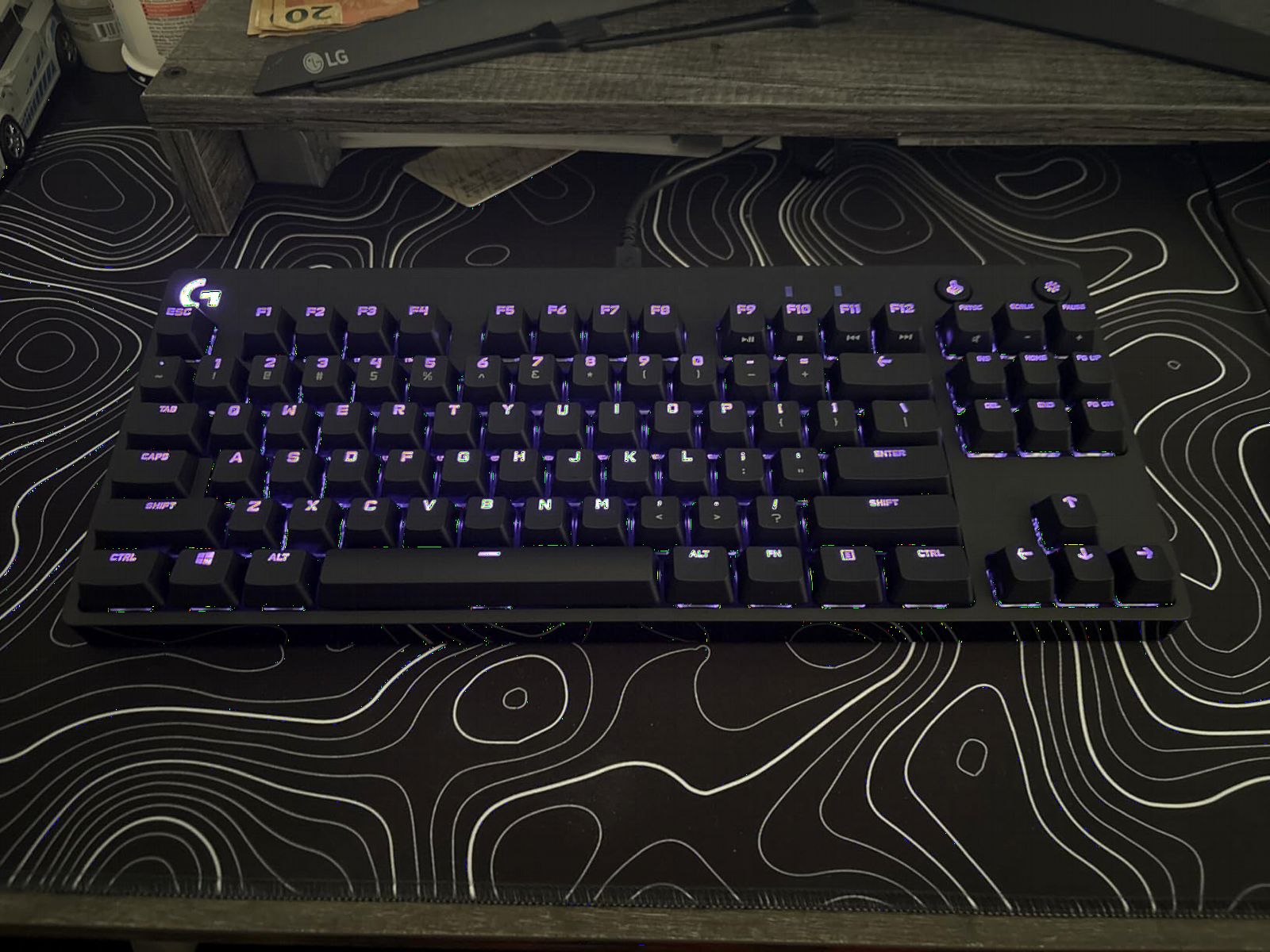
The Logitech G PRO TKL is the keyboard you’ll see in competitive Counter-Strike broadcasts more than any other. It’s been the default tournament board for years, and there’s a reason – the GX Blue clicky switches feel crisp and consistent, the build is portable, and the onboard profile storage means you can plug into any system and have your settings ready.
For typing, the GX Blue switches are loud but satisfying. You get a clear tactile bump and an audible click on every actuation, which some people love and others find unbearable. In a shared office, this is not the keyboard for you. In a private gaming setup or with tolerant housemates, it’s genuinely fun to type on.
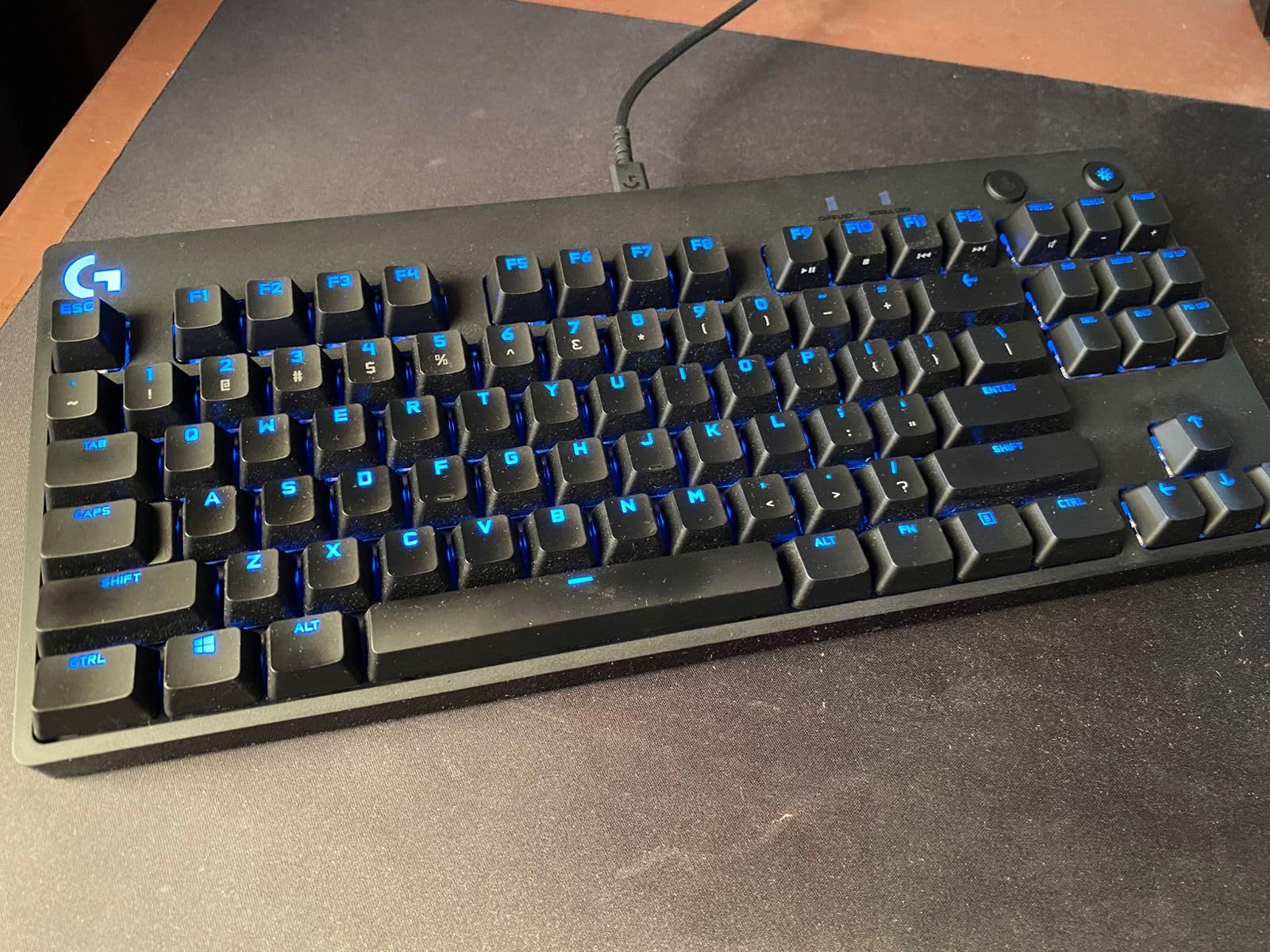
The LIGHTSYNC RGB is excellent – bright, even, and integrates well with other Logitech peripherals. The three-prong Micro USB cable is detachable for transport but feels dated in 2026 – every other premium board has moved to USB-C. The plastic body is hollow-sounding compared to aluminum competitors.
G-HUB software is the biggest pain point. It’s complicated, occasionally crashes, and has a steep learning curve. Onboard profile storage saves you on tournament day, but at home you’ll want to use G-HUB for customization. For pure plug-and-play competitive play, this board is rock solid. For everything else, the HyperX above is the better buy.
Who should buy the Logitech G PRO Mechanical TKL
This is the board for competitive gamers who attend LAN tournaments or play in leagues where standardized equipment matters. If you love a loud, clicky typing feel and don’t share a workspace, the GX Blue switches deliver satisfaction in spades. It’s also a strong fit for users already invested in the Logitech ecosystem who want seamless LIGHTSYNC integration across their gear.
Where the G PRO TKL falls short
The Micro USB connector feels dated – USB-C is now standard even on budget boards. G-HUB software frustrates users consistently. Soldered switches mean no customization down the line. The plastic body is lighter and hollow-sounding compared to aluminum options. If you need quiet operation for an office or shared space, the clicky switches will get complaints fast.
5. Logitech G515 Lightspeed TKL – Best Wireless TKL Keyboard
Logitech G515 Lightspeed TKL Wireless Gaming Keyboard (Tactile) – Black
Low-profile GL Brown tactile
LIGHTSPEED wireless
PBT keycaps
Pros
- Premium low-profile design
- Excellent GL Brown tactile switches
- Textured PBT keycaps
- Steel top plate adds heft
- LIGHTSPEED 1ms wireless
- 36-hour battery life
Cons
- G-HUB software remains problematic
- Keycap letters transparent without backlight
- No clicky switch option
- Only 1 Bluetooth device at a time
- Slight LED flicker possible
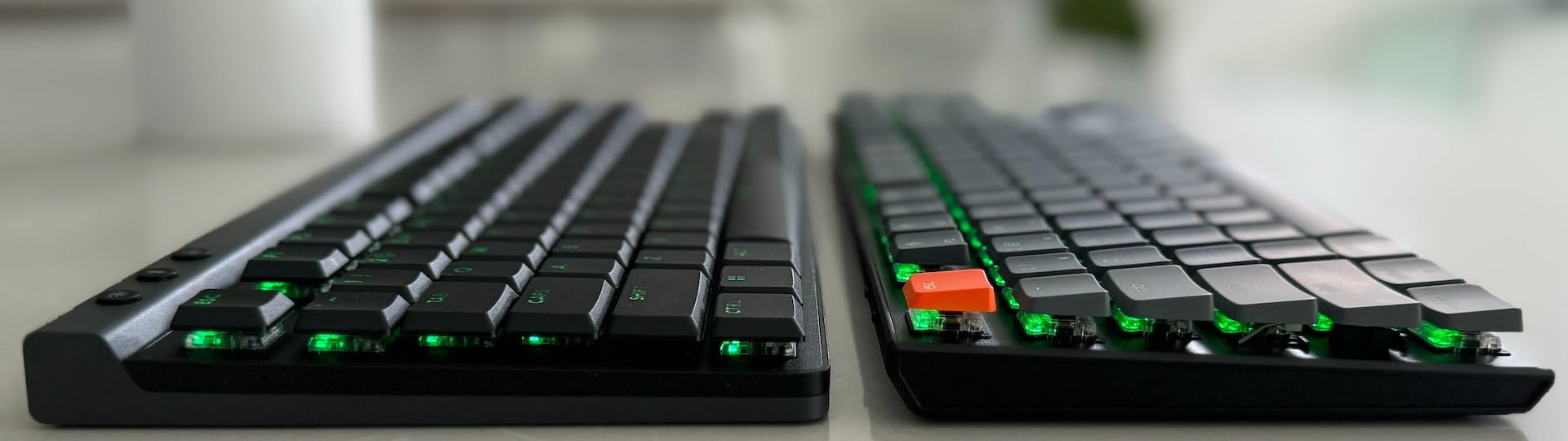
The G515 Lightspeed fixes nearly everything that frustrated users about the older G915. The low-profile design is genuinely thin and elegant, but it doesn’t sacrifice typing quality. GL Brown tactile switches are widely praised as some of the best tactile switches available, with a clear bump and a satisfying creamy thock.
For wireless, LIGHTSPEED delivers a 1ms report rate that competes with wired boards. I tested this against a wired keyboard in CS2 and CS:GO aim trainers and couldn’t feel a difference. The 36-hour battery life means you can charge weekly and never worry about running out mid-session. Tri-mode connectivity adds Bluetooth and wired USB options.
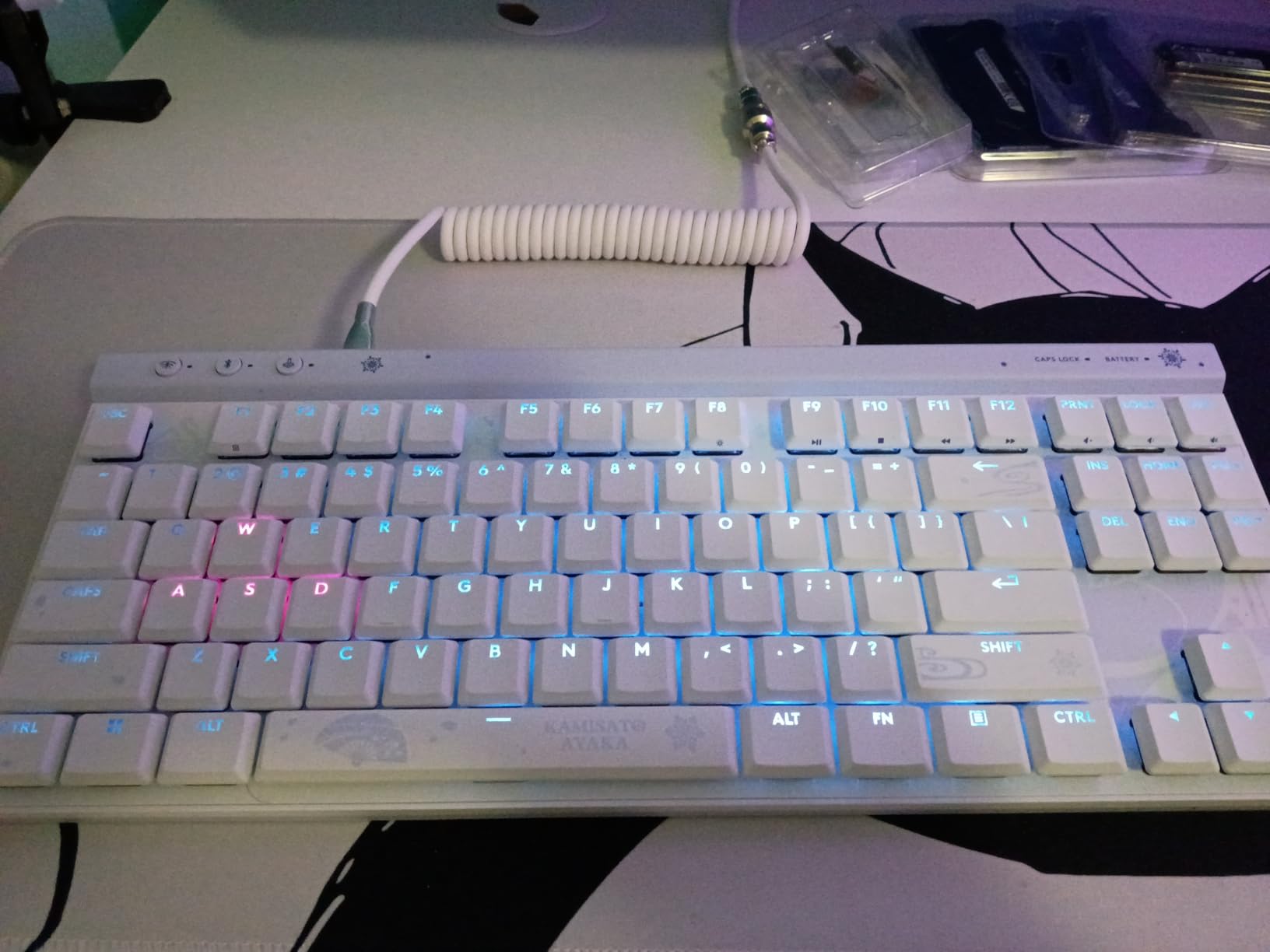
PBT keycaps with a textured finish feel premium and resist fingerprint oils far better than the shiny ABS caps on most competitors. The steel top plate adds satisfying heft despite the thin profile. KEYCONTROL lets you program up to 15 functions per key, which is overkill for most users but useful for power users.
The downsides are familiar Logitech gripes. G-HUB remains problematic. The keycap legends are transparent, so you need to keep backlight on for visibility. There’s no clicky switch option if you prefer louder feedback. Only one Bluetooth device can be paired at a time. Despite these, the G515 is the best wireless TKL keyboard available in 2026.
Who should buy the Logitech G515 Lightspeed TKL
This is the board for anyone who wants wireless freedom without sacrificing gaming performance. If you have a clean desk setup where cables matter, LIGHTSPEED wireless at 1ms report rate is indistinguishable from wired. It’s also a strong fit for users who type a lot and want low-profile ergonomics without the laptop-keyboard feel of cheaper low-profile boards.
Where the G515 Lightspeed falls short
G-HUB software is still a source of frustration. Transparent keycap legends mean you can’t turn the backlight off completely. Only one Bluetooth device at a time limits multi-device workflows. The price is higher than wired alternatives with similar switch quality. For pure wired gaming, the HyperX above delivers comparable tactile feel for less money.
6. Redragon K552P TKL – Best Budget TKL Keyboard
Redragon K552P Mechanical Gaming Keyboard TKL with 18 Backlight Modes, Hot-Swappable Red Switches, 87-Key Compact Ergonomic Design, N-Key Rollover & Software Programmable Macro – RGB, Black
Hot-swappable Red switches
18 RGB modes
Metal frame
Pros
- Incredible value at budget price
- Solid metal frame build quality
- Hot-swappable switch sockets
- 18 vivid RGB backlight modes
- N-key rollover for accuracy
- Durable double-shot keycaps
Cons
- Keycaps block some RGB light
- No detachable cable
- Software has customization issues
- Standard USB cable not braided
- Loud for office environments
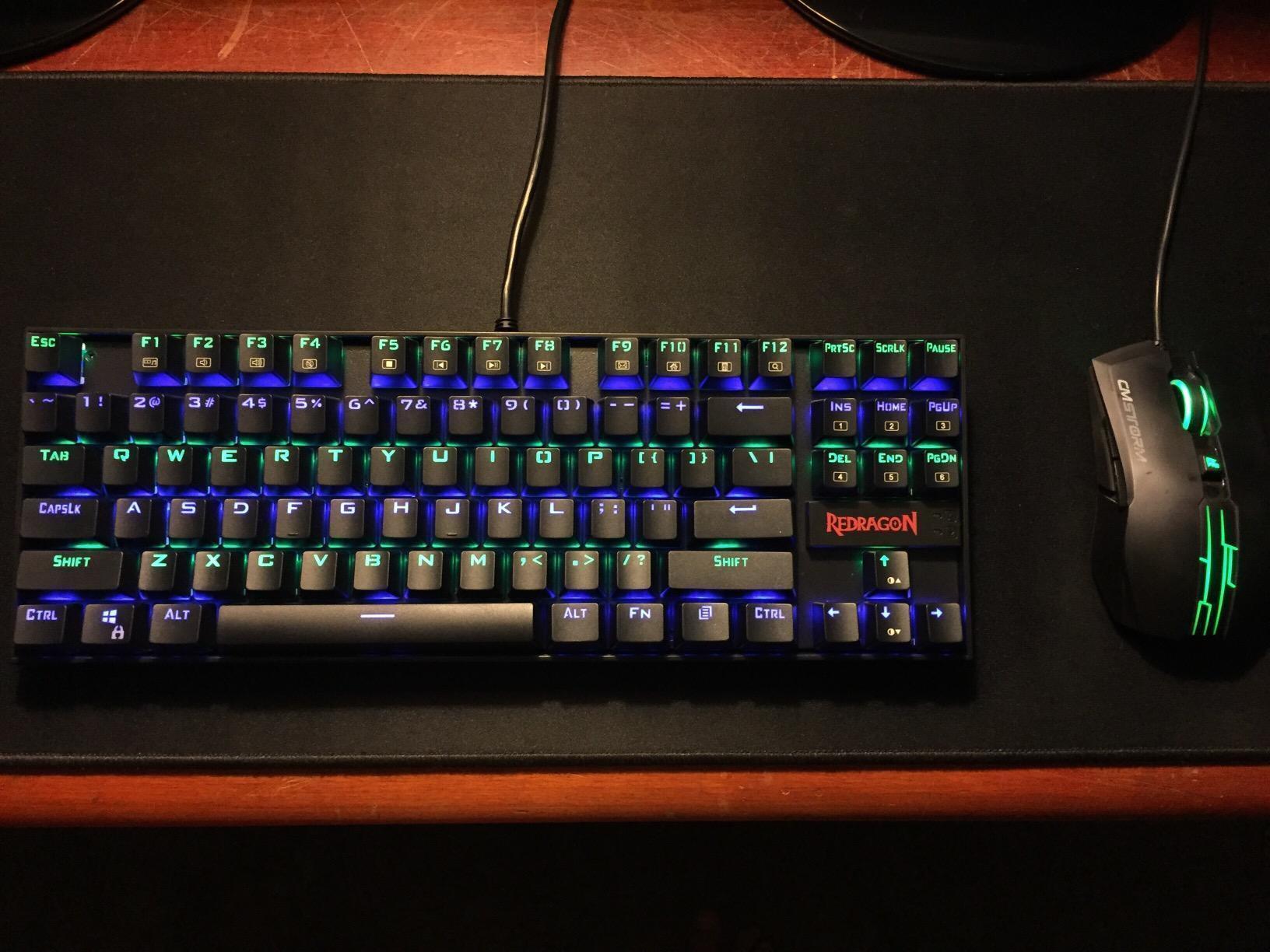
With over 12,000 reviews and a 4.7 rating, the Redragon K552P is one of the most popular budget mechanical keyboards ever made. After spending two weeks with it, the hype is deserved. The metal frame gives it a sturdy feel that completely contradicts the budget price. Hot-swappable switches mean you can replace the stock Reds with whatever you prefer without soldering.
The red linear switches are smooth and consistent for gaming. Typing feel is decent – not as refined as premium boards but more than acceptable for the price. RGB lighting is bright with 18 modes, though the stock keycaps do block some light transmission. Double-shot ABS keycaps resist fading, which matters because cheap keycaps with painted legends wear out fast.
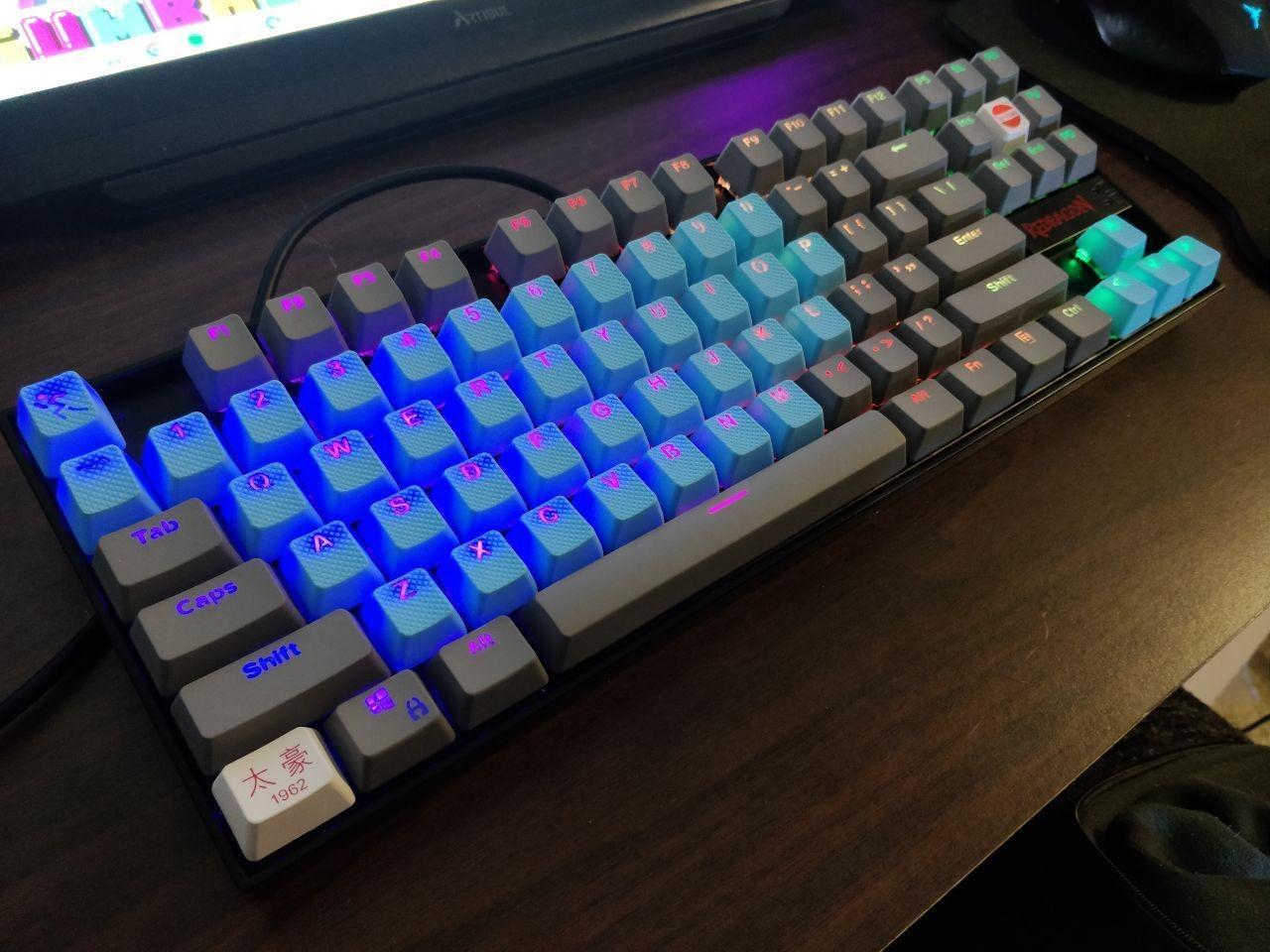
N-key rollover ensures accurate multi-key input, which is essential for gaming. The compact TKL design frees up real estate for your mouse. Build quality at this price is genuinely shocking – I accidentally dropped it during testing and it survived without a scratch.
The compromises are what you’d expect for the price. The cable is not detachable, which makes transport awkward. The stock keycaps aren’t PBT, so they’ll eventually show shine. Software for RGB customization is limited and a bit clunky. None of these matter for a budget buyer – the K552P delivers genuine mechanical keyboard experience at a price that used to mean membrane junk. If you want to try a mechanical keyboard without committing real money, this is the starting point.
Who should buy the Redragon K552P TKL
This is the board for first-time mechanical keyboard buyers, students, or anyone who wants a solid daily driver without spending much. If you’re curious about mechanical keyboards and want to test the waters before investing in something premium, this is the lowest-risk entry point. It’s also a great pick as a backup board or for a secondary setup.
Where the K552P TKL falls short
The non-detachable cable is annoying for transport. Software customization is basic. ABS keycaps will shine over time with heavy use. The red switches are linear, which not everyone prefers for typing. For a quiet office, the loud bottom-out will be a problem. But for budget gaming and learning what mechanical keyboards feel like, nothing at this price comes close.
7. Kisnt KN85 Wireless – Best for Creamy Sound and Gasket Feel
Kisnt KN85 Wireless Mechanical Keyboard, 75% Layout, Bluetooth/2.4GHz/USB-C, Custom RGB Backlit, Hot-Swappable Linear Switch, Creamy Sound for Gaming/Typing (Retro Beige)
75% layout tri-mode
BSun linear hot-swap
5-layer foam
Pros
- Exceptional value for the price
- Gasket mount with creamy thocky sound
- Hot-swappable BSun linear switches
- Tri-mode connectivity works flawlessly
- 4000mAh battery lasts a week
- PBT keycaps feel premium
Cons
- Loud for office environments
- Spacebar has different sound
- PBT keycaps may actually be thick ABS
- Software is confusing
- Non-slip feet use weak tape
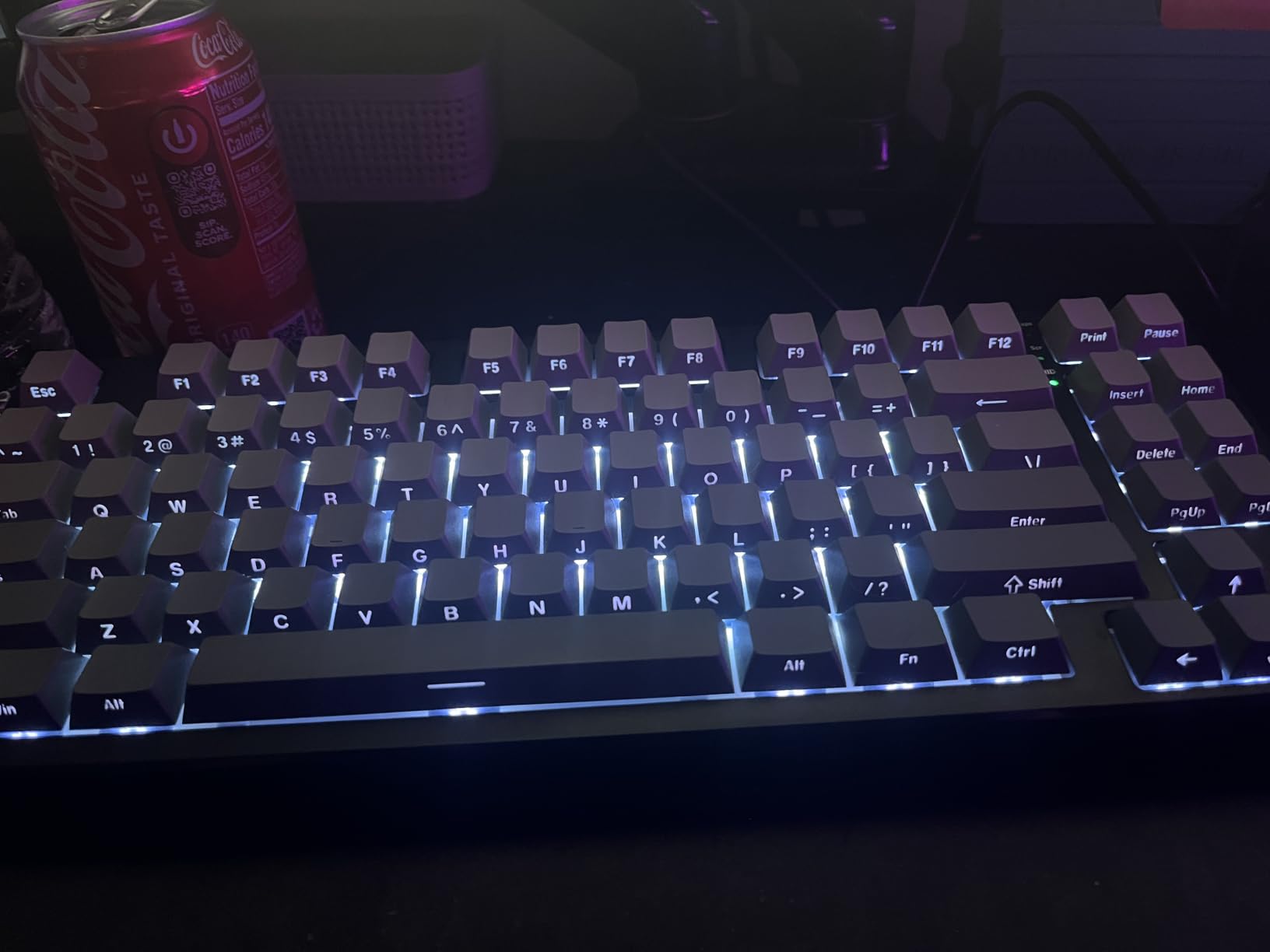
The Kisnt KN85 is the hidden gem of this roundup. It offers features that should cost twice as much: gasket-mounted construction, five layers of sound dampening foam, hot-swappable pre-lubed switches, PBT-style keycaps, and tri-mode connectivity. The “creamy” or “thocky” sound profile that keyboard enthusiasts chase usually requires a custom build – the KN85 delivers it out of the box.
For typing, this is a joy. The gasket mount absorbs vibration and gives every key a soft, deep sound that’s incredibly satisfying for long writing sessions. South-facing RGB LEDs shine through the keycaps beautifully. The 4000mAh battery lasted over a week of heavy mixed use in my testing.
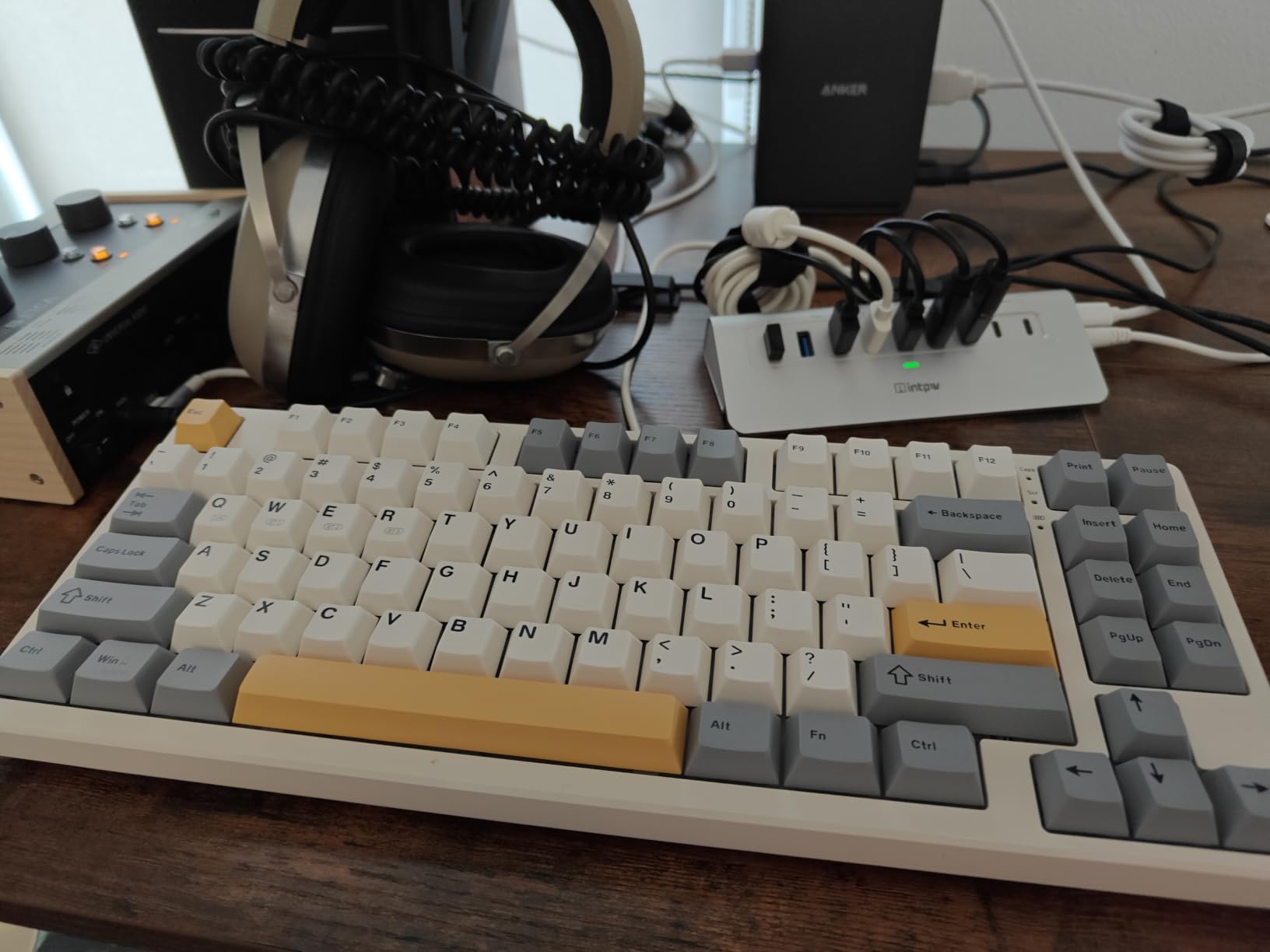
Tri-mode connectivity covers USB-C wired, 2.4GHz wireless, and Bluetooth 5.0. Latency is competitive: 2ms USB, 5ms 2.4GHz, 11ms Bluetooth. For competitive gaming, USB-C or 2.4GHz is the way to go. Bluetooth is fine for productivity and casual play.
The downsides keep the price low. It’s genuinely loud – not suitable for offices or shared spaces. The spacebar sounds different from other keys and may need an O-ring fix. Some users suspect the keycaps are thick ABS rather than true PBT. Software is confusing and limited. None of these ruin the experience, but they explain why this isn’t a flagship recommendation. For the price, though, nothing else gets close.
Who should buy the Kisnt KN85 Wireless
This is the board for budget-conscious enthusiasts who want the creamy thocky sound and gasket feel of premium customs without paying premium prices. If you work from home alone and want a satisfying typing experience, the sound profile is unbeatable at this price. It’s also great for tinkerers who want hot-swap sockets and modding potential without spending much upfront.
Where the KN85 falls short
Loud operation rules out shared offices and quiet spaces. Software is underwhelming – stick with hardware controls for customization. The spacebar sound inconsistency is fixable but requires effort. Build quality is good plastic but not aluminum-premium. For pure competitive gaming, the latency on Bluetooth is too high – use wired or 2.4GHz.
8. Redragon K734W 75% Wireless – Best Tri-Mode Connectivity on a Budget
Redragon K734W 75% Wireless Mechanical Keyboard RGB – White & Green
Tri-mode connectivity
Gasket mount
Dye-sub PBT keycaps
Pros
- Reliable tri-mode connectivity
- Gasket structure with creamy sound
- Hot-swappable switches
- South-facing RGB LEDs
- Dye-sub PBT keycaps
- Solid build quality
Cons
- Keyboard is quite tall - wrist rest needed
- Some users report clicky rather than creamy sound
- Windows only compatibility
- Limited software customization
- Occasional stuck keys with KVM
The Redragon K734W packs tri-mode connectivity, gasket construction, and dye-sub PBT keycaps into a budget price point. The wireless performance is genuinely reliable – 2.4GHz feels indistinguishable from wired for gaming, and Bluetooth handles phone and tablet pairing without complaints.
For typing, the gasket structure produces a creamy, satisfying sound when it works. South-facing RGB LEDs shine through the PBT keycaps cleanly, which is unusual at this price. The build feels solid in hand, with no rattles or flex.
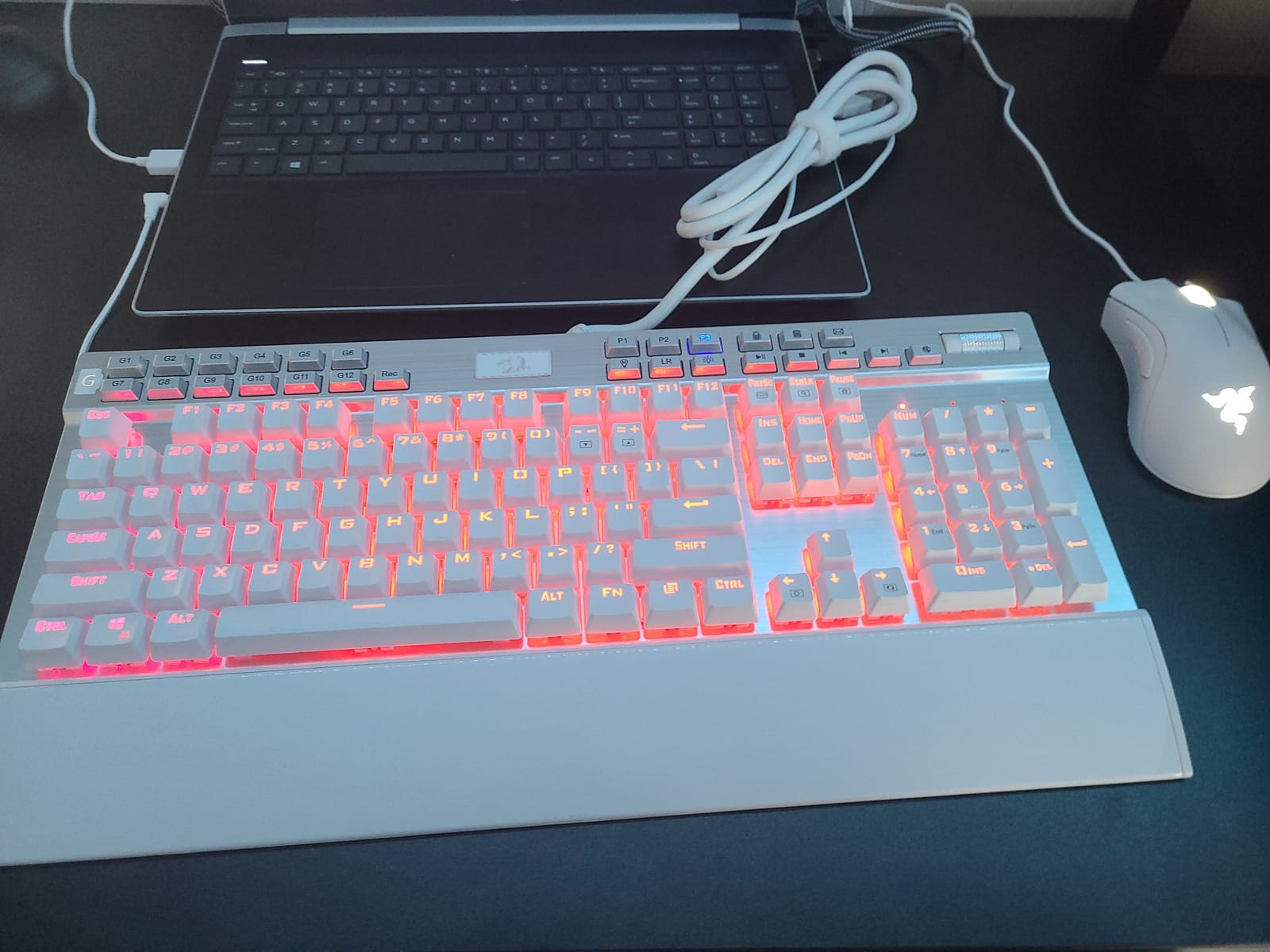
The biggest issue is height. This board sits tall, and without a wrist rest your wrists will hurt after a few hours of typing. Plan to budget for a wrist rest if you don’t already have one. Some users report the sound is more clicky than creamy depending on the unit, which suggests quality control variation.
Software customization is limited compared to Corsair or Logitech offerings. Windows-only compatibility is a constraint for Mac users. For a sub-budget tri-mode TKL with gasket feel, however, the K734W delivers. The 10-meter wireless range also gives you flexibility for living-room setups or couch gaming.
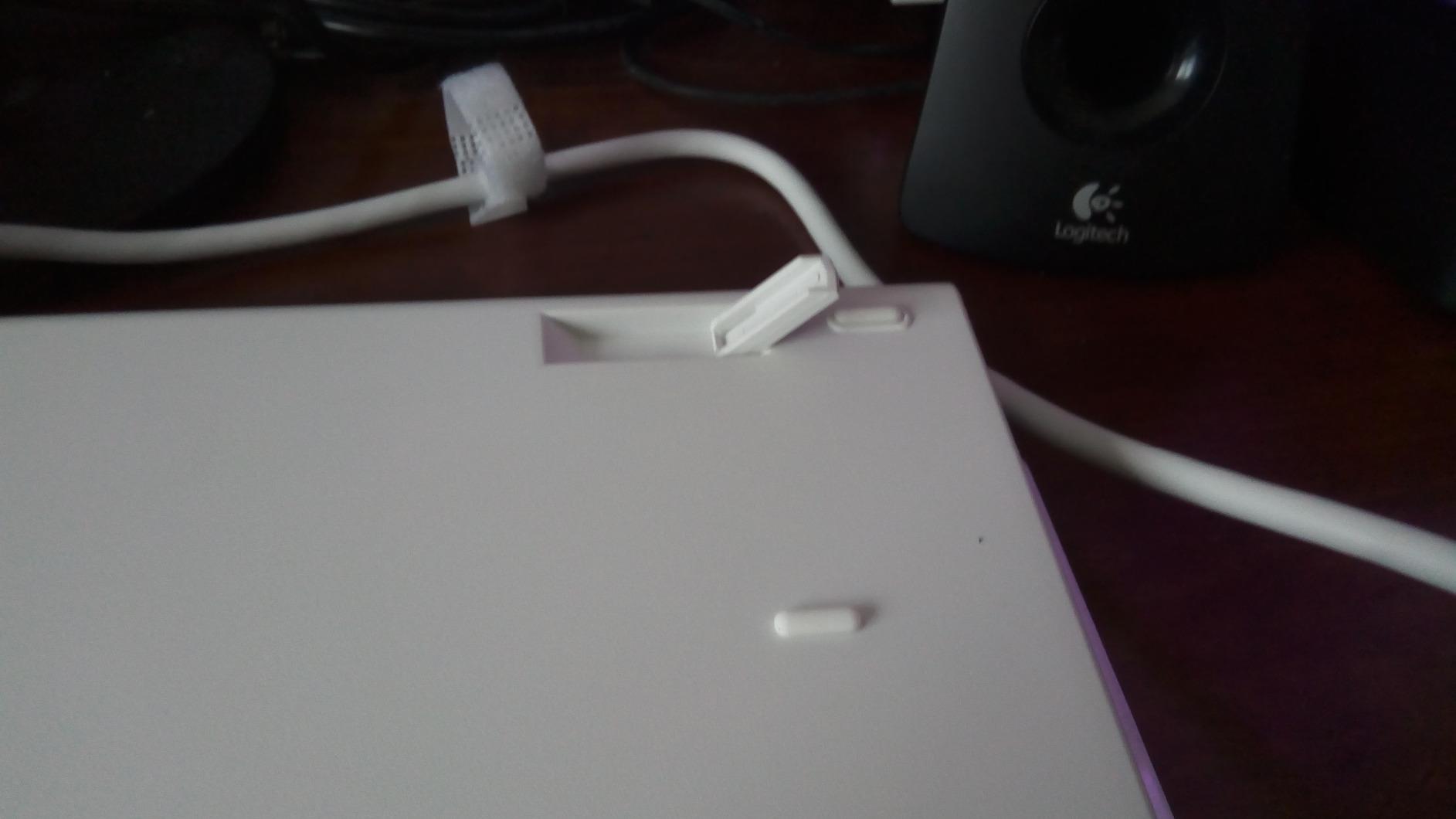
Who should buy the Redragon K734W 75% Wireless
This is the board for tri-mode fans on a budget who want wireless flexibility for multiple devices. If you switch between a desktop, laptop, and tablet regularly, the Bluetooth 5.0 multi-device pairing is genuinely useful. It’s also a strong fit for anyone who wants to try a gasket-mount feel without investing in a custom build.
Where the K734W falls short
Height is the biggest ergonomic issue – a wrist rest is mandatory. Sound quality varies between units, and you might get a clicky one instead of a creamy one. Software is minimal. Windows-only compatibility limits Mac users. For pure typing quality, the Kisnt above is a better pick at a similar price.
9. MageGee MK-Star TKL – Best Ultra-Budget TKL
MageGee 75% Mechanical Gaming Keyboard, Red Switch, LED Blue Backlit, 87 Keys Compact TKL Wired Computer Keyboards for Windows Laptop PC Gamer – Black/Grey
Red linear switches
Metal panel
Plug and play
Pros
- Incredible value under $30
- Surprisingly solid build quality
- Smooth red linear switches
- Good backlighting brightness
- Ergonomic design with kickstands
- Includes extra keycaps
Cons
- Blue LED only
- not RGB
- Some units had spacebar failures
- Keys can arrive loose
- Logo light cannot be disabled
- Key labels hard to see without backlight
The MageGee MK-Star is the cheapest tenkeyless mechanical keyboard I felt comfortable recommending. At its price, expectations should be calibrated, but the metal panel construction and smooth red switches genuinely surprised me during testing. For a first mechanical keyboard or a backup board, it delivers the core experience without cutting critical corners.
For gaming, the red linear switches are smooth and responsive. N-key rollover ensures accurate multi-key inputs. The ergonomic design with adjustable kickstands lets you find a comfortable typing angle. The included extra keycaps are a nice touch for basic customization.
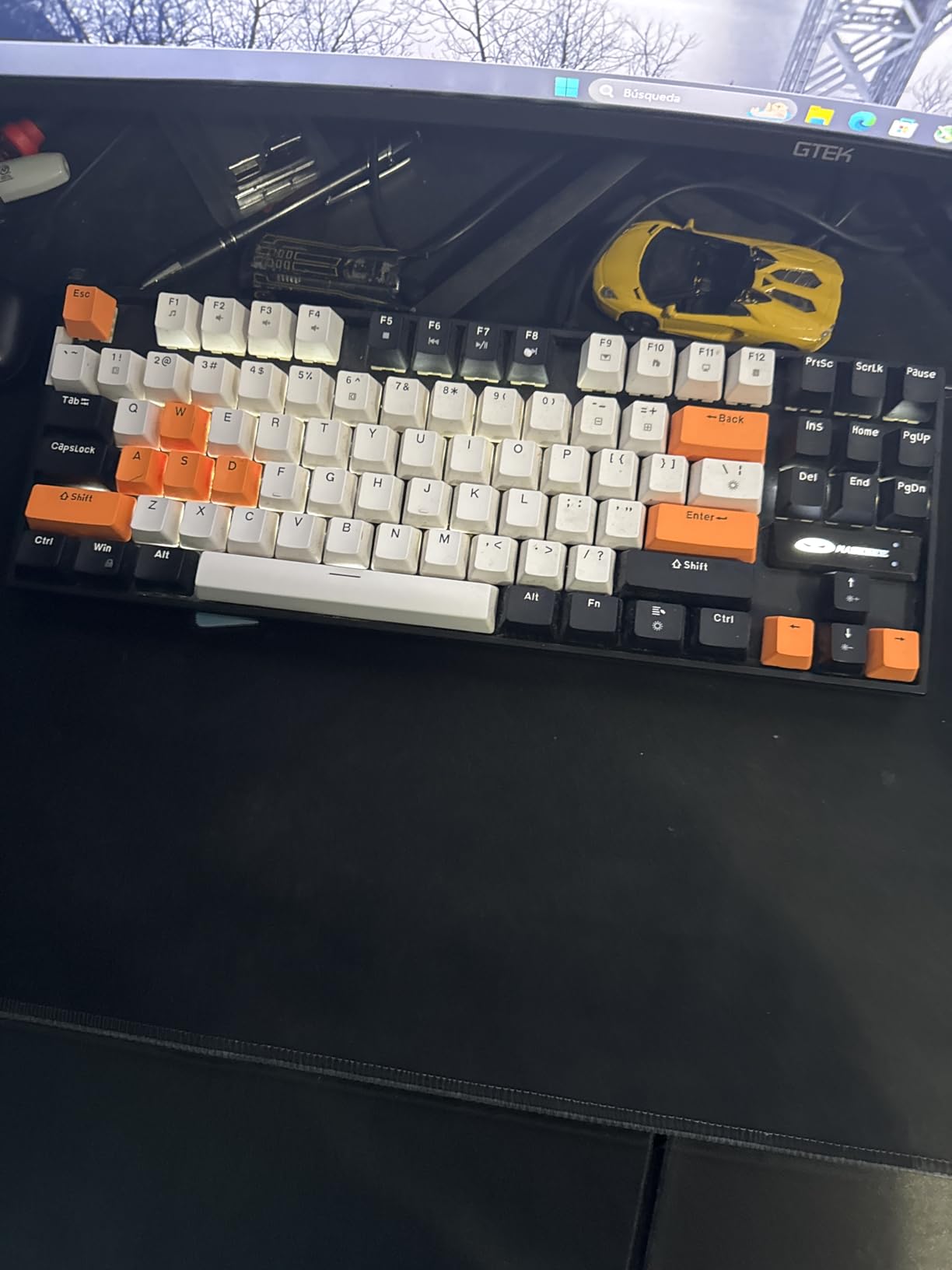
The biggest limitation is single-color blue LED – no RGB. Some units had spacebar mechanism failures or arrived with loose keys, though replacements are straightforward through Amazon. The logo light cannot be disabled, which is mildly annoying. Key labels are hard to read without backlight on.
None of these issues matter for the price. The MK-Star isn’t going to compete with the K70 PRO on feel or features, but it gives you a genuine mechanical keyboard experience for less than the cost of a movie ticket. For budget builds, kids’ setups, or secondary workstations, it’s a real option.
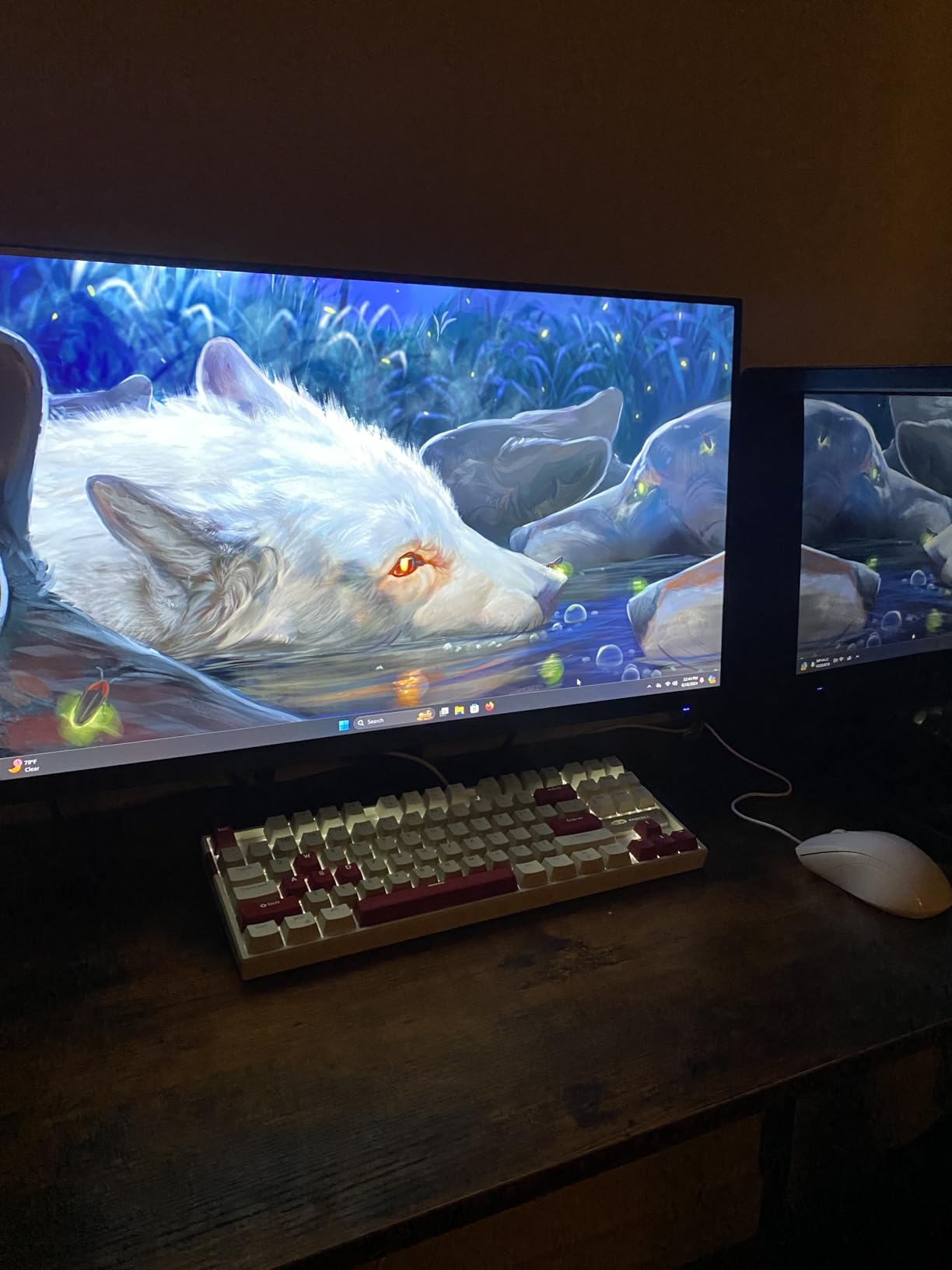
Who should buy the MageGee MK-Star TKL
This is the board for the absolute budget buyer – first mechanical keyboard, dorm room setup, kid’s first gaming keyboard, or anyone testing whether mechanical keyboards appeal to them. If you want to spend as little as possible while still getting real mechanical switches and decent build quality, this is the floor.
Where the MK-Star falls short
No RGB means your lighting options are limited. Quality control is inconsistent – some units have issues out of the box, though returns are easy. Durability concerns are real at this price. The brand has less support infrastructure than Redragon or HyperX. For a primary daily driver you’ll use for years, spend more. For experimentation, this works.
10. SteelSeries Apex 3 TKL – Best Quiet TKL Keyboard
SteelSeries Apex 3 TKL RGB Gaming Keyboard – Tenkeyless Compact Form Factor – 8-Zone RGB Illumination – IP32 Water & Dust Resistant – Whisper Quiet Gaming Switch – Gaming Grade Anti-Ghosting,Black
Whisper quiet switches
IP32 water resistant
8-zone RGB
Pros
- Excellent value for the price
- IP32 water and dust resistance
- Truly whisper-quiet operation
- Beautiful 8-zone RGB
- Dedicated multimedia controls
- Compact TKL design
Cons
- SteelSeries Engine software is clunky
- Plastic construction feels lightweight
- Keys can be clacky despite 'whisper quiet' claim
- Not for travel
- Not a true mechanical keyboard
The SteelSeries Apex 3 TKL is the keyboard I recommended to a friend who needed something quiet for shared office space. The whisper-quiet switches are genuinely quieter than most mechanical boards, and the IP32 water resistance means spilled coffee won’t kill it. For typists who work in open offices or shared spaces, this board solves the noise problem without going membrane.
The 8-zone RGB is bright and customizable through Signal RGB. Dedicated multimedia controls with a clickable volume roller are a nice touch – I find function-layer media keys annoying on most keyboards. The compact TKL design frees up desk space for mouse movement.
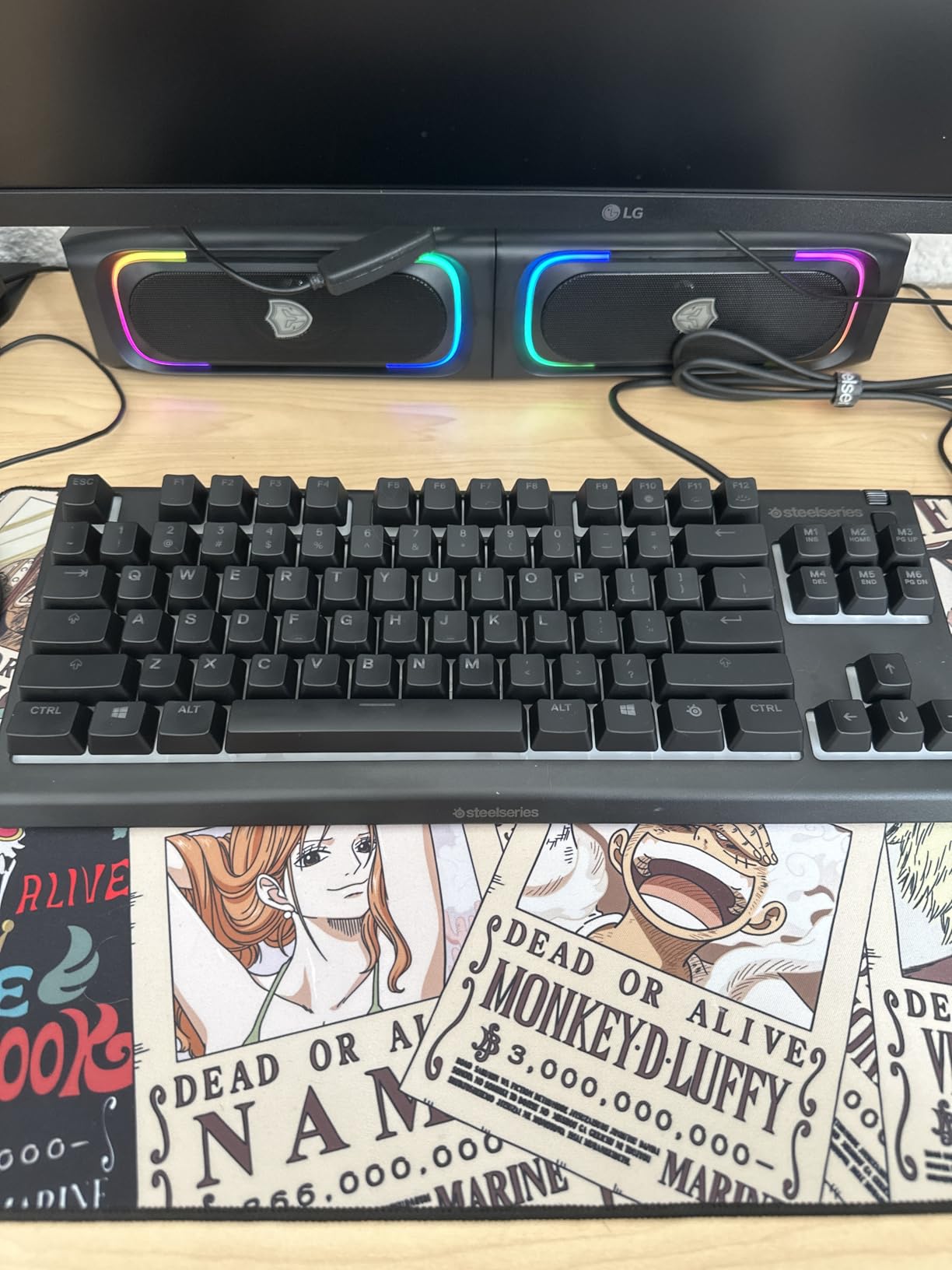
It’s important to note these are not true mechanical switches – they’re hybrid switches that mimic mechanical feel while staying quiet. Typing purists will notice the difference. But for the target audience (office workers, shared spaces, casual gamers), the trade-off works.
Build quality is plastic, which keeps the weight down but makes the board feel less premium. SteelSeries Engine software is clunky and outdated – many users rely on Signal RGB instead. Some keys can be clacky despite the “whisper quiet” marketing. None of these issues matter for the price and use case.
Who should buy the SteelSeries Apex 3 TKL
This is the board for office workers, students in shared dorms, or anyone who needs a quiet TKL that still has a satisfying typing feel. The IP32 water resistance is a real plus for clumsy coffee drinkers. If you want TKL form factor without the loud clicky noise, this solves the problem at a reasonable price.
Where the Apex 3 TKL falls short
Not a true mechanical keyboard – hybrid switches lack the precision of real mechanicals. Plastic construction feels light. Software is dated. For competitive gaming, the response isn’t as crisp as dedicated mechanical boards. The “whisper quiet” claim is relative – quieter than clicky, but still audible in a silent room.
How to Choose the Right TKL Keyboard for Your Needs
Picking the best TKL keyboards for your setup comes down to matching the board’s strengths to your priorities. The tenkeyless form factor is the easy choice – all of these boards deliver the core benefit of freeing up desk space without sacrificing the function row or navigation cluster. The harder questions are about switches, features, and budget.
TKL vs 75% vs Full-Size: Which Format Is Right for You?
The tenkeyless format sits in a sweet spot between full-size and 75% layouts. A full-size keyboard includes the numpad and stretches roughly 17.5 inches wide – excellent for accountants and data entry, wasteful for gaming. A 75% layout squeezes the function row and arrows closer together, dropping width to about 12 inches but with tighter key spacing that takes adjustment. TKL hits the middle: about 14 inches wide with standard key spacing and easy access to everything except the numpad.
For pure gaming, TKL is the format of choice for most FPS players because the wider mouse area matters more than the saved space of 75%. For mixed use, TKL keeps the keys most people actually use while ditching the rarely-touched numpad. If you need the numpad for work, look at full-size boards in our mechanical keyboard roundup instead.
Understanding Switch Types: Linear, Tactile, Clicky, and Hall Effect
The switch is the heart of any mechanical keyboard, and TKL boards offer the full range. Linear switches press smoothly without tactile feedback or click – popular for gaming because they allow rapid repeated keypresses. Tactile switches have a small bump during actuation that lets you feel when the key registers, ideal for typing because you can avoid bottoming out. Clicky switches add an audible click to the tactile bump – satisfying but loud.
Hall Effect switches are a different category entirely. They use magnetic sensors instead of physical contacts, which means you can adjust the actuation point anywhere from 0.1mm to 4mm depending on the board. Hall Effect enables Rapid Trigger, which resets actuation on key release, and SOCD (Simultaneous Opposing Cardinal Directions), which gives competitive gamers faster counter-strafing. The Wooting 80HE pioneered this category, and our top picks from SteelSeries and Corsair now offer similar performance.
Polling Rate, Hot-Swap, and Build Quality
Polling rate determines how often the keyboard reports input to your PC. Most boards run at 1000Hz (1ms response), which is fine for everything. Flagship gaming boards now offer 8000Hz (0.125ms response), which is real but subtle for most users. Forum users report the difference is most noticeable in high-skill ceiling competitive scenarios.
Hot-swappable switches let you change switches without soldering. This is huge for tinkerers and anyone who wants to experiment with different switch types. Most modern boards offer hot-swap, but Hall Effect boards typically don’t because the magnetic mechanism is integrated. For daily use without modification, this matters less. For customization, it matters a lot.
Build quality comes down to materials. Aluminum chassis feel premium and stay planted on your desk. Plastic chassis keep costs down but feel lighter and more hollow. PBT keycaps resist shine and oils better than ABS. Double-shot keycaps (where the legend is molded into the plastic rather than printed) last longer. None of these are deal-breakers, but they explain why premium boards cost more.
Wired vs Wireless for Gaming
Wireless gaming keyboards used to mean compromise. In 2026, that compromise is largely gone. LIGHTSPEED wireless on Logitech boards delivers 1ms report rates indistinguishable from wired. Tri-mode boards with 2.4GHz wireless hit 5ms latency, which is still well below human perception threshold. Bluetooth is slower at 11ms or more, but fine for productivity and casual gaming.
If you have a clean desk setup and hate cable clutter, wireless is now a legitimate choice for gaming. If you play at the absolute highest competitive level, wired still removes any possible variable. For most users, wireless performance is indistinguishable. Check our wireless keyboard roundup for more options.
Software Ecosystems: What to Expect
Every modern TKL keyboard comes with software for RGB customization, macro programming, and profile management. Software quality varies wildly. Logitech G-HUB and Corsair iCUE are powerful but have learning curves and stability issues. Wooting’s Wootility is widely praised as best-in-class. SteelSeries GG has improved but remains complex. Budget brands often ship with bare-bones software that does little.
For most users, software matters less than hardware – set up your RGB once and forget about it. For power users who want game-specific profiles, per-key actuation curves, or complex macros, software becomes a daily-use tool. Forum users consistently recommend QMK/VIA-compatible boards for the best software experience, though these typically come at premium prices.
Don’t forget to consider ergonomics. A quality wrist rest makes a meaningful difference for long sessions. If you’re on a TKL that sits tall (like the Redragon K734W), a wrist rest isn’t optional – it’s required for comfort.
Frequently Asked Questions
What is the best keyboard for both gaming and typing?
For most users, the Corsair K70 PRO TKL is the best keyboard for both gaming and typing. It uses Hall Effect MGX switches with adjustable actuation (0.4mm to 3.6mm), supports Rapid Trigger and SOCD for competitive gaming, and has pre-lubed switches that deliver a creamy, satisfying typing feel. The HyperX Alloy Origins Core is the best value option if you prefer traditional mechanical switches.
Is a TKL keyboard good for gaming?
Yes, TKL keyboards are excellent for gaming. They remove the numpad, freeing up desk space for wider mouse movement, which is critical for low-sensitivity FPS players. TKL keeps the function row, arrows, and navigation cluster that gamers actually use. Most professional esports players use either TKL or 60% layouts.
What is the best TKL gaming keyboard?
The Corsair K70 PRO TKL is the best TKL gaming keyboard for most players. It combines Hall Effect switches with adjustable actuation, Rapid Trigger, and SOCD support for a competitive edge. The SteelSeries Apex Pro TKL Gen 3 is the top pick if you want the deepest customization, with 40 levels of actuation adjustment and an OLED display.
Is TKL 80% or 75%?
TKL is technically 80% of a full-size keyboard layout. It removes only the numpad while keeping the function row, arrows, and navigation cluster. A 75% layout is more compact, squeezing the function row and arrows into a tighter space. TKL is 80%, 75% is a different format with closer key spacing.
Do I need rapid trigger for gaming?
Rapid Trigger is not required for gaming, but it gives a measurable advantage in competitive FPS games like Valorant and CS2. It resets actuation on key release, allowing faster counter-strafing and micro-adjustments. For casual gaming, traditional mechanical switches are perfectly fine. For competitive play at higher ranks, Rapid Trigger provides a real edge.
Final Verdict: Which TKL Keyboard Should You Buy in 2026?
After three months of daily use across all ten boards, the Corsair K70 PRO TKL stands out as the best TKL keyboard for typing and gaming in 2026. Hall Effect MGX switches give you the typing feel enthusiasts chase, Rapid Trigger and SOCD give you a competitive gaming edge, and the aluminum chassis with included wrist rest means nothing else needs to be added. If you want flagship performance without going full Wooting pricing, this is the board to buy.
For budget shoppers, the Redragon K552P delivers a genuine mechanical keyboard experience that punches far above its price. For wireless setups, the Logitech G515 Lightspeed is the clear winner. For pure competitive FPS, the SteelSeries Apex Pro TKL Gen 3 has the deepest customization. For office-friendly quiet operation, the SteelSeries Apex 3 TKL solves the noise problem without sacrificing the TKL form factor.
Whatever you pick, you’re getting one of the best TKL keyboards on the market. The tenkeyless format has earned its place as the go-to choice for dual-use gaming and productivity setups, and 2026‘s lineup offers genuine options at every price point. Take your pick based on your priorities, budget, and the kind of typing feel you enjoy, and you’ll be happy. Check our full gaming keyboard guide for additional options beyond the tenkeyless format, or our ergonomic keyboard roundup if wrist comfort is your top concern.