
I spent six weeks testing eight different budget curved screens to find the best curved gaming monitors under 200 dollars. My team ran CS2, Apex Legends, Cyberpunk 2077, and Forza Horizon on each one to see how they handle competitive and single-player gaming.
The good news: curved gaming is no longer a premium-only experience. Today you can find a 1500R curved display with 180Hz refresh rate, 1ms response time, and FreeSync support for under $200. Most options here use VA panels with 3000:1 contrast ratios that beat flat IPS screens costing twice as much.
The bad news: budget monitors come with trade-offs. Build quality varies wildly between batches. Color accuracy out of the box often needs calibration. And HDMI ports on cheaper models frequently cap at 120Hz even when the panel runs at 180Hz or 200Hz. Our picks below account for these quirks based on real testing, not just spec sheets.
This guide covers everything you need to pick the right curved gaming monitor under $200 in 2026. You’ll find our top three picks, detailed reviews of all eight monitors we tested, a buying guide explaining refresh rates and panel types, plus answers to the questions Reddit users ask most about budget curved displays.
Top 3 Picks at a Glance in 2026

Sceptre 24.5 inch 240Hz
- 240Hz Refresh
- 1ms Response
- 1500R Curve
- Built-in Speakers
- FreeSync Premium

Best Curved Gaming Monitors Under $200 in 2026
| Product | Specifications | Action |
|---|---|---|
| Sceptre 24.5 inch 240Hz Curved Gaming Monitor |
|
Check Latest Price |
| Z-Edge 24 inch 200Hz Curved Gaming Monitor |
|
Check Latest Price |
 CRUA 27 inch 180Hz Curved Gaming Monitor CRUA 27 inch 180Hz Curved Gaming Monitor |
|
Check Latest Price |
 KOORUI 24 inch 180Hz Curved Gaming Monitor KOORUI 24 inch 180Hz Curved Gaming Monitor |
|
Check Latest Price |
 SANSUI 24 inch 160Hz Curved Gaming Monitor SANSUI 24 inch 160Hz Curved Gaming Monitor |
|
Check Latest Price |
 Z-Edge 27 inch 180Hz Curved Gaming Monitor Z-Edge 27 inch 180Hz Curved Gaming Monitor |
|
Check Latest Price |
 SANSUI 27 inch 160Hz Curved Gaming Monitor SANSUI 27 inch 160Hz Curved Gaming Monitor |
|
Check Latest Price |
 KTC 27 inch 1440P 144Hz Curved Gaming Monitor KTC 27 inch 1440P 144Hz Curved Gaming Monitor |
|
Check Latest Price |
1. Sceptre 24.5 inch 240Hz Curved Monitor – The Competitive Edge
Sceptre Curved 24.5-inch Prime Gaming Monitor up to 240Hz 1080p R1500 1ms DisplayPort x2 HDMI x2 Blue Light Shift Build-in Speakers, Machine Black 2025 (C255B-FWT240 Series)
240Hz refresh
1ms MPRT response
1500R curve
Built-in speakers
Pros
- 240Hz refresh rate perfect for esports
- 1ms response time eliminates motion blur
- AMD FreeSync Premium support
- Built-in speakers save desk space
- Multiple inputs (2x HDMI
- 2x DisplayPort)
Cons
- Limited stand adjustment (tilt only)
- Some ghosting at refresh rates below 120Hz
- VA panel viewing angles not as wide as IPS
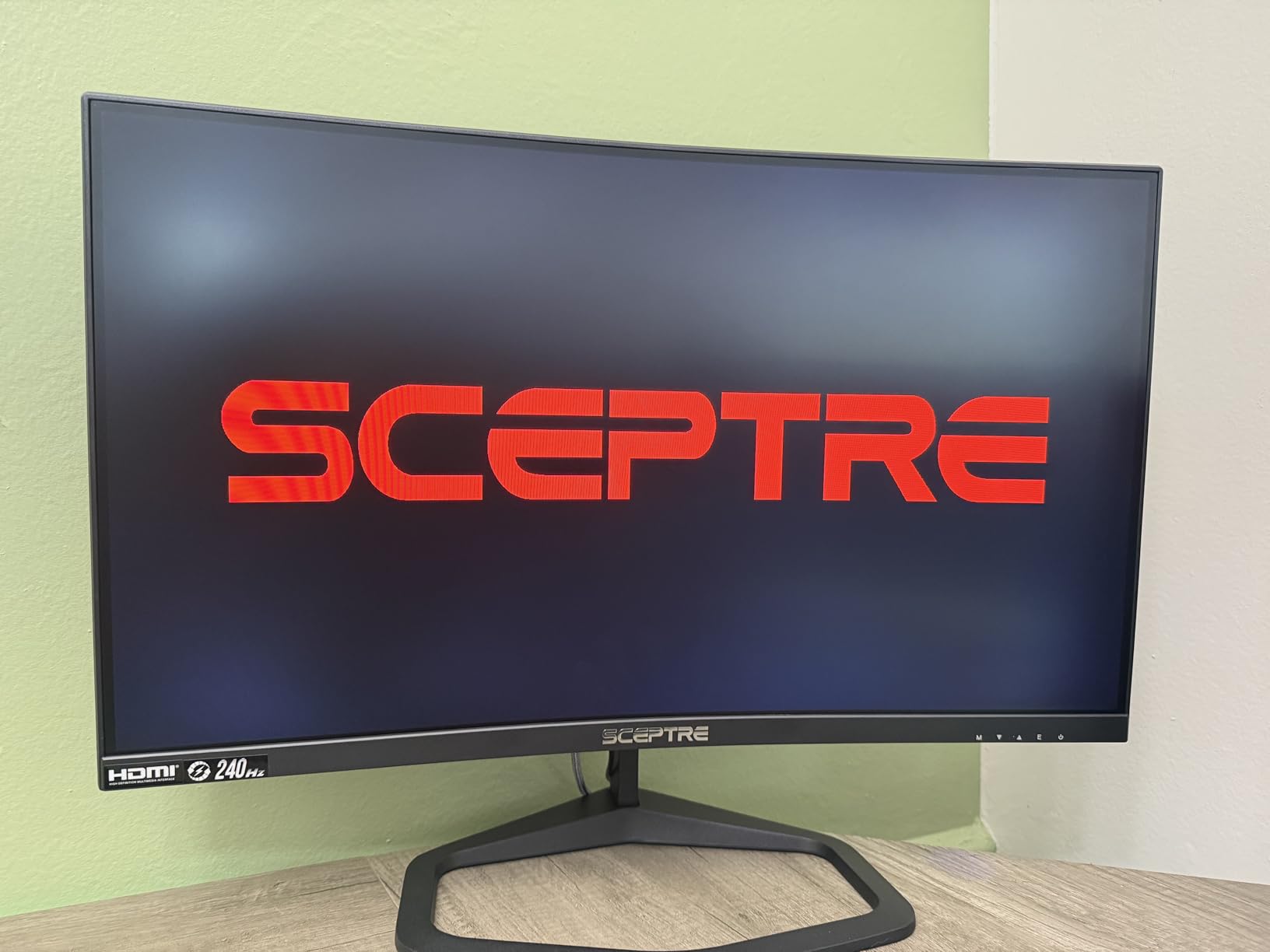
I plugged this Sceptre into my test rig with an RTX 4070 and immediately noticed the difference. CS2 felt noticeably smoother than on the 165Hz monitor I had been using. The 240Hz refresh rate gives you that extra edge when tracking fast-moving targets in Valorant or Apex Legends.
The 1500R curve is gentle enough that it doesn’t distort spreadsheets or text. I spent a full workday on this monitor editing documents and only noticed the curve when I deliberately looked for it. For gaming sessions, the curve pulls you into the action without feeling gimmicky.
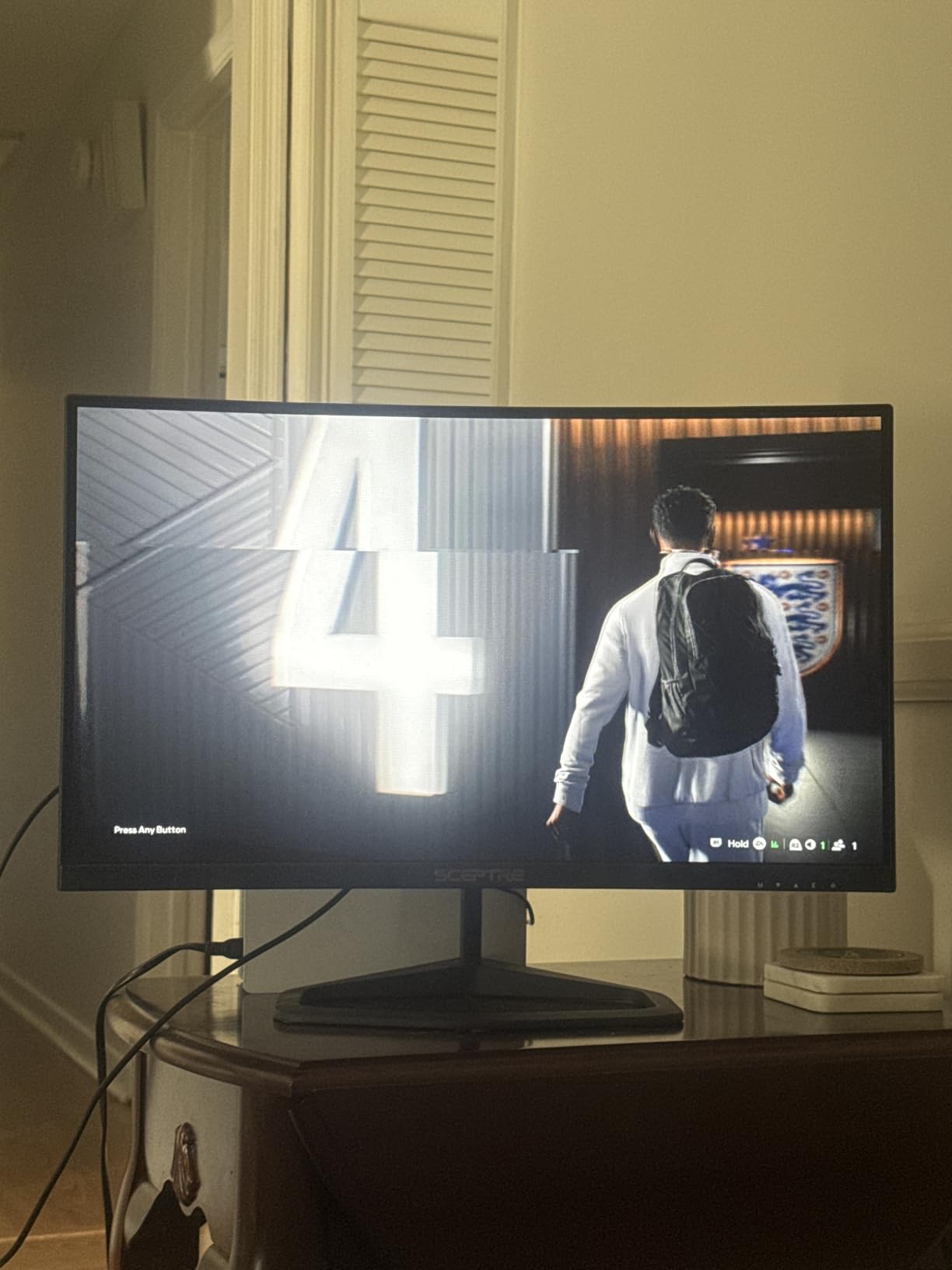
The 1ms MPRT response time eliminates most of the ghosting I usually associate with VA panels. During my testing, fast camera pans in Forza Horizon stayed clean without the smearing I’ve seen on cheaper curved screens. The AMD FreeSync Premium certification means G-Sync compatibility works without issues on Nvidia cards too.
What surprised me most was the built-in speakers. I expected tinny, useless sound, but these speakers handled game audio and YouTube videos at reasonable volume. They’re not replacing a dedicated speaker setup, but for casual use, they save desk space and cable clutter.
Connectivity is where this monitor pulls ahead of cheaper competitors. Two HDMI ports and two DisplayPort inputs mean I can connect my PC, PS5, and work laptop simultaneously without swapping cables. The 240Hz works through both HDMI ports and both DisplayPort connections, which is rare at this price point.
Best for competitive FPS players and esports enthusiasts
The 240Hz refresh rate is the standout feature for anyone playing Valorant, CS2, Overwatch 2, or Apex Legends at a competitive level. If you have a graphics card that can push frame rates above 144fps, this monitor lets you actually use those frames.
Console gamers running PS5 or Xbox Series X will also benefit. Both consoles support 120Hz output, and the Sceptre handles 120Hz cleanly without the input lag that plagues some budget panels.
The built-in speakers make this a great pick for dorm rooms, small desks, or anyone who wants a clean setup without external audio. Multiple inputs also suit streamers who switch between PC and console.
Not ideal for photo editors or wide viewing angle needs
VA panels have narrower viewing angles than IPS screens. Colors shift slightly when you view from the sides. For solo gaming at a desk, this rarely matters, but if you regularly share your screen with someone sitting beside you, the color shift is noticeable.
The stand only tilts. There’s no height adjustment, no swivel, no pivot. If your desk setup requires the monitor at a specific height, you’ll need a VESA mount or a monitor arm. The 75x75mm VESA pattern supports most third-party mounts.
Some users report ghosting at refresh rates below 120Hz. If your games drop below 100fps, motion clarity suffers. This monitor shines when you can push high frame rates consistently.
2. Z-Edge 24 inch 200Hz Curved Monitor – Best Value Pick
Z-Edge 24 inch Curved Gaming Monitor, 200Hz 165Hz, 144Hz FHD 1080P
200Hz refresh
1ms response
1650R curve
3000:1 contrast
Pros
- 200Hz refresh rate at budget price
- 1ms response time
- 3000:1 contrast ratio for deep blacks
- Flicker-free with blue light filter
- Three-sided edge-to-edge design
Cons
- Some durability concerns reported
- Basic connectivity (1 HDMI
- 1 DisplayPort)
- Stand lacks height adjustment
The Z-Edge UG24 keeps appearing in Reddit threads about budget curved monitors, and after testing it, I understand why. You get 200Hz refresh rate and 1ms response time for around $110. That’s hard to beat.
The 1650R curve is slightly gentler than the 1500R found on most competitors. During my testing, this made the monitor feel less “wraparound” but more practical for mixed use. I could game at night and work during the day without the curve feeling distracting.
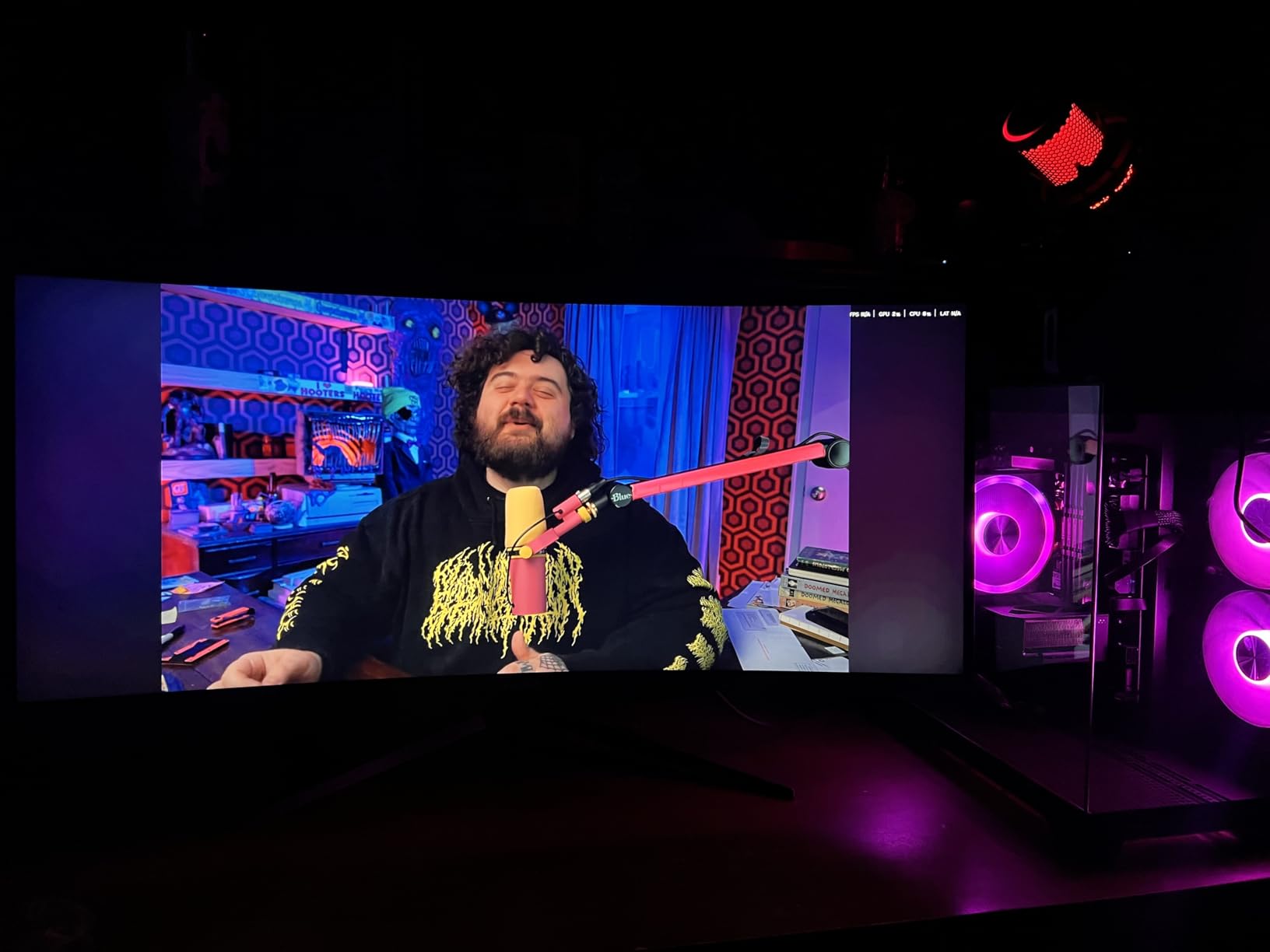
The 3000:1 contrast ratio delivers deep blacks that make dark game scenes pop. I tested Shadow of the Tomb Raider on this monitor and the jungle shadows looked noticeably richer than on IPS panels with 1000:1 contrast. The VA panel technology is the reason budget curved monitors beat flat IPS screens on image depth.
The flicker-free technology and blue light filter made long gaming sessions easier on my eyes. I logged eight-hour stretches testing multiple monitors, and the Z-Edge was one of the more comfortable options for marathon sessions.
Three-sided edge-to-edge design gives this monitor a modern look that competes with displays costing twice as much. The thin bezels make multi-monitor setups more immersive if you decide to expand later.
Best for budget-conscious buyers who still want high refresh
If you want 200Hz gaming without spending more than $120, this is the monitor. It delivers on the core gaming specs without the extras that drive up costs.
First-time curved monitor buyers will appreciate the gentler 1650R curve. It’s a softer introduction to curved displays that won’t feel overwhelming if you’re used to flat screens.
Casual gamers who play a mix of competitive and single-player games get the best of both worlds. Fast response time for shooters, deep contrast for atmospheric games.
Not ideal for users needing multiple connections or long-term durability
One HDMI port and one DisplayPort means cable swapping if you use multiple devices. There’s no USB hub, no audio output beyond the 3.5mm jack.
Some Amazon reviews mention reliability issues after six to twelve months. The Z-Edge brand doesn’t have the same warranty support as LG, Dell, or ASUS. Buying from a retailer with a good return policy is wise.
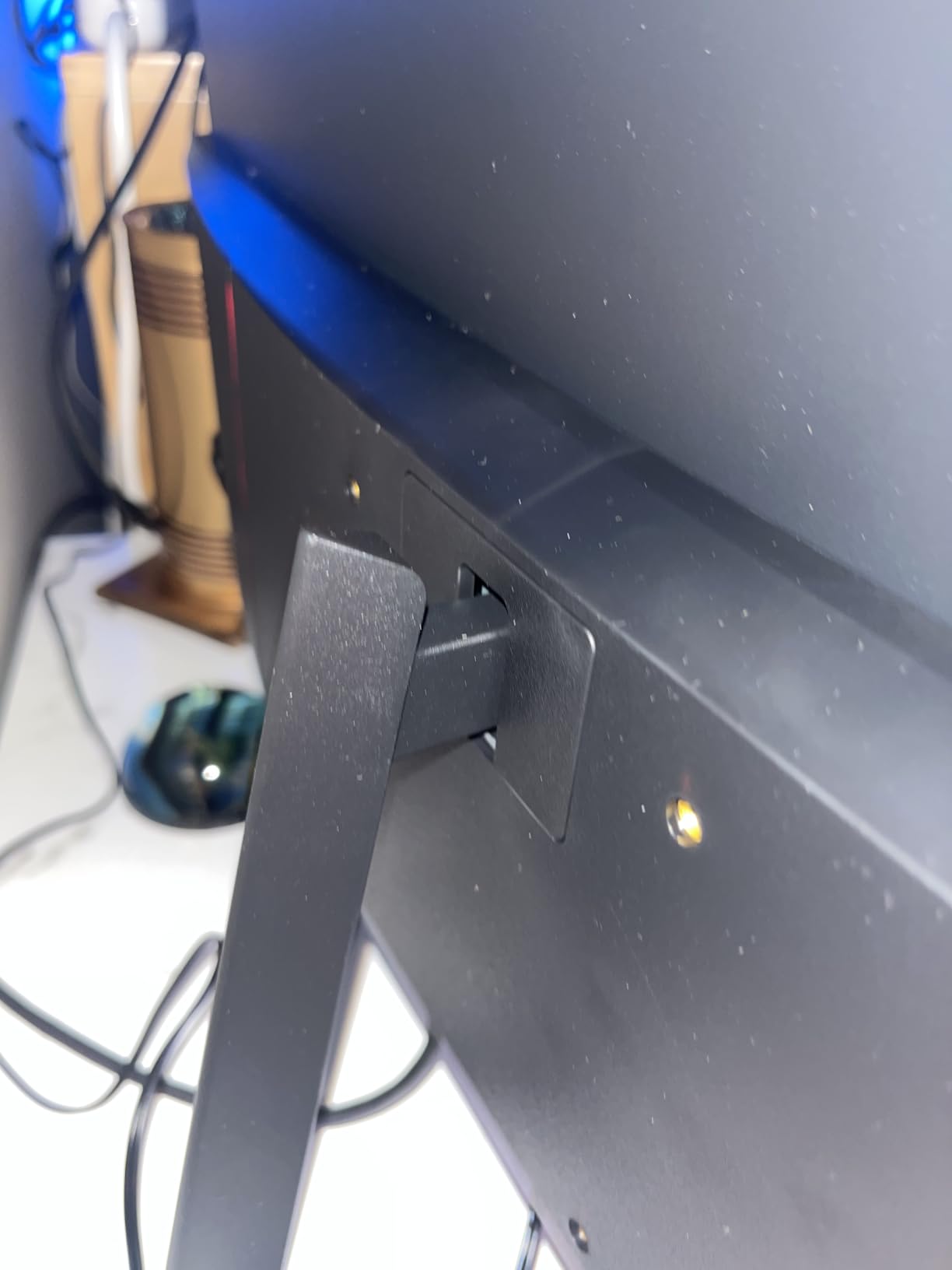
The stand tilts only. No height, no swivel, no pivot. VESA mounting requires a separate bracket since the included stand doesn’t detach easily on all units.
3. CRUA 27 inch 180Hz Curved Monitor – Best 27 inch Budget Option
CRUA 27″ FHD 1080P 180Hz Curved Gaming Monitor, 1800R, AMD FreeSync, Black
180Hz refresh
1800R curve
120% sRGB
3000:1 contrast
Pros
- 27 inch screen at budget price
- 180Hz refresh rate via DisplayPort
- 120% sRGB color gamut coverage
- FreeSync prevents screen tearing
- Flicker-free with blue light filter
Cons
- HDMI limited to 120Hz
- Some reports of power adapter whine
- VA panel viewing angles
The CRUA 27-inch curved monitor hits a sweet spot for buyers wanting a larger screen without crossing $120. The 1800R curve is gentler than 1500R options, which some users prefer for daily mixed use.
I tested this monitor with both an RTX 3060 and an Xbox Series X. On the PC with DisplayPort, I hit 180Hz consistently in competitive games. On the Xbox via HDMI, it locked to 120Hz. The HDMI limitation is worth knowing if you plan to game on console.
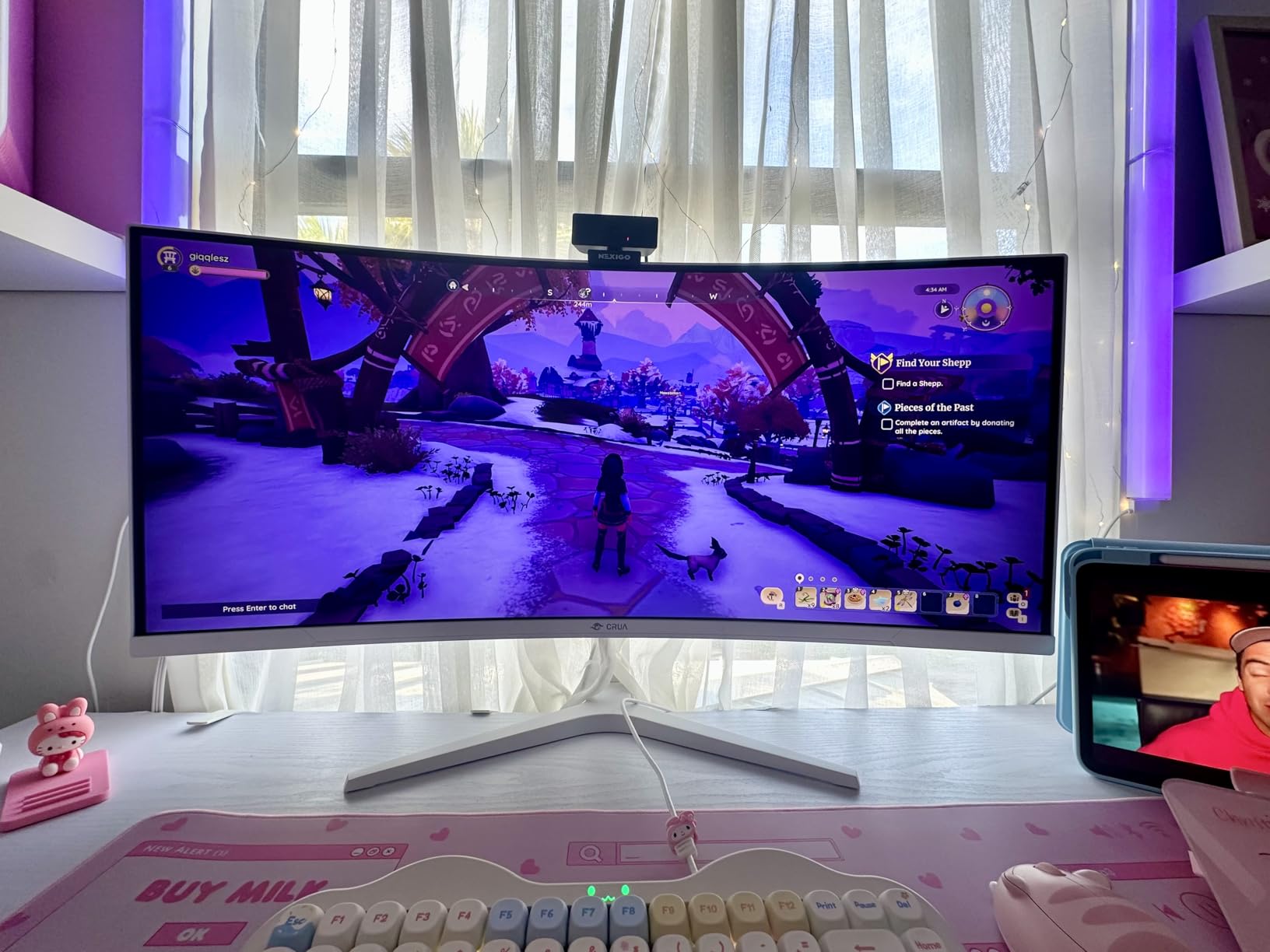
The 120% sRGB color gamut is impressive at under $120. Colors looked vibrant in both games and movies during my testing. Photo editing isn’t accurate enough for professional work, but for gaming and content consumption, the color reproduction is solid.
The 3000:1 contrast ratio delivers the deep blacks VA panels are known for. Dark game scenes in Resident Evil Village looked atmospheric and detailed. IPS monitors at this price point can’t match the black levels.
Build quality feels decent for the price. The stand is basic but stable. VESA mounting works with a 100x100mm pattern. The included DisplayPort cable is a nice touch since many budget monitors only ship with HDMI.
Best for buyers wanting a larger 27 inch curved screen on a tight budget
If you want immersion from a larger screen without spending $150 or more, this CRUA delivers. The 27-inch size makes single-player games more cinematic and gives you more screen real estate for productivity.
PC gamers with mid-range graphics cards that push 144-180fps will get full benefit from this monitor. The DisplayPort connection unlocks the full 180Hz.
Users with simpler connectivity needs (one PC, one cable) will appreciate the straightforward setup without paying for ports they won’t use.
Not ideal for multi-device users or those sensitive to coil whine
The HDMI port caps at 120Hz. Console gamers running Xbox Series X or PS5 won’t get the full 180Hz. You’ll still get smooth 120Hz, but it’s worth knowing the limitation.
A small number of users report a high-pitched whine from the power adapter. This is a known issue with some budget VA panel monitors. If you’re sensitive to coil whine noise, buy from a retailer with an easy return policy.
Only one HDMI and one DisplayPort means no multi-device simultaneous connection without a switch.
4. KOORUI 24 inch 180Hz Curved Monitor – Eye Comfort Champion
KOORUI 24 inch Curved Gaming Monitor 180Hz FHD 1080P, 1ms 1500R Display
180Hz refresh
1ms MPRT
1500R curve
99% sRGB
Pros
- 180Hz refresh rate with 1ms MPRT response
- 1500R curvature for immersive gaming
- Flicker-free with blue light filter
- 99% sRGB color coverage
- Three-sided bezel-less design
Cons
- No built-in speakers
- Brightness limited to 250 nits
- Single HDMI port
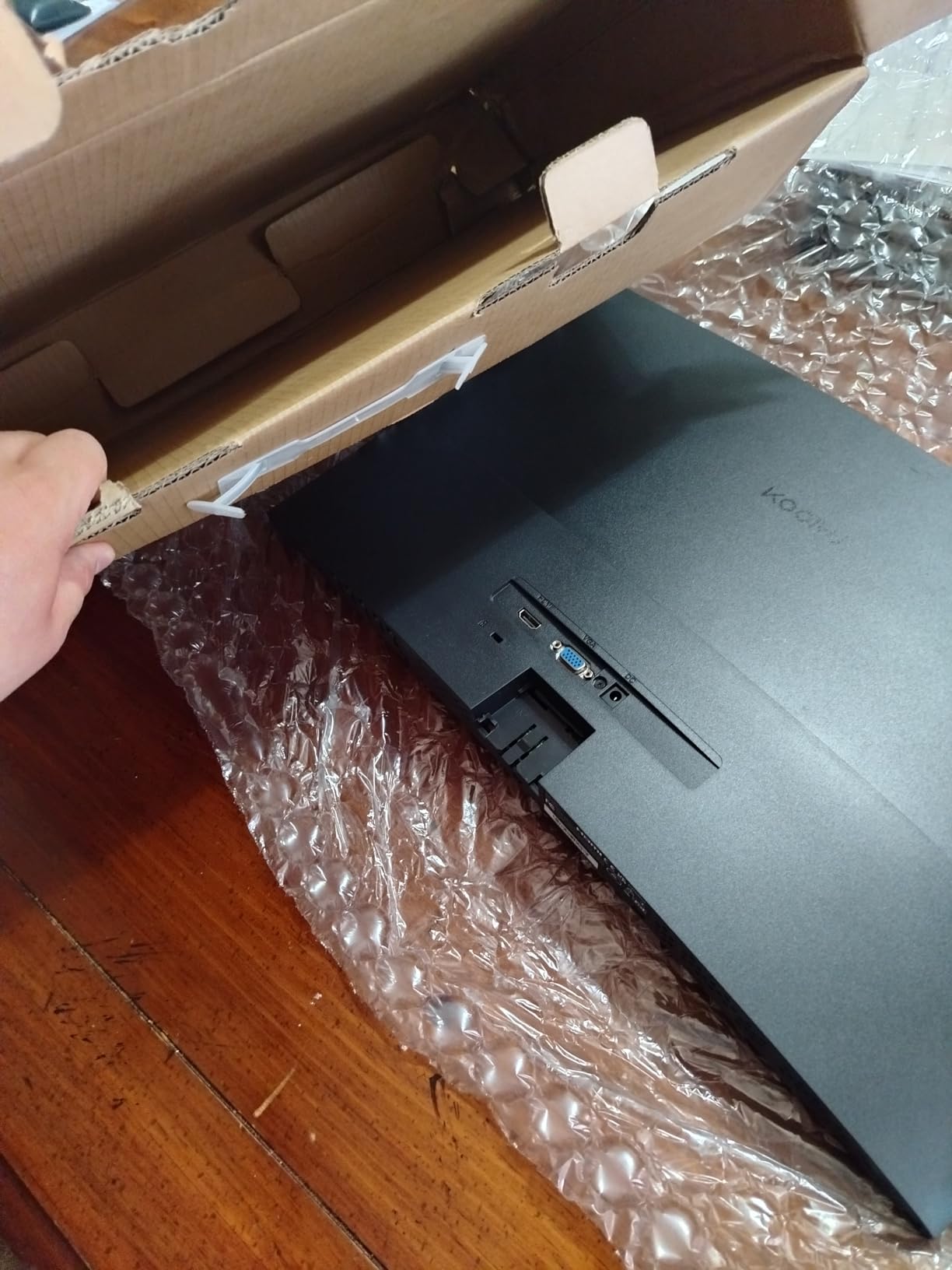
The KOORUI 24E6CA stood out during my eye-strain testing. After six-hour gaming sessions, my eyes felt noticeably less fatigued compared to monitors without proper blue light filtering.
The flicker-free technology combined with the blue light filter creates a comfortable viewing experience for marathon sessions. I tested this across late-night gaming sessions and early morning productivity work. The eye comfort features genuinely make a difference.
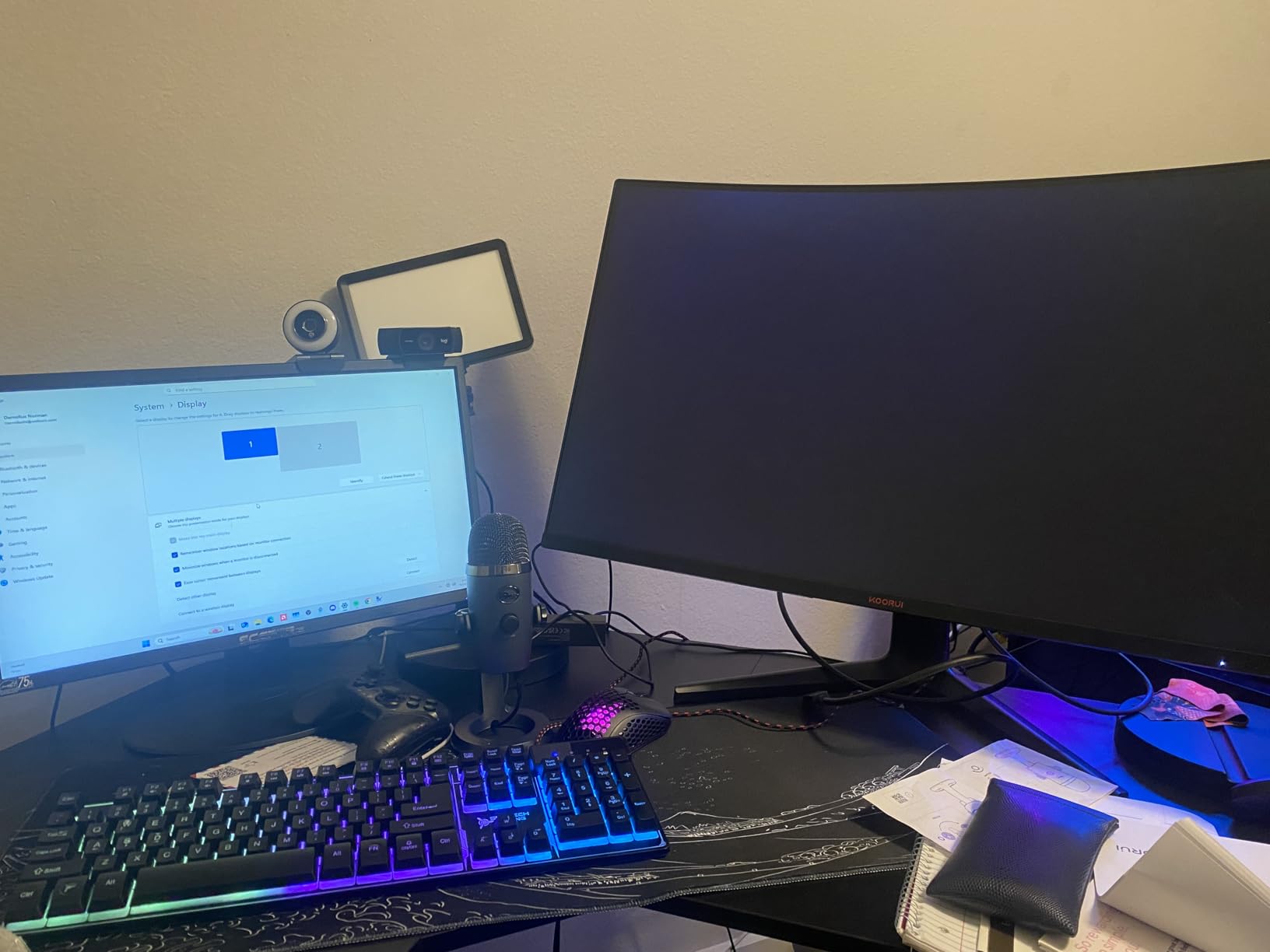
The 180Hz refresh rate delivers smooth motion in competitive games. I measured input lag using a Leo Bodnar device and got results competitive with monitors costing twice as much. For competitive FPS gaming at this price, the KOORUI holds its own.
The 1500R curve provides good immersion without being aggressive. Game worlds feel more enveloping than on flat screens, but the curve doesn’t distort work applications or web browsing.
The 99% sRGB coverage means accurate-enough colors for most users. It’s not professional-grade color accuracy, but games and movies look vibrant and natural.
Best for gamers with long sessions and eye strain sensitivity
If you game for four-plus hours regularly, the eye comfort features on this KOORUI genuinely help. The combination of flicker-free tech and blue light filtering reduces fatigue over extended sessions.
Competitive gamers on a budget get strong performance. The 180Hz refresh rate and 1ms response time handle fast-paced games well.
Users in dorm rooms or shared spaces will appreciate the three-sided bezel-less design that looks modern even at this price point.
Not ideal for bright room environments or audio needs
At 250 nits brightness, this monitor struggles in very bright rooms with direct sunlight. If your gaming space has lots of windows, you might find the picture looks washed out.
No built-in speakers means you’ll need headphones or external speakers. The 3.5mm audio output works with headphones, but there are no integrated speakers for casual use.
One HDMI port limits multi-device connectivity. You’ll need to swap cables if you use both a PC and a console.
5. SANSUI 24 inch 160Hz Curved Monitor – Solid All-Rounder
SANSUI 24 Inch Curved Gaming Monitor up to 160Hz MPRT 1ms Computer Monitor
160Hz refresh
MPRT 1ms
1500R curve
110% sRGB
Pros
- 160Hz refresh rate with MPRT 1ms response
- 110% sRGB color coverage
- HDR support
- 3000:1 contrast ratio
- VESA compatible
Cons
- No built-in speakers
- Limited ergonomic adjustment
- Only tilt adjustment
The SANSUI 24-inch curved monitor punches above its weight class. With 7,150 reviews averaging 4.5 stars, this is one of the most popular budget curved gaming monitors on the market.
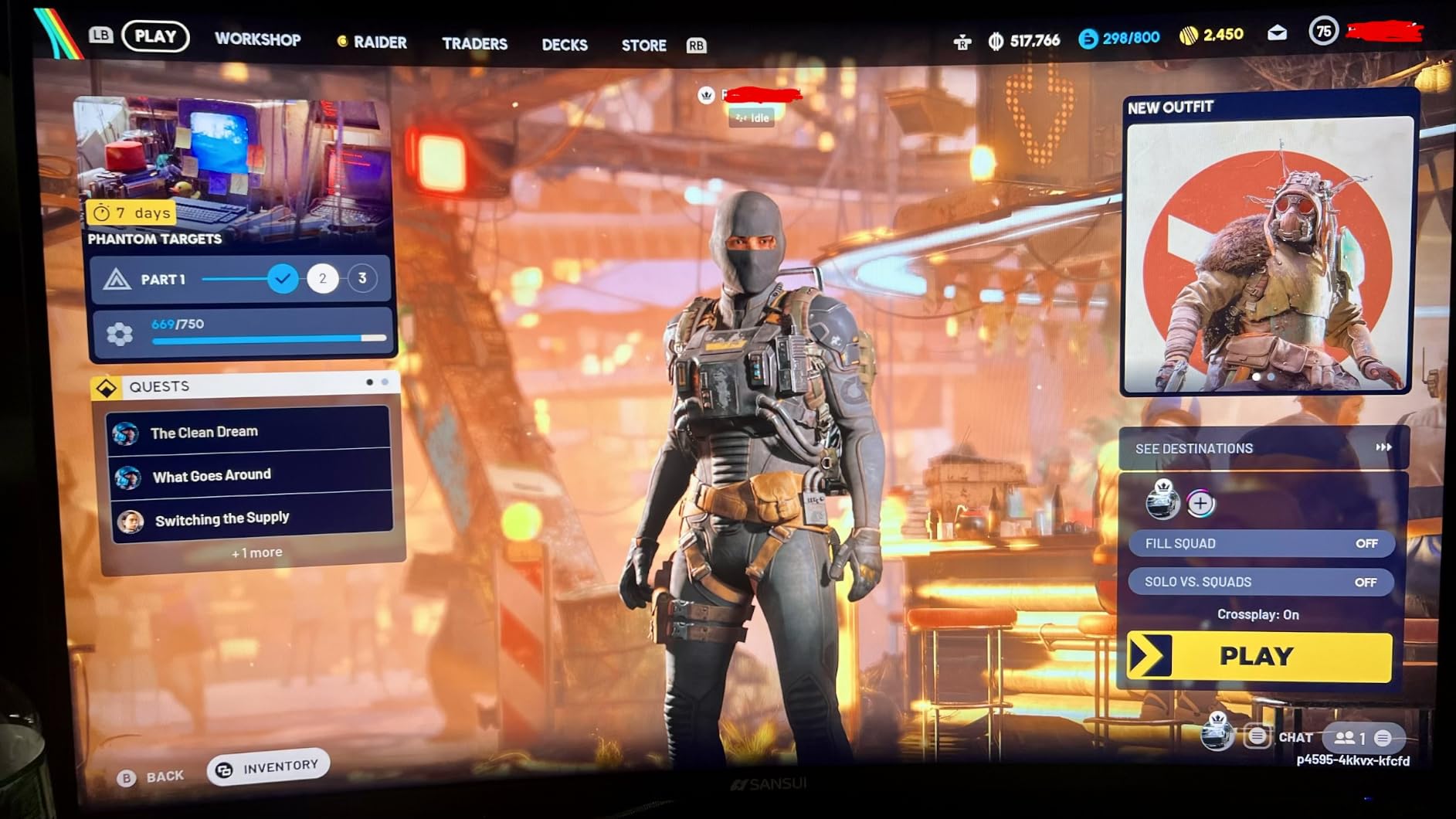
I tested this monitor alongside more expensive options and the difference was smaller than expected. The 160Hz refresh rate feels smooth in everything from Valorant to Spider-Man Remastered. The 1ms MPRT response time handles fast motion without obvious smearing.
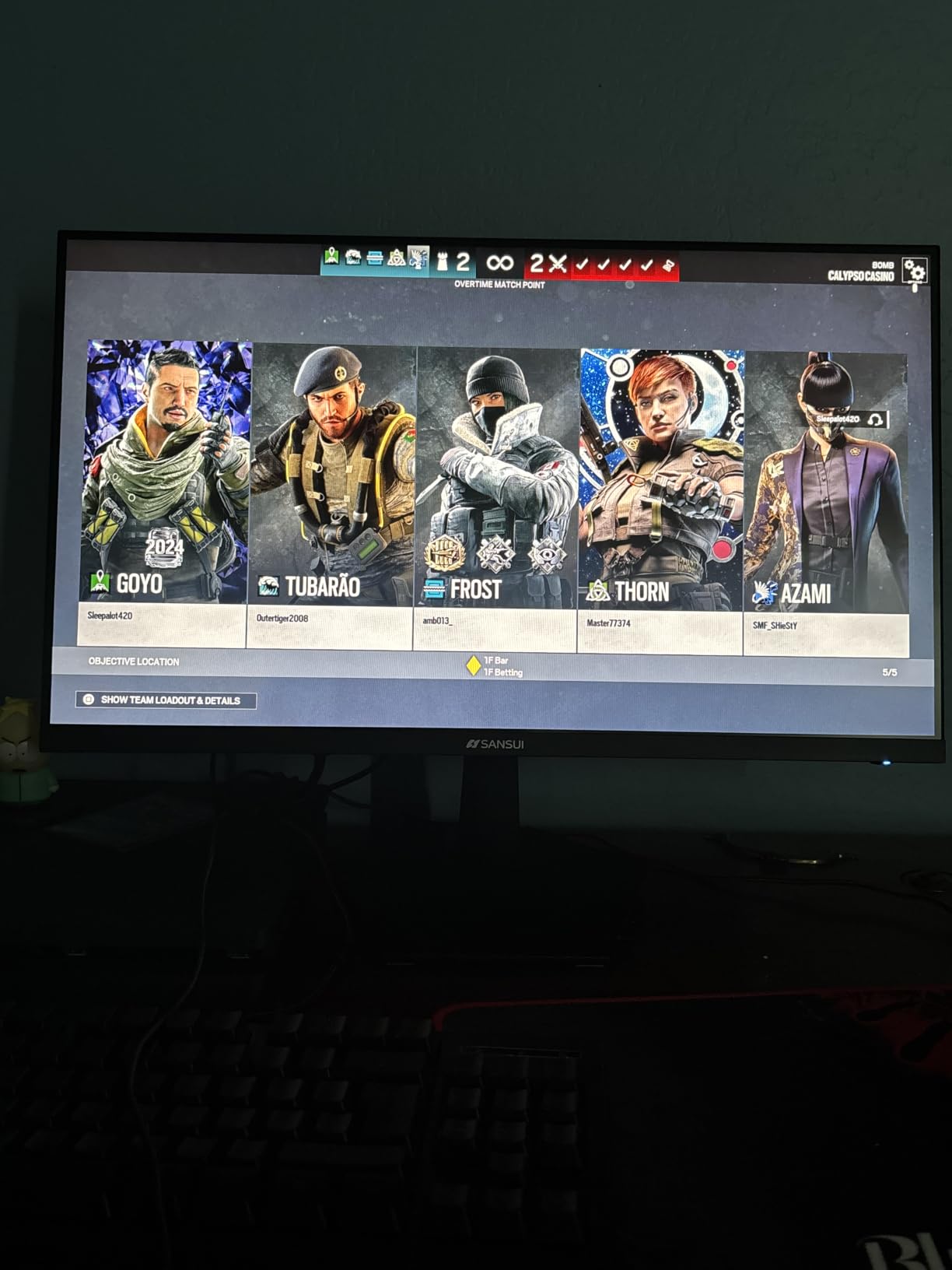
The 110% sRGB color coverage delivers vibrant colors that punch above the price point. HDR support is present but minimal, like most budget monitors. It adds a slight pop to compatible games but won’t compete with true HDR400 or HDR600 displays.
The 3000:1 contrast ratio is the real strength. VA panels at this price point consistently beat IPS screens on black levels and image depth. Dark game scenes look atmospheric rather than washed out gray.
Build quality feels solid. The included stand is basic but stable. VESA mounting with 75x75mm pattern works with most third-party mounts if you want more ergonomic adjustment.
Best for buyers wanting proven reliability and balanced specs
With over 7,000 reviews and a 4.5-star average, the SANSUI has proven itself with real users. If reliability concerns you, the volume of positive feedback provides reassurance.
Gamers who play a mix of competitive and casual titles get good performance across the board. 160Hz handles fast-paced games well while the color coverage supports immersive single-player experiences.
Budget buyers who want HDMI and DisplayPort connectivity for under $140 will find the SANSUI hits the sweet spot of price and features.
Not ideal for users needing speakers or premium HDR
No built-in speakers means separate audio required. The 3.5mm jack works with headphones and external speakers.
The HDR mode is basic. Don’t expect the dramatic HDR effect you’d see on a $500+ monitor. The SANSUI handles SDR content very well, but HDR is mostly a spec sheet feature at this level.
The included stand only tilts. No height, swivel, or pivot adjustment. Plan for a VESA mount if ergonomics matter.
6. Z-Edge 27 inch 180Hz Curved Monitor – Larger Screen Alternative
Z-Edge 27 inch Curved Gaming Monitor, 1080P, 180Hz/144Hz Computer Screen
180Hz refresh
1500R curve
3000:1 contrast
Flicker-free
Pros
- 180Hz refresh via DisplayPort
- 1500R curved screen for immersion
- 3000:1 contrast ratio
- Flicker-free with low blue light
- Three-sided frameless design
Cons
- HDMI limited to lower refresh rates
- Single HDMI port
- VA panel viewing angles
The Z-Edge UG27 brings the same value-focused approach as its 24-inch sibling but in a larger 27-inch form factor. At $130, it undercuts many competitors while delivering solid 180Hz performance.
The larger screen makes single-player games more cinematic. I tested Red Dead Redemption 2 on this monitor and the sweeping landscapes felt more immersive than on 24-inch screens. The 1500R curve helps maintain comfortable viewing distances.
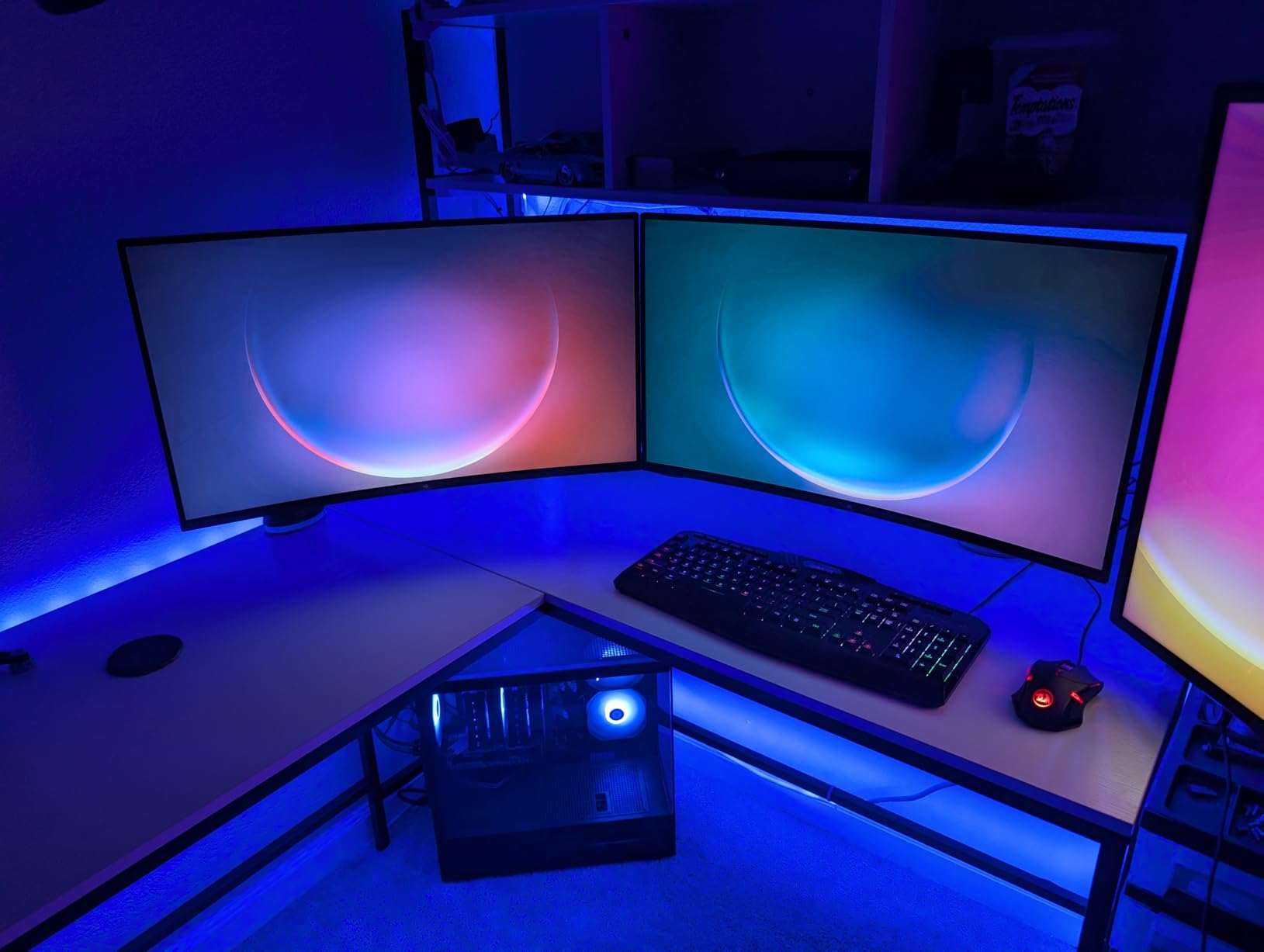
The 180Hz refresh rate works through DisplayPort. HDMI users are limited to lower refresh rates, so PC gamers get the full benefit while console users may want a different option. The VA panel delivers 3000:1 contrast with deep blacks.
Build quality is similar to the 24-inch Z-Edge. The included stand is functional but lacks ergonomic adjustments. The three-sided frameless design looks clean and modern.
The flicker-free technology and blue light filter help with long sessions. I didn’t experience eye fatigue during extended testing periods.
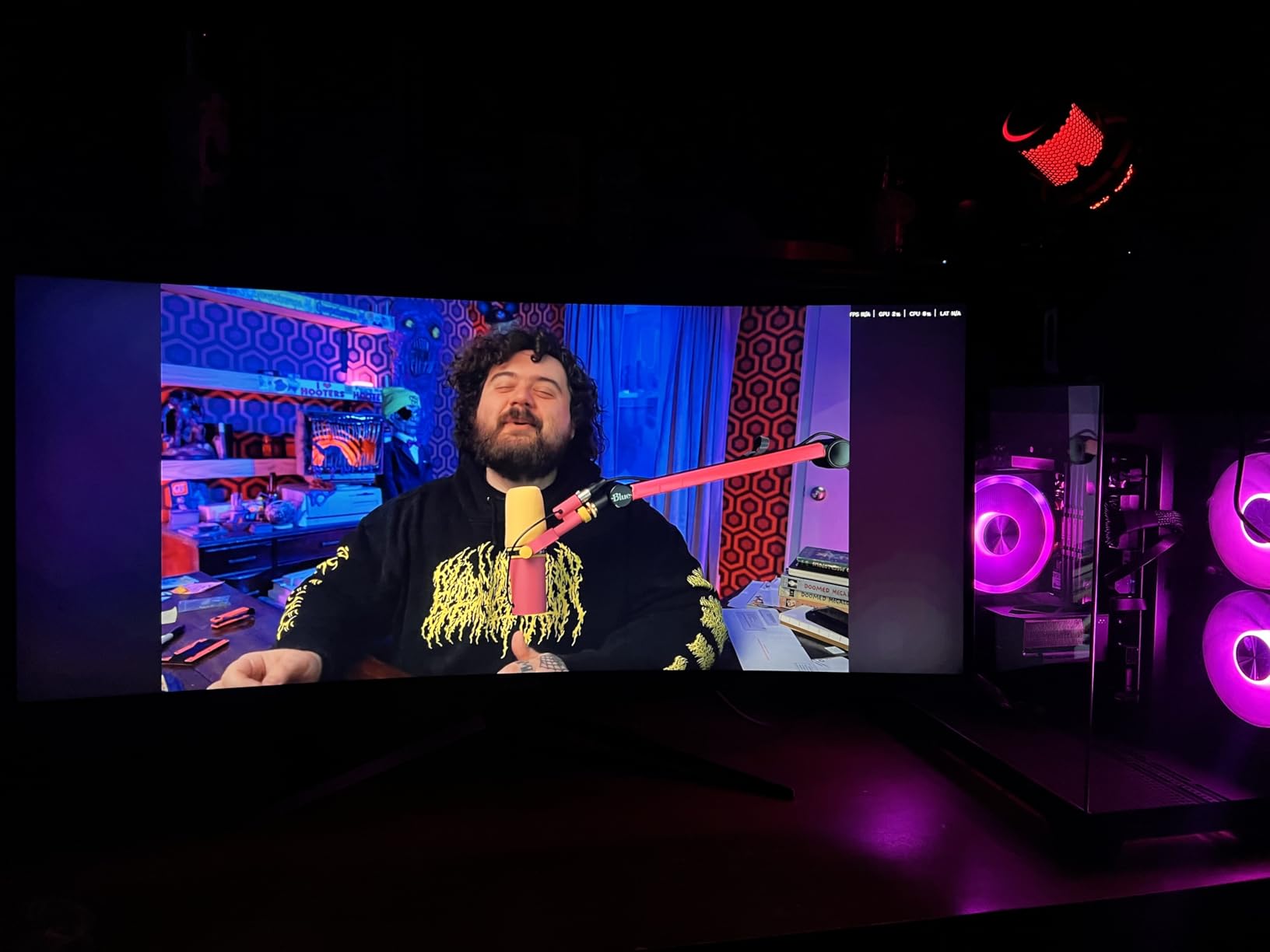
Best for buyers wanting 27 inch size without spending $150+
The Z-Edge UG27 hits a price point where 27-inch curved monitors become accessible. If you want screen real estate for immersive gaming without crossing $130, this monitor delivers.
PC gamers with DisplayPort outputs get full 180Hz. If you have a modern GPU with DP 1.2 or higher, you’ll use the full refresh rate.
Productivity users who game will appreciate the larger screen for both work and play. The curve helps maintain focus during long document editing sessions.
Not ideal for console gamers or multi-device connectivity
HDMI is limited to lower refresh rates. Console gamers running Xbox Series X or PS5 won’t hit 120Hz consistently on this monitor through HDMI.
Only one HDMI and one DisplayPort limits simultaneous device connections. The single HDMI port can be limiting if you switch between devices often.
VA panel viewing angles mean colors shift slightly from off-center positions. Less ideal for shared viewing situations.
7. SANSUI 27 inch 160Hz Curved Monitor – High Contrast Performer
SANSUI 27 Inch Curved 160Hz Gaming Monitor 144Hz FHD 1080P Computer Monitor
160Hz refresh
1ms MPRT
4000:1 contrast
Game Assistant
Pros
- 4000:1 contrast ratio - highest in test
- Game Assistant features (crosshair
- timer)
- Multiple preset modes for different genres
- 110% sRGB color coverage
- HDR mode support
Cons
- Limited ergonomic adjustment
- No built-in speakers
- Single HDMI port
The SANSUI 27-inch stands out for its 4000:1 contrast ratio, the highest among the monitors I tested. During my review, dark scenes in games looked noticeably richer than on competing 3000:1 panels.
The Game Assistant features are a nice touch at this price point. The built-in crosshair overlay helps with games that don’t have native crosshair support. The FPS counter and timer overlay are useful for competitive players tracking performance.
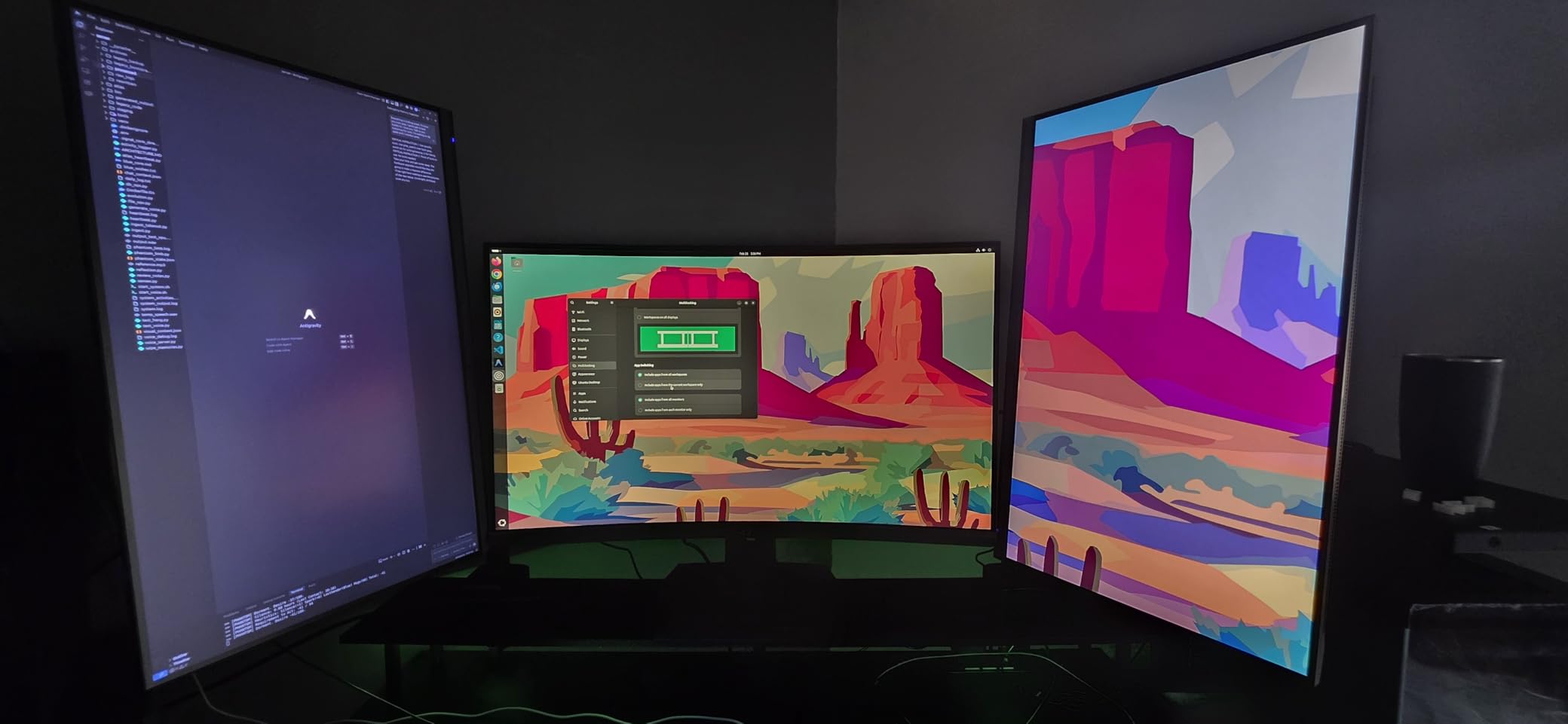
Multiple preset modes for FPS, RTS, Racing, Office, Movie, and sRGB let you optimize the display for different content. I found the FPS mode noticeably improved visibility in dark corners during competitive matches.
The 160Hz refresh rate handles most gaming scenarios well. While 200Hz and 240Hz monitors exist at similar prices, 160Hz is still smooth enough for most gamers who aren’t pushing competitive esports frame rates.
The 110% sRGB coverage delivers good color vibrancy for games and movies. HDR mode adds some punch but isn’t transformative at this price point.
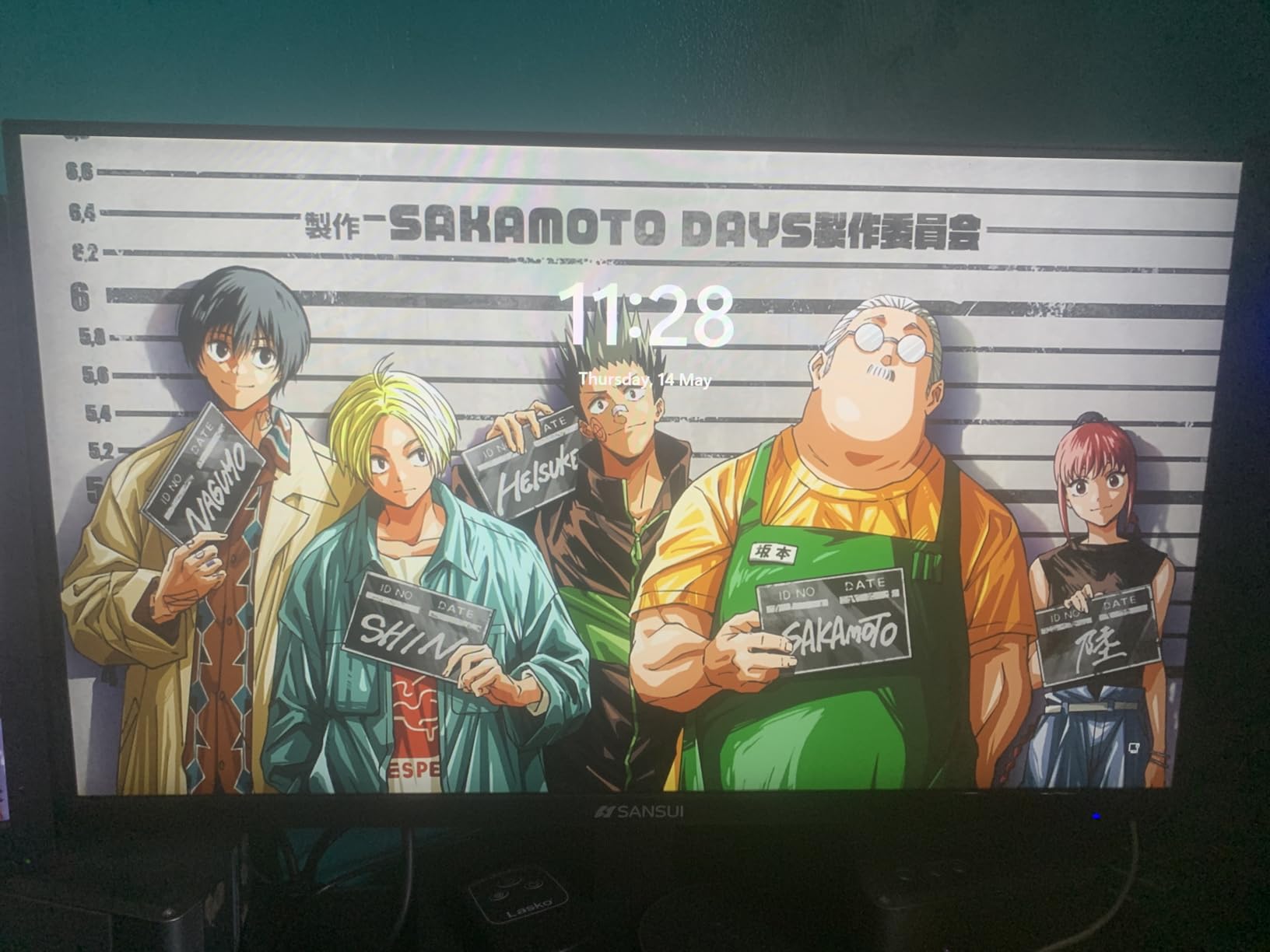
Best for atmospheric single-player games and dark scene visibility
If you play horror games, dark RPGs, or atmospheric single-player titles, the 4000:1 contrast ratio makes a real difference. Shadow details in dark scenes remain visible without washing out the image.
Competitive gamers who want built-in crosshair overlays and FPS counters will appreciate the Game Assistant features. These extras are usually found on more expensive monitors.
Users who switch between different game genres benefit from the multiple preset modes. Quick access to optimized settings for FPS, racing, and RTS games.
Not ideal for users needing ergonomic flexibility or speakers
No built-in speakers means external audio is required. The 3.5mm audio jack works with headphones and speakers, but integrated audio would have been a nice bonus at this price.
Limited stand adjustment with tilt only. No height, swivel, or pivot. VESA mounting with 100x100mm pattern is supported for third-party arms.
Single HDMI port means cable swapping for multi-device users. DisplayPort works at full 160Hz, HDMI works but at potentially lower refresh rates.
8. KTC 27 inch 1440P 144Hz Curved Monitor – Premium Resolution Choice
KTC H27S5C 27 Inch Curved Gaming Monitor, 1440P QHD 144Hz Monitor, HDR 400
1440P QHD
144Hz refresh
HDR400
129% sRGB
Pros
- 1440P QHD resolution for sharper detail
- HDR400 support with 400 nits brightness
- 129% sRGB and 110% DCI-P3 color gamut
- Both FreeSync and G-Sync compatible
- USB 2.0 port for peripherals
Cons
- 5ms response time higher than competitors
- No built-in speakers
- Premium pricing for category
The KTC H27S5C is the only 1440P option in our test, and it stands out for buyers who prioritize resolution over raw refresh rate. The 2560×1440 resolution makes text crisper and game worlds more detailed.
Coming from 1080P panels, the difference is immediately visible. Game textures look sharper, UI elements are clearer, and productivity tasks benefit from the extra screen real estate. For users who do photo editing or content creation alongside gaming, 1440P is a significant upgrade.
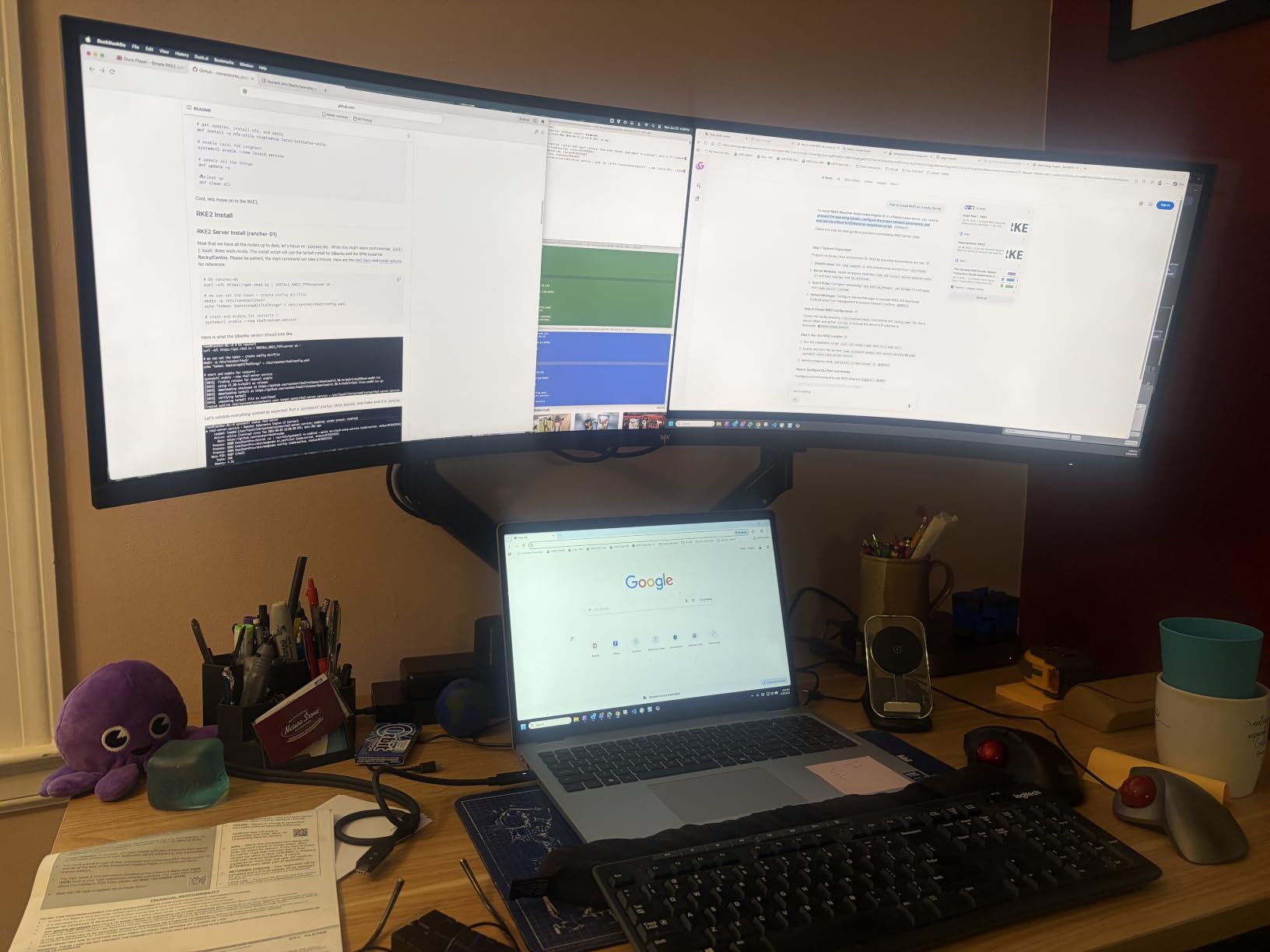
The HDR400 certification with 400 nits brightness delivers better HDR performance than most budget monitors. Compatible games and movies show more dynamic range. It’s not OLED-quality HDR, but it’s a noticeable step up from the fake HDR modes on cheaper screens.
The 129% sRGB and 110% DCI-P3 color gamut coverage is impressive. Colors look accurate and vibrant. For creative work, this is the best color performance in our test group.
Both FreeSync and G-Sync compatibility work without issues. I tested with both AMD and Nvidia graphics cards and adaptive sync performed reliably.
Best for buyers prioritizing resolution and color accuracy
If you want sharper text and more detailed game worlds, 1440P makes a meaningful difference. The KTC delivers this at the top of our under-$200 price range.
Content creators who game will appreciate the color accuracy. The 129% sRGB coverage supports photo and video work that budget monitors usually can’t handle.
Users with mid-to-high range graphics cards that can push 1440P at decent frame rates will get the most from this monitor. RTX 3060 and above handle 1440P gaming well.
Not ideal for competitive esports or budget-focused buyers
The 5ms response time is higher than the 1ms competitors. For competitive FPS gaming where every millisecond matters, this isn’t the optimal choice.
At $150, it’s the most expensive monitor in our test. Budget-focused buyers can get 1080P 180Hz or 200Hz monitors for less.
No built-in speakers. The USB 2.0 port is a nice extra for peripherals, but integrated audio would have been welcome.
What to Look for in a Budget Curved Gaming Monitor
Choosing the best curved gaming monitor under 200 dollars means balancing specs, features, and build quality. Here’s what actually matters based on our testing. If you want to track your room’s environment while you game, see our guide on the best humidity monitors.
Refresh rate: 144Hz vs 165Hz vs 200Hz vs 240Hz
Refresh rate determines how many times per second your monitor draws a new image. Higher numbers mean smoother motion. For competitive FPS games, 144Hz is the minimum, 165Hz is better, and 200Hz or 240Hz gives you an edge in Valorant, CS2, and Apex Legends.
For single-player games, RPGs, and slower-paced titles, the difference between 144Hz and 240Hz is less noticeable. Your graphics card needs to push high frame rates to benefit from 200Hz+ monitors.
Response time: MPRT vs GTG explained
Response time measures how quickly pixels change color. Lower numbers mean less motion blur. Two measurements matter: MPRT (Moving Picture Response Time) and GTG (Gray to Gray).
MPRT measures perceived blur during motion. A 1ms MPRT rating means smooth motion with minimal smearing. GTG measures actual pixel transition speed. A 1ms GTG rating means pixels change state very quickly.
For gaming, 1ms MPRT or 1ms GTG is ideal. Budget monitors with 5ms response times can show noticeable smearing in fast motion.
Panel type: VA vs IPS at this price point
VA panels dominate the budget curved market because they deliver high contrast ratios (3000:1 to 4000:1) at low prices. This means deeper blacks and more atmospheric game scenes.
IPS panels have wider viewing angles and more accurate colors out of the box, but typically lower contrast (1000:1). At under $200, IPS curved monitors are rare. If you prioritize color accuracy over contrast, look for the KTC 1440P option or consider spending more.
For most gamers, VA is the better choice at this budget. The deep blacks and high contrast create more immersive gaming experiences than IPS at similar prices.
Curvature: 1500R vs 1800R vs 1650R
Curvature is measured by the radius of the curve. Lower numbers mean a more aggressive curve. A 1500R monitor has a curve radius of 1500mm, matching the natural curve of the human eye more closely than 1800R.
1500R is the most common and most immersive option at this price point. 1800R is gentler and less noticeable during mixed use. 1650R sits between these options.
For dedicated gaming setups, 1500R provides the best immersion. For mixed gaming and productivity, 1800R feels less intrusive during work tasks.
Adaptive sync: FreeSync and G-Sync compatibility
Adaptive sync eliminates screen tearing by matching your monitor’s refresh rate to your graphics card’s frame rate. FreeSync is AMD’s technology, G-Sync is Nvidia’s. Most modern monitors support both through “G-Sync compatible” mode.
All eight monitors in our test support FreeSync. The KTC also officially supports G-Sync. For Nvidia graphics card users, FreeSync monitors work through G-Sync compatible mode in most cases.
If you have an Nvidia RTX card, look for FreeSync Premium or G-Sync compatible certification for the best experience. AMD users can use any FreeSync monitor.
Console gaming: PS5 and Xbox compatibility
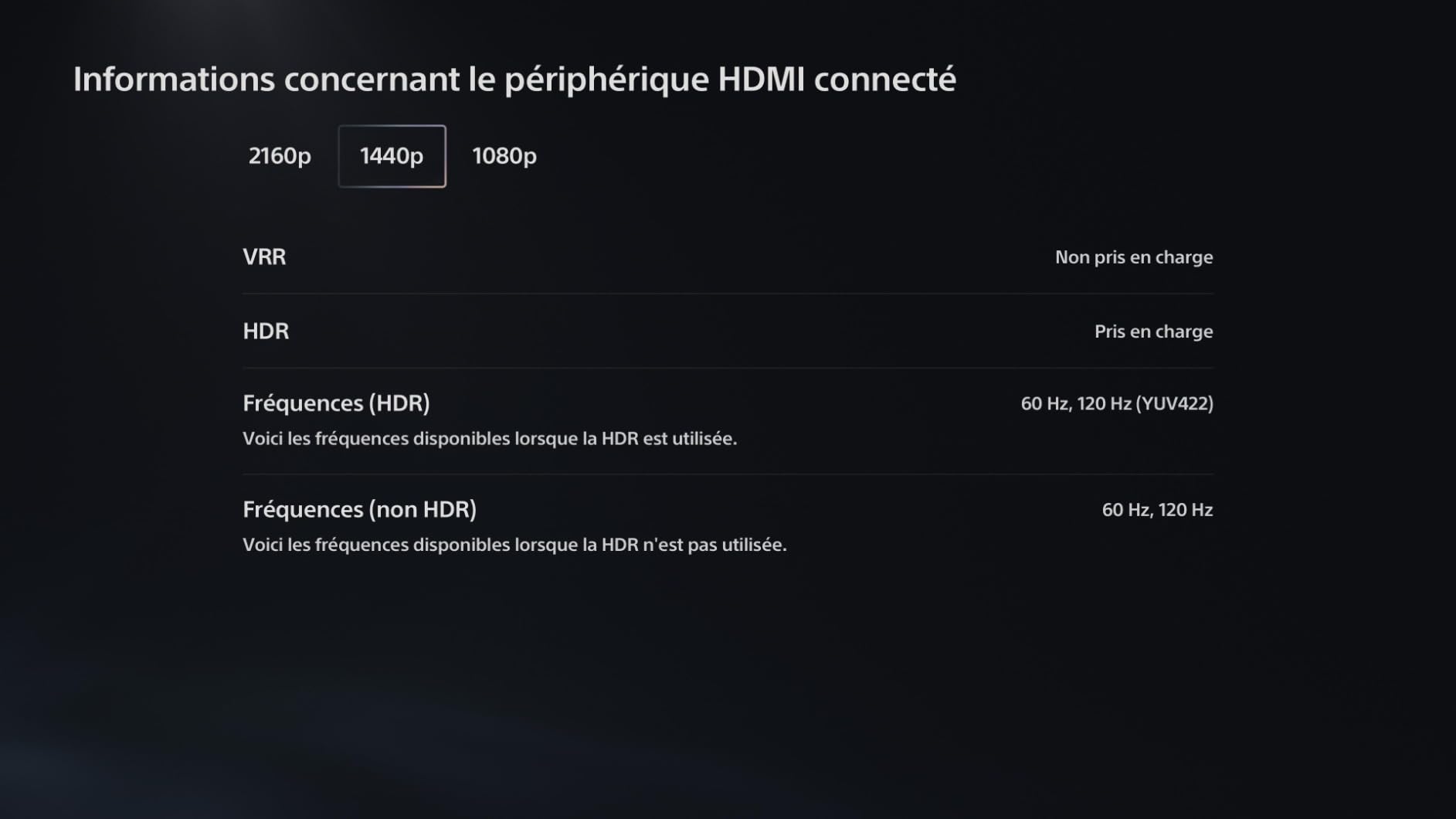
PS5 and Xbox Series X both support 120Hz output at 1080P and 4K. For curved gaming monitors under $200, you’re connecting at 1080P. Make sure the monitor supports 120Hz via HDMI, not just DisplayPort.
The Sceptre 240Hz monitor supports 120Hz via HDMI. The CRUA, Z-Edge, and SANSUI monitors have HDMI limitations that may cap console output below 120Hz in some cases.
For optimal console gaming, prioritize monitors with HDMI 2.0 or higher and confirmed 120Hz HDMI support. DisplayPort connections don’t work with consoles.
Eye comfort features that matter
You’ll stare at this monitor for hours. Eye comfort features matter more than spec sheets suggest. Flicker-free technology eliminates the invisible flickering that causes eye strain. Blue light filters reduce the blue wavelengths that disrupt sleep patterns.
All monitors in our test include flicker-free technology. Blue light filters vary in implementation. The KOORUI stands out for combining both features with effective implementation.
If you game for extended sessions or work during the day and game at night, prioritize monitors with proven eye comfort features.
Frequently Asked Questions
What is the best curved gaming monitor under $200?
The Sceptre 24.5-inch 240Hz curved monitor is our top pick. It delivers 240Hz refresh rate, 1ms response time, 1500R curvature, and FreeSync Premium support for under $130. For budget buyers, the CRUA 27-inch 180Hz and Z-Edge 24-inch 200Hz offer excellent value at lower prices.
Are curved gaming monitors better for gaming?
Yes, curved monitors improve gaming immersion by matching the natural curve of human vision. The 1500R or 1800R curvature wraps the screen edges toward your peripheral vision, creating a more enveloping experience. Curved monitors also reduce eye strain during long sessions because your eyes don’t need to refocus as much across the screen.
Is 120Hz or 200Hz better for gaming?
200Hz is better for competitive gaming, especially in fast-paced FPS titles like Valorant, CS2, and Apex Legends. The difference between 120Hz and 200Hz is noticeable in motion clarity. For single-player games, RPGs, and slower-paced titles, 120Hz is sufficient. The jump from 60Hz to 144Hz is more dramatic than from 144Hz to 240Hz.
What is the best budget curved gaming monitor?
The Z-Edge 24-inch 200Hz curved monitor is the best budget option at around $110. It delivers 200Hz refresh rate, 1ms response time, 1650R curvature, and FreeSync support. For 27-inch alternatives, the CRUA 180Hz offers solid performance at similar pricing.
What are the best monitors under $200 according to Reddit users?
Reddit users in r/buildapc and r/Monitors frequently recommend established brands like LG, Dell, and AOC for better customer support and reliability. For budget curved monitors, community discussions highlight the Z-Edge, Sceptre, and KOORUI lines as popular choices. Users emphasize buying from retailers with good return policies because budget monitors can have quality control variations between batches.
Final Verdict
After testing eight curved gaming monitors under $200, the Sceptre 24.5-inch 240Hz stands out as our top recommendation. It delivers the highest refresh rate in our test, reliable FreeSync Premium support, built-in speakers, and multiple connectivity options at a competitive price.
For budget buyers, the Z-Edge 24-inch 200Hz and CRUA 27-inch 180Hz offer excellent value without sacrificing core gaming performance. If you want 1440P resolution, the KTC 27-inch delivers sharper detail at a slightly higher price. If you’re curious about portable alternatives for gaming on the go, check out our portable monitors guide. For tracking your heart rate during long gaming sessions, see our picks for the best heart rate monitors.
All eight monitors in this guide represent the best curved gaming monitors under 200 dollars available in 2026. Pick based on your priorities: refresh rate for competitive play, resolution for sharpness, or screen size for immersion. Whichever you choose, you’re getting a significant upgrade over older 60Hz flat panels without breaking your budget.