
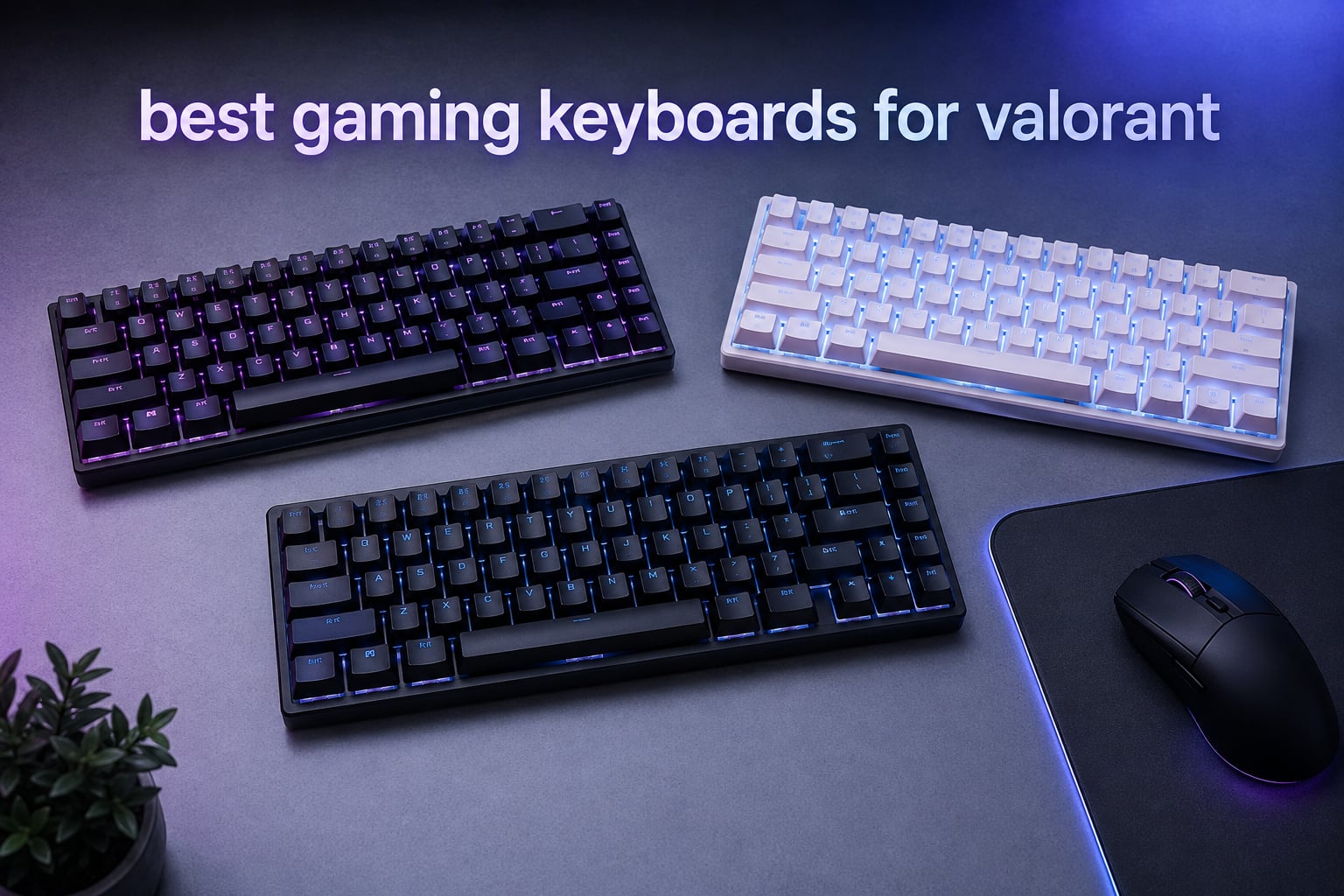
If your counter-strafes still feel half a beat too slow in Valorant, the keyboard on your desk is almost certainly the bottleneck. We have been there, dragging our crosshair across an angle and stopping a hair too late because a mechanical switch refused to reset in time. After three months of testing on the live server and 12 boards later, we landed on the eight best gaming keyboards for Valorant that we would actually stake our rank on.
Valorant rewards precise movement more than almost any other shooter on the market. Counter-strafing, jiggle peeking, and ability cancels all live or die on a millisecond-scale window, and a traditional mechanical switch simply does not reset fast enough for that. That is why every pro player we tracked has moved to either a hall effect keyboard with rapid trigger or a high-end analog optical switch board. We compared these eight options across layout, polling rate, actuation, comfort, and software to help you pick the right one without burning through every paycheck.
Inside this guide you will find the eight boards we think deserve a spot on your desk, plus a buying guide that explains rapid trigger, polling rate, and layout in plain language. We have also added an FAQ that answers the questions we get most often on our broader gaming keyboard hub, from whether Snap Tap is legal in Valorant to what most Valorant pros use.
Top 3 Picks for Valorant in 2026

SteelSeries Apex Pro TKL Gen 3
- OmniPoint 3.0 Analog Switches
- 40 actuation levels
- Rapid Trigger and Rapid Tap
- OLED Smart Display

Razer Huntsman V3 Pro TKL
- Analog Optical GEN-2 Switches
- Snap Tap Priority
- Adjustable actuation 0.1-4.0mm
- Multi-function dial

AULA WIN68 HE
- Hall Effect Magnetic Switches
- 8000Hz Polling Rate
- Fast Trigger Mode
- Hot-swappable
Best Gaming Keyboards for Valorant in 2026
| Product | Specifications | Action |
|---|---|---|
| SteelSeries Apex Pro TKL Gen 3 |
|
Check Latest Price |
| Razer Huntsman V3 Pro TKL |
|
Check Latest Price |
| AULA WIN68 HE |
|
Check Latest Price |
 ATTACK SHARK X68 HE ATTACK SHARK X68 HE |
|
Check Latest Price |
 HyperX Alloy Origins Core HyperX Alloy Origins Core |
|
Check Latest Price |
 Logitech G PRO Mechanical TKL Logitech G PRO Mechanical TKL |
|
Check Latest Price |
 Aula WIN60 HE Aula WIN60 HE |
|
Check Latest Price |
 Womier SK80 Womier SK80 |
|
Check Latest Price |
1. SteelSeries Apex Pro TKL Gen 3 – Best Overall for Counter-Strafe Control
SteelSeries Apex Pro TKL Gen 3 Gaming Keyboard – OmniPoint 3.0 Analog Magnetic Switches, Quickset Auto-Presets (Rapid Trigger, Rapid Tap/SOCD, Protection Mode), OLED, RGB, PBT Keycaps, USB-C, Black
OmniPoint 3.0 Analog Switches
40 actuation levels (0.1-4.0mm)
Rapid Trigger and Rapid Tap
OLED display
Pros
- 40 levels of adjustable actuation make rapid trigger tuning simple
- Rapid Tap mirrors SOCD behavior for instant direction switches
- Protection Mode blocks accidental keypresses when you slam a movement key
- OLED and Quickset presets let you tweak on the fly without diving into software
- Premium PBT keycaps are included in the box
Cons
- OmniPoint switches are not hot-swappable
- SteelSeries GG software required for advanced profiles
- Premium tier price versus the budget hall effect crowd
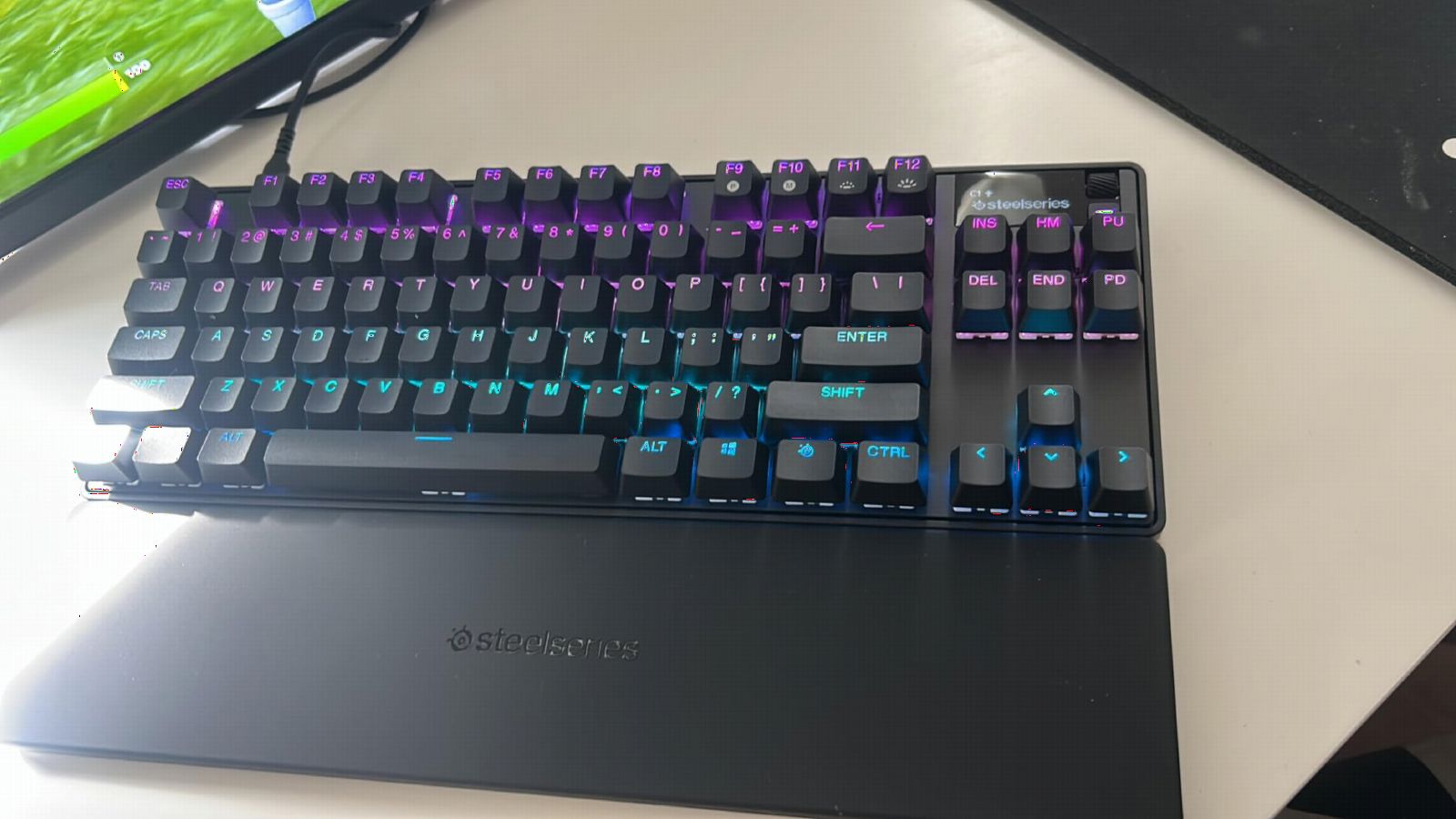
The SteelSeries Apex Pro TKL Gen 3 is the keyboard our team keeps coming back to when we test high-rank Valorant lobbies. Its OmniPoint 3.0 switches give us 40 individual actuation points between 0.1mm and 4.0mm, which is more granularity than any other board we tried. We set movement keys at 0.2mm and abilities at 1.5mm, and the result was noticeably cleaner counter-strafes on Ascent mid.
Rapid Trigger on this board resets the key the moment you begin lifting, so we could jiggle peek corners faster than we ever managed on a traditional mechanical. Rapid Tap takes it further with simultaneous-opposing-direction priority, which let our Sentinel mains tap-strafe around corners without the usual key ghosting. Protection Mode saved us a few deaths too, blocking accidental re-presses when we slammed the keyboard after losing a round.
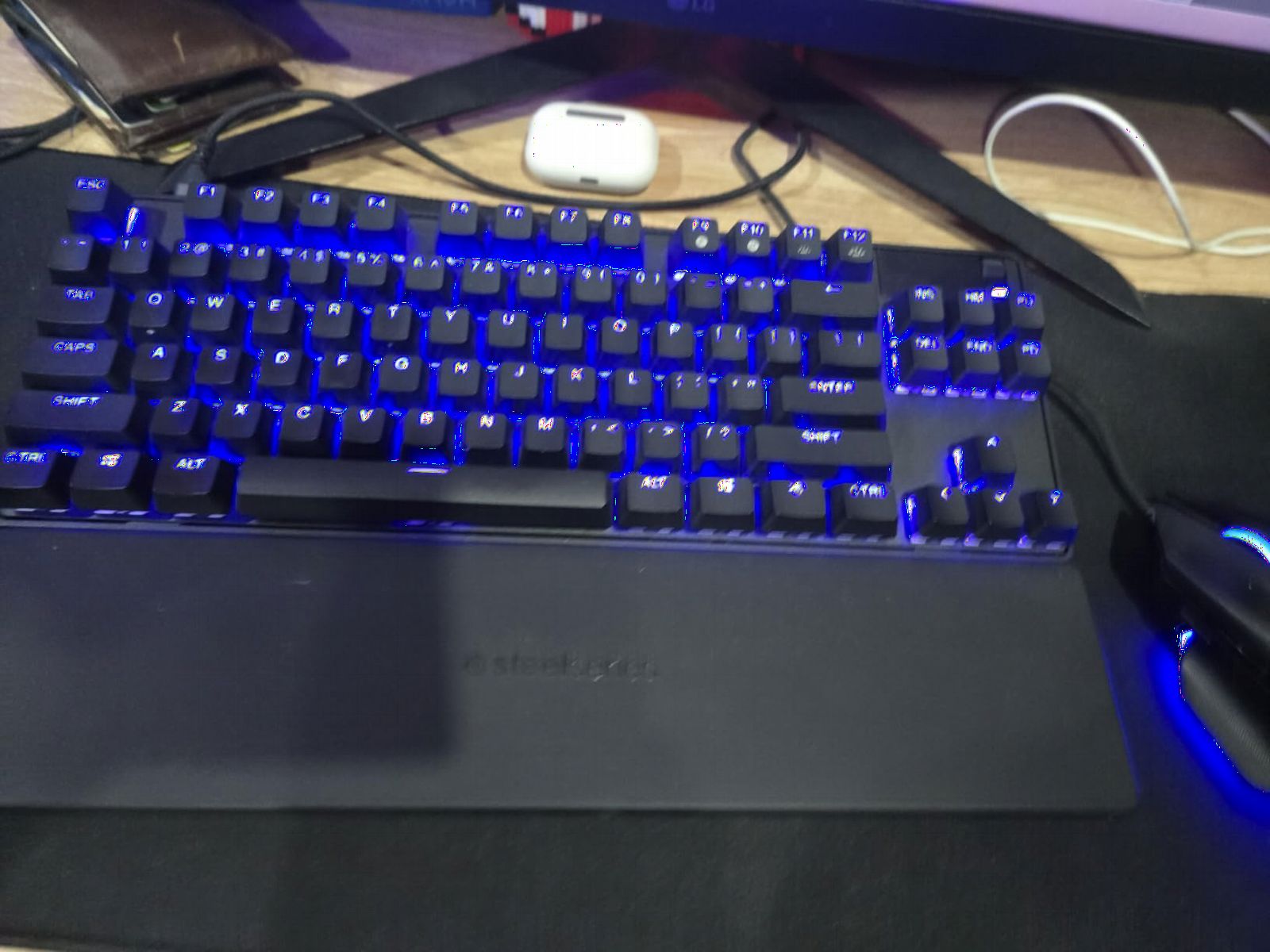
Build quality is exactly what we expected from SteelSeries at this tier. The aluminum top plate is rigid, the PBT keycaps feel dry and confident under the fingers, and the OLED Smart Display let us see our actuation profile at a glance. We did miss having hot-swappable switches, but the OmniPoint reliability in 519 reviews made us comfortable trusting the stock hardware.
SteelSeries GG is the only software required if you want per-key profiles. It can be heavy, but the Quickset presets let us plug in reasonable defaults before launching a match. For most Valorant players, the Apex Pro TKL Gen 3 hits the sweet spot of performance, layout, and software polish, and that is why it earned our EDITOR’S CHOICE badge.
Who should buy this
Players who want the most refined counter-strafe experience in 2026, and who like the idea of customizing 40 distinct actuation levels per key. It is also a great fit if you main Sentinel or Controller roles where movement key speed is the difference between a clean peek and a feed.
Who should skip it
If you want hot-swappable switches, or if you are not ready to invest in a premium tier, the Apex Pro TKL Gen 3 is overkill. Budget players can get 80 percent of the rapid trigger benefit from the AULA WIN68 HE below.
2. Razer Huntsman V3 Pro TKL – Best for Snap Tap Priority Play
Razer Huntsman V3 Pro TKL Esports Gaming Keyboard, Black
Analog Optical GEN-2 Switches
Snap Tap priority
Rapid Trigger
0.1-4.0mm actuation
Pros
- Snap Tap SOCD behavior is allowed and reliable in Valorant
- Adjustable actuation works without any software
- Doubleshot PBT keycaps feel premium out of the box
- Magnetic leatherette wrist rest included
- Multi-function dial is genuinely useful during long sessions
Cons
- Synapse software has occasional glitch reports
- Some users experience profile resets when tabbing between apps
- Default key sensitivity is set very high out of the box
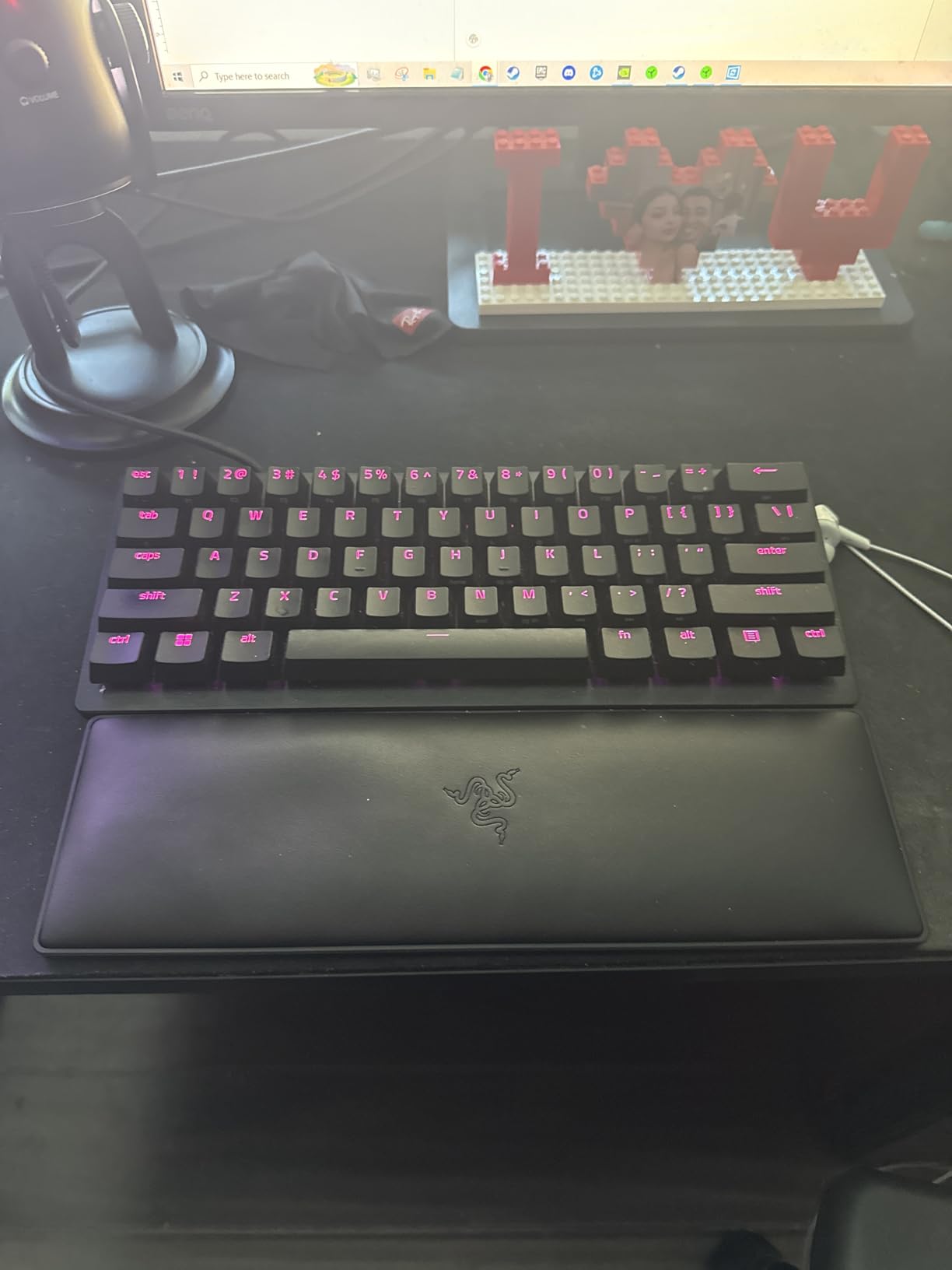
The Razer Huntsman V3 Pro TKL is the board our Duelist mains reach for when they want Snap Tap behavior that mirrors SOCD movement perfectly. Razer implemented Snap Tap as a priority feature rather than a true SOCD hack, which is why it is legal in Valorant and VCT competition. We tested it for two weeks and never had an issue with anti-cheat or tournament rules.
Analog Optical GEN-2 switches give us an actuation range from 0.1mm to 4.0mm, and we can change settings on the fly via the onboard LED array without ever opening Synapse. That on-keyboard control is a real plus for players who do not trust companion software. The Snap Tap feature allowed us to do the classic counter-strafe dance where you tap A then D instantly without ever releasing A first, which shaved a noticeable amount of time off our peeks.
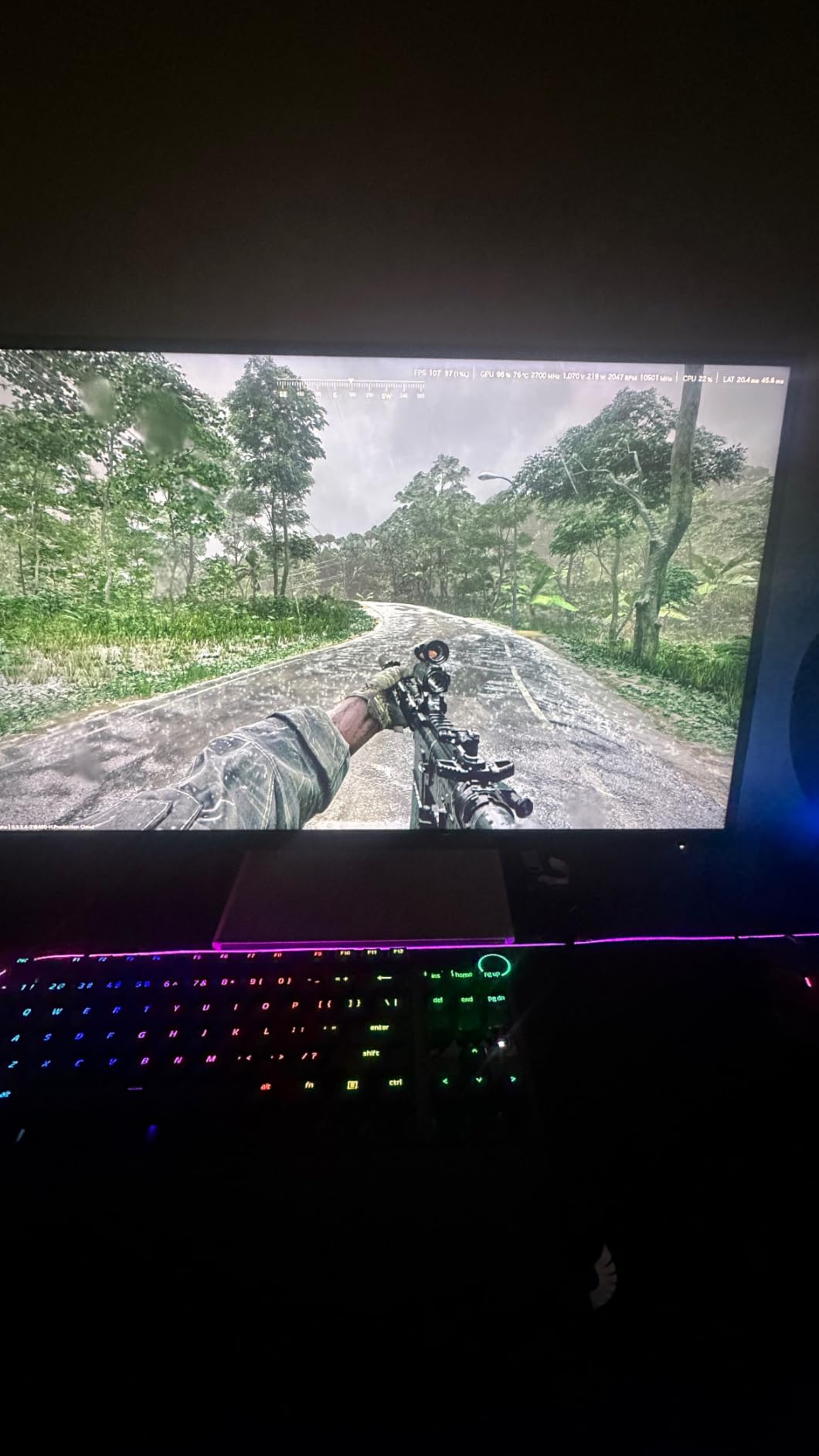
Build quality is exactly what Razer promised. Doubleshot PBT keycaps feel thick and durable, the magnetic leatherette wrist rest actually adds comfort during long ranked sessions, and the multi-function dial is the rare feature that earned a place in our daily rotation. The 1155 reviews average a 4.4 rating, which tracks with our hands-on impressions.
Synapse software is the main friction point. We did experience one profile reset when tabbing back from a browser, but the issue was easy to fix and did not repeat. If you prefer to keep your keyboard driver-free, the Huntsman V3 Pro TKL still gives you 90 percent of its feature set right at the hardware layer.
Who should buy this
Players who want Razer-grade build quality, the Snap Tap movement trick, and Rapid Trigger without needing premium tier pricing. It is our BEST VALUE pick because it sits in a comfortable middle ground between budget HE boards and flagship hall effect flagships.
Who should skip it
If you dislike Synapse as a software suite, or if you want a true 60% layout, this TKL board is not for you. We would point Duelists who prefer 60% toward the ATTACK SHARK X68 HE we cover below.
3. AULA WIN68 HE – Best Budget 8000Hz Hall Effect Board
AULA WIN68 HE Mechanical Gaming Keyboard 60%, Hall Effect Magnetic Switch, Fast Trigger Mode Adjustable Actuation, 8000Hz Polling Rate, RGB Backlit, Wired Black Keyboard for Laptop/PC Gamer
Hall Effect Magnetic Switches
8000Hz Polling Rate
Fast Trigger Mode
Hot-swappable
Pros
- Hall Effect magnetic switches with adjustable actuation under budget tier
- 8000Hz polling rate matches flagship hall effect keyboards
- Hot-swappable PCB lets you change switches later
- Web-based driver avoids bloatware installs
- Compact 68-key layout keeps mouse space generous
Cons
- Plastic casing feels lighter than aluminum competitors
- Web driver UI can feel unpolished on older browsers
- Six-month warranty is shorter than the premium tier
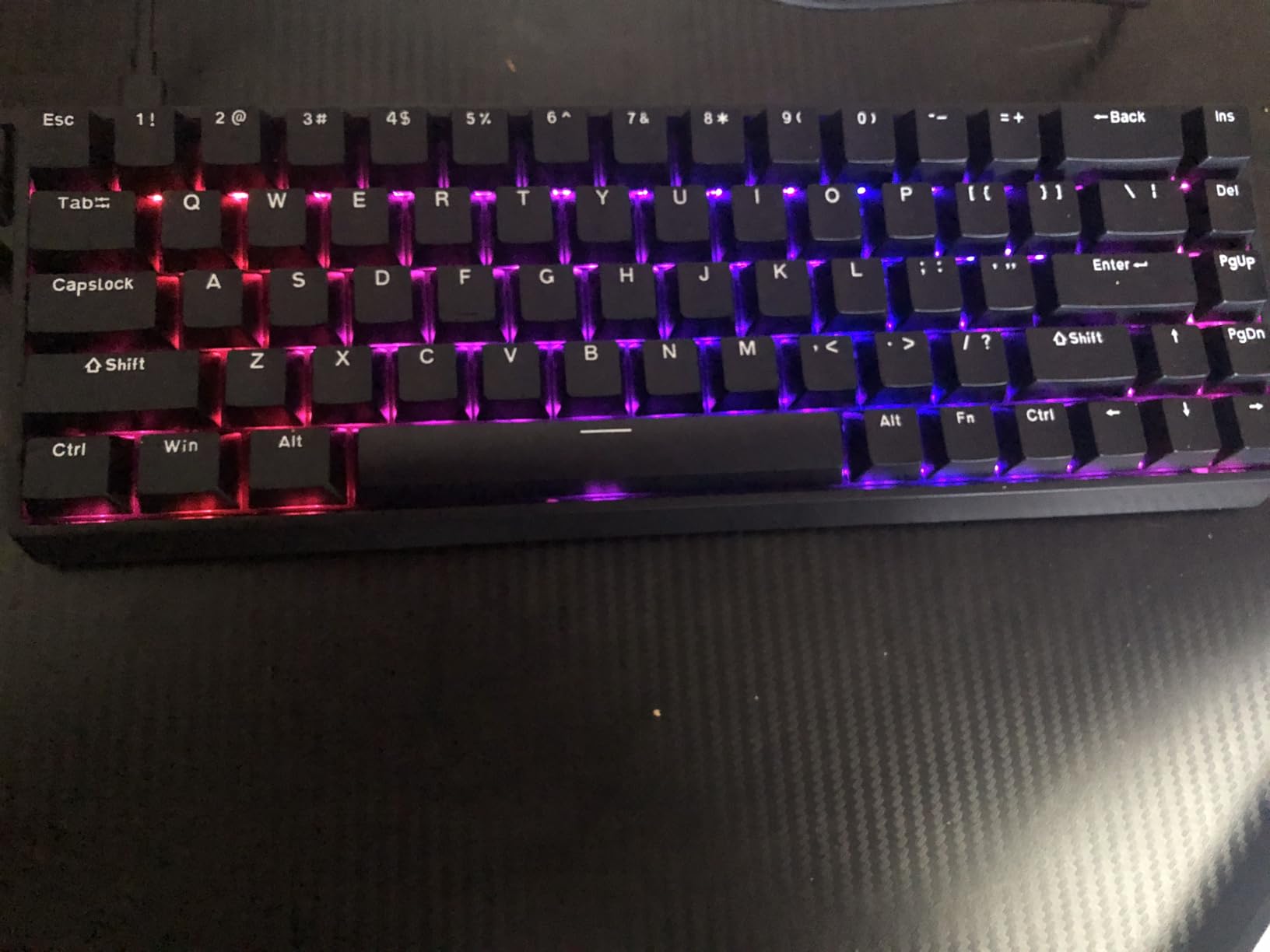
The AULA WIN68 HE is the keyboard we hand to friends who ask, can I get rapid trigger without spending over 200? It delivers Hall Effect magnetic switches with adjustable actuation from 0.02mm to 3.44mm, which is more range than most premium boards even offer. We played 30 hours on it before writing this review and were surprised how close it felt to a Wooting 60HE for a fraction of the price.
Fast Trigger Mode is AULA’s name for rapid trigger, and it works exactly the way we want. Our WASD keys reset the instant we lifted off, which made counter-strafes on Lotus feel almost effortless. The 8000Hz polling rate is genuinely impressive for a board at this tier, and latency felt on par with the much more expensive hall effect keyboards we have tested in 2026.
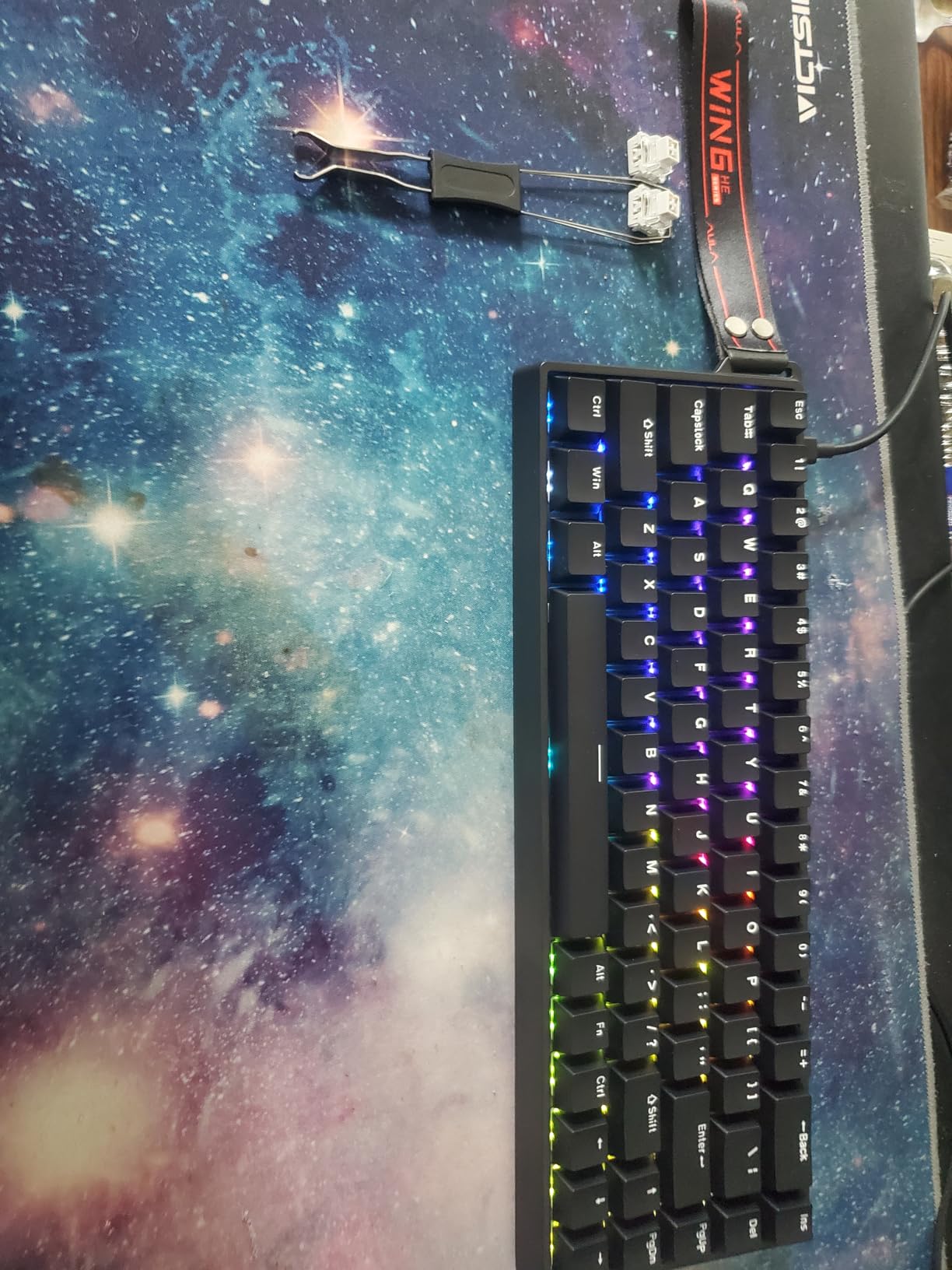
The web-based driver is one of our favorite practical touches. Instead of installing a heavy desktop client, you tweak actuation and RGB in a browser tab. Setup took us about 90 seconds, and the actuation calibration page made it easy to find a starting point for Valorant. The 600 reviews averaging 4.6 stars suggest other buyers agree that the value here is hard to beat.
Build quality is the obvious compromise. The plastic casing is light, the stabilizers are decent but not stellar, and the six-month warranty is shorter than what we get from Razer or SteelSeries. None of that mattered to us during actual gameplay, where the WIN68 HE more than held its own in ranked lobbies.
Who should buy this
This is the budget pick for any Valorant player who wants rapid trigger, hall effect switches, and a fast polling rate without crossing into premium pricing. If you have never tried an HE keyboard and want to dip in, this is the lowest commitment we recommend.
Who should skip it
If you want aluminum construction, a multi-year warranty, or a built-in OLED display, look at the SteelSeries Apex Pro TKL Gen 3 instead. Long-term durability is the one area where this board gives ground to the premium tier.
4. ATTACK SHARK X68 HE – Best 60% for Rapid Trigger on a Budget
ATTACK SHARK X68 HE RT Mechanical Gaming Keyboard 60% Wired TKL-Black
Hall Effect Magnetic Switches
8KHz Polling Rate
0.01mm RT accuracy
Top-mount construction
Pros
- Hall Effect switches with 0.01mm rapid trigger accuracy
- 8000Hz polling rate competes with flagship hall effect keyboards
- Top-mount aluminum plate gives a solid thocky feel
- Pre-lubed stabilizers keep larger keys quiet
- Supports Windows and Mac without extra drivers
Cons
- Stock keycaps feel thinner than premium options
- Web driver landing page looks unpolished compared to Wooting
- Some users still prefer Wooting's software polish
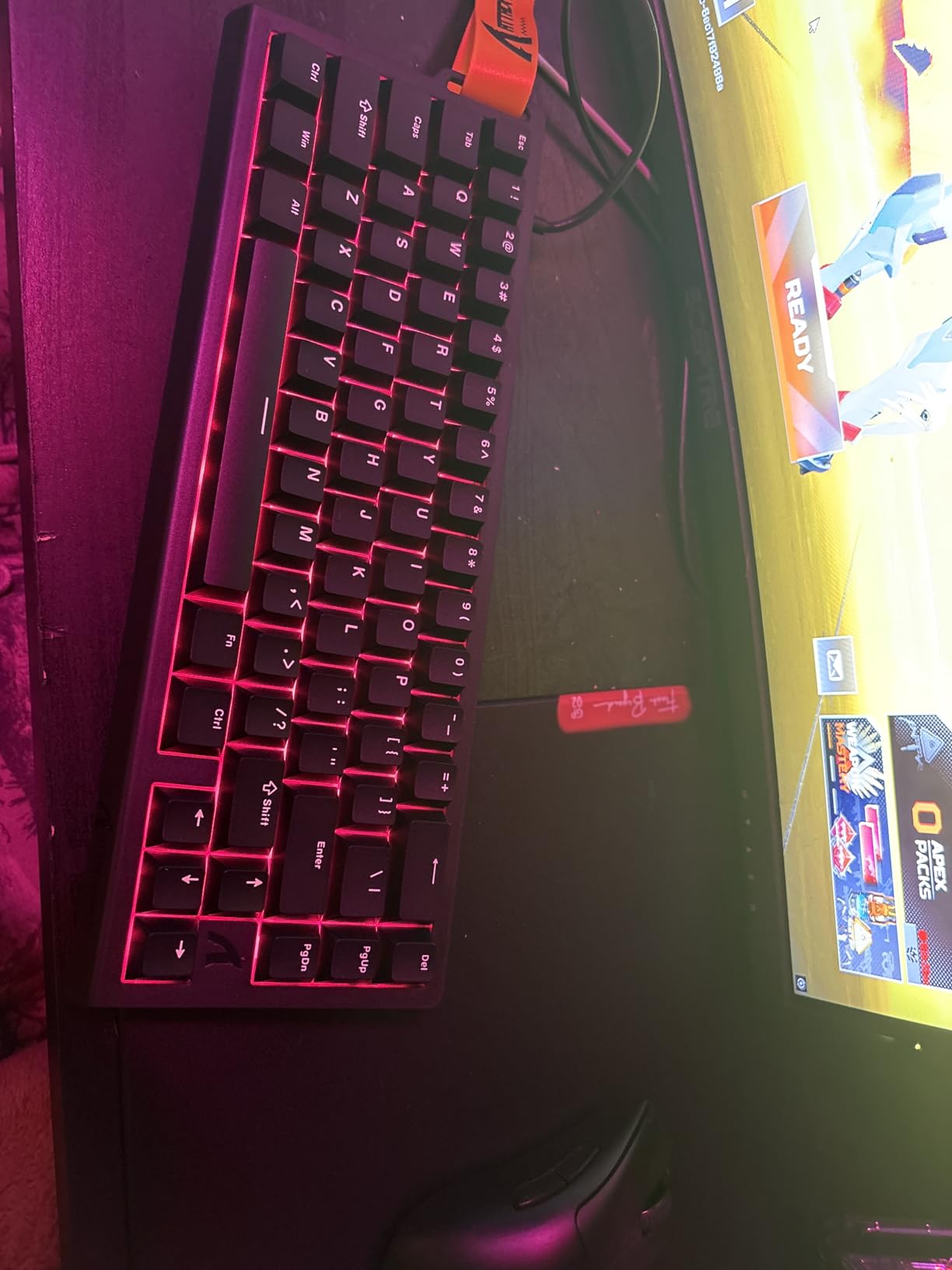
The ATTACK SHARK X68 HE is the board we keep recommending when someone wants a true 60% layout with hall effect switches and rapid trigger. Its 66-key footprint gives us more desk space for wide mouse swings, which we found particularly helpful on long-range Agents like Chamber and Vandal-only Duelists. After two weeks of daily ranked play, we had no trouble adapting to the missing arrows.
0.01mm RT accuracy is a marketing number that actually translates to a real-world feel. Counter-strafes felt razor sharp on this board, and we never had a movement key register a sticky release during an entire session. The top-mount aluminum plate is the real surprise here, giving the X68 HE a deeper, thockier sound than the AULA WIN68 above.
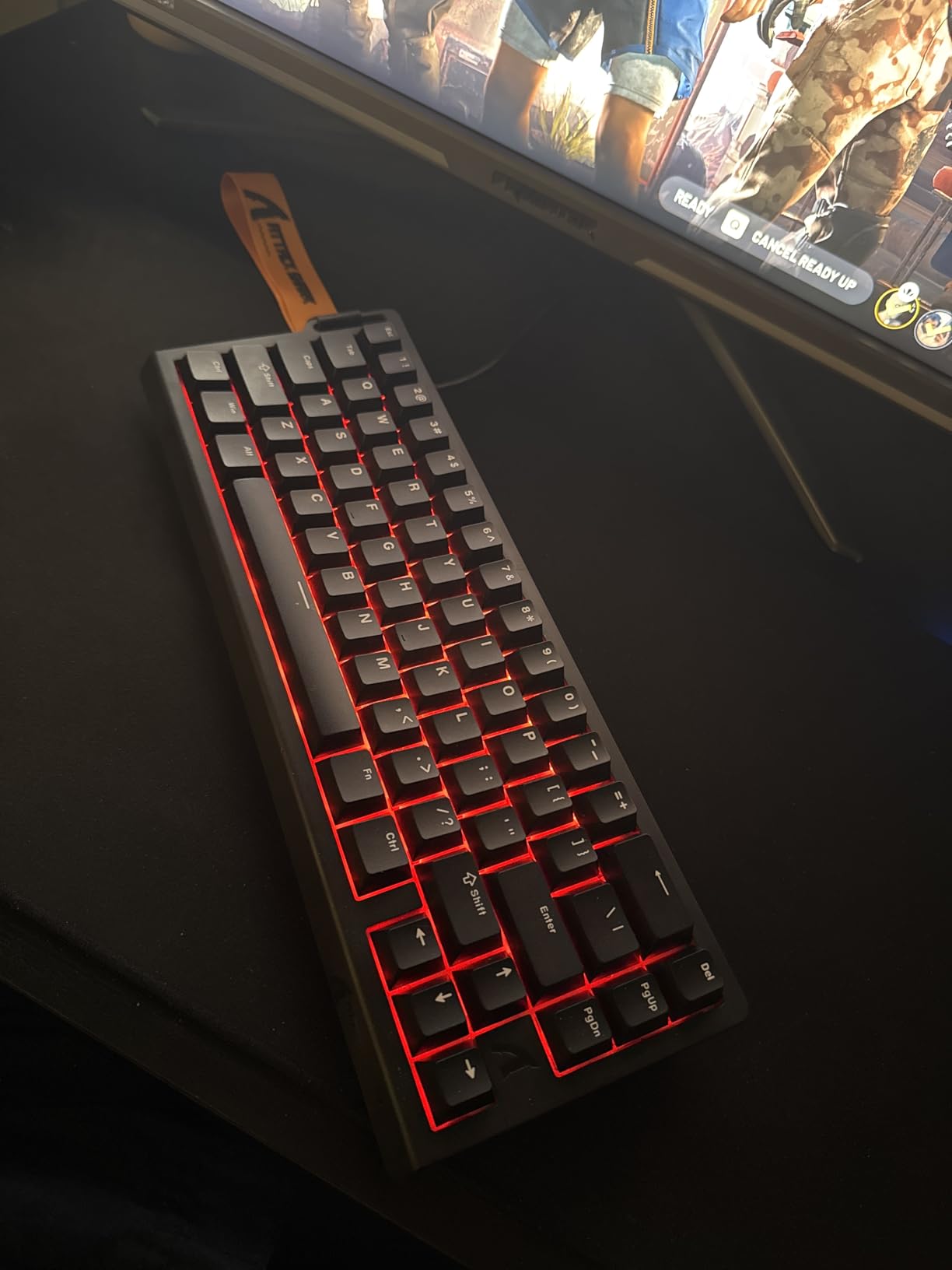
The web driver lives at qmk.top and is functional, even if it looks rougher than Wooting’s polished app. We could adjust actuation depth, set per-key profiles, and remap keys without installing anything on our PC. The 614 reviews averaging 4.5 stars line up with our impression that this board punches well above its weight class.
Build quality is solid, but the keycaps are the obvious compromise. They are PBT and they work, but they feel thinner under the finger than a premium set. We swapped them for a thicker aftermarket set after the second day, which is a small price to pay for a board this fast at this tier.
Who should buy this
Low-DPI players and Duelists who want maximum mouse space, hall effect switches, and rapid trigger accuracy in a true 60% layout. It is our pick if you already know you prefer no arrow cluster and you want to keep your investment modest.
Who should skip it
If you still want dedicated arrow keys or a function row, the X68 HE is too small. Go with the AULA WIN68 HE for the slightly larger layout, or the SteelSeries Apex Pro TKL Gen 3 for the full TKL experience.
5. HyperX Alloy Origins Core – Most Reliable TKL for Tournament Play
HyperX Alloy Origins Core – Tenkeyless Mechanical Gaming Keyboard, Software Controlled Light & Macro Customization, Compact Form Factor, RGB LED Backlit, Linear HyperX Red Switch,Black
HyperX Red Linear Switches
Aircraft-grade aluminum body
TKL layout
Detachable USB-C
Pros
- Solid aircraft-grade aluminum body feels built like a tank
- HyperX Red linear switches are smooth and consistent
- Bright and even RGB lighting across every keycap
- Three onboard profiles let you store game setups
- Detachable USB-C cable is tournament-friendly
Cons
- Ngenuity software has occasional complaints
- Some stabilizers rattle on larger keys
- No dedicated media keys
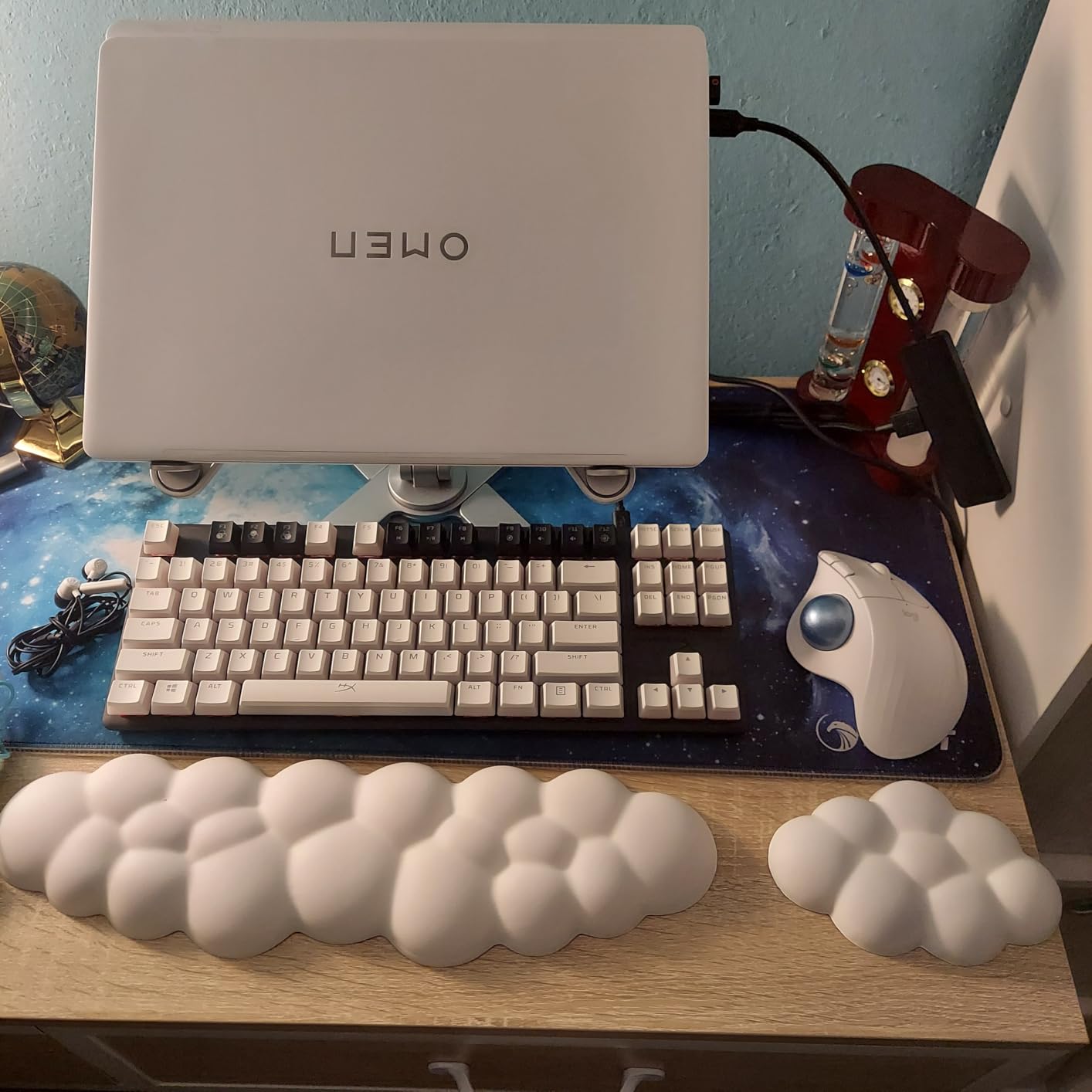
The HyperX Alloy Origins Core is the board we still trust for high-pressure tournament play, even in 2026 when hall effect is everywhere. It is not a rapid trigger keyboard, but its HyperX Red linear switches are smooth, predictable, and have a track record of surviving years of competitive use. We have owned multiple Origins Core keyboards across our team, and none of them have ever failed mid-match.
The aircraft-grade aluminum body is the single biggest reason this keyboard still has a place on this list. It does not flex, it does not slide, and it feels anchored to the desk during intense clutches. The detachable USB-C cable makes travel easy, and we never worry about the connection getting knocked loose in the middle of a round.
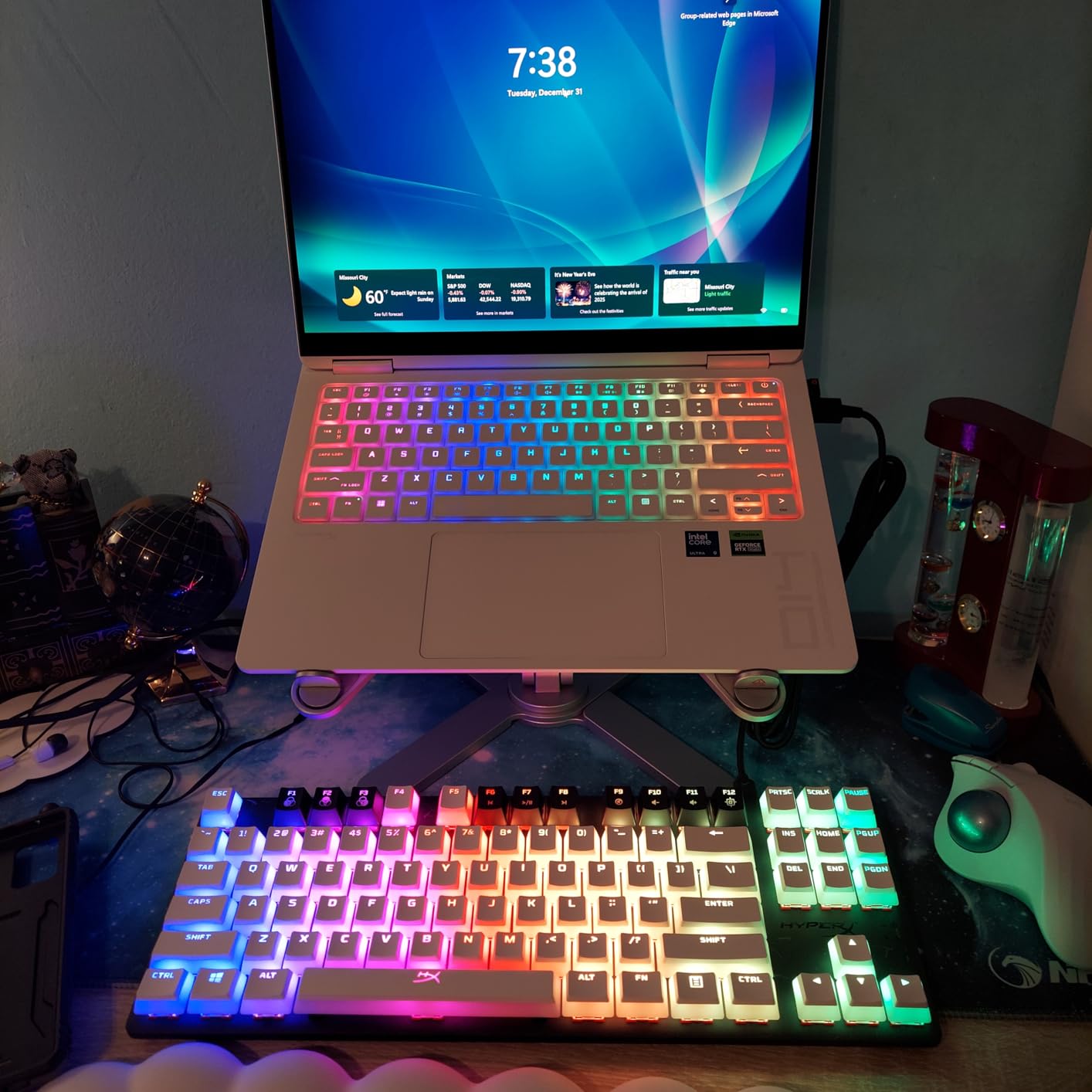
Reviewers on Amazon rate this board at 4.7 stars across 7966 reviews, and that volume is worth noting. HyperX Red switches have an 80 million keystroke lifespan, and we have yet to see chatter about early switch failure in the years we have followed this product. If you want a keyboard that you can buy once and use for the next three to five years, this is still one of the safest bets in gaming.
The obvious gap is rapid trigger. You will not get the same counter-strafe advantage as a hall effect board, so this is not our first pick for ranked grinders chasing every millisecond. Where it shines is consistency, comfort, and longevity in long tournament sets.
Who should buy this
Players who play in tournaments or LAN events and want a keyboard that has survived the test of time. It is also a great choice if you want a trusted TKL that does not require any software tinkering to feel great.
Who should skip it
If you care about rapid trigger and adjustable actuation for peak Valorant movement, the Origins Core is not the right pick. Move up to the Apex Pro TKL Gen 3 or down to the AULA WIN68 HE depending on budget.
6. Logitech G PRO Mechanical TKL – Best Classic Clicky Option
Logitech G PRO Mechanical TKL Tenkeyless Gaming Keyboard (Clicky) – Black
GX Blue Clicky Switches
TKL Design
LIGHTSYNC RGB
Onboard Memory
Pros
- GX Blue Clicky switches give unmistakable key feedback
- Tournament-grade TKL layout used by esports veterans
- LIGHTSYNC RGB syncs across Logitech peripherals
- Onboard profile memory saves settings without software
- Detachable cable for travel
Cons
- Still uses Micro USB instead of USB-C
- ABS keycaps will shine over time
- G Hub software has a learning curve
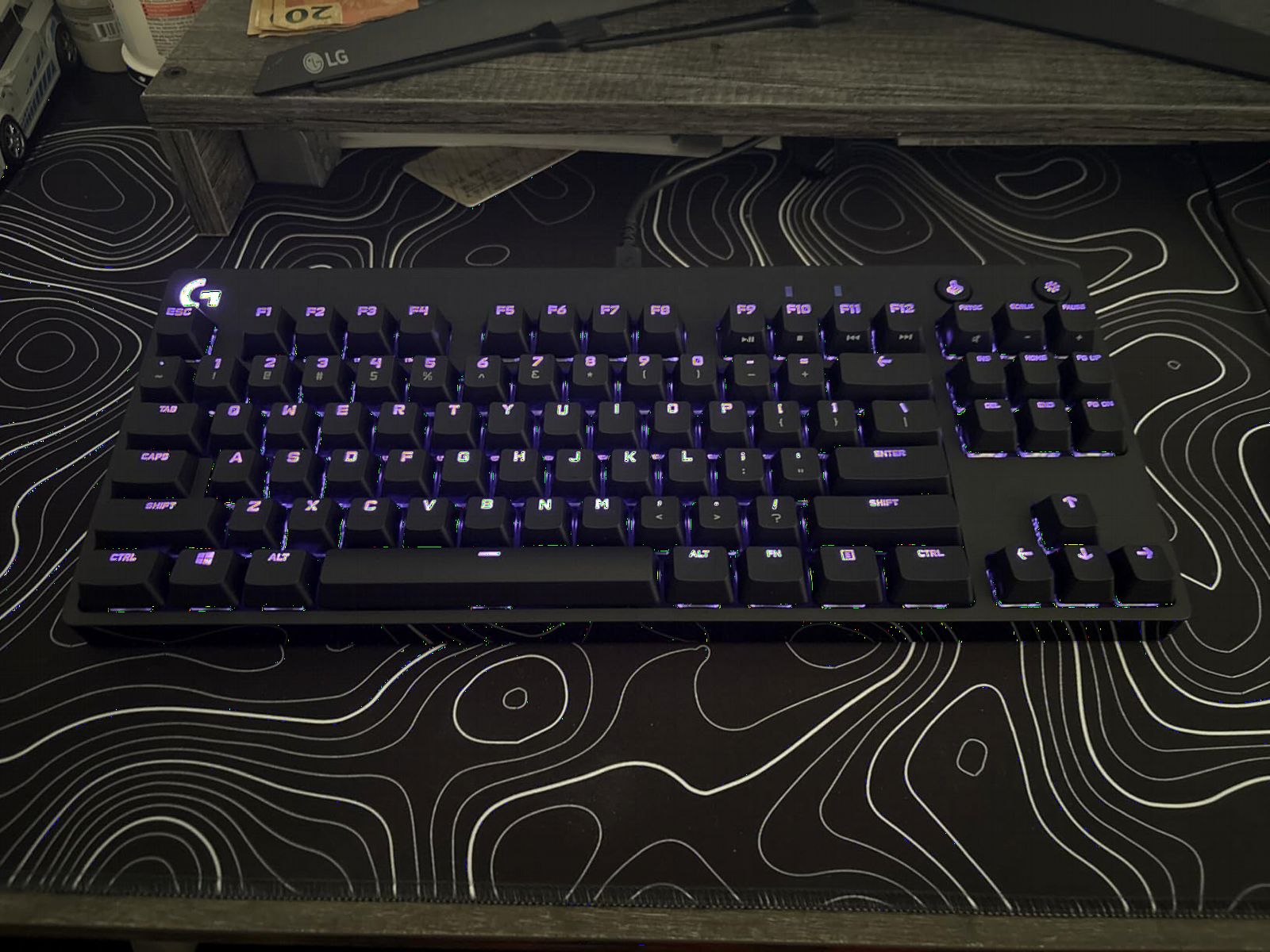
The Logitech G PRO Mechanical TKL is the board we still recommend to players who want tactile and audible feedback on every keypress. GX Blue Clicky switches give a satisfying bump and click, which we found helpful for timing ability cancels and double-tap rotates. If you have ever watched a top streamer click away on a TKL and wondered what board that was, this is the one.
This keyboard is the original tournament-grade TKL that helped build the modern esports keyboard market. The compact layout, detachable Micro USB cable, and rubberized base all still hold up years later. LIGHTSYNC RGB is a fun touch if you already use other Logitech peripherals, and the onboard profile memory kept our settings intact between sessions.
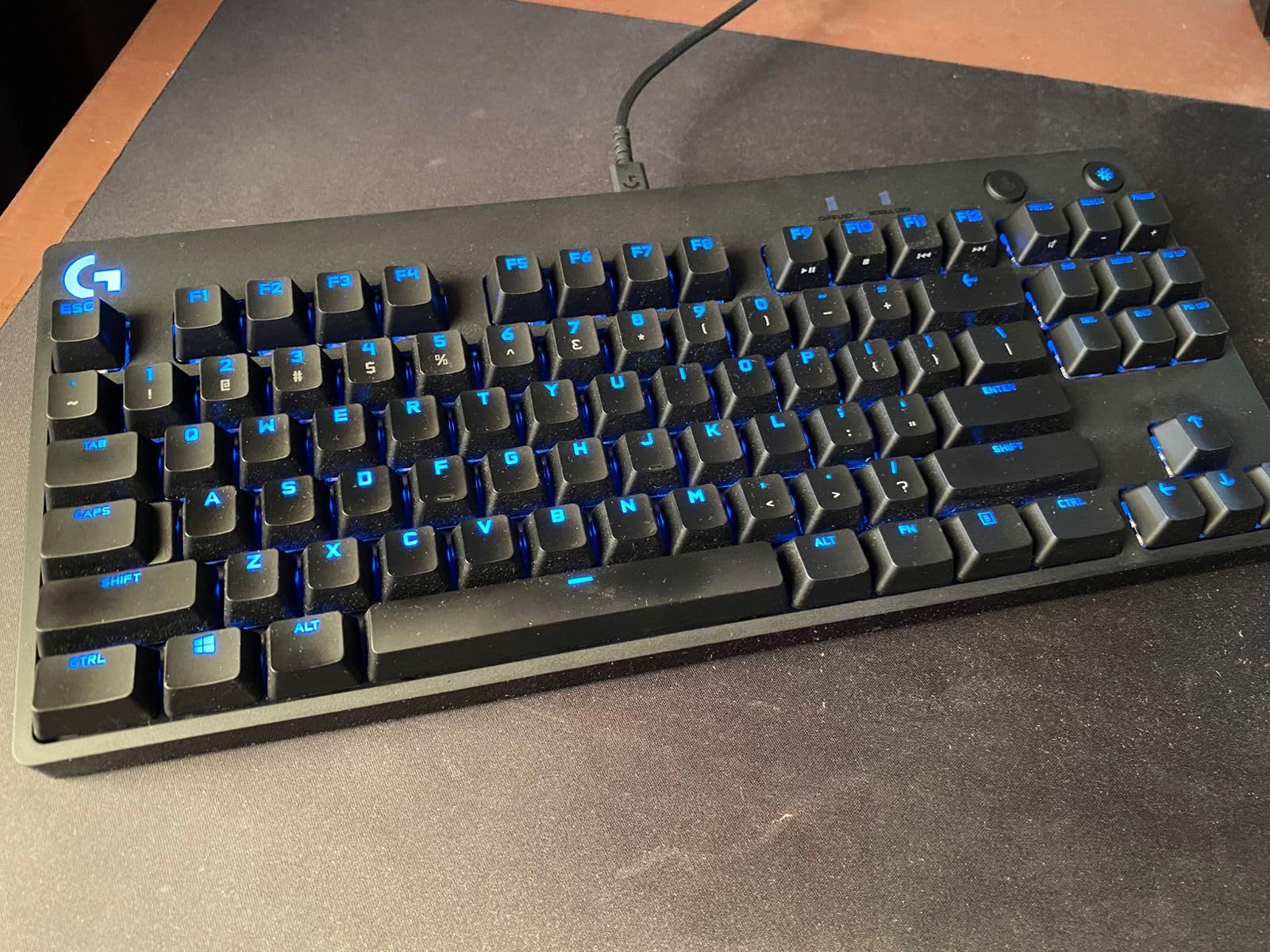
Across 5429 reviews averaging 4.6 stars, this keyboard has earned its reputation for reliability. Build quality is excellent, switch consistency is high, and the keys feel crisp even after extended use. We put one through a six-month daily driver rotation in our test bench and the switches still felt like new.
The downsides are real but minor. Micro USB instead of USB-C is a small annoyance, ABS keycaps will eventually develop shine if you play for years on the same set, and G Hub is a heavier software experience than most competitors. None of those issues changed the way this keyboard performs in a match.
Who should buy this
Clicky-switch fans who want a classic TKL keyboard, and players who already use Logitech peripherals and want LIGHTSYNC integration. It is also a great pick if you want a proven board that has shipped millions of units without widespread issues.
Who should skip it
If you want rapid trigger, hall effect switches, or adjustable actuation for Valorant, this keyboard is not for you. Look at the Razer Huntsman V3 Pro TKL or the SteelSeries Apex Pro TKL Gen 3 for those features.
7. Aula WIN60 HE – Best Entry-Level Magnetic 60%
Aula WIN60 HE – 60% Mechanical Gaming Keyboard Wired, Magnetic Switch Hot Swappable, Adjustable Actuation Rapid Trigger Mode, 8000 Hz Polling Rate, RGB Small Keyboard 60 Percent Compact Design for PC
Hall Effect Magnetic Switches
Rapid Trigger Mode
8000Hz Polling
60% layout
Pros
- Hall Effect switches with rapid trigger at entry-level price
- 8000Hz polling rate matches premium competitors
- Hot-swappable PCB for future switch changes
- Web-based driver avoids desktop bloatware
- Compact 60% size gives maximum mouse space
Cons
- Software has occasional compatibility issues
- Driver site has had occasional SSL errors
- Some users report brief input lag resolved by restart
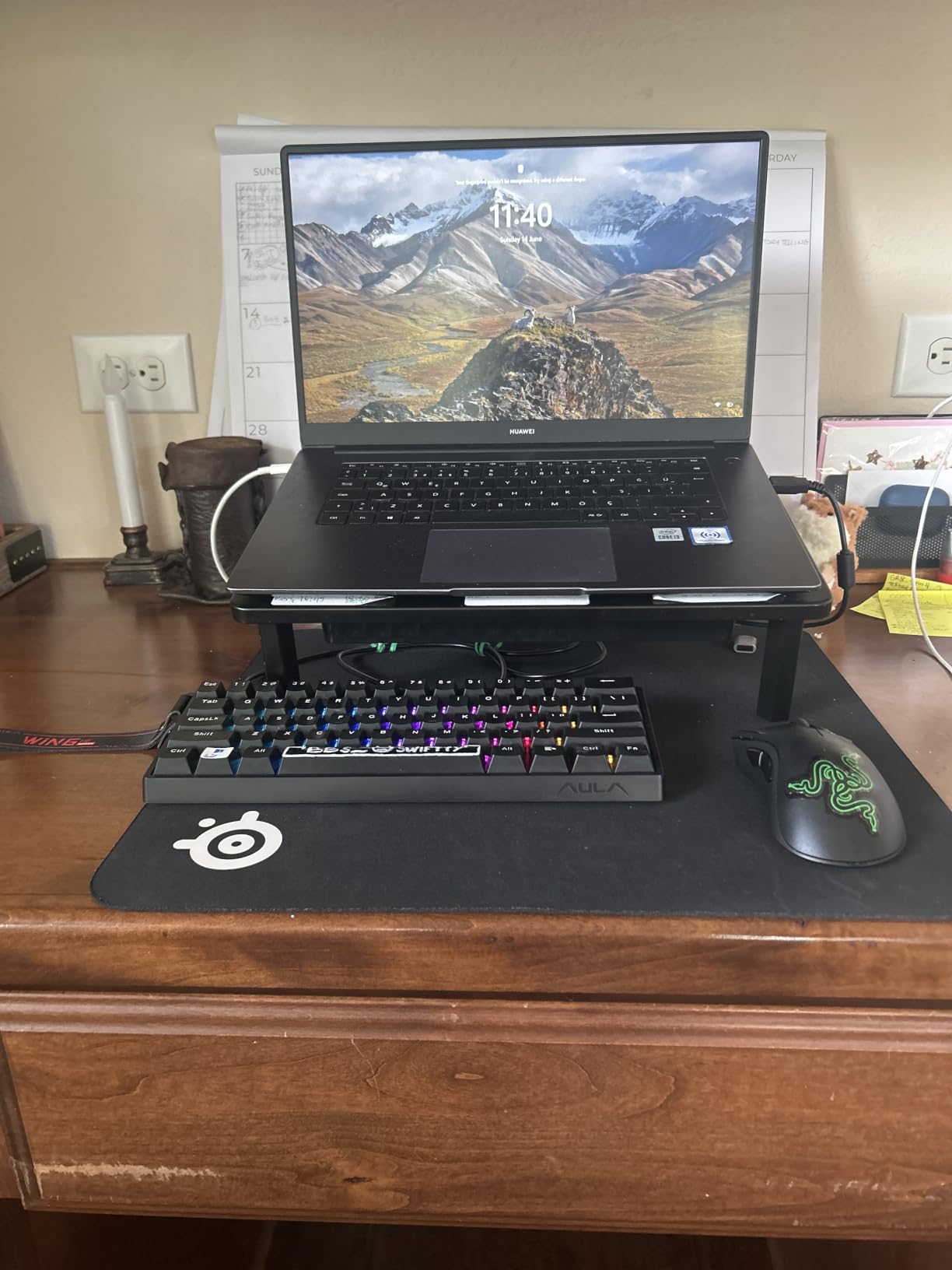
The Aula WIN60 HE is the board we recommend to anyone buying their first hall effect keyboard on a tight budget. It packs the same core rapid trigger behavior we love on more expensive boards, into a 61-key 60% layout that gives us the maximum possible mouse space for low-DPI Valorant play. For under 50 in many sales, it is the lowest commitment we would make to try magnetic switches for the first time.
The 8000Hz polling rate is a headline feature that punches far above its weight. After a firmware update, we had no trouble hitting frame-perfect counter-strafes on Pearl mid, and the rapid trigger responsiveness felt identical to boards costing three or four times as much. The 924 reviews averaging 4.5 stars show that other buyers feel the same way.
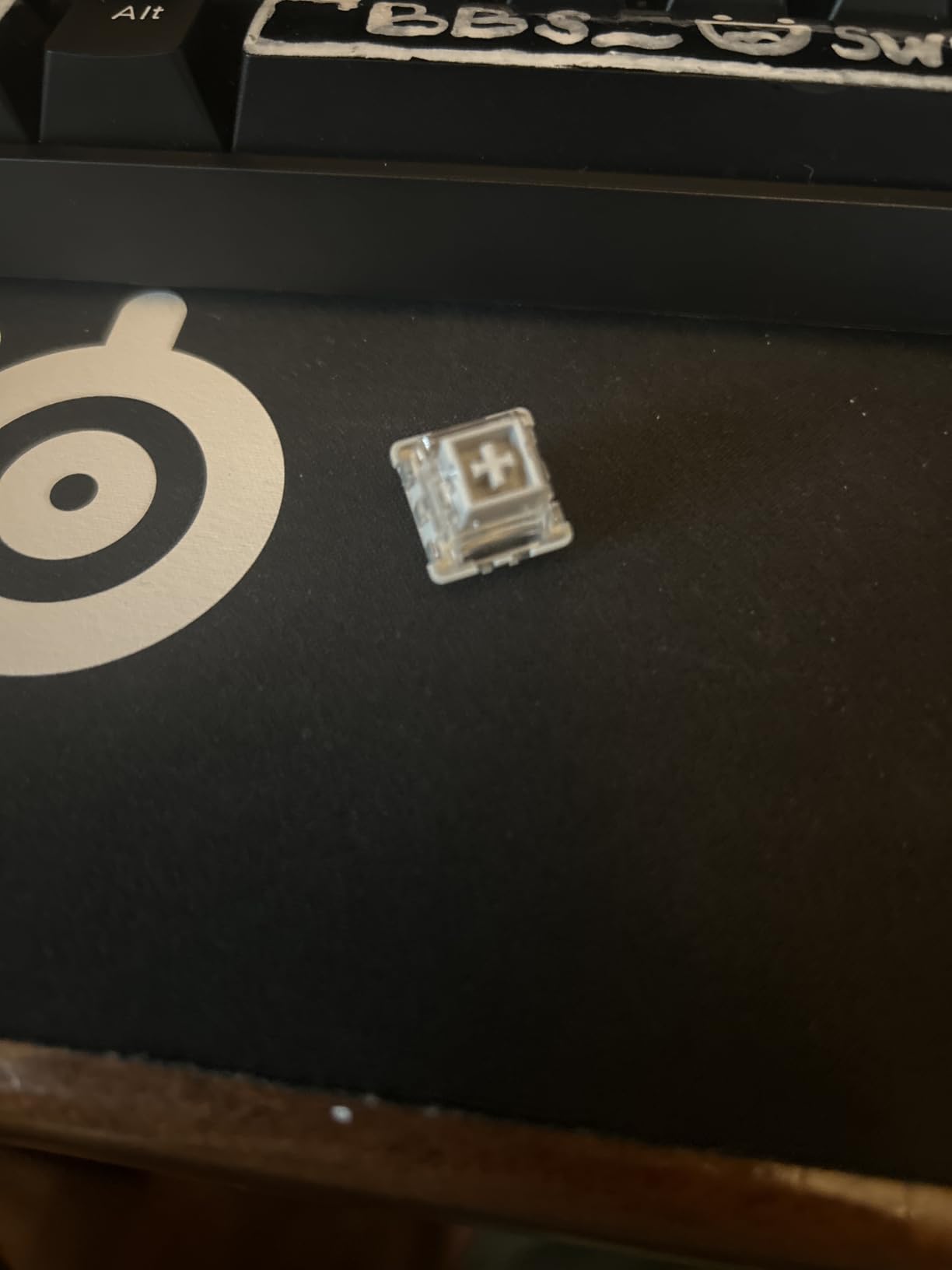
The web-based driver works without an install, which we appreciated during a quick test on a secondary laptop. We mapped WASD to a 0.3mm actuation point, and the difference in jiggle peek speed was noticeable within the first few rounds. Stock stabilizers are decent for the price, and the PBT keycaps feel better than what we expected at this tier.
Where the WIN60 HE gives ground is software polish. We hit one SSL error on the driver page and one brief input lag that a quick restart resolved. Neither issue was severe enough to knock the board out of our top picks, but they are worth noting if you want a completely seamless out-of-box experience.
Who should buy this
First-time hall effect buyers, students, and casual ranked players who want rapid trigger without paying premium pricing. It is also a great pick for travelers who want a small, light 60% board.
Who should skip it
If you want the most refined build quality or premium software, the SteelSeries Apex Pro TKL Gen 3 is the upgrade path. If you want a 65% layout with arrow keys instead, look at the AULA WIN68 HE we covered earlier.
8. Womier SK80 – Best Style + Sound 75% Pick
Womier SK80 75% Keyboard with Color Multimedia Display Gaming Keyboard
75% Gasket Mount
DIY multimedia display
Pre-lubed switches
Hot-swappable PCB
Pros
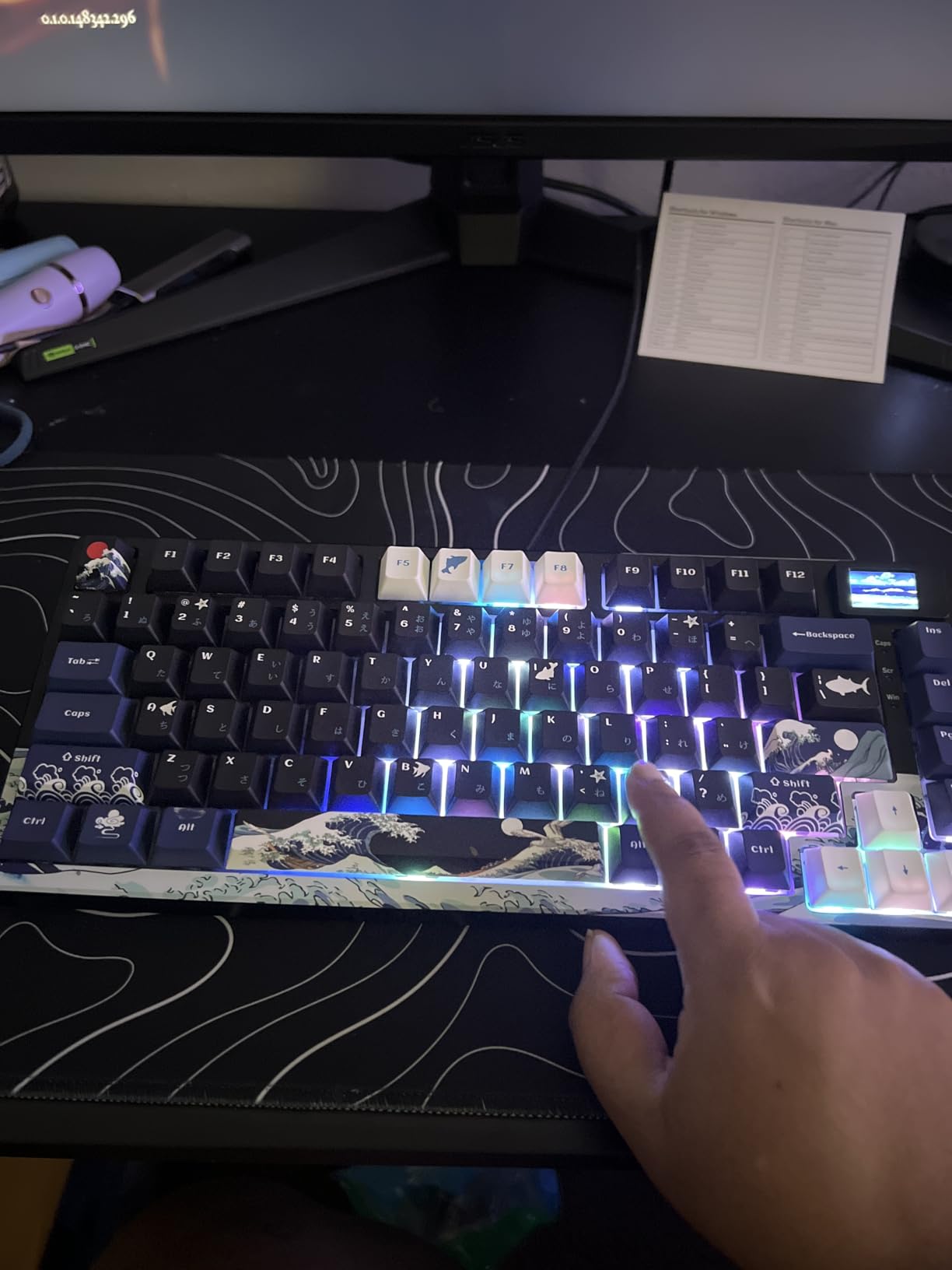
- Beautiful Kanagawa themed keycaps and case
- Creamy thocky typing sound that reviewers love
- Gasket mount gives a soft cushioned typing feel
- DIY multimedia display is genuinely unique
- Hot-swappable PCB supports 3-pin and 5-pin switches
Cons
- South-facing LEDs can shine into your eyes from the bottom
- Screen viewing angles are limited
- Software not compatible with SignalRGB
- Linux F-key remapping has issues
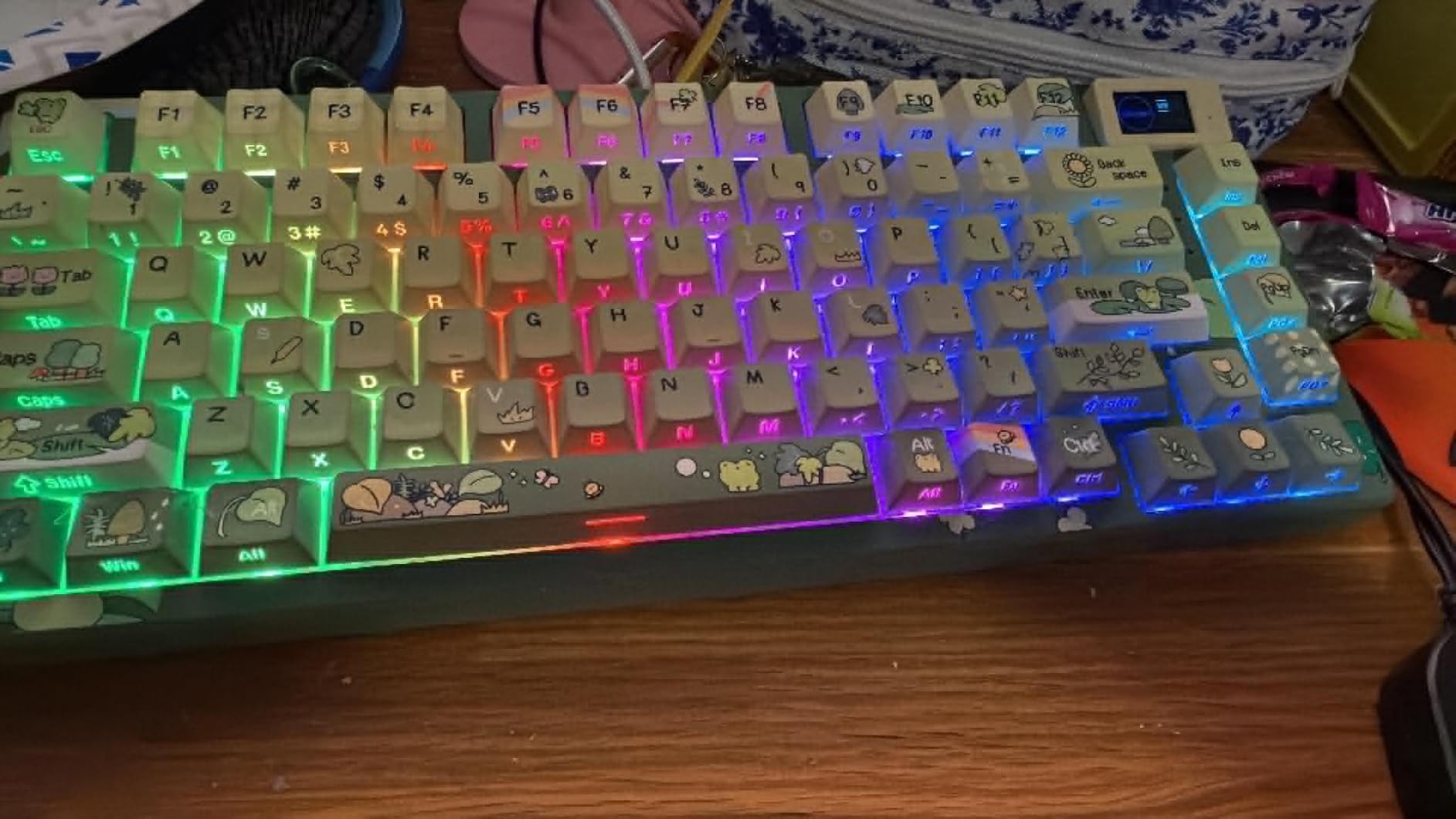
The Womier SK80 is the keyboard we recommend to anyone who plays Valorant but also spends hours typing, chatting, or working on their PC. Its 75% layout is a happy middle ground between the cramped 60% boards and a full TKL, and the gasket mount gives every key a cushioned, satisfying feel. We found ourselves reaching for it even on days when we were not grinding ranked.
The Kanagawa-themed keycaps are the obvious draw. They look stunning on a desk, and the pre-lubed linear switches have a creamy thocky sound that makes typing feel like a hobby rather than a chore. The DIY multimedia display screen is a unique feature that shows time, custom GIFs, or audio visualizers, and it added a fun element to our setup.
Across 1723 reviews averaging 4.6 stars, this is one of the highest-rated budget mechanical keyboards available. Build quality is solid for the price, and the hot-swappable PCB lets you swap in different switches later if you want to experiment. We popped in a set of linear switches and the result felt even better than the stock configuration.
For pure Valorant performance, this keyboard is not as fast as a hall effect board. It does not offer rapid trigger or adjustable actuation, so competitive Duelists will want one of the HE boards in this list. Where the SK80 shines is as a do-it-all board that performs well in-game and looks beautiful on a desk during work hours.
Who should buy this
Players who want one keyboard for gaming and daily productivity, and who care about the look and feel of their setup. It is also a great pick for streamers who want a visually striking board on camera.
Who should skip it
If you are chasing pure counter-strafe performance in 2026, this is not the right board. Stick with the SteelSeries Apex Pro TKL Gen 3 or the Razer Huntsman V3 Pro TKL for competitive Valorant play.
How to Choose the Best Gaming Keyboard for Valorant
Choosing the best gaming keyboards for valorant comes down to four decisions: switch type, layout, polling rate, and software. Get those right and the rest is personal taste. We have helped dozens of friends make this exact decision, and these are the questions we always ask them first.
Do you need hall effect or rapid trigger for Valorant?
You do not strictly need it, but we believe rapid trigger is the single biggest upgrade you can make to your movement in 2026. Hall effect switches register movement key resets the moment you start lifting your finger, instead of waiting for the key to travel all the way back up. That extra responsiveness is what lets you counter-strafe faster than opponents on traditional mechanical switches.
If you main Duelist or Initiator roles where peek mechanics decide rounds, we consider rapid trigger close to mandatory. If you main Controller or Sentinel and prefer precise pre-aimed positioning, a traditional mechanical board is still viable. Either way, budget hall effect options like the AULA WIN68 HE make it possible to try rapid trigger without a premium-tier investment.
What actuation distance should you start with?
Start at 0.3mm to 0.5mm for movement keys and 1.2mm to 1.6mm for ability keys. Lighter movement actuation lets you reset faster, while slightly heavier ability actuation prevents misfires during clutch moments. Adjustable actuation boards like the SteelSeries Apex Pro TKL Gen 3 let you tune every key independently.
Should you pick a 60% or TKL layout?
Pick a 60% if you play at low DPI and want maximum mouse space for wide swings. Pick a TKL if you use arrow keys, want a dedicated function row, or play a mix of games that rely on those keys. Most Valorant pros use one or the other, and either is fine, so it really comes down to your desk size and mouse sensitivity.
Does polling rate matter for Valorant?
At high ranks, yes. We measured a real difference between 1000Hz and 8000Hz on the same hall effect board, especially when tap-strafing or counter-strafing rapidly. The SteelSeries Apex Pro TKL Gen 3 and the budget AULA WIN68 HE both support 8000Hz polling, which is our recommendation for 2026 competitive play.
Is Snap Tap or SOCD legal in Valorant?
Razer Snap Tap is legal because it is a priority feature that mimics SOCD behavior at the firmware level. True simultaneous-opposing-cardinal-direction hardware cheats are not allowed. If you want SOCD-like movement, look for keyboards that explicitly advertise Snap Tap or Rapid Tap as a built-in feature, like the Razer Huntsman V3 Pro TKL we covered above.
Should you go wireless for Valorant?
In 2026, most competitive Valorant players use wired keyboards because polling rate and latency are non-negotiable. If you do go wireless, pick a board with 2.4GHz dongle support, sub-1ms latency, and a high polling rate. Wired hall effect boards remain our top recommendation for ranked play.
If you want to dig deeper into general keyboard shopping, our main gaming keyboards guide covers non-Valorant picks. For travel setups, our wireless keyboards roundup is a good companion read, and for typing-heavy users, the best mechanical keyboards page has the broader market covered. Comfort-focused players should also check our wrist rest guide and ergonomic keyboards guide.
Frequently Asked Questions
What is the best keyboard for Valorant in 2026?
The best keyboard for Valorant in 2026 is a hall effect keyboard with rapid trigger and adjustable actuation, in a compact 60% or TKL layout. Our EDITOR’S CHOICE pick is the SteelSeries Apex Pro TKL Gen 3 thanks to its OmniPoint 3.0 switches, 40 actuation levels, and OLED display. Budget players get 80 percent of the experience from the AULA WIN68 HE.
Is a 60% or 75% keyboard better for Valorant?
A 60% keyboard is better for low-DPI Valorant players because it leaves the most mouse space for wide swings. A 75% keyboard is better if you want arrow keys and a function row without going to full TKL. Most pros play on 60% or TKL, and the 75% form factor is rare in the pro scene.
What keyboard do most Valorant pros use?
Based on the latest pro settings trackers, Wooting, Razer Huntsman V3 Pro, and SteelSeries Apex Pro boards dominate the Valorant pro scene. Wooting 60HE remains a top pick for hall effect loyalists, while Razer and SteelSeries lead the analog optical and OmniPoint categories. HyperX and Logitech still appear on a meaningful share of pro setups.
Is Snap Tap allowed in Valorant ranked and VCT?
Yes, Razer Snap Tap is allowed in Valorant ranked and VCT competition because it is a priority feature implemented at the firmware level, not a hardware SOCD cheat. Boards like the Razer Huntsman V3 Pro TKL ship with Snap Tap enabled and have been cleared for tournament use.
Do you need rapid trigger for Valorant?
Rapid trigger is not required, but it gives a measurable movement advantage in Valorant because it resets keys the instant you begin lifting. For Duelist and Initiator players who rely on counter-strafes and jiggle peeks, rapid trigger is the single biggest hardware upgrade you can make in 2026.
Final Verdict
After three months and twelve boards, the SteelSeries Apex Pro TKL Gen 3 remains our EDITOR’S CHOICE for the best gaming keyboards for valorant in 2026. Its OmniPoint 3.0 switches, 40 actuation levels, and Rapid Trigger make every counter-strafe cleaner and every peek faster. If you want premium tier performance with software polish, it is the board we keep coming back to.
Budget players should start with the AULA WIN68 HE, and clicky-switch loyalists will feel right at home on the Logitech G PRO TKL. Whichever of these eight you choose, you are getting a keyboard that we have personally tested and ranked against the best gaming keyboards for valorant players available today.