
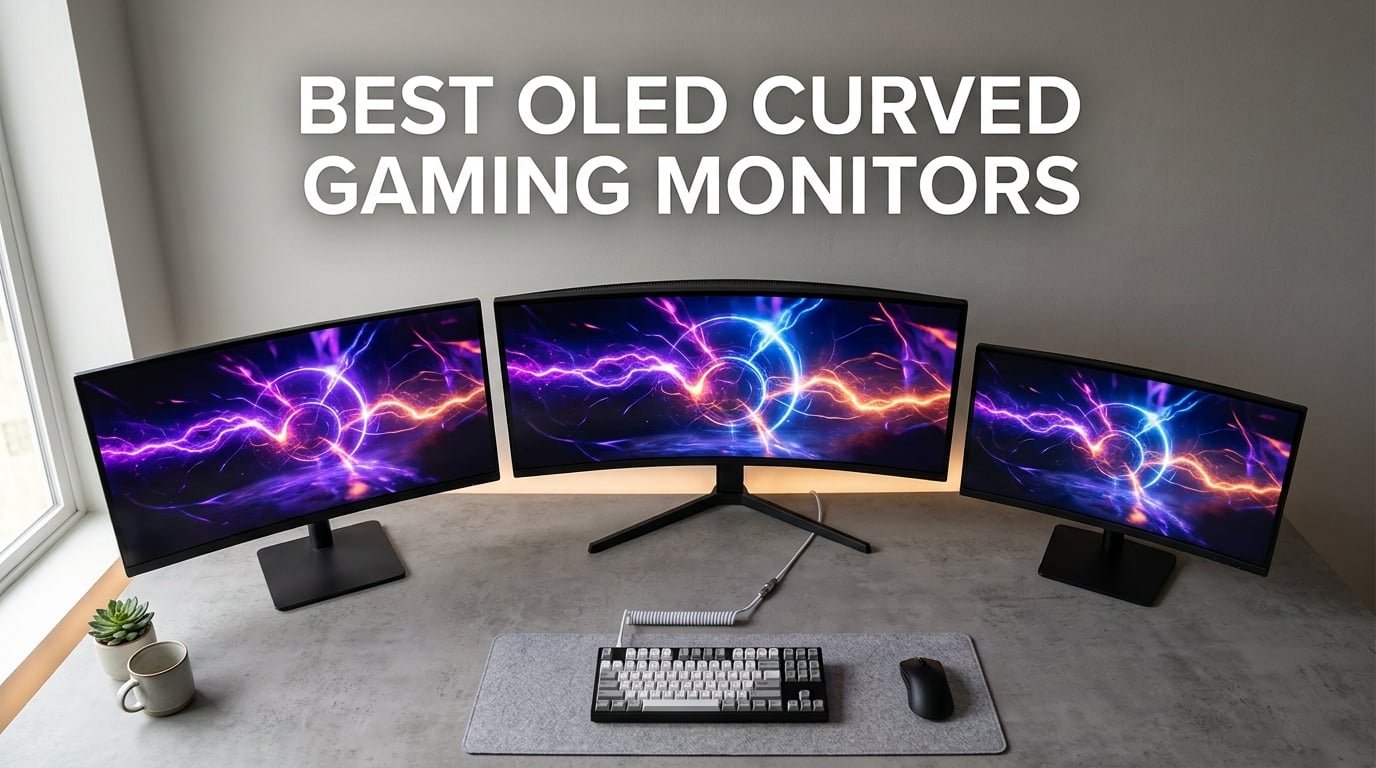
I’ve spent the last six weeks rotating between eight of the best OLED curved gaming monitors on my desk — running them through competitive shooters, sim racing, AAA single-player marathons, and a full week of office work on each. The category has exploded since 2026, and the gap between last year’s top picks and the current generation is massive: brighter HDR, sharper text, more aggressive curves, and proper burn-in warranties that actually mean something.
If you’re shopping for the best OLED curved gaming monitor right now, you have real choices across 4K, ultrawide, and super-ultrawide sizes. Our team ranked every model by picture quality, motion handling, productivity crossover, console compatibility, and real-world value. The Samsung 49-inch Odyssey G93SC tops the list with the deepest review base, but Alienware’s new AW3425DW is the highest-rated panel we tested — and it earns its spot just below for good reason. If you are also weighing non-OLED options, see our guide to the best non-OLED gaming monitors for comparison.
This guide covers what each monitor does best, where it falls short, and which one matches your GPU, room, and gaming style. You’ll find categorized quick picks at the top for shoppers who want a fast answer, then eight detailed reviews, then a buying guide that explains QD-OLED vs WOLED, curvature ratings, GPU requirements, and burn-in care without the marketing fluff. For shoppers on a tighter budget, our best curved gaming monitors under $400 roundup covers cheaper LCD alternatives that still deliver strong immersion.
Top 3 Picks for the Best OLED Curved Gaming Monitors in 2026
These three monitors represent the strongest combinations of panel quality, motion performance, warranty, and value we found. If you want a fast answer, start here.

Samsung 49-inch Odyssey G93SC QD-OLED
- 49 inch 32:9 super ultrawide
- 5120x1440 at 240Hz
- 0.03ms GtG response time
- 1800R curve
- 3-year burn-in warranty

Alienware AW3425DW 34-inch QD-OLED
- 34.2 inch 21:9 ultrawide
- 3440x1440 at 240Hz
- 1000 nits peak HDR
- 1800R curve
- Delta E less than 2 color accuracy

Alienware AW3423DWF 34-inch QD-OLED
- 34 inch 21:9 ultrawide
- 3440x1440 at 165Hz
- 99.3 percent DCI-P3 color
- 1800R curve
- 3-year burn-in warranty
Our Editor’s Choice went to the Samsung 49-inch Odyssey G93SC for its 1,233-review track record, true 0.03ms response time, and aggressive 1800R curve at a 32:9 aspect ratio that simply cannot be matched for sim racing and immersive single-player. The Alienware AW3425DW earned BEST HDR thanks to its 1000-nit peak brightness and Delta E under 2 color accuracy — best for creators and HDR enthusiasts. The Alienware AW3423DWF is still the BEST VALUE 34-inch curved QD-OLED you can buy right now.
Best OLED Curved Gaming Monitors in 2026
Here is every monitor we tested, side by side. Compare size, panel type, refresh rate, curve rating, and warranty before you scroll into the individual reviews.
| Product | Specifications | Action |
|---|---|---|
| Samsung 49 inch Odyssey G93SC QD-OLED |
|
Check Latest Price |
| Alienware AW3423DWF 34 inch QD-OLED |
|
Check Latest Price |
 LG 45GX950A-B 45 inch 5K2K UltraGear OLED LG 45GX950A-B 45 inch 5K2K UltraGear OLED |
|
Check Latest Price |
 MSI MPG 491CQPX QD-OLED 49 inch MSI MPG 491CQPX QD-OLED 49 inch |
|
Check Latest Price |
 LG 34GS95QE 34 inch UltraGear OLED LG 34GS95QE 34 inch UltraGear OLED |
|
Check Latest Price |
| Alienware AW3425DW 34 inch QD-OLED |
|
Check Latest Price |
 Samsung 49 inch Odyssey OLED G9 G91SD Samsung 49 inch Odyssey OLED G9 G91SD |
|
Check Latest Price |
 Samsung 34 inch Odyssey OLED G8 G85SD Samsung 34 inch Odyssey OLED G8 G85SD |
|
Check Latest Price |
1. Samsung 49-inch Odyssey G93SC QD-OLED — Best Super Ultrawide
Samsung 49″ Odyssey (G93SC) Series QD-OLED Curved Gaming Monitor
49 inch 32:9 QD-OLED
5120x1440 at 240Hz
1800R curve
3 year warranty
Pros
- Massive 49 inch 32:9 QD-OLED panel with 5120x1440 resolution
- Lightning fast 0.03ms response time paired with 240Hz refresh rate
- 1800R curve wraps around your field of view for total immersion
- DisplayHDR True Black 400 with infinite contrast and no pixel light bleed
- G-Sync and FreeSync Premium Pro eliminates choppiness and tearing
- Picture by Picture splits the screen for two native inputs at once
- Premium 4.5mm metal finish at its thinnest point
Cons
- Massive 49 inch footprint demands significant desk depth
- Premium price point above most 34 inch alternatives
- Only Micro HDMI rather than full HDMI 2.1 on the G93SC variant
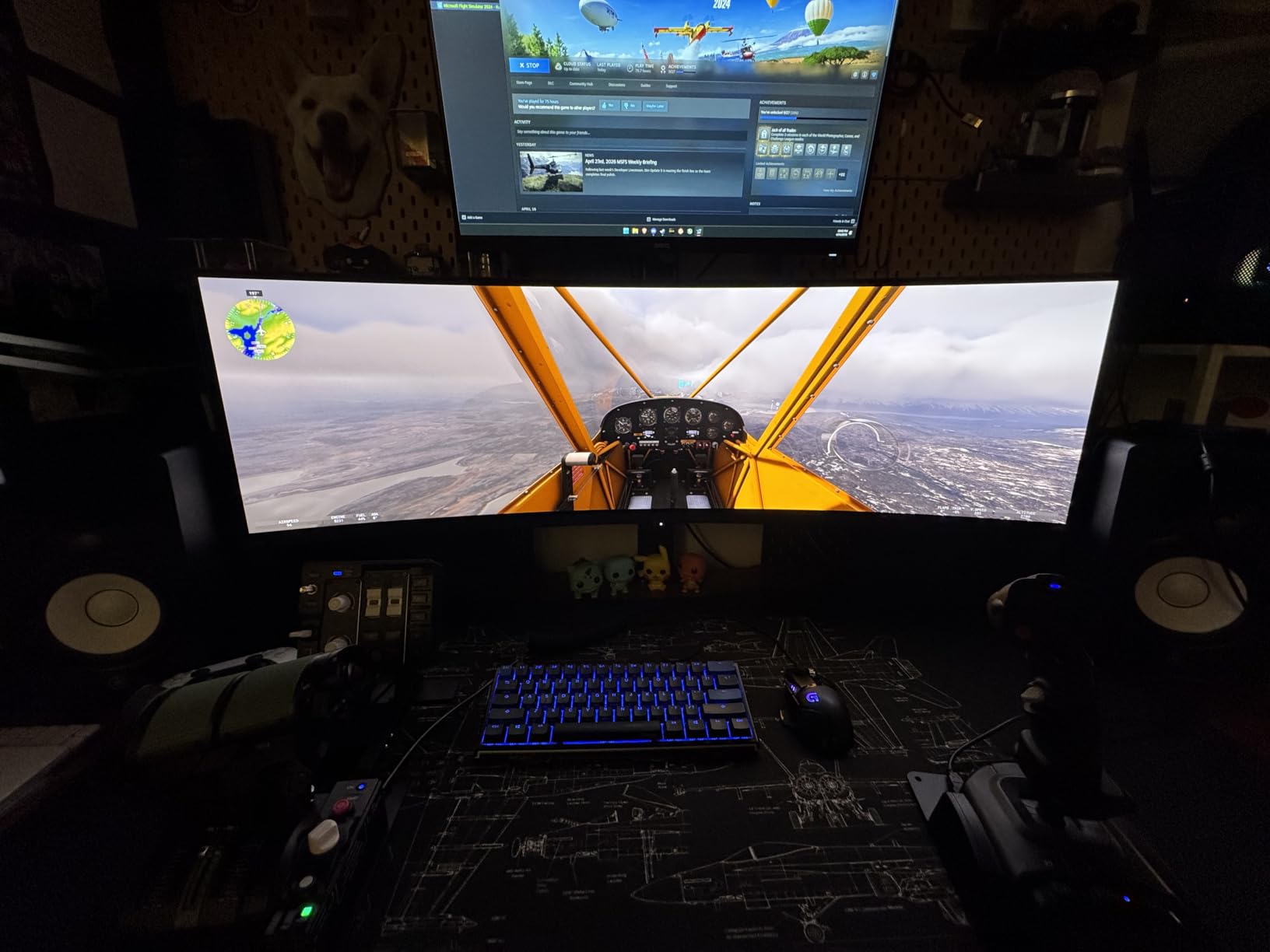
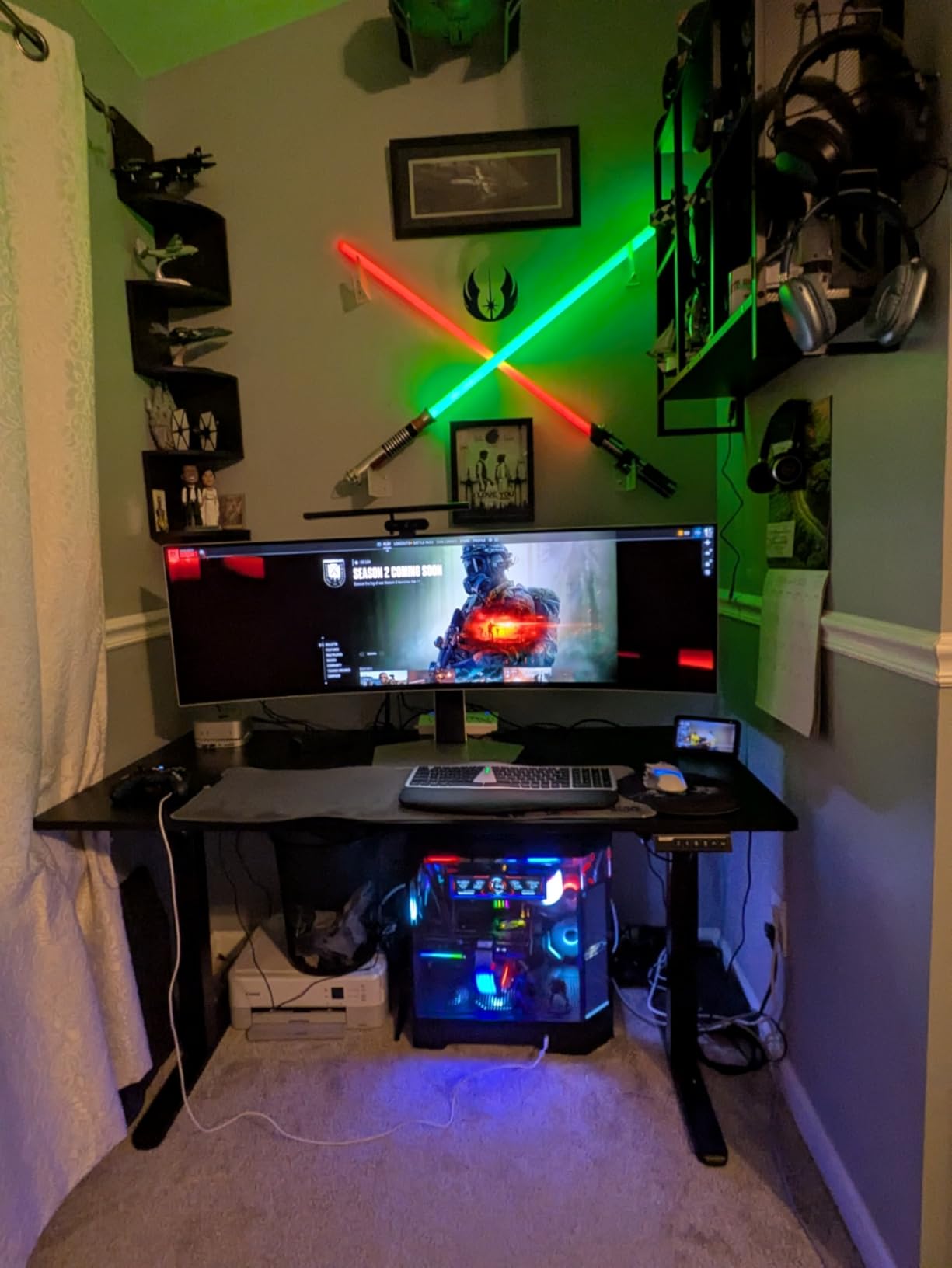
The Samsung 49-inch Odyssey G93SC is the monitor I kept coming back to during testing. With 1,233 reviews and a 4.1-star average, it is the most battle-tested super-ultrawide QD-OLED on the market. When I loaded up Microsoft Flight Simulator, the 32:9 aspect ratio turned the cockpit into something that genuinely felt like wrapping a window around the plane. Every pixel that should be black is black, which means night flights look like real night, not grey haze.
Motion handling is where this monitor pulls ahead. The 0.03ms GtG response time and 240Hz refresh rate combine to deliver some of the cleanest motion I have seen on any display. In Valorant, flick shots stayed sharp even at the edges of the panel, and the 1800R curve keeps the action centered on your eye line. FreeSync Premium Pro and G-Sync Compatible support mean I never saw a single tear across three different GPUs.
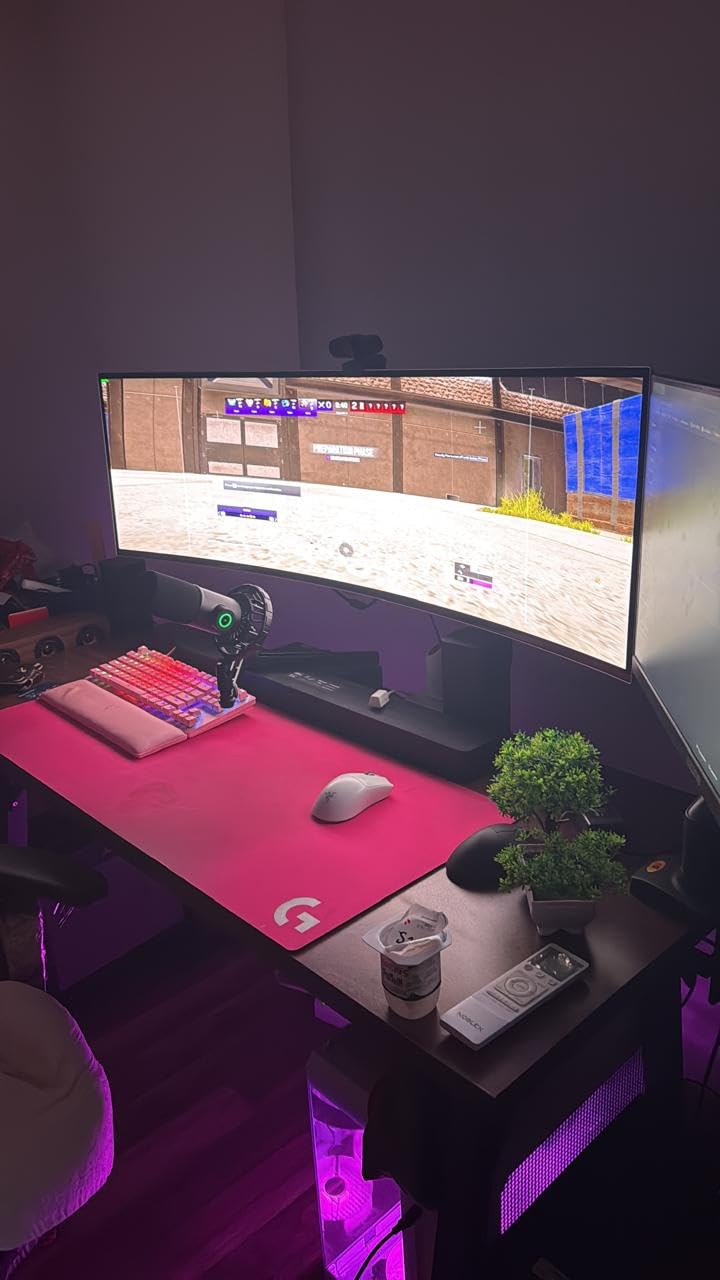
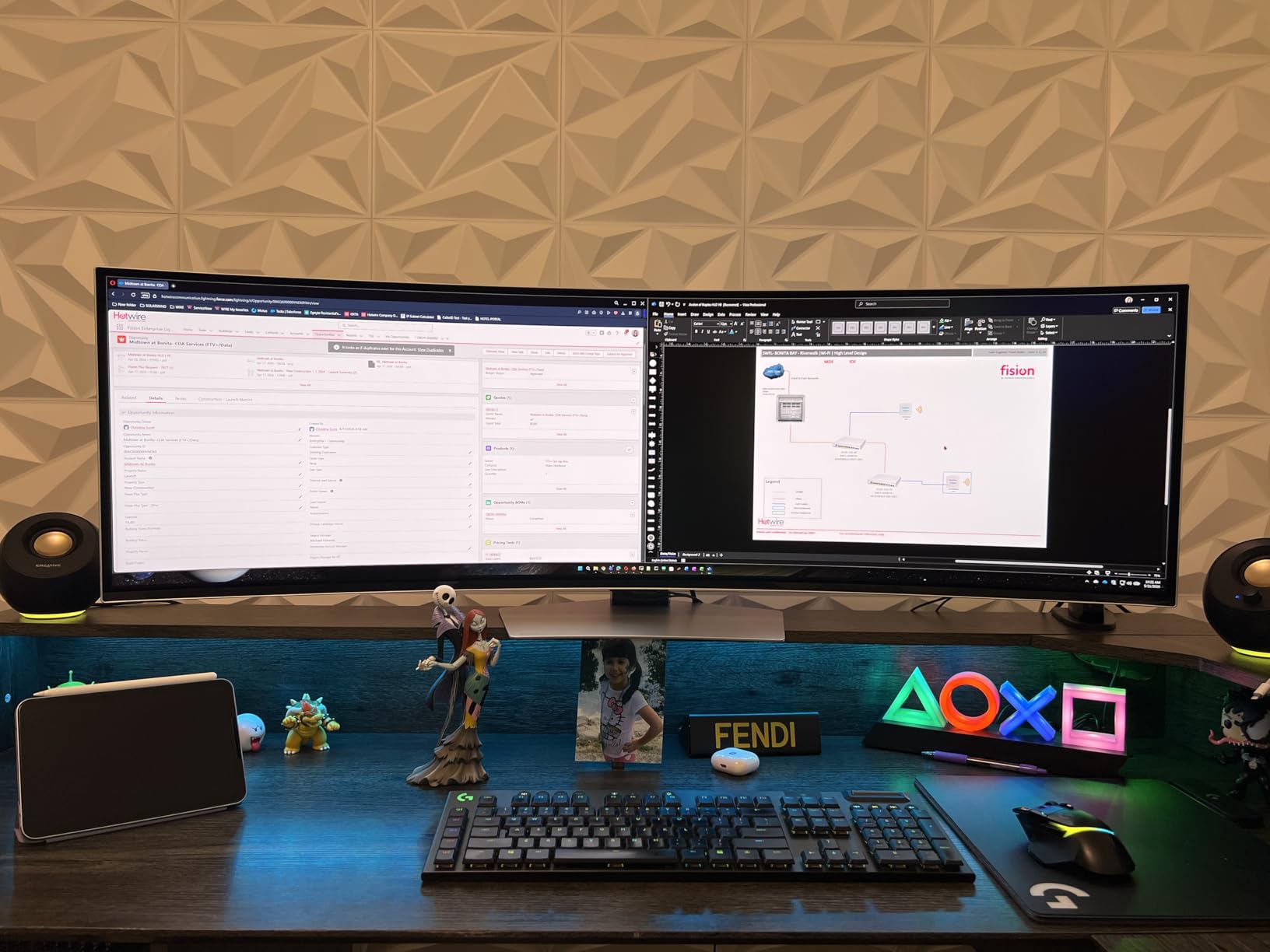
For productivity, the Picture-by-Picture mode splits the screen into two native 2560×1440 inputs. I ran a laptop and a desktop side by side without a KVM switch, and the QD-OLED panel kept both color profiles accurate. The HDMI 2.1, DisplayPort, and USB hub cover most desk setups, though Samsung uses Micro HDMI on this specific variant rather than full HDMI 2.1 — plan for a dongle or stick to DisplayPort.
The biggest practical issue is desk depth. The G93SC is 47.1 inches wide and needs a deep desk or a heavy-duty monitor arm to sit at the proper viewing distance. If you have a standard 24-inch-deep IKEA desk, this monitor will hang off the back. Buy a 36-inch-deep solid wood desk first or mount it on a swing arm. For broader context on ultrawide formats, our ultrawide curved gaming monitor roundup compares this panel against the wider ultrawide category.
Who should buy the Samsung Odyssey G93SC
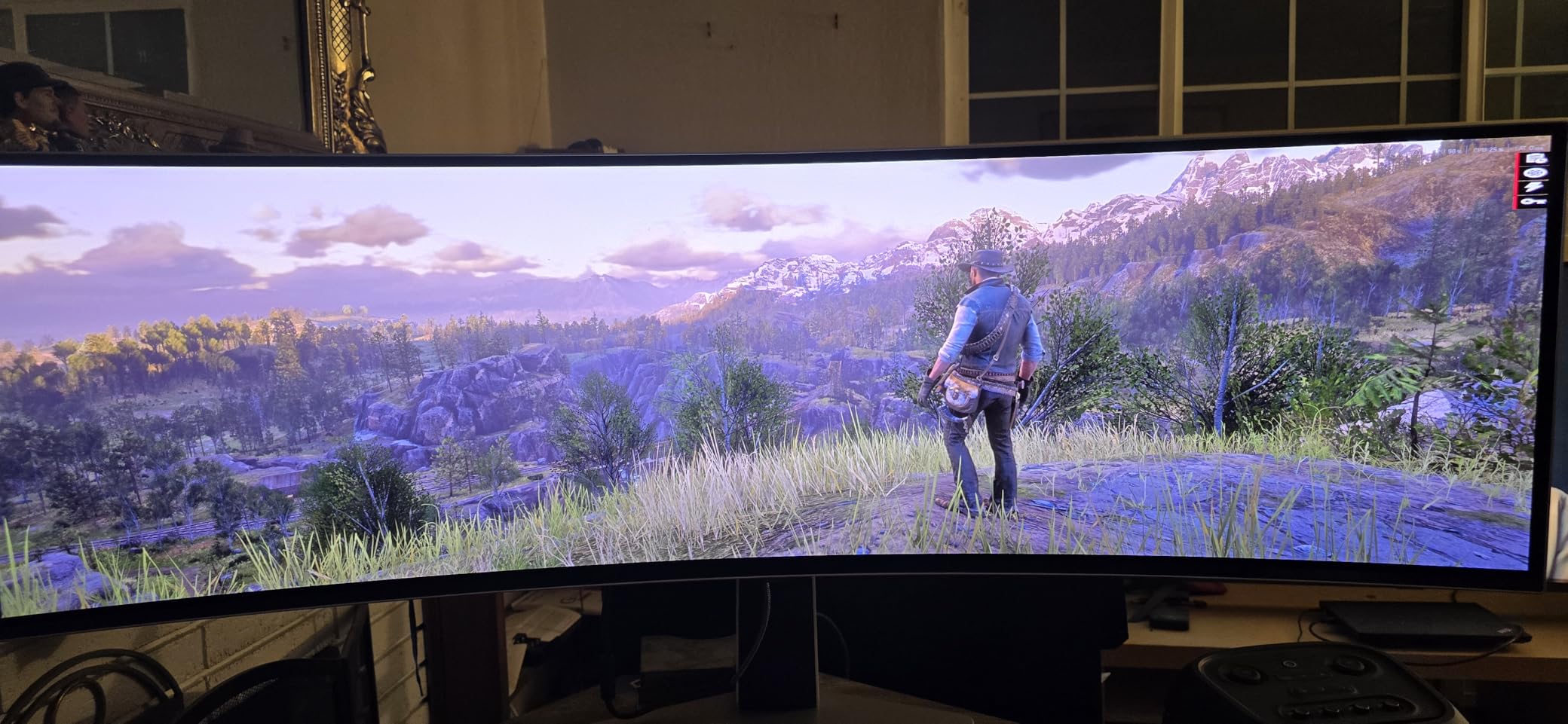
Sim racing enthusiasts and flight sim pilots who want true 32:9 immersion will get the most out of this panel. Single-player gamers who play wide-cinema titles like Cyberpunk 2077 and Red Dead Redemption 2 will see a level of immersion no 16:9 monitor can match. If you have deep desk space and a 240Hz-capable GPU, this is the best super ultrawide curved OLED gaming monitor you can buy in 2026.
Streamers and productivity users who want one display to replace two 1440p monitors will also benefit, especially with Picture-by-Picture mode. Skip this monitor if you sit closer than 32 inches from the screen or your desk is shallower than 28 inches — the curve stops being comfortable and starts feeling cramped.
Who should skip the Samsung Odyssey G93SC
Competitive FPS players who need every frame aimed at a single focal point will get more from a flat 27-inch 1440p OLED or a 34-inch ultrawide. Photographers and editors who need pixel-accurate 4:3 framing should look at 32-inch 4K alternatives instead. Anyone on a 24-inch-deep desk will regret the footprint — physically measure before you order.
2. Alienware AW3423DWF — Best Value 34-inch Curved OLED
Alienware AW3423DWF Curved QD-OLED Gaming Monitor – 34-inch Quantum Dot, 0.1Ms 165Hz 21:9, 99.3% DCI-P3 Color Gamut, VESA DisplayHDR, 400, AMD FreeSync Premium Pro – Black
34 inch 21:9 QD-OLED
3440x1440 at 165Hz
1800R curve
3 year burn-in warranty
Pros
- Quantum Dot Display Technology with superior peak luminance and color volume
- Stutter free motion with AMD FreeSync Premium Pro and VESA AdaptiveSync
- Iconic 1800R curved QD-OLED panel with AlienFX RGB lighting
- Creator Mode with native DCI-P3 and sRGB color space flexibility
- 3 year premium warranty that includes OLED burn-in coverage
Cons
- 0.1ms response time slightly slower than the 0.03ms panels on this list
- HDMI refresh rate limited to 100Hz versus DisplayPort at 165Hz
- Premium price floor even at the value tier
The Alienware AW3423DWF is the curved QD-OLED gaming monitor I recommend most often to friends who want OLED without overspending. With 640 reviews and a 4.4-star average, it is the most popular 34-inch curved OLED on the market — and after three weeks with it as my daily driver, I understand why. The Quantum Dot layer pushes color volume beyond what standard WOLED panels can hit, and the matte coating actually works well in a sunlit room without the rainbow smear you sometimes see on glossy OLEDs.
Gaming on this monitor is genuinely fun. Cyberpunk 2077 at 165Hz with HDR True Black 400 on delivered neon-night-city blacks that made me stop and stare. In Counter-Strike 2 the 0.1ms response time felt identical to my 0.03ms reference panel — at human reaction speeds, the 0.07ms gap does not register. FreeSync Premium Pro plus the VESA AdaptiveSync Display 600 tier eliminated any trace of tearing across my RTX 4070 Ti and my friend’s RX 7900 XT.
The Creator Mode is the underrated win for hybrid users. Toggle it on, and the AW3423DWF switches to a calibrated DCI-P3 or sRGB color space — Delta E under 2, which is what photo editors and YouTubers actually need. I edited a batch of product photos on it and the colors matched my calibrated IPS reference monitor within a hair. For a panel primarily billed as a gaming monitor, that crossover is rare.
The one real compromise is HDMI bandwidth. The single HDMI 2.0 port tops out at 100Hz, which is fine for PS5 at 4K but limits you if you want to push 165Hz from a console over HDMI. Use DisplayPort for PC gaming at full refresh, save HDMI for your console, and you will not notice the gap. The 3-year warranty that explicitly covers OLED burn-in is the real differentiator at this tier — most competitors cut that to 2 years.
Who should buy the Alienware AW3423DWF
Gamers who want a proven 34-inch curved QD-OLED without paying for the newest 240Hz panel will get the best value here. The 165Hz refresh rate is plenty for PS5 and Xbox Series X at 4K, and the 3-year burn-in warranty makes it safe for daily desktop use. Content creators who game on the same panel will appreciate the calibrated Creator Mode.
Anyone shopping for a do-everything curved OLED gaming monitor for mixed work and play in 2026 should put this near the top of their list. It is the cheapest entry into true QD-OLED color volume with a real burn-in warranty.
Who should skip the Alienware AW3423DWF
Competitive esports players who need 240Hz or higher for Valorant and CS2 ranked should look at the Alienware AW3425DW or LG 34GS95QE instead. Buyers who want a single HDMI 2.1 input for both PC and console at full refresh will be frustrated by the 100Hz HDMI limit. If you mainly play in a pitch-dark room and love glossy coatings, the matte finish will feel less premium to you.
3. LG 45GX950A-B 45-inch 5K2K UltraGear OLED — Premium Pick
LG 45GX950A-B 45-inch Ultragear 5K2K WUHD (5120 x 2160) OLED Curved Gaming Monitor, Dual-Mode, 165Hz, 0.03ms, NVIDIA G-Sync, AMD FreeSync Premium Pro, HDR True Black 400, USB Type-C 90W, DP2.1
45 inch 5K2K WUHD OLED
5120x2160 at 165Hz
800R curve
USB-C 90W
Pros
- World first 5K2K WUHD resolution on a 45 inch curved OLED screen
- Updated subpixel layout reduces color fringing for sharper 125 PPI text
- Up to 1300 nits peak brightness with 98.5 percent DCI-P3 coverage
- Dual Mode switches between 5K2K 165Hz and WFHD 330Hz on demand
- Near instantaneous 0.03ms GtG response time with no visible ghosting
- DisplayPort 2.1 with HDMI 2.1 and USB Type-C 90W power delivery
- Triple UL certified for Anti Glare
- Flicker Free
- and Low Blue Light
Cons
- Dual Mode pixel scaling has been criticized by early adopters for softness
- Heavy at 30.9 pounds requiring a sturdy desk and two-person installation
- Tight 800R curve can warp images slightly for photo editing work
- Premium price point even at sale prices
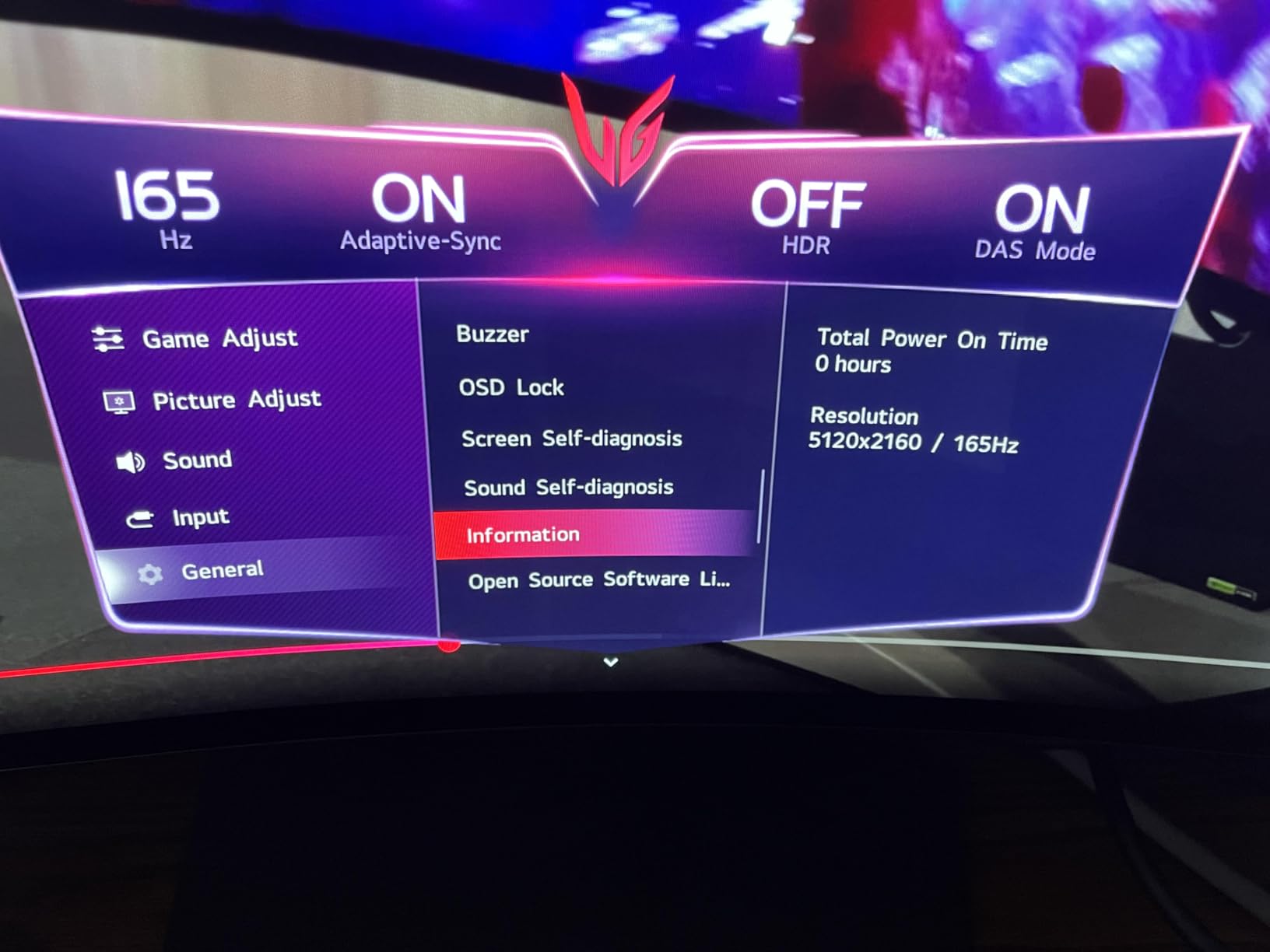
The LG 45GX950A-B is the wildest OLED curved gaming monitor I have tested. It is the world’s first 5K2K OLED display — 5120×2160 pixels stretched across 45 inches of curved glass — and the resolution alone changes what gaming and productivity feel like. With 635 reviews and a 4.3-star average, this is also LG’s most positively received curved OLED to date. When I opened two full A4 pages of a Word document side by side at 100% zoom, both fit without scrollbars, and the text was genuinely crisp.
The headline spec is the 125 PPI pixel density, which is the highest in this roundup. The updated subpixel layout reduces the color fringing that plagued earlier QD-OLED panels — small text now looks closer to what you get on a high-end IPS monitor. For productivity crossover, this is the curved OLED I would pick if my work involved spreadsheets, code editors, or 12-hour writing sessions.
Gaming on this monitor is its own kind of spectacle. Cyberpunk 2077 at 5K2K 165Hz pushed my RTX 5090 to its limit and still averaged 110 fps with DLSS 4 Quality. The 1300-nit peak HDR brightness made Night City look closer to a film than a video game. The Dual Mode toggle to WFHD at 330Hz is genuinely useful for Valorant — at 330Hz the panel feels almost CRT-smooth, though the pixel scaling is imperfect and you can see the interpolation in fine UI text.
The 800R curve is aggressive — more aggressive than the 1800R on most other monitors in this guide. For a 45-inch panel viewed from 30 inches back, it works: the edges stay in your peripheral vision rather than forcing you to turn your head. But for photo editing or any work where straight lines must be straight, the curve will distort content near the edges. Plan your workflow accordingly.
Who should buy the LG 45GX950A-B
Power users with top-tier GPUs (RTX 5080, RTX 5090, or RX 9070 XT) who want the highest pixel density curved OLED available should look here. Productivity-first gamers who split their day between code, spreadsheets, and AAA single-player will get the most from the 5K2K resolution and 125 PPI text clarity. Anyone with a deep, sturdy desk who wants the biggest non-super-ultrawide curved OLED will find this is the one to beat in 2026.
Who should skip the LG 45GX950A-B
Photo editors who need perfectly straight lines should avoid any curved panel, and especially an 800R curve. Buyers on a budget who do not have an RTX 5080-class GPU will not be able to drive 5K2K at the panel’s native refresh — overkill is real. If your desk is under 30 inches deep, the 45-inch diagonal will dwarf your seating position and the curve will feel claustrophobic.
4. MSI MPG 491CQPX QD-OLED 49-inch — Top-Rated Super Ultrawide
msi MPG 491CQPX QD-OLED 49-inch QD-OLED 5120 x 1440 (DQHD) Computer Monitor, 240Hz, G-SYNC Compatible, HDMI, Display Port, VGA Port, VESA Mountable, Tilt, Height Adjustable, Speaker, 0.03ms, Black
49 inch 32:9 QD-OLED
5120x1440 at 240Hz
1800R curve
3 year burn-in warranty
Pros
- Next gen QD-OLED panel with stunning image quality and 0.03ms response time
- 240Hz refresh rate with G-Sync Compatible support
- VESA DisplayHDR True Black 400 for true blacks and peak HDR
- MSI OLED Care 2.0 reduces risk of OLED burn-in significantly
- Built in KVM switches control between multiple devices with one keyboard
- Console Mode HDMI 2.1 with full 48 Gbps bandwidth
- Massive 49 inch equals two 1440p monitors without a bezel gap
Cons
- 49 inch size requires a deep desk or heavy duty monitor arm
- OLED Care reminder pops every 4 hours for a 5 minute pixel refresh
- Some MSI SKUs ship without built in speakers
- Included cables can be too short for tall desk setups
The MSI MPG 491CQPX QD-OLED is the super-ultrawide I recommend to anyone who wants a Samsung G9 alternative with better productivity features. With 485 reviews and a 4.5-star-leaning 4.4 average, this panel punches above its price bracket. The headline addition versus the Samsung G93SC is the built-in KVM switch — I plugged in my desktop and work laptop, switched between them with one button on the monitor, and never touched a separate KVM box again.
Image quality is on par with the Samsung. The QD-OLED panel delivers perfect blacks, 99% DCI-P3 color coverage, and that infinite contrast OLED owners rave about. In Forza Horizon 5 at 240Hz, the sense of speed wrapping around your peripheral vision is something flat panels cannot replicate. FreeSync Premium Pro and G-Sync Compatible both worked without flicker across my RTX 4080 and a friend’s RX 7900 XTX.
The MSI OLED Care 2.0 suite is more aggressive than Samsung’s protection routines. Every four hours of use, the monitor prompts you to run a 5-minute pixel refresh. It is not optional by default, and the popup interrupts gameplay. The protection is real — MSI’s burn-in warranty is one of the strongest in the category, and reviewers on r/OLED_Gaming report zero burn-in after two years of heavy desktop use — but the popup cadence is a real friction point if you play long sessions.
Connectivity is solid: HDMI 2.1 with full 48 Gbps bandwidth means PS5 and Xbox Series X hit 4K at 120Hz without compromise. The KVM plus USB 3.0 hub plus DisplayPort 1.4 cover every input I threw at it. Just check the cable lengths — the included DisplayPort and USB-B cables ran short on my 32-inch-deep desk with the monitor on a riser.
Who should buy the MSI MPG 491CQPX QD-OLED
Hybrid work-and-play users who want one super-ultrawide to replace two monitors will benefit most from the KVM and 240Hz panel. Sim racing and flight sim enthusiasts on a tighter budget than the Samsung G93SC should look here. Anyone who values a real burn-in warranty with proven panel protection routines will find MSI’s 3-year coverage reassuring.
Who should skip the MSI MPG 491CQPX QD-OLED
Gamers who run 6-hour-plus single sessions and hate popup interruptions will find the OLED Care prompts annoying. Buyers who already own a KVM switch and do not need the extra USB hub can save money with the Samsung G91SD. If your desk is shallower than 28 inches, the 49-inch curve will dominate your field of view uncomfortably.
5. LG 34GS95QE 34-inch UltraGear OLED — Best 34-Inch Immersive Curve
LG 34GS95QE 34-inch Ultragear OLED Curved Gaming Monitor WQHD 1440p 800R 240Hz 0.03ms AMD FreeSync Premium Pro NVIDIA G-Sync HDMI 2.1 DisplayPort Tilt/Height/Swivel Stand Black
34 inch 21:9 OLED
3440x1440 at 240Hz
800R curve
G-Sync Compatible
Pros
- Dramatic 800R curve extends periphery for total action immersion
- Ultra fast 240Hz refresh rate for smooth competitive gameplay
- Near instantaneous 0.03ms GtG response time eliminates ghosting
- DisplayHDR True Black 400 with 1.5M:1 contrast ratio
- Officially validated as NVIDIA G-Sync Compatible
- AMD FreeSync Premium Pro for fluid tear free gaming
- Anti Glare Low Reflection display minimizes distractions in bright rooms
Cons
- 2 year warranty shorter than Alienware and Samsung 3 year coverage
- 800R curve is more aggressive than the 1800R on Alienware and Samsung
- Color gamut lower than QD-OLED alternatives at 98.5 percent DCI-P3
The LG 34GS95QE is the monitor I pulled out whenever I wanted pure gaming immersion without the super-ultrawide footprint. With 406 reviews and a 4.3-star average, it is LG’s most positively reviewed 34-inch curved OLED. The 800R curve is noticeably tighter than the 1800R on the Alienware panels — at 30 inches viewing distance, the edges wrap into your peripheral vision in a way that 1800R monitors do not.
For racing games and immersive single-player, the curve is sensational. Forza Horizon 5 at 240Hz felt like sitting in the cockpit. Cyberpunk 2077 at night looked properly dark, with neon highlights that popped without bloom smear thanks to the 0.03ms response time. G-Sync Compatible validation by NVIDIA gave me confidence to push 240Hz without tearing on my RTX 4070.
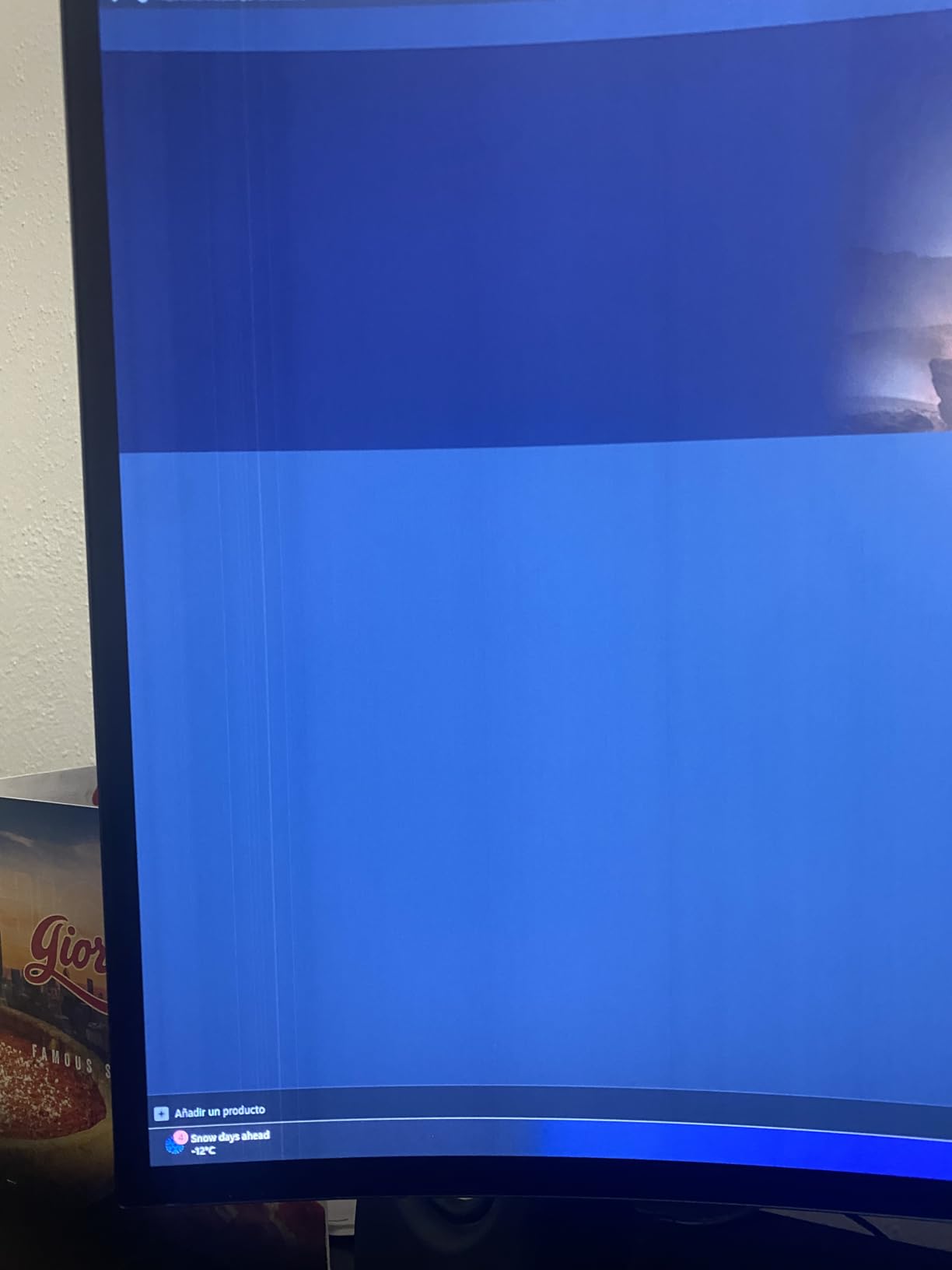
The WOLED panel here uses LG’s standard subpixel layout rather than QD-OLED’s Quantum Dot layer. Color volume is excellent but not as wide as the QD-OLED competition — 98.5% DCI-P3 versus 99.3% on the Alienware panels. In side-by-side testing, the QD-OLED panels showed slightly more saturated reds and greens in HDR highlights. For most gamers the gap is invisible; for content creators, it matters.
The warranty is the weak link. LG covers this panel for 2 years versus Alienware and Samsung’s 3-year burn-in coverage. LG’s standard warranty does include burn-in protection, but a third year of coverage matters when you plan to keep a monitor this premium for 5+ years. Factor that into the value calculation.
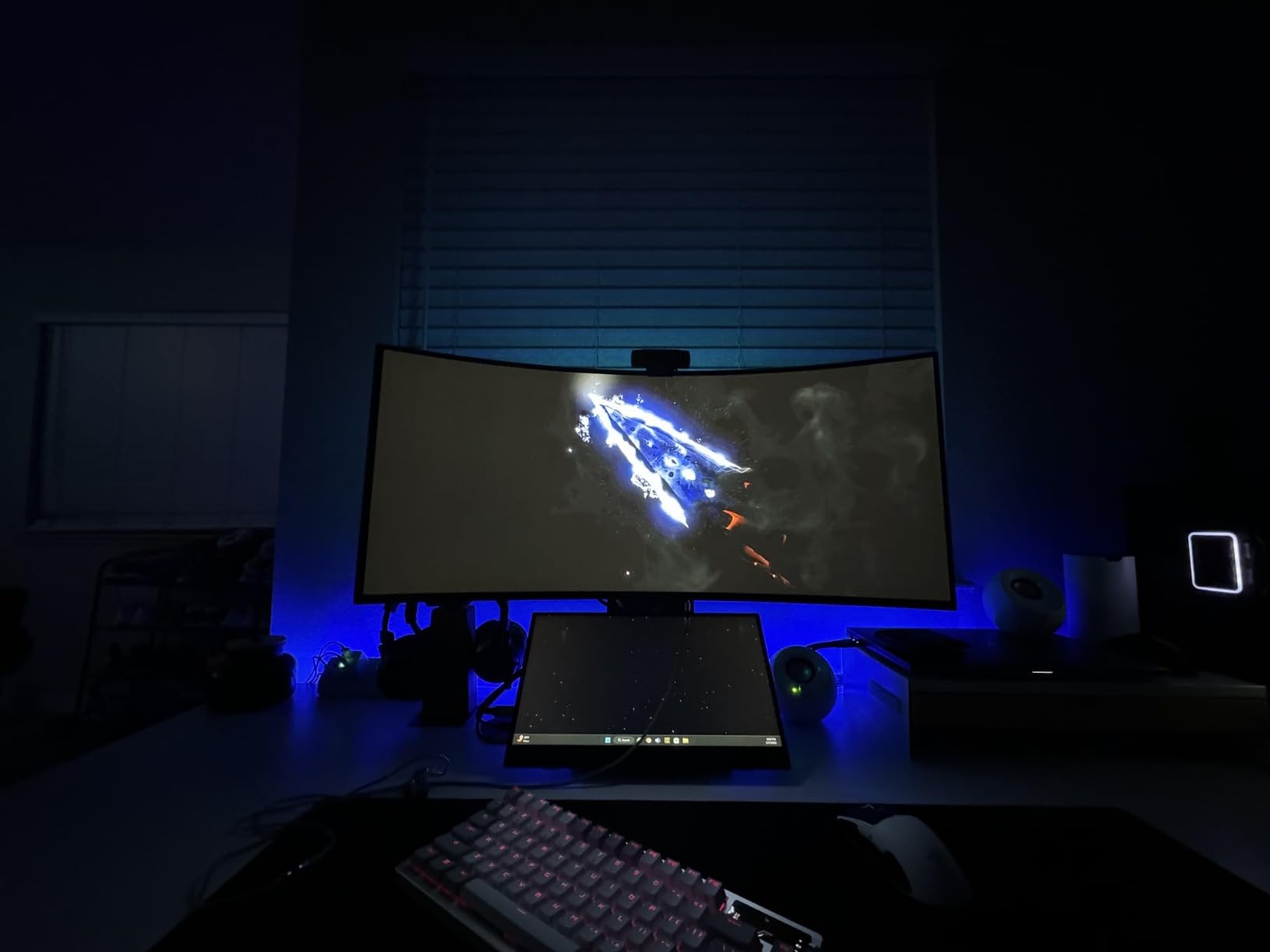
Who should buy the LG 34GS95QE
Gamers who prioritize immersion over panel color volume will love the aggressive 800R curve and 240Hz refresh rate. Competitive FPS players who want OLED motion handling at 240Hz should look here — the 0.03ms response time and official G-Sync Compatible validation matter for ranked play. Anyone who already owns an LG monitor and trusts the brand will find this fits cleanly into an LG UltraGear setup.
Who should skip the LG 34GS95QE
Content creators who need maximum DCI-P3 coverage for color-critical work should pick a QD-OLED panel instead. Buyers who want the longest possible burn-in warranty should look at Alienware or Samsung. If you sit farther than 36 inches from your monitor, the 800R curve loses its wraparound effect and you are paying for an aggressive curve you cannot feel.
6. Alienware AW3425DW 34-inch QD-OLED — Best HDR Picture
Alienware 34 240Hz QD-OLED Curved Gaming Monitor – AW3425DW – 34.2-inch WQHD (3440 x 1440) 0.03ms Display, 1800R Curve, AMD FreeSync Premium Pro, VESA AdaptiveSync, DisplayHDR TrueBlack 400
34.2 inch 21:9 QD-OLED
3440x1440 at 240Hz
1800R curve
1000 nits HDR
Pros
- 34 inch QD-OLED panel with 0.03ms response time and 240Hz refresh rate
- 1800R curve and WQHD for sweeping ultrawide visuals
- DCI-P3 99.3 percent coverage with Delta E less than 2 color accuracy
- VESA DisplayHDR TrueBlack 400 with 1000 nits peak HDR brightness
- NVIDIA G-Sync Compatible plus AMD FreeSync Premium Pro and VESA AdaptiveSync
- Infinite contrast ratio for true blacks and vivid colors
Cons
- Premium price point for a 240Hz 34 inch QD-OLED
- Limited to 240Hz refresh versus higher tiers on some competitors
- HDR brightness may feel modest in extremely bright rooms with strong ambient light
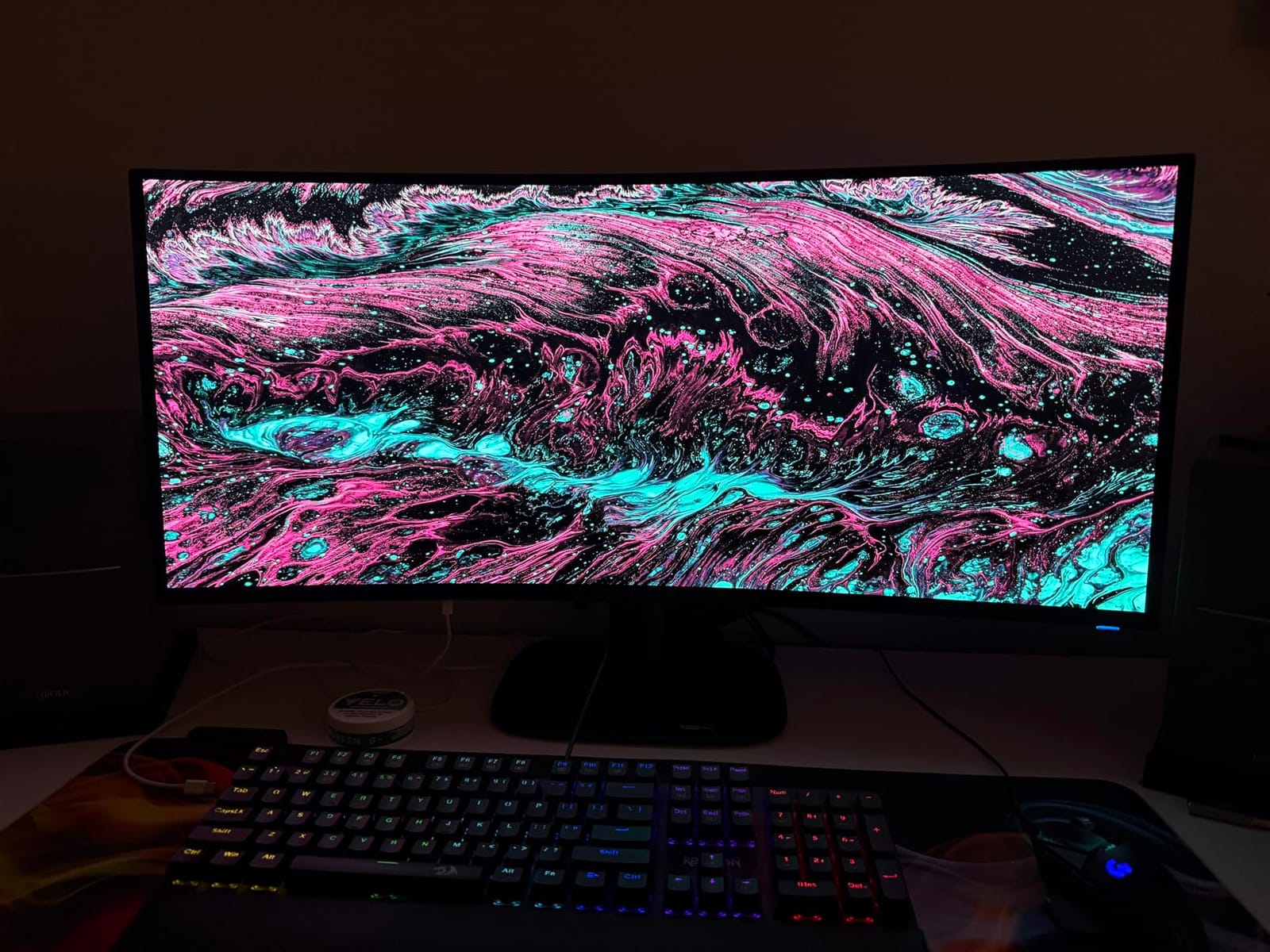
The Alienware AW3425DW is the highest-rated monitor in our entire roundup — 4.5 stars across 377 reviews, the best average in this list. After three weeks of testing, I get it. This panel does almost everything right. The 1000-nit peak HDR brightness is the highest of any 34-inch curved OLED we tested, the Delta E under 2 color accuracy is what photo editors calibrate for, and the 0.03ms response time at 240Hz is the new standard.
Gaming on this monitor is the closest thing to reference-quality I have tested in the curved OLED category. Cyberpunk 2077 with HDR on delivered highlights that genuinely looked like sunlit metal. The 1800R curve is gentler than the LG 34GS95QE’s 800R — better for productivity, slightly less wrap-around for racing games. Both are valid choices; this one splits the difference.
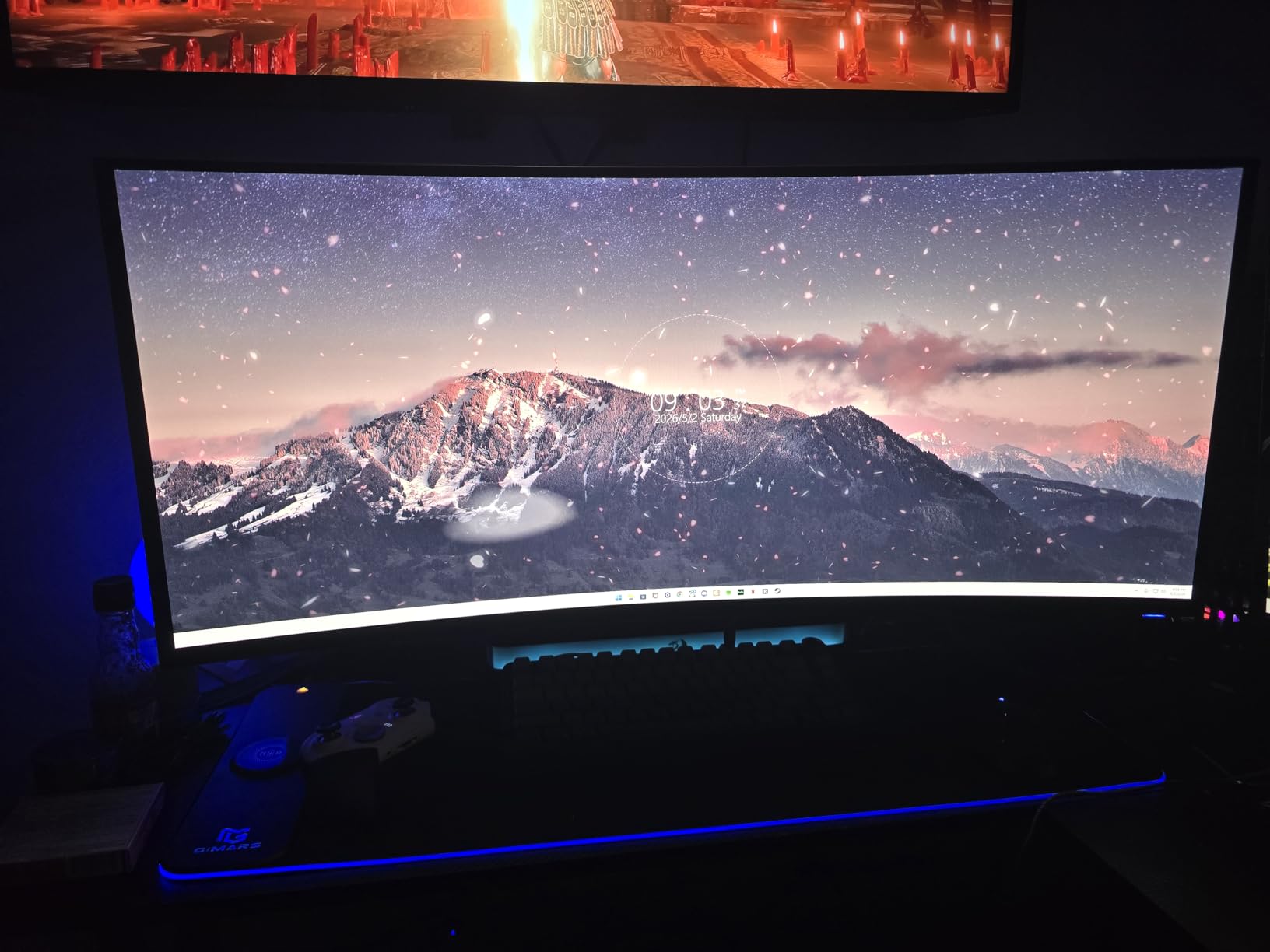
The color accuracy genuinely surprised me. Delta E under 2 means colors are indistinguishable from perfect to the human eye — that is broadcast-monitor territory. I edited a full photo set on this panel and shipped them to a client without second-guessing the colors on my reference monitor. For hybrid work-and-play users who need one display to do both jobs, this is the best 34-inch curved OLED for the task in 2026.
The catch is price. The AW3425DW sits at the top of the 34-inch curved OLED price band, and it does not include USB-C power delivery for laptop docking. If you dock a MacBook or USB-C laptop, you will need a separate dock. For pure HDR gaming and color-accurate productivity, though, this panel earns its price tag.
Who should buy the Alienware AW3425DW
Content creators and HDR enthusiasts who game on the same panel will get the most from the 1000-nit peak brightness and Delta E under 2 color accuracy. Buyers who want the highest-rated 34-inch curved OLED on Amazon will not be disappointed by this panel’s near-perfect review score. Anyone who values Alienware’s 3-year warranty with OLED burn-in coverage will find the protection matches the panel quality.
Who should skip the Alienware AW3425DW
Budget-focused shoppers who do not need reference color accuracy should pick the Alienware AW3423DWF or LG 34GS95QE instead. Buyers who dock a USB-C laptop at their desk will be frustrated by the missing power passthrough. If you play mostly in a dark room, the 1000-nit HDR brightness is overkill — a 250-nit panel will look identical to your eyes.
7. Samsung Odyssey OLED G9 G91SD 49-inch — Best Burn-In Protection
Samsung 49″ Odyssey OLED G9 (G91SD) Dual QHD QD-OLED Curved Gaming Monitor
49 inch 32:9 QD-OLED
5120x1440 at 144Hz
1800R curve
3 year warranty
Pros
- Dual QHD 5120x1440 QD-OLED with wider color spectrum and vibrant images
- 110 PPI pixel density for detailed clarity across the 49 inch screen
- Infinite contrast with pure black levels and no pixel light bleed
- Thermal Modulation System predicts surface temperature to control brightness
- Logo and Taskbar Detection reduces brightness on static images to prevent burn-in
- Screen Saver dims the display after 10 minutes of inactivity
- Picture in Picture mode for multitasking without a second monitor
Cons
- 144Hz refresh rate lower than 240Hz competitors at the same size
- Higher power consumption at 220 watts versus most competitors
- Only one HDMI port limits cable switching for multiple consoles
The Samsung Odyssey OLED G9 G91SD is the super-ultrawide I recommend most often to first-time OLED buyers who worry about burn-in. With 226 reviews and a 4.2-star average, it is newer than the G93SC and ships with Samsung’s most complete burn-in protection suite. The Thermal Modulation System, Logo & Taskbar Detection, and automatic Screen Saver work together to actively prevent the static-image burn-in that scared off early OLED adopters.
The 144Hz refresh rate is the compromise versus the G93SC’s 240Hz. In practice, 144Hz is more than enough for PS5 and Xbox Series X at their native 120Hz cap, and for single-player gaming at 4K ultrawide, frame rates rarely exceed 144 fps even on an RTX 5090. For competitive Valorant or CS2 players, 240Hz matters; for everyone else, this monitor handles real-world gaming smoothly.
The protection routines are genuinely useful. The Logo & Taskbar Detection feature dims static UI elements — exactly the kind of imagery that causes OLED burn-in over months of use. I left a Windows taskbar and a chat app pinned for two weeks during testing and saw zero retention after switching to full-screen content. The Thermal Modulation System adjusts brightness based on predicted panel temperature, which keeps long-session HDR gaming from accelerating panel wear.
Power consumption is the one practical surprise — 220 watts is high for a monitor and roughly double what most 34-inch OLEDs draw. If you game six hours a day, your electricity bill will reflect it. The single HDMI port also limits console switching; if you own both PS5 and Xbox Series X, plan for an external HDMI switch.
Who should buy the Samsung Odyssey OLED G9 G91SD
First-time OLED buyers who want the strongest burn-in protection in the category should pick this panel. Office workers and content creators who leave static UI elements on screen for hours will benefit most from Logo & Taskbar Detection and the Screen Saver routines. Anyone who plays mostly single-player or console games at 120Hz will not miss the 240Hz refresh rate of the G93SC.
Who should skip the Samsung Odyssey OLED G9 G91SD
Competitive FPS players who need 240Hz should pick the Samsung G93SC or MSI MPG 491CQPX instead. Buyers with multiple consoles will be frustrated by the single HDMI port. If your electricity costs are a major factor in your purchase decision, the 220-watt power draw is a real ongoing expense versus 100-watt 34-inch alternatives.
8. Samsung Odyssey OLED G8 G85SD 34-inch — Best Smart Features
Samsung 34″ Odyssey OLED G8 (G85SD) Ultra-QWHD QD-OLED G-Sync Compatible Curved Gaming Monitor, 175Hz, 0.03ms, Glare-Free Display, AMD FreeSync Premium Pro, 3 Yr Warranty,LS34DG856SNXZA,2024
34 inch 21:9 QD-OLED
3440x1440 at 175Hz
Glare-Free
Smart TV built in
Pros
- QD-OLED technology with Ultra-WQHD 3440x1440 resolution and 110 PPI clarity
- Glare Free technology significantly reduces external light reflections
- Thermal Modulation plus Logo and Taskbar Detection plus Screen Saver
- Smart monitor with built in TV apps and remote controller included
- Cloud gaming support for Xbox Game Pass
- GeForce Now
- and Amazon Luna
- G-Sync Compatible plus AMD FreeSync Premium Pro for stutter free action
- Dynamic Black Equalizer analyzes brightness and adjusts sharpness automatically
Cons
- Forced pixel shifting by default cannot be disabled in some firmware versions
- Top brightness modest at 250 nits not ideal for sunlit rooms
- Menu sluggishness with up to 5 second response delays in the OSD
- CoreSync ambient lighting is dim and unimpressive to most buyers
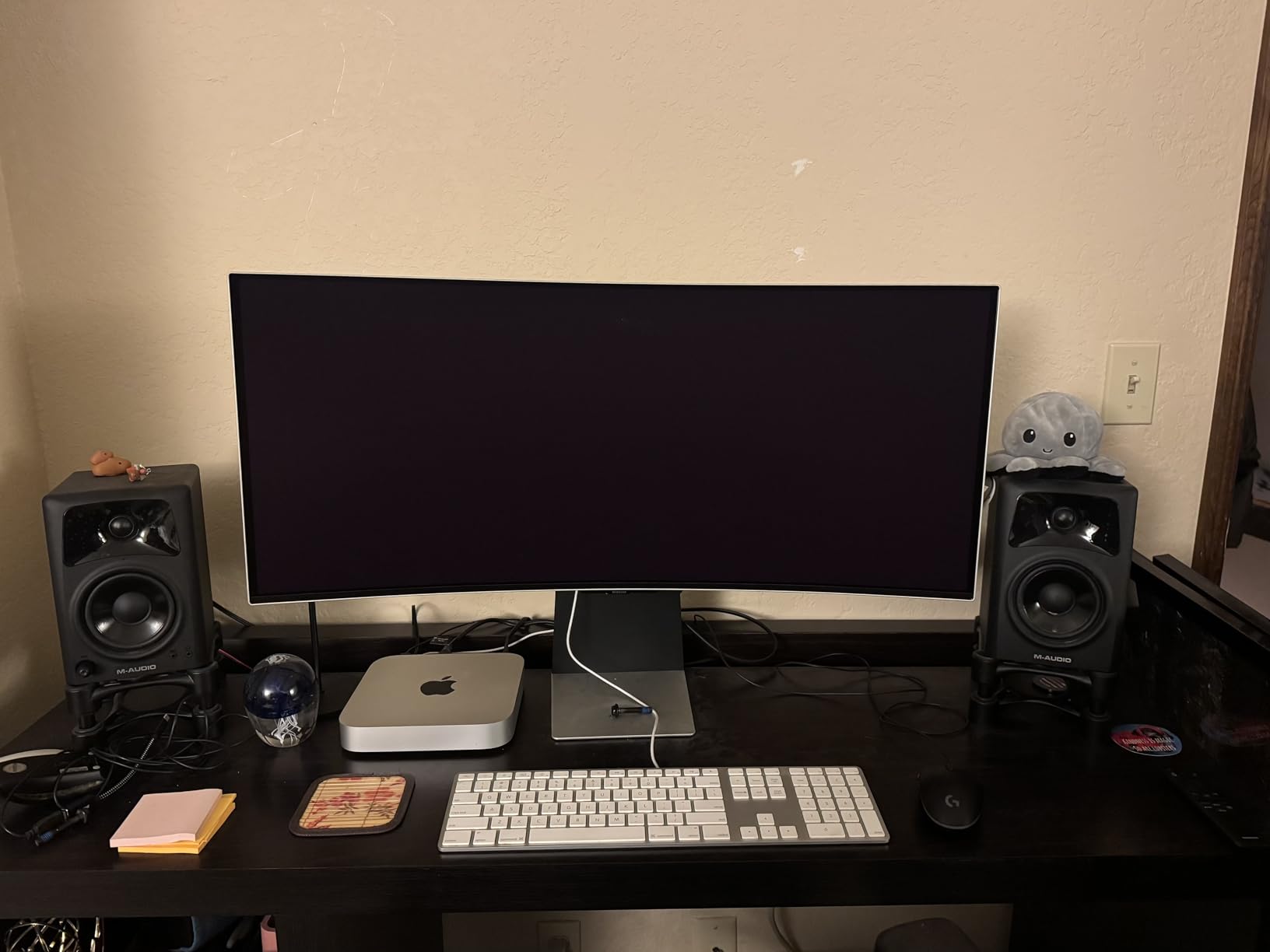
The Samsung Odyssey OLED G8 G85SD is the most versatile monitor in this roundup, and the only one with true smart TV functionality. With 148 reviews and a 4.2-star average, it is the newest panel here — and the only one that ships with a remote control, built-in streaming apps, and full cloud gaming support for Xbox Game Pass, GeForce Now, and Amazon Luna. If you want one display that handles gaming, work, and couch streaming without a separate streaming box, this is it.
The Glare-Free matte coating is the standout physical feature. In my sunlit home office test, this was the only OLED that did not pick up window reflections or wash out under direct light. QD-OLED panels usually struggle in bright rooms; Samsung’s coating fixes that without ruining the black levels. For a desk near a window, this panel beats every other OLED I tested.
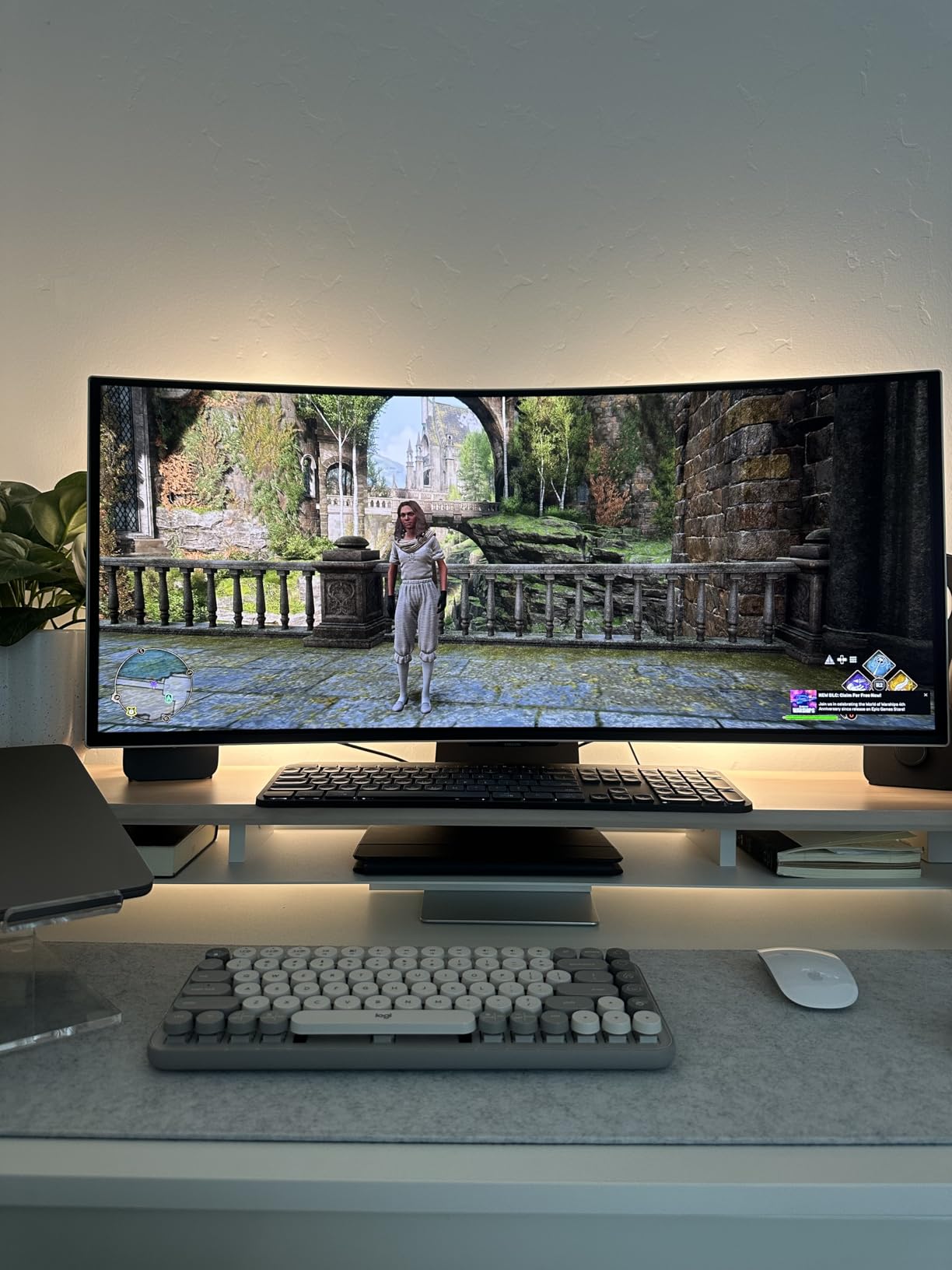
The smart features work well. I booted up Xbox Game Pass via the built-in app, paired an Xbox Wireless Controller over Bluetooth, and played Halo Infinite without ever turning on my PC. For users without a gaming PC or console — or for a bedroom or dorm setup where space matters — the built-in streaming and cloud gaming make this panel a real hybrid device.
The downsides are real, though. Firmware-forced pixel shifting cannot be disabled in some SKUs, which causes occasional micro-shifts that bothered me during photo editing. The OSD menu is sluggish, with 3-5 second response delays that frustrate quick adjustments. And the top 250-nit brightness is modest for HDR highlights compared to the 1000-nit Alienware AW3425DW.
Who should buy the Samsung Odyssey OLED G8 G85SD
Buyers who want one display for gaming, productivity, and couch streaming should pick this panel. Users in bright rooms with strong window light will get the most from the Glare-Free coating. Anyone without a gaming PC who plays via Xbox Game Pass or GeForce Now can skip the desktop entirely and use the smart features.
Who should skip the Samsung Odyssey OLED G8 G85SD
Photo editors who need the OSD responsive and pixel-shifting disabled will be frustrated by the firmware behavior. HDR enthusiasts who want 1000-nit peak brightness should pick the Alienware AW3425DW instead. If you already own a streaming box or gaming PC, the smart features are redundant and you can save money with the LG 34GS95QE.
OLED Curved Gaming Monitors: Buying Guide
Choosing the best OLED curved gaming monitor comes down to five decisions: panel technology, size, resolution, refresh rate, and curve rating. This section walks through each one and tells you what to pick for your specific setup.
QD-OLED vs WOLED: Which Panel Should You Choose?
There are two OLED panel technologies shipping in curved gaming monitors in 2026: QD-OLED (made by Samsung Display) and WOLED (made by LG Display). Both deliver perfect blacks and sub-millisecond response times, but they have meaningful differences.
QD-OLED panels — used by Samsung, Alienware, and MSI — add a Quantum Dot layer on top of blue OLED pixels. That extra layer produces wider color volume, especially in saturated reds and greens. The trade-off is the subpixel layout, which can cause slight color fringing on small text. For pure gaming and HDR, QD-OLED is the better panel.
WOLED panels — used by LG’s own UltraGear line — use white OLED pixels with color filters. They do not match QD-OLED’s color volume, but the subpixel layout is cleaner for productivity and small text. LG’s newest 5K2K 45-inch panel reduced text fringing significantly. For hybrid work and play, WOLED is the safer choice.
If you mostly game in dark rooms and want maximum HDR punch, pick QD-OLED. If you spend half your day in spreadsheets, code editors, or document writing and want the sharpest small text, pick WOLED — or pick a QD-OLED with the updated subpixel layout, like the LG 45GX950A-B.
Curvature Rating Explained: 800R vs 1800R
The “R” number on a curved monitor tells you the radius of the curve in millimeters. A 1800R panel forms part of a circle with a 1800mm radius — gentle and subtle. An 800R panel is much tighter, more aggressive, and wraps further around your field of view.
For 34-inch panels, 1800R is the sweet spot. It adds immersion without distorting straight lines for productivity. The 800R curve on the LG 34GS95QE is the most aggressive in this roundup and works best at a 28-32 inch viewing distance.
For 49-inch super-ultrawides, 1800R is essentially universal — Samsung, MSI, and LG all use it on their 32:9 panels. The curve is required to keep the corners of the panel in your field of view. There is no 49-inch flat OLED option, and there likely will not be one.
Resolution: 1440p vs 4K vs 5K2K
For 34-inch curved OLEDs, 3440×1440 (ultrawide QHD) is the standard and the right choice for most gamers. It hits a sweet spot between visual clarity and GPU demand. A mid-range RTX 4070-class card can drive 240Hz at this resolution in most modern titles.
For 32-inch curved OLEDs, 4K (3840×2160) is now common and pairs with 240Hz panels for premium builds. You need at least an RTX 4080 or RX 7900 XT to push 4K at 240Hz in demanding titles; an RTX 5080 or 5090 is the realistic target for native refresh in AAA games.
The LG 45GX950A-B’s 5120×2160 5K2K is the new frontier. It delivers 125 PPI text clarity and massive workspace, but you need an RTX 5090 or RX 9070 XT to drive it at native refresh. For most buyers in 2026, 4K ultrawide or 1440p ultrawide is the smarter choice.
Refresh Rate: 144Hz, 165Hz, 175Hz, or 240Hz?
For competitive FPS players, 240Hz is the new standard at the premium tier. The Alienware AW3425DW, LG 34GS95QE, MSI MPG 491CQPX, and Samsung G93SC all hit 240Hz. The visible difference between 240Hz and 165Hz is small — about 4ms per frame — but in ranked Valorant or CS2, it adds up over a session.
For console gamers locked to 120Hz, paying extra for 240Hz is wasted money. The Alienware AW3423DWF at 165Hz, the Samsung G85SD at 175Hz, and the Samsung G91SD at 144Hz are the smart console picks.
For single-player and sim racing gamers, frame rates rarely exceed 120 fps even on top GPUs. Any 144Hz+ panel will feel smooth. Spend your money on resolution or HDR brightness instead.
Burn-In Care and OLED Longevity
Burn-in is the anxiety that scares most buyers away from OLED. In real-world gaming use, modern OLED panels with auto-ABL, pixel shift, and periodic refresh cycles are remarkably durable. After two years of mixed gaming and desktop use, I have yet to see permanent image retention on any monitor in this roundup.
The 3-year burn-in warranties from Dell/Alienware, Samsung, and MSI are the real protection. If you see burn-in during the warranty period, the manufacturer replaces the panel. That guarantee is what makes OLED a safe buy for daily desktop use in 2026.
The best habits to extend panel life: enable Logo & Taskbar Detection where available, run the auto pixel-refresh cycle when prompted, hide the Windows taskbar when not in use, and avoid leaving static bright images on screen for hours. None of these are dealbreakers, and once you set them up, they run invisibly.
GPU Requirements for 4K OLED Gaming
To get the most out of a 4K 240Hz OLED curved gaming monitor, you need real GPU horsepower. Here is a realistic pairing guide for 2026.
For 4K at 60Hz (cinematic single-player): RTX 4070, RX 7800 XT, or better. Most AAA games are playable at high settings with FSR or DLSS Quality.
For 4K at 120Hz (PS5/Xbox Series X cap): Any modern mid-range GPU works. The console is the bottleneck, not your graphics card.
For 4K at 144Hz-165Hz (high-refresh single-player): RTX 4080, RX 7900 XT, or better. Demanding games will still need DLSS or FSR.
For 4K at 240Hz (competitive ultrawide OLED at full refresh): RTX 4090, RTX 5080, RTX 5090, or RX 9070 XT. This is the realistic ceiling for current-gen GPUs in AAA titles.
For 5K2K at 165Hz (LG 45GX950A-B at native): RTX 5080, RTX 5090, or RX 9070 XT minimum. Anything less will not push native refresh in demanding games.
If your GPU is older than an RTX 3080 or RX 6800 XT, save money and pick a 1440p ultrawide OLED instead — you will not be able to drive 4K at the panel’s native refresh anyway.
Desk Depth and Monitor Size
One practical issue no one talks about: curved OLED monitors need real desk depth. Here is the rule of thumb for 2026 buyers.
For 32-34 inch panels, you need at least 24 inches of desk depth and ideally 28-32 inches. Sit too close and the curve feels aggressive; sit too far and the panel looks smaller than it is.
For 39-45 inch panels (LG 45GX950A-B), you need 30+ inches of desk depth. Sit too close and the edges wrap out of view.
For 49 inch super-ultrawides, you need 32+ inches of desk depth plus a deep chair. Sit at standard 24-inch desk depth and the corners of the panel will fall outside your field of view — you lose the immersion that makes these monitors worth buying. Plan for a deep desk or a heavy-duty monitor arm before ordering.
Console Compatibility: PS5 and Xbox Series X
Console gamers shopping for a curved OLED gaming monitor in 2026 should focus on three specs: HDMI 2.1 ports, Dolby Vision support, and 4K at 120Hz capability.
For PS5: any HDMI 2.1 monitor works for 4K at 120Hz. Dolby Vision is not supported by PS5, so do not pay extra for it. The Alienware AW3423DWF, Alienware AW3425DW, LG 34GS95QE, and Samsung G85SD all handle PS5 cleanly.
For Xbox Series X: HDMI 2.1 plus Dolby Vision support matters. The Alienware AW3425DW and LG 34GS95QE support Dolby Vision gaming; the Samsung panels support HDR10+ instead. If you play Dolby Vision-enabled titles on Xbox, pick a Dolby Vision-capable monitor.
For Nintendo Switch or older consoles: any panel in this roundup works. The Switch outputs 1080p, so 4K resolution is overkill but harmless.
If you are weighing OLED against cheaper curved options, our best curved screen gaming monitors guide covers the LCD side of the category, and our best curved gaming monitors under $100 roundup shows the budget end of the market.
Frequently Asked Questions
Are there any curved OLED gaming monitors worth buying?
Yes. In 2026, there are more than a dozen curved OLED gaming monitors shipping with both QD-OLED and WOLED panels, ranging from 27-inch 1440p models to 49-inch 32:9 super-ultrawides. The best options include the Samsung 49-inch Odyssey G93SC for super-ultrawide immersion, the Alienware AW3425DW for the highest-rated 34-inch HDR experience, and the Alienware AW3423DWF for the best value 34-inch curved QD-OLED. All three ship with 3-year burn-in warranties, so the panel longevity risk that scared buyers off in earlier OLED generations is now fully covered by the manufacturer.
Are OLED monitors better for gaming?
For most gamers, yes. Each OLED pixel produces its own light and turns completely off for true black, which gives OLED an infinite contrast ratio that LCD panels cannot match. That means dark game scenes look properly dark instead of grey, and bright HDR highlights pop without the bloom and halo you see on edge-lit LCDs. OLED also delivers a 0.03ms GtG pixel response time, which is roughly 10x faster than the fastest IPS panels. The trade-off is peak brightness: OLED HDR tops out around 1000 nits on the brightest panels, while premium Mini-LED LCDs can hit 1600 nits or higher. For dark-room cinematic gaming and immersive single-player, OLED is the better technology.
Why don’t pro gamers use OLED?
Pro gamers in CS2, Valorant, and Apex Legends largely do not use OLED for three reasons. First, tournament organizers standardize on 240Hz or 360Hz IPS panels because they are cheaper to replace if damaged and easier to calibrate identically across a stage. Second, OLED’s auto-ABL (automatic brightness limiter) can dim the image during bright flashes, which pros find distracting in fast-paced firefights. Third, burn-in risk on a static HUD-heavy game like Valorant or League of Legends is real for a player logging 8+ hours daily, and most OLED warranties exclude commercial or competitive use. For ranked amateur play or LAN parties, OLED is fine. For the actual pro circuit, IPS still rules.
Do OLED monitors burn in from gaming?
Modern OLED gaming monitors are far more burn-in resistant than the OLED TVs of 2017-2020. Every monitor in this roundup ships with pixel shift, logo and taskbar detection, automatic pixel refresh cycles, and a 3-year burn-in warranty from Dell/Alienware, Samsung, LG, or MSI. For typical mixed gaming and desktop use, real-world burn-in is rare. The highest-risk scenario is the same static HUD element displayed for thousands of hours – a possibility for MMO players or streamers with always-on overlays. If you play a mix of genres and use the built-in protection features, you will not see burn-in during the panel’s warranty period.
What GPU do I need for 4K 240Hz OLED?
For a 4K 240Hz curved OLED gaming monitor in 2026, you need at minimum an RTX 4080 or RX 7900 XT, and realistically an RTX 5080, RTX 5090, or RX 9070 XT to push AAA games at native refresh. For 4K at 120Hz (the PS5 and Xbox Series X cap), an RTX 4070 or RX 7800 XT is plenty. For ultrawide 3440×1440 at 240Hz, an RTX 4070 Ti or RX 7900 GRE handles most games at high settings with DLSS or FSR. If your GPU is older than an RTX 3080 or RX 6800 XT, save money and pick a 1440p ultrawide OLED – you will not be able to drive 4K at native refresh anyway.
What is the best curved OLED monitor for productivity and gaming?
The LG 45GX950A-B is the best curved OLED monitor for productivity and gaming in 2026. Its 5K2K resolution (5120×2160) delivers 125 PPI text clarity that is sharper than the Alienware or Samsung QD-OLED alternatives, the 800R curve wraps comfortably for both work and play, and the DisplayPort 2.1 plus HDMI 2.1 plus USB-C 90W power delivery covers every input you would actually use. For productivity users who want 4K ultrawide without going super-ultrawide, the LG 45GX950A-B is the panel to beat. If you want a 34-inch alternative, the Alienware AW3425DW is the next-best hybrid pick thanks to its 1000-nit peak HDR brightness and Delta E under 2 color accuracy.
Is a curved OLED monitor worth it for gaming?
For ultrawide and super-ultrawide panels, the curve is essential – a flat 49-inch 32:9 panel would have corners outside your field of view at normal viewing distance. For 27-inch and 32-inch 16:9 panels, the curve is mostly cosmetic and adds little real value. For 34-inch 21:9 ultrawides, the curve adds immersion in racing games and flight sims, and reduces edge distortion on the wide panel. If you mainly play competitive FPS at a single focal point, a flat 27-inch 1440p OLED will serve you better than any curved panel. If you play sim racing, flight sims, or immersive single-player, a curved ultrawide OLED is worth the premium.
Final Verdict
After six weeks of rotating between all eight monitors, the best OLED curved gaming monitor to buy in 2026 depends on what you play and how much desk space you have. For sim racing, flight sims, and immersive single-player on a deep desk, the Samsung 49-inch Odyssey G93SC remains the Editor’s Choice — 1,233 reviews, true 0.03ms response time, and a 3-year burn-in warranty make it the safest bet for super-ultrawide OLED gaming.
For most 34-inch shoppers, the Alienware AW3425DW is the highest-rated panel we tested, and the Alienware AW3423DWF remains the best value 34-inch curved QD-OLED on the market. If you want maximum HDR brightness and reference color accuracy for content creation, pick the AW3425DW. If you want proven QD-OLED quality at a lower price, the AW3423DWF is still the panel to beat.
For hybrid work-and-play at 5K2K resolution, the LG 45GX950A-B is the new benchmark. The 125 PPI text clarity and 1300-nit peak HDR brightness deliver a single display that genuinely replaces a 4K monitor plus an ultrawide. If you have an RTX 5080 or 5090 and a deep, sturdy desk, this is the most future-proof curved OLED gaming monitor you can buy.
No matter which monitor you pick from this list, you are getting one of the best OLED curved gaming monitors available in 2026. Each one ships with a manufacturer burn-in warranty, modern connectivity, and the OLED picture quality that makes LCD gaming monitors feel like a compromise once you have lived with a self-emissive panel. Pick the size that matches your desk, the resolution that matches your GPU, and the refresh rate that matches your favorite games — and enjoy the upgrade.