
Quick answer: the FLIR C5 is the best thermal imaging camera for home inspection overall, the TOPDON TC004 Mini is the best value pick for inspectors on a budget, and the MILESEEY TR10 is the top-rated option in this roundup. All three measure spot temperatures, save radiometric images and cover the full -4°F to 400°F-plus range that residential envelopes throw at you.
Most of the “best thermal cameras” lists out there are spec sheets with a ranking glued on. This one is built around what actually breaks your inspection: a reading you cannot defend when a seller asks how you know. That means native detector resolution instead of the upscaled number printed on the box, a published thermal sensitivity in millikelvin, and a workflow that produces radiometric files you can re-analyze and hand to a client.
We compared twelve handheld and wireless thermal cameras across the price spectrum, checked every published figure against the spec data, and worked through how each one handles the four jobs an inspector actually does: air leakage and insulation gaps, moisture screening, electrical hot spots, and HVAC heat loss. Along the way we hit the limits too, because no thermal camera sees through a wall.
If you are shopping for house-watching technology rather than diagnostics, our picks for home security cameras and game cameras for home security cover a different job entirely. A thermal imager tells you where the heat is moving. It does not watch a driveway.
Top 3 Thermal Imaging Cameras for Home Inspection in 2026
These three carry the roundup because they balance detector quality, field workflow and the cost of being wrong in a client report. The C5 wins on documentation software and warranty length, the TC004 Mini wins on endurance and price, and the TR10 wins on how much detail you get per dollar.

FLIR C5 Compact Thermal Camera
- 160x120 native detector
- MSX embossing
- FLIR Ignite cloud reports
- -20 to 400C range
- 2 plus 10 year warranty

TOPDON TC004 Mini Thermal Camera
- 128x128 native with TISR to 240x240
- 25Hz refresh
- 15 hour battery
- IP54 and 2 meter drop

MILESEEY TR10 Thermal Camera
- 192x192 native detector
- 25Hz refresh
- -4 to 1022F range
- 8GB onboard storage
- 6.6 foot drop rating
Best Thermal Imaging Cameras for Home Inspection (October 2026)
Every camera below is listed with its real native detector resolution, not the enhanced figure. Where a manufacturer applies software upscaling, the native sensor size is the one shown, because that is what determines whether you can resolve a narrow insulation gap from across a room.
| Product | Specifications | Action |
|---|---|---|
| FLIR C5 Compact Thermal Camera |
|
Check Latest Price |
| TOPDON TC004 Mini Thermal Camera |
|
Check Latest Price |
 Klein Tools TI250 Thermal Camera Klein Tools TI250 Thermal Camera |
|
Check Latest Price |
 FLIR TG165-X Thermal Camera FLIR TG165-X Thermal Camera |
|
Check Latest Price |
 AMPBANK H128 Thermal Camera AMPBANK H128 Thermal Camera |
|
Check Latest Price |
| MILESEEY TR10 Thermal Camera |
|
Check Latest Price |
 HSFTOOLS HF96V Thermal Camera HSFTOOLS HF96V Thermal Camera |
|
Check Latest Price |
 FLIR Edge Pro Wireless Thermal Camera FLIR Edge Pro Wireless Thermal Camera |
|
Check Latest Price |
 Thermal Master Thor002 Thermal Camera Thermal Master Thor002 Thermal Camera |
|
Check Latest Price |
 FOXWELL RT280 Thermal Camera FOXWELL RT280 Thermal Camera |
|
Check Latest Price |
 Flagfront 240×240 Thermal Camera Flagfront 240×240 Thermal Camera |
|
Check Latest Price |
 BSIDE 240×240 Thermal Camera BSIDE 240×240 Thermal Camera |
|
Check Latest Price |
1. FLIR C5 Compact Thermal Camera – Best Overall for Home Inspection
Flir C5 Compact Thermal Imaging Camera, WiFi, 160×120 MSX, Ignite
160x120 native
19,200 pixels
MSX embossing
-20 to 400C
190 g
Wi-Fi to Ignite
Pros
- MSX embossing sharpens thermal detail
- Pocket-sized at 190 g
- Saves IR and visual together
- Large bright 3.5 inch screen
- 2 year parts and labor plus 10 year detector
Cons
- 160x120 native resolution forces close work
- Slow startup of roughly 50 seconds
- Ignite cloud upload can drop
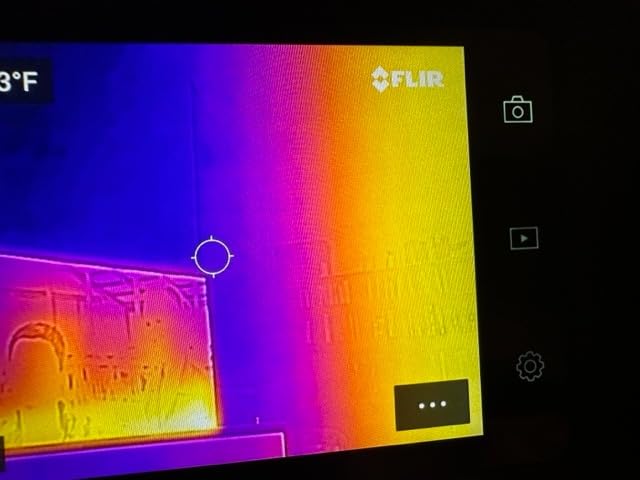
The C5 is the camera most inspectors in the r/Thermal crowd name as the bare minimum before they will go out on a paid call. At 190 grams it disappears into a pocket, and the 3.5 inch screen is still big enough to hand to a client standing in the hallway.
What sells it is MSX, the embossing layer that stamps visible detail onto the thermal image, plus direct upload to FLIR Ignite. That is the difference between a thermal snapshot and a reportable deliverable, and it is why the C5 anchors this roundup despite a 4.2 rating that is not the highest here.
The 160×120 native detector is the compromise. It is a screening-grade sensor, so for a wide ceiling scan you walk the room rather than stand at the door, and a narrow thermal bridge in a far corner needs you physically near it.
Reviewers also flag a roughly 50 second startup and occasional Ignite upload failures, and a few units were reported unusable after a firmware update. Budget an extra minute at the truck before every appointment.
When the C5 earns its place
It is the right call for a full-time inspector who writes a formal report every week and cannot have a client say the images were never delivered. Two-year parts and labor plus a 10-year detector warranty also means the camera outlives a career change.
It also fits a homeowner who wants a dedicated screen rather than a phone. The -4°F to 752°F range covers attic work, and MSX makes missing insulation behind drywall readable to someone who is not a thermographer.
When the C5 is the wrong call
If your work involves scanning a large exterior wall from a ladder, 160×120 will frustrate you. The Thermal Master Thor002 below gives you a 256×192 native sensor and a much brighter display for envelope detail work.
Anyone who works in wet crawl spaces should note the C5 carries no stated water resistance rating. And if your report software cannot ingest Ignite files, the cloud workflow advantage disappears entirely.
2. TOPDON TC004 Mini Thermal Camera – Best Value Standalone
TOPDON TC004 Mini Thermal Imaging Camera, 240 x 240 TISR Resolution
128x128 native
TISR to 240x240
25Hz
40x30 degree FOV
-4 to 842F
15 hour battery
Pros
- TISR lifts 128x128 to 240x240
- 15 hour battery covers full days
- Automatic hot and cold alarms
- Pocket-friendly body
- 8000 photos onboard
Cons
- Resolution figure is software enhanced
- No charging head in the box
- Paper manual not included
The TC004 Mini sits at the top of the Thermal Imagers sales chart for a reason: it does the boring things well. A 25Hz refresh, a 40 by 30 degree field of view, and a battery that runs up to 15 hours with auto shut-off timers.
Its honest weakness is the number on the box. TISR takes a 128×128 native sensor and renders it at 240×240, which looks better on the display than it resolves in the data. Know that going in and it is a strong budget instrument.
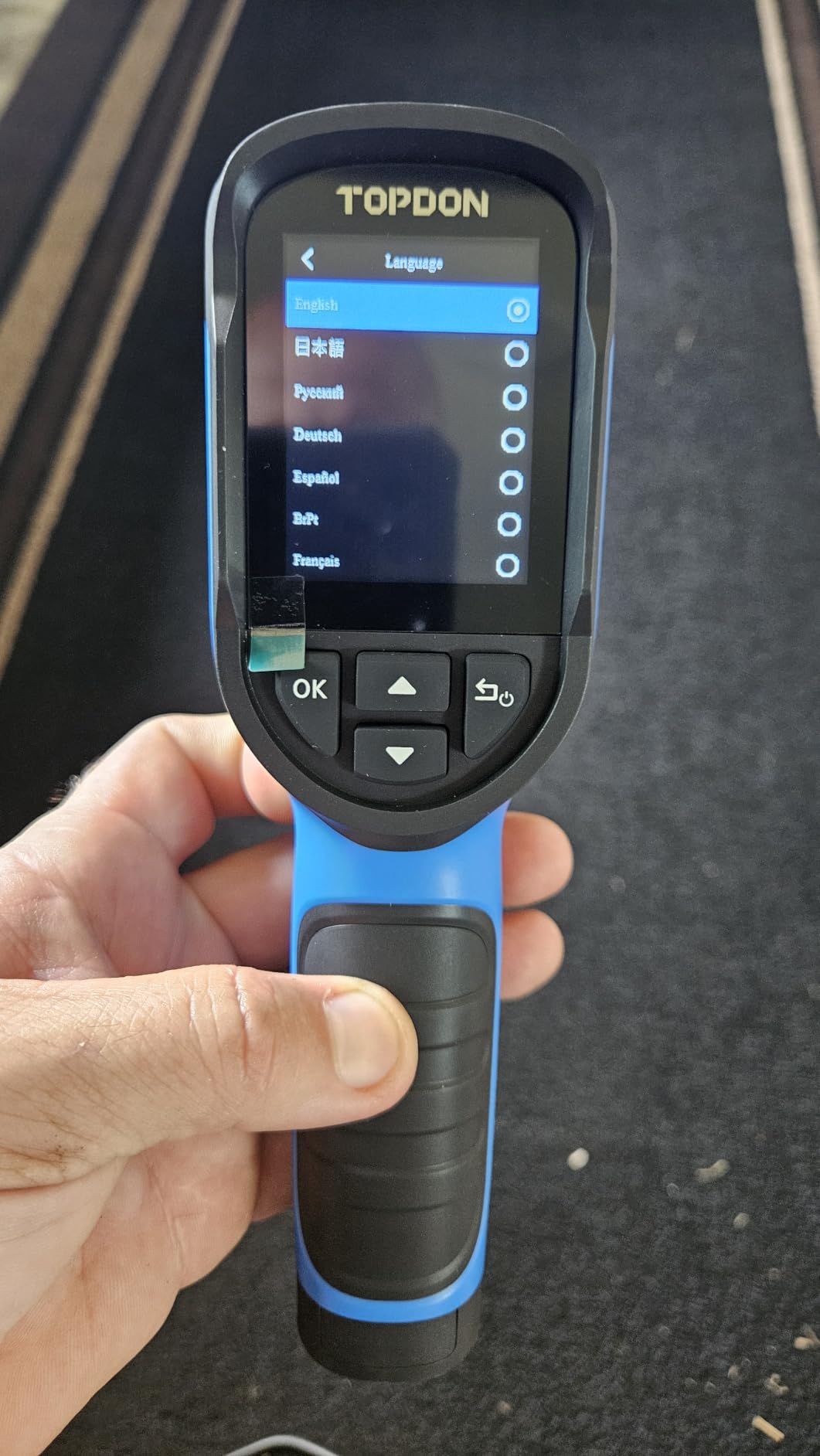
Where it genuinely shines is the alarm function. Set a high and low threshold and the camera triggers an automatic capture the moment a reading crosses it, which turns a slow manual scan into a guided sweep for duct losses and hot breakers.
Five palettes and 8000 photos of onboard storage mean you can work through a whole inspection without a cable. Reviewers using it for underfloor heating and leak detection rate it as an easy first thermal camera to learn on.
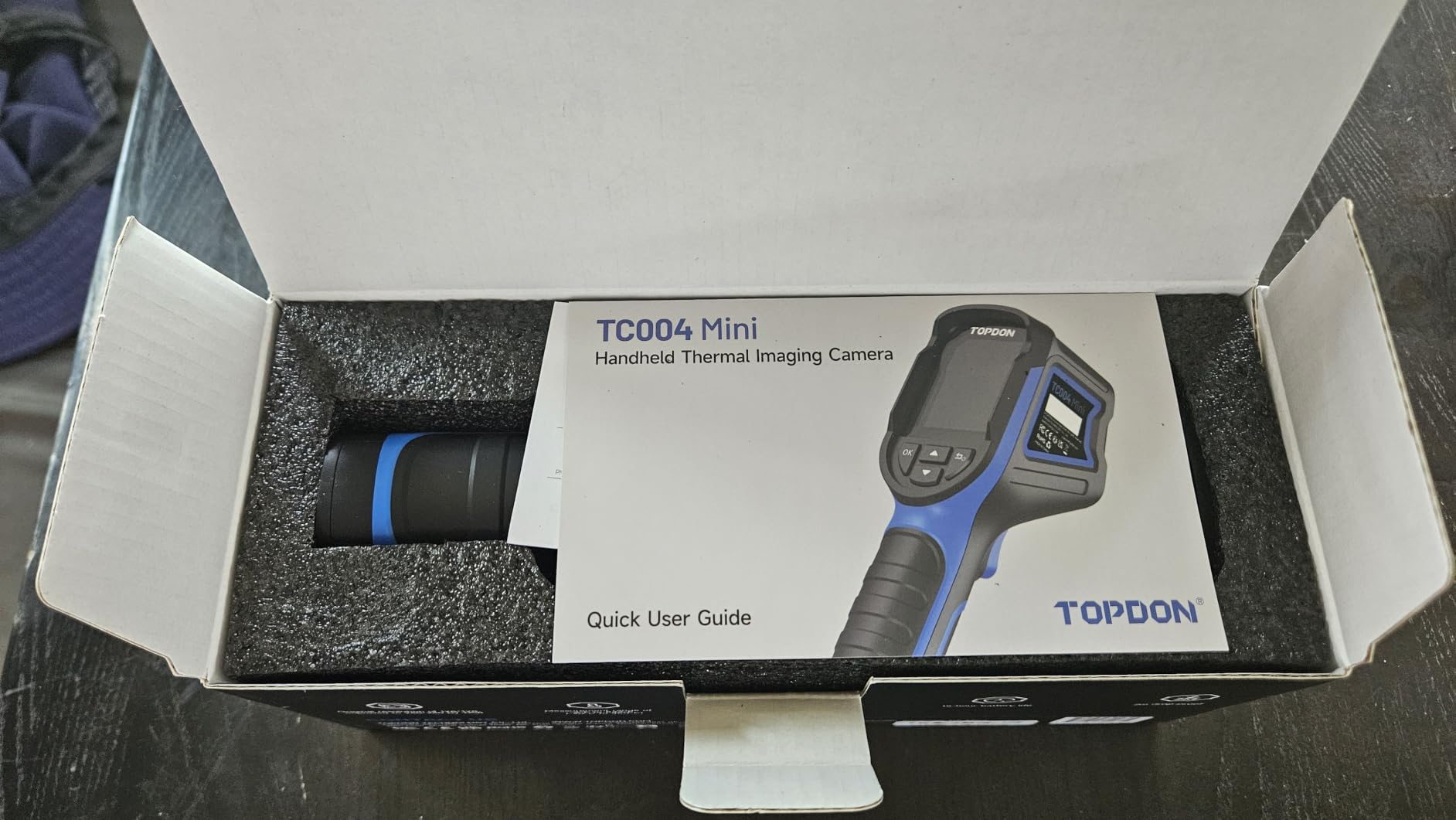
Where the TC004 Mini fits best
Part-time inspectors, DIYers, and anyone who wants a thermal camera that will not die mid-attempt will like it more than anything else on this list. The -4°F to 842°F span and IP54 plus 2-meter drop rating suit attic and basement work.
It is also a good loaner or secondary camera. Keep a 256×192 native unit for close envelope work and the TC004 Mini for whole-room sweeps where refresh rate matters more than pixel density.
Where it falls down
It cannot resolve fine moisture gradients the way a 192×192 or 256×192 native sensor can. A faint staining pattern two studs apart will blur into the background at 128×128 native.
Minor packaging gripes: no charging head in the box and no paper manual, so you download the manual by QR code before your first job. Both are easy to plan around.
3. Klein Tools TI250 – Best for Electrical and HVAC Tracing
Klein Tools TI250 Rechargeable Thermal Imaging Camera, Camera Displays Over 19,200 Pixels with 3 Color Palettes, High / Low Temperature Points
Over 19200 pixels
Adjustable emissivity
USB-C capture
8.6 ounces
-4 to 752F alarms
Pros
- Adjustable emissivity from 0.01 to 0.99
- User-set high and low alarms
- Lightweight 8.6 ounce body
- Crosshairs pinpoint specific temperatures
- Cable and case included
Cons
- Only three color palettes
- USB-C transfer instead of wireless
- Warranty handled by phone call
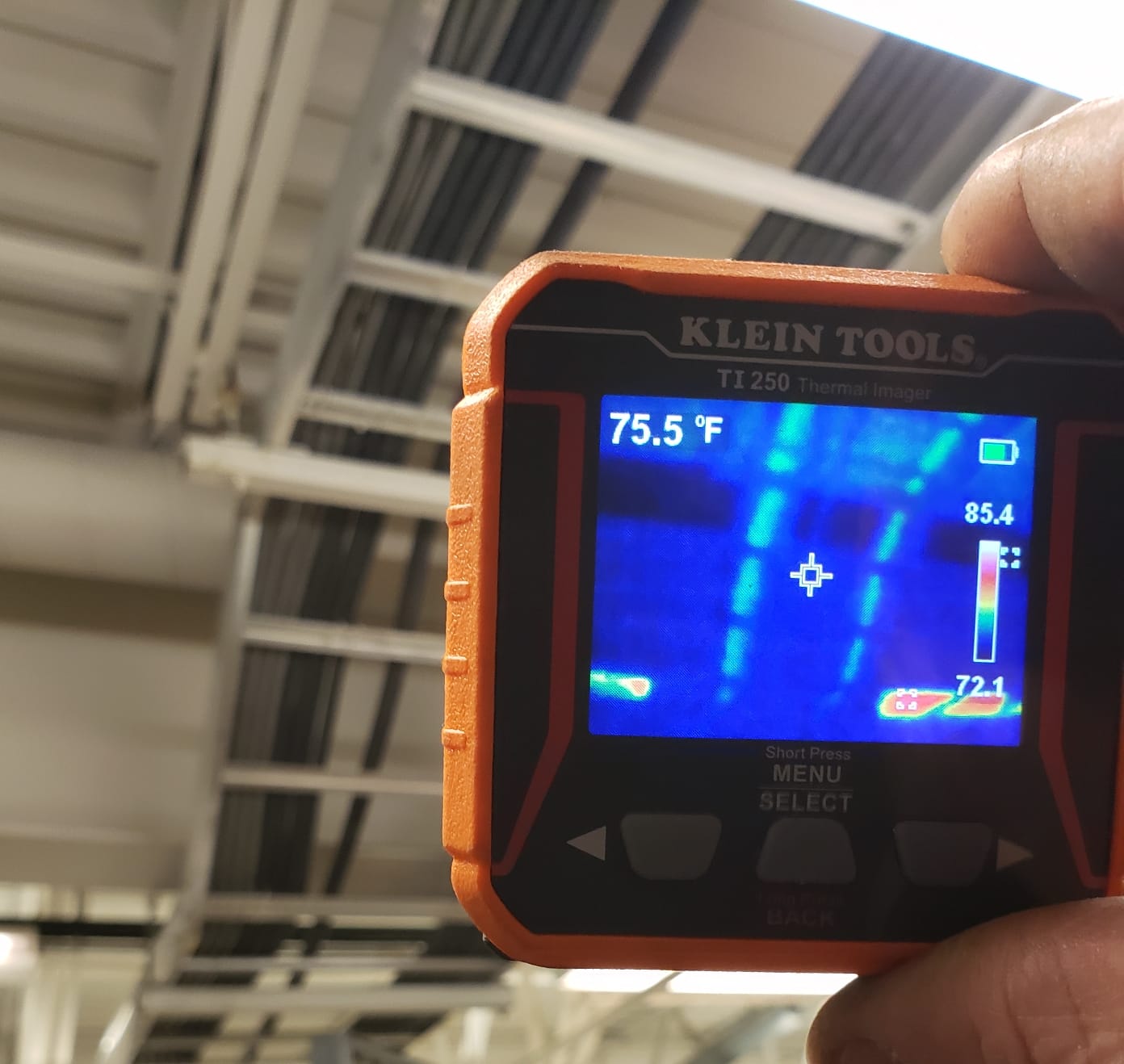
Electricians rate the TI250 highly for one feature above the rest: adjustable emissivity from 0.01 to 0.99. Bare metal, polished appliances, and shiny siding all throw off readings badly, and being able to correct for that is what keeps a panel reading defensible.
The crosshair targeting system places a precise measurement point rather than guessing where the center spot lands. Combined with user-selectable alarms over the -4°F to 752°F span, it turns a panel scan into a repeatable process.
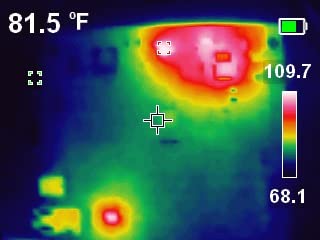
At 8.6 ounces with a built-in rechargeable battery, it is one of the lightest cameras here. That matters on an attic ladder or above a dropped ceiling grid where you are working one-handed.
Reviewers using it to trace hot and cold spots through walls and mechanical systems call the accuracy solid for the money. The charging cable, carry case, and instructions are all in the package, which is more than several rivals manage.
Why electricians pick it
Loose connections, failing breakers, and overloaded runs all generate a temperature signature you can rank and photograph. The alarm function flags the outlier breaker without you having to eyeball every square inch of a panel.
The 19,200 pixel figure corresponds to a 160×120 native detector, so this is a screening sensor rather than a survey one. For electrical work at arm’s length that is genuinely enough, because hot spots are large and obvious.
Where it is limited
Three color palettes is stingy when you are trying to separate a 3°F differential from a 5°F one on a large wall. Most rivals in this class offer six to fifteen.
There is no wireless transfer. Images go out over USB-C, which is fine at your desk and slow in the field. And the warranty is arranged by phone, which is a friction point you will notice if you ever need it.
4. FLIR TG165-X – Best for Spot Thermometer Plus Imaging
Flir TG165-X Thermal Imaging Camera with Bullseye Laser, Spot IR
4800 pixel sensor
MSX embossing
Bullseye laser
-13 to 572F
IP54 drop tested
Pros
- MSX embossing for readable thermal detail
- Bullseye laser shows measurement area
- Drop tested IP54 body
- 2 year parts and labor plus 10 year detector
Cons
- 4800 pixel sensor limits wide area detail
- No built-in wireless report workflow
- Small screen for reviewing captures
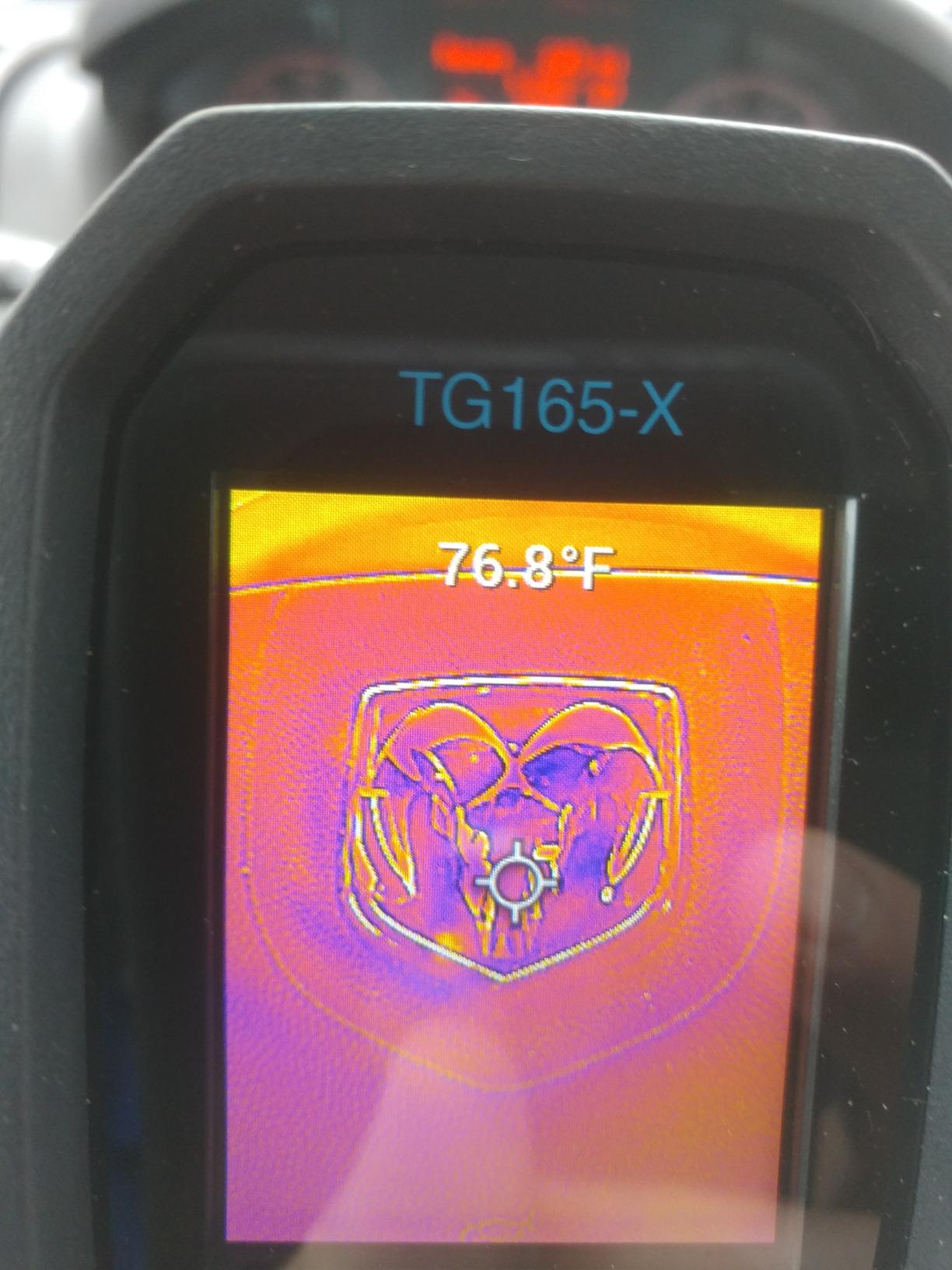
The TG165-X exists because inspectors kept carrying two tools: a spot infrared thermometer and a thermal camera. It merges them, and the bullseye laser tells you the exact size of the area being measured at a distance.
For appliance checks, thermostat comparisons, and a quick pass on a duct register, that combination is faster than pulling a full camera. The response time of about 3 seconds suits fast scans.
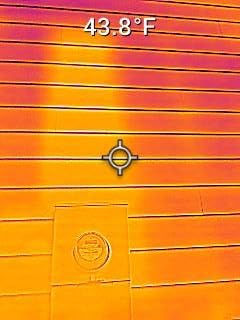
MSX is the feature that keeps FLIR relevant at this level. Even on a 4800 pixel sensor, embossed visual detail makes a hot breaker or a leaking roof patch legible to a client standing next to you.
The IP54 drop-tested shell and the same 2-year parts and labor plus 10-year detector warranty as the C5 mean the brand support argument still holds. Spare part availability is listed at 10 years in Europe as well.
Where it is the smart buy
Buy this if you mostly need point measurements and a general image, not a detailed envelope survey. The -13°F to 572°F range covers residential HVAC and mechanical rooms without the 1022°F ceiling that cheaper brands advertise and rarely need.
It is also a strong secondary tool for a professional who owns a higher-resolution camera but wants a cheap, tough unit for crawl spaces and mechanical closets.
Where it is not enough
4800 pixels is 80×60, the bottom of the resolution ladder. A large exterior wall or a vaulted ceiling will look soft, and small temperature variations disappear into the noise floor.
There is no built-in wireless sharing, so images leave over USB and get attached to a report manually. If cloud delivery is part of your client experience, the C5 handles it better.
5. AMPBANK H128 Thermal Camera – Best for Battery Life and Rugidity
H128 Handheld Thermal Camera, 240 x 240 TISR Resolution, 24h Battery Life Thermal Imaging Camera, 25 Hz Infrared Camera with Temperature Alarm, -4℉~ 842℉ Temp Range, IP65 Protection Level
128x128 native TISR to 240x240
40mK sensitivity
25Hz
24 hour battery
IP65
Pros
- 24 hour battery covers multi day fieldwork
- 40mK thermal sensitivity
- IP65 with 6.56 foot drop survival
- Temperature alarm with max min center tracking
- Adjustable distance and emissivity
Cons
- Screen quality below photo quality
- Must walk close to separate similar features
- Readings can drift 5-7F in real conditions
The H128 is the endurance pick. A claimed 24 hours of working time with intelligent auto shutdown means a two-day rural inspection list does not need a charging block in the truck.
It also publishes a 40mK thermal sensitivity, which puts it ahead of the 50mK units it shares a shelf with, and a 25Hz frame rate for smooth panning across a wall.
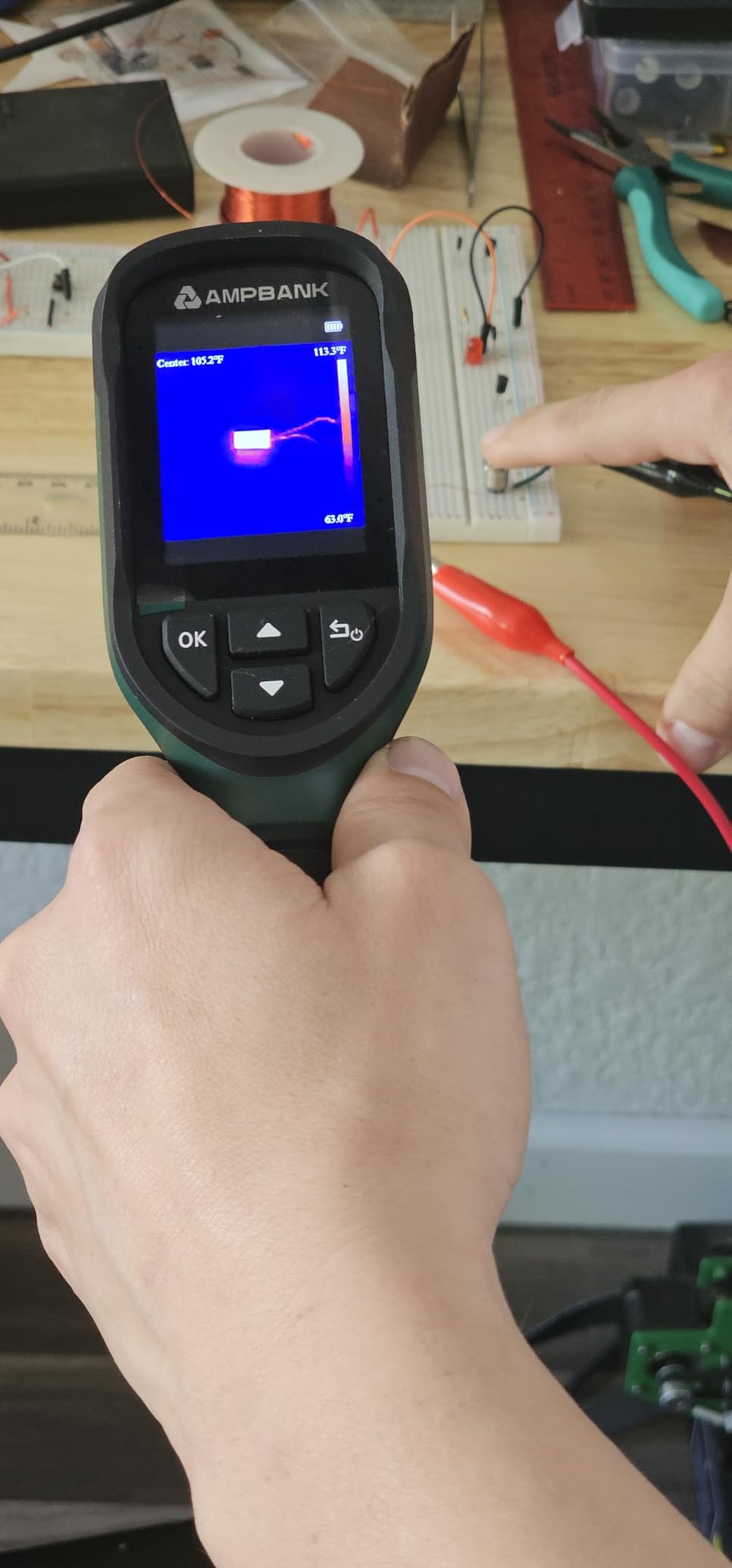
IP65 protection and a 6.56-foot drop rating are genuinely better than the IP54 on most rivals here. A standard tripod mount is included, which matters if you are shooting an attic from a fixed position.
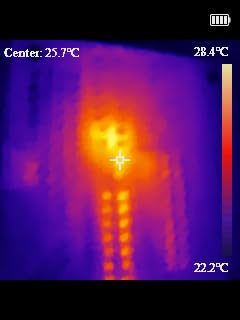
Homeowners report using it to find roof leaks, hot breakers, and insulation deficiencies, with several saying a single finding covered the purchase. The alarm with automatic max, min, and center recognition speeds anomaly detection.
Where the H128 works hard
Wet basements, crawl spaces, and post-rain exteriors are where IP65 earns its place. Adjustable distance and emissivity settings help on concrete and brick, which are common crawl space surfaces.
It is a strong choice for property managers doing repeated preventive maintenance rounds rather than a one-off inspection, because you are not recharging between units.
Where it falls short
The display is below photo quality, so fine detail identification is limited even when the sensor is producing usable data. You will walk closer than feels necessary to separate two similar-looking features.
Reviewers report absolute temperature accuracy can deviate by roughly 5-7°F in real conditions. That is fine for finding an anomaly to investigate, not fine for certifying a precise value in a contested report.
6. MILESEEY TR10 – Top Rated in This Roundup
MILESEEY TR10 Thermal Imaging Camera, 192 × 192 IR Resolution, 25Hz
192x192 native detector
25Hz refresh
NETD under 50mK
-4 to 1022F
8GB storage
Pros
- 192x192 native resolution is the best real sensor here
- 25Hz imagery feels smooth
- Auto-locking max min center readout
- 8GB holds more than 30000 images
- Recessed lens with 6.6 foot drop testing
Cons
- Wired connectivity with no wireless transfer
- 3000mAh battery gives roughly 8 hours
- 192x192 still trails a 256x192 survey sensor
The TR10 sits in the top rating group in this roundup at 4.5, and the reason is simple: it skips the upscaling games. A 192×192 native detector at 25Hz is more real data than a 240×240 figure produced by software.
Auto-locking on the max, min, and center point means the reading is already captured when you glance at the screen. For a scan-and-move workflow that removes an entire step.
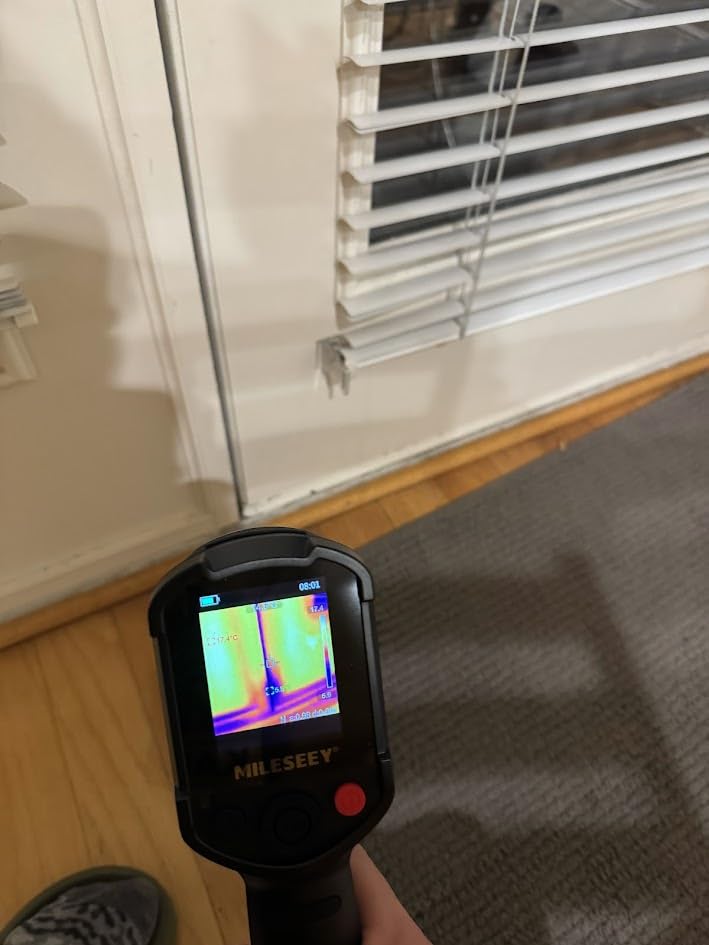
The -4°F to 1022°F range with 2°C accuracy is wider than most FLIR units here. Adjustable emissivity is present, which matters when you are looking at metal ductwork or a stainless appliance connection.
Recessed lens protection and 6.6-foot drop testing give it field durability at a price where most rivals are plastic shells with no rating. The 8GB of storage removes the card-swap problem entirely.
Why it rates highest
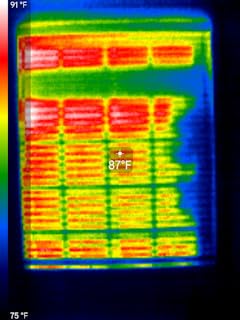
Smooth 25Hz imagery plus genuine native pixels makes it the best hardware-per-dollar choice on this list for envelope screening. Reviewers using it for component inspection and anomaly detection call the readings dependable.
For a part-time inspector or an energy auditor doing residential surveys, it is a rare combination of sensor honesty and rugged build without a cloud subscription attached.
What holds it back
Connectivity is wired only. There is no wireless transfer to a phone or tablet, so your capture workflow ends at a USB cable every time you finish a room.
The 3000mAh battery yields roughly 8 hours of continuous operation, less than half the AMPBANK above. And 192×192, while honest, is still short of the 256×192 that most professionals treat as the survey-grade threshold.
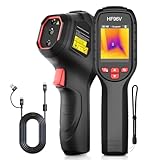
7. HSFTOOLS HF96V – Best for Dual-Light Fusion and Software
HF96V Thermal Camera with Visual Camera & Laser Pointer, Intelligent Scene Detection, 240 * 240 Super Resolution Thermal Imaging Camera,25 Hz, 50° FOV, -4°F to 1022°F, IP54 Infrared Camera
96x96 IR plus 640x480 visual
Fusion mode
50 degree FOV
11 hour battery
HSF Studio PC software
Pros
- Dual thermal and visual cameras with Fusion mode
- Live Super Resolution to 240x240 in real time
- IntellFault scene detection flags leaks and insulation gaps
- Laser pointer for dark spaces
- HSF Studio Windows software with 3D plotting
Cons
- 96x96 native sensor gives soft images
- Low screen resolution
- Confusing menu design
- USB-C charges only with the included cable
- No carry case included
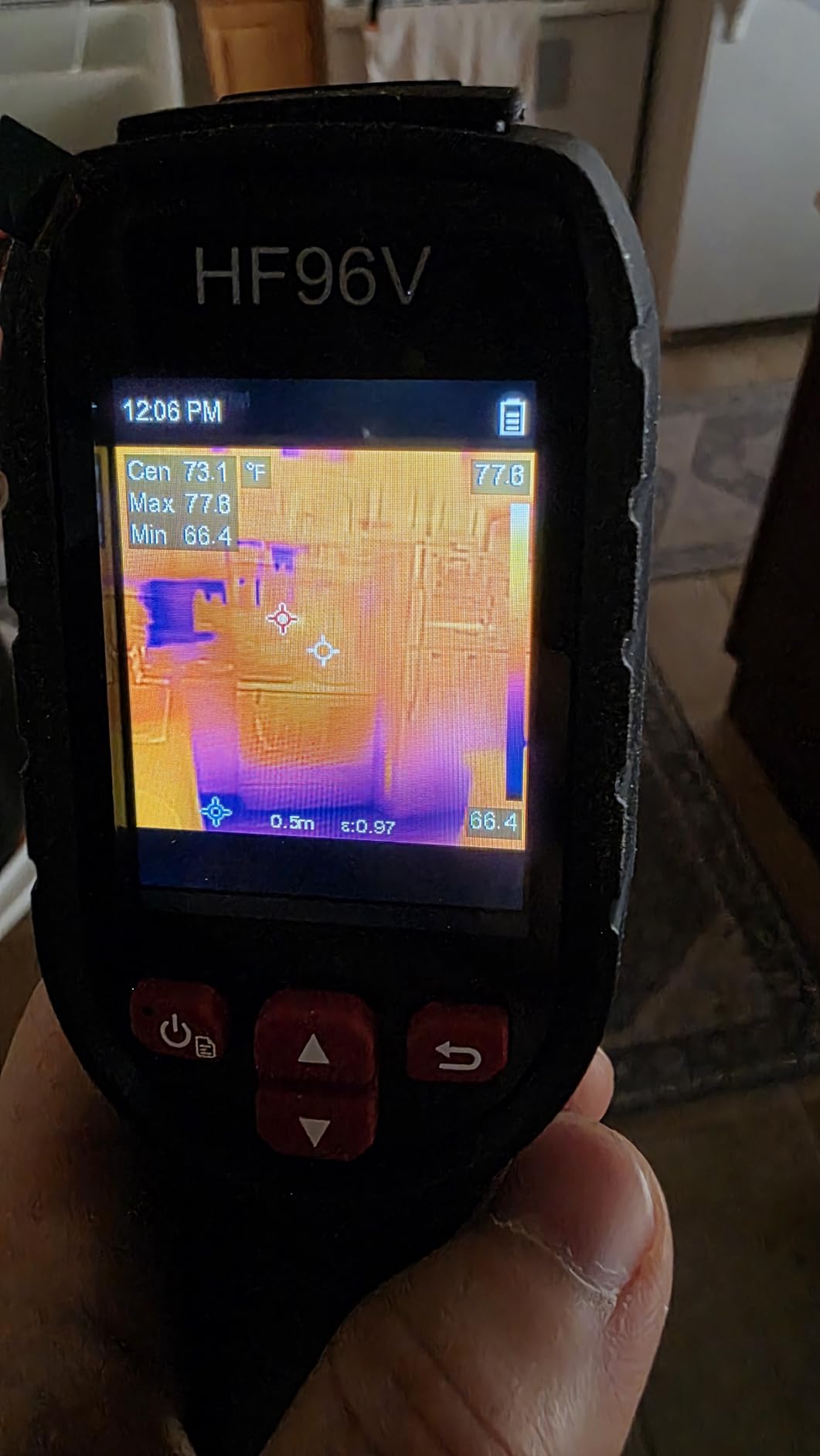
The HF96V is the most interesting spec sheet here. It pairs a 96×96 IR sensor with a 640×480 visible camera, and the Fusion mode blends them so you know exactly what you are looking at on a wall.
IntellFault uses deep-learning scene detection to flag water leaks and insulation gaps automatically. It is the closest thing to assisted diagnosis in this roundup, and on a fresh home it genuinely speeds up the sweep.
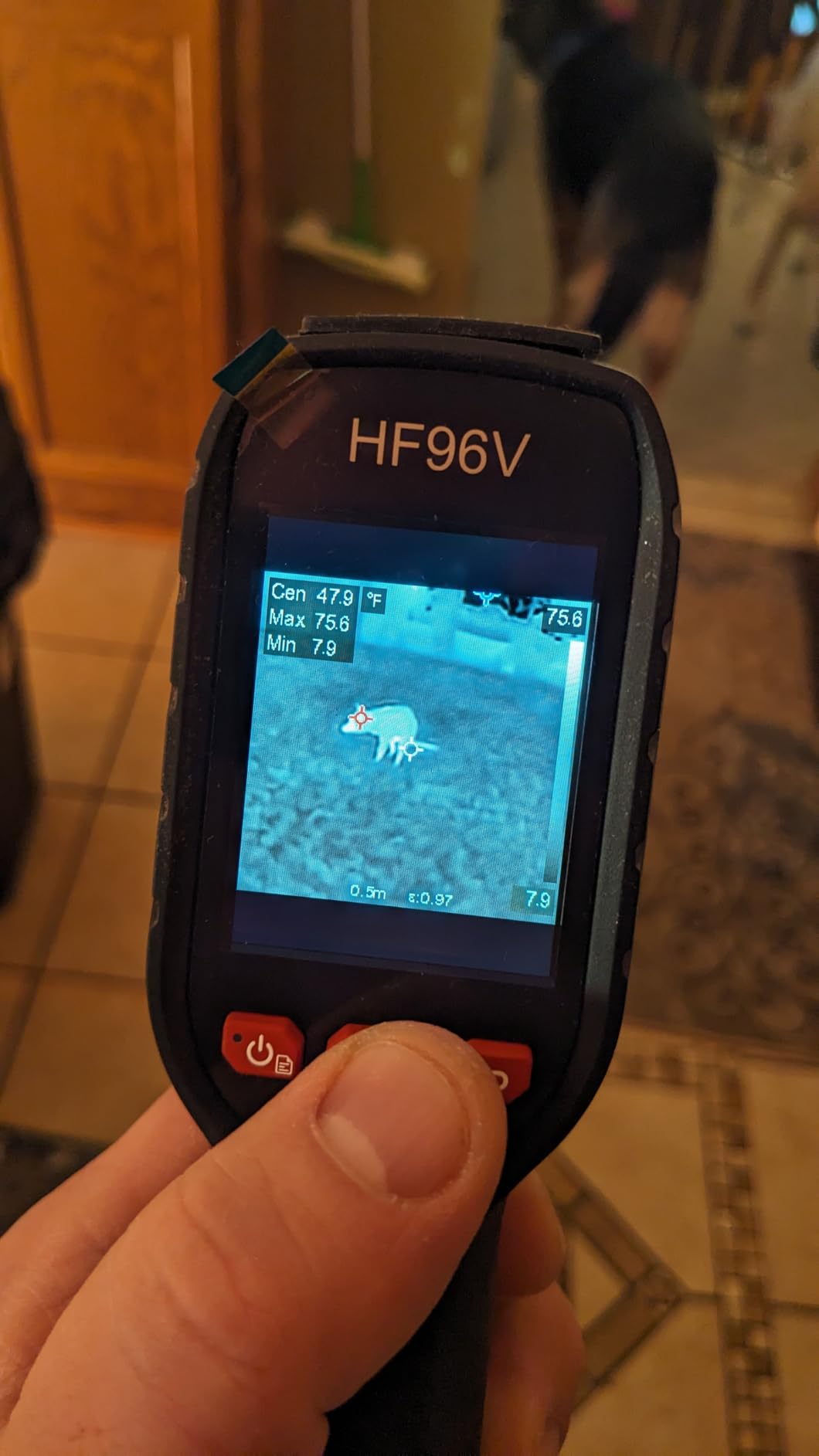
HSF Studio for Windows adds point, line, and area analysis, screen projection, real-time monitoring, and 3D plotting. That is a real report workflow rather than a photo gallery, and it is unusual at this level.
Storage is 4GB holding more than 30000 images plus about 14 hours of video, and the battery runs up to 11 hours. The 50 degree field of view covers a lot of wall per sweep.
Who should buy it
Anyone who keeps getting asked “what am I looking at?” by a client will appreciate the fused view. It is also a strong HVAC choice, since reviewers use it to check fridges, AC units, and water intrusion without guessing.
If your reporting workflow lives on a Windows PC and you want 3D plots and live monitoring rather than cloud sharing, this is the pick in the roundup.
Who should skip it
The 96×96 native sensor produces soft images wherever temperature differences are subtle. A faint moisture gradient behind drywall simply will not resolve, no matter what the enhanced 240×240 label suggests.
Also weigh the rough edges: a low-resolution screen, a menu system reviewers describe as poor, a USB-C port that only charges with the supplied cable, and no protective case.
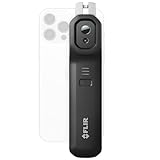
8. FLIR Edge Pro – Best Smartphone Thermal Attachment
Flir Edge Pro Wireless Thermal Imaging Camera, iOS/Android, 480×360
160x120 native with Vivid IR to 480x360
Bluetooth to iOS and Android
MSX merge
5.28 ounces
Pros
- Wireless workflow for tight spaces and corners
- MSX blends thermal with visual detail
- Very light at 5.28 ounces
- Accurate within 3C or 5 percent in range
- FLIR Ignite cloud organizing and sharing
Cons
- 160x120 native resolution is low
- Needs a compatible phone since there is no screen
- Not water resistant for wet crawl spaces
- Lowest rating in this roundup
The Edge Pro puts a FLIR thermal sensor on the back of your phone over Bluetooth. That is the whole idea: the screen you already carry becomes the display, and the image lands straight in the Ignite cloud.
It genuinely shines where a handheld struggles. Extending a camera above a ceiling grid or peeking around a corner with a 5.28 ounce puck is something no pistol-grip shape does well.
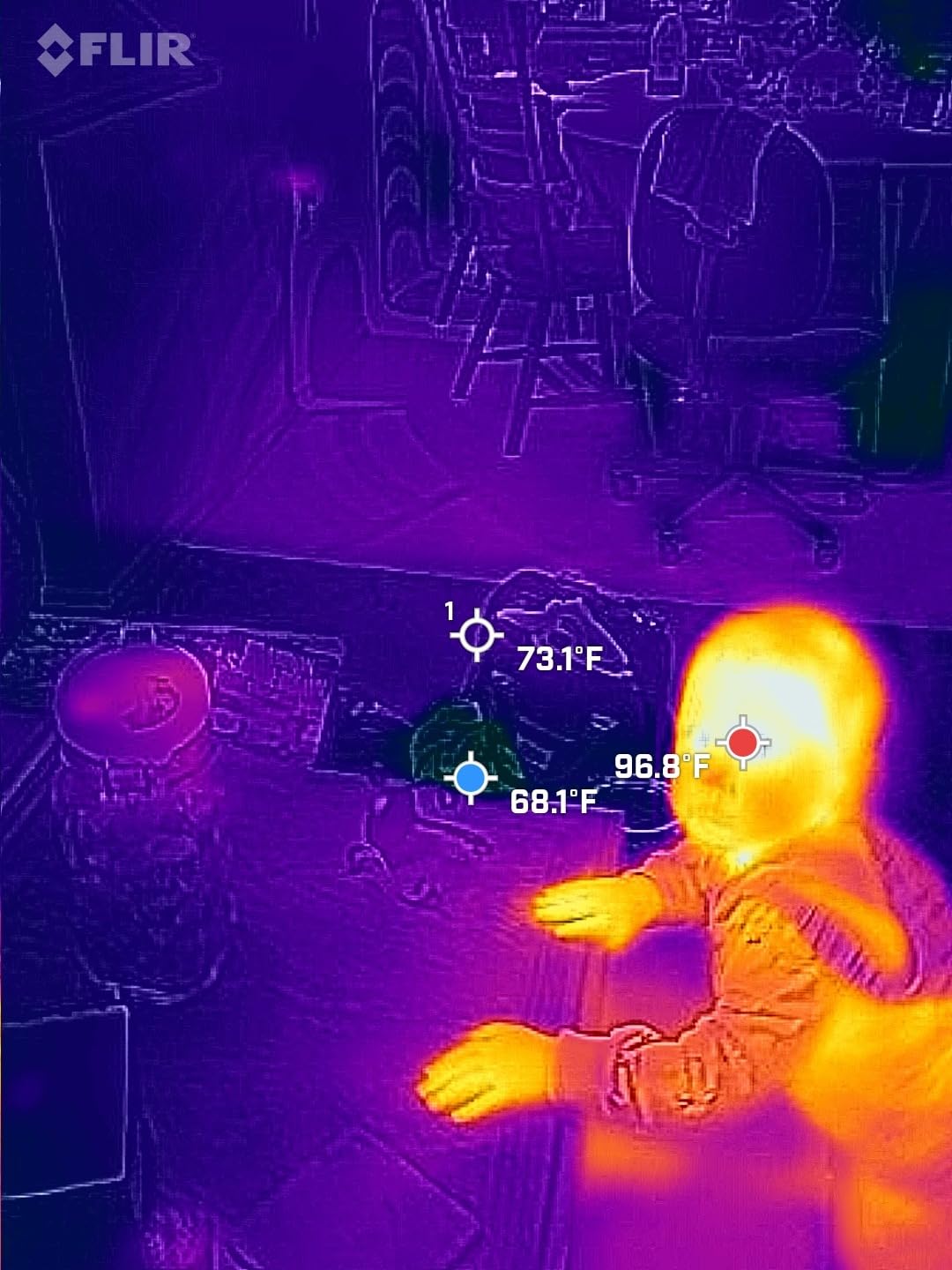
MSX merges the thermal frame with the phone camera in real time, so the client sees a familiar-looking image with colour-coded heat on it. Vivid IR upscaling renders 160×120 at 480×360 for the display.
Accuracy is stated at 3°C or 5 percent across a 15-35°C ambient and 5-120°C scene range. The 2-10 thermal camera warranty matches the other FLIR units in this roundup.
Where the Edge Pro is the right shape
It suits an inspector who already carries a phone and tablet and wants thermal images in their existing cloud workflow without managing a second device. Overhead work in tight mechanical rooms is the strongest case.
For a homeowner doing a one-time energy walkthrough, it is the least commitment of any camera here. You use the phone you have.
Where it disappoints
At 4.1 it has the lowest rating in this roundup with a comparatively high 1-star share, and connection or app issues come up repeatedly. Your inspection stops when your phone does.
There is no built-in display, so a dead battery means no thermal capability at all, and the unit is not water resistant, which rules out wet crawl spaces. The native 160×120 sensor is low even after upscaling.
9. Thermal Master Thor002 – Best Native Resolution for Envelope Work
Thermal Master Thor002 Handheld Thermal Camera, 512 × 384 X³ Resolution
256x192 native with X cubed to 512x384
40mK at 25Hz
3.5 inch 640x480 IPS
10.5 hour battery
Pros
- Genuinely high native 256x192 detail on building envelopes
- Sharp 3.5 inch 640x480 IPS display
- 40mK sensitivity with 25Hz refresh
- Six-point temperature measurement
- 10.5 hour 5000mAh battery with fast charging
Cons
- Heaviest camera here at 3.12 pounds
- 4x digital zoom and fixed lens limit reach
The Thor002 is the only camera in this roundup with a true 256×192 native detector at a mid-level price. That is the resolution tier professional survey work actually needs, and it is why this unit tops our envelope ranking.
X cubed technology boosts the output to 512×384, but unlike the TISR units here, the underlying sensor is genuinely 256×192. You are not reading marketing arithmetic.
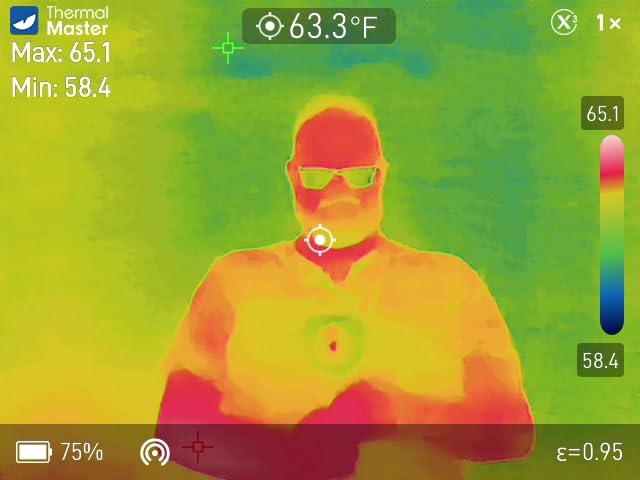
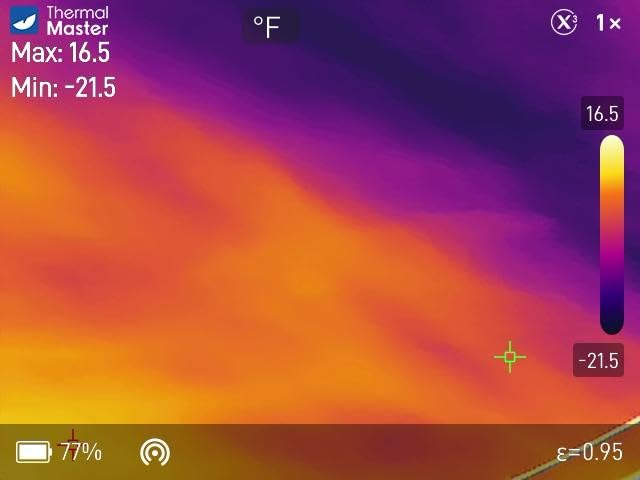
Paired with 40mK sensitivity and 25Hz refresh, it resolves the subtle gradients that separate a thermal bridge from a missing strip of insulation. The 3.5-inch 640×480 IPS display is the brightest and sharpest screen here, with a 2MP visible camera behind it.
Six-point measurement gives you centre, hottest, coldest, and three user-defined spots in one frame. For documentation that is a real advantage over single-spot units.
Why professionals pick it
Report workflow is where it separates. Voice notes, QR code file management, USB real-time analysis to a PC, and Wi-Fi pairing with phones and tablets cover the full path from capture to client deliverable.
The 5000mAh battery gives up to 10.5 hours with 18W fast charging, and 32GB of storage holds a multi-property survey. IP54 and 2-meter drop resistance handle a working site.
What you give up
At 3.12 pounds it is by far the heaviest camera here. Extended overhead work, above-ceiling grid work, and long ladder climbs get tiring in a way the 190 gram C5 does not.
The fixed 4.3mm lens extends detection range by 34.4 percent but 4x digital zoom is digital only. Scanning a large detached house from the driveway will exceed what you can usefully resolve.
10. FOXWELL RT280 – Best for HVAC, Roof, and Desktop Reports
FOXWELL RT280 Thermal Imaging Camera, 320 x 240 2.8″ LCD, 240 x 180 TISR
120x90 native TISR to 240x180
2.8 inch 320x240 LCD
50x38 degree FOV
25Hz
Windows report software
Pros
- Intuitive button layout
- 320x240 screen shows differences clearly
- Laser pointer and LED light
- 8GB for over 20000 captures
- Windows software with 2D and 3D reports
Cons
- Advertised 240x180 is upscaled from 120x90
- Menus take practice and manual is thin
- Stutter when panning quickly
- No wireless transfer and Windows only software
The RT280 leans into the software side. The Windows application handles point, line, and area analysis, 2D and 3D imaging, and automatic report generation, which is more than most cameras twice its tier offer.
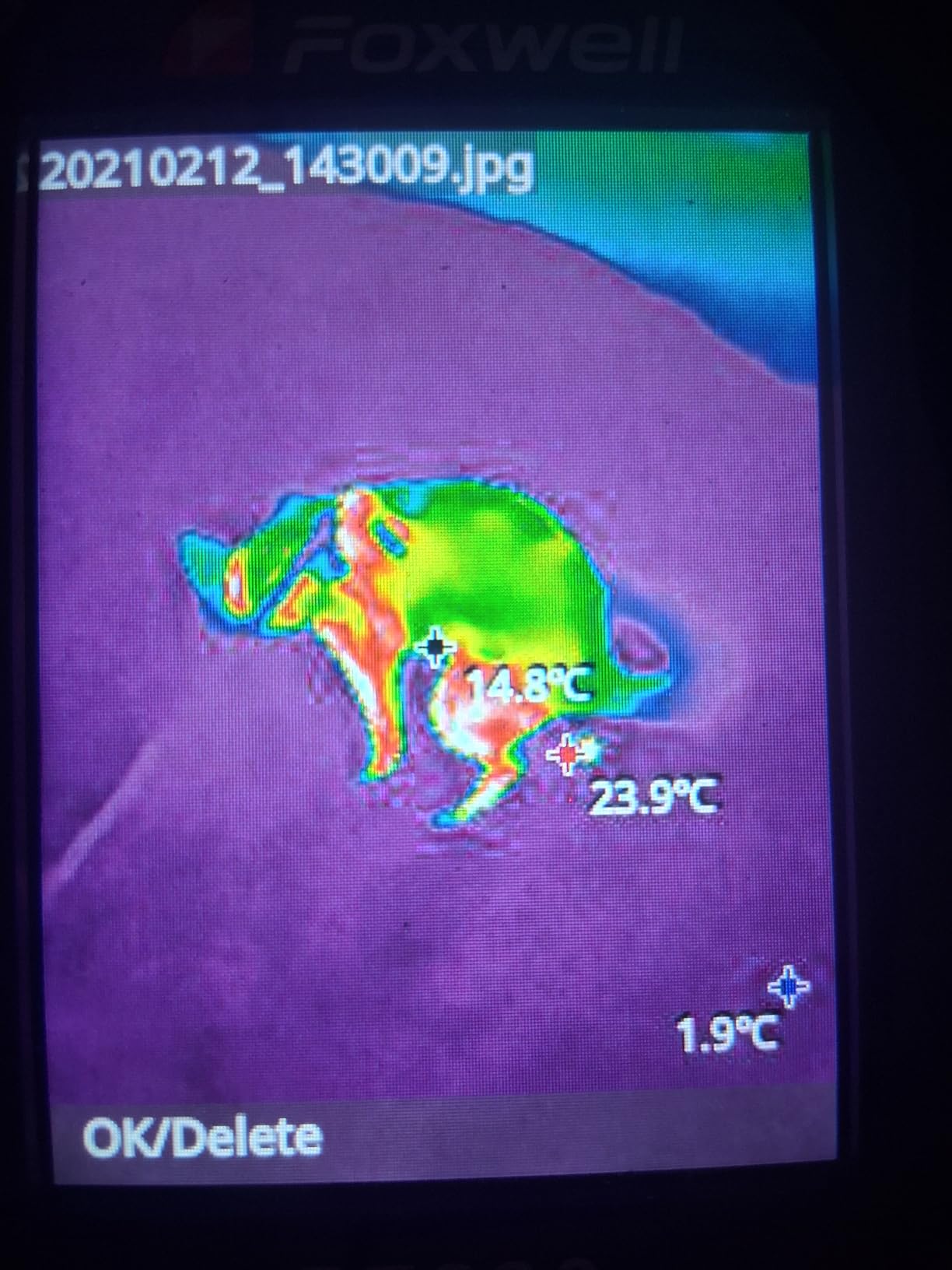
Reviewers use it to trace dryer exhaust, follow radiant heat pipes in a slab, and check outlets and fuse boxes. The built-in laser pointer and LED light help in a dark attic or a closed chase.
The 2.8-inch 320×240 LCD is unusually sharp for this class, and a 50 by 38 degree field of view covers a lot of surface per sweep. Automatic high, low, and centre point detection with audible alarms is genuinely useful.
It also records voice memos through an integrated microphone, which is a small feature that saves real time when you are narrating findings in a crawl space.
Where it earns its slot
If your deliverable is a printed or PDF report assembled on a Windows laptop, the RT280 automates the boring part. It survives 6.6-foot drops and carries IP54 protection.
It is a good match for HVAC technicians and electricians who want image detail on a 25Hz feed without paying for a native 256×192 sensor, and for anyone who dislikes phone-based workflows.
Where it is limited
The 240×180 advertised resolution is TISR upscaling from a 120×90 sensor, which is the smallest native detector here. Read it as a screening tool, not a survey instrument.
Image can stutter during a fast pan, the menus take practice, and the PC software is Windows only with no Mac support. No wireless transfer means the cable stays in your bag.
11. Flagfront 240×240 Thermal Camera – Best Budget Starter
Flagfront Thermal Camera, 240 x 240 TISR Resolution for Home Inspection
240x240 super resolution
25Hz refresh
50 degree FOV
-4 to 1022F within 2 percent
6.6 foot drop
Pros
- Clear enough images to spot heat loss and insulation gaps
- Temperature alarm flags unusual hot or cold spots
- Highest lowest and centre readings on screen
- Adjustable distance and emissivity
- 6.6 foot drop and IP54 protection
Cons
- Sensor cover flap drops across the lens
- Low screen resolution makes images fuzzy
- Brief stalling at startup is normal calibration
- No protective case option
The Flagfront is the cheapest camera here that still gives you a usable temperature range and a working alarm. Homeowners and HVAC technicians use it to trace ceiling heat loss and monitor electronics.
Adjustable distance and emissivity, a -4°F to 1022°F range with accuracy within 2 percent, and a 50 degree field of view cover the basics of an energy walkthrough without any learning curve.
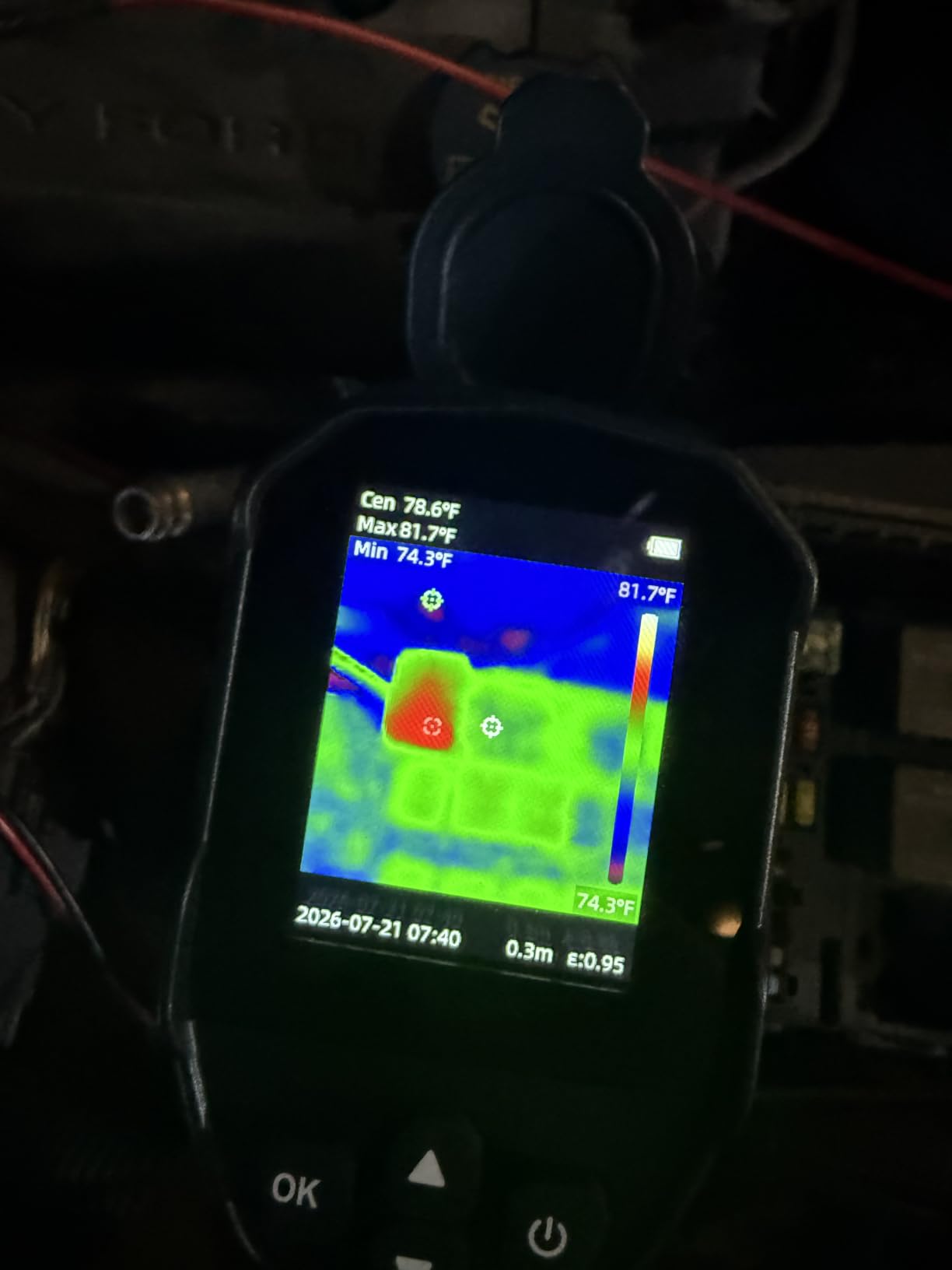
It comes preloaded with a 4GB microSD card and is rechargeable, so there is no extra purchase before your first scan. Six selectable palettes including white heat, rainbow, red heat, black heat, and iron give reasonable display control.
Reviewers consistently praise the alarm function and battery life for the money, and several note the camera paid for itself with a single finding.
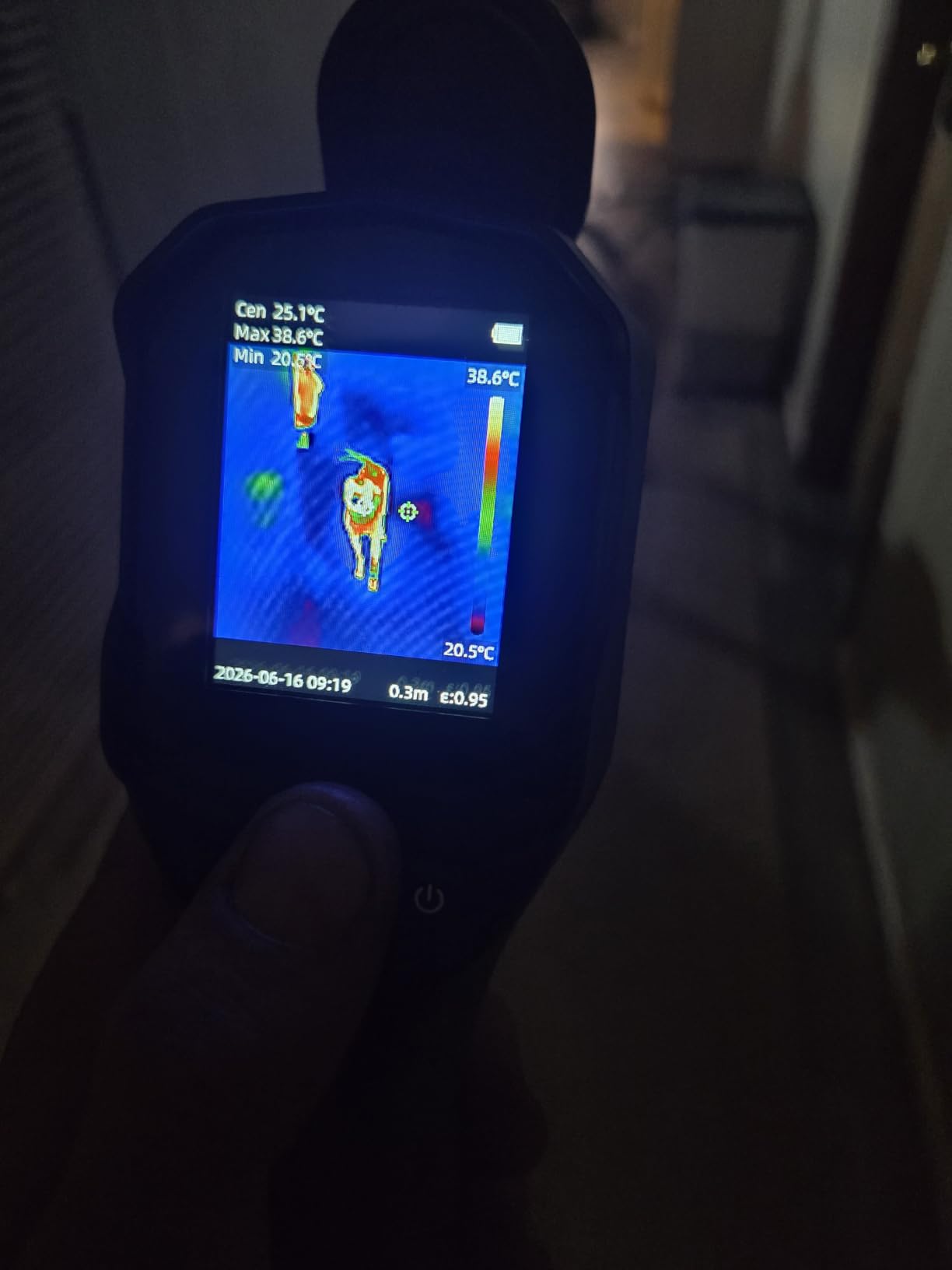
When it makes sense
Buy it if you own a home and want to find the obvious problems: a bedroom that will not heat evenly, an outlet running hot, a ceiling with a cold streak. Those are the anomalies a 240×240 enhanced image will show you.
It is also a low-risk first camera. If you discover you want a survey instrument later, you have not spent much learning the basics.
What to watch out for
The sensor cover flap does not stay open and drops in front of the lens when you tilt the camera downward, which is exactly the angle you use on a floor. Check it before each shot.
Screen resolution is low, so images look fuzzy for fine-detail work, and there is a brief stall at startup while the sensor calibrates. There is also no protective storage case offered.
12. BSIDE 240×240 Thermal Camera – Best for Palette Control on a Budget
BSIDE Thermal Imaging Camera 240 x 240 Resolution Handheld Infrared IR Camera, 15 Thermal Palettes with 320 x 240 Full-Viewing TFT Display for Home Inspection HVAC Heat Pump Circuit Break, -4℉~1022℉
240x240 resolution
2.4 inch 320x240 TFT
15 thermal palettes
25Hz
-20C to 550C
Pros
- 240x240 at an entry level price
- 15 thermal palettes more than any rival here
- Full-viewing colour TFT screen
- 25Hz with -4F to 1022F range
- Memory card stores more than 30000 images
Cons
- Small 2.4 inch screen limits viewing
- Only 112 reviews so less field history
- No wireless or cloud reporting
The BSIDE stands out for display control. Fifteen thermal palettes, including fusion options, iron variants, ice fire, rain, and green hot, let you pick a rendering that separates a subtle gradient better than the default.
That matters more than it sounds. On a poorly insulated exterior wall, a palette with more colour steps can make a 2°F differential visible where a two-tone rendering hides it.
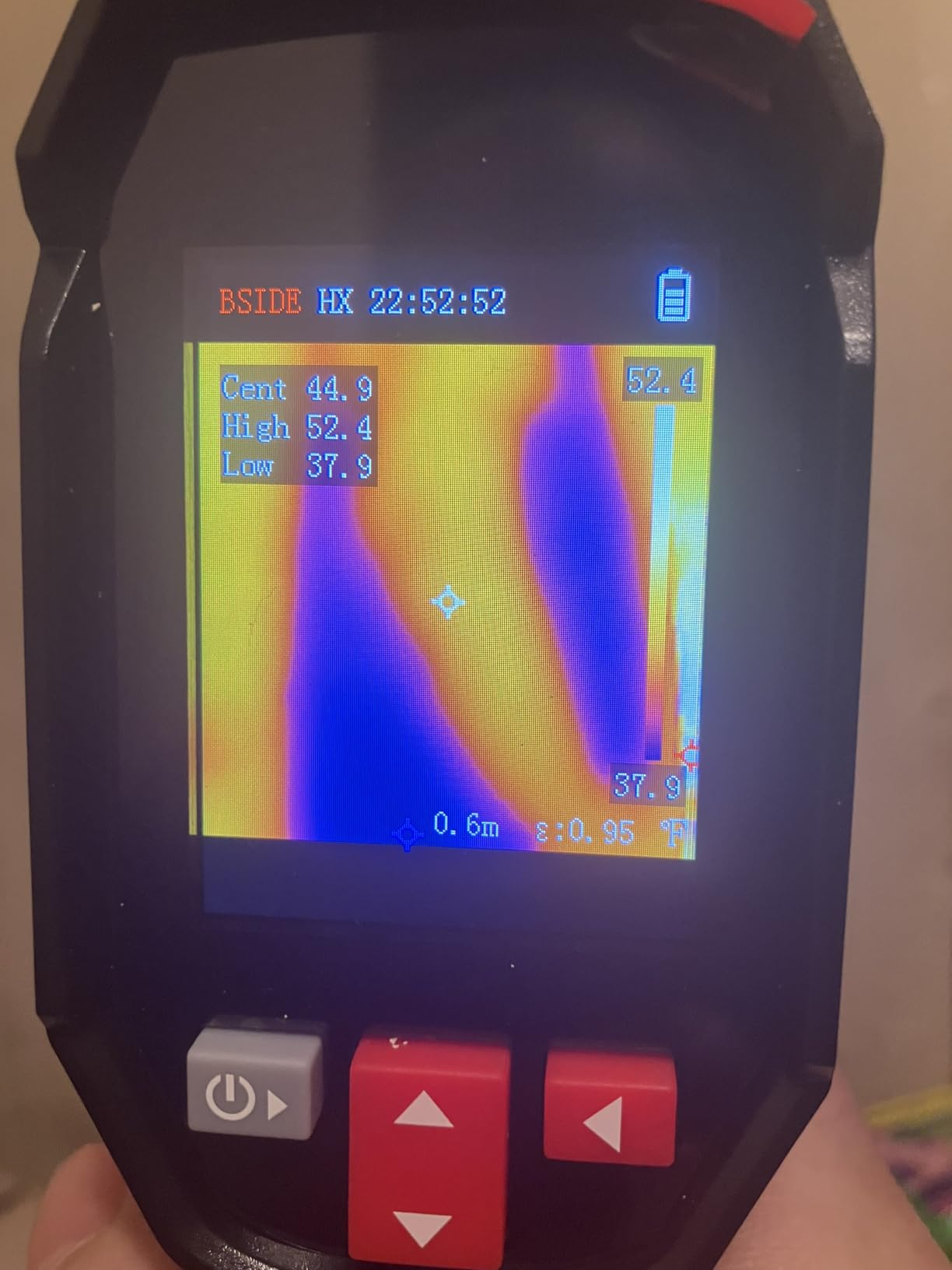
The 2.4-inch 320×240 full-viewing colour TFT LCD is small but bright, and the 25Hz refresh keeps motion smooth. The -20°C to 550°C range is wide for the money.
Storage is a memory card holding more than 30000 images, with USB connection to a computer for further analysis. The 2500mAh battery and charging cable are included, plus high and low alarm functions.
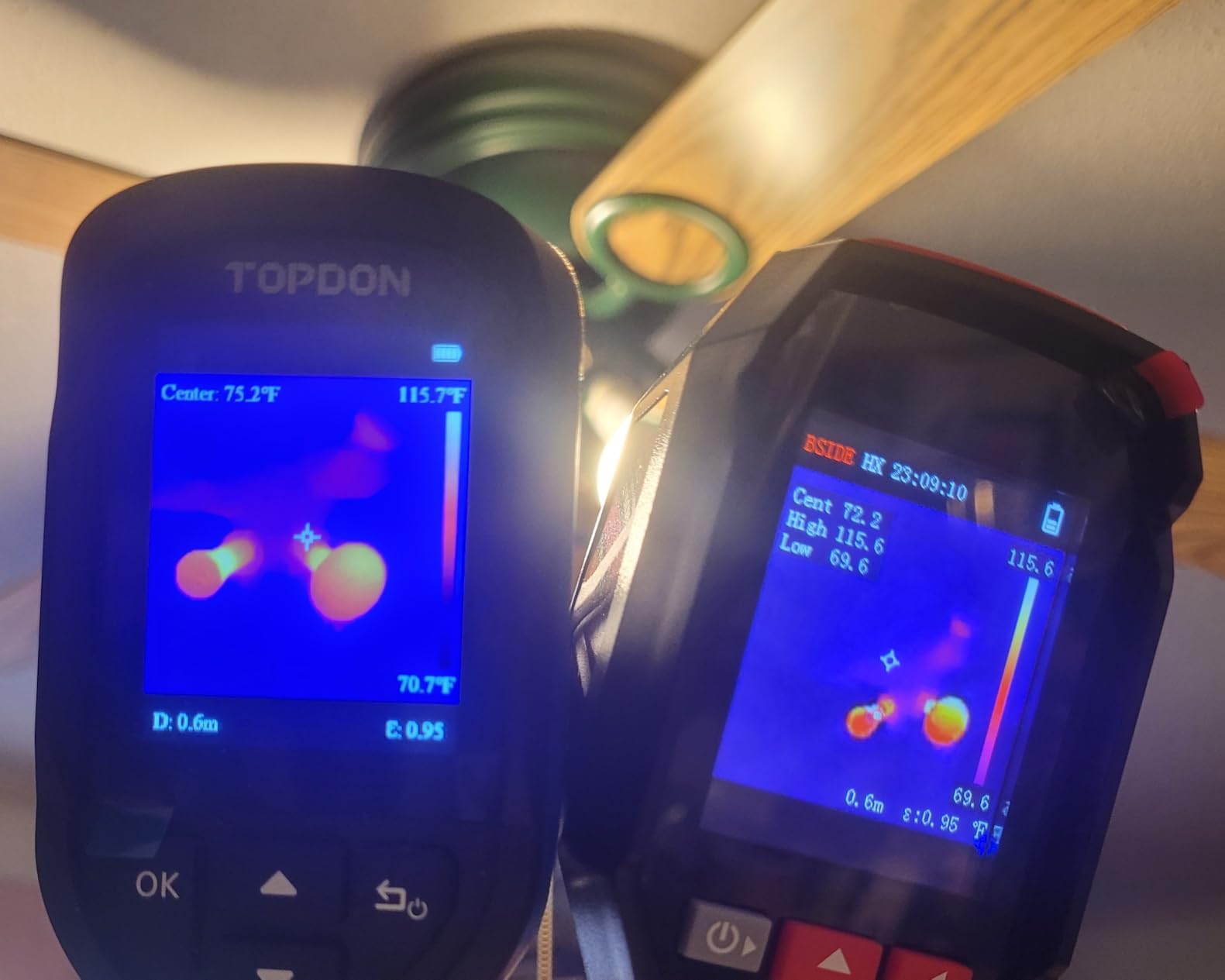
Who it suits
It works well for home, HVAC, and circuit troubleshooting where you want to experiment with rendering rather than produce a calibrated deliverable. Reviewers rate the imagery as usable for early problem detection.
If you are a homeowner comparing a few rooms and want to know which one is losing heat, the palette flexibility makes the answer easier to see.
Where to be careful
With 112 reviews it has far less long-term field history than the established models here. That is a real consideration when you plan to depend on a tool for paid work.
The 2.4-inch screen is cramped for reviewing a detailed image, and there is no wireless connectivity or cloud reporting workflow, so everything goes over USB.
What a Thermal Camera Can and Cannot Do
A thermal camera is an inference tool. The uncooled microbolometer sensor detects long-wave infrared radiation, converts it to a temperature value per pixel, and renders those values as a colour palette. It reads the pattern on the surface in front of you, never the object behind it.
When a hot water pipe runs inside a wall, the drywall in front of that pipe is measurably warmer than the drywall beside it. The camera sees the surface temperature change, and you infer the pipe. That is the whole trick, and it is why load conditions matter so much.
It also cannot see through concrete, insulation batts, or closed cabinetry, and it cannot read what is behind a finished ceiling without a temperature differential driving the signal to the surface. A thermal camera cannot detect air quality, radon, or gas, cannot confirm mold on its own, and cannot produce a code violation finding by itself.
On the privacy question people ask about: a thermal camera pointed at a window can show a warm human shape, which is why our picks for equipment that runs hot and general electronics matter for heat work. It is a diagnostic instrument for surfaces you have permission to inspect, not a presence sensor for security use.
How to Shoot a Defensible Thermal Inspection
Most thermal inspection disputes are not camera disputes. They are load-condition disputes, and no amount of resolution fixes a reading taken under the wrong conditions.
Set the load before you arrive. Heating or cooling running hard, doors open to the outside, and a house warmed by direct sun all destroy the differential you are trying to measure.
Shoot early morning, late evening, or under overcast skies. Solar loading on an exterior wall can raise surface temperature by tens of degrees and will manufacture false anomalies on the shaded side of a home.
Close the doors. For envelope work you want the interior and exterior temperature difference working for you. Opening a door to the 70 degree outdoors dumps that differential instantly.
Check the delta before you judge the image. A 3°F anomaly at a 20°F differential means something very different from the same 3°F at a 2°F differential.
Set the emissivity correctly for the surface. Bare metal, polished appliances, and reflective siding will read wrong by default. The Klein TI250 and Thor002 both give you a full adjustment range.
Let the building settle. After a heating system runs or a shower runs, surfaces need time to return to a stable state before the image means anything.
Corroborate every anomaly with a second instrument. Bulk moisture is confirmed with a pin or pinless meter, not with a thermal image. Inspectors describe the camera as the tool that tells you where to probe.
Save radiometric files and write a delta T with context. Record the interior and exterior temperatures at capture time, the surface material, the emissivity you used, and the time of day.
When you write the finding, separate a defect from a caution. A delta of 8°F or more across a consistent pattern in a wall during a proper load is a defect worth reporting. A 2°F variation with no load condition documented is a caution that tells the buyer where to look harder.
How to Choose a Thermal Camera for Home Inspection
Start with native detector resolution. The number on the box is often an enhanced figure. The Thermal Master Thor002 renders 256×192 as 512×384, the TOPDON TC004 Mini renders 128×128 as 240×240, the FOXWELL RT280 renders 120×90 as 240×180, and the FLIR Edge Pro renders 160×120 as 480×360. Those upscaled figures make the spec sheet look better than the sensor. Below 160×120 you have a screening tool that only works from close up. At 192×192 you can read a wall from a few feet. At 256×192 and above you have a survey instrument for envelope work.
Check thermal sensitivity in millikelvin. NETD describes how small a temperature change the detector can resolve, not how accurate the reading is. Those are different numbers and confusing them is the most common spec-sheet mistake. Under 50mK is adequate, and 40mK, as the AMPBANK H128 and Thor002 both publish, is a better place to be for subtle insulation gradients. Accuracy is usually stated separately as a percentage of reading or a fixed number of degrees.
Pick the form factor for the job. A pistol-grip standalone like the Thor002 gives you a screen and a battery, and insulation and retrofit contractors report the tube shape is awkward in attics and crawl spaces. A pocket slab such as the Flagfront or BSIDE fits a phone and a jacket and suits a quick energy walkthrough. A smartphone attachment like the FLIR Edge Pro wins overhead and behind tight corners but depends entirely on your phone. A spot-plus-imaging unit such as the TG165-X is the fastest path to a point measurement and an image in one tool.
Confirm the range and the refresh rate. A -4°F to 1022°F span covers attic and mechanical work, while the FLIR units stopping around 400°C to 572°C is fine for residential. Most residential cameras run at 25Hz for smooth panning, and the ones that drop to 9Hz are typically limited by export rules for certain markets rather than by engineering.
Insist on radiometric output. A radiometric file stores the temperature data for every pixel, so you can re-analyse a capture later with a different emissivity or palette. That matters the moment a client challenges a number. Most of the picks here save JPEG or MP4 to onboard storage or a memory card.
Test the software, not just the hardware. Forum consensus treats FLIR Ignite as the most polished reporting ecosystem, with the HIKMICRO and TOPDON desktop tools judged less refined. That gap is now mostly about software and support rather than the sensors themselves, and it is where a real price difference buys a real workflow difference.
Look at warranty length and the support network. A 2-year parts and labor warranty plus 10-year detector coverage, as FLIR specifies on the C5 and TG165-X, is a mark of a company that expects to be around for a decade. Short or phone-arranged warranties are a signal in the other direction.
Rent before you buy if this is a one-off. A single homeowner project, a pre-purchase walkthrough, or a seasonal energy audit does not need a camera you own. If you are inspecting weekly and building a report practice, the FLIR C5 or the Thor002 pay for themselves in avoided callbacks and defensible findings.
Frequently Asked Questions
What thermal camera do home inspectors use?
Experienced inspectors in r/Thermal consistently name the FLIR C5 as the bare minimum for paid work, with higher-resolution FLIR professional models and the Thermal Master Thor002 as the standard for full envelope surveys. The recurring reason is documentation rather than sensor quality: FLIR Ignite uploads images straight into a cloud report, and the 2-year parts and labor plus 10-year detector warranty makes the tool defensible in a client dispute.
What is the best thermal imaging camera for homeowners?
For a homeowner, the TOPDON TC004 Mini and the Flagfront are the strongest starting points. Both give you a usable temperature range, an alarm that flags unusual hot and cold spots, and a battery that survives a full weekend of checking. If you want more certainty on a specific wall or a mechanical room, the MILESEEY TR10 delivers genuine 192×192 native detail rather than an upscaled figure.
Is thermal imaging worth it for home inspection?
Yes, as a screening and documentation tool rather than a diagnostic one. It finds air leakage, missing insulation, thermal bridging, moisture patterns, and electrical hot spots without opening a wall, and it gives you images to put in a report. It cannot confirm moisture, mold, or a defect on its own, so corroborate every anomaly with a moisture meter before you write it up as a finding.
What is the best thermal imaging camera for electrical inspections?
For electrical work, the Klein Tools TI250 is the strongest fit because its adjustable emissivity from 0.01 to 0.99 lets you correct readings on bare bus bars, metal boxes, and appliance connections. Its user-set high and low alarms rank a panel automatically. If you also need envelope detail in the same job, the Thermal Master Thor002 pairs a 256×192 native sensor with six-point measurement.
Are HIKMICRO thermal cameras any good?
HIKMICRO did not place in this particular roundup, so we have no first-hand data to report on a specific model. The broader pattern from inspectors is that HIKMICRO and TOPDON deliver strong hardware value and the remaining gap versus FLIR sits mostly in reporting software polish and regional support networks rather than in the detectors themselves. Verify the published native resolution and the millikelvin figure for the specific model you are considering.
Can thermal cameras see through drywall?
No. A thermal camera reads the surface temperature of the drywall in front of the problem, not the pipe or wire behind it. It infers what is behind the surface from the pattern the surface temperature makes. That inference only holds when there is a real temperature differential to drive it, which is why load conditions and timing decide whether a scan produces usable data.
The Best Thermal Imaging Cameras for Home Inspection
For most inspectors, the FLIR C5 is the camera to buy in 2026: 160×120 native resolution, MSX embossing, Ignite cloud reporting, and a warranty that covers the detector for a decade. It is light enough to carry all day and serious enough that a client takes the report seriously.
The Thermal Master Thor002 is the upgrade when your work demands real envelope detail, with a genuine 256×192 native sensor at 40mK. The TOPDON TC004 Mini and MILESEEY TR10 cover the value and honest-sensor ends of the market, and the Klein TI250 handles electrical work better than anything else at that level.
Whichever one you pick, decide before you buy what resolution you need, what thermal sensitivity figure you are comfortable defending, and which form factor survives your actual working conditions. Then control the load, corroborate with a moisture meter, and write down the delta T with the conditions attached to it.